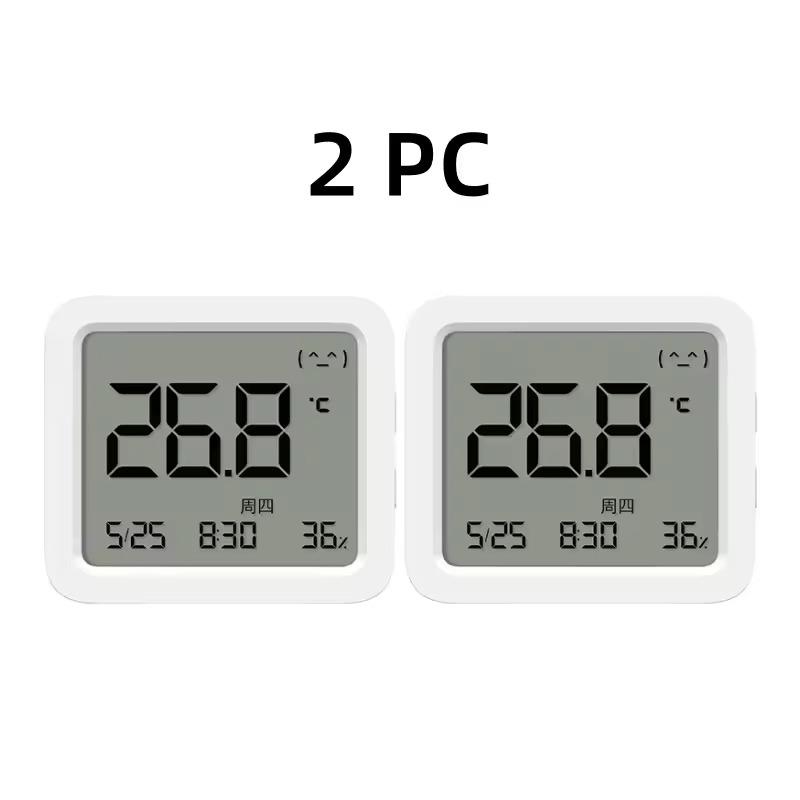
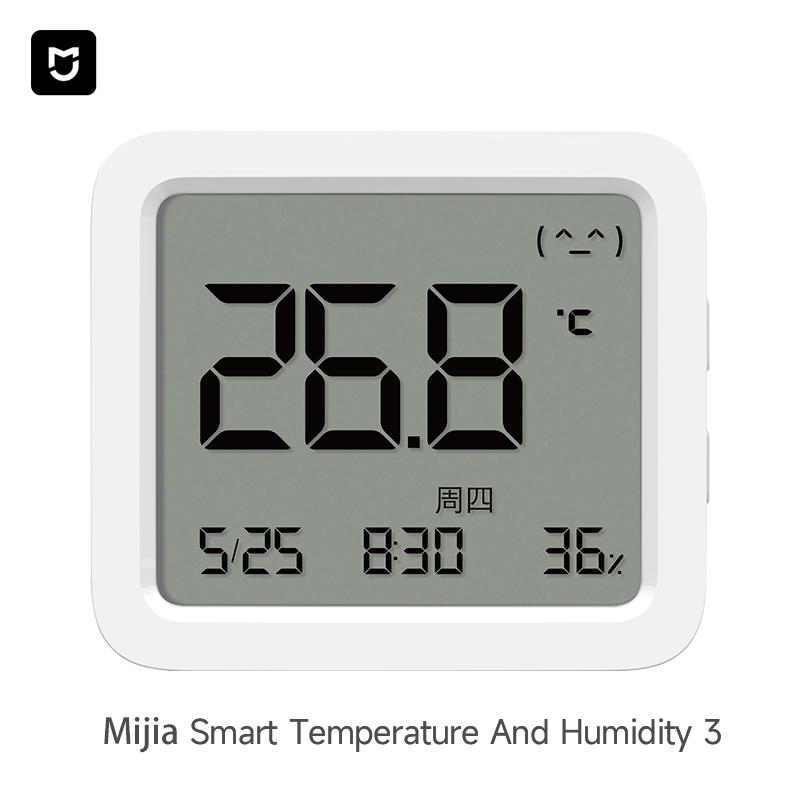
When you buy two items, you get one for just 7 €! Smart thermometer Xiaomi Smart Temperature and Humidity Monitor 3 with high accuracy and a large LCD display
Almost everyone has a thermometer at home. Xiaomi thinks of that too, and under its Mijia brand it has introduced the third generation of the popular Xiaomi Mijia Smart Thermometer. What does it offer?
Buying multiple units is even more worth it!
Xiaomi Smart Temperature and Humidity Monitor 3 is currently available from an international seller on the AliExpress marketplace. Shipped from a Chinese warehouse, with delivery in just 10-15 working days from dispatch.
You can also find it with the local retailer Smarty.sk. The advantage is express delivery, a full 2-year warranty, or the option to return the item.
TIP15-day delivery via Aliexpress Standard Shipping
For this product, Aliexpress Standard Shipping is available with guaranteed delivery within 15 days. This is the most reliable delivery method and, in most cases, the parcel is handled by a courier company. We tested the 15-day delivery in real life.
When ordering from the Chinese warehouse, AliExpress will add the customs duty in your cart—approximately 3,70 € per order. When you receive the package, you won’t pay anything extra.
TIP15-day delivery via Aliexpress Standard Shipping
For this product, Aliexpress Standard Shipping is available with guaranteed delivery within 15 days. This is the most reliable delivery method and, in most cases, the parcel is handled by a courier company. We tested the 15-day delivery in real life.
When ordering from the Chinese warehouse, AliExpress will add the customs duty in your cart—approximately 3,70 € per order. When you receive the package, you won’t pay anything extra.
Are you buying on Smarty.sk for the first time?See the guide!
Updated 26. 11. 2025 on 11:19
TIPExpress delivery from a Slovak warehouse within 1 to 3 business days.
This product will be delivered to you express from a local Slovak warehouse. Delivery usually takes 1-3 business days and is handled by a courier. The price is final.
Minimalist dimensions and a larger display
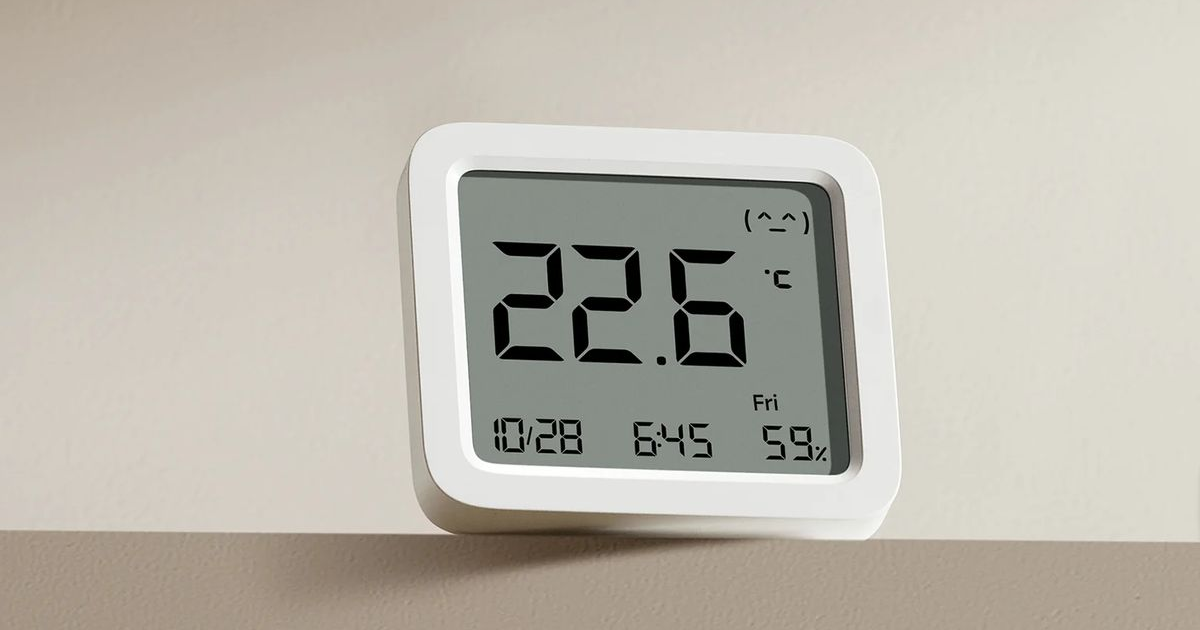
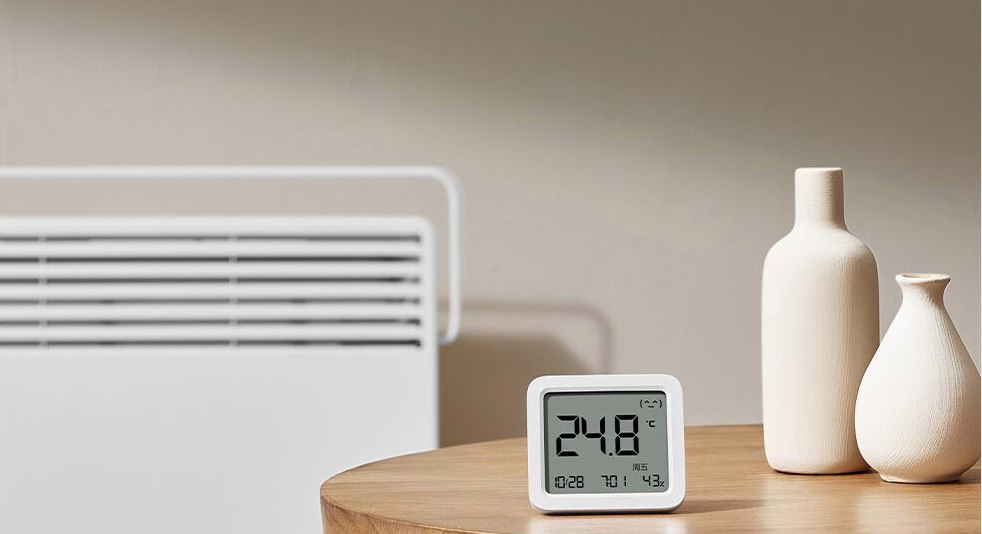
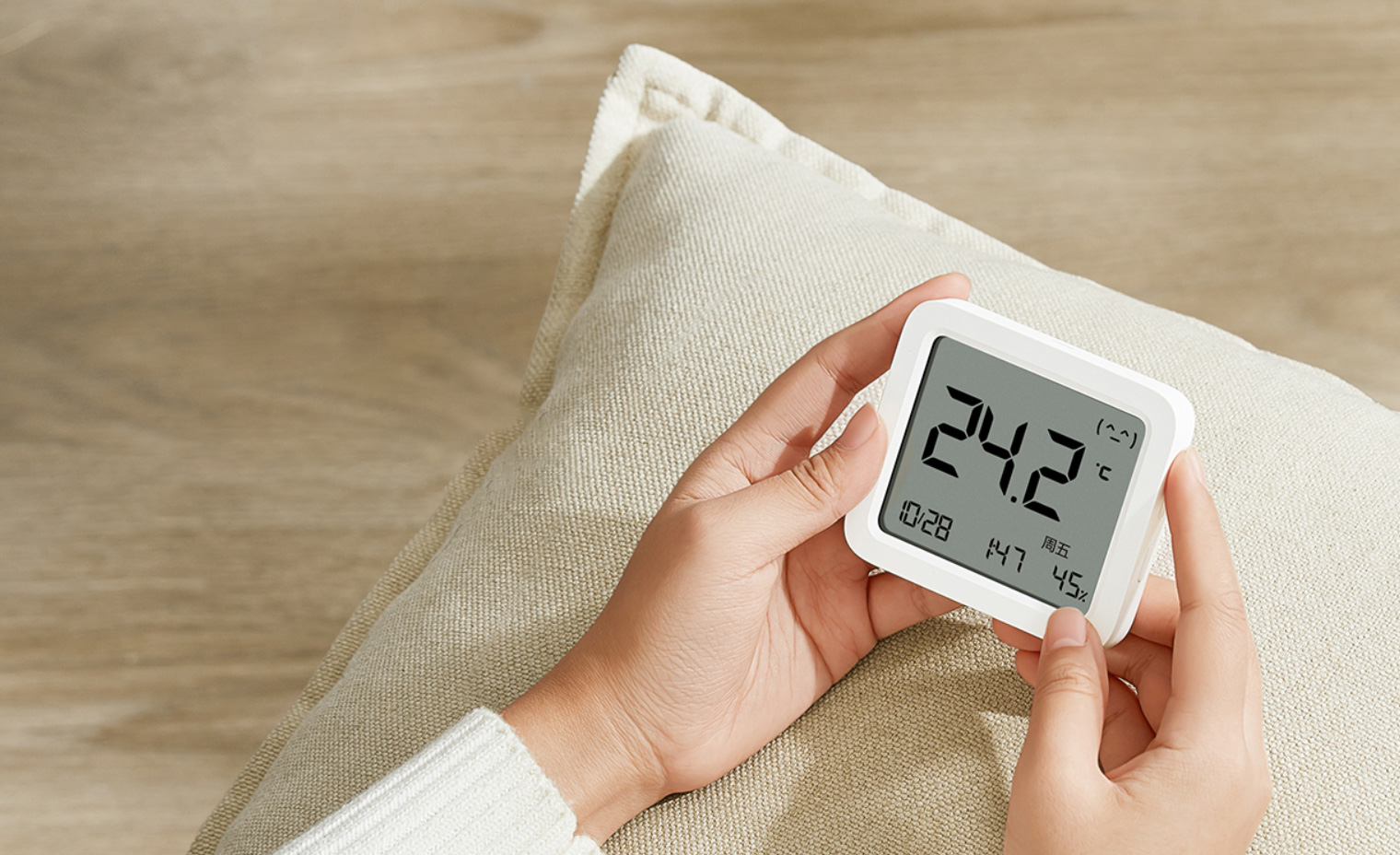
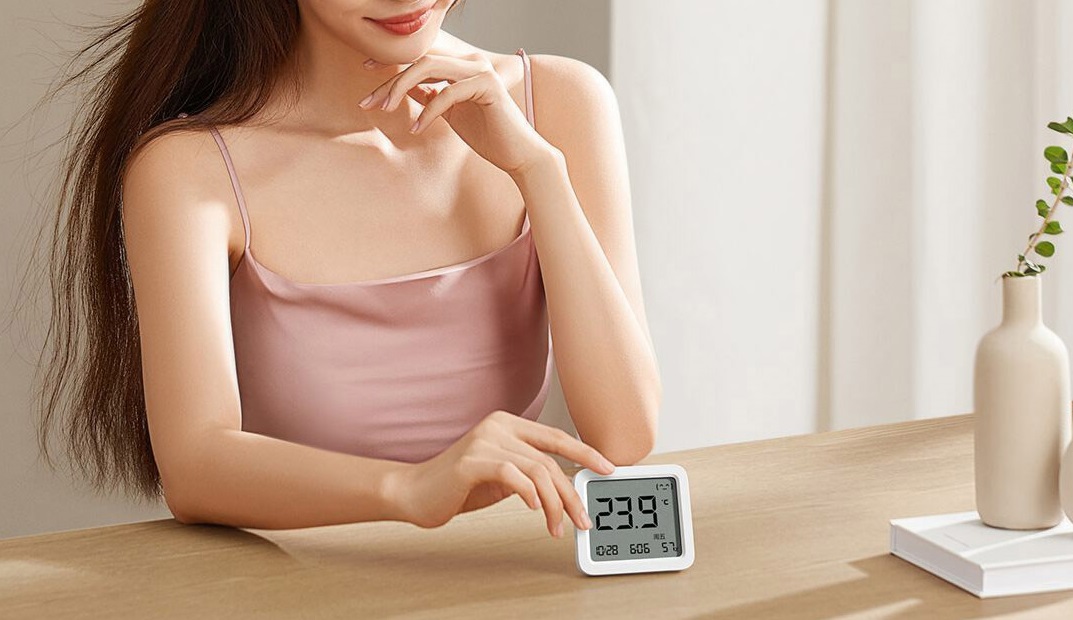
The dimensions are truly compact: 79.6 x 70.2 x 14.5 mm with a weight of 72 grams, so it’s made of plastic. Thanks to its size, it won’t get in the way anywhere—on the contrary, it looks very minimalist.
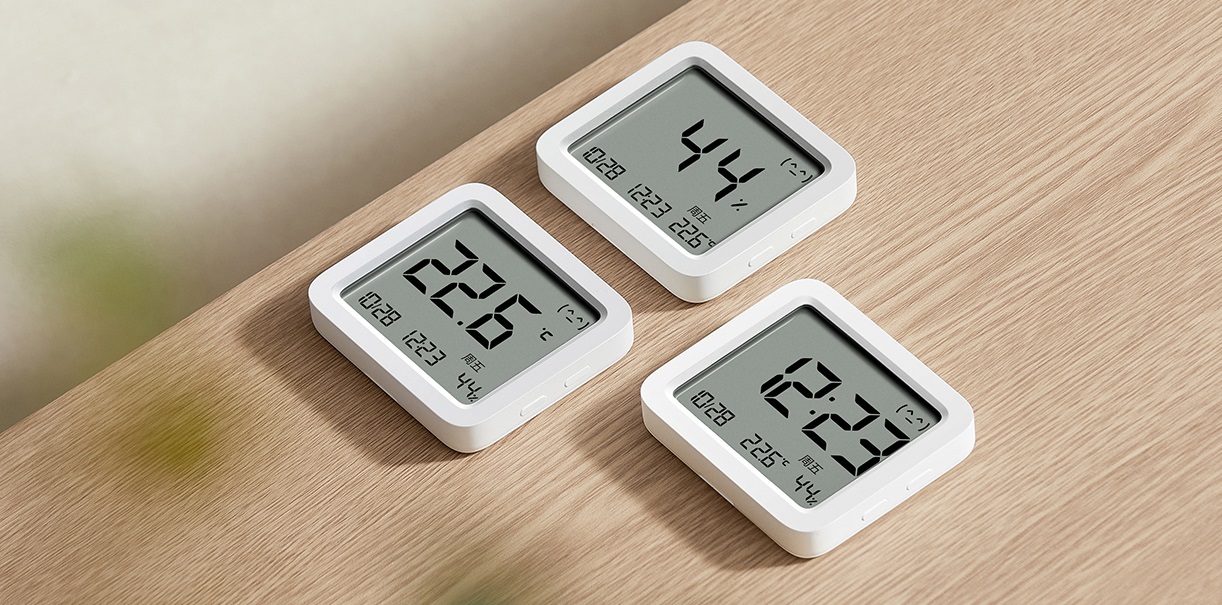
On the sides, you’ll find small buttons to switch modes, and on the back there’s a stick-on wall mount. Xiaomi Mijia Smart Temperature and Humidity Meter 3 will be available in only one color—white.
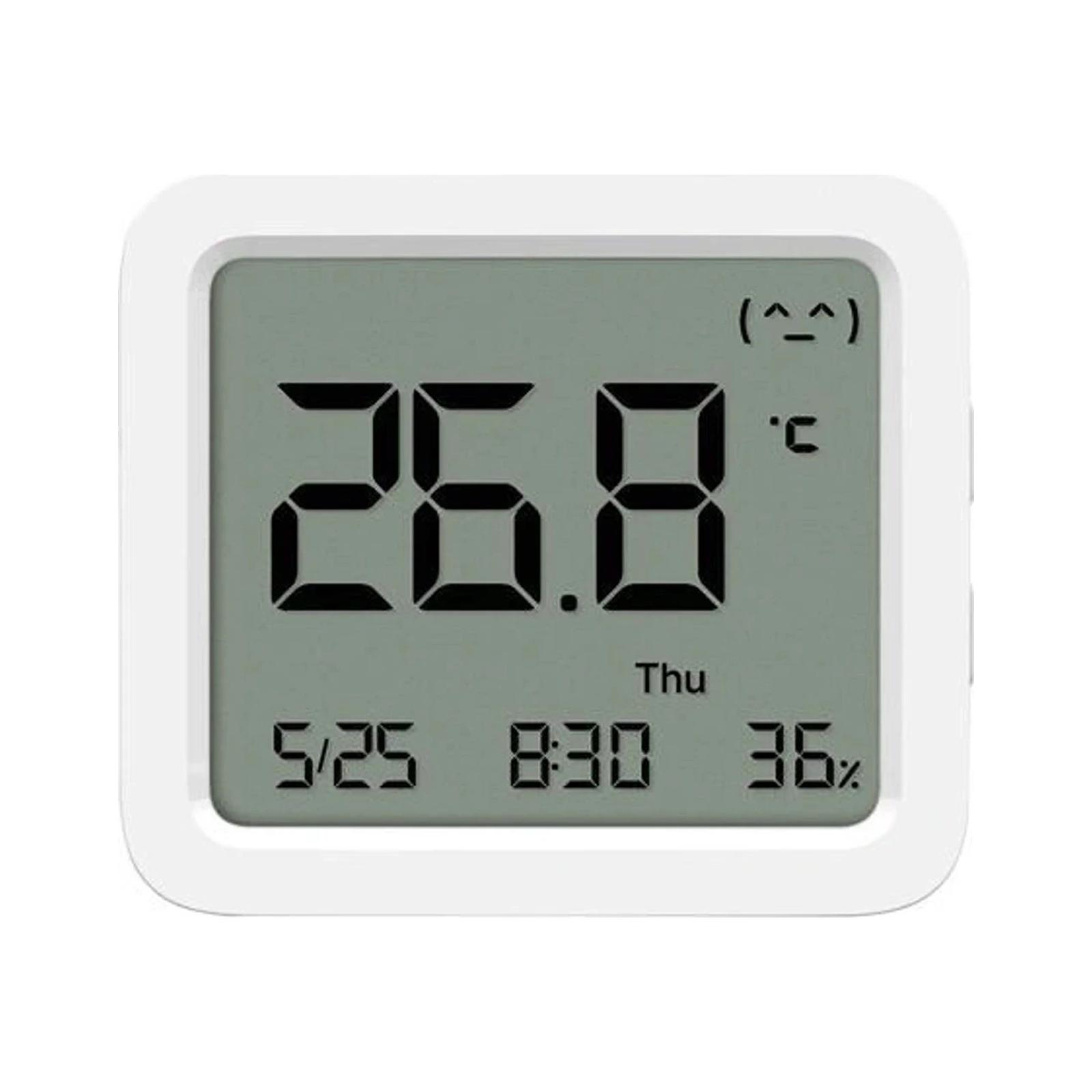
In front there is a black-and-white LCD display with dimensions of 62.6 x 53.2 mm. However, this time it’s much larger than on the previous generation. It shows things like temperature, humidity, time, and the current date.
Ad
Accurate Sensirion sensor
So the thermometer displays temperature and humidity information, with a built-in accurate Sensirion sensor that can detect temperature fluctuations of 0.1 °C and humidity changes of 1%, which is a very solid performance for such a small device.
As the name suggests, the Xiaomi Mijia Smart Temperature and Humidity Meter 3 is smart. That means you can pair it with the Mi Home app via Bluetooth technology. For remote control, you’ll need a Bluetooth Mesh gateway, which the thermometer connects to—then you can access the thermometer even outside your home through the internet.
Wireless use and battery life up to 1,5 years
The thermometer doesn’t connect anywhere—it’s powered by a CR2450 coin cell battery, which should last about 1.5 years, which is a nice value. After that, you just replace it with a new one and you’re good for another year and a half.
What do you think of a practical thermometer like this? Could you imagine having it somewhere in your home? Let us know in the comments below the article. Follow the XiaomiPlanet website, subscribe to our newsletter, and join our Facebook group, where we build an active Xiaomi community.