A planet full of Xiaomi news
Deal Planet

AliExpress sales: Ceiling lights from the Yeelight C2001 series with a diameter of 450 and 550 mm from just 71 € at the EU warehouse!

2. November 2022 3 min read 4 comments

Xiaomi doesn’t just make smartphones. The portfolio of the Chinese manufacturer has no end. Smart home is one of Xiaomi’s main segments, and lighting—sold under the Yeelight brand—is an essential part of a smart home.

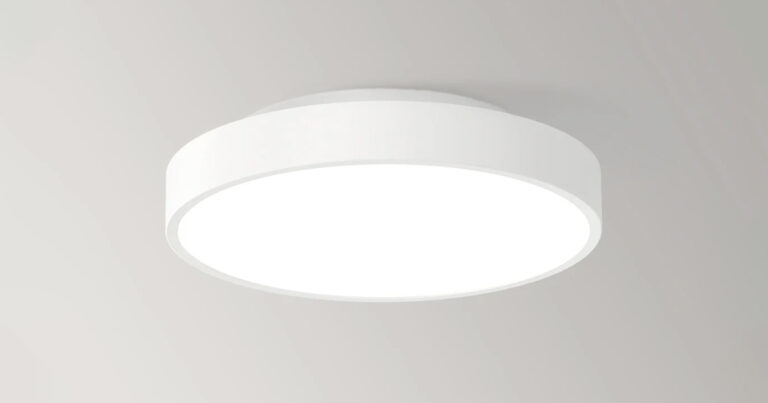
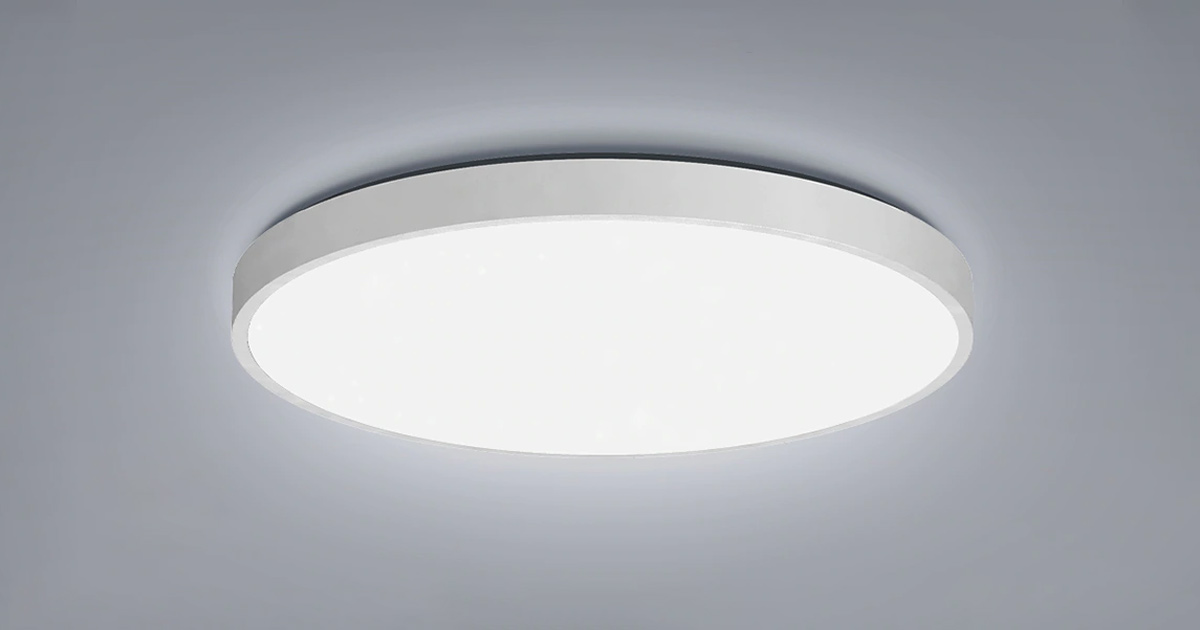
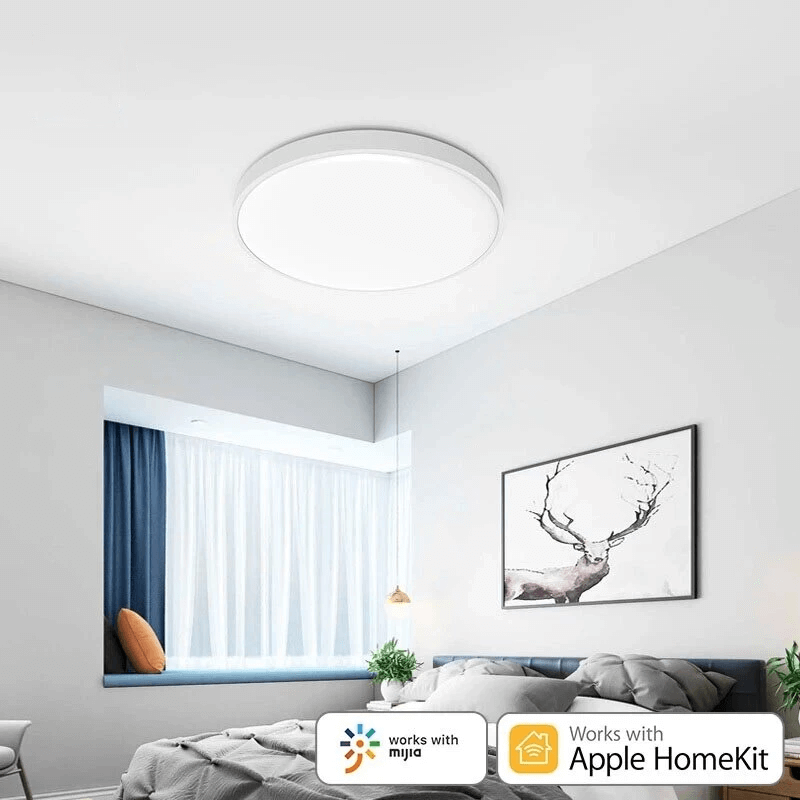
Yeelight is already a fairly well-known brand in this space, and it now brings a new model line of smart ceiling lights from the new Yeelight XianYu C2001 series. Three models are included here: the round C2001C450, C2001C550, and the square C2001S550.

EU warehouse with a coupon

Yeelight ceiling lights have been among the most popular for quite some time. Besides great specs, they also stand out with very attractive prices.

The seller on AliExpress now offers two round versions with diameters of 450 and 550 mm at coupon prices. Ships from the Polish warehouse, meaning fast delivery within 7 – 10 days.

XiaomiPlanet deal

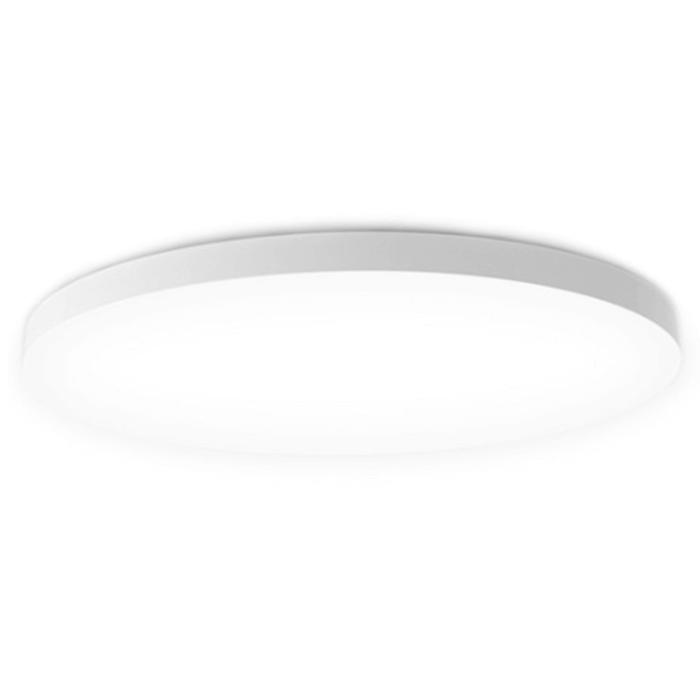
Yeelight XianYu C2001C450 ceiling light

Polish warehouse, AliExpress
Yeelight XianYu C2001C450 stropné svetlo
PL warehouse
250,41 €You save 178,59 €
71,82 €
Buying on AliExpress for the first time? See the guide!
Updated 2. 11. 2022 on 12:00
TIPExpress delivery from a Polish warehouse without customs duty and VAT.

This product will be delivered to you express from a local Polish warehouse. Shipping from Poland usually takes 7-10 days and is handled by a courier. On delivery, you won’t pay any extra fees—no customs duty and no VAT.

Track this product’s price

As soon as we post a new coupon, we’ll send you an email. You can unsubscribe from tracking anytime.

Buying on AliExpress for the first time?

This process is done through the AliExpress mobile app, where most people shop. Two things matter: don’t use Buy now and enter the coupon only in the order summary in the Promo code field. After you click Pay now, you can’t add it anymore.

  1. Copy the code and click GET THE DISCOUNTIn our article, copy the coupon and click the button GET THE DISCOUNT. The link will take you directly to the product in the AliExpress app.
  2. Use Add to cart, not Buy nowOn the product card, scroll down and click Add to cart. Don’t use the Buy now button—this skips the cart, so later you won’t have a place to enter the coupon. Before that, make sure the variant is correct: color, version, and whether it ships from an EU warehouse.
  3. Continue to Checkout via the cartA pop-up will appear: Added to cart!—tap Check it out. If it disappeared, open the cart using the icon in the bottom-right corner. In the cart, check the product and quantity, then tap the red Checkout button. Only the items marked with the red circle are included.
  4. Fill in your address and card, then look for Promo codeIn the order summary, first enter the delivery address and payment card at the top. Below that, there’s a line Promo code — expand it with the arrow on the right.
    Promo code line in the AliExpress app order summary
    Look for this line under the address and payment method.
  5. Paste the code and confirm ApplyIn the field Promo code paste the copied code and click the black Apply. The code is case-sensitive and must not contain spaces.
    Promo code box with the code and the Apply button in the AliExpress app
    Paste the code into the field and confirm by clicking the Apply button.
  6. Check your savings and payIn the section Summary expand the line Saved — you’ll see the applied coupon there as AliExpress coupons/codes. Only when Total is really lower, click Pay now.
    Saved line with the applied coupon and reduced Total in the AliExpress app
    The applied coupon will show up in the Saved line and reduce the Total.
Apply the discount again in the order summary. After you click Pay now, you can’t add a coupon anymore. If Apply shows an error, the code has either expired, doesn’t apply to your item, or your order doesn’t meet the minimum amount.
Store Coupon also belongs in the same field. — a coupon from the seller itself, which isn’t always available and changes day to day. It can’t be combined with an AliExpress coupon, so try both and go with the one that gives you more. Coins are added automatically.


XiaomiPlanet deal

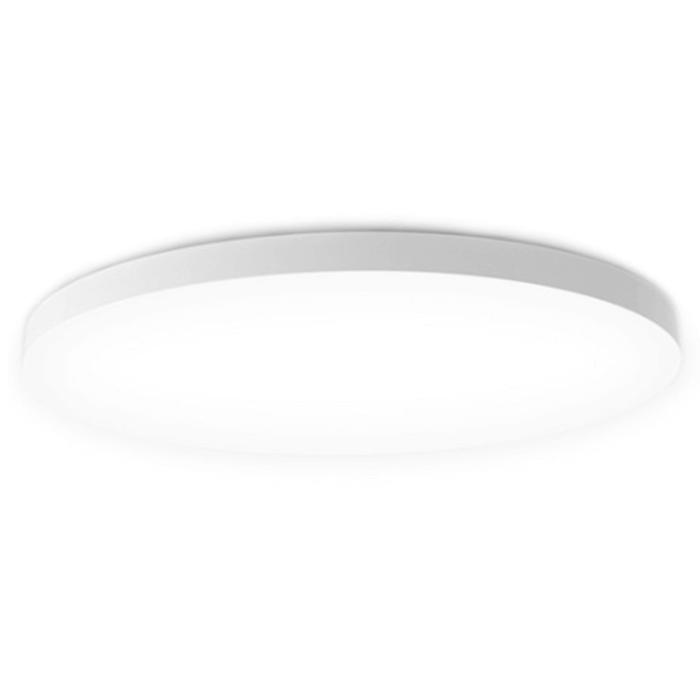
Yeelight XianYu C2001C550 ceiling light

Spanish warehouse
Yeelight XianYu C2001C550 stropné svetlo
EU warehouse
264,79 €You save 190,05 €
74,74 €
Buying on AliExpress for the first time? See the guide!
Updated 2. 11. 2022 on 12:02
TIPFast delivery from the Spanish warehouse with no customs duty and VAT.

This product will be delivered to you quickly from a local Spanish warehouse. Shipping from Spain usually takes 7-10 days and is handled by a courier. When it arrives, you don’t pay any extra fees—no customs duty, no VAT.

Track this product’s price

As soon as we post a new coupon, we’ll send you an email. You can unsubscribe from tracking anytime.

Buying on AliExpress for the first time?

This process is done through the AliExpress mobile app, where most people shop. Two things matter: don’t use Buy now and enter the coupon only in the order summary in the Promo code field. After you click Pay now, you can’t add it anymore.

  1. Copy the code and click GET THE DISCOUNTIn our article, copy the coupon and click the button GET THE DISCOUNT. The link will take you directly to the product in the AliExpress app.
  2. Use Add to cart, not Buy nowOn the product card, scroll down and click Add to cart. Don’t use the Buy now button—this skips the cart, so later you won’t have a place to enter the coupon. Before that, make sure the variant is correct: color, version, and whether it ships from an EU warehouse.
  3. Continue to Checkout via the cartA pop-up will appear: Added to cart!—tap Check it out. If it disappeared, open the cart using the icon in the bottom-right corner. In the cart, check the product and quantity, then tap the red Checkout button. Only the items marked with the red circle are included.
  4. Fill in your address and card, then look for Promo codeIn the order summary, first enter the delivery address and payment card at the top. Below that, there’s a line Promo code — expand it with the arrow on the right.
    Promo code line in the AliExpress app order summary
    Look for this line under the address and payment method.
  5. Paste the code and confirm ApplyIn the field Promo code paste the copied code and click the black Apply. The code is case-sensitive and must not contain spaces.
    Promo code box with the code and the Apply button in the AliExpress app
    Paste the code into the field and confirm by clicking the Apply button.
  6. Check your savings and payIn the section Summary expand the line Saved — you’ll see the applied coupon there as AliExpress coupons/codes. Only when Total is really lower, click Pay now.
    Saved line with the applied coupon and reduced Total in the AliExpress app
    The applied coupon will show up in the Saved line and reduce the Total.
Apply the discount again in the order summary. After you click Pay now, you can’t add a coupon anymore. If Apply shows an error, the code has either expired, doesn’t apply to your item, or your order doesn’t meet the minimum amount.
Store Coupon also belongs in the same field. — a coupon from the seller itself, which isn’t always available and changes day to day. It can’t be combined with an AliExpress coupon, so try both and go with the one that gives you more. Coins are added automatically.


XiaomiPlanet deal

Yeelight XianYu C2001S500 stropné svetlo

DLHODOBO NEDOSTUPNÉ

Tento produkt už predajcovia dlhší čas neponúkajú, preto pri ňom neuvádzame cenu.

Yeelight XianYu ceiling lights comparison:

ModelYeelight C2001C450Yeelight C2001C550Yeelight C2001S500
ShapeRoundRoundSquare
Dimensions455 x 94 mm555 x 99 mm505 x 505 x 104mm
ColorWhiteWhiteWhite
Color temperature2700 – 6500 k2700 k – 6500 k2700 k – 6500 k
Power50 W50 W50 W
Control optionsApp | remote | dimmable switch | voice controlApp | remote | dimmable switch | voice controlApp | remote | dimmable switch | voice control
Ideal room size10 – 15 m215 – 25 m215 – 25 m2

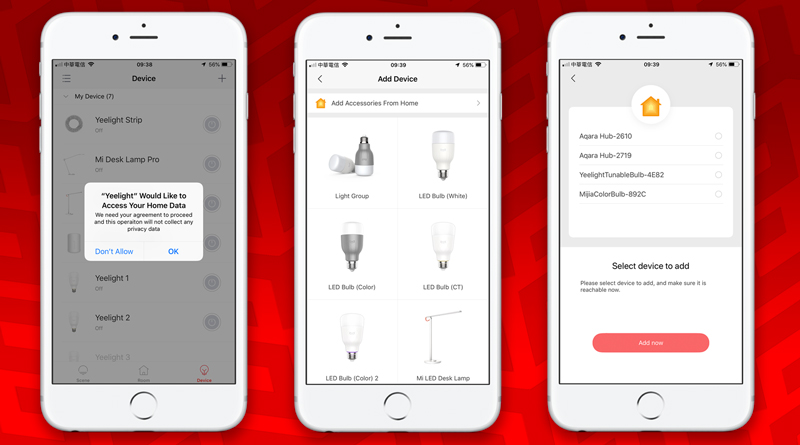
Compatible with Apple HomeKit and Mi Home

The advantage of these lights is that they’re also compatible with Apple HomeKit. That means Apple smartphone owners won’t miss out on the ability to add these ceiling lights to their ecosystem.

Mi Home support is a given, as is voice control within both systems.

yeelight homekit

Thanks to Xiaomi’s well-developed smart home ecosystem, you can pair these lights with other smart devices and set up various automations. Your home can tell whether you’re at home, what time it is, when the sun sets, and more. Based on these—and other factors—you can easily set up various automations.

Ad

Smart features are a must-have

Besides voice control, there are various switches and other interesting devices that can control these lights based on the parameters you set.

You can configure everything in great detail. And that’s exactly what makes a smart home a smart home.

Depending on the size of your room, you can also choose the light that suits you best. The smaller and cheaper model is better for smaller rooms up to 15 square meters, while the two larger models work well in rooms up to 25 square meters.

In terms of specs, all the lights are the same. They have a power of 50 W, adjustable color temperature in the range from 2700 to 6500 kelvin, and Wi‑Fi 802.11 b/g/n 2.4 GHz plus Bluetooth 4.2 BLE connectivity.

Add us as your preferred source on Google

Don’t miss the best coupons 📩

Subscribe and we’ll email you new coupons before they expire. We only send it once a month — no spam.

Ad Engerio