A planet full of Xiaomi news
Deal Planet

Sale price: Xiaomi Mi Smart Rubik's Cube has an app for smartphones with 3D real-time preview

6. April 2023 3 min read 2 comments

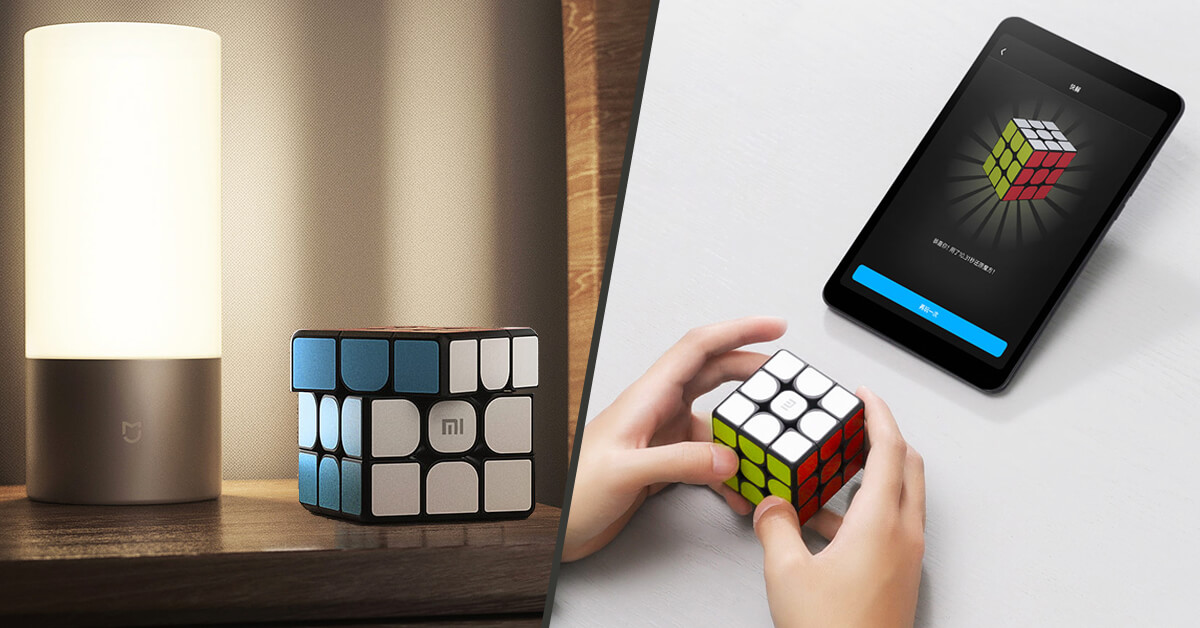
You may have already seen Xiaomi's smart Rubik's cube—this is their second attempt, but the pricing is much more appealing. You can still connect it to your smartphone and make solving easier.

Great price on AliExpress

The Xiaomi Mi Smart Rubik's Cube is available at the best price from the seller on the AliExpress marketplace, with verified customs-free shipping via AliExpress Standard Shipping. Shipping cost is already included in the final price.

XiaomiPlanet deal

Xiaomi Mi Smart Rubik's Cube

Chinese warehouse
Xiaomi Mi Smart Rubikova Kocka
Aliexpress Standard Shipping
33,93 €You save 11,23 €
22,70 €
Without a coupon

Price history

0,85 €cheaper than the average price
Cheapest 22,70 €Most expensive 24,39 €
Buying on AliExpress for the first time? See the guide!
Updated 6. 4. 2023 on 12:42
TIPShipping via Aliexpress Standard Shipping

Aliexpress Standard Shipping is available for this product. This is the most reliable shipping method and, in most cases, it’s delivered by a courier company. Delivery time is usually 10-20 days.

When ordering from the Chinese warehouse, AliExpress will add the customs duty in your cart—approximately 3,70 € per order. When you receive the package, you won’t pay anything extra.

Track this product’s price

As soon as we post a new coupon, we’ll send you an email. You can unsubscribe from tracking anytime.

Buying on AliExpress for the first time?

This process is done through the AliExpress mobile app, where most people shop. Two things matter: don’t use Buy now and enter the coupon only in the order summary in the Promo code field. After you click Pay now, you can’t add it anymore.

  1. Copy the code and click GET THE DISCOUNTIn our article, copy the coupon and click the button GET THE DISCOUNT. The link will take you directly to the product in the AliExpress app.
  2. Use Add to cart, not Buy nowOn the product card, scroll down and click Add to cart. Don’t use the Buy now button—this skips the cart, so later you won’t have a place to enter the coupon. Before that, make sure the variant is correct: color, version, and whether it ships from an EU warehouse.
  3. Continue to Checkout via the cartA pop-up will appear: Added to cart!—tap Check it out. If it disappeared, open the cart using the icon in the bottom-right corner. In the cart, check the product and quantity, then tap the red Checkout button. Only the items marked with the red circle are included.
  4. Fill in your address and card, then look for Promo codeIn the order summary, first enter the delivery address and payment card at the top. Below that, there’s a line Promo code — expand it with the arrow on the right.
    Riadok Promo code v zhrnutí objednávky v aplikácii AliExpress
    Look for this line under the address and payment method.
  5. Paste the code and confirm ApplyIn the field Promo code paste the copied code and click the black Apply. The code is case-sensitive and must not contain spaces.
    Políčko Promo code s kódom a tlačidlom Apply v aplikácii AliExpress
    Paste the code into the field and confirm by clicking the Apply button.
  6. Check your savings and payIn the section Summary expand the line Saved — you’ll see the applied coupon there as AliExpress coupons/codes. Only when Total is really lower, click Pay now.
    Riadok Saved s uplatneným kupónom a znížený Total v aplikácii AliExpress
    The applied coupon will show up in the Saved line and reduce the Total.
Apply the discount again in the order summary. After you click Pay now, you can’t add a coupon anymore. If Apply shows an error, the code has either expired, doesn’t apply to your item, or your order doesn’t meet the minimum amount.
Store Coupon also belongs in the same field. — a coupon from the seller itself, which isn’t always available and changes day to day. It can’t be combined with an AliExpress coupon, so try both and go with the one that gives you more. Coins are added automatically.

How to pair the cube with your smartphone?

Many of you write to us how you can pair the Xiaomi Mi Smart Rubik's cube with your smartphone. Since it’s a Chinese product, in the Mi Home app you need to select the China / Mainland China region.

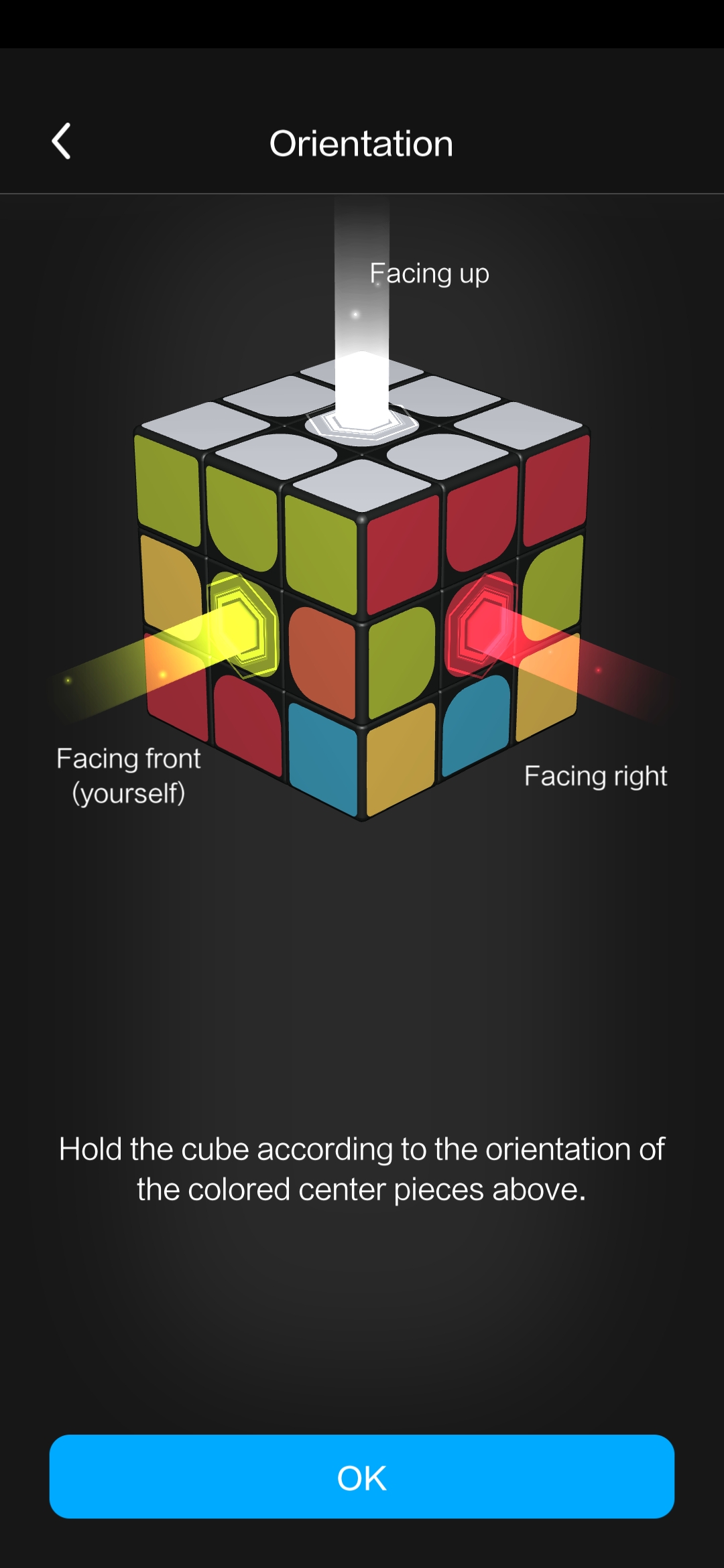
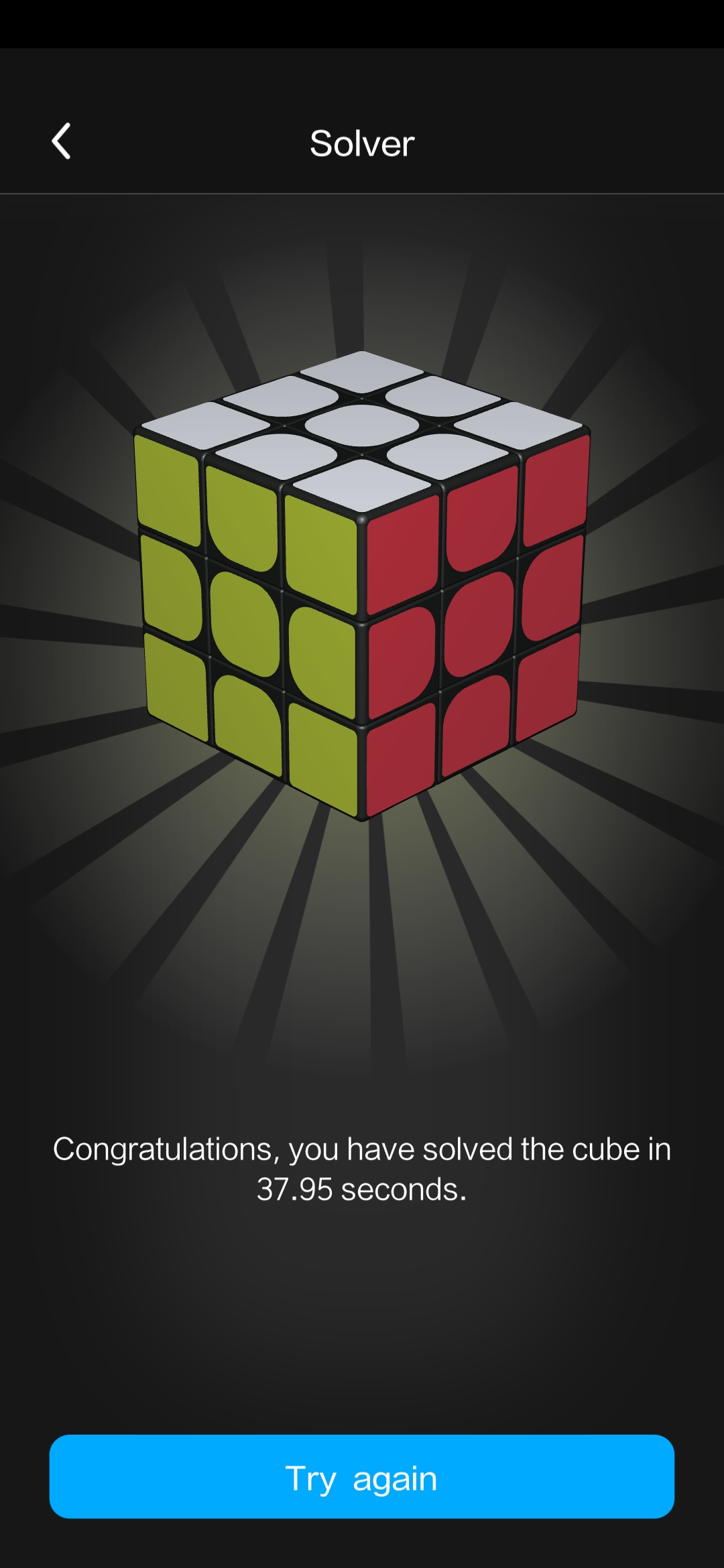
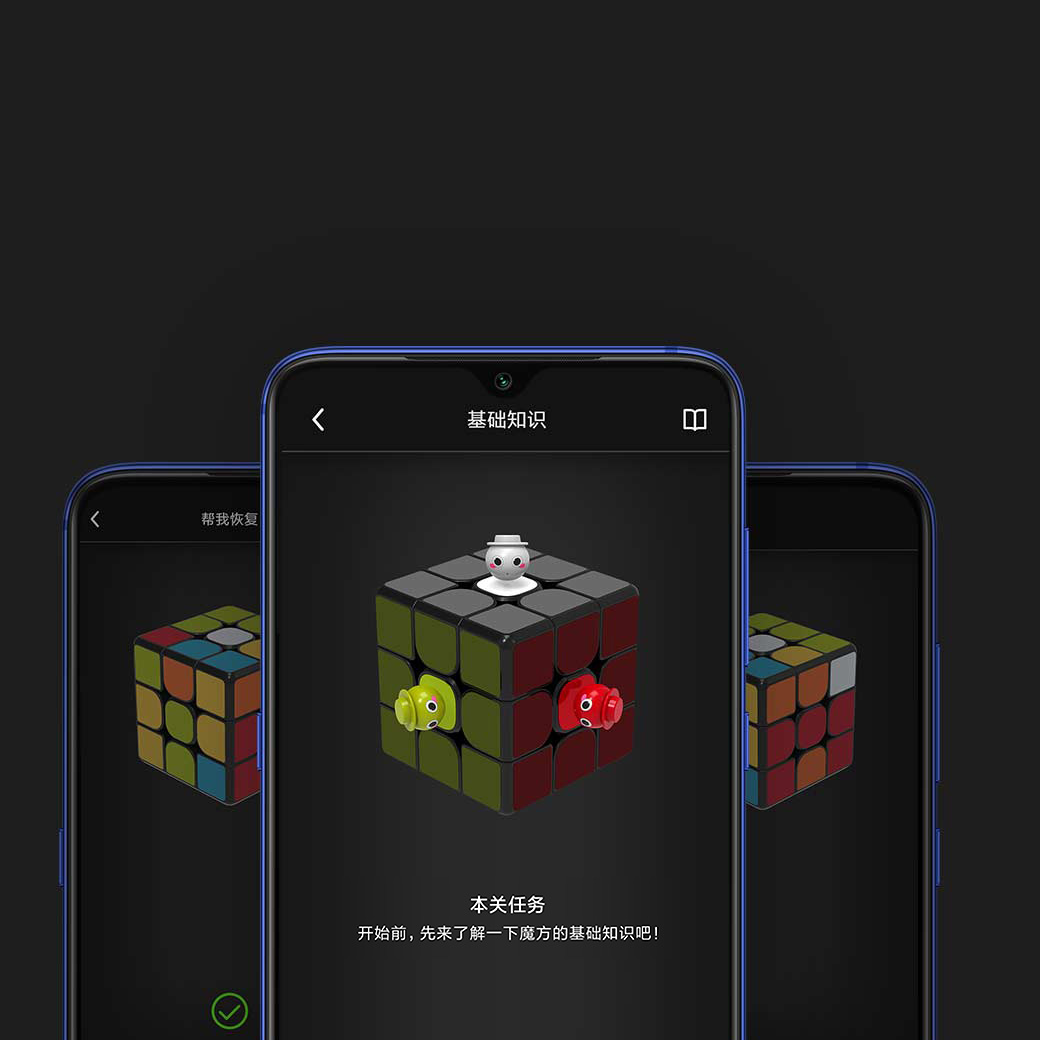
This is what the Mi Smart Magic Cube app looks like

If that doesn’t work, download the Mi Smart Magic Cube app. However, this app is only available on the Chinese Xiaomi App Store—we’ve still managed to get it. You can download it from this link.

Ad

Bluetooth 5.0 and 3D preview

Even a Rubik’s cube can have Bluetooth connectivity. The Xiaomi Mi Smart Rubik's Cube uses the latest Bluetooth 5.0 standard.

This lets you connect it to your smartphone, so you can track your progress or learn different algorithms.

But that’s not all. As it’s a smart cube, you can also connect it to other intelligent Xiaomi devices and control them using the cube—for example, turning a night lamp on or off. Isn’t that crazy enough? Because we’re not done yet.

Smart features

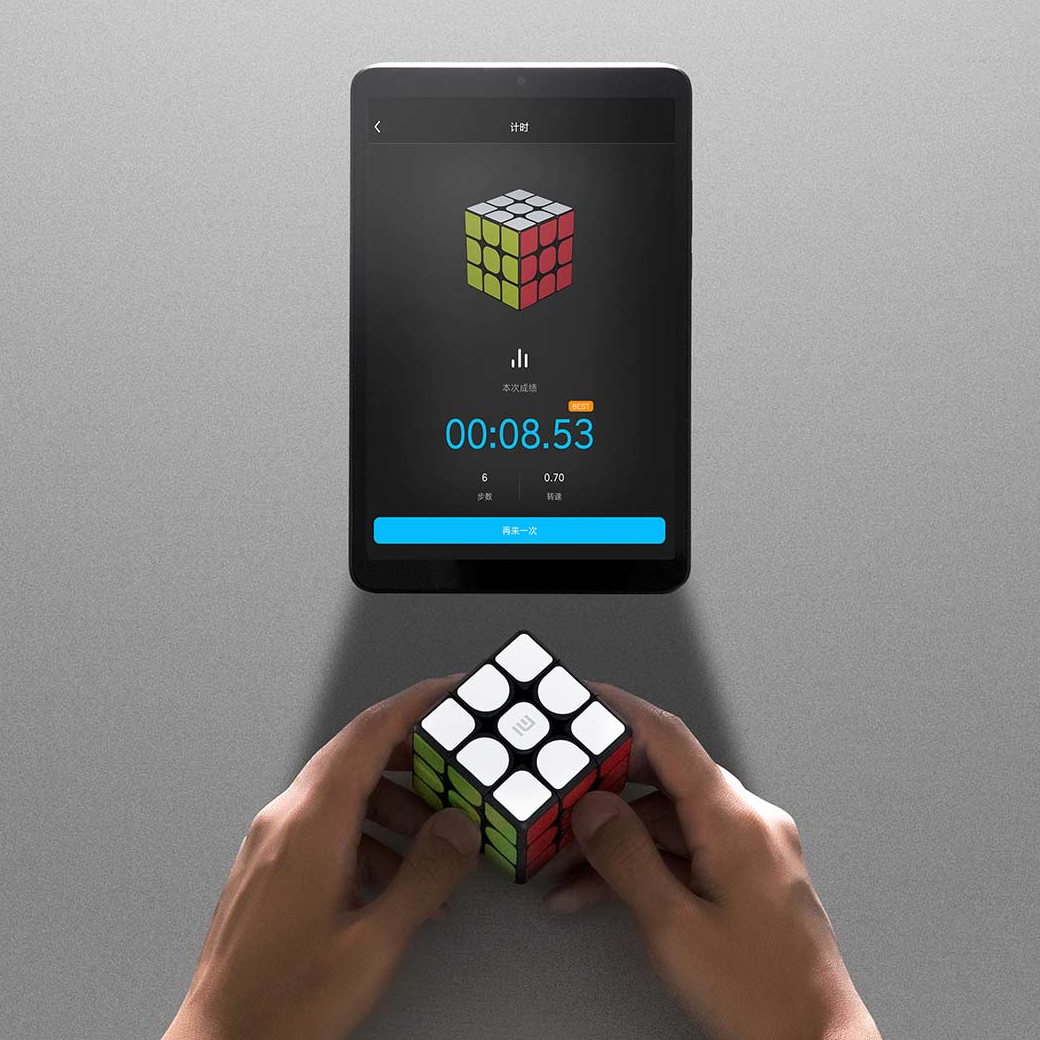
In the mobile app, you can see where your Rubik’s cube is located right now. It can also teach you various algorithms for successfully solving it. It makes a great gift for kids, who can learn to solve it this way.

Magnetic mechanism with no jamming

A high-quality magnetic mechanism, also used in more expensive Rubik’s cubes from mainstream brands, is used. The magnets help return the cube pieces to where they belong.

Ad

For more advanced solvers, there’s another important feature – no jamming. Thanks to the rounded edges of the individual pieces, it won’t get stuck during fast moves, and solving is super smooth.
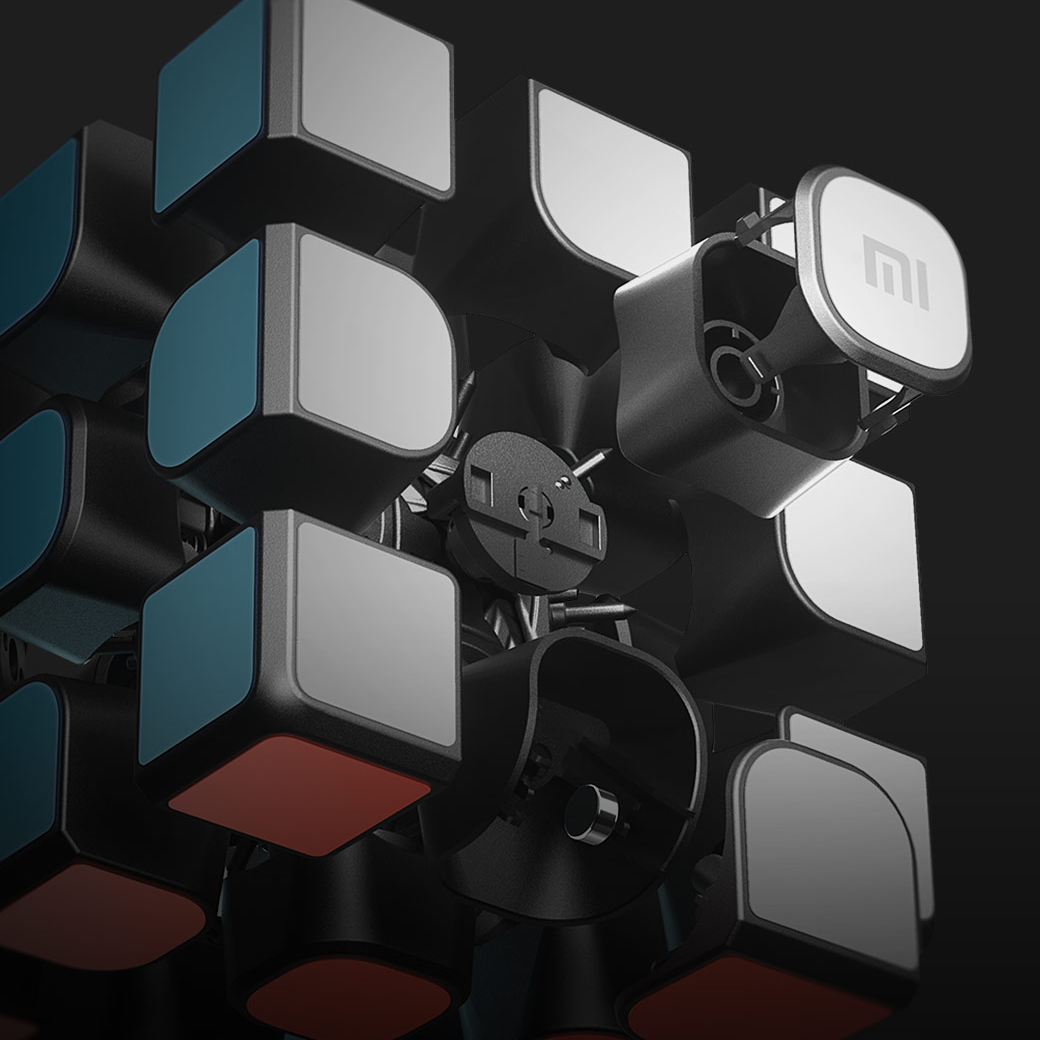
The cube’s manufacturing quality is at a high level, just like it was with its older versions. These facts make for a very good quality-to-price ratio.

With the app, even a complete beginner can solve it, and you can also use it to track your solving speed. It has all the features a tech enthusiast would appreciate.

Add us as your preferred source on Google

Don’t miss the best coupons 📩

Subscribe and we’ll email you new coupons before they expire. We only send it once a month — no spam.
Ad Engerio