
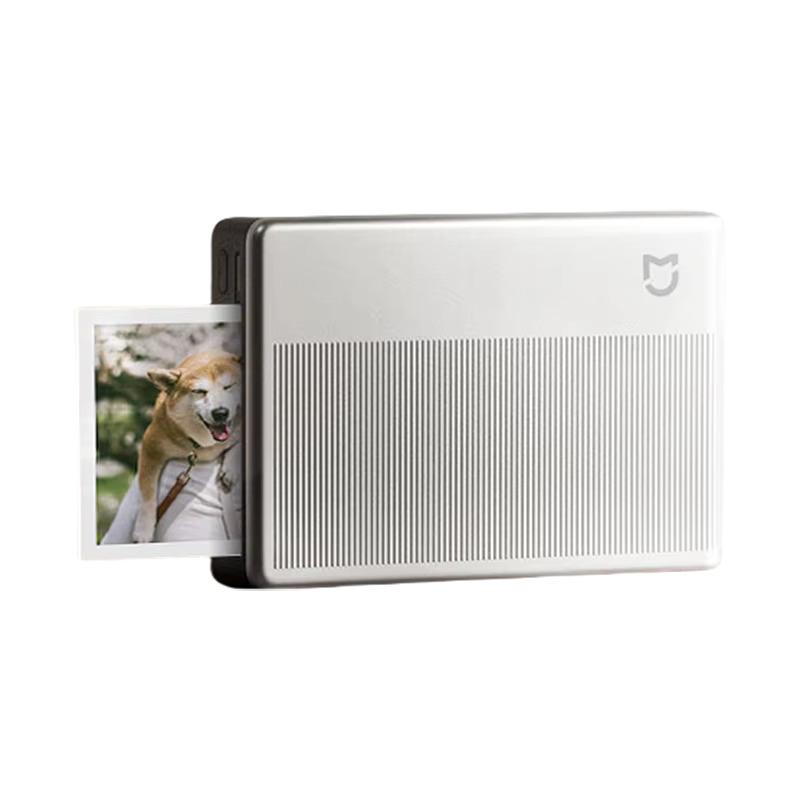
Modern technologies let you keep the most beautiful moments in digital form, but nothing compares to the feeling of a physical photo. That’s exactly why the Xiaomi Portable Photo Printer 1S. is here.
Awesome Xiaomi gadgets in our FB group
This is a pocket-sized thermal sublimation printer with a unique inkless ZINK technology that lets you print your memories anytime and anywhere—without needing to connect to WiFi and without any ink worries. It weighs only a few hundred grams and is small enough to carry in your pocket or bag with your smartphone.
Global version now also available in the EU warehouse
The portable Xiaomi Portable Photo Printer 1S is available at the best price on the online marketplace AliExpress from a verified seller. The advantage is free delivery to Slovakia from a nearby EU warehouse—within 5–10 business days!
ℹ️ Version info: The printer is also sold in a Chinese version, and in the Xiaomi / Mi Home app you will need to set the region to Chinese Mainland; otherwise you won’t be able to pair it and use all functions. However, there is also an international (global) version that works with all European regions (Slovakia, Czechia, Germany, and more) in the Xiaomi Home app.
Xiaomi Portable Photo Printer 1S

TIPExpress delivery from a Polish warehouse without customs duty and VAT.
This product will be delivered to you express from a local Polish warehouse. Shipping from Poland usually takes 7-10 days and is handled by a courier. On delivery, you won’t pay any extra fees—no customs duty and no VAT.
TIP15-day delivery via Aliexpress Standard Shipping
For this product, Aliexpress Standard Shipping is available with guaranteed delivery within 15 days. This is the most reliable delivery method and, in most cases, the parcel is handled by a courier company. We tested the 15-day delivery in real life.
When ordering from the Chinese warehouse, AliExpress will add the customs duty in your cart—approximately 3,70 € per order. When you receive the package, you won’t pay anything extra.
What are the printing costs?
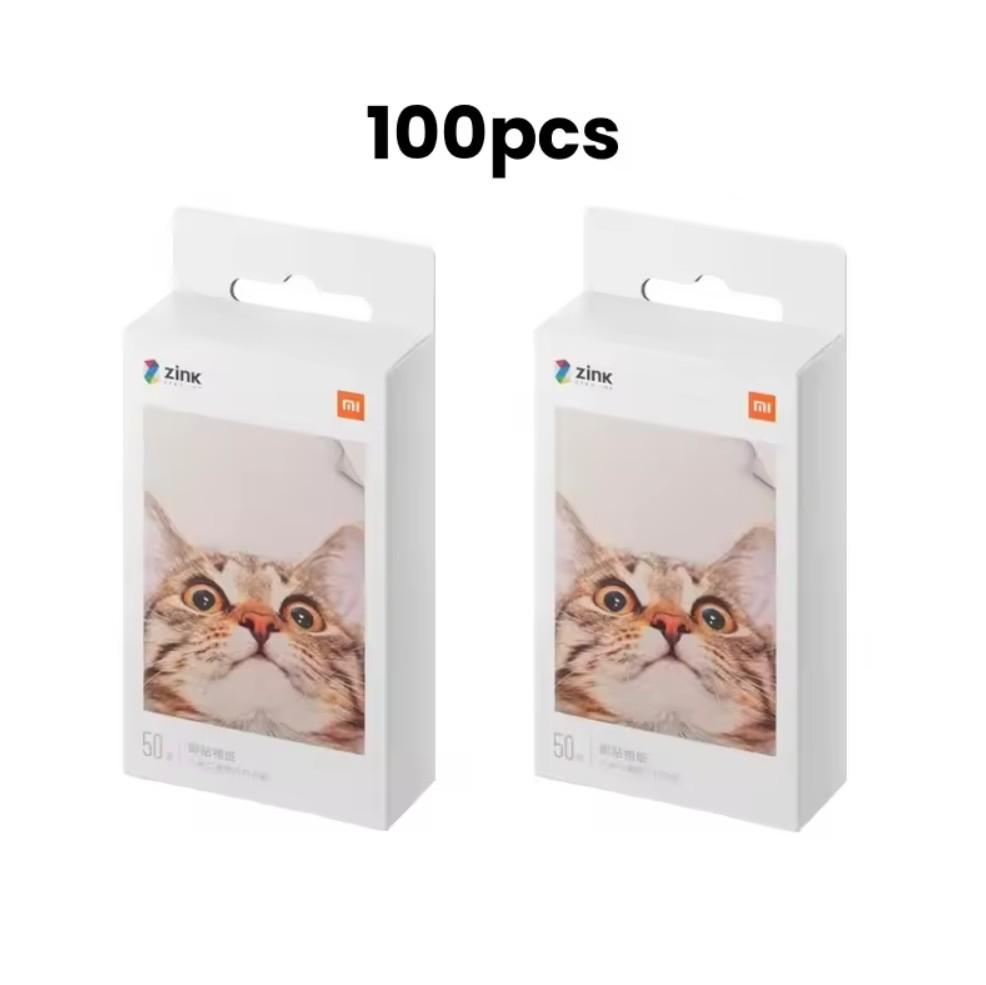
If you’re interested in the price of a single printed photo, here’s a simple calculation for you: a pack of 50 pcs of ZINK photo paper for the Xiaomi Portable Photo Printer 1S currently costs with a coupon for 19 €. You can find the coupon above in the price box after switching to the variant with 50 pcs of paper.
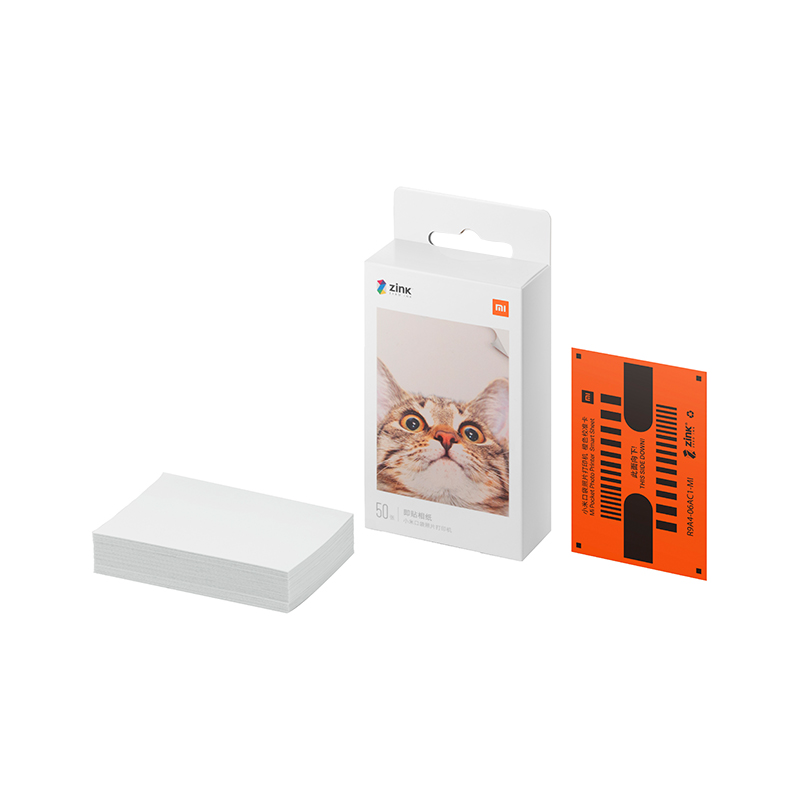
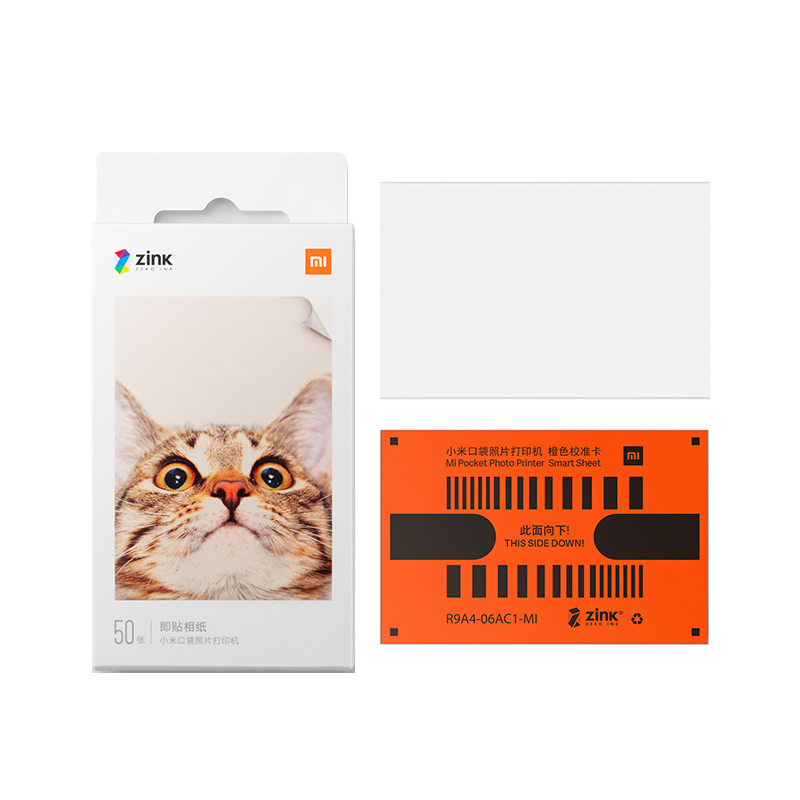
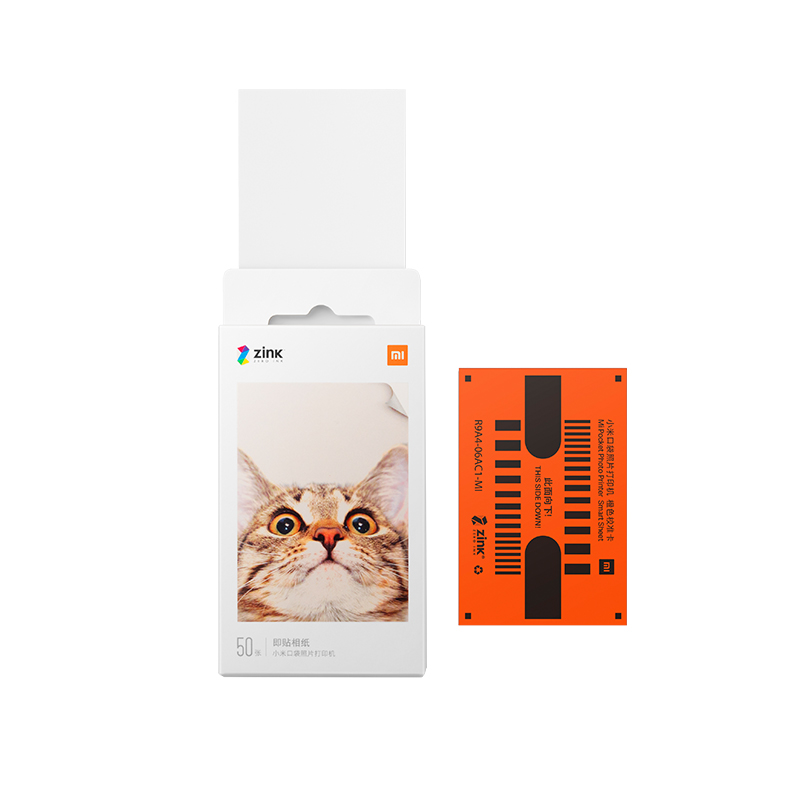
By dividing, the cost per photo comes out to €0.38—a very good price considering it’s a full-color, waterproof, and self-adhesive photo that you can stick somewhere right away or gift. Plus, compared to the costs of classic photo services, it’s an economical and convenient solution you always have on hand.
No ink, no worries
Forget about cartridges and toners. Xiaomi Portable Photo Printer 1S uses ZINK (Zero Ink) technology, which uses special temperature-sensitive paper. The printer itself only uses the thermal head to activate the colored layers in the paper, and the result is vibrant, water-resistant photos that also won’t fade.
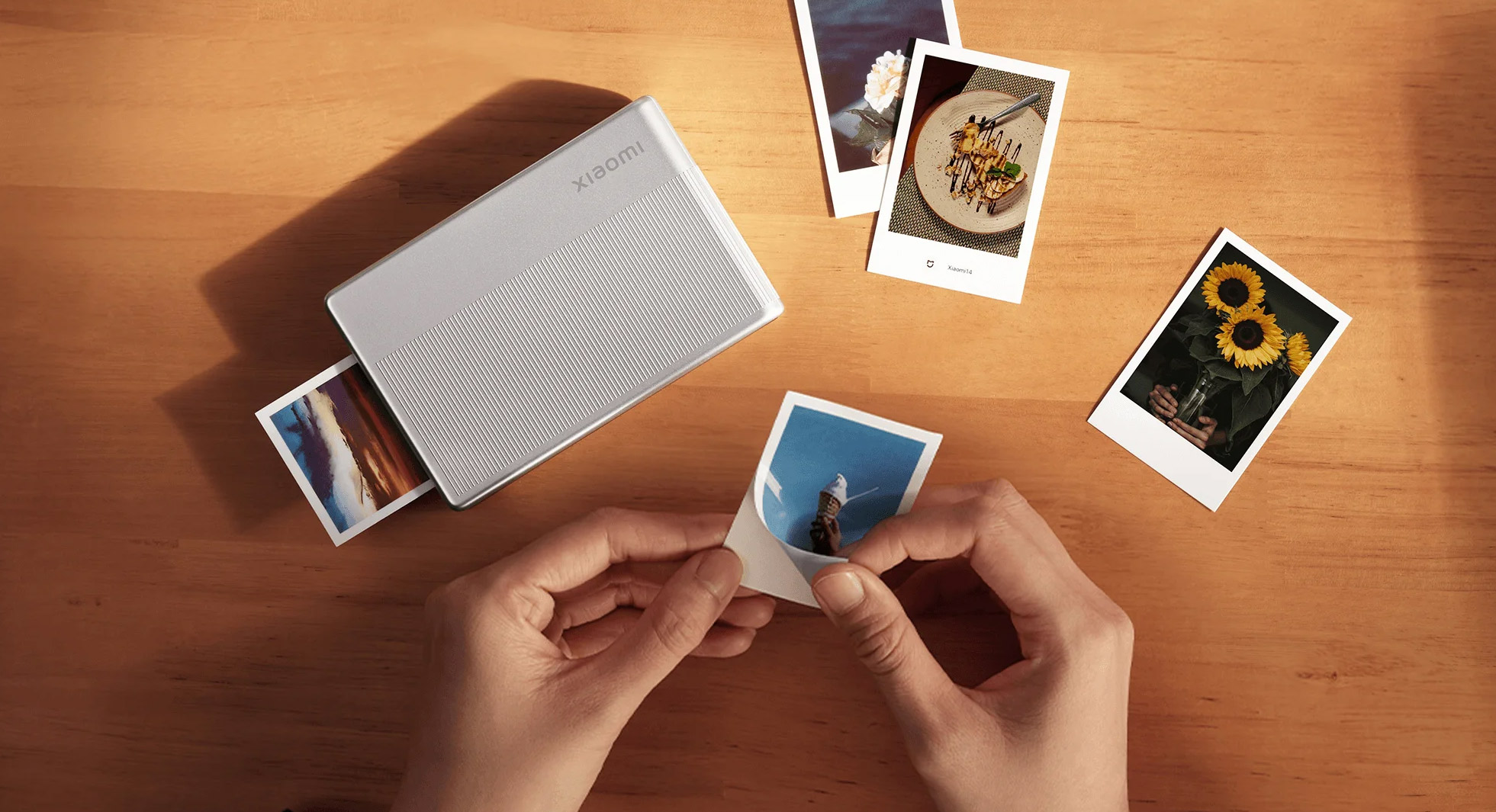
And besides significantly reducing consumption and maintenance needs, the printing is also unbelievably fast and easy—perfect for kids’ parties or scrapbooking. The printer can handle printing photos in 2 x 3 inch size (50 x 76 mm) with a resolution of 313 x 512 dpi, and the package includes 5 self-adhesive sheets. That means you can stick the printed photos right away onto a wall, into a notebook, or on the fridge.
Printing for multiple users
Xiaomi also thought of having fun with friends. The printer lets you connect up to three devices at once via Bluetooth, with no need for any WiFi connection. Just install the Xiaomi Home app and you’re good to go—everyone can print their favorite vacation moments or memories from a shared trip.
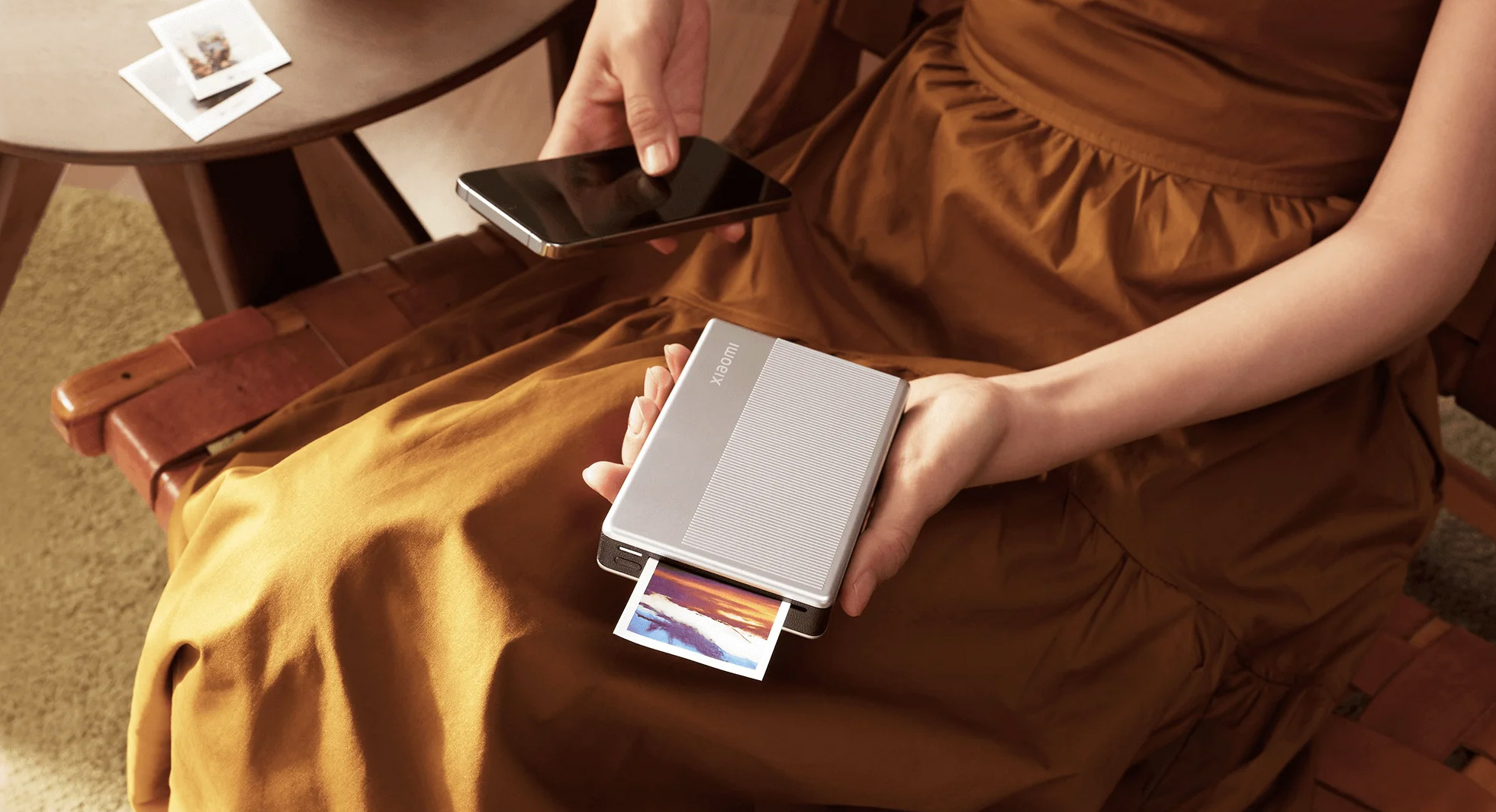
The app also offers plenty of personalization options—from frames and watermarks to the ability to choose an avatar. This way, you can create, for example, a unique wall of memories or gift a loved one an original present in the form of a photo sticker with a dedication.
Eight filters for creative souls
The app also includes a selection of 8 effect filters that add different moods to your photos— from nostalgic sepia to vibrant pastel colors. The controls are very intuitive, and the whole process—from choosing a photo to printing it—takes only a few seconds. You don’t need to be an editing expert; the app handles everything for you.
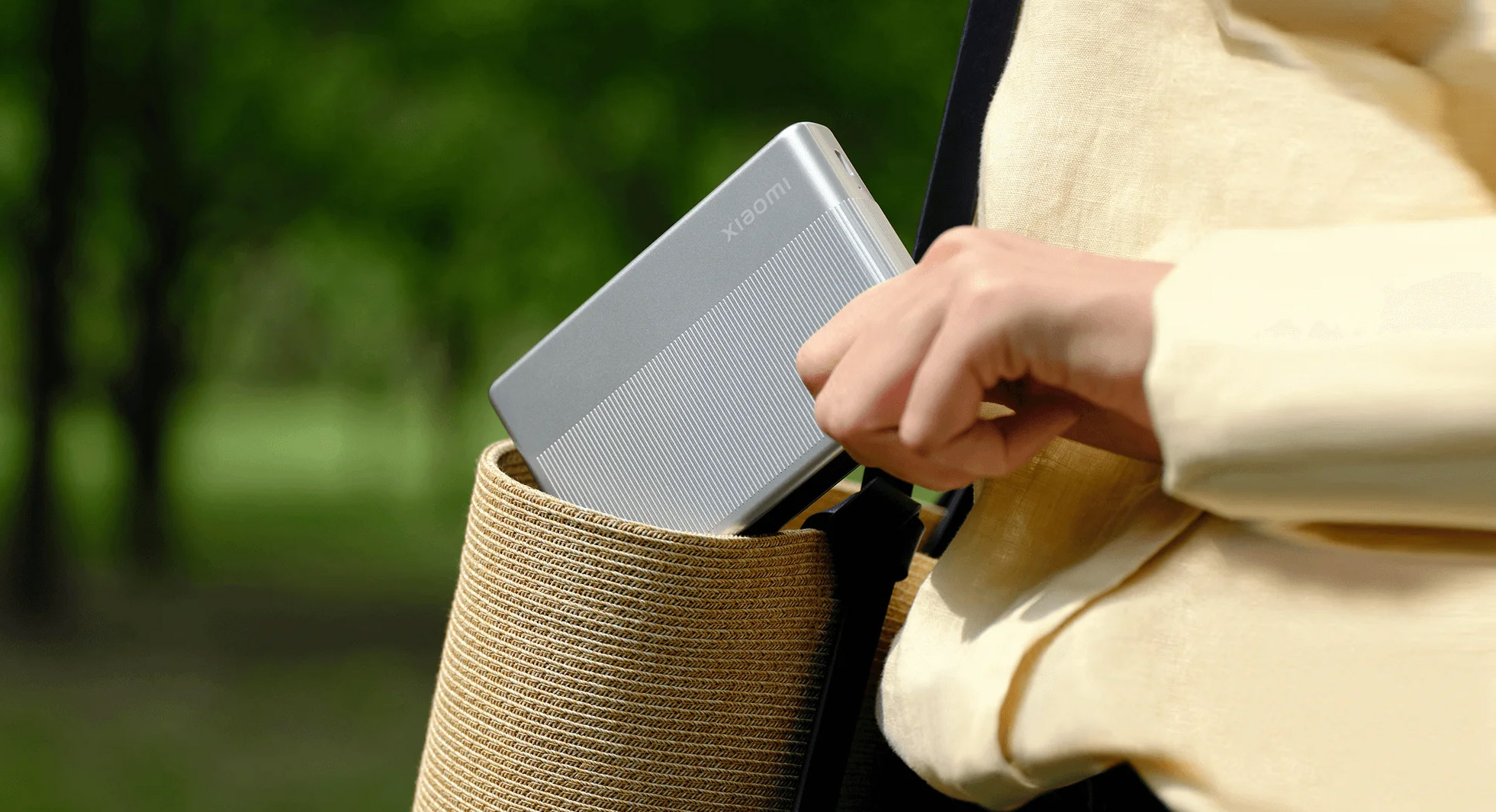
The device is rechargeable, compact, and ideal as an extra for every trip or family gathering. With its elegant design and ease of use, it will win over anyone who loves photos and wants to have them in physical form too.
Xiaomi Portable Photo Printer 1S vs Mi Pocket Photo Printer
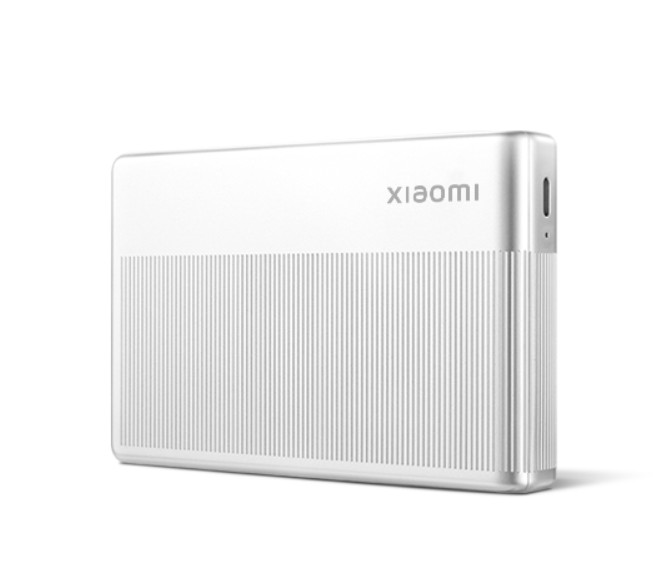
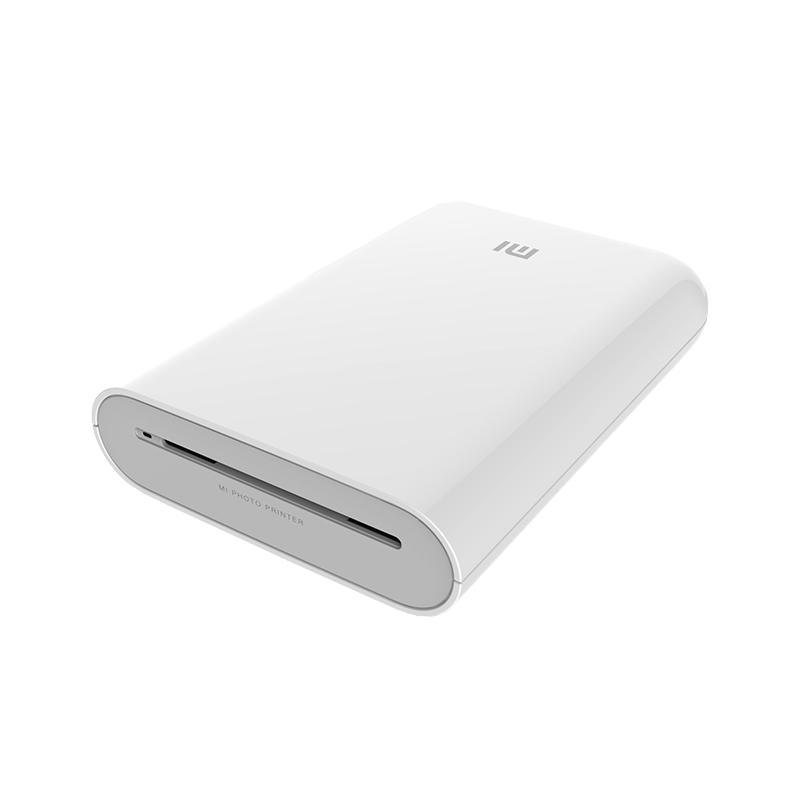
| Xiaomi Portable Photo Printer 1S / New model | Xiaomi Mi Pocket Printer / Old model | |
|---|---|---|
Printing technology | ZINK / ink-free | ZINK / ink-free |
Print resolution | 313 x 512 dpi | 313 x 400 dpi |
Photo size | 2 x 3 inches / 50 x 76 mm | 2 x 3 inches / 50 x 76 mm |
Print speed | approx. 45 s per page | 45 s per photo |
Paper tray capacity | 10 sheets of photo paper + 1 calibration card | not disclosed |
Supported formats | JPEG / PNG / HEIF | JPEG / PNG |
AR photo support | no | yes |
Bluetooth version | 5.2 | 5.0 BLE |
Multi-user mode | yes / up to 3 users | no |
Compatibility | Android 8.0+ / iOS 12.0+ | Android / iOS |
Supported app | Xiaomi Home | Xiaomi Mi Home |
Battery type | Lithium-ion polymer | Lithium-ion |
Battery capacity | 500 mAh / 7.4 V | 500 mAh |
Battery life | approx. 20 photos | approx. 20 photos |
Charging port | USB Type-C | Micro-USB |
Dimensions | 124 x 82 x 22 mm | 124 x 85 x 24.6 mm |
Weight | about 180 g | 181 g |
In the box | Printer / 5 pcs of self-adhesive paper / USB-C cable | Printer / 5 pcs of paper / Micro USB cable / manual |
To get more updates from the Xiaomi world, keep following our Xiaomi Planet website — join our Facebook group, where we build an active community and help each other out. Also subscribe to our Telegram, where we add the best offers and coupons from China every day.
Don’t miss the best coupons 📩
Subscribe and we’ll email you new coupons before they expire. We only send it once a month — no spam.