
A planet full of Xiaomi news
Deal Planet

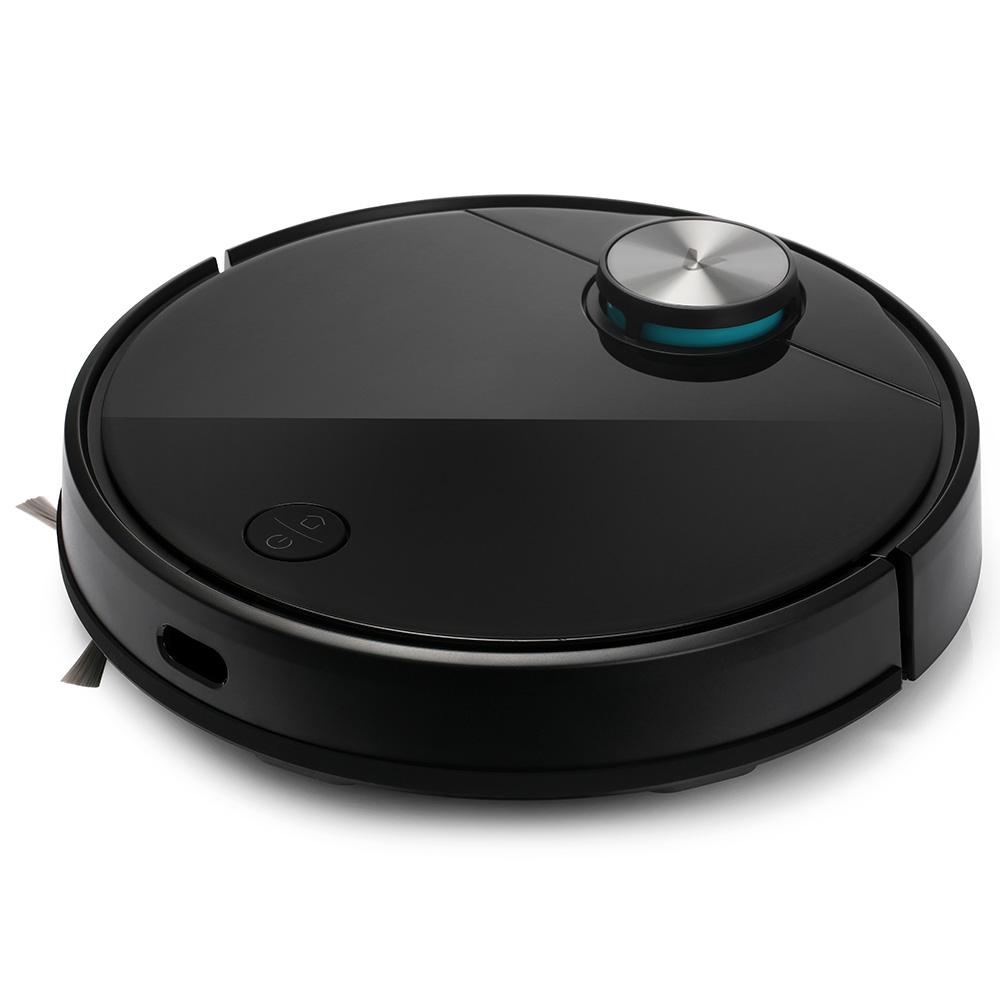
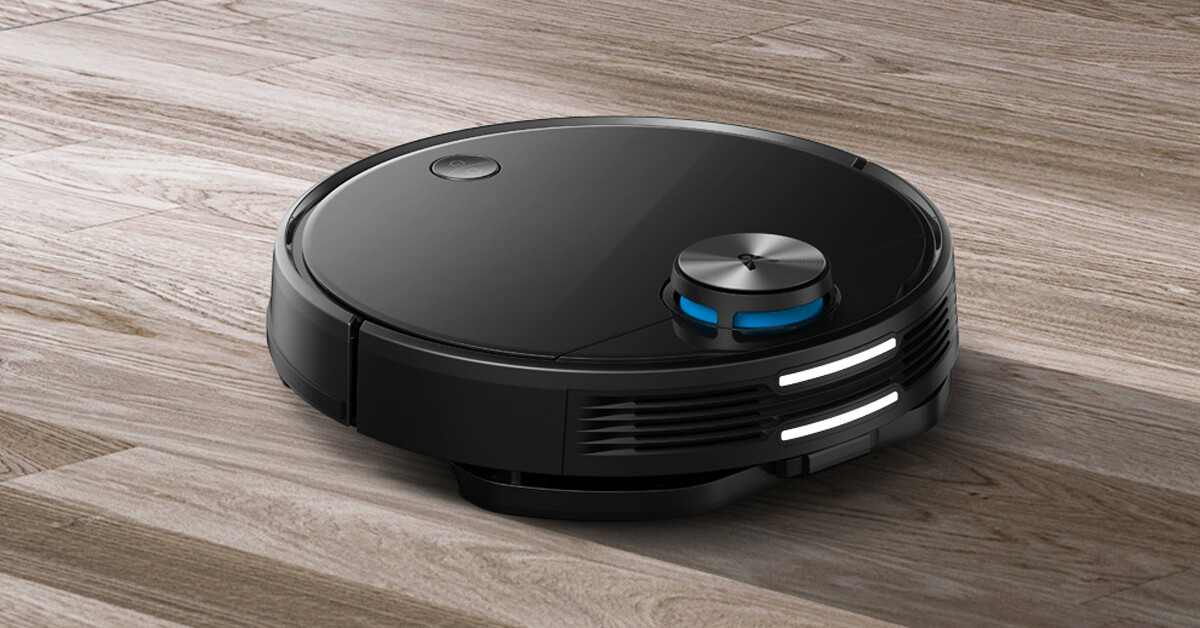
Viomi V3 now in the EU warehouse for the perfect 243 €. It features quality mopping and suction power 2600 pa

5. September 2022 3 min read 8 comments

The Viomi brand, part of the Xiaomi ecosystem, produces many smart home devices. Among them are robot vacuum cleaners, and now they’re coming with a new model, Viomi V3.

It’s designed for demanding customers and brings high-end specs.

The latest coupon in the European warehouse

Viomi V3 is currently discounted thanks to a discount coupon from the verified international seller Gshopper, who has now provided a special price. Delivery is fast and ships from a German warehouse.

Xiaomi Planet shopping tip: GShopper has now launched direct bank transfer payments, so you can save another 4.5 % off the product price! Compared to card / Google Pay payment, you can get this product much cheaper. We described the full bank transfer payment process in our article.
XiaomiPlanet deal

Viomi V3 robotic vacuum cleaner

German warehouse
Viomi V3 robotický vysávač
DE warehouse
399,00 €You save 156,00 €
243,00 €
CouponAECC2B01FD89
Is it your first time shopping on GShopper? See the guide!
Updated 5. 9. 2022 on 09:25
TIPExpress delivery from the German warehouse with no customs duty and no VAT.

This product will be delivered to you express from a local German warehouse. Delivery from Germany usually takes 7-10 days, and it’s brought by courier. When it arrives, you don’t pay any extra fees—no customs duty or VAT.

Track this product’s price

As soon as we post a new coupon, we’ll send you an email. You can unsubscribe from tracking anytime.

Is it your first time shopping on GShopper?

GShopper is an international online store with warehouses not only in China, but also directly in the EU. You can complete your order in just a few minutes. Enter your address without diacritics, choose bank transfer as the payment method—it works out cheaper than a card—and enter the discount coupon before you submit your order.

  1. Register or log inOn GShopper, you create an account, or you can log in via Google or Facebook. You can also shop without registering, but with an account you’ll see your order status and it’s easier to handle any possible claim.
  2. Get to the product using our buttonIn our article, click the GET THE DISCOUNT button—this will open exactly the product and the version the coupon applies to. Then on the product page, click Buy Now or Add to Cart.
  3. Fill in the address WITHOUT diacriticsWrite your name, street and city without accents — so Zilina, not Žilina. Foreign carrier systems can’t handle diacritics and the package may get stuck. Check your ZIP code and phone number, including the country code.
  4. Choose shipping and check the warehouseMost products come with free shipping—if Free Shipping is available, choose it. Items shipped from an EU warehouse arrive in 2 to 7 business days and don’t go through customs clearance; dispatch from China or Hong Kong takes 7 to 45 days depending on the shipping method you choose. Continue with the Next button.
  5. For payment, choose bank transfer and saveIn checkout, you pick from the available options Bank Transfer, Credit Card and PayPal. Choose bank transfer—GShopper gives you an additional discount that, depending on the product, is 3 to 4,5 % compared to card payment. In the order summary, you’ll see it as a separate line.GShopper will then show you the bank account number and the amount in the line Amount to Transfer and a reference that you need to include in the note for the recipient. You make the transfer in your bank; the account is held in EUR within the EU—so it’s a standard SEPA transfer.
    Order summary on Gshopper with discount for bank transfer
    The discount for bank transfer will appear as a separate line in the order summary.
  6. Enter the coupon and submit your orderPut the coupon into the field Discount Code and confirm with the button Apply. Only one coupon can be applied at a time. The price in the summary must be recalculated right away—if it didn’t change, the coupon wasn’t applied. Then submit your order by clicking Place Order.After payment, you’ll receive a confirmation email and you can also find your order in your account under the section My Orders.
    Discount Code field in the Gshopper checkout with an Apply button
    You’ll find the coupon box at checkout under the payment method selection.
Enter the coupon before you click on Place Order. A discount won’t be added automatically to the completed order. If you forget the promo code, you’ll have to write via [email protected] — they may not have to comply.
You can change or cancel your order within 12 hours e-mail to [email protected]. Warranty varies by category: Xiaomi phones, Redmi and POCO have 24 months, tablets and e-scooters 12 months, earbuds, smartwatches and other Xiaomi products 6 months.
Our extra service with VIP support — we’ll handle the order on Gshopper for you and ship it straight to your address.

If you don’t have experience buying on Gshopper, payments don’t go through, or coupon use doesn’t work for you, we offer an order handling service directly to your address for our readers and customers. You transfer the money to our account and we place the order directly to your address. This way, you won’t have to worry about a failed payment or applying the coupon, and you can be sure the entire order will go through correctly 100 %. In addition, you automatically get our VIP support — if any issues arise with the shipment, we handle them for you and assist with filing a claim. The fee for this service is €15 extra of the product price. You can contact us by email at info(@)xiaomiplanet.sk or on Messenger, where we’re constantly active.

Video review:

Smart route and high performance

This powerful model can intelligently plan its route thanks to its sensors. It combines LDS navigation and a SLAM algorithm.
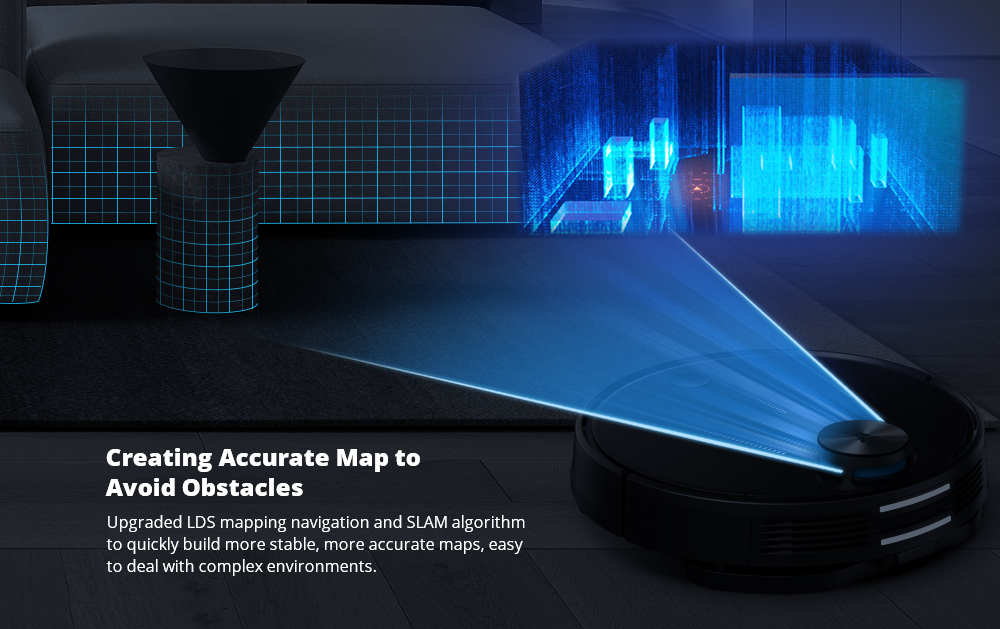
That way, it can map its surroundings better and faster and evaluate the washing route, making cleaning even more efficient.
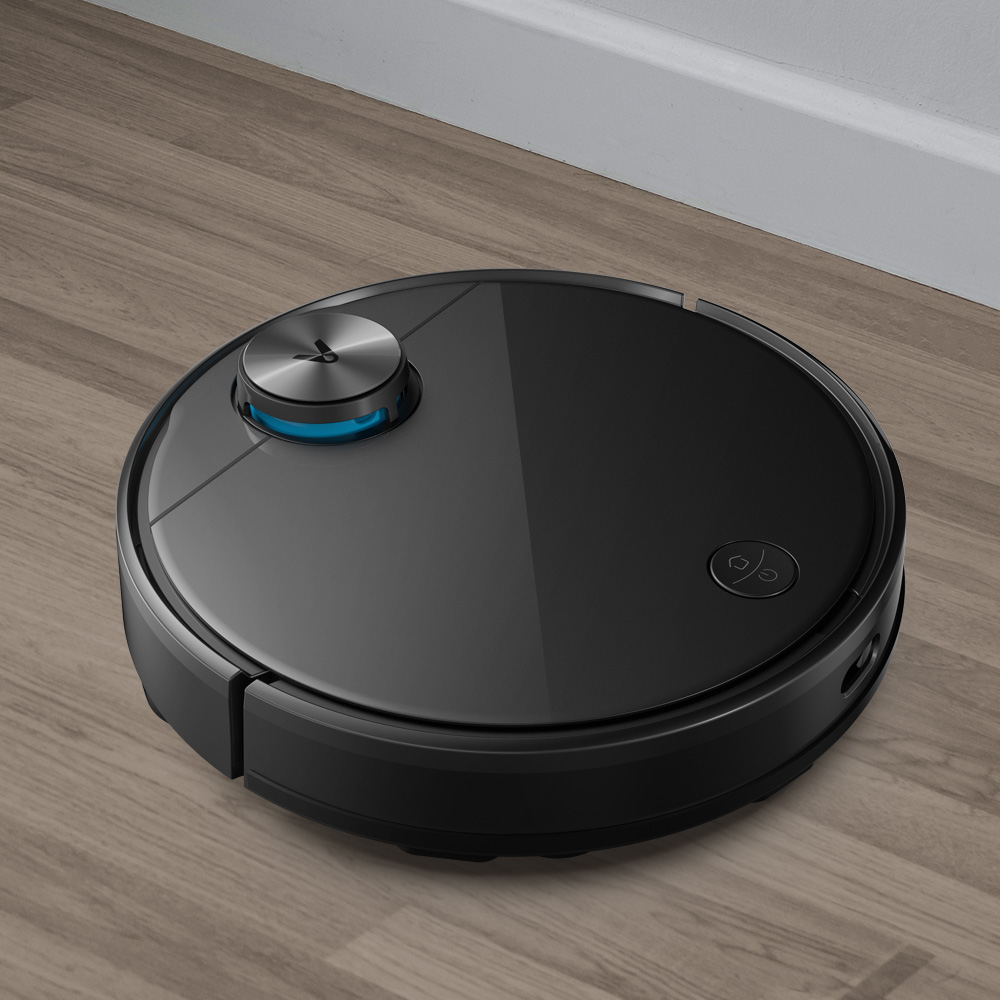
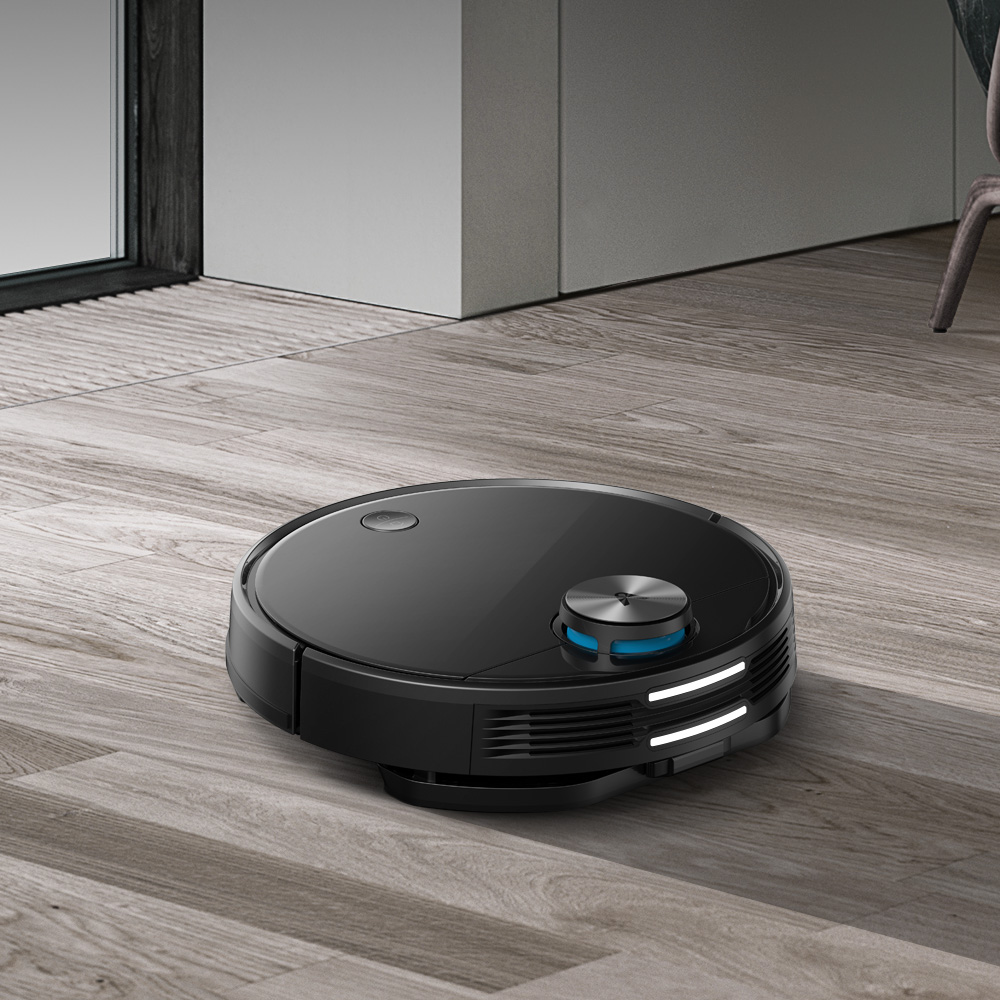
Thanks to suction power of up to 2600 Pa and 30 W power, you don’t have to worry that it’ll leave any dirt behind. That collects in the waste box with a great 550 ml capacity.

Ad

On a single charge, it handles a lot

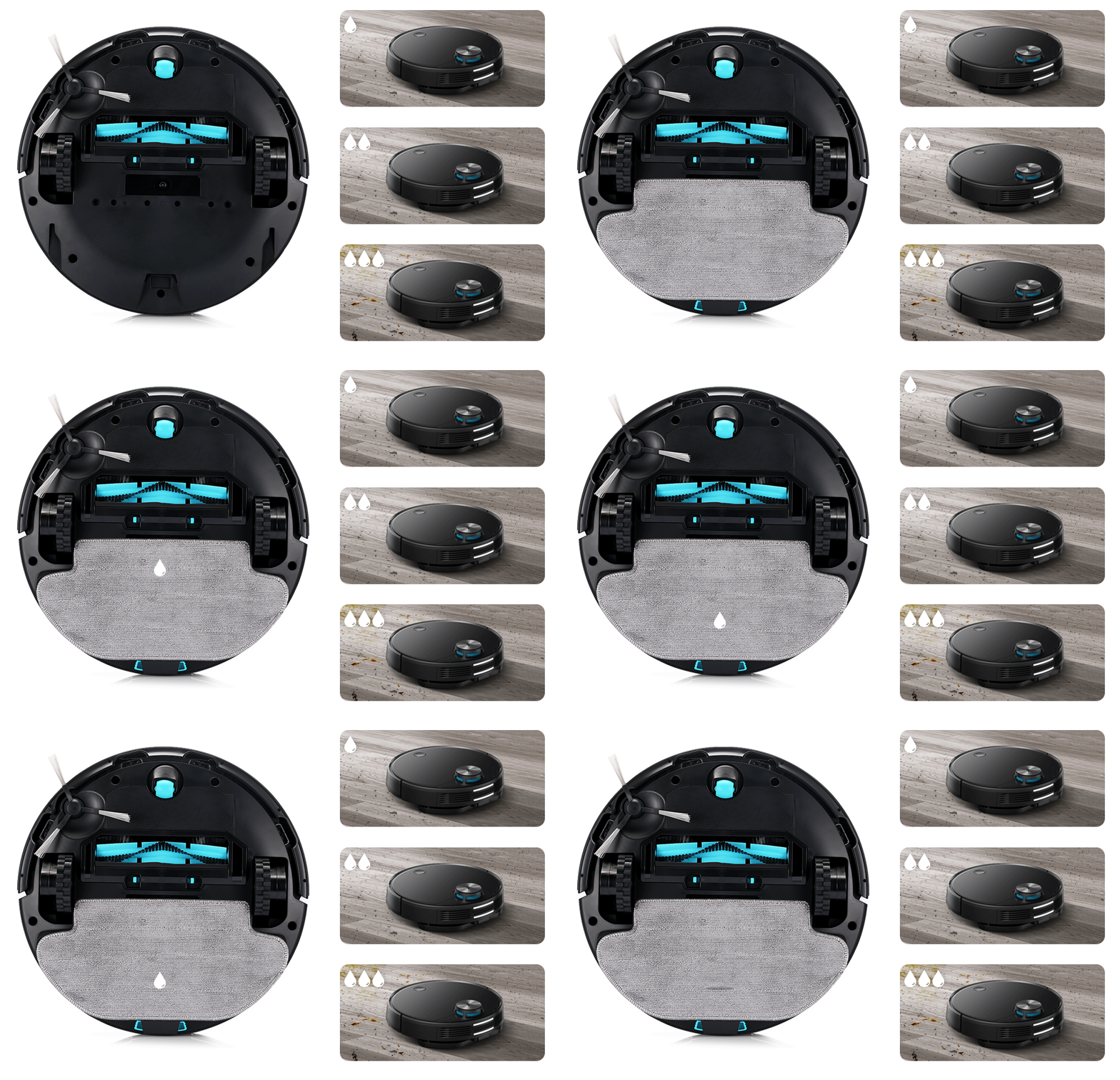
Viomi V3 can also mop the floor in your home. For that, it uses a mop and a water tank with a volume of 550 ml.

However, the mopping is smart: Viomi V3 can regulate the water up to 3 levels under constant pressure. During charging it doesn’t release water, so you don’t have to worry about puddles forming.
All of this great machine is powered by a battery with a capacity of 4900 mAh. It can run the vacuum for 150 min or cover an area of 250 m2.

It takes care of itself

Viomi V3 has up to 12 sensors, such as, e.g., an anti-collision sensor, a drop-prevention sensor, a 6-axis gyroscope, and more.

It can even climb over a threshold up to 2 cm, expanding the area it can cover.

If it runs out of battery during cleaning, it automatically returns to the charging station and, after charging, continues from where it left off.

Kills bacteria and viruses

Viomi V3 has a great filtration system that uses silver and manganese ions. During suction, it can kill up to 99% viruses.
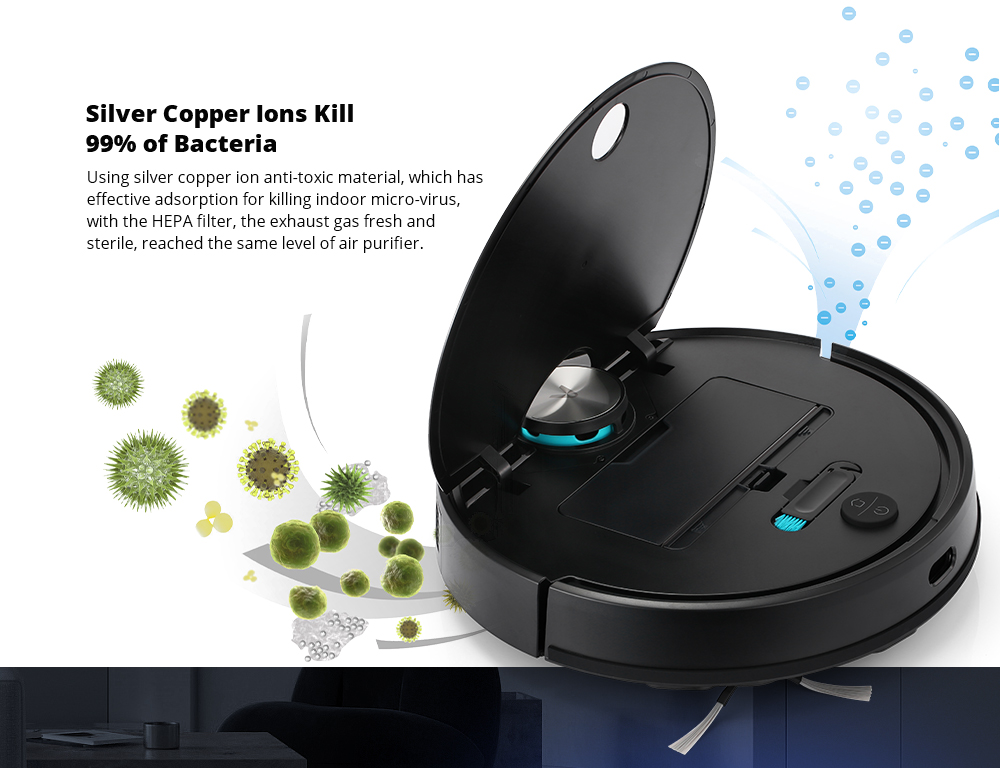
In combination with a HEPA filter, it releases clean, sterilized air, basically acting like an air purifier.

Ad

Control via app

Viomi V3 can be controlled in the classic way via the Mi Home mobile app using WiFi connection. That way, you can run it anywhere and anytime you need it.

One of the app’s advantages is, for example, scheduling: on which days and times it will automatically start and vacuum.

Another benefit is real-time tracking of the vacuum’s movement and creating so-called “no go” zones that prevent or define its movement.

It’s a useful feature so you can prevent it from moving to places where it could get stuck or where it isn’t needed.

Add us as your preferred source on Google

Don’t miss the best coupons 📩

Subscribe and we’ll email you new coupons before they expire. We only send it once a month — no spam.

Ad Engerio