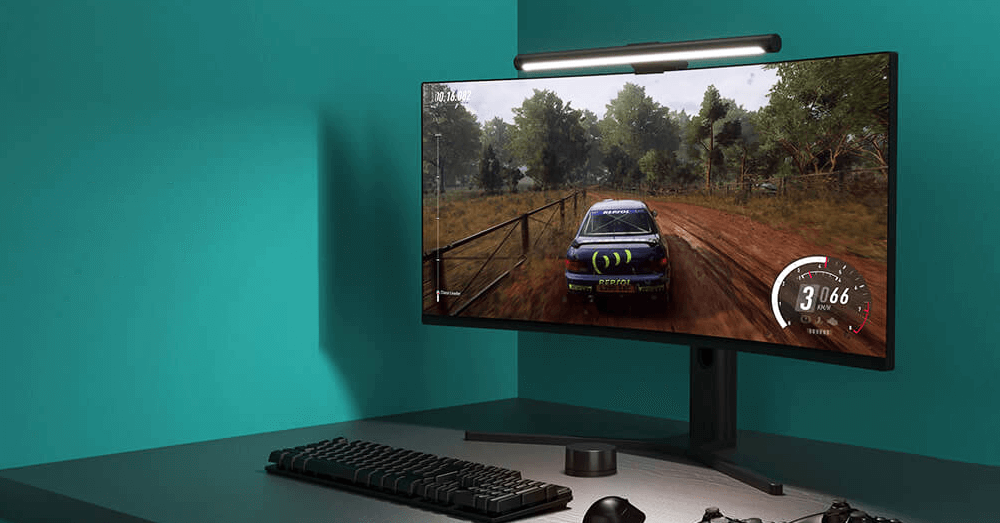
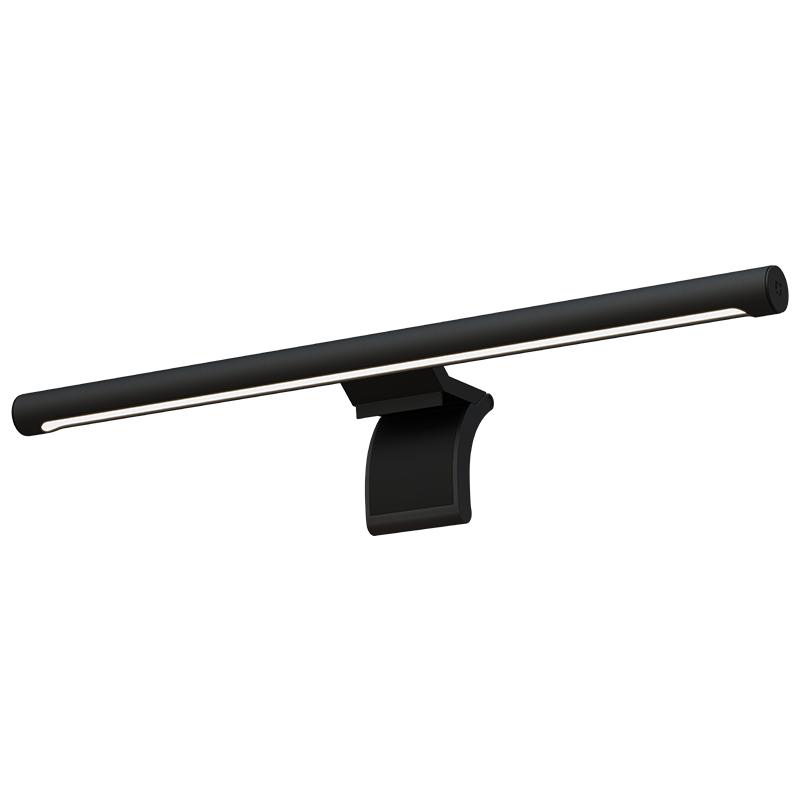
We are practically constantly reminded that Xiaomi can no longer surprise us with its new products. This time, the Chinese giant has prepared a lamp called Xiaomi Mi Computer Monitor Light Bar.
You hang it on your computer monitor. From the top, it will illuminate not only your keyboard, but even your whole desk.
Such a coupon only with us
The practical Xiaomi Mi Computer Monitor Light Bar is available from a seller on DHgate, and we managed to arrange an exclusive coupon.
The lamp is now available at the best price from a German warehouse with express delivery within 7 days. This is the official European version of the lamp intended for our market.
Xiaomi Mi Computer Monitor Light Bar

TIPExpress delivery from the German warehouse with no customs duty and no VAT.
This product will be delivered to you express from a local German warehouse. Delivery from Germany usually takes 7-10 days, and it’s brought by courier. When it arrives, you don’t pay any extra fees—no customs duty or VAT.

TIPWith Banggood Express shipping, you don’t pay any extra fees.
We recommend choosing Banggood Express shipping—so you won’t have to pay anything extra. Customs duties and any VAT will be handled directly by the seller for you. Shipping can be selected in the cart, after you enter the delivery address. Delivery with Banggood Express usually takes around 15–20 days, but it may also take longer.
Our extra service with VIP support — we’ll handle the order on DHgate for you and ship it straight to your address.
If you don’t have experience buying on DHgate, your payment won’t go through, or the coupon doesn’t work, we offer our readers and customers an order-handling service delivered directly to your address. You send us the money by bank transfer and we order the product straight to you. That way, you don’t have to worry about a failed payment or applying the coupon, and you can be sure the whole order goes through 100 % correctly. On top of that, you automatically get our VIP support — we handle any shipping issues for you and assist with warranty claims. The fee for this service is 15 € for the product price. You can contact us by email at info(@)xiaomiplanet.sk or on Messenger, where we’re active all the time.
The lamp from Xiaomi has its own style
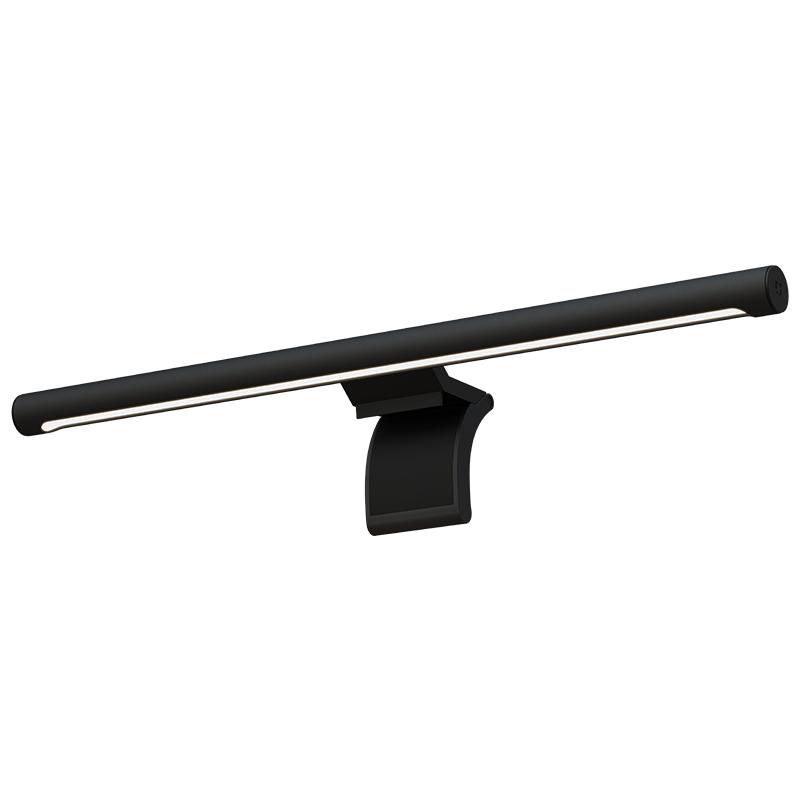
Xiaomi presents its new practical lamp not only as a lighting system. It is also said to be a design element, with its black finish and minimalist frames with dimensions smaller than 32 millimeters.
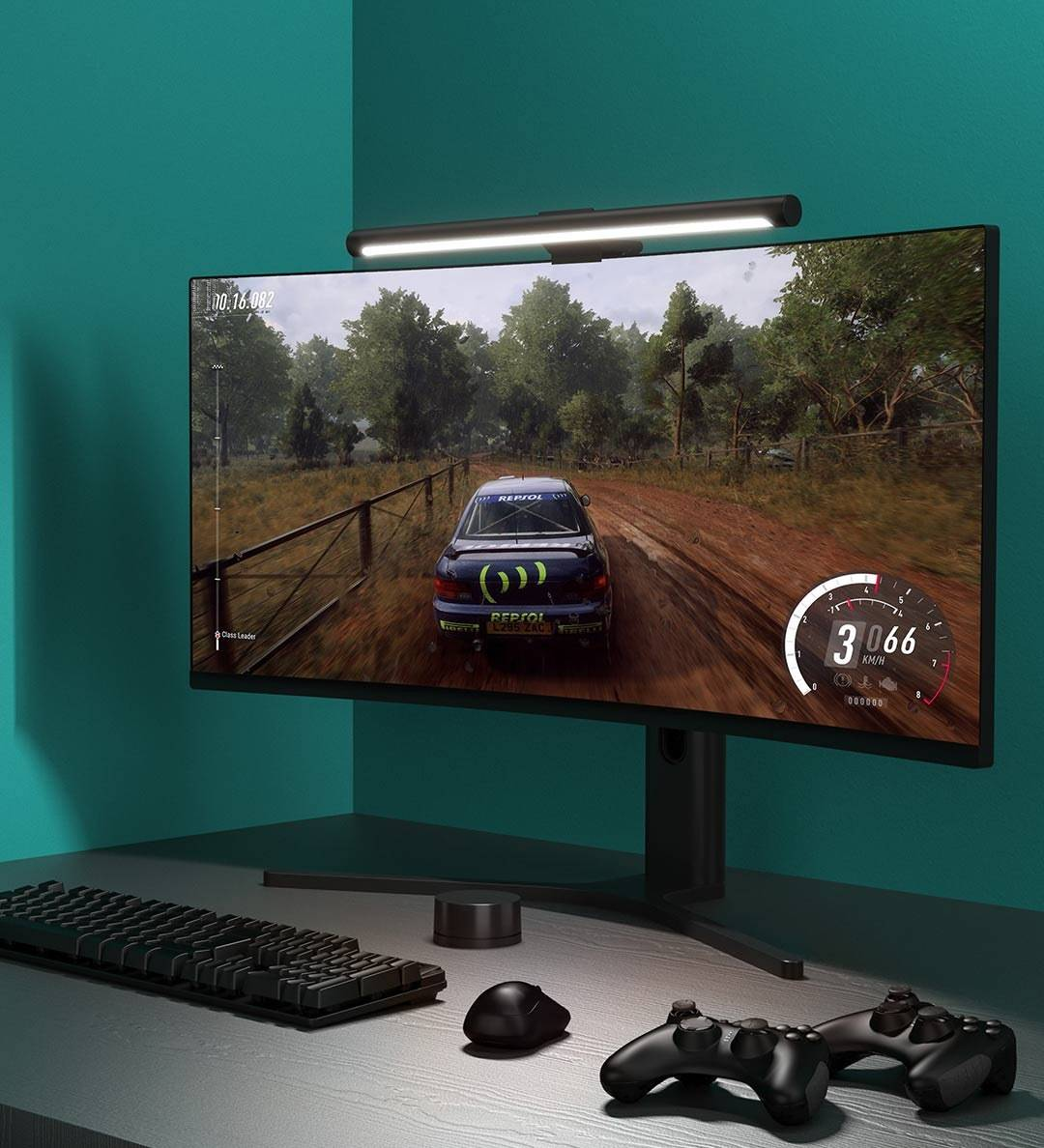
Thanks to the fact that Xiaomi Mijia Display Hanging Light features RA90 color rendering, the light can adapt to the surrounding conditions.
This means, for example, that the lamp's color temperature can adapt to the content displayed on the monitor. It can also adapt to the items and documents you currently have on your desk.
Works with a smart gadget for control
Thanks to a clever system, Xiaomi Mijia Display Hanging Light stands out from the crowd thanks to remote control. A small smart gadget is used to adjust the color temperature or brightness. The controller needs to be powered by two AAA batteries.
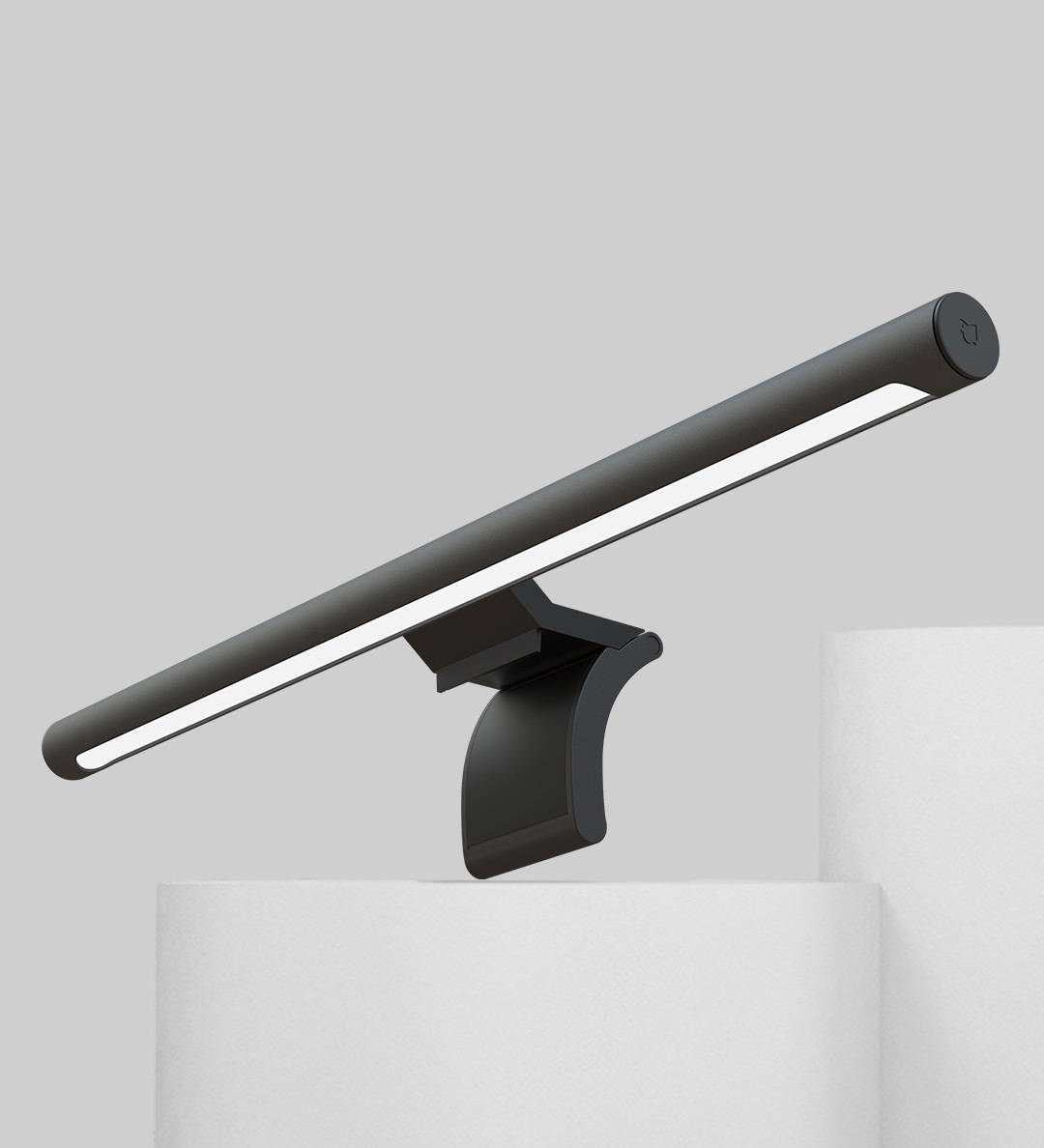
The light is powered via a USB Type-C connector, and you can use a USB output from your computer or monitor if you have one available. It works with low values, 5V and 1A.
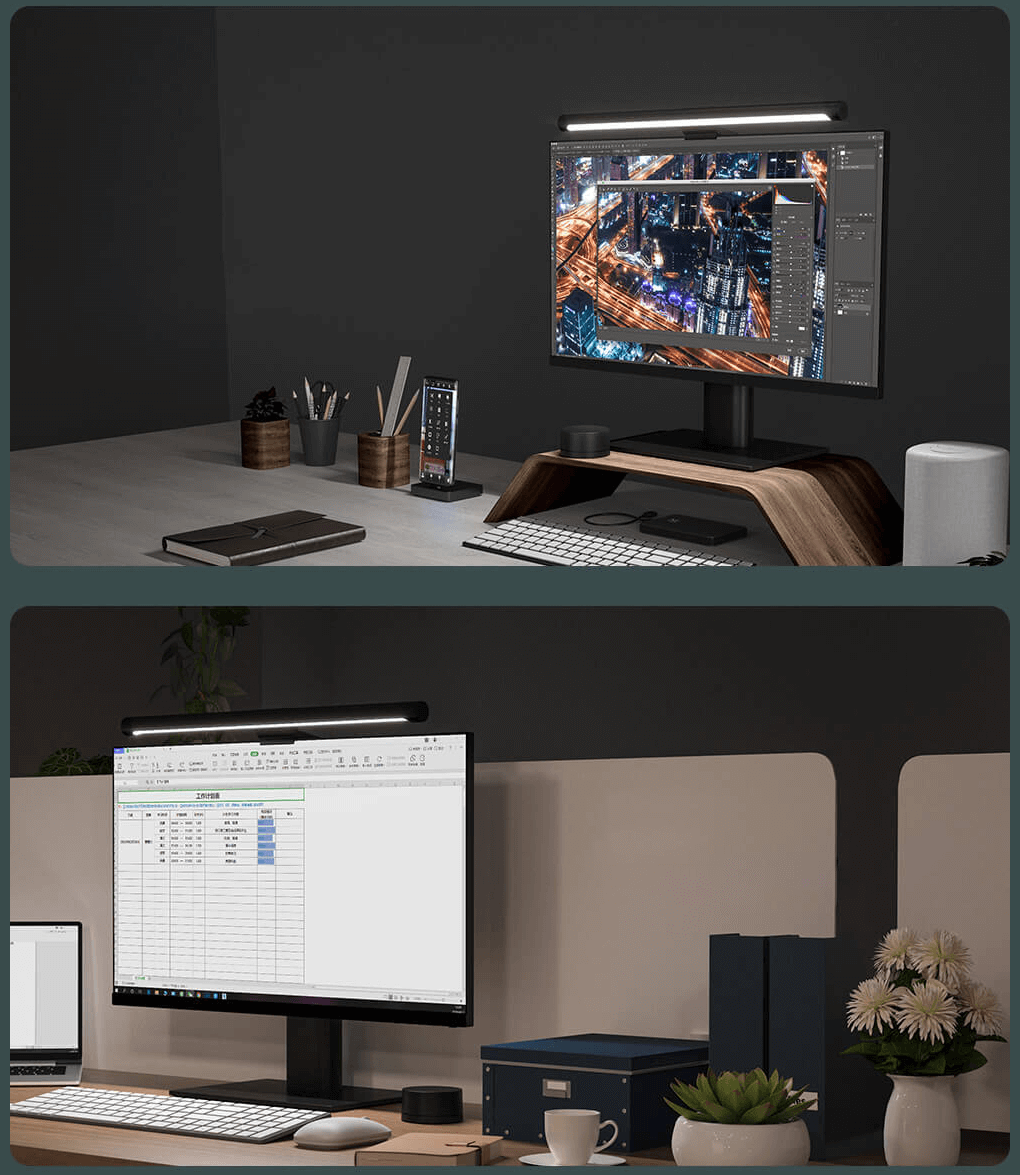
The lighting direction can be adjusted, and the lamp supports a tilt of up to 25°. If you don't want to miss anything important, join our new Facebook group and subscribe to articles directly in your email inbox.
Don’t miss the best coupons 📩
Subscribe and we’ll email you new coupons before they expire. We only send it once a month — no spam.