Bargain price from 10 € during AliExpress sales! Smart wireless dimmer for Yeelight smart ceiling lamps: It has a Bluetooth connection and runs on battery power
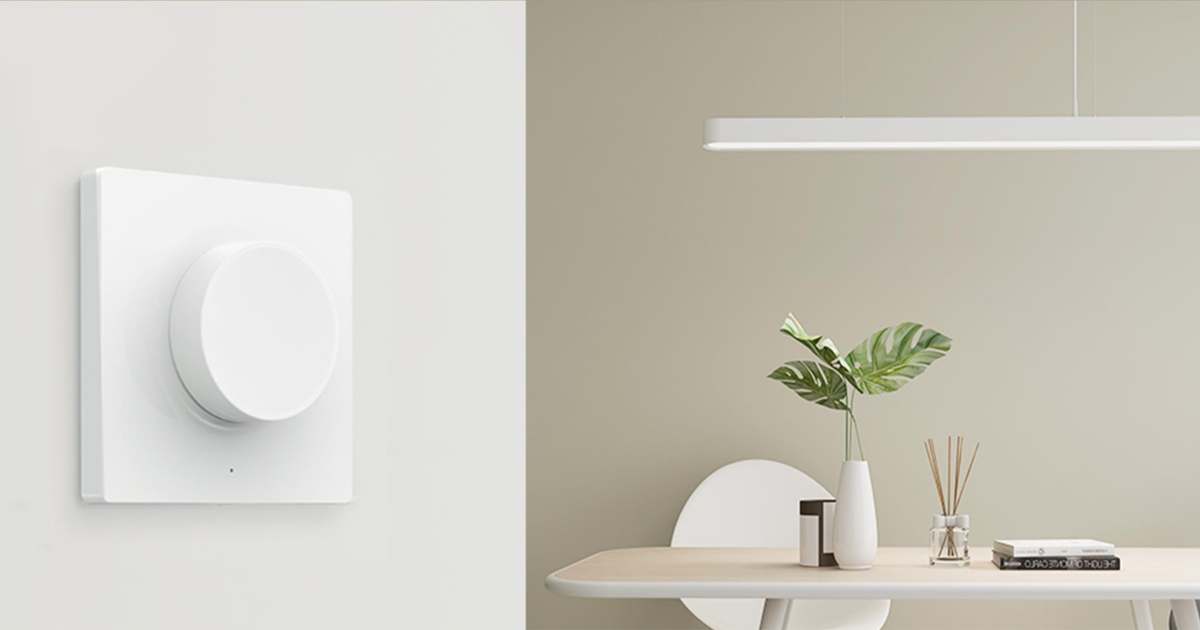
We’re introducing the Yeelight smart dimmer, designed for Yeelight brand ceiling lights. It pairs with the lamp via Bluetooth, and you can find the best current price for it.
Crazy price thanks to the sales!
You can buy the Yeelight smart dimmer at the sale price on the Aliexpress portal. A big plus is that they deliver the dimmer quite quickly, with delivery in the range of 9–14 business days from dispatch.
This version of the Yeelight dimmer works via Bluetooth and is intended exclusively for Yeelight smart lamps with WiFi connectivity. On AliExpress you’ll also find a “wired” version of the dimmer, which connects the classic way through wired wall terminals.
TIP15-day delivery via Aliexpress Standard Shipping
For this product, Aliexpress Standard Shipping is available with guaranteed delivery within 15 days. It is the most reliable delivery method and in most cases is handled by a courier company. 15-day delivery we tested in real life.
When ordering from the Chinese warehouse, AliExpress will add the customs duty in your cart—approximately 3,70 € per order. When you receive the package, you won’t pay anything extra.
TIP15-day delivery via Aliexpress Standard Shipping
For this product, Aliexpress Standard Shipping is available with guaranteed delivery within 15 days. This is the most reliable delivery method and, in most cases, the parcel is handled by a courier company. We tested the 15-day delivery in real life.
When ordering from the Chinese warehouse, AliExpress will add the customs duty in your cart—approximately 3,70 € per order. When you receive the package, you won’t pay anything extra.
Smart dimmer with multiple functions
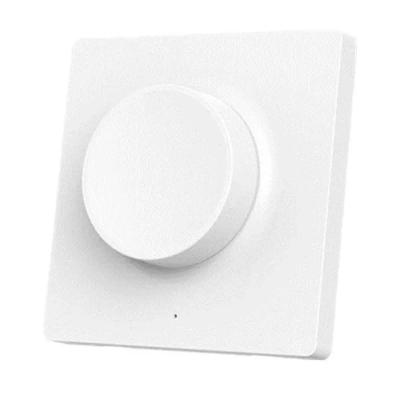
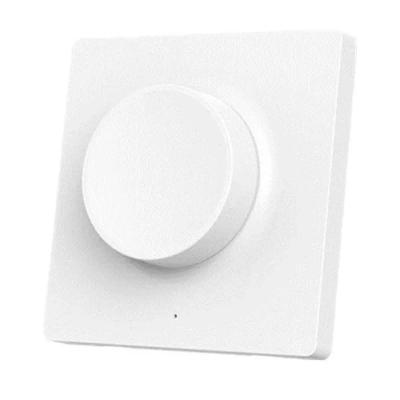
The Yeelight Smart Wireless Switch Dimmer isn’t just for changing the lamp brightness, i.e., dimming—although that’s its main function. You adjust the brightness by turning the dial. With a simple press, you can also turn the light on or off. Press it and then rotate in the pressed position to change the color temperature.
With a double press, you switch between the so-called day and night modes. You can set the light intensity for both day and night modes in the app. The final function is long-pressing the button, which lets you change the color.
Ad
Installation and basic parameters
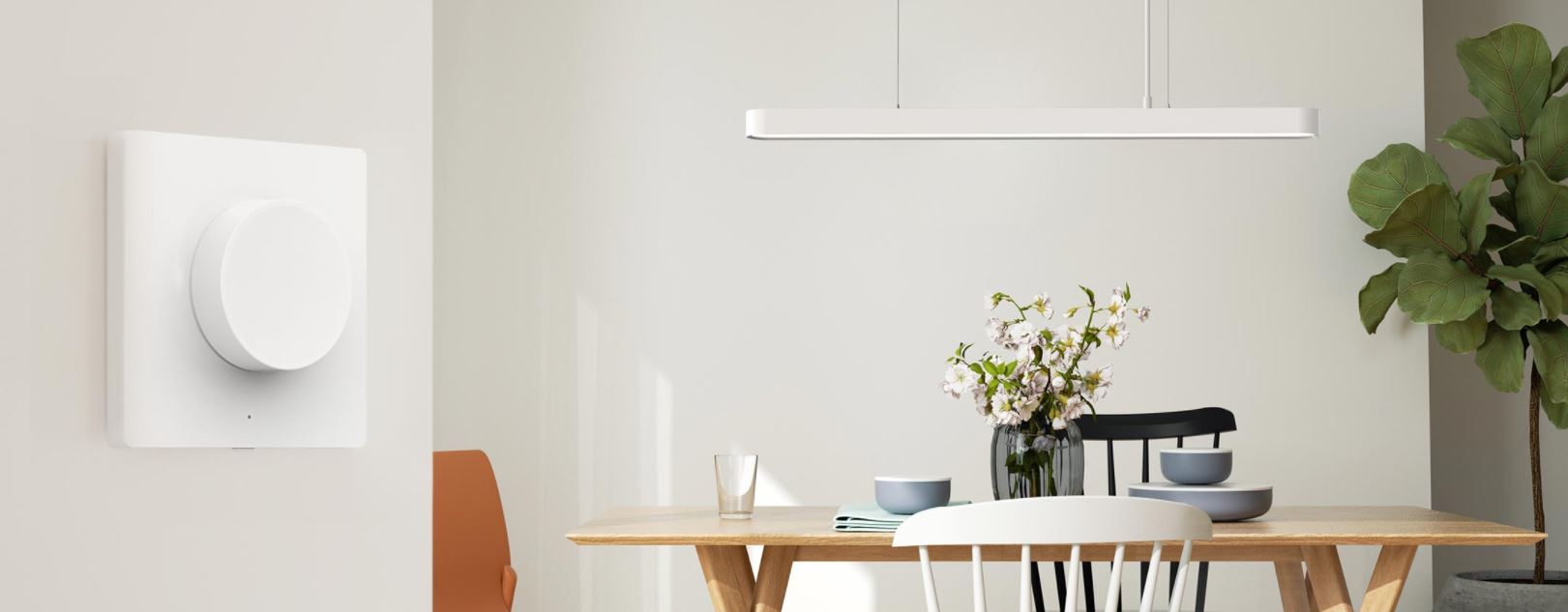
You don’t need to drill into the wall to mount this dimmer. It’s a version that sticks to the surface. That means you don’t have to pull any cables either, and you can place the controller anywhere—not only on the wall where the electric cables are routed. After mounting, you simply pair the dimmer via Bluetooth with the Mi Home app on your phone.
The Yeelight YLKG08YL dimmer itself measures 86 x 86 x 25 mm and has a nice, simple design.
Besides the main rotary controller, it also has a pairing button on the side. On the front, you’ll find a small indicator LED light.
The main button was tested for 50,000 presses, so you don’t have to worry about its lifespan. As for battery life per charge, it lasts about 2 years (assuming 50 uses per day – 40 presses and 10 rotations). In standby mode, it can last up to 3 years.
Supported lamps
The Yeelight YLKG08YL can work with Yeelight Smart LED Ceiling Light, Yeelight 450 / 480 / 650 mm LED Ceiling Light, Yeelight HAOSHI Ceiling Light, and Yeelight Smart LED Chandelier. In the future, we expect the number of supported devices to increase.