
A planet full of Xiaomi news
Deal Planet

The biggest Banggood sales since the start of the year 2021 have just kicked off! Here are the first top coupons

24. March 2021 2 min read 0 comments

March is every year known not only for the arrival of spring, but also for the first proper sales from Chinese stores. This year is no different 2021 and its first real discounts have just been launched by the biggest international e-shop for Chinese electronics, Banggood.

We bring you a list of the best coupons from today that are still “hot”, and several of them will drop product prices to record levels. This is Banggood Spring Sale 2021.

The Czech warehouse is stocked with great products at the lowest prices

The first batch of coupons arrives right in the Czech warehouse. All the products listed below are available in the Czech warehouse in limited quantities. A huge advantage besides the record-low prices is fast shipping — some packages from the CZ warehouse can arrive in as little as 3 days! Standard delivery is 7 days.

BRUTAL DATABASE OF 1000+ COUPONS

Shipping takes place within 24 hours and the vast majority of products have completely free postage. Also, remember that by buying through our articles you get special benefits from us in the form of exclusive customer support and help with handling returns, complaints, or other parcel-related issues.

At Banggood, we have a direct contact that can solve all problems our customers face, and we have the ability to negotiate better conditions. The coupons mentioned here are from the first sale day:

Important: Orders from Banggood come with our VIP support, which you get after downloading our extension for the Chrome browser on desktop only.
XiaomiPlanet deal

Xiaomi Mi Robot Vacuum-Mop P (STYJ02YM)
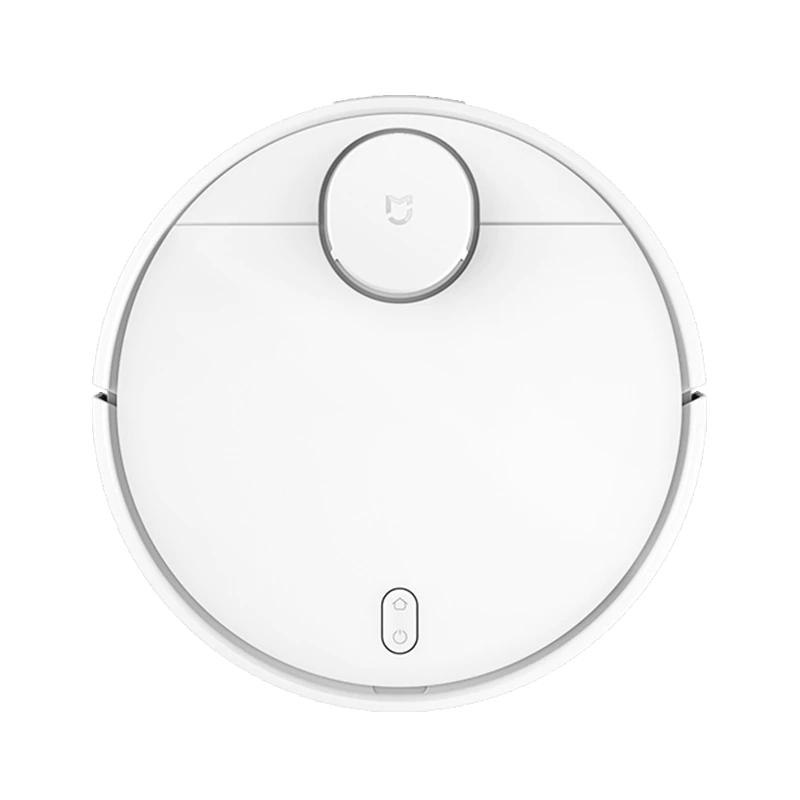
Xiaomi Mi Robot Vacuum-Mop P (STYJ02YM)

279,99 €You save 61,19 €
218,80 €
CouponBGCZHUST
Shopping on Banggood for the first time? See the guide!
Updated 23. 6. 2022 on 10:40
TIPExpress delivery from a Polish warehouse without customs duty and VAT.

This product will be delivered to you express from a local Polish warehouse. Shipping from Poland usually takes 7-10 days and is handled by a courier. On delivery, you won’t pay any extra fees—no customs duty and no VAT.

Track this product’s price

As soon as we post a new coupon, we’ll send you an email. You can unsubscribe from tracking anytime.

Shopping on Banggood for the first time?


💡 Info: The Xiaomi Mijia 1T vacuum cleaner is the Chinese version, and in the Mi Home app you need to set the region to Mainland China. You can find the European version of the vacuum cleaner in this article.

XiaomiPlanet deal

Xiaomi Mijia 1T STYTJ02HZM robot vacuum cleaner
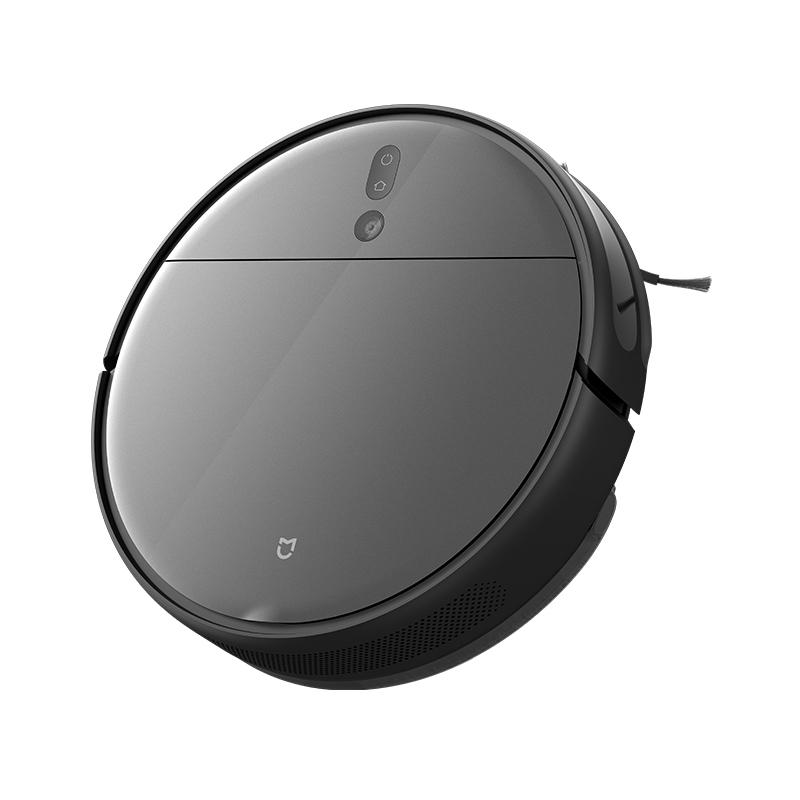
Czech warehouse
Xiaomi Mijia 1T STYTJ02HZM robotický vysávač
CZ warehouse
440,94 €You save 289,71 €
151,23 €
CouponBGbefe2b

Price history

59,33 €cheaper than the average price
Cheapest 151,23 €Most expensive 256,15 €
Shopping on Banggood for the first time? See the guide!
More coupons
440,94 €217,99 €
BGd988fd
Use
Updated 21. 3. 2023 on 08:44
TIPExpress delivery from the Czech warehouse without customs duty and VAT.

This product will be delivered to you express from the local Czech warehouse. Delivery from the Czech Republic usually takes 7-10 days and is handled by a courier. When it arrives, you don’t pay any extra fees—no customs duty and no VAT.

Track this product’s price

As soon as we post a new coupon, we’ll send you an email. You can unsubscribe from tracking anytime.

Shopping on Banggood for the first time?


XiaomiPlanet deal

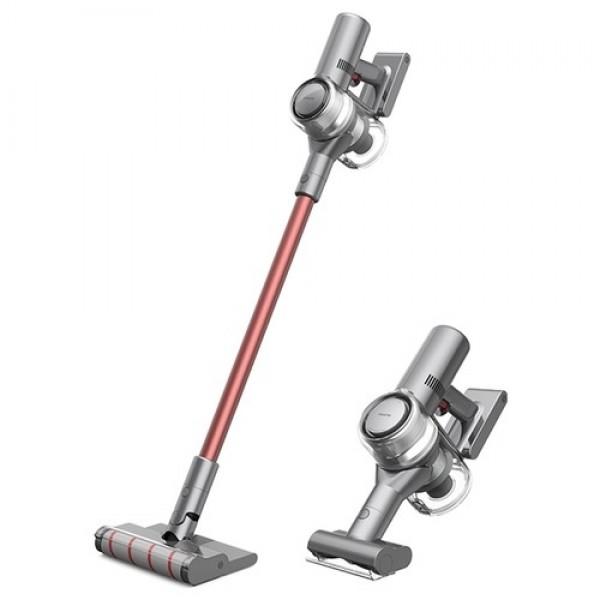
Dreame V11 stick vacuum cleaner

French warehouse
Dreame V11 tyčový vysávač
FR warehouse
513,70 €You save 297,71 €
215,99 €
Without a coupon

Price history

3,82 €cheaper than the average price
Cheapest 215,99 €Most expensive 223,64 €
Buying on AliExpress for the first time? See the guide!
Updated 15. 2. 2023 on 11:08
TIPFast delivery from the French warehouse with no customs duty or VAT.

This product will be delivered to you quickly from a local Spanish warehouse. Shipping from Spain usually takes 7-10 days and is handled by a courier. When it arrives, you don’t pay any extra fees—no customs duty, no VAT.

Track this product’s price

As soon as we post a new coupon, we’ll send you an email. You can unsubscribe from tracking anytime.

Buying on AliExpress for the first time?

This process is done through the AliExpress mobile app, where most people shop. Two things matter: don’t use Buy now and enter the coupon only in the order summary in the Promo code field. After you click Pay now, you can’t add it anymore.

  1. Copy the code and click GET THE DISCOUNTIn our article, copy the coupon and click the button GET THE DISCOUNT. The link will take you directly to the product in the AliExpress app.
  2. Use Add to cart, not Buy nowOn the product card, scroll down and click Add to cart. Don’t use the Buy now button—this skips the cart, so later you won’t have a place to enter the coupon. Before that, make sure the variant is correct: color, version, and whether it ships from an EU warehouse.
  3. Continue to Checkout via the cartA pop-up will appear: Added to cart!—tap Check it out. If it disappeared, open the cart using the icon in the bottom-right corner. In the cart, check the product and quantity, then tap the red Checkout button. Only the items marked with the red circle are included.
  4. Fill in your address and card, then look for Promo codeIn the order summary, first enter the delivery address and payment card at the top. Below that, there’s a line Promo code — expand it with the arrow on the right.
    Riadok Promo code v zhrnutí objednávky v aplikácii AliExpress
    Look for this line under the address and payment method.
  5. Paste the code and confirm ApplyIn the field Promo code paste the copied code and click the black Apply. The code is case-sensitive and must not contain spaces.
    Políčko Promo code s kódom a tlačidlom Apply v aplikácii AliExpress
    Paste the code into the field and confirm by clicking the Apply button.
  6. Check your savings and payIn the section Summary expand the line Saved — you’ll see the applied coupon there as AliExpress coupons/codes. Only when Total is really lower, click Pay now.
    Riadok Saved s uplatneným kupónom a znížený Total v aplikácii AliExpress
    The applied coupon will show up in the Saved line and reduce the Total.
Apply the discount again in the order summary. After you click Pay now, you can’t add a coupon anymore. If Apply shows an error, the code has either expired, doesn’t apply to your item, or your order doesn’t meet the minimum amount.
Store Coupon also belongs in the same field. — a coupon from the seller itself, which isn’t always available and changes day to day. It can’t be combined with an AliExpress coupon, so try both and go with the one that gives you more. Coins are added automatically.


XiaomiPlanet deal

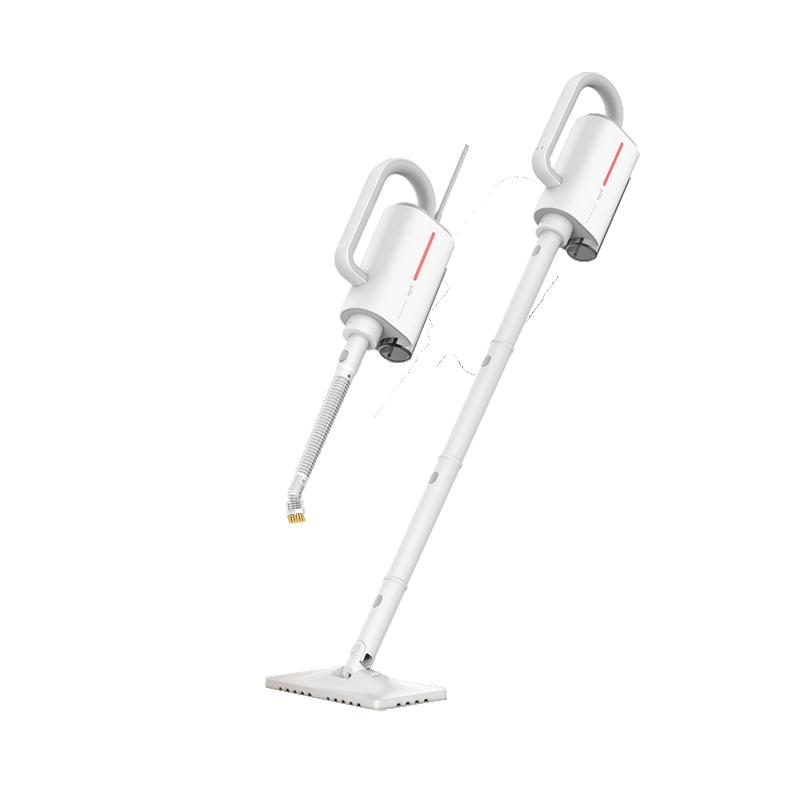
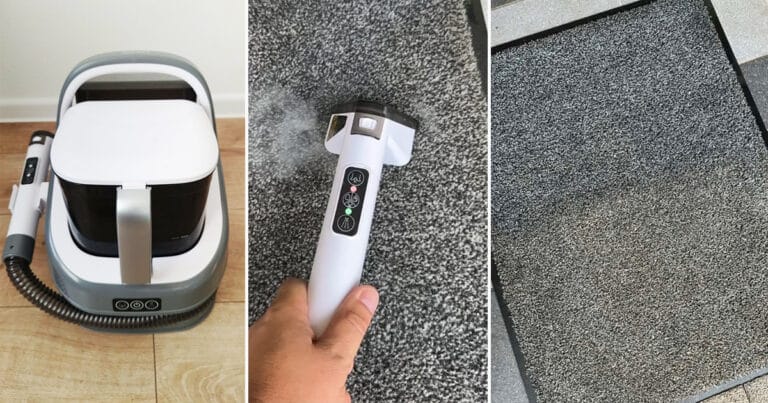
Xiaomi Deerma ZQ610 Steam cleaner

PL warehouse, 2 years warranty
Xiaomi Deerma ZQ610 Parný čistič
PL warehouse
89,00 €You save 40,82 €
48,18 €
Without a coupon

Price history

20,85 €cheaper than the average price
Cheapest 48,18 €Most expensive 79,90 €
Buying on Allegro for the first time? See the guide!
Updated 22. 1. 2026 on 11:46
TIPExpress delivery from a Polish warehouse without customs duty and VAT.

This product will be delivered to you express from a local Polish warehouse. Shipping from Poland usually takes 7-10 days and is handled by a courier. On delivery, you won’t pay any extra fees—no customs duty and no VAT.

Track this product’s price

As soon as we post a new coupon, we’ll send you an email. You can unsubscribe from tracking anytime.

Buying on Allegro for the first time?

Manual coming soon.


XiaomiPlanet deal

Xiaomi Mi TV Speaker Cinema Version 2.1
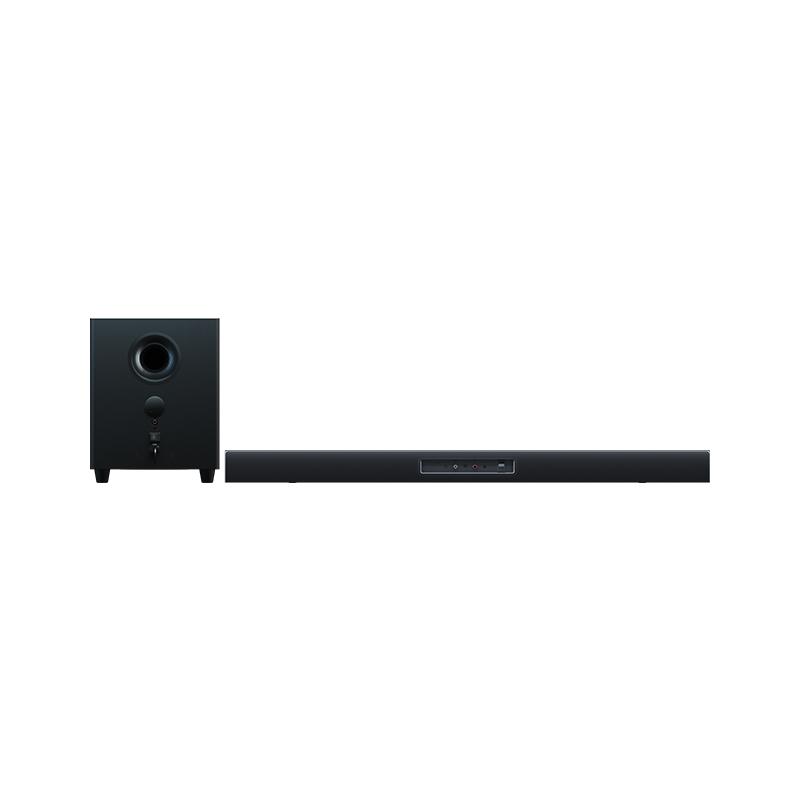
Xiaomi Mi TV Speaker Cinema Version 2.1
CZ warehouse
220,80 €You save 113,26 €
107,54 €
CouponBGCZDXMSU
Shopping on Banggood for the first time? See the guide!
Updated 11. 6. 2021 on 09:26
TIPExpress delivery from the Czech warehouse without customs duty and VAT.

This product will be delivered to you express from the local Czech warehouse. Delivery from the Czech Republic usually takes 7-10 days and is handled by a courier. When it arrives, you don’t pay any extra fees—no customs duty and no VAT.

Track this product’s price

As soon as we post a new coupon, we’ll send you an email. You can unsubscribe from tracking anytime.

Shopping on Banggood for the first time?


XiaomiPlanet deal

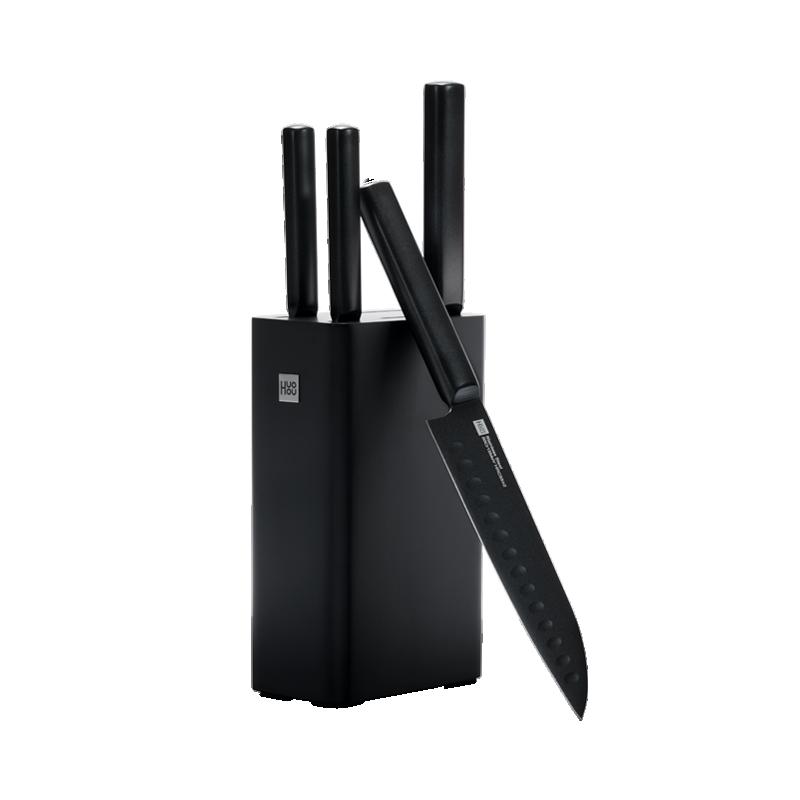
HUOHOU 5-piece kitchen set

EU warehouse, delivery within 7 days
HUOHOU 5-dielna kuchynská sada
EU warehouse
70,75 €You save 27,22 €
43,53 €

Price history

7,35 €cheaper than the average price
Cheapest 43,53 €Most expensive 57,39 €
Buying on AliExpress for the first time? See the guide!
More coupons
70,75 €64,77 €
Without a couponUse
Updated 24. 10. 2026 on 09:11
TIPFast delivery from the Spanish warehouse with no customs duty and VAT.

This product will be delivered to you quickly from a local Spanish warehouse. Shipping from Spain usually takes 7-10 days and is handled by a courier. When it arrives, you don’t pay any extra fees—no customs duty, no VAT.

Track this product’s price

As soon as we post a new coupon, we’ll send you an email. You can unsubscribe from tracking anytime.

Buying on AliExpress for the first time?

This process is done through the AliExpress mobile app, where most people shop. Two things matter: don’t use Buy now and enter the coupon only in the order summary in the Promo code field. After you click Pay now, you can’t add it anymore.

  1. Copy the code and click GET THE DISCOUNTIn our article, copy the coupon and click the button GET THE DISCOUNT. The link will take you directly to the product in the AliExpress app.
  2. Use Add to cart, not Buy nowOn the product card, scroll down and click Add to cart. Don’t use the Buy now button—this skips the cart, so later you won’t have a place to enter the coupon. Before that, make sure the variant is correct: color, version, and whether it ships from an EU warehouse.
  3. Continue to Checkout via the cartA pop-up will appear: Added to cart!—tap Check it out. If it disappeared, open the cart using the icon in the bottom-right corner. In the cart, check the product and quantity, then tap the red Checkout button. Only the items marked with the red circle are included.
  4. Fill in your address and card, then look for Promo codeIn the order summary, first enter the delivery address and payment card at the top. Below that, there’s a line Promo code — expand it with the arrow on the right.
    Riadok Promo code v zhrnutí objednávky v aplikácii AliExpress
    Look for this line under the address and payment method.
  5. Paste the code and confirm ApplyIn the field Promo code paste the copied code and click the black Apply. The code is case-sensitive and must not contain spaces.
    Políčko Promo code s kódom a tlačidlom Apply v aplikácii AliExpress
    Paste the code into the field and confirm by clicking the Apply button.
  6. Check your savings and payIn the section Summary expand the line Saved — you’ll see the applied coupon there as AliExpress coupons/codes. Only when Total is really lower, click Pay now.
    Riadok Saved s uplatneným kupónom a znížený Total v aplikácii AliExpress
    The applied coupon will show up in the Saved line and reduce the Total.
Apply the discount again in the order summary. After you click Pay now, you can’t add a coupon anymore. If Apply shows an error, the code has either expired, doesn’t apply to your item, or your order doesn’t meet the minimum amount.
Store Coupon also belongs in the same field. — a coupon from the seller itself, which isn’t always available and changes day to day. It can’t be combined with an AliExpress coupon, so try both and go with the one that gives you more. Coins are added automatically.


Xiaomi Planet shopping tip: GShopper has now launched direct bank transfer payments, so you can save another 4.5 % off the product price! Compared to card / Google Pay payment, you can get this product much cheaper. We described the full bank transfer payment process in our article.
XiaomiPlanet deal

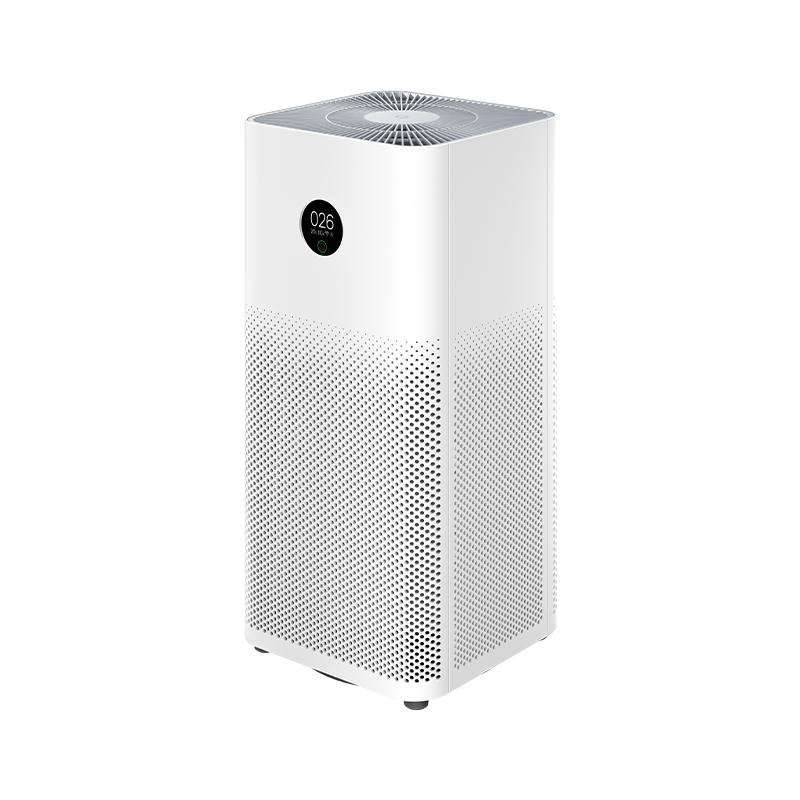
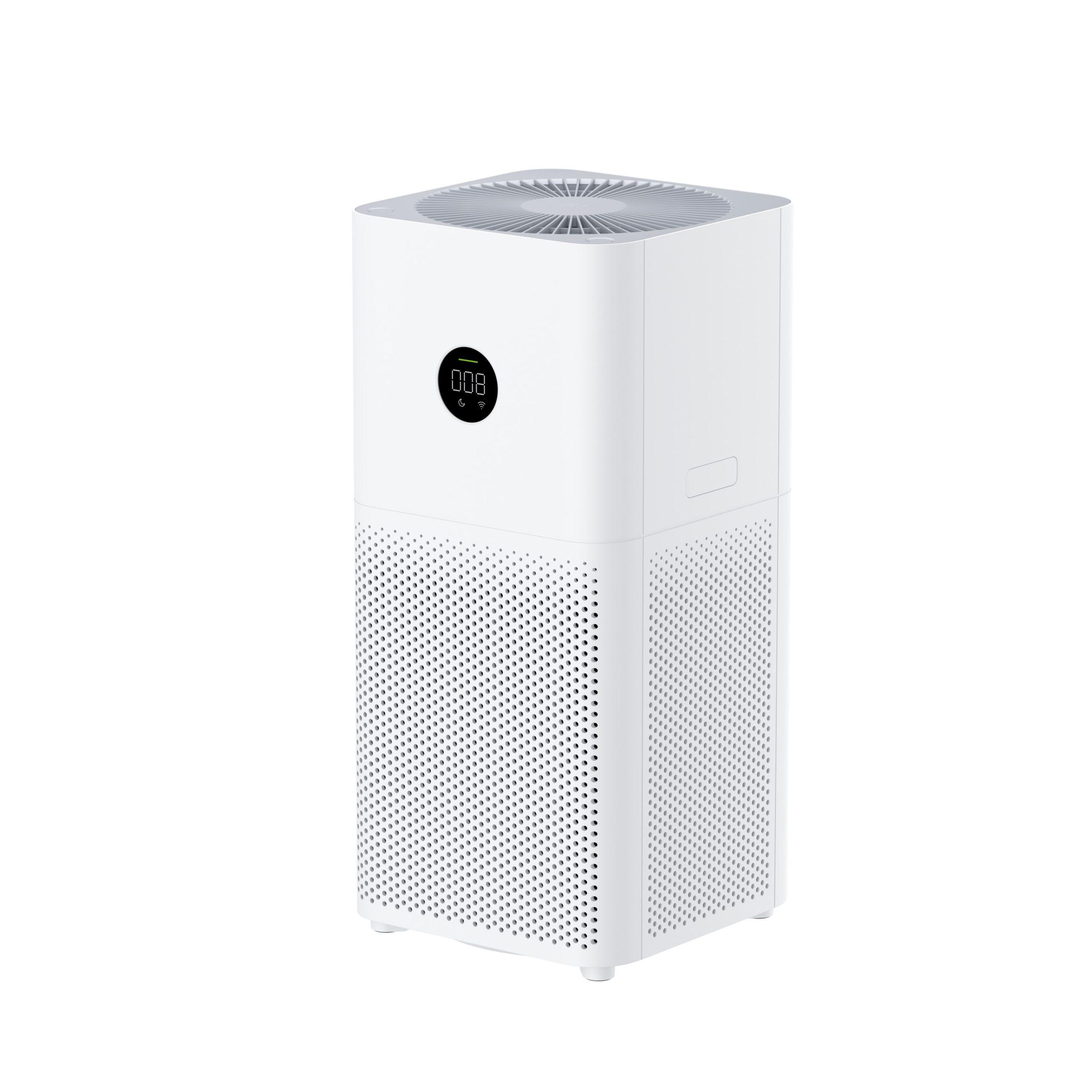
Xiaomi Mi Air Purifier 3H

Spanish warehouse
Xiaomi Mi Air Purifier 3H
EU warehouse
164,00 €You save 54,00 €
110,00 €
Coupon68A5F58E85
Is it your first time shopping on GShopper? See the guide!
Updated 22. 12. 2021 on 10:03
TIPFast delivery from the Spanish warehouse with no customs duty and VAT.

This product will be delivered to you quickly from a local Spanish warehouse. Shipping from Spain usually takes 7-10 days and is handled by a courier. When it arrives, you don’t pay any extra fees—no customs duty, no VAT.

Track this product’s price

As soon as we post a new coupon, we’ll send you an email. You can unsubscribe from tracking anytime.

Is it your first time shopping on GShopper?

GShopper is an international online store with warehouses not only in China, but also directly in the EU. You can complete your order in just a few minutes. Enter your address without diacritics, choose bank transfer as the payment method—it works out cheaper than a card—and enter the discount coupon before you submit your order.

  1. Register or log inOn GShopper, you create an account, or you can log in via Google or Facebook. You can also shop without registering, but with an account you’ll see your order status and it’s easier to handle any possible claim.
  2. Get to the product using our buttonIn our article, click the GET THE DISCOUNT button—this will open exactly the product and the version the coupon applies to. Then on the product page, click Buy Now or Add to Cart.
  3. Fill in the address WITHOUT diacriticsWrite your name, street and city without accents — so Zilina, not Žilina. Foreign carrier systems can’t handle diacritics and the package may get stuck. Check your ZIP code and phone number, including the country code.
  4. Choose shipping and check the warehouseMost products come with free shipping—if Free Shipping is available, choose it. Items shipped from an EU warehouse arrive in 2 to 7 business days and don’t go through customs clearance; dispatch from China or Hong Kong takes 7 to 45 days depending on the shipping method you choose. Continue with the Next button.
  5. For payment, choose bank transfer and saveIn checkout, you pick from the available options Bank Transfer, Credit Card and PayPal. Choose bank transfer—GShopper gives you an additional discount that, depending on the product, is 3 to 4,5 % compared to card payment. In the order summary, you’ll see it as a separate line.GShopper will then show you the bank account number and the amount in the line Amount to Transfer and a reference that you need to include in the note for the recipient. You make the transfer in your bank; the account is held in EUR within the EU—so it’s a standard SEPA transfer.
    Súhrn objednávky na Gshopperi so zľavou za bankový prevod
    The discount for bank transfer will appear as a separate line in the order summary.
  6. Enter the coupon and submit your orderPut the coupon into the field Discount Code and confirm with the button Apply. Only one coupon can be applied at a time. The price in the summary must be recalculated right away—if it didn’t change, the coupon wasn’t applied. Then submit your order by clicking Place Order.After payment, you’ll receive a confirmation email and you can also find your order in your account under the section My Orders.
    Políčko Discount Code v pokladni Gshopper s tlačidlom Apply
    You’ll find the coupon box at checkout under the payment method selection.
Enter the coupon before you click on Place Order. A discount won’t be added automatically to the completed order. If you forget the promo code, you’ll have to write via [email protected] — they may not have to comply.
You can change or cancel your order within 12 hours e-mail to [email protected]. Warranty varies by category: Xiaomi phones, Redmi and POCO have 24 months, tablets and e-scooters 12 months, earbuds, smartwatches and other Xiaomi products 6 months.
Our extra service with VIP support — we’ll handle the order on Gshopper for you and ship it straight to your address.

If you don’t have experience buying on Gshopper, payments don’t go through, or coupon use doesn’t work for you, we offer an order handling service directly to your address for our readers and customers. You transfer the money to our account and we place the order directly to your address. This way, you won’t have to worry about a failed payment or applying the coupon, and you can be sure the entire order will go through correctly 100 %. In addition, you automatically get our VIP support — if any issues arise with the shipment, we handle them for you and assist with filing a claim. The fee for this service is €15 extra of the product price. You can contact us by email at info(@)xiaomiplanet.sk or on Messenger, where we’re constantly active.


XiaomiPlanet deal

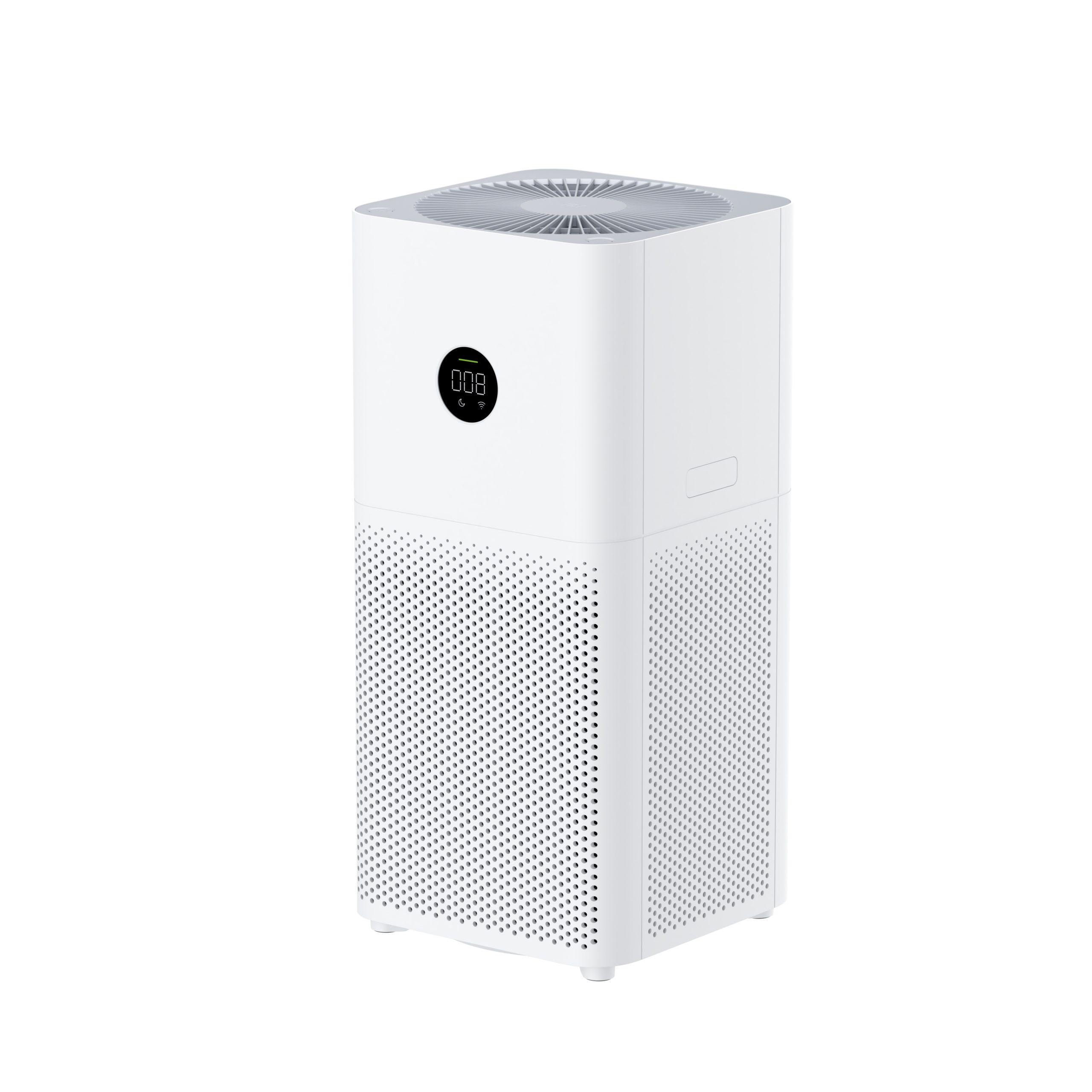
Xiaomi Mi Air Purifier 3C

Xiaomi Mi Air Purifier 3C
129,00 €You save 50,00 €
79,00 €
Coupon9742C7630E
Is it your first time shopping on GShopper? See the guide!
Updated 1. 12. 2021 on 10:54
TIPExpress delivery from the German warehouse with no customs duty and no VAT.

This product will be delivered to you express from a local German warehouse. Delivery from Germany usually takes 7-10 days, and it’s brought by courier. When it arrives, you don’t pay any extra fees—no customs duty or VAT.
Track this product’s price

As soon as we post a new coupon, we’ll send you an email. You can unsubscribe from tracking anytime.

Is it your first time shopping on GShopper?

GShopper is an international online store with warehouses not only in China, but also directly in the EU. You can complete your order in just a few minutes. Enter your address without diacritics, choose bank transfer as the payment method—it works out cheaper than a card—and enter the discount coupon before you submit your order.

  1. Register or log inOn GShopper, you create an account, or you can log in via Google or Facebook. You can also shop without registering, but with an account you’ll see your order status and it’s easier to handle any possible claim.
  2. Get to the product using our buttonIn our article, click the GET THE DISCOUNT button—this will open exactly the product and the version the coupon applies to. Then on the product page, click Buy Now or Add to Cart.
  3. Fill in the address WITHOUT diacriticsWrite your name, street and city without accents — so Zilina, not Žilina. Foreign carrier systems can’t handle diacritics and the package may get stuck. Check your ZIP code and phone number, including the country code.
  4. Choose shipping and check the warehouseMost products come with free shipping—if Free Shipping is available, choose it. Items shipped from an EU warehouse arrive in 2 to 7 business days and don’t go through customs clearance; dispatch from China or Hong Kong takes 7 to 45 days depending on the shipping method you choose. Continue with the Next button.
  5. For payment, choose bank transfer and saveIn checkout, you pick from the available options Bank Transfer, Credit Card and PayPal. Choose bank transfer—GShopper gives you an additional discount that, depending on the product, is 3 to 4,5 % compared to card payment. In the order summary, you’ll see it as a separate line.GShopper will then show you the bank account number and the amount in the line Amount to Transfer and a reference that you need to include in the note for the recipient. You make the transfer in your bank; the account is held in EUR within the EU—so it’s a standard SEPA transfer.
    Súhrn objednávky na Gshopperi so zľavou za bankový prevod
    The discount for bank transfer will appear as a separate line in the order summary.
  6. Enter the coupon and submit your orderPut the coupon into the field Discount Code and confirm with the button Apply. Only one coupon can be applied at a time. The price in the summary must be recalculated right away—if it didn’t change, the coupon wasn’t applied. Then submit your order by clicking Place Order.After payment, you’ll receive a confirmation email and you can also find your order in your account under the section My Orders.
    Políčko Discount Code v pokladni Gshopper s tlačidlom Apply
    You’ll find the coupon box at checkout under the payment method selection.
Enter the coupon before you click on Place Order. A discount won’t be added automatically to the completed order. If you forget the promo code, you’ll have to write via [email protected] — they may not have to comply.
You can change or cancel your order within 12 hours e-mail to [email protected]. Warranty varies by category: Xiaomi phones, Redmi and POCO have 24 months, tablets and e-scooters 12 months, earbuds, smartwatches and other Xiaomi products 6 months.


XiaomiPlanet deal

Redmi Note 8 Pro Global

German warehouse, 6 + 128 GB, refurbished
Redmi Note 8 Pro Global
DE warehouse
279,00 €You save 150,00 €
129,00 €
Without a coupon
This is what you need to know before purchasing. See the guide!
Updated 9. 6. 2022 on 15:40
TIPExpress delivery from the German warehouse with no customs duty and no VAT.

This product will be delivered to you express from a local German warehouse. Delivery from Germany usually takes 7-10 days, and it’s brought by courier. When it arrives, you don’t pay any extra fees—no customs duty or VAT.

Track this product’s price

As soon as we post a new coupon, we’ll send you an email. You can unsubscribe from tracking anytime.

This is what you need to know before purchasing.

Even before you buy, we’ll just point out that we link to the German version of the Edwaybuy website. This is so that payment goes through in euros—because through the English version you can only buy in dollars, and given the exchange rate, the prices aren’t as advantageous.

If you don’t know German, just like us, you can use Google Translate to translate the website.
  1. First, register your account using this link. If you already have an account, you just need to sign in.
  2. Add the product to your cart using the “IN DEN WARENKORB” button (add to cart).
  3. In the cart under the RABATTCODES section, you can apply a discount coupon:
  4. Then click the “zur Kasse gehen” button, which means Proceed to checkout. You’ll be redirected to a page where you enter your address (without diacritics) and choose a payment method. Available is only PayPal payment. In this step, just to be safe, you can re-enter the coupon (if you didn’t enter it earlier) and you’ll also see the shipping total.
  5. Confirm your order with the “Place Order Now” button.


Important: Orders from Banggood and Geekbuying come with our VIP support, which you get after downloading our extension for the Chrome browser on desktop only.
XiaomiPlanet deal

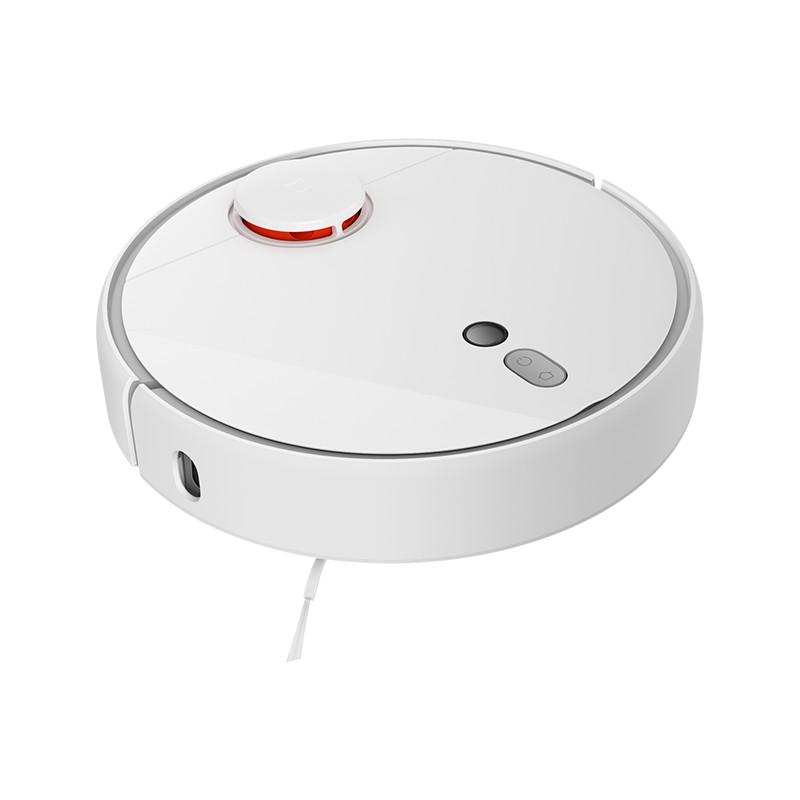
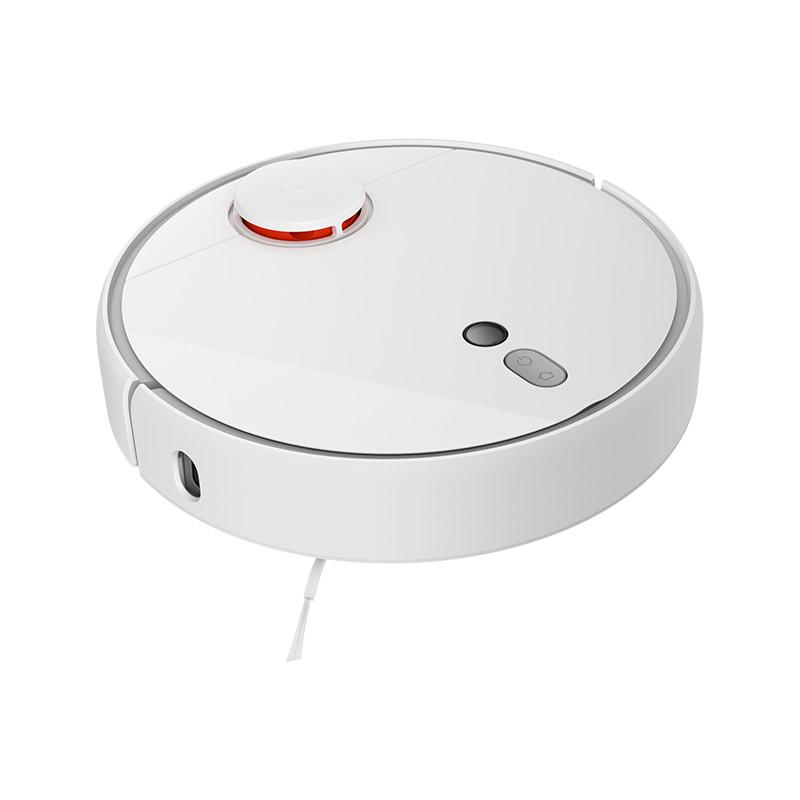
Xiaomi Mi Robot Vacuum 1S

Xiaomi Mi Robot Vacuum 1S
298,73 €You save 111,09 €
187,64 €
CouponBGCZRXMS
Shopping on Banggood for the first time? See the guide!
Updated 22. 9. 2021 on 12:58
TIPExpress delivery from the Czech warehouse without customs duty and VAT.

This product will be delivered to you express from the local Czech warehouse. Delivery from the Czech Republic usually takes 7-10 days and is handled by a courier. When it arrives, you don’t pay any extra fees—no customs duty and no VAT.

Track this product’s price

As soon as we post a new coupon, we’ll send you an email. You can unsubscribe from tracking anytime.

Shopping on Banggood for the first time?


XiaomiPlanet deal

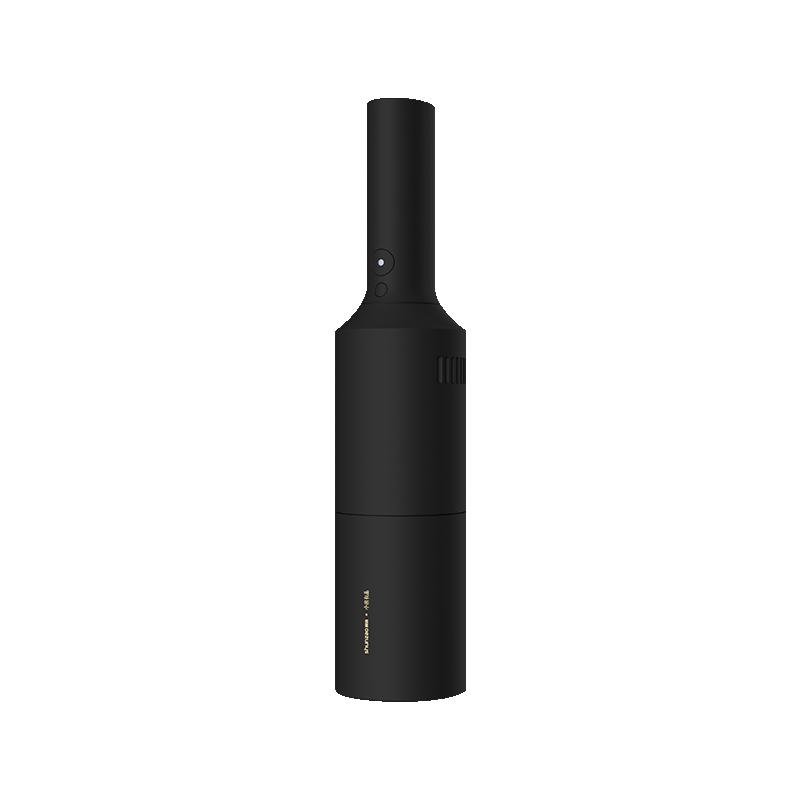
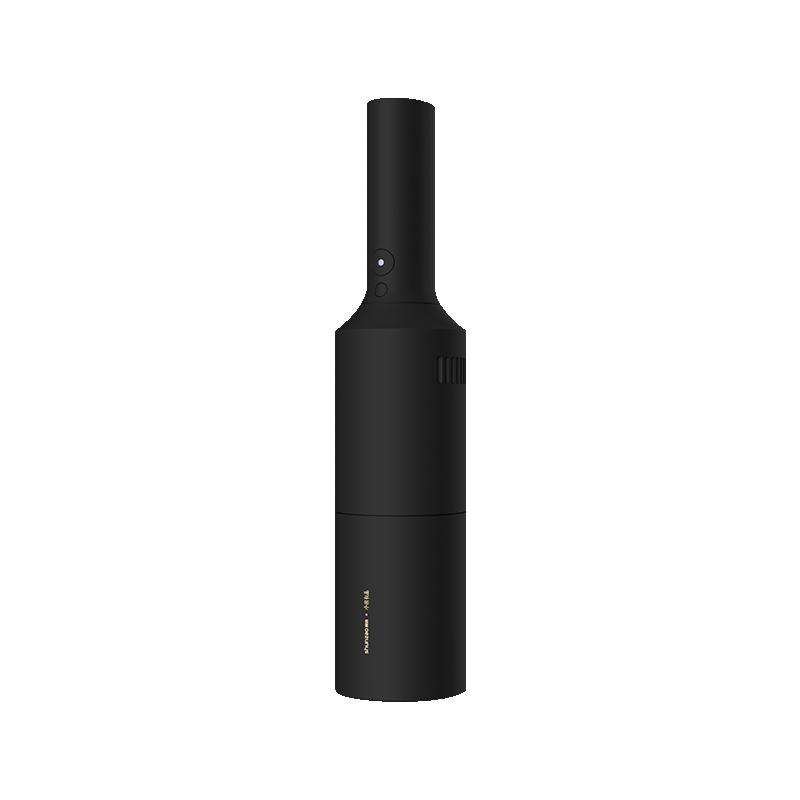
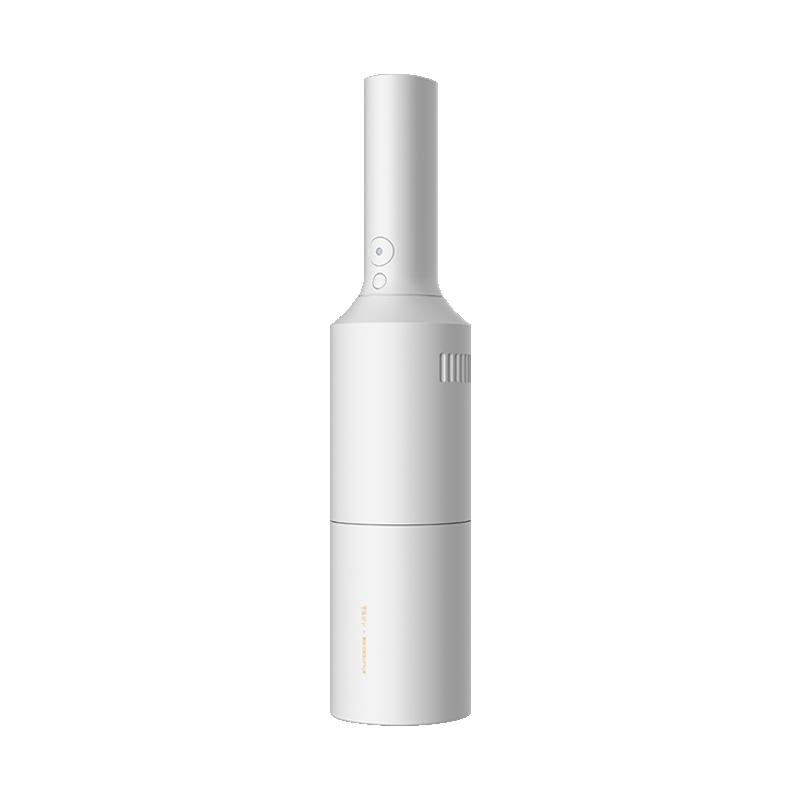
Shunzao Z1 handheld vacuum cleaner

Shunzao Z1 ručný vysávač
65,71 €You save 25,72 €
39,99 €
CouponNNNSMALLM

Price history

17,03 €cheaper than the average price
Cheapest 39,99 €Most expensive 65,71 €
Buying on Geekbuying for the first time? See the guide!
More coupons
65,71 €45,99 €
NNNMSURGZ1
Use
Updated 7. 3. 2024 on 11:07
TIPExpress delivery from a European warehouse—no customs duty and VAT.

This product will be delivered to you via express shipment from a local warehouse in Europe. Delivery from EU warehouses usually takes from 2-10 days and is handled by a courier. When it arrives, you won’t pay any additional fees—no customs duty and no VAT.
Track this product’s price

As soon as we post a new coupon, we’ll send you an email. You can unsubscribe from tracking anytime.

Buying on Geekbuying for the first time?


Platba cez DHgate: The platform has finally launched safe and reliable Google Pay payments! So now you don’t need to use Revolut / Wise cards for payment, and you can pay directly in EUR. We’d also like to remind you that orders from DHgate come with our VIP support, which you get after downloading our extension for the Chrome browser on desktop only (when shopping on a smartphone, you can use the DHgate app).
XiaomiPlanet deal

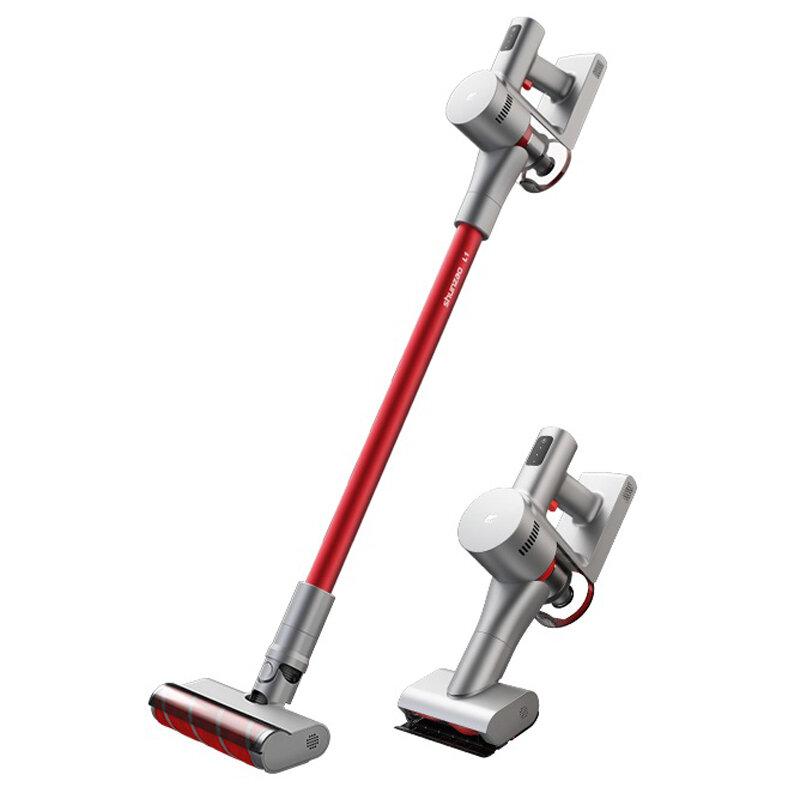
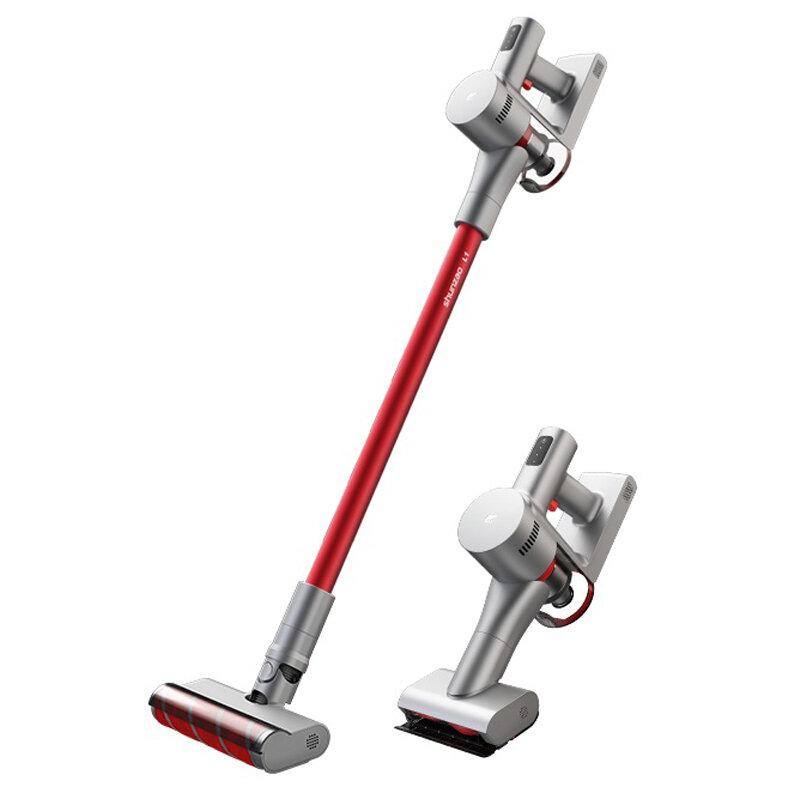
Shunzao L1 stick vacuum cleaner

Shunzao L1 Tyčový vysávač
153,46 €You save 77,84 €
75,62 €
CouponKSHDGE8
Are you shopping on DHGate for the first time? See the guide!
Updated 2. 12. 2021 on 14:14
TIPExpress delivery from a Polish warehouse without customs duty and VAT.

This product will be delivered to you express from a local Polish warehouse. Shipping from Poland usually takes 7-10 days and is handled by a courier. On delivery, you won’t pay any extra fees—no customs duty and no VAT.
Track this product’s price

As soon as we post a new coupon, we’ll send you an email. You can unsubscribe from tracking anytime.

Are you shopping on DHGate for the first time?

The process is in the DHgate mobile app. The Buy Now button takes you straight from the product page to checkout, and the coupon box is all the way at the very end of the page—which is why most people miss it and pay the full price.

  1. Sign in and click Get the DiscountOn DHgate, create an account or log in—it also works via Google or Facebook. Then copy the coupon from our article and click the GET THE DISCOUNT button—it will open the exact product the code applies to.
  2. On the product page, click Buy NowDHgate redirects you from the product straight to checkout Place Order, and the cart is skipped. So before you click, check the variant—color, memory, and version.
  3. Fill in the address without diacritics and choose paymentAt the top of checkout, enter the delivery address—write your name, street, and city without accents and diacritics, otherwise the shipment may get stuck with the carrier. Then tap Select Payment Method. Also note the Ship from info—items shipped from the EU warehouse usually take days, and they don’t go through customs clearance.
  4. Scroll all the way down to the Coupon code lineThe coupon box is at the very end of the page, below the offer Buy It Together. Look for the line Coupon code with the text Enter code here and tap it.
    Riadok Coupon code s textom Enter code here v pokladni aplikácie DHgate
    You’ll find the Coupon code line only below the summary, above Order Total.
  5. Paste the code and confirm ApplyA window will open Use Promo Code. Paste the copied code into it and tap the yellow Apply. Enter the code exactly, including uppercase letters and without spaces.
    Okno Use Promo Code so zadaným kupónom a tlačidlom Apply v aplikácii DHgate
    Paste the code into the Use Promo Code window and confirm with the Apply button.
  6. Check the discount and payYou’ll see the applied coupon in the Saved line — when you open it, it will show as DH Coupon. Only when Order Total really lower, tap Confirm to pay.
    Rozbalený riadok Saved s položkou DH Coupon v pokladni DHgate
    After opening the Saved line, you can see the applied coupon as DH Coupon.
You only have about half an hour to pay. There’s a countdown on the Confirm to pay button — when it runs out, the order is canceled and you have to create it again. So enter the coupon before you start paying.
DHgate sometimes adds a discount automatically. The Saved line may already be filled in before you enter any code. After pressing Apply, compare the Order Total — if it didn’t go down, the code either wasn’t applied or it’s weaker than the discount DHgate gave you automatically.
Our extra service with VIP support — we’ll handle the order on DHgate for you and ship it straight to your address.

If you don’t have experience buying on DHgate, your payment won’t go through, or the coupon doesn’t work, we offer our readers and customers an order-handling service delivered directly to your address. You send us the money by bank transfer and we order the product straight to you. That way, you don’t have to worry about a failed payment or applying the coupon, and you can be sure the whole order goes through 100 % correctly. On top of that, you automatically get our VIP support — we handle any shipping issues for you and assist with warranty claims. The fee for this service is 15 € for the product price. You can contact us by email at info(@)xiaomiplanet.sk or on Messenger, where we’re active all the time.


XiaomiPlanet deal

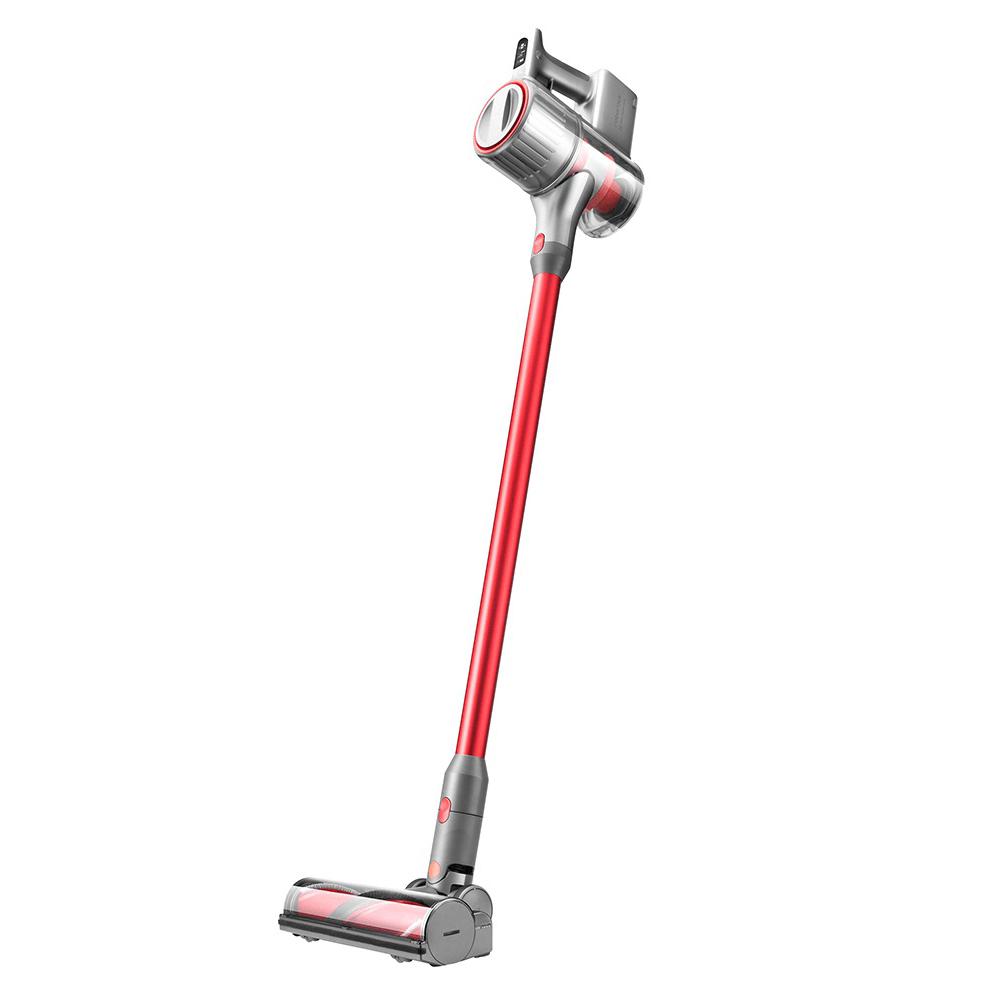
Roborock H6 stick vacuum cleaner

Czech warehouse, Banggood
Roborock H6 tyčový vysávač
CZ warehouse
394,24 €You save 175,57 €
218,67 €
CouponBGHCNY05

Price history

14,97 €cheaper than the average price
Cheapest 213,96 €Most expensive 268,30 €
Shopping on Banggood for the first time? See the guide!
Updated 28. 2. 2023 on 10:36
TIPExpress delivery from the Czech warehouse without customs duty and VAT.

This product will be delivered to you express from the local Czech warehouse. Delivery from the Czech Republic usually takes 7-10 days and is handled by a courier. When it arrives, you don’t pay any extra fees—no customs duty and no VAT.
Track this product’s price

As soon as we post a new coupon, we’ll send you an email. You can unsubscribe from tracking anytime.

Shopping on Banggood for the first time?


XiaomiPlanet deal

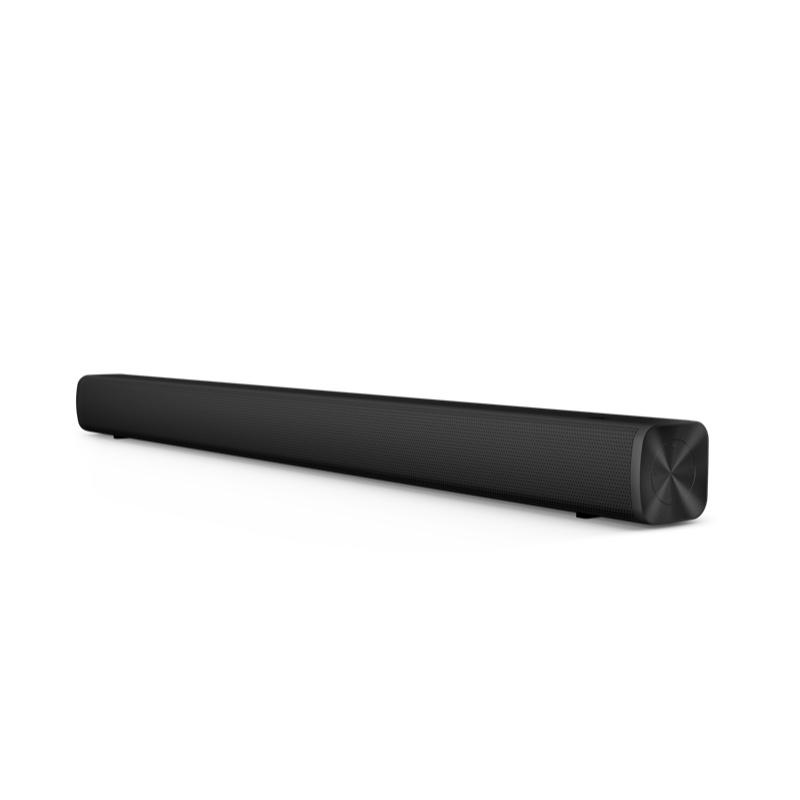
Redmi TV Soundbar

German warehouse
Redmi TV Soundbar
DE warehouse
47,19 €You save 0,35 €
46,84 €
Without a coupon

Price history

2,86 €more expensive than the average price
Cheapest 39,98 €Most expensive 47,19 €
Shopping on Cafago for the first time? See the guide!
Updated 15. 4. 2025 on 08:27
TIPExpress delivery from the German warehouse with no customs duty and no VAT.

This product will be delivered to you express from a local German warehouse. Delivery from Germany usually takes 7-10 days, and it’s brought by courier. When it arrives, you don’t pay any extra fees—no customs duty or VAT.

Track this product’s price

As soon as we post a new coupon, we’ll send you an email. You can unsubscribe from tracking anytime.

Shopping on Cafago for the first time?

  1. First, register or log in on the site via this link -> https://my.cafago.com/en/member/login
  2. Click the orange "GET THE DISCOUNT" button in our article.
  3. You will be redirected to the product, where you click the Buy Now button.
  4. The shopping cart will open, where you need to enter the address WITHOUT DIACRITICS. You can also enter the discount coupon here:
  5. Then just choose a payment method and pay via PayPal or by credit card.

More coupons are coming our way in the following days. We’ll send them to you also by email — subscribe! 👇

Add us as your preferred source on Google

Don’t miss the best coupons 📩

Subscribe and we’ll email you new coupons before they expire. We only send it once a month — no spam.

Ad Engerio