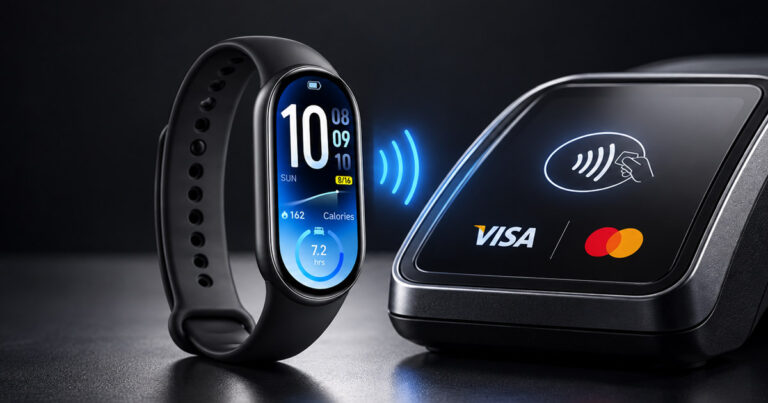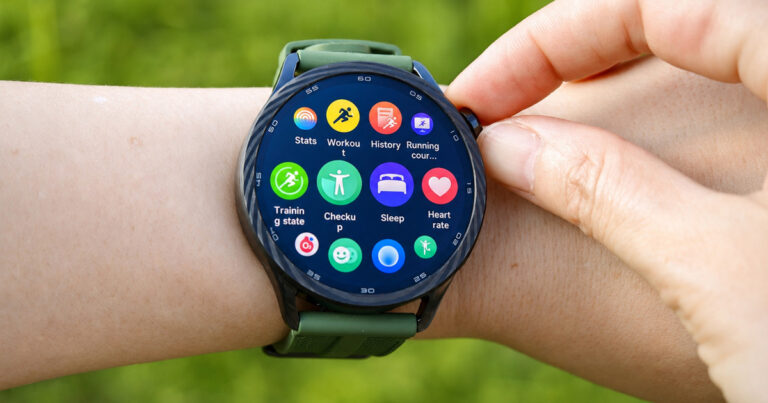

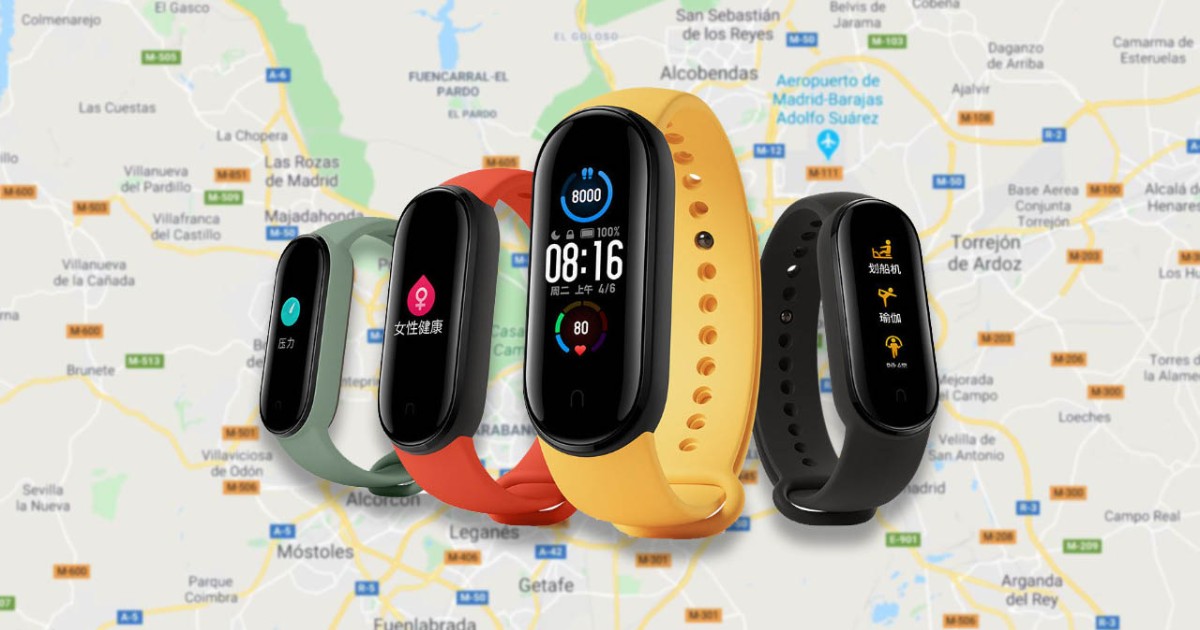
Fitness watch add-ons are quite popular, including those made by third parties. This handy Play Store app brings Google Maps to your Xiaomi Mi Smart Band 5.
Google Maps on the Mi Smart Band 5
The popular fitness watch Xiaomi Mi Smart Band 5 is getting a new add-on from third-party creators. These add-ons can significantly affect how you use your fitness watch, bringing real added and practical value—even at its low price.

A great example is the Mi Band Maps app, which is already available to download in the official Play Store. As its name suggests, it lets you pair your Mi Band fitness watch with the popular and well-known service Google Maps. Thanks to this app, it can display the route from the maps directly on your fitness watch’s screen.
Paid mobile app
This is a paid app that you need to purchase. The app fee for Mi Band Maps is specifically 0,99 € in our Slovak Play Store. That definitely isn’t a high price considering the practical functionality the app offers.
The mobile app itself acts as a link between the Google Maps and Mi Fit apps. To display information, route notifications from the maps will appear directly on your watch screen as notifications. We tried installing the app on our device too, and everything worked without any problems—the process is really standard.
To ensure the mobile app works properly, you need to have active and allowed notifications for both apps — Google Maps and Mi Fit. That should be enough for the Mi Band Maps app to send all details to your new Mi Smart Band 5.
If we were to simply summarize this app, even though it’s a paid title, it offers a really practical add-on for a fitness watch that’s used by a large number of people—including us in the editorial team. Another nice bonus is compatibility with wristbands from previous generations labeled Xiaomi Mi Band 3 and Mi Band 4.
Don’t miss the best coupons 📩
Subscribe and we’ll email you new coupons before they expire. We only send it once a month — no spam.