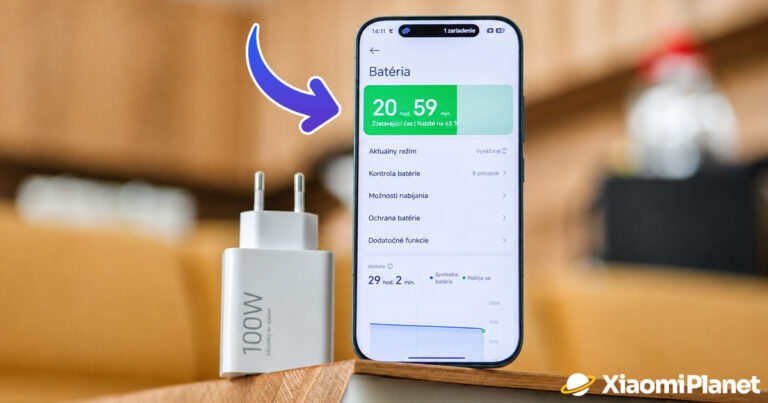



Do you want to find out what the current battery lifespan is on your Xiaomi device? Then be sure to read our guide. You only need a few simple steps.
Xiaomi Tips and tricks in our FB group too
We’ve also published a guide for advanced users on our site, including downloading the required drivers. You can find it at the following link.
These factors affect battery capacity
A natural part of long-term smartphone use is the decline in battery capacity. It decreases over time, after a certain number of charging cycles, and charging speed also has some impact on it. Do you want to find out how much the battery capacity of your Xiaomi, Redmi or POCO device drops and when the capacity falls by 20% or 30%? You’ll learn all that in this article.

The process of charging and discharging a battery is called a battery cycle. The good news is that today’s smartphones respond to these cycles more intelligently and flexibly.
These cycles are no longer measured by a simple number of charges, but by an algorithm that includes several variables. One example is usage intensity. The bad news is that the degradation of capacity itself can’t be avoided, but it can be minimized.
But back to the original dilemma of this article. Why does battery capacity decrease? The real reason lies in chemistry – batteries oxidize. In short, this happens because individual components lose their original properties and therefore can no longer fulfill their original role.
In this “dance of ions” moving inside the battery from the anode to the cathode, not all particles work at the same efficiency. Some turn into lithium oxide and others into lithium carbonate, which creates a kind of barrier that slightly limits the charging space.
Imagine it, by way of comparison, as moss stuck to a building wall or as an iceberg stuck to a ship’s hull. This fact gets worse over time.
How can battery degradation be prevented?
If you want to maximize your device’s battery capacity, you can try a few proven tricks. One of them is, if you don’t absolutely need it, charging the battery with an older and slower “5 W” charger. Ideally, you should use the official charger, which won’t expose the smartphone to excessive temperatures. Just as important is keeping the USB port undamaged.

If you want to go even further, charge your smartphone only to between 80 – 90 % and then unplug the device from the charger. As a helper, you can for example set an alarm on your smartphone (with the label “Disconnect smartphone”), which will alert you when the charge level is rising.
One solution is also regularly updating your smartphone to the latest ROM version in the stable release. It is optimized and treats the battery very gently. If you like to experiment, use “root” access on the device and run “beta” software versions, you may put excessive strain on your battery.
This is how you check the charging cycle status
Some manufacturers build the function for displaying cycles or battery health directly into their device software. If you want to find out these stats on your Xiaomi, Redmi or POCO device too, we recommend using one of the third-party apps, such as AccuBattery, Kaspersky Battery Life or Ampere.


For testing purposes, we chose the AccuBattery app, which offers you detailed usage statistics. Right at the start, the app will offer you battery calibration, thanks to which it finds the current battery status compared with the original state of the new device.


In the app, you’ll find various tips on how to improve battery longevity—such as charging within a certain percentage range, along with setting up a notification. The app measures the “battery health status” in numeric values from zero to one hundred, and with every charge it reveals the degradation percentage that this battery has suffered.


A big advantage is the comprehensive overview within the offer “Detailed log”. You can find this option in the following steps:
- In the app’s main menu, click on “three dots” and then, in that menu, on “Settings”
- Scroll down to the “Performance” option and check the “Detailed log” feature—it’s disabled by default
- After a few days of use, you’ll get the completed cycles and an overall overview of battery life
How do you like our editorial guides? Would you like to read more articles like this? Feel free to share your thoughts and opinions with us below in the discussion under the article. Also, follow our Facebook group: Xiaomi Planet – A place for true Xiaomi fans and also check out our Xiaomi Planet portal to learn more.
Don’t miss the best coupons 📩
Subscribe and we’ll email you new coupons before they expire. We only send it once a month — no spam.