We update this article regularly. Last updated: September 2026.
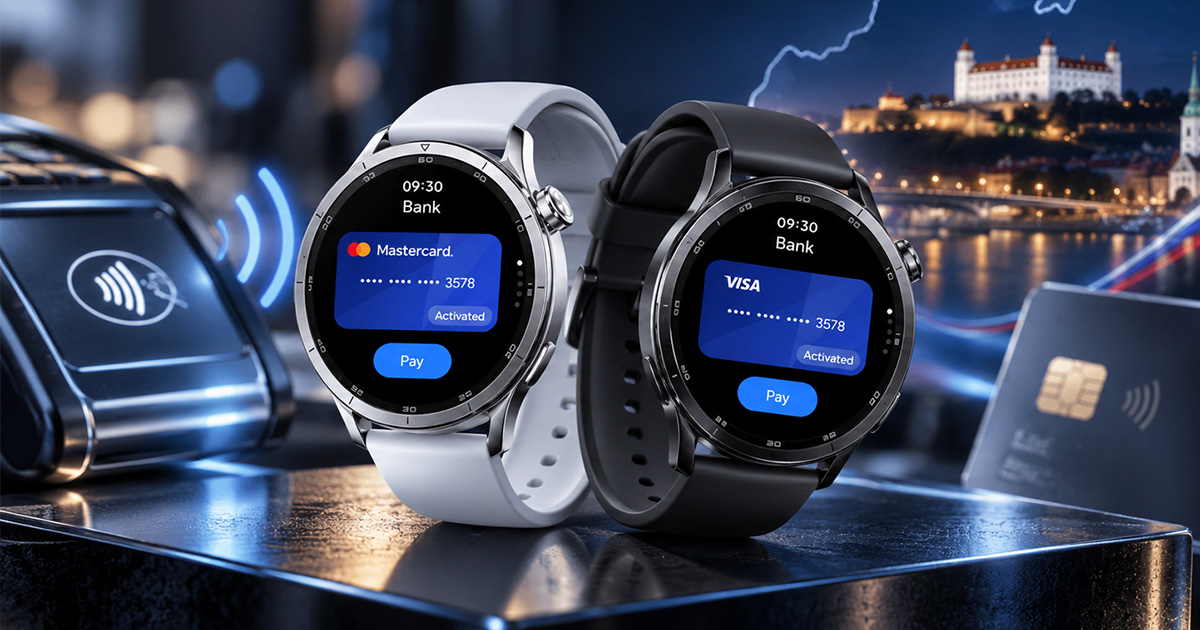
Xiaomi Pay in Slovakia supports 8 card issuers: VÚB, Slovenská sporiteľňa, mBank, 365.bank, Prima banka, PPF banka, Payoneer and Curve. We checked the list 30. September 2026 on Xiaomi's official website. It applies equally to Watch S5, older Watch S4 and S3, Redmi Watch 6 NFC and Smart Band 10 Pro NFC.
Tatra banka and ČSOB Slovakia are not included. On top of that, the watches don’t support Google Wallet, so the card from your phone won’t transfer to your wrist automatically.
Which banks support Xiaomi Pay in Slovakia
Xiaomi maintains the list of banks on the official Xiaomi Pay page, where you can filter by model and country. As of 30. 9. 2026, for Slovakia there are 7 Mastercard card issuers and 3 Visa card issuers:
| - | Mastercard | Visa |
|---|---|---|
| General Credit Bank (VÚB) | yes | yes |
| mBank | yes | yes |
| Slovak Savings Bank | no | yes |
| 365.bank | yes | no |
| Prima banka | yes | no |
| PPF banka | yes | no |
| Payoneer Europe | yes | no |
| Curve (virtual card) | yes | no |
If you have a Visa card, you can choose from just three banks: VÚB, mBank and Slovenská sporiteľňa. For Mastercard cards, the selection is broader. The same banks are also listed in the Watch S5 review on TOUCHIT.sk, where they also tested payments on the watch.
Tatra banka, ČSOB and other banks outside the list
You can’t add a card from Tatra banka, ČSOB Slovakia or UniCredit Bank directly to Xiaomi Pay. They are not in Xiaomi’s official list for Slovakia. The workaround is the Curve virtual card, which we describe below.
A possible exception is Home Credit. In April 2024, it announced that its cards work in Xiaomi Pay as well as Garmin Pay. However, it’s not in Xiaomi’s list for Watch S5, so for new watches, verify this directly with your bank.
Why doesn’t Google Wallet work on Watch S5?
Watch S5 runs on Xiaomi’s own system, not Wear OS. It has an NFC chip, but you can use it exclusively via Xiaomi Pay in the Mi Fitness app. That’s why you need to add the card again, even if you’ve been using it on your phone with Google Pay for a long time.
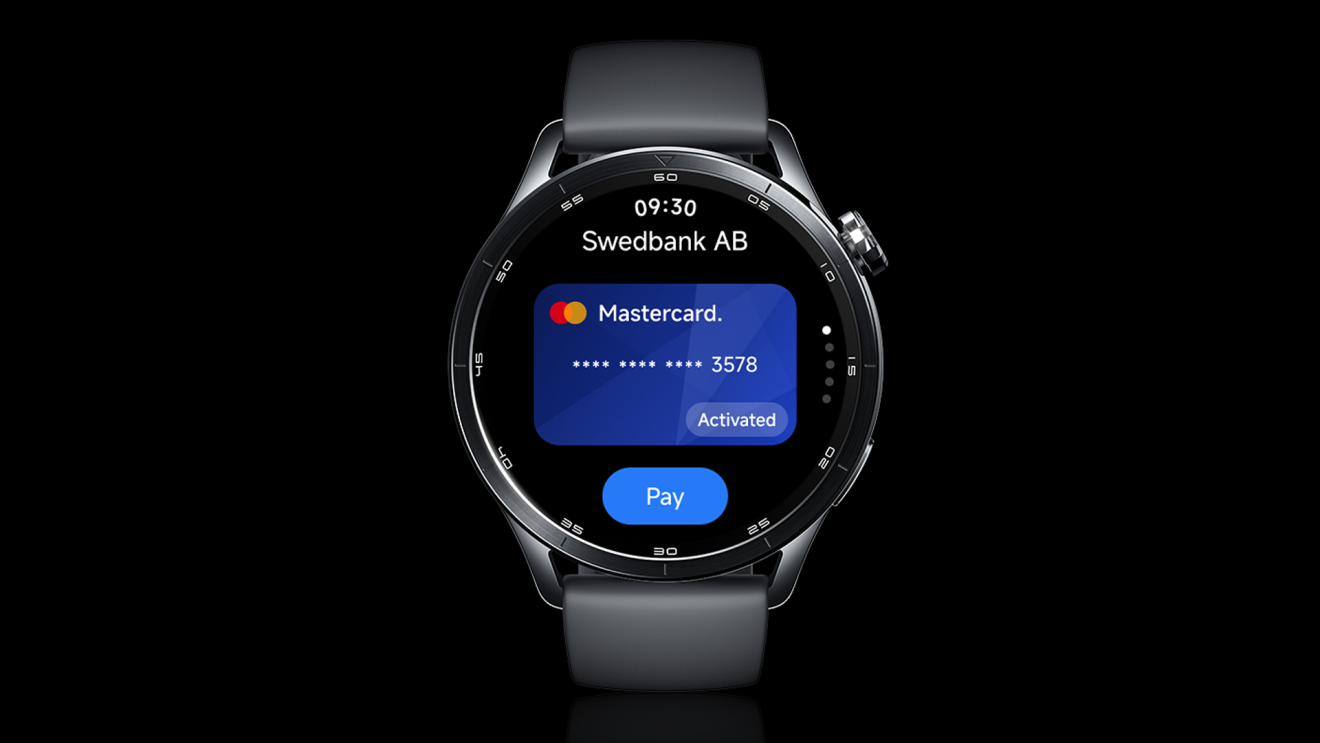
Notebookcheck, in the article about Watch S5 watch payments, named NFC equipment as the main drawback. If you want Xiaomi payments on your wrist via Google Wallet, go for a model with Wear OS—e.g. the Xiaomi Watch 5. With it, you get the usual list of supported banks for Google Pay.
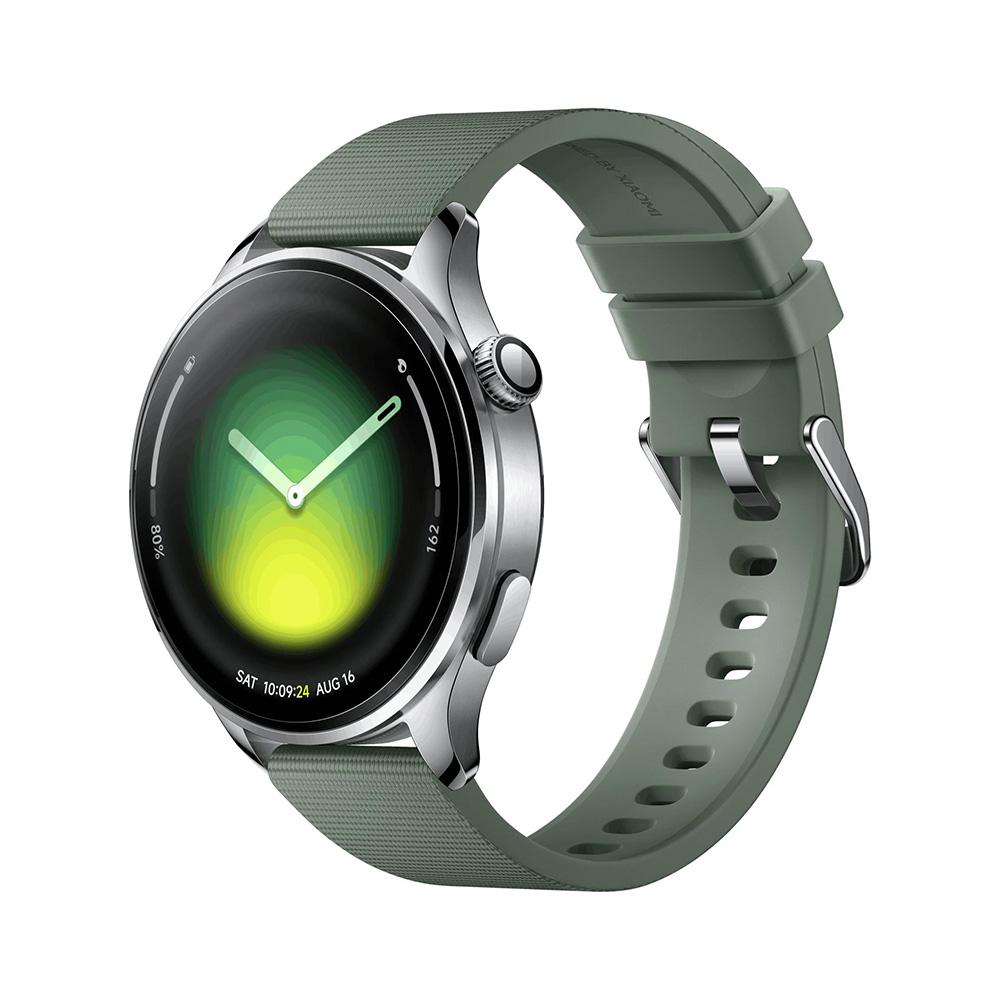
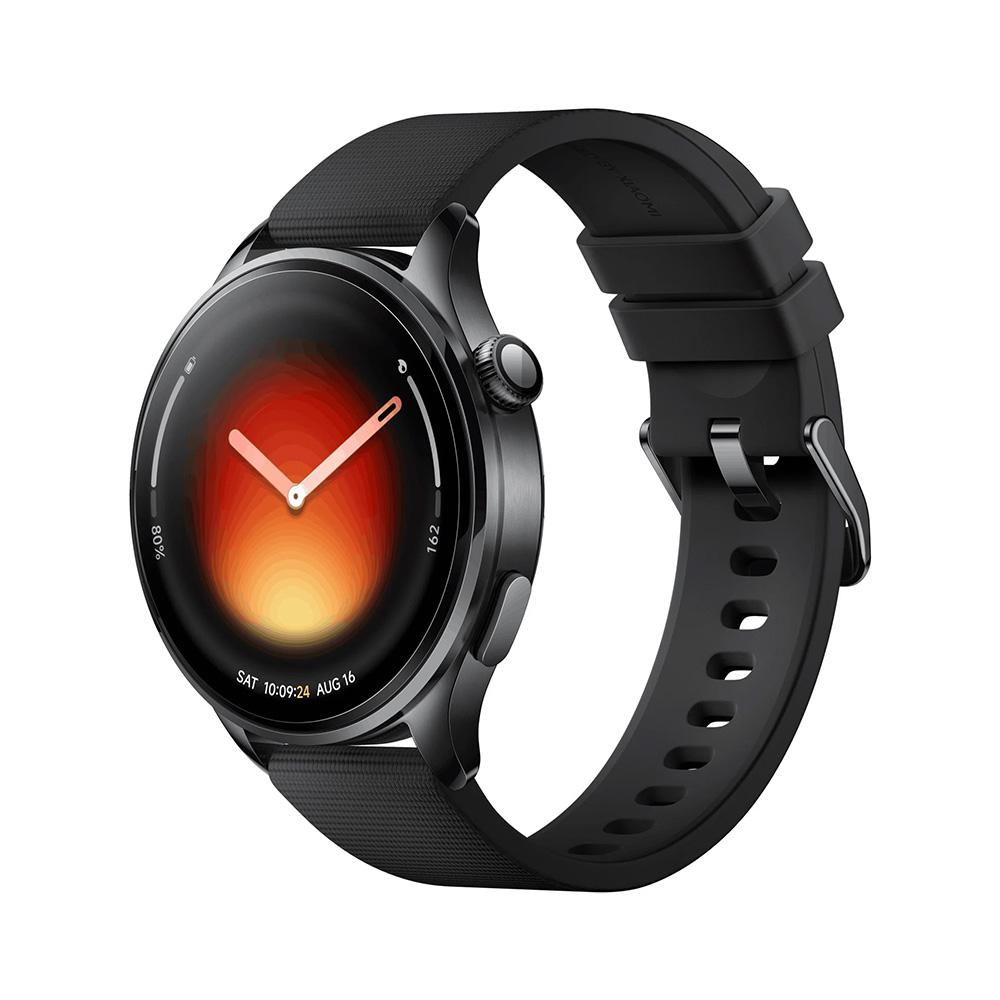
Xiaomi Watch 5 Global

TIPExpress delivery from the German warehouse with no customs duty and no VAT.
This product will be delivered to you express from a local German warehouse. Delivery from Germany usually takes 7-10 days, and it’s brought by courier. When it arrives, you don’t pay any extra fees—no customs duty or VAT.
TIPExpress delivery from the German warehouse with no customs duty and no VAT.
This product will be delivered to you express from a local German warehouse. Delivery from Germany usually takes 7-10 days, and it’s brought by courier. When it arrives, you don’t pay any extra fees—no customs duty or VAT.

TIPExpress delivery from a Slovak warehouse within 1 to 3 business days.
This product will be delivered to you express from a local Slovak warehouse. Delivery usually takes 1-3 business days and is handled by a courier. The price is final.
Security is the same as with Google Pay. When you add a card, the watch doesn’t store its number—only a so-called token. The merchant won’t receive the card’s real number during payment.
Which Xiaomi watches and bands can pay via Xiaomi Pay?
Xiaomi’s official list today includes 7 devices: Watch S1 Pro, Watch S3, Watch S4, Watch S5, Redmi Watch 6 NFC, Smart Band 7 NFC, and Smart Band 10 Pro NFC. For Watch S3, S4, S5, Redmi Watch 6 NFC, and Smart Band 10 Pro NFC, we verified that the Slovak bank list is the same for all of them.
Xiaomi Watch S5 46 mm
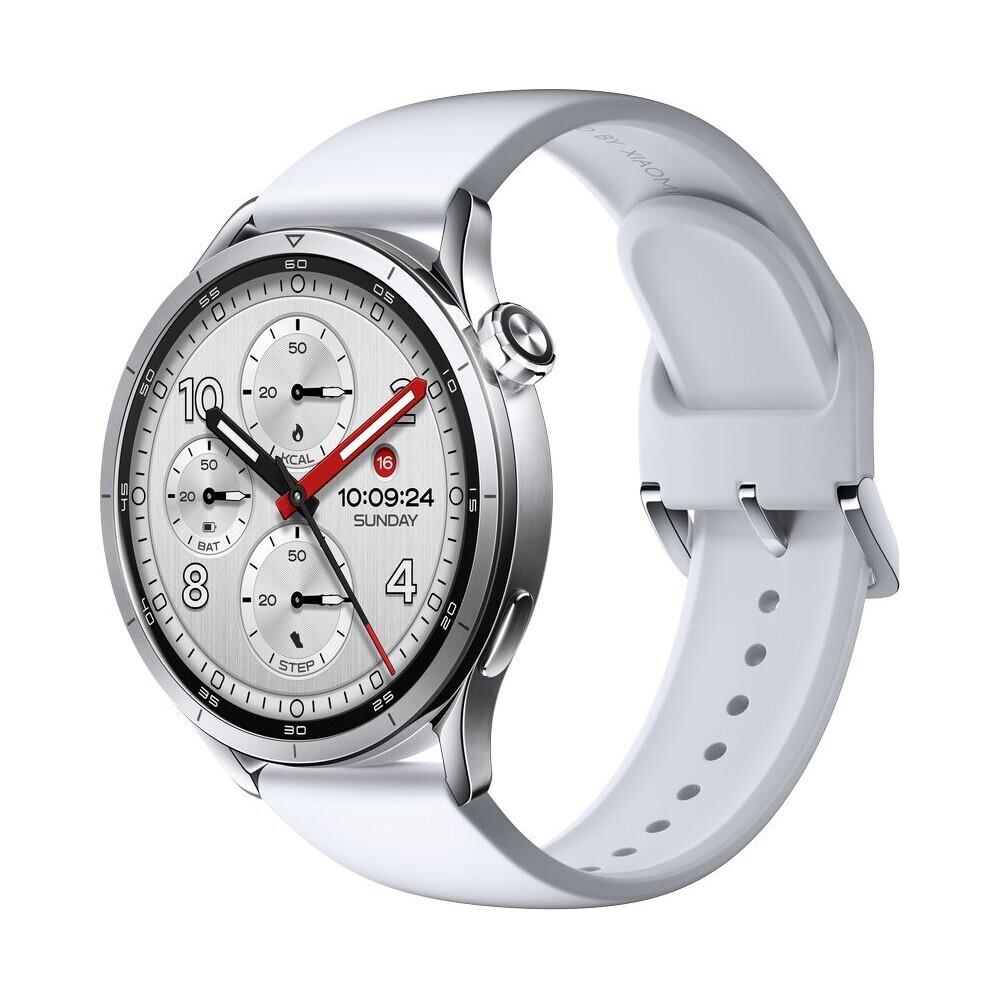


TIPExpress delivery from the German warehouse with no customs duty and no VAT.
This product will be delivered to you express from a local German warehouse. Delivery from Germany usually takes 7-10 days, and it’s brought by courier. When it arrives, you don’t pay any extra fees—no customs duty or VAT.
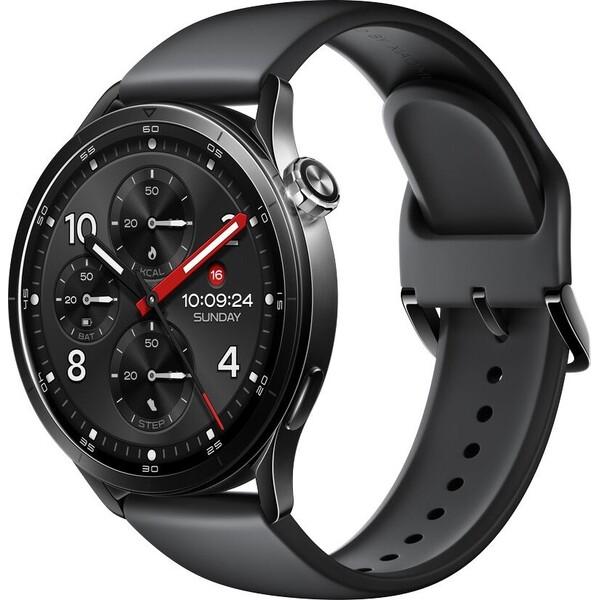

TIPExpress delivery from the German warehouse with no customs duty and no VAT.
This product will be delivered to you express from a local German warehouse. Delivery from Germany usually takes 7-10 days, and it’s brought by courier. When it arrives, you don’t pay any extra fees—no customs duty or VAT.
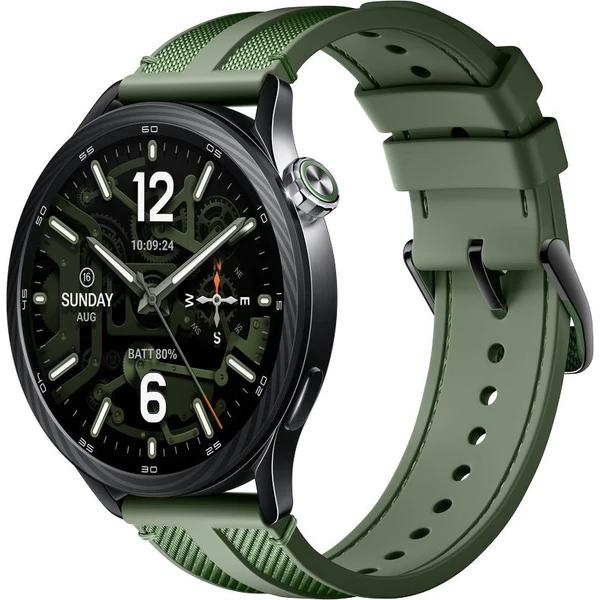
TIPExpress delivery from the German warehouse with no customs duty and no VAT.
This product will be delivered to you express from a local German warehouse. Delivery from Germany usually takes 7-10 days, and it’s brought by courier. When it arrives, you don’t pay any extra fees—no customs duty or VAT.
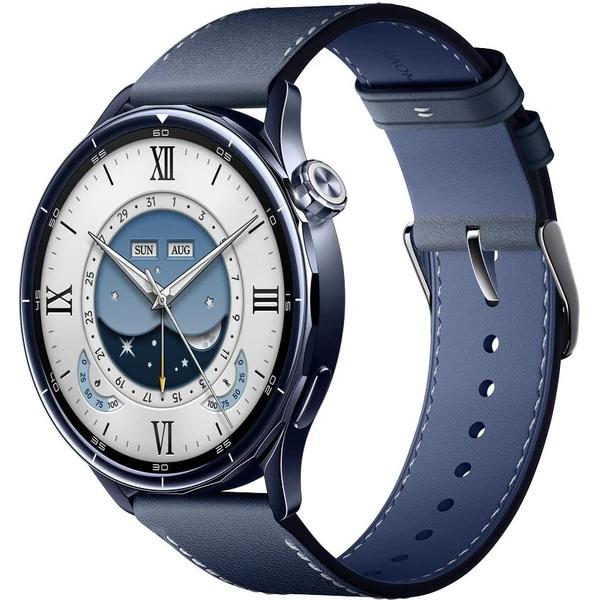
TIPExpress delivery from a Slovak warehouse within 1 to 3 business days.
This product will be delivered to you express from a local Slovak warehouse. Delivery usually takes 1-3 business days and is handled by a courier. The price is final.
For bands and cheaper watches, look for “NFC” in the name—for example, Redmi Watch 6 NFC. Without it, the chip is missing and you won’t be able to pay with it. Xiaomi has also recently introduced a new Xiaomi Smart Band 11 that comes in an NFC version and will be available in Europe. As of 30. 9. 2026, it’s not yet on Xiaomi Pay’s list.
How to add a card to Xiaomi Watch S5
The procedure is the same for all supported banks; only the verification in the bank’s app differs. We’re based on the guides from Prima banka and Slovenská sporiteľňa.
- Pair the watch with your phone in the Mi Fitness app, if you haven’t done it yet.
- In Mi Fitness, scroll down to the Device tab, go to Apps, and select Xiaomi Pay.
- Set a 6-digit PIN that will protect payments on the watch.
- Add a card by taking a photo or by entering the details manually. It must be a Mastercard or Visa from a bank on the list above.
- Verify the card using a code from SMS or in the bank’s app.
- When paying, swipe left on the watch, select the card, and hold the watch to the terminal.
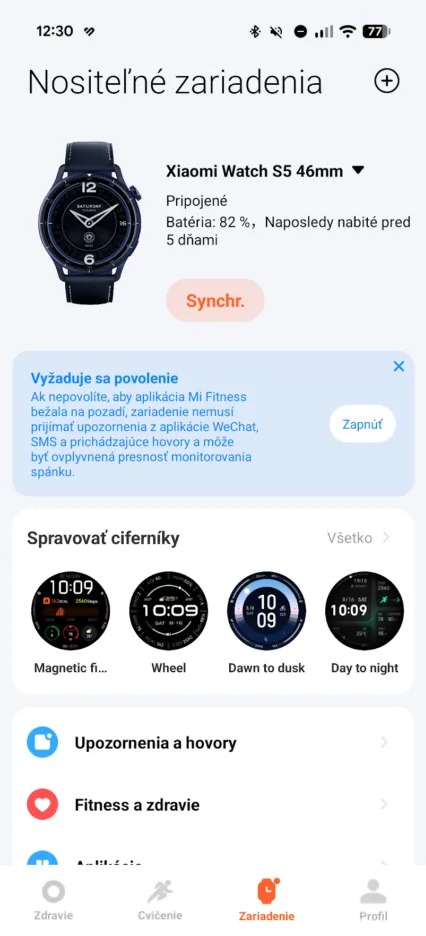
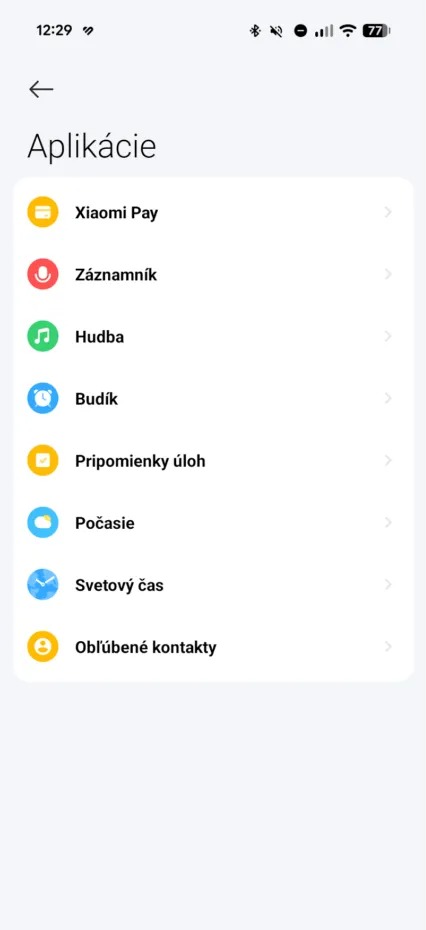
The watch will ask for the PIN at the first payment after 24 hours, and every time you put it back on your wrist. In the meantime, just hold the watch to the terminal. Item names in the menu may differ slightly depending on the Mi Fitness version.
Can’t add a card: what to check?
Even with a bank from the list, adding a card sometimes fails. This helps most often:
- Update Mi Fitness and also the watch system. Bank support is added specifically through updates.
- Check that the card belongs to your personal account. Corporate cards usually aren’t allowed in Xiaomi Pay.
- In your bank app, check whether your payments are limited only to a physical card or to one country.
- If the error shows up immediately after entering the card details, check the number and expiry date. A typo is the most common cause.
- Restart the watch and your phone, then try again.
If nothing helps, call your bank. Adding a card is approved by the bank—Mi Fitness only sends it a request.
Lost or stolen watch
You don’t need to block the whole card. You can remove the card stored in the watch in Mi Fitness, or ask the bank to cancel the token paired with the watch. The physical card and Google Pay on your phone will then keep working.
Xiaomi Pay in the Czech Republic: different banks than in Slovakia
If you use the watch in the Czech Republic or have an account at a Czech bank, there’s a different list. According to Xiaomi, there are 30. 9. 2026 and in the Czech Republic 7 card issuers Mastercard and 3 Visa card issuers:
| - | Mastercard | Visa |
|---|---|---|
| ČSOB | yes | yes |
| mBank | yes | yes |
| Raiffeisenbank | yes | yes |
| Creditas bank | yes | no |
| PPF banka | yes | no |
| Payoneer Europe | yes | no |
| Curve (virtual card) | yes | no |
ČSOB Czech Republic and ČSOB Slovakia are two separate banks. The Czech one is on the list, the Slovak one isn’t. On the other hand, 365.bank is only in the Slovak list.
Curve: a workaround when your bank isn’t on the list
Curve is a British financial service that gives you your own virtual Mastercard. When you pay with it, Curve pulls the money from another card you added to the Curve app. It can also be a card from Tatra banka or ČSOB.
Then you add your Curve card to Xiaomi Pay just like you would a bank card. That way, you’ll have one more app on your phone. Before creating an account, check the current fees—they vary depending on the plan.
A few more practical details
You don’t need your phone for payment. You add the card once via the app, and then you just pay with your watch.
Xiaomi Pay supports only Mastercard and Visa. You can’t add American Express or Diners Club to your watch.
The banks on the list come and go without any notice. Before you buy the watch mainly for payments, check the current status on the Xiaomi website or in your bank’s app.
Is it worth buying the Watch S5 for payments?
If you have an account with VÚB, Slovenská sporiteľňa, mBank, 365.bank or Prima banka, yes. Wrist payments work without a phone and you add the card only once. With Tatra banka or ČSOB Slovakia, count on Curve, otherwise you won’t be able to use the NFC chip in the watch.
We currently track the prices of the Watch S5 in the EU warehouse in a separate article. If you care mainly about the price, Xiaomi Pay also has cheaper and older Watch S4 models with the same list of banks.
To get more updates from the world of Xiaomi, keep following our Xiaomi Planet website. Join our Facebook group, where we build an active community and help each other out. Subscribe to our Telegram as well, where we add the best deals and coupons from China every day.
Don’t miss the best coupons 📩
Subscribe and we’ll email you new coupons before they expire. We only send it once a month — no spam.