
A planet full of Xiaomi news
Deal Planet

AliExpress brings you the perfect price from just 36 €! Redmi Desktop Speaker is the first wireless speaker from the brand made for your PC

16. November 2025 3 min read 0 comments

Redmi, the Chinese brand that also belongs to the wider Xiaomi ecosystem, is expanding its portfolio and this time brings its first wireless speaker for your PC, called Redmi Desktop Speaker.

Coupon portal with 5000+ coupons and TOP Chinese stores.I want coupons

Great price with a coupon on Ali!

Redmi Desktop Speaker is available at the best price from the international seller AliExpress. A great bonus is duty-free delivery with an estimated shipping time of 10–15 business days after dispatch.

XiaomiPlanet deal

Redmi Desktop Computer Speaker

AliExpress, duty-free delivery
Redmi Desktop Computer Speaker
15-day delivery
52,93 €You save 16,07 €
36,86 €

Price history

7,26 €cheaper than the average price
Cheapest 32,74 €Most expensive 52,93 €
Buying on AliExpress for the first time? See the guide!
Updated 16. 11. 2025 on 10:47
TIP15-day delivery via Aliexpress Standard Shipping

For this product, Aliexpress Standard Shipping is available with guaranteed delivery within 15 days. This is the most reliable delivery method and, in most cases, the parcel is handled by a courier company. We tested the 15-day delivery in real life.

When ordering from the Chinese warehouse, AliExpress will add the customs duty in your cart—approximately 3,70 € per order. When you receive the package, you won’t pay anything extra.

Track this product’s price

As soon as we post a new coupon, we’ll send you an email. You can unsubscribe from tracking anytime.

Buying on AliExpress for the first time?

This process is done through the AliExpress mobile app, where most people shop. Two things matter: don’t use Buy now and enter the coupon only in the order summary in the Promo code field. After you click Pay now, you can’t add it anymore.

  1. Copy the code and click GET THE DISCOUNTIn our article, copy the coupon and click the button GET THE DISCOUNT. The link will take you directly to the product in the AliExpress app.
  2. Use Add to cart, not Buy nowOn the product card, scroll down and click Add to cart. Don’t use the Buy now button—this skips the cart, so later you won’t have a place to enter the coupon. Before that, make sure the variant is correct: color, version, and whether it ships from an EU warehouse.
  3. Continue to Checkout via the cartA pop-up will appear: Added to cart!—tap Check it out. If it disappeared, open the cart using the icon in the bottom-right corner. In the cart, check the product and quantity, then tap the red Checkout button. Only the items marked with the red circle are included.
  4. Fill in your address and card, then look for Promo codeIn the order summary, first enter the delivery address and payment card at the top. Below that, there’s a line Promo code — expand it with the arrow on the right.
    Riadok Promo code v zhrnutí objednávky v aplikácii AliExpress
    Look for this line under the address and payment method.
  5. Paste the code and confirm ApplyIn the field Promo code paste the copied code and click the black Apply. The code is case-sensitive and must not contain spaces.
    Políčko Promo code s kódom a tlačidlom Apply v aplikácii AliExpress
    Paste the code into the field and confirm by clicking the Apply button.
  6. Check your savings and payIn the section Summary expand the line Saved — you’ll see the applied coupon there as AliExpress coupons/codes. Only when Total is really lower, click Pay now.
    Riadok Saved s uplatneným kupónom a znížený Total v aplikácii AliExpress
    The applied coupon will show up in the Saved line and reduce the Total.
Apply the discount again in the order summary. After you click Pay now, you can’t add a coupon anymore. If Apply shows an error, the code has either expired, doesn’t apply to your item, or your order doesn’t meet the minimum amount.
Store Coupon also belongs in the same field. — a coupon from the seller itself, which isn’t always available and changes day to day. It can’t be combined with an AliExpress coupon, so try both and go with the one that gives you more. Coins are added automatically.

Redmi Desktop Speaker: RGB backlighting and Bluetooth 5.0

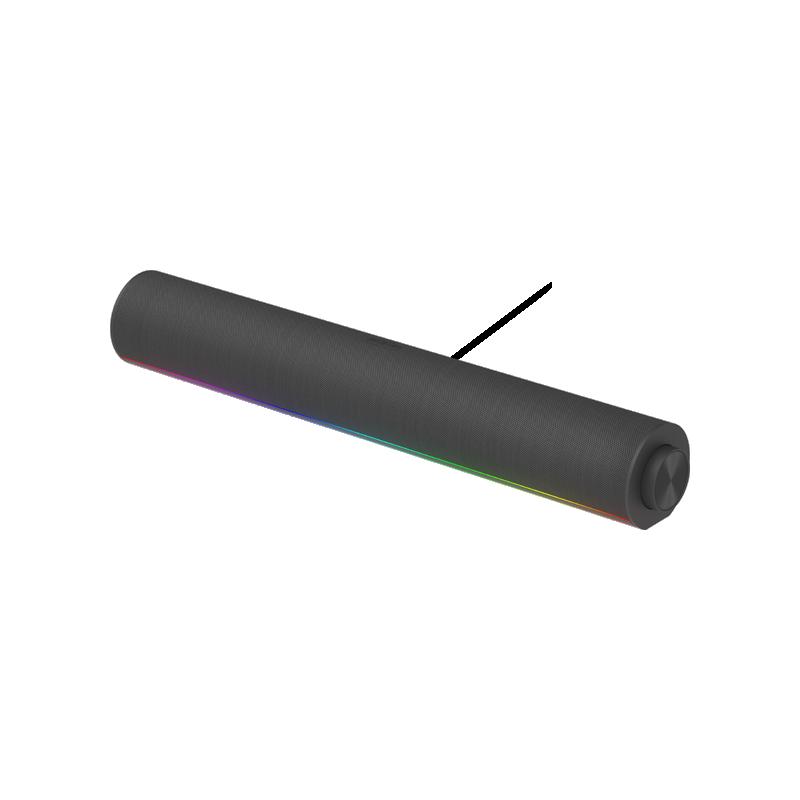
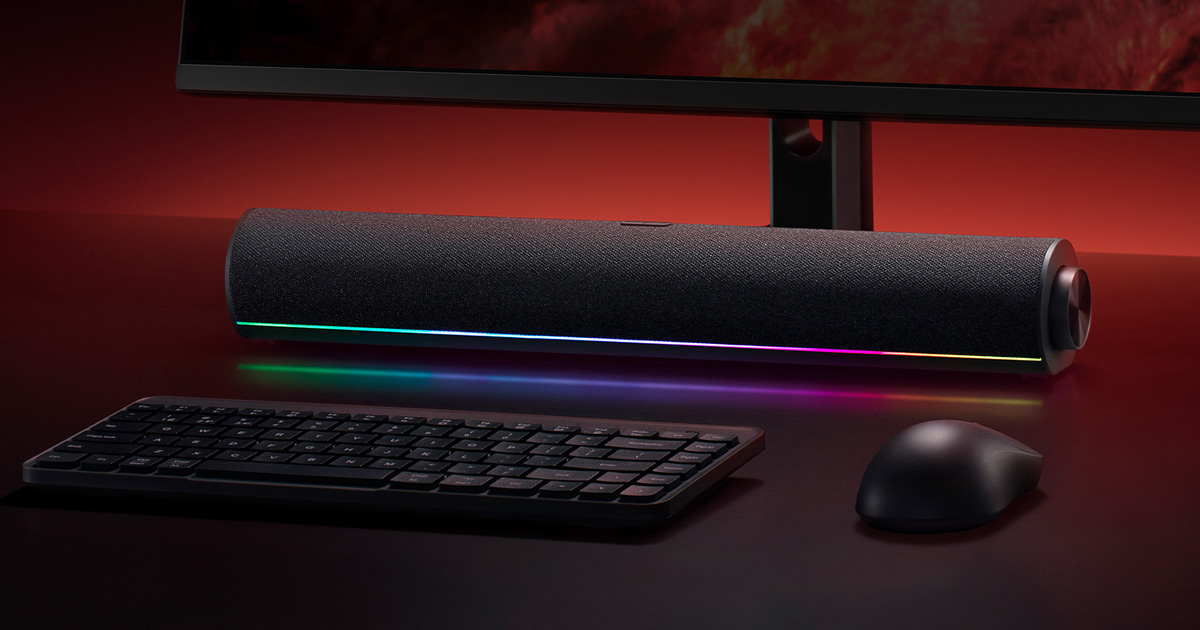
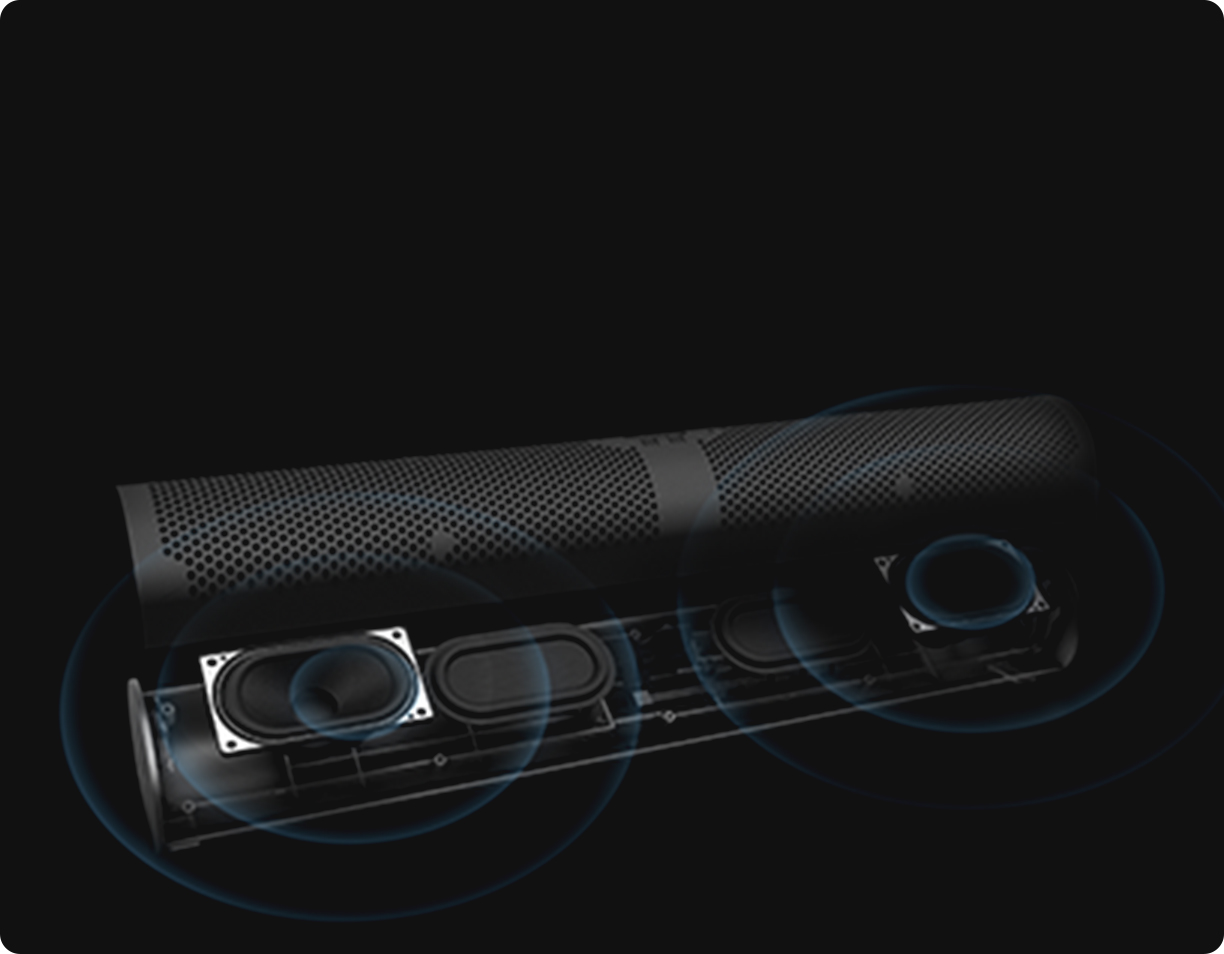
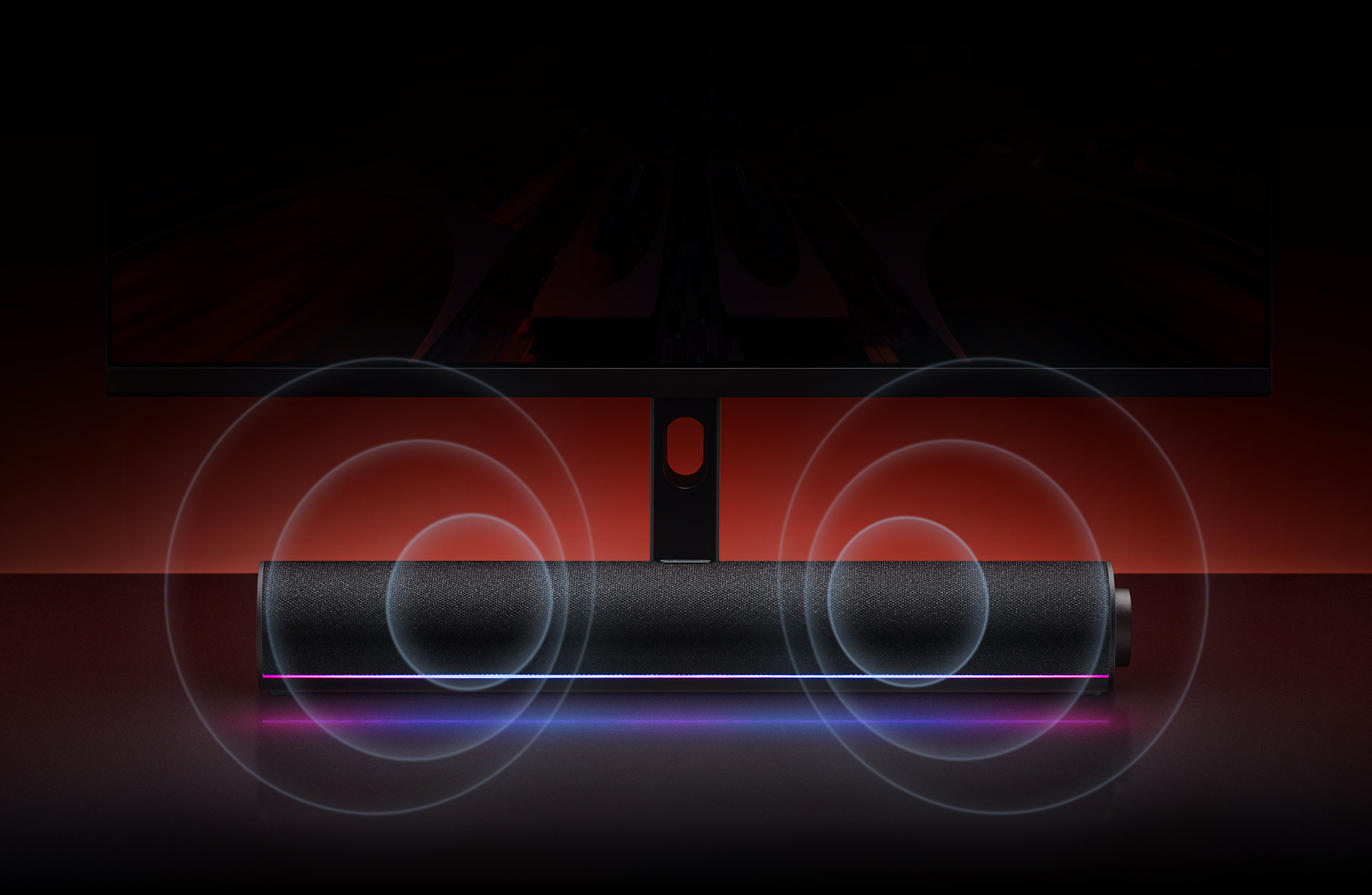
A desktop speaker from Redmi, certified by Golden Ear, impresses at first glance with its design. It offers an elegant cylindrical shape in the style of more premium soundbars, and is covered with quality textile material.

The construction also includes a stylish LED strip that supports an RGB color spectrum and multiple lighting modes.
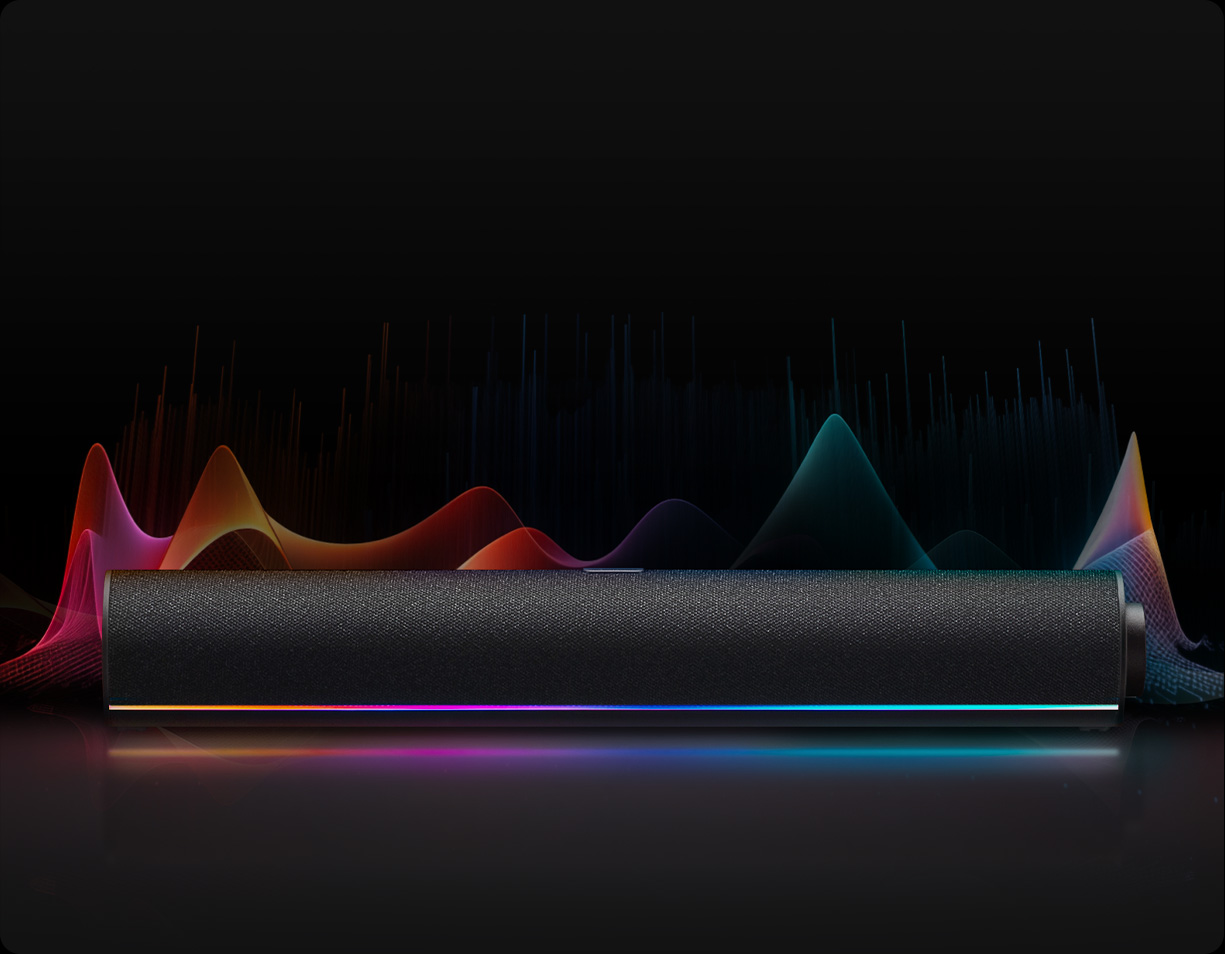
When it comes to sound quality, the speaker delivers a balanced performance across high, mid, and low frequencies. The 53° speaker tilt angle is designed for use on a desk, in combination with your computer.

Ad

The mentioned certification after a blind test called “CGEC Golden Ear Preferred Product” is just a nice extra.

The light bar of this speaker supports five lighting effect styles. One of them is detecting the rhythm of the surrounding music and adjusting the lighting in real time, creating a dynamic visual experience.
Redmi Desktop Speaker also includes built-in microphones. You’ll use them especially for voice calls, online courses, work meetings, or during gaming sessions. It’s a truly versatile product that gamers and busy office users alike will appreciate.

For connectivity, you get Bluetooth 5.0 LE with low latency and A2DP codec support. There’s also a modern, universal USB Type-C port, plus a standard USB-A for multimedia.

A 3,5 mm audio connector handles wired connections for your devices, and a 1500 mAh battery provides power.

Ad

Do you like this new Redmi speaker? Follow our Xiaomi Planet website too — our Telegram group full of fresh articles, subscribe to the newsletter, and join our Facebook group as well.

Add us as your preferred source on Google

Don’t miss the best coupons 📩

Subscribe and we’ll email you new coupons before they expire. We only send it once a month — no spam.
Ad Engerio