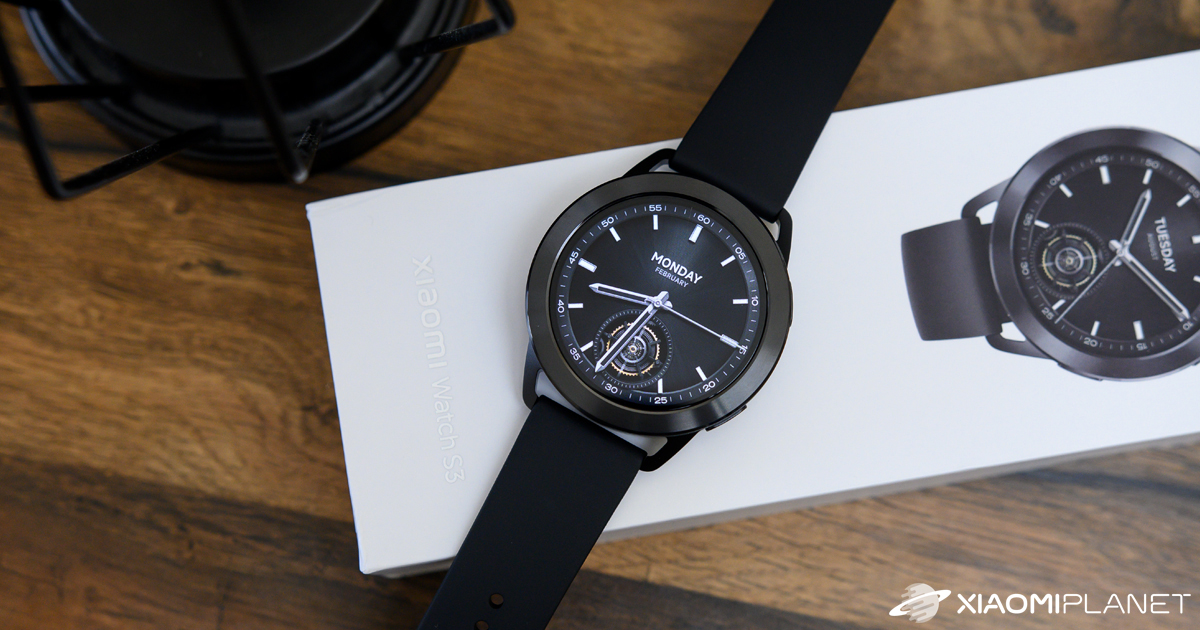
Verdict: Xiaomi Watch S3
Our editorial rating based on product testing.
- excellent 1.43" AMOLED display
- Bluetooth calling support with the option to reject calls using an SMS message
- NFC support for watch payments
- fast charging (about 43 minutes)
- more than 150 sports with running training plans
- replaceable bezel for a better match with your look
- closed system with no option to install additional apps
- the wider bezel around the display may not suit everyone from a design standpoint
- the speaker volume could be a bit higher
Xiaomi has only recently introduced its new smartwatches Xiaomi Watch S3, and we had the chance to start testing them even before the official global-market launch. These are very interesting and stylish smartwatches for an attractive price.
In our review, we’ll cover all the watch features, introduce you to their unique design, and share our personal experience from everyday use.
Where to buy Xiaomi Watch S3?
Gshopper, one of the first sellers in the world, is bringing you a global version of the Xiaomi Watch S3 watches. They ship via duty-free delivery. Delivery will take 15–20 days.
 Important: Place your order from Gshopper exclusively via the Chrome browser (ideally via Incognito mode with cookies enabled) on your computer or smartphone; otherwise, you’ll lose our customer support. If card payment from your bank company doesn’t work, set up Curve or the Wise service. Payments through these services work for 100%.
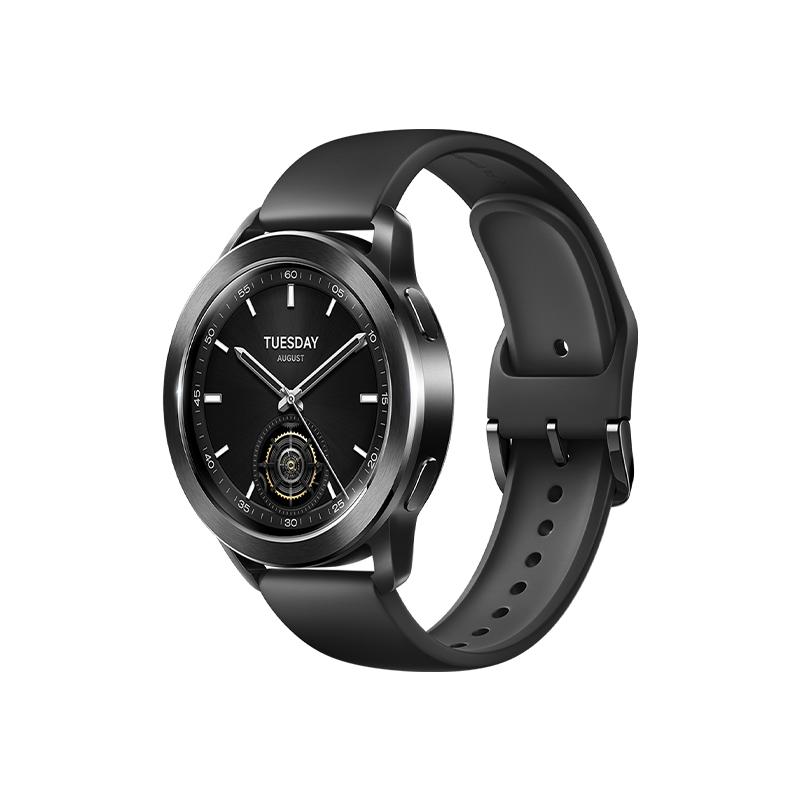
Xiaomi Watch S3 Global Version

TIPExpress delivery from a Slovak warehouse within 1 to 3 business days.
This product will be delivered to you express from a local Slovak warehouse. Delivery usually takes 1-3 business days and is handled by a courier. The price is final.
TIPExpress delivery from a Slovak warehouse within 1 to 3 business days.
This product will be delivered to you express from a local Slovak warehouse. Delivery usually takes 1-3 business days and is handled by a courier. The price is final.

TIPWith Standard Shipping via GShopper, you pay no extra fees—everything is already included!
With the GShopper seller, we recommend choosing Standard Shipping, where you won’t pay anything extra. Customs fees and any VAT are handled by the seller. You can select the shipping method in the cart only, after entering your delivery address. Delivery with this option usually takes about 15 business days from dispatch from the warehouse, but it may take longer.
TIPWith Standard Shipping via GShopper, you pay no extra fees—everything is already included!
With the GShopper seller, we recommend choosing Standard Shipping, where you won’t pay anything extra. Customs fees and any VAT are handled by the seller. You can select the shipping method in the cart only, after entering your delivery address. Delivery with this option usually takes about 15 business days from dispatch from the warehouse, but it may take longer.
TIPWith Standard Shipping via GShopper, you pay no extra fees—everything is already included!
With the GShopper seller, we recommend choosing Standard Shipping, where you won’t pay anything extra. Customs fees and any VAT are handled by the seller. You can select the shipping method in the cart only, after entering your delivery address. Delivery with this option usually takes about 15 business days from dispatch from the warehouse, but it may take longer.
Our extra service with VIP support — we’ll handle the order on Gshopper for you and ship it straight to your address.
If you don’t have experience buying on Gshopper, payments don’t go through, or coupon use doesn’t work for you, we offer an order handling service directly to your address for our readers and customers. You transfer the money to our account and we place the order directly to your address. This way, you won’t have to worry about a failed payment or applying the coupon, and you can be sure the entire order will go through correctly 100 %. In addition, you automatically get our VIP support — if any issues arise with the shipment, we handle them for you and assist with filing a claim. The fee for this service is €15 extra of the product price. You can contact us by email at info(@)xiaomiplanet.sk or on Messenger, where we’re constantly active.
Technical specifications
| Model | Xiaomi Watch S3 (M2323W1) |
|---|---|
| Materials | aluminum frame; steel bezel; glass |
| Wrist strap | matte rubber |
| Dimensions | 47 x 47 x 12 mm |
| Weight | 44 g (without the strap) |
| Strap length strap | 140 – 210 mm |
| Display | 1.43" AMOLED with resolution 466 x 466 px (326 PPI) |
| Battery | 486 mAh |
| Battery runtime | 15 days (with always-on display 5 days) |
| Water resistance | 5 ATM |
| Sensors | heart rate and blood oxygen sensor; accelerometer; gyroscope; electronic compass; barometer; ambient light sensor; Hall sensor |
| Charging | magnetic 2-pin charging dock |
| Microphone | yes |
| Speakers | yes |
| Operating system | HyperOS |
| Positioning systems | BeiDou; GPS; GLONASS; Galileo; QZSS |
| Bluetooth | 5.2 |
| NFC | yes |
Classic watch packaging
Xiaomi Watch S3 come in packaging that’s typical for most watches. It’s a thin, elongated box in which you’ll find the watches laid out together with the strap. Underneath, there’s only paper documentation and the charging magnetic dock.
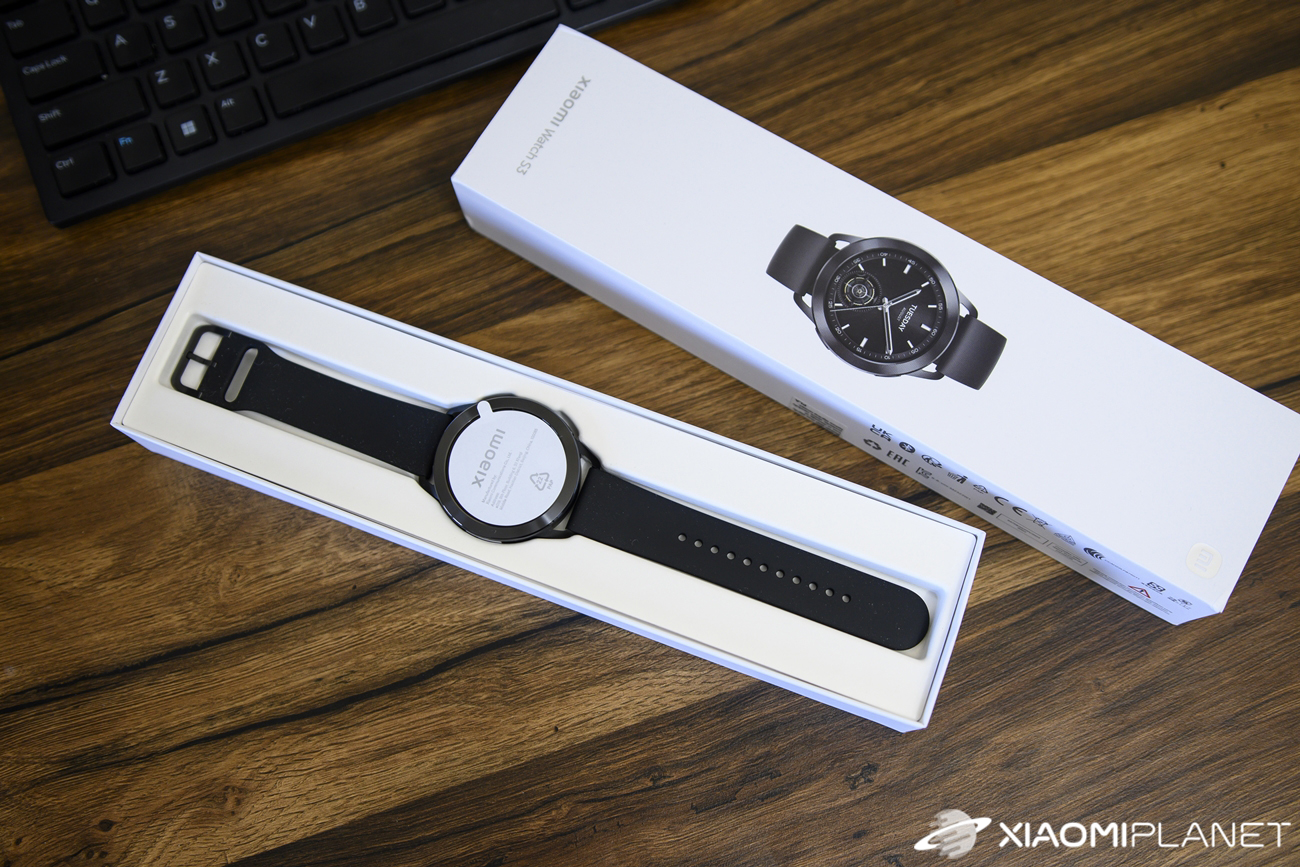
This time, the dock is white and comes with a pair of pins. The box is made of hard and fairly thick cardboard, so the watch is protected well enough in the package.
An interesting and customizable design
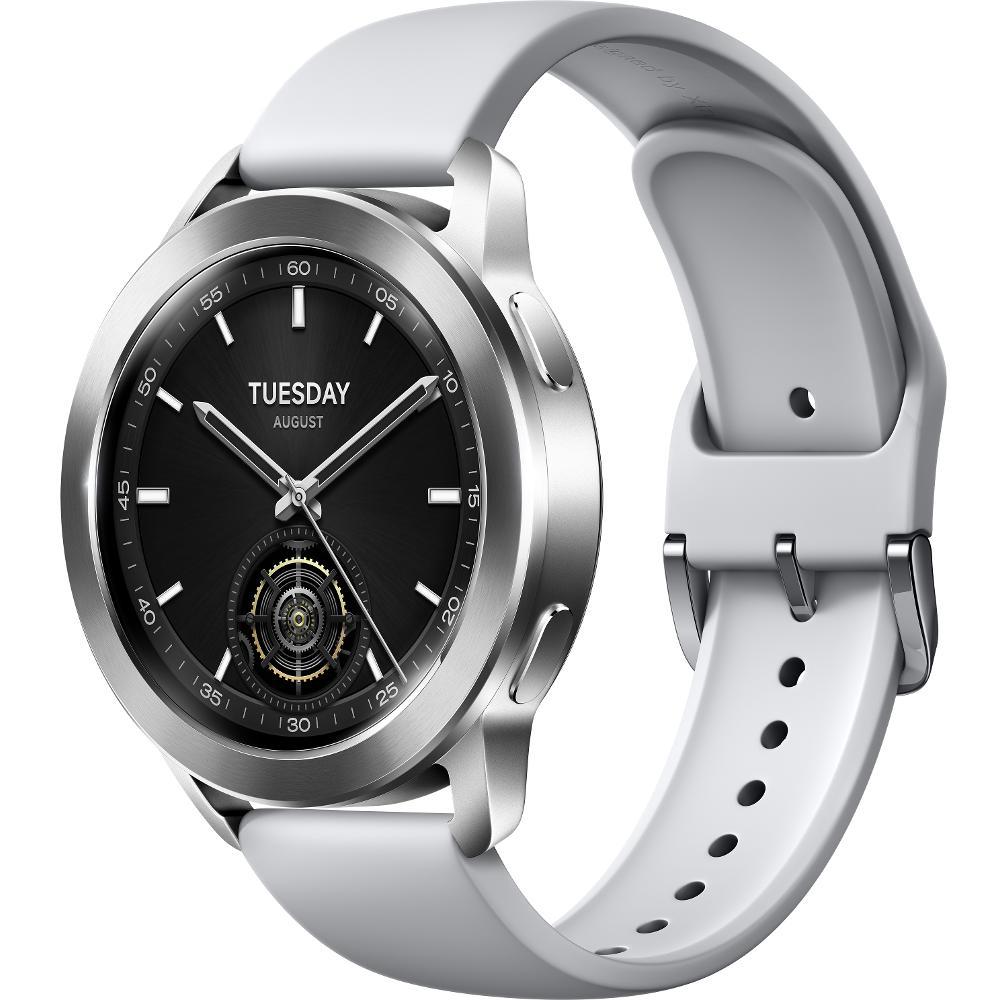
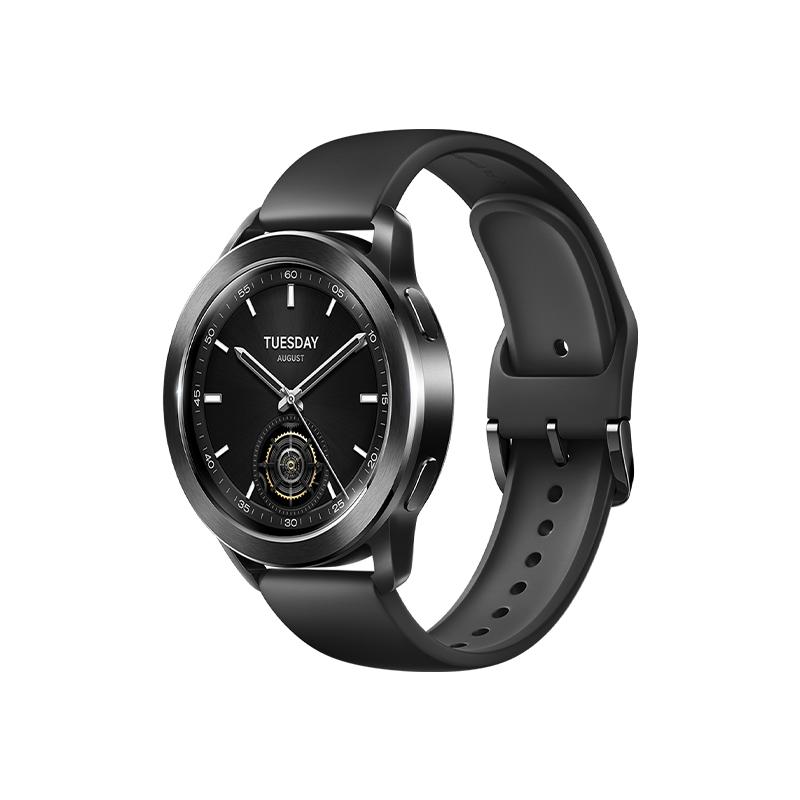
The design of these watches is one of their biggest attractions. It’s significantly customizable—not only because of the interchangeable straps. Let’s start from the beginning and first look at the official color options you can find on sale. There are only two color variants: black and silver.
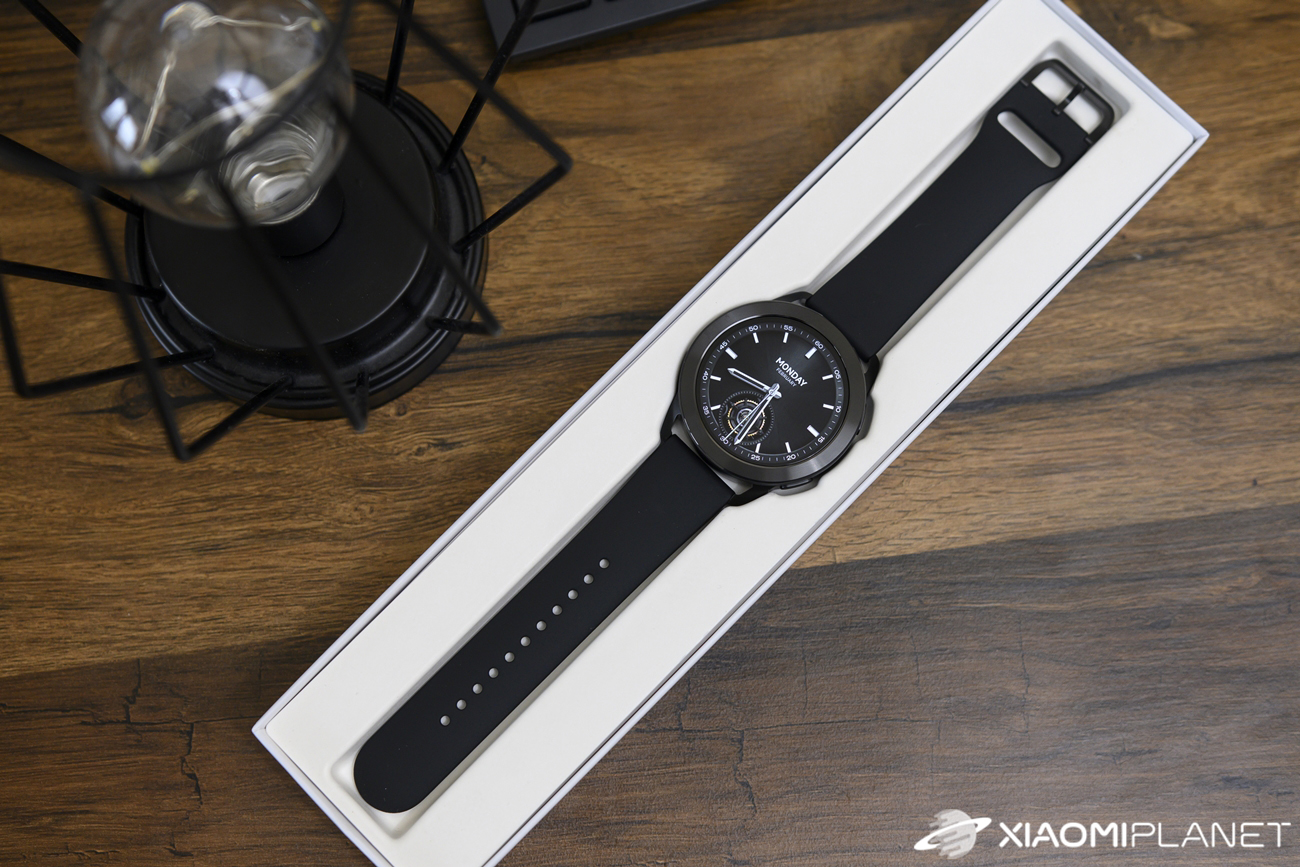
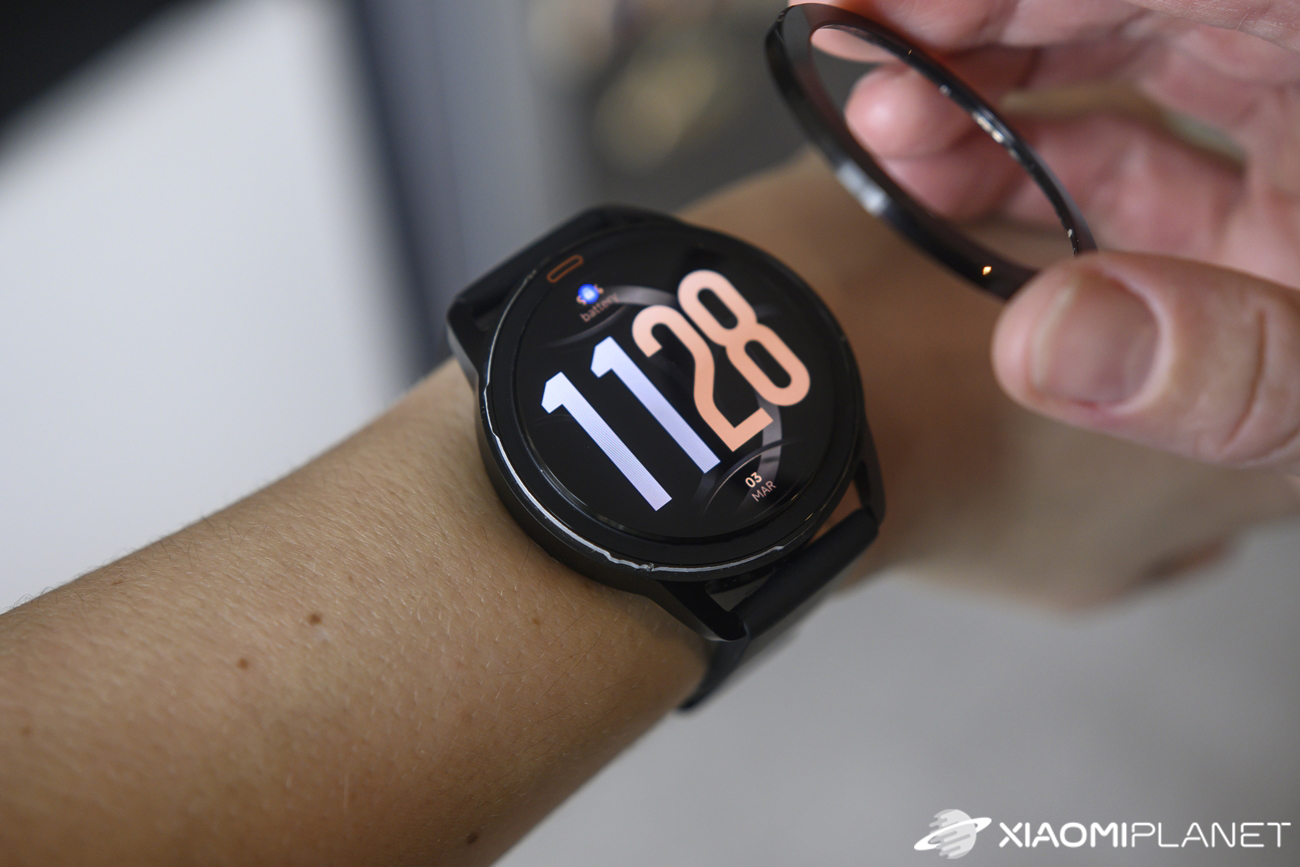
They don’t differ only in the strap—within the same color, you also get the watch’s frame in that color. Xiaomi, however, offers several different strap options in multiple colors and materials. The most interesting new feature for design customization is also the replaceable bezel around the display. That way, you can perfectly match the bezel to the strap.
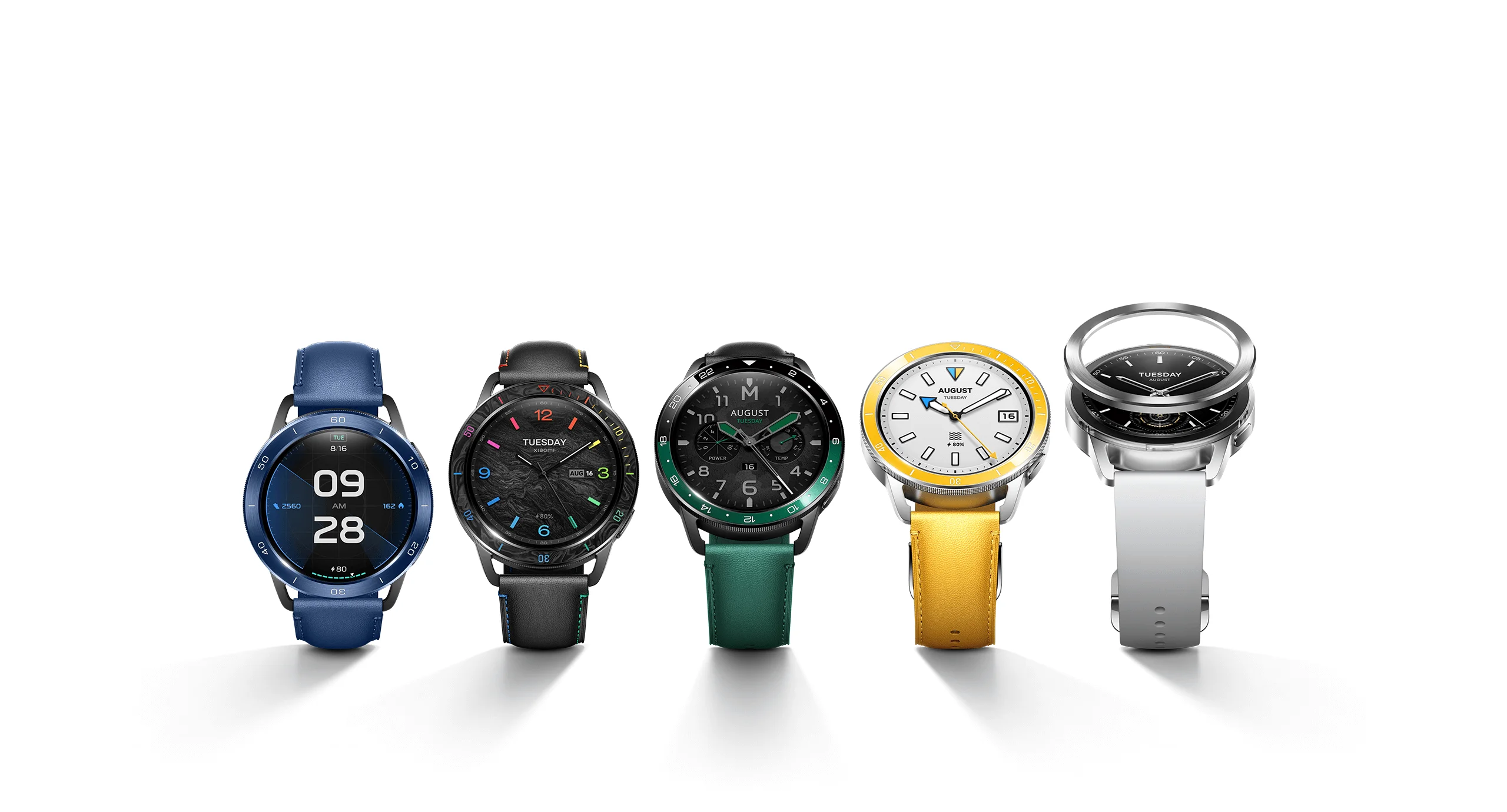
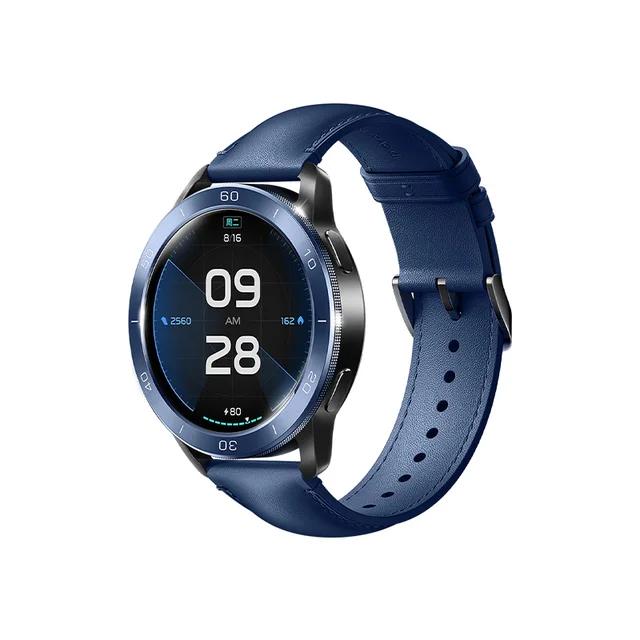
With this move, Xiaomi takes appearance customization to a whole new level. On sale, you’ll find several sets that include both a strap and a bezel. The original sets aren’t the cheapest option since they cost around 40 EUR, but we firmly believe that in the near future we’ll also see non-original alternatives on AliExpress.
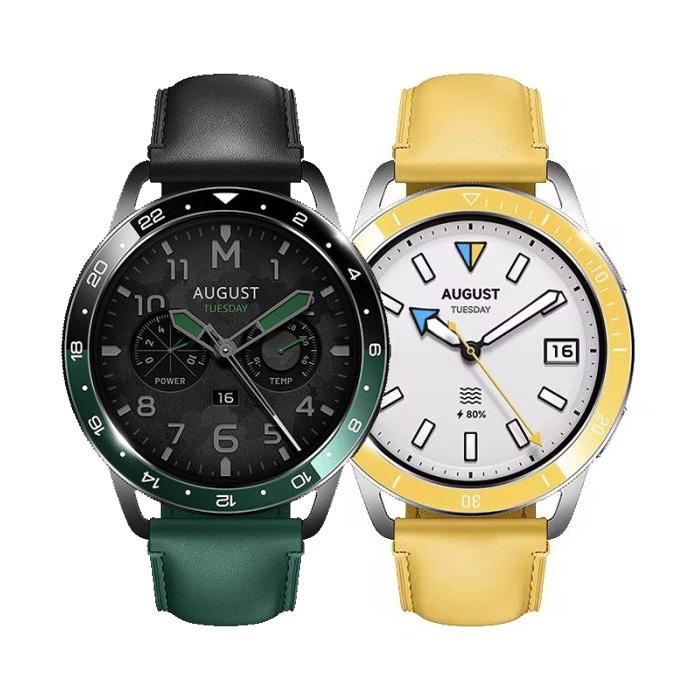
At the moment, the manufacturer has introduced five sets alongside the watches. The first is Black Clous De Paris with colored digits on the bezel and a leather strap. The second set is called Ocean Blue, and as the name suggests, both the strap and the bezel are blue.
The third set is two-tone, combining black with green, and is called Dual-Tone Ceramic. The most eye-catching is the fourth set for women, featuring a yellow leather strap and a yellow bezel. The last, fifth design looks very similar to Clous de Paris, but it’s called Rainbow. The bracelet is leather—black with colorful stitching—and the black bezel has colored digits.
AMOLED display and watch faces
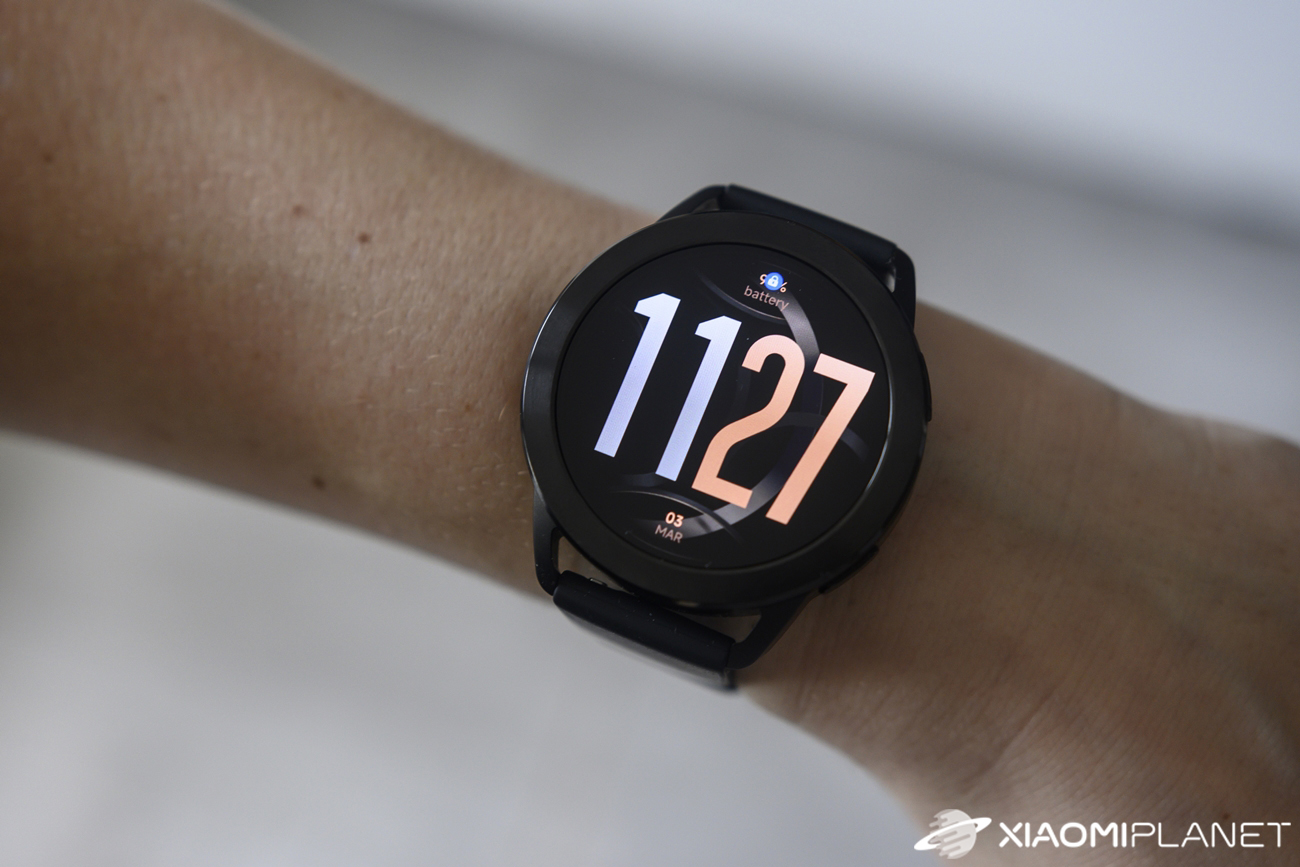
Better watches traditionally already come with an AMOLED display, and Xiaomi Watch S3 is no exception. It has a 1.43″ diagonal, a 60 Hz refresh rate, a resolution of 466 x 466 px with a pixel density of 326 PPI, and a brightness of 600 nits.
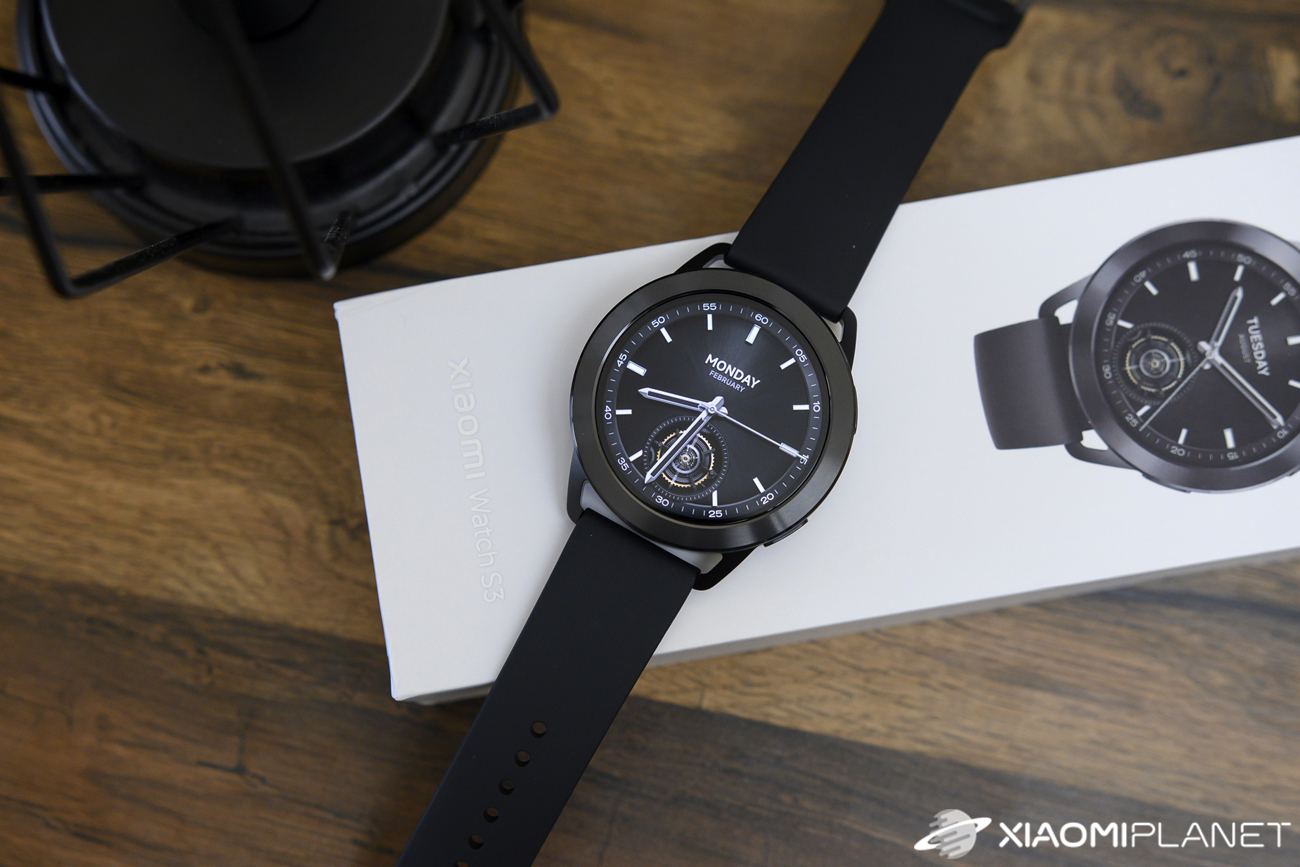
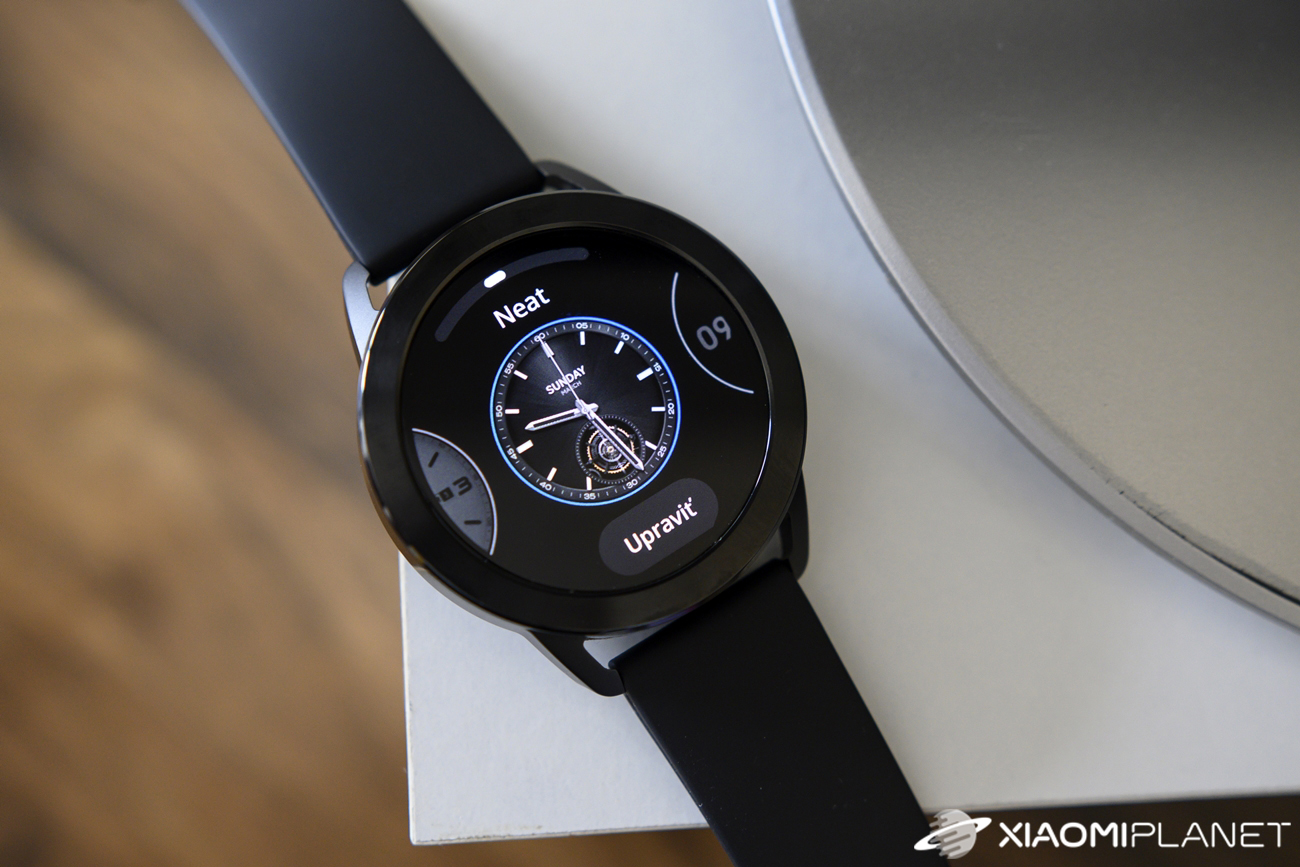
The display looks truly excellent at first glance—smooth with vivid colors, just the way we imagine a watch in this category should be. You also get automatic brightness adjustment and an always-on display with multiple watch faces.
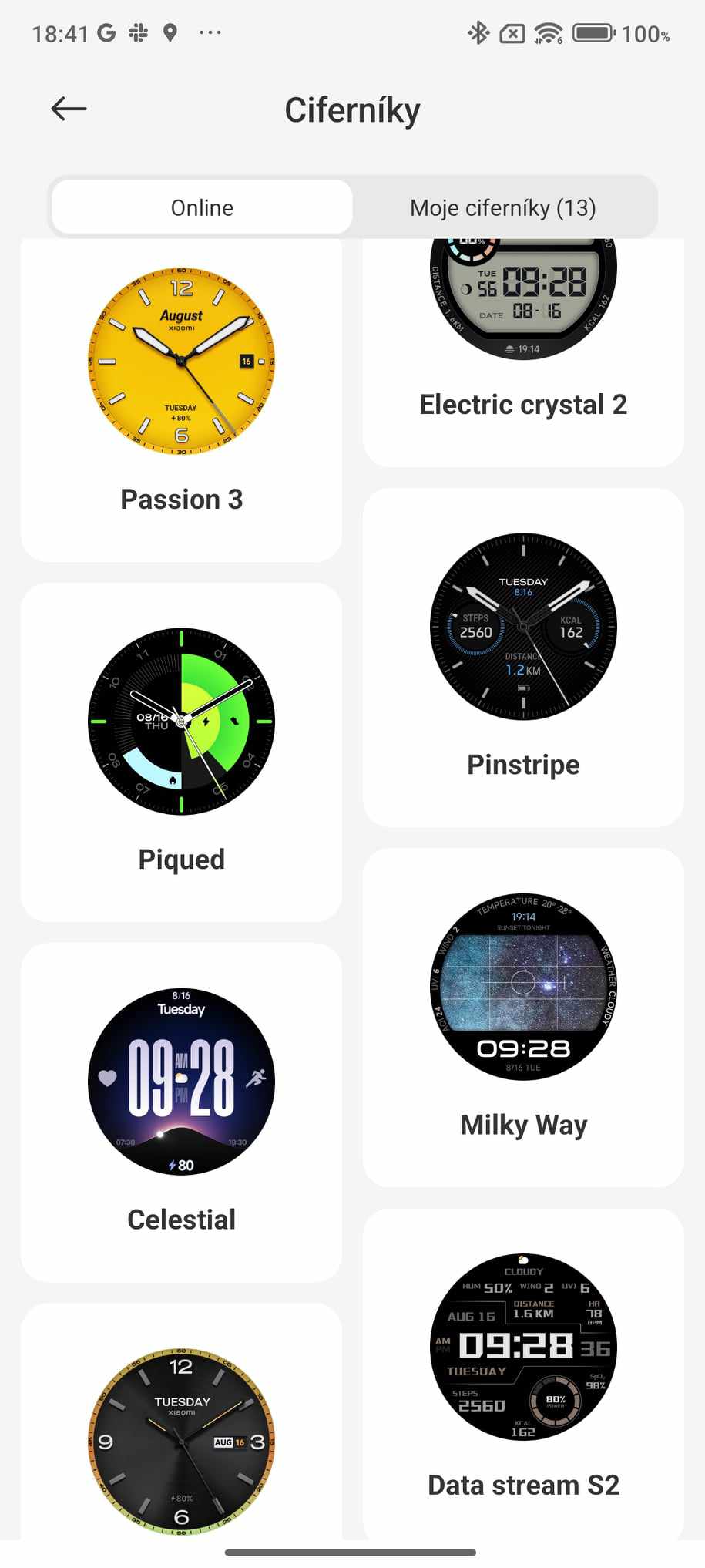
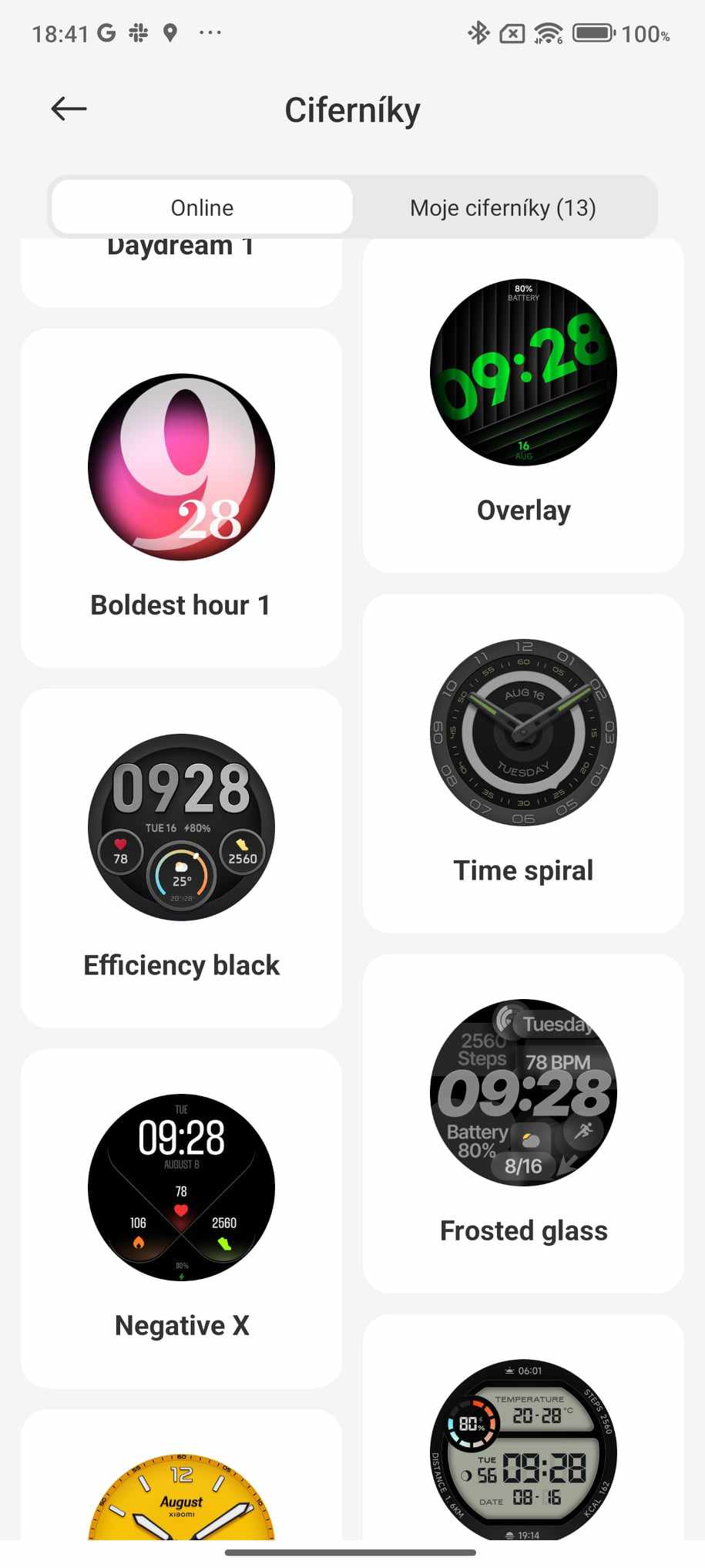
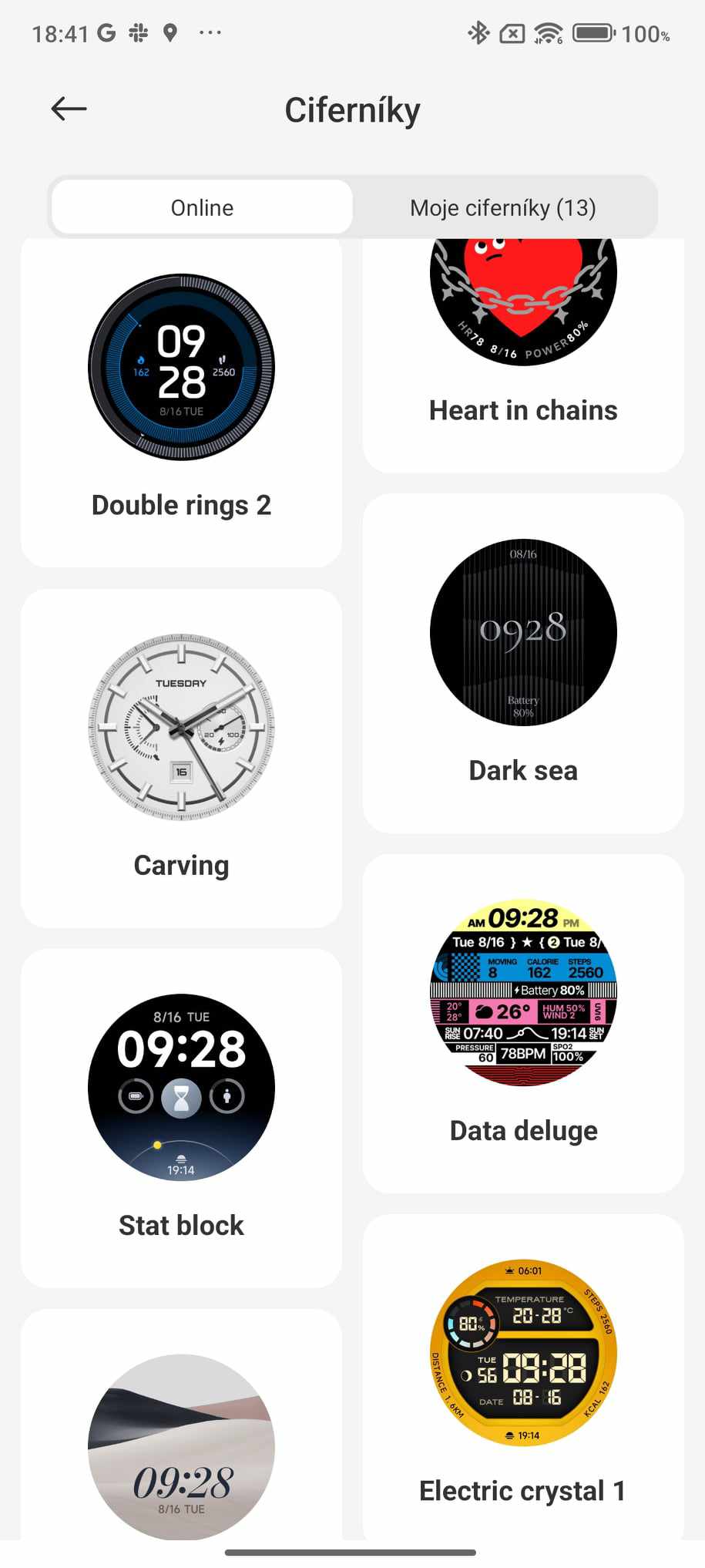
There are also plenty of different main watch face designs. You can find them directly on the watch—up to 12—and each one also offers color customization right on the watch. Additional faces are available in the Mi Fitness app under the online tab.
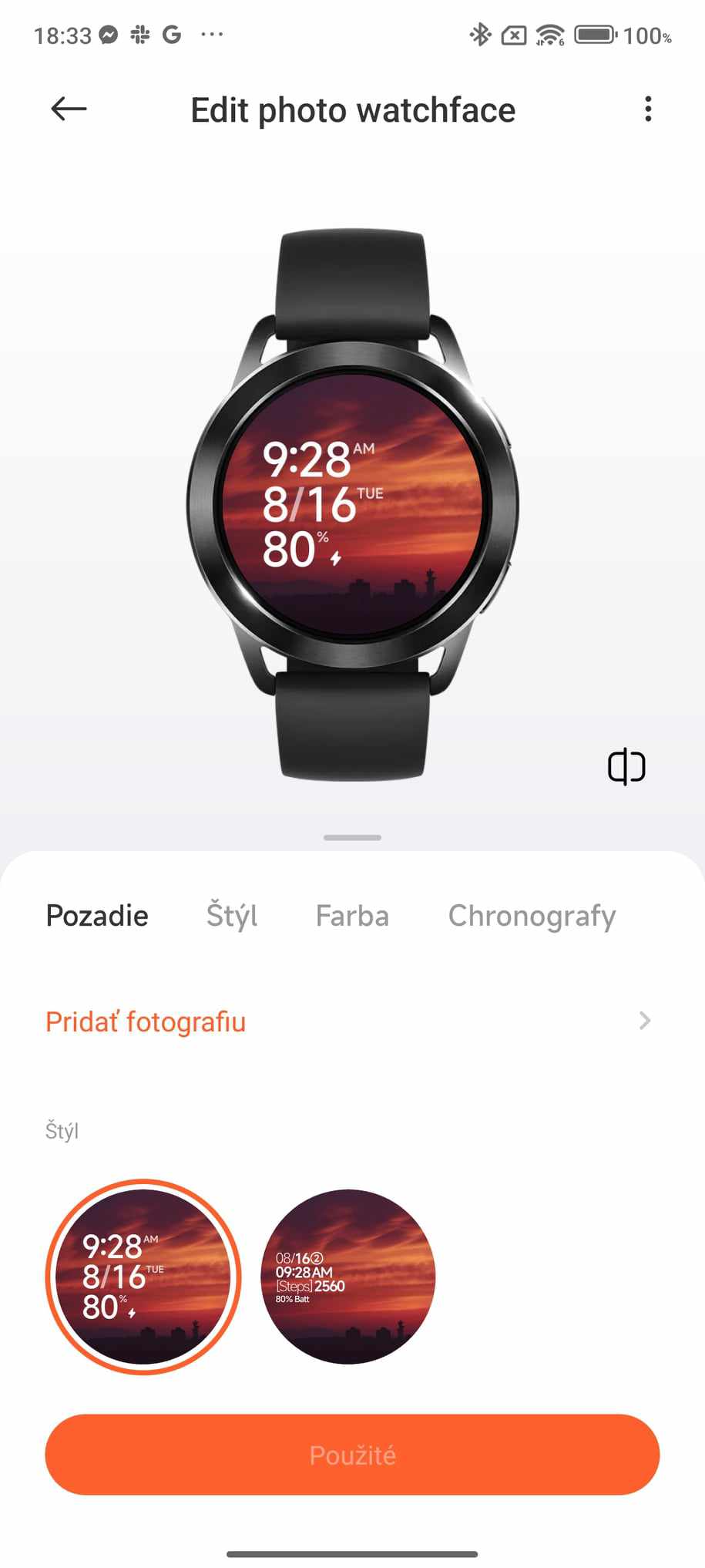
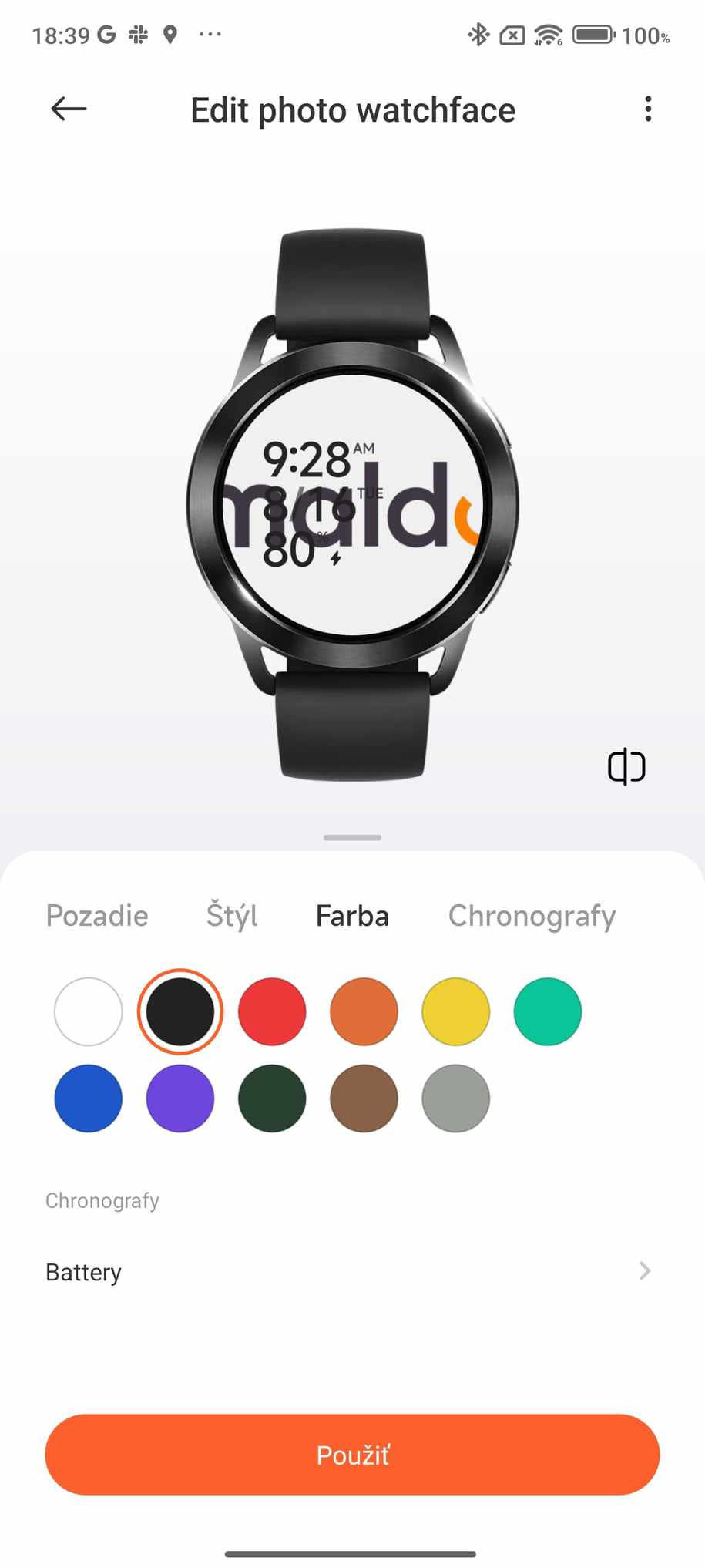
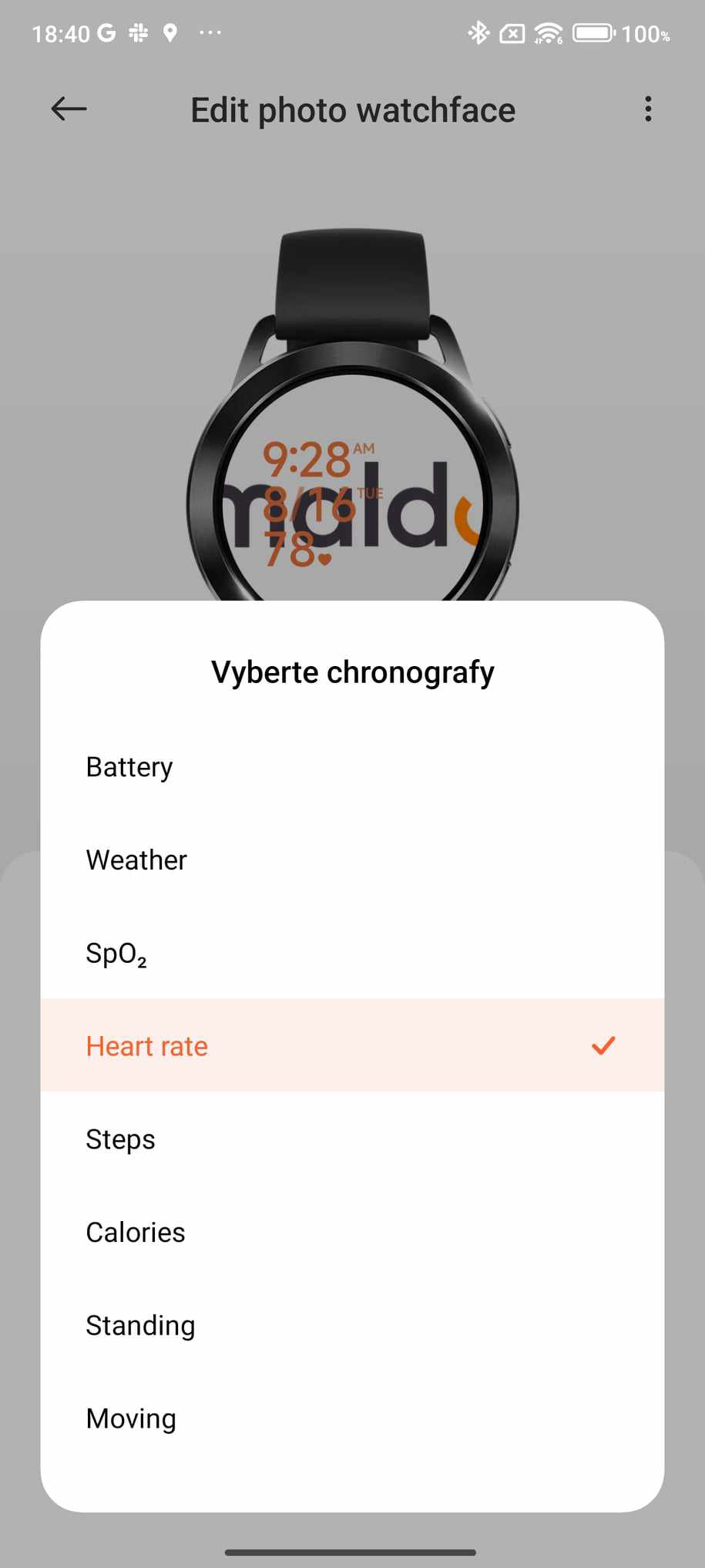
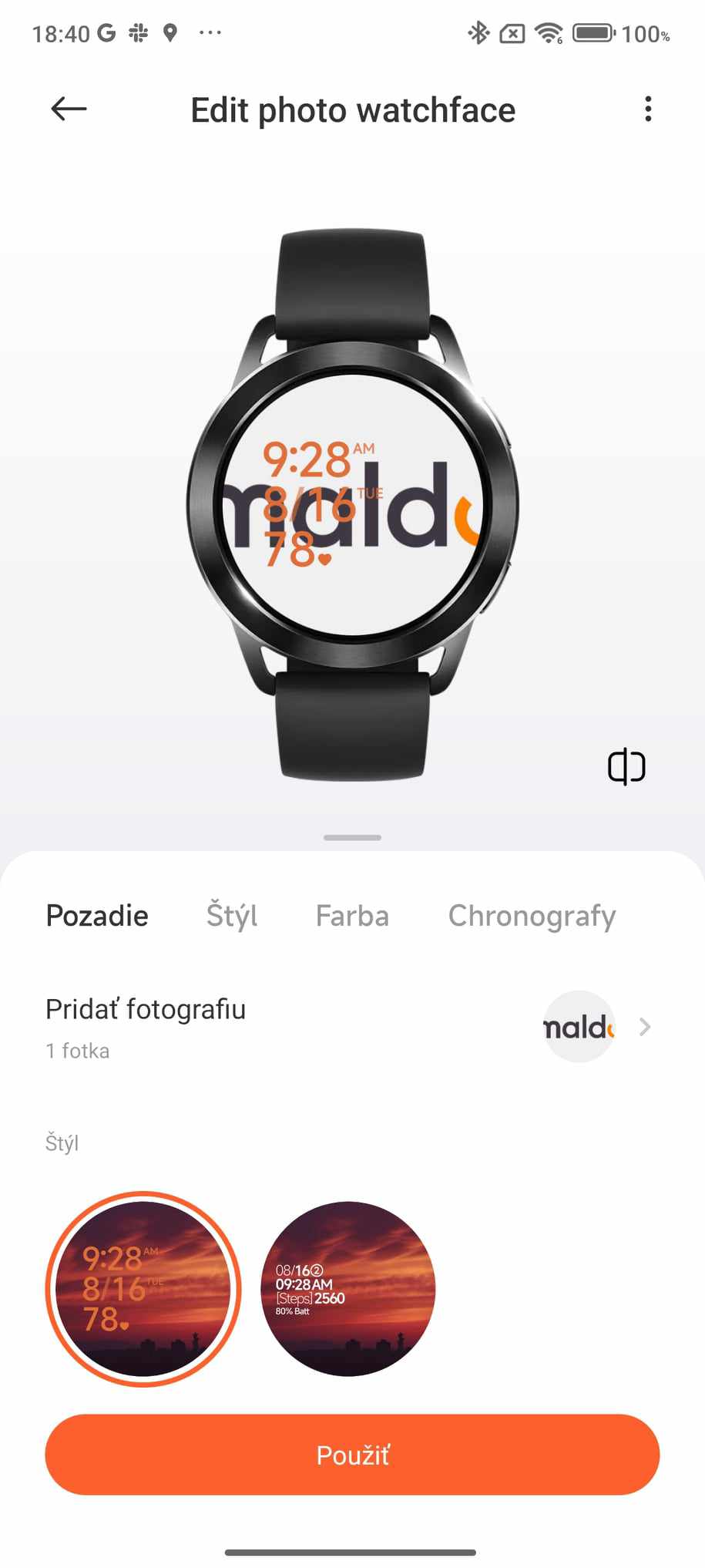
In the Mi Fitness app, you can also create your own watch faces with any background. You can start from four pre-made designs, which you then customize—from the background, to the displayed data and its color, all the way to how it’s positioned.


The bezel around the watch display is quite wide, which nowadays may not suit everyone’s taste when it comes to slim frames. At first glance, we also didn’t like this design very much, but somehow we got used to it, and after a few days of using the watch, we ended up liking it even with the wider bezel.
Menu and watch controls
The Xiaomi Watch S3 has a pair of buttons on the right side. The top button is for entering the main menu with apps, and the bottom button has a pre-set function for tracking activity during sports. However, this button is customizable, so in the menu you can choose a different function as well.
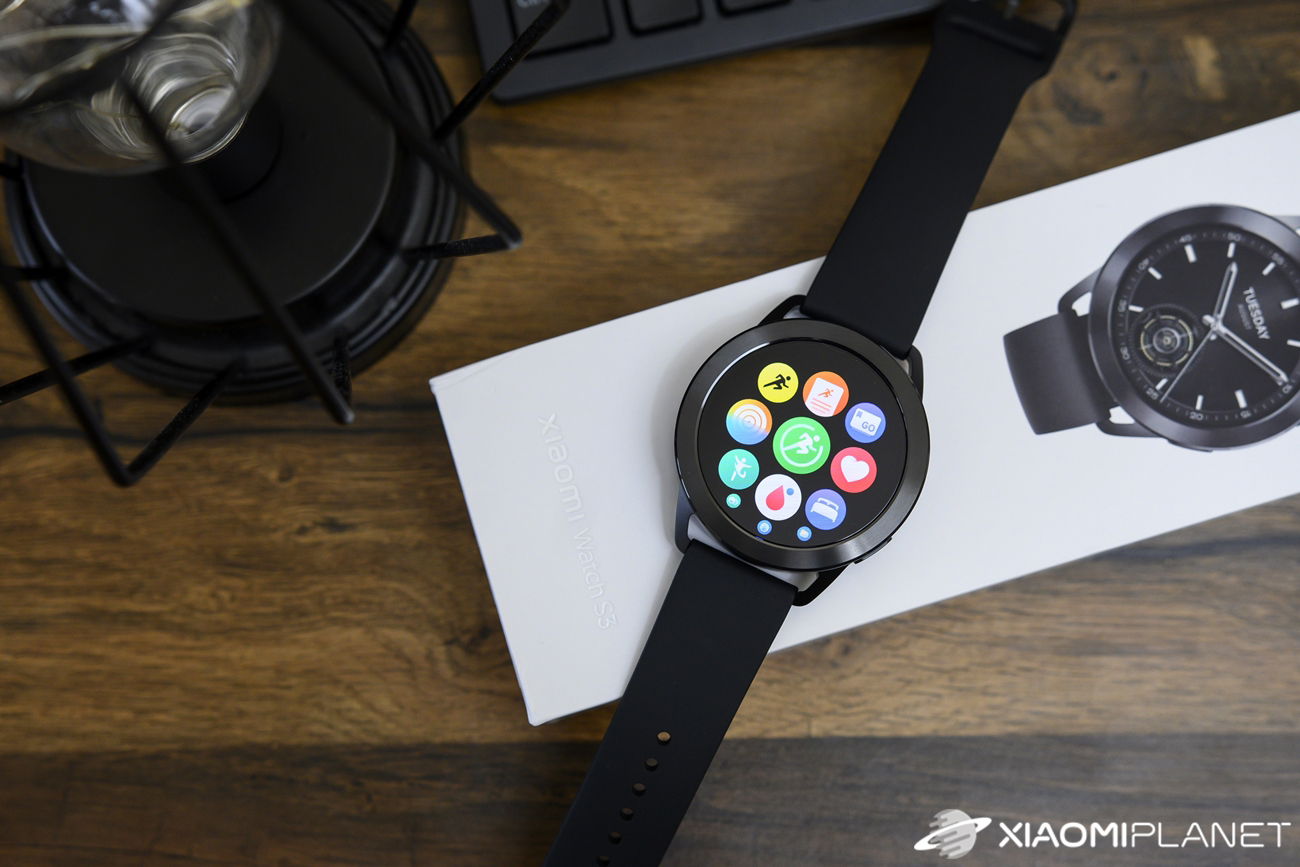
The main menu shows pre-installed apps as a grid, where you only see the app icons without descriptions. Many icons are chosen correctly, so you immediately understand what each function is for. There are a few exceptions, but after the initial familiarization, you’ll get used to the icons.
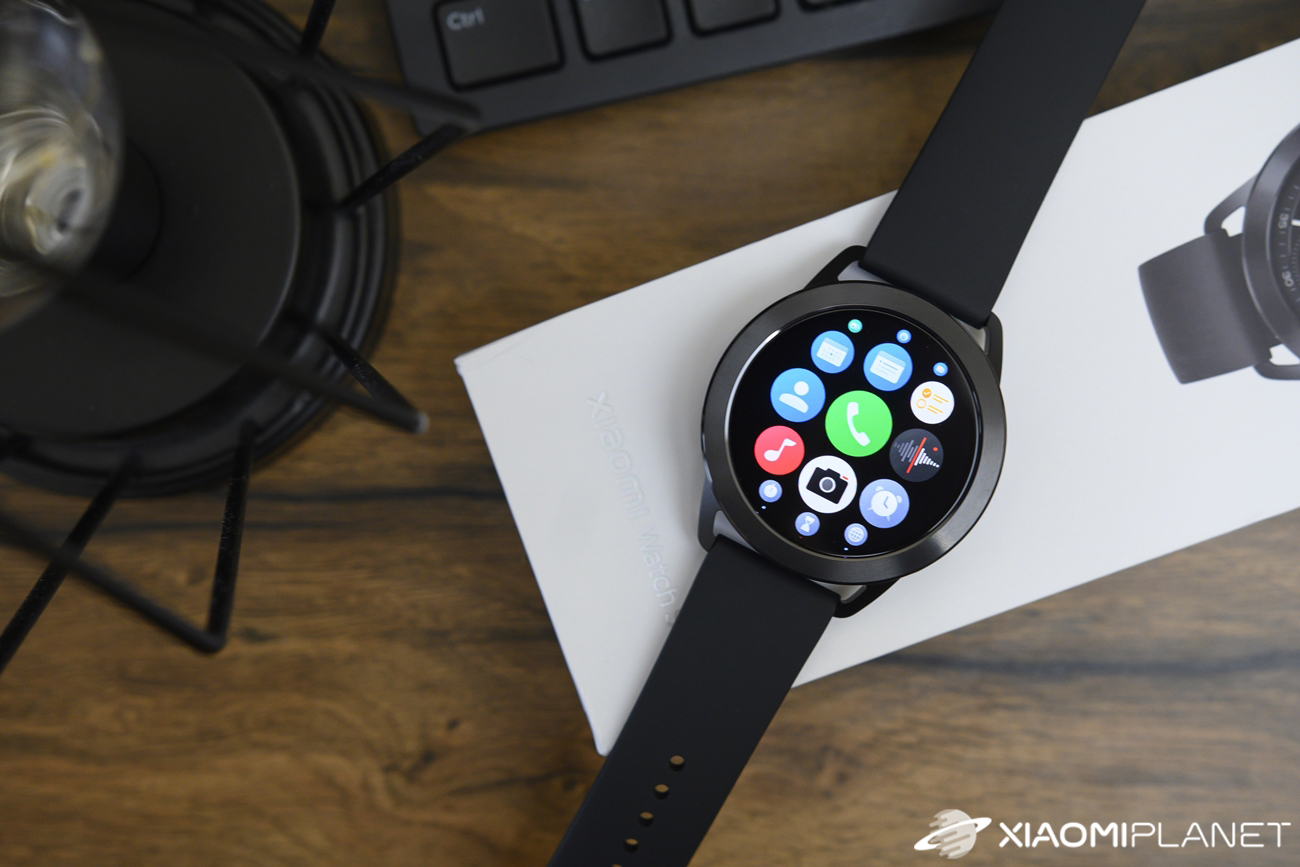
The menu includes the following apps:
| Exercise | Activity | Running | Statistics | Training status |
|---|---|---|---|---|
| Heart rate | Vitality | SpO2 | Sleep | Stress level |
| Breathing | Alexa | Weather | Payments | Calendar |
| Events | Tasks | Contacts | Calls | Recorder |
| Music | Camera | Alarm | Stopwatch | Timer |
| World time | Air pressure | Compass | Find phone | Flashlight |
| Settings |
If the app grid display you mentioned doesn’t suit you, in settings you can switch the main menu to a list view, where the app name is shown—not just the icon.
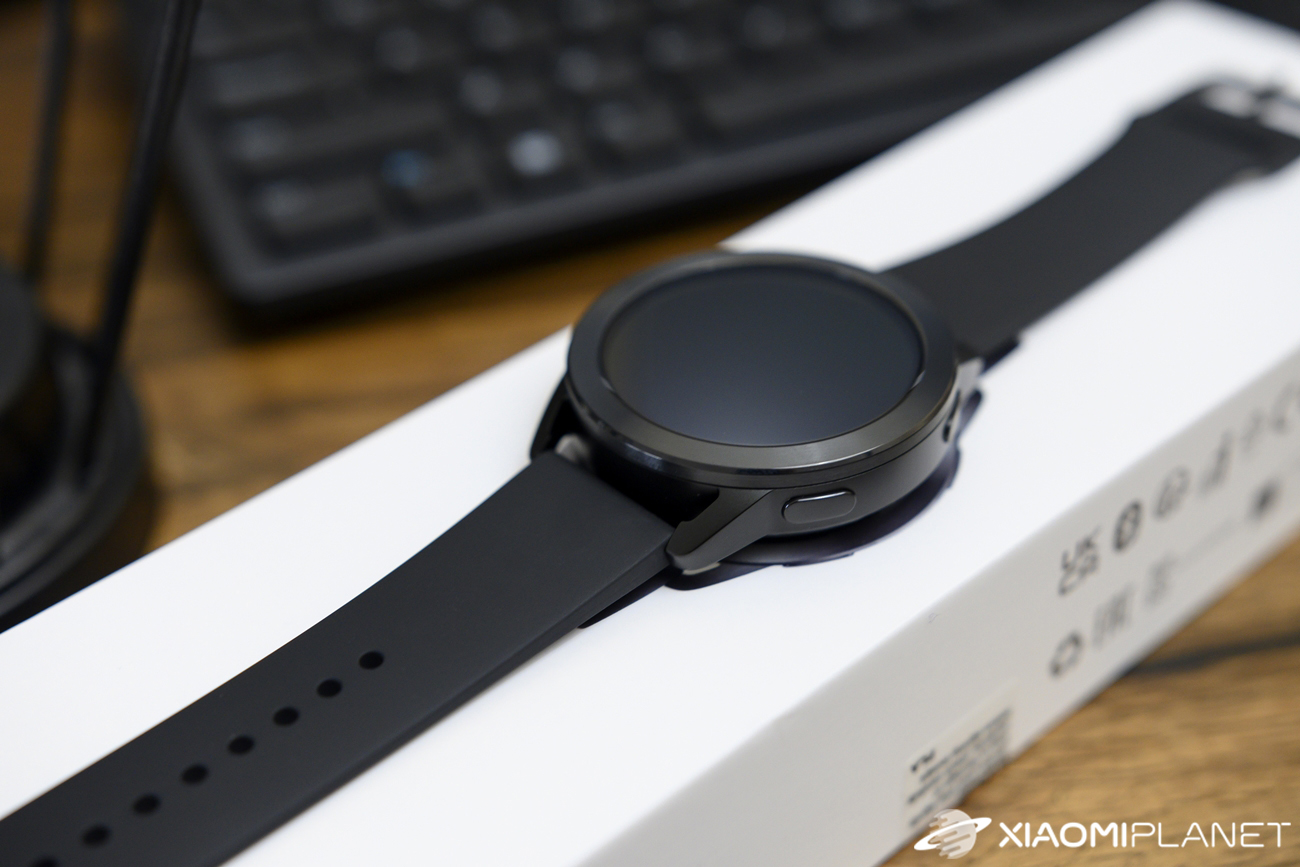
The watch runs Xiaomi HyperOS, currently in version 2.4.6.. The system runs completely smoothly—no stutters or slowdowns. However, it’s a closed system, so you can’t install any additional apps into it.
Sports activity tracking, GPS, and workouts
The new Xiaomi Watch S3 smart watch will also suit active users who appreciate activity tracking during sports. There are more than 150 sports available. The basic sports include walking, trail running, freestyle, hiking, cycling, treadmill, skipping rope, and swimming in a pool. The remaining sports are hidden under the “More” option.
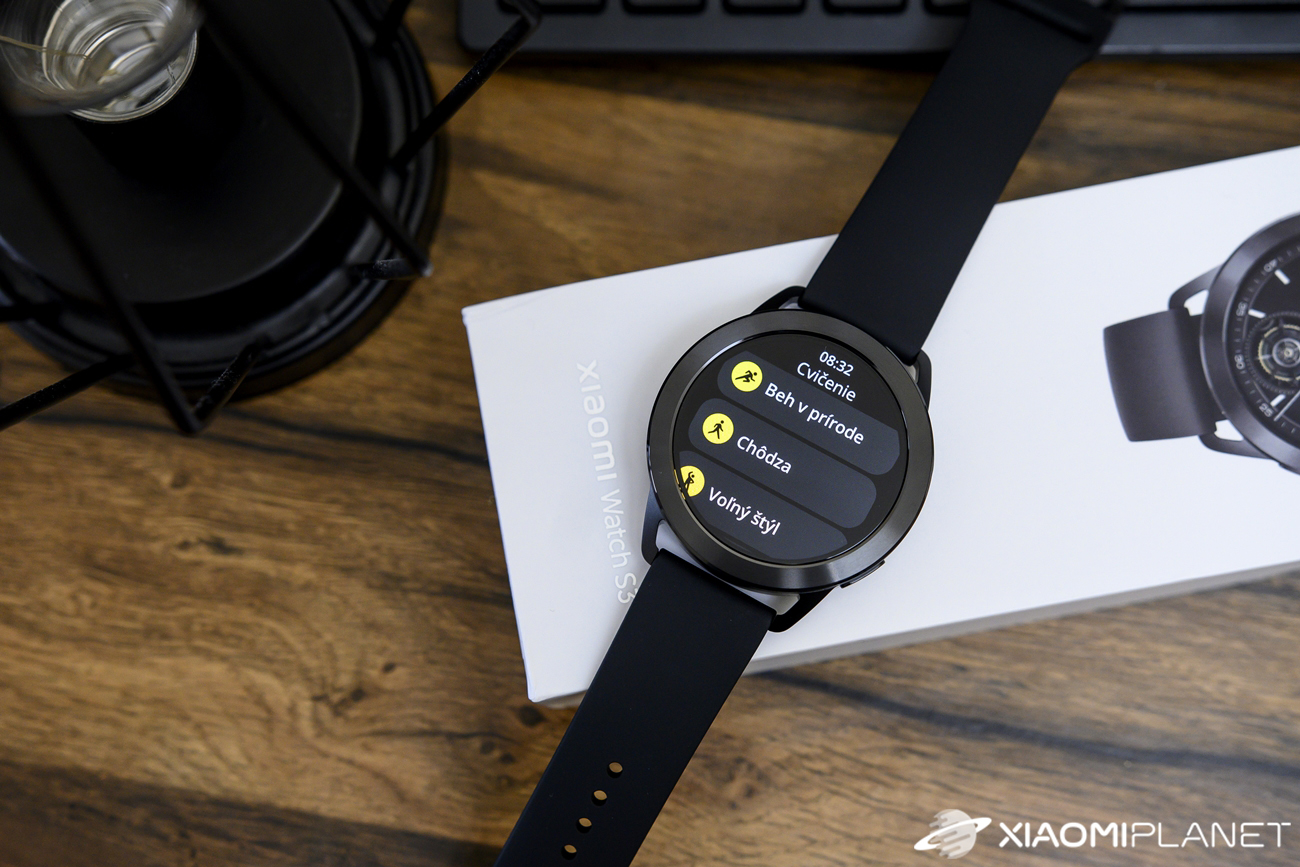
Here, the sports are divided into categories: water sports, outdoor activities, workouts, dance, combat sports, ball games, winter sports, recreational sports, card and board games, and others. You can also find some rather quirky sports that you wouldn’t expect here. As examples, we can mention chess, e-sports, fishing, kite flying, tug-of-war, or dragon boats.
The watches also support GPS, i.e., more accurate GNSS, because they use multiple positioning systems, not just the American GPS system. In open areas within your smartphone’s range, they get your location very quickly, but if the phone is disconnected or not available at all, signal searching sometimes takes longer than we’d expect.
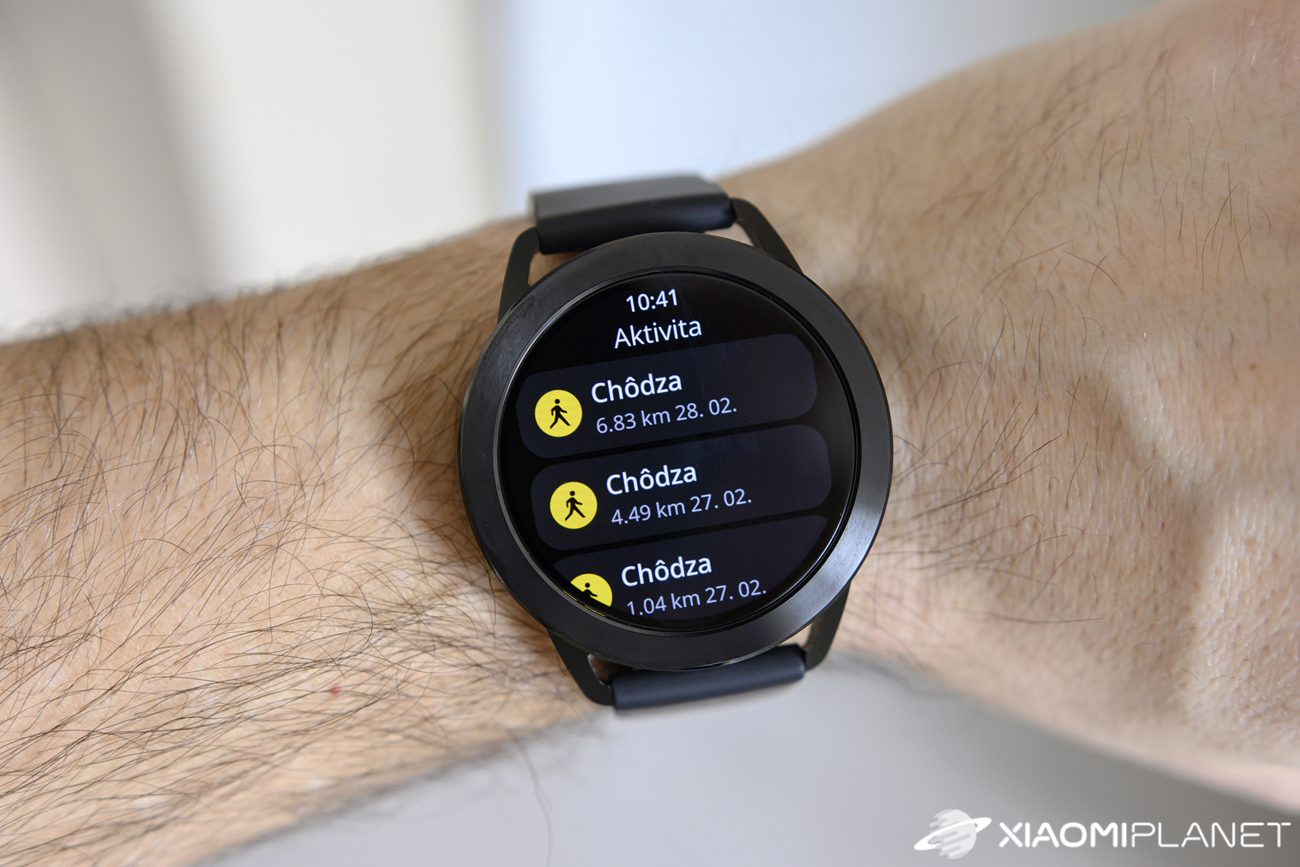
Personally, we tested walking, which records quite a lot of data. As for location accuracy, it isn’t completely perfect, but it’s also not noticeably inaccurate. During walking, it shows time, calories burned, average pace, average heart rate, steps, ascent and descent.
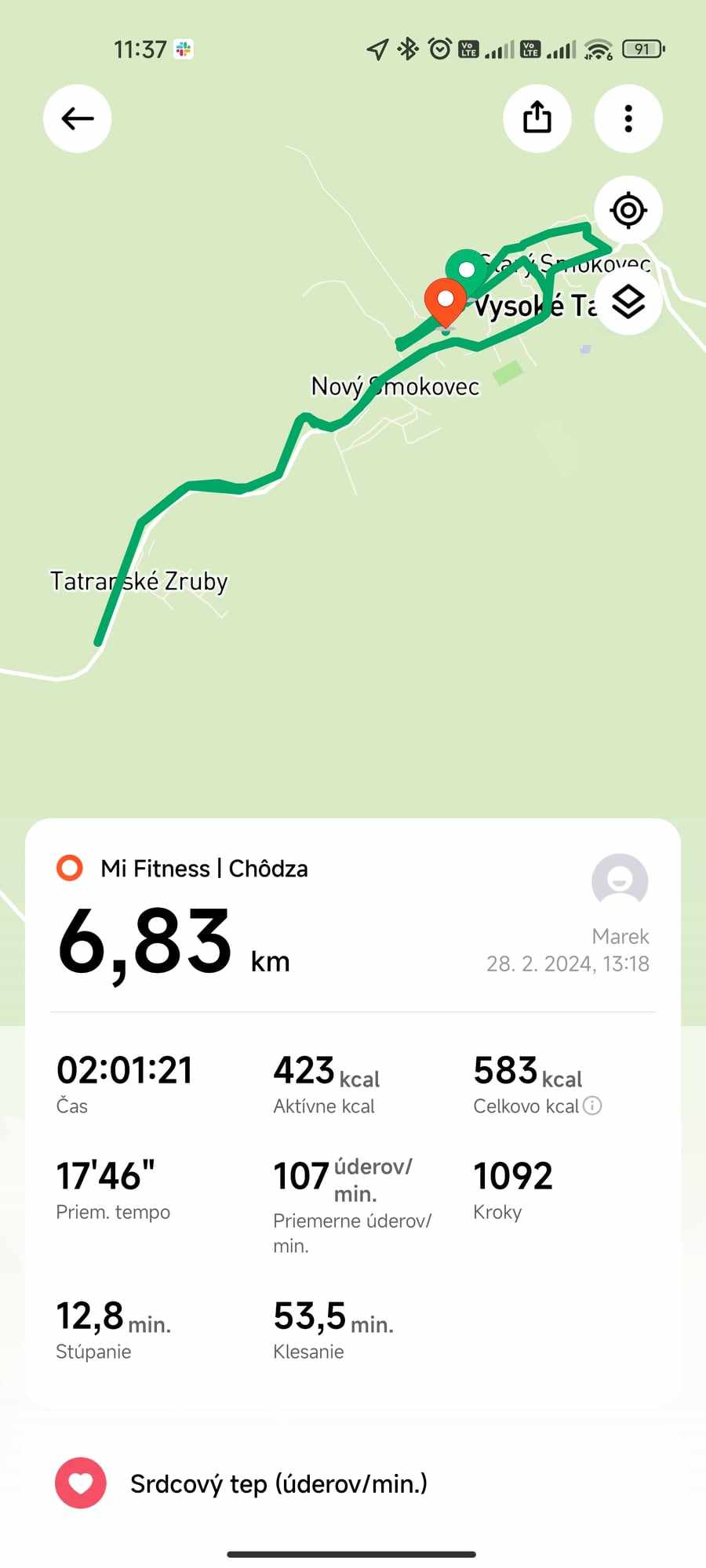
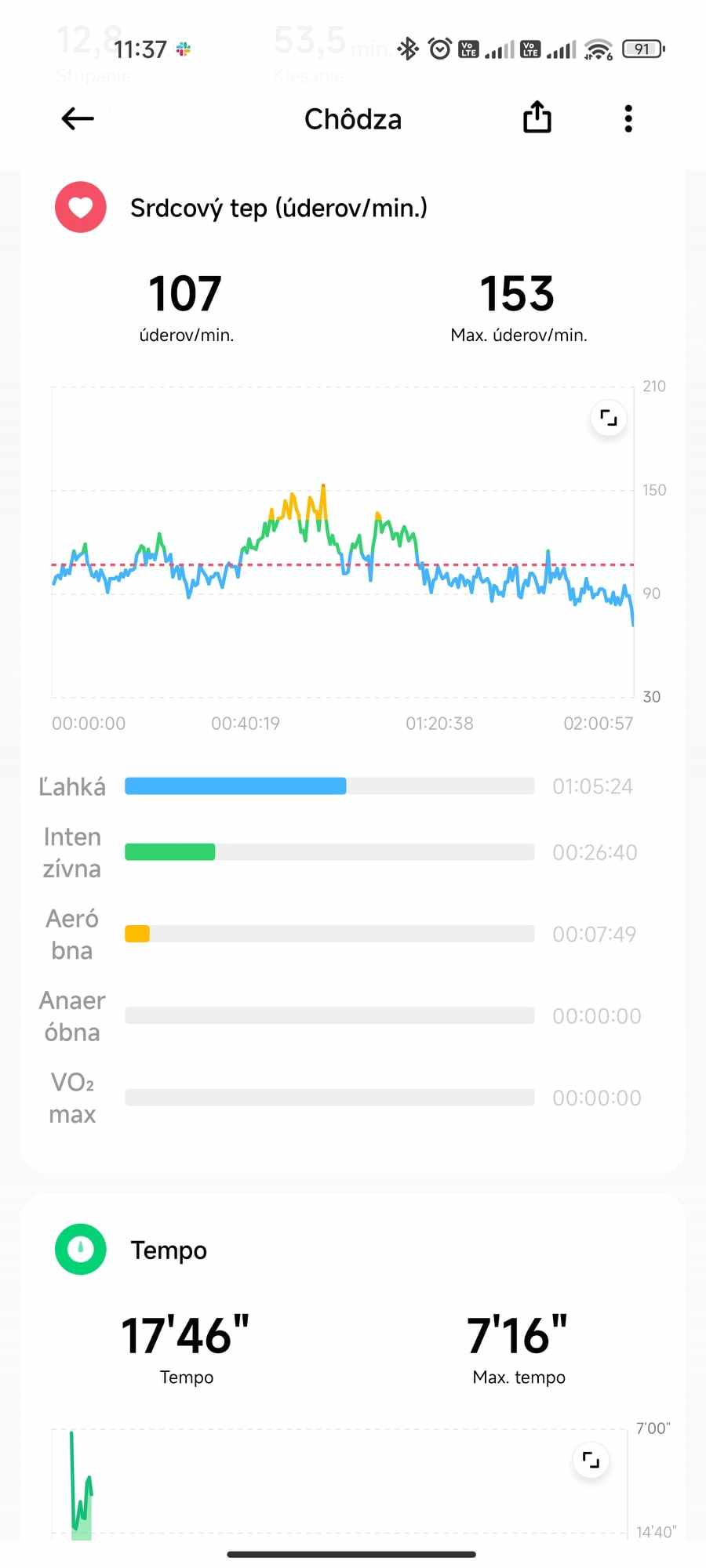
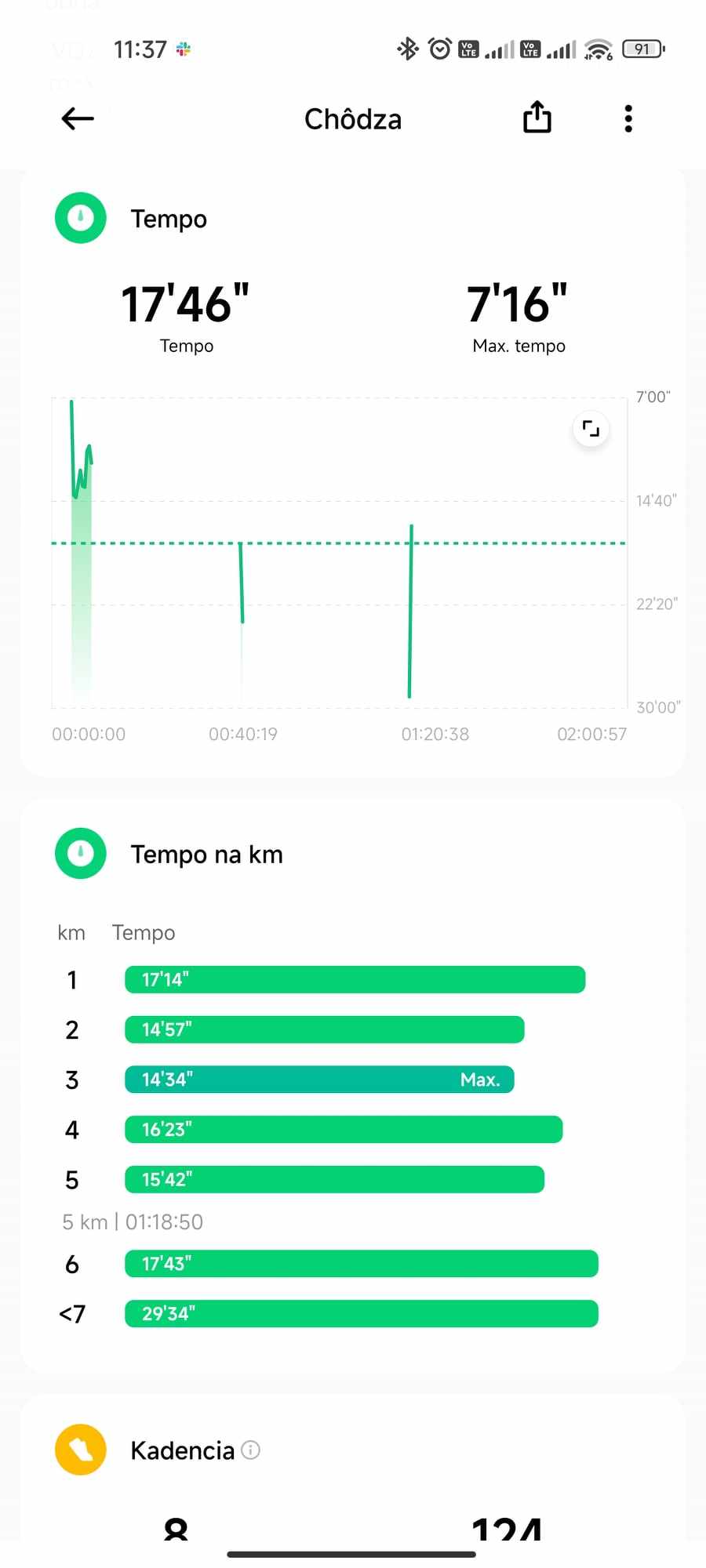
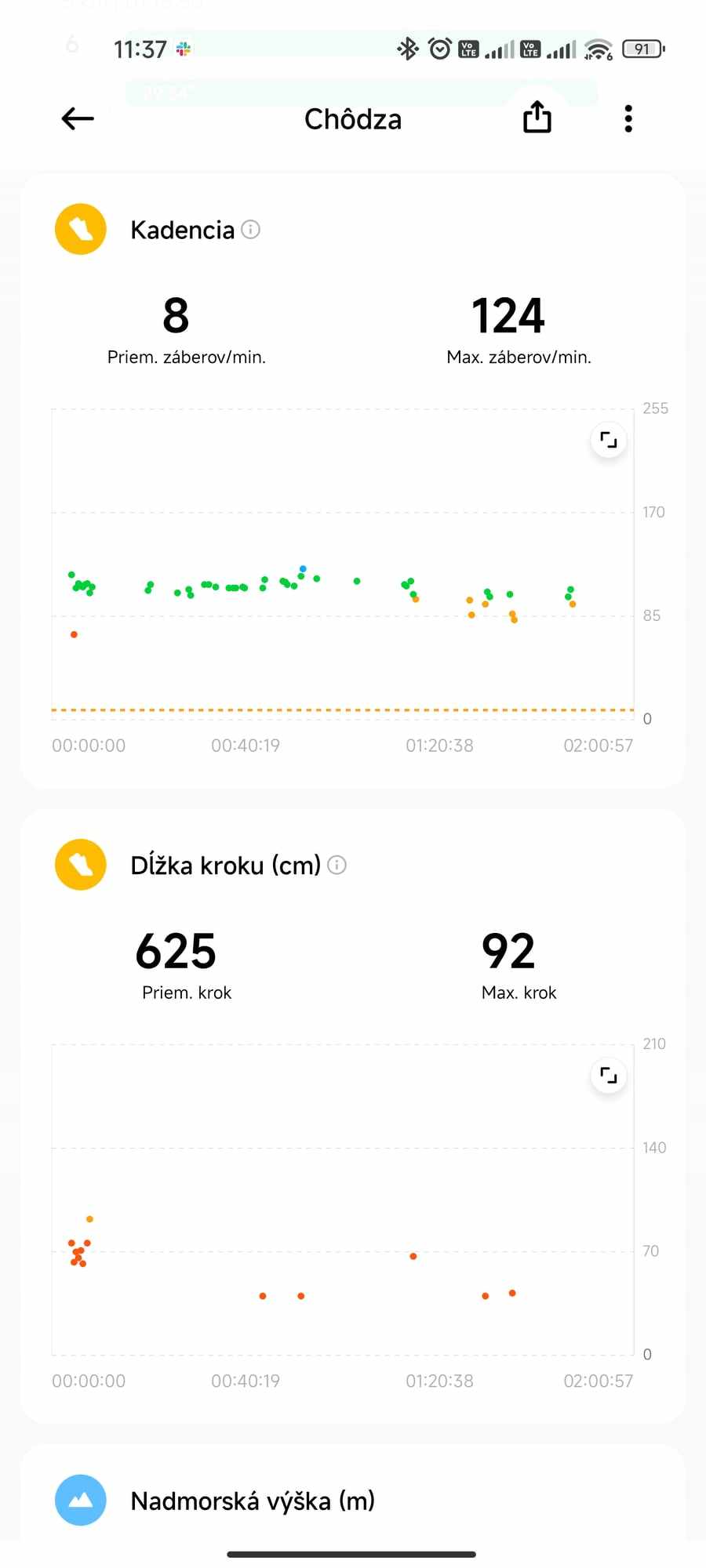
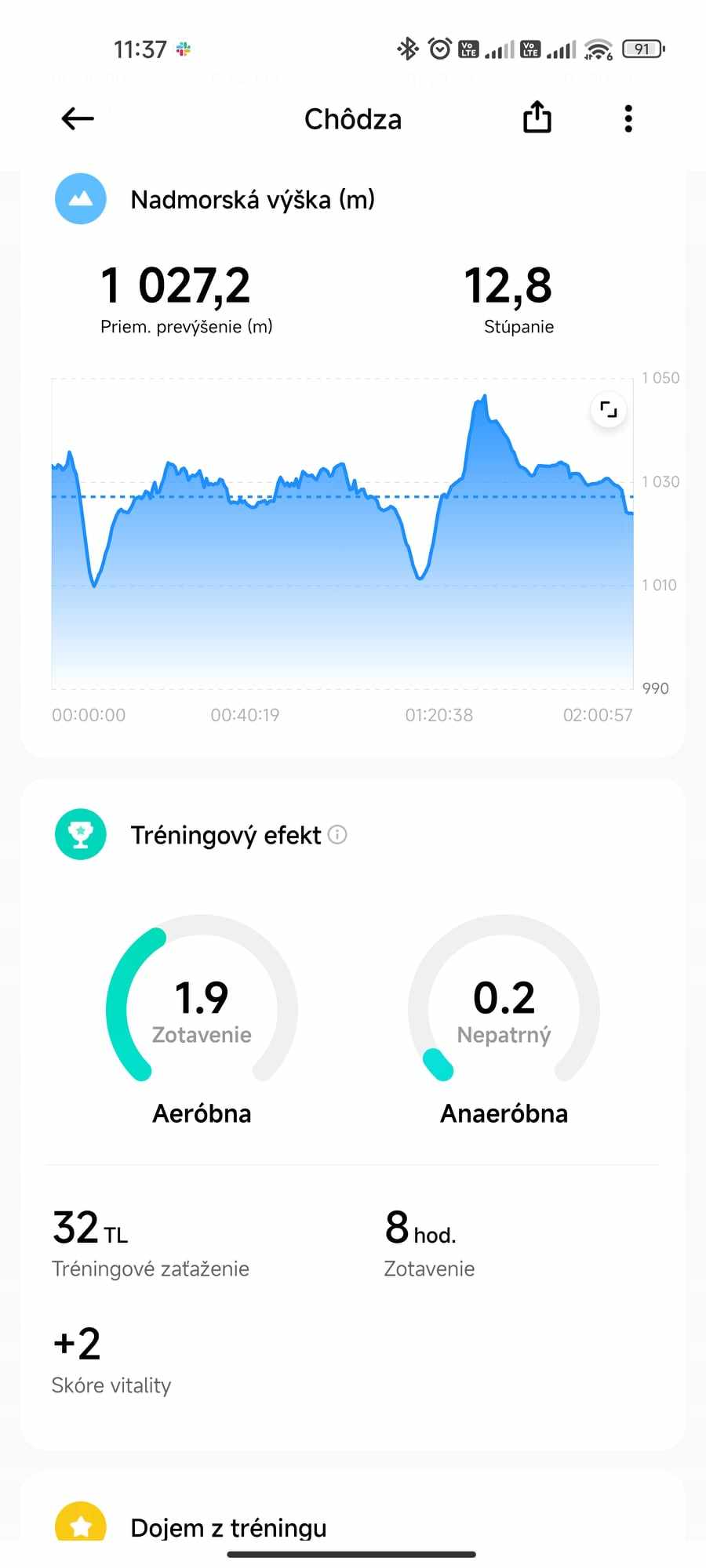
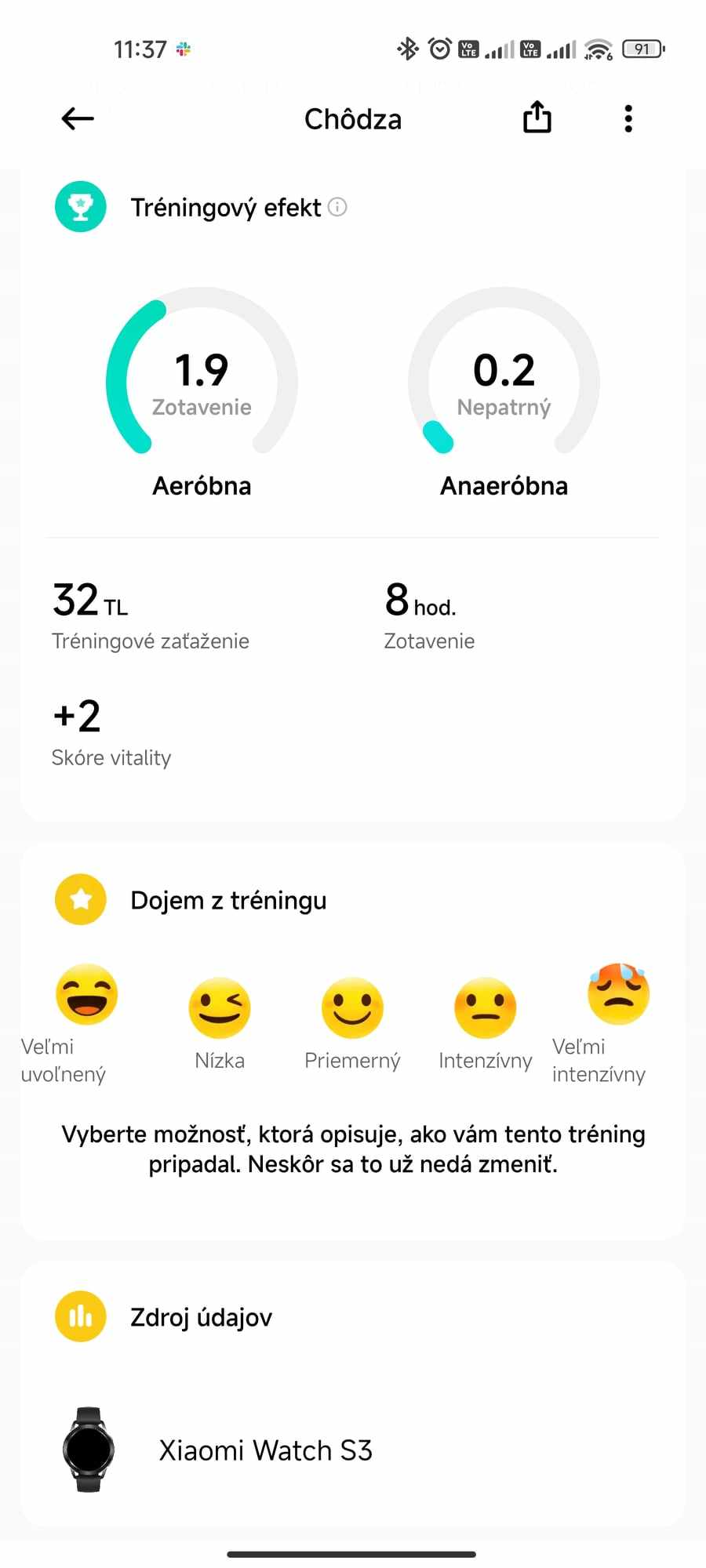
We also see a detailed graph of heart rate, pace, cadence, and we’ll find step length in cm, training effect, and altitude. The watches also track a kind of vitality score that changes based on activity. Since we were pushing a stroller during the walk, the watches recorded very few steps – however, this is a problem with all smartwatches.
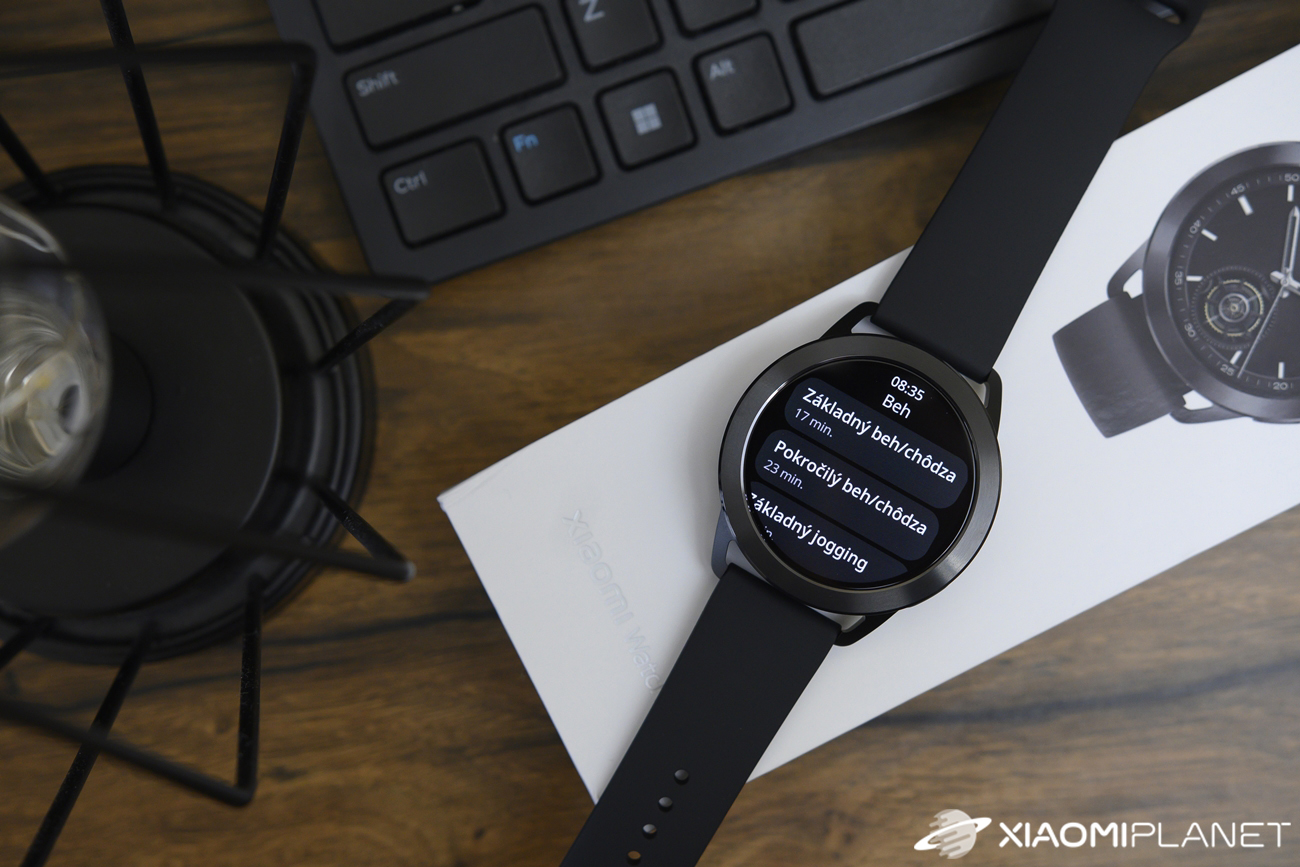
In addition to standard recording of various parameters during sports, the watches also offer ten running workouts. The workouts consist of several time intervals of brisk walking, jogging, sprinting, or running.
Monitoring vital functions
In the menu for tracking vital functions, we find a kind of standard equipment in the watch: heart rate measurement, SpO2, sleep, stress level, and breathing training.
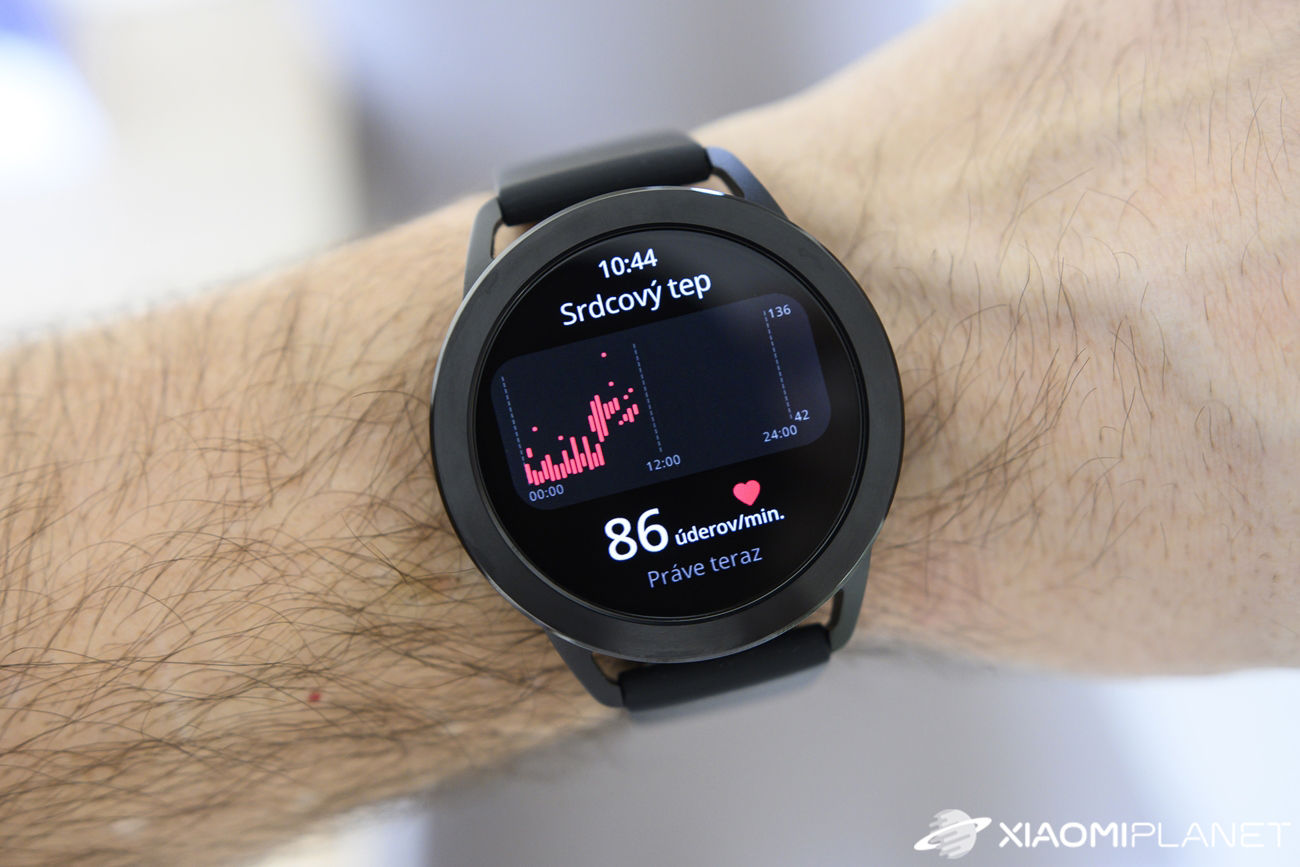
Pulse and SpO2 measurement takes 20 seconds, and this reading is shown on the watch screen. After the last update to version 2.4.6., however, the “Start” button for starting heart rate measurement somehow disappeared. Measurement works only automatically, based on settings, where we can choose intelligent measurement or measurement in 1 / 10 / 30 minute intervals.
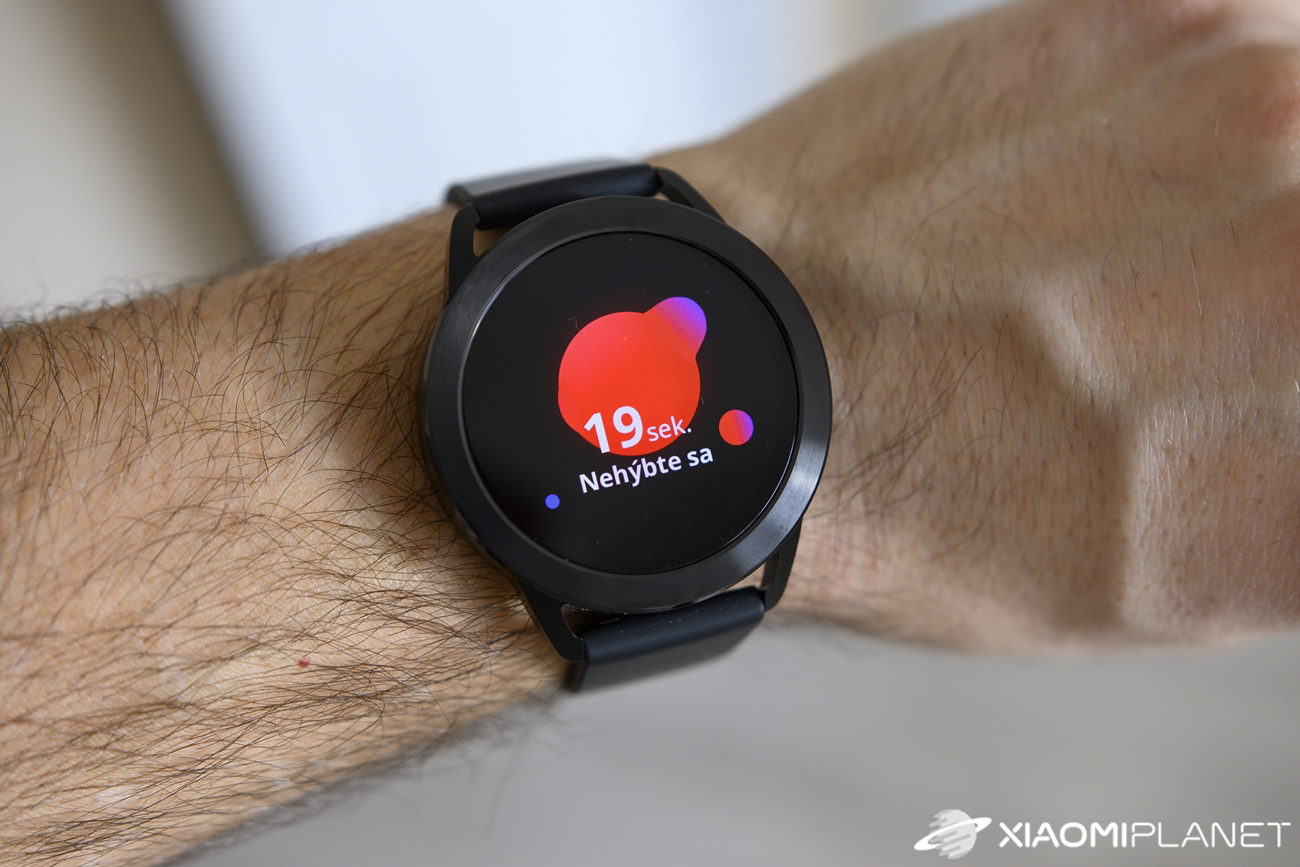
For SpO2 measurement, there’s still also a button to start measurement, along with all-day measurement, but we don’t have the option to choose an interval there. There are no missing alerts for when SpO2 drops below the set value or an alert for a high heart rate.
On the watch display, you can also view a graph of the measured heart rate and SpO2 values for the current day.
Sleep and stress tracking
Sleep tracking is already a fairly standard feature in all smartwatches. In most cases, though, this measurement isn’t very accurate, so the start of sleep is simply the time when we lay down in bed, and the end is the time we leave the bed.
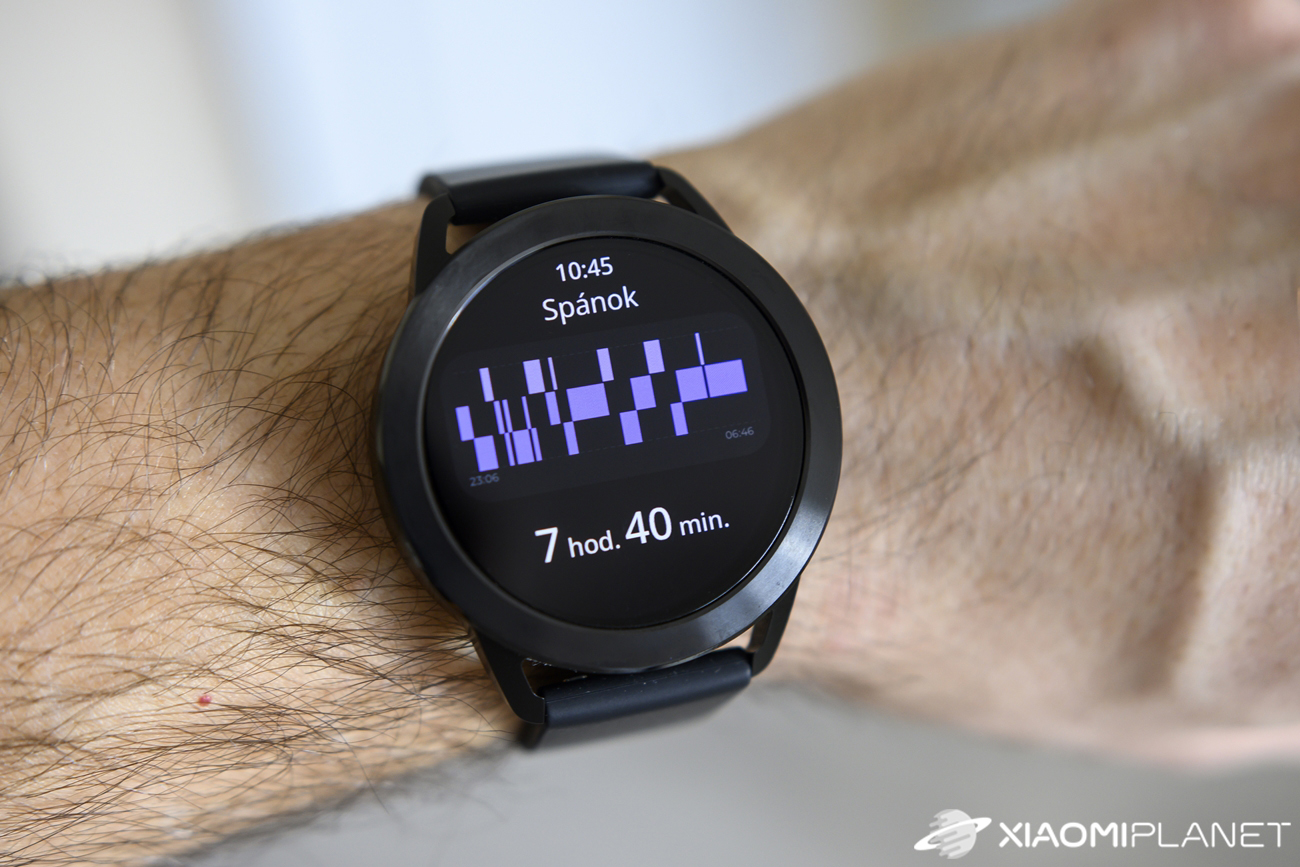
Xiaomi informs on its site about a completely new sleep-tracking algorithm that should be more accurate. Honestly, we didn’t notice any visible improvement. During one night of testing the watch, we couldn’t fall asleep for about an hour and just lay in bed, but the watch counted that time as sleep too.
Besides the total sleep duration, the watches also show individual phases such as deep sleep, light sleep, REM, and wake-ups. Heart rate and SpO2 are also measured, and on the watch screen we can view the duration of each sleep session over the last 7 days.
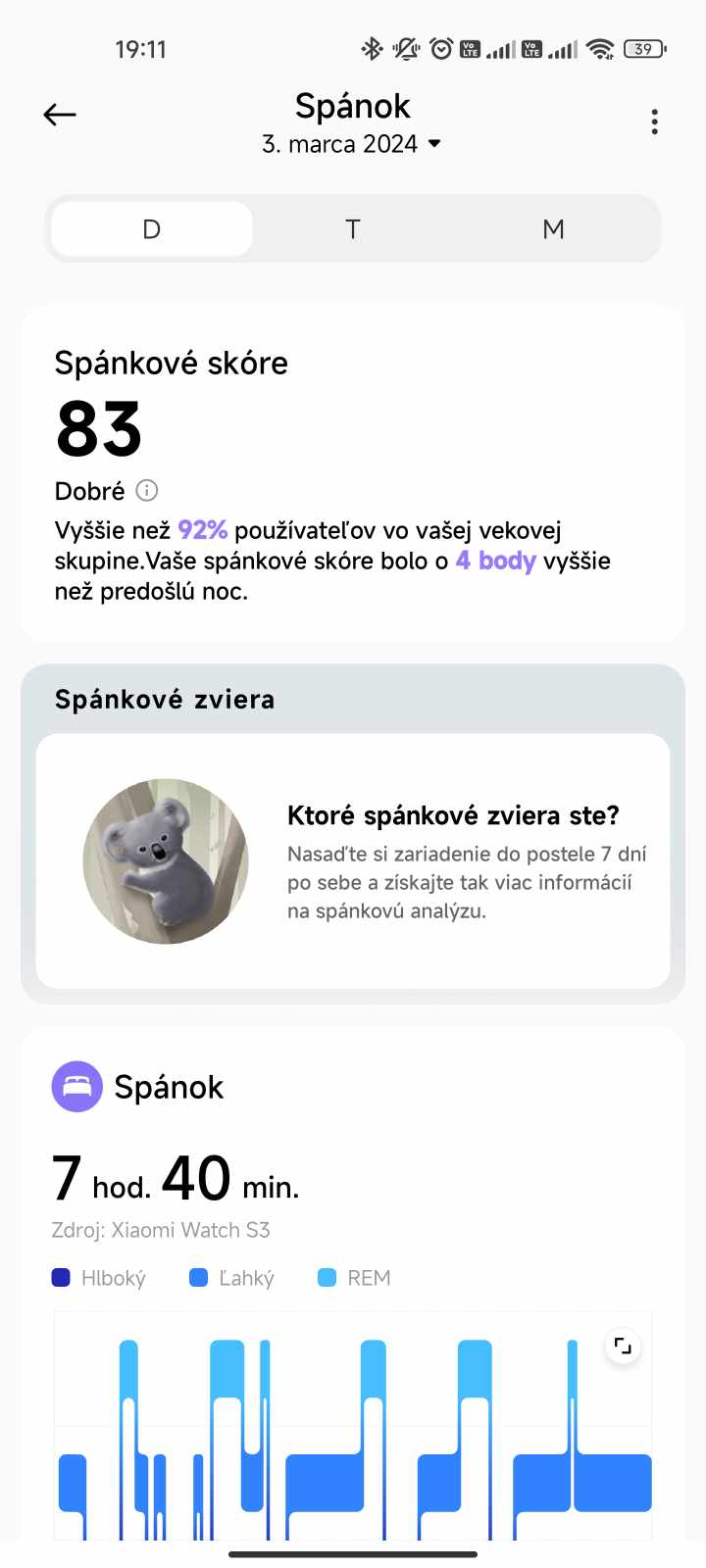
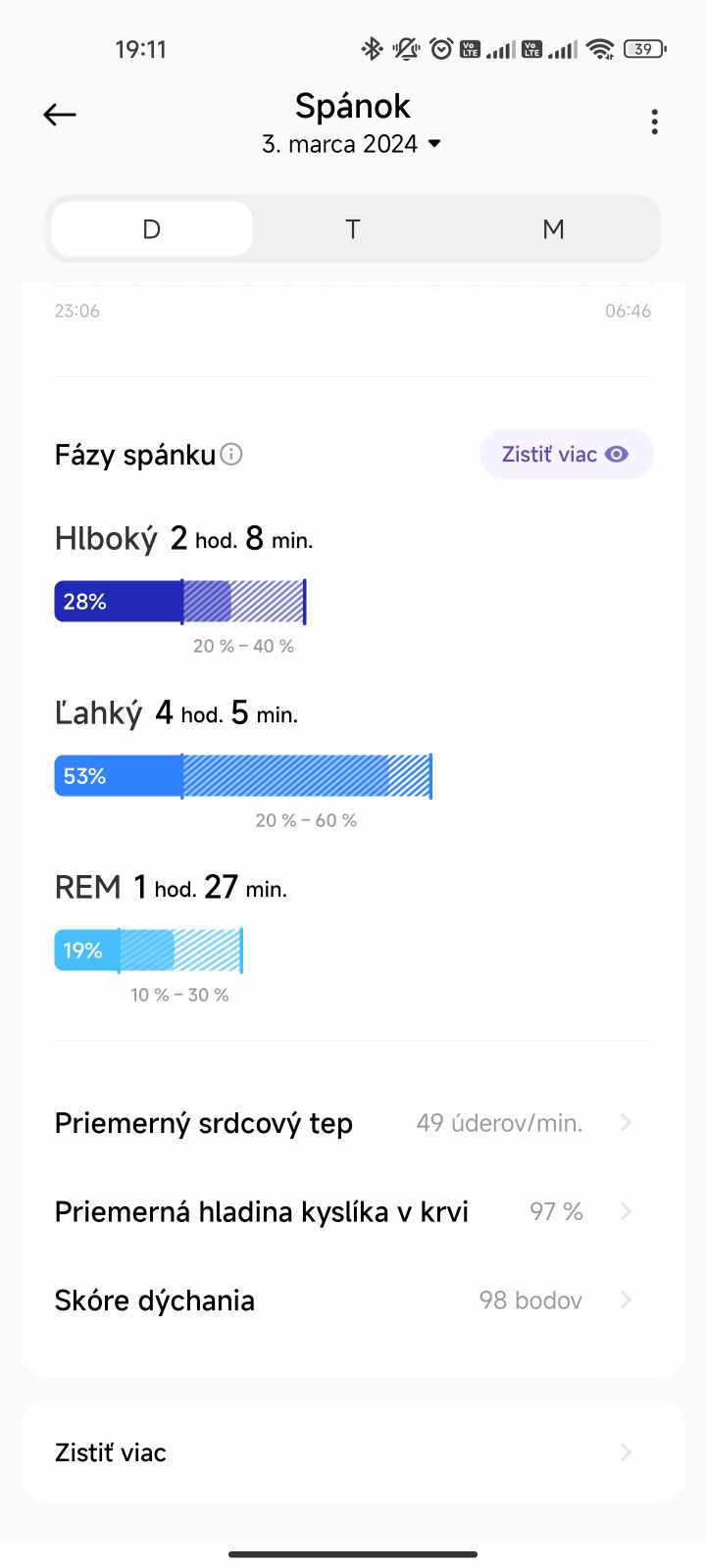
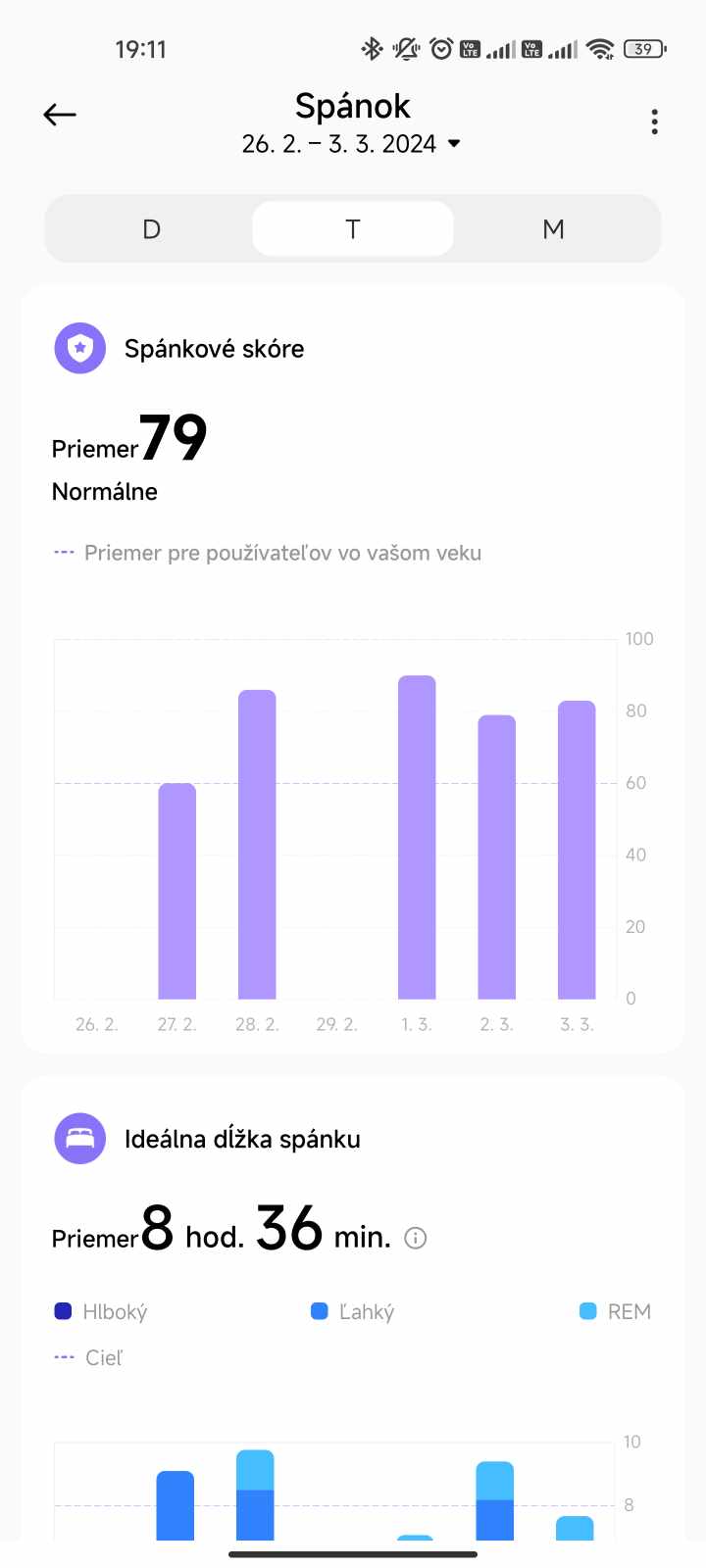
In the app, you’ll find a bit more information, such as a sleep score, some statistics compared with other users, or even one interesting feature. That’s the Sleep Animal. However, this data appears only if the app has recorded 7 consecutive sleeps. For some reason, the app didn’t record sleep on the last day of February, so we haven’t found out our Sleep Animal yet.
Stress level measurement takes up to 60 seconds, and all-day measurement is also available. A graph of the measured values is shown as well, similarly to heart rate and SpO2.
Bluetooth calls
Great news: the Xiaomi Watch S3 also supports Bluetooth calls. Since it has a speaker and a microphone, you don’t need to take your phone out of your pocket to make a call. You can simply accept or initiate calls directly through the watch, as long as the smartphone is within Bluetooth range.
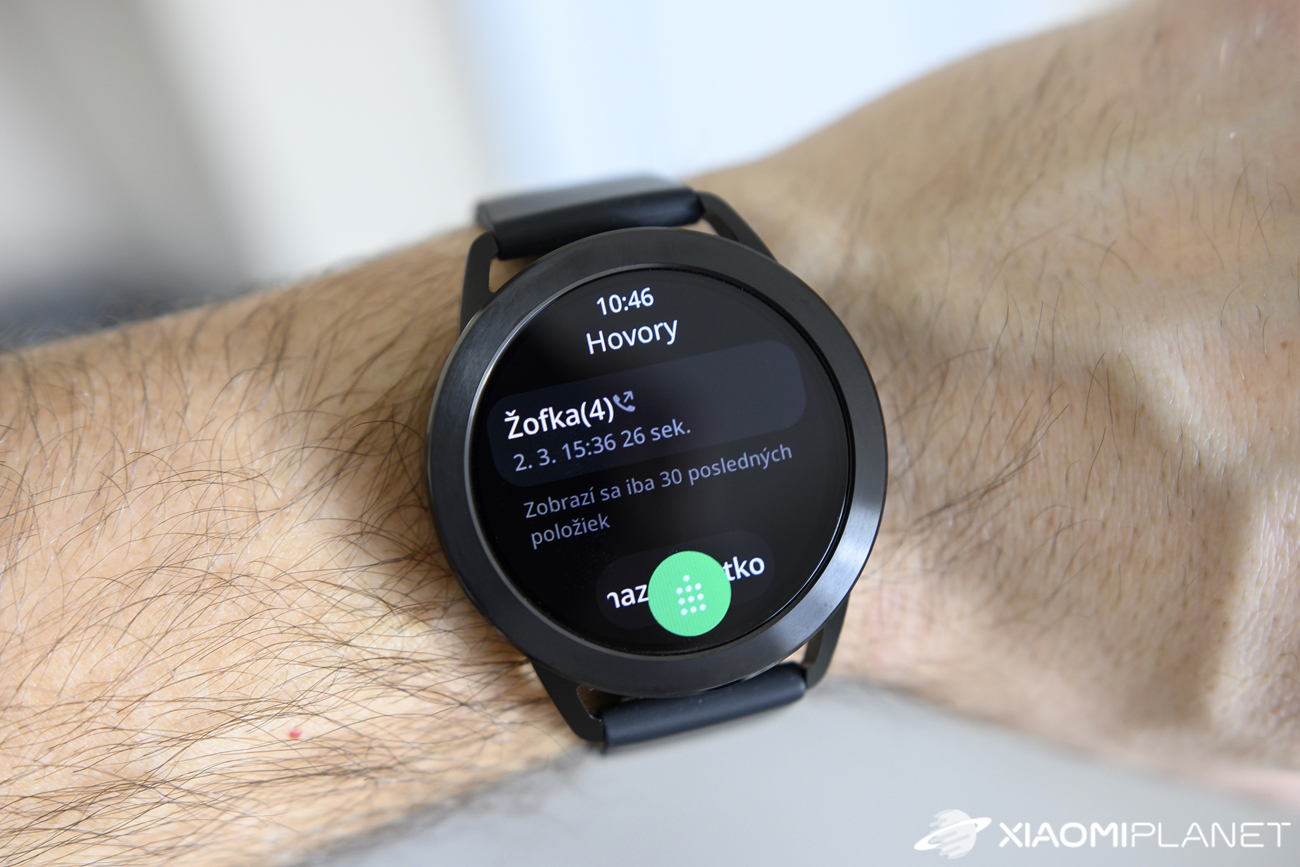
When you receive an incoming call, the caller’s name is displayed along with diacritics and their phone number. Besides accepting or rejecting the call, you can also cancel it by replying with an SMS message. On the watch, you have three preset quick replies like “I’ll call you later”, but in the app you can simply define your own replies as well.
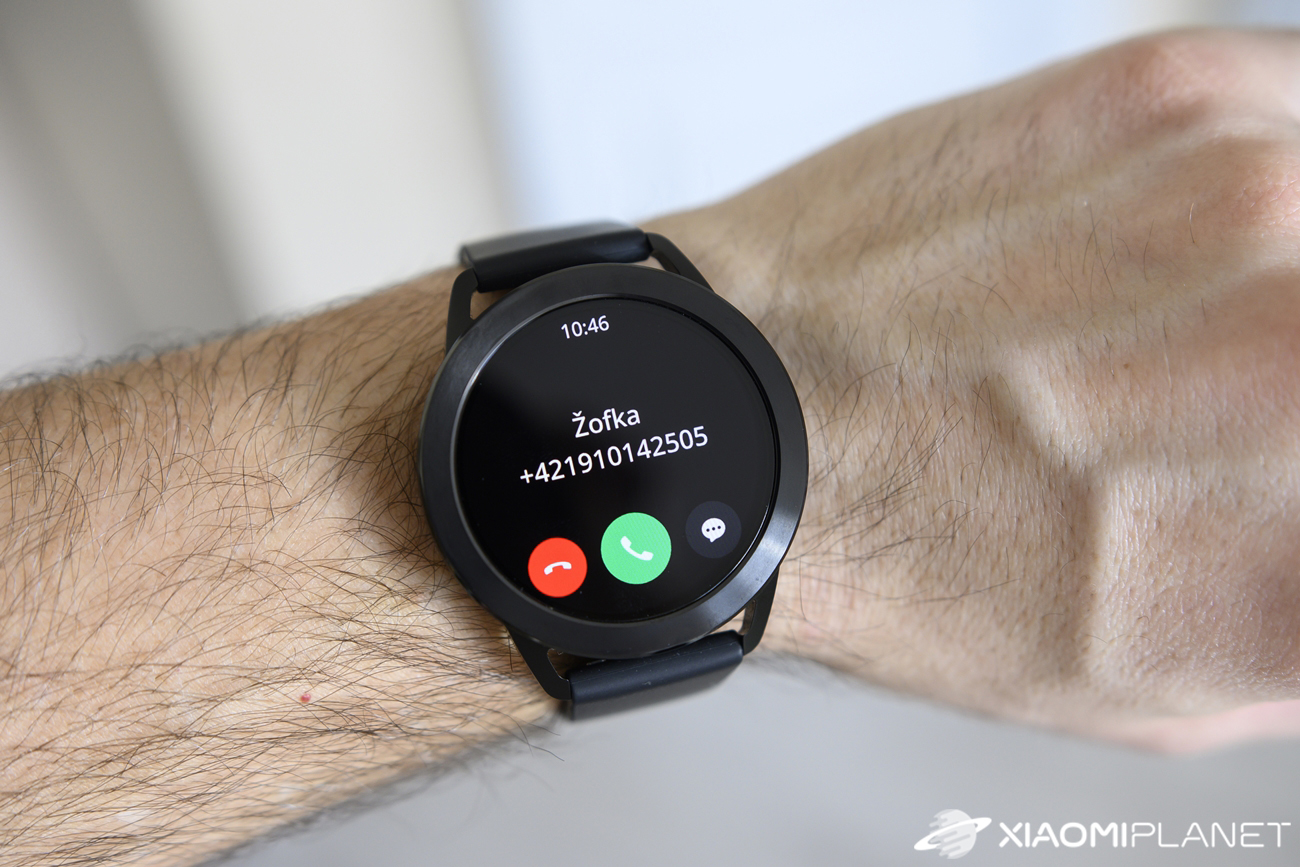
A slight downside is the speaker volume on the watch. It isn’t fully ideal, so if you’re calling on a busy street, even the maximum volume may not be enough. Another issue comes up when you use two SIM cards on your smartphone. When you place a call from the watch, you can’t choose the SIM card, so the call always goes out via the first SIM.
An interesting feature is the quick activation of an emergency call by pressing the lower button three times. After doing this, the watch will place a call to the emergency number, which we must set in the app in advance. Also, in case of a fall, the watch should make such a call automatically.
NFC and watch payments
Initial information about NFC support wasn’t very positive, but Xiaomi pleased many fans and added NFC support to the global version of the watch. It was the update to the aforementioned 2.4.6 version that brought support for payments via Xiaomi Pay.

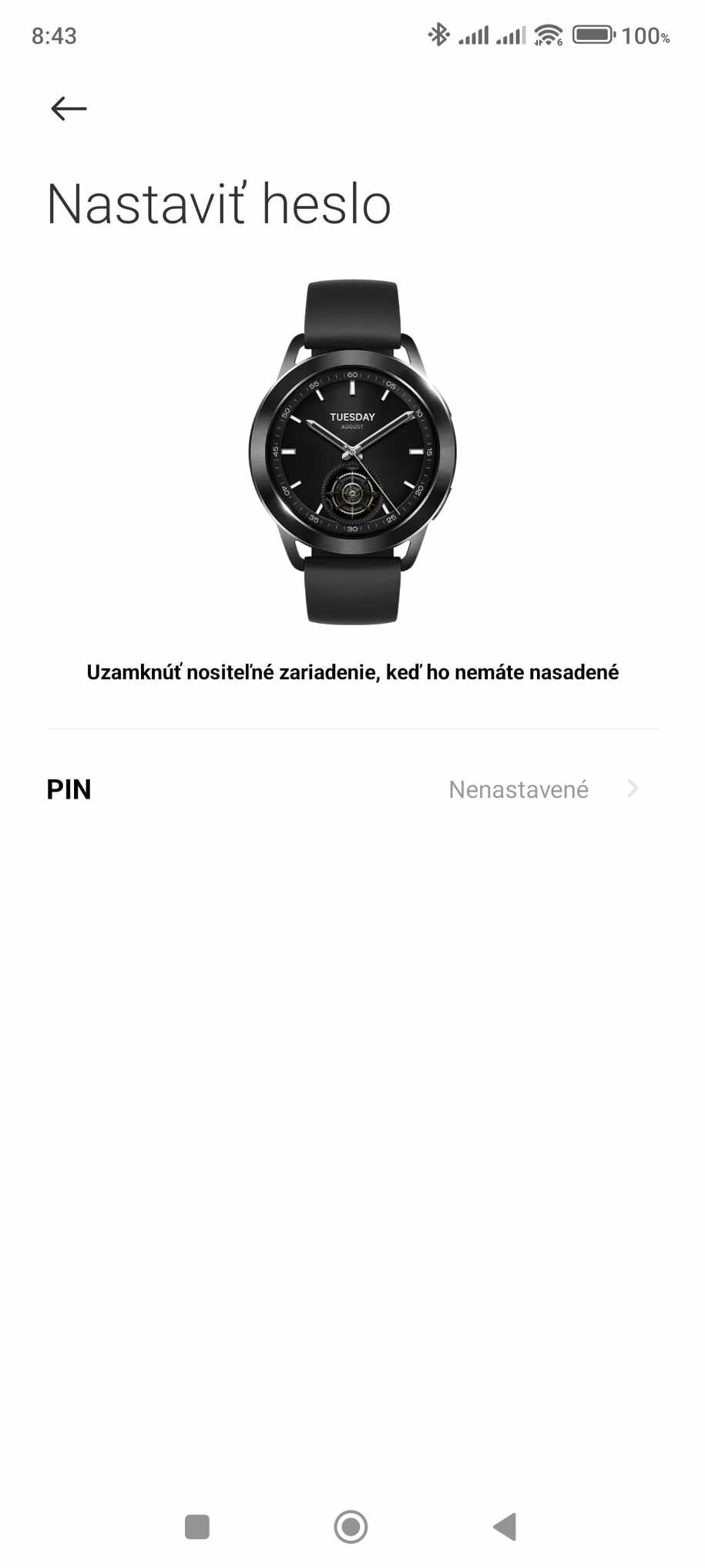
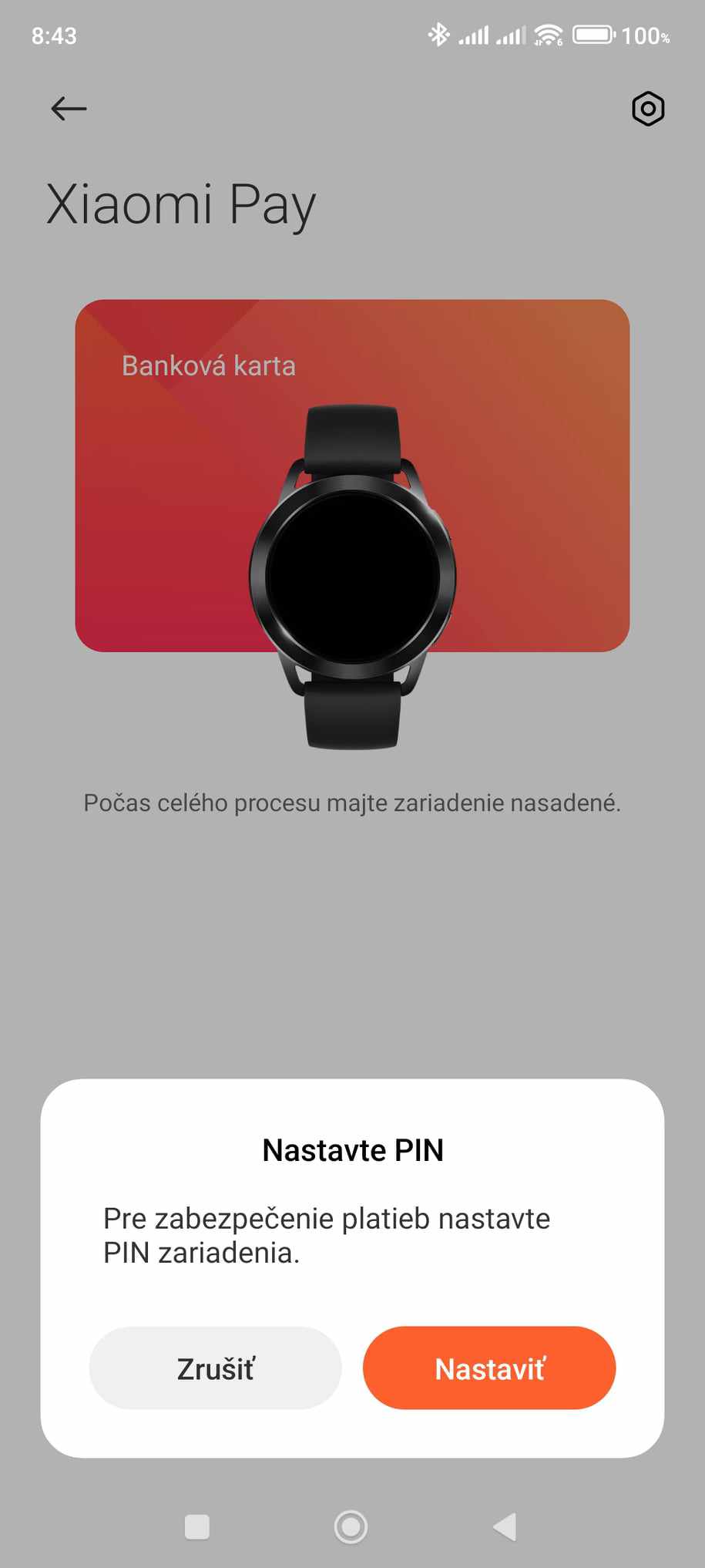
Of Slovak banks, this service is currently supported only by mBank, Prima Banka, 365 Banka and VÚB. However, you can work around it with the Curve service, which we already wrote about with the Xiaomi Watch S1 Active smartwatch. The Curve card lets you link your own cards to this service, so you can pay with funds from your own card even though you are actually using the Curve card.
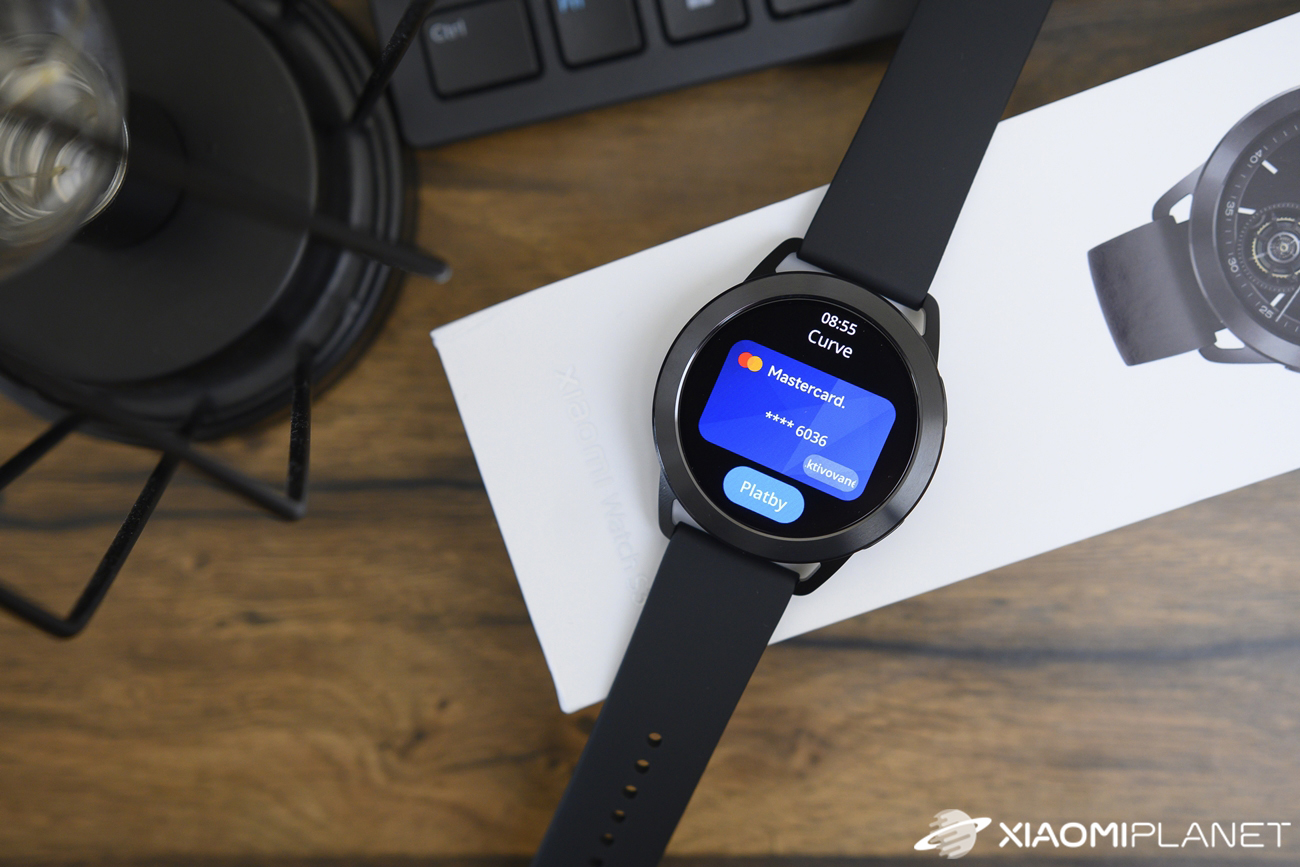
For reasons we hadn’t identified at first, store terminals weren’t able to recognize the card when we held the watch up to them. The terminal displayed a notice: “Card not recognized, please try again”. After we deleted the card from Xiaomi Pay and added it again, payments started working.
Just like with other Xiaomi watches, before making a payment you always need to select the payment app on the watch and tap the “Payments” button. At that moment, a 60-second countdown starts, during which the card in the watch is active.
Safety was also taken into account, so when adding the card you have to set a 6-digit PIN code that the watch will request every time you take it off your wrist.
Endurance and charging
Xiaomi states average battery life in normal use at 15 days; with an always-on display it’s 5 days. On Xiaomi’s official site, you’ll also find the exact conditions and settings they used to measure this. Essentially, it’s based on default settings: the preconfigured watch face design, 200 screen-on times per day, 15 minutes of calls per week, and so on.
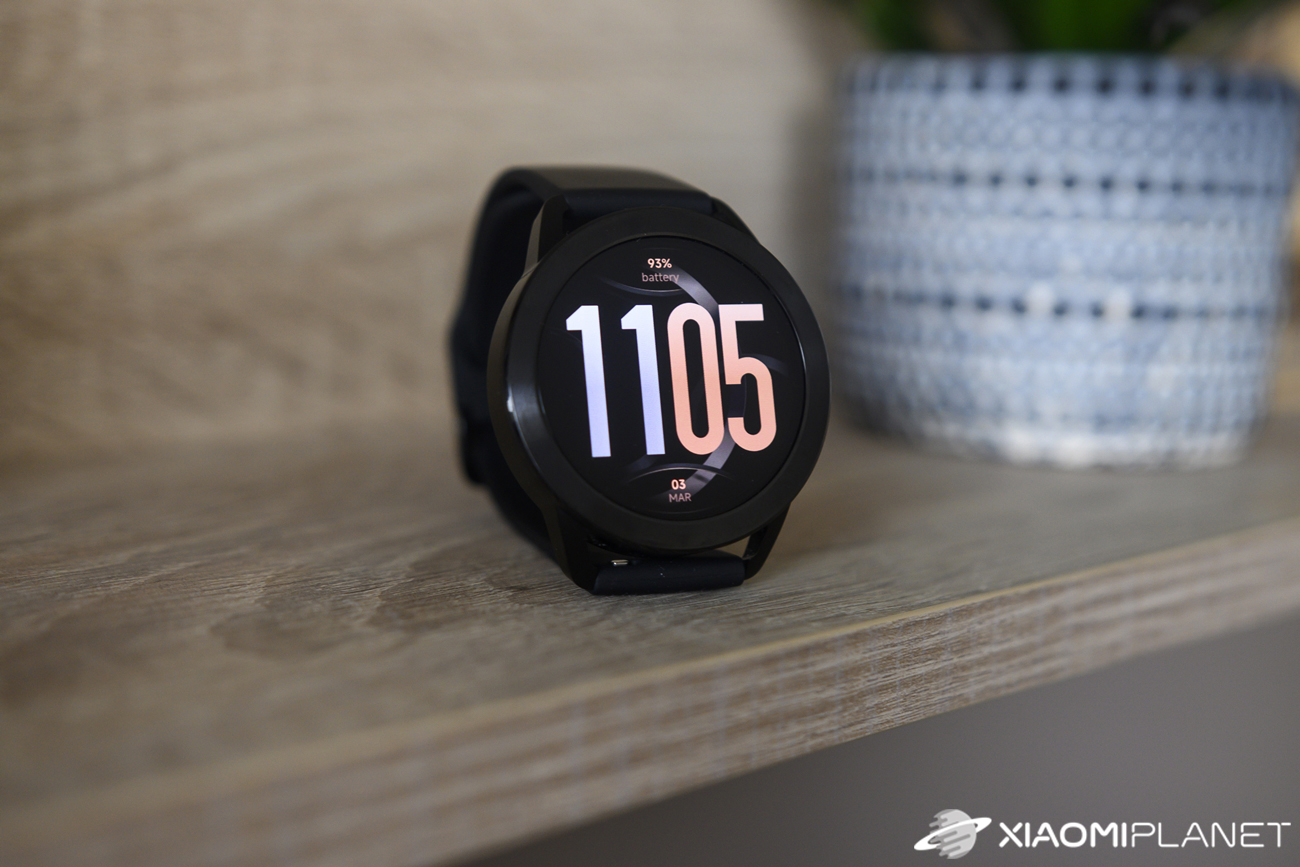
Personally, we didn’t use the always-on display, but we enabled continuous heart-rate monitoring, SpO2, and stress level tracking. We also turned on enhanced sleep monitoring and used NFC payments. We tracked only 4 activities, two of which lasted about 2 hours.
We drained the battery from 100 % to 20 % over 6 days. It’s not a weak battery life, since we used the watch quite intensively. Especially for watches like this, battery life is very hard to estimate because it depends significantly on how you use it.
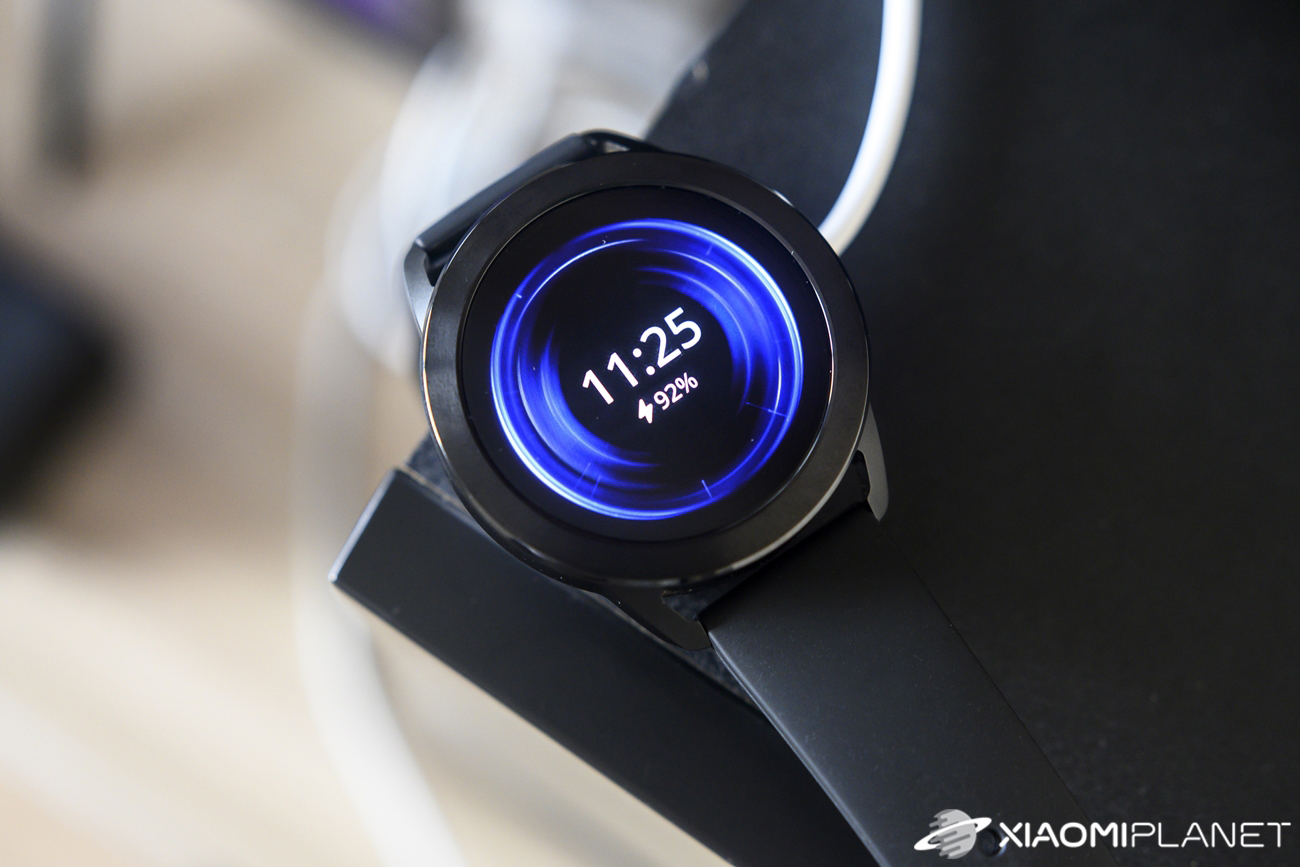
The watch charges using a magnetic adapter with a pair of pins, and charging is quite fast. You can see the charging progress in the table below:
| capacity | time |
|---|---|
| 20 – 50% | 10 minutes and 37 seconds |
| 75% | 20 minutes and 16 seconds |
| 90% | 28 minutes and 35 seconds |
| 100% | 43 minutes and 40 seconds |
Notifications, settings, and control center
One of the most used smartwatch features is showing notifications from various apps on your smartphone. In the Mi Fitness app, you can choose whether you want to receive alerts from all apps or only selected ones.

Notifications display smoothly, without delays, but one small detail still got in our way. If we receive a notification, for example from Messenger, the watch screen sometimes shows first the app it came from, and only then the actual content—i.e., the message. It only happens occasionally, not every time.
Another issue is that the watch can’t display emojis, so instead it shows only little squares.
Let’s also mention the control center, accessible by swiping up on the display from the bottom. Here you’ll find quick shortcuts to enable Do Not Disturb mode, mute sounds, turn off the screen backlight when you lift your wrist, settings, the battery, power-saving mode, find your smartphone, and clear water from the device.
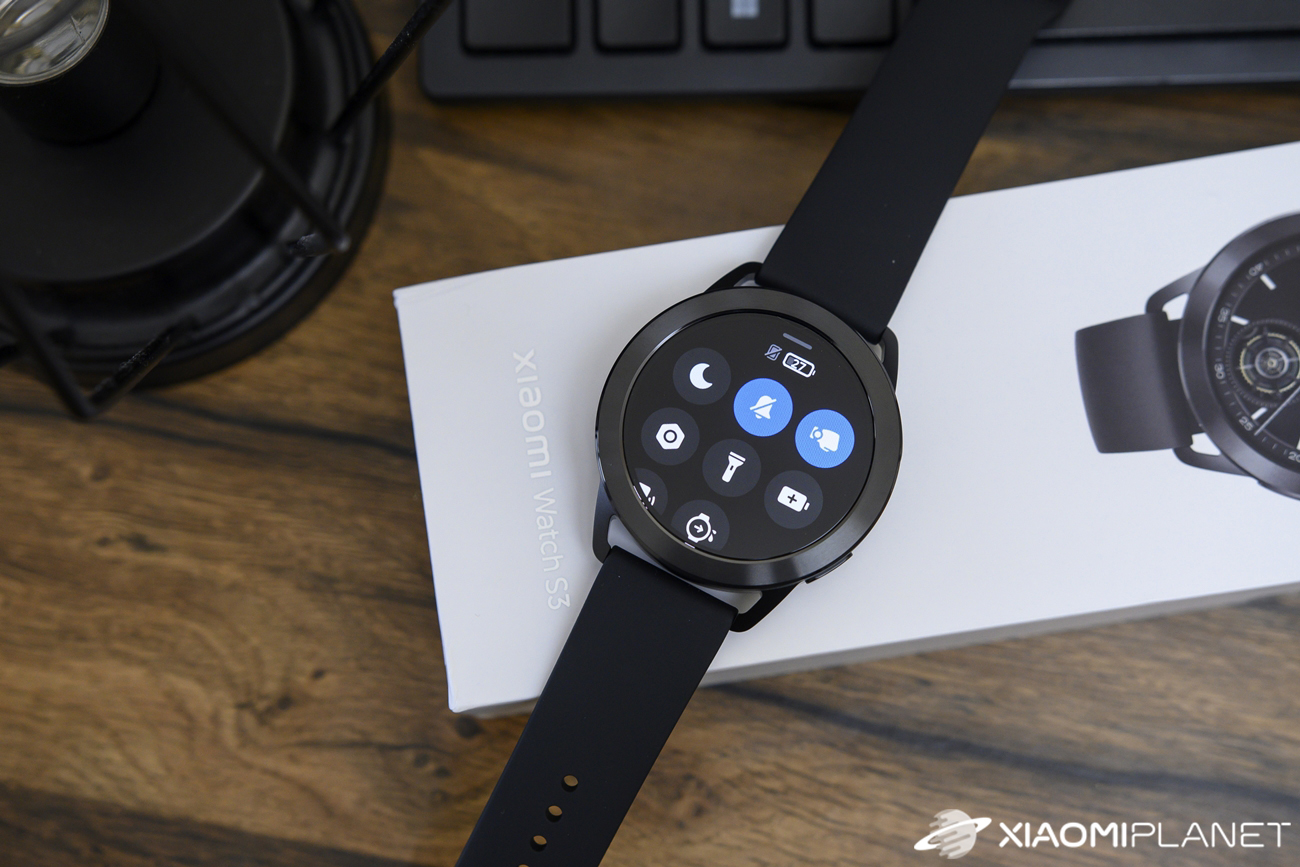
Settings let you change watch faces and customize them, connect Bluetooth headphones, and set notification volume or vibration intensity. Several settings are related to the display, where you can choose the auto screen-off interval, wake by lifting your wrist or by double-tap, put it to sleep by covering it, or even use an always-on display.
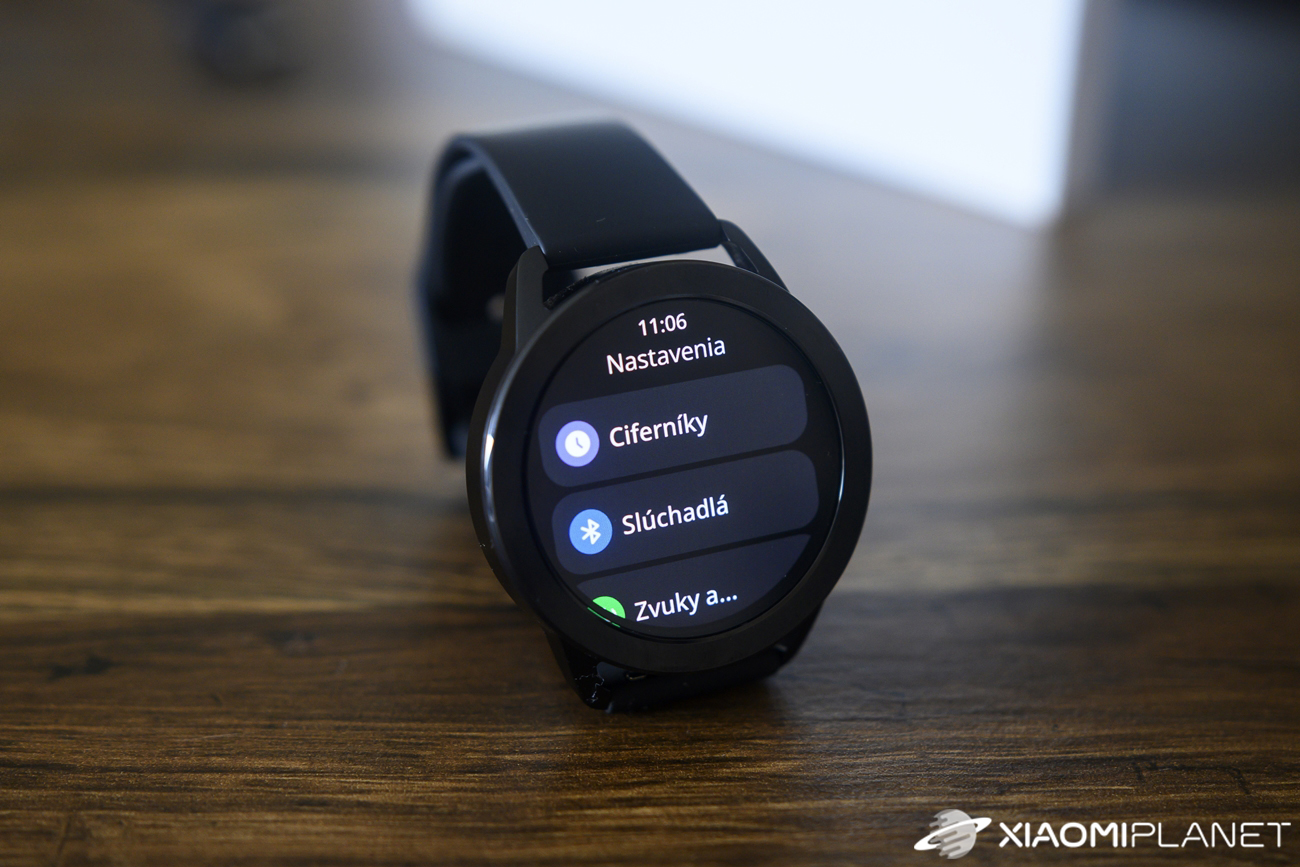
More settings relate to notifications, where you can choose whether the screen should wake immediately after receiving a notification, or whether you want to get notifications only when your smartphone is locked. You’ll also find automatic detection of sports activity, switching the layout of the main menu, and customizing the function of the bottom button.
Xiaomi Watch S3: Final evaluation
Xiaomi Watch S3 are very pleasant smartwatches that offer quite a lot for a reasonable and tempting price, only slightly above the 100 EUR threshold. You’ll be pleased with a nice AMOLED display, an elegant design, and the option to customize the look using a replaceable bezel.
The watches work almost flawlessly; the Xiaomi HyperOS system is smooth, and they also offer heart rate monitoring, SpO2, sleep duration, and stress level tracking. Sports activity tracking and an overall vitality score are also included.
You’ll also get Bluetooth calls, trouble-free notifications, and NFC support for payments with the watch via Xiaomi Pay. Xiaomi Watch S3 are definitely a very interesting choice if you’re looking for smartwatches with NFC payments and Bluetooth calls at an affordable price.
Don’t miss the best coupons 📩
Subscribe and we’ll email you new coupons before they expire. We only send it once a month — no spam.