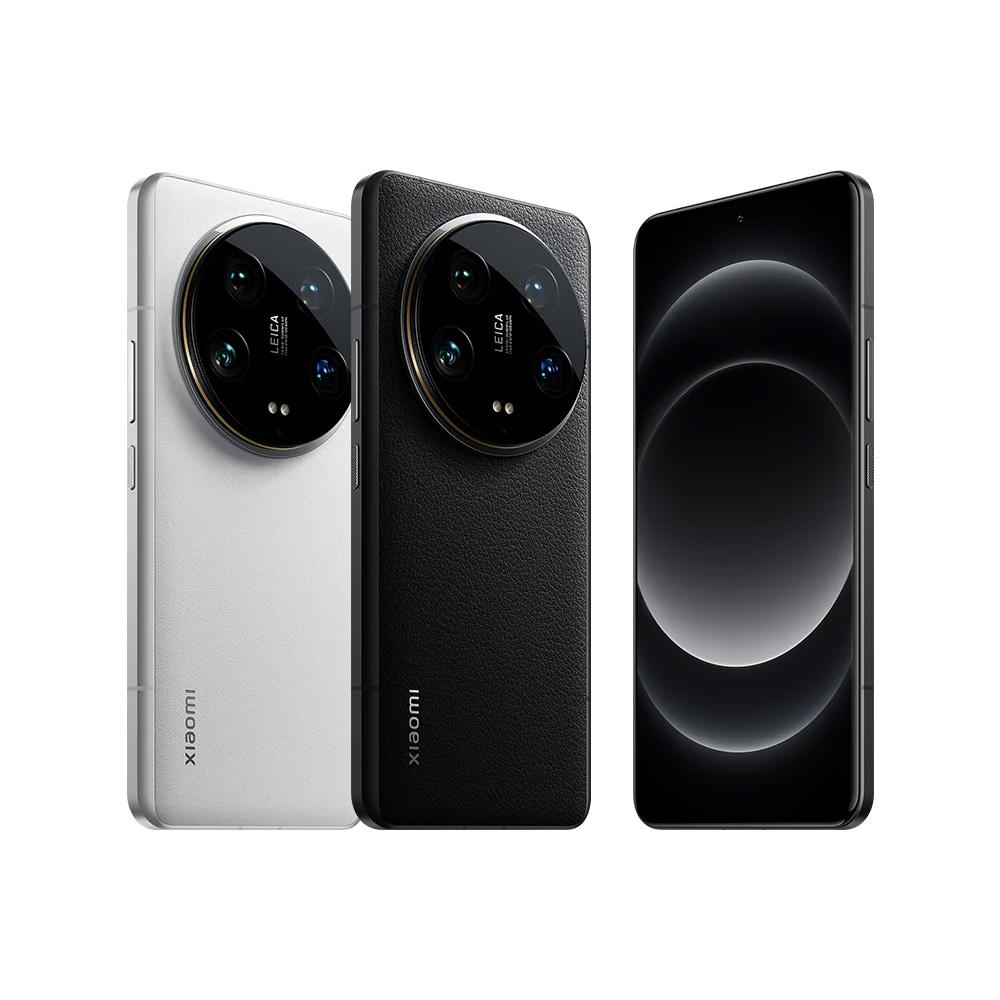
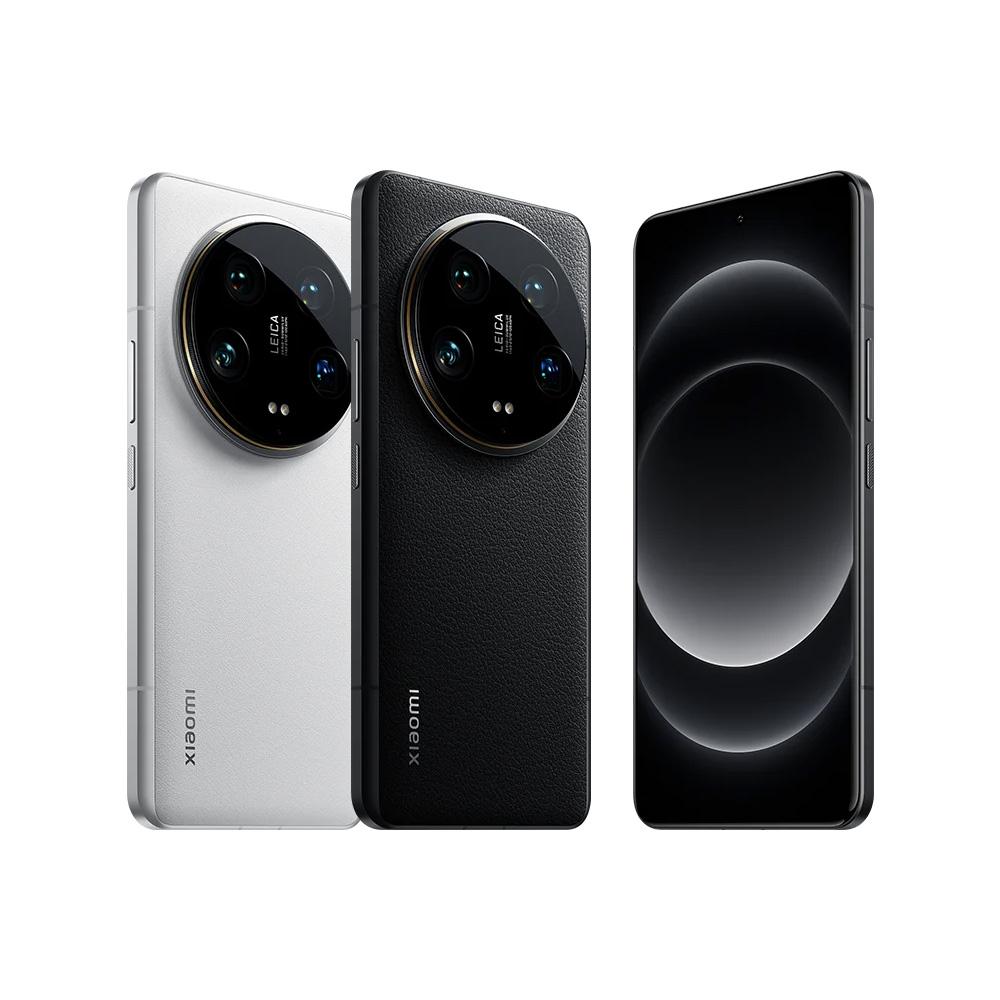
Coupon price from just 144 € for the global market: the Xiaomi 14 Ultra Photography Kit is the ultimate accessory that turns your smartphone into a camera
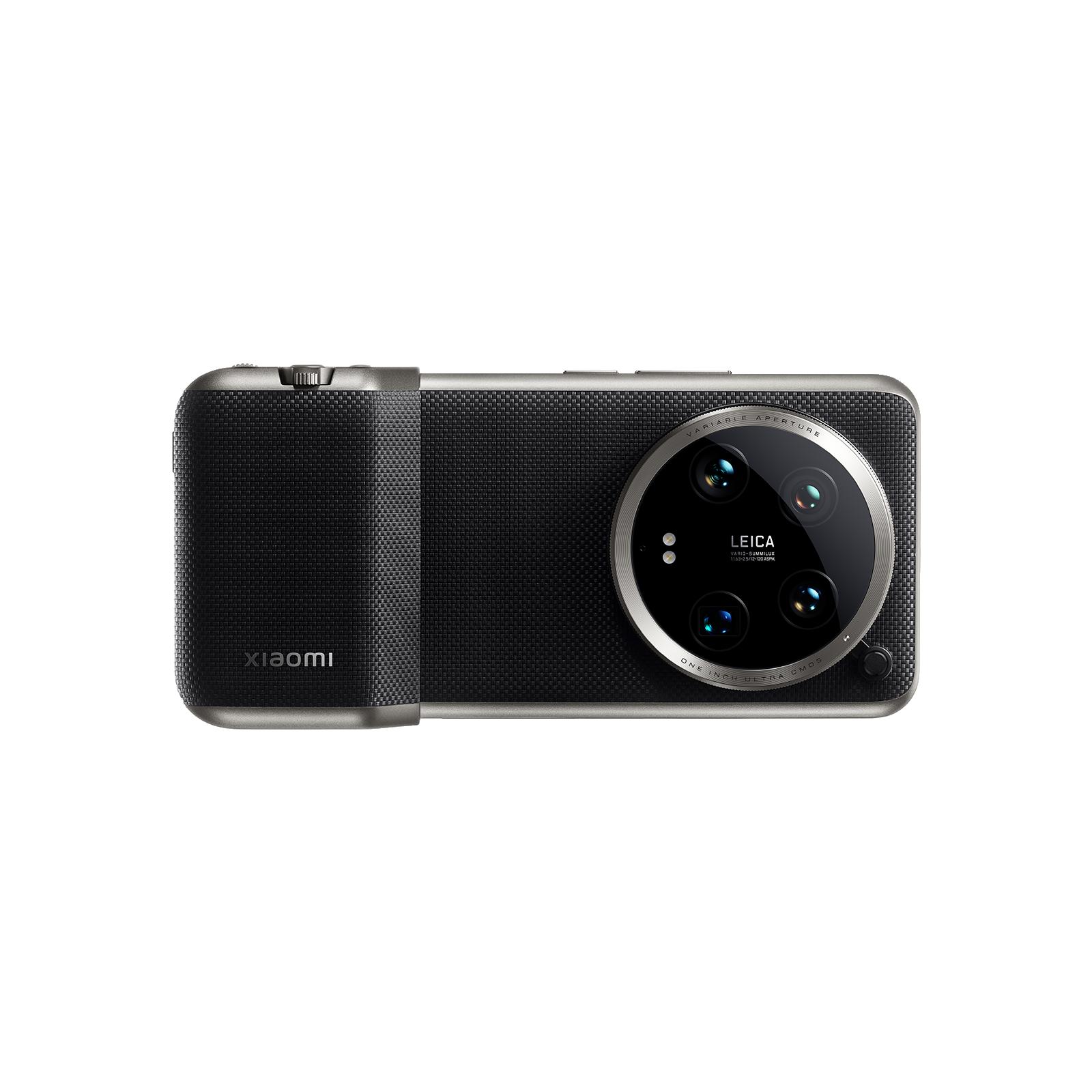
Our favorite Chinese brand Xiaomi with its premium smartphone, Xiaomi 14 Ultra, also brings original Photography Kit camera accessories. This is the piece that turns your smartphone into a full-fledged camera with hardware control elements.
With this coupon, you save money
You can find the Xiaomi 14 Ultra Photography Kit in the offer from our close partner Gshopper, with whom we’ve been working closely for several years. Together with Gshopper, we’re bringing you a deal on the Photography Kit for 14 Ultra at one of the lowest prices at least across all of Europe.
When ordering, make sure to use our discount coupon—thanks to it, you’ll save significantly. Gshopper ships via a tuned and reliable duty-free delivery, so you won’t have to pay any customs fees. Shipping is completely free.
Xiaomi Planet shopping tip: GShopper has now launched direct bank transfer payments, so you can save another 4.5 % off the product price! Compared to card / Google Pay payment, you can get this product much cheaper. We described the full bank transfer payment process in our article.
Is it your first time shopping on GShopper?See the guide!
Updated 15. 8. 2025 on 05:58
TIPWith Standard Shipping via GShopper, you pay no extra fees—everything is already included!
With the GShopper seller, we recommend choosing Standard Shipping, where you won’t pay anything extra. Customs fees and any VAT are handled by the seller. You can select the shipping method in the cart only, after entering your delivery address. Delivery with this option usually takes about 15 business days from dispatch from the warehouse, but it may take longer.
TIP15-day delivery via Aliexpress Standard Shipping
For this product, Aliexpress Standard Shipping is available with guaranteed delivery within 15 days. This is the most reliable delivery method and, in most cases, the parcel is handled by a courier company. We tested the 15-day delivery in real life.
When ordering from the Chinese warehouse, AliExpress will add the customs duty in your cart—approximately 3,70 € per order. When you receive the package, you won’t pay anything extra.
Our extra service with VIP support — we’ll handle the order on Gshopper for you and ship it straight to your address.
If you don’t have experience buying on Gshopper, payments don’t go through, or coupon use doesn’t work for you, we offer an order handling service directly to your address for our readers and customers. You transfer the money to our account and we place the order directly to your address. This way, you won’t have to worry about a failed payment or applying the coupon, and you can be sure the entire order will go through correctly 100 %. In addition, you automatically get our VIP support — if any issues arise with the shipment, we handle them for you and assist with filing a claim. The fee for this service is €15 extra of the product price. You can contact us by email at info(@)xiaomiplanet.sk or on Messenger, where we’re constantly active.
TIPFast delivery from the Spanish warehouse with no customs duty and VAT.
This product will be delivered to you quickly from a local Spanish warehouse. Shipping from Spain usually takes 7-10 days and is handled by a courier. When it arrives, you don’t pay any extra fees—no customs duty, no VAT.
Is it your first time shopping on GShopper?See the guide!
Updated 13. 8. 2025 on 12:02
TIPWith Standard Shipping via GShopper, you pay no extra fees—everything is already included!
With the GShopper seller, we recommend choosing Standard Shipping, where you won’t pay anything extra. Customs fees and any VAT are handled by the seller. You can select the shipping method in the cart only, after entering your delivery address. Delivery with this option usually takes about 15 business days from dispatch from the warehouse, but it may take longer.
Are you buying on Alza for the first time?See the guide!
Updated 13. 8. 2025 on 12:02
TIPExpress delivery from a Slovak warehouse within 1 to 3 business days.
This product will be delivered to you express from a local Slovak warehouse. Delivery usually takes 1-3 business days and is handled by a courier. The price is final.
Xiaomi 14 Ultra Photography Kit on video:
Xiaomi 14 Ultra: Photography Kit turns your smartphone into a camera
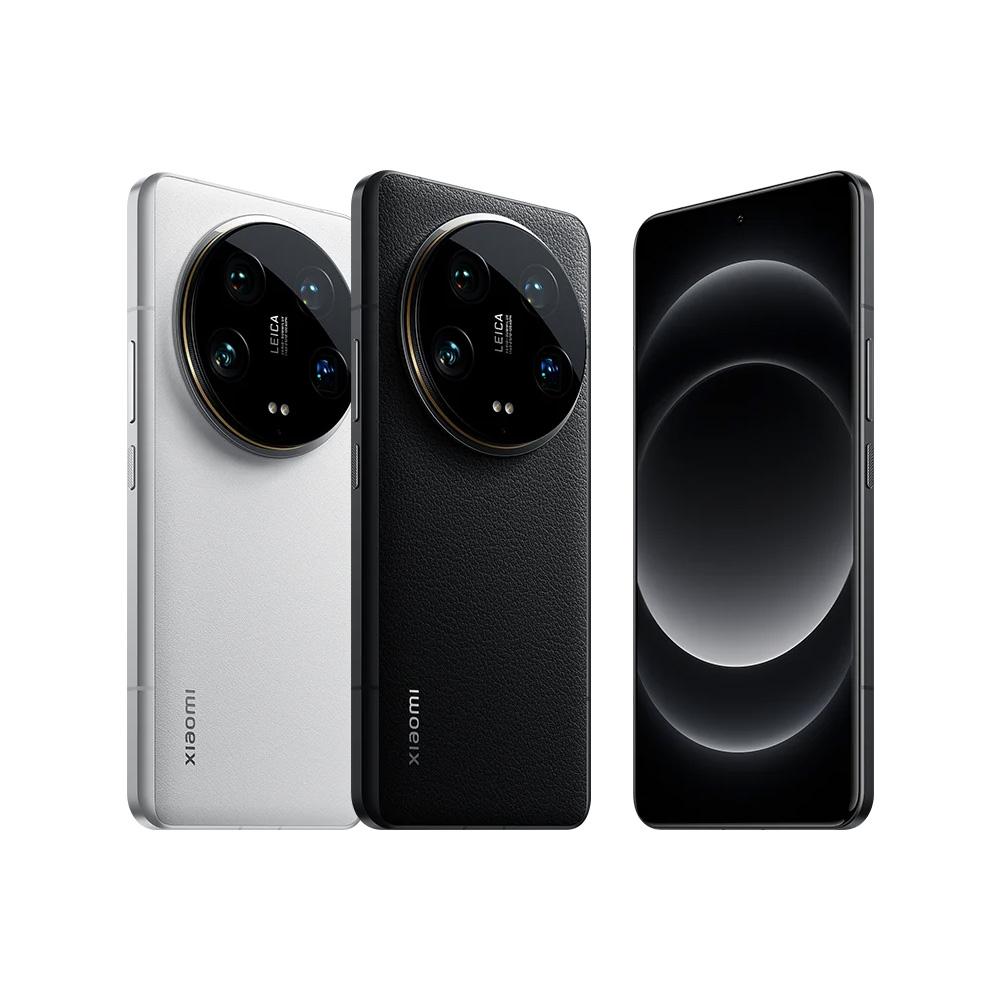
Global customers have been waiting and the company Xiaomi 14 Ultra has officially unveiled its smartphone in Europe as well, at the MWC 2024 exhibition in Barcelona. How important this smartphone is in the field of mobile photography is also confirmed by the original accessories – Photography Kit, which was even used for a short film by one of the directors of the popular series Breaking Bad or Fargo.
In its effort to deliver the best camera on the market, inside the body of the mobile device Xiaomi also continues its collaboration with the German brand Leica, which has again enhanced its Leica Vibrant and Leica Authentic photo profiles, along with the original accessories.
Ad
Hardware upgrades, a 1500 mAh battery, and a reduction of 67 mm
So what exactly is the Photography Kit? It’s a hardware add-on that adds several upgrades you’ll appreciate especially when taking photos. The module can be snapped onto the bottom of the device, and thanks to its thickness, it provides extra support for your grip.
The construction of this accessory also includes a two-stage camera shutter that you can recognize from professional cameras. There’s also a hardware zoom lever—for bringing the image closer or, on the other hand, pulling it back. A dedicated video recording button is also available, with customization options.
On the hardware side, we also need to mention the customization of the camera module itself. The standard colored edging included in the package can be replaced with a 67 mm reduction that you can use, for example, when using a filter set.
The extra module also works as an external battery. In addition to the integrated 5300 mAh, it adds another 1500 mAh. That way, you can reach a total capacity of up to 6800 mAh. The Xiaomi Photography Kit will be sold separately as well, for 199 €. However, if you preorder the Xiaomi 14 Ultra, there’s a time-limited offer. With the Xiaomi 14 Ultra, you’ll get this accessory as a gift.
Ad
What do you think of the new premium flagship model Xiaomi 14 Ultra? Also follow our Xiaomi Planet website, our Telegram group full of the latest articles, subscribe to the newsletter, and join us in our Facebook group.