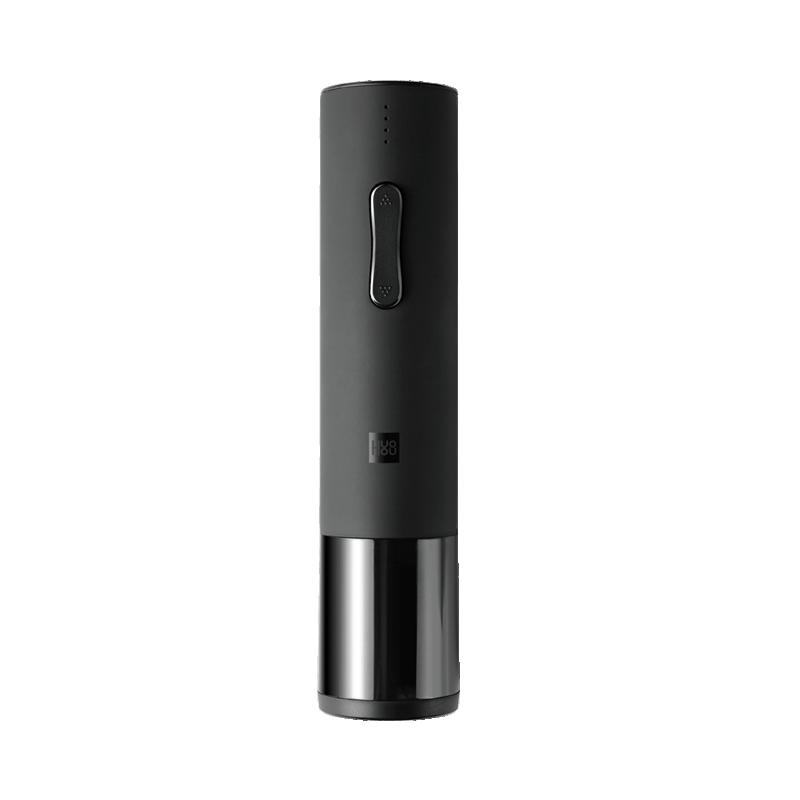
Doctors also recommend two deciliters of red wine a day. With the automatic Houhou electric corkscrew from the Xiaomi ecosystem, you can make opening a bottle of wine easier. And of course, we’ll tell you where you can buy this handy gadget for the best price.
On AliExpress, it’s cheaper with a coupon
The Xiaomi Huohou electric wine bottle opener is available from an international seller on the online marketplace AliExpress, as well as through our partner Gshopper at a reduced coupon price. Free and customs-duty-free shipping is also included, so you can expect it at home within 10–15 business days from dispatch.
Xiaomi Planet shopping tip: GShopper has now launched direct bank transfer payments, so you can save another 4.5 % off the product price! Compared to card / Google Pay payment, you can get this product much cheaper. We described the full bank transfer payment process in our article.
TIP15-day delivery via Aliexpress Standard Shipping
For this product, Aliexpress Standard Shipping is available with guaranteed delivery within 15 days. It is the most reliable delivery method and in most cases is handled by a courier company. 15-day delivery we tested in real life.
When ordering from the Chinese warehouse, AliExpress will add the customs duty in your cart—approximately 3,70 € per order. When you receive the package, you won’t pay anything extra.
Is it your first time shopping on GShopper?See the guide!
Updated 6. 5. 2025 on 12:48
TIPWith Standard Shipping via GShopper, you pay no extra fees—everything is already included!
With the GShopper seller, we recommend choosing Standard Shipping, where you won’t pay anything extra. Customs fees and any VAT are handled by the seller. You can select the shipping method in the cart only, after entering your delivery address. Delivery with this option usually takes about 15 business days from dispatch from the warehouse, but it may take longer.
TIP15-day delivery via Aliexpress Standard Shipping
For this product, Aliexpress Standard Shipping is available with guaranteed delivery within 15 days. This is the most reliable delivery method and, in most cases, the parcel is handled by a courier company. We tested the 15-day delivery in real life.
When ordering from the Chinese warehouse, AliExpress will add the customs duty in your cart—approximately 3,70 € per order. When you receive the package, you won’t pay anything extra.
Our extra service with VIP support — we’ll handle the order on Gshopper for you and ship it straight to your address.
If you don’t have experience buying on Gshopper, payments don’t go through, or coupon use doesn’t work for you, we offer an order handling service directly to your address for our readers and customers. You transfer the money to our account and we place the order directly to your address. This way, you won’t have to worry about a failed payment or applying the coupon, and you can be sure the entire order will go through correctly 100 %. In addition, you automatically get our VIP support — if any issues arise with the shipment, we handle them for you and assist with filing a claim. The fee for this service is €15 extra of the product price. You can contact us by email at info(@)xiaomiplanet.sk or on Messenger, where we’re constantly active.
Just place it on the bottle and press the button
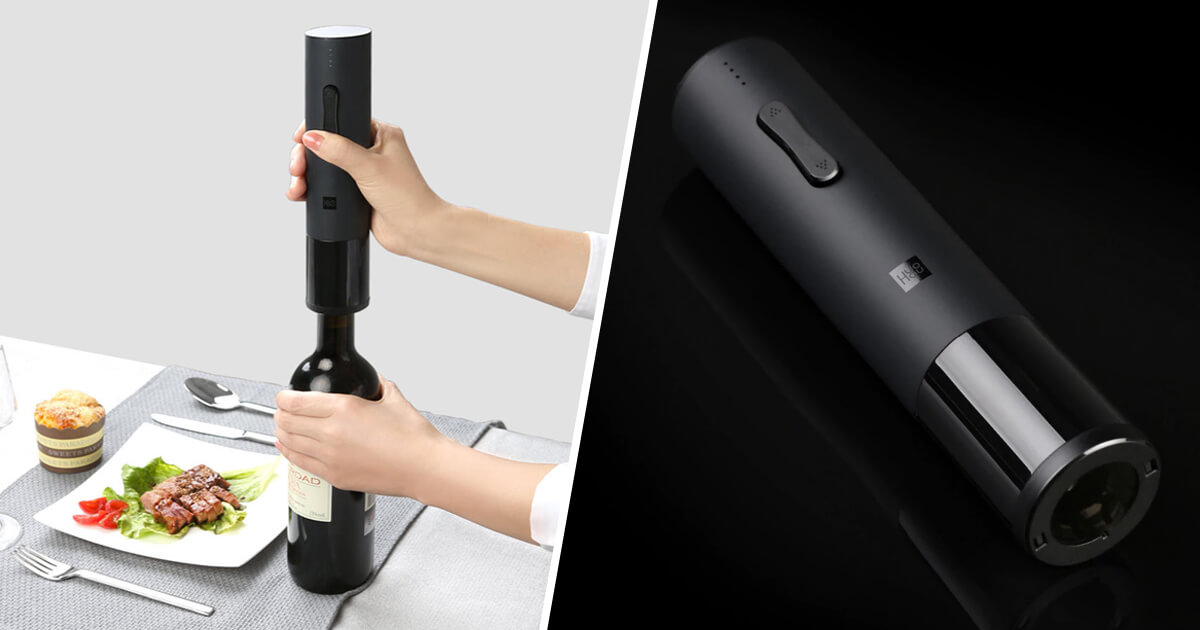
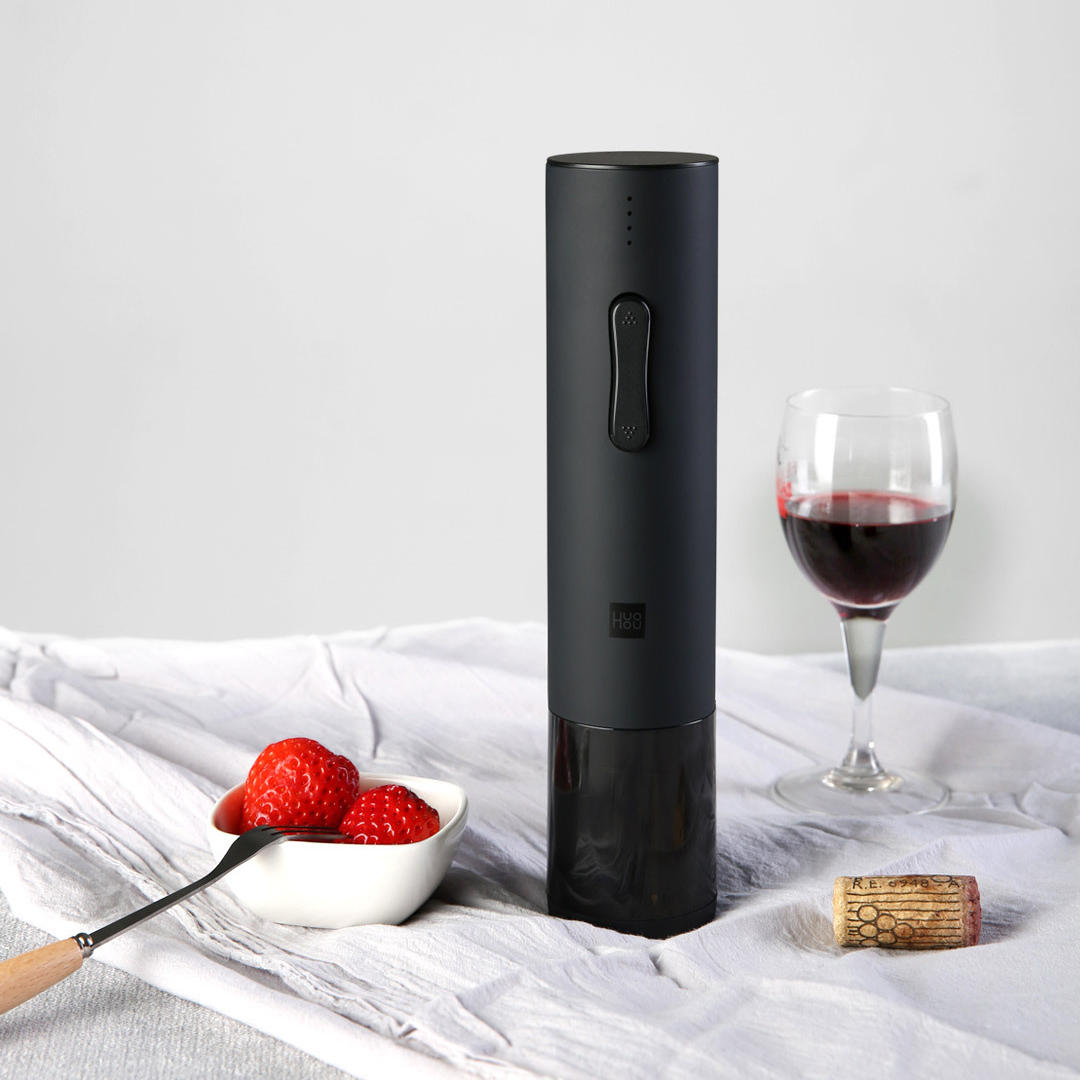
The Xiaomi Huohou electric wine bottle opener is in the category of non-traditional gadgets. Its only job is to help open bottles with a cork stopper.
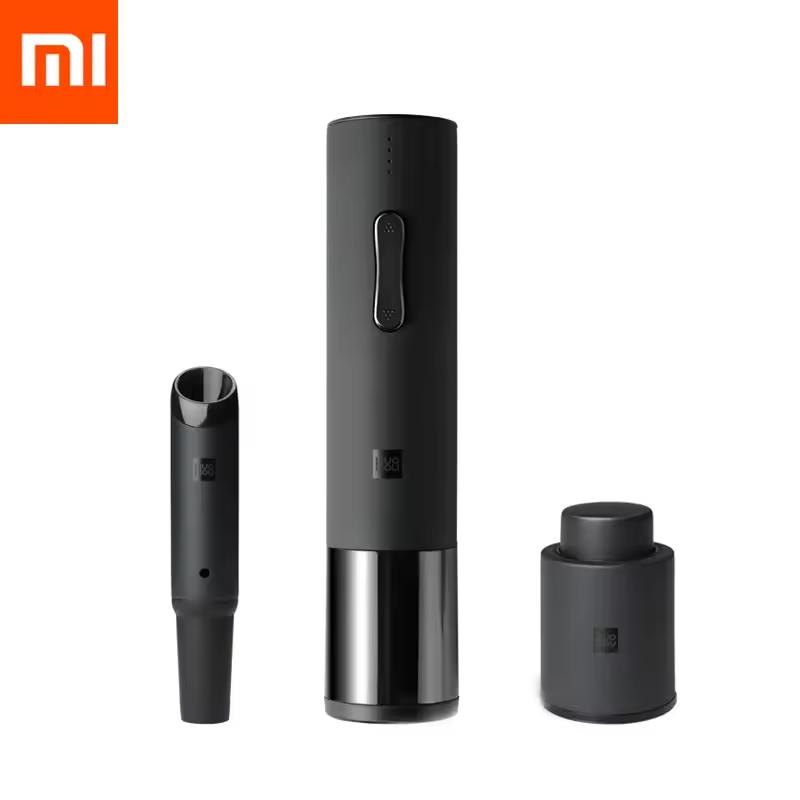
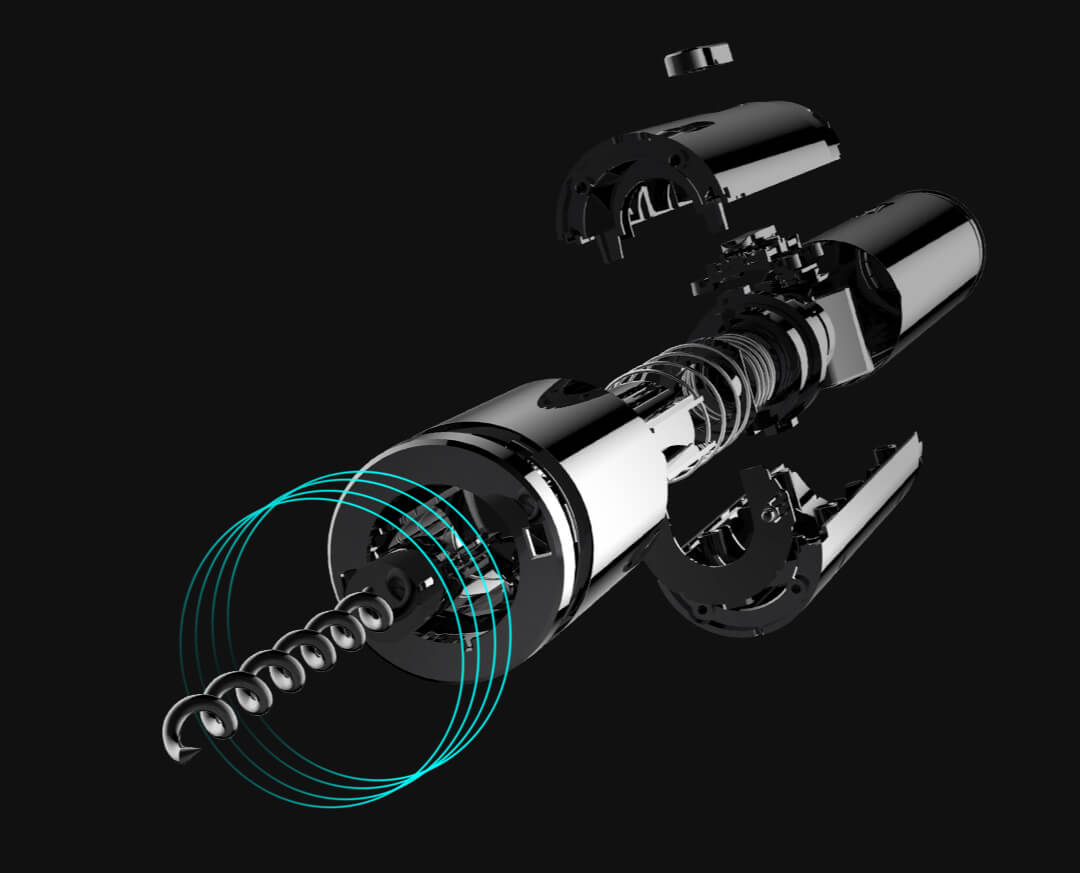
The device is made from a combination of stainless steel and quality plastic. It measures 252 x 45 mm and weighs 768 g.
To get to the cork, you need to remove the protective film. The manufacturer thought of that too, so in the product box you’ll also find a handy manual film cutter.
Ad
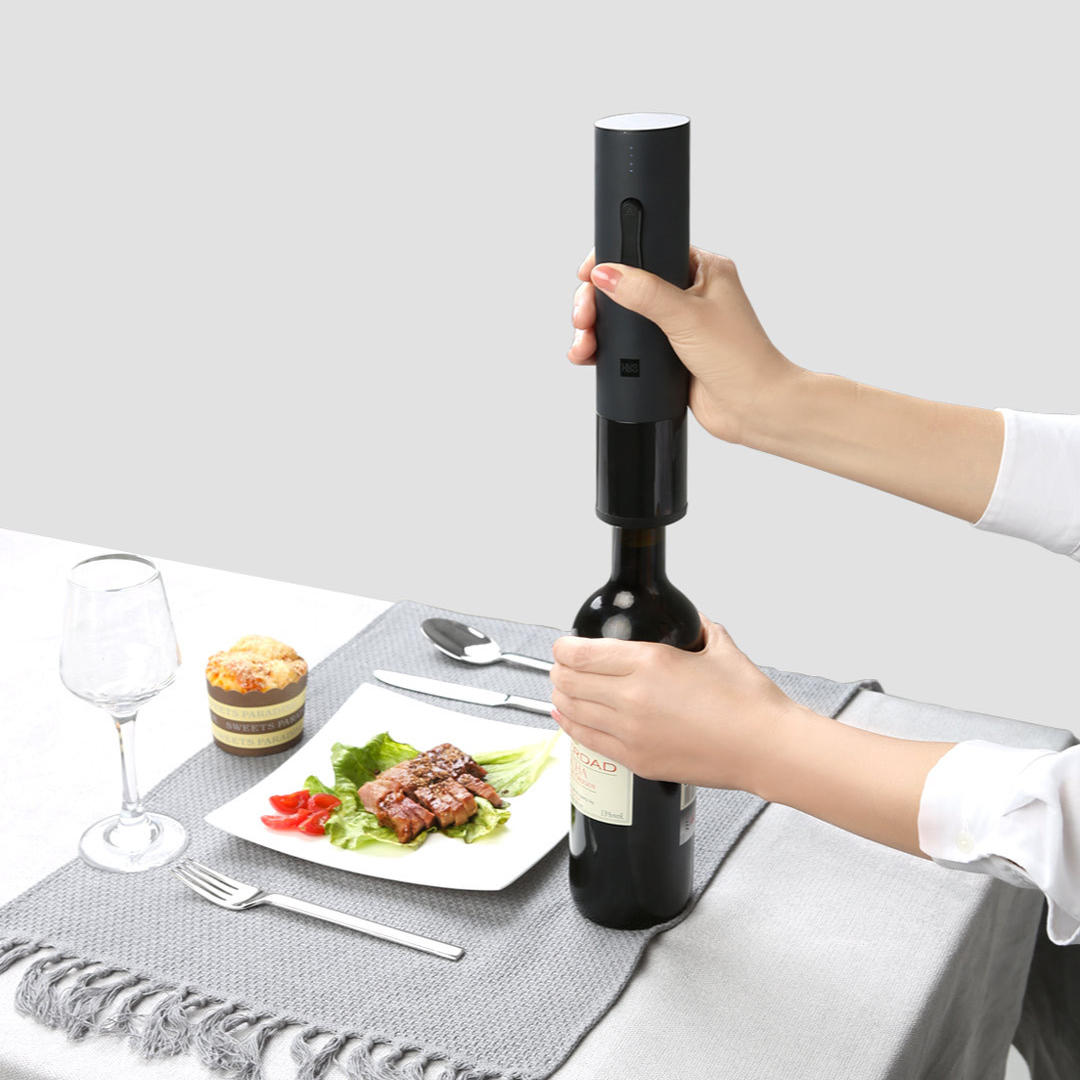
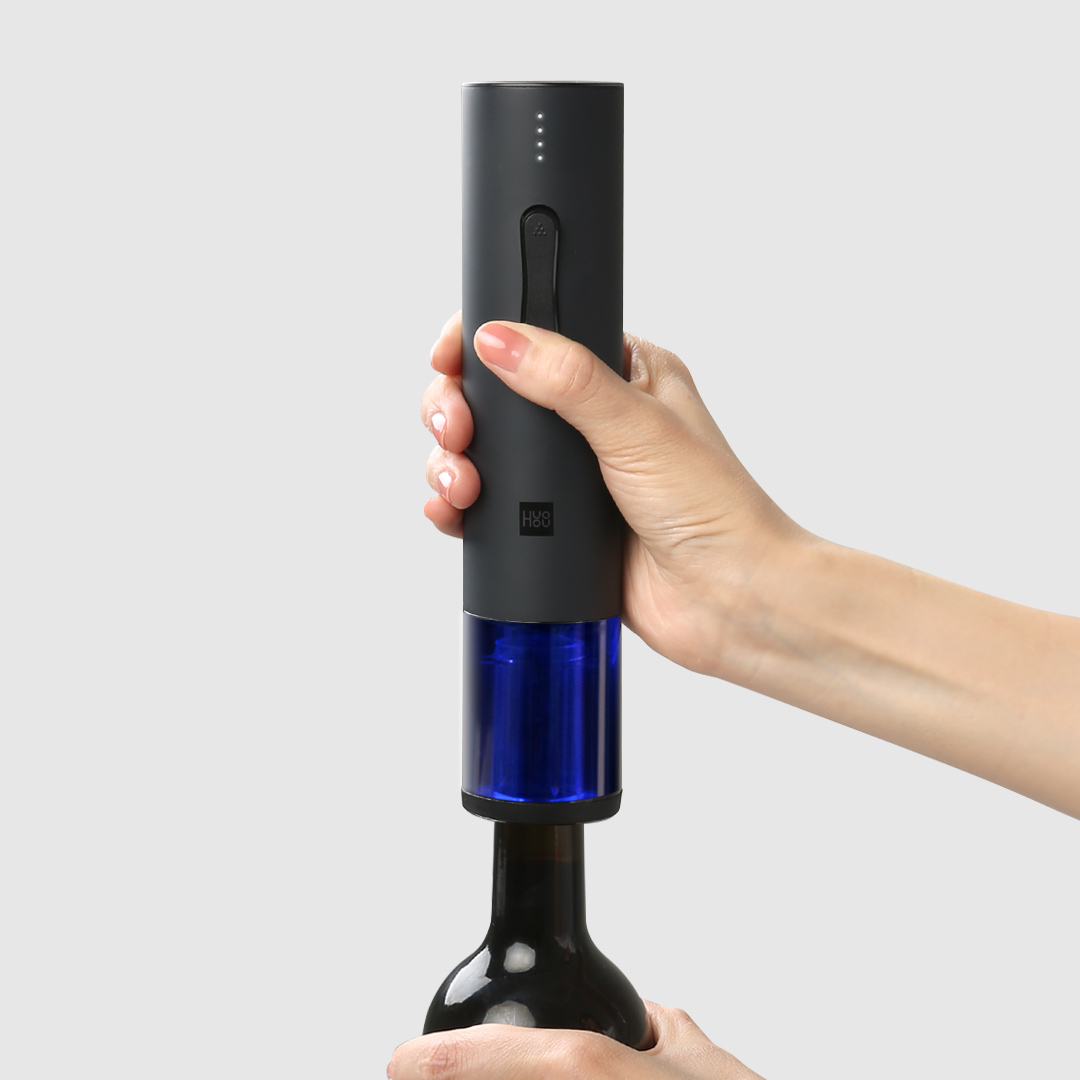
After that, the opening process is very simple. Just place the automatic corkscrew’s opening over the neck of a bottle with a cork stopper and gently push it downward. The corkscrew’s higher weight also helps a lot here.
The opening process is activated by pressing one of the buttons, when the electric motor spins the integrated metal corkscrew. It bites into the cork and removes it from the bottle neck in just six seconds.
By activating reverse mode of the automatic corkscrew, the user removes the cork from the corkscrew and the device is ready for the next bottle.
The Xiaomi Huohou electric wine bottle opener has a built-in battery with a capacity of 550 mAh, which is charged via a microUSB connector. With one charge, the corkscrew should handle up to 70 bottle openings.