

A planet full of Xiaomi news
Deal Planet

Low prices from 13 €: Xiaomi Mijia drawing tablet with stylus is a great gift not only for kids

23. January 2024 2 min read 13 comments

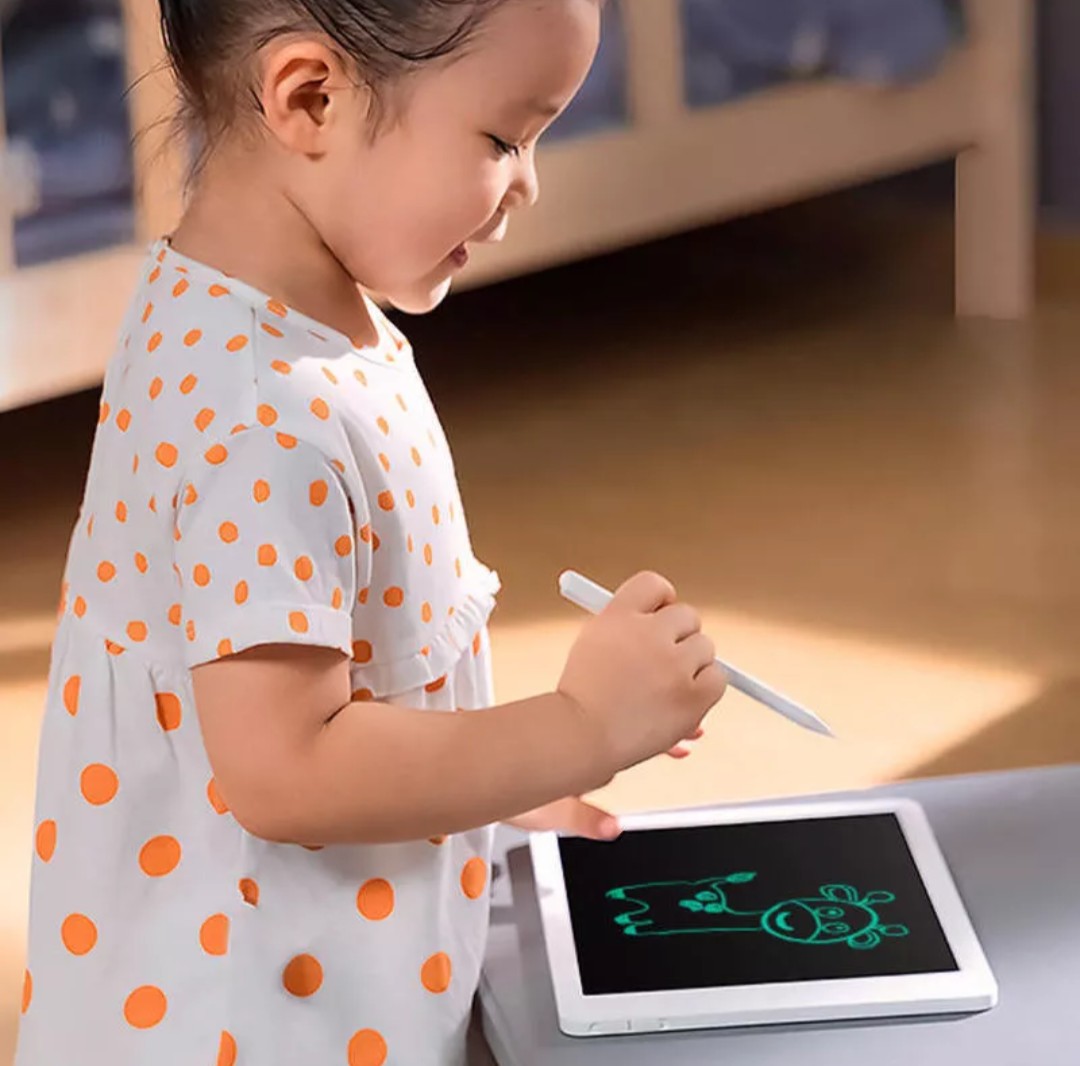
Have you ever thought about buying a drawing tablet? The one from Xiaomi Mijia can be useful not only as a toy, but also as a handy tech tool for various creative activities.

Sale prices, fast 15-day delivery

Xiaomi Mijia drawing tablet is available via the AliExpress marketplace. You can currently order models with 10 and 13.5-inch displays. The seller will deliver it to you with no extra fees thanks to customs-free 15-day shipping via AliExpress Standard Shipping.

🔥 Aliexpress New Year Bliss sale: Until December 23 at 9:00, for selected Aliexpress products, automatic Spend & Save discounts are available in the cart—€3 off for every €20 spent (max €12). Just add the product to your cart using the Buy Now button and the discount will be applied automatically.

XiaomiPlanet deal

Xiaomi Mijia drawing tablet

Xiaomi Mijia kresliaci tablet
22,16 €You save 8,46 €
13,70 €
Without a coupon

Price history

0,61 €cheaper than the average price
Cheapest 13,70 €Most expensive 14,90 €
Buying on AliExpress for the first time? See the guide!
Updated 23. 1. 2024 on 10:39
TIP15-day delivery via Aliexpress Standard Shipping

For this product, Aliexpress Standard Shipping is available with guaranteed delivery within 15 days. This is the most reliable delivery method and, in most cases, the parcel is handled by a courier company. We tested the 15-day delivery in real life.

When ordering from the Chinese warehouse, AliExpress will add the customs duty in your cart—approximately 3,70 € per order. When you receive the package, you won’t pay anything extra.
Track this product’s price

As soon as we post a new coupon, we’ll send you an email. You can unsubscribe from tracking anytime.

Buying on AliExpress for the first time?

This process is done through the AliExpress mobile app, where most people shop. Two things matter: don’t use Buy now and enter the coupon only in the order summary in the Promo code field. After you click Pay now, you can’t add it anymore.

  1. Copy the code and click GET THE DISCOUNTIn our article, copy the coupon and click the button GET THE DISCOUNT. The link will take you directly to the product in the AliExpress app.
  2. Use Add to cart, not Buy nowOn the product card, scroll down and click Add to cart. Don’t use the Buy now button—this skips the cart, so later you won’t have a place to enter the coupon. Before that, make sure the variant is correct: color, version, and whether it ships from an EU warehouse.
  3. Continue to Checkout via the cartA pop-up will appear: Added to cart!—tap Check it out. If it disappeared, open the cart using the icon in the bottom-right corner. In the cart, check the product and quantity, then tap the red Checkout button. Only the items marked with the red circle are included.
  4. Fill in your address and card, then look for Promo codeIn the order summary, first enter the delivery address and payment card at the top. Below that, there’s a line Promo code — expand it with the arrow on the right.
    Riadok Promo code v zhrnutí objednávky v aplikácii AliExpress
    Look for this line under the address and payment method.
  5. Paste the code and confirm ApplyIn the field Promo code paste the copied code and click the black Apply. The code is case-sensitive and must not contain spaces.
    Políčko Promo code s kódom a tlačidlom Apply v aplikácii AliExpress
    Paste the code into the field and confirm by clicking the Apply button.
  6. Check your savings and payIn the section Summary expand the line Saved — you’ll see the applied coupon there as AliExpress coupons/codes. Only when Total is really lower, click Pay now.
    Riadok Saved s uplatneným kupónom a znížený Total v aplikácii AliExpress
    The applied coupon will show up in the Saved line and reduce the Total.
Apply the discount again in the order summary. After you click Pay now, you can’t add a coupon anymore. If Apply shows an error, the code has either expired, doesn’t apply to your item, or your order doesn’t meet the minimum amount.
Store Coupon also belongs in the same field. — a coupon from the seller itself, which isn’t always available and changes day to day. It can’t be combined with an AliExpress coupon, so try both and go with the one that gives you more. Coins are added automatically.

Up to 13,5-inch LCD panel and stylus

The Xiaomi Mijia drawing tablet includes a stylus, so you can create different images on the built-in simple LCD display.

Moreover, you can also attach this stylus to a separate tablet body. Two device sizes are available right away – the “S” with a 10-inch display and the “L” with a 13.5-inch display. The smaller version is, of course, cheaper.
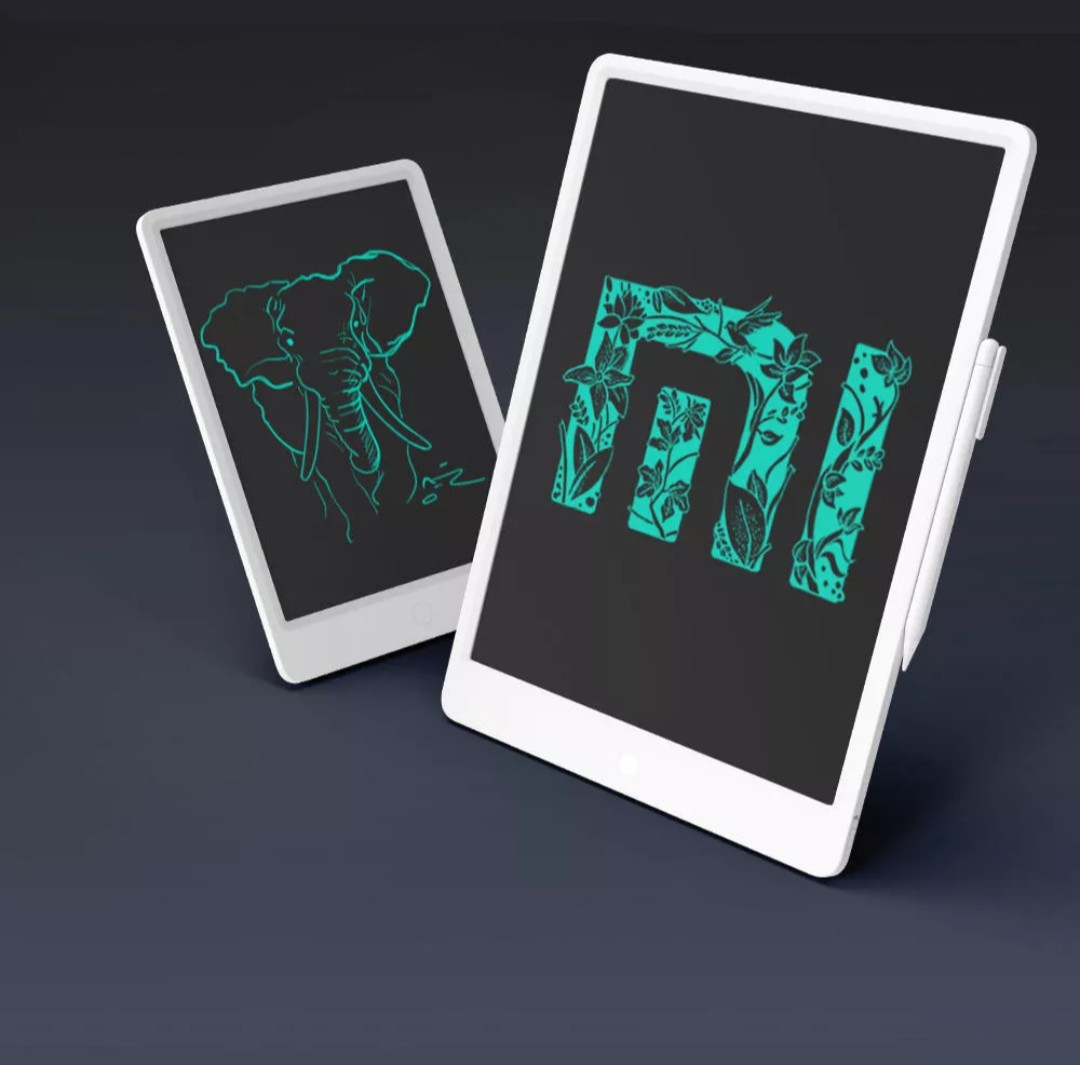

You also get pressure-level sensitivity for the display, and battery life on a single charge is excellent too. If you “erase” the screen a hundred times a day, the battery should last the whole year, i.e. 365 days.

Ad

You’ll also like the button to lock the currently sketched image, the slim body (only 7 mm), and the available, replaceable button-cell battery.
Add us as your preferred source on Google

Don’t miss the best coupons 📩

Subscribe and we’ll email you new coupons before they expire. We only send it once a month — no spam.

Ad Engerio