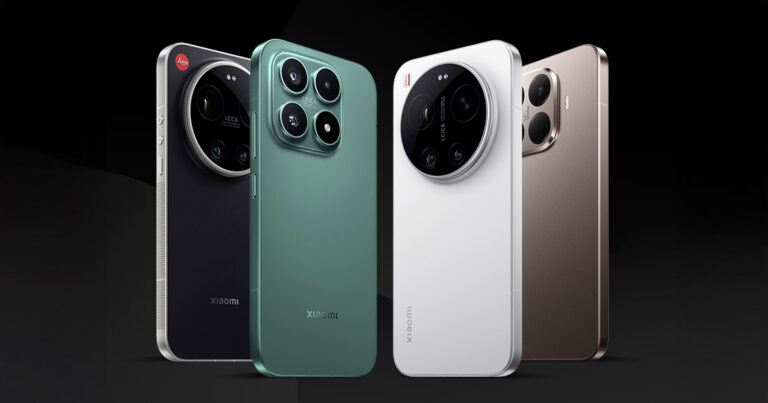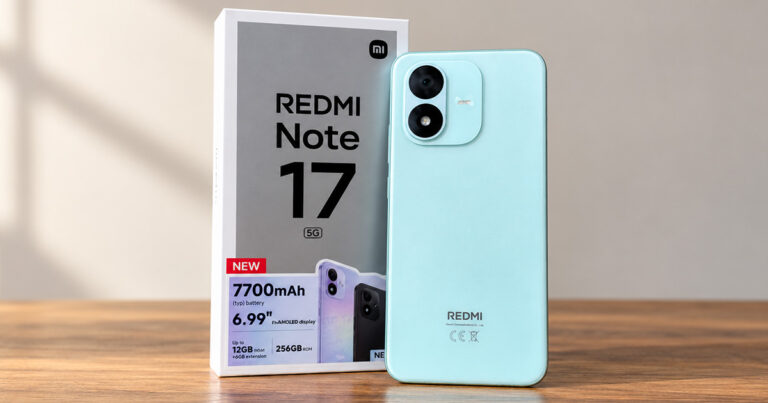
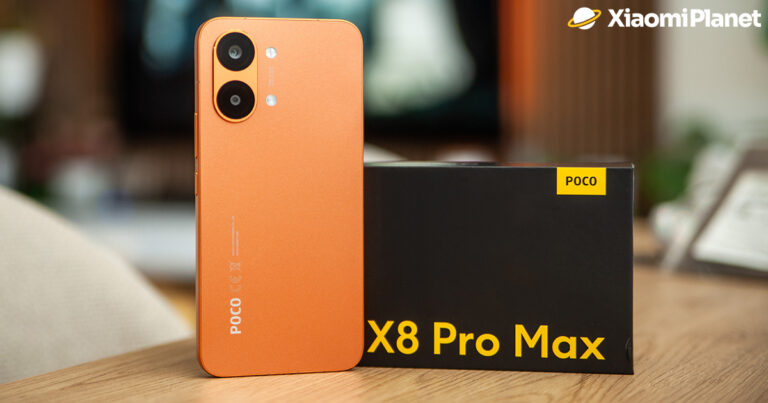


This tip will especially please active and demanding users or mobile gamers. Here’s how you can very easily enable the Extreme Mode on your Xiaomi, Redmi or POCO smartphone, which may improve your device’s Wi‑Fi connection.
Xiaomi, Redmi, and POCO: Smartphone Extreme mode
The powerful MIUI graphics overlay hides plenty of options and features for customization. Today, we’ll introduce this hidden smartphone mode that can improve your Wi‑Fi connection.
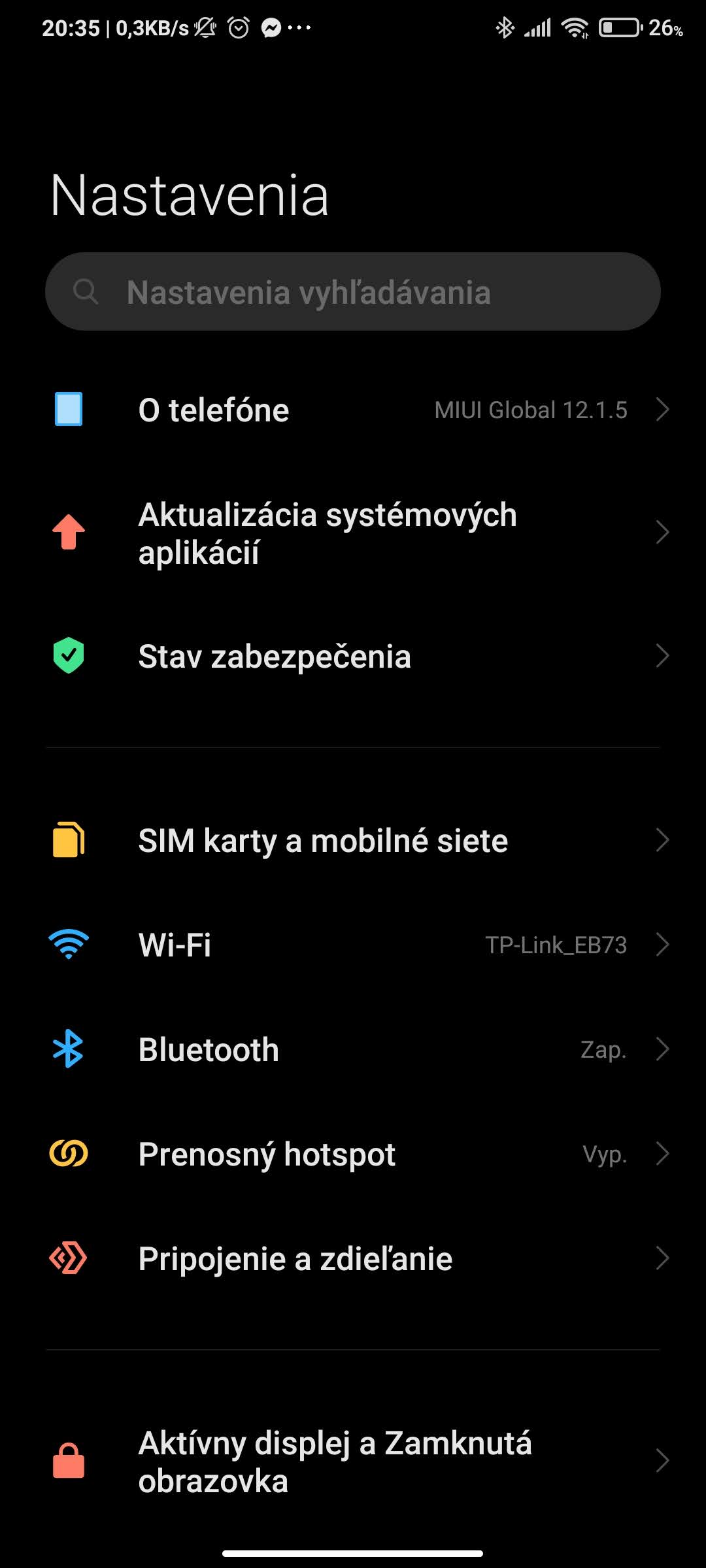
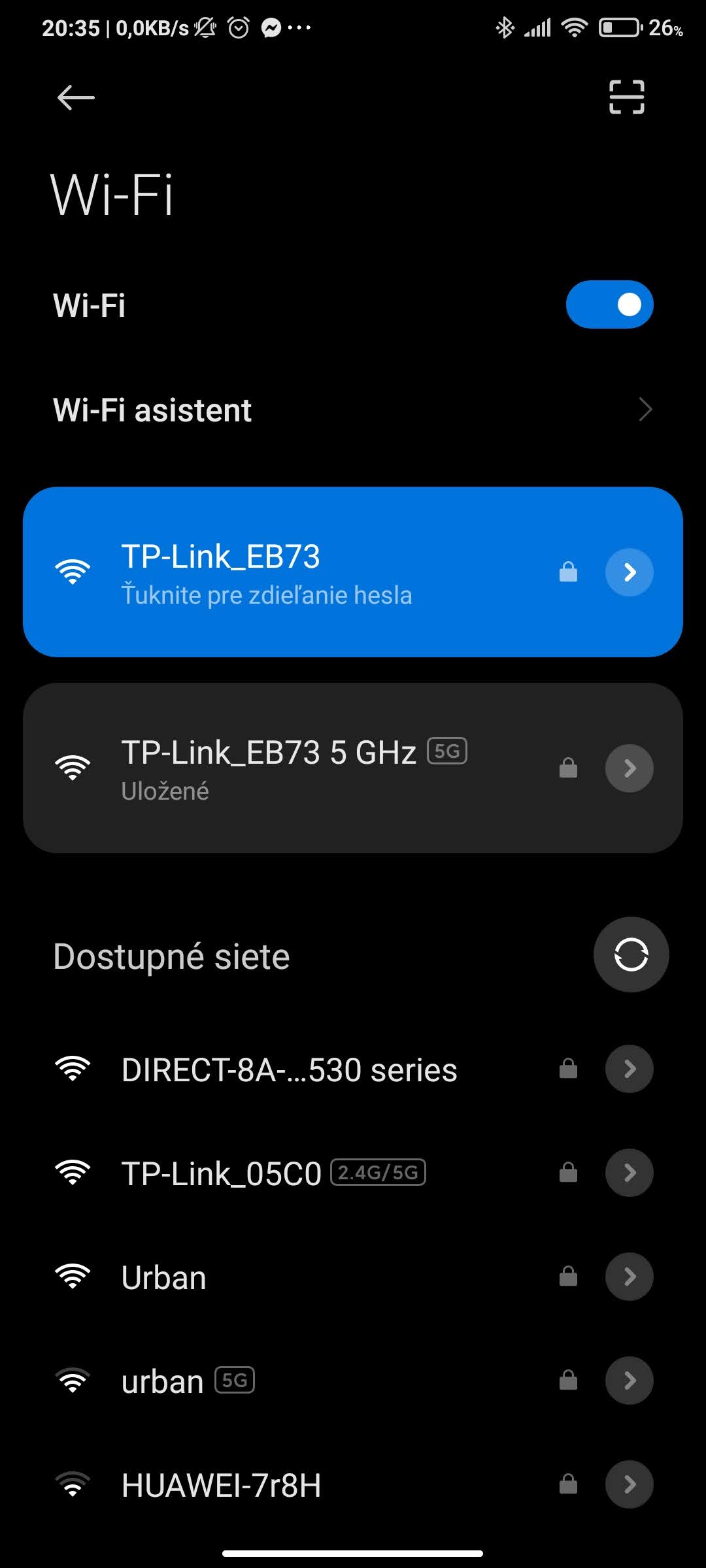
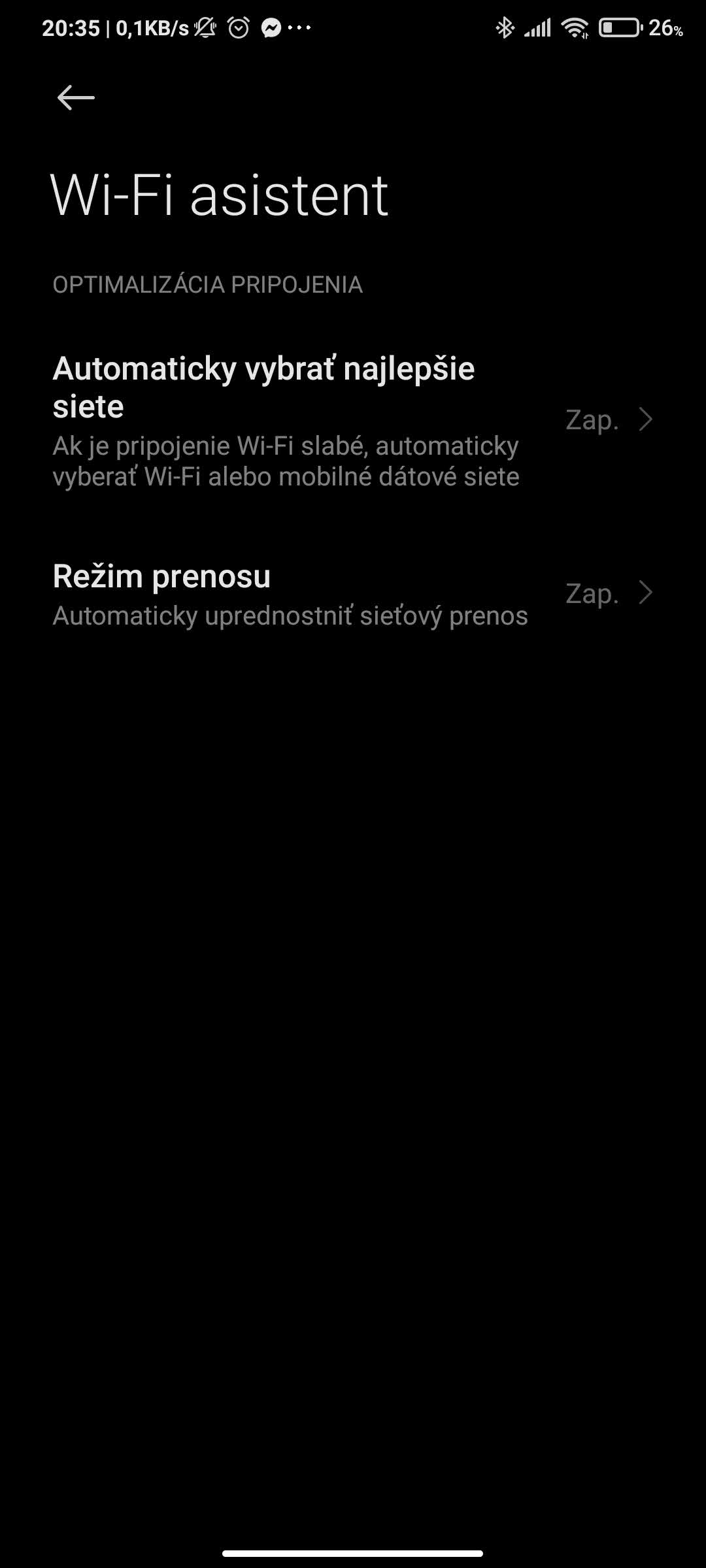
The mentioned mode can be found in the MIUI overlay settings, specifically in the Wi‑Fi network settings. In the Wi‑Fi Assistant section, you’ll find several data transfer modes—and that’s where the Extreme Mode setting is hidden.
Data transfer modes can automatically prioritize data network transfer when connected to a Wi‑Fi network. By default, your smartphone has the so‑called “regular mode” enabled. This mode allows sharing the Wi‑Fi connection bandwidth between the currently used app (the one you’re using right now) and apps running in the background.
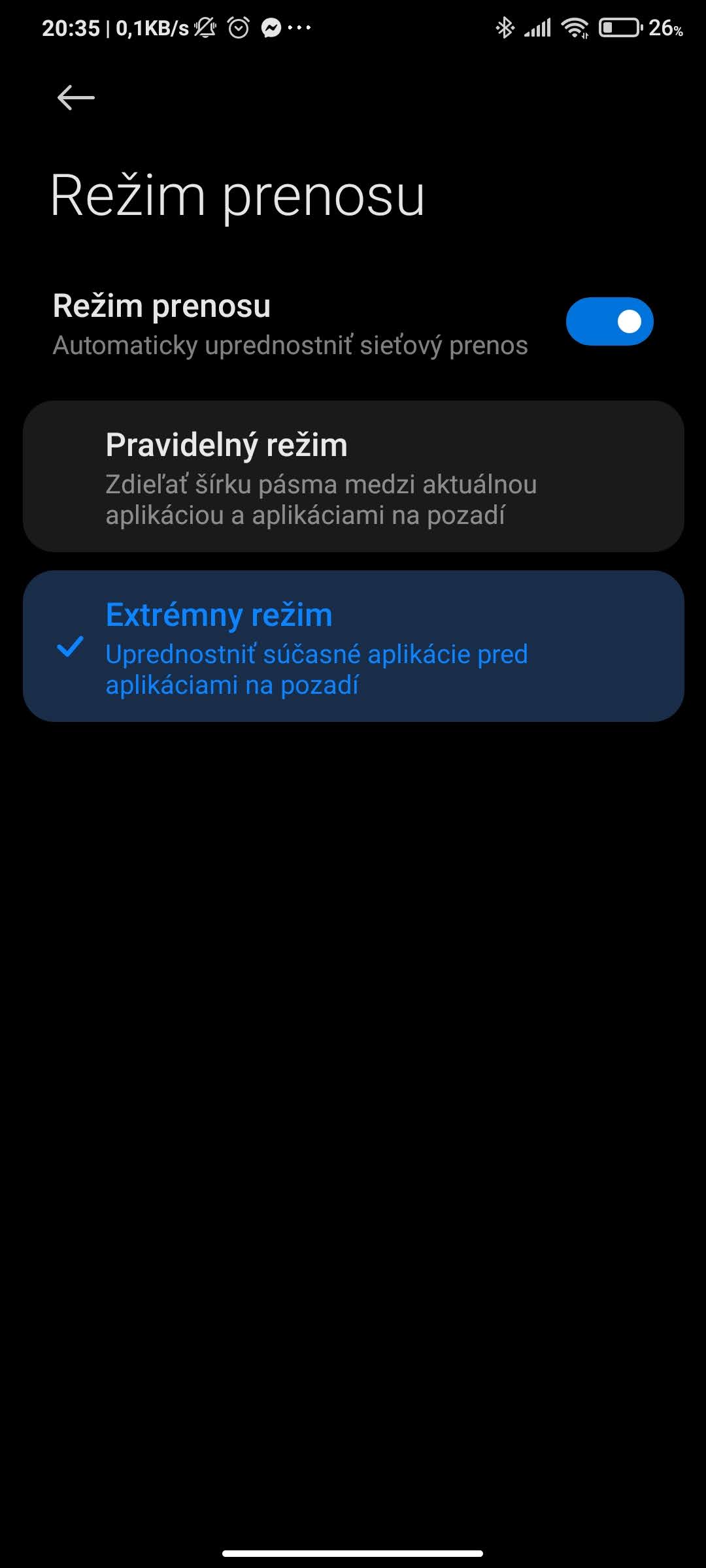
However, the second mode is more interesting—the so‑called “Extreme mode”. This mode adjusts the bandwidth and prioritizes the currently active app over apps running in the background. That can give you a better and faster user experience with the app you currently have open.
The process is very simple
An important note: this smartphone Extreme Mode works only when the device is connected to Wi‑Fi. It doesn’t apply to mobile data. To enable it, follow these steps:
Settings > Wi‑Fi > Wi‑Fi Assistant > Transfer mode (Turn on) and select > Extreme mode
With these settings, you can improve your connection and speed up using the currently displayed app. The app will get the full bandwidth and a steadier stream of data over the Wi‑Fi connection.
Do you like your smartphone’s Extreme Mode from Xiaomi? Would you use a mode like this on your device too? Feel free to share your thoughts and opinions with us below in the discussion under the article. Follow our Facebook group labeled Xiaomi Planet – A place for true Xiaomi fans and also our Xiaomi Planet portal to learn more.
Don’t miss the best coupons 📩
Subscribe and we’ll email you new coupons before they expire. We only send it once a month — no spam.