


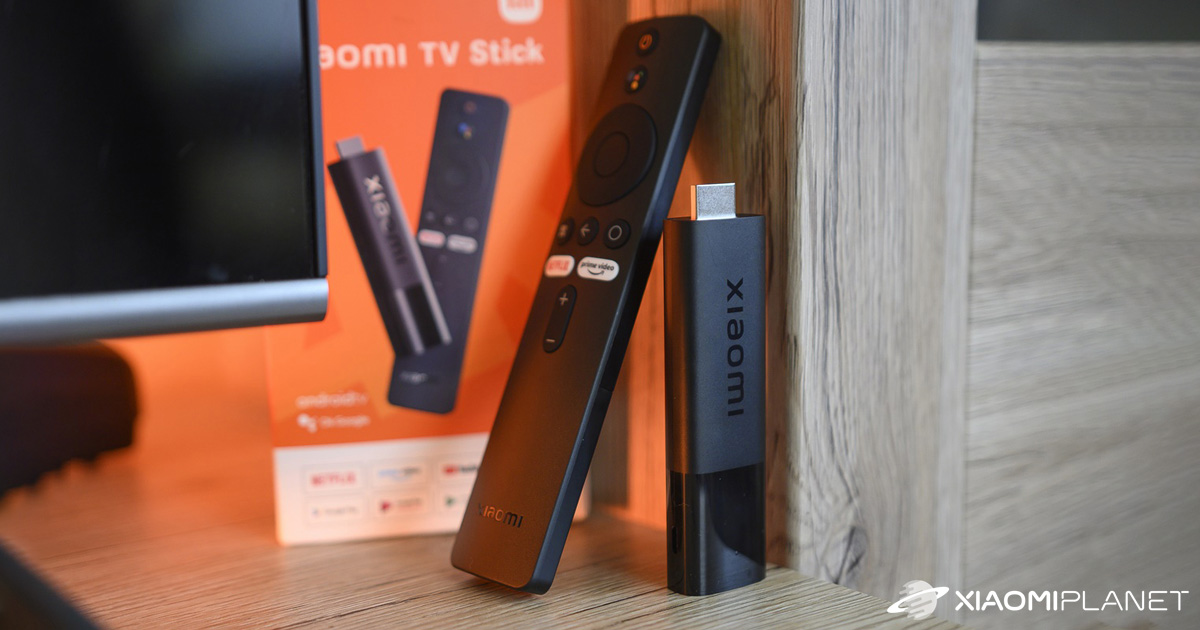
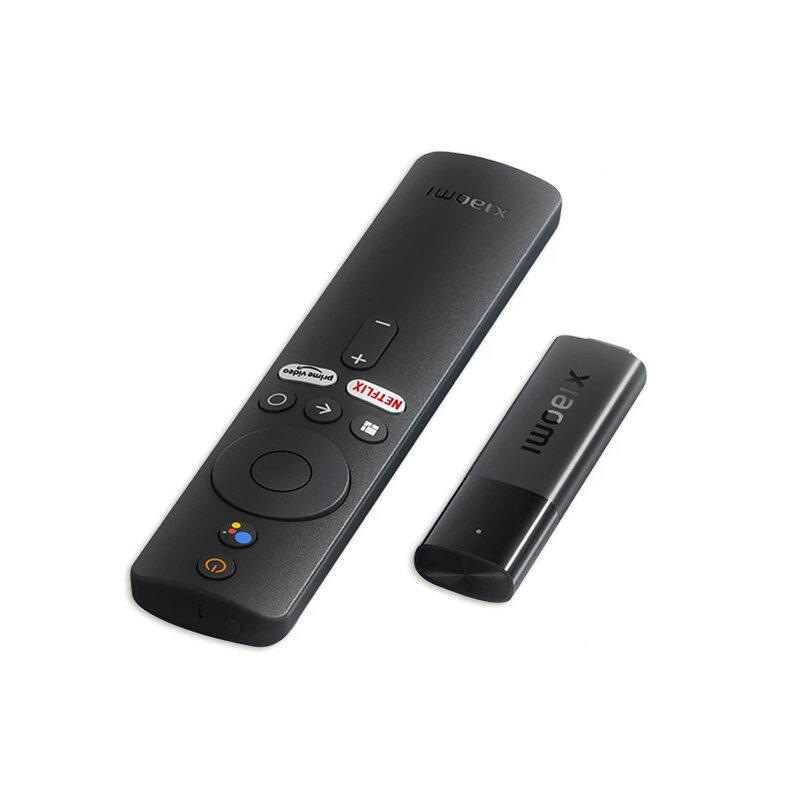
Do you remember the original Mi TV Stick? A popular accessory with an HDMI connector that turns any monitor or TV into a smart device with apps for Android TV. Back in 2022, the Chinese brand Xiaomi introduced a new generation of the popular device, this time called Xiaomi TV Stick 4K. It also features Dolby Vision and an Android TV 11 system.
Best deals in EU warehouses
The Xiaomi TV Stick 4K is currently available in EU stock on the marketplace DHgate from a verified seller we’ve been working with for several years. Great news: free shipping with fast delivery within just 7 business days from dispatch.
Xiaomi TV Stick 4K
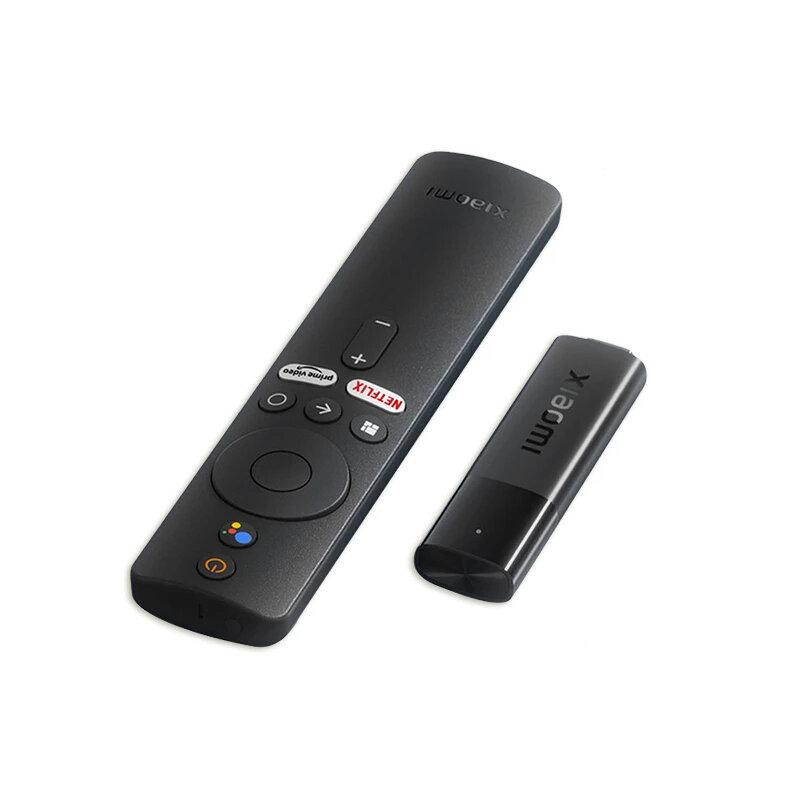

TIPExpress delivery from the German warehouse with no customs duty and no VAT.
This product will be delivered to you express from a local German warehouse. Delivery from Germany usually takes 7-10 days, and it’s brought by courier. When it arrives, you don’t pay any extra fees—no customs duty or VAT.
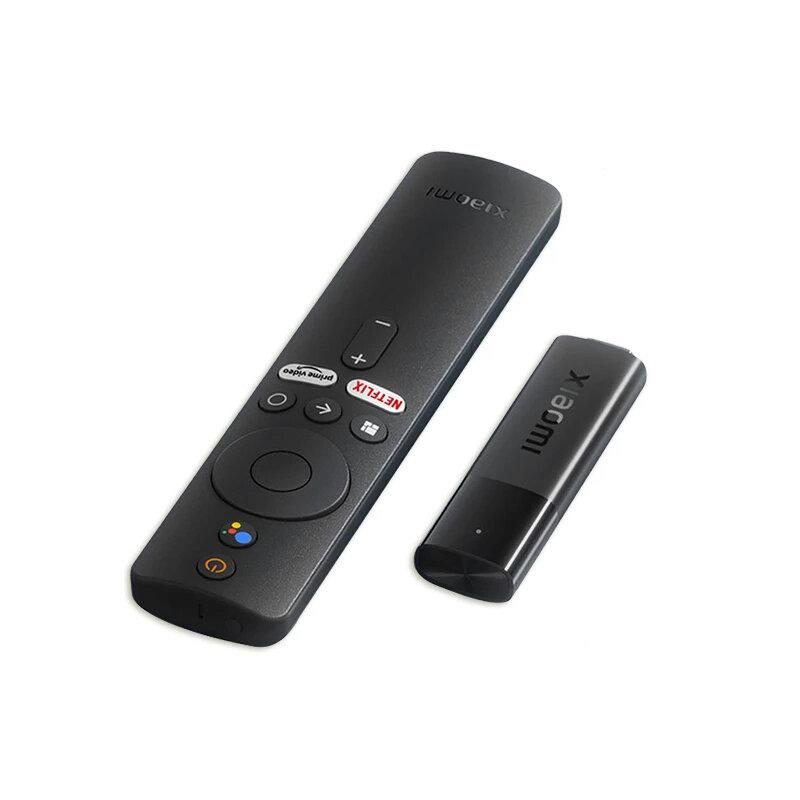

TIPFast delivery from the French warehouse with no customs duty or VAT.
This product will be delivered to you quickly from a local Spanish warehouse. Shipping from Spain usually takes 7-10 days and is handled by a courier. When it arrives, you don’t pay any extra fees—no customs duty, no VAT.

TIPExpress delivery from a Slovak warehouse within 1 to 3 business days.
This product will be delivered to you express from a local Slovak warehouse. Delivery usually takes 1-3 business days and is handled by a courier. The price is final.
Our extra service with VIP support — we’ll handle the order on DHgate for you and ship it straight to your address.
If you don’t have experience buying on DHgate, your payment won’t go through, or the coupon doesn’t work, we offer our readers and customers an order-handling service delivered directly to your address. You send us the money by bank transfer and we order the product straight to you. That way, you don’t have to worry about a failed payment or applying the coupon, and you can be sure the whole order goes through 100 % correctly. On top of that, you automatically get our VIP support — we handle any shipping issues for you and assist with warranty claims. The fee for this service is 15 € for the product price. You can contact us by email at info(@)xiaomiplanet.sk or on Messenger, where we’re active all the time.
Our detailed review:
Xiaomi TV Stick 4K: Here are the technical specifications
- Dimensions: 106.8 x 29.4 x 15.4 millimeters
- Weight: 42.8 grams
- Maximum resolution: 4K
- CPU: 4-core Cortex-A35
- GPU: Mali-G31 MP2
- RAM: 2 GB RAM
- Storage: 8 GB
- Operating system: Android TV 11
- Preinstalled apps: Netflix, Amazon Prime, YouTube
- Wireless connectivity: Wi-Fi 2.4 GHz / 5 GHz, Bluetooth 5.0
- Video formats: MKV, MPG, MPEG, DAT, AVI, MOV, ISO, MP4, RM
- Video codecs: AV1, VP9, H.265, H.264, MPEG-2, MPEG-1
- Audio formats: MP3, AAC, RM, FLAC
- Audio codecs: DTS HD, Dolby Atmos
- Other supported formats: JPG, BMP, GIF, PNG
4K resolution, Dolby Vision and 5 GHz Wi-Fi
The new model is hitting the market under the name Xiaomi TV Stick 4K, and compared to the original generation it brings several noticeable improvements right away. The main one is the jump in supported resolution from Full HD (1920 x 1080 pixels) to 4K (3860 x 2160 pixels).
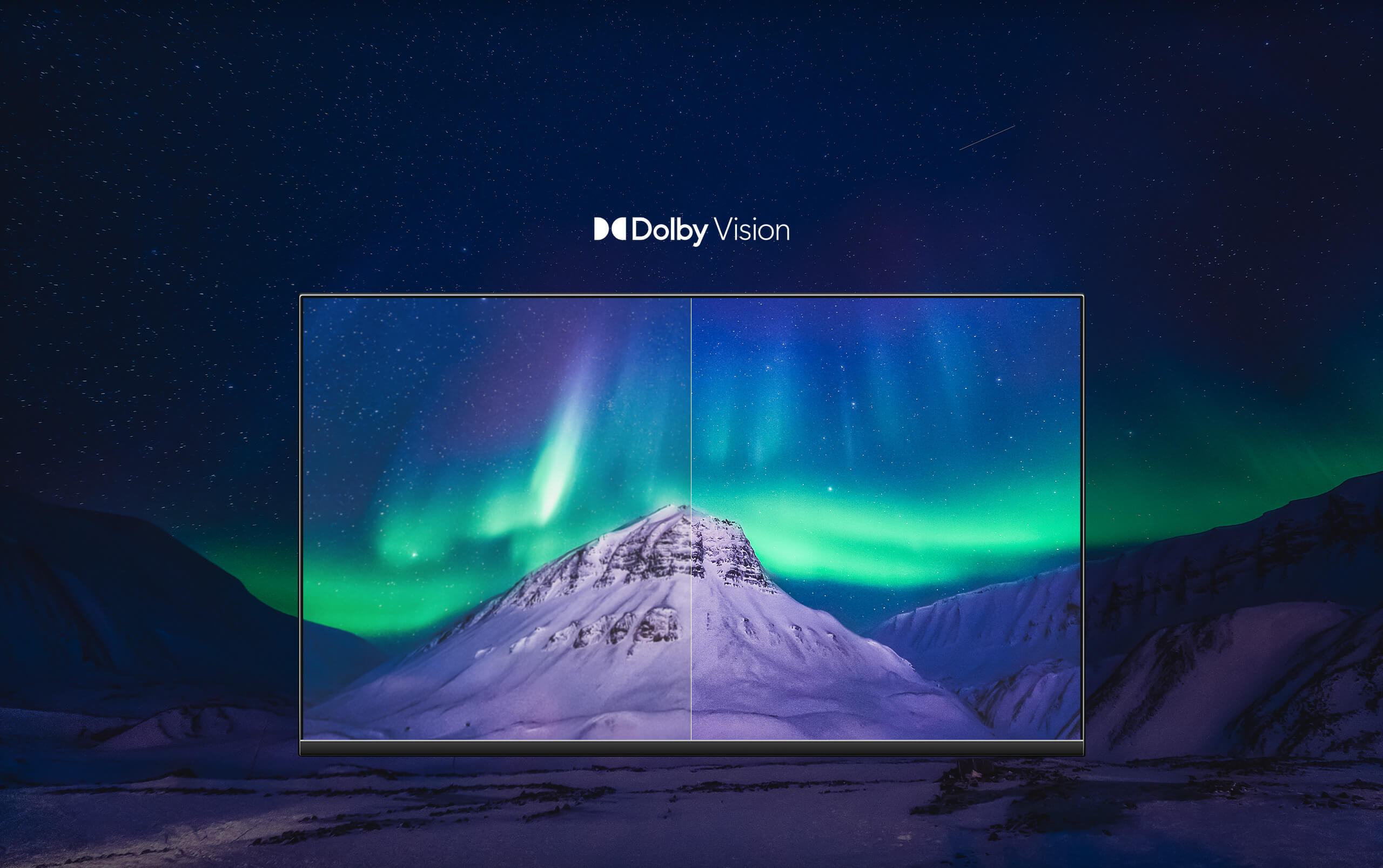
Keeping the compact dimensions (106,8 x 29,4 x 15,4 mm, 42,8 g), it includes a full-size HDMI connector, while the supported Dolby Vision technology takes care of a better, sharper, and brighter picture.
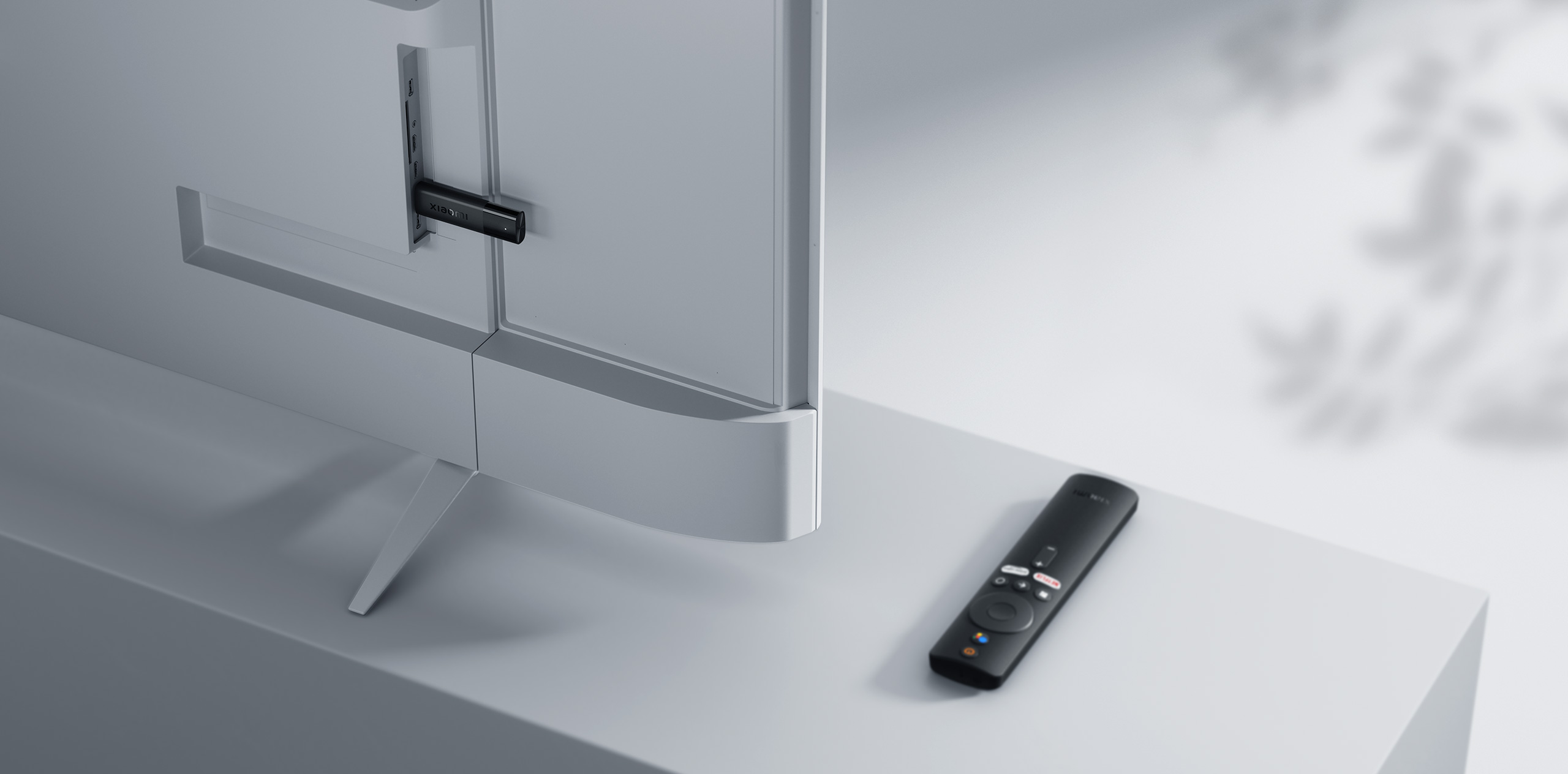
On the performance side, there’s a quad-core processor with Cortex-A35 cores—more details aren’t specified—paired with a Mali-G31 MP2 graphics chip. RAM has also increased, up to 2 GB (the original generation offered 1 GB RAM). The built-in storage of the TV Stick 4K has a capacity of 8 GB.
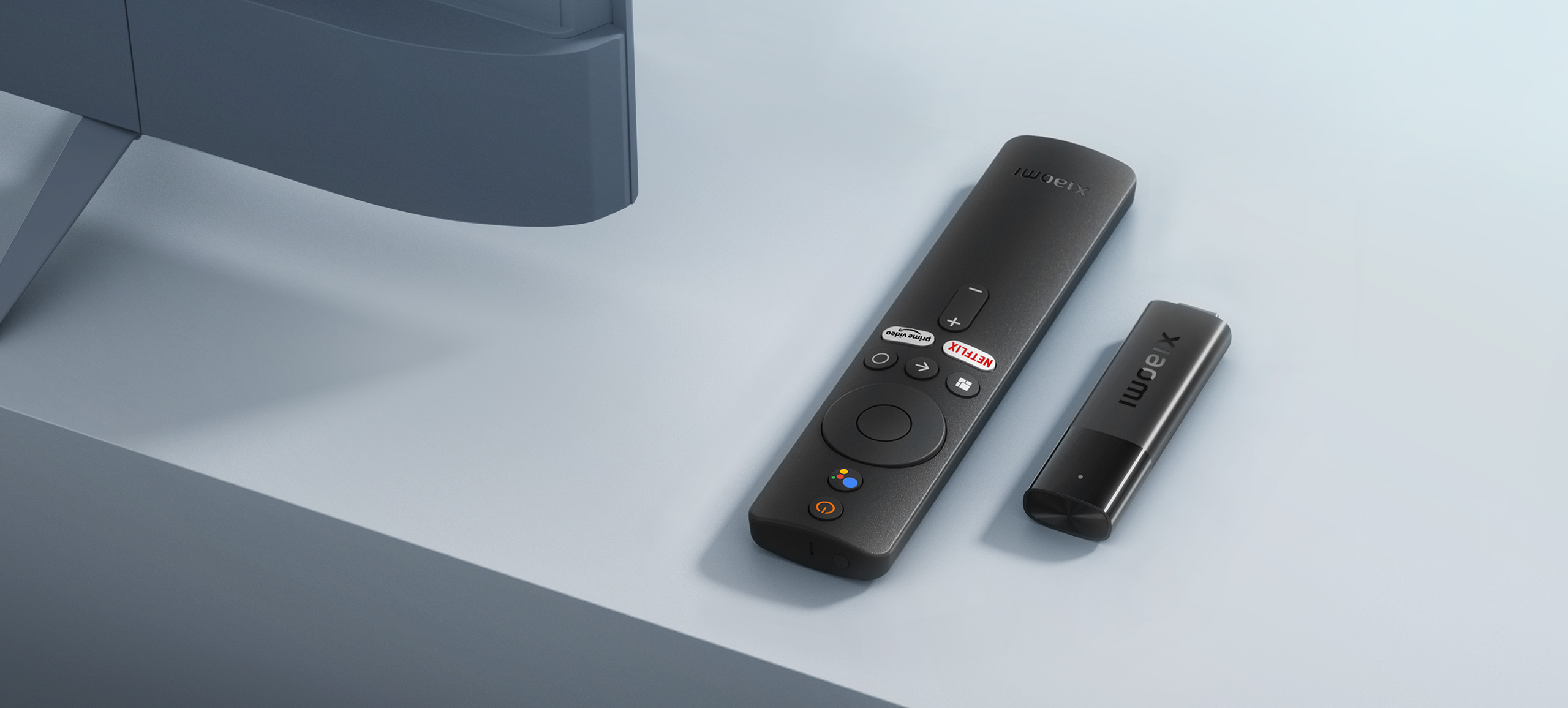
As for the software, you get the latest operating system in Android TV 11, which also includes preinstalled selected popular streaming platforms like Netflix and YouTube, etc.
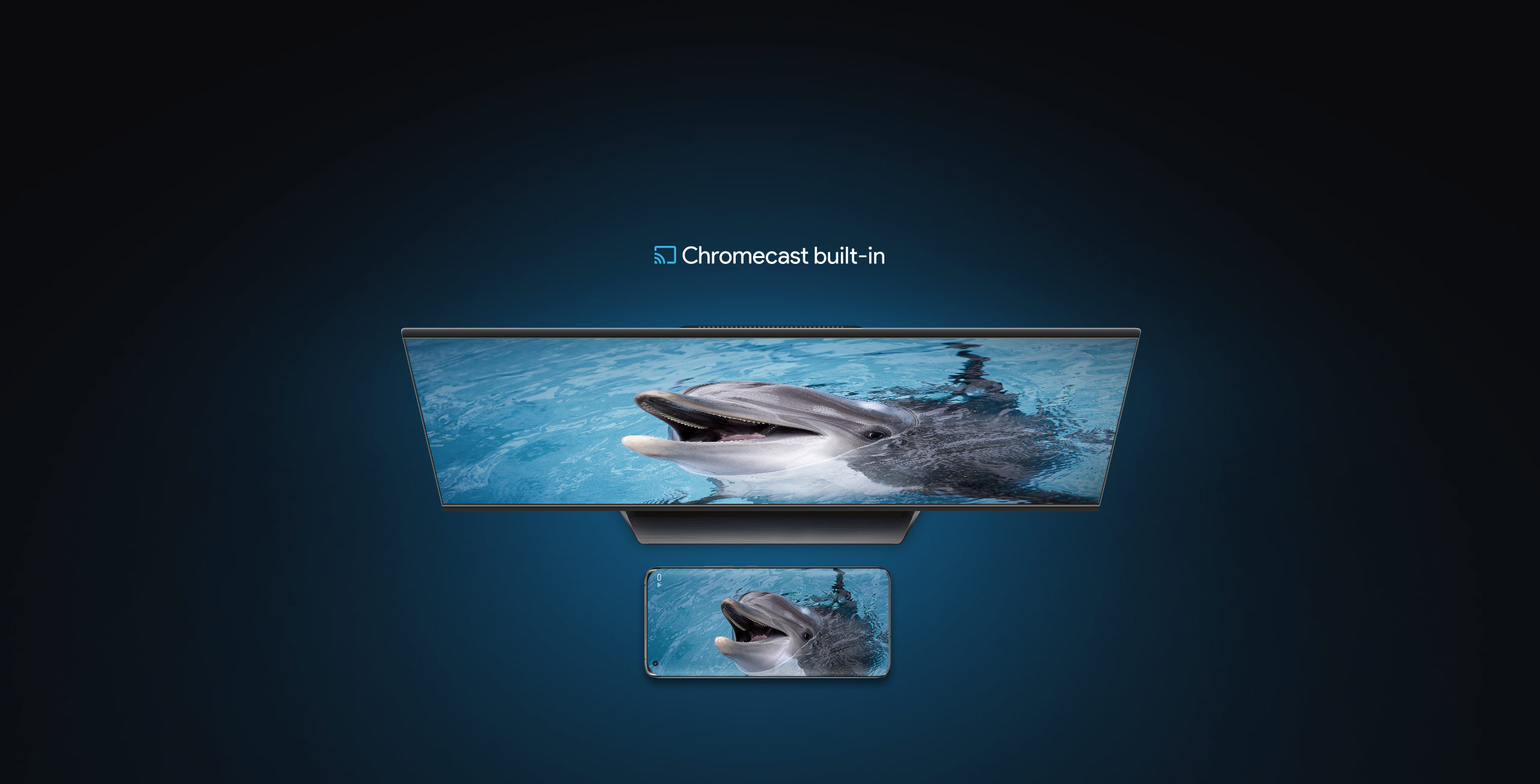
Internet connectivity is provided by the built-in Wi-Fi 2.4 GHz / 5 GHz, and the remote control then uses Bluetooth 5.0. The device also has a built-in Chromecast feature, which you can use, for example, for mirroring your smartphone.

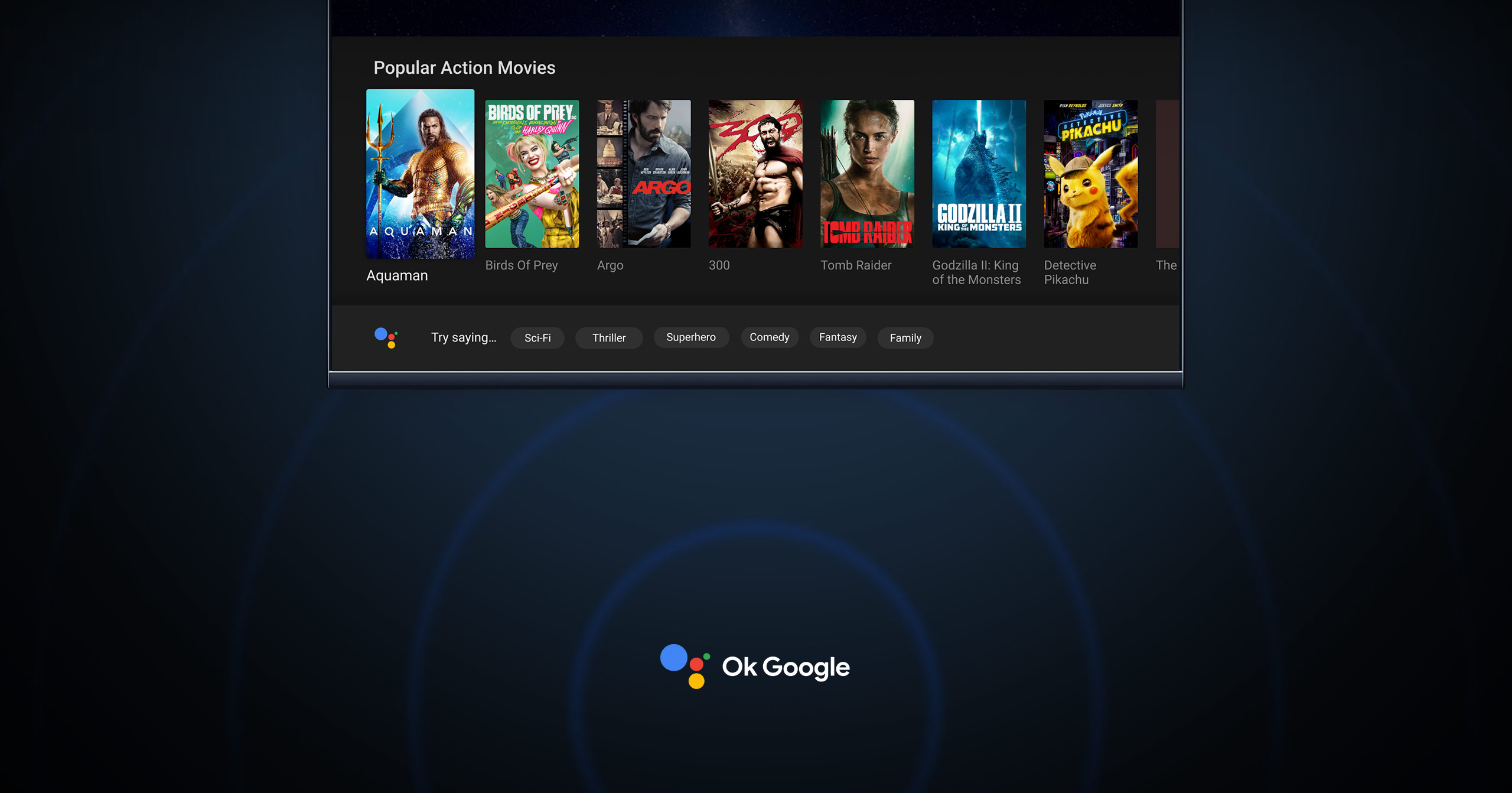
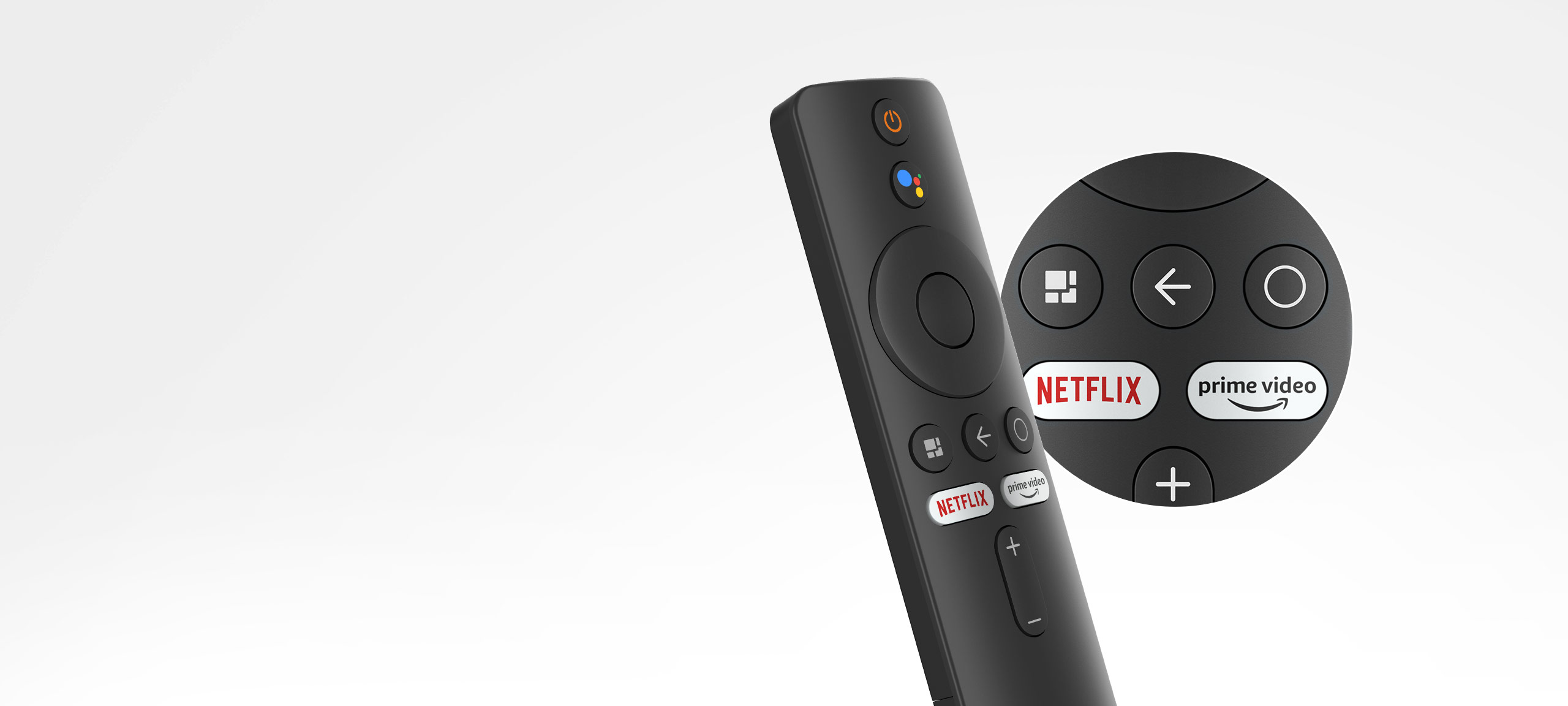
For a quality audio experience, support for audio codecs DTS HD and Dolby Atmos. The remote control (powered by AAA batteries) also includes dedicated physical buttons for Netflix and YouTube services, as well as a microphone. With it, you can control your smart home or launch individual apps by voice, thanks to the built-in Google Assistant.
Easy connection and use
If you want to start using this device, the manufacturer states that you only need to go through three simple steps. The first one is connecting the Xiaomi TV Stick 4K itself to your TV via the HDMI connector.
Next, you need to connect the device to the power and to your home Wi-Fi. By default, the device will ask you to sign in to your Google account, and then you can start enjoying your favorite video content in 4K.
How do you like the Xiaomi TV Stick with 4K resolution from the Chinese manufacturer Xiaomi? Feel free to write your thoughts and opinions below in the discussion under the article. Also follow our group on Facebook: Xiaomi Planet – A place for true Xiaomi fans and also our Xiaomi Planet portal to learn more.
Don’t miss the best coupons 📩
Subscribe and we’ll email you new coupons before they expire. We only send it once a month — no spam.