

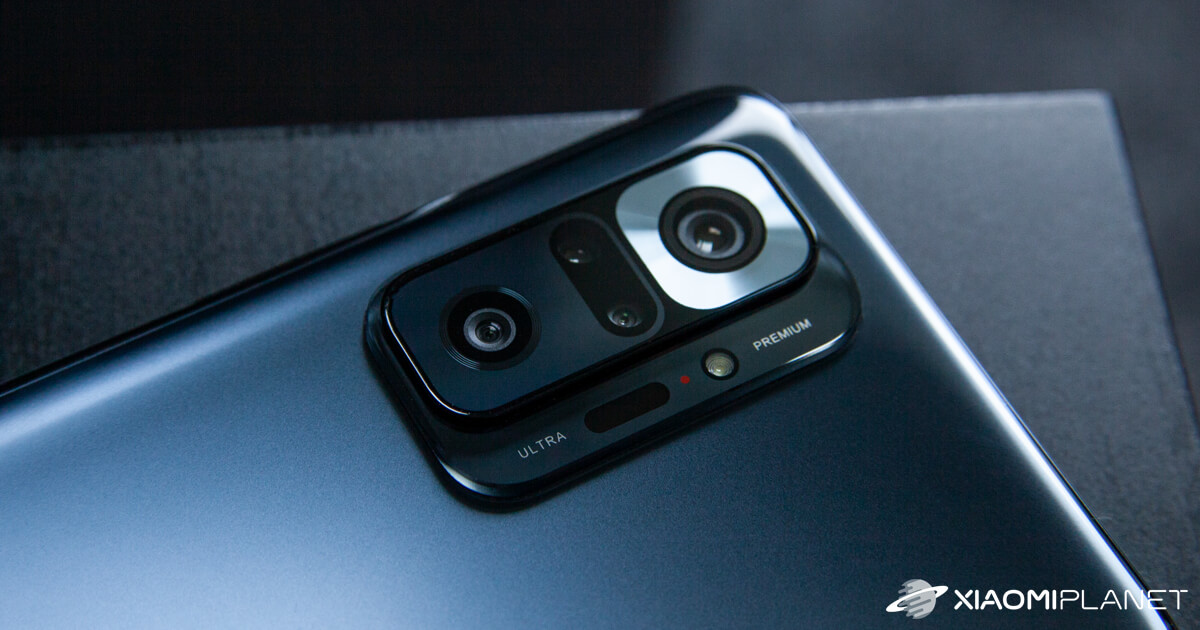
When choosing a new, modern smartphone, the camera—i.e., the module with multiple sensors—is definitely a key factor. It’s during photography that you can see a wealth of details that, at first glance, don’t show up in the technical specifications.
If you like taking photos with your Xiaomi smartphone, then in today’s article we’ll introduce 10 interesting tricks that help you get the maximum possible results from your device and the respective lenses.
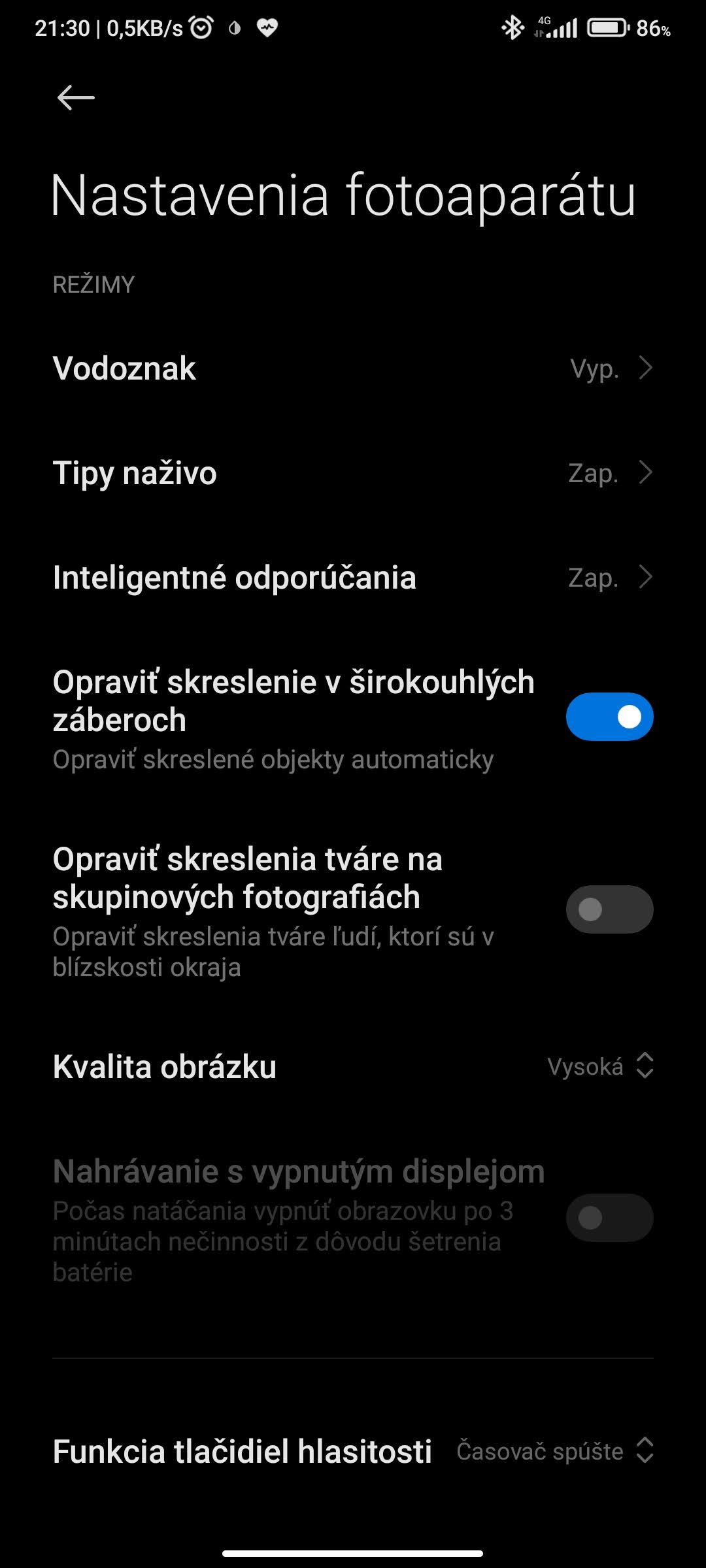
1) Customize the volume buttons
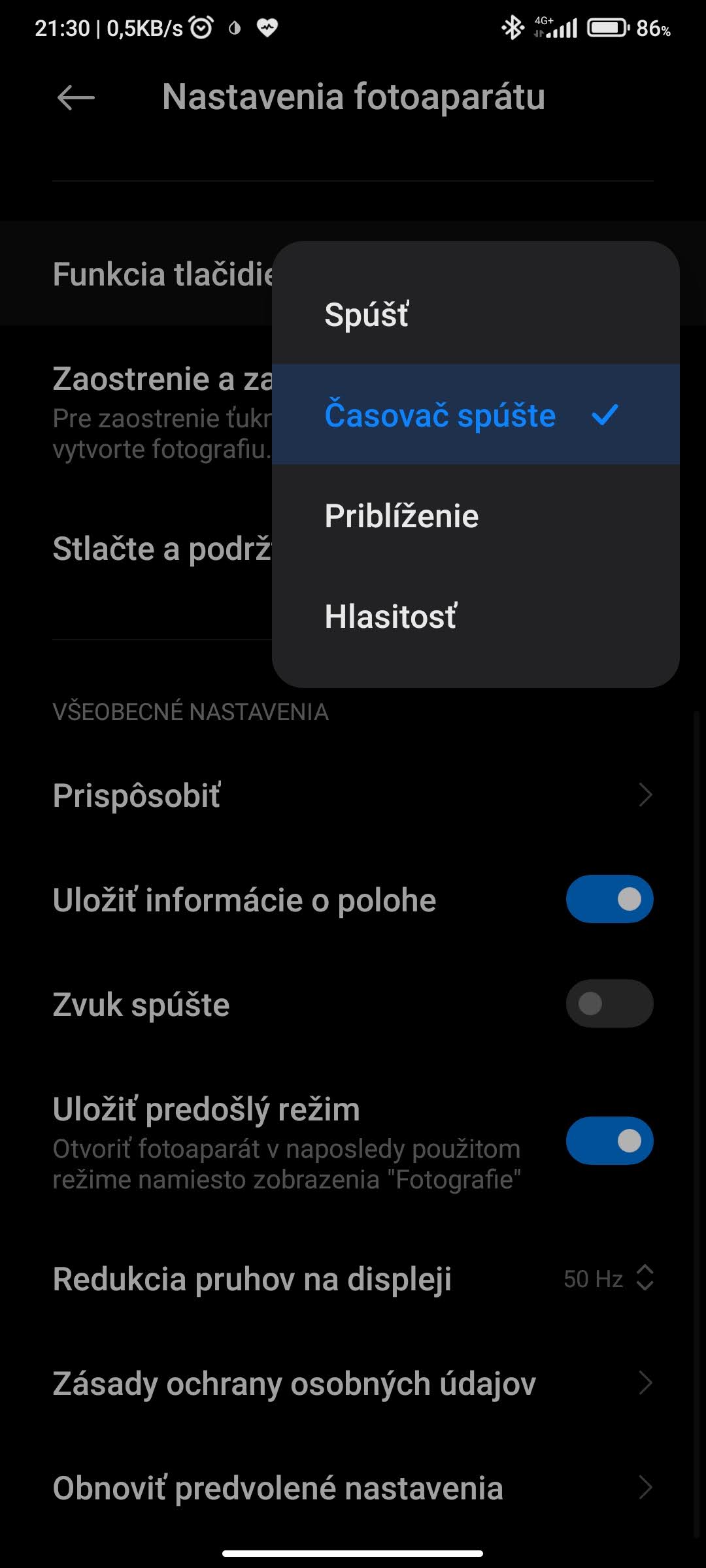
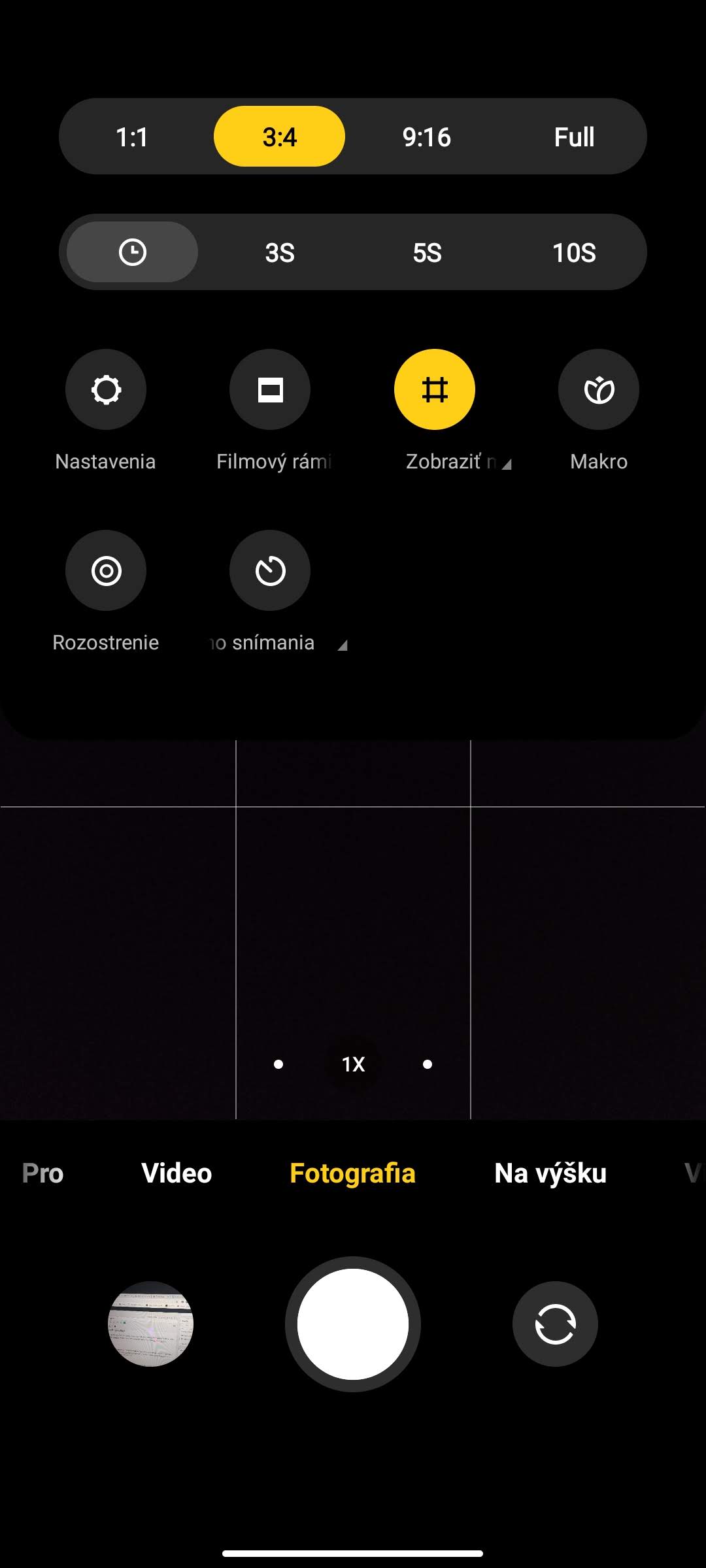
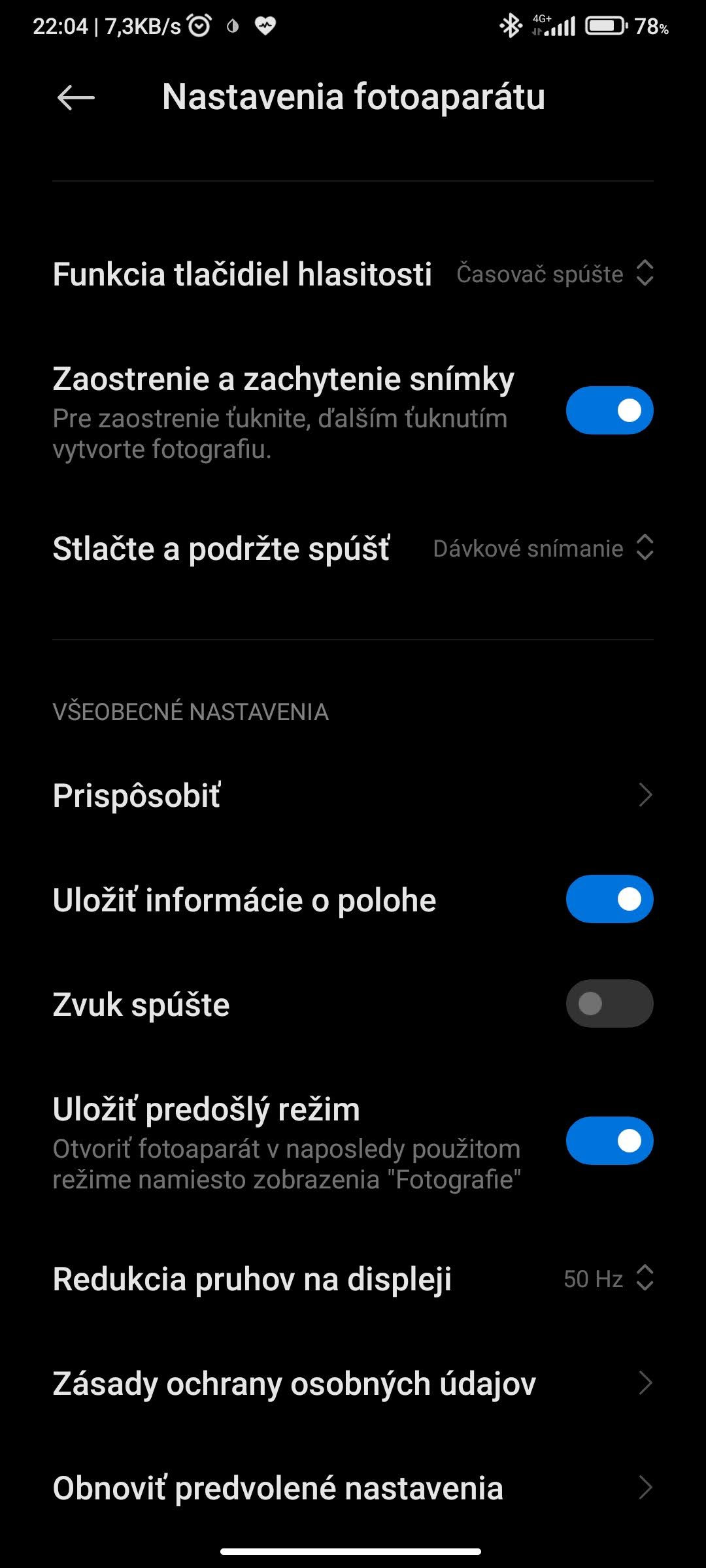
The MIUI overlay hides plenty of customization options, and one of them is the ability to use the volume buttons to capture a photo. Just go to Menu (top right, the icon with three lines), select Settings, and then find the Volume buttons function. You can choose from four options: shutter, timer, zoom, and volume.
2) Edit the watermark text (also supports “Emoji” stickers)
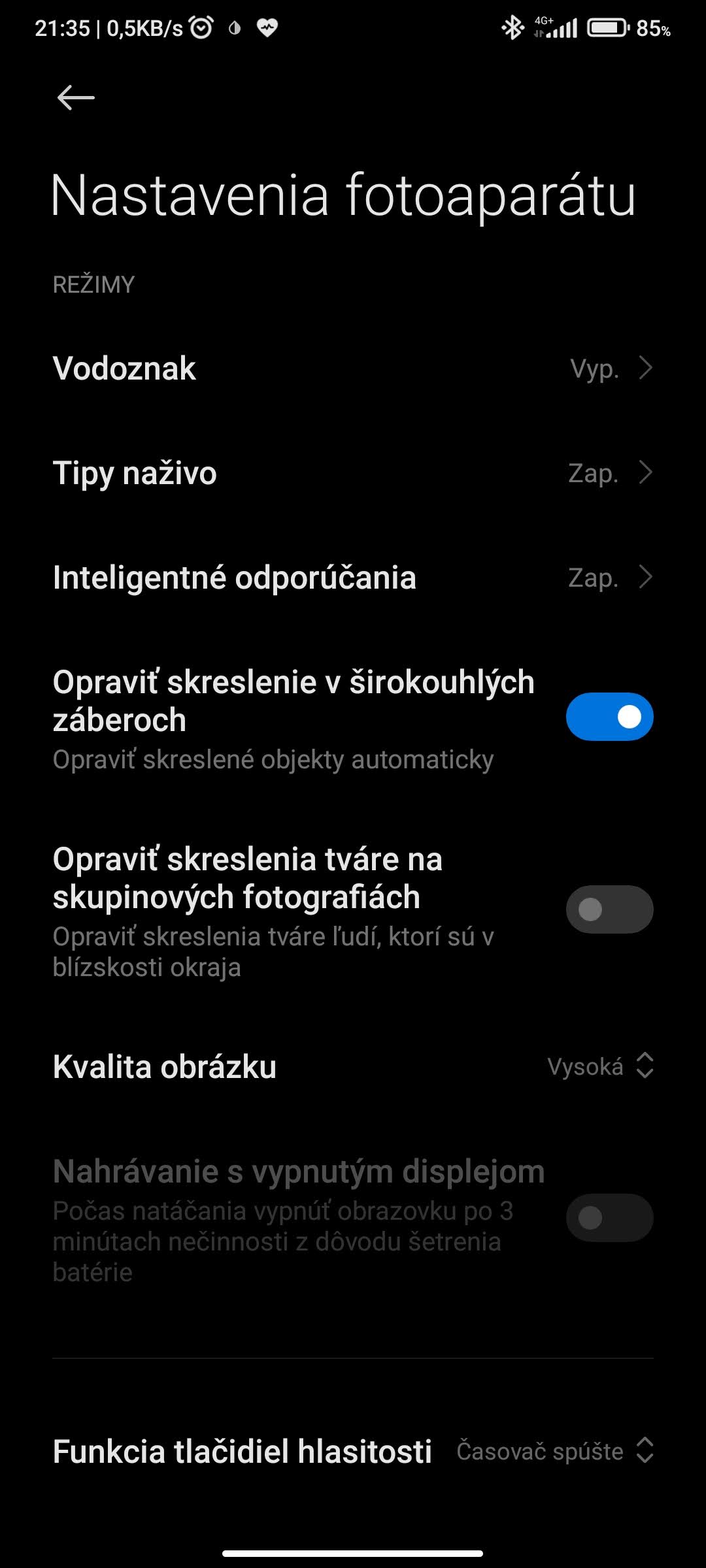
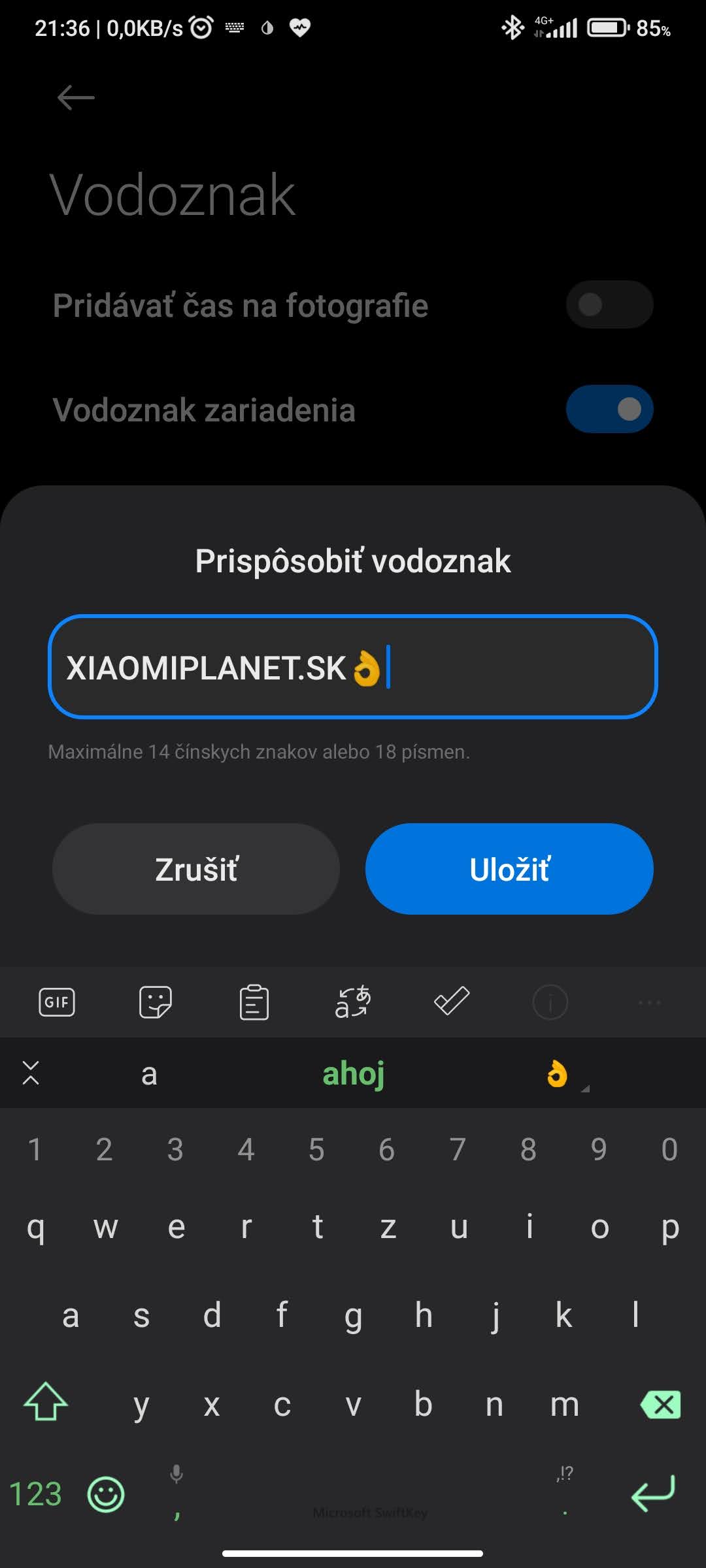
Xiaomi smartphones are known for using a specific watermark on photos. If you don’t want to use it, simply turn it off. But did you know you can customize the watermark to match your preferences? You can enter text or emojis through Menu – Settings – Device watermark – Customize device watermark.
3) Scan QR codes
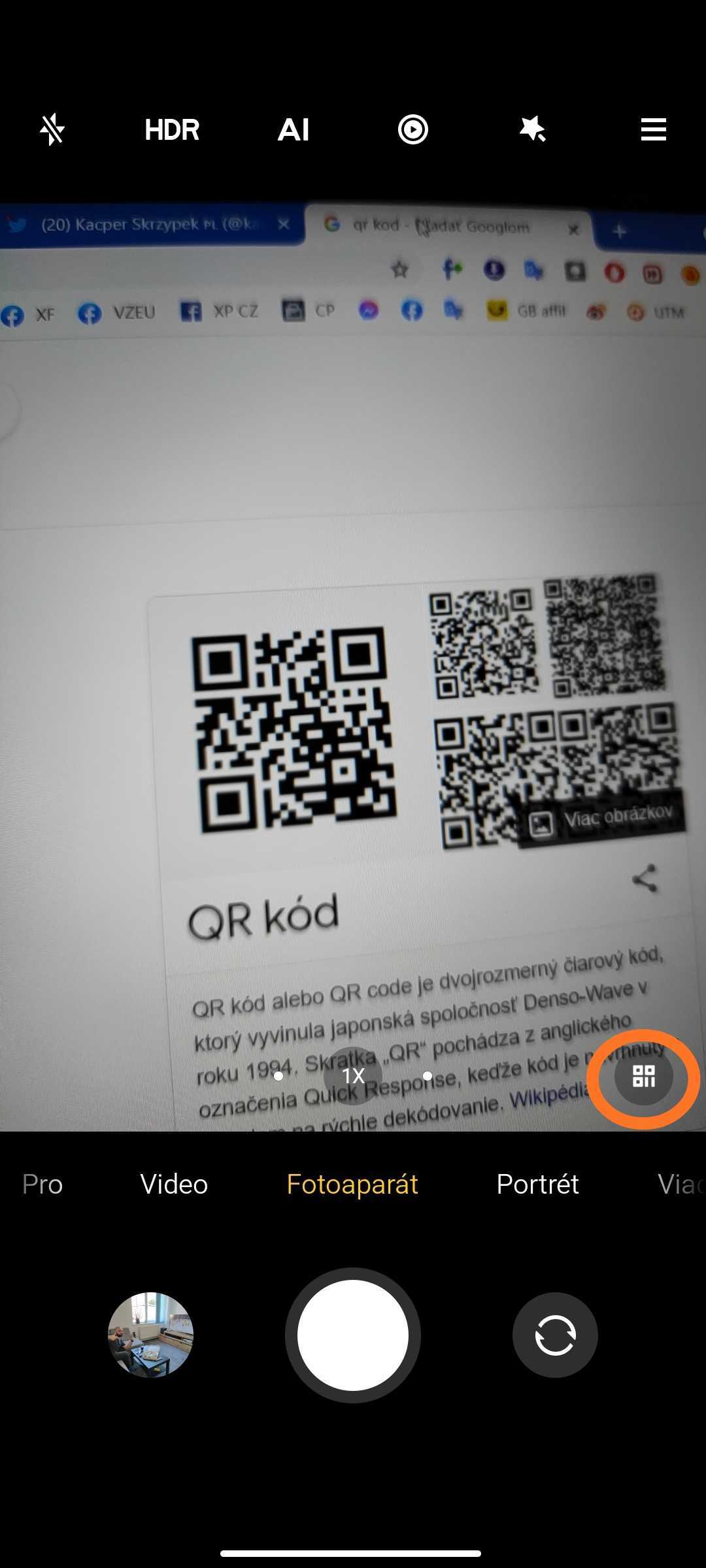
In the Camera app, there’s also a built-in QR code scanning option. Just aim your phone’s camera at the QR code; an icon will appear in the bottom-left corner—tap it to see the code’s content.
4) Quick shooting of 15-second videos
Another feature is a handy shortcut for recording a short video. To activate it, just press and hold the video shutter for a few seconds.
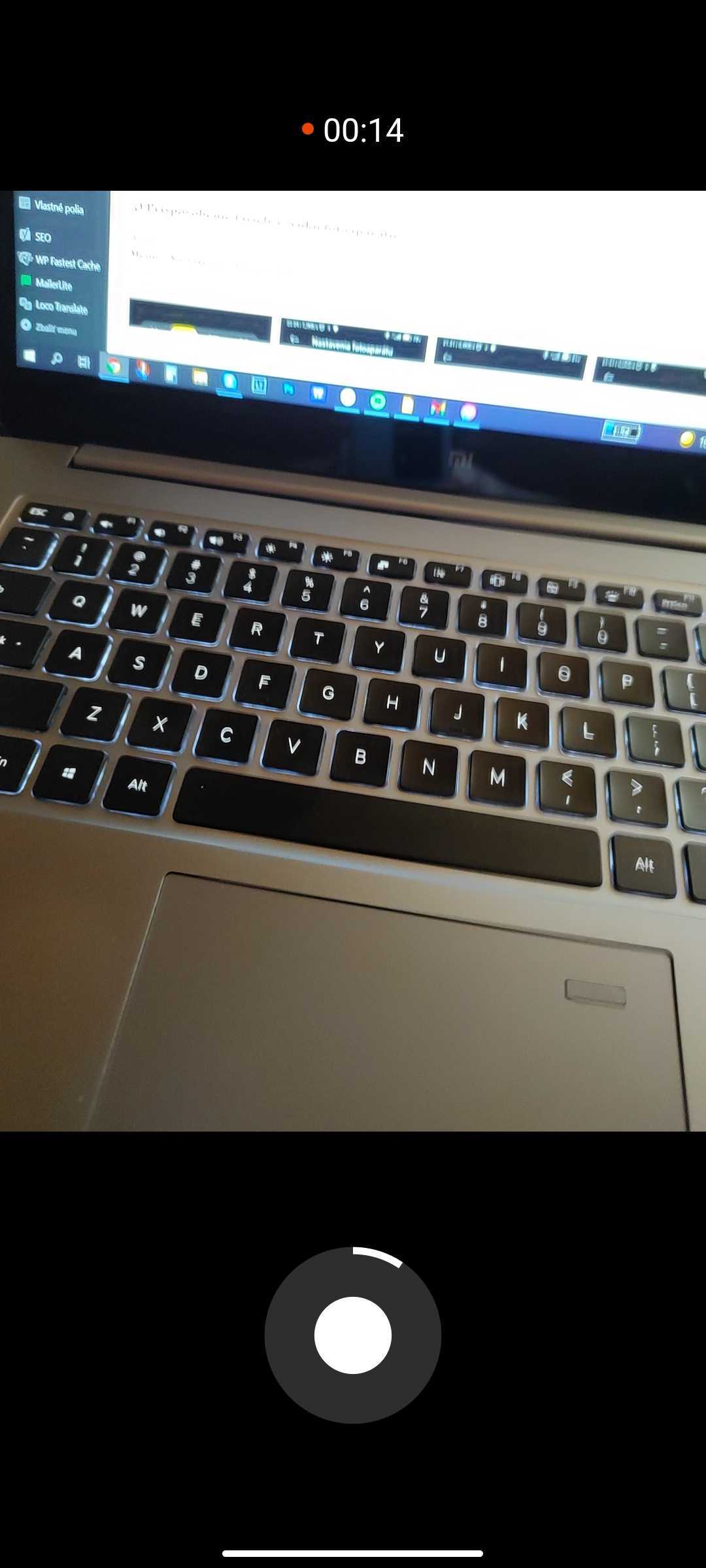
The smartphone automatically switches to a 15-second video recording mode, which is ideal, for example, for use on social media.
5) Customize the camera colors and sound
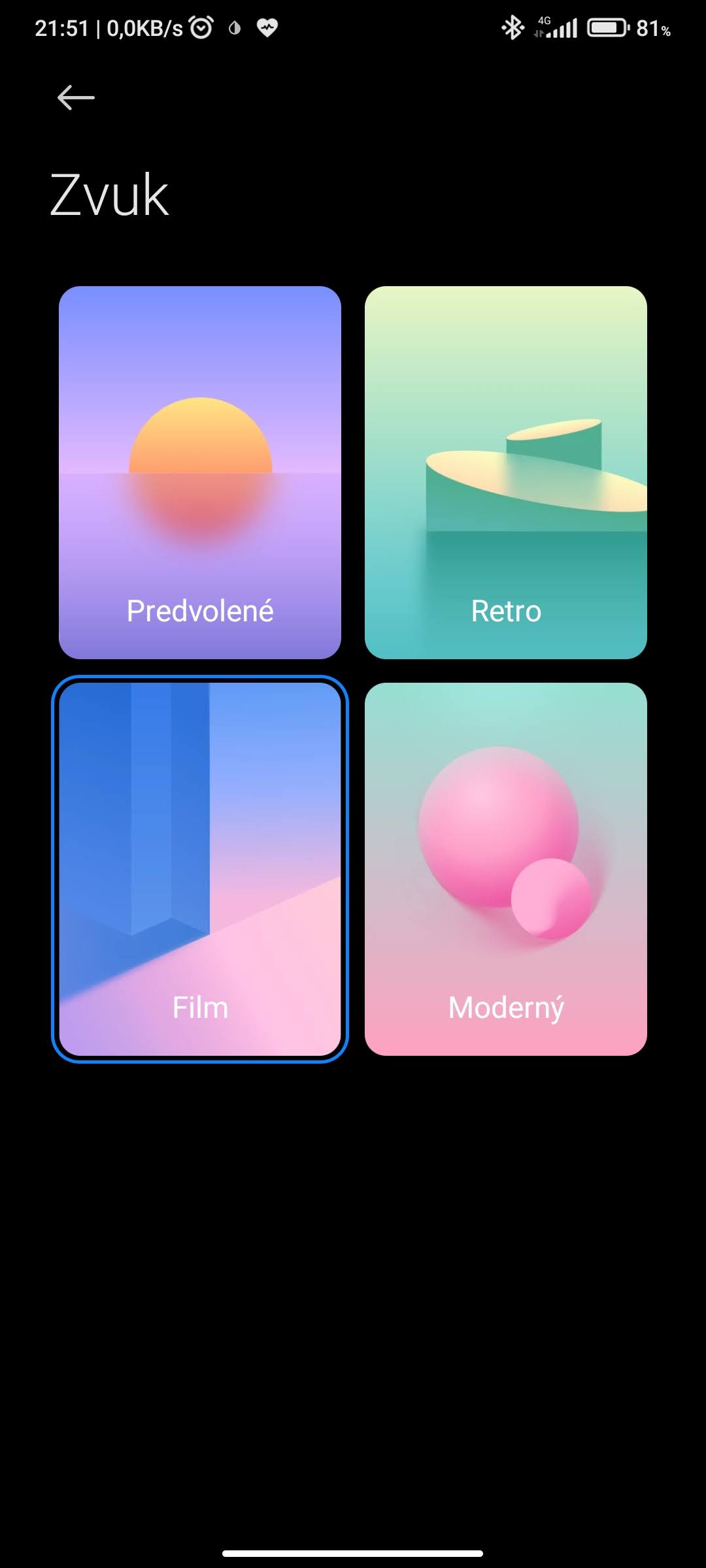
Xiaomi’s Camera app also lets you customize the colors of the camera elements and the camera sound. Go to Menu – Settings – Customize, and you’ll find an option to adjust the color spectrum of selected elements in the app. You can choose from yellow, peach, purple, blue, and green. As for the sound, you can pick one of four variants: default, retro, film, or modern.

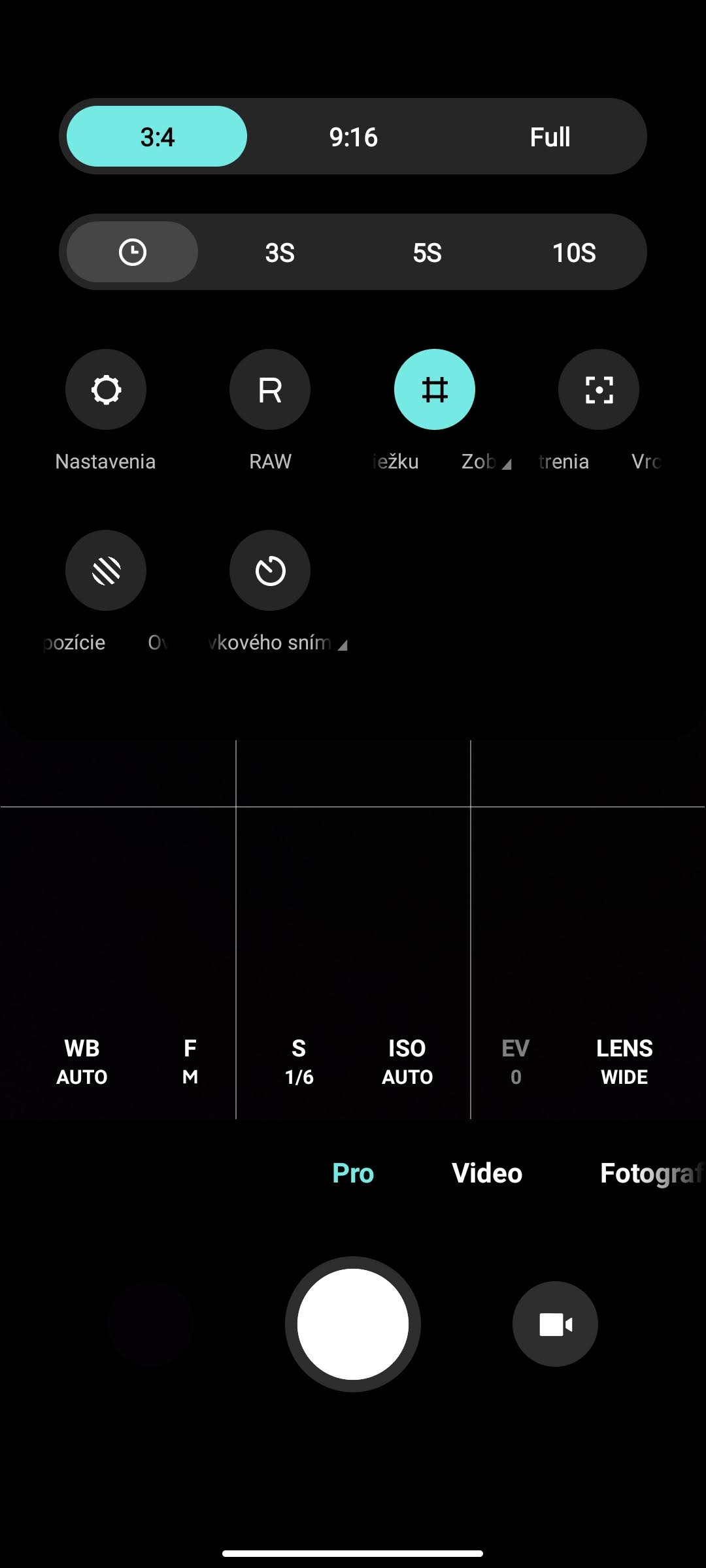
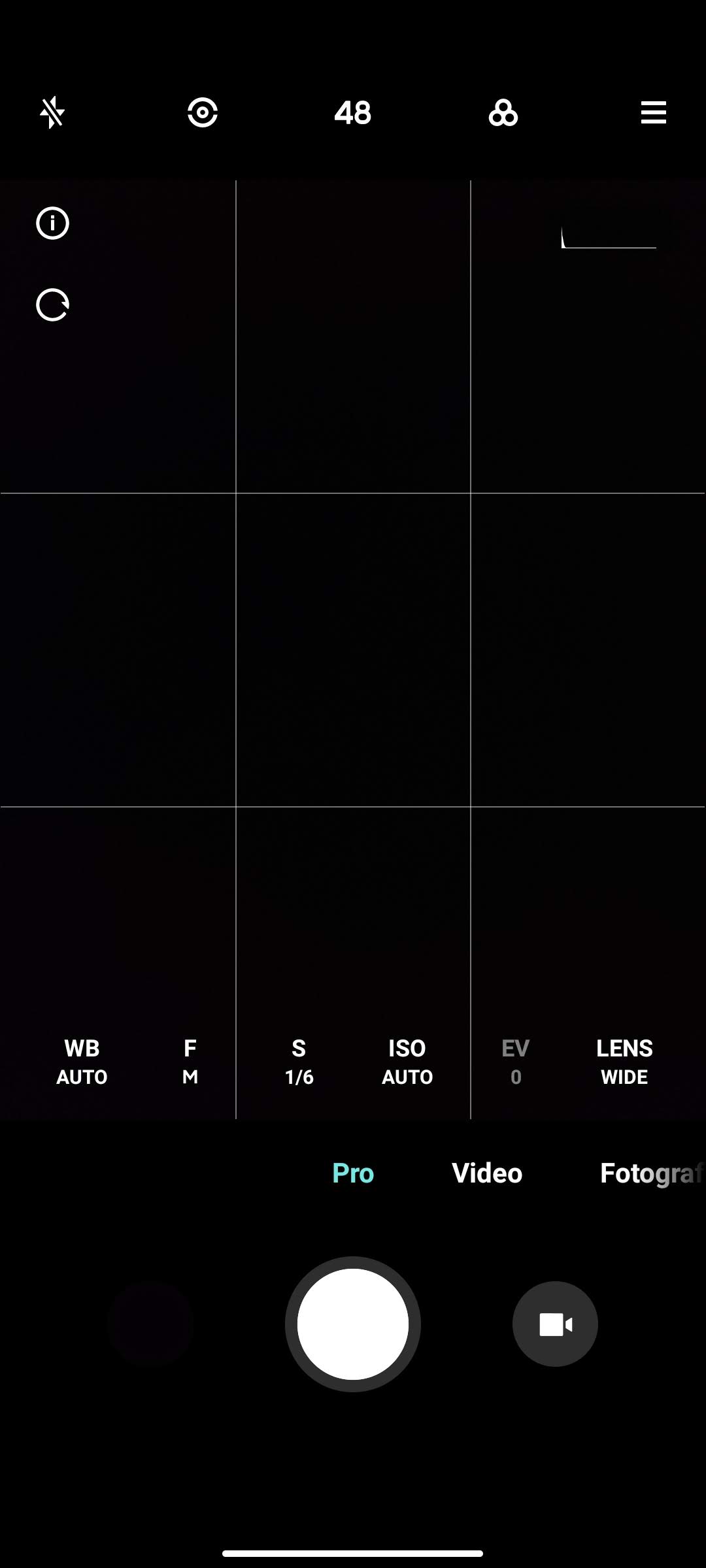
6) Use the “Pro” mode to the fullest
Xiaomi has also prepared a “Pro” camera mode for you, offering extra control over selected functions. Many users don’t even know which features they can use to significantly improve the final photo. In the bottom menu, you can change white balance, adjust focus, exposure, ISO, and more.
7) Turn on HDR mode
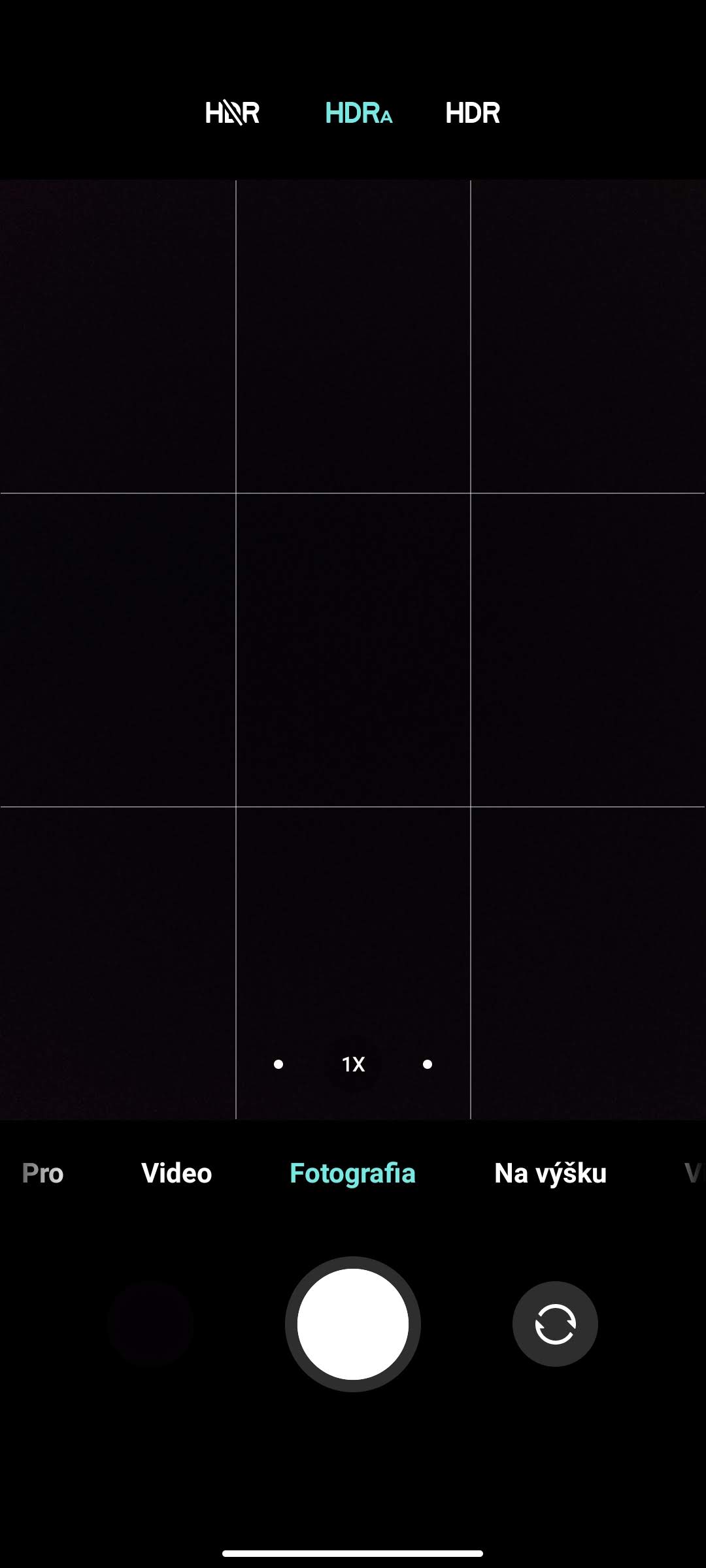
The HDR – high dynamic range feature helps you especially with big differences between the darkest and brightest parts of a photo. You’ll appreciate it when shooting scenes with lots of light, and this feature prevents the resulting picture from getting “overexposed”. HDR is even enabled by default on some smartphones, and Xiaomi also gives you a choice – you can turn HDR off, on, or use the automatic mode.

8) Take “selfie” photos with your palm
If you’re a fan of “selfie” photos taken with the front camera, you’ll probably agree that stretching your arm to the volume button—or the on-screen software button—can be pretty inconvenient sometimes. Xiaomi has a solution: directly in the extended Menu at the top, it offers a palm shutter mode. In this mode, the camera counts down three seconds from the moment it detects your outstretched hand.
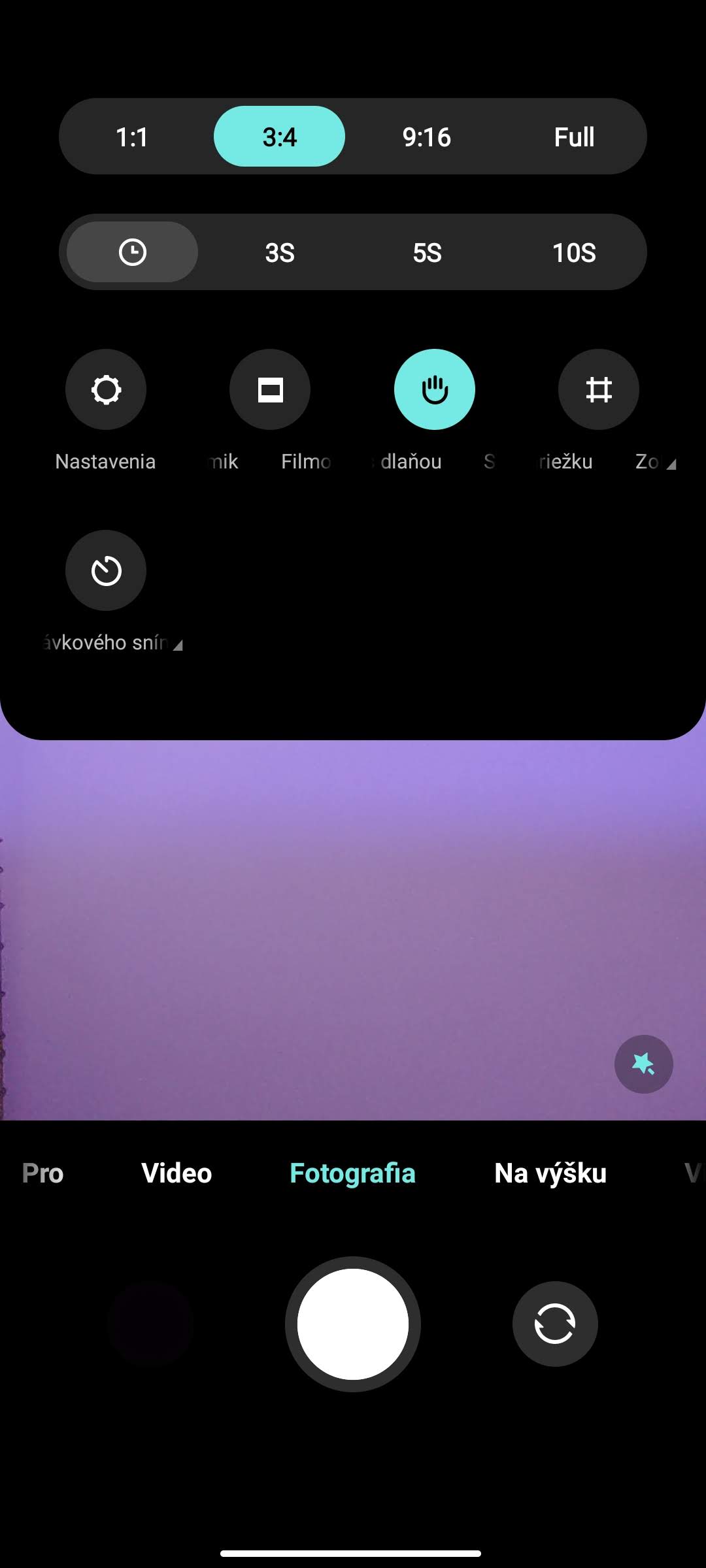
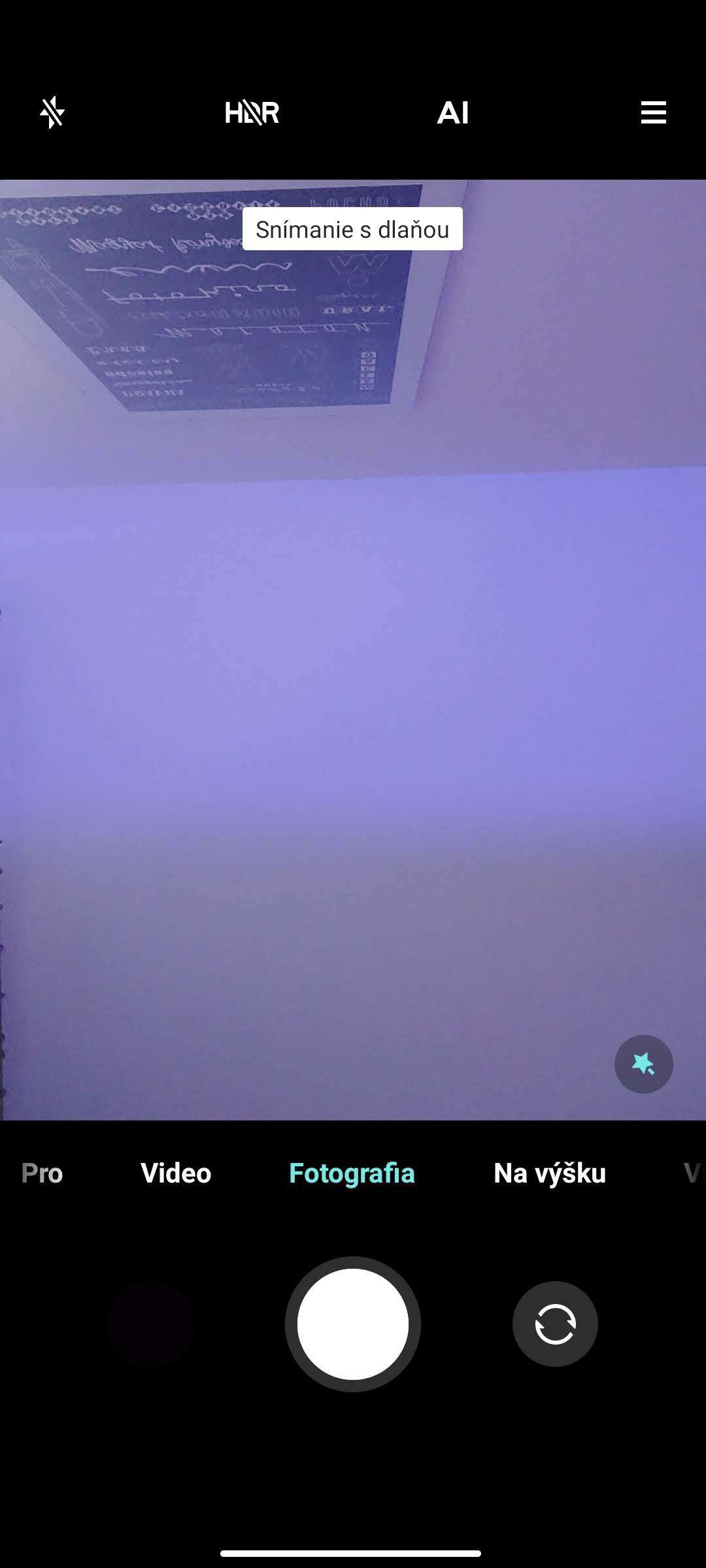
P.S. In addition, selected smartphones will also offer “selfie” photo capture by tapping the fingerprint sensor.
9) Forget about AI photo editing
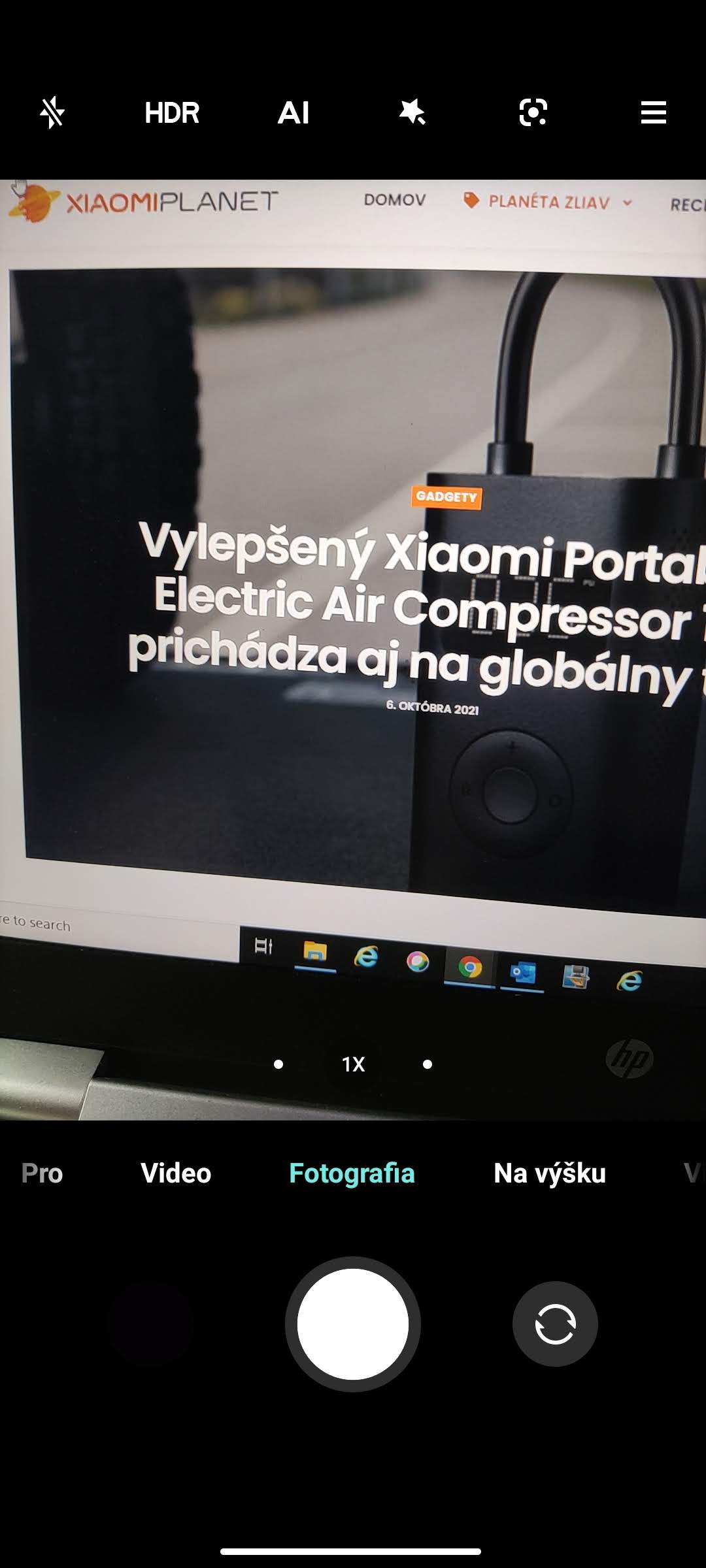
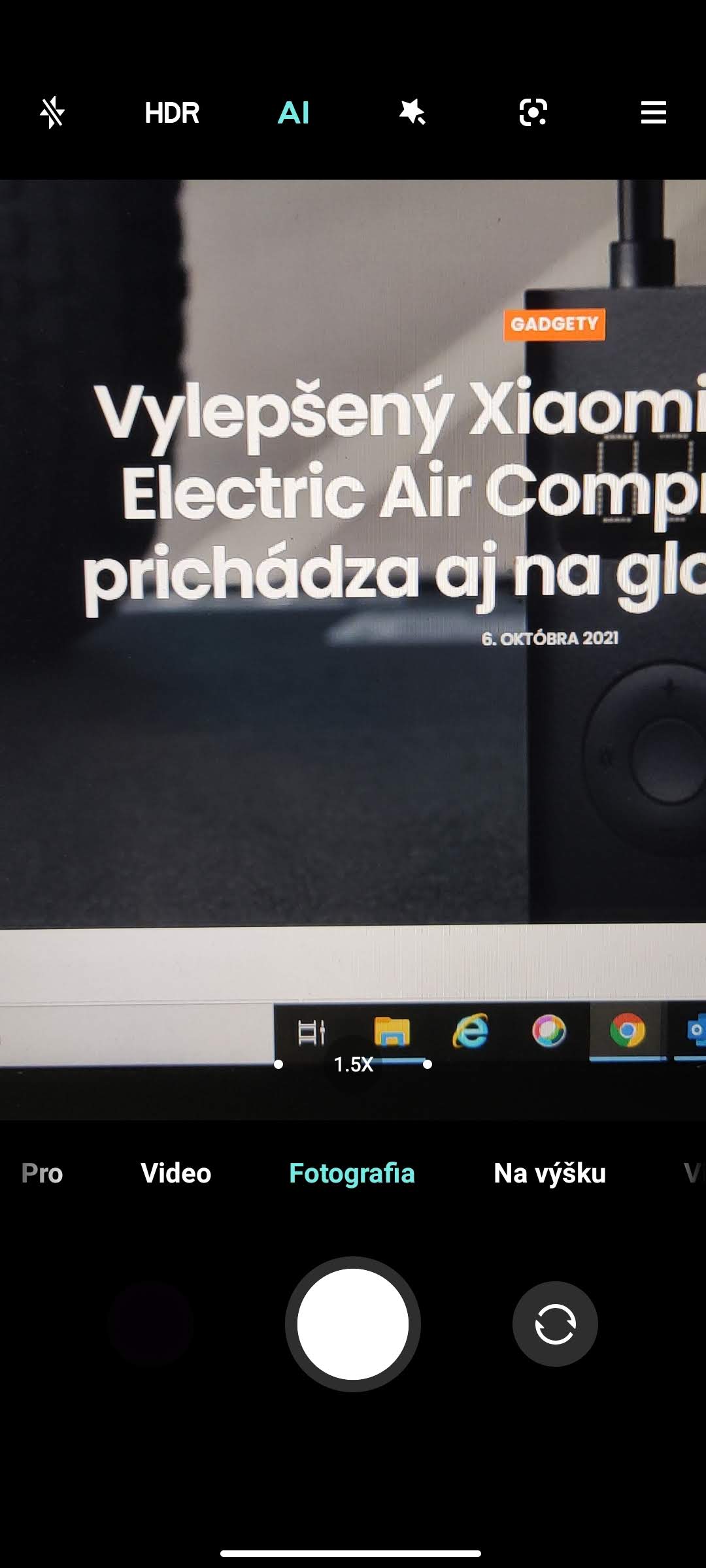
By default, the Camera app also uses AI enhancements from the manufacturer. But if you’re not happy with too much background blur or the color range, you can safely turn this feature off. Just check the extended Menu in the top section. Turning these enhancements on/off is highlighted with colored text in the app.
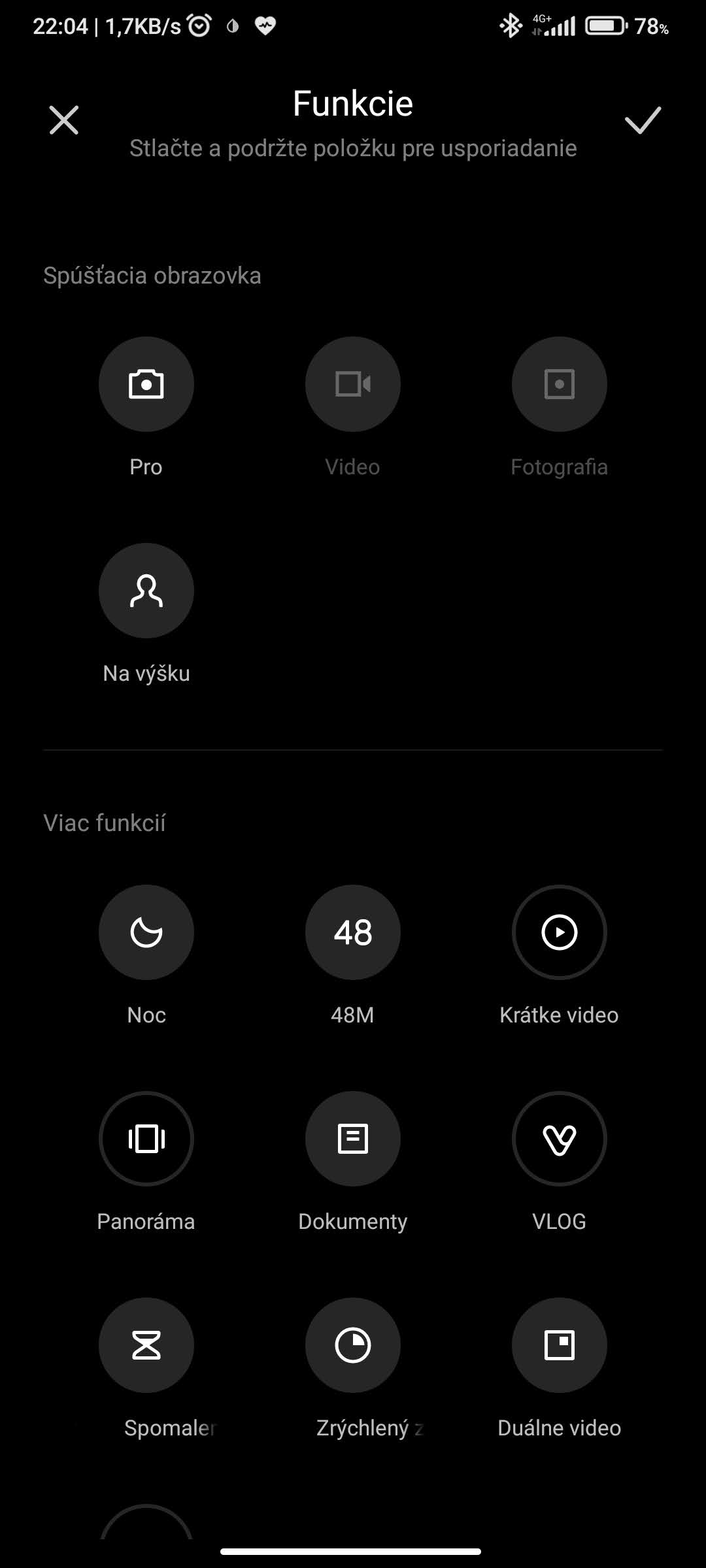
10) Arrange your favorite camera modes
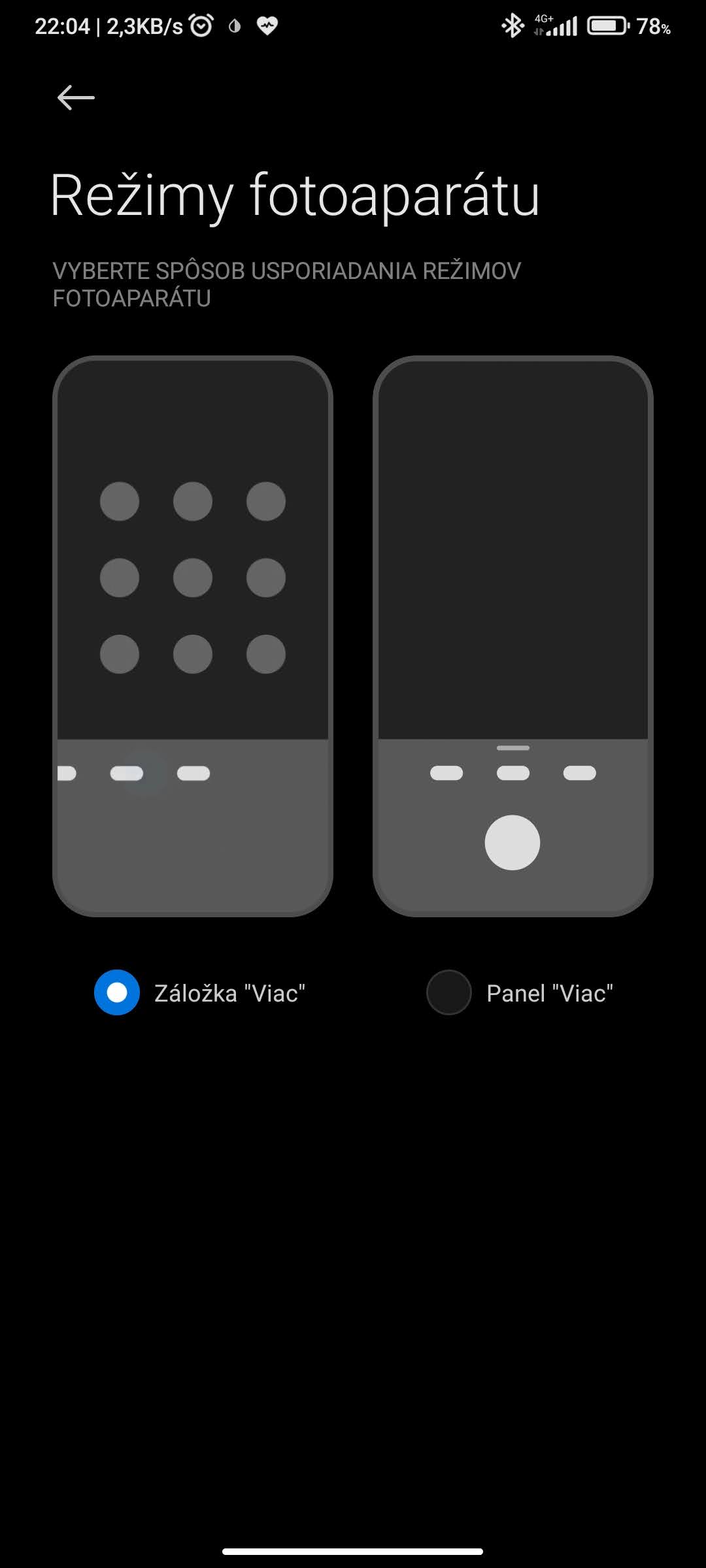
The MIUI 12 update brought new features to the built-in camera app as well. This way, you can also customize how each camera mode is displayed, and even the order of your other favorite modes—however it works best for you. You can find this option in the local Slovak version of the system under Menu – Settings – Personalize – Function layout or Camera modes.
Are you using any of the tips and tricks we introduced in today’s article? If you have any further questions about mobile photography or about Xiaomi smartphones, feel free to write them to us below in the discussion under the article. Follow our new Facebook group: Xiaomi Planet – A place for true Xiaomi fans and also our portal XiaomiPlanet.sk and learn more information.
Don’t miss the best coupons 📩
Subscribe and we’ll email you new coupons before they expire. We only send it once a month — no spam.