
Verdict: Xiaomi IMILAB smart camera
Our editorial rating based on product testing.
- High-quality Full HD image
- Viewing-angle sensor up to 110 degrees
- 360-degree camera rotation
- AI features—person recognition or even detecting a child’s crying
- Two-way "calling" (intercom) feature
- Low price
- Older microUSB connector for power
- No enhanced dust- and water-resistance
- Lower detail quality when recording at night
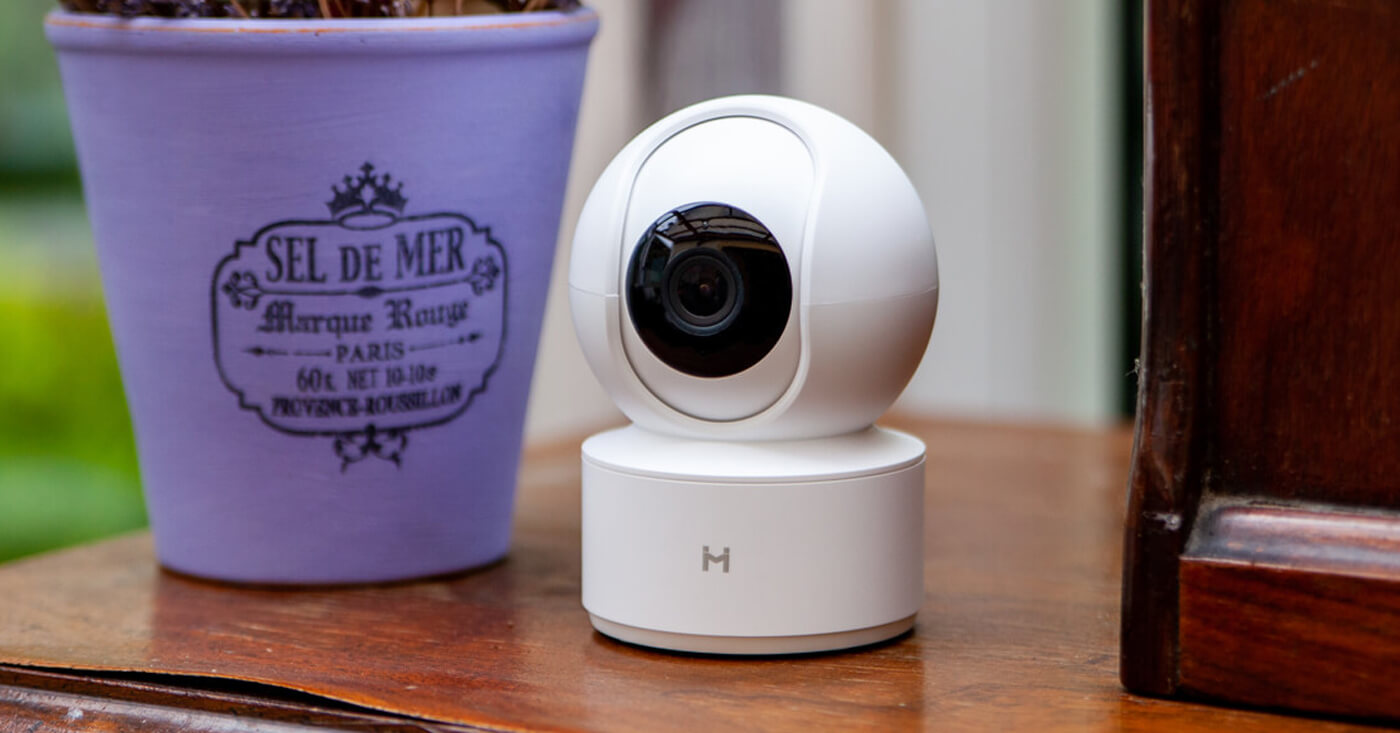
The portfolio of cameras for home monitoring is also offered by the Chinese manufacturer Xiaomi. The currently most affordable option is the 360-degree Full HD camera Xiaomi IMILAB, which—thanks to its solid build quality and very low price—definitely ranks among popular smart home products.
We bought a Xiaomi IMILAB smart home camera to test it and find out what it’s like. Right away, we can say that for a low price it offers truly a lot.
We ordered it here 👇
I want the Xiaomi Imilab camera with a coupon
The packaging is a simple base with a surprise inside
The minimalist white box is barely as big as the product itself. After unpacking, the box contains a smaller compartment with instructions, a microUSB cable to connect the camera, along with a plug for the wall outlet.
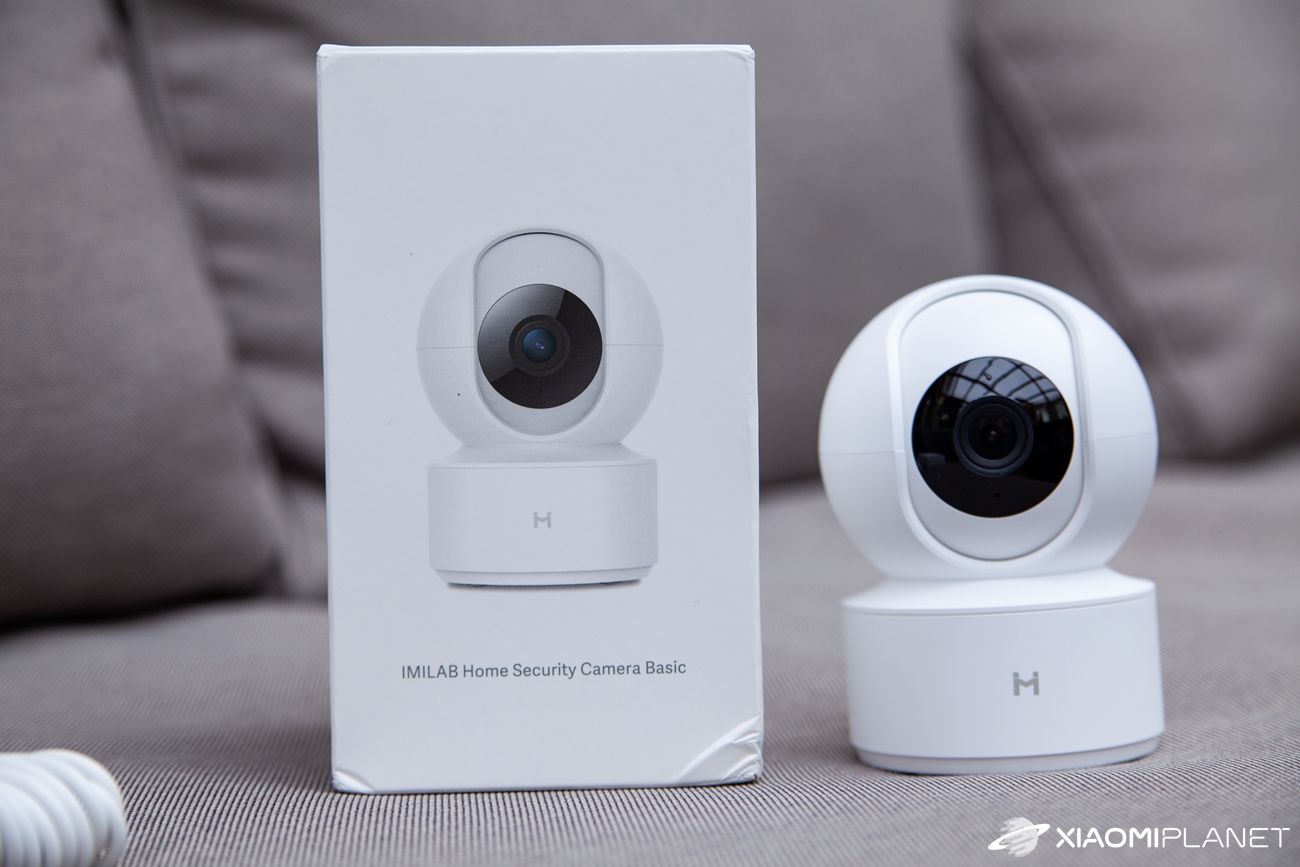
A small surprise is the included wall-mounting kit. We used the camera only in the standard way—placed on its own stand—so we didn’t use this set.
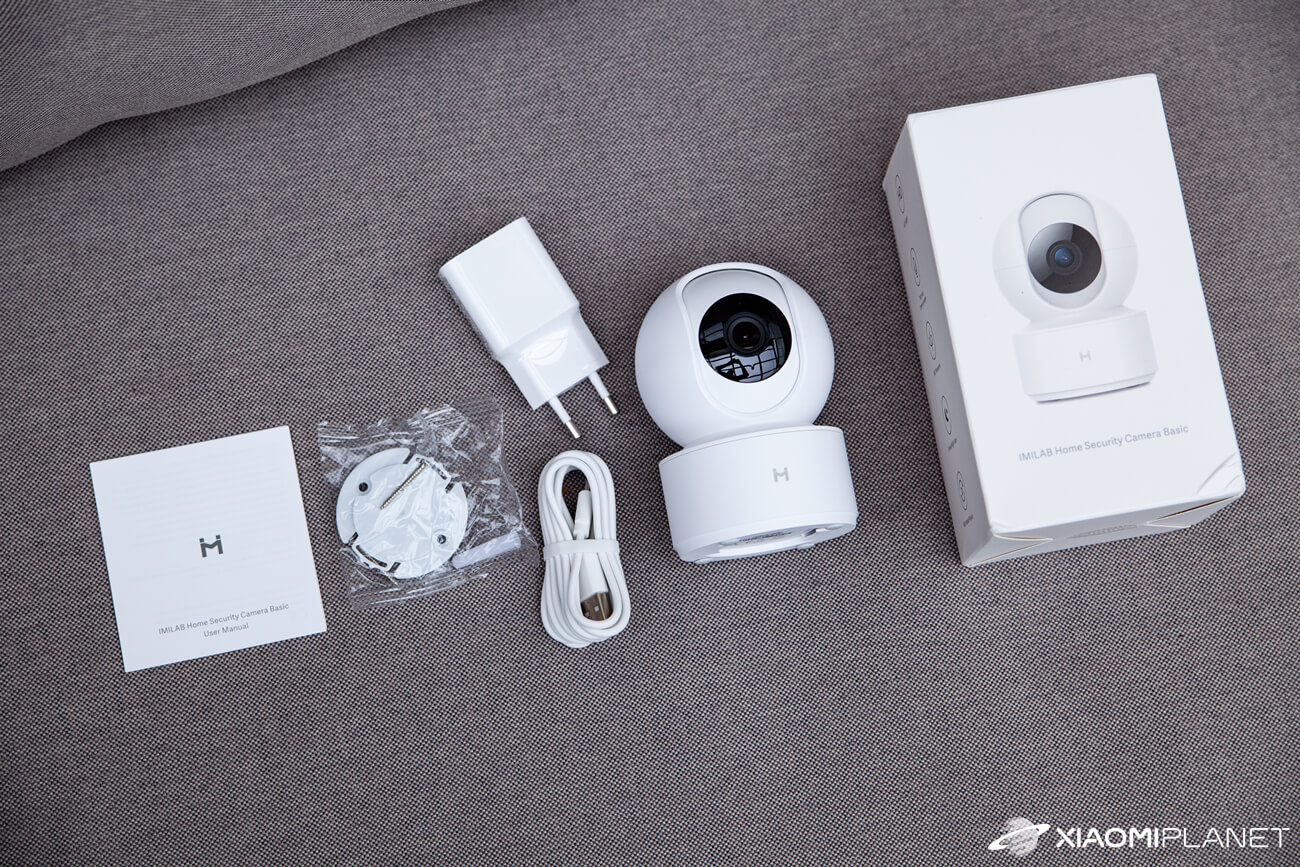
Inside the package, you’ll then find the camera itself; the bottom part of the box contains no hidden accessories. Externally, the packaging traditionally shows the product image, the logo of the partner brand Mijia, and technical specifications in the manufacturer’s home, Chinese language.
Plastic construction
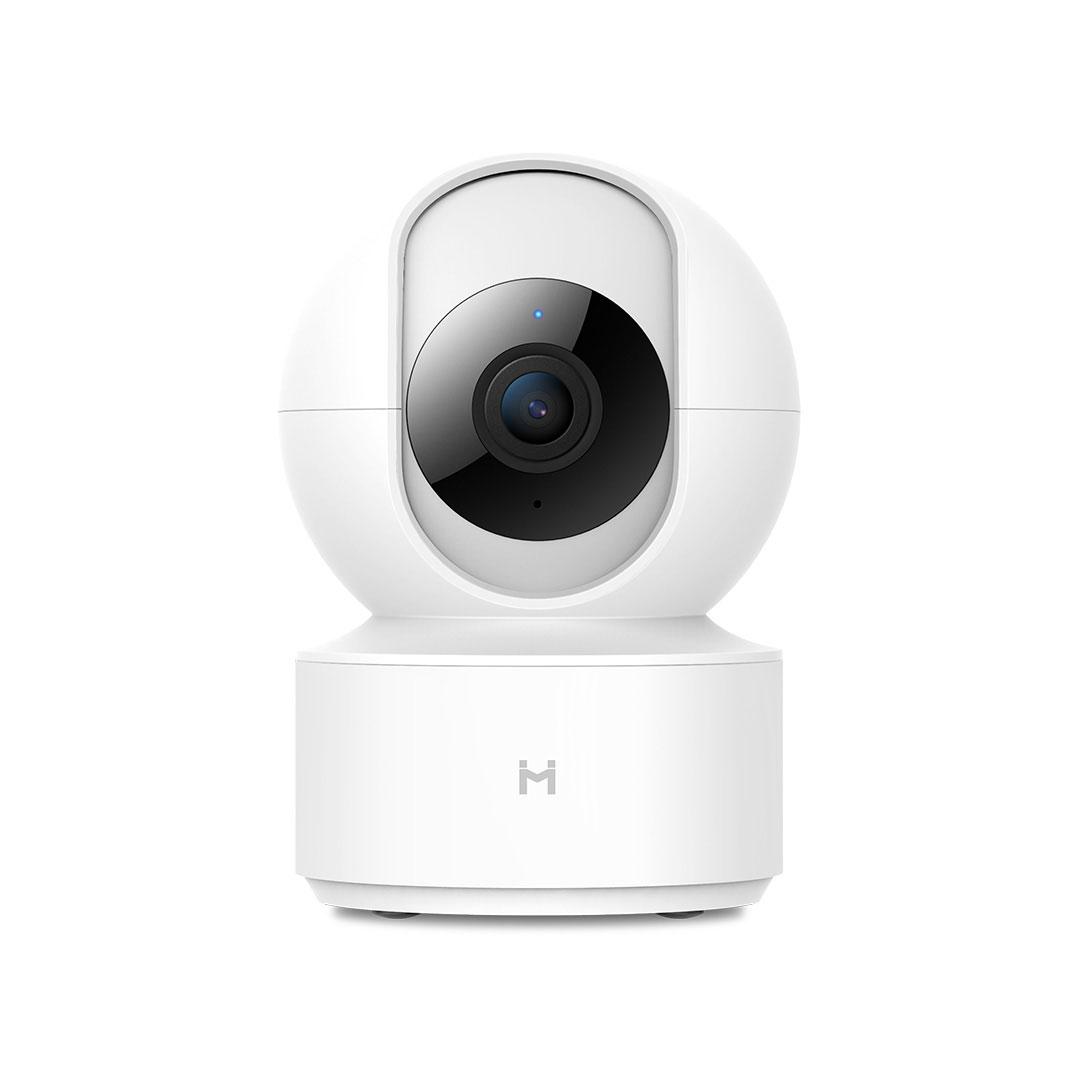
The IMILAB camera measures 108 x 76 x 76 mm, weighs 182 grams, and is made from matte white plastic, with its optics covered by protective glass. The camera head can be tilted left and right as well as up and down, and the controls are handled electronically via a mobile app.
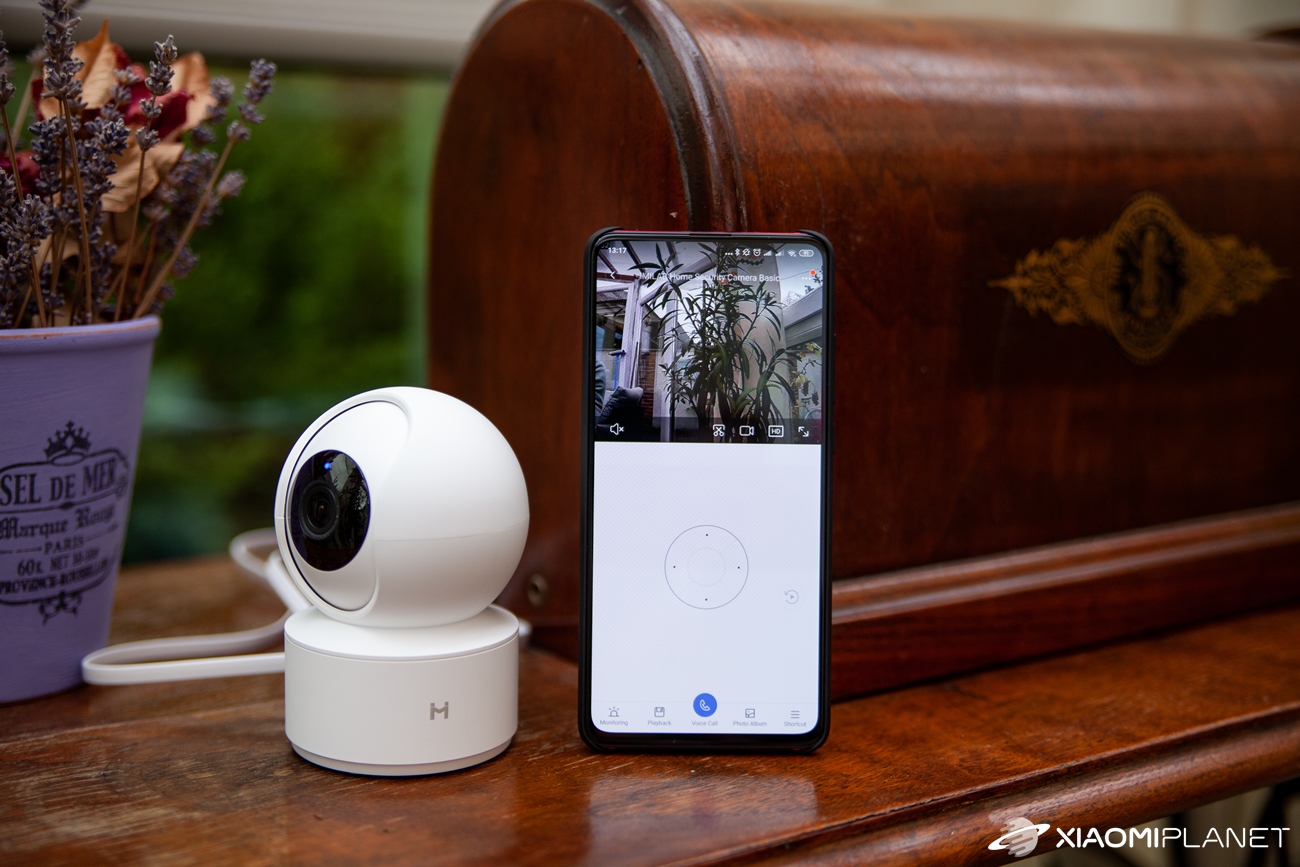
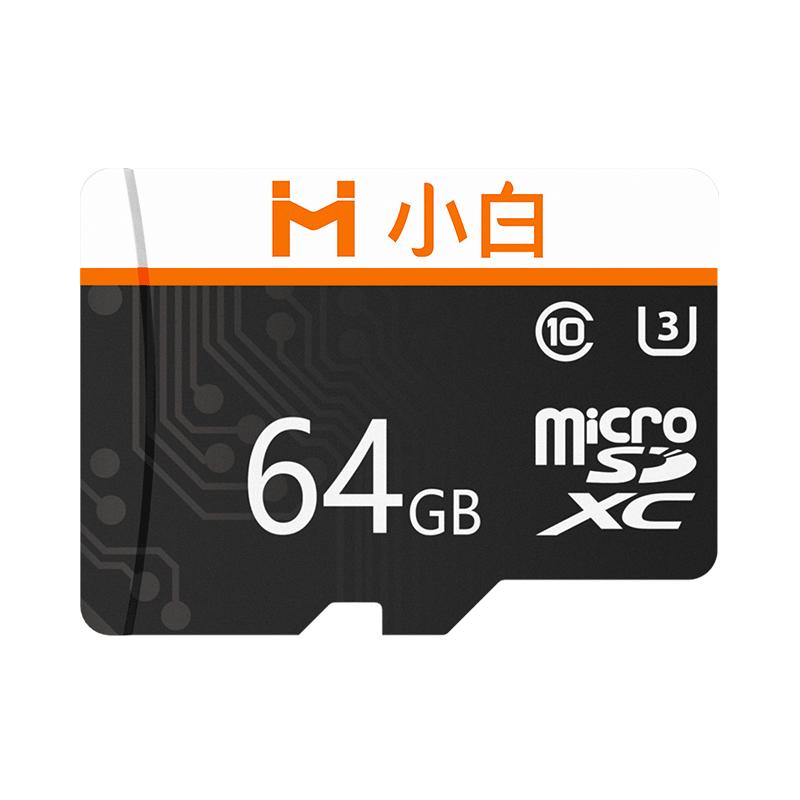
When the optics are in their highest position, it reveals a slot for a microSD card with 64 GB for storing recordings, plus a “reset” button. Next to the sensor there’s also an LED that indicates recording.
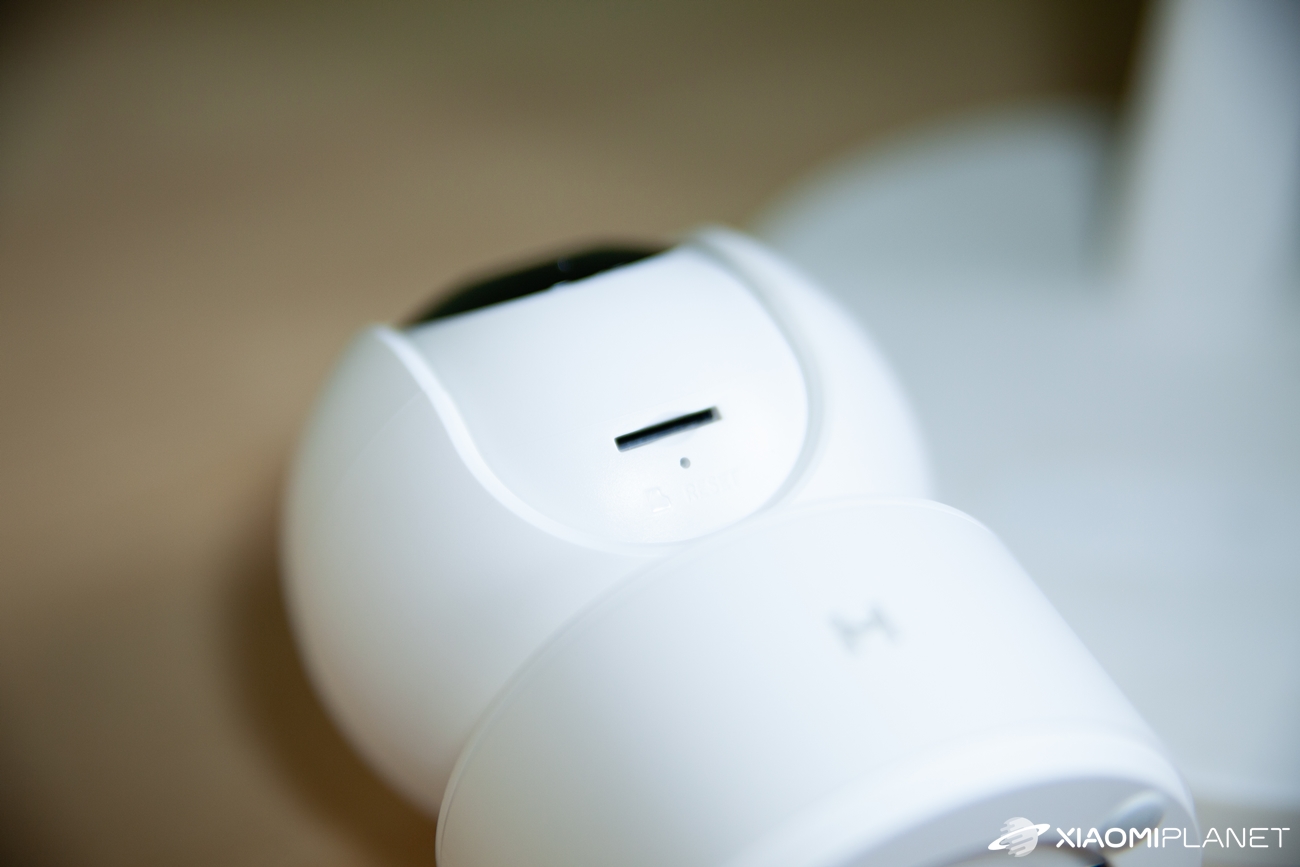
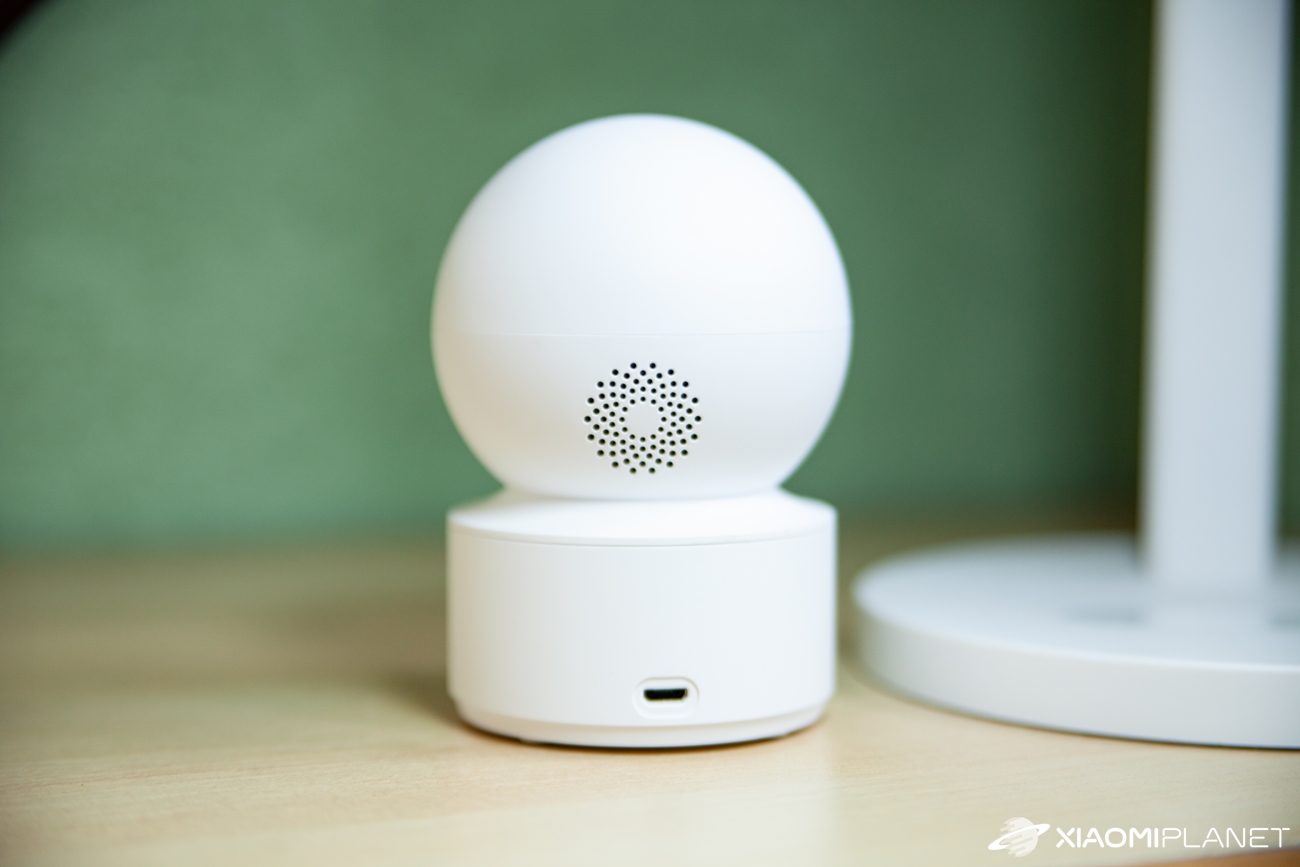

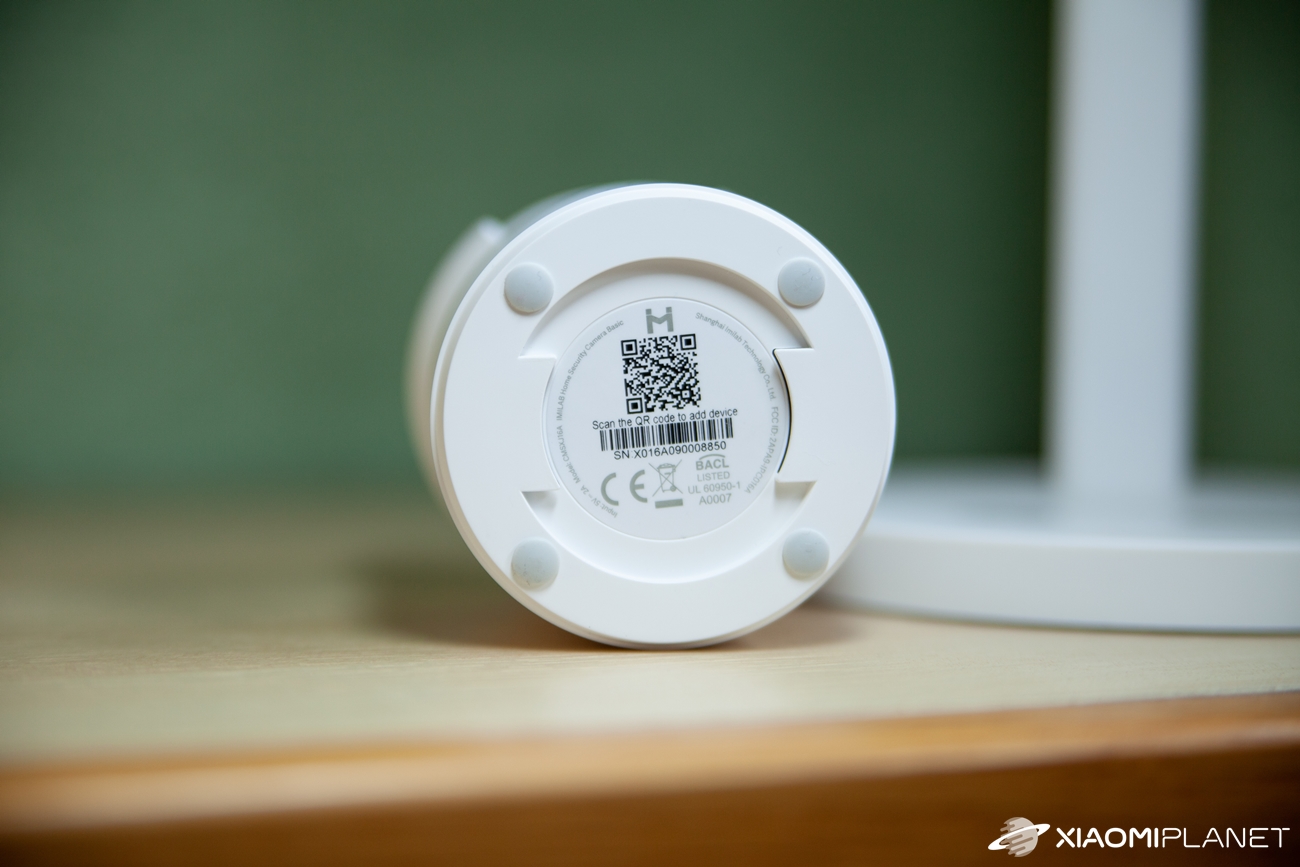
The bottom side includes a mounting system for the wall, and on the back you’ll find a charging connector or a speaker. The build quality is really solid—the camera feels very sturdy, and the plastic design doesn’t get in the way of its functionality at all. For the minimalist design and excellent build quality, the manufacturer definitely deserves praise.
Easy setup in three steps
As the included manual says, setup is quick and has three steps. The first step is connecting the camera to a power outlet using the cable included in the package. The camera turns on and prompts the user to insert a microSD card, then it maps the room by quickly rotating in all directions. In some cases, you still need to “reset” the camera with the appropriate button before using it.
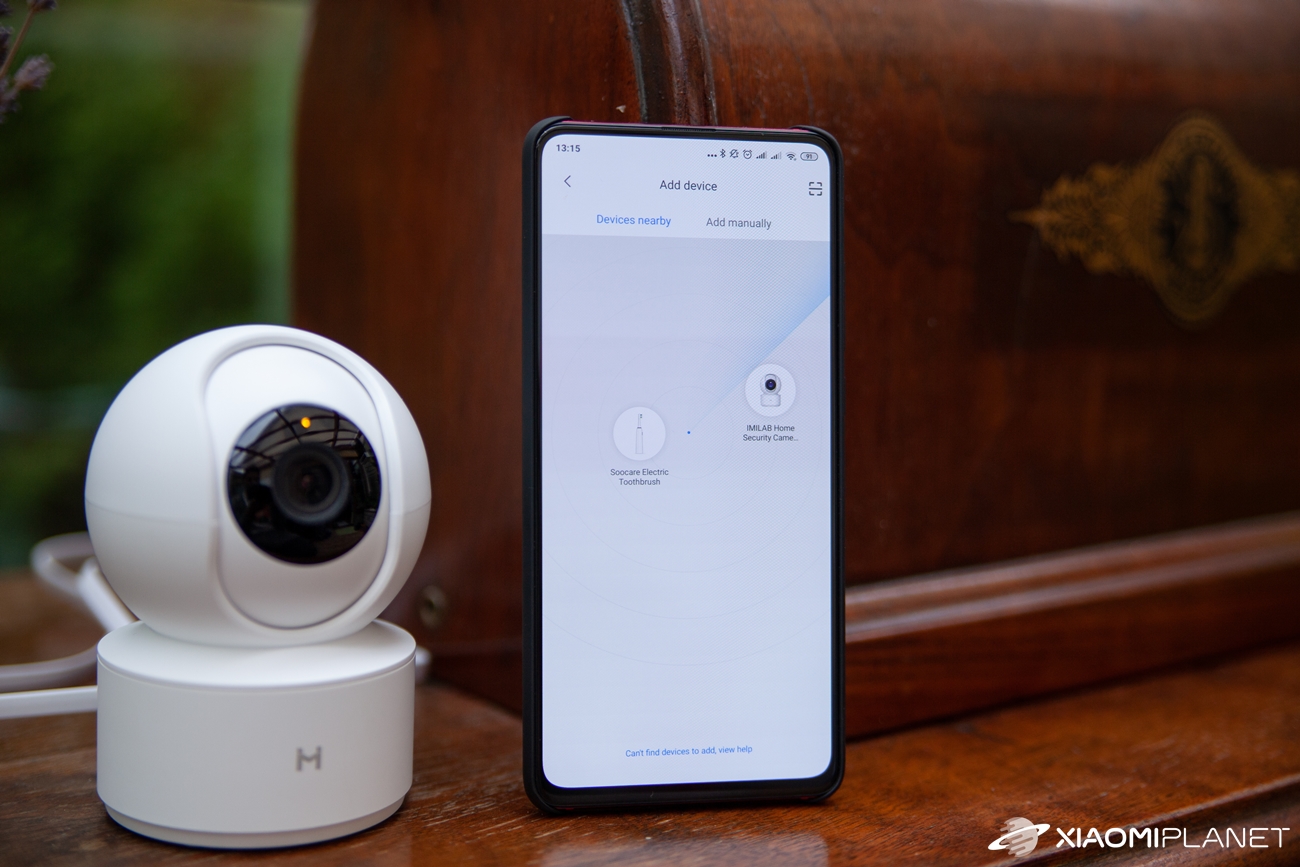
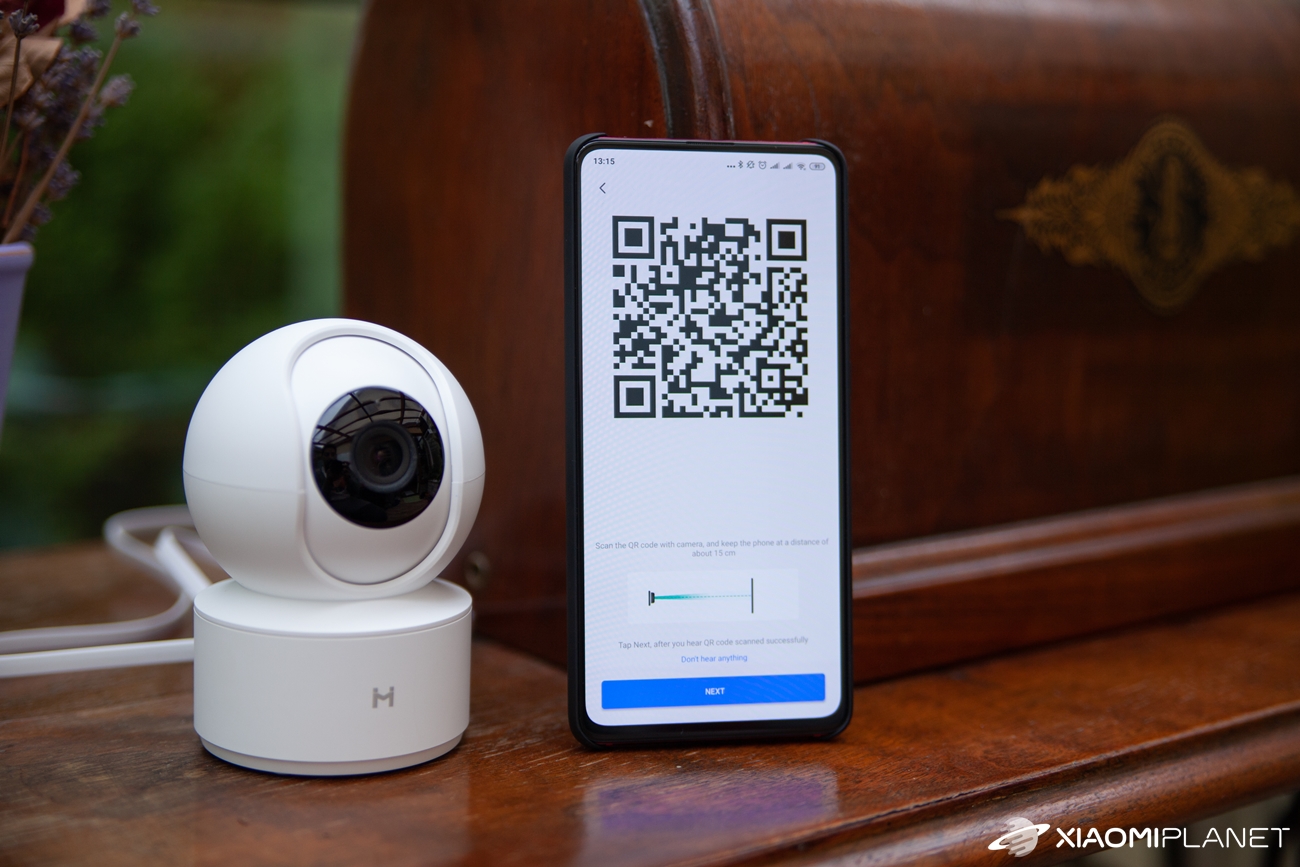
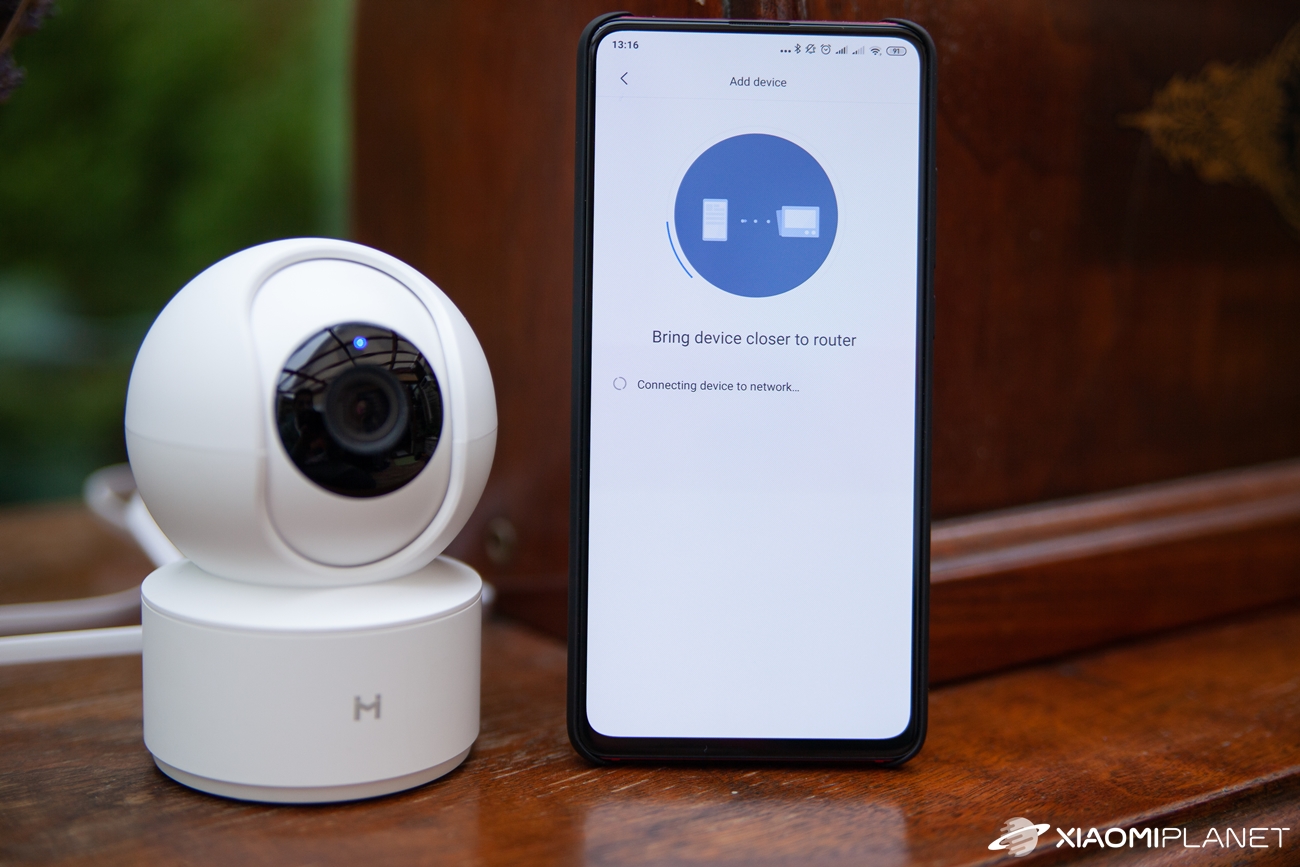
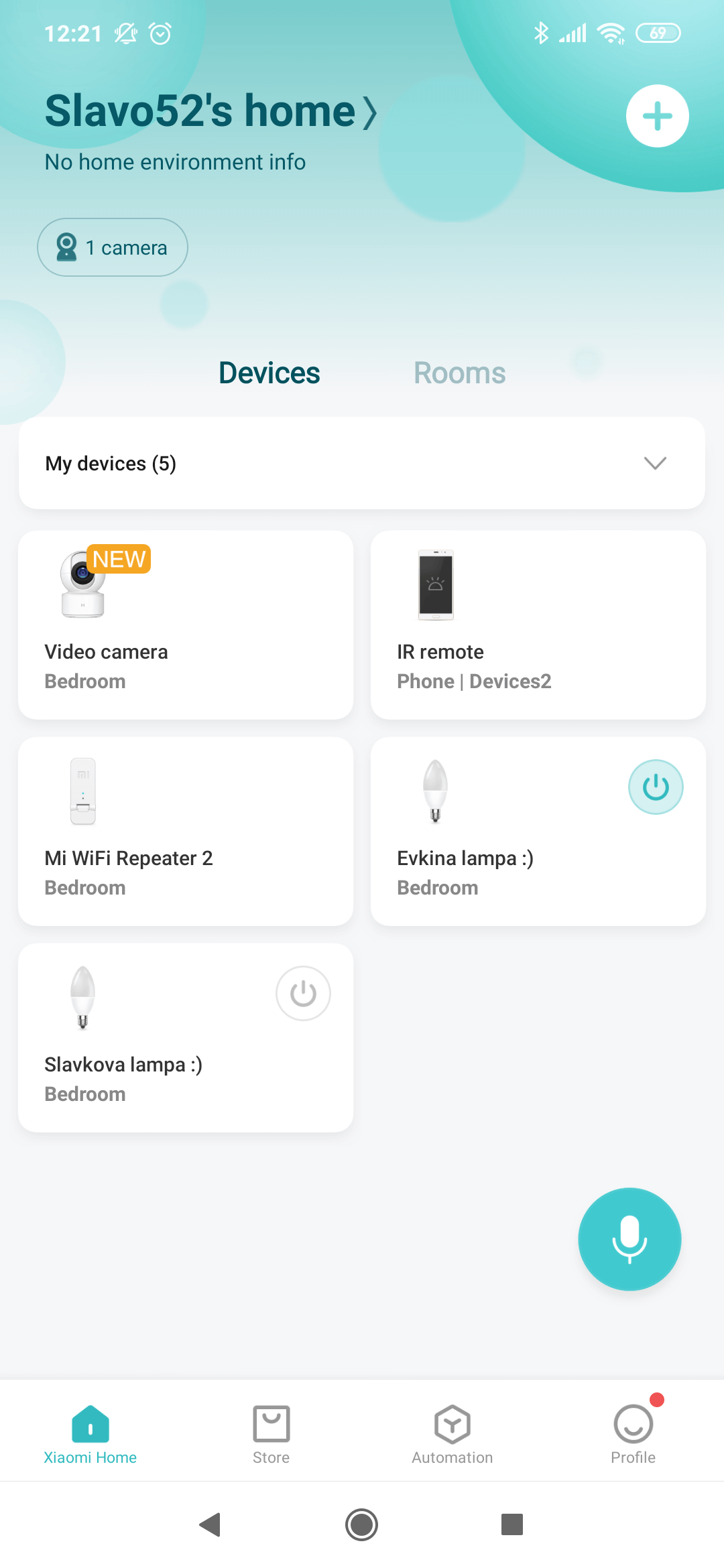
The final step is linking it to the well-known Mi Home app. After pairing, the camera will ask for Wi‑Fi connection and download a firmware update. You can also use the camera without a memory card—in that case, recordings go through the app to your respective smartphone.
However, the loop recording feature is not available without microSD storage. Through the settings, the camera guides you step by step also by voice—in English.
Expanded functionality via the Mi Home mobile app
The mentioned Mi Home app is easy to use; pairing is quick thanks to Wi‑Fi, and in our case we selected a Chinese region setting. You’ll also appreciate the ability to adjust the image and the camera’s night mode.
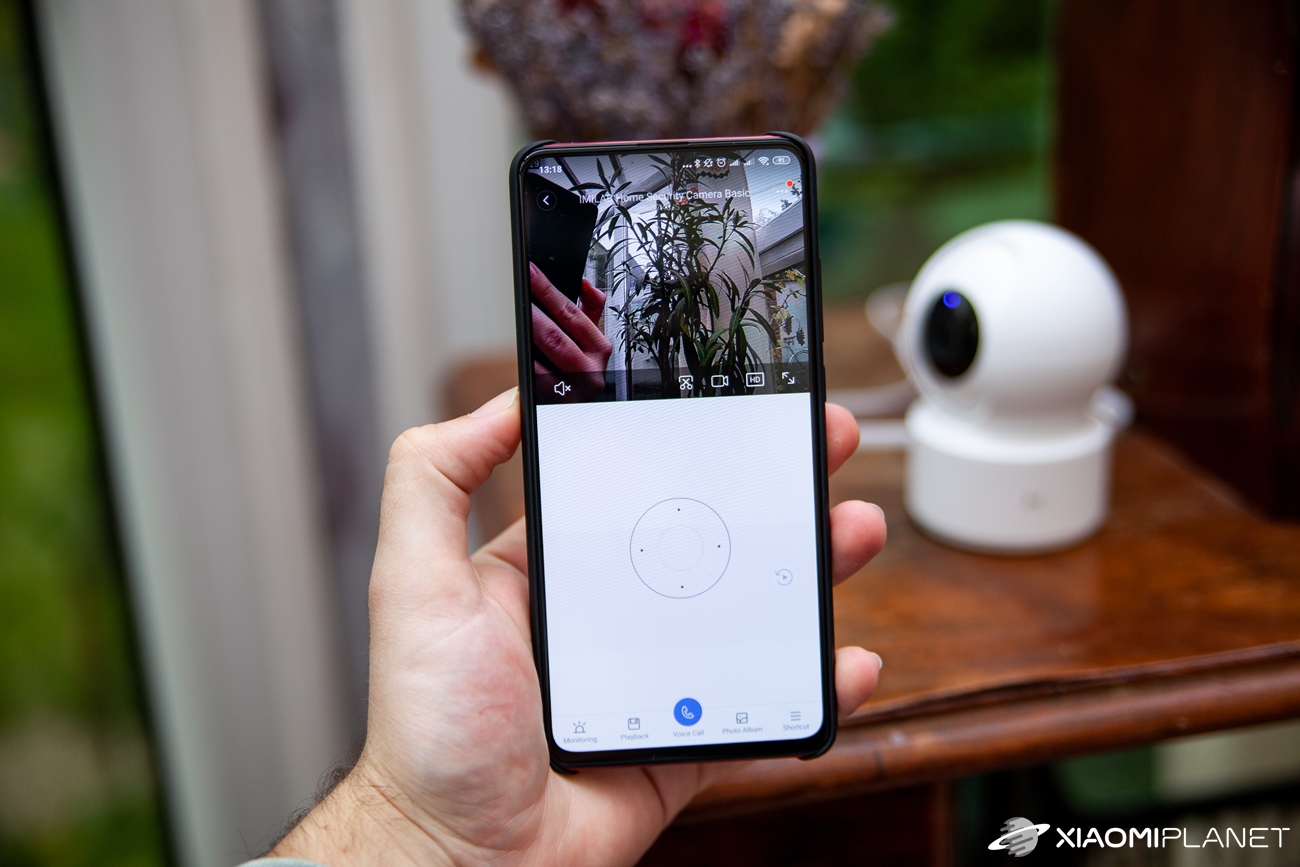
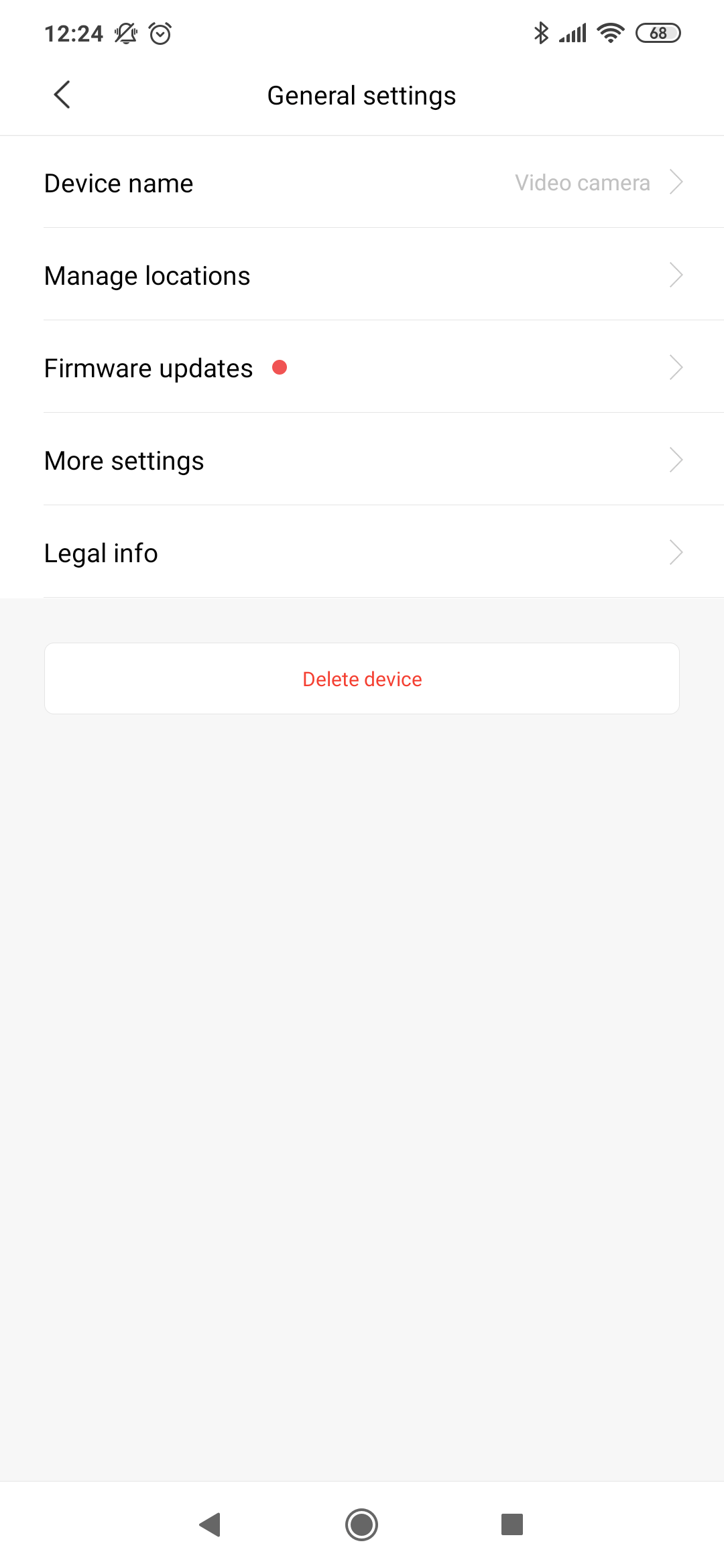
Software updates and more customization options for home monitoring and sleep mode are available. One interesting feature is Voice Call, which lets you contact the room where the camera is installed. The app also offers a “pop-up” window when you watch recordings on your smartphone.

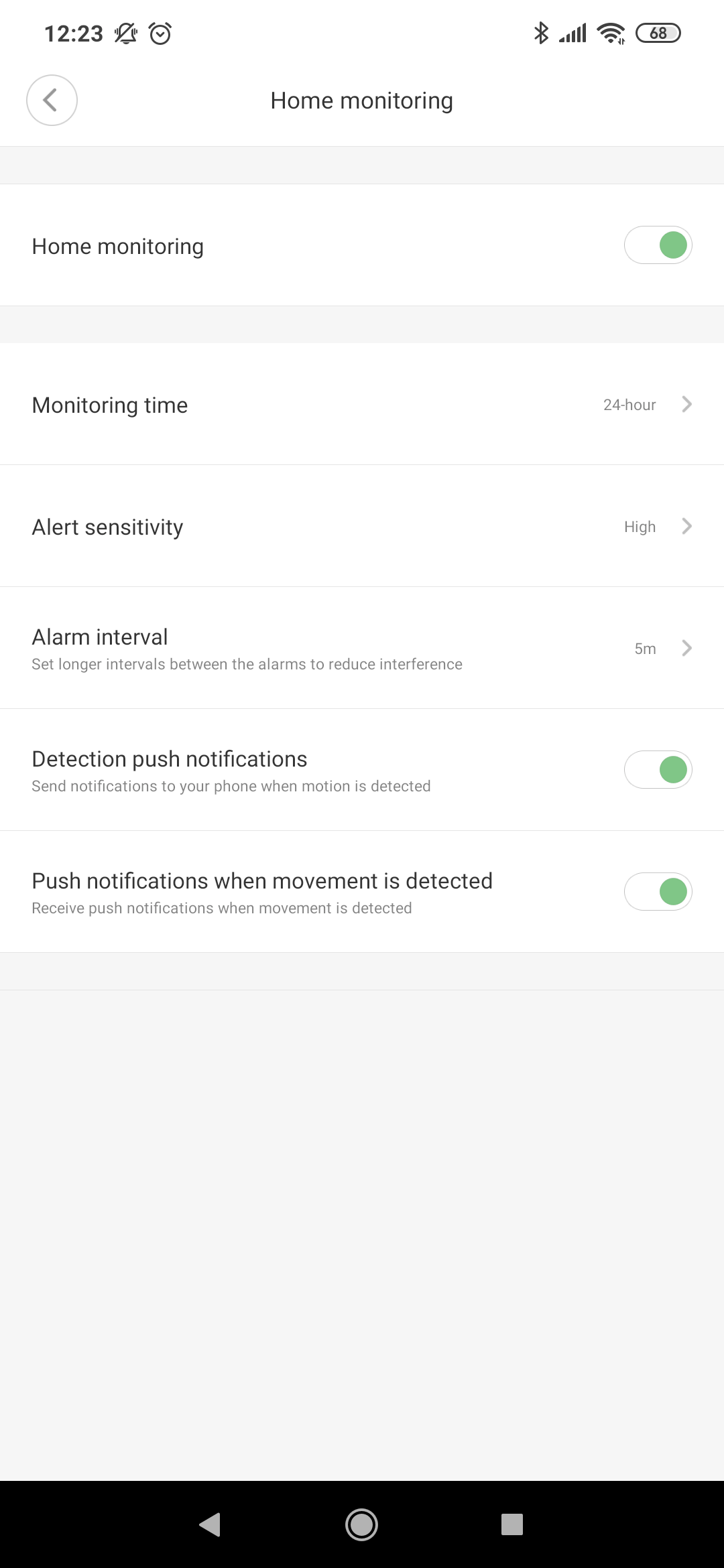
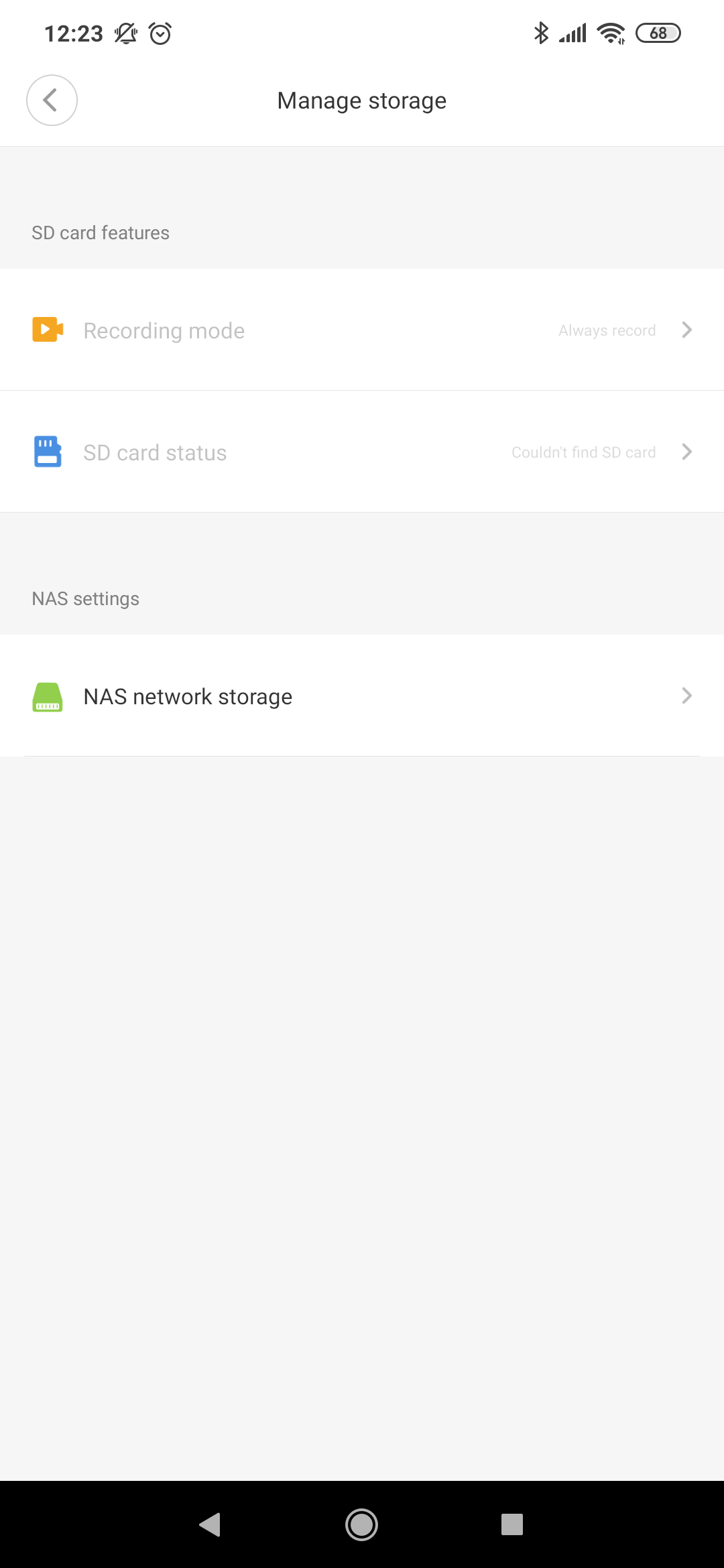
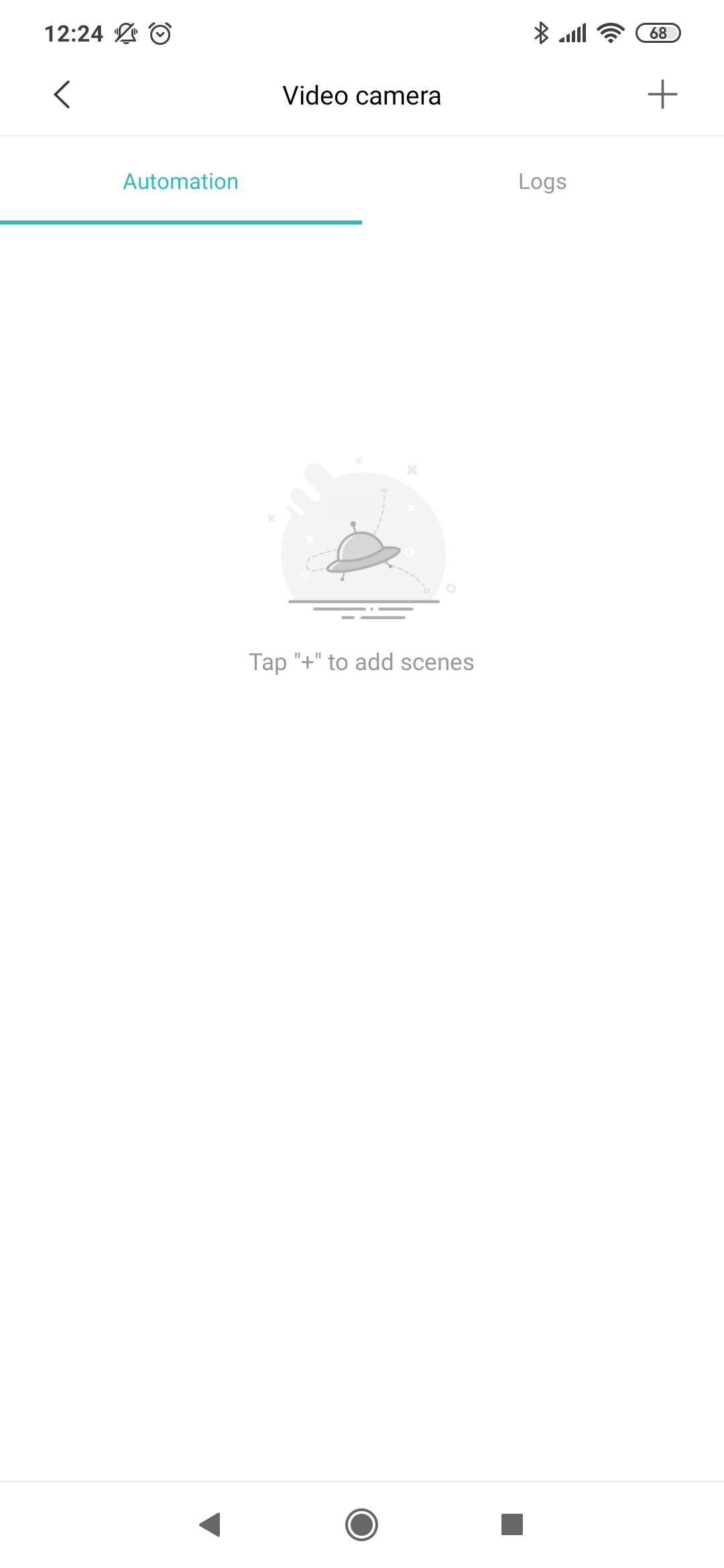
So it’s a fairly affordable camera, and it definitely doesn’t skimp on features. Its 1080p lens provides footage both for recording to a standard microSD memory card, NAS storage, or the cloud. Manual control is included, as well as a loop recording function—and there’s also monitoring of a child’s crying and AI features.
This includes, for example, recognizing and recording people, followed by viewing them later on a timeline in the app. You’ll also appreciate the automation and sharing options.

Full HD sensor
Thanks to the sensor and the software used, the camera won’t lose performance even in worse lighting conditions; the manufacturer also guarantees night use up to a distance of 10 meters. H.265 was chosen as the video encoding format, which is also a welcome plus. The sensor is covered with protective glass to prevent damage.
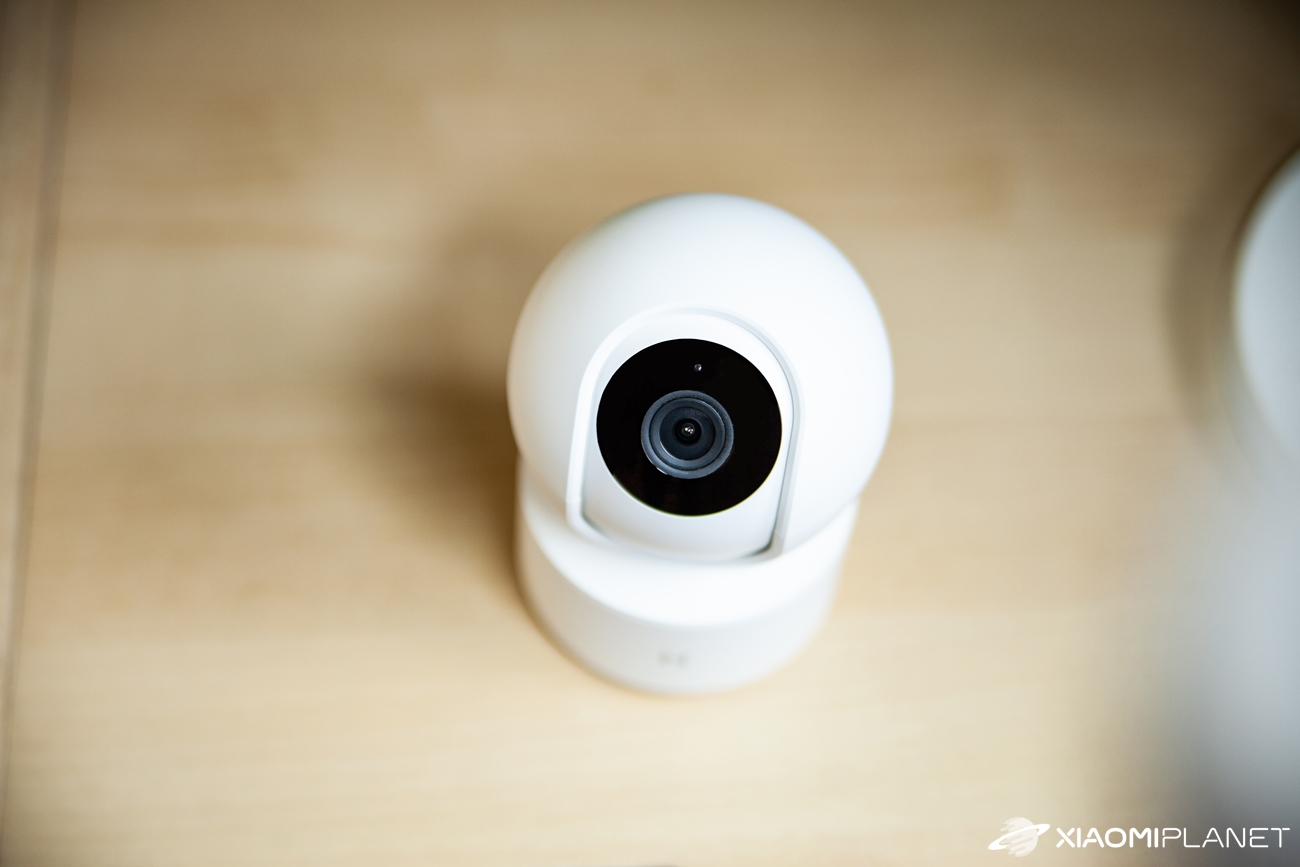
The camera sensor has a viewing angle of 110 degrees, but thanks to the rotating design you can comfortably capture 360 degrees of coverage, or the entire room you choose, as needed.
Image quality is good
During the day, the Full HD image quality is at a solid level. Objects indoors or outdoors are clearly visible, and the camera handles changes in lighting as well. It’s not as good as what today’s smartphones with their sensors offer, but that’s not the goal of this camera.
In this price category, it’s definitely a good result, and for security needs it should be enough.
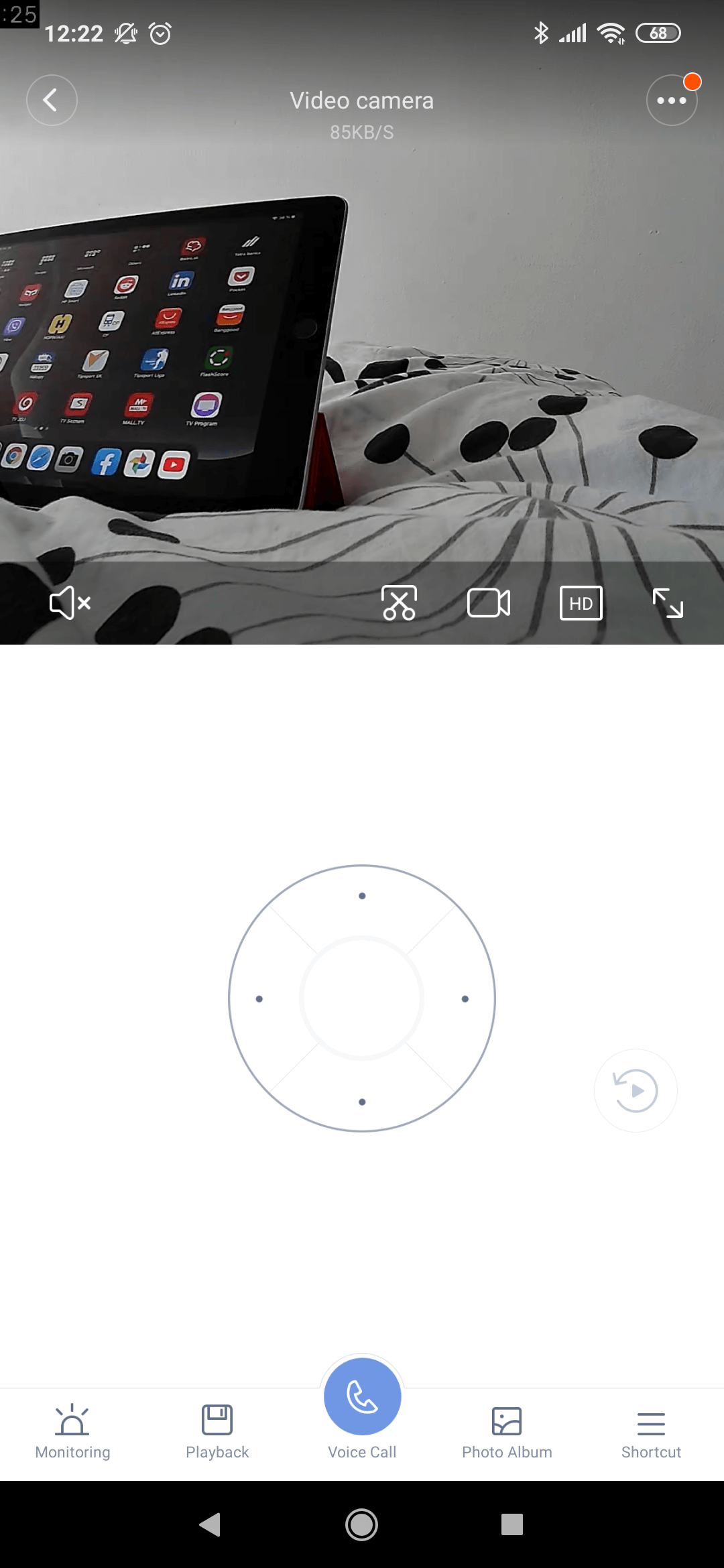
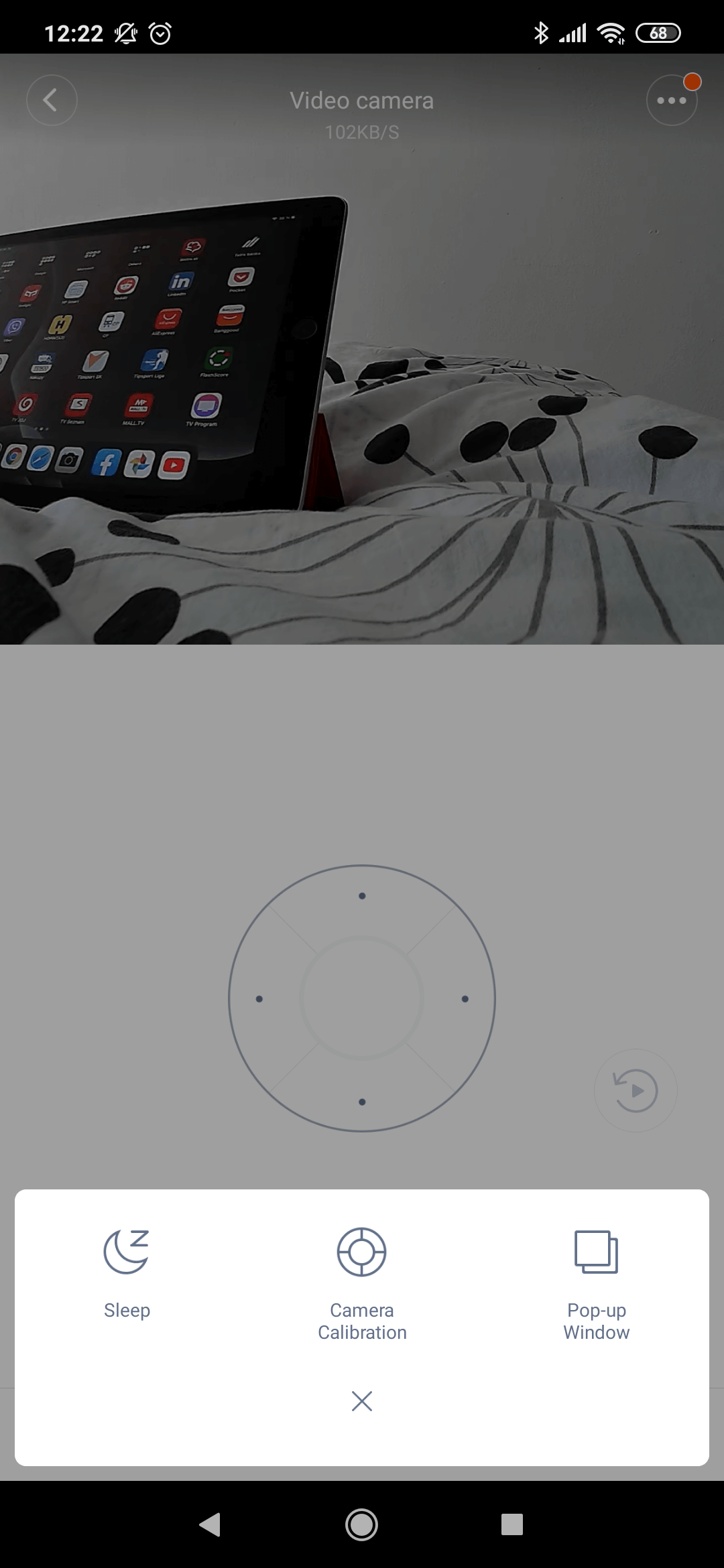
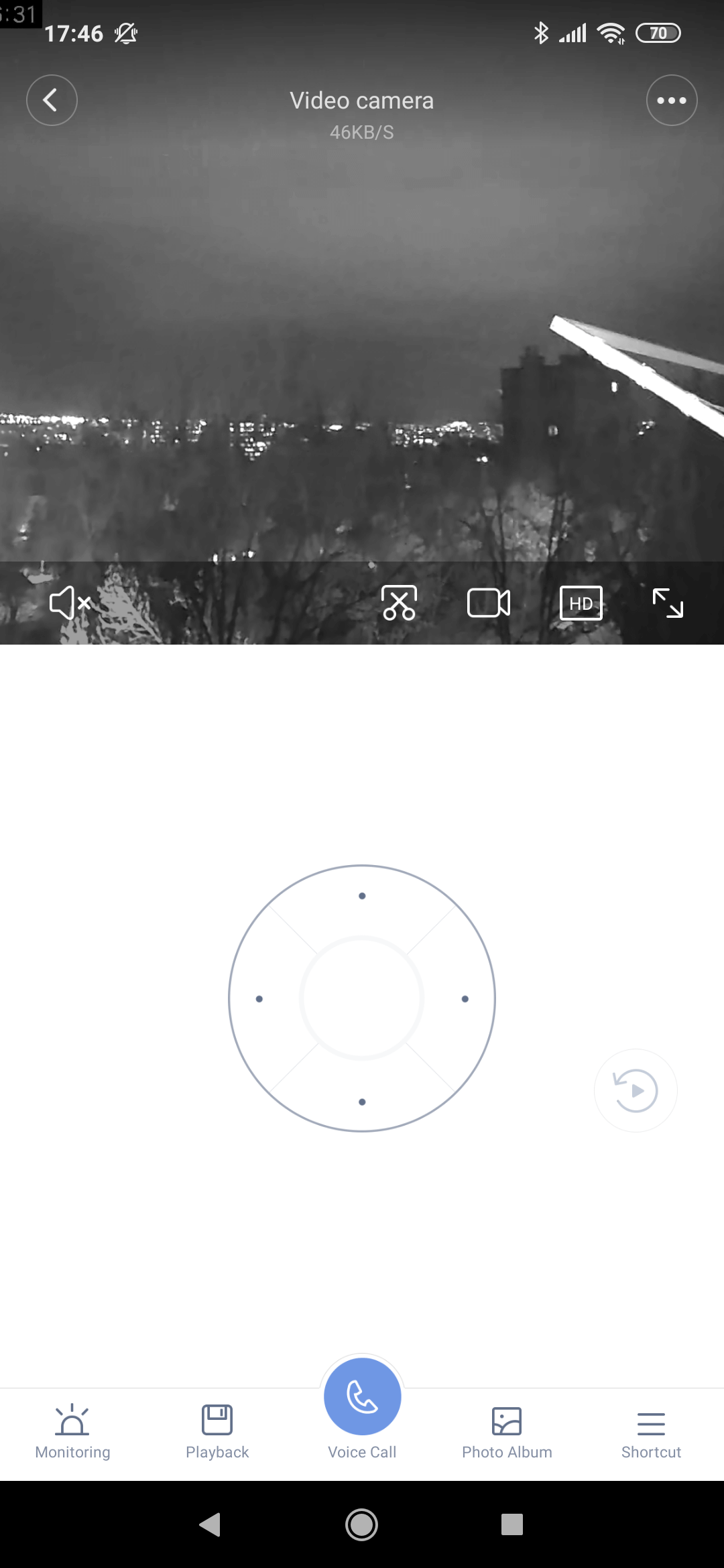
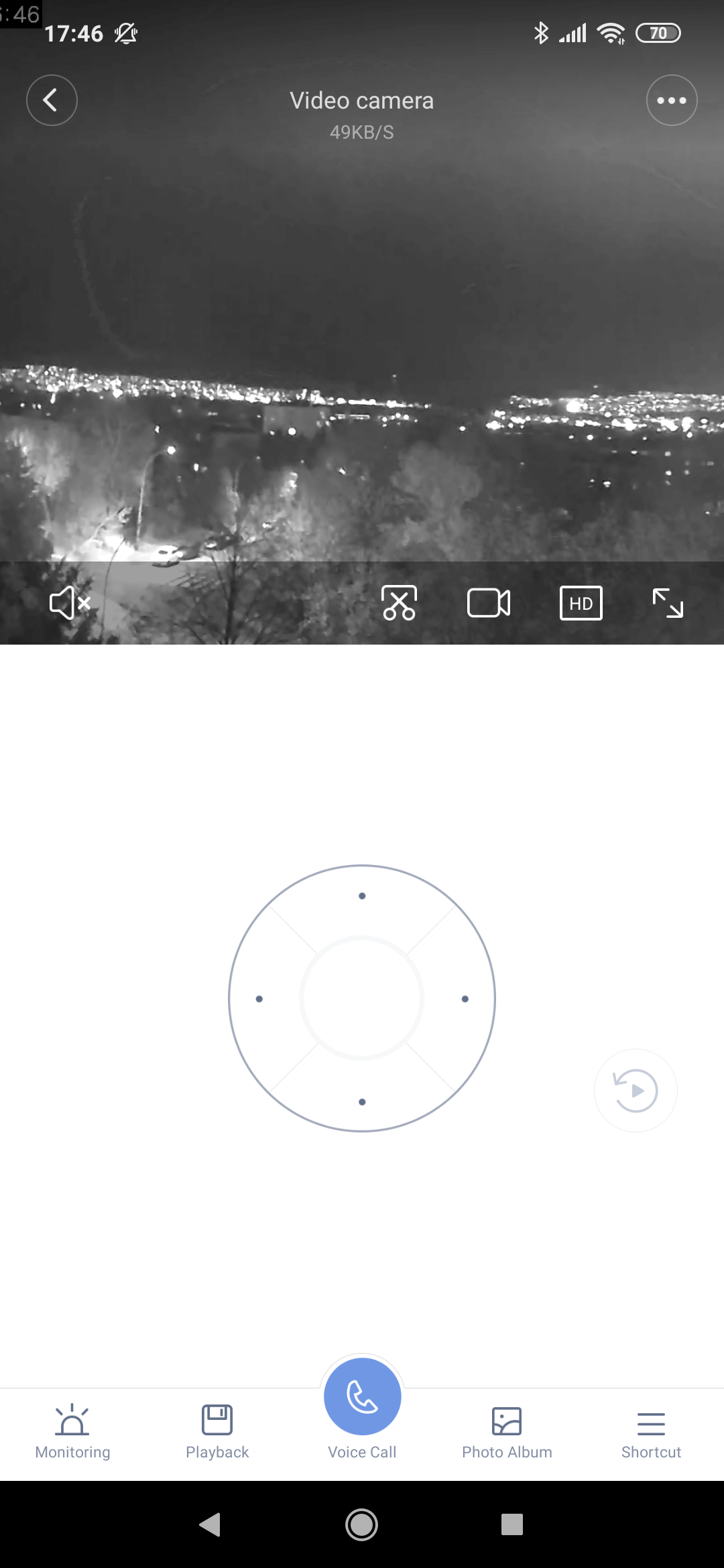
In worse lighting conditions—at dusk or in the dark—the night mode is activated. It’s an automatic activation, and the camera offers four sensors for night recording. Image quality at close range is sufficient, but at longer distances the picture has a lot of noise and the shots lose sharpness.
Objects are visible a bit worse, and the camera can’t recognize people as smoothly and perfectly as it does in daylight. The camera indicates that it’s recording with an LED on the front.
You can view sample photos and video at the following link.

The sound is just average
Although it’s not explicitly a camera designed for recording audio, it’s still only average. In the final recording, you can clearly hear the camera moving, and if you use it outdoors, wind sound is also distracting. The resulting footage can be used for security purposes, but you’ll need to take the audio quality with a bit of caution.
Power requirement
This specific Xiaomi IMILAB home monitoring camera model does not include a built-in battery. This is important information for all potential users, and you also need to keep it in mind when placing the camera in the room.
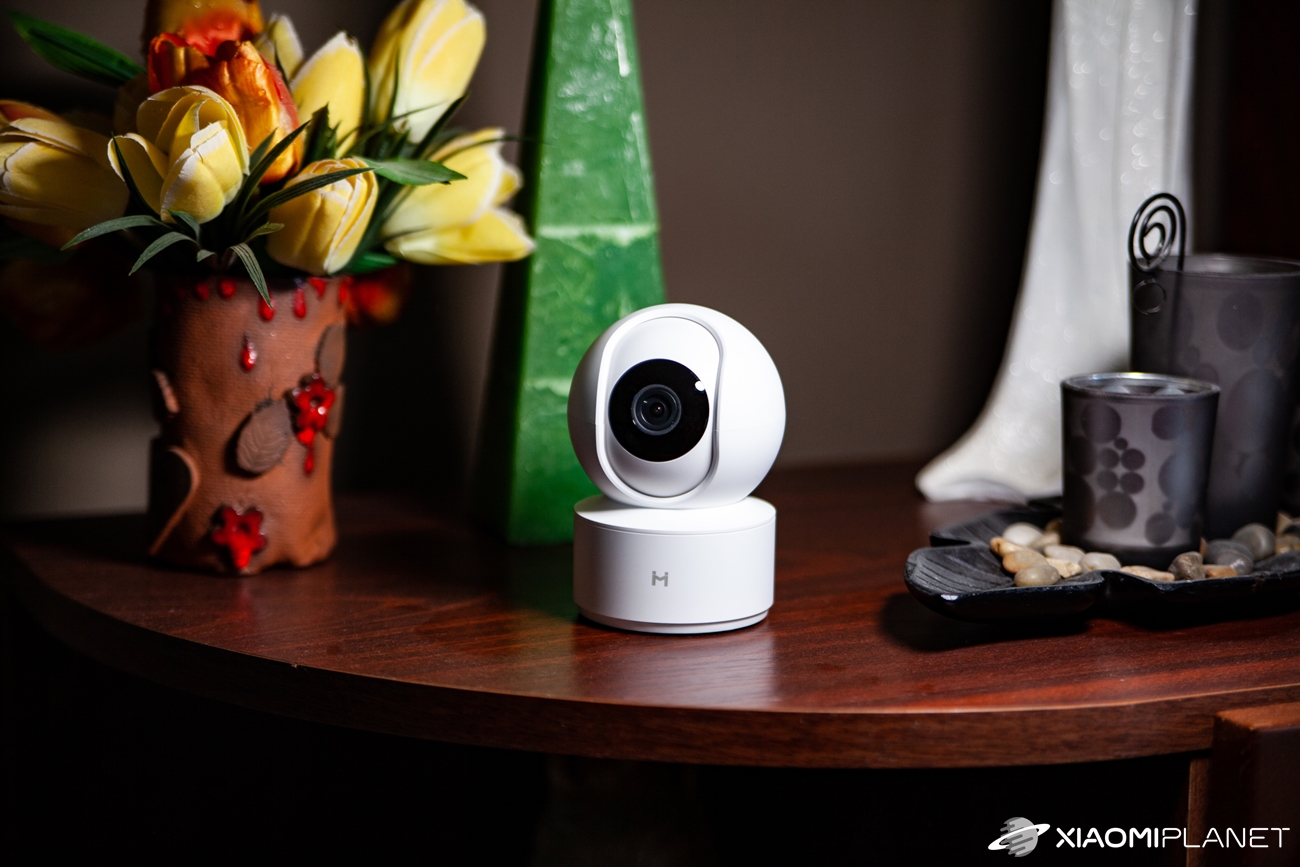
To use the camera—turn it on, record, and sync—continuous access to electric power is required. This is handled via a microUSB power connector, and the plug for the wall outlet, as well as a fairly long power cable, are included in the package.
Final rating: A lot of music for not much money
If you’re looking for a home camera—whether for indoor use or your winter garden—Xiaomi IMILAB is a very affordable solution.
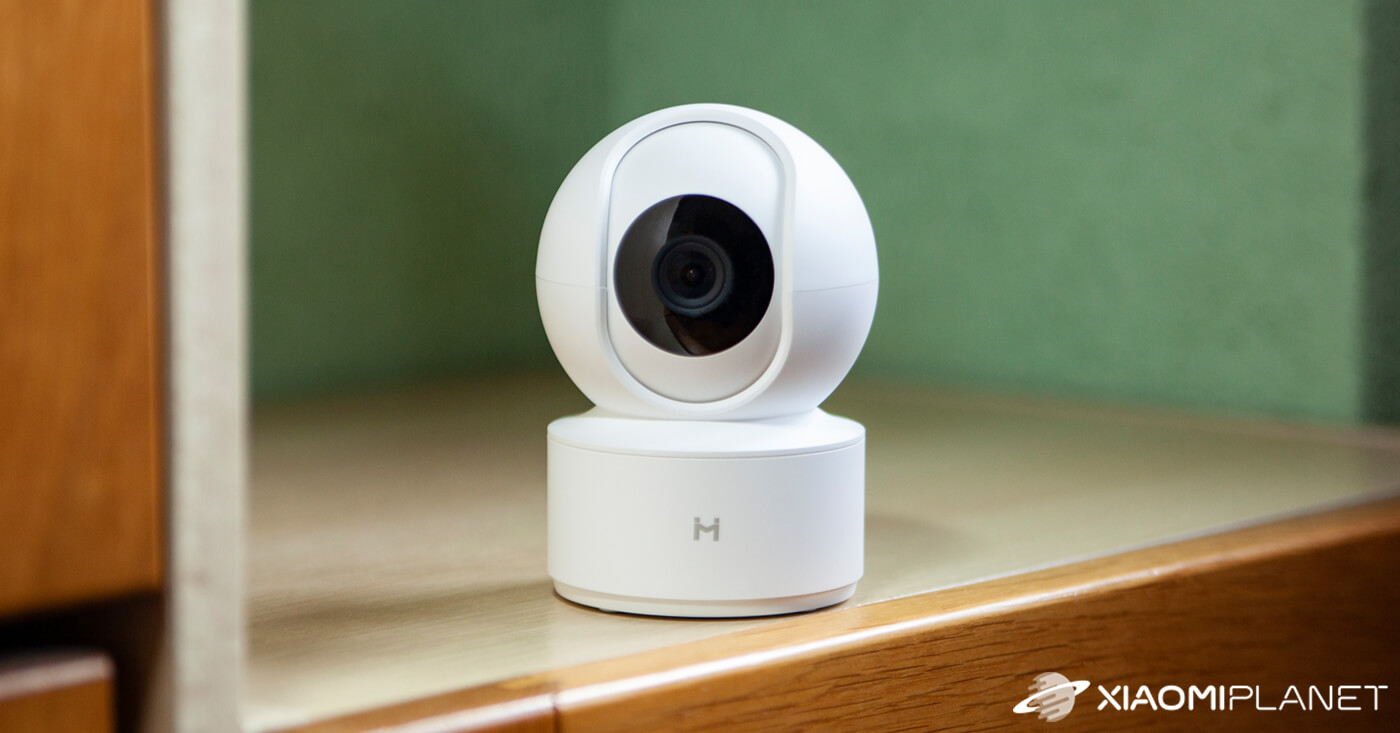
However, the manufacturer doesn’t offer any certified water resistance, so the placement of the device itself is very important. What’s great is the good Full HD image and the wall-mounting kit, which is included in the package.
IMILAB 016 1080p smart home camera

TIPFast delivery from the French warehouse with no customs duty or VAT.
This product will be delivered to you quickly from a local Spanish warehouse. Shipping from Spain usually takes 7-10 days and is handled by a courier. When it arrives, you don’t pay any extra fees—no customs duty, no VAT.
TIPShipping via Aliexpress Standard Shipping
Aliexpress Standard Shipping is available for this product. This is the most reliable shipping method and, in most cases, it’s delivered by a courier company. Delivery time is usually 10-20 days.
When ordering from the Chinese warehouse, AliExpress will add the customs duty in your cart—approximately 3,70 € per order. When you receive the package, you won’t pay anything extra.
Pet owners, for example, will love this handy home assistant, especially if they want to see what their animals are doing while they’re away. Yes, the camera can also potentially be used as an electronic “babysitter” or as a security feature for your home or an office. For the price, it also makes financial sense.
Don’t miss the best coupons 📩
Subscribe and we’ll email you new coupons before they expire. We only send it once a month — no spam.