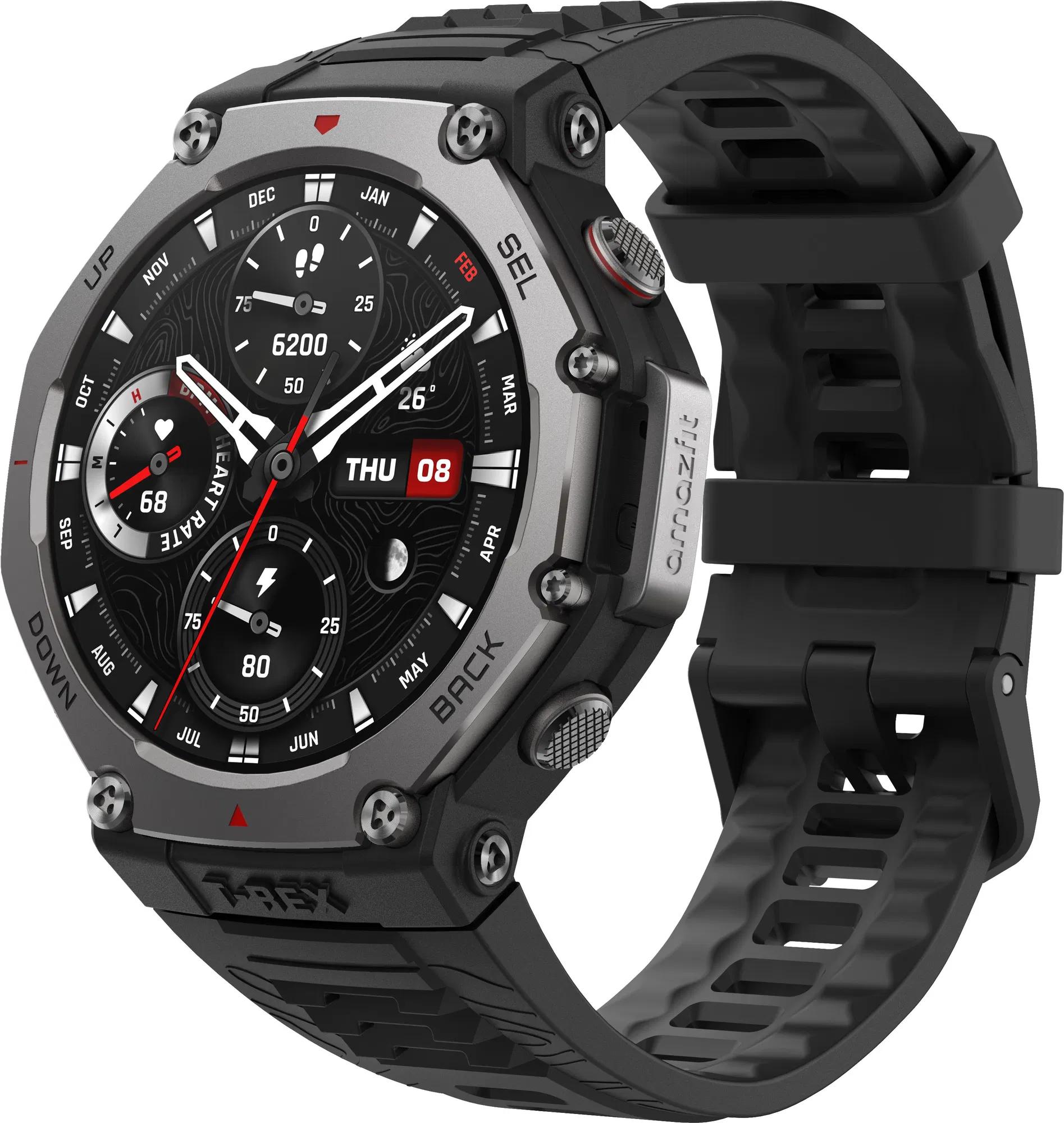
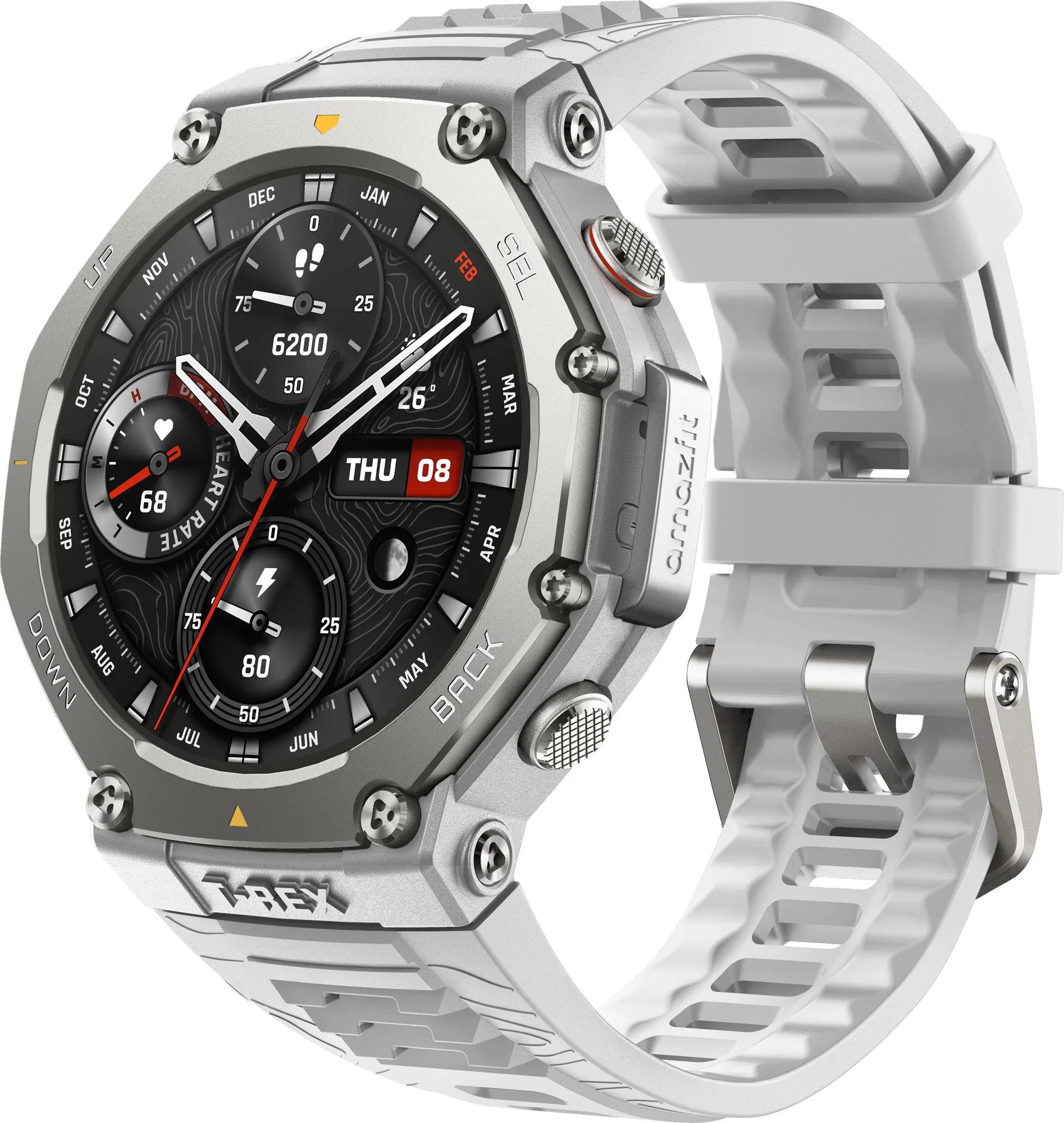
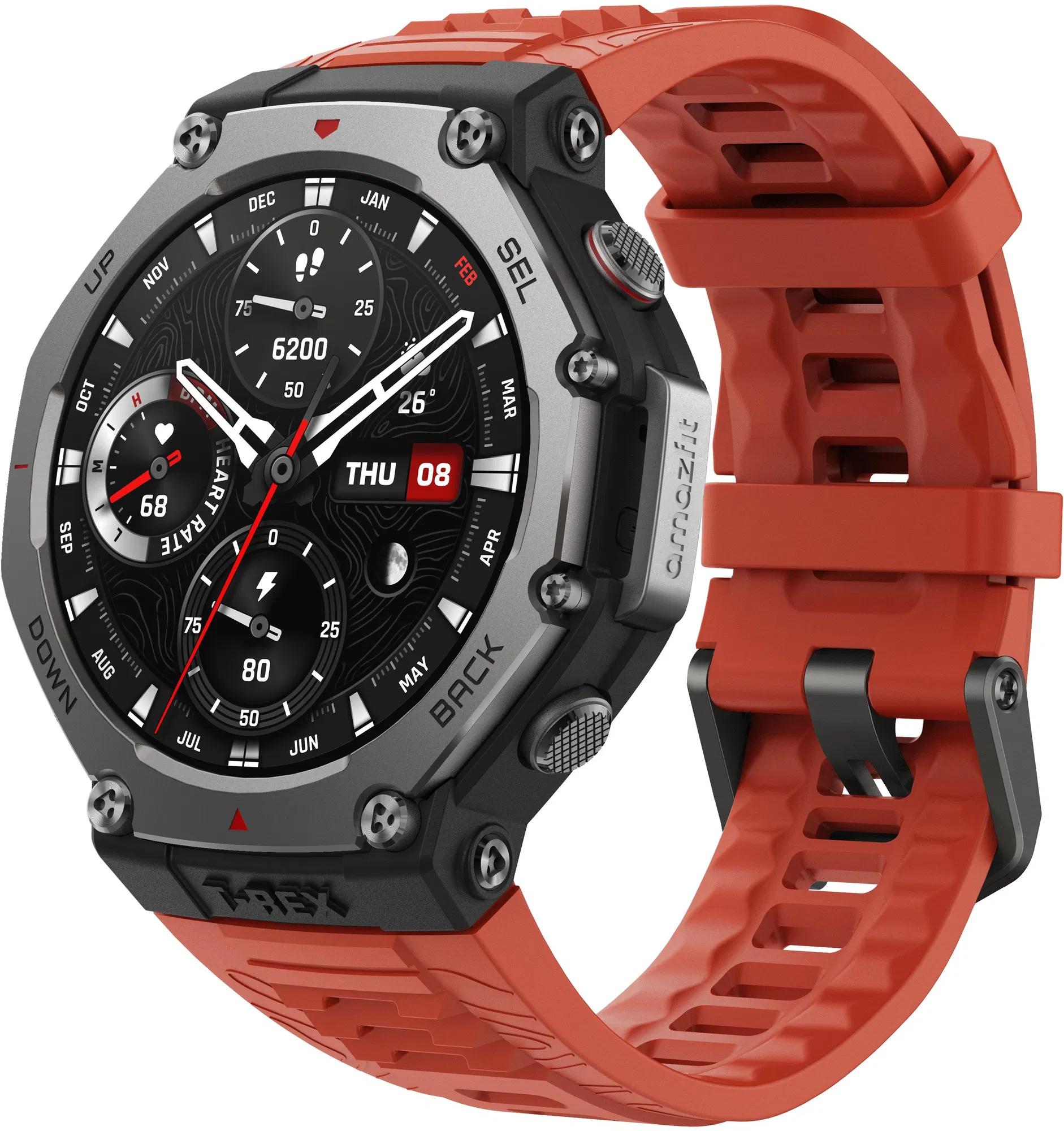
The company Amazfit is well known for its wide portfolio of smartwatches. They come with various features and updates. In today’s guide, we’ll show you how you can download your favorite music or podcasts to your watch for later offline listening.
Amazfit T-Rex 3 supports downloading music or podcasts
In the manufacturer’s presentation video, it shows transferring the music track to the Amazfit T-Rex 3 smartwatch. The same process also applies to other smartwatches with built-in Wi-Fi, e.g. Amazfit Cheetah.
As a first step, you need to check Wi-Fi is turned on on your smartwatch. You’ll find this option in your watch settings. This wireless technology will take care of transferring your content.
If you already have the watch connected, go to the Zepp mobile app, where your smartwatch is connected. In this app, go to the product list, to your watch, and click on the item “Music” or “Music”.
In this menu, click “Upload Music”, i.e. “Upload Music”. On your smartphone screen, you’ll see various folders where your music files are stored. You can choose the ones you want to transfer to your smartwatch.
Smartwatches support the .mp3 format. Once you select your files, they’ll be downloaded from your smartphone to your smartwatch. The entire transfer is also accompanied by information about the file transfer on the watch display itself. When the transfer finishes, you’ll get a notification. You can then turn off the Wi-Fi connection on the smartwatch.
💡TIP:If you want to download your favorite songs or podcasts in full quality from the Spotify app, you can use this SpotifyDown online tool.
After transferring the files, you can play your music tracks or podcasts directly on the watch—even when you’re offline. If your smartwatch has a speaker, you can play the files using it.
However, if your watch doesn’t have a speaker—like with the new Amazfit T-Rex 3,—you’ll need to connect a set of wireless headphones. You can connect them via Bluetooth technology.
Go to your smartwatch settings, select Bluetooth, and connect your wireless headphones. Once they’re connected, you can head out for a run or to the gym with just the watch and headphones—the content transferred to your watch will play without any issues.
TIPExpress delivery from a Slovak warehouse within 1 to 3 business days.
This product will be delivered to you express from a local Slovak warehouse. Delivery usually takes 1-3 business days and is handled by a courier. The price is final.
TIPExpress delivery from a Slovak warehouse within 1 to 3 business days.
This product will be delivered to you express from a local Slovak warehouse. Delivery usually takes 1-3 business days and is handled by a courier. The price is final.
Are you buying on Alza for the first time?See the guide!
Updated 8. 9. 2025 on 10:42
TIPExpress delivery from a Slovak warehouse within 1 to 3 business days.
This product will be delivered to you express from a local Slovak warehouse. Delivery usually takes 1-3 business days and is handled by a courier. The price is final.
TIP15-day delivery via Aliexpress Standard Shipping
For this product, Aliexpress Standard Shipping is available with guaranteed delivery within 15 days. This is the most reliable delivery method and, in most cases, the parcel is handled by a courier company. We tested the 15-day delivery in real life.
When ordering from the Chinese warehouse, AliExpress will add the customs duty in your cart—approximately 3,70 € per order. When you receive the package, you won’t pay anything extra.
To get more updates from the world of Xiaomi, keep following our Xiaomi Planet website. Join our Facebook group, where we build an active community and help each other out. Subscribe to our Telegram as well, where we add the best deals and coupons from China every day.