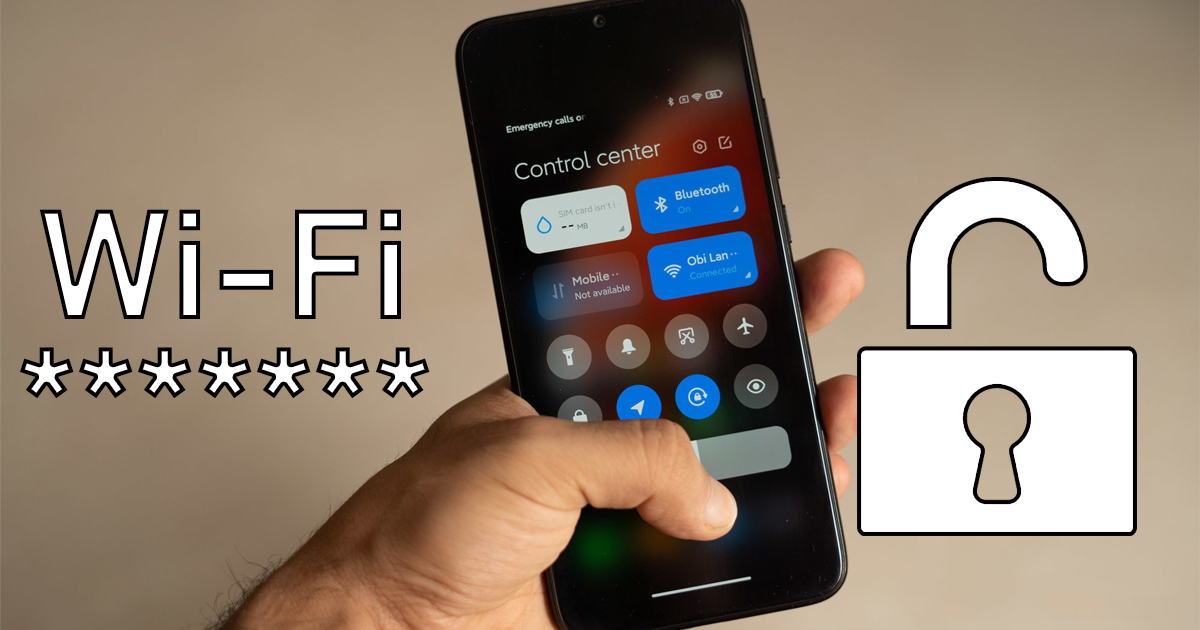
Android is packed with many useful features and little extras. In this article, we’ll show you a great feature that lets you find your Wi-Fi password on your smartphone if you forgot it or can’t get it any other way.
For this guide to work, you’ll need to be connected to the specific Wi-Fi network you want to find the password for. This guide in today’s article is really simple, and we believe it can come in handy in some situations.
How to find your Wi-Fi password
First, you need to open the Wi-Fi menu. You can do that in two ways: either go to the Settings app and then select the Wi-Fi section, or simply swipe down from the top to open the control center and then open the Wi-Fi menu.
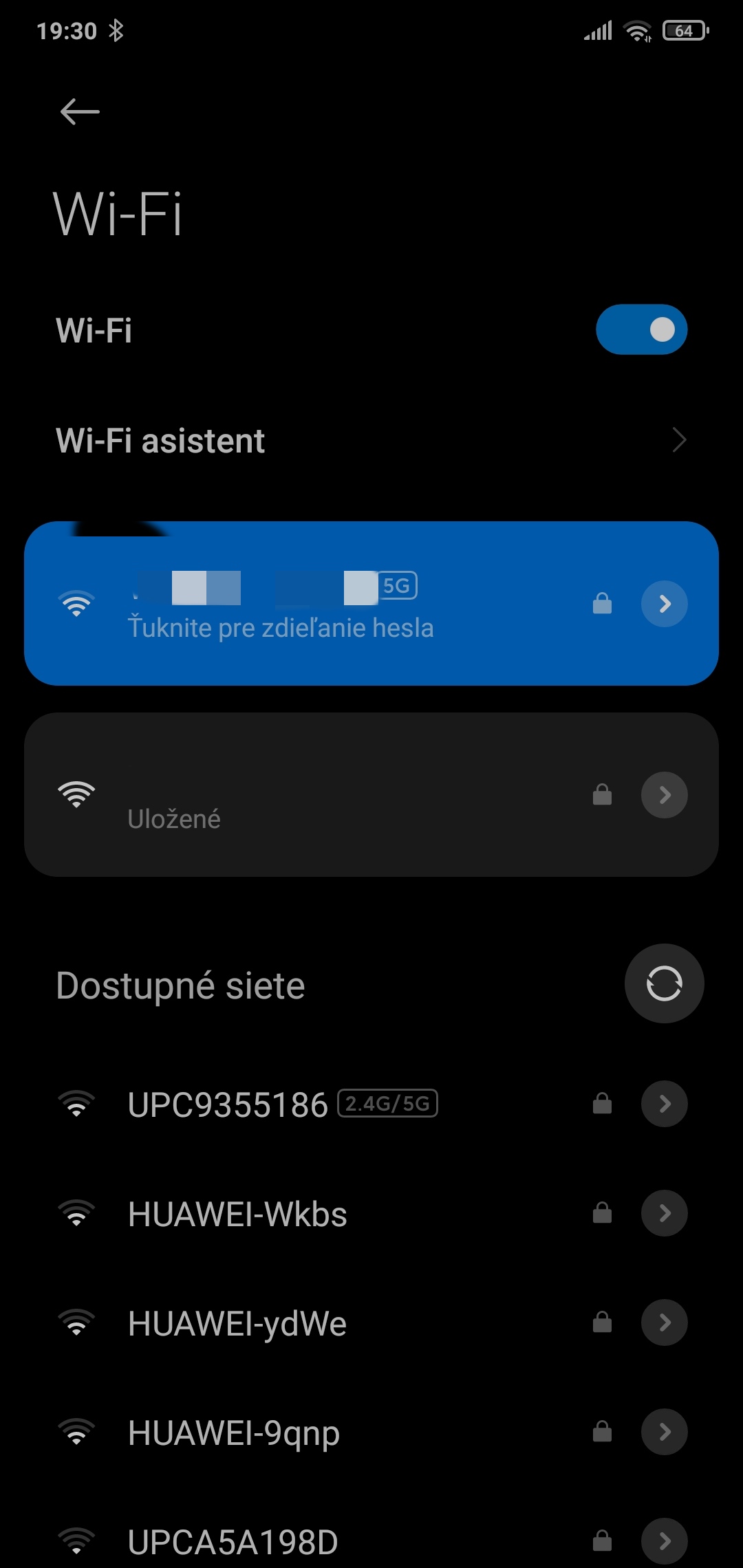
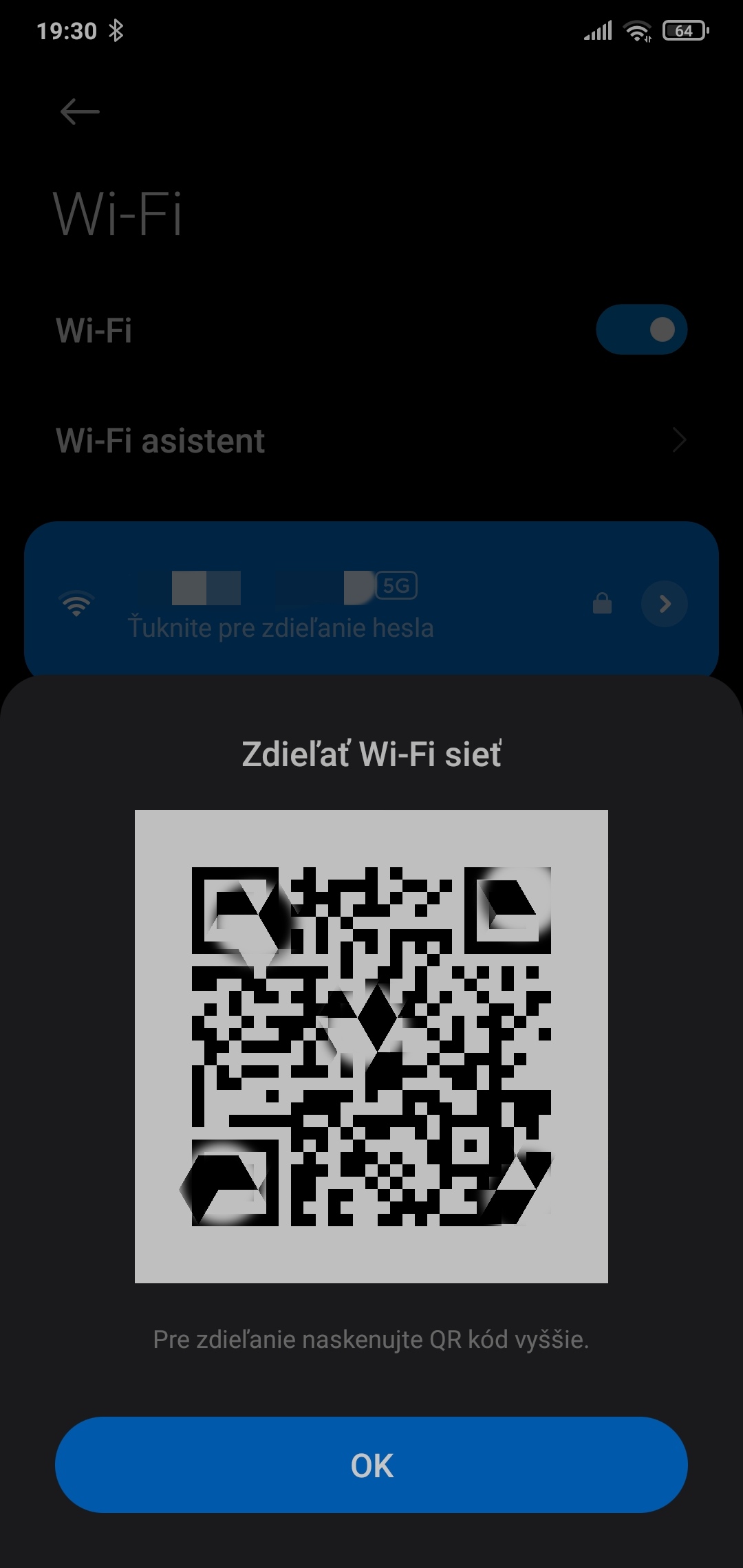
Next, tap the Wi-Fi network whose password you want to find (you must be connected to it), and a QR code will appear. Take a screenshot of this QR code, and finally scan it.
If you decide to use the built-in scanner on your smartphone, you’ll need to open the Gallery app, tap the share icon, and then select the scanner. With this option, the password may be censored with asterisks, which is why we have a second alternative too.
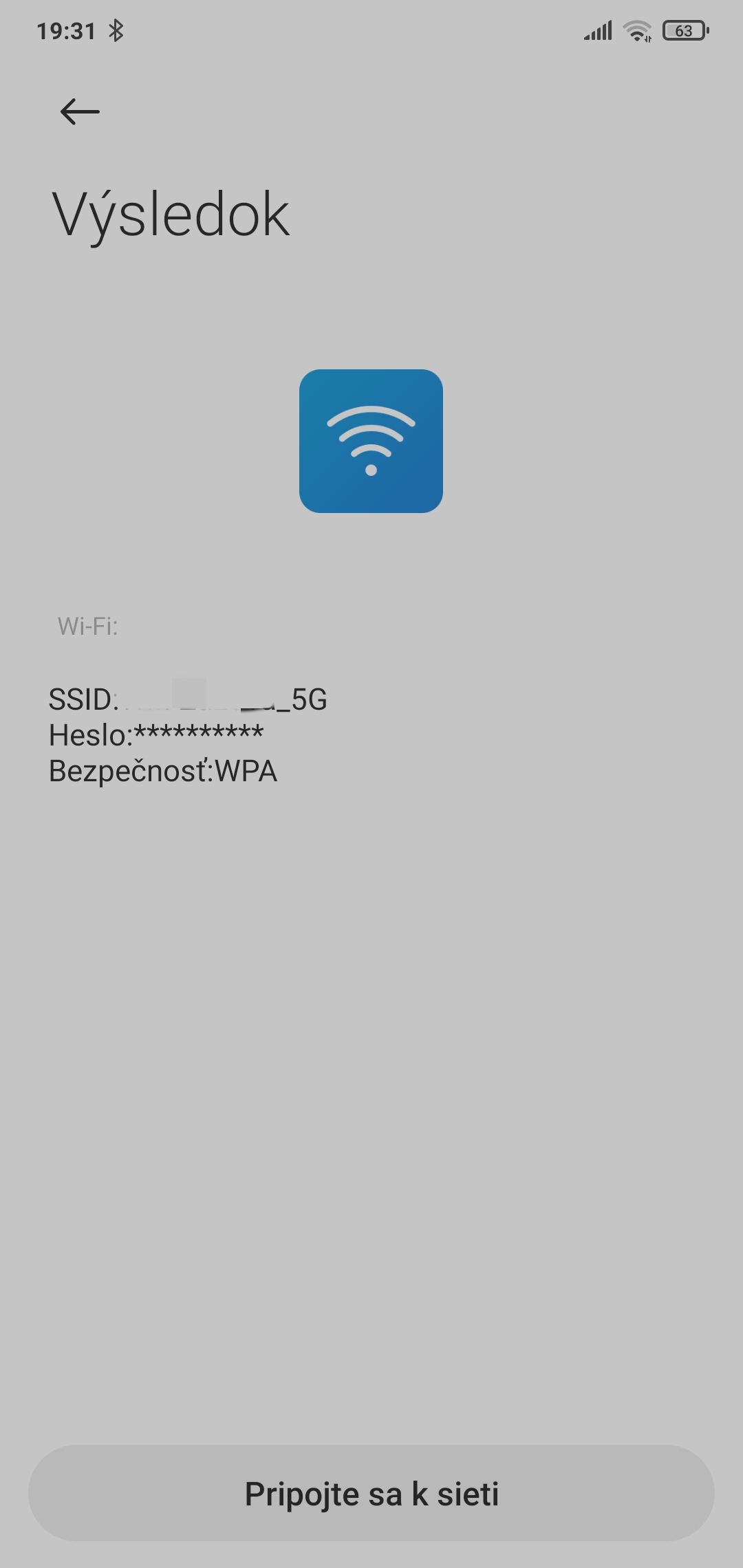

First, crop the screenshot to the size of the QR code. Next, go to webqr.com, click the camera icon, then choose the option “upload file” and upload a photo of the QR code from your smartphone. In no time, your Wi-Fi password should be displayed.
For more interesting tips and tricks not only from the smartphone world, regularly follow our tech portal Xiaomi Planet. If you don’t want to miss anything important, keep an eye on our website, join new Facebook group, and subscribe to get articles sent directly to your email inbox.
Don’t miss the best coupons 📩
Subscribe and we’ll email you new coupons before they expire. We only send it once a month — no spam.