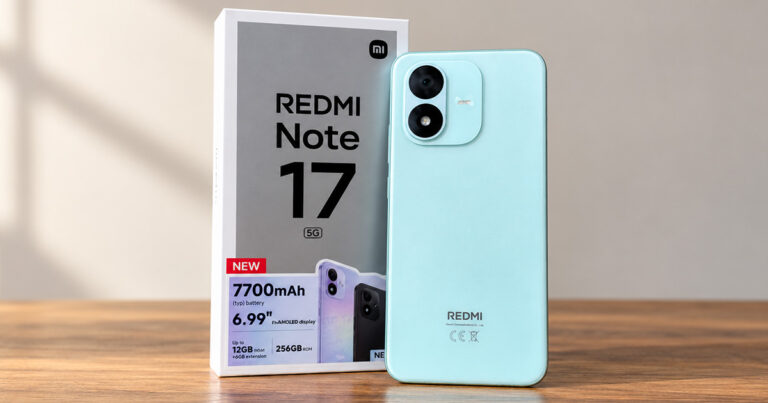
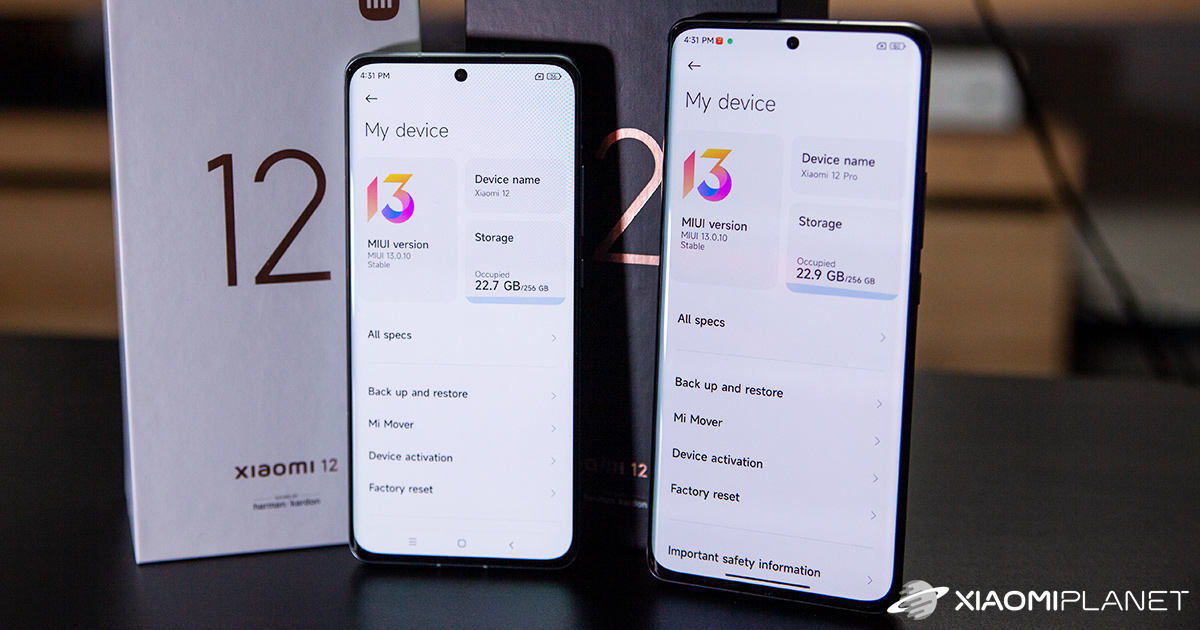
Not long ago, the Redmi brand unveiled to the world a few interesting updates at its big global conference. The model series Redmi Note 11, consisting of four models in total, also saw the light of day together with the skin MIUI 13 in the global version.
Even though, unlike the Chinese version, the global lacks several interesting features, we can still look forward to an improved and better optimized system. So the user experience is once again taken to a new level.
A handy app you should have
The fan base around the Chinese giant and its products is truly huge all over the world. Just recently, the team of fans and developers from the community Xiaomiui introduced their new app, MIUI Updater, which will guide you through the entire process of updating to a new system version nicely step by step.
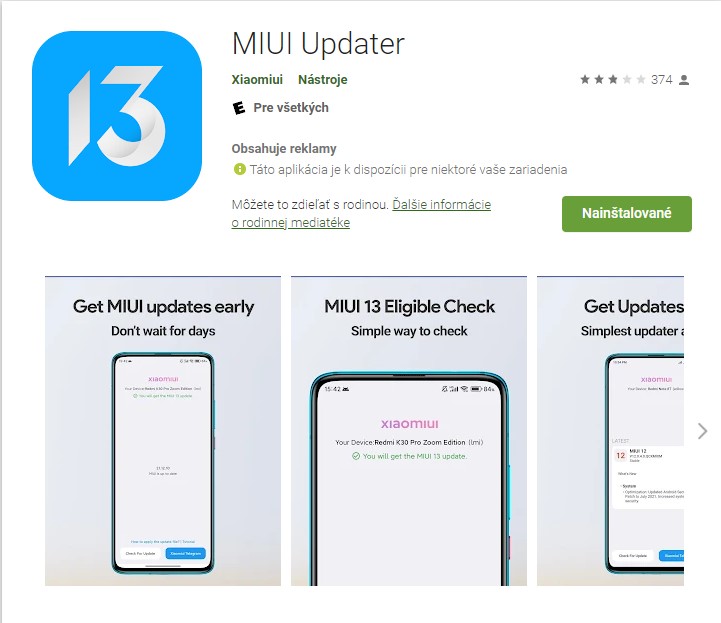
The app is available to download directly on the Google Play Store, and its size is only about 25 MB. After downloading and the first launch, the app will start analyzing whether an update to MIUI 13 is available for your specific model.
The app will check whether your smartphone will get MIUI 13
Based on Xiaomi’s official list of supported devices, the app will immediately tell you whether your smartphone will receive, or in contrast will not receive, an update to the latest version of the operating system.

If the MIUI Updater app finds an available update, it will notify you right away. At the same time, MIUI Updater will clearly explain whether it’s an official stable version or a test version intended for Mi Pilot program members.
We also have the MIUI Updater app installed on our editorial model POCO F3. We mustn’t overlook the fact that the app has quite a large number of ads. At the same time, though, we understand and fully respect that developing the app costs money and those costs need to be covered somehow.
If, however, you still prefer an ad-free environment, we recommend that you read the article below, where you’ll find a guide on how to permanently remove ads from your smartphone.

If you don’t want to miss anything important not only from the world of smartphones, make sure to regularly follow our tech portal Xiaomi Planet, join our new Facebook group, and subscribe to articles directly in your email inbox.
Don’t miss the best coupons 📩
Subscribe and we’ll email you new coupons before they expire. We only send it once a month — no spam.