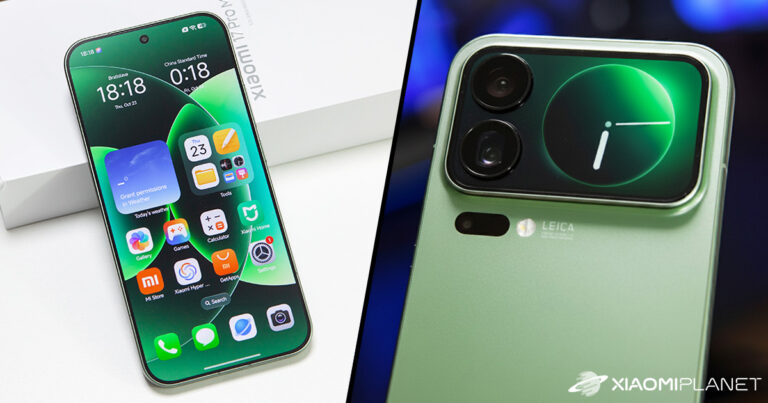
The best guide for the Chinese versions of Xiaomi 17, 17 Pro, 17 Pro Max and 17 Ultra: Slovak for apps and system parts without root access and flashing
Chinese smartphone versions Xiaomi 17, Xiaomi 17 Pro, and Xiaomi 17 Pro Max have one major drawback. The official Chinese HyperOS system ROM doesn’t include the Slovak language, and in settings you can normally choose only Chinese or English.
But there’s a simple trick using the SetEdit app—one that lets you get Slovak into most commonly used apps and even into some parts of the system. Root isn’t required, you don’t need an unlocked bootloader, and there’s no system flashing. You can also buy a Chinese Xiaomi 17 with preloaded Google services
What exactly does SetEdit do with Slovak?
SetEdit doesn’t reinstall the Chinese HyperOS, nor does it add the missing Slovak system files to your phone. Instead, it changes the system locale value that Android and installed apps use to determine which language to use.
For Slovakia, the correct ISO code is sk-SK. TradingShenzhen currently recommends this method instead of the older MoreLocale 2, which—according to their documentation—stopped working correctly on Xiaomi phones from March 2024.
Here’s also a quick video guide on how to do it:
Here’s our more detailed video look at the Chinese version of Xiaomi 17 Pro Max:
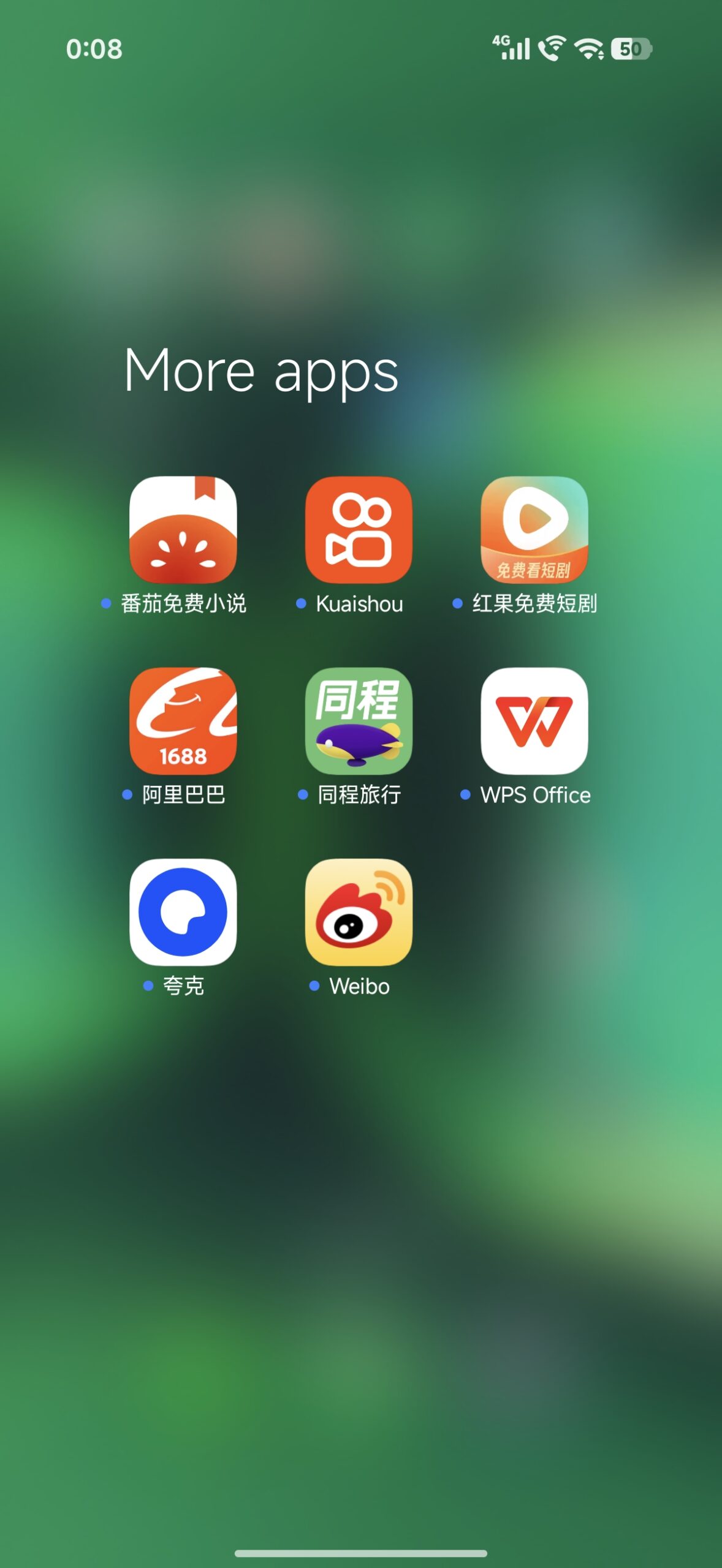
So the result won’t be a fully Slovak HyperOS. However, Google Play, Gmail, YouTube, Chrome, Facebook, Messenger, and many other apps that include Slovak localization can switch to Slovak. Some system apps and certain UI items may also display in Slovak, but most of HyperOS settings itself will remain in English. We observed the same behavior with our Xiaomi 17 Pro Max. Guide: How to set Slovak using SetEdit?
First, leave the phone’s system language set to English. If you don’t have SetEdit on your phone, open the Google Play Store, search for the SetEdit / Settings Database Editor app, and install it. Phones from TradingShenzhen may already have it installed upon delivery.
After opening SetEdit, follow these steps:
Open the SetEdit app.
If there’s a database selection at the top, stay in System Table.
Scroll down the list and find the entry system_locales, or the one shown as “system locales”.
Tap/click on this entry and choose the option to edit the value.
Replace the original value, for example en-US, with sk-SK.
Save the change.
Close SetEdit and reboot the entire phone.
The restart is important because only after it will Android and individual apps start using the new locale value. TradingShenzhen directly states that the change takes effect only after restarting the device. 0
Ad
Best prices for Chinese versions of Xiaomi 17 models
You can find Xiaomi 17, Xiaomi 17 Pro, and Xiaomi 17 Pro Max smartphones in the Chinese version with a trusted seller at TradingShenzhen, and also on the DHgate marketplace. They’re stocked directly in China, but both sellers offer great, configured duty-free delivery in 15 days with no extra fees!
Platba cez DHgate: The platform has finally launched safe and reliable Google Pay payments! So now you don’t need to use Revolut / Wise cards for payment, and you can pay directly in EUR. We’d also like to remind you that orders from DHgate come with our VIP support, which you get after downloading our extension for the Chrome browser on desktop only (when shopping on a smartphone, you can use the DHgate app).
For this product, shipping is available completely free of charge. However, this is the slowest delivery method and the item may take 20 days up to 1 months to arrive.
When ordering from the Chinese warehouse, AliExpress will add the customs duty in your cart—approximately 3,70 € per order. When you receive the package, you won’t pay anything extra.
For this product, shipping is available completely free of charge. However, this is the slowest delivery method and the item may take 20 days up to 1 months to arrive.
When ordering from the Chinese warehouse, AliExpress will add the customs duty in your cart—approximately 3,70 € per order. When you receive the package, you won’t pay anything extra.
For this product, shipping is available completely free of charge. However, this is the slowest delivery method and the item may take 20 days up to 1 months to arrive.
When ordering from the Chinese warehouse, AliExpress will add the customs duty in your cart—approximately 3,70 € per order. When you receive the package, you won’t pay anything extra.
Are you shopping on DHGate for the first time?See the guide!
Updated 13. 10. 2026 on 09:37
TIPWith Global Priority shipping, you don’t pay any extra fees.
We recommend choosing Global Priority shipping, where you won’t pay anything extra. Customs fees and any VAT are handled by the seller directly for you. Shipping can be selected in the cart only, after you enter the delivery address. Delivery with Global Priority usually takes about 15 days, but it may also take longer.
Our extra service with VIP support — we’ll handle the order on DHgate for you and ship it straight to your address.
If you don’t have experience buying on DHgate, your payment won’t go through, or the coupon doesn’t work, we offer our readers and customers an order-handling service delivered directly to your address. You send us the money by bank transfer and we order the product straight to you. That way, you don’t have to worry about a failed payment or applying the coupon, and you can be sure the whole order goes through 100 % correctly. On top of that, you automatically get our VIP support — we handle any shipping issues for you and assist with warranty claims. The fee for this service is 15 € for the product price. You can contact us by email at info(@)xiaomiplanet.sk or on Messenger, where we’re active all the time.
For this product, shipping is available completely free of charge. However, this is the slowest delivery method and the item may take 20 days up to 1 months to arrive.
When ordering from the Chinese warehouse, AliExpress will add the customs duty in your cart—approximately 3,70 € per order. When you receive the package, you won’t pay anything extra.
Are you shopping on DHGate for the first time?See the guide!
Updated 13. 10. 2026 on 09:29
TIPShipping absolutely free.
For this product, shipping is available completely free of charge. However, this is the slowest delivery method and the item may take 20 days up to 1 months to arrive.
When ordering from the Chinese warehouse, AliExpress will add the customs duty in your cart—approximately 3,70 € per order. When you receive the package, you won’t pay anything extra.
For this product, shipping is available completely free of charge. However, this is the slowest delivery method and the item may take 20 days up to 1 months to arrive.
When ordering from the Chinese warehouse, AliExpress will add the customs duty in your cart—approximately 3,70 € per order. When you receive the package, you won’t pay anything extra.
TIPWith Standard Shipping via GShopper, you pay no extra fees—everything is already included!
With the GShopper seller, we recommend choosing Standard Shipping, where you won’t pay anything extra. Customs fees and any VAT are handled by the seller. You can select the shipping method in the cart only, after entering your delivery address. Delivery with this option usually takes about 15 business days from dispatch from the warehouse, but it may take longer.
For this product, shipping is available completely free of charge. However, this is the slowest delivery method and the item may take 20 days up to 1 months to arrive.
When ordering from the Chinese warehouse, AliExpress will add the customs duty in your cart—approximately 3,70 € per order. When you receive the package, you won’t pay anything extra.
For this product, shipping is available completely free of charge. However, this is the slowest delivery method and the item may take 20 days up to 1 months to arrive.
When ordering from the Chinese warehouse, AliExpress will add the customs duty in your cart—approximately 3,70 € per order. When you receive the package, you won’t pay anything extra.
For this product, shipping is available completely free of charge. However, this is the slowest delivery method and the item may take 20 days up to 1 months to arrive.
When ordering from the Chinese warehouse, AliExpress will add the customs duty in your cart—approximately 3,70 € per order. When you receive the package, you won’t pay anything extra.
Did some apps stay in English? It’s easy to fix
It can happen, for example, that Chrome or another already installed app stays in English. The app may have saved the language during its first installation. The simplest solution is to uninstall the app after setting sk-SK and reinstall it from Google Play. For apps you don’t want to uninstall, also check their own language settings.
That’s why it’s best to set up SetEdit right when you first set up a new phone, and only then install all your apps. New apps will then see the Slovak locale from the start, and if they include a Slovak translation, they’ll automatically display in Slovak.
HyperOS won’t be fully in Slovak
Here you need to emphasize the biggest limitation. The Chinese ROM doesn’t include complete Slovak language resources, so SetEdit can’t translate text that simply doesn’t exist in the firmware itself. The main Settings menu will therefore remain mostly in English and Chinese services—like some parts of Xiaomi AI, search, or local Chinese apps—may stay in Chinese.
Pre-installed apps
Chinese in the system
Xiaomi 17 Pro users confirm the same result with other European languages too. From a practical point of view, however, the difference is quite big. Most of the time you spend in apps, so Messenger, Facebook, Instagram, YouTube, Gmail, Google Photos, Maps, and other apps can work normally in Slovak. Meanwhile, people visit the system settings themselves much less often after the initial phone setup.
Ad
Watch out after changing the language or an OTA update
Once everything is set up successfully, we recommend not switching the system language back via the usual HyperOS menu unnecessarily. Switching back to English can overwrite the system_locales value, and apps will return to English. Based on community experience, similar behavior can also exceptionally happen after a larger OTA update.
Reader poll
Did this guide convince you to buy the Chinese version of a Xiaomi smartphone?
No, there are still too many downsides for me43 %
I’m considering buying—it’s the price savings that lure me in29 %
Yes, I’m in!29 %
7 votes · You haven’t voted yet
In that case, just open SetEdit again, check the value, and re-set sk-SK. Also, in SetEdit don’t change any other items unless you exactly know what they do. The app provides access to Android’s system database, and changing other parameters incorrectly can cause unexpected system behavior. To enable Slovak, you only need to modify the system_locales entry.
This process is intended mainly for the Chinese versions of Xiaomi 17, Xiaomi 17 Pro, Xiaomi 17 Pro Max, or Xiaomi 17 Ultra with the original China ROM. With the global Xiaomi 17 you of course don’t need it, because the global firmware includes Slovak directly among the supported system languages.
To get more updates from the world of Xiaomi, keep following our Xiaomi Planet website. Join our Facebook group, where we build an active community and help each other out. Subscribe to our Telegram as well, where we add the best deals and coupons from China every day.