

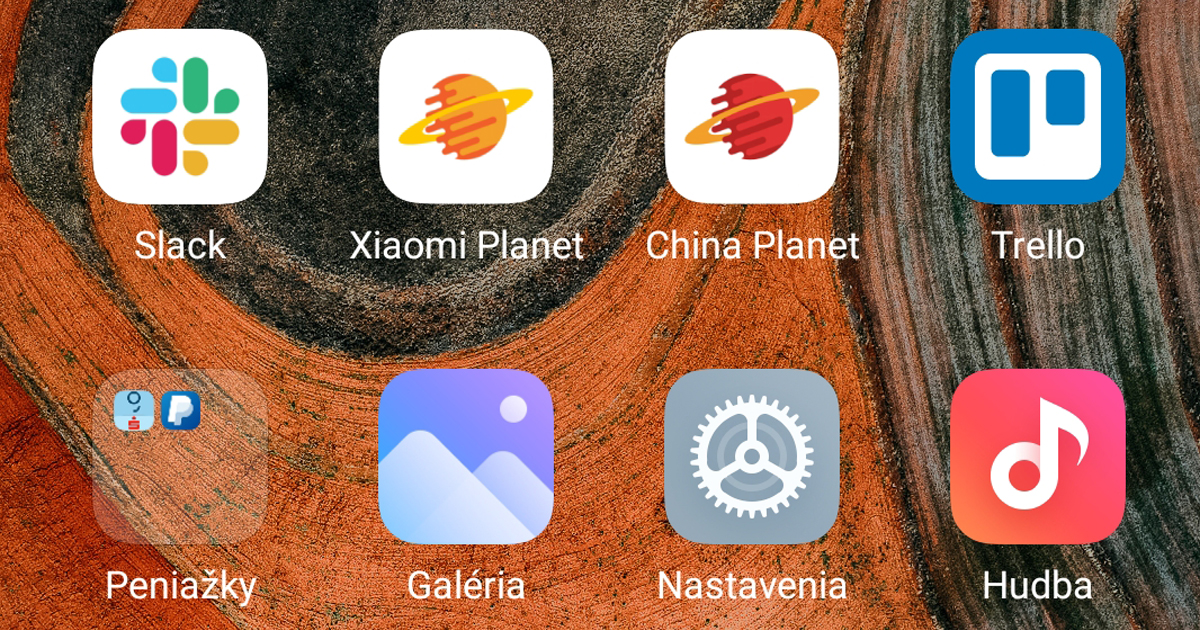
You probably also have favorite websites that you visit regularly. Even though today’s browsers support saving and suggesting frequently visited sites, this cool trick will make your work a lot easier.
Specifically, we mean the “create links” feature on the home screen. This not-so-often-used extra gives you a simple and convenient way to access any page you might need.
Easy link creation
The main advantages of this trick include it being available in almost all browsers, including Google Chrome, Firefox, and the native Mi browser, while also taking up no disk space. In short: instead of installing an app, you can create a link like this that won’t use any storage on your device.
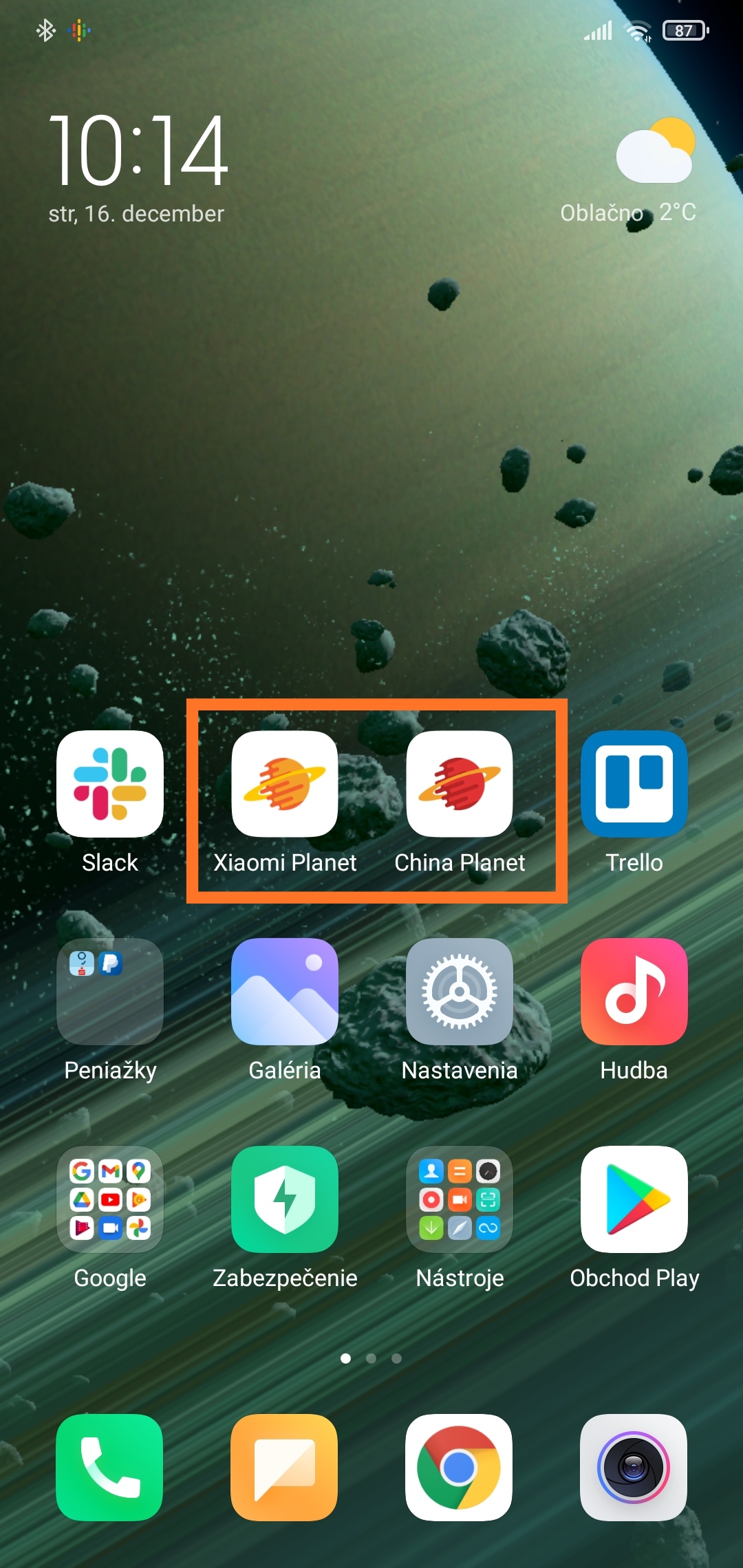
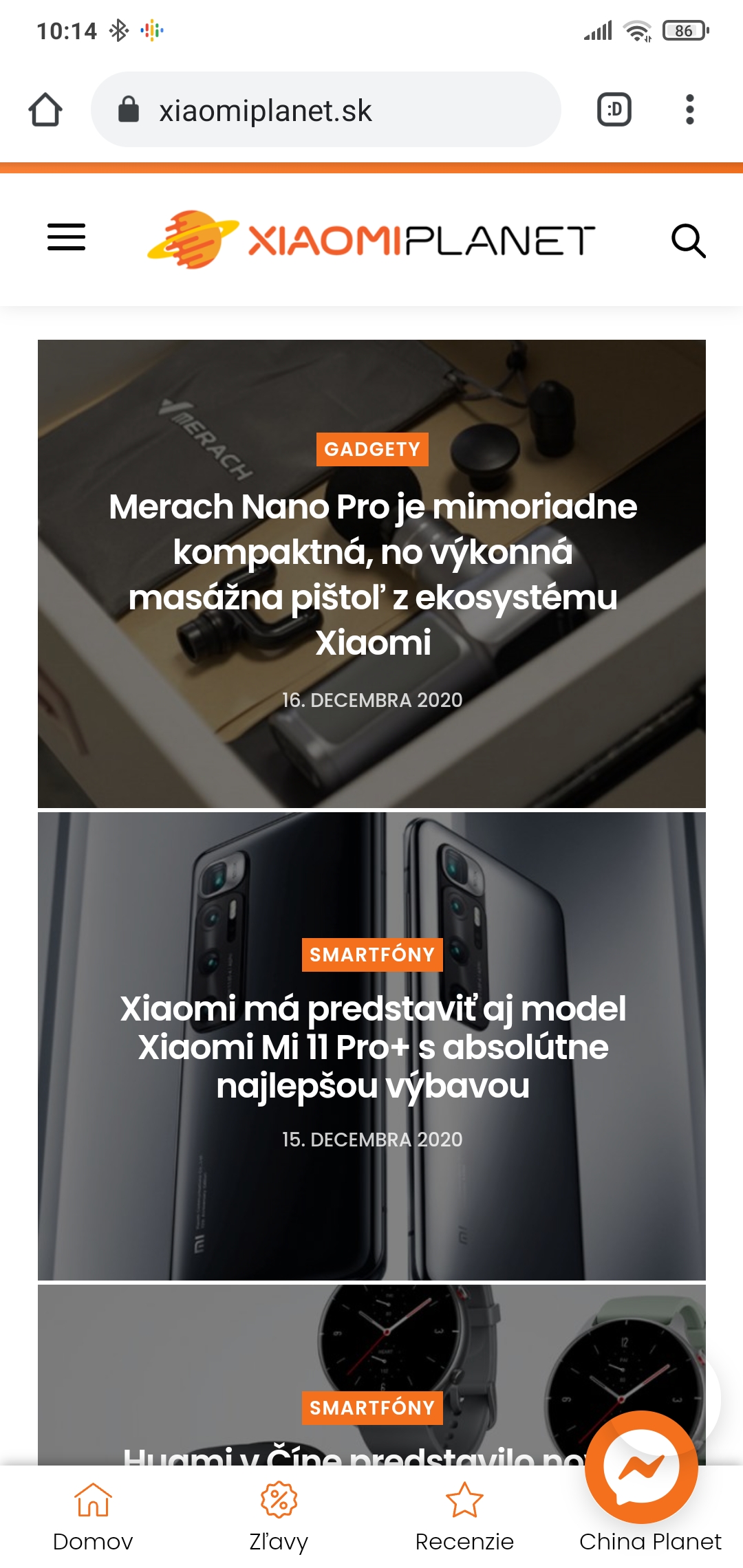
This feature is also used, for example, by Huawei in its smartphones. Since the manufacturer requires the use of GMS (Google Mobile Services), apps based on these services are often unstable, so they use web versions and then create links.
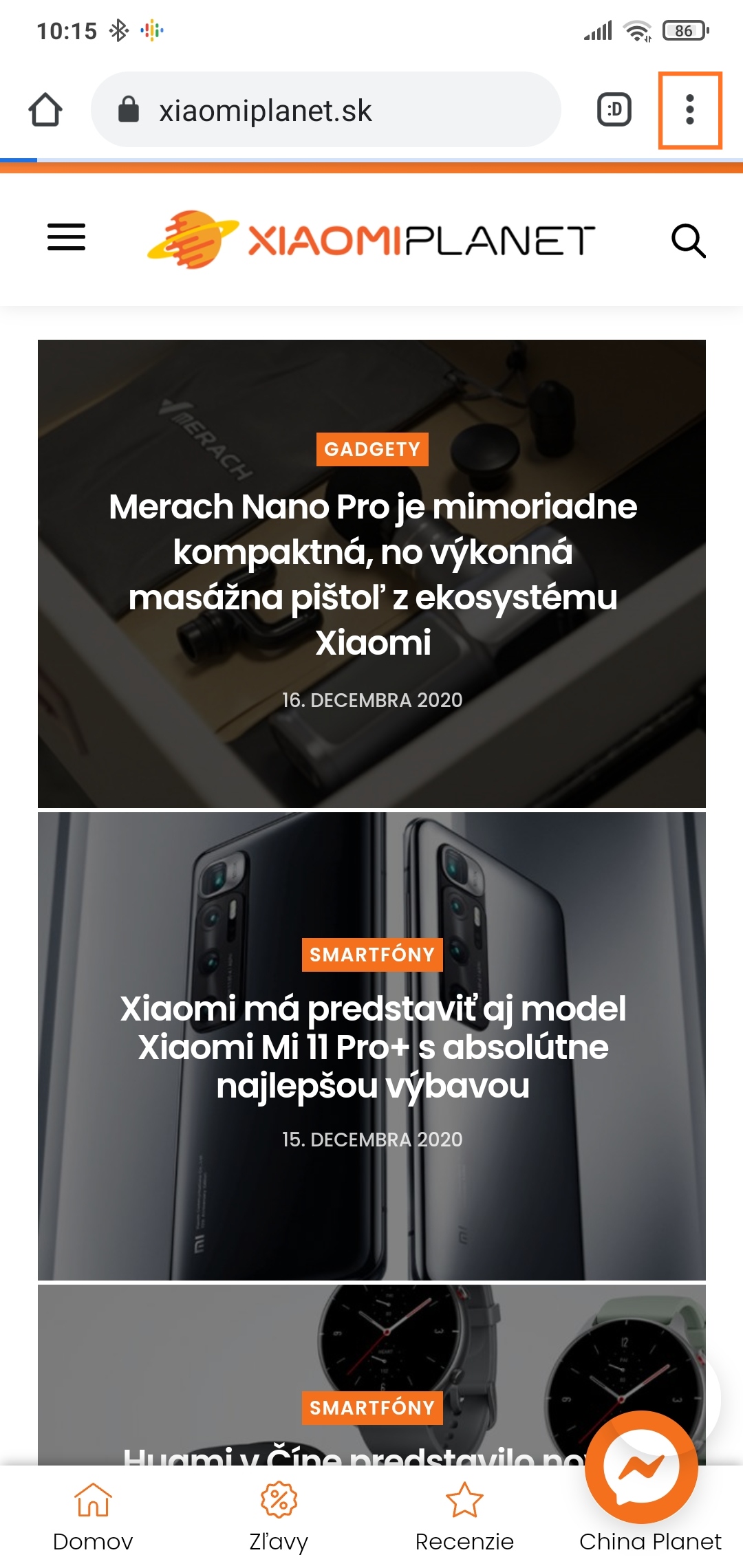
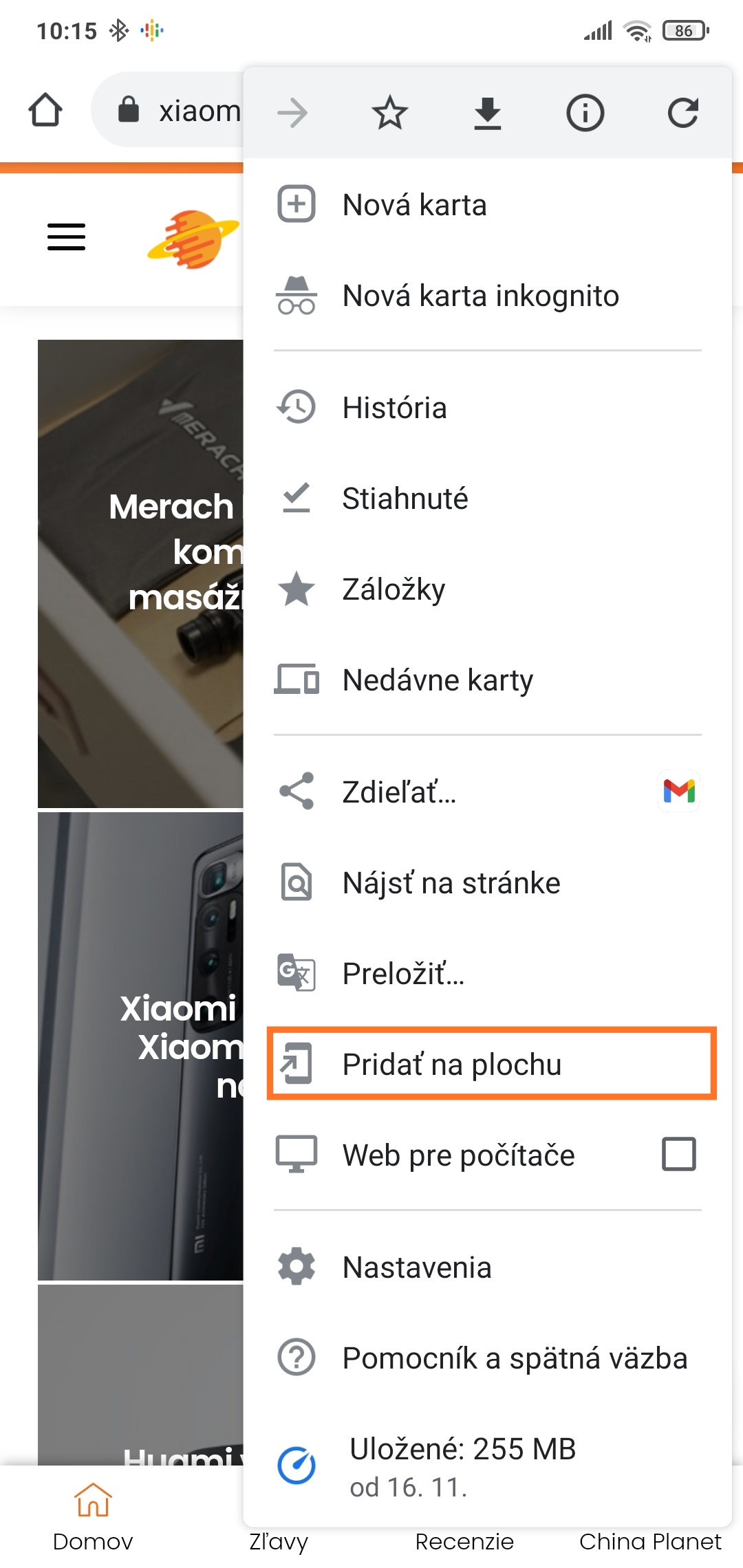
To create a link to your favorite page, you first need to open a supported browser—Chrome, for example—and search for that website. After the page loads, tap the three dots in the top-right corner and then choose “Add to Home screen”.
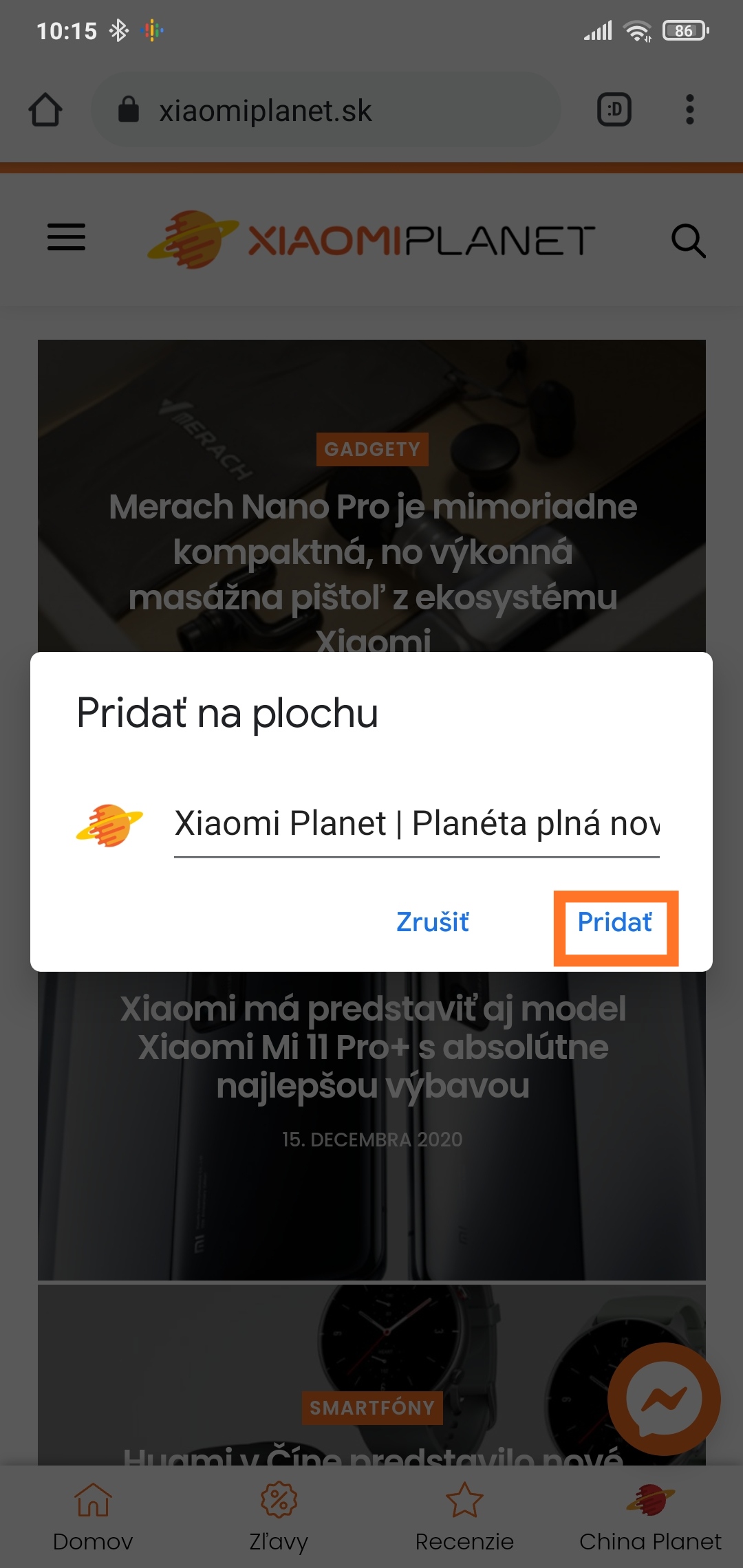
Finally, just name the link and you’re done. Now you just need to create links for other websites too—this will save you a lot of space on your smartphone and make searching easier.
If you’re interested in more great tips not only from the world of smart smartphones, regularly check our website, like our page on Facebook, and subscribe to articles directly in your email inbox.
Don’t miss the best coupons 📩
Subscribe and we’ll email you new coupons before they expire. We only send it once a month — no spam.