


Xiaomi is constantly trying to improve its native photo app. Many useful changes should come with the latest MIUI interface version, MIUI 12, but some of the features can be activated by you in just a few moments.
Handy trick
If you want to try the new hidden features on your smartphone, follow this simple guide. First, you need to download a file explorer that allows you to create new files.
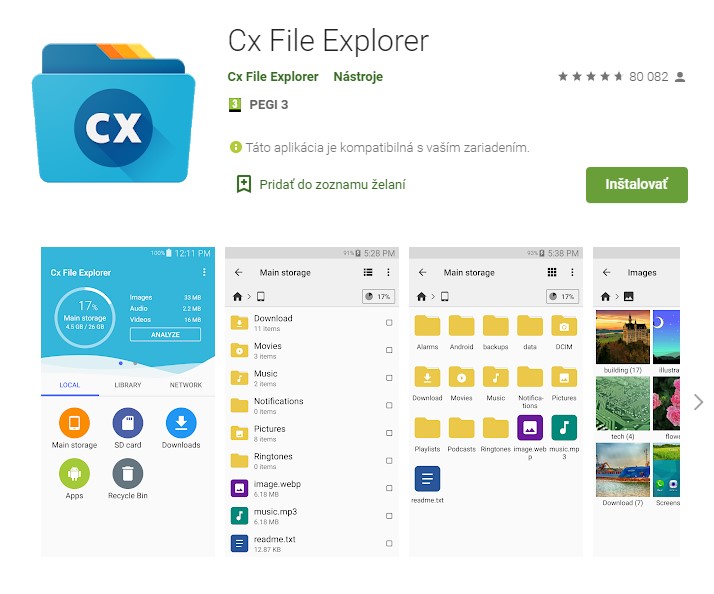
We recommend that you download the app called Cx File Explorer, which is simple, clear, and offers the option to create files. The app is completely free and compatible with Android 5.0 and higher. The size is only 5.7 MB.
Discover the hidden settings of the Xiaomi camera
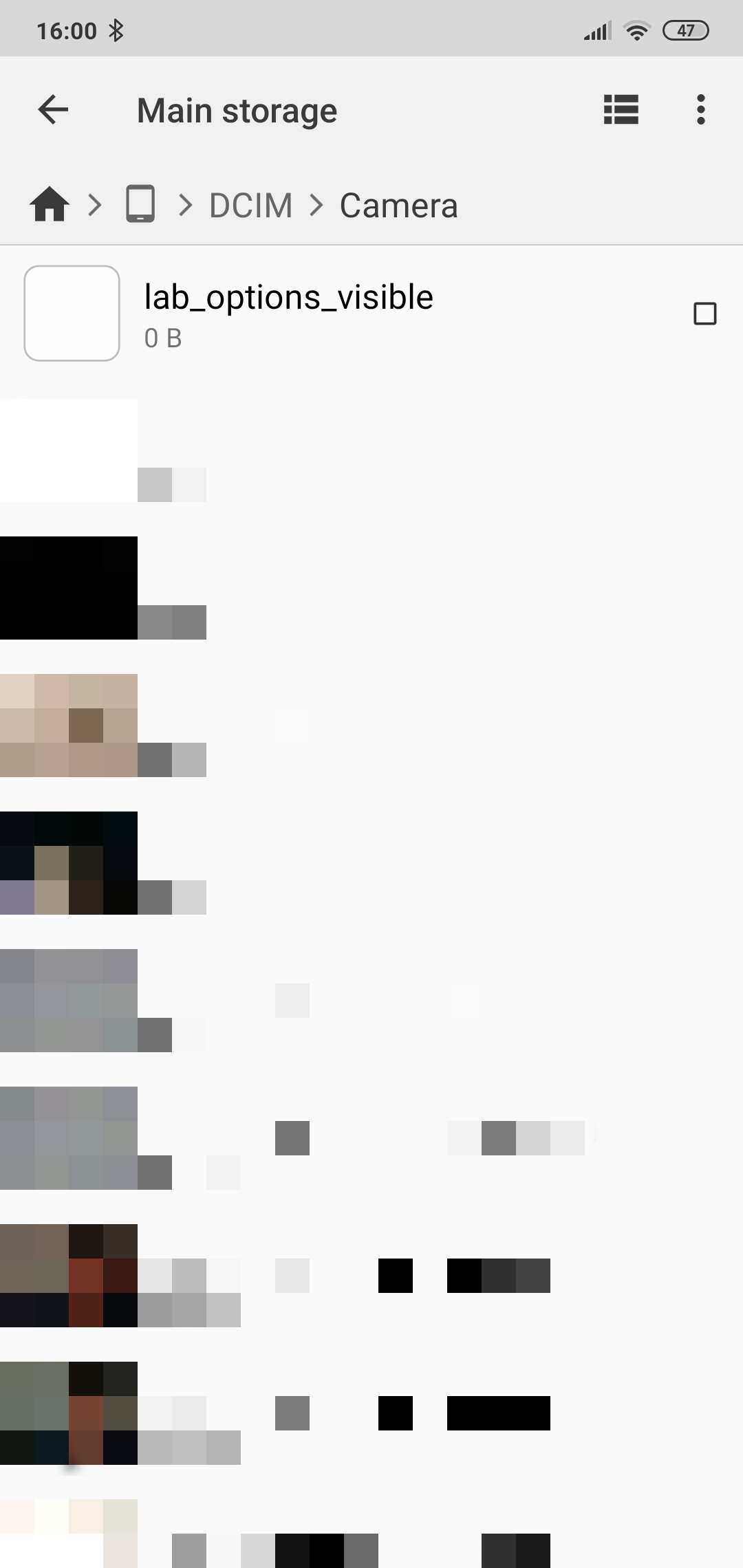
After successfully downloading and opening the app, you’ll need to go to the DCIM > Camera folder and create a file named lab_options_visible. Once the file is created, you can close the app and feel free to uninstall it as well.

Finally, all you need to do is open the built-in photo app and go to settings. As you can see in the image above, among the standard settings options, you’ll also find advanced settings that let you tailor your photos to your liking.
Among the definitely interesting and useful features are, for example, face detection, turning the beautification mode on/off for portrait photos, and many more. You can try the new features and share your thoughts with us below in the comments.
For more interesting news, tips, and tricks, regularly follow our website and subscribe to hot updates directly in your email inbox.
Don’t miss the best coupons 📩
Subscribe and we’ll email you new coupons before they expire. We only send it once a month — no spam.