

As we all know, Xiaomi and Redmi brands produce different versions of individual smartphone models. Some are exclusively made for the Chinese market, while others are named as global versions and are intended for customers in other parts of the world.
What’s the difference between the Chinese and the global version?
A smartphone intended for the world market usually comes with different software than a device made exclusively for China. It’s mainly about language localization and some specific pre-installed apps. In the Chinese version, you won’t find the Slovak language or app support from Google, such as the Play Store, Gmail, and similar apps.
Just as important is that the global version intended for, for example, the EU had to go through the certification process in the EU. This means the smartphone—including its accessories—is safe and suitable for use under our conditions.
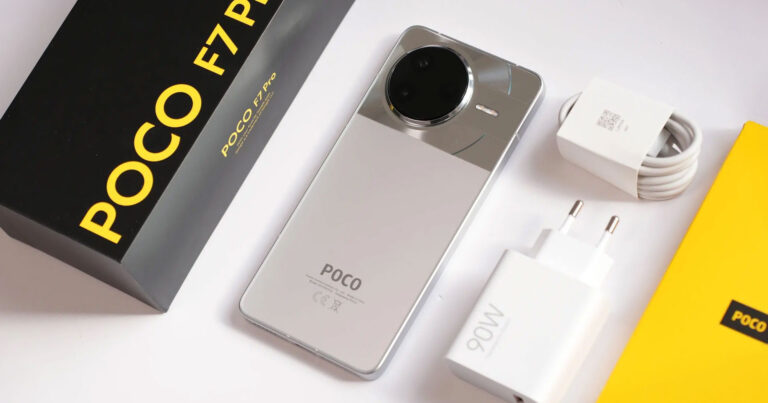
Another detail that distinguishes the Chinese version from the global one is also the charging adapter designed for a specific type of electrical outlet. What matters most, however, is support for mobile networks. Chinese Xiaomi smartphone versions do not support the European LTE B20 band (800 MHz), so you won’t be able to connect to a 4G LTE network outside the city.
Beware of scams
Some uncertified and unverified sellers may, under the guise of profit, disguise the Chinese version of a smartphone as the global one. This mainly applies to self-proclaimed stores that advertise on platforms like Aliexpress, Ebay, and similar sites. The reason is simple. The Chinese version of a smartphone is usually a bit cheaper than the global one.
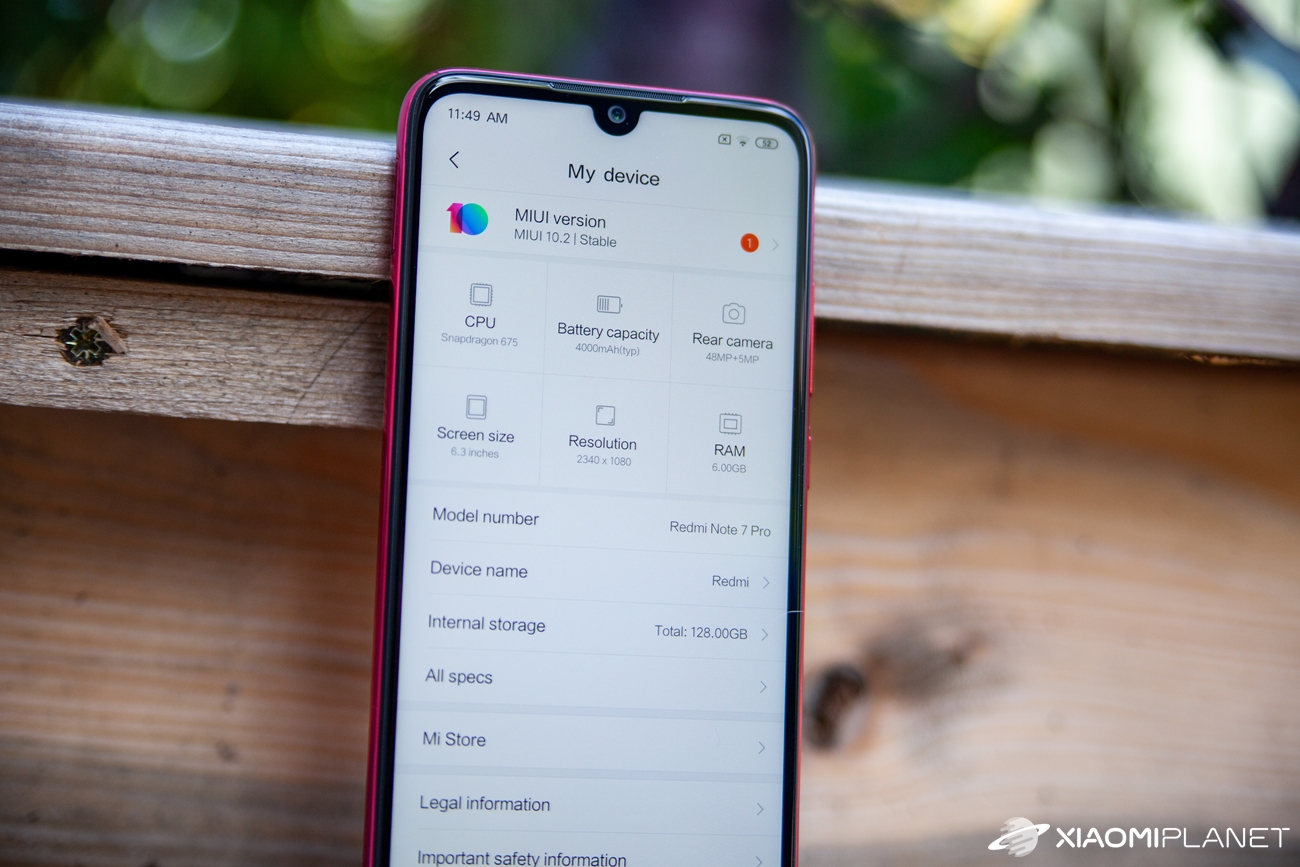
A simple way to avoid getting tricked is not to buy from shady, unverified sellers. Once you’ve been lured in by the lower price and you bought the smartphone directly from China, you can check yourself whether you fell victim to a scam. Xiaomi has set up a tool on its official website, through which you can do that.
On this link you’ll find a form where you enter the IMEI or S/N (serial number – the production number), the verification code, and then verify your device.
You can find the IMEI and S/N on the box of your smartphone or directly in the phone menu in the app Settings / About phone. You can also get the IMEI in the Phone app—after you open the numeric keypad, enter the code *#06#.
You’ll get the result almost immediately, and the confirmation message for the global version will look like this:

If you have the Chinese version of the smartphone, the verification result will look like this:

If you buy Xiaomi smartphones through articles on our Xiaomi Planet website, you’ll never end up buying a Chinese version with incomplete support for our markets. We only recommend versions intended exclusively for Europe.
Subscribe to our newsletter for the best Xiaomi discounts. ?
Don’t miss the best coupons 📩
Subscribe and we’ll email you new coupons before they expire. We only send it once a month — no spam.