
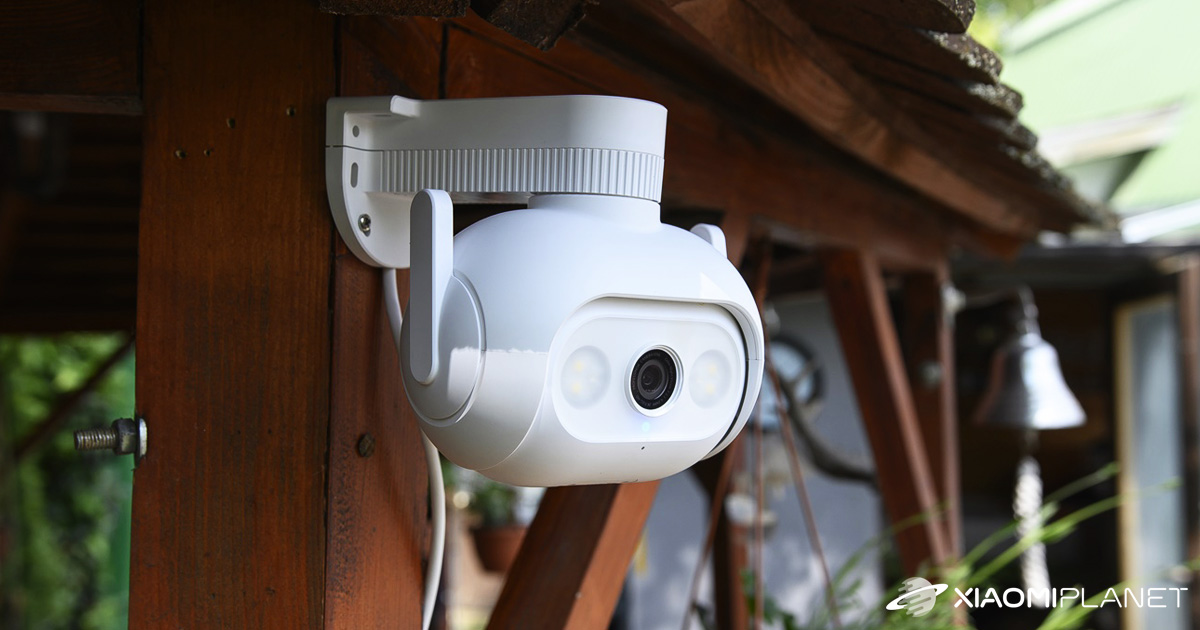
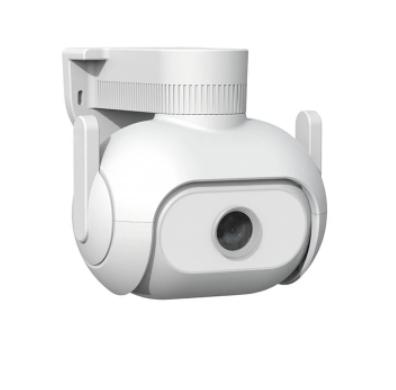
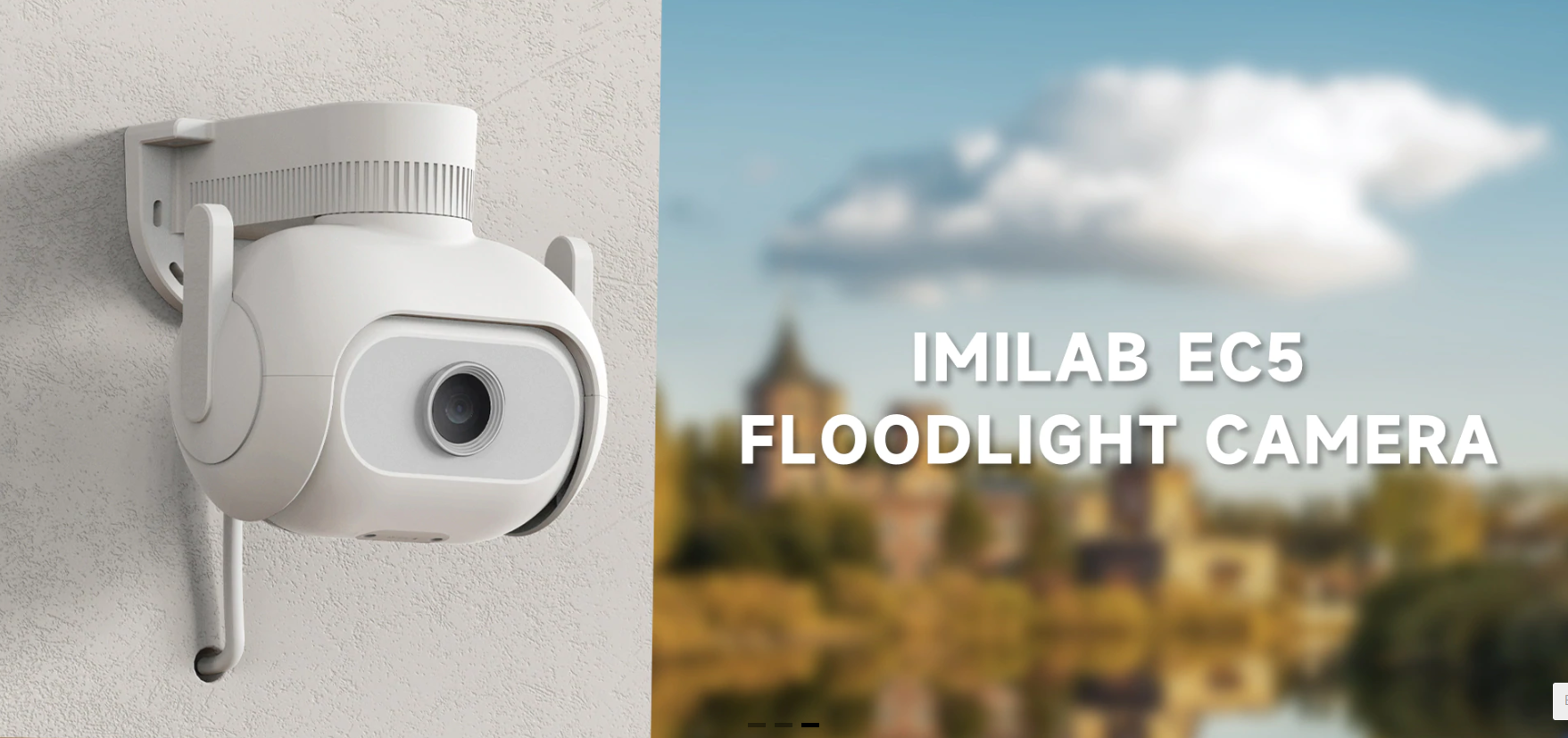
The IMILAB brand is bringing an advanced outdoor security camera to the global market: IMILAB EC5. It builds on the popularity of the previous models. It offers rotation in both horizontal and vertical directions, color night vision, WiFi connectivity, and tracking of objects in motion.
BEST XIAOMI COUPONS IN OUR TELEGRAM
With coupons on Ali again for even better value!
IMILAB EC5 is currently available from an international seller on the online marketplace AliExpress, even directly from the EU warehouse. You’ll also get free delivery within 5-10 days after dispatch.
You can also find it with local electronics retailers. The advantage is ultra-fast delivery, up to 2-year warranty, or the option to return the item.
IMILAB EC5

TIPExpress delivery from a Polish warehouse without customs duty and VAT.
This product will be delivered to you express from a local Polish warehouse. Shipping from Poland usually takes 7-10 days and is handled by a courier. On delivery, you won’t pay any extra fees—no customs duty and no VAT.
TIP15-day delivery via Aliexpress Standard Shipping
For this product, Aliexpress Standard Shipping is available with guaranteed delivery within 15 days. This is the most reliable delivery method and, in most cases, the parcel is handled by a courier company. We tested the 15-day delivery in real life.
When ordering from the Chinese warehouse, AliExpress will add the customs duty in your cart—approximately 3,70 € per order. When you receive the package, you won’t pay anything extra.
Video footage shot with the IMILAB EC5:
Successor to the IMILAB EC3 camera
IMILAB uses a slightly unusual naming system for its camera models, but it still has its logic. The even numbers after the EC letters refer to wireless cameras (EC2, EC4), while the odd numbers belong to wired cameras that nevertheless have WiFi (EC3, EC5).
So IMILAB EC5 is the direct successor to the very popular EC3 model. We’ve been using this outdoor camera for many months too—at our cottage with a garden, which we monitor with this camera—and we’re really satisfied. All we miss is vertical rotation, which is one of the upgrades of the new model.
360 ° area monitoring
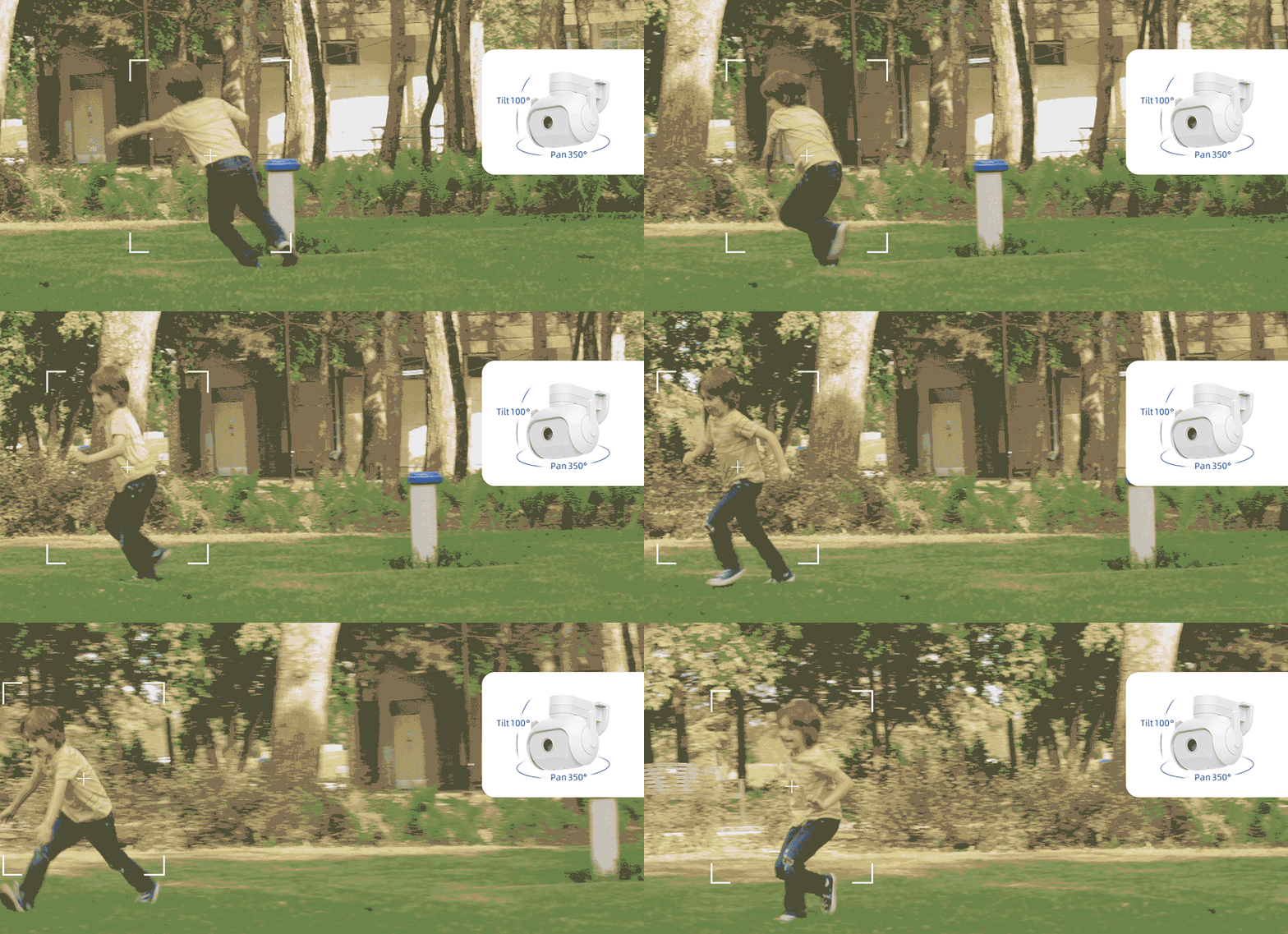
As we hinted earlier, the biggest draw of the new model is the ability to rotate the camera in both directions, meaning horizontally and vertically. This feature gives you a view of a larger area and one of the most interesting extra functions.
It’s for tracking moving people, during which the camera will rotate to follow the tracked object. In the horizontal direction—right to left—the camera can rotate by 350°, and in the vertical direction—top to bottom—by 100°.
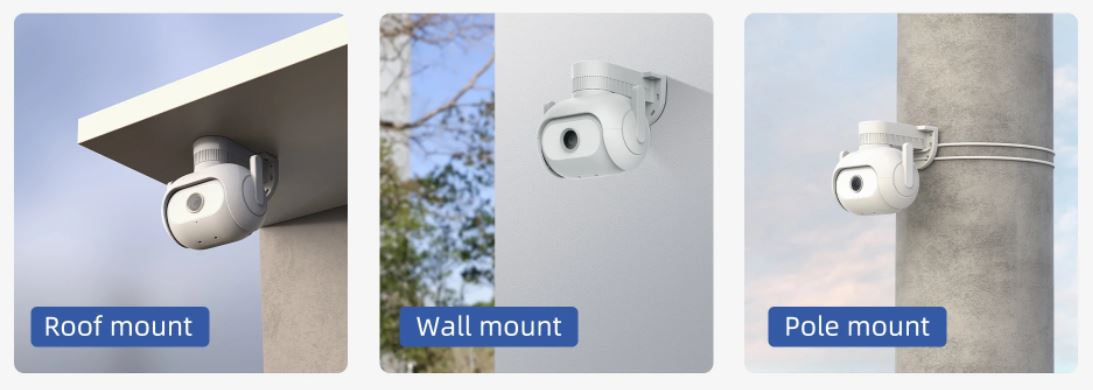
The IMILAB EC5 camera itself measures 139 x 128 x 135 mm, weighs 630 g, and provides 2K resolution (2304 x 1296 px) with an f/2.1 aperture. In the box, you’ll find everything you need for installation: a power cable, wall mounts, screws with anchors, and a user manual.
Smart night mode
Night mode is probably a given for all security cameras. The IMILAB EC5, however, features a smart night mode that adapts based on current needs using motion detection.

Besides infrared LED lights, the camera also has classic LED lights to illuminate the area, so you get a color image even at night. With intelligent night vision enabled, the camera works in standard black-and-white mode. If it detects a person in its field of view, it automatically turns on the regular lighting, switching the image to color. If it later determines it’s not a person, it switches back to standard night vision.
Monitoring zones and notifications
Since the camera has a wide viewing angle (110°), we don’t always want to monitor the entire area. For this purpose, the detection zones feature lets you choose only a specific part of the image that should be monitored.
If the camera detects motion in the marked part of the image, it immediately lets you know via a notification on your smartphone. Person detection should work more reliably thanks to the new AI chip. Motion outside the selected zone will be ignored. However, full-area monitoring without zones is also preset.
For connecting to your smartphone, you surprisingly use the Mi Home app, unlike other IMILAB releases that already used the IMILAB Home app. Apparently, that app didn’t work out, so IMILAB is returning to the Mi Home app.
You’ll also appreciate the built-in alarm with a volume of up to 100 dB, which can be triggered when motion is detected in the monitored area.
WiFi or a cable and IP certification
IMILAB EC5 gives you a choice when it comes to your internet connection. It supports WiFi, but it also has a separate LAN cable. If your WiFi signal isn’t great or you want a more reliable connection, you can also connect using a standard Ethernet LAN cable.
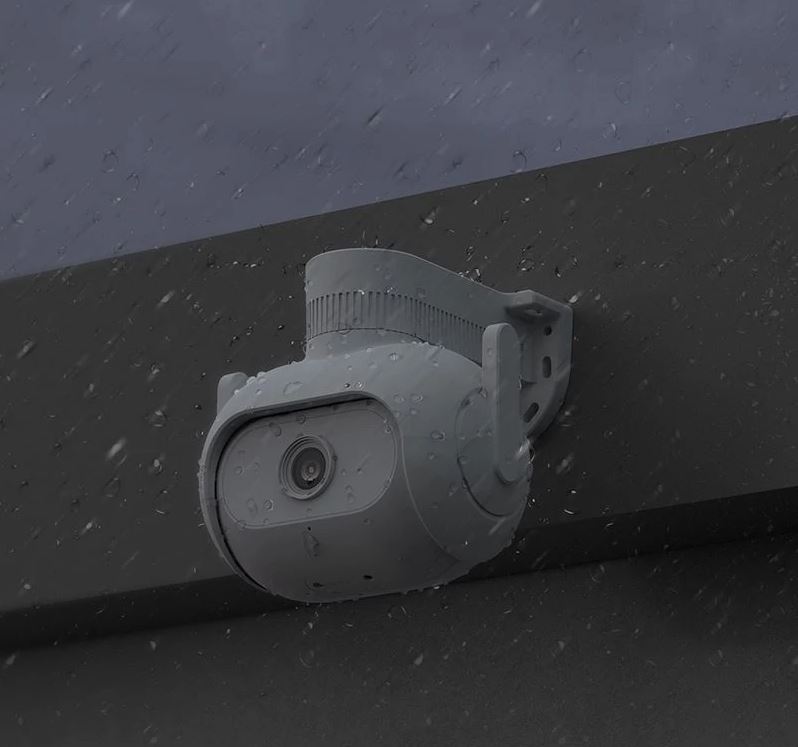
Whether it’s raining or sunny, the new camera handles all conditions. It’s rain-resistant thanks to IP66 certification and works at temperatures from -30 to 60 °C.
You’ll also get support for Micro SD memory cards with a maximum capacity of 256 GB, or even a free cloud storage option that always keeps your videos for the last 7 days. Of course, there’s also two-way audio thanks to the built-in microphone and speaker.
Don’t miss the best coupons 📩
Subscribe and we’ll email you new coupons before they expire. We only send it once a month — no spam.