

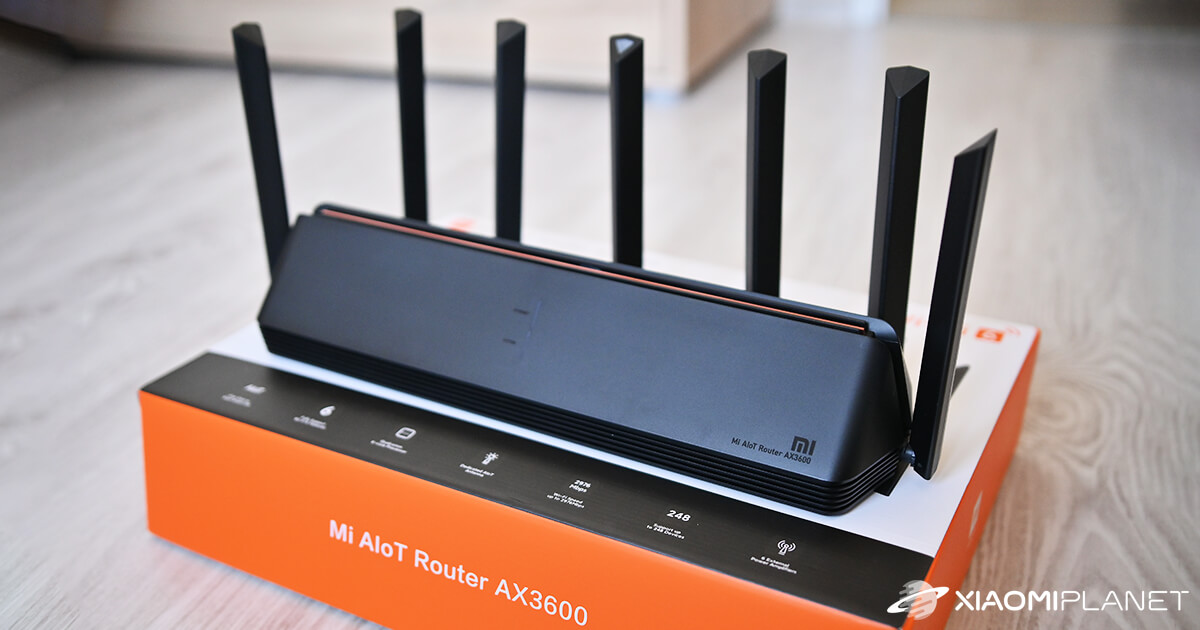
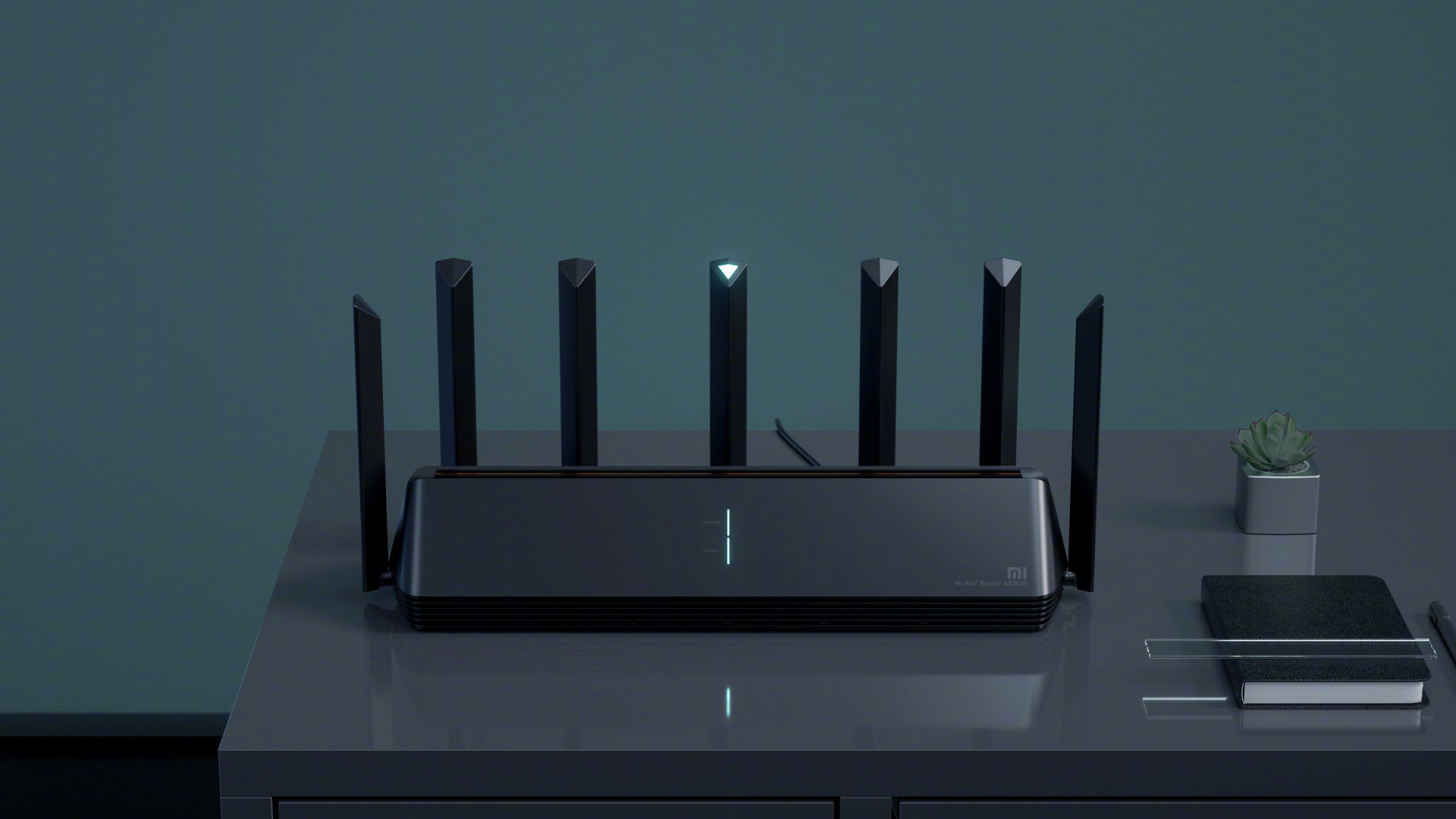
Xiaomi AIoT Router AX3600 is absolutely the best router in Xiaomi’s lineup introduced for the year 2020.
Great coupons you can also find in the Xiaomi Planet group
Runs on the new WiFi 6 standard, with 7 antennas and 6 signal boosters. We know where you can get it at the best price.
Great price, available after half a year
We probably don’t need to introduce the Gshopper portal to you. Now it comes with a great offer for the Xiaomi AIoT Router AX3600, available for a reduced price thanks to a coupon.
The seller ships the router from the UK warehouse, but our contact confirmed to us that delivery will happen without any additional customs charges.
Xiaomi AIoT Router AX3600
 Free Shipping
TIPShipping absolutely free.
For this product, shipping is available completely free of charge. However, this is the slowest delivery method and the item may take 20 days up to 1 months to arrive.
When ordering from the Chinese warehouse, AliExpress will add the customs duty in your cart—approximately 3,70 € per order. When you receive the package, you won’t pay anything extra.
Our extra service with VIP support — we’ll handle the order on Gshopper for you and ship it straight to your address.
If you don’t have experience buying on Gshopper, payments don’t go through, or coupon use doesn’t work for you, we offer an order handling service directly to your address for our readers and customers. You transfer the money to our account and we place the order directly to your address. This way, you won’t have to worry about a failed payment or applying the coupon, and you can be sure the entire order will go through correctly 100 %. In addition, you automatically get our VIP support — if any issues arise with the shipment, we handle them for you and assist with filing a claim. The fee for this service is €15 extra of the product price. You can contact us by email at info(@)xiaomiplanet.sk or on Messenger, where we’re constantly active.
Our review:

Our experience with DHgate:

How to set up and use the router
Xiaomi AIoT Router AX3600 has WiFi 6
Xiaomi AIoT Router AX3600 runs on the latest WiFi 6 802.11ax standard with support for 2.4 GHz and 5 GHz bands. The maximum theoretical transfer speed across both bands reaches up to 2976 Mb/s.
An independent antenna for AIoT also supports both bands with a maximum transfer speed of 583 Mb/s.
The WiFi 6 standard delivers results at the level of 2.7x that of the previous WiFi 5 generation. The complete newcomer here is the integrated TWT technology for saving energy consumption.
It adjusts the sleep mode in the device when communication isn’t needed, significantly helping to save energy.
It can handle thick walls too
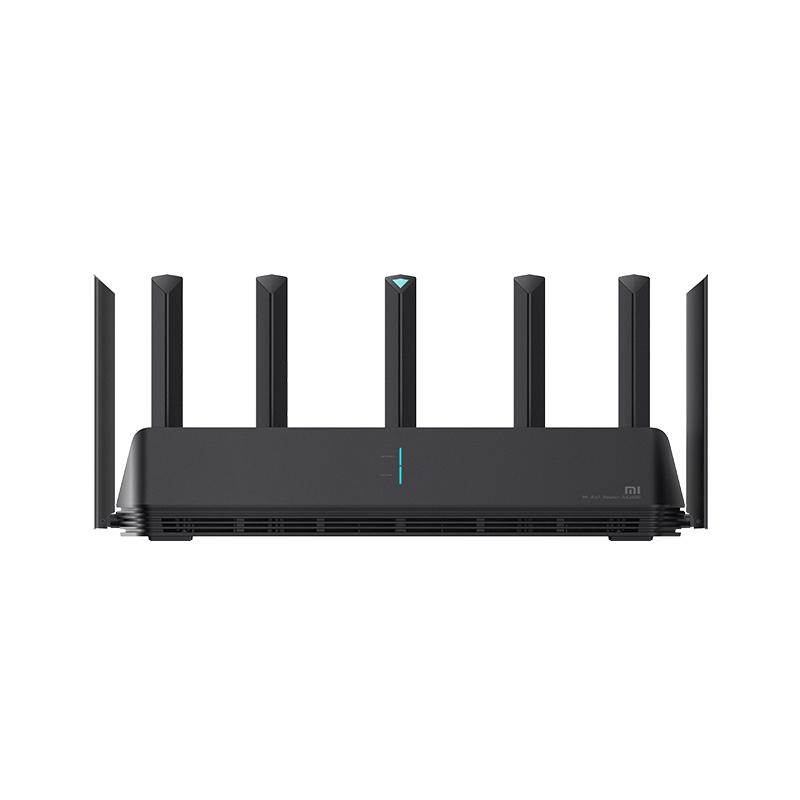
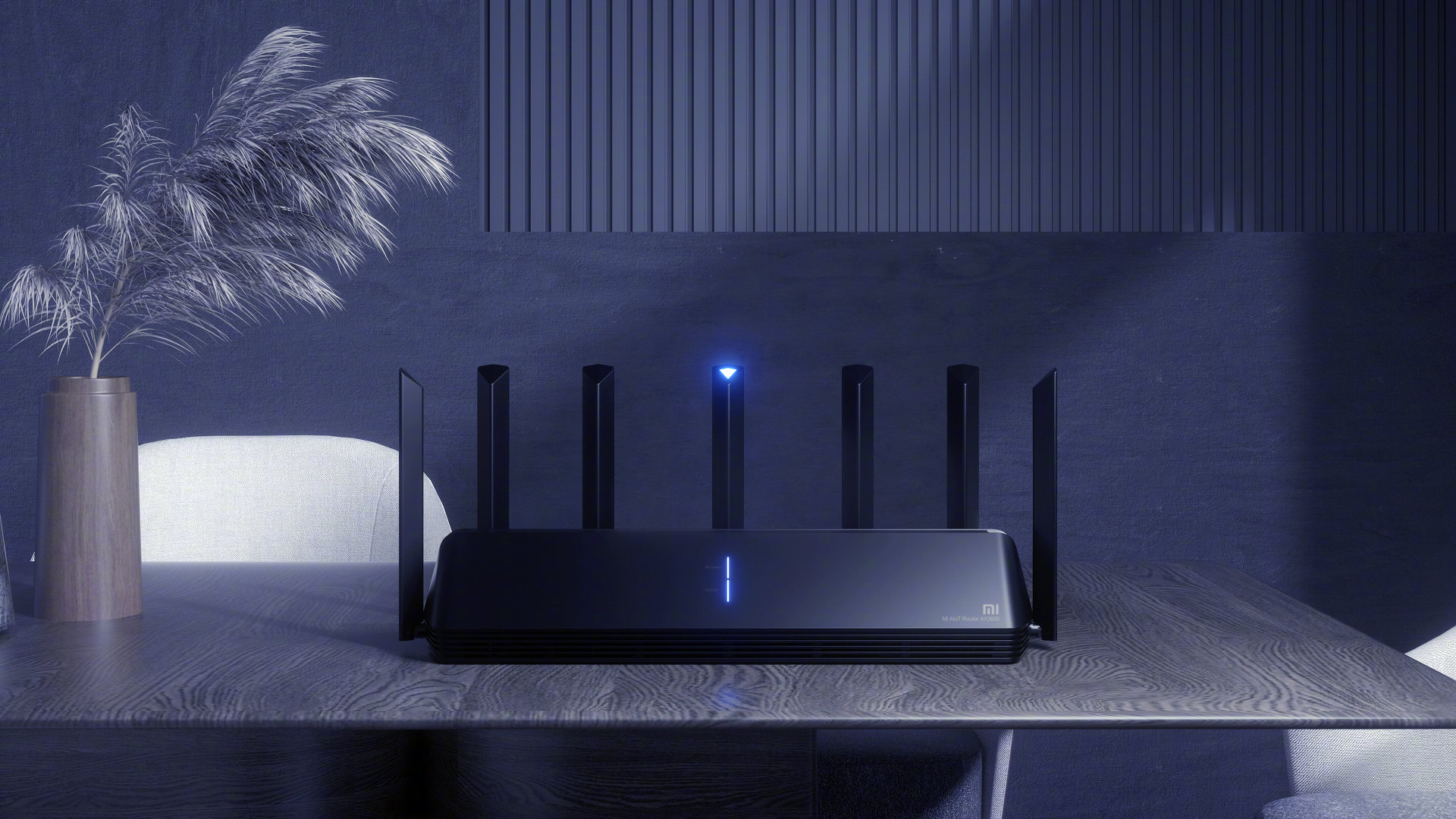
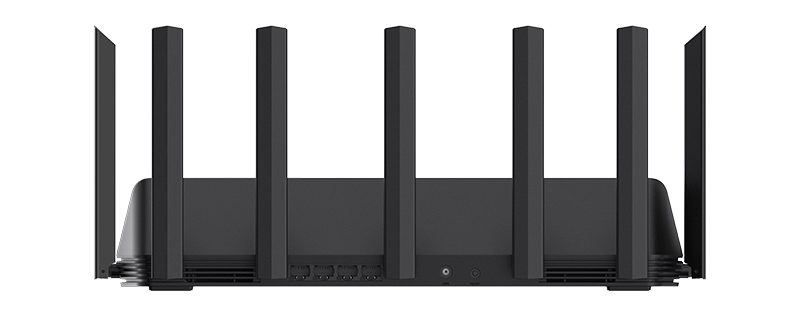
The router is interesting not only for its specs, but also for its great tech design. It’s especially finished with up to 7 powerful antennas spread across the entire device.
One of them is for IoT devices; 2 are designed for the 2, 4 GHz bands and the 4 provides its own 5 GHz band. This ensures sufficient coverage for all bands.
Signal boosters also play a part in the huge transmission power. The AX3600 Router is equipped with up to 6 high-performance signal amplifiers (a high-power PA amplifier + a low-noise LNA amplifier).
It improves not only the range itself, but also the ability to receive weaker signals. Thick walls don’t cause it any problems either, and it’s ideal for larger family houses.
Professional Qualcomm chipset
Inside, there’s a 6-core IPQ8071A Qualcomm chip clocked at 1 GHz, used in high-performance routers designed for large corporations. It’s supported by 512 MB of RAM, and thanks to this, it can handle up to 248 devices connected at the same time.
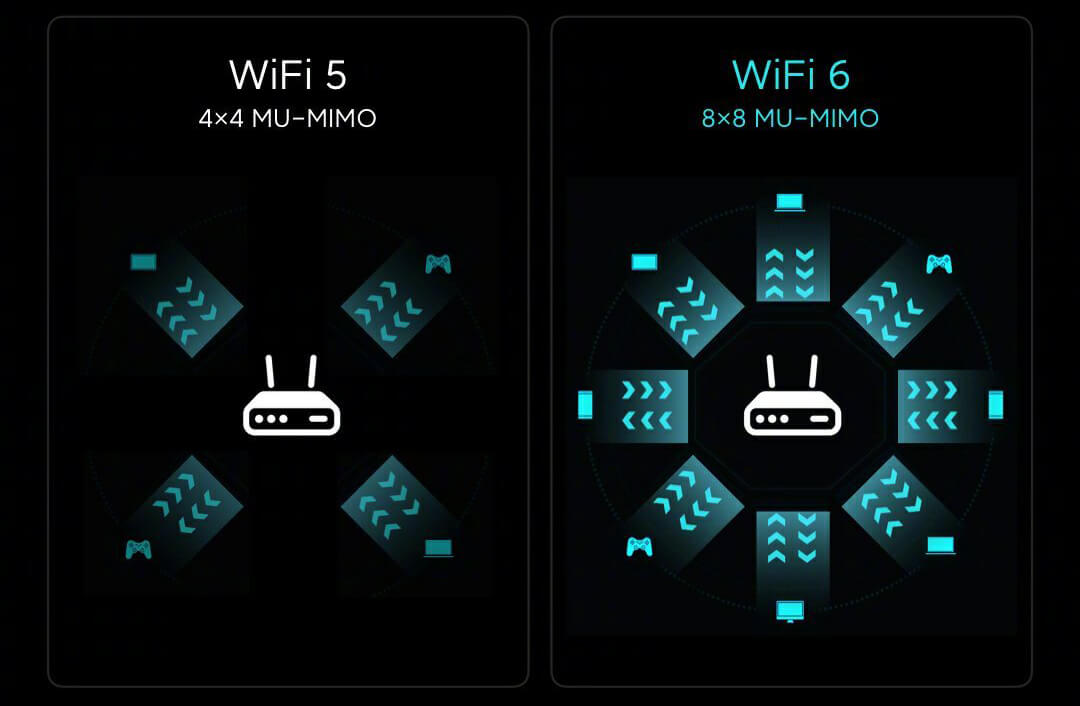
Thanks to new technologies like 8×8 MU-MIMO and OFDMA, smartphones and other WiFi 6 devices can achieve efficient speed boosts even in crowded areas with public access, such as airports, shopping malls, and more.
The core WiFi 6, 8×8 MU-MIMO technology supports up to 8 data streams simultaneously. The previous data transmission format worked in a 1:1 ratio, but with 8×8 MU-MIMO it will be possible in a 8:1 ratio. With WiFi 6, data is transmitted at the same time with 8 devices in each communication cycle 1 x 1, or with 4 devices in a cycle 2 x 2.
The OFDMA technology works by dividing wireless communication channels. Previously, the transmitting terminal occupied the entire wireless channel for the whole communication time. The standard built into WiFi 6 — OFDMA — splits the wireless channel into multiple sub-channels and collects data for transmission all at once.

NetEase UU accelerator and WPA3
And that’s not all — the AX3600 router also has a NetEase UU accelerator, but it’s mostly used by Chinese users (due to latency and connection issues to overseas servers) when gaming.
WPA3 encryption is again an improvement over previous generations, so your network will be much more secure.
Don’t miss the best coupons 📩
Subscribe and we’ll email you new coupons before they expire. We only send it once a month — no spam.
