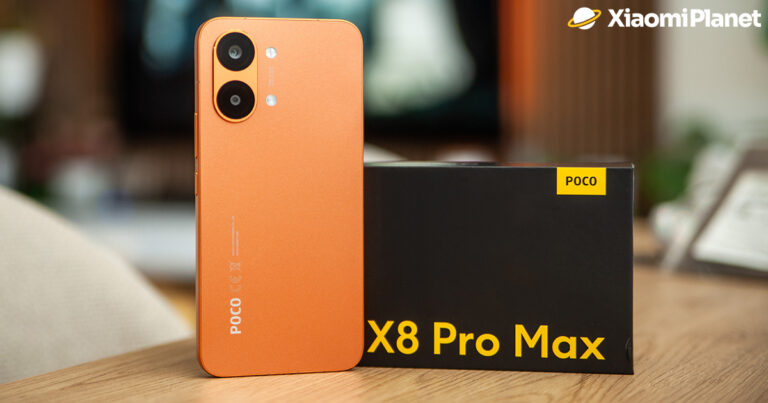

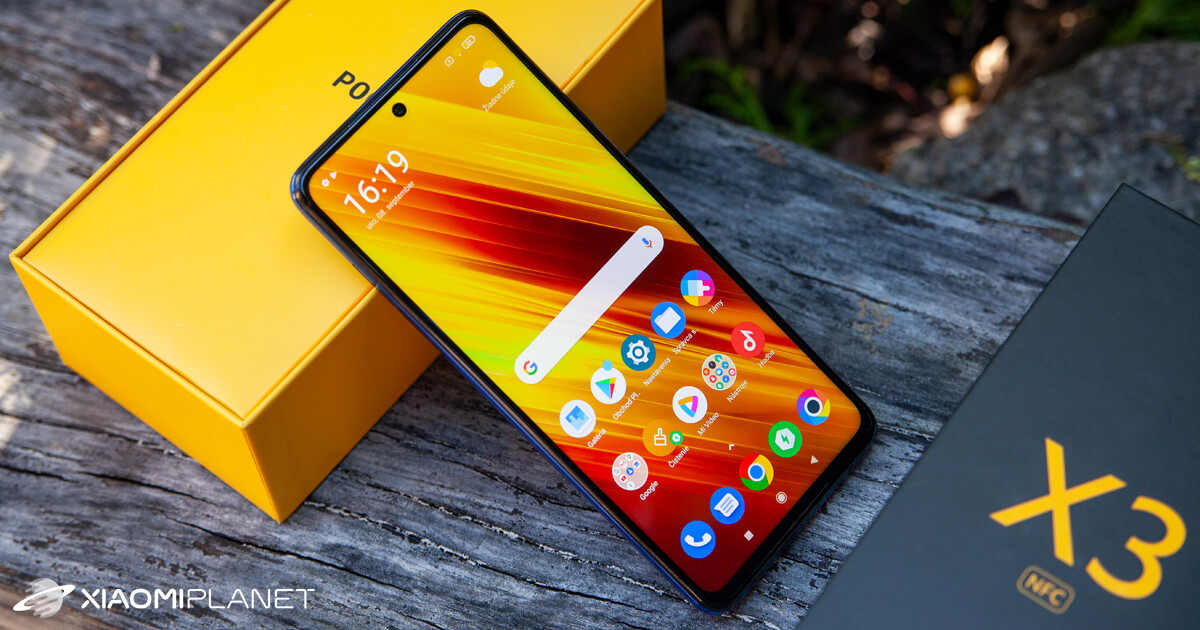
The POCO X3 NFC smartphone, which was launched only this September, has already gained major success around the world. With its mid-to-high-end specs and an incredible price, it ranks among the kings of value for money.
Unfortunately, since this is a brand-new model, new and new issues keep popping up. In this article, we’ll specifically mention the yellowing display problem, and of course we’ll show you how you can fix it easily.
Communication problem
This whole issue is based on a fairly basic mistake. If you thought something was wrong with your smartphone and that you’d have to send it back for a warranty claim—don’t worry. Once you find out what’s really going on, you’ll definitely feel calmer.
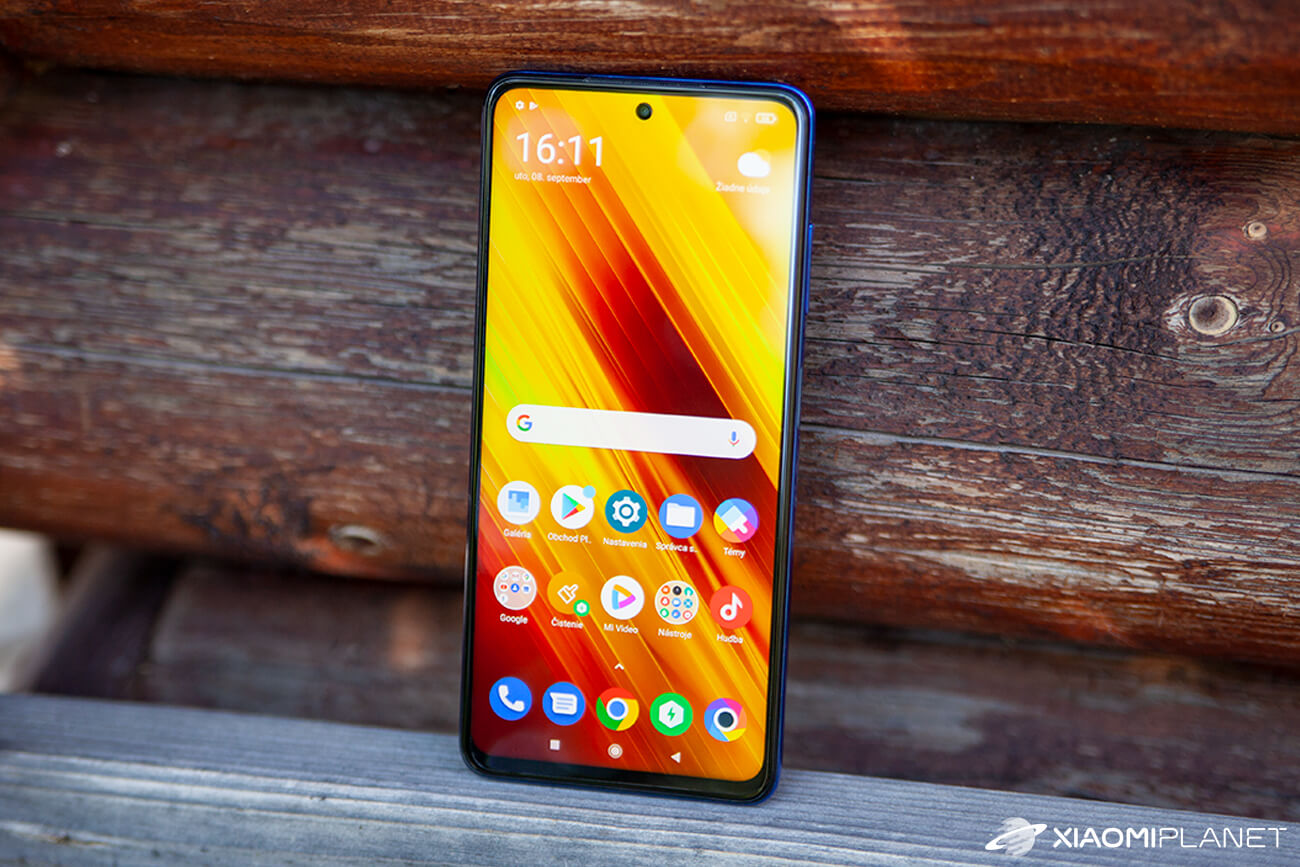
A team of smartphone fans discovered that the yellow display issue happens when you open the Google Chrome app. Later, it was found that turning on Chrome activates a reading mode designed to make colors warmer and less contrasty.
How do you remove it?
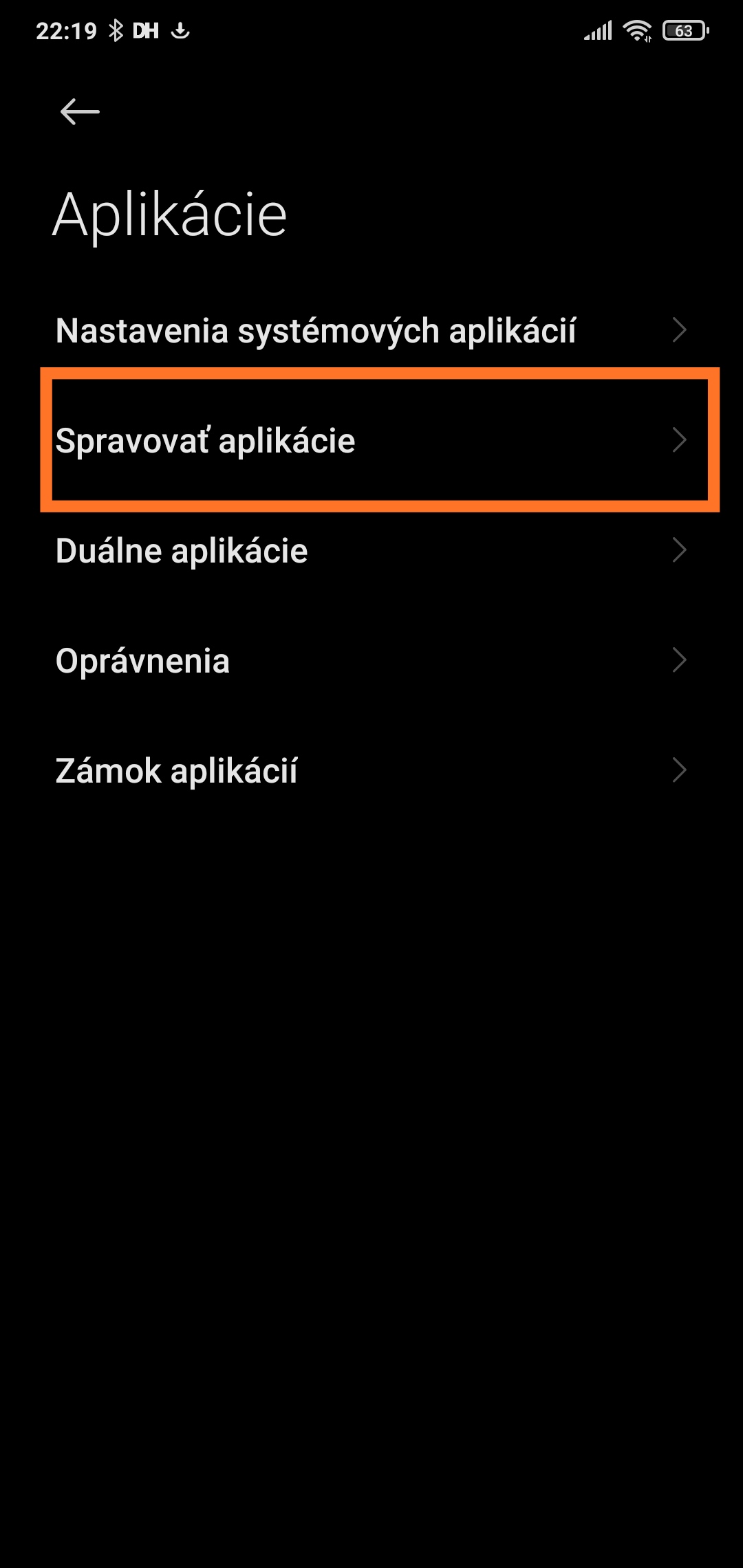
If you want to get rid of this annoyance from your device in no time, follow the steps below. First, open Settings, then go to Apps, next click Manage apps, and from there search for Google Chrome.

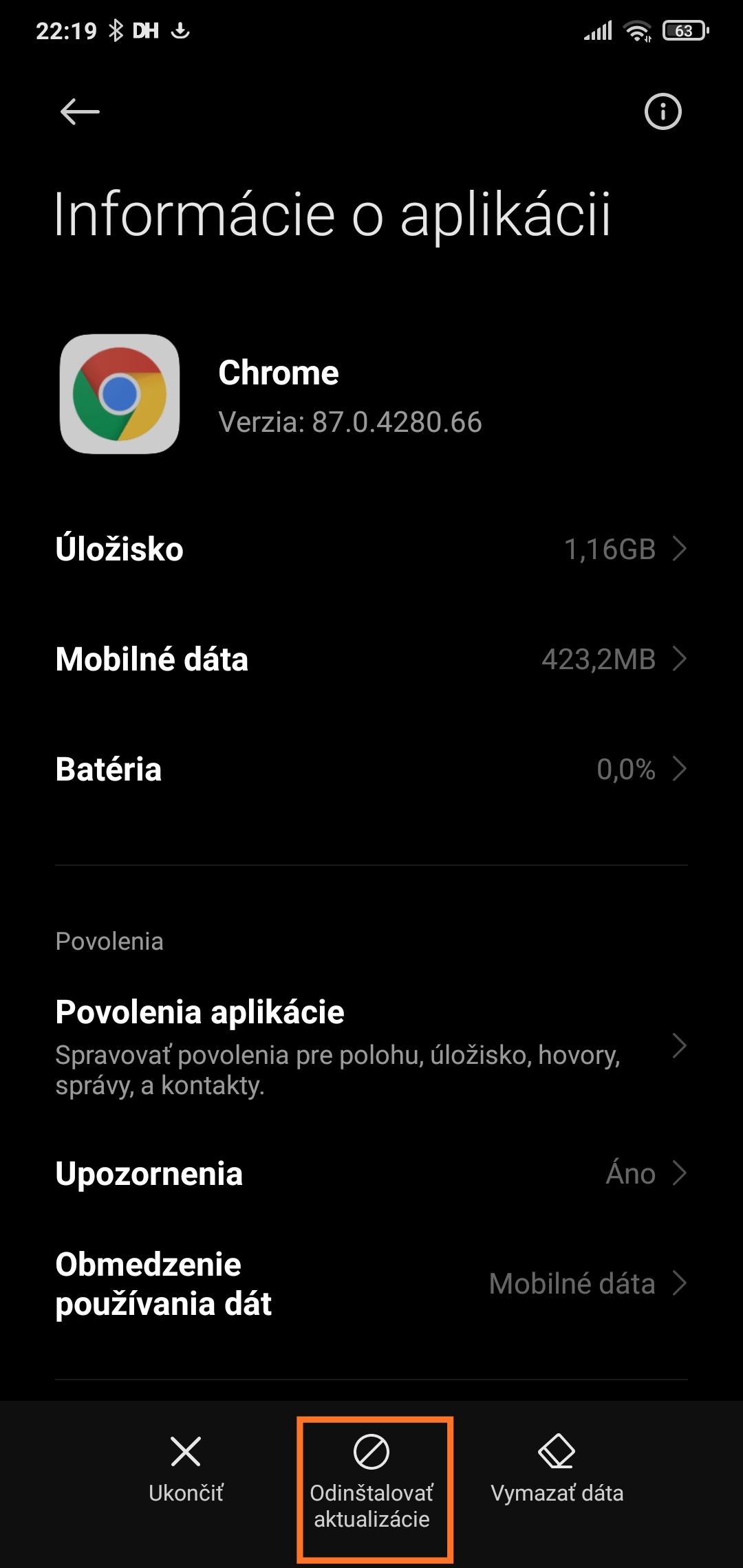
Once you select Chrome, simply choose the option to uninstall updates. With this last step, the yellow display problem—which is actually just reading mode—should be fixed for a while.
Fans who uncovered this issue have already reported the whole situation to Xiaomi developers, and it’s only a matter of time before an MIUI update is released that will fix this interesting bug once and for all.
For more interesting content, tips, and tricks, regularly check out our tech portal XiaomiPlanet. Also, don’t forget to like our page on Facebook and subscribe to articles sent directly to your email inbox.
Don’t miss the best coupons 📩
Subscribe and we’ll email you new coupons before they expire. We only send it once a month — no spam.