

[REVIEW] JONR P20 Pro
Our editorial rating based on product testing.
- Excellent price / features ratio
- Full integration with Xiaomi Home
- Strong suction power up to 8000 Pa
- Automatic emptying, mop washing and drying
- Outstanding edge mop
- Service and warranty in the EU, spare parts available
- Good build quality, sturdy construction
- Ability to plan cleaning in detail
- No AI camera
- Sensitive to cables, socks, shoelaces
- Mop lifting on carpet is not always reliable
- Minor issues when crossing door thresholds
- Without AI navigation, it sometimes “hesitates” in narrow spaces
- Doesn’t fit under lower furniture due to the LiDAR tower
- Can’t clean dried-on or greasy stains effectively
Robot vacuum cleaners with an automatic station for emptying and mopping are no longer exclusive to expensive models. This category is now also trying to break in with the JONR P20 Pro, which promises a combination of high performance, a reasonable price, and integration with a well-known app Xiaomi Home. On paper, it looks like a dream for anyone who doesn’t want to deal with dustbins or dirty mops after vacuuming—but how does it perform in practice?
The biggest Xiaomi community group in Slovakia
We tested it in a normal household for two months, trying all modes, mapping, mop washing, and mop drying. And honestly—it surprised us more than we expected. It’s not without flaws, but at a price under 300 € it offers features we only recently saw in mid-range models. This is a review of the JONR P20 Pro.
Where to buy the JONR P20 Pro?
The vacuum is sold in a global version, which means support for global regions (including Slovakia and the Czech Republic) in the app Xiaomi Home. So you don’t need to download any modified versions or use a slower Chinese region. What’s more, it is available from an EU warehouse with fast delivery in 2 to 7 business days.
JONR P20 Pro Global Version

TIPExpress delivery from a Polish warehouse without customs duty and VAT.
This product will be delivered to you express from a local Polish warehouse. Shipping from Poland usually takes 7-10 days and is handled by a courier. On delivery, you won’t pay any extra fees—no customs duty and no VAT.
TIPExpress delivery from a Polish warehouse without customs duty and VAT.
This product will be delivered to you express from a local Polish warehouse. Shipping from Poland usually takes 7-10 days and is handled by a courier. On delivery, you won’t pay any extra fees—no customs duty and no VAT.
TIPExpress delivery from a Polish warehouse without customs duty and VAT.
This product will be delivered to you express from a local Polish warehouse. Shipping from Poland usually takes 7-10 days and is handled by a courier. On delivery, you won’t pay any extra fees—no customs duty and no VAT.
Technical specifications
| - | JONR P20 Pro |
|---|---|
| Navigation | LiDAR 360° / multi-floor mapping |
| App | Xiaomi Home (Android / iOS) / room planning / room order / zones / no-go / virtual wall |
| Suction power | to 8000 Pa / 4 degrees (Quiet / Standard / Strong / Turbo) |
| Mopping | 3 humidity levels (Low / Medium / High) / movement style: daily / standard / compacted |
| Special features | edge-clearing mop / auto mop lift on carpet (variable functionality) / Carpet Boost |
| Docking station | automatic emptying / mop washing / mop drying 2–4 h |
| Washing interval | mops 5 / 10 / 15 min |
| Emptying | after every cycle / every 5. return to station / manual |
| Wi-Fi | 2.4 GHz (in the test it also worked on 5 GHz) |
| Voice prompts | yes (EN) / pause reasons / returns to station |
| Declared runtime | Vac+Mop 160 min / only Vac 230 min (according to the manufacturer’s words / less in practice) |
| Obstacle recognition | no AI camera / small items tend to get pushed instead |
| Vacuuming on carpets | carpets with Carpet Boost / no-mop zones / automatic mop lifting |
| Manual maintenance | clean sensors regularly / side brush picks up hair / wash mops in the washing machine / empty the dirt bin / replace the water at the dock |
| Price | often at 250 € (clearance sales) / features like a mid-range model |
Design, build quality, and first impressions
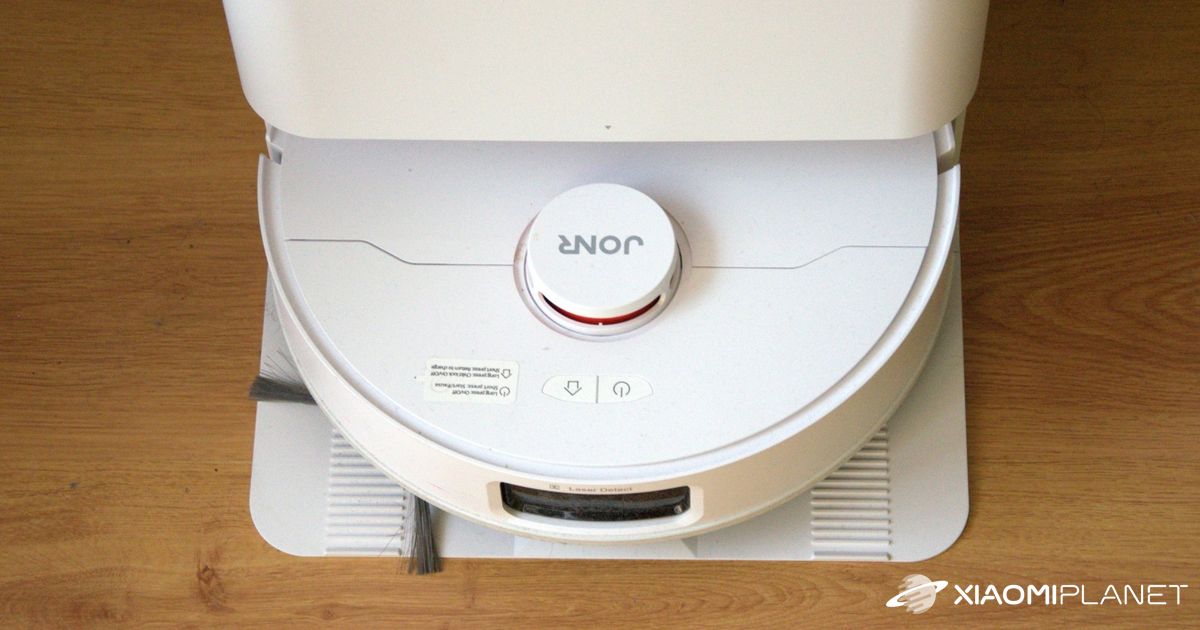
The robotic vacuum JONR P20 Pro is among the newcomers that target an attractive price-to-features ratio. Unboxing gives the impression that the body is solid, even though it’s made of plastic. It comes in white, and we noticed it can get dirty rather easily. Of course, it’s nothing serious. The construction doesn’t creak, and the overall build quality feels like even more premium models. The protrusion on top with a LiDAR sensor is classic; the white chassis is understated and blends into most interiors.
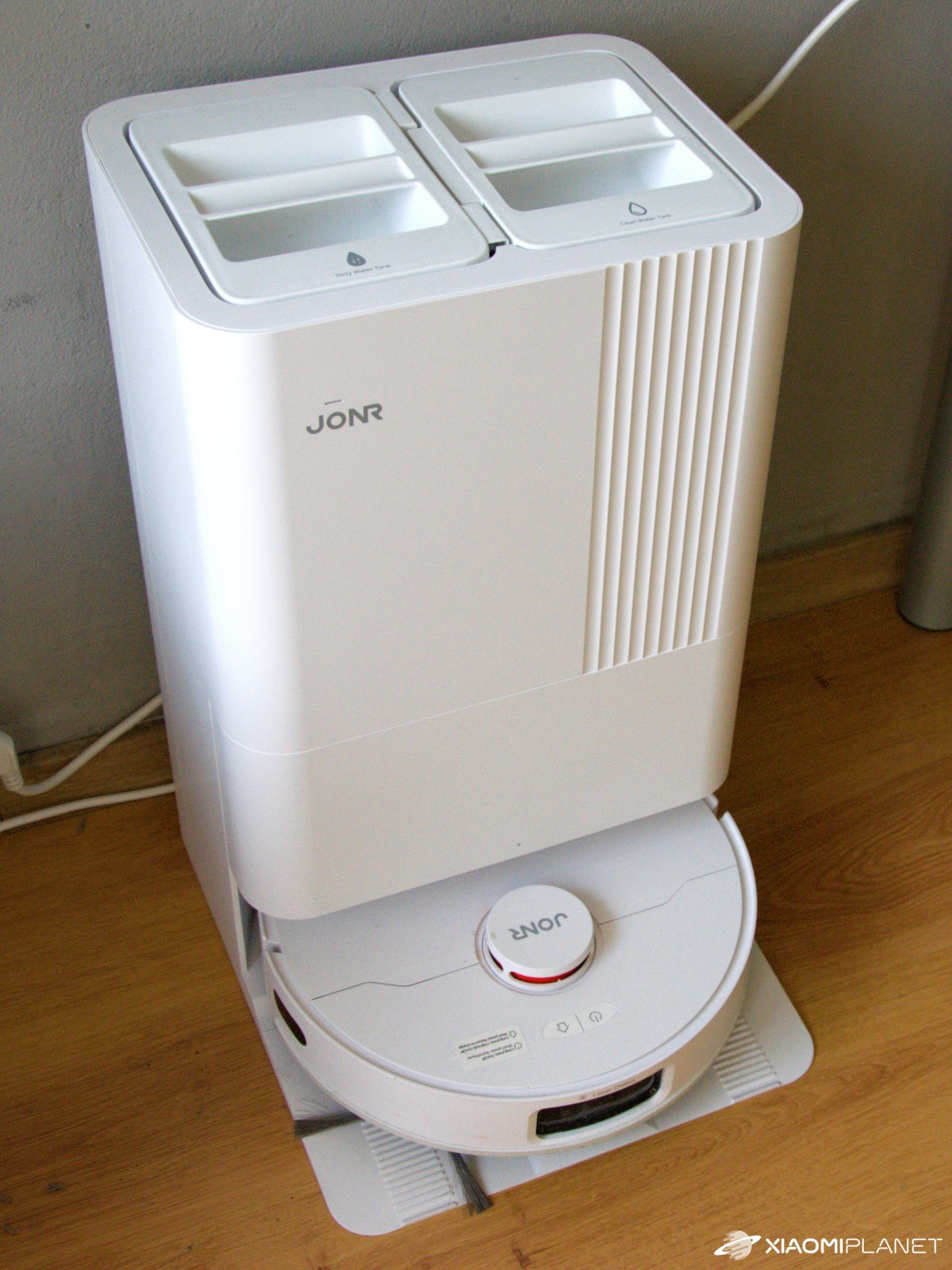
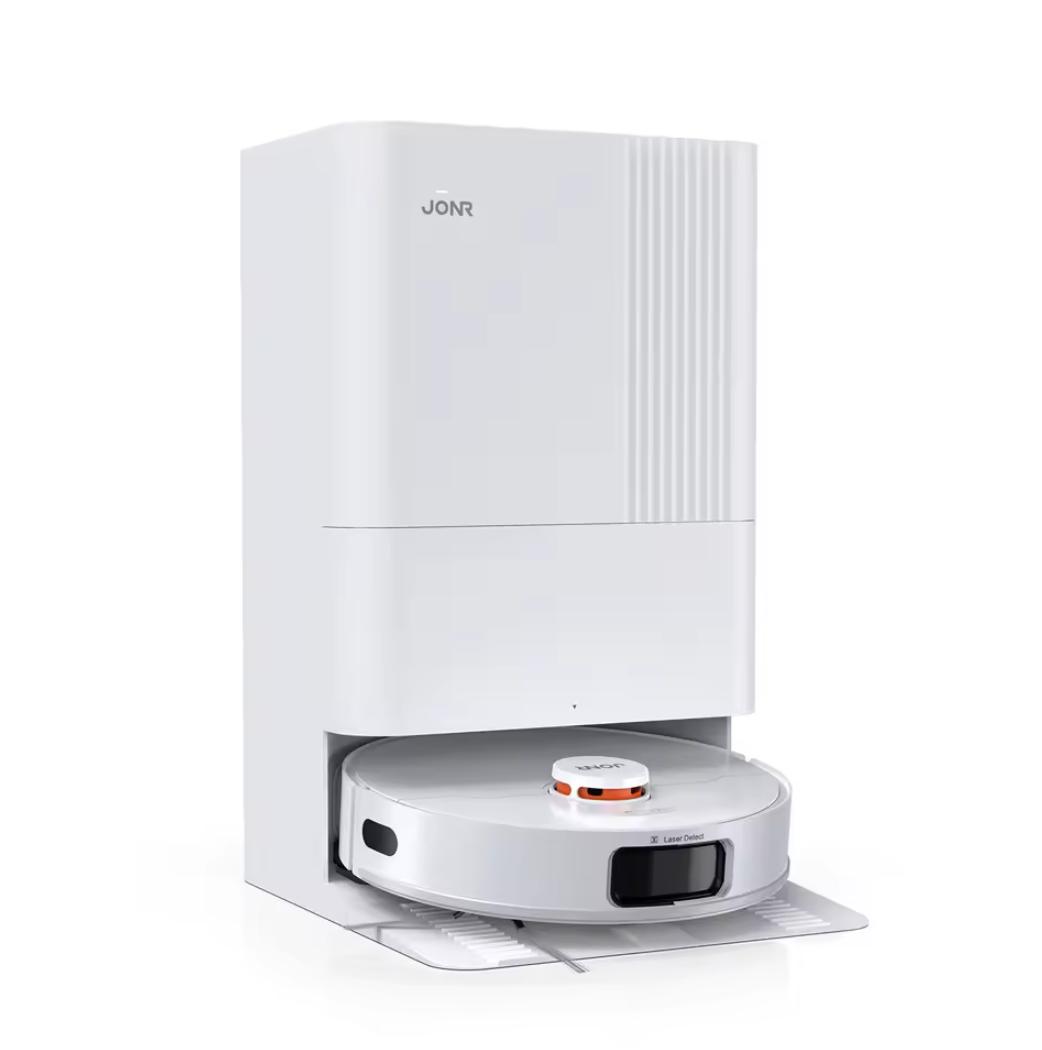
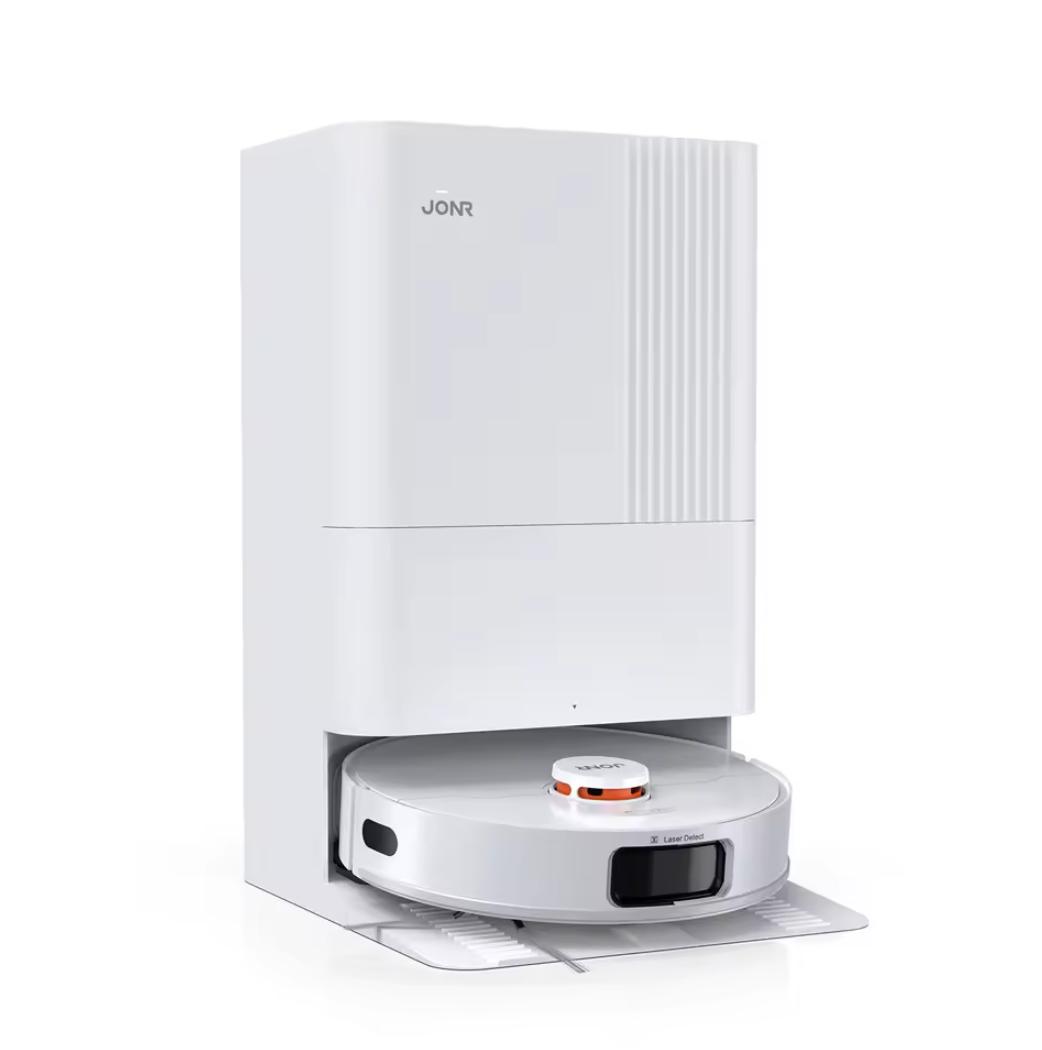
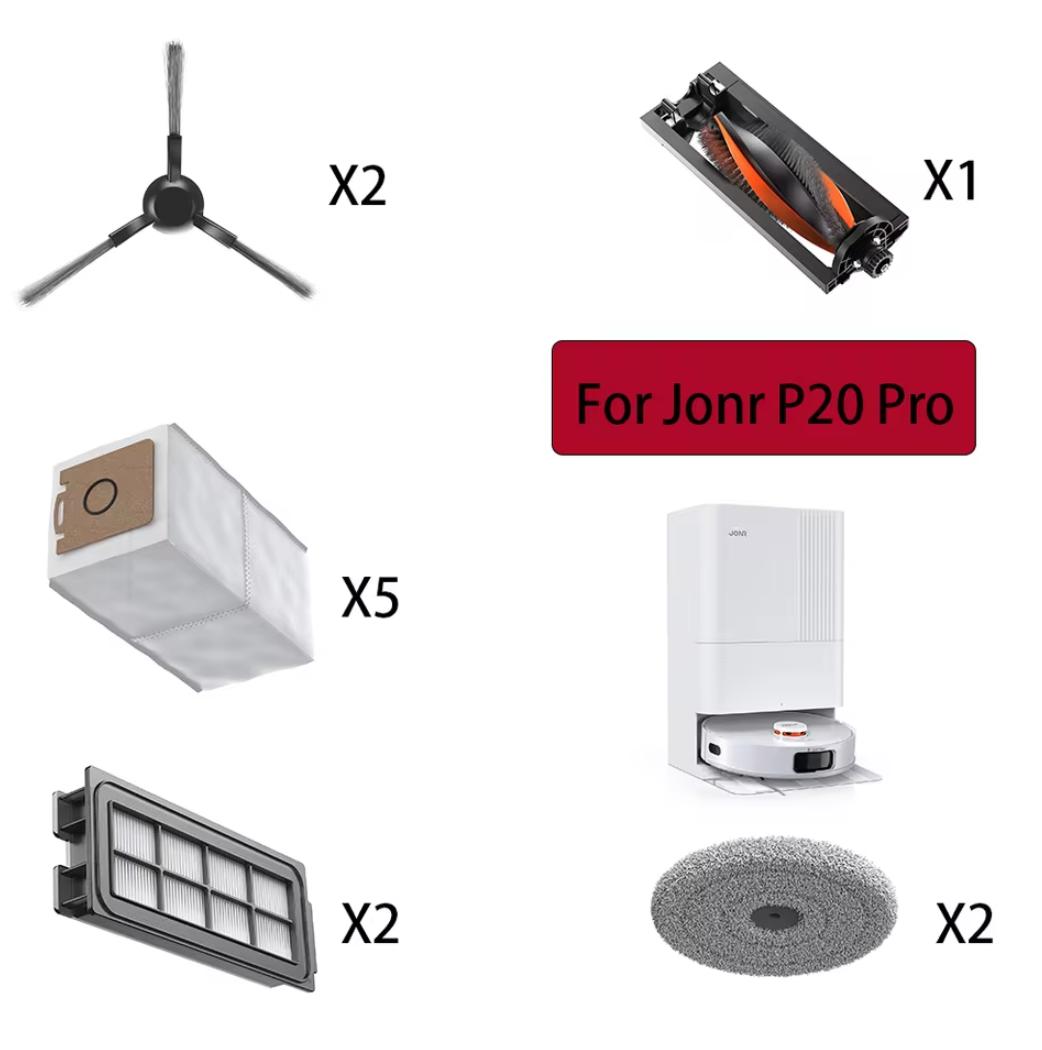
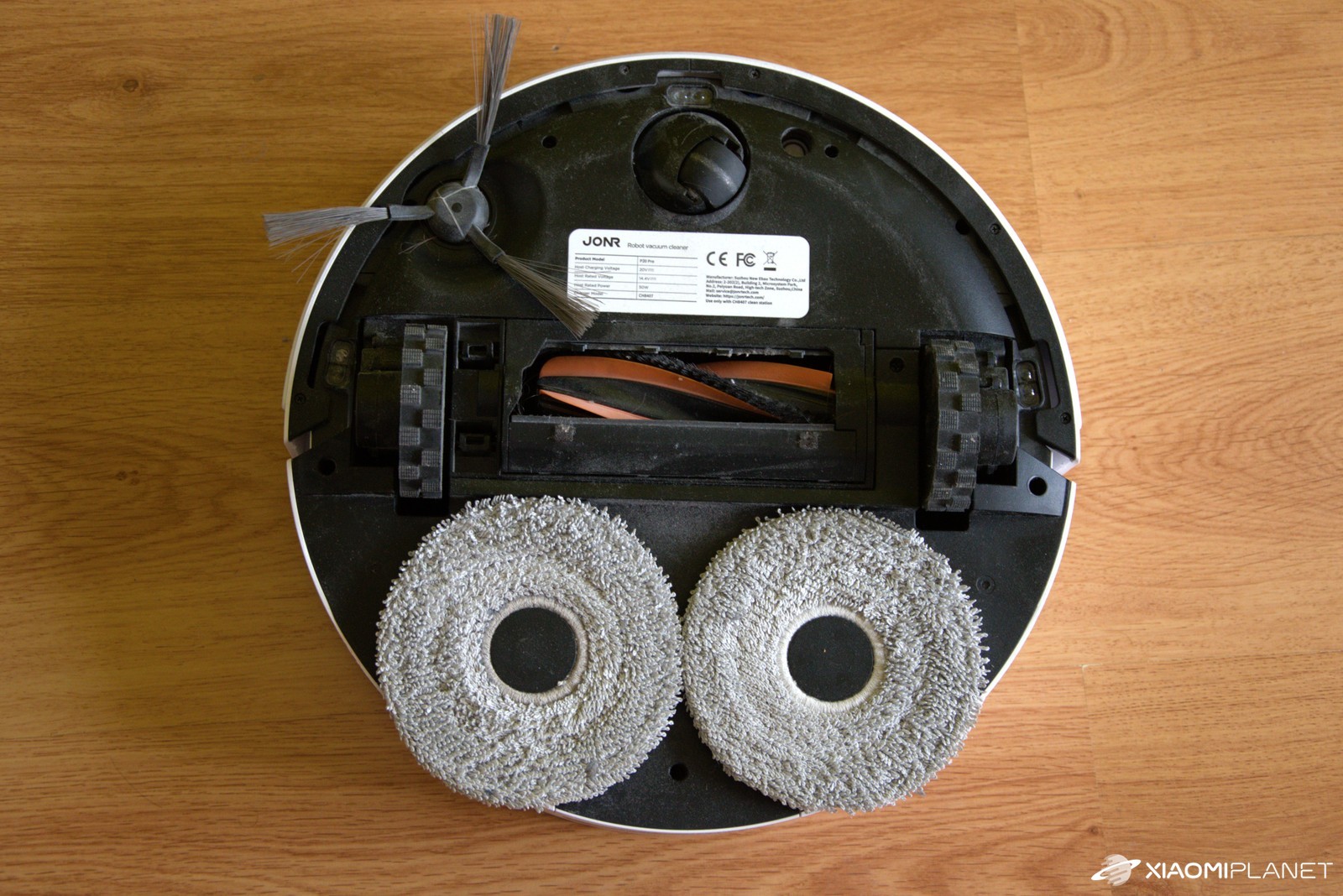
The docking station is fairly tall, but it doesn’t take up a lot of floor space. Connecting the tubes, tanks, and the ramp for the vacuum to enter the station is intuitive and takes no more than a minute. In the box you’ll find the main bristle brush, a side broom, and a pair of mop cloths. Replacement parts are very easy to order cheaply directly via AliExpress.

Installation, first mapping
JONR P20 Pro connects to Xiaomi Home, which is a big plus for anyone who already has other devices in the ecosystem. Pairing is simple: you connect your phone to the robot vacuum’s Wi‑Fi, and then it connects to your home network. Just follow the short and straightforward steps shown on your smartphone’s display.

The first mapping of a three-room apartment took about 10 minutes, which is very fast. The robot can map “dry” (without vacuuming) or map and clean right away. The maps are automatically split into rooms; in the app you can rename them, split/combine them, and save, for example, multiple floors. At one point, when it was clearly disoriented, it started creating a new map—cleaning the sensors and restoring the original map helped.
Vacuuming and mopping
The in-app user experience is at a high level not only on Android but also on iOS. We tested both versions. All cleaning options are available with practically one click. You get modes Vac, Mop, Vac+Mop at the same time, or “Vac then Mop”. There are 4 suction levels (Quiet / Standard / Strong / Turbo) and 3 mop-moisture levels (Low / Medium / High).

Noise increases with power—Quiet is very quiet and from another room it’s almost unnoticeable. Standard lets you have conversations or watch TV without turning the volume up. With Strong / Turbo, it’s a bit louder, but the results are worth it, and even larger crumbs that the vacuum would only push around on weaker modes disappear from the floor. The robot’s speaker has English and tells you what it’s doing.

You’ll learn the reasons for a pause, it informs you when it returns to the dock for mopping, announces the start of emptying, or charging. After a long period of inactivity, the robot can power off to save battery. You can also choose a movement style—daily (fast), standard, or dense (intensive with overlaps) – that’s what we used.
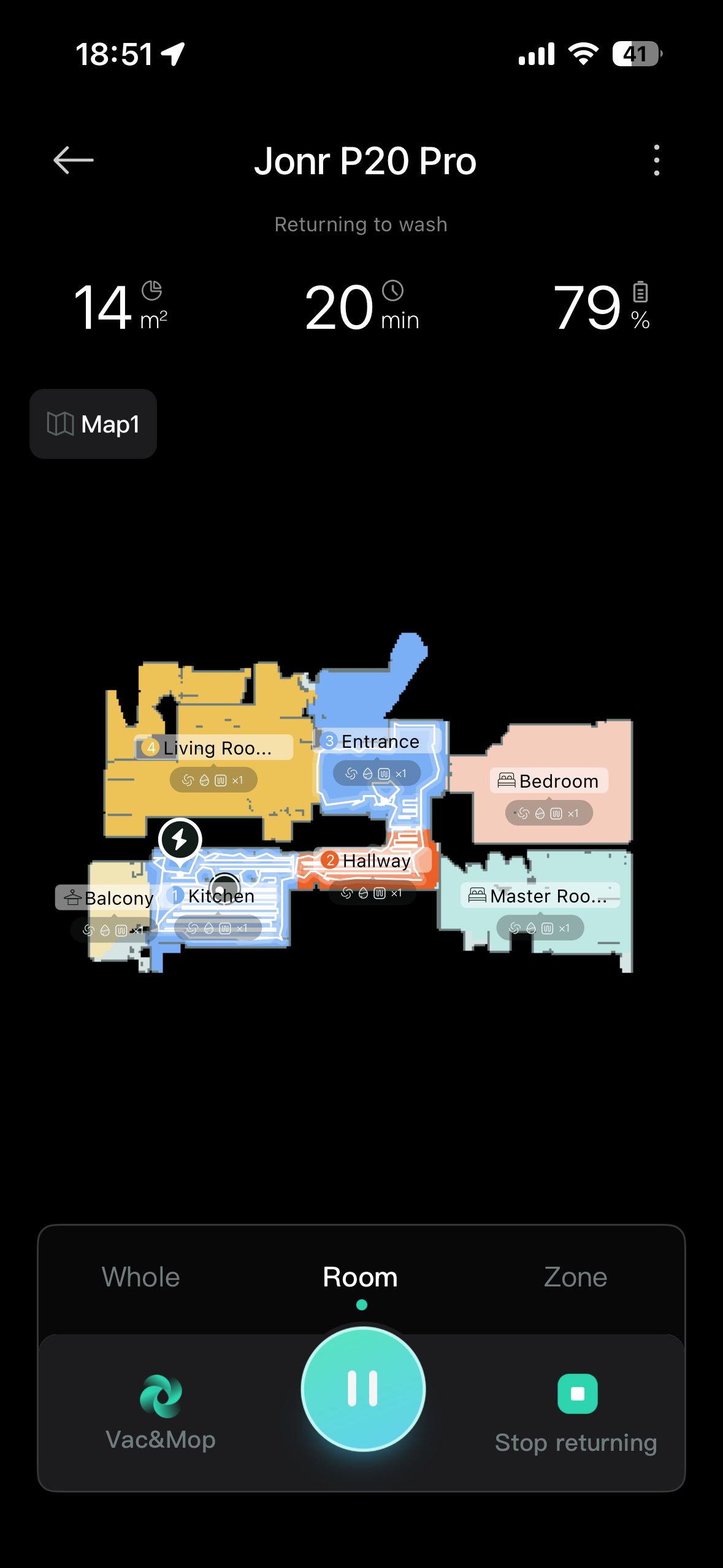
In the cleaning plan, you predefine the room order, number of passes (1×/2×), and how it behaves on carpets. You can decide whether to completely avoid areas with carpets, ignore only doormats, or alternatively enable high-performance mode for more reliable vacuuming on tougher surfaces. For mopping, there’s also the option for automatic mop lifting.
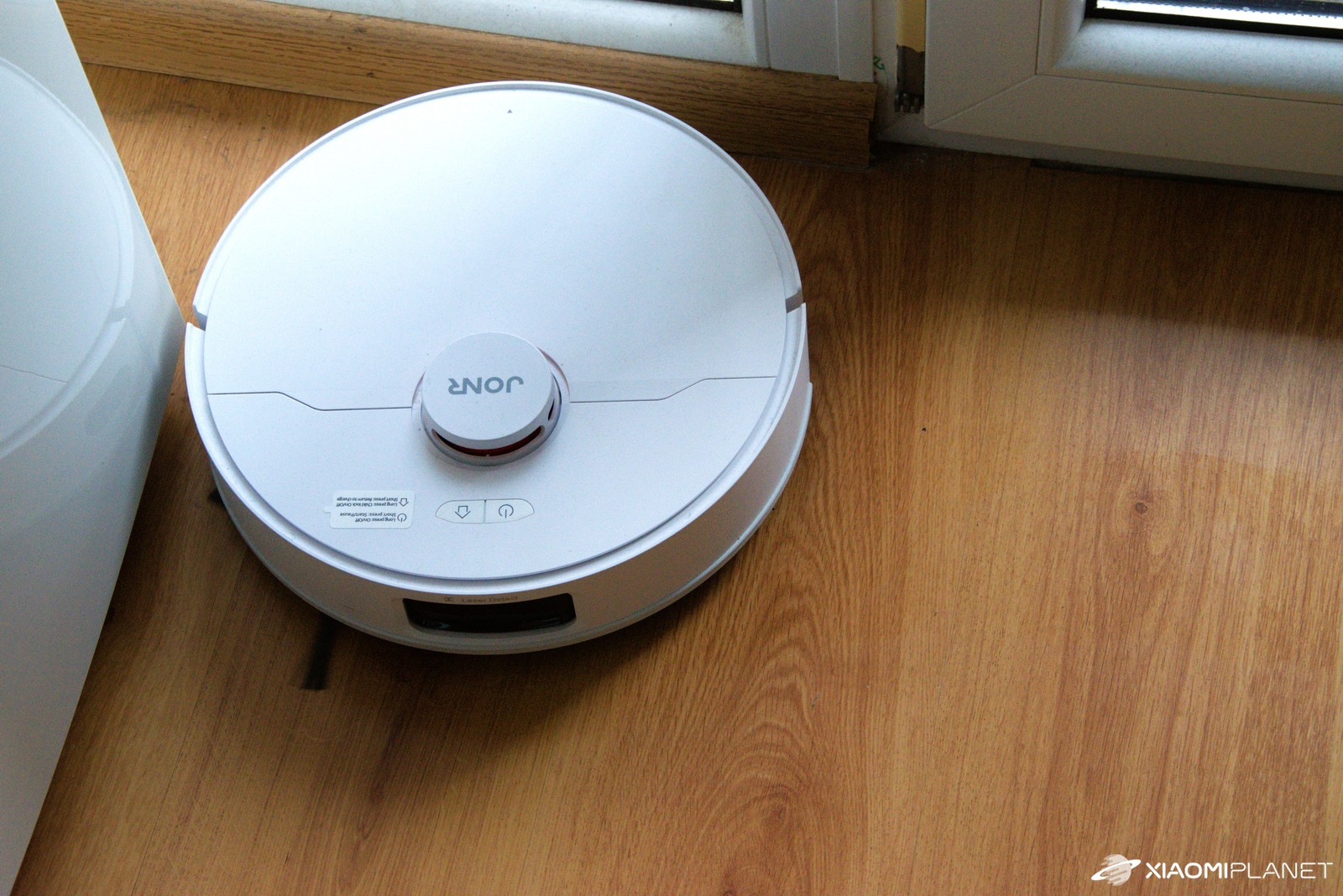
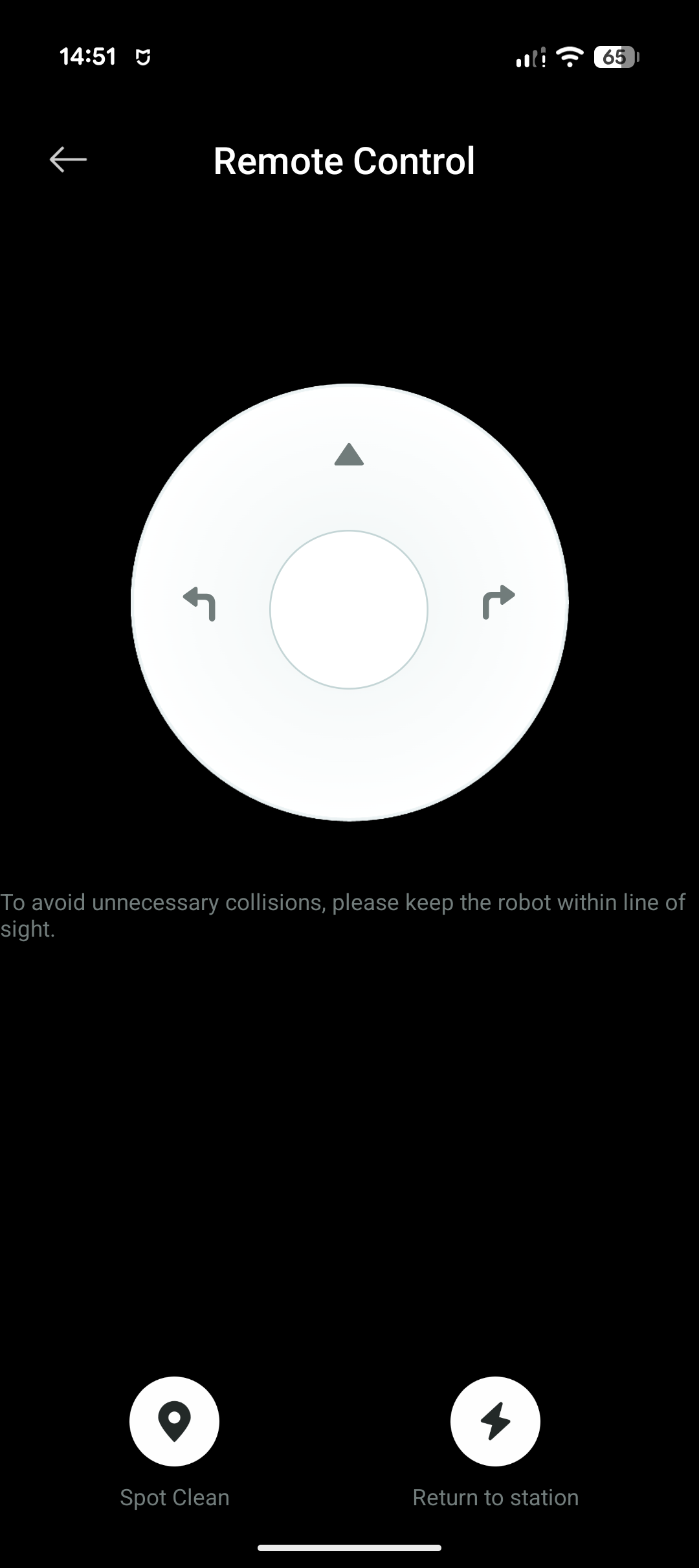
On a carpet with very short pile, Carpet Boost worked reliably. Even though we set it so that when mopping the robot automatically lifts the mops on the carpet, we observed inconsistent behavior.
It vacuumed over the carpet sometimes, and on other occasions it lifted the mops. In some cases, the robot would lift them periodically and then continue mopping the carpet. We had to interrupt the task in the app and set it to dry cleaning only. For safety, we therefore recommend putting carpets into a “no-mop” zone or turning mopping off completely in that room.
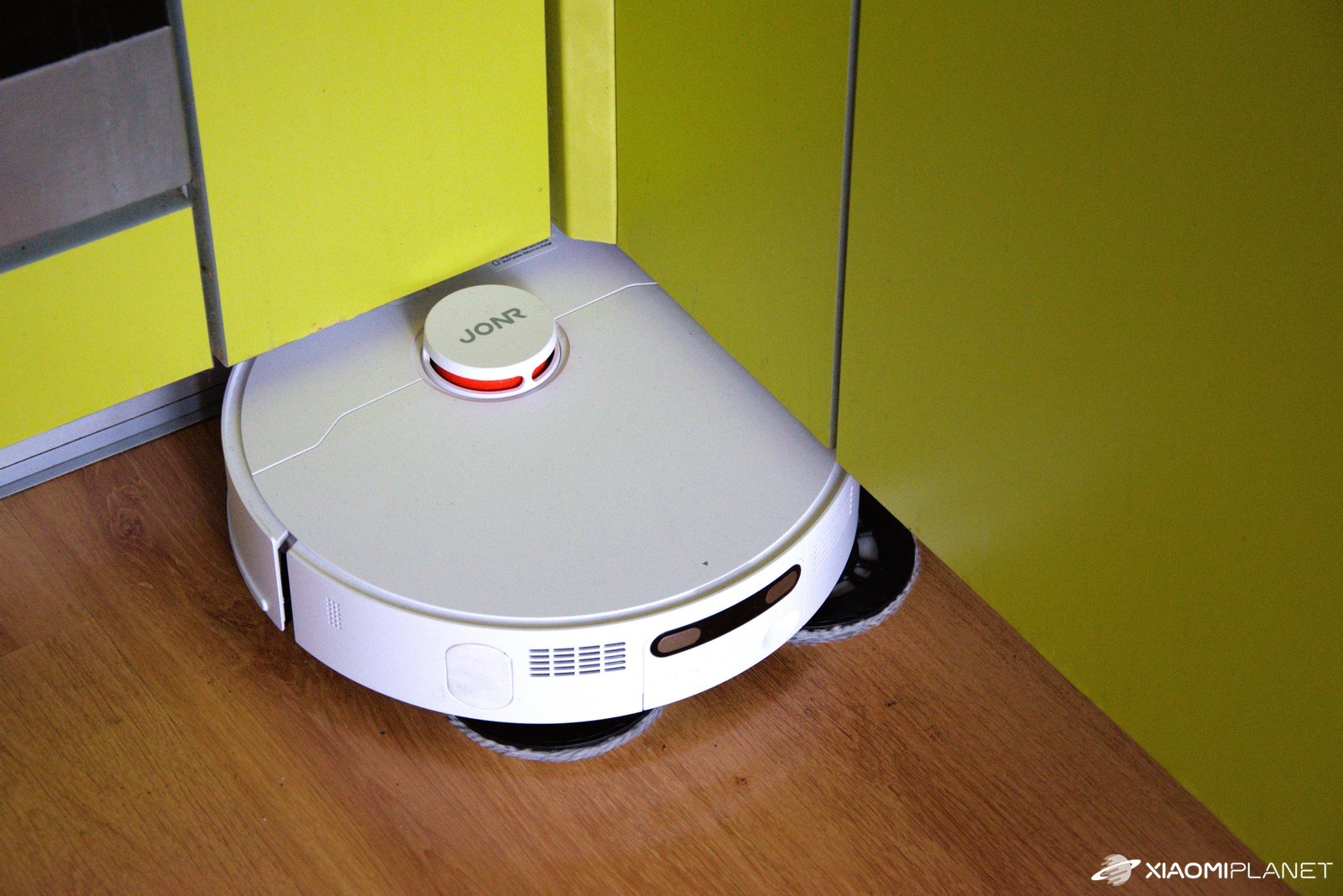
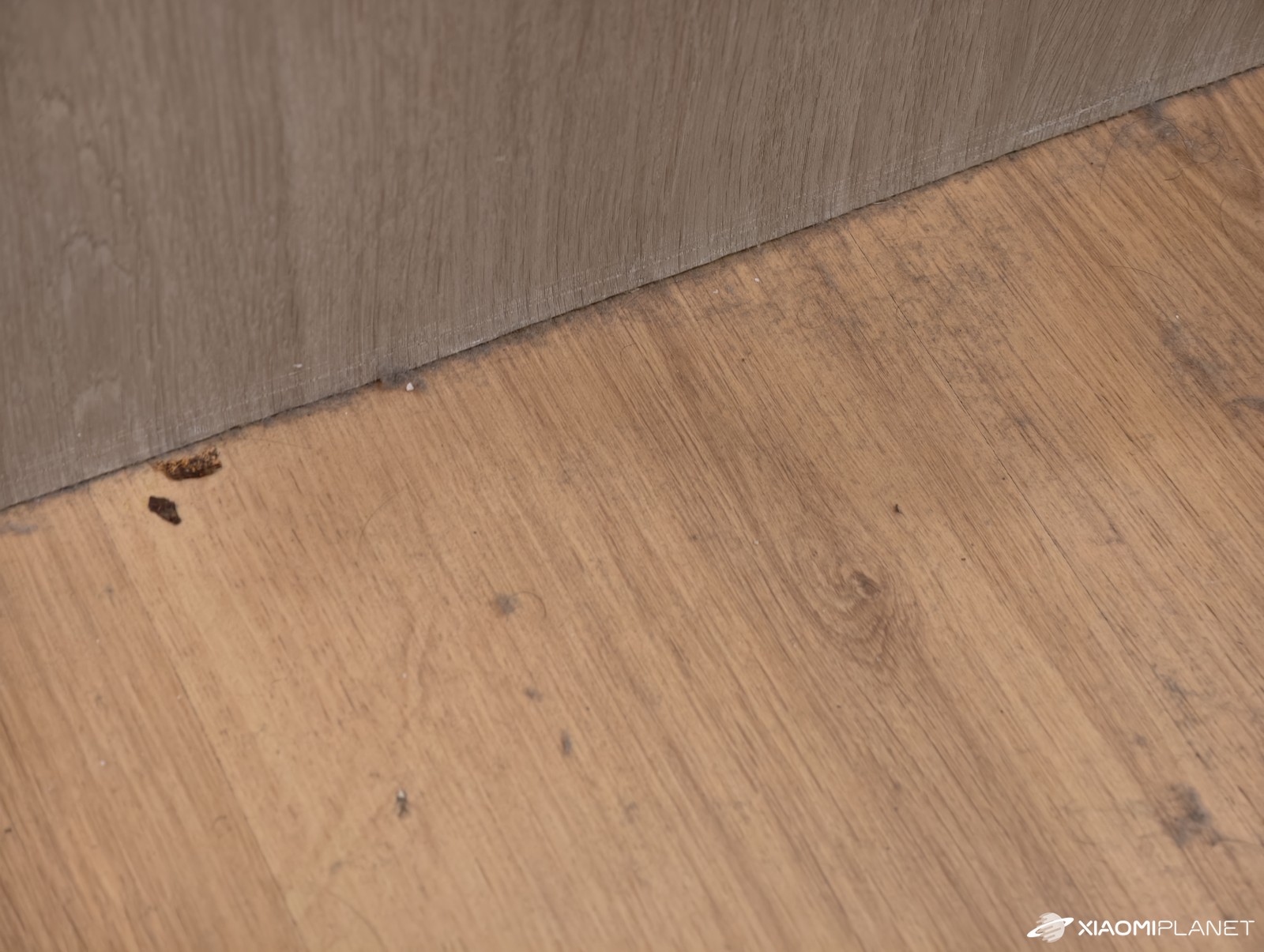
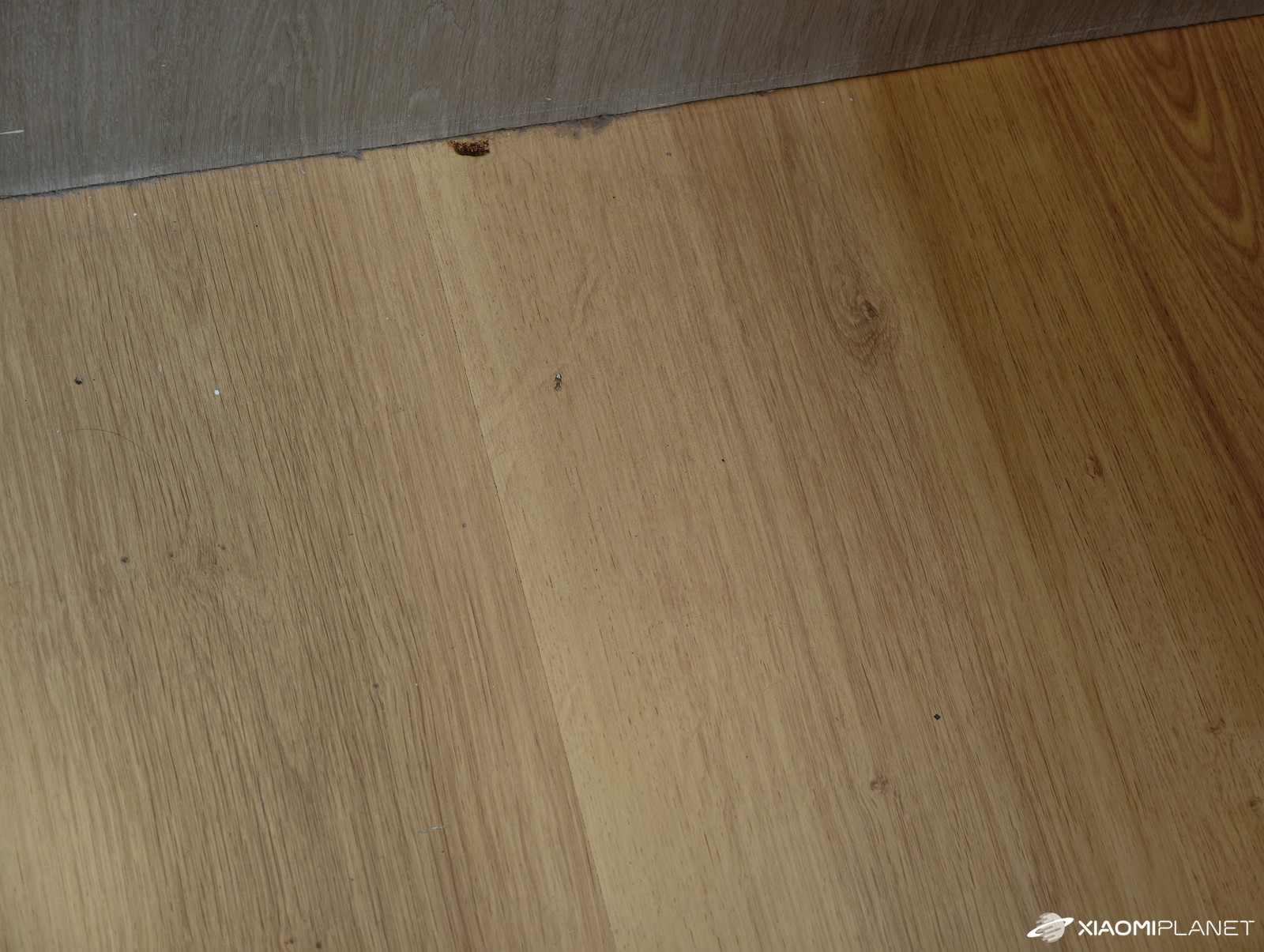
JONR P20 Pro has a side, extendable mop that slides out when driving along baseboards to clean the full edge. The effect is visible, and the walls don’t get wet as a result. However, you need to keep in mind that with the mop extended, it moves more slowly. On paper, the JONR P20 Pro offers up to 8 000 Pa, which is truly a great value in the under-€300 price category.
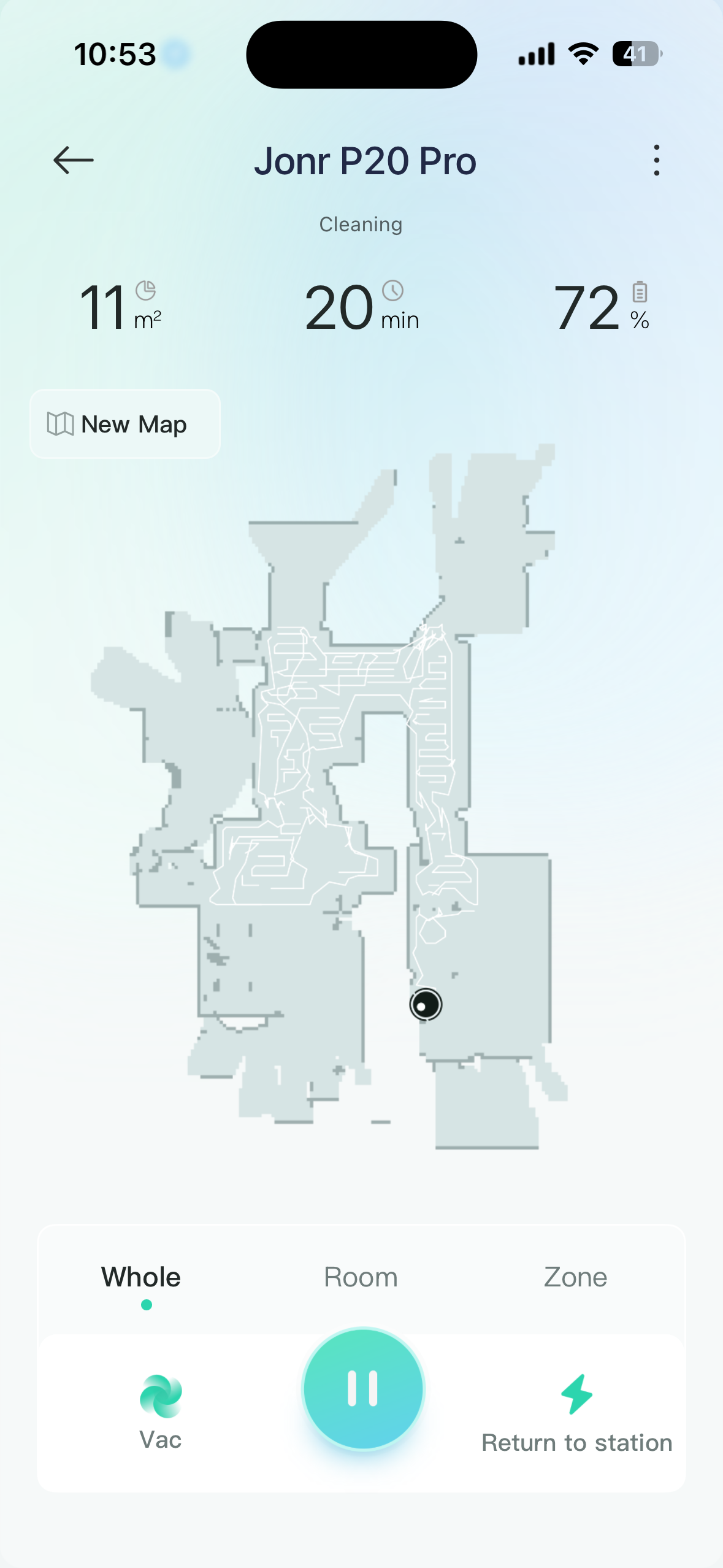
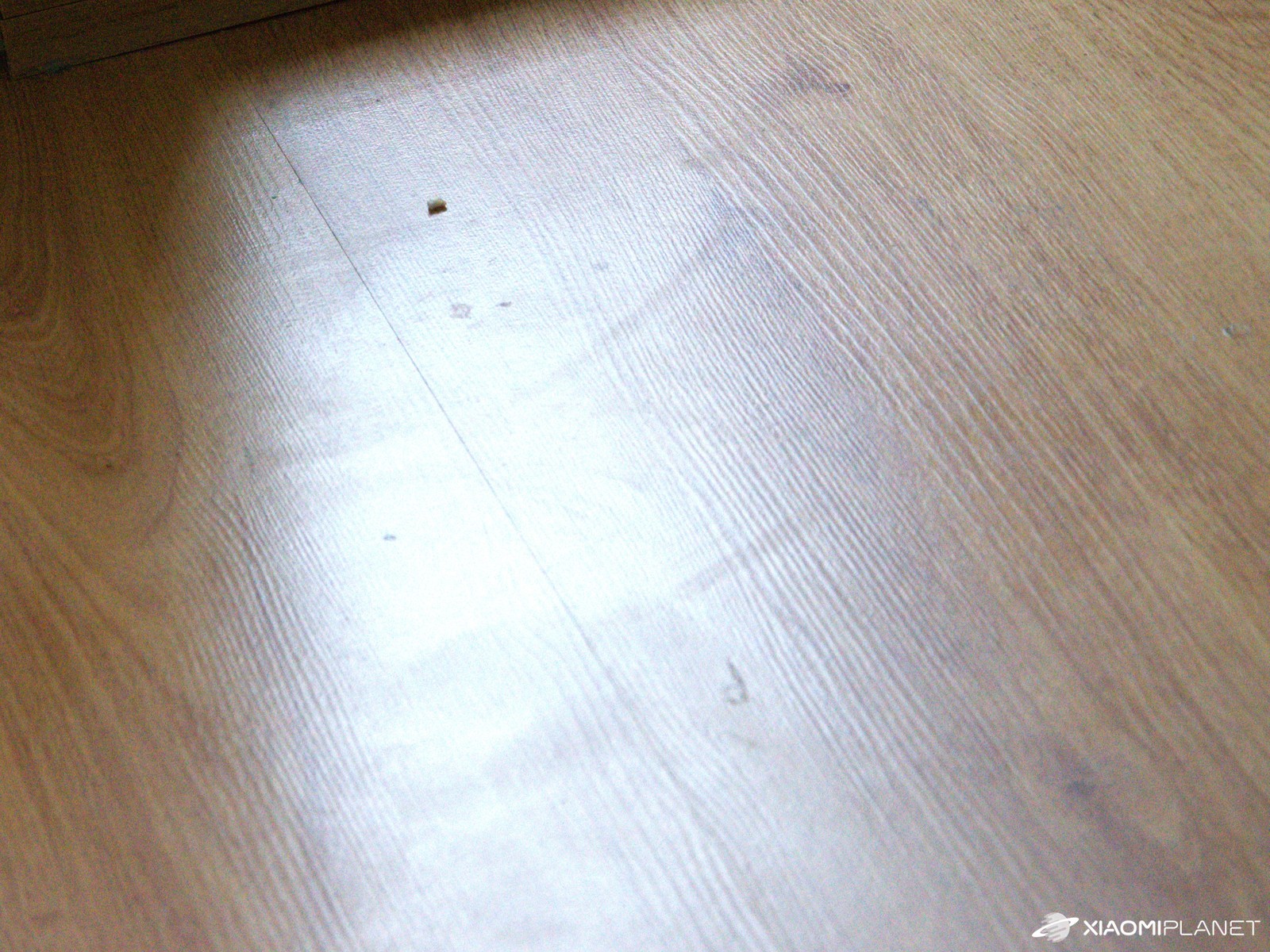
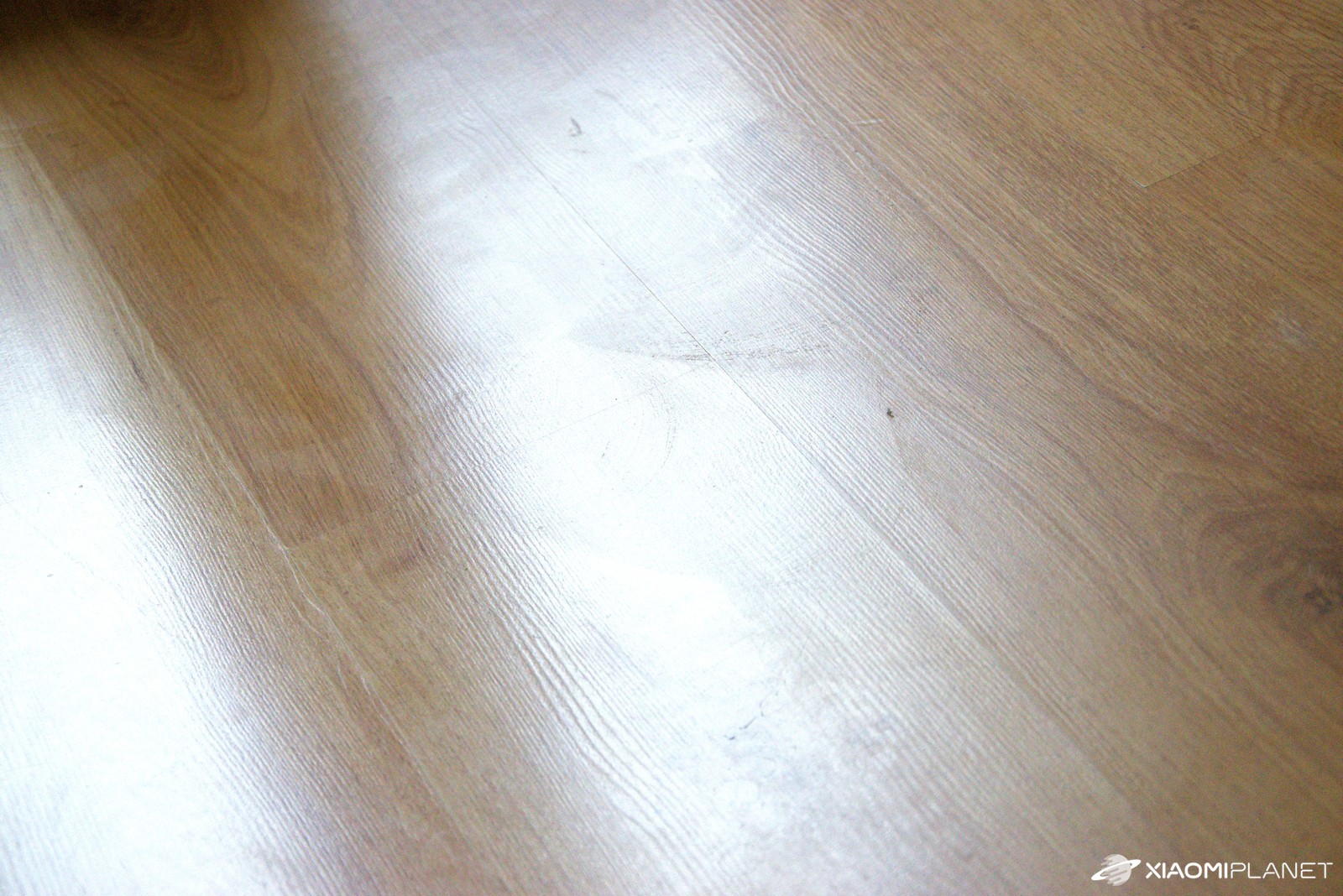
For normal dust, crumbs, and other small messes, it’s completely enough—especially if you choose Strong and denser vacuuming. Fresh stains (e.g., sauce, ketchup) were first spread out by the robot, and then wiped up with heavy wetting, but fine streaks remained. For old, dried-on marks, it wasn’t enough—even when slowing down and doing intensive tracing.

Original cloths slightly shrink after several cycles and lose their smoothness. We recommend washing them in the washing machine from time to time and considering non-original, softer replacements. Our readers and fans recommend buying mop pads for this vacuum—Xiaomi Robot Vacuum X20+—as they’re thicker, have a longer pile, and provide better pressing force.
According to their experience, mopping is much more effective. You can buy the mops using this link. On rough balcony tiles, it picked up lots of dust from outside, but a few unclean spots remained in the corners, since the robot has a round shape.
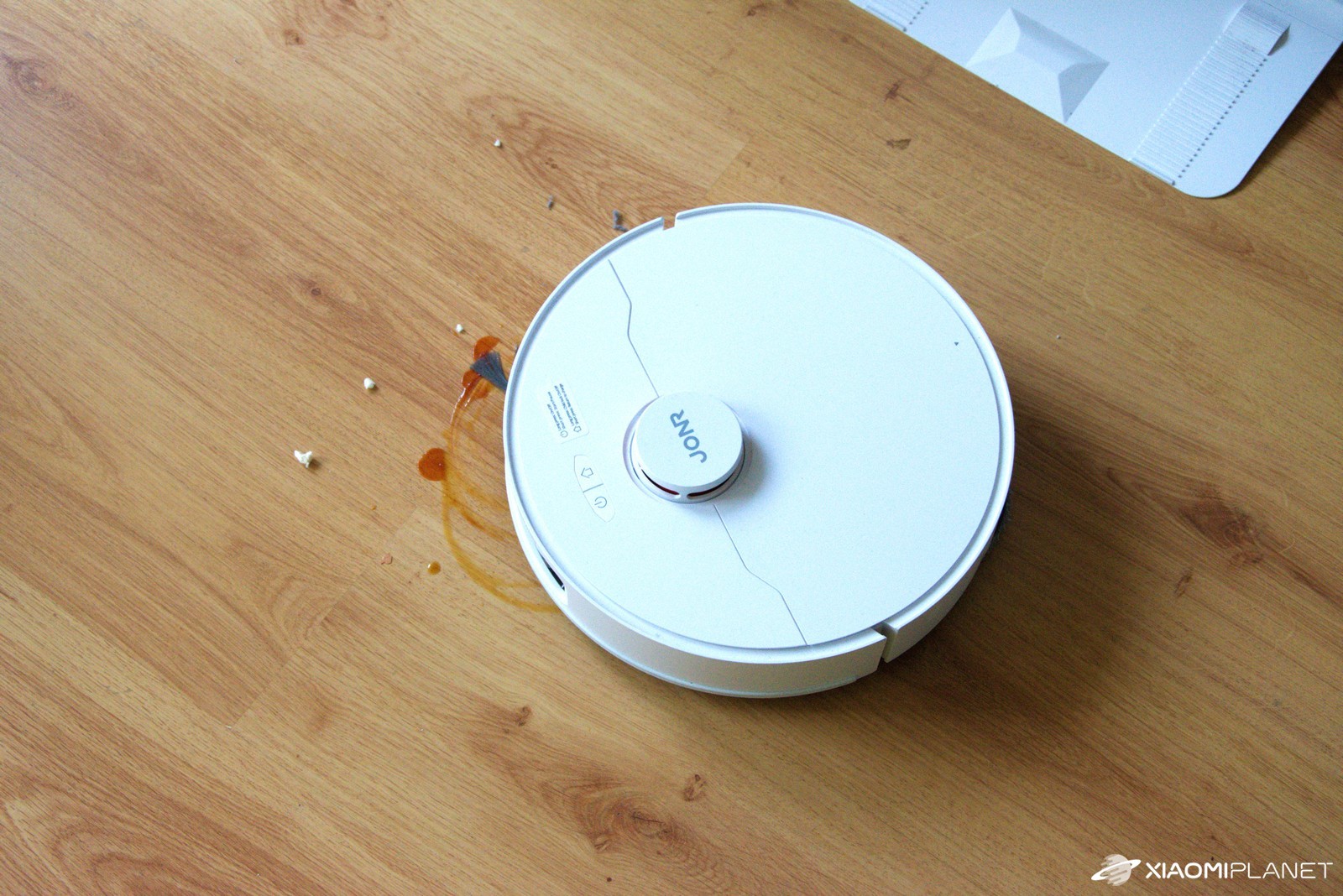
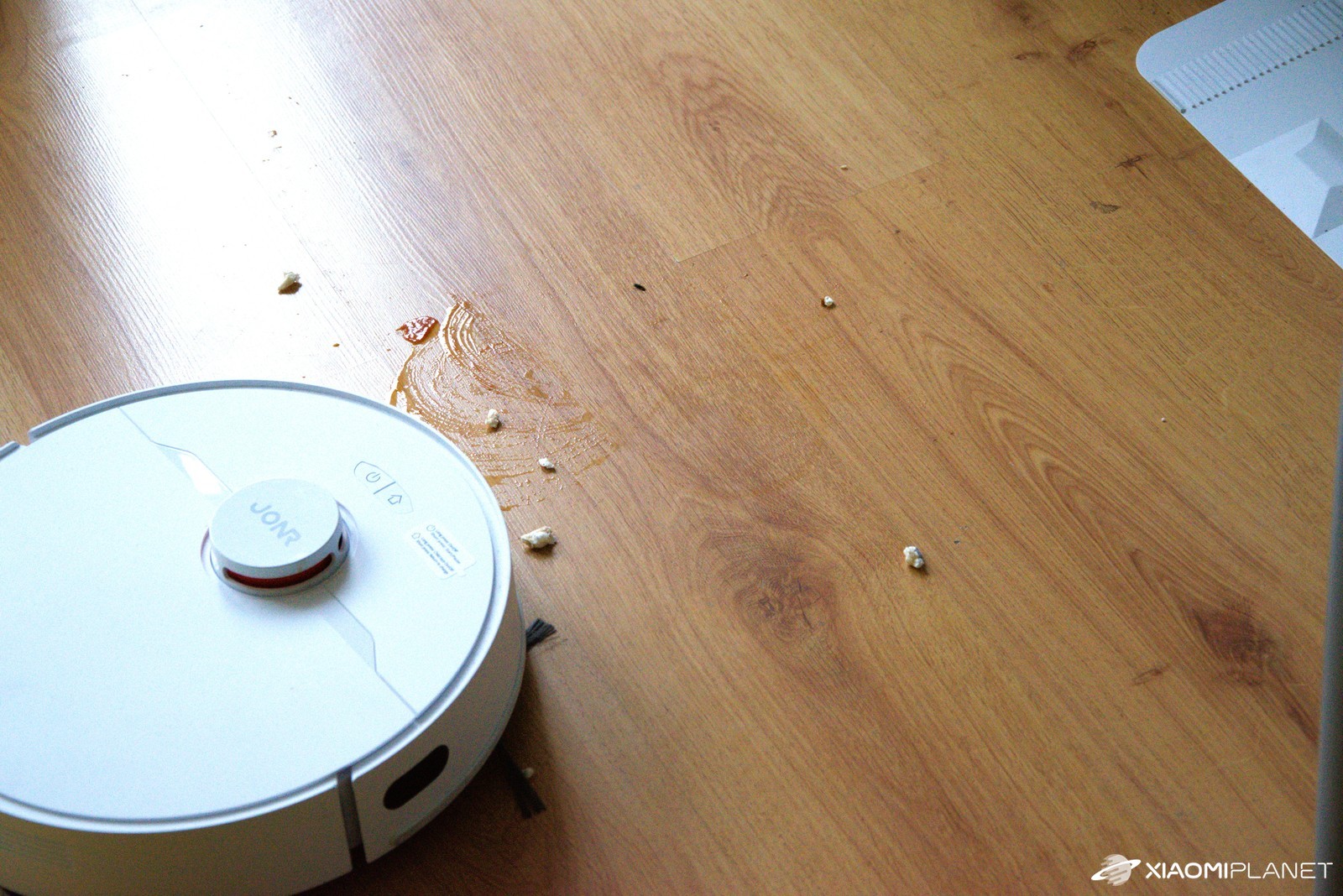
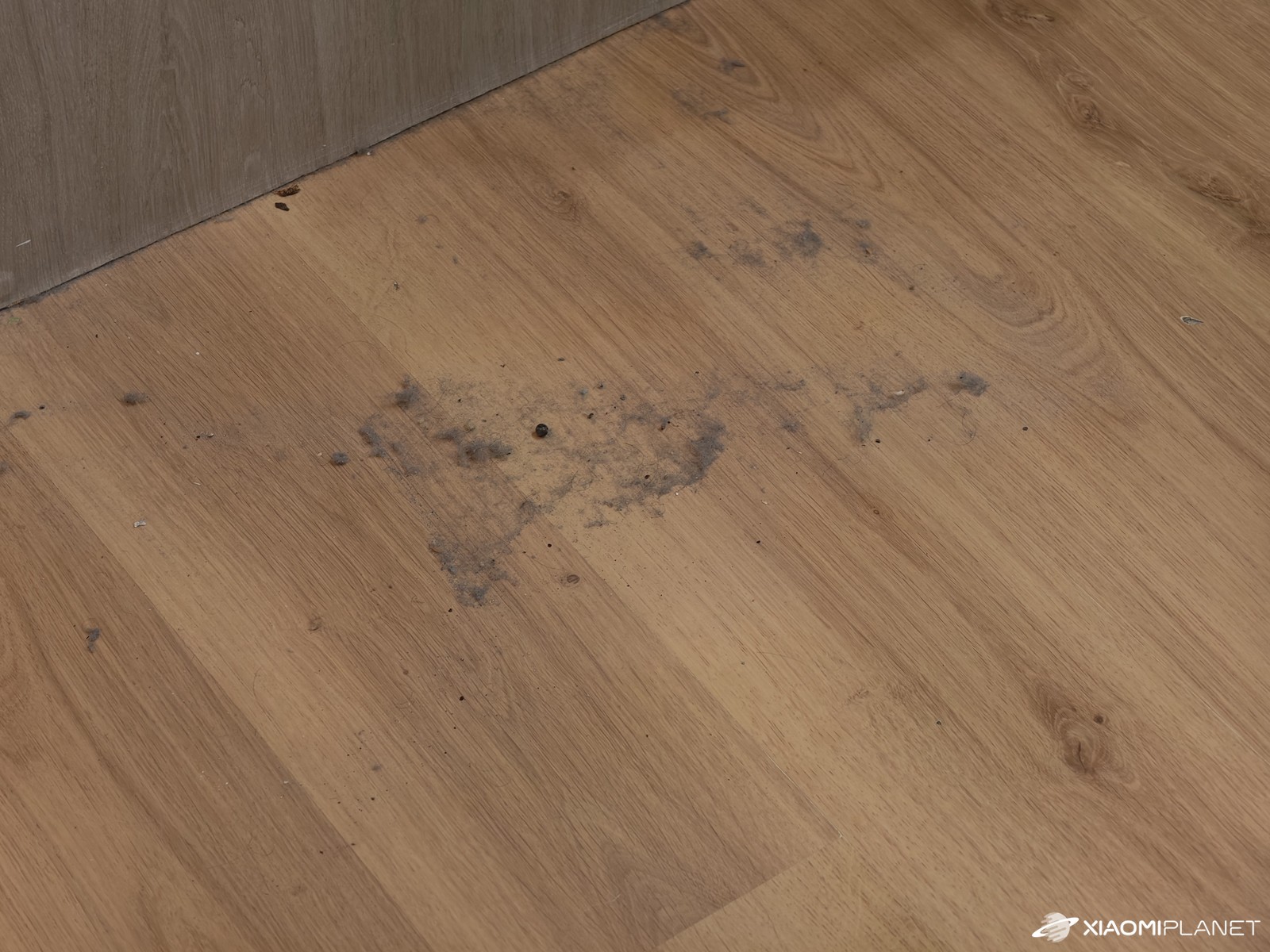
Larger dust particles or crumbs sometimes get pushed or blown further away by the brush, and once the vacuum has already been in that area, they simply stay on the floor. A great example is, for instance, nuts or popcorn. Even a piece of a nut got stuck in the lower brush and caused inefficient vacuuming. We’ve come to love daily scheduling for vacuuming the kitchen and hallway—during workdays at 12:00 when we’re not at home. We set it to Quiet mode, but we’ll probably have to switch it to Standard at least.

After we got back, it was really obvious that it had been vacuuming, even though sometimes a small speck remains—especially when the brush blows it off its path. For more mess, we recommend “Vac then Mop”: vacuum at least with Strong mode and mop on Medium, if you don’t want the floor to get too wet.
The main brush of the JONR P20 Pro is a bit narrower than some models from Xiaomi and Roborock, but surprisingly fewer long hairs get tangled in it. On the other hand, the side brush likes to wrap hair—so count on occasional disassembly and cleaning.




Smart station: emptying, washing, and drying
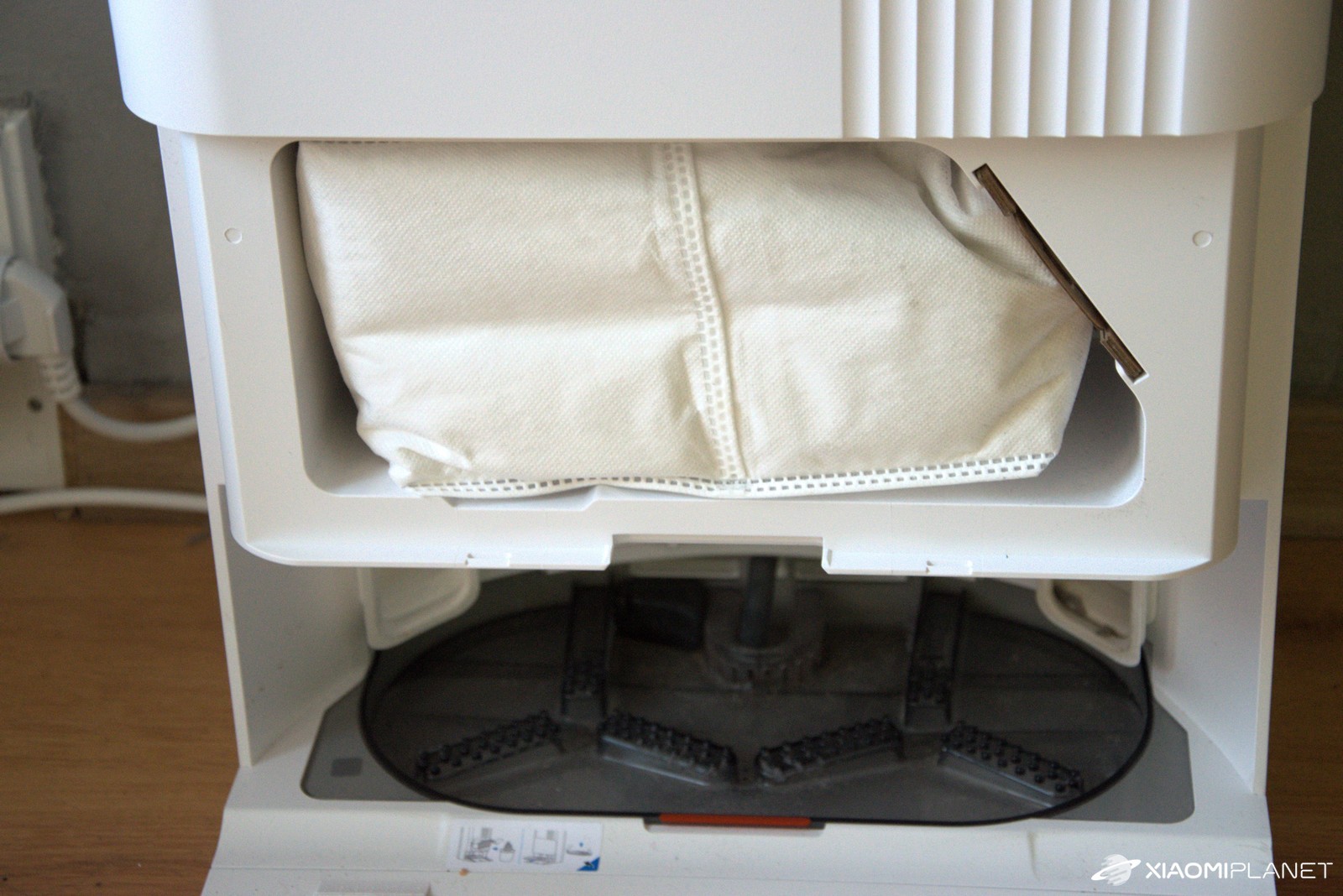
The big selling point of the JONR P20 Pro is its station with advanced features that are definitely not a given in this price bracket. It handles automatic emptying of dust from the dust bin, washing the mops, and drying them.
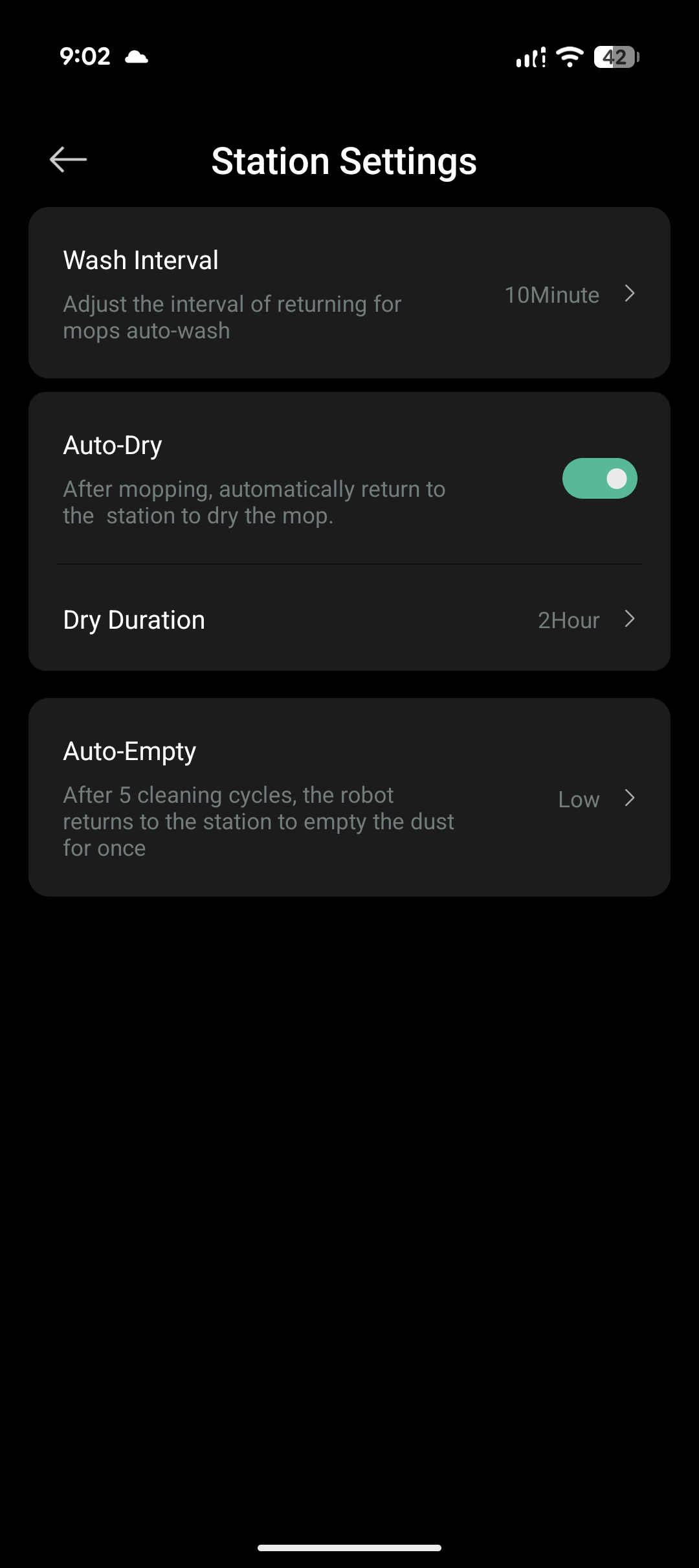
Since the vacuum itself doesn’t have a water tank, the mops go to get washed and soaked quite often. You can set the wash interval to 5 / 10 / 15 minutes. For larger apartments or houses, we recommend 5 minutes, otherwise with a more intensive mode the mop can slightly dry out too much. Most of the time, washing every 10 minutes was enough, but it was already on the edge.
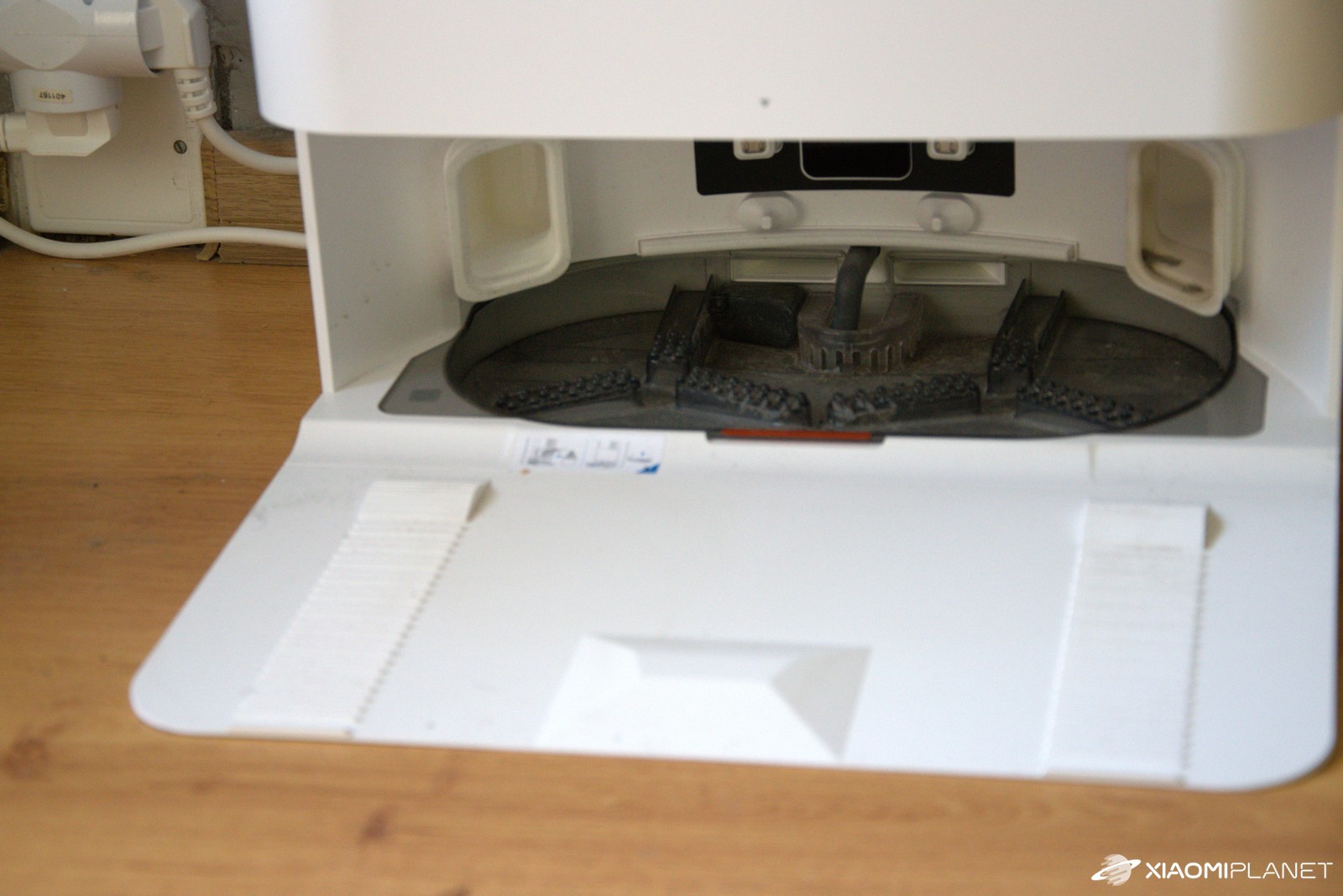
You choose mop drying for 2 / 3 / 4 hours, and you can also turn it off, but we definitely recommend keeping the auto-dry function enabled; otherwise, the mops will stay damp and may start to smell. Emptying the dust bag can be needed after every cleaning session—every fifth time or even just manually.
Based on experience, we recommend emptying it after every cycle—when the dustbin is full, the robot tends to blow fine dust back into the room and the container fills up relatively quickly. If the dust container in the vacuum is already completely overfilled, you may have to loosen it at least a bit manually—otherwise the automatic emptying feature has trouble with it and it won’t be properly cleaned.

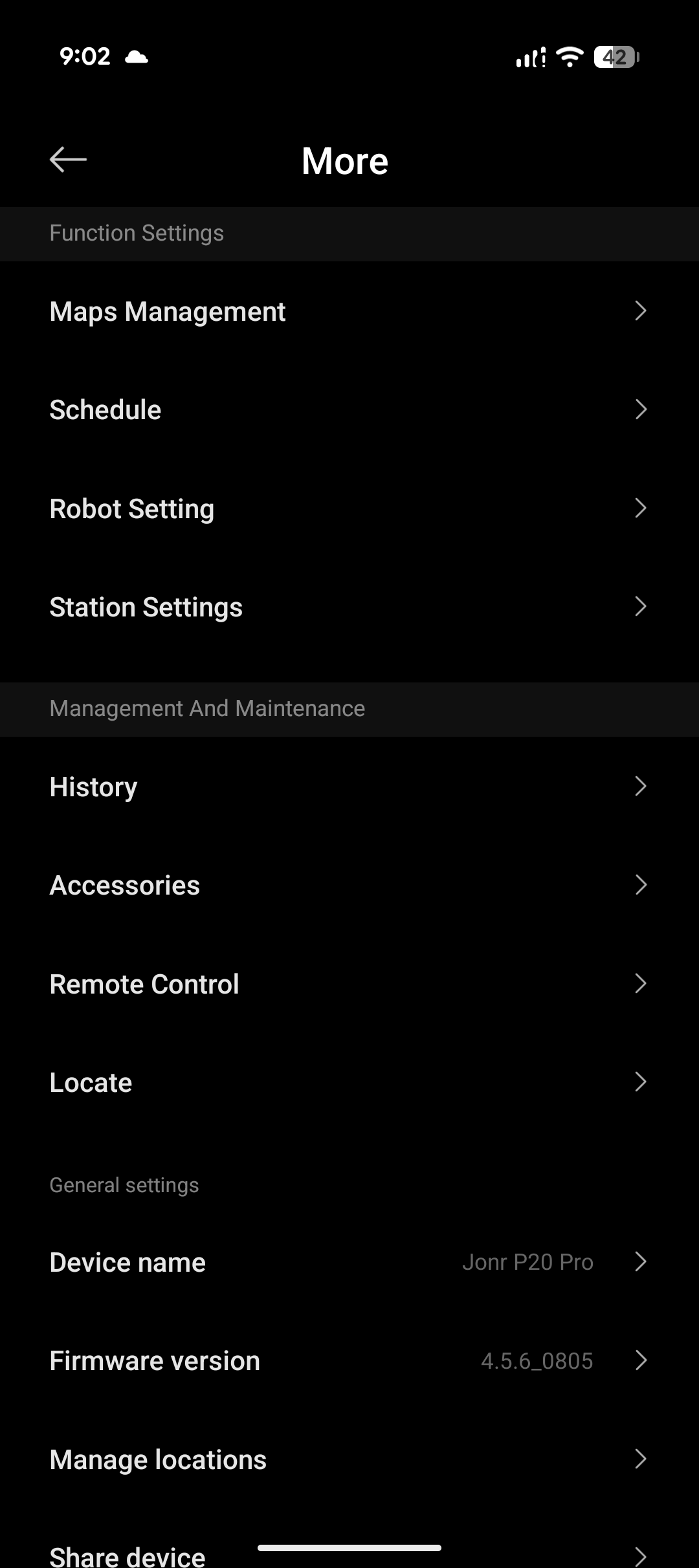
The app sends notifications when the dirty water tank is filled, or when the clean water tank is empty. It also reminds you about maintenance of the base itself. In the app, under Accessories, you can see how much time is left until maintenance, or until you need to replace individual robot or base components.

Navigation and obstacle behavior
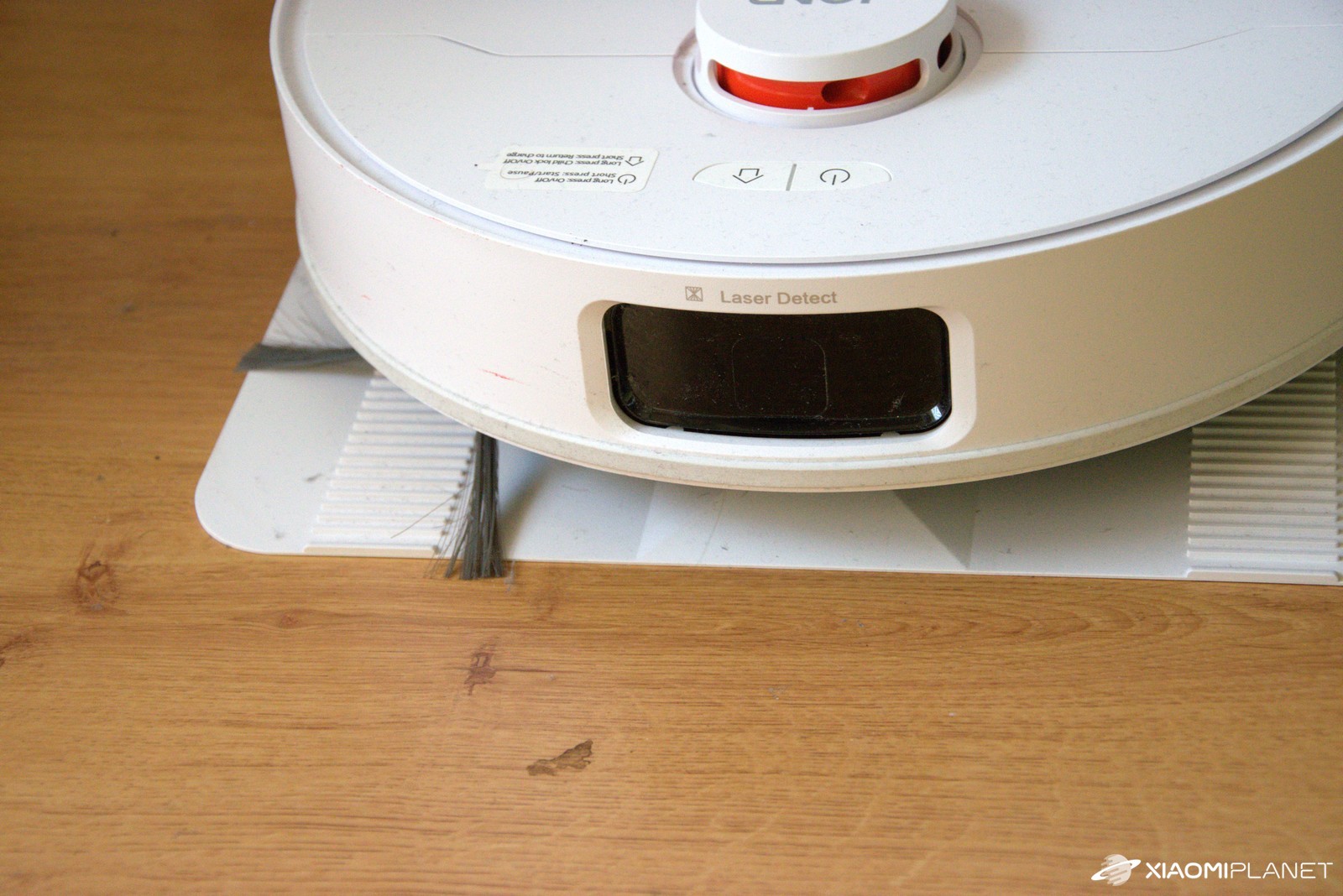
With a 360° LiDAR, it provides relatively accurate mapping, but the robot doesn’t have an AI camera to recognize objects. In practice, this means that small items are not avoided—they’re rather pushed. The cable can get tangled, and so can a shoelace and even a sock—it also has no problem wrapping them into its lower brush.
If that happens, the vacuum stops and asks for an intervention—you have to pull the object out manually, otherwise it won’t continue. After a pause, it takes about a minute to get oriented again and resume working.
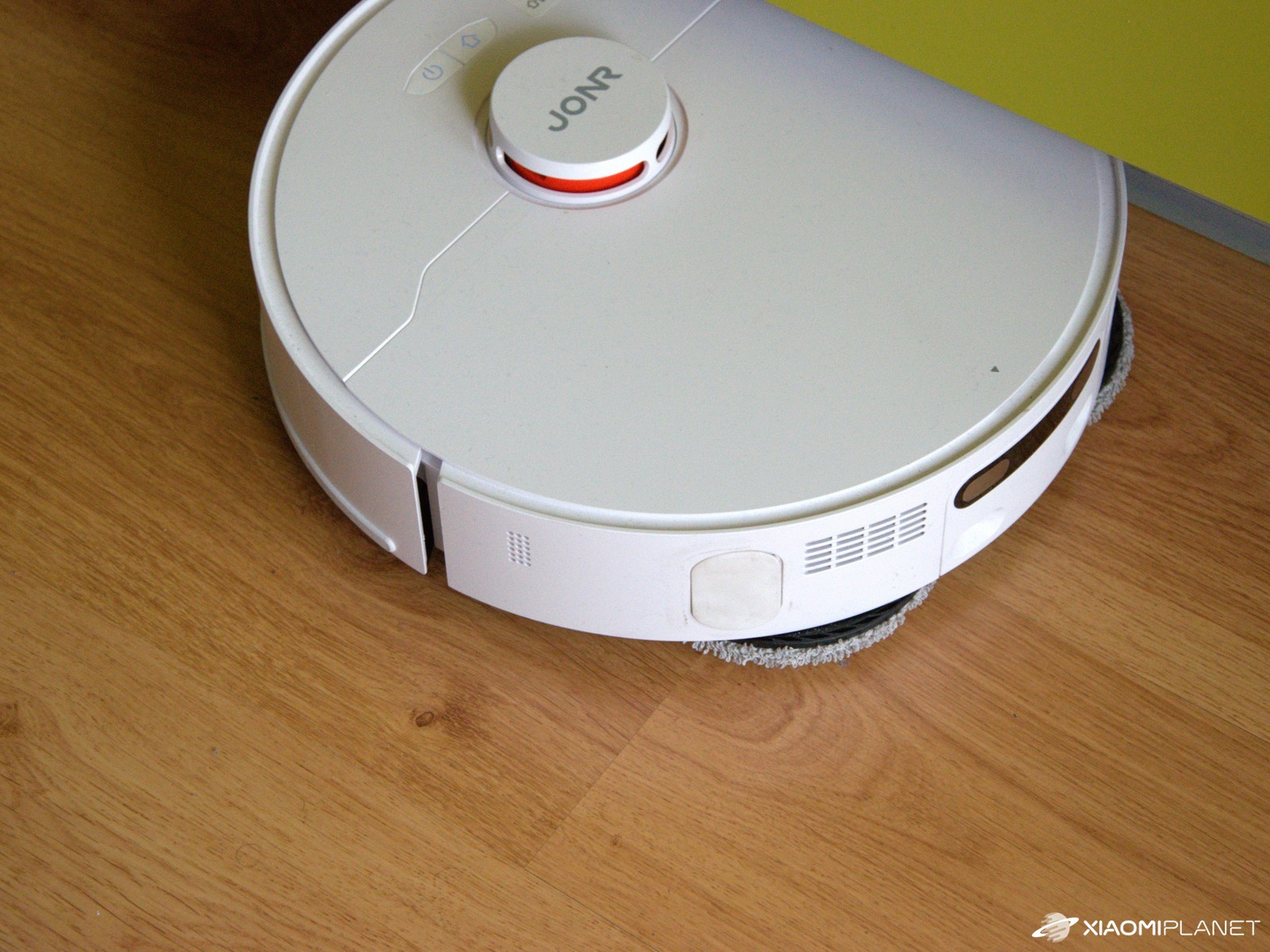
Returning to the base can sometimes take longer, especially when it was heading further into the apartment and had to get around more obstacles. So before vacuuming the whole place, we check the apartment to make sure nothing similar is on the floor. That’s also why, for daily vacuuming, we only choose the kitchen and the hallway.
After such a break, it takes about a minute for it to get oriented and resume the route. In tight spots, it can “think it over” again—typically under a table that has the exact width of the robot. It tries for a minute or two, and then gives up – luckily this happens only sometimes, not all the time.
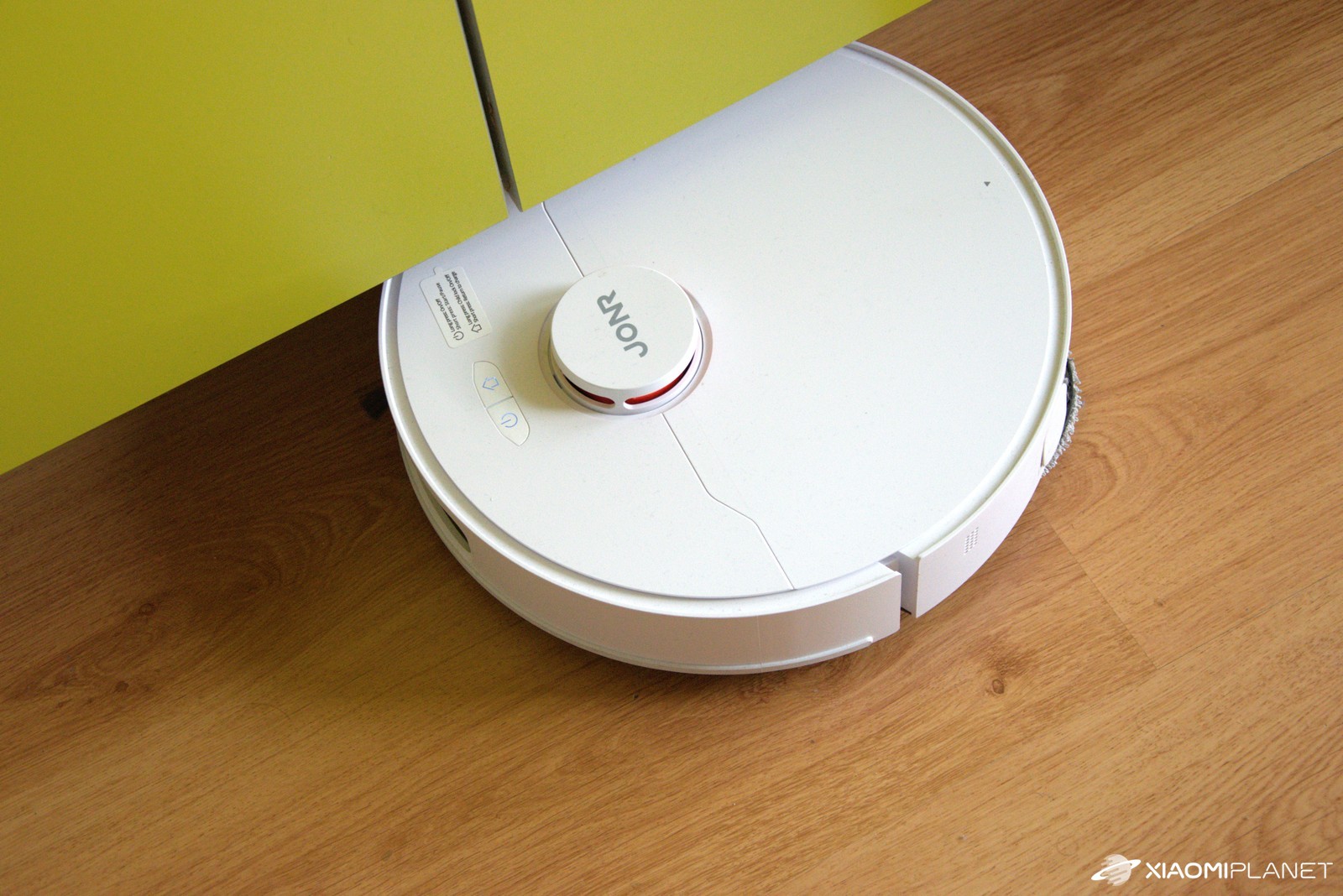
Due to the height of the tower, it didn’t get under the sofa—if you need to vacuum even under the couch, you have to look for models with a sliding LiDAR. To wrap up, we’ll mention a minor downside: slight issues when crossing small door thresholds. JONR P20 Pro, even though it doesn’t have the smallest wheels, struggles a bit on these small steps too.
Sometimes it passes them without any problems, other times it tries to overcome them for up to a full minute, keeps spinning around, and restarts. However, we noticed that it improved a bit over time. For our purposes, it’s not a decisive factor—we consider it important (for the given price) that it can get over them at all. The bigger issue is that it can take time, and watching the machine struggle sometimes isn’t exactly convincing.
Battery life and our measurements
Battery life varies depending on the surface, suction power, washing frequency, and many other factors. The manufacturer states up to 160 min (Vac+Mop) and 230 min (Vac) with gentle settings. Our real measurements in the apartment:
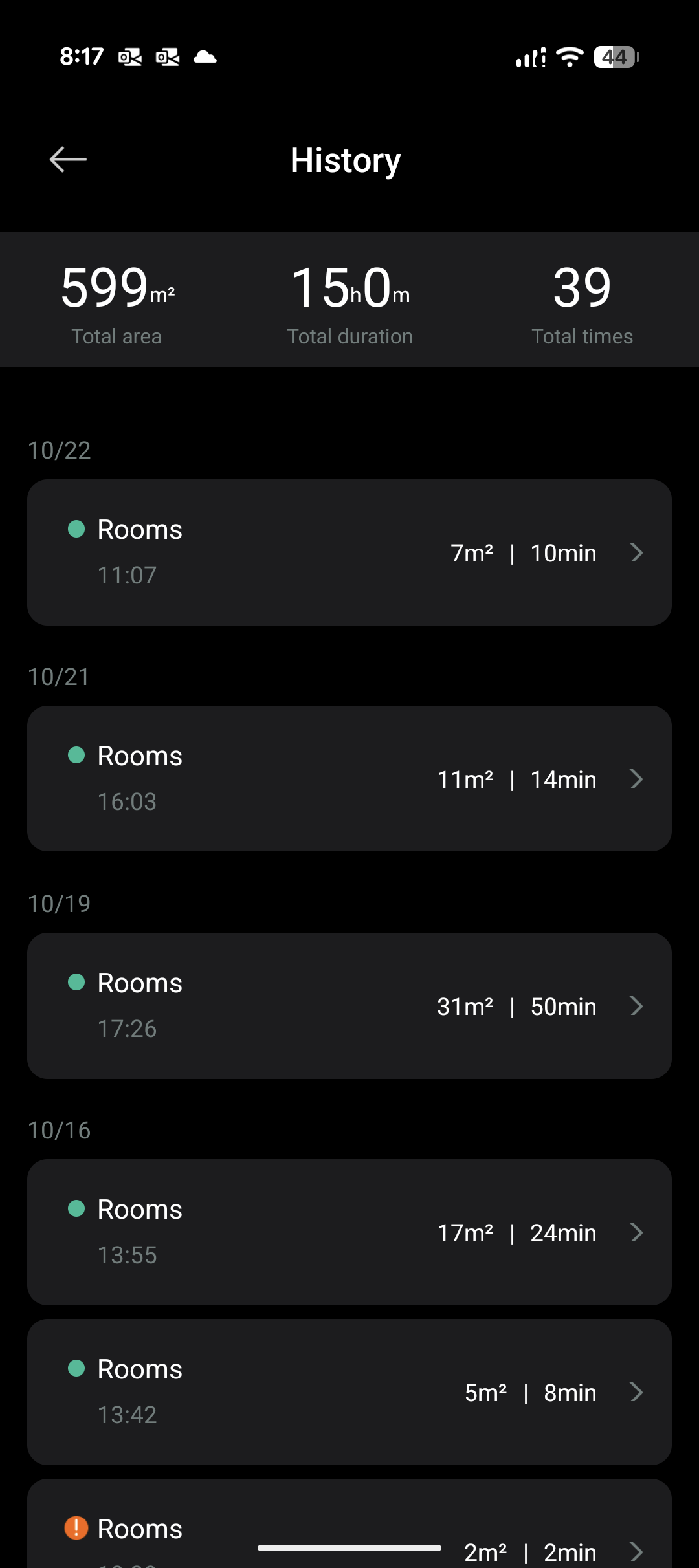
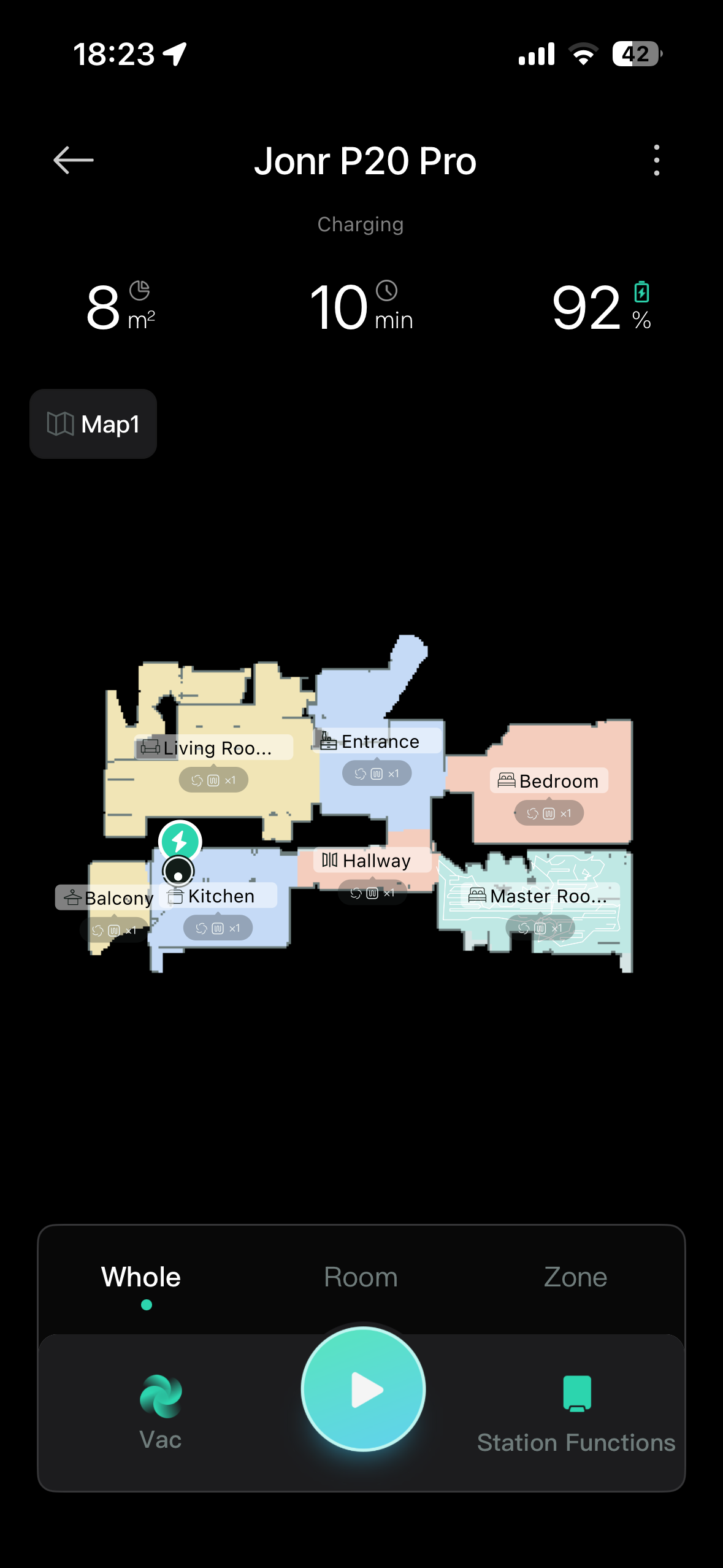
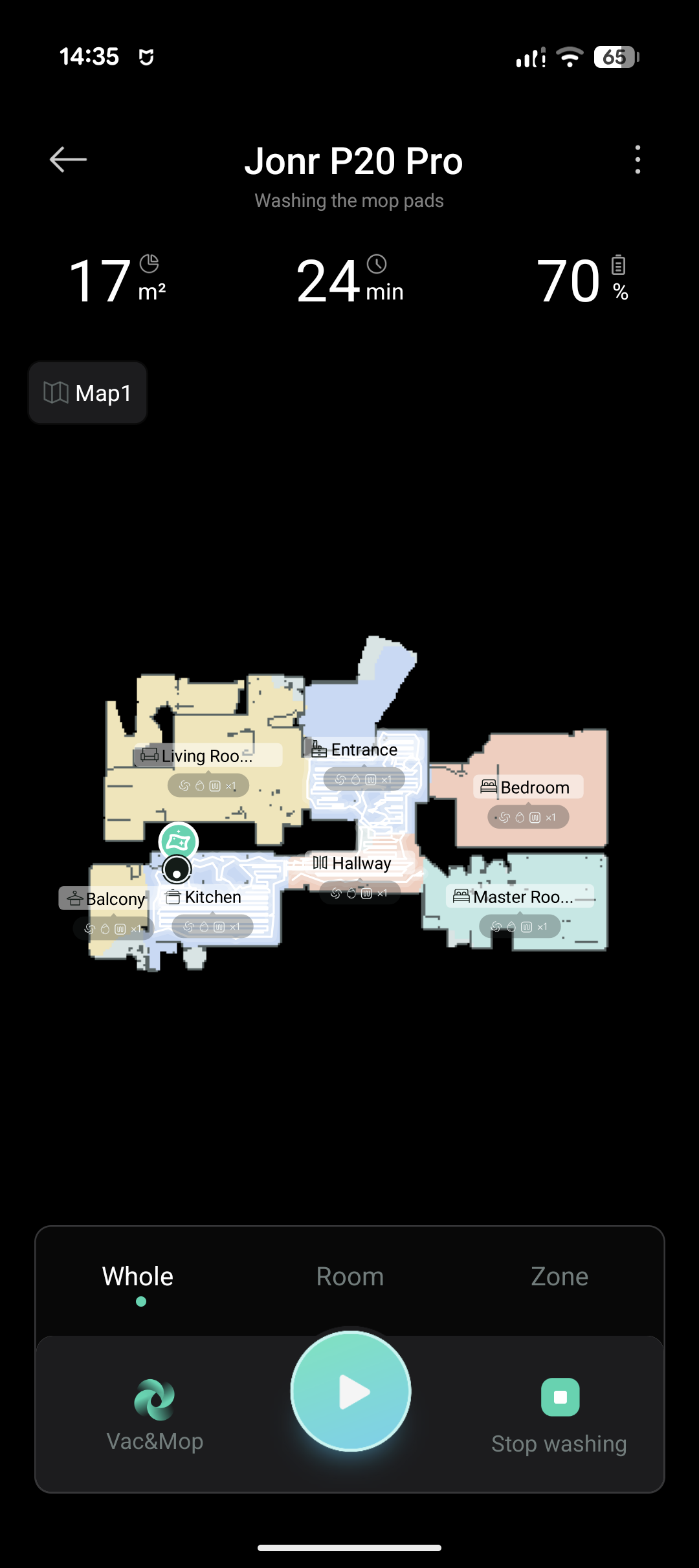
- Hallway + entryway + kitchen (Vac+Mop, High moisture, Strong suction): 17 m² / 24 min / −30 %.
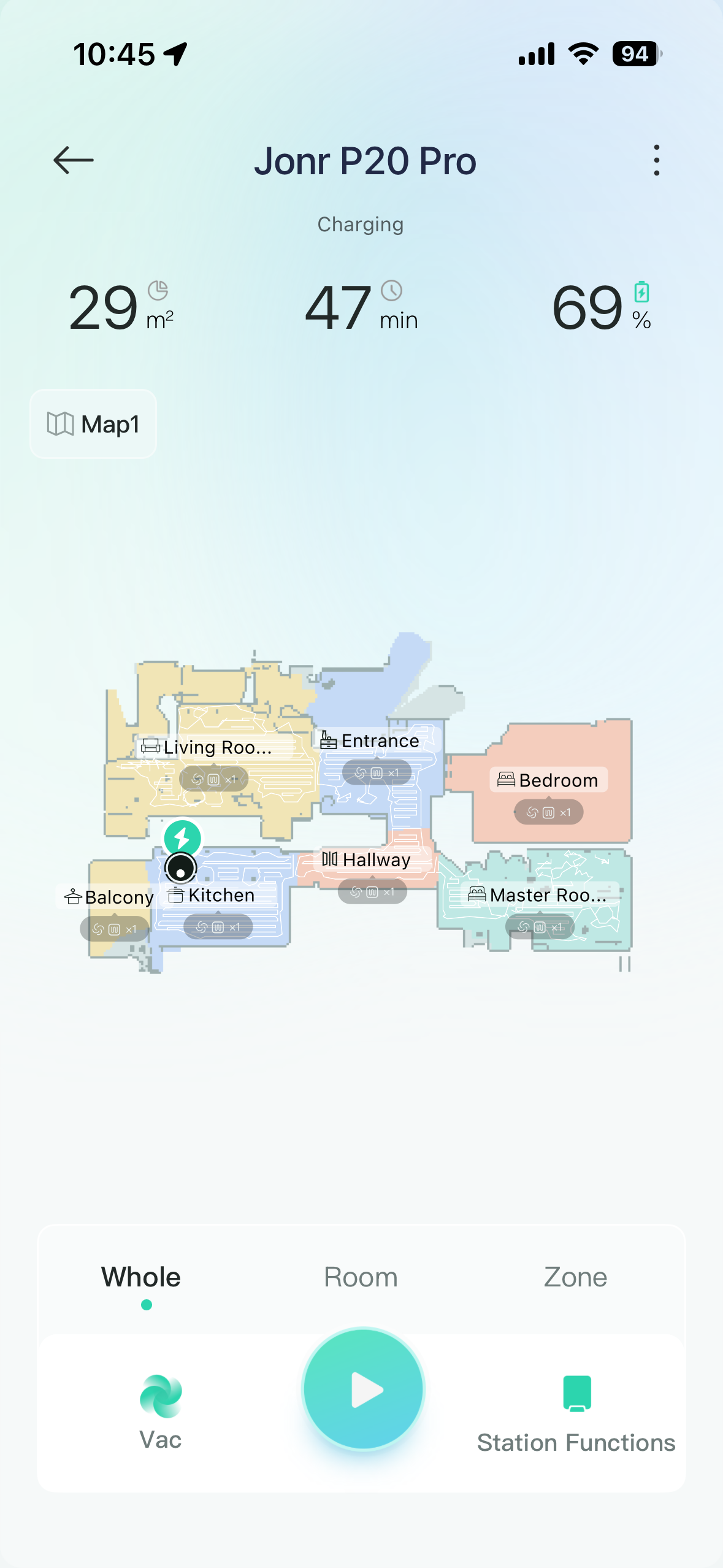
- Whole apartment (2 rooms + hallway + entryway + kitchen) (Vac, Strong suction): 29 m² / 47 min / −31 %.
- Whole apartment (3 rooms + hallway + entryway + kitchen) (Vac, Strong suction + Turbo on carpet, with a manual return to the dock for emptying): 54 m² / 77 min / −68 %.
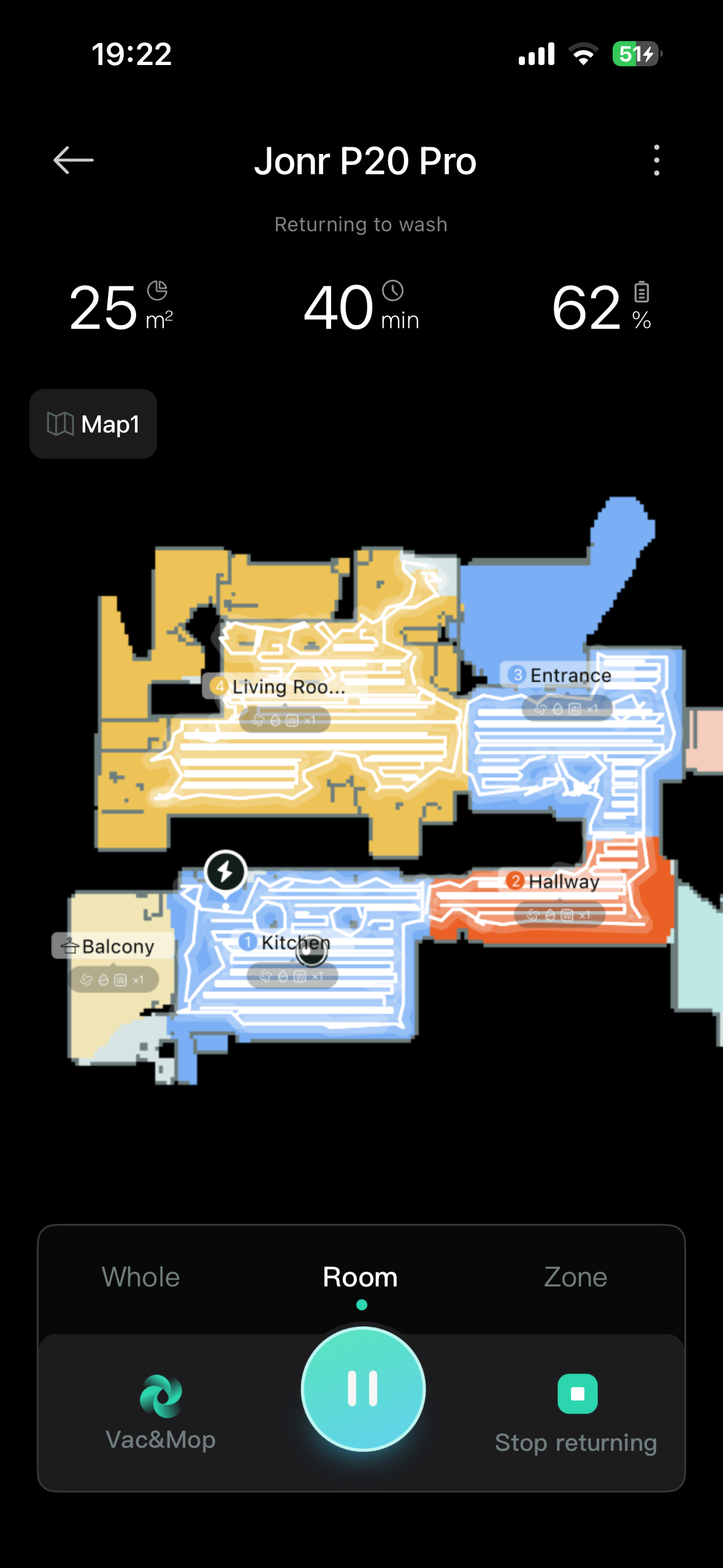
- Whole apartment without a carpeted room (Vac+Mop, mop washing every 10 min, Medium moisture, Strong suction): 25 m² / 40 min / −38 %.
- Room with carpet (Vac, Turbo suction): 8 m² / 10 min / −8 %.
- Daily quiet vacuuming (Vac, Quiet suction, schedule at 12:00, kitchen + entryway): 11 m² / 12 min / −7 %.
We’d also add that we don’t think the vacuum is calculating the cleaned area completely correctly, and the actual numbers could be higher. In our case, you typically need to top up clean water once every three mopping cycles. The dirty water tank is enough if you empty it about half as often.
Final verdict: a lot of features for not much money
After two months of testing, we can say that JONR P20 Pro is a robot vacuum that delivers great comfort for a fair price. The station takes care of dust and mops, the app is fast and easy to follow, and the retractable mop is a feature you get used to quickly. It’s not a machine for stubborn, dried-on stains, and it doesn’t magically avoid every cable—at this price, it can’t be expected to.
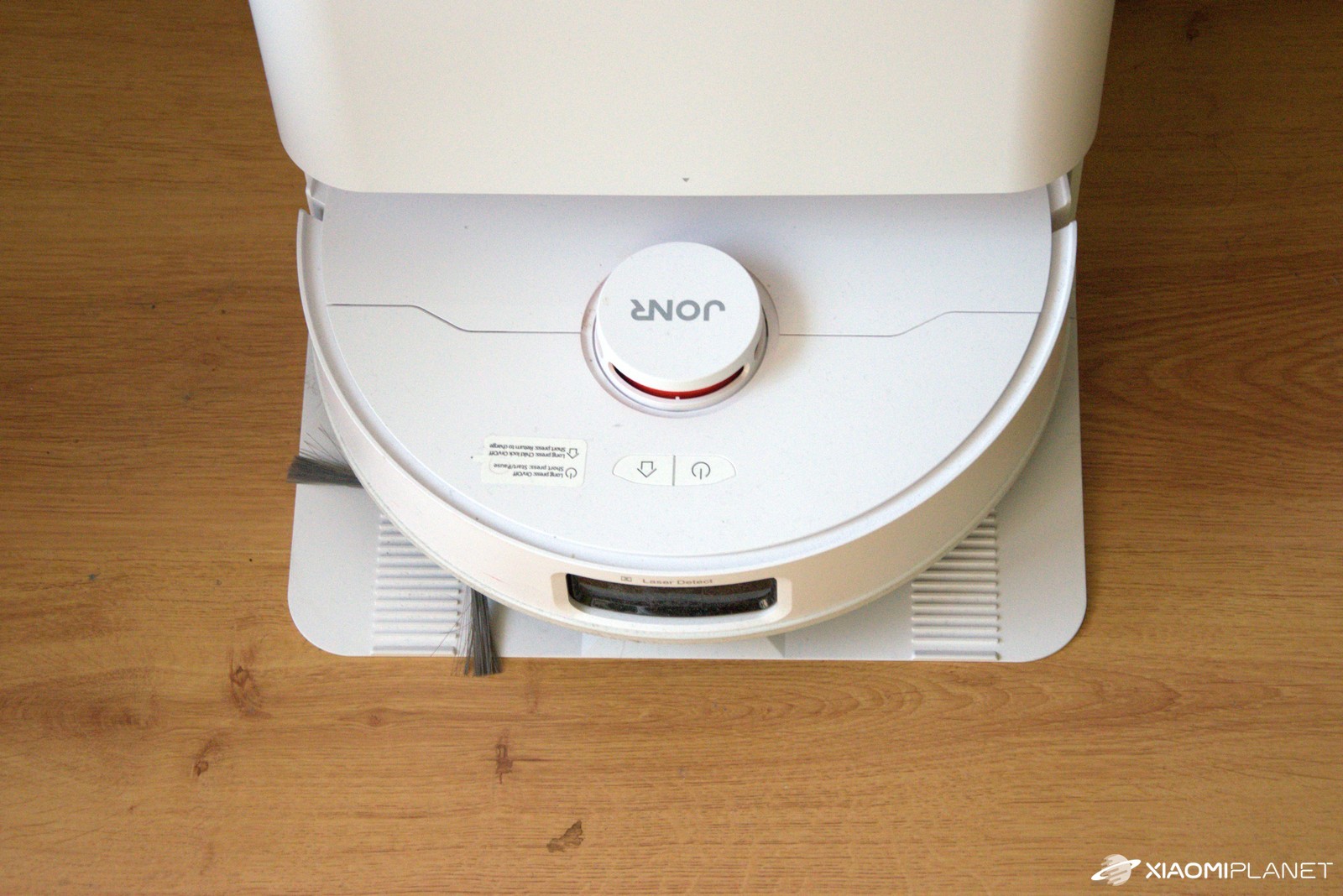
But if you want a reliable workhorse for daily tidying that also doesn’t lack a couple of more premium features like washing and drying the mops, JONR P20 Pro hits the mark—and it made sensible choices from the compromises it had to make. In our home, it earned a solid place, and for the price, we’re willing to accept the downsides, which honestly don’t bother us that much.
At a price that’s often below €250, JONR P20 Pro offers features we saw only a year ago in the mid-range—a station with washing and drying, a protruding mop, a good Xiaomi Home app, and fast mapping. The weaker side is obstacle recognition (no AI camera), inconsistent mop lifts on carpets, and sensitivity to cables and other similar items on the floor.
JONR P20 Pro Global Version
TIPExpress delivery from a Polish warehouse without customs duty and VAT.
This product will be delivered to you express from a local Polish warehouse. Shipping from Poland usually takes 7-10 days and is handled by a courier. On delivery, you won’t pay any extra fees—no customs duty and no VAT.
TIPExpress delivery from a Polish warehouse without customs duty and VAT.
This product will be delivered to you express from a local Polish warehouse. Shipping from Poland usually takes 7-10 days and is handled by a courier. On delivery, you won’t pay any extra fees—no customs duty and no VAT.
TIPExpress delivery from a Polish warehouse without customs duty and VAT.
This product will be delivered to you express from a local Polish warehouse. Shipping from Poland usually takes 7-10 days and is handled by a courier. On delivery, you won’t pay any extra fees—no customs duty and no VAT.
If you need uncompromising avoidance of objects (toys, socks, cables) and 100% consistency of the automatic no-mop feature on carpets, you’ll have to go for the more expensive class with a front camera and AI object recognition. If you’re looking for maximum comfort under €300, this is a very convincing package—we’ve gotten used to it, and although we listed quite a few compromises, we’re not complaining, and we’re genuinely happy with our new household companion.
Don’t miss the best coupons 📩
Subscribe and we’ll email you new coupons before they expire. We only send it once a month — no spam.