

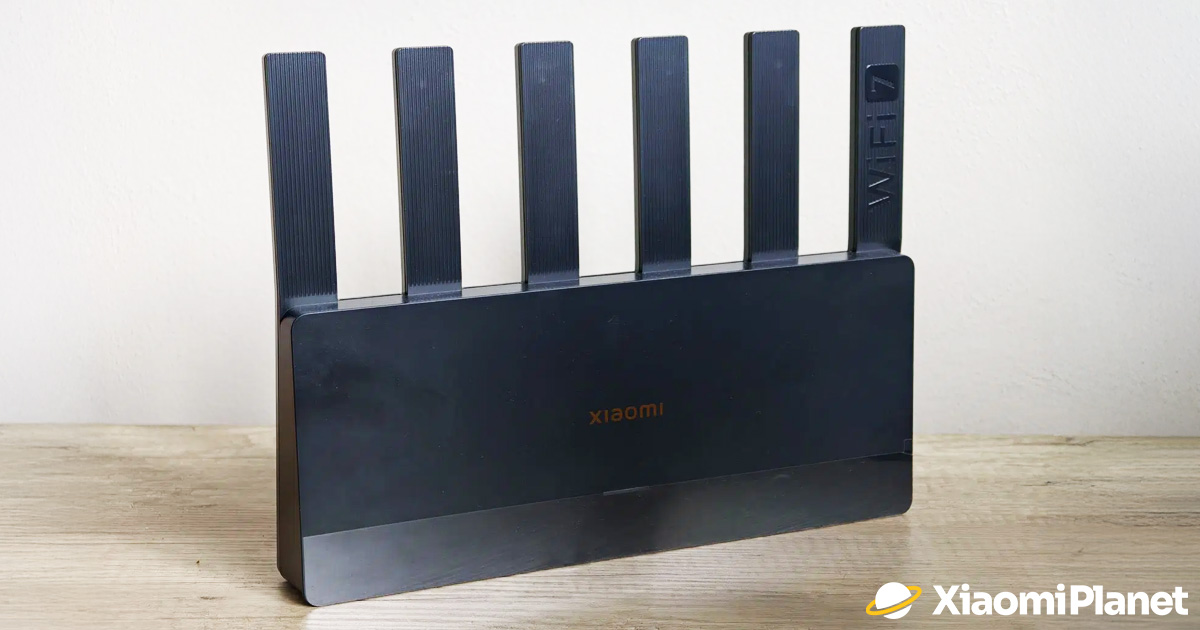
If you play online games and you have gigabit internet at home, you’d naturally expect everything to run smoothly without lag. With our previous, similarly priced and fairly modern router—TP-Link Archer C6 V3.2 (whose price is still around 40 € today)—things started to get really rough over time. In games, our ping would randomly spike; we regularly experienced packet loss or net jitter, and even Wi-Fi transfer over our home network became unbearable.
It often happened that speeds suddenly dropped below 100 Mbit/s, and nothing helped except a hard restart of the device. That’s why we decided to take a bold step and went for a solution straight from China—Xiaomi Router BE6500. Here’s our review of this very solid and great-value Wi-Fi 7 router.
Best coupons on our website
At the time of writing this review, this router from Xiaomi was available at the best price from our partner Gshopper. With our discount coupon, you can save a lot—just don’t forget to apply it before you place your order. You’ll also get free delivery, so you can expect it at home within 10 to 15 business days after shipping.
Xiaomi Router BE6500
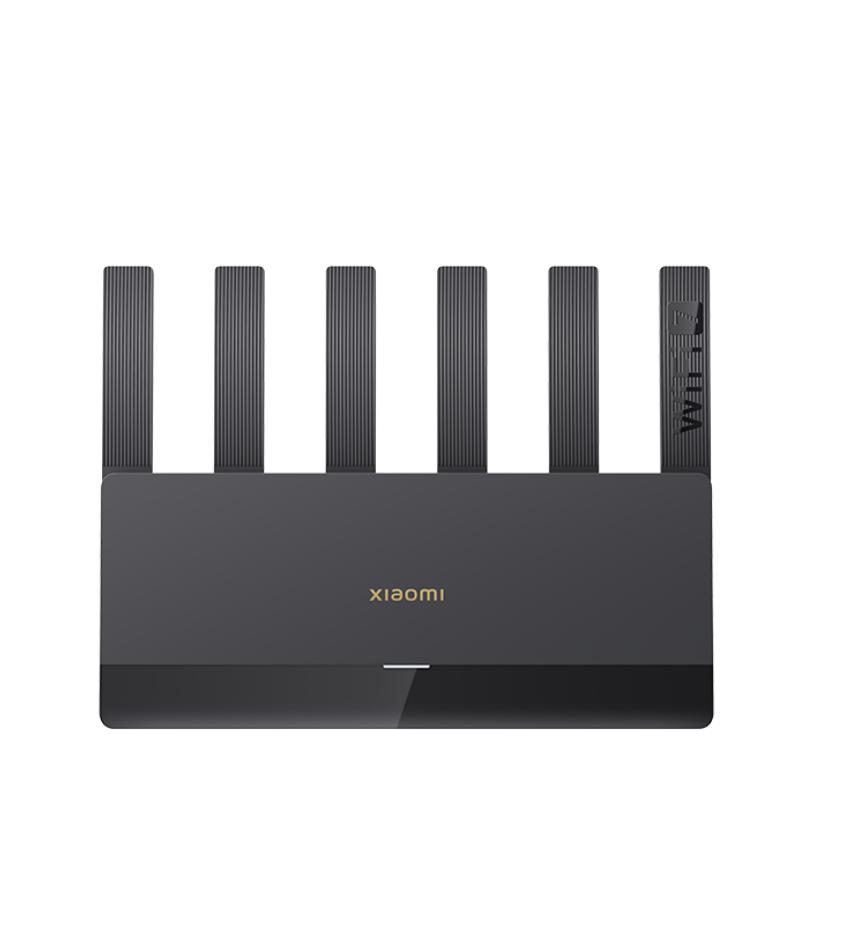
 Standard Shipping GShopper

TIPWith Standard Shipping via GShopper, you pay no extra fees—everything is already included!
With the GShopper seller, we recommend choosing Standard Shipping, where you won’t pay anything extra. Customs fees and any VAT are handled by the seller. You can select the shipping method in the cart only, after entering your delivery address. Delivery with this option usually takes about 15 business days from dispatch from the warehouse, but it may take longer.
Our extra service with VIP support — we’ll handle the order on Gshopper for you and ship it straight to your address.
If you don’t have experience buying on Gshopper, payments don’t go through, or coupon use doesn’t work for you, we offer an order handling service directly to your address for our readers and customers. You transfer the money to our account and we place the order directly to your address. This way, you won’t have to worry about a failed payment or applying the coupon, and you can be sure the entire order will go through correctly 100 %. In addition, you automatically get our VIP support — if any issues arise with the shipment, we handle them for you and assist with filing a claim. The fee for this service is €15 extra of the product price. You can contact us by email at info(@)xiaomiplanet.sk or on Messenger, where we’re constantly active.
💡Info about the version: Before you buy, you should know that the router is available only in the Chinese version. That means the web admin interface is in Chinese. However, the Xiaomi Home mobile app is in English, and through it you can configure the router completely and conveniently. But the huge advantage of the Chinese version is a much stronger signal, since European versions are software-regulated and limited due to strict standards. The Chinese version has none of those restrictions. You will, though, need an EU plug adapter for the outlet.
An extremely cheap purchase (also thanks to luck)
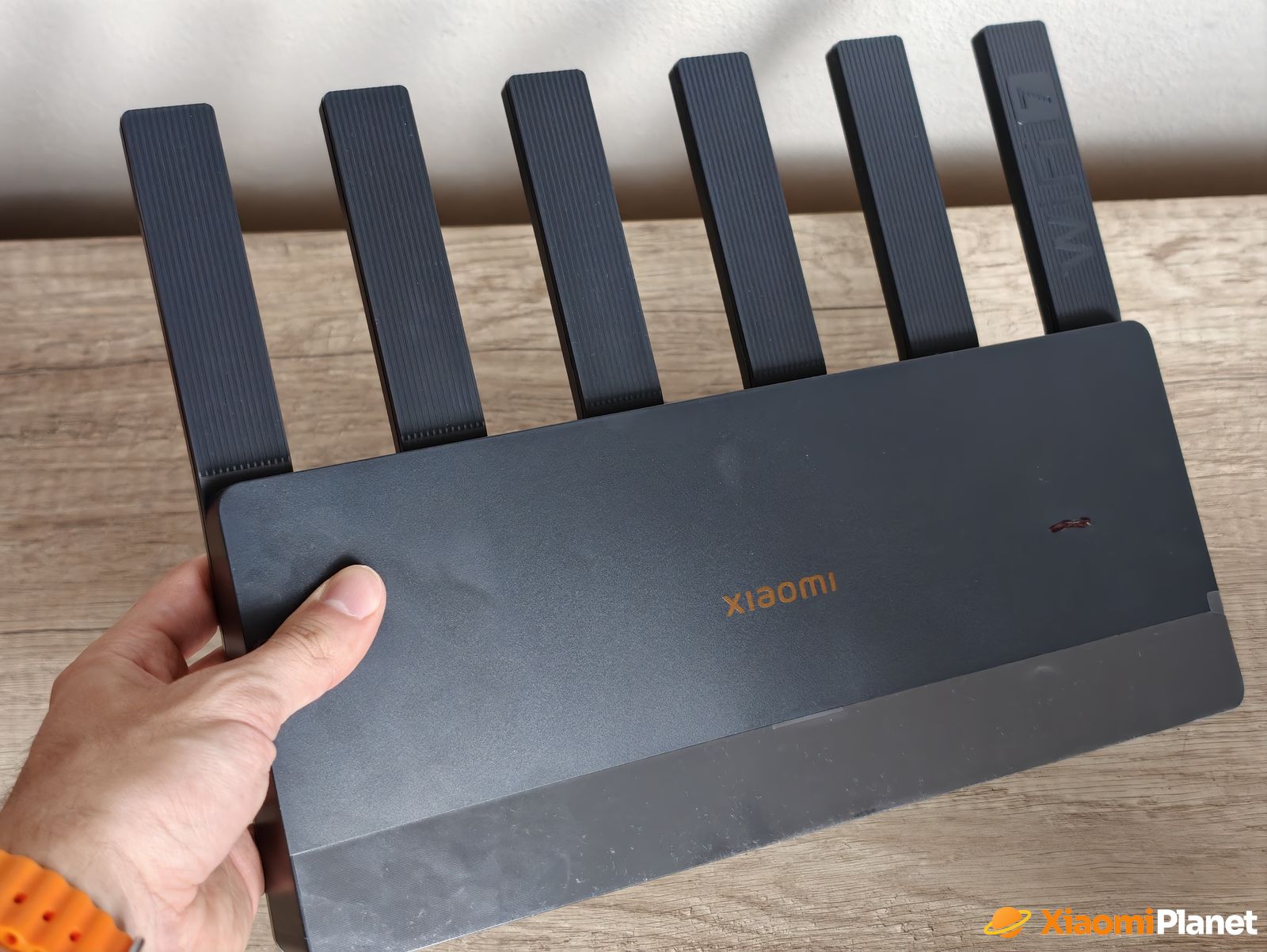
Xiaomi Router BE6500 was a lucky find for us—we got it with a great discount for 55 euros during the big AliExpress clearance sales (normally, the price during the year stays around 80 €). Unfortunately, the box arrived quite damaged, and the router itself took a hit, leaving a visible scratch on the body. However, customer service worked perfectly, and after the claim we received nearly 20 euros in compensation.
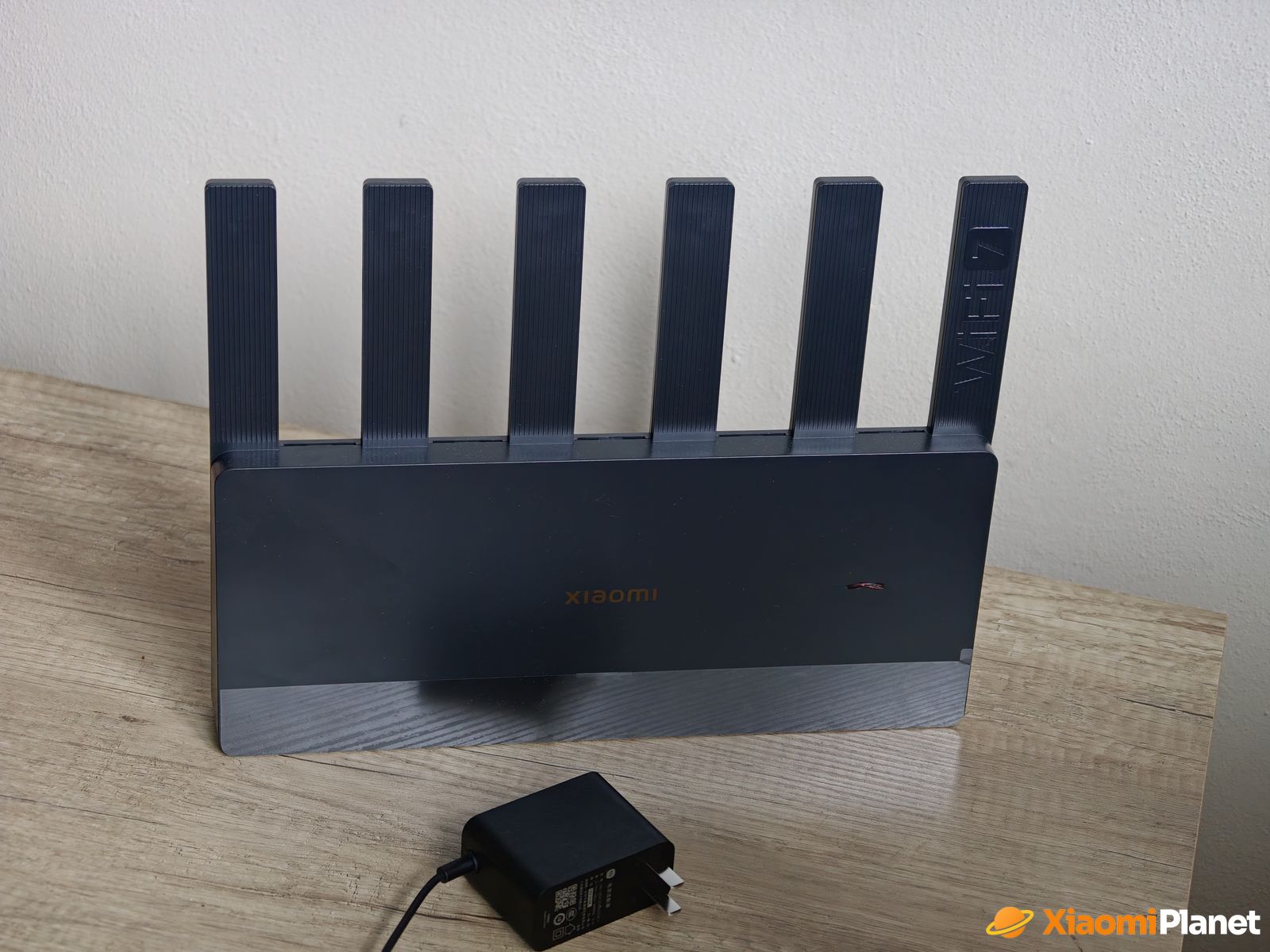
In the end, this extremely powerful Wi-Fi 7 router cost us a ridiculous 35 euros—which is less than the current price of our old TP-Link router. We had the option to return it for the full amount, but we decided to simply cover the scratch with a black marker and keep the router, since it works flawlessly. For this price, it’s hardware that simply has no competition in our stores.
Technical specifications of the Xiaomi Router BE6500:
| Xiaomi Router BE6500 | |
|---|---|
| Model | Xiaomi Router BE6500 |
| WiFi standard | WiFi 7 (IEEE 802.11be) |
| Frequency bands | Dual-Band / 2.4 GHz + 5 GHz |
| Maximum wireless speed | Up to 6500 Mbps |
| Modulation | 4K QAM |
| Multi-Link Operation (MLO) | Yes |
| Mesh support | Xiaomi Mesh / up to 10 devices |
| Processor | Qualcomm 4 -core / Cortex-A53 / 1.1 GHz |
| RAM | 512 MB RAM |
| Internal storage | 128 MB |
| LAN ports | 4× 2.5 Gigabit Ethernet |
| WAN port | LAN ports are configurable |
| Link Aggregation | Yes / up to 5 Gbps |
| IPv6 support | Yes |
| VPN | Yes |
| QoS | Yes |
| Guest WiFi | Yes |
| Parental control | Yes |
| Mobile app | Xiaomi Home (only the Chinese version) |
| Web interface | Chinese language |
| Version | Chinese (unlocked transmit power) |
| Power | 12 V |
| Antennas | 4× external fixed-attached antennas (not removable) |
| Cooling | Passive / no fan |
| Dimensions | 318.7 × 206 × 40 mm |
| Weight | Approx. 0.9 kg |
Construction, real range, and signal comparison
Right at the start, it’s worth mentioning a small design detail: all six antennas are permanently attached to the body, so you can’t really adjust them and they can’t be replaced. As members of our community confirm, the Chinese version of the router has a noticeably stronger signal thanks to the absence of strict European transmit-power regulations. In the settings, you can choose a signal-boosting mode called “Through the Wall” (through the wall) for both the 2.4 GHz and 5 GHz bands, which further improves obstacle penetration.
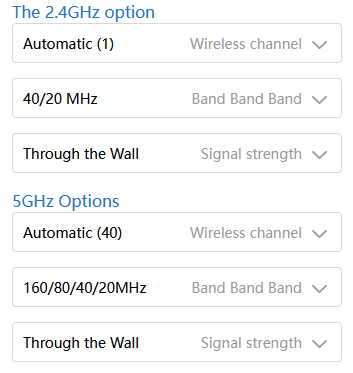
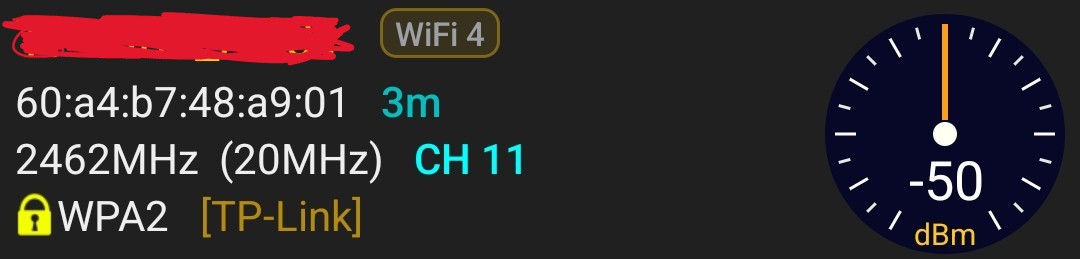
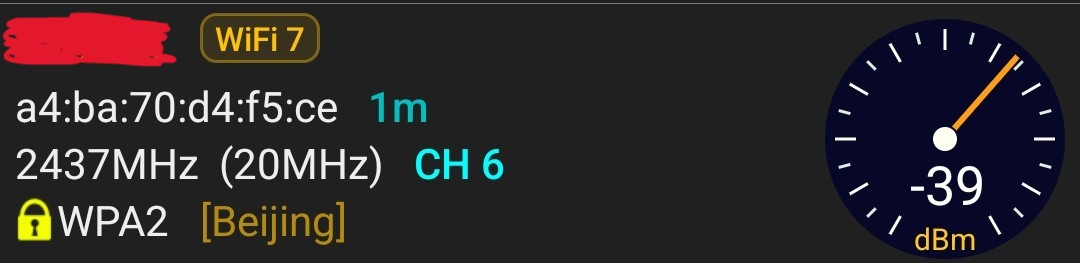
To avoid only guessing about range, we decided to measure the signal strength and compare it directly with our old TP-Link router using the Wi‑Fi Analyzer app for Android. The results confirm that the unlocked transmit power really does make a difference.
In a room about 8 meters away from both routers, separated by a wall, the old TP-Link provided the 2.4 GHz network (channel 11) with a signal strength of -50 dBm. Xiaomi Router BE6500, however, on the same frequency (channel 6) transmitted a significantly stronger signal at -39 dBm. Of course, these values change over time, but the difference is always clearly noticeable. Even before the apartment building, we can pick up the new router’s signal (even though it’s weaker); with the TP-Link, the signal from channel seven downwards was not picked up at all.
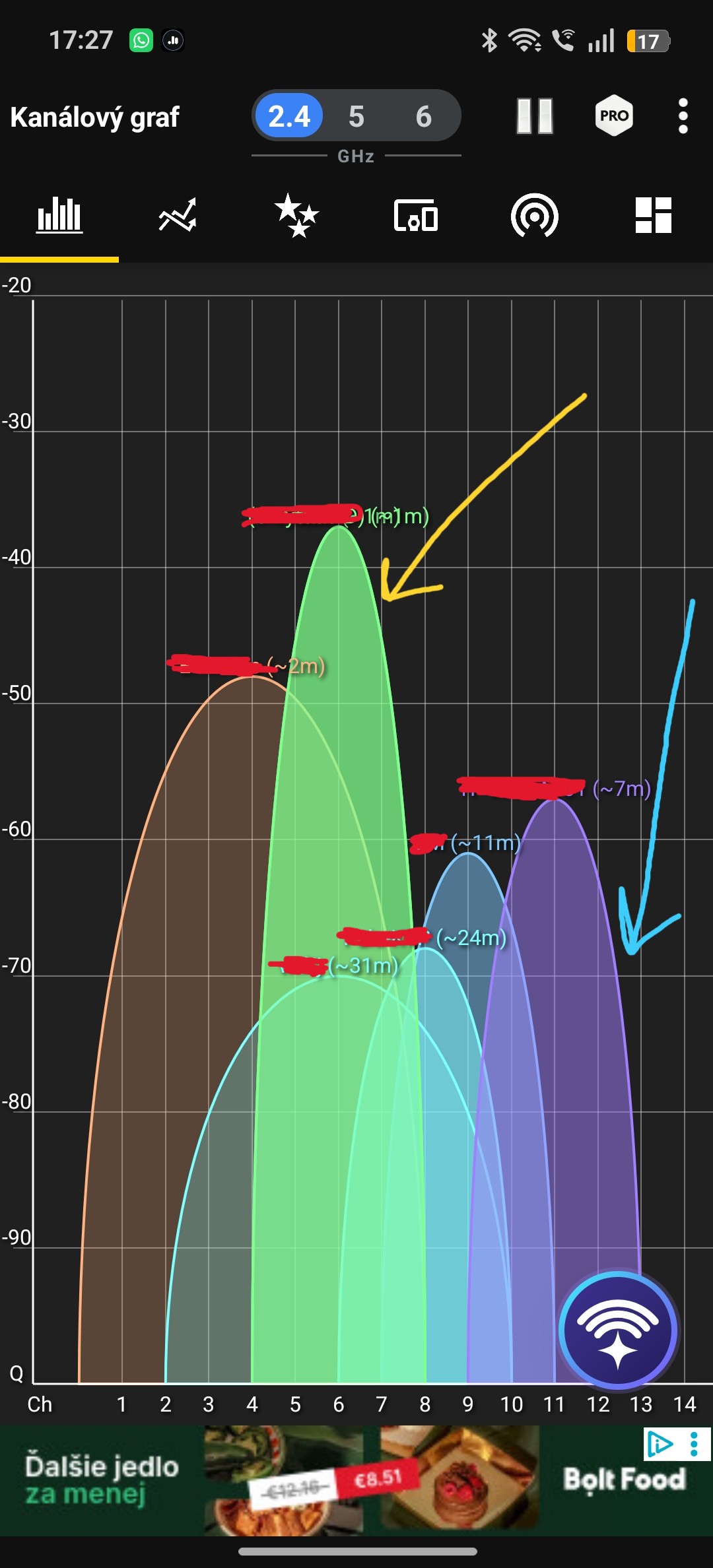
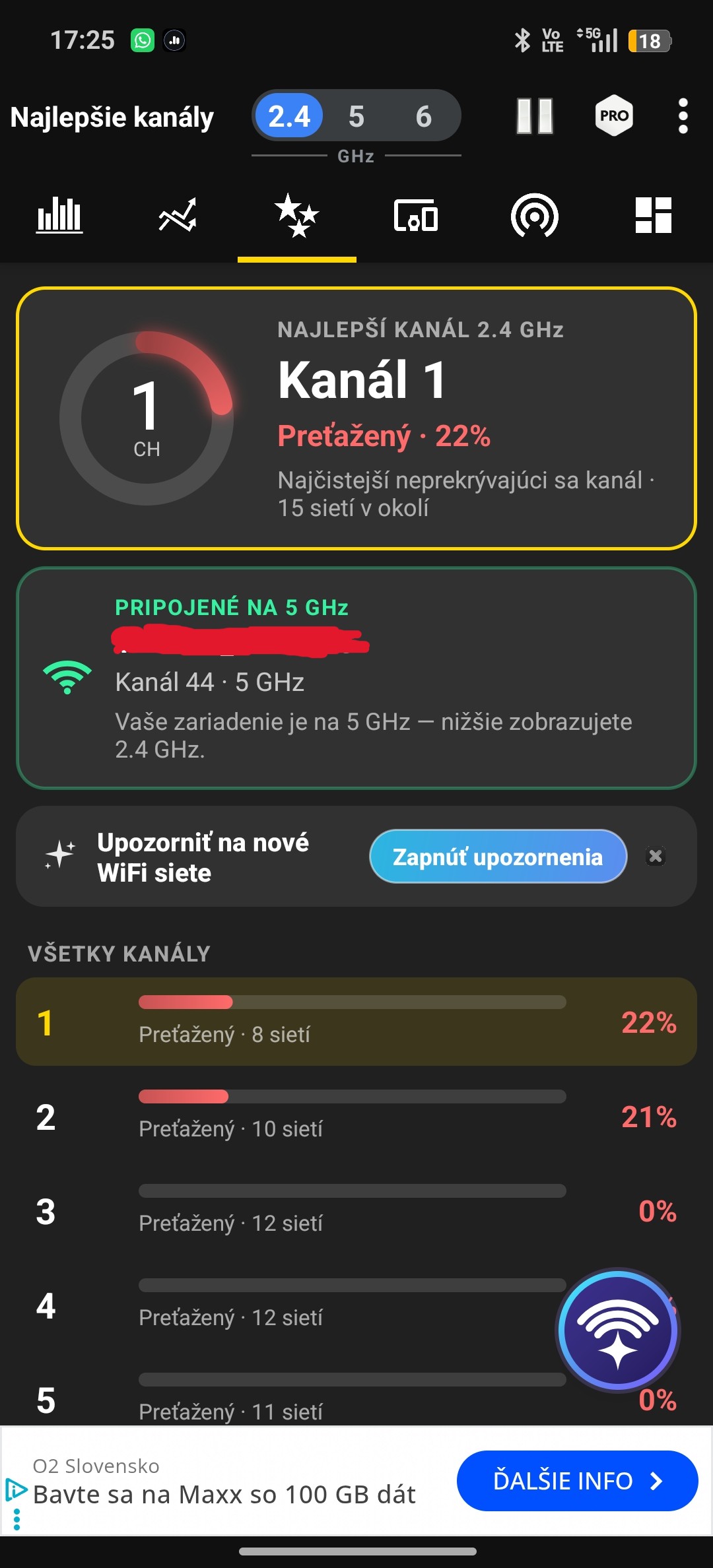
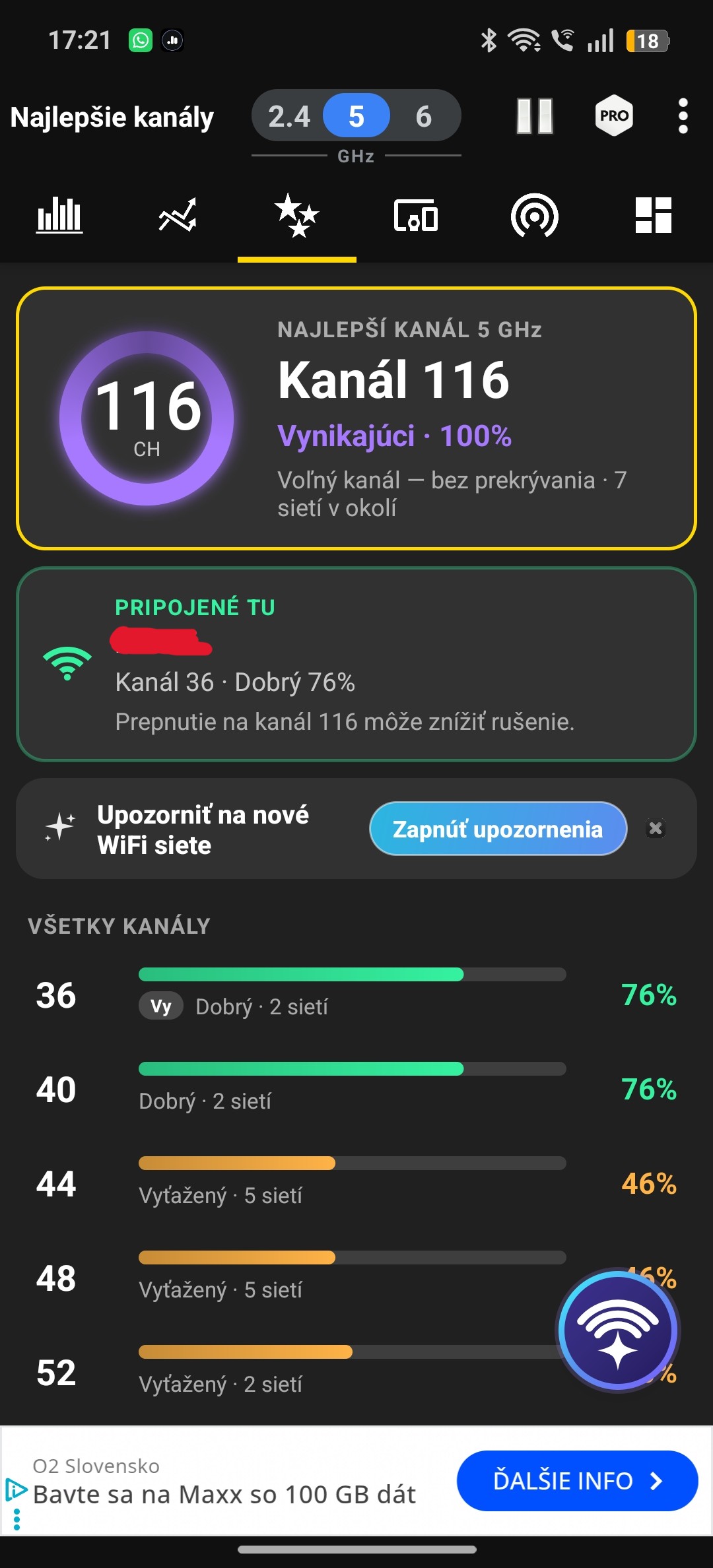
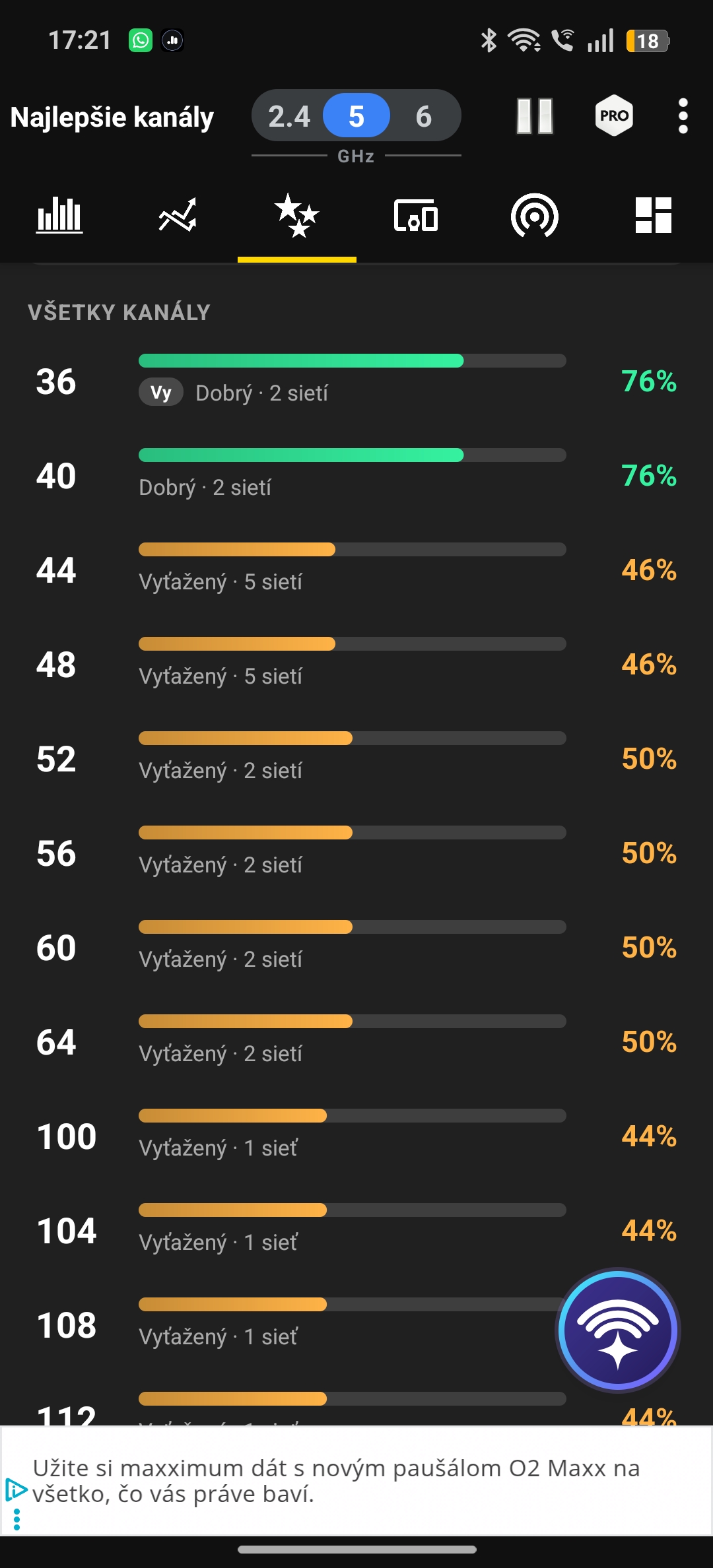
On the channel chart, it’s easy to see how the new router’s green curve clearly surpasses the old connection as well as our neighbors. In practice, this difference in decibels also translates into much better and more stable coverage in the farther parts of our three-bedroom apartment.
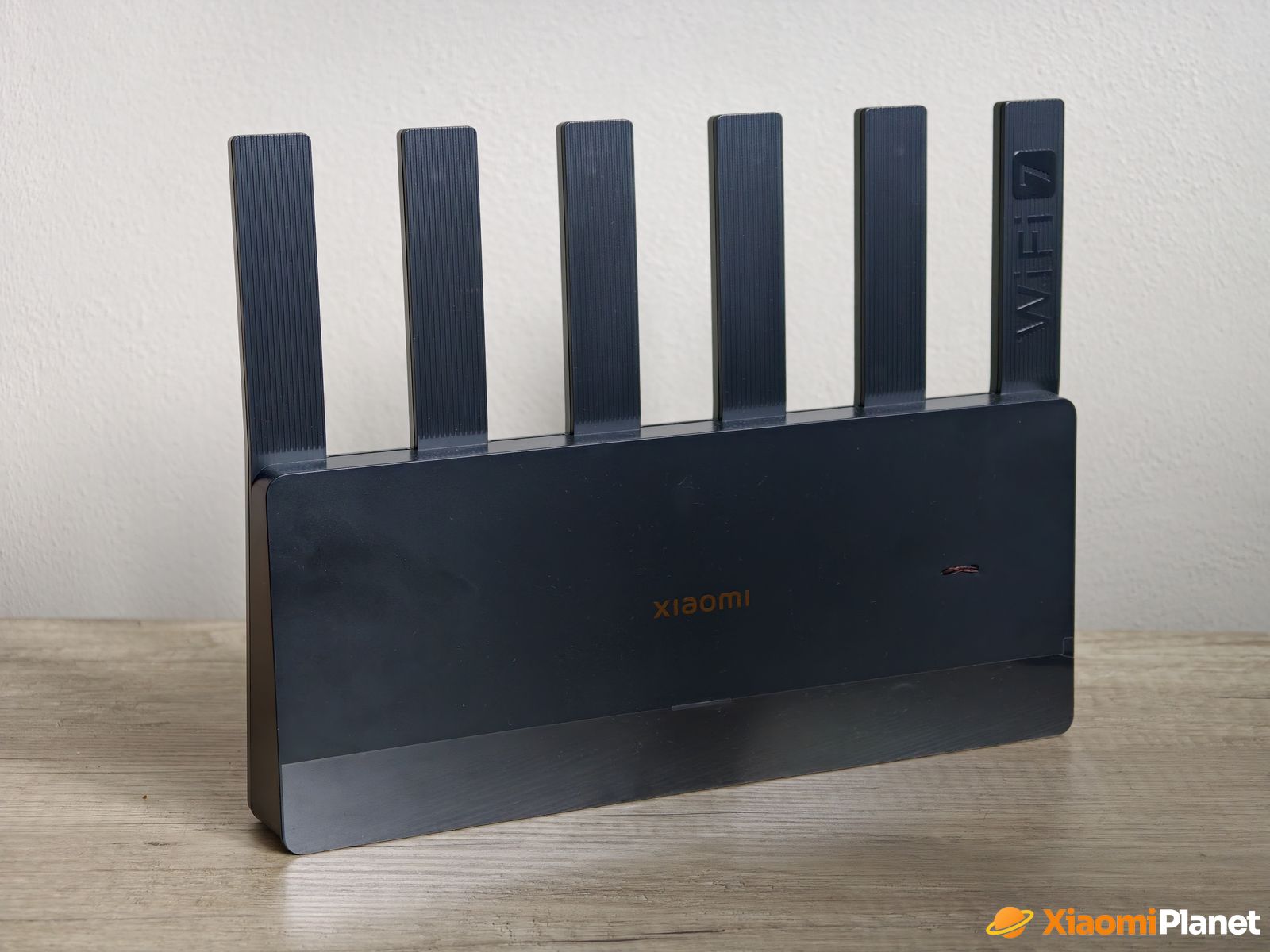
In our household, we really use the router to the fullest, since in the mentioned three-bedroom apartment there are three/four people living there. A huge number of smart devices and everyday electronics are constantly connected via Wi‑Fi. In addition, we have one desktop PC connected via cable, as well as a home NAS server.
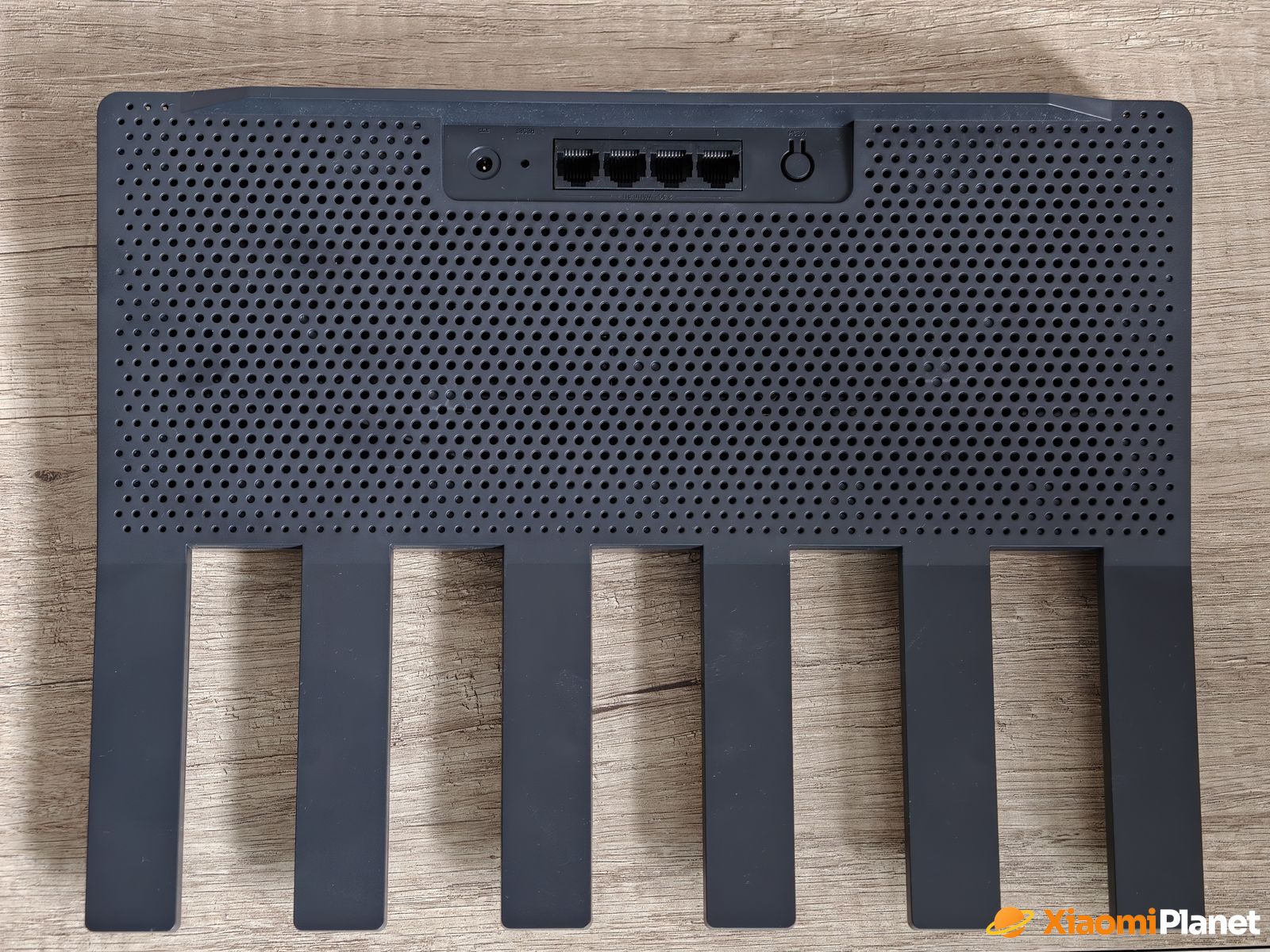
The system statistics also prove we’re not exactly going easy on this router. Over the last 30 days, we transferred 5,2656 GB of data primarily via the 86 GHz network, mainly thanks to communication with the aforementioned server. Even under such heavy load and while using a gigabit link, the router stays absolutely stable and doesn’t heat up noticeably at all.
Software & features: A look into administration
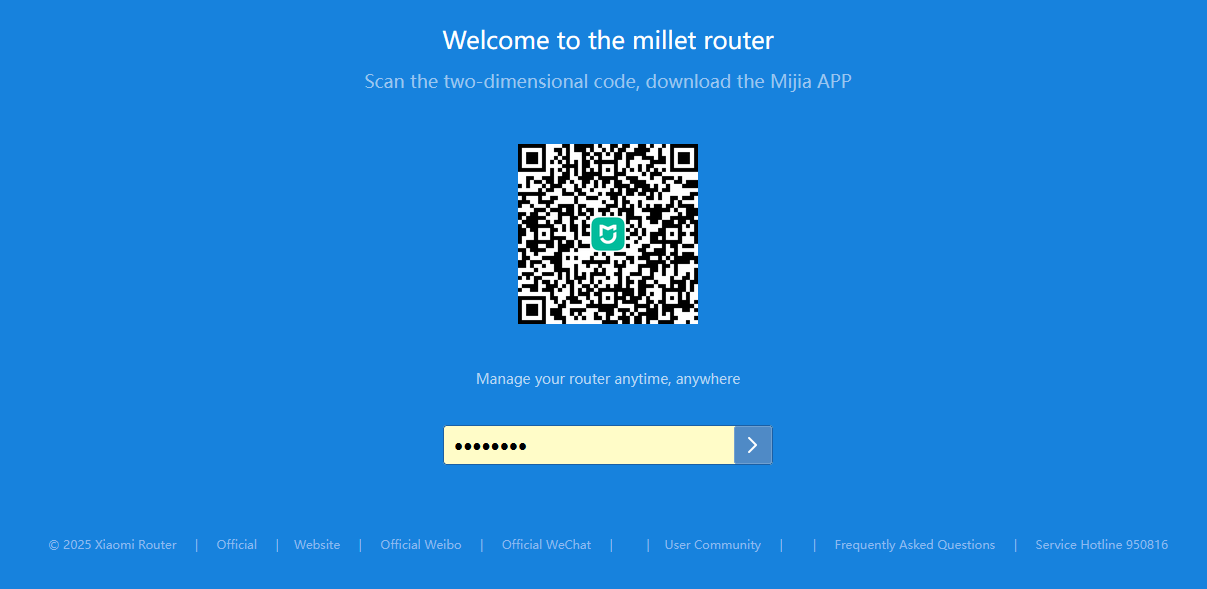
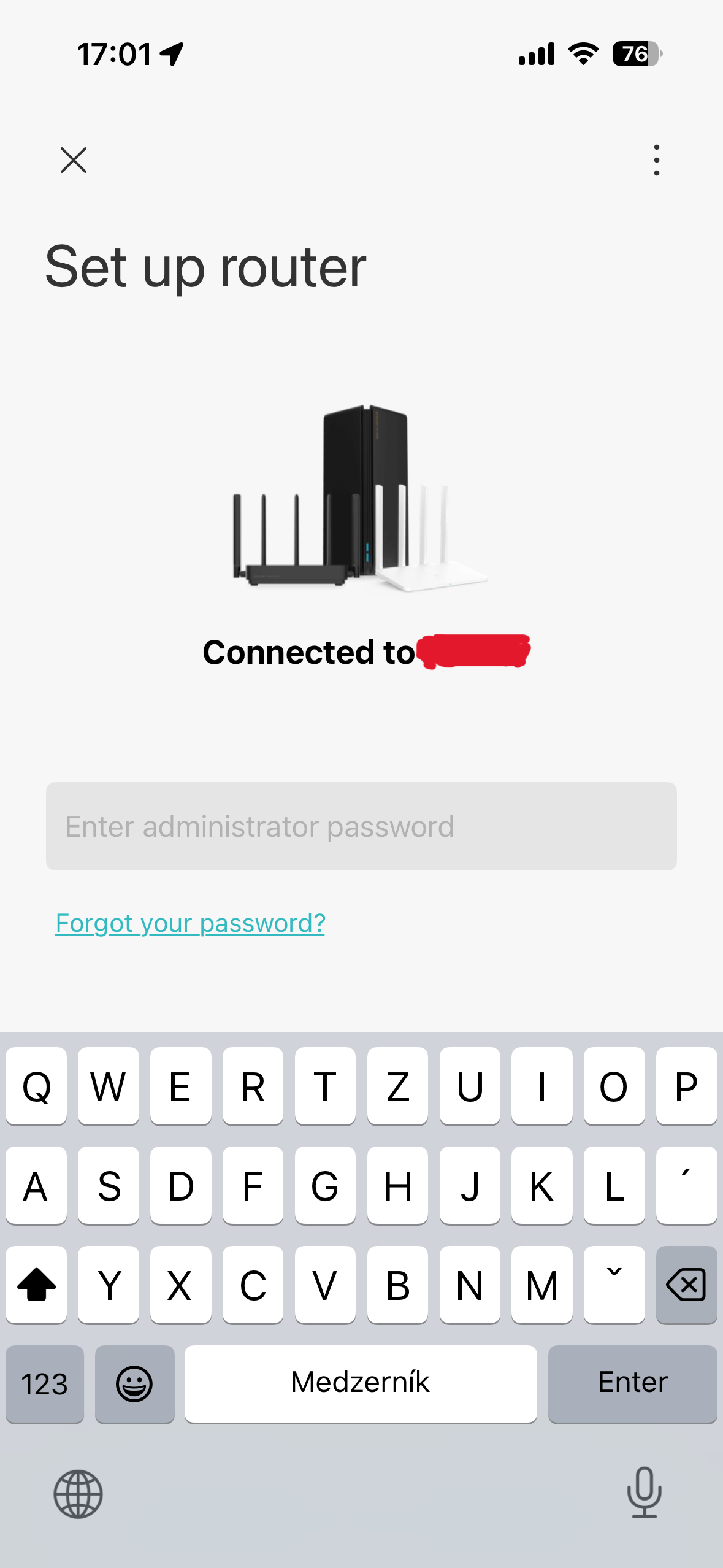
Although after entering the IP address into your browser (by default it was unusually 192.168.31.1) you’re greeted by a splash screen with Chinese text and a prompt to download the Mijia (Mi Home) app via a QR code, thanks to the built-in translator in the browser or an English mobile app, setup is completely hassle-free. What does the interface offer?
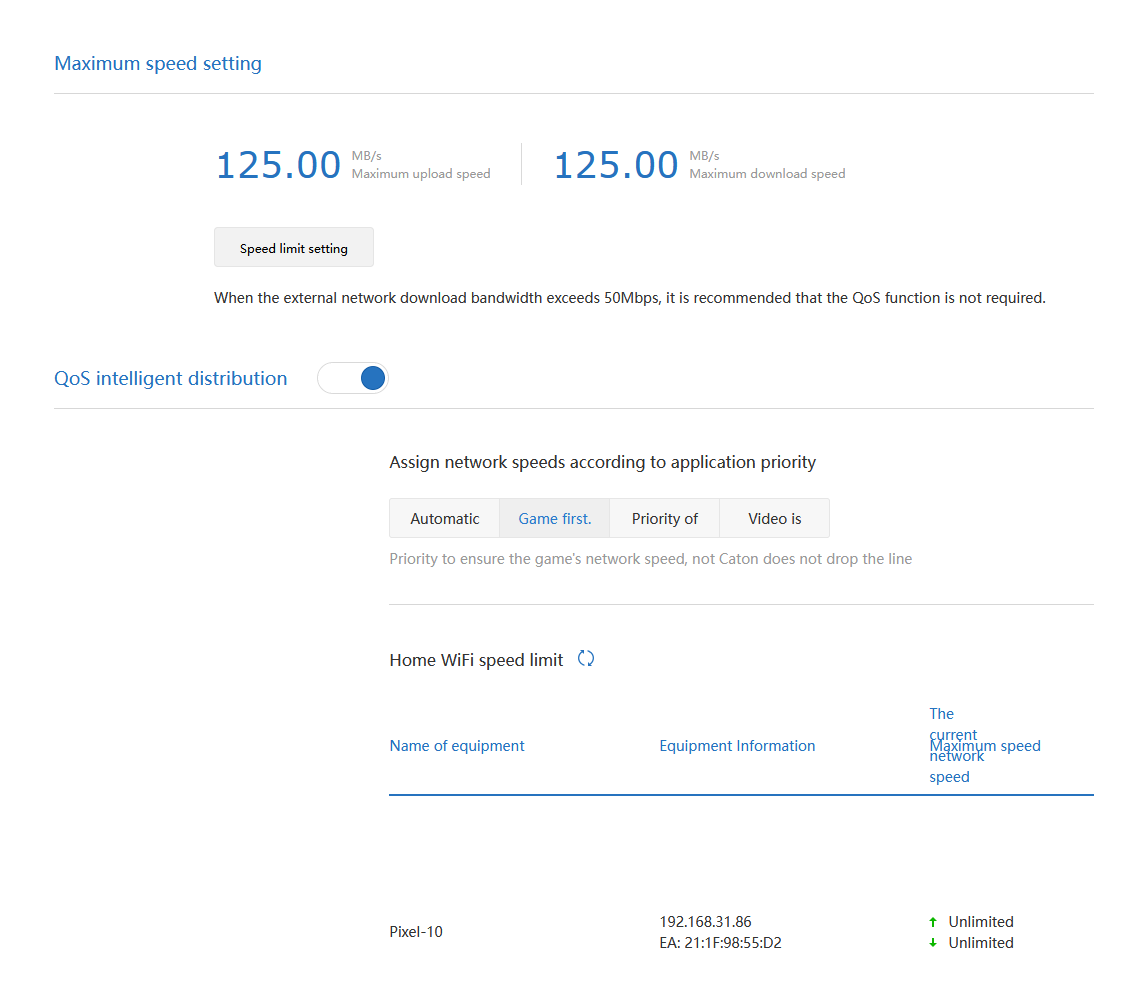
With the amount of devices we have at home, something that often used to happen with the old router was that once I started uploading larger files to the server, my buddy who was playing online games immediately saw his ping spike and the game started to lag a bit.
Here, the rescue turned out to be the Smart Distribution (QoS) feature built directly into the Xiaomi router settings. The moment we enabled the option “Game first” and the gaming network, the router started automatically prioritizing gaming packets. Issues with lag and response time disappeared right away, even when other demanding network transfers were running in the background.
Besides smart traffic control, the router also benefits from modern Wi‑Fi 7 technologies, including MLO. If you enable multi-frequency Wi‑Fi in the settings, the router combines the 2.4 GHz and 5 GHz bands under one shared name. That way, compatible devices can connect to both bands at the same time. Still, we miss the much less congested 6 GHz band here, which is usually reserved for higher-priced router models.
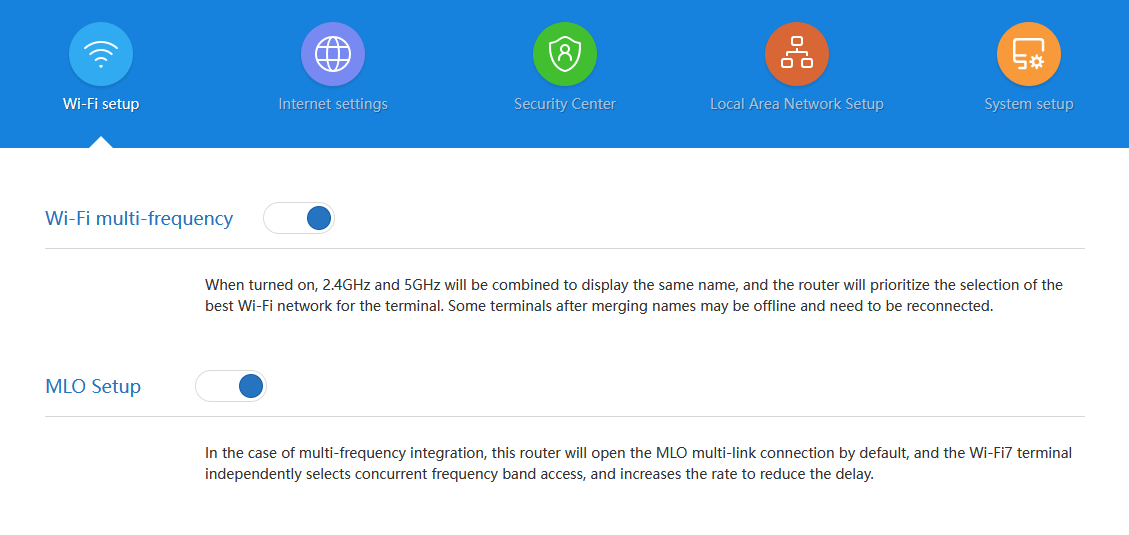
If you have two internet providers at home, Dual WAN will definitely make you happy—you can use it as a reliable connection backup during outages. With four fast 2.5G ports, you can also use the LAN port aggregation feature. This lets you combine two LAN cables into one, reaching a theoretical throughput of up to 5 Gbps, which you’ll appreciate especially when connecting a fast home NAS server.
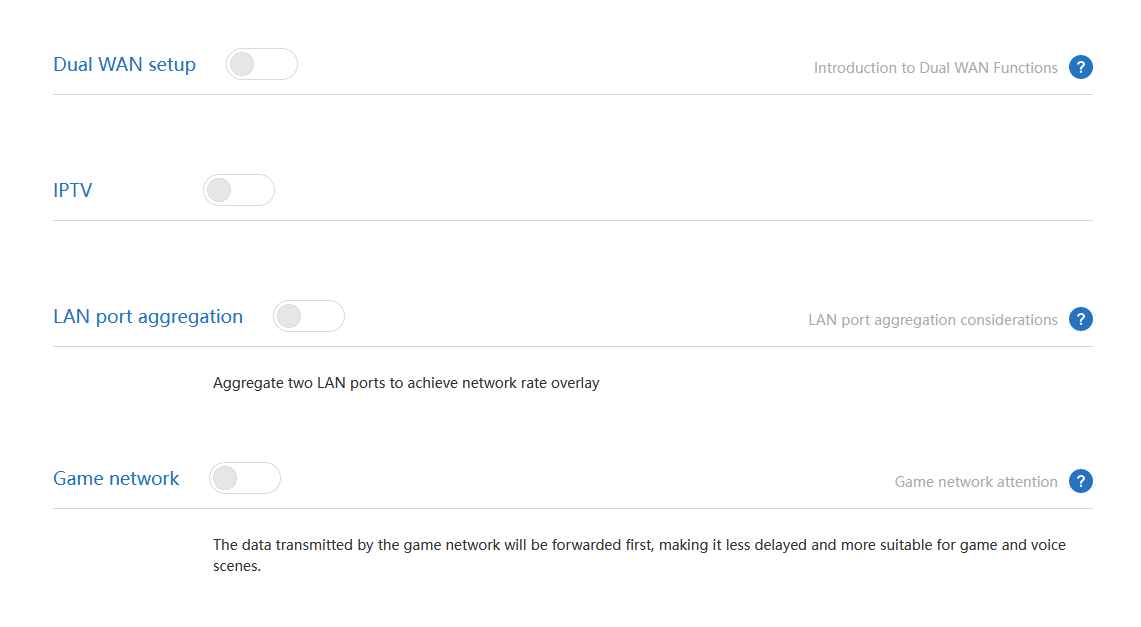
Administrative features are backed by MU-MIMO, TWT (Target Wake Time) to reduce power consumption of connected smart devices, and a useful Wi-Fi 5 compatible mode switch that solves possible network visibility issues with older electronics.
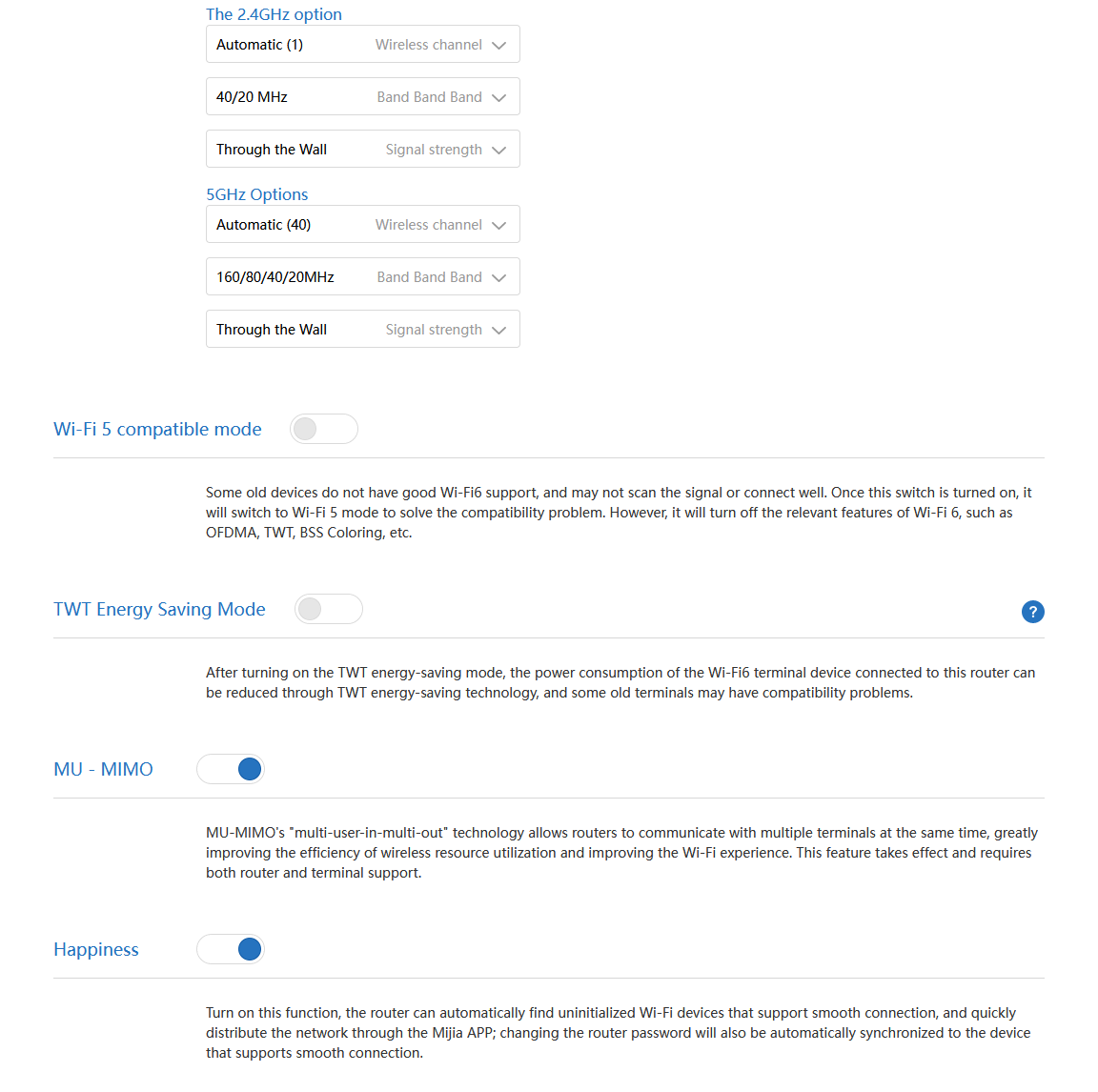
Managed via the Xiaomi Home app: Everything on your phone
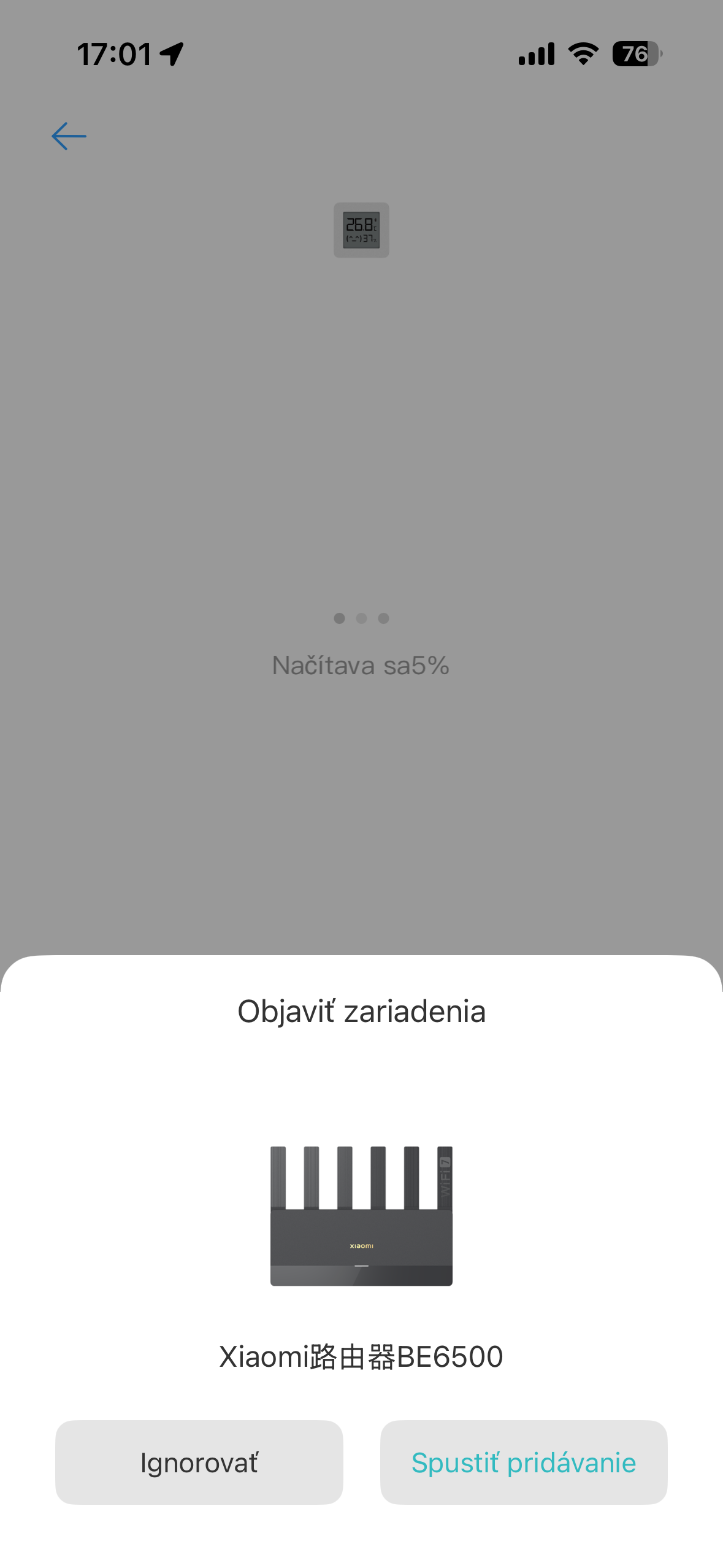
The router can be fully managed via the mobile app Xiaomi Home, too. As we mentioned in the introduction, an important step before adding the router is switching the app location (region) to China mainland—otherwise the system simply won’t find the device. If you already have other Xiaomi smart devices at home in the European region, you’ll have to switch between regions, which isn’t exactly the most convenient.
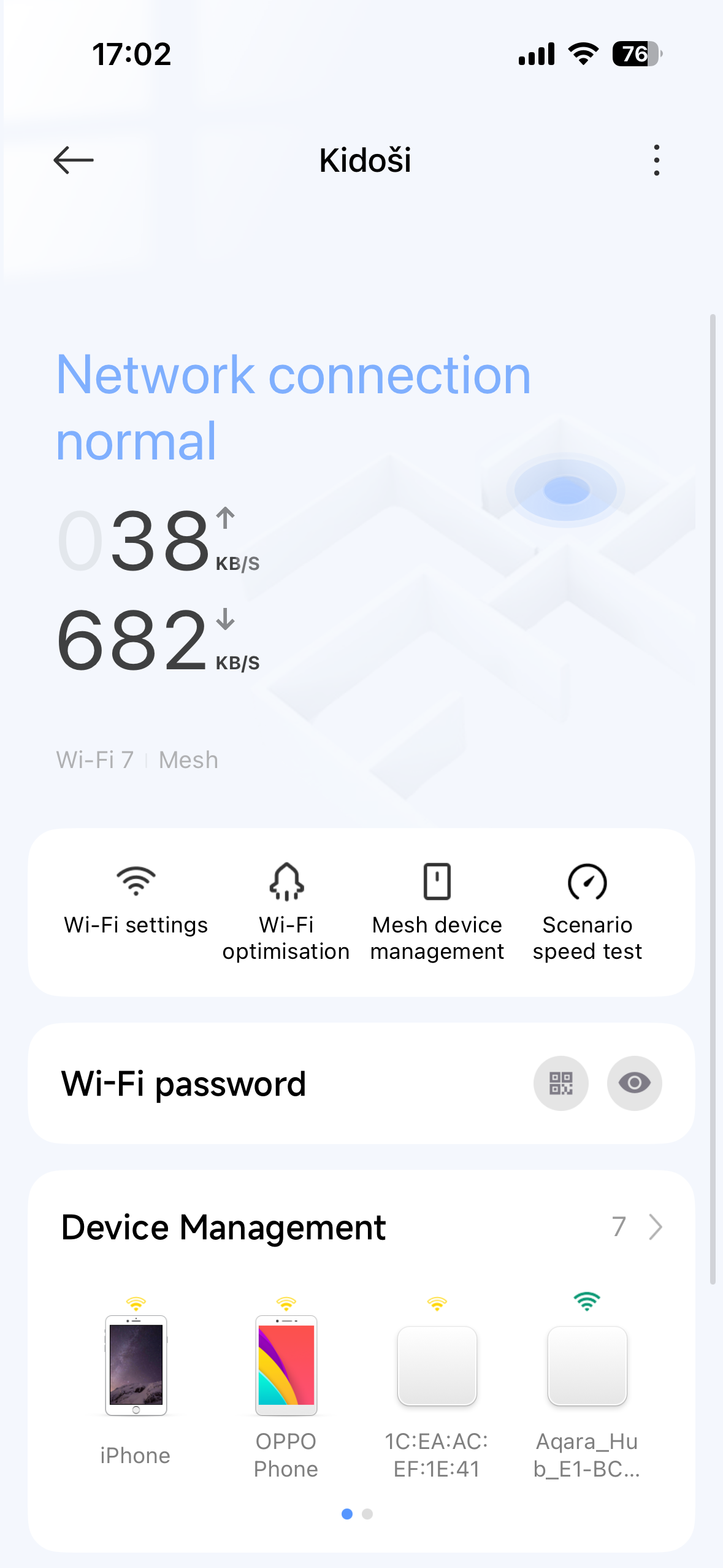
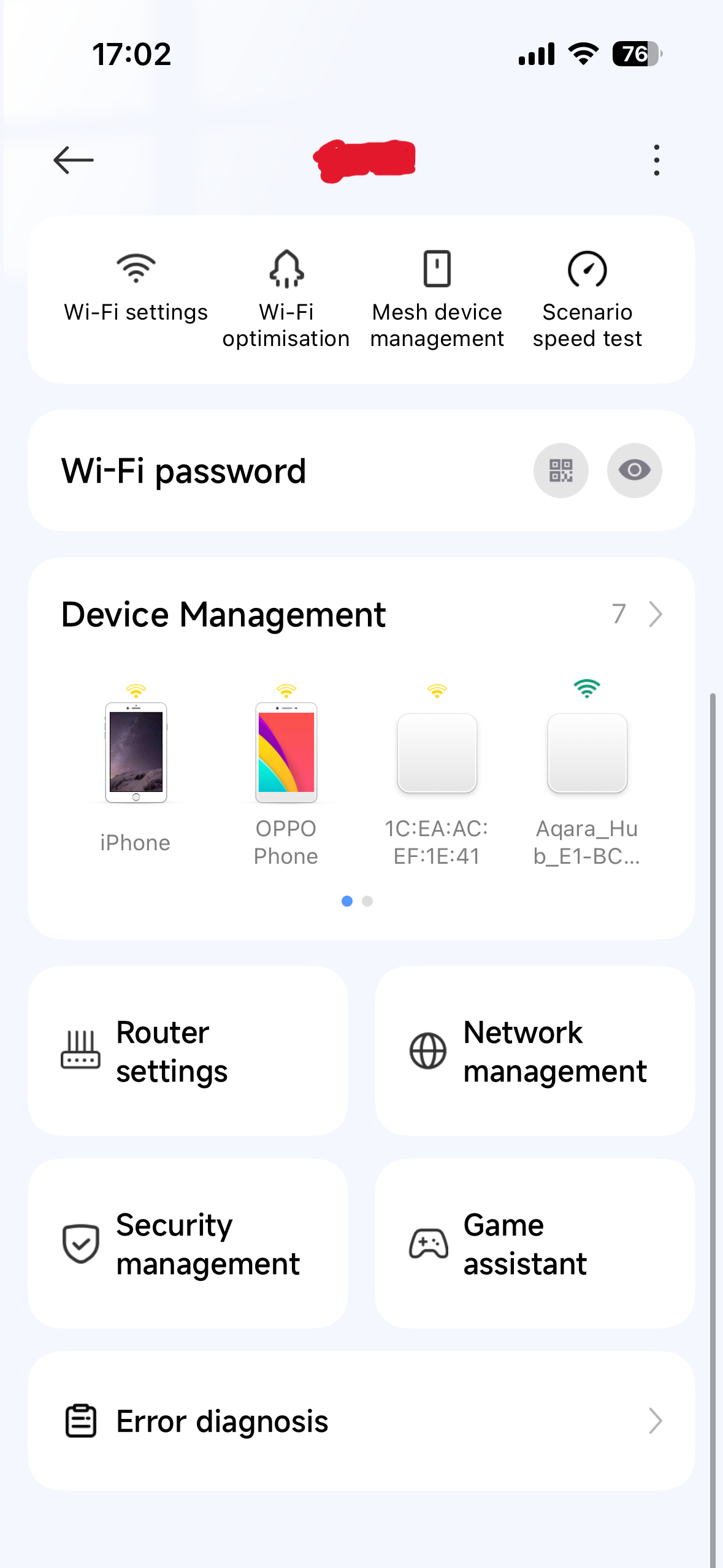
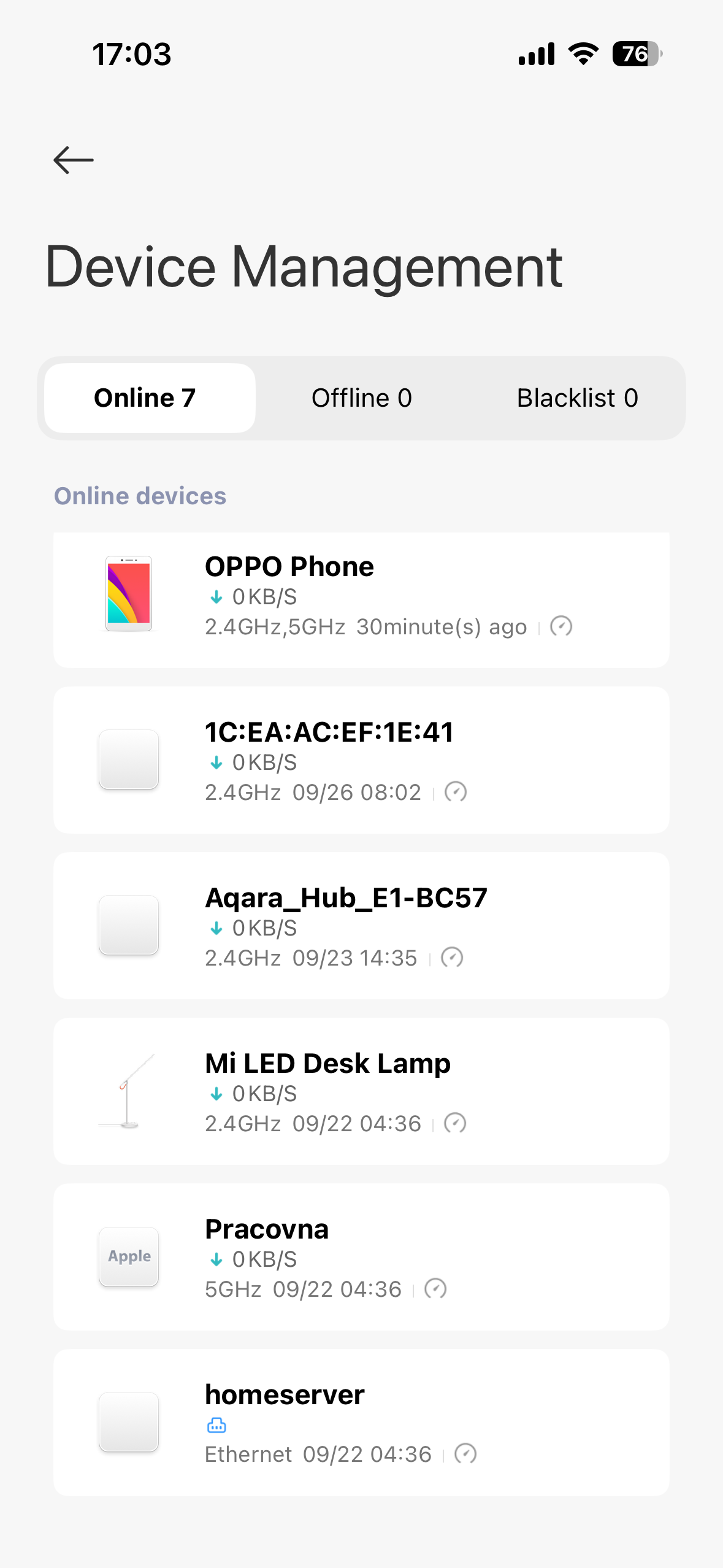
On the main screen right away, you’ll see a list of all connected devices and an overview of the current download and upload speeds. You’ll also appreciate the handy tool for Wi‑Fi optimization. With one click, it can scan available Wi‑Fi channels in your area and automatically tune your network to avoid unnecessary interference from your neighbors.
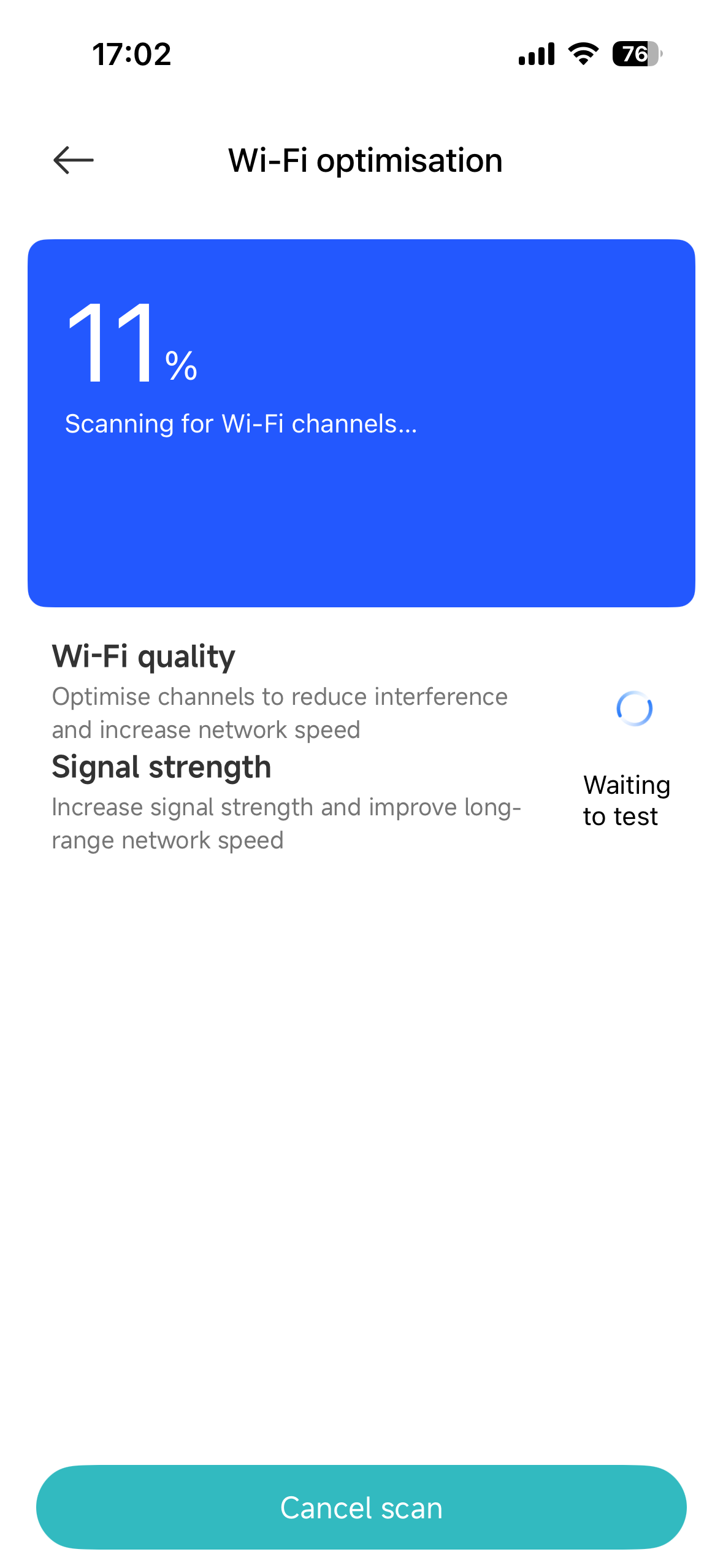
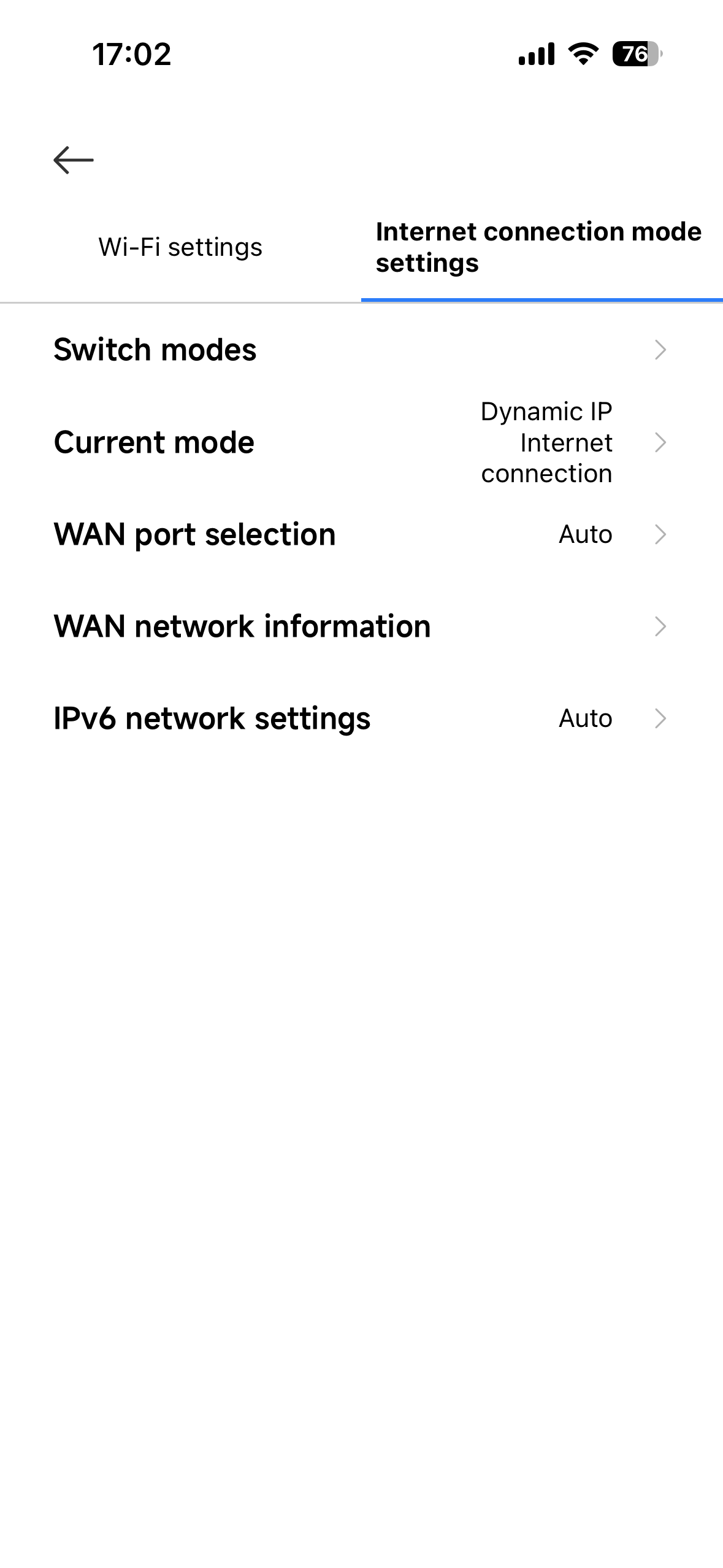
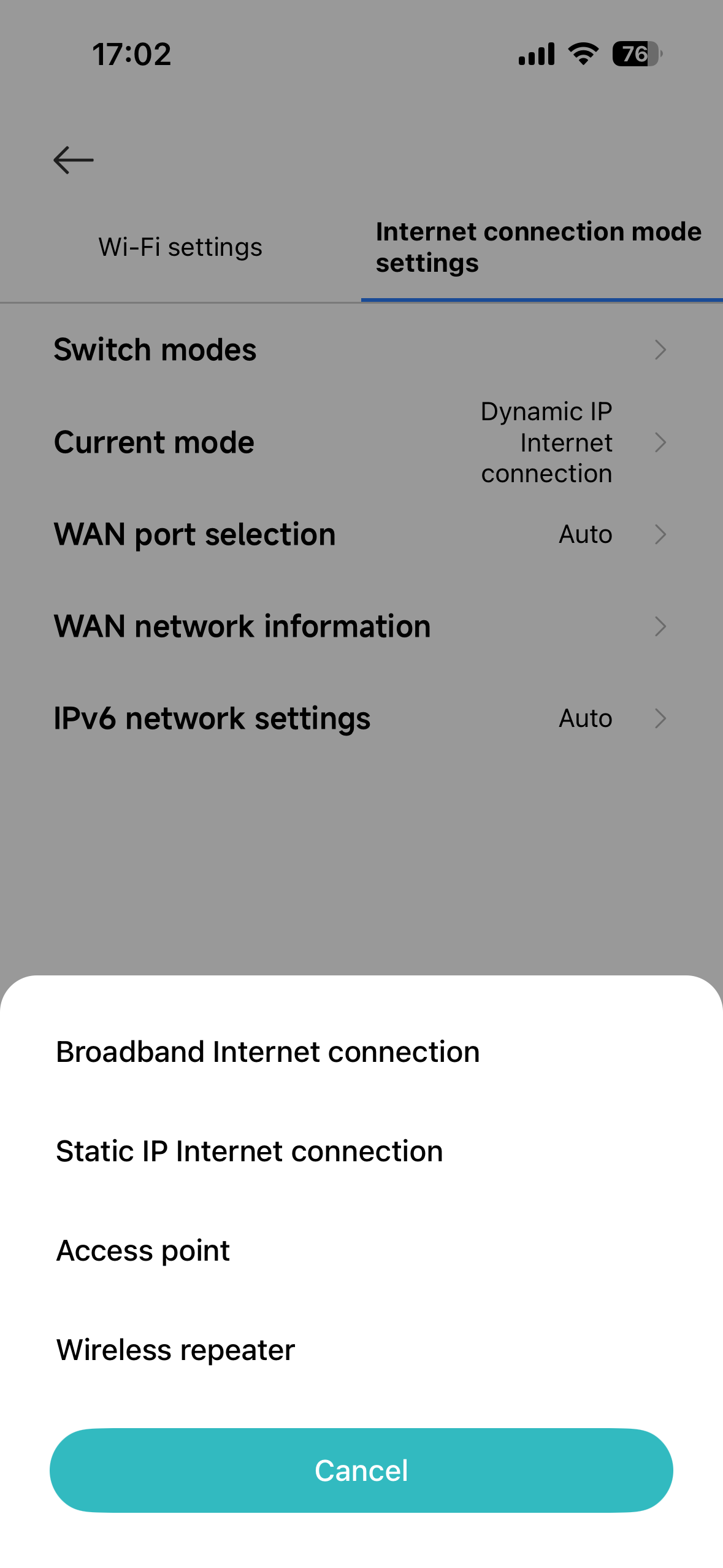
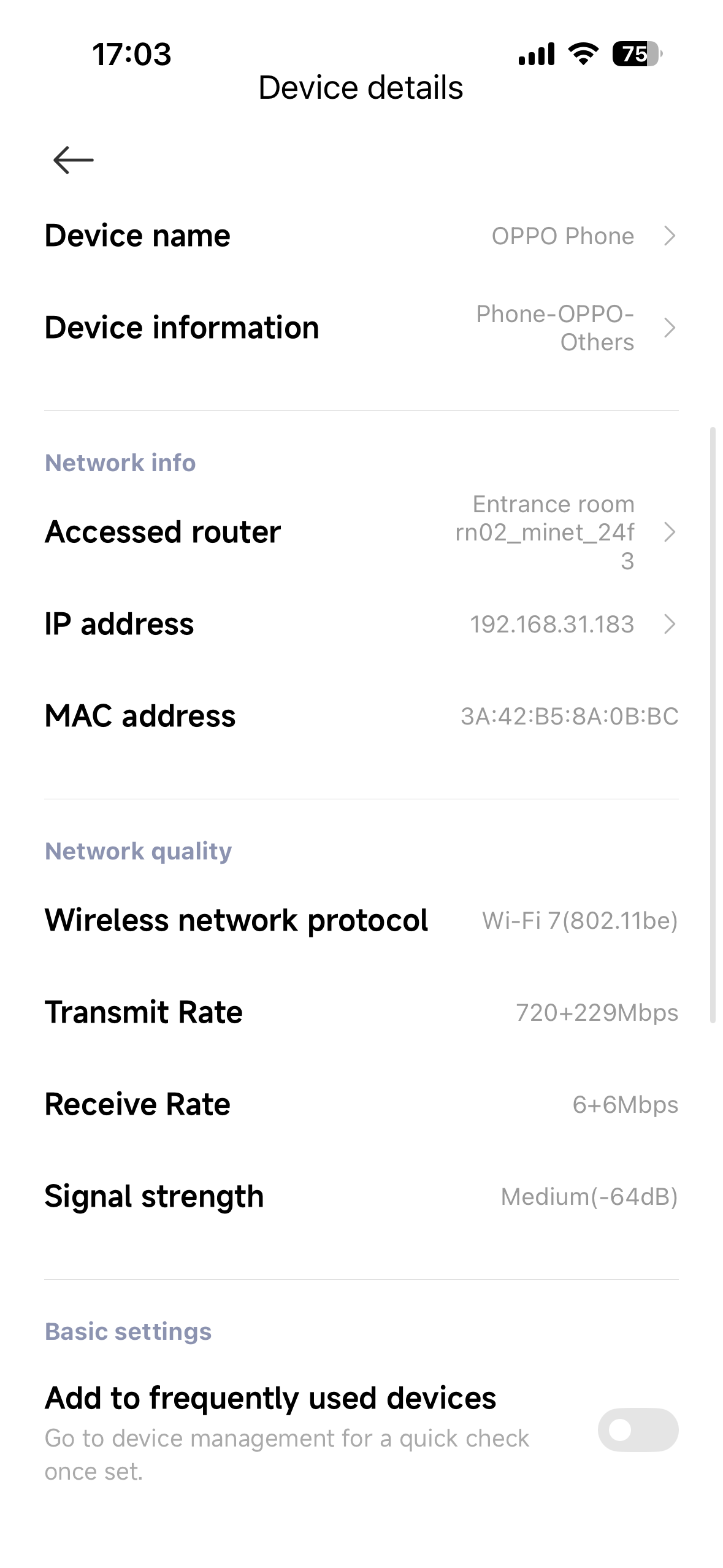
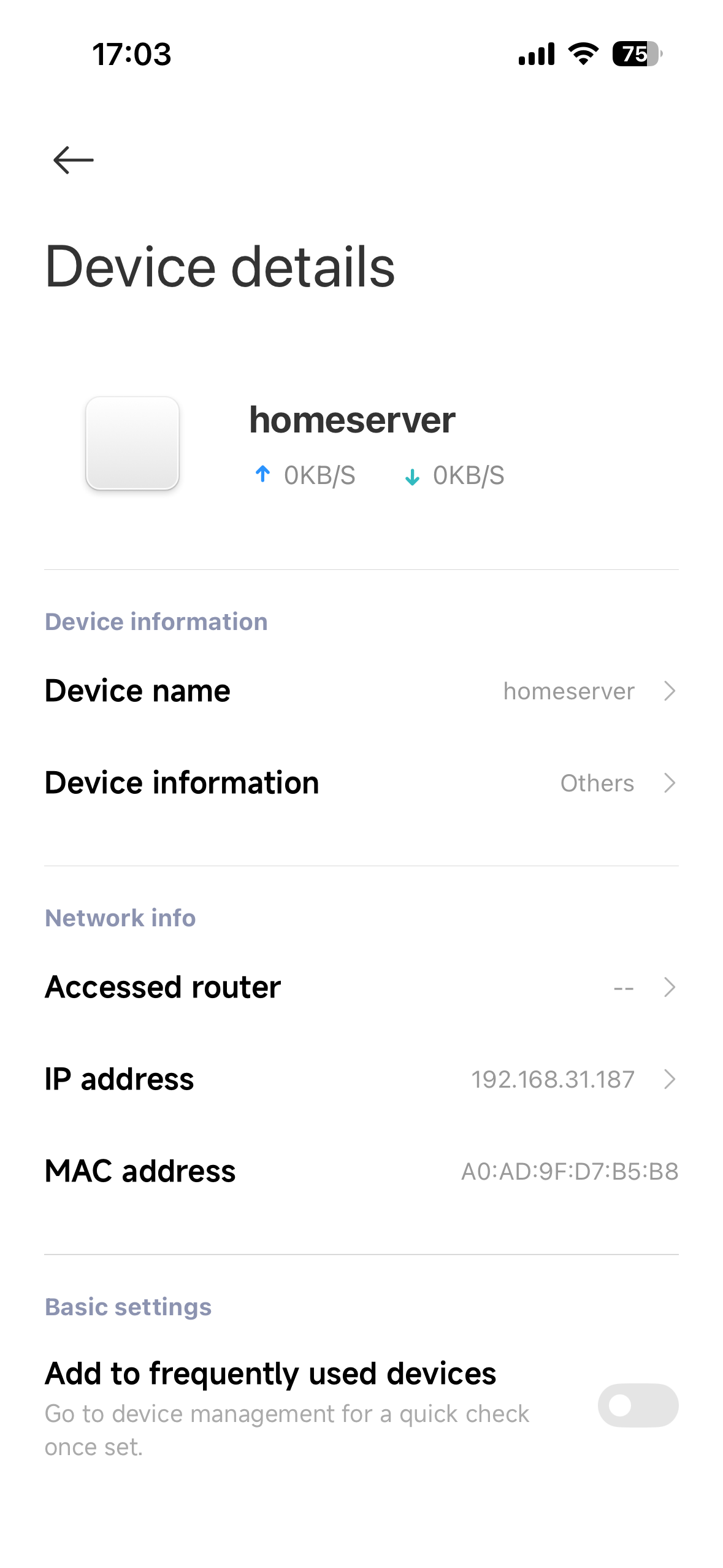
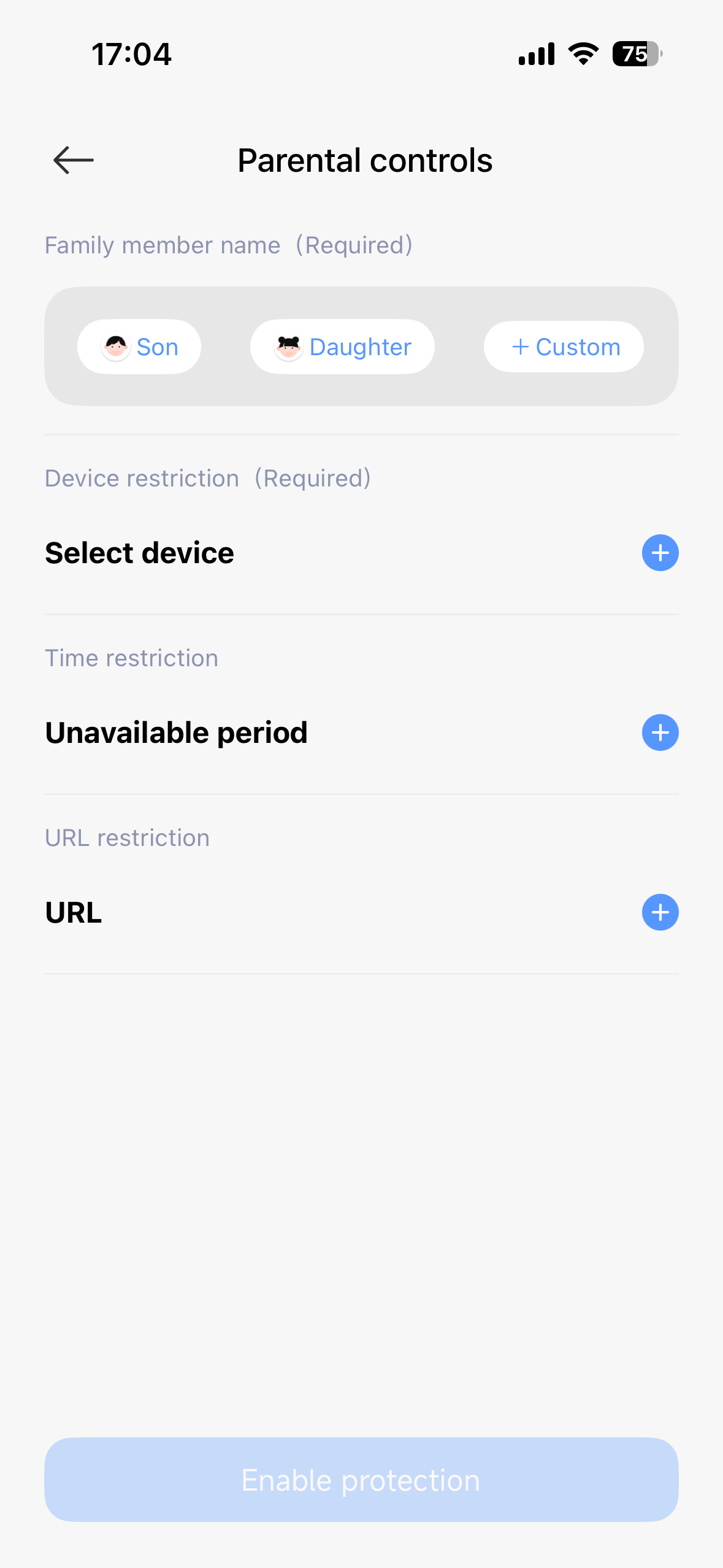
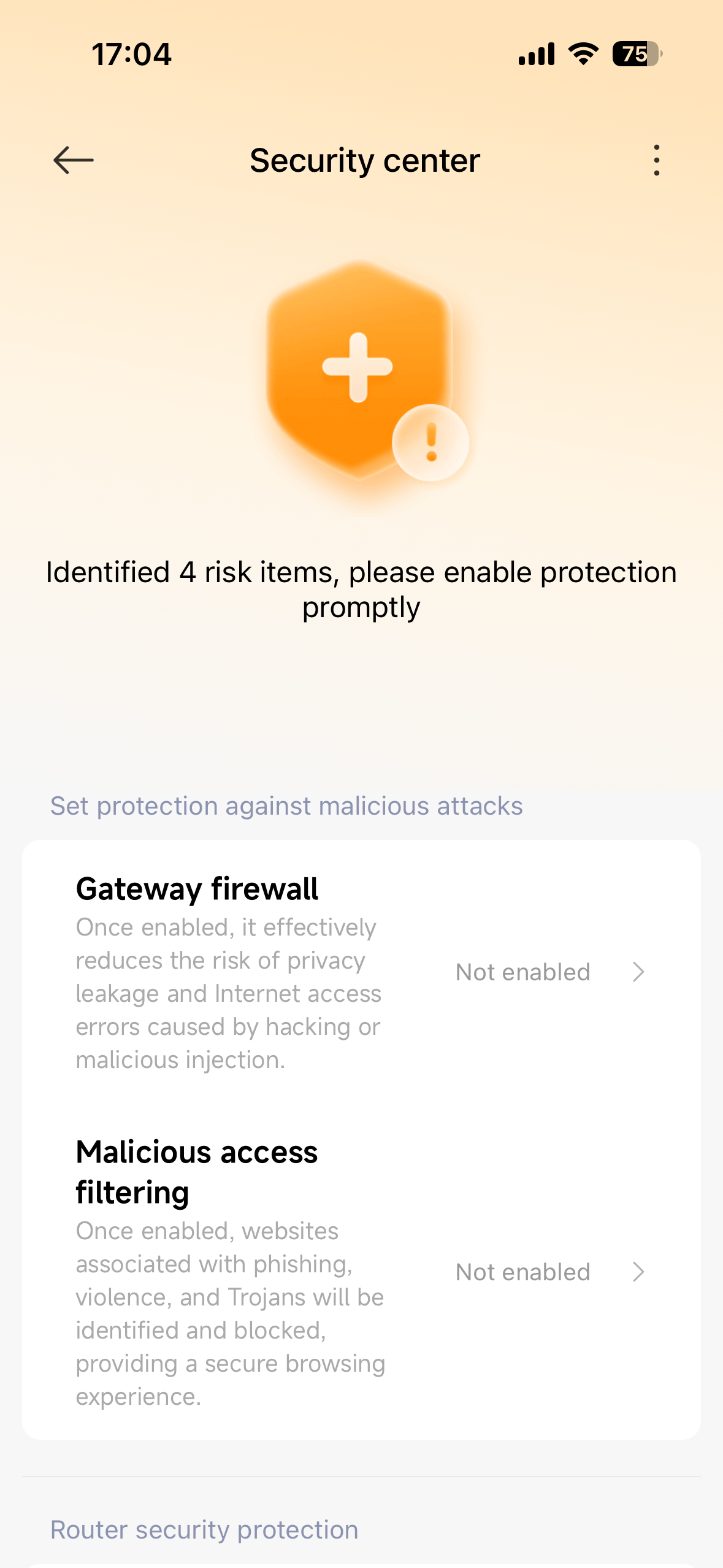
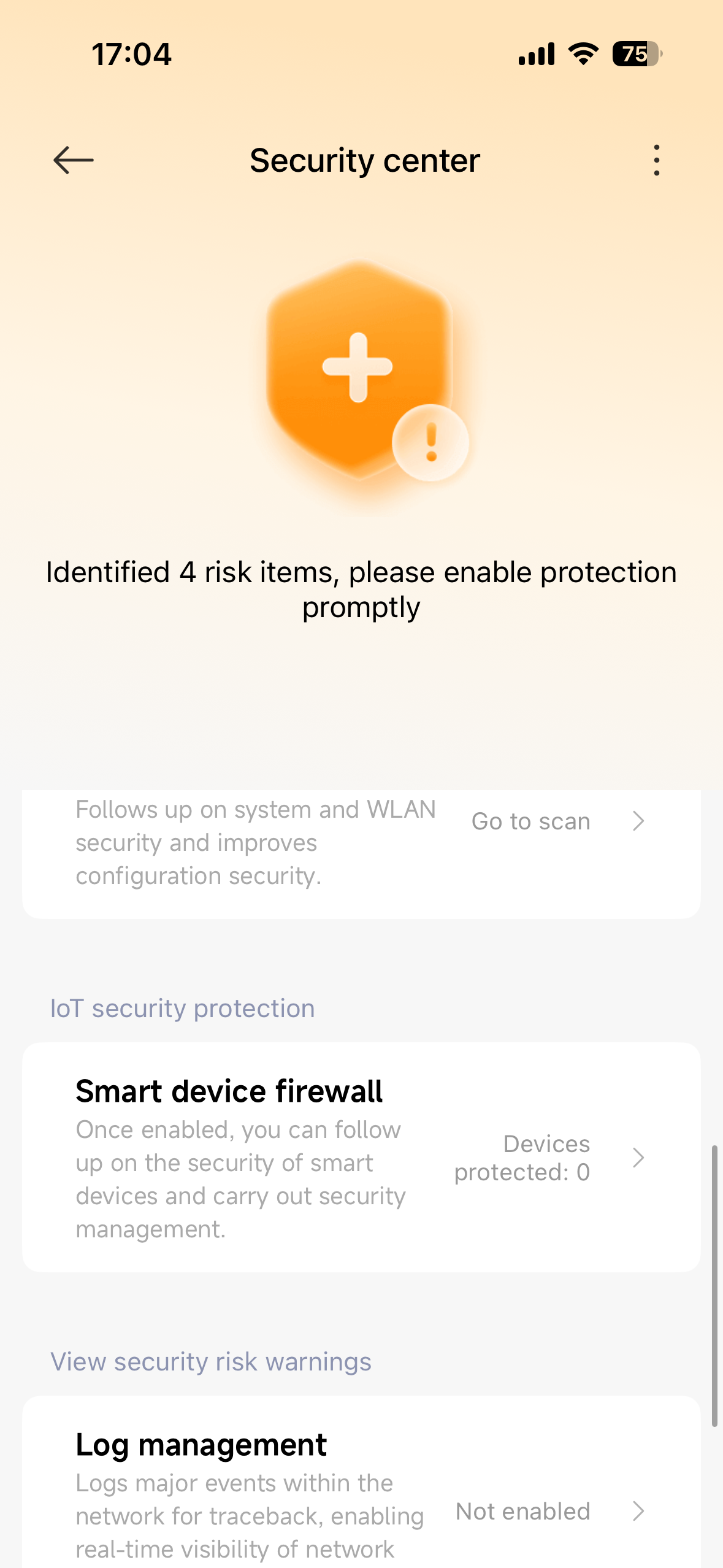
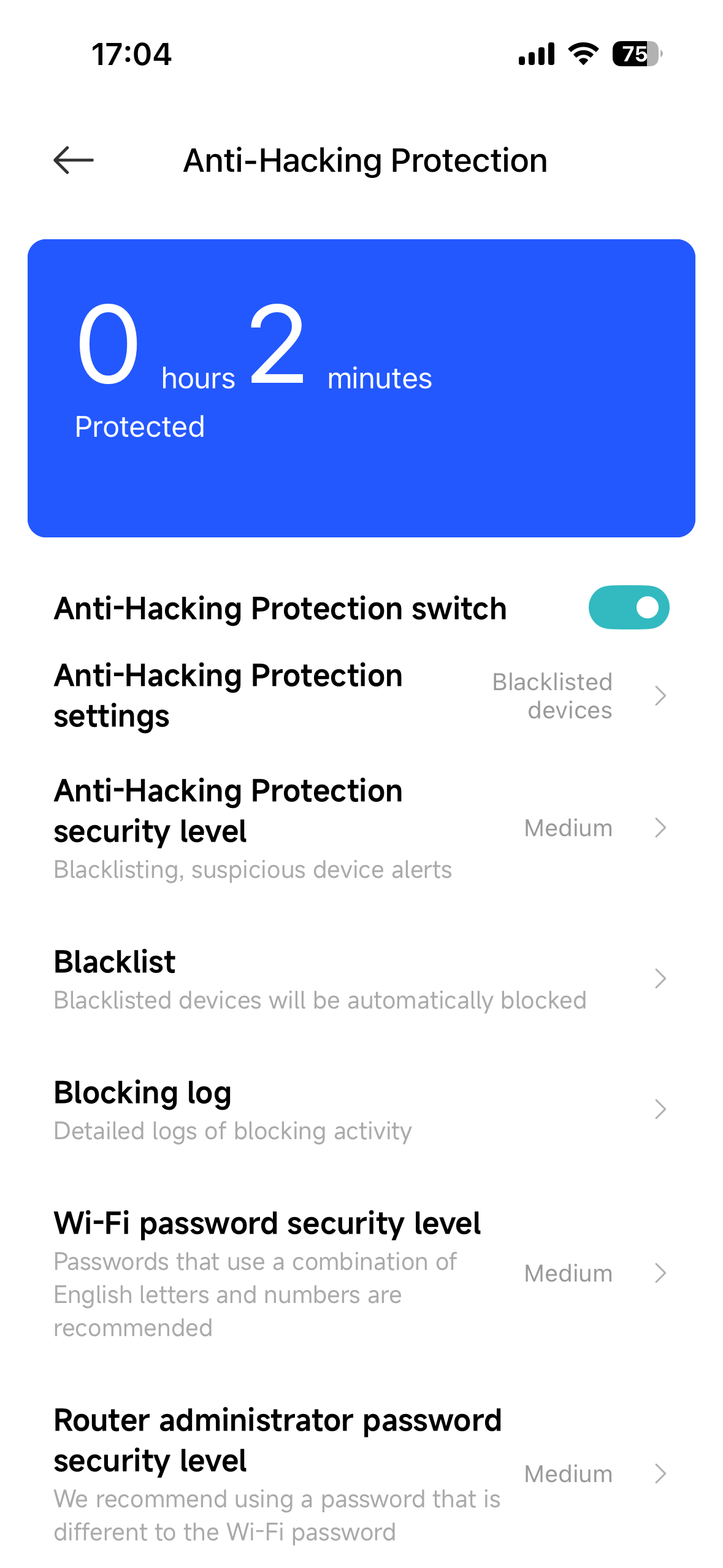
In the advanced settings, you can change the password, configure your internet connection settings (like switching modes or setting up IPv6), and manage connected devices—so you can view each device’s IP and MAC address. A great feature that parents in particular will appreciate is security management and Parental Controls. Here you can enable firewall protection against malicious attacks and filter access to risky websites (phishing, Trojans, etc.).
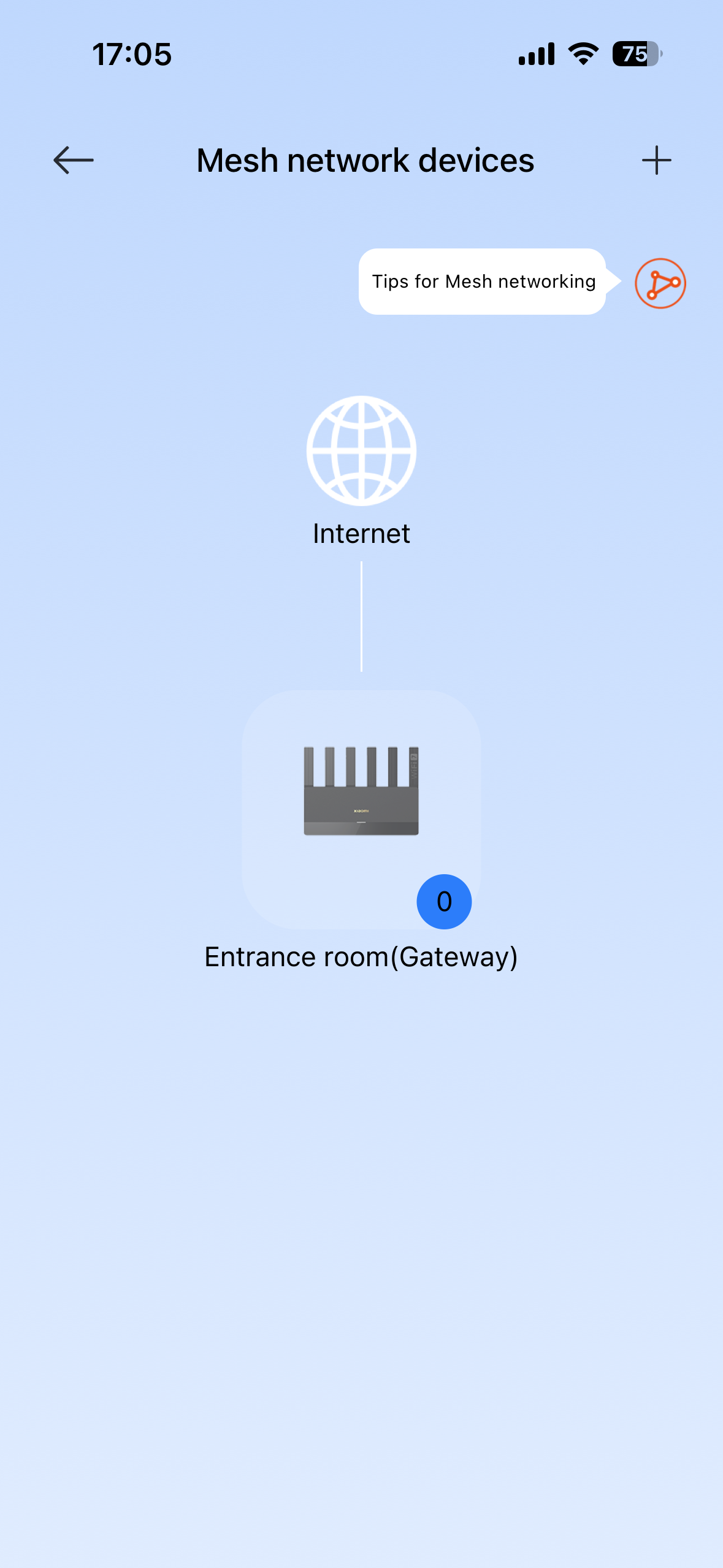
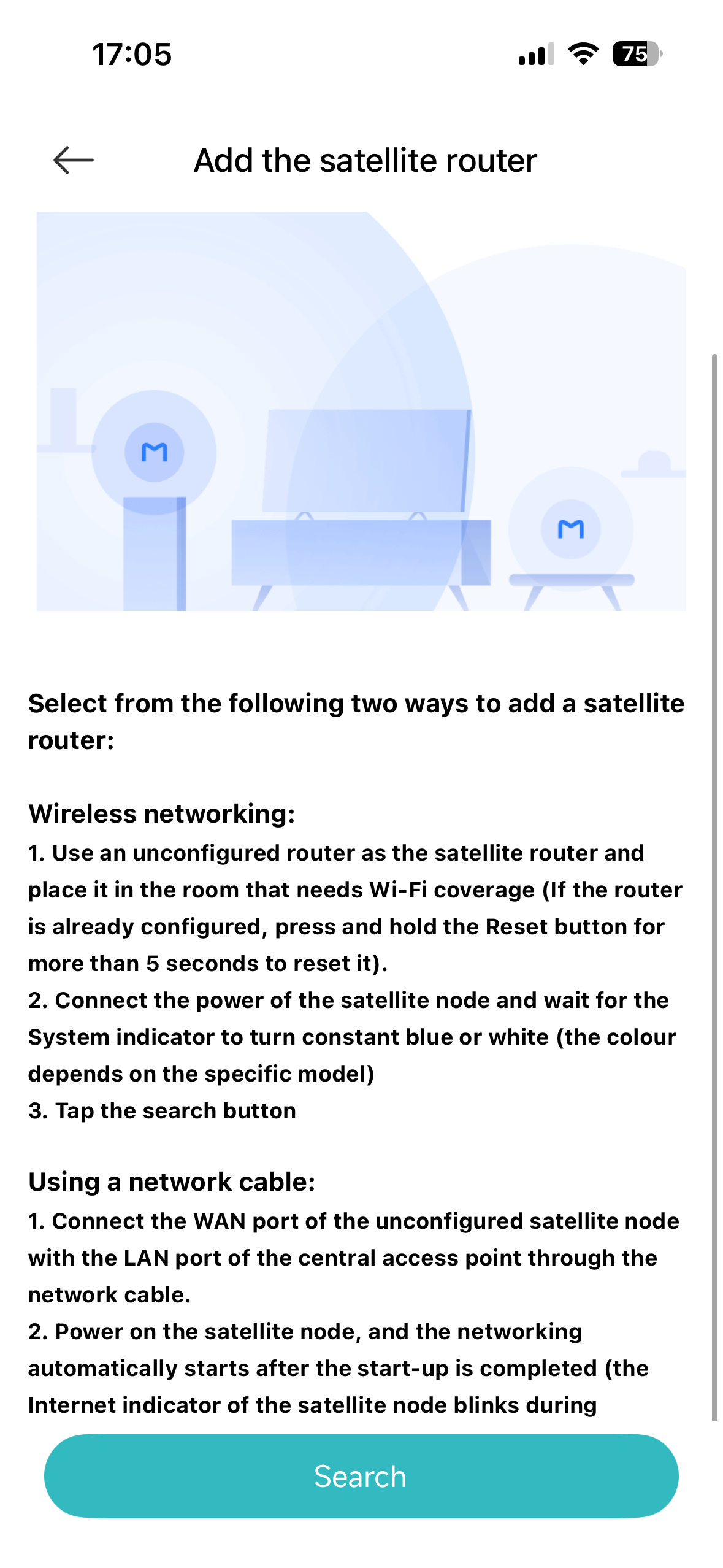
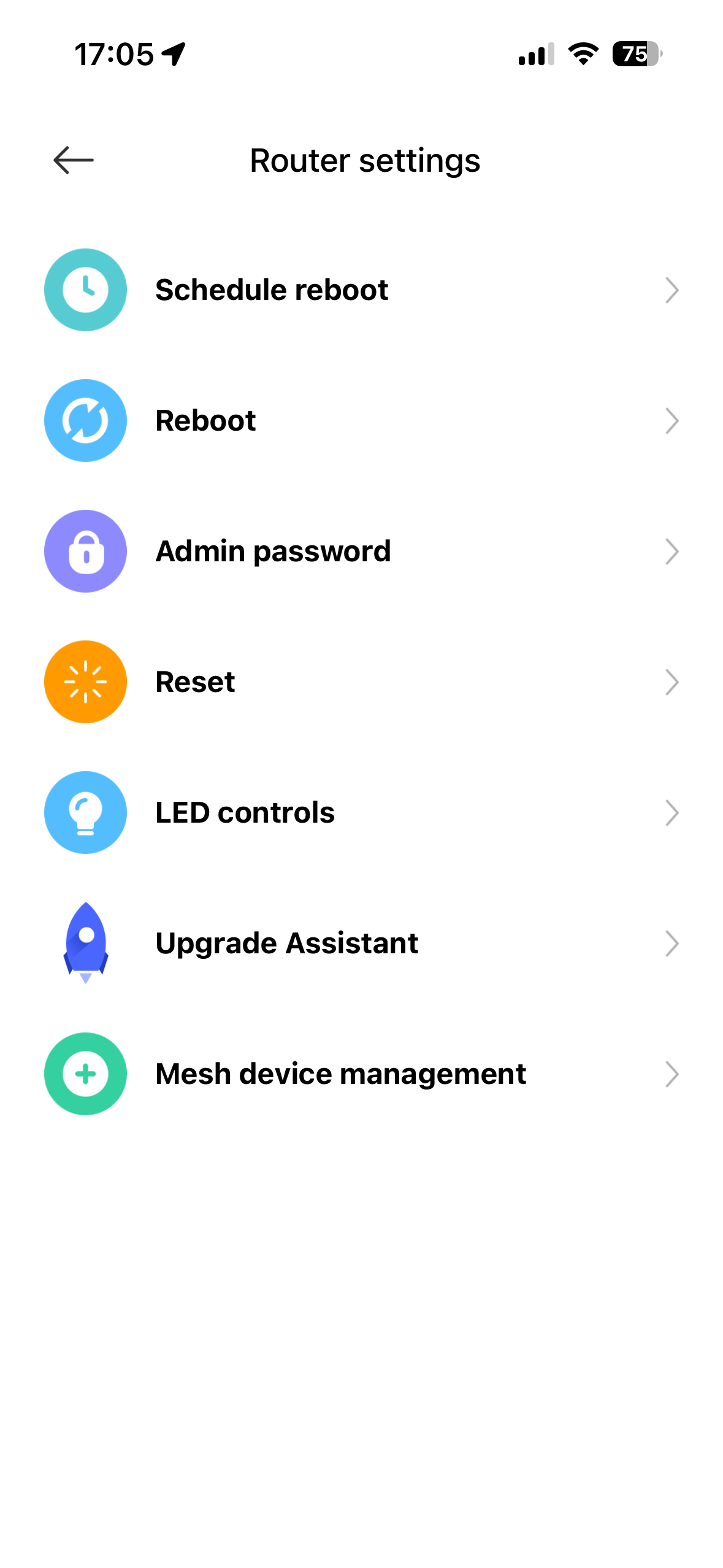
If you have a larger space at home and one router isn’t enough, the app supports adding and managing additional routers in a Mesh network. The system will guide you through the whole process, whether you pair the next nodes wirelessly or via cable, for perfect coverage. Of course, you also get basic features like scheduled router reboots, LED indicator control, and firmware update management.

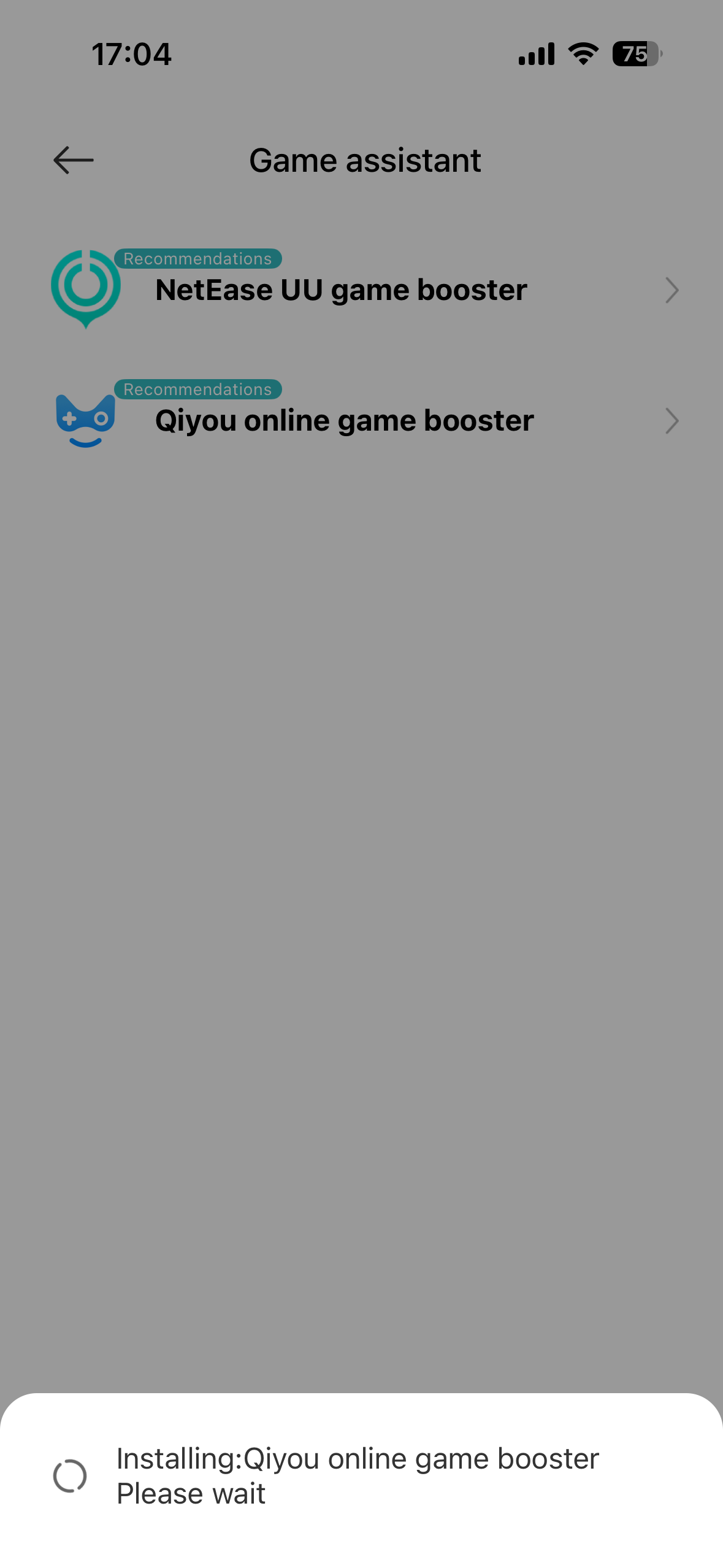
In the main app menu, we also came across the Game assistant section, which promotes built-in gaming accelerators like the NetEase UU game booster and the Qiyou online game booster. Unfortunately, when trying to activate them, the system failed—most likely because these specific gaming services are tied to the Chinese territory by license or functionality only, so you won’t be able to use them here.
Final verdict: Is it worth buying a Xiaomi Router BE6500?
If you’re dealing with an unstable connection, high ping, and your current router can’t fully utilize the speed of your internet plan, the Xiaomi Router BE6500 is an excellent—especially budget-friendly—solution.
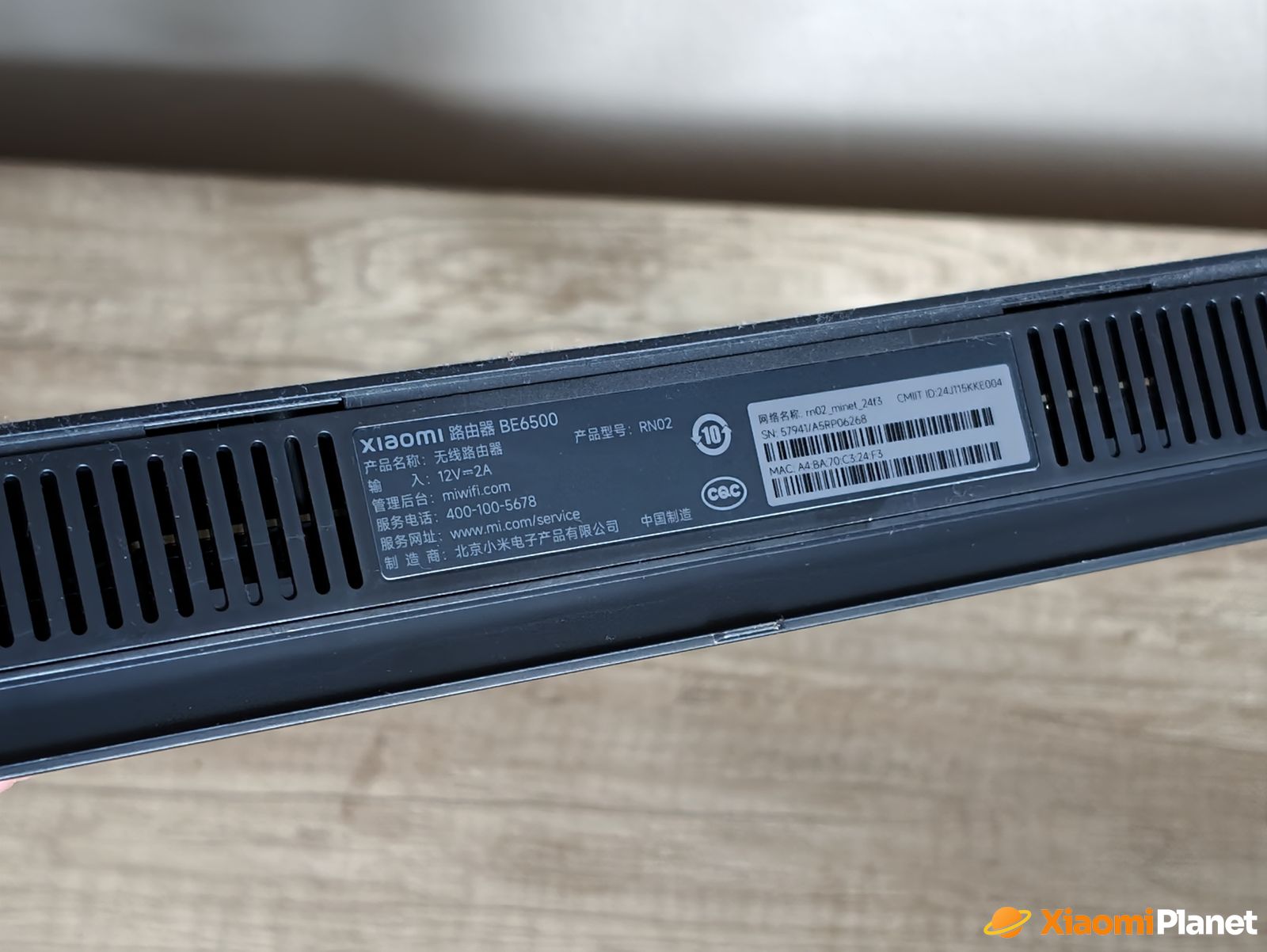
For a fraction of the price of gaming routers, you get reliable hardware with four 2.5G ports that handles terabytes of data per month with ease. And thanks to the unlimited performance of the Chinese version, it can cover even more distant corners of your apartment without issues. However, if you think Wi‑Fi 7 automatically also gives you support for the 6 GHz band, we have to disappoint you. The Xiaomi Router BE6500 really does not support it. What it will make up for is stronger signal power and availability of several handy features.
To get more updates from the world of Xiaomi, keep following our Xiaomi Planet website. Join our Facebook group, where we build an active community and help each other out. Subscribe to our Telegram as well, where we add the best deals and coupons from China every day.
Don’t miss the best coupons 📩
Subscribe and we’ll email you new coupons before they expire. We only send it once a month — no spam.