
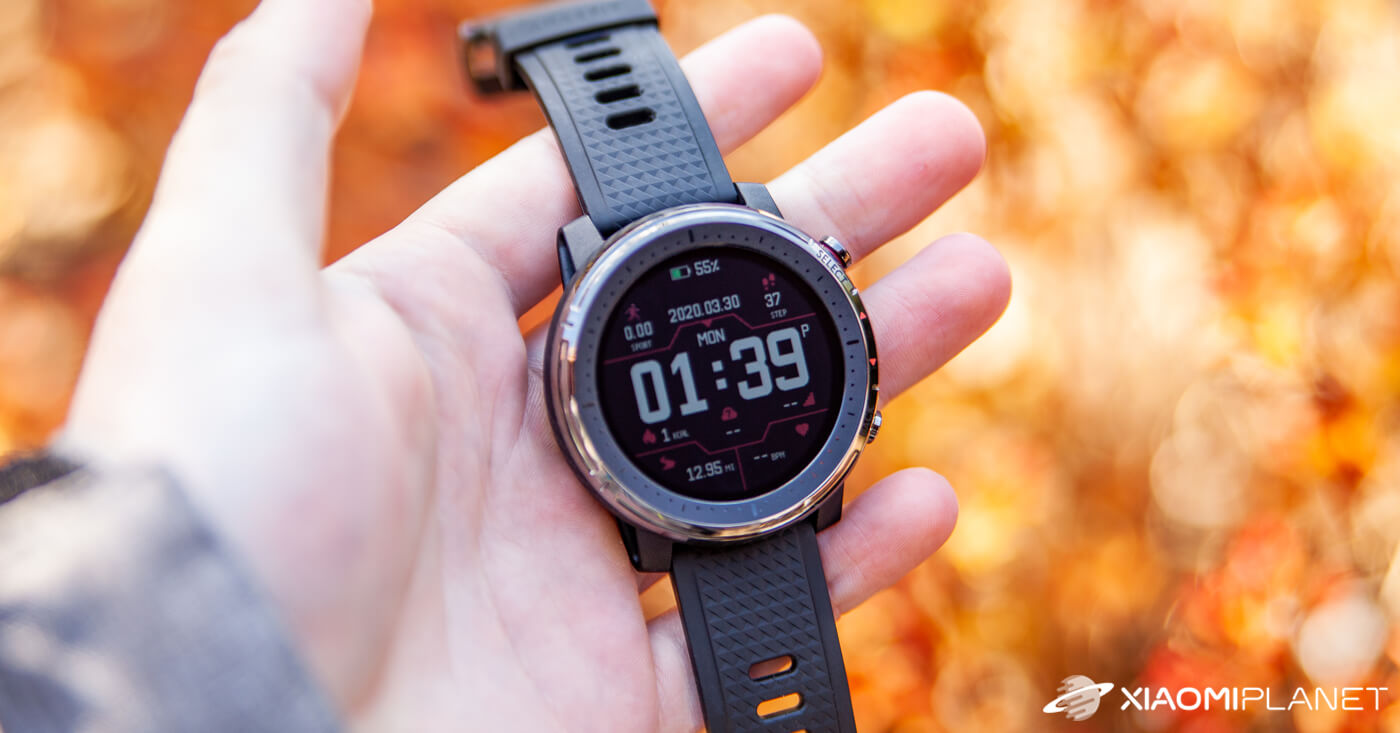
Verdict: Amazfit Stratos 3
Our editorial rating based on product testing.
- High-quality, solid construction
- Great display visibility in direct sunlight
- Easy controls
- Many sports modes
- Battery life compared to other Amazfit models
- Still no NFC payments supported in Europe
Smartwatch by Amazfit has become popular mainly thanks to the excellent price/performance ratio. Equally important is the Stratos series, which initially caught the attention of a wide range of amateur sports enthusiasts.
This is already the third generation, labeled Amazfit Stratos 3, and it again brings a very tempting package at a relatively low price.
We bought these watches through a well-known international seller from China—of course in the European version—and we’re bringing you a detailed review.
Get a discount on Amazfit Stratos 3
Standard Amazfit packaging
If you order the watches, the first thing that greets you is the standard dark box featuring an image of the watch and the Amazfit logo. The white box that slides out afterward is made of rigid paper.
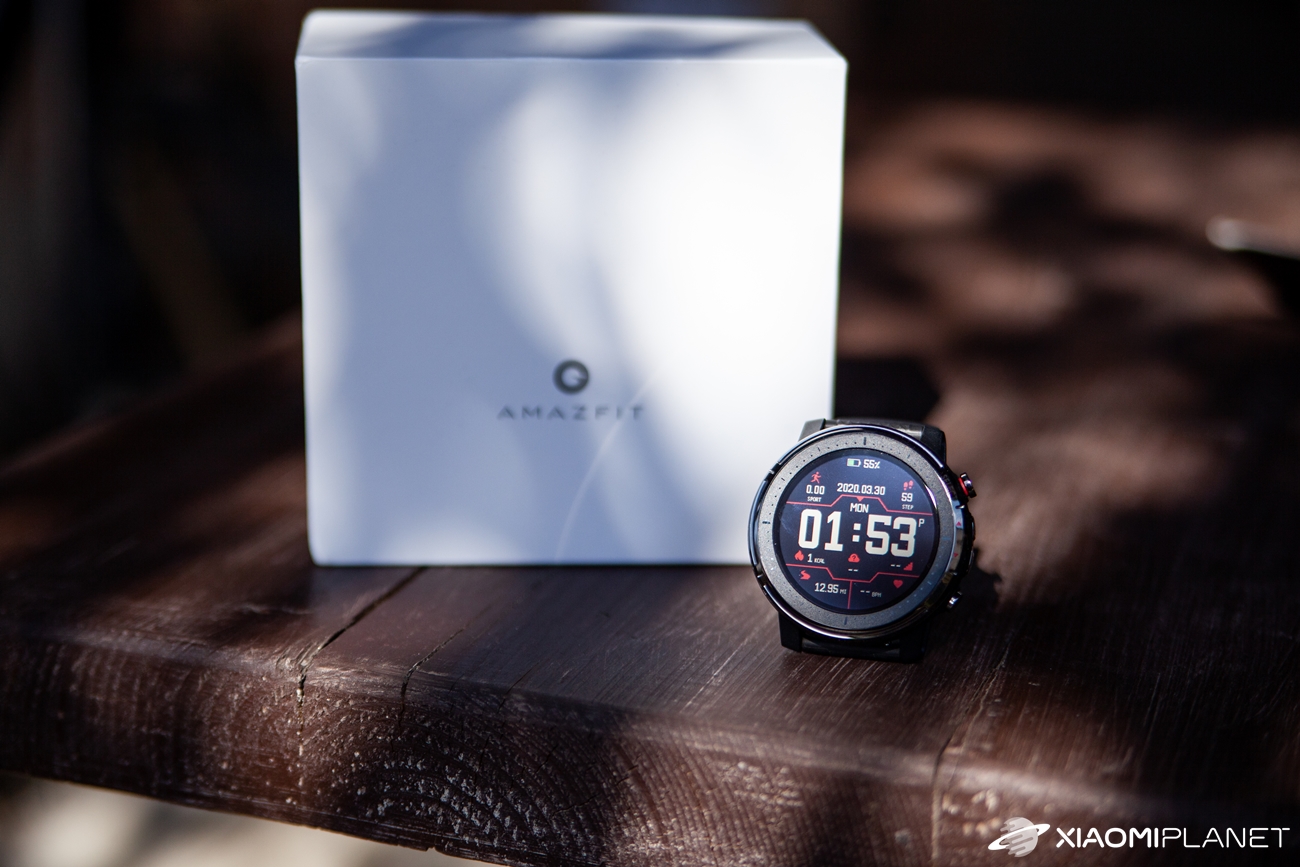
At the very top of the packaging, you’ll find the actual Amazfit Stratos 3 watch sealed with a protective film, along with the included black silicone strap.
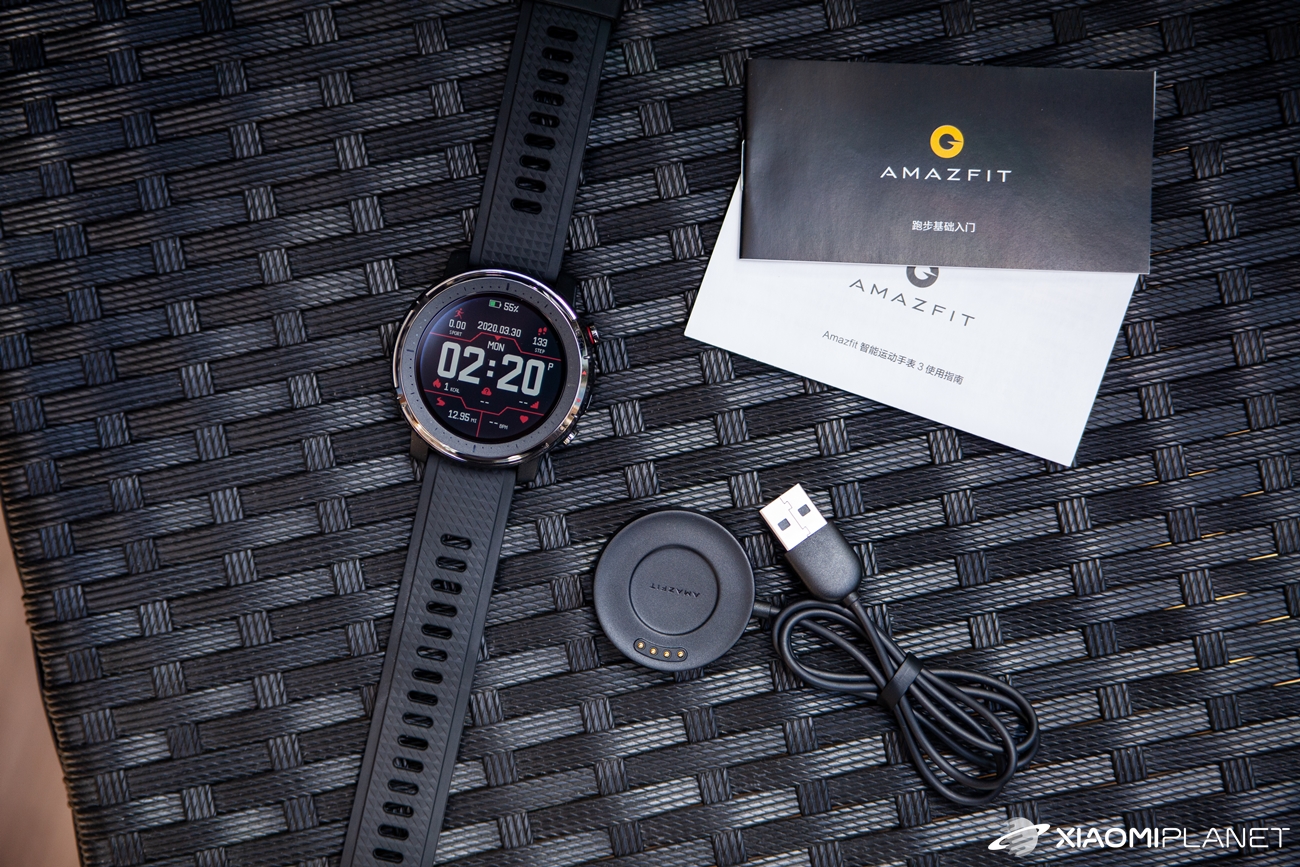
Below, there are two compartments—one for the manual and the other for a specific charger with a full-size USB-A connector.
Great craftsmanship proves its value
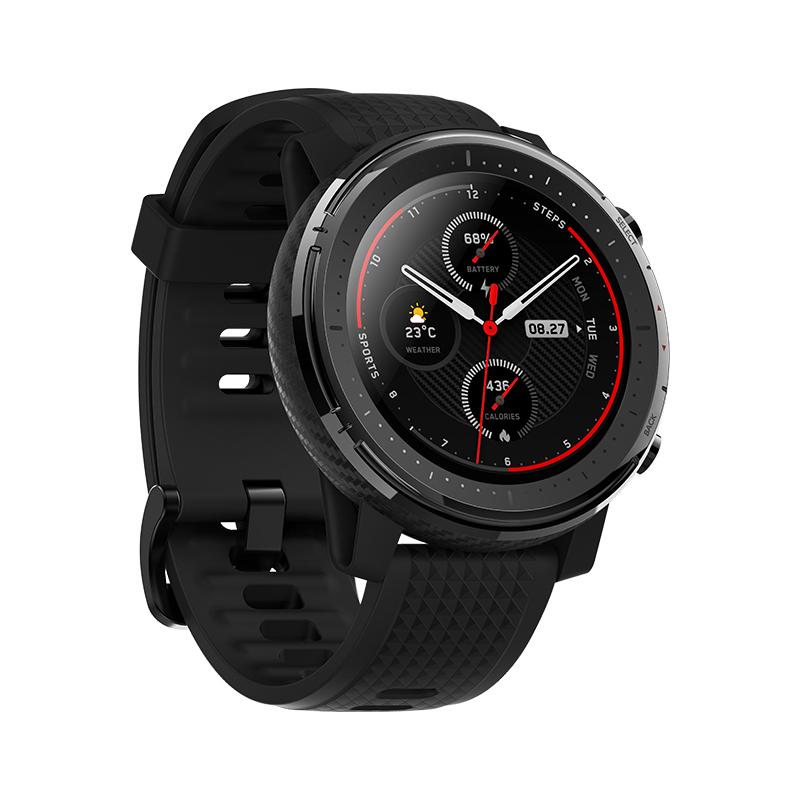
The watch body is made from durable metal with a typical “carbon” look inspired by the previous Stratos 2 model. However, it doesn’t look bad at all—it only highlights how solid the body feels.
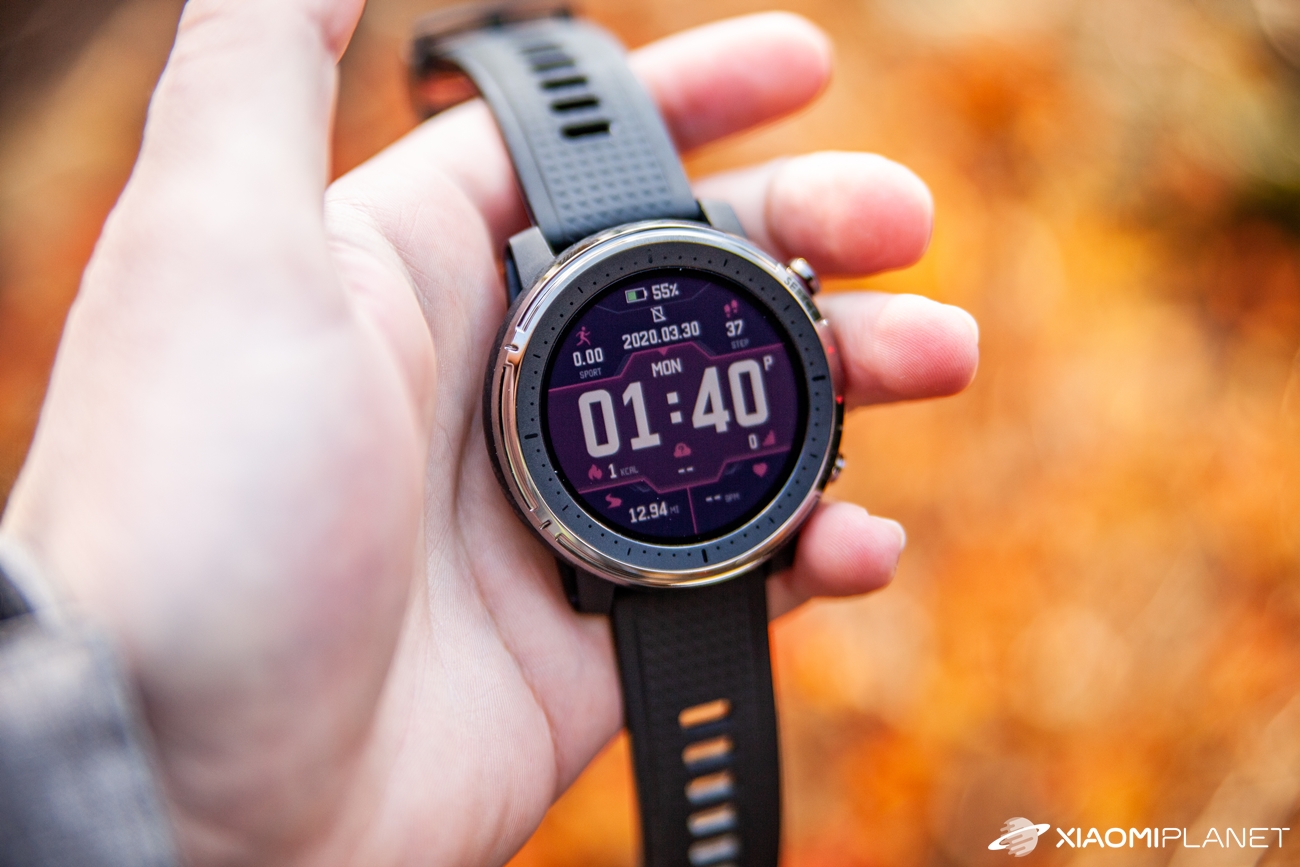
On the front, there’s a reflective display, which is a big draw of this model, especially for outdoor sports enthusiasts.
Around the display there’s a fairly thick dial with images of hours and minutes; on the right side you’ll find the buttons for controlling the watch.
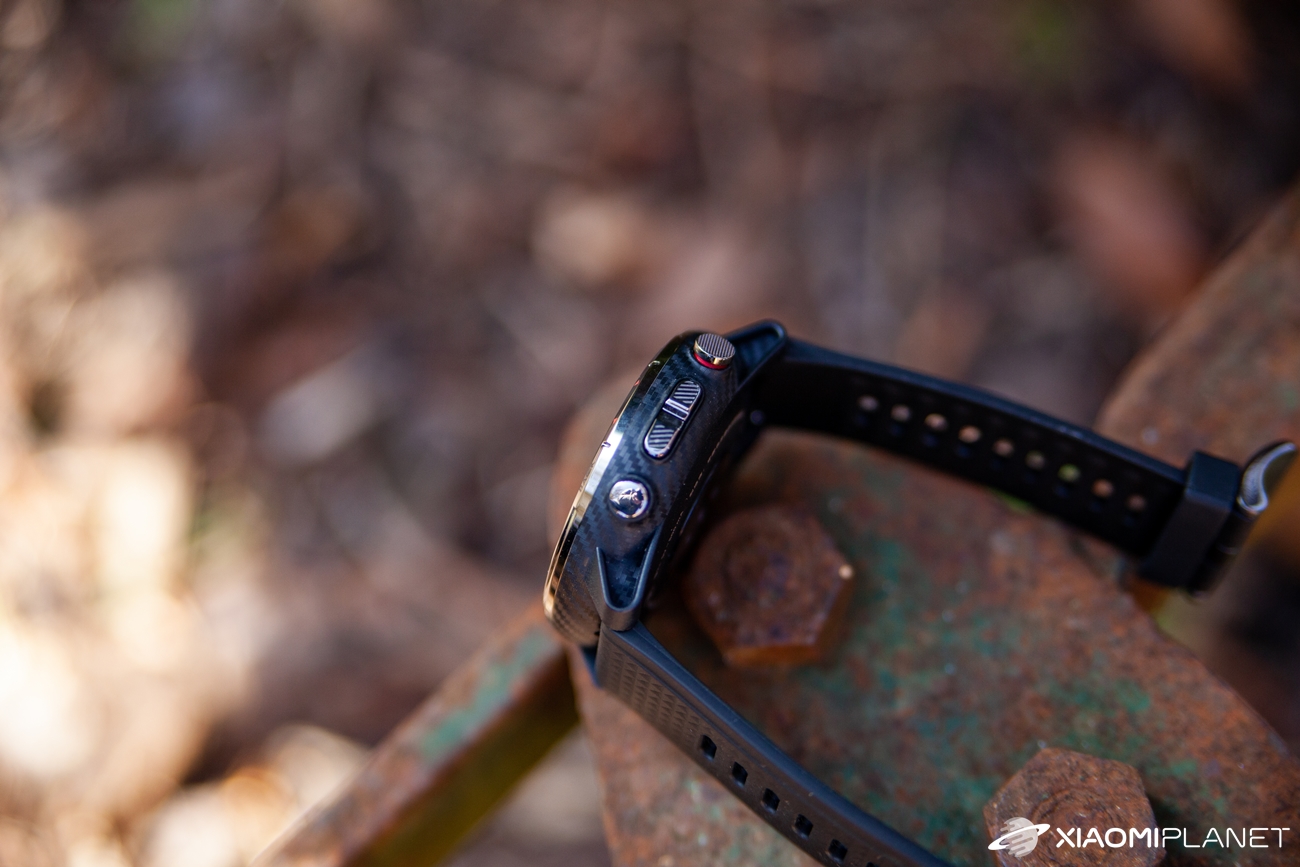
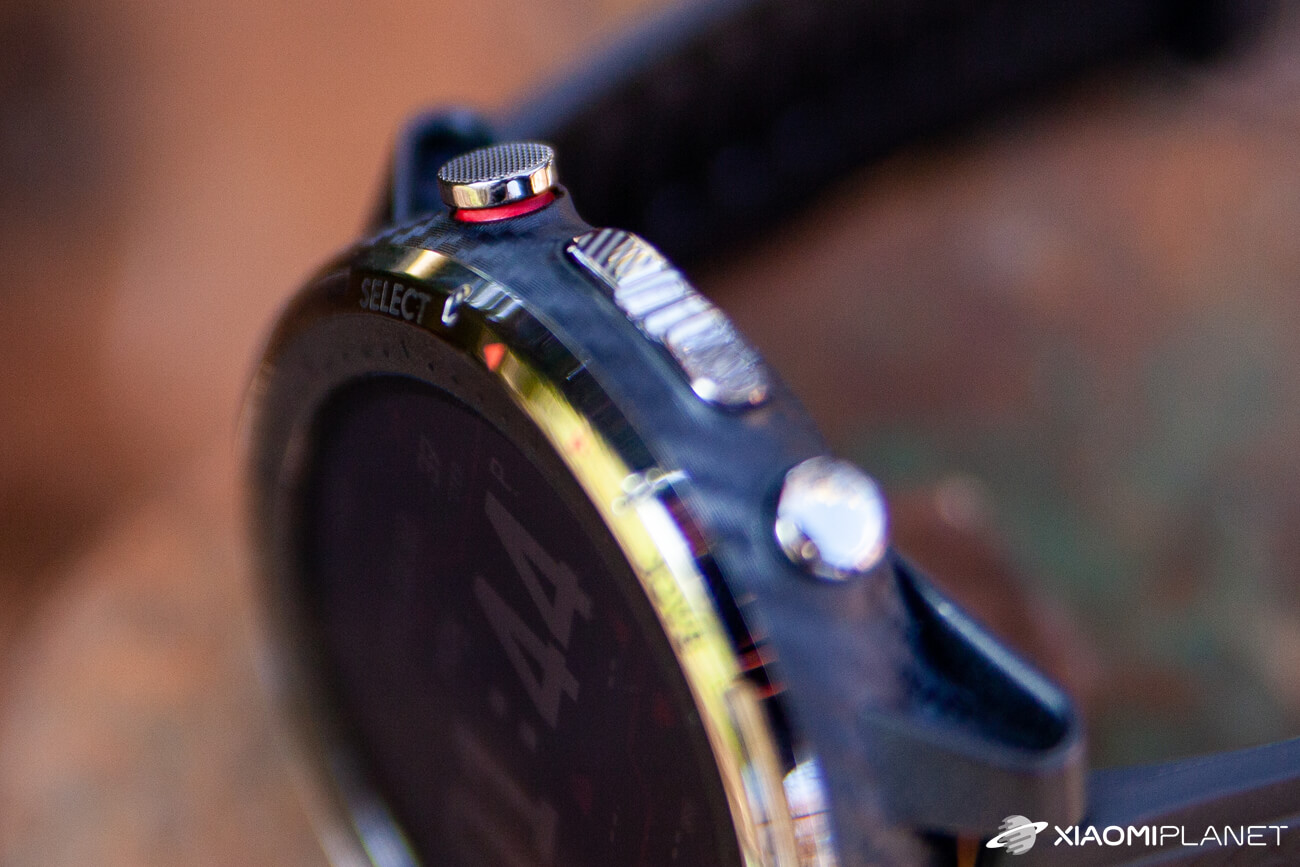
The top and larger SELECT button is on top. Below it there are two buttons for moving up and down in the menu, and even lower there’s a slightly bigger BACK button for going back in the watch menu. The buttons are also made of metal and include labels for their functions.
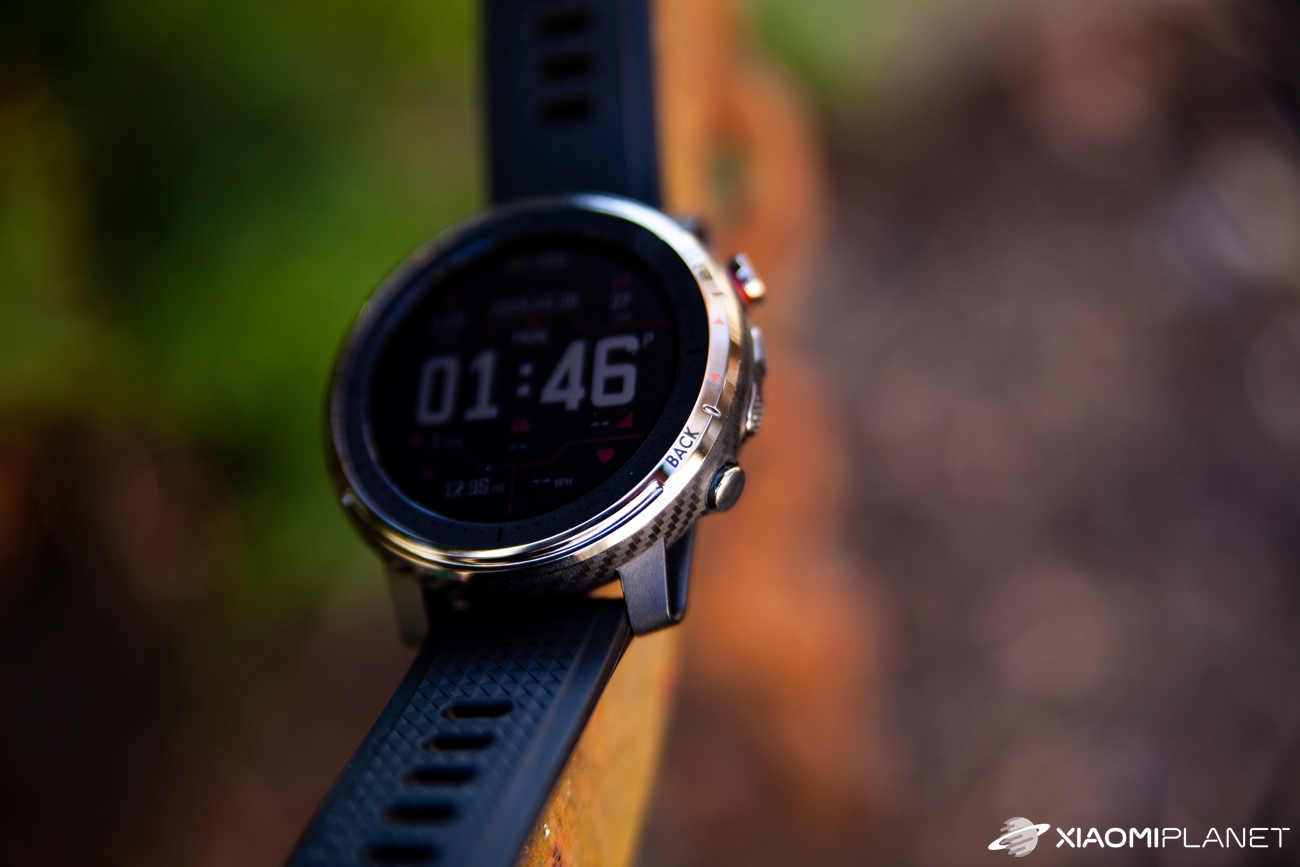
The left side is blank, and the top and bottom edges feature the attachment for the silicone strap. However, the attachment is standard, so you can swap the strap for any other one in the given 22 mm size you like.
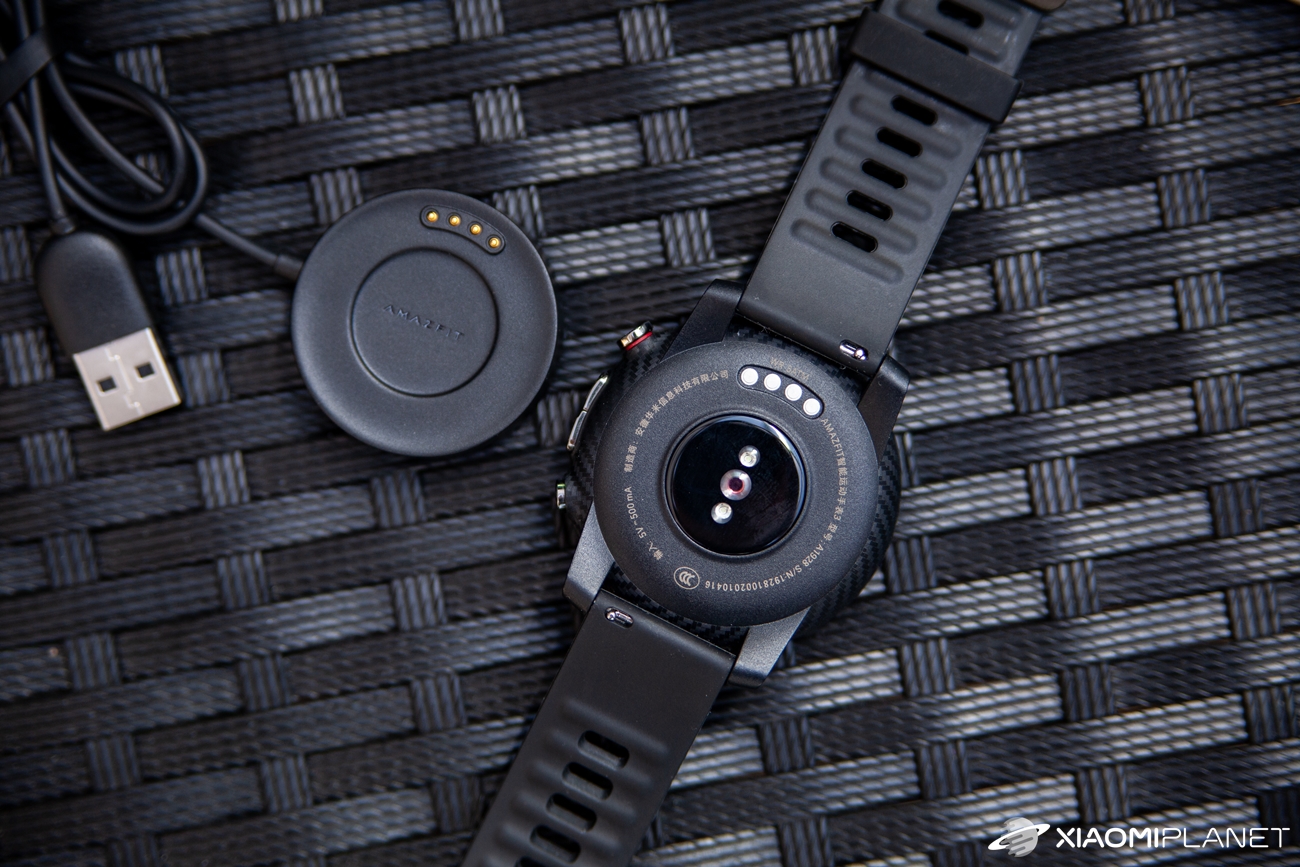
The bottom side includes connectors for the charger, but also a smooth glass part where a cluster of sensors is located. For example, there’s a heart-rate sensor, which can be extremely important for the target group of these watches.
Water resistance up to 5ATM
The width of the watch itself stops at 48,6 mm, with the thickness at 13,4 mm. The weight is then a bit over 40 grams (without the strap).
The manufacturer also didn’t hold back when it comes to durability. The massive stainless-steel body comes with an 5ATM certification, which means the watch can handle submersion under water up to a depth of 50 meters—definitely good news.

The watch construction is very sturdy—we don’t worry about it getting damaged quickly, and considering its price, it’s truly a solid piece of metal gear.
The reflective display is built for outdoor use
The manufacturer equipped these watches with a 1.34″ “Full Moon” display that has a round shape and a resolution of 320 x 320 pixels. It’s a reflective panel that’s especially great outdoors in sunlight.
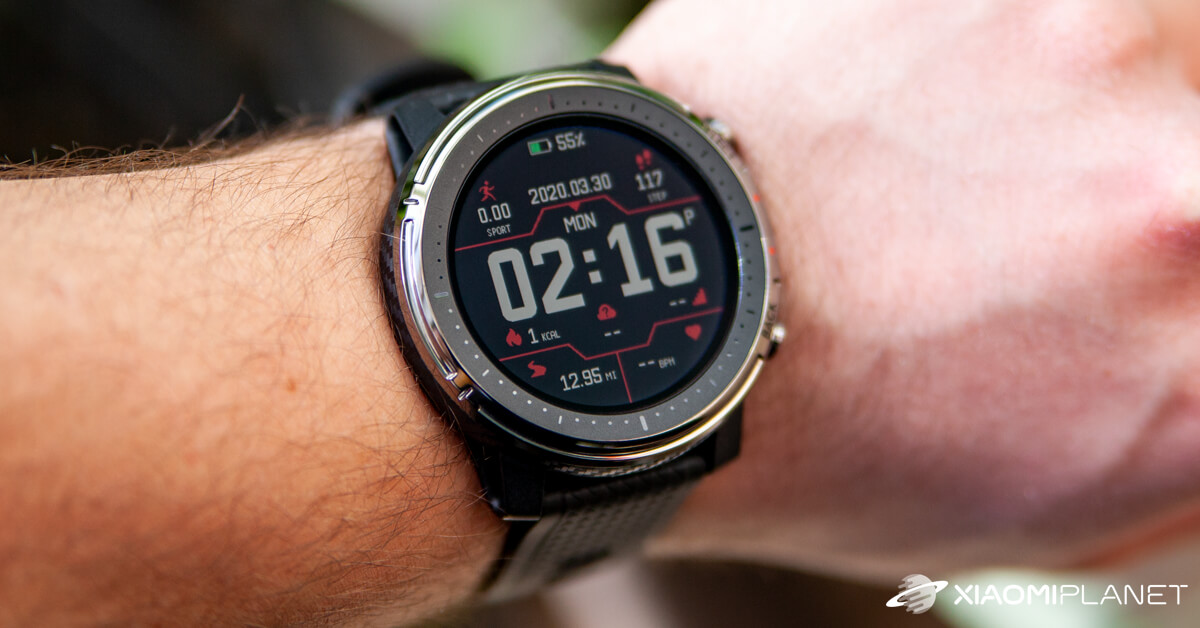
A reflective panel reacts very well to direct sunlight. Although indoors the display may seem a bit dark or have lower brightness, in direct sunlight the situation is exactly the opposite—the image is bright and crisp, with all elements of the watch’s display easy to read.
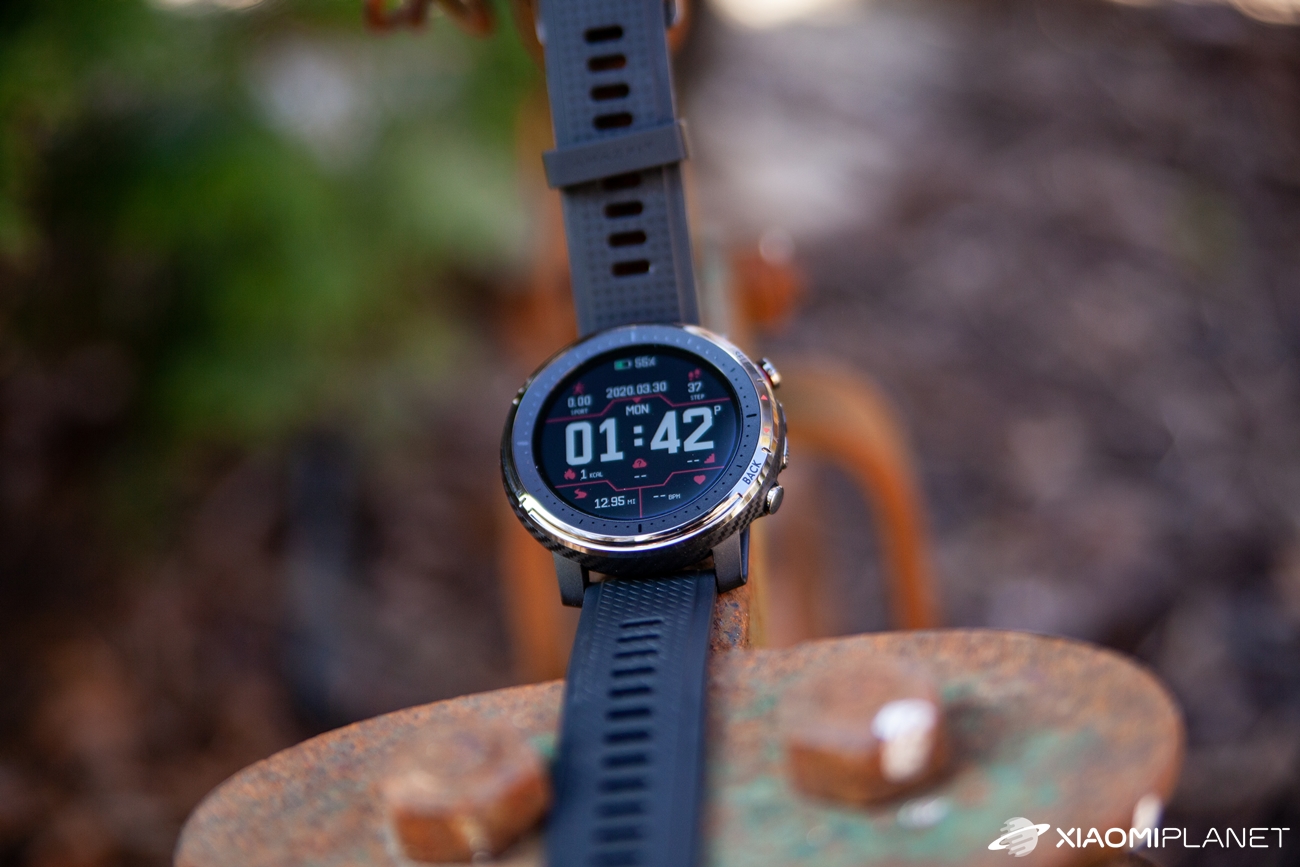
The panel used isn’t quite standard, but we’re glad the manufacturer opted for this version with the Stratos watch series.
On the other hand, the maximum display brightness doesn’t reach the level of a quality AMOLED panel, and the colors look far more “washed out.” That kind of display is used, for example, in the Amazfit GTR or GTS models.
The Amazfit mobile app is well known
If you want to pair your smart watch with your smartphone, you’ll need the well-known Amazfit app, which you can download both from the Google Play Store for Android and the App Store for iOS.
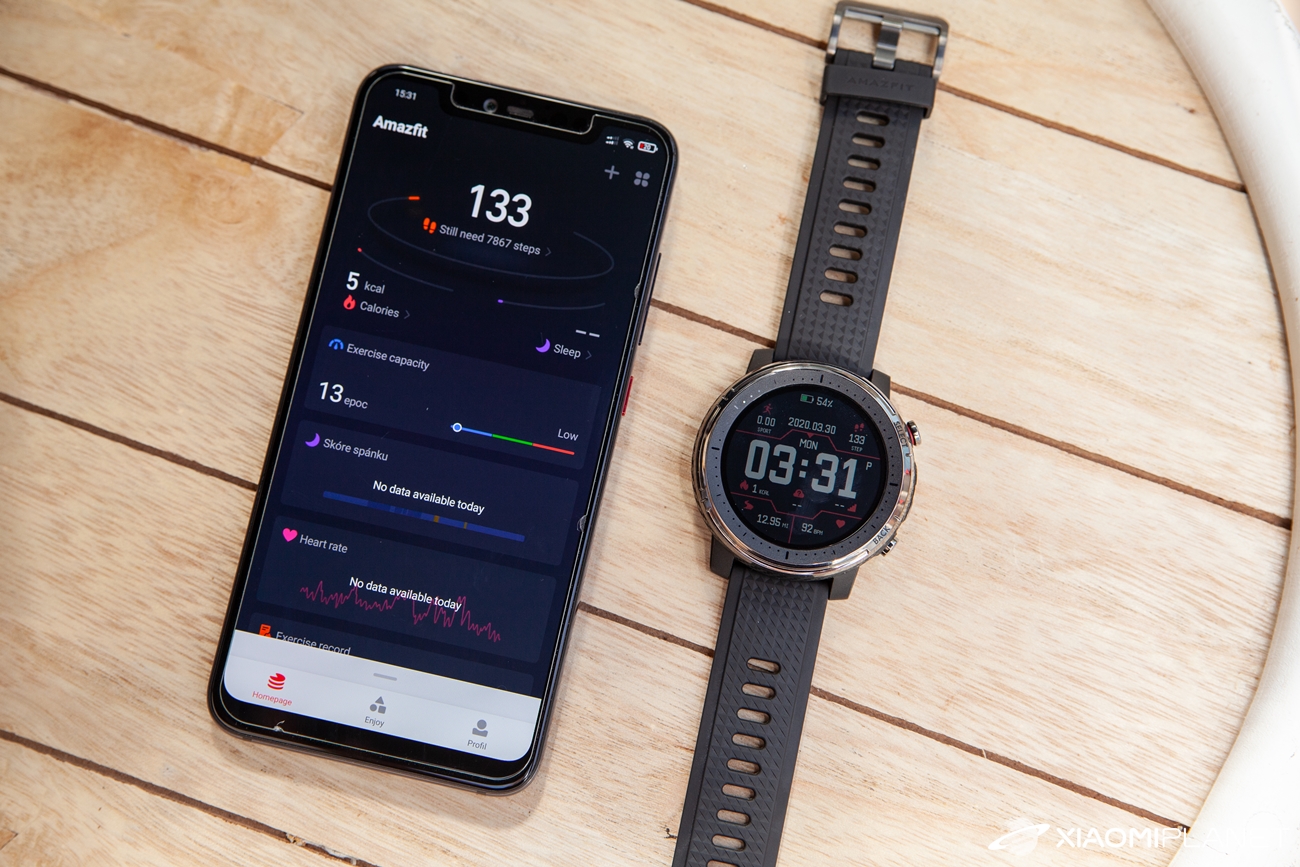
The watch will prompt you to install the app when you turn it on for the first time. For subsequent synchronization, you need to scan the QR code from the watch. The watch is connected to the app via Bluetooth technology 4.2.

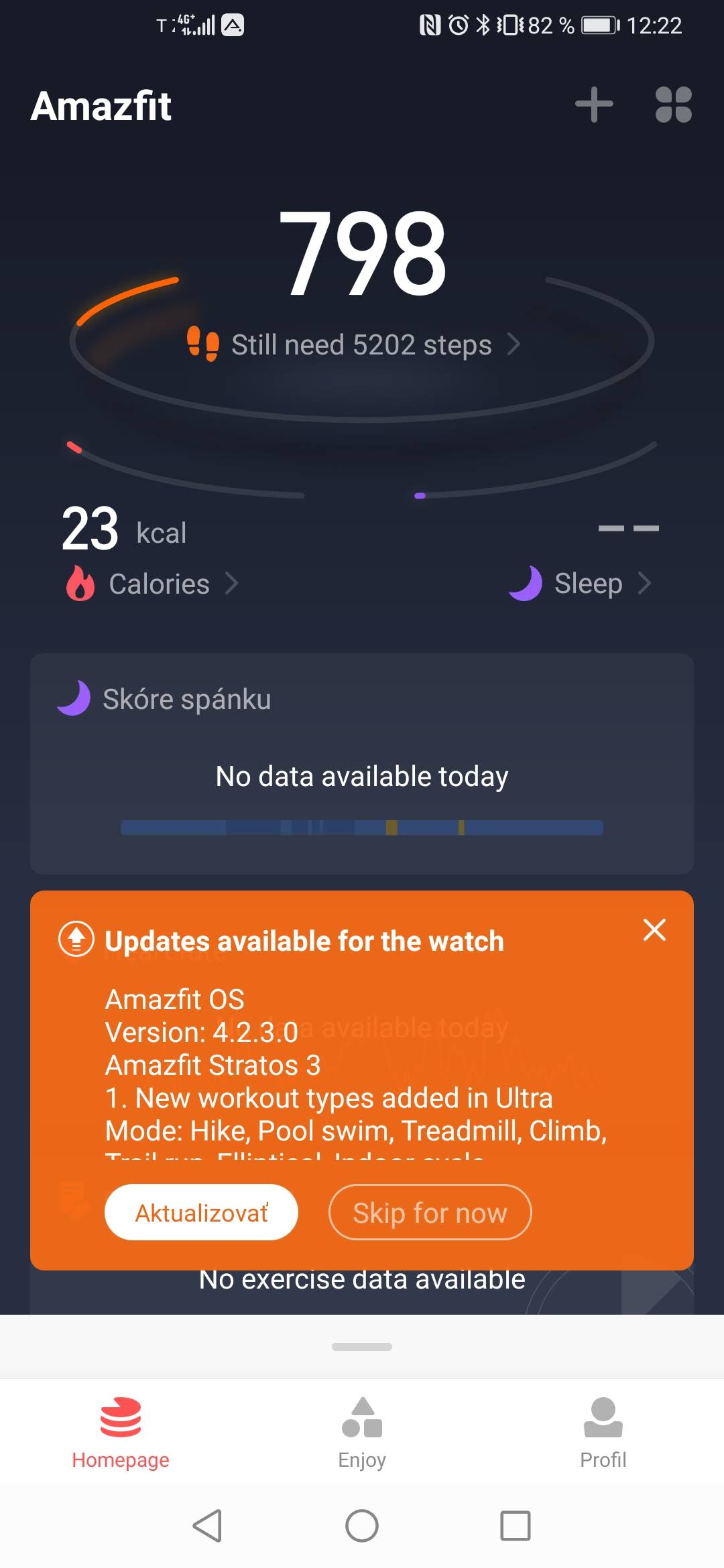
You can sign into the app with a Xiaomi account or with Gmail or a Facebook account. The popular app has a new design and a simple, clear interface—it shows the current data collected by the watch, as well as the watch’s battery status.
There’s also the option to monitor the watch’s memory, plus settings. In them, you can customize the arrangement of individual screens, or “widgets” on the watch.
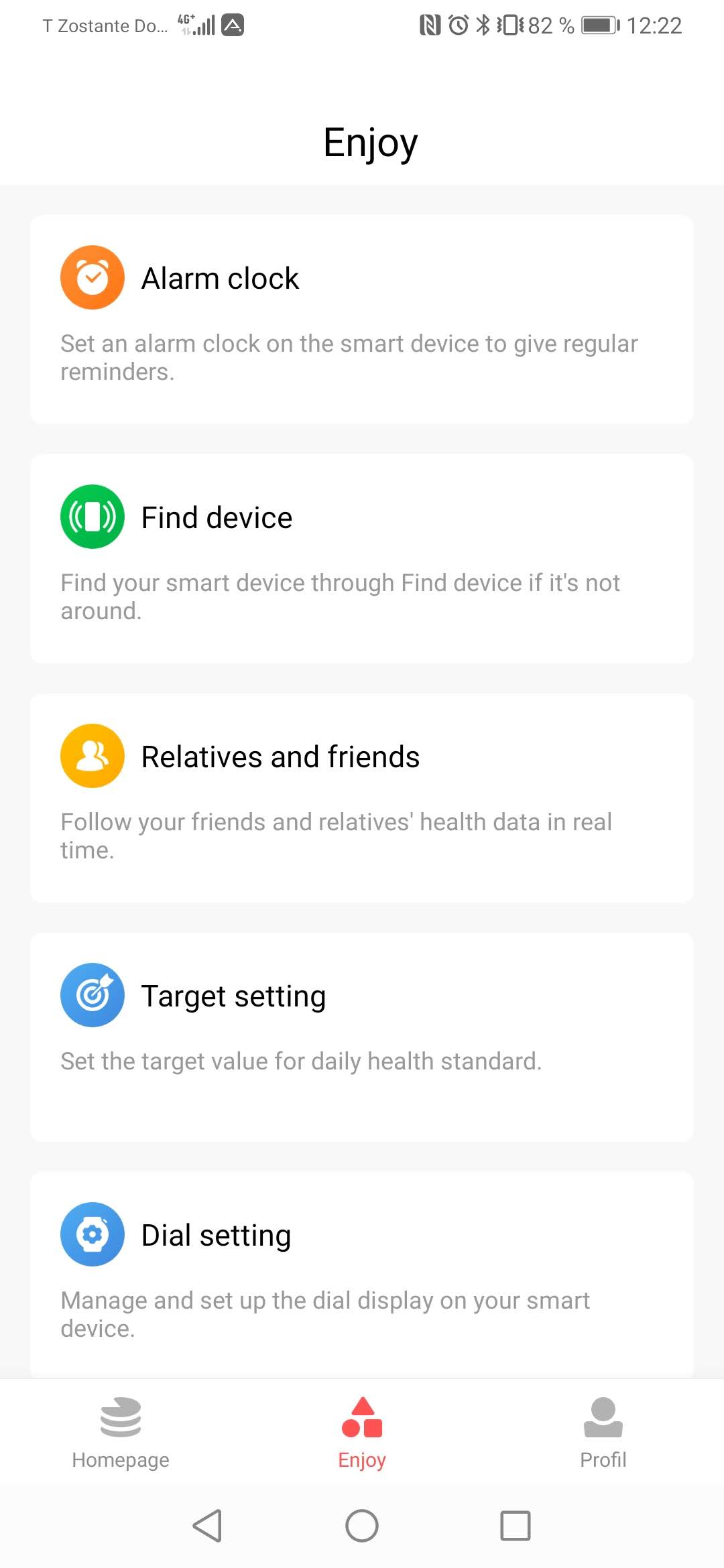
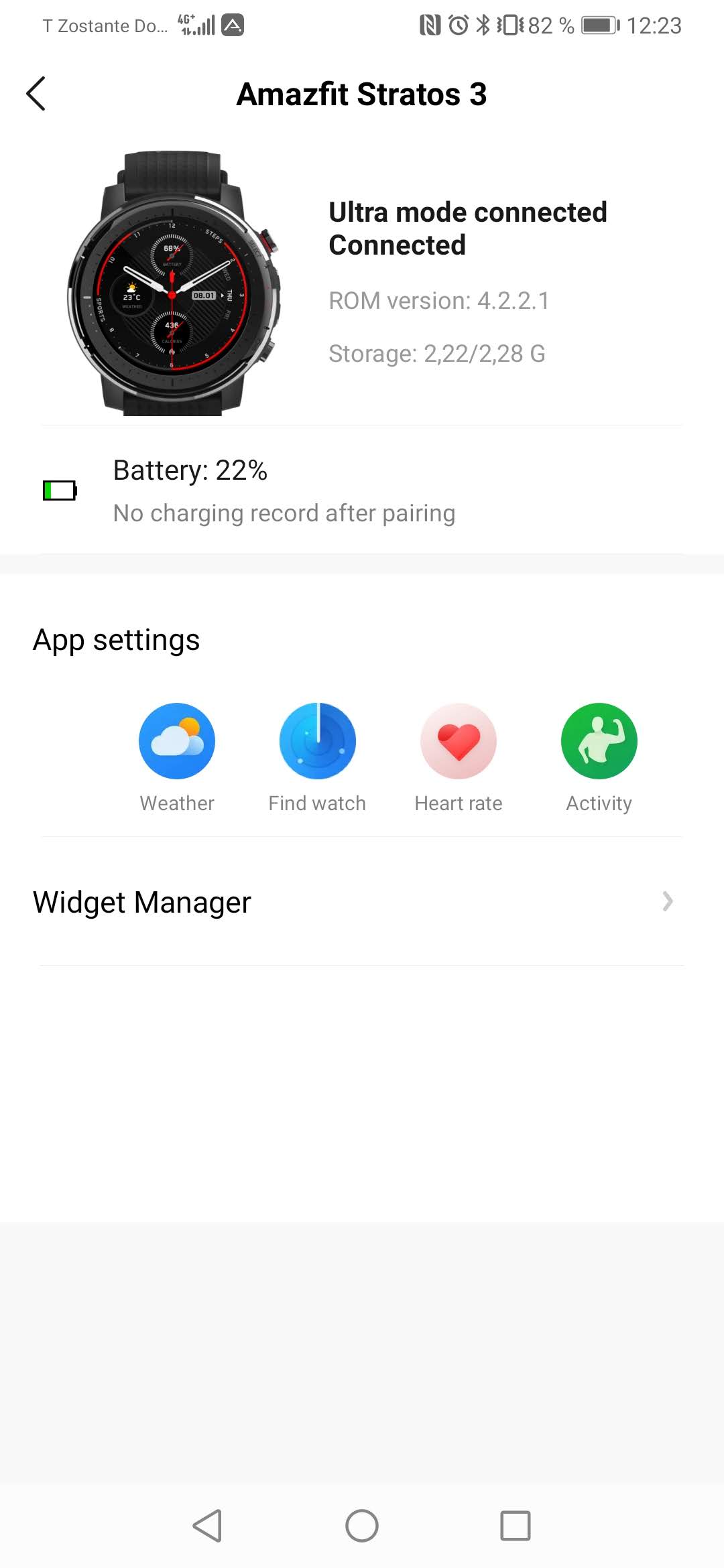
During testing, we even received an update from the manufacturer. It’s an Amazfit OS system update for the Amazfit Stratos 3 watch model, to a version with the code designation 4.2.3.0.
The update brings several new features, as well as support for a wider range of sports in Ultra mode (which ensures better battery life), e.g. indoor cycling, climbing, and pool swimming.
A large number of fitness monitoring features
The sturdy construction, the hardware itself, but also the software point especially to the watch’s focus on sports. The many monitoring functions the watch offers are further proof of that.
Besides what’s already fairly standard heart-rate measurement, these watches also monitor maximum oxygen absorption (VO2 Max) and load (TD).
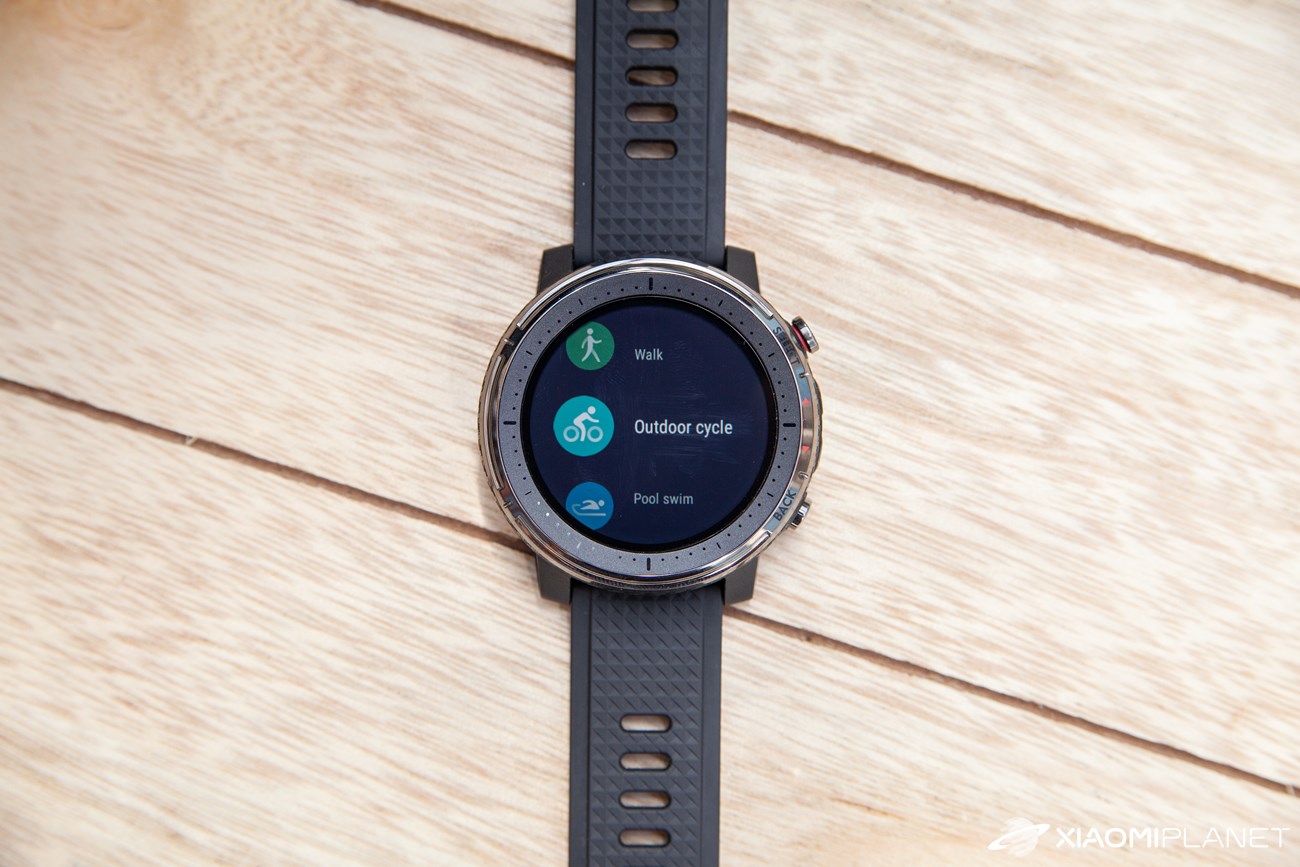
From the factory, support is available for a wide range of sports activities. That means you can use: running, walking, outdoor cycling, pool swimming, open-water swimming, treadmill running, indoor stationary cycling, workouts on a rowing machine, fitness training, hiking, climbing, triathlon, skiing, tennis, football, jump roping, and more.
You’ll also appreciate the “multisport” program, which records data from your current activity as you do it.
Slightly different controls, plus GPS included
If you’re used to the comfort of using the Amazfit GTR or GTS models—their AMOLED display, wide viewing angles, and the given controls—then in this case you can expect a subtle change. The display itself is set up with a factory watch face showing movement, time, date, or weather information.
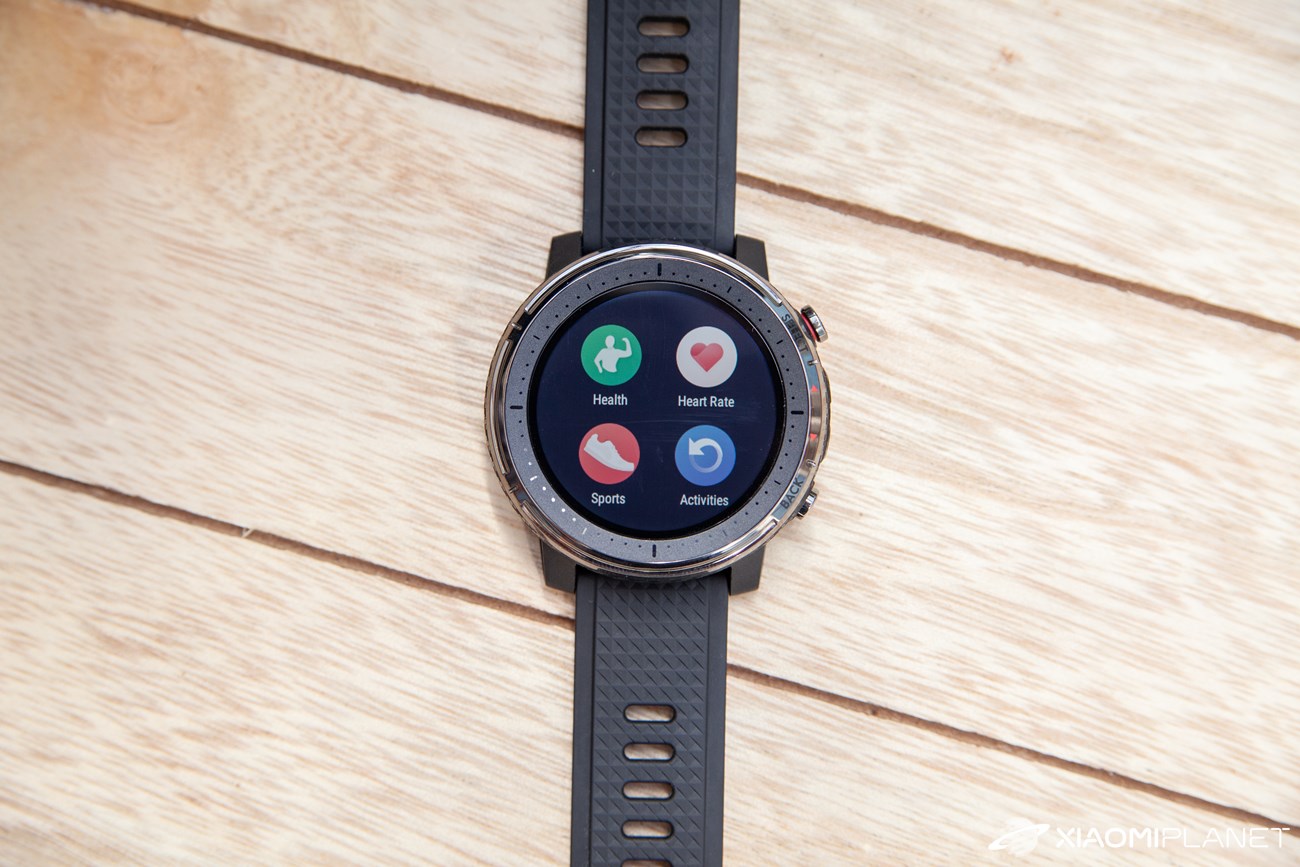
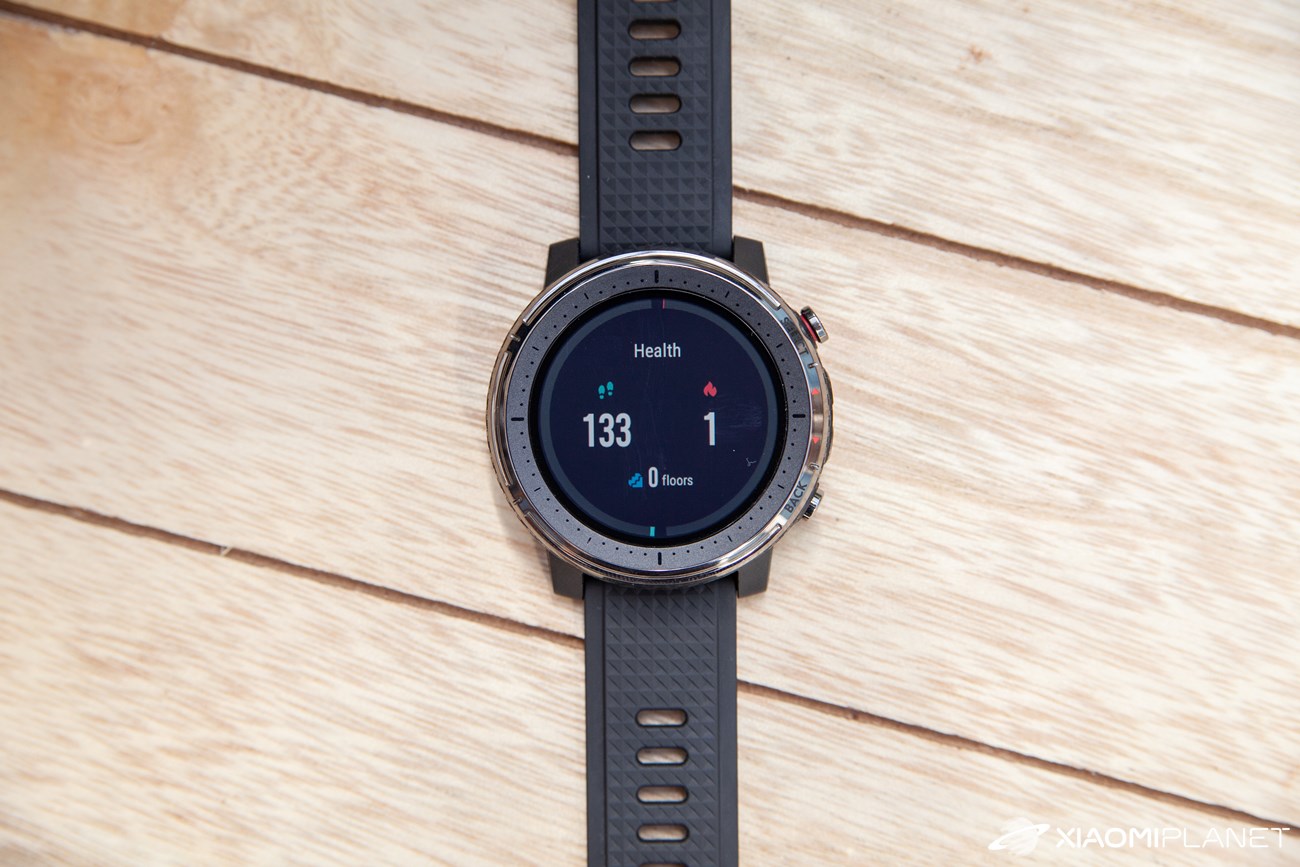
This is a fairly clear widget: by swiping down you switch to the current statistics, and then you move on to the heart-rate measurement menu. Swiping the other way takes you to the quick settings bar.
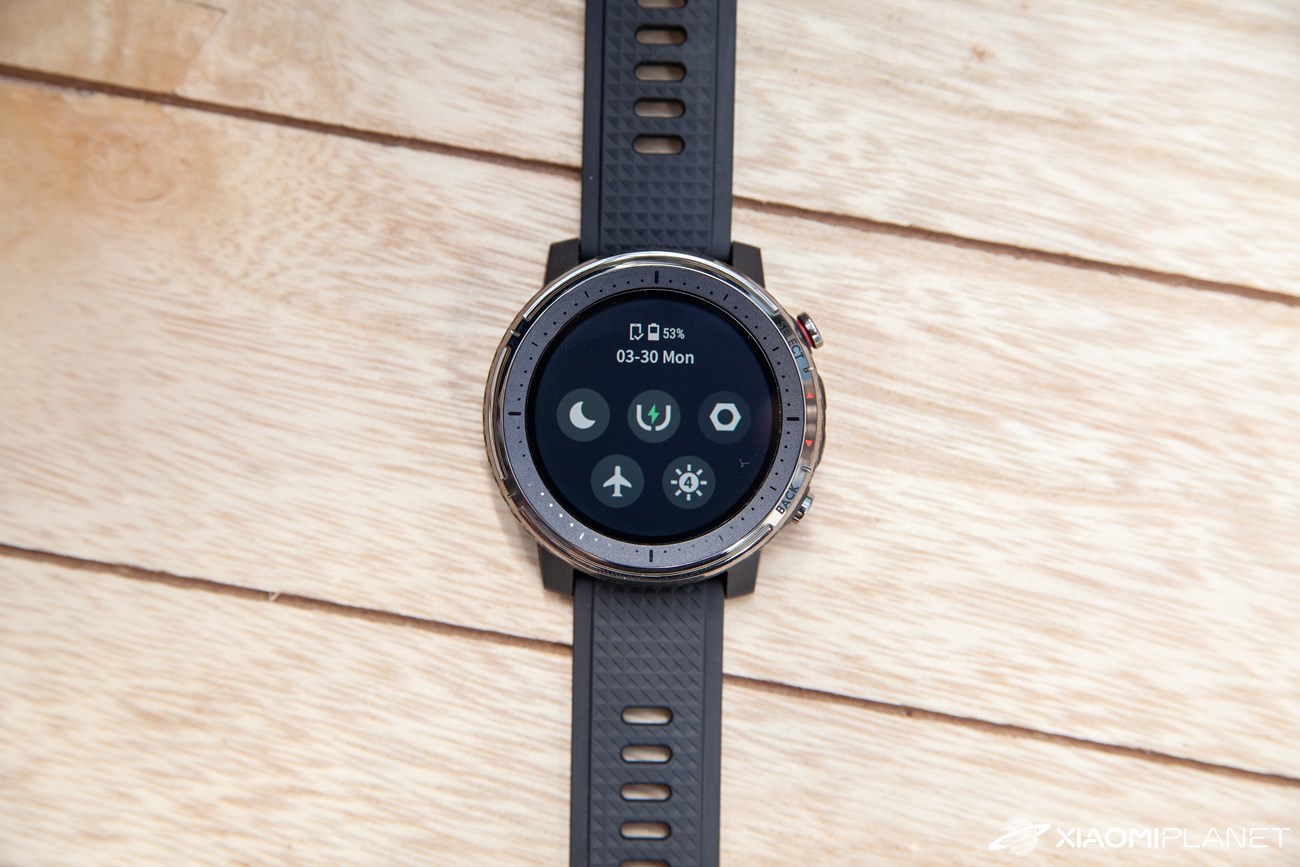
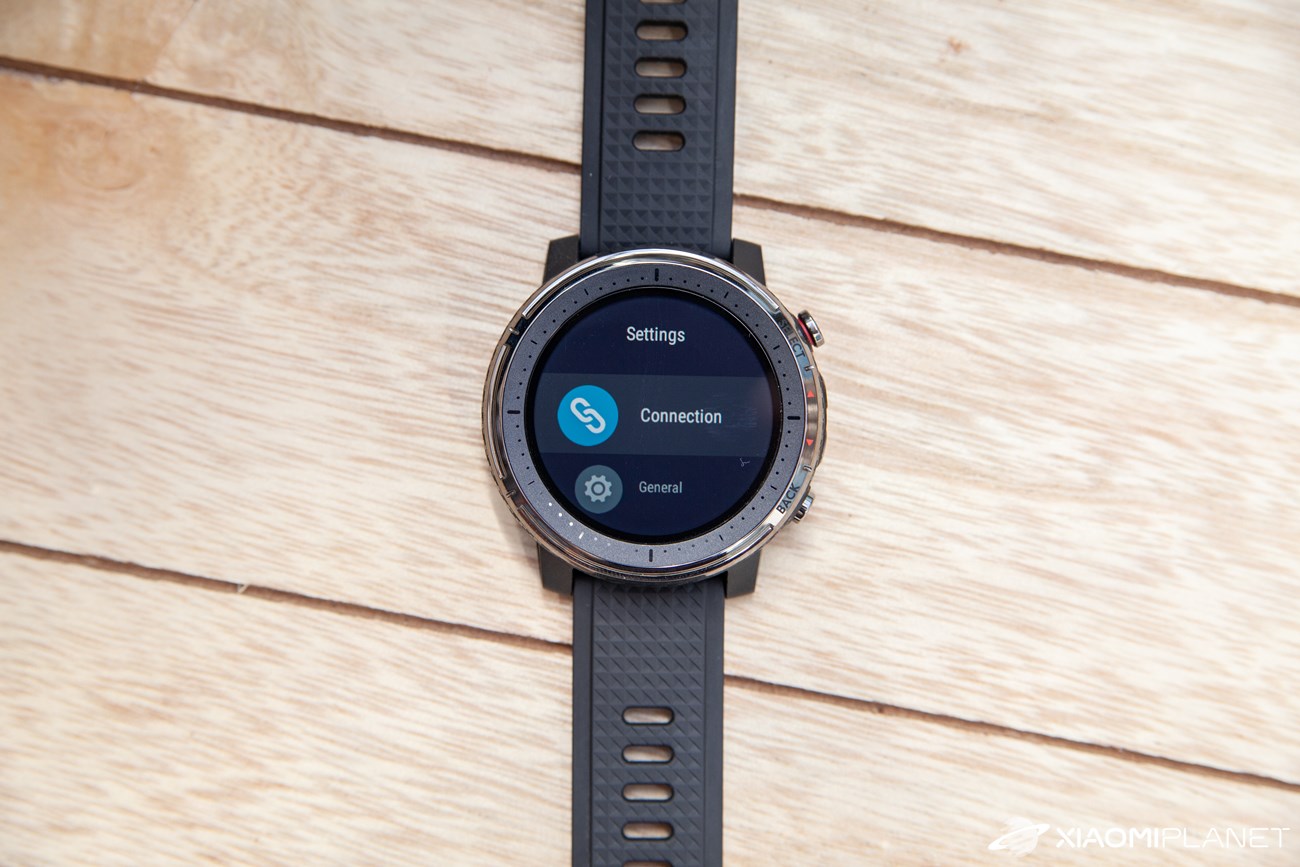
That bar offers brightness control, access to settings, battery status, and a few other useful pieces of information. On the left of the home screen, you’ll see a music player with playback controls and the track name.
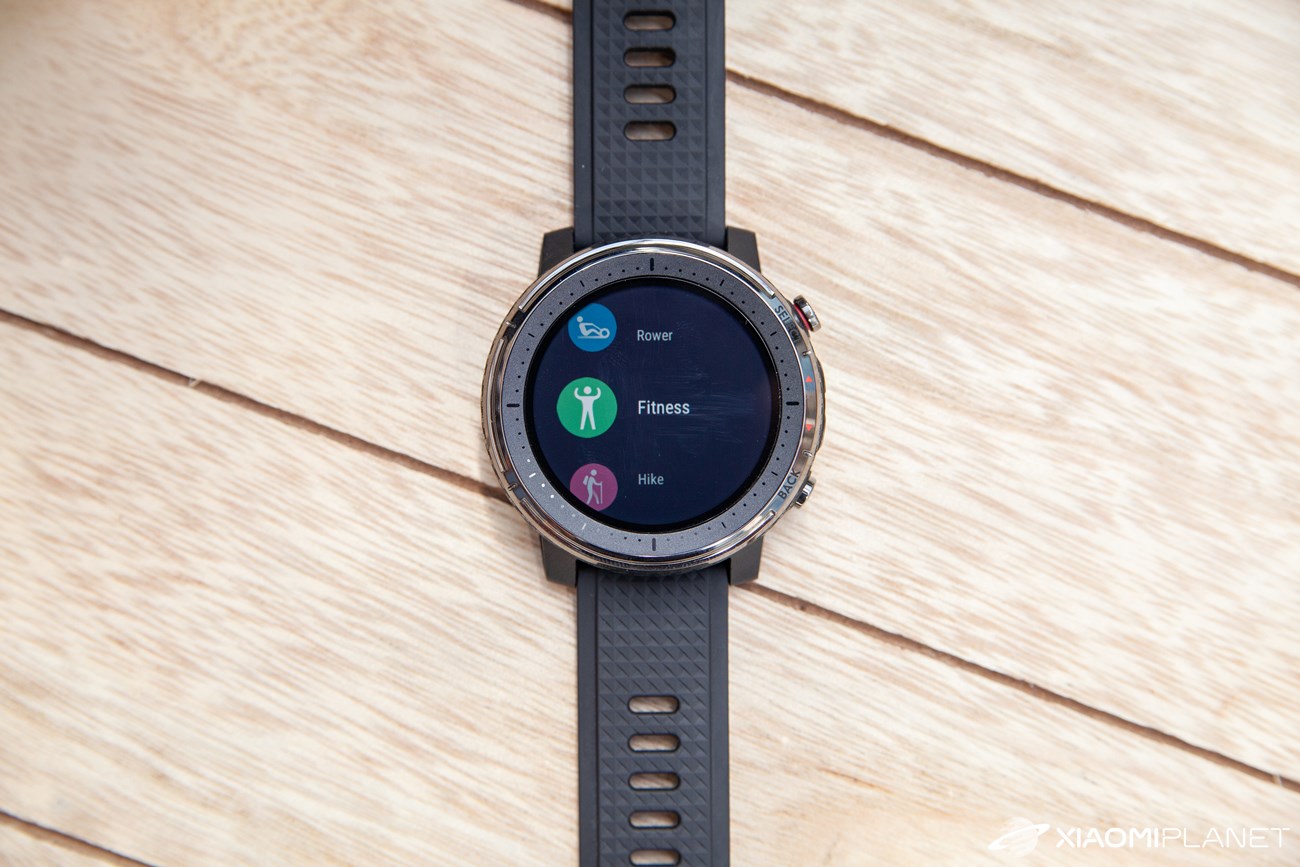
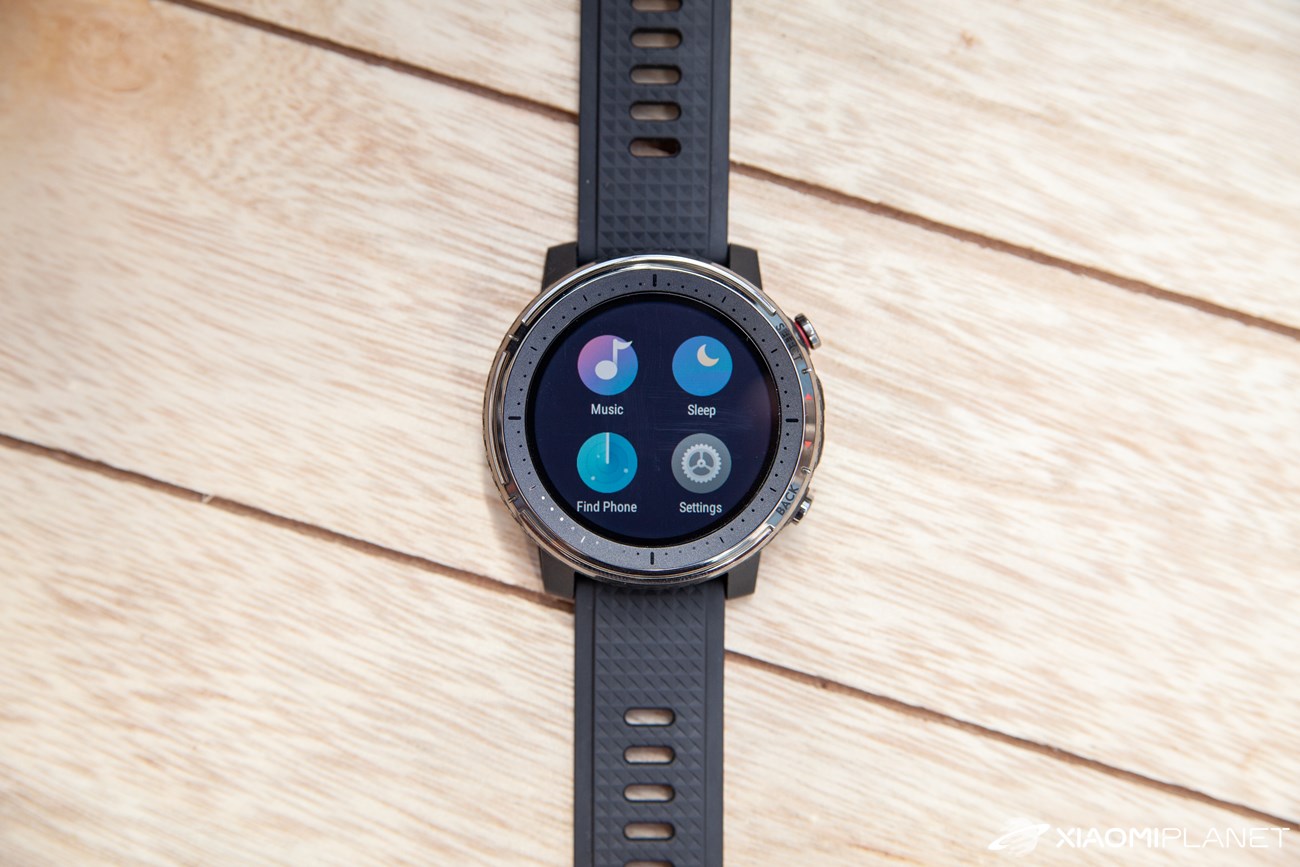
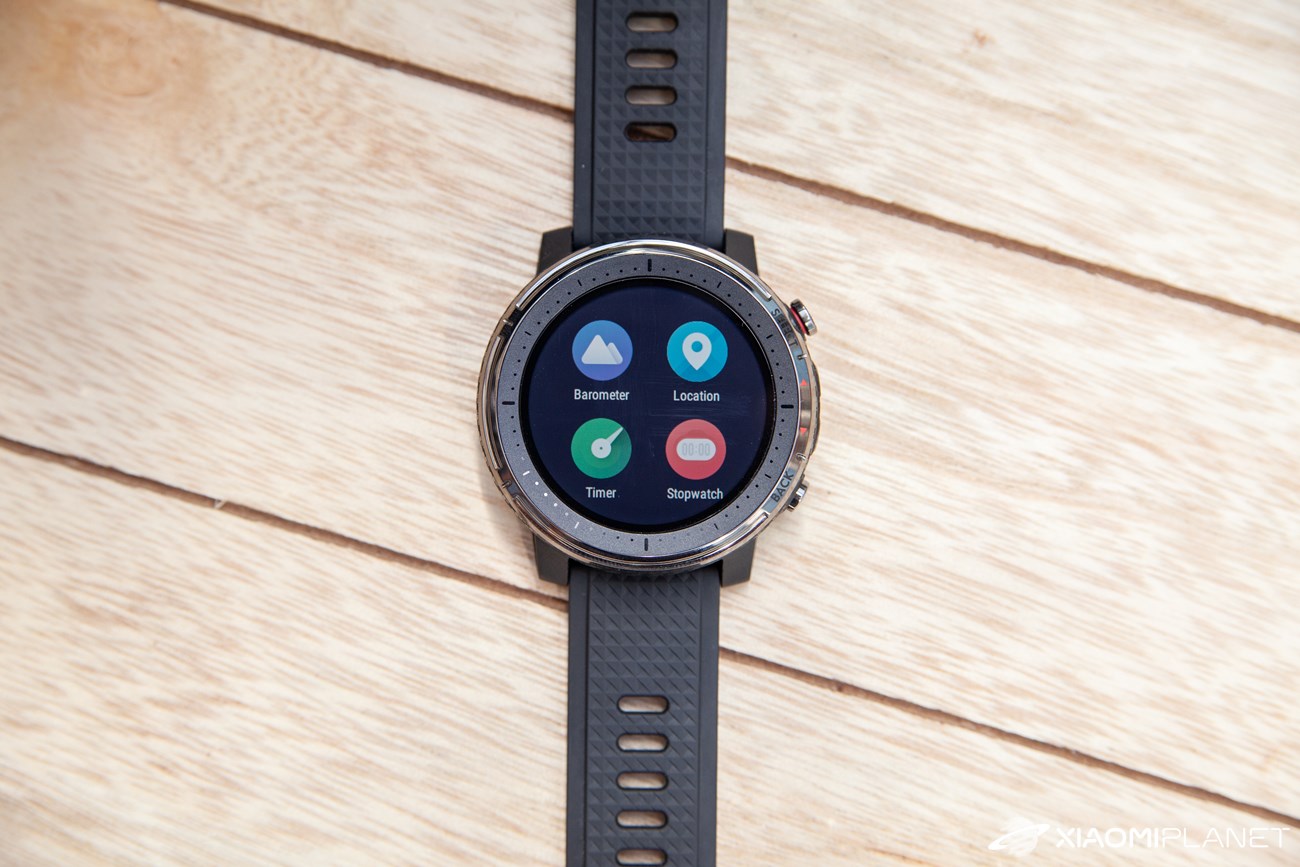
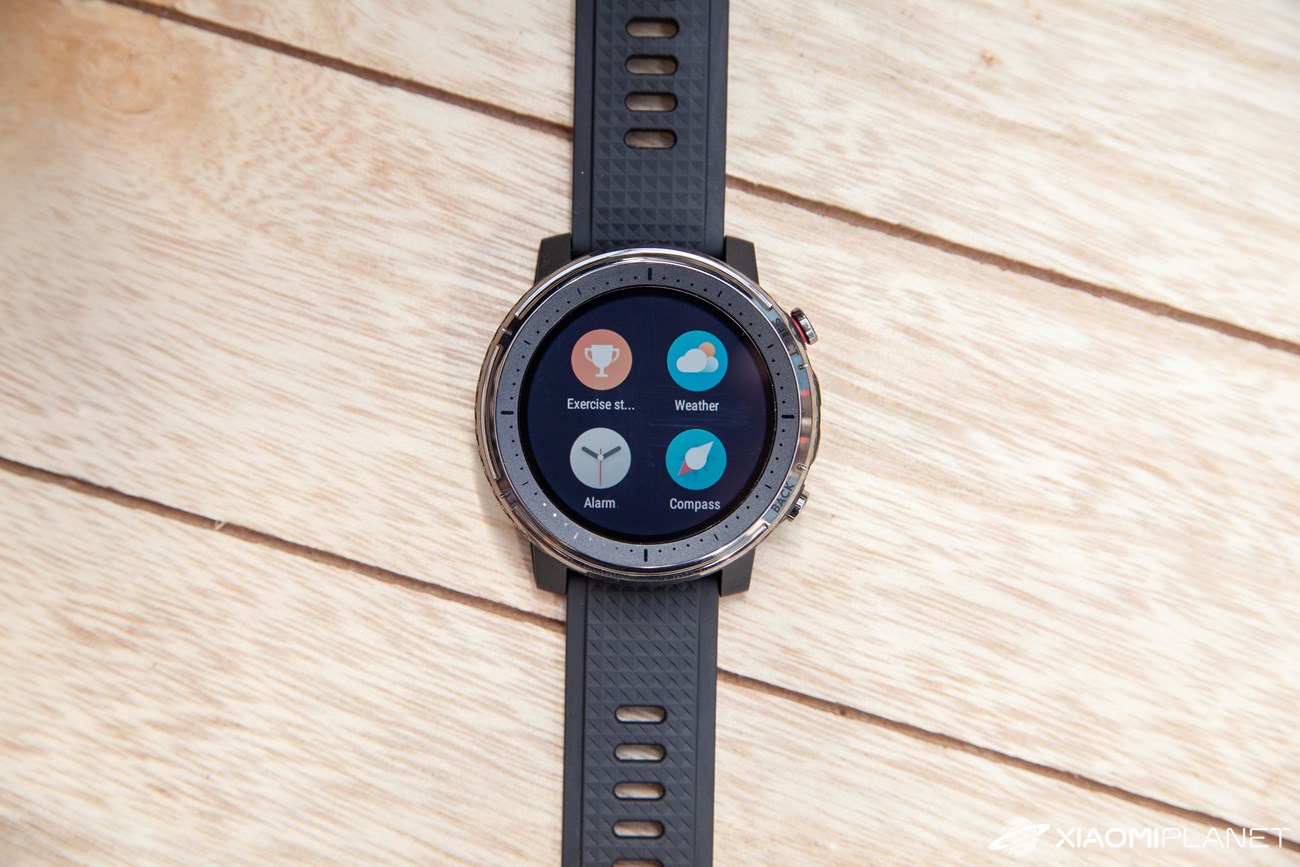
On the right there’s a menu with built-in apps and practically all the services the watch offers. There’s no shortage of sports, weather, an alarm clock, stopwatch, compass, a phone-finding service, and more.
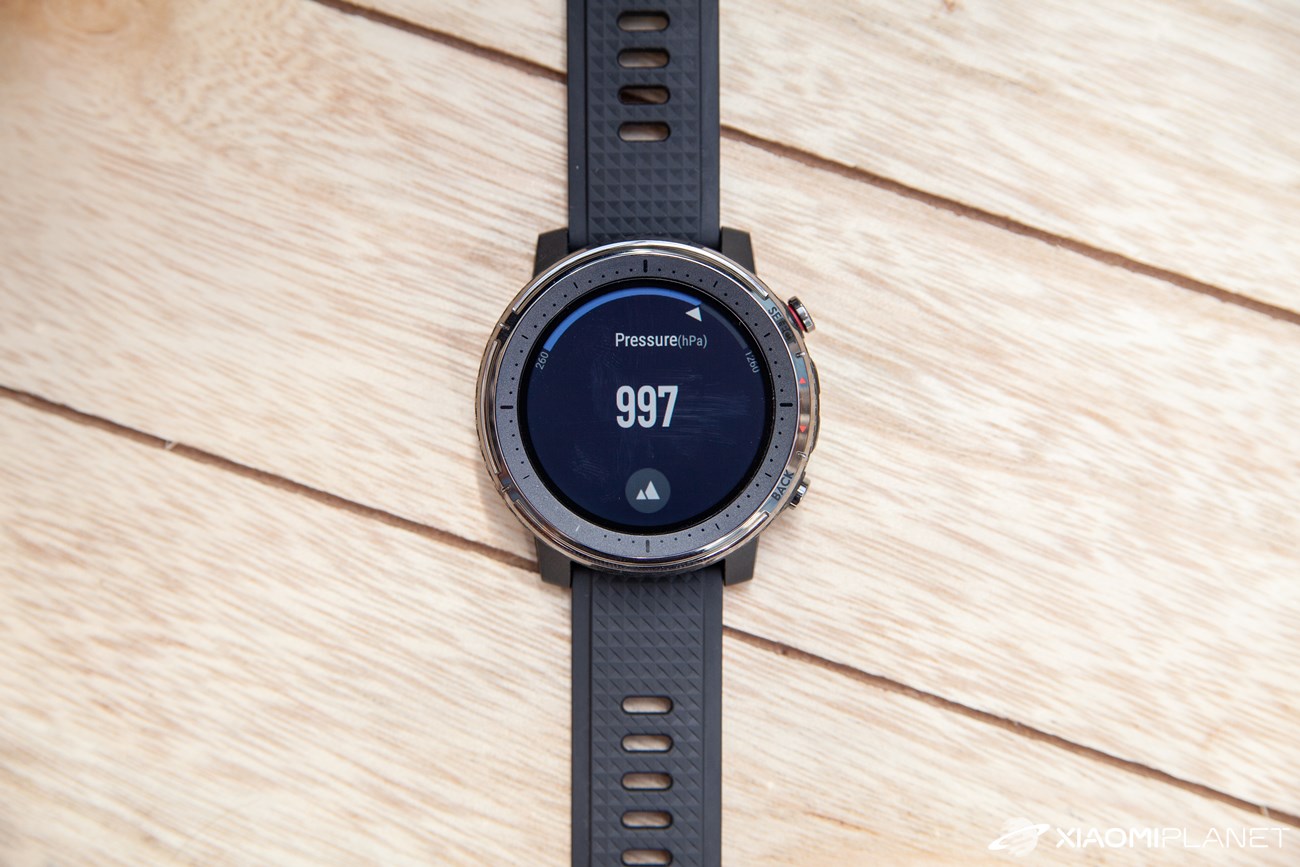
The sports list is clear, and from this menu you can quickly start monitoring a selected activity. The watches offer a range of sensors like a barometer and a gyroscope, and they also include GPS.
The localization was fast and accurate; we didn’t notice any problems when using it. The system control via the side hardware buttons worked just as well.
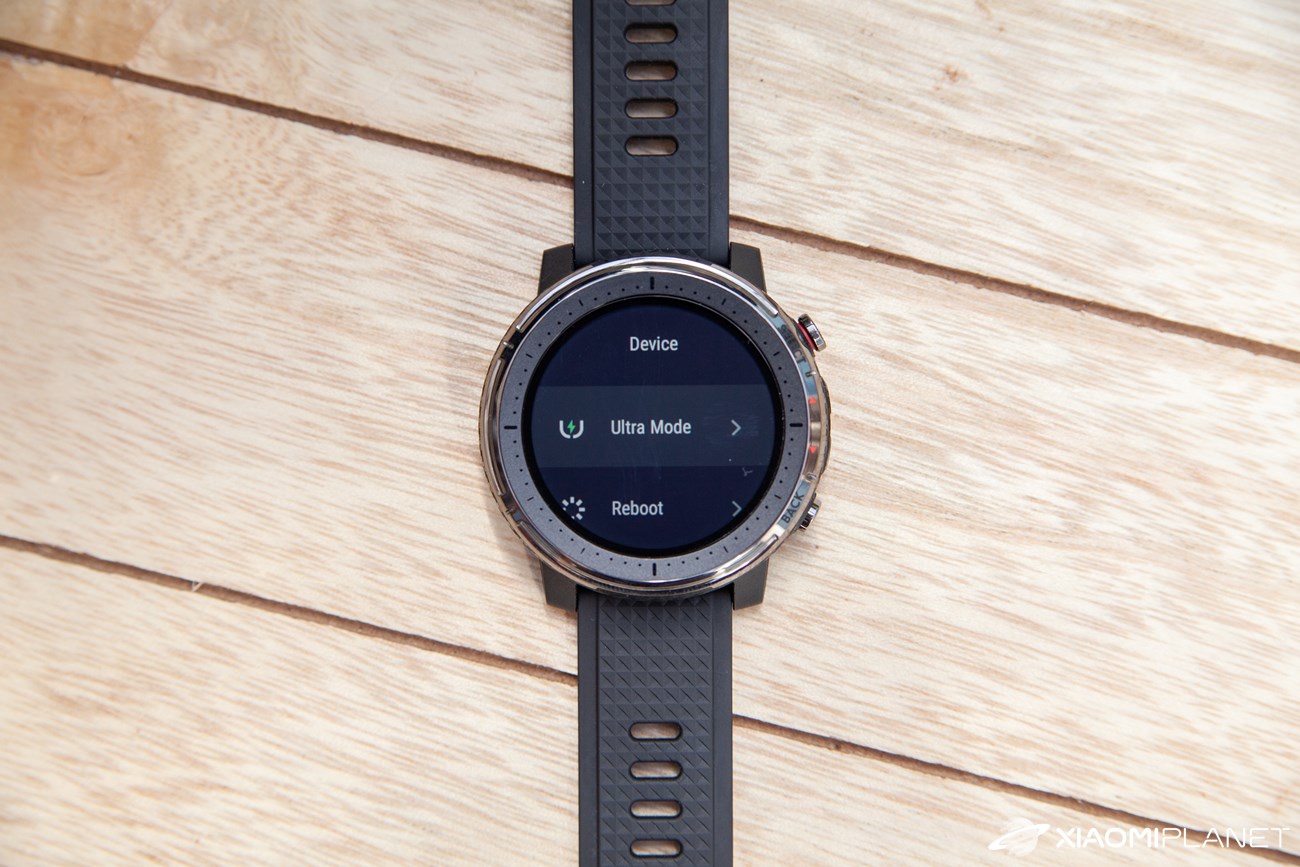
This is how it looks in the watch menu:



Sports activity even without a smartphone
We also didn’t skip the test of recording a sports activity, which is the primary feature of the Amazfit Stratos watches. In our case, it was outdoor cycling, which we selected on the watches as well.
After choosing the sports activity, the start screen appears while the GPS location is being localized, and you can make the final settings. We were on a street between family houses, and the GPS location kicked in after about 1 minute. Then you simply start the activity and the watch will begin recording.
-
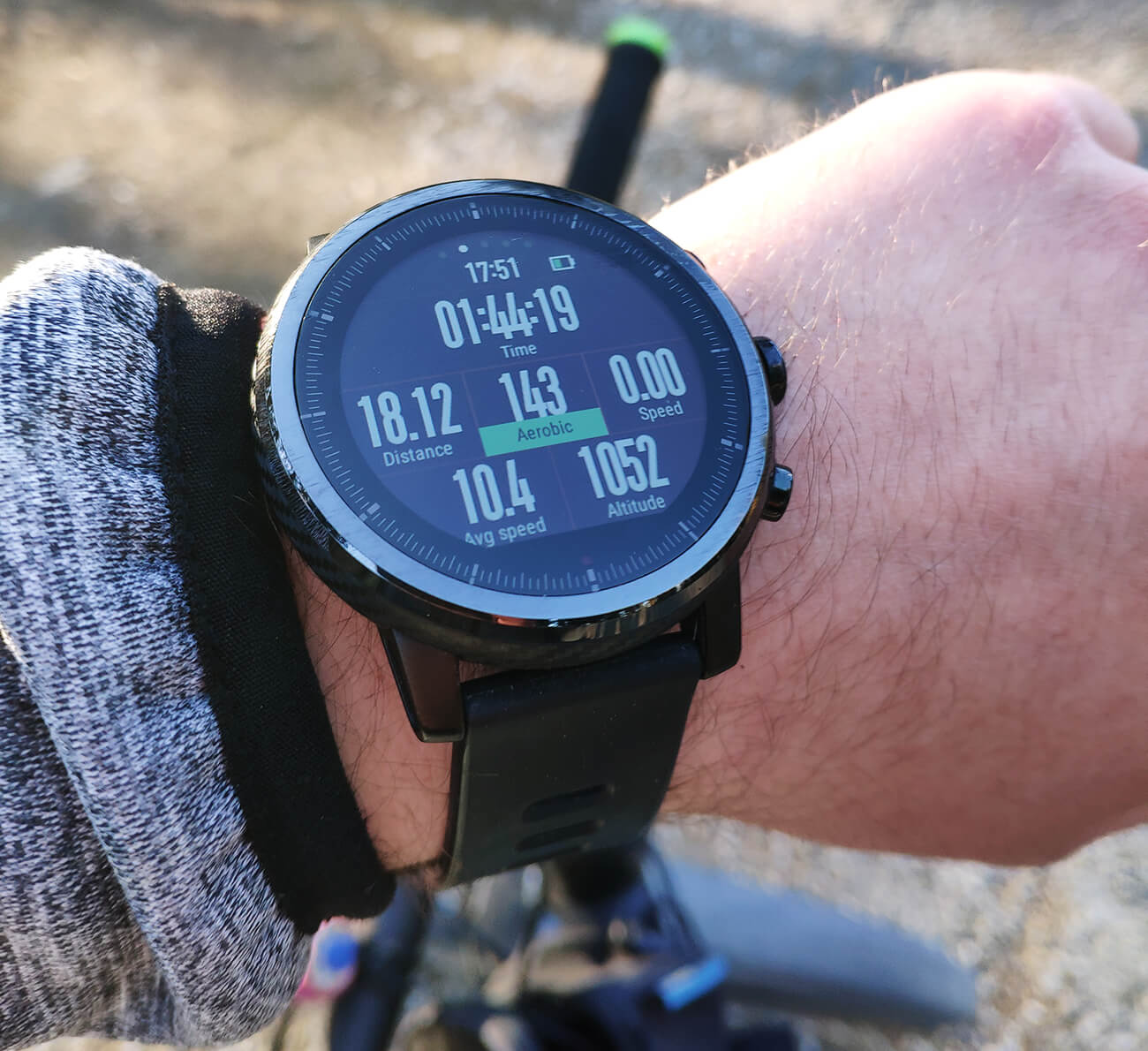
This is how the main screen looks during an active sports session
After you finish the activity, it will show you complete statistics—average speed, elevation gain, heart-rate data, as well as burned calories or the VO2 Max value. These details are shown directly on the watch display and saved to memory.
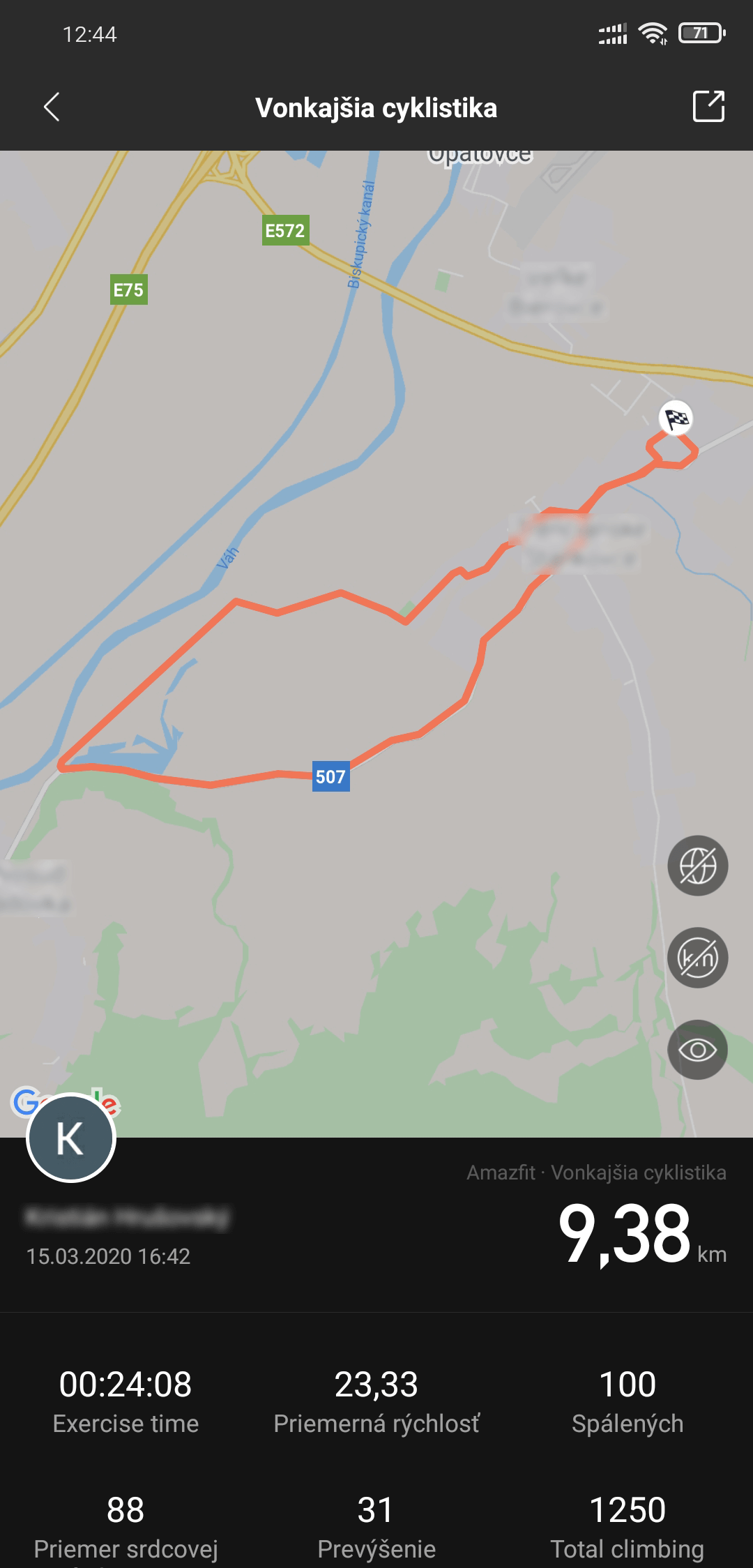
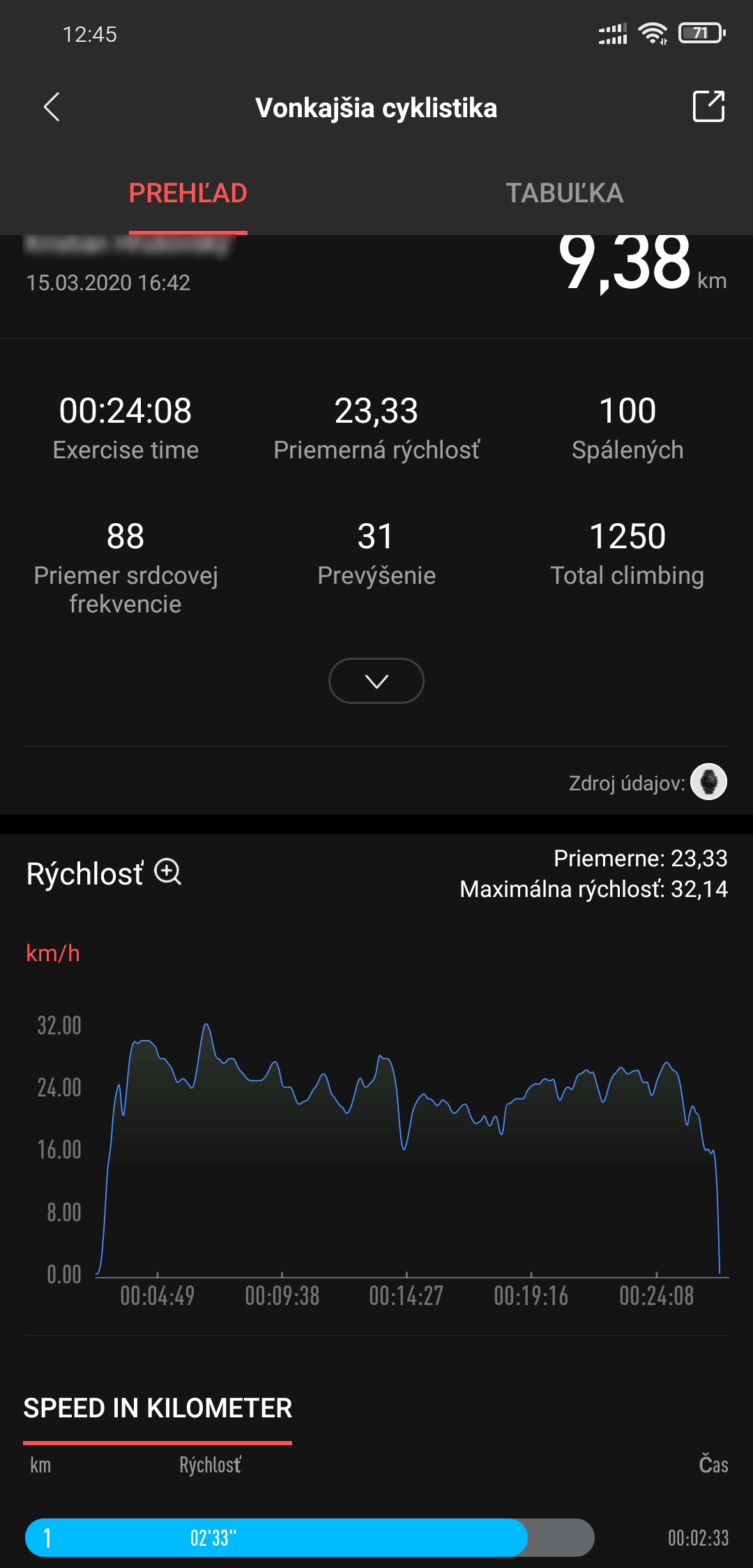
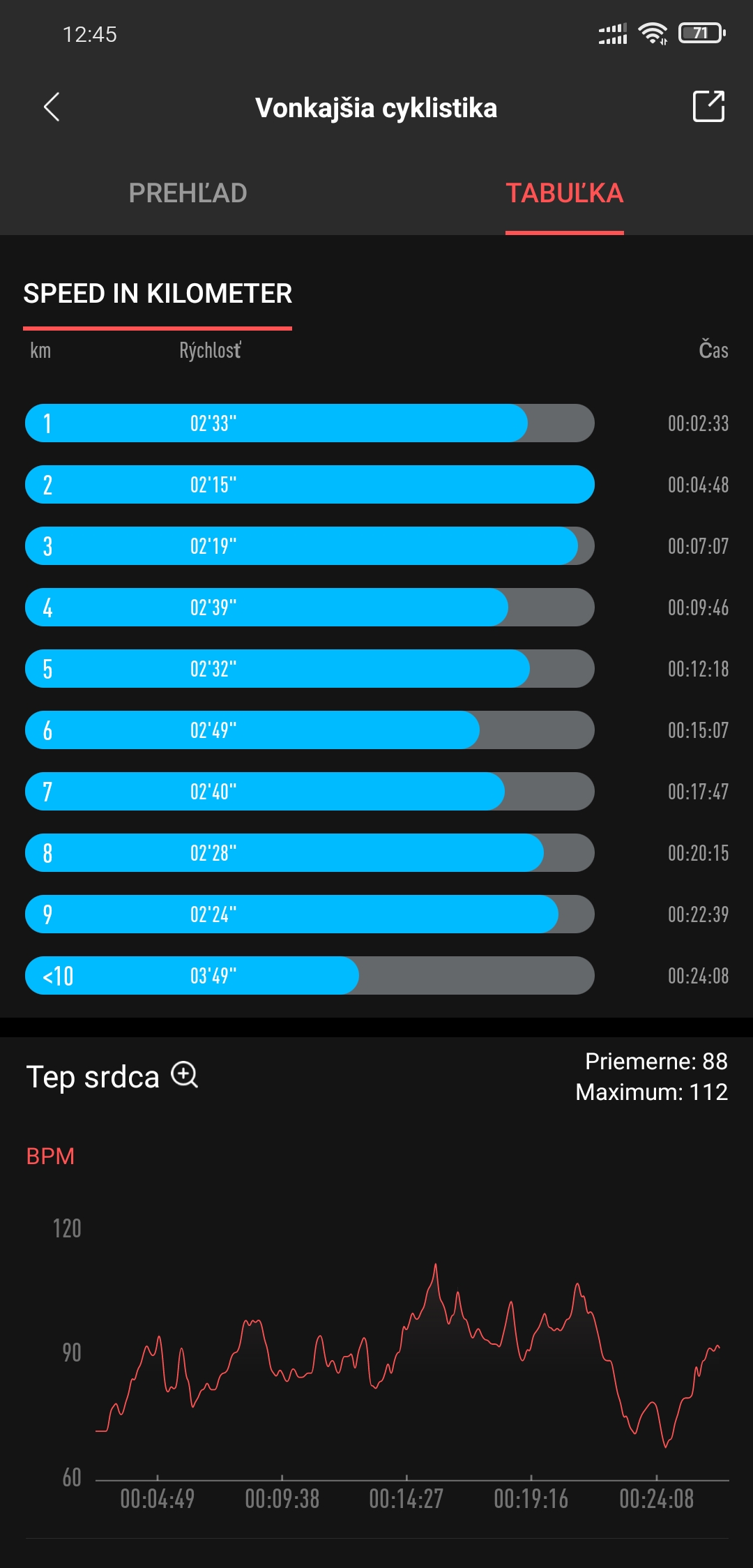
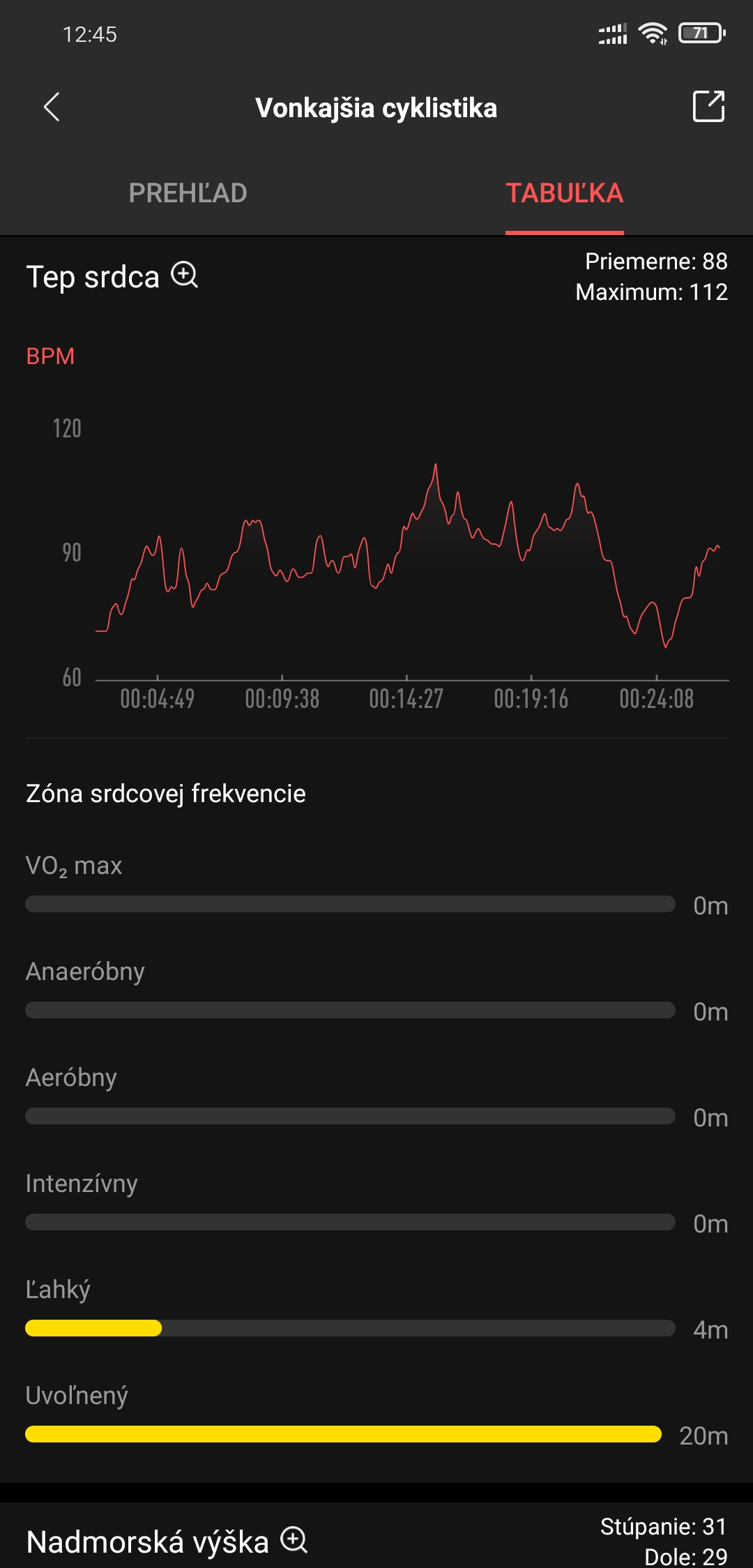
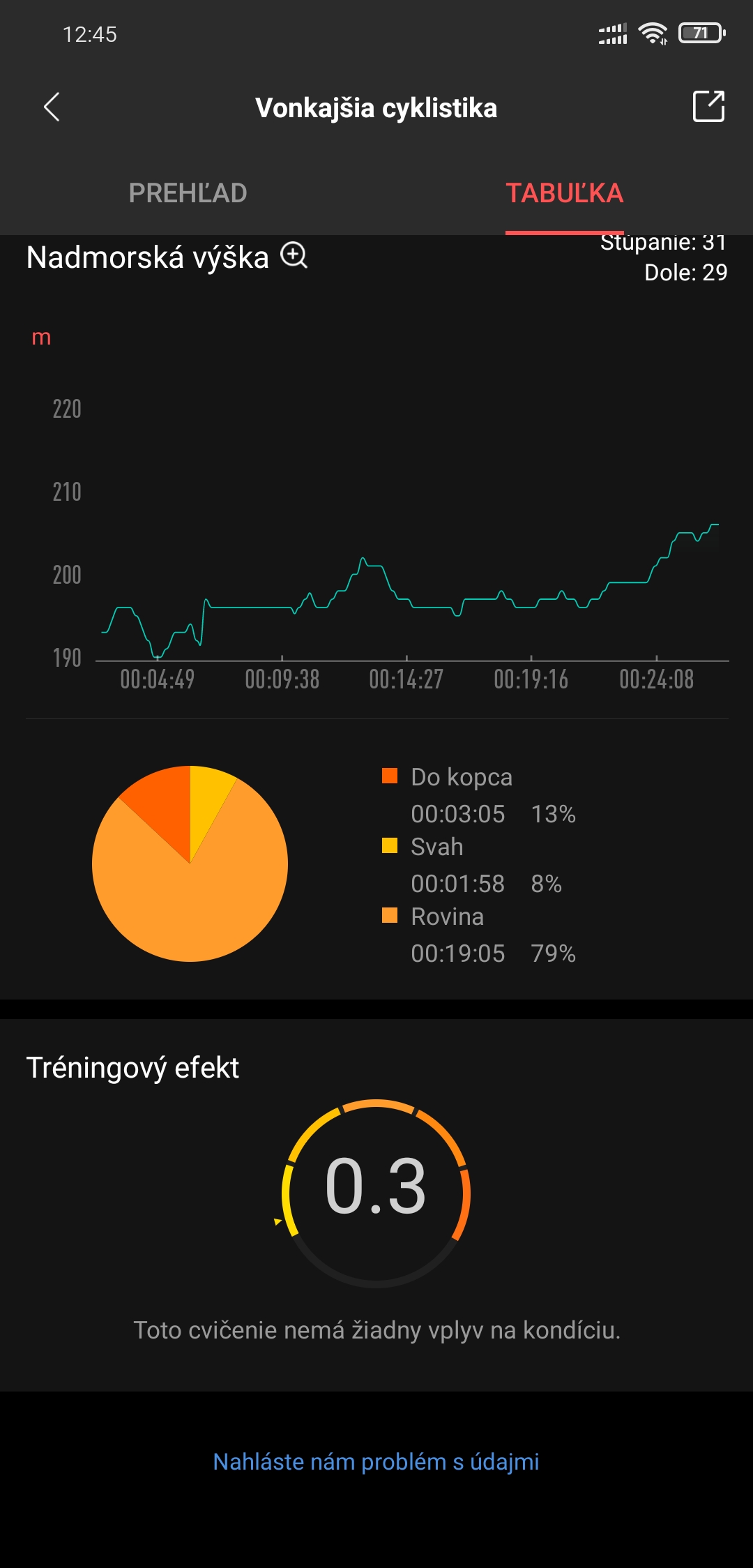
In addition, it synchronizes with the Amazfit app, where you can then track all your stats. The Amazfit app also offers integration with the well-known Strava app, so the data can be synced there.
Music playback directly from the watch
A big advantage for many athletes is that during workouts with these watches you don’t need to carry a smartphone. Since the watch has its own GPS, it can track your route independently of the smartphone.
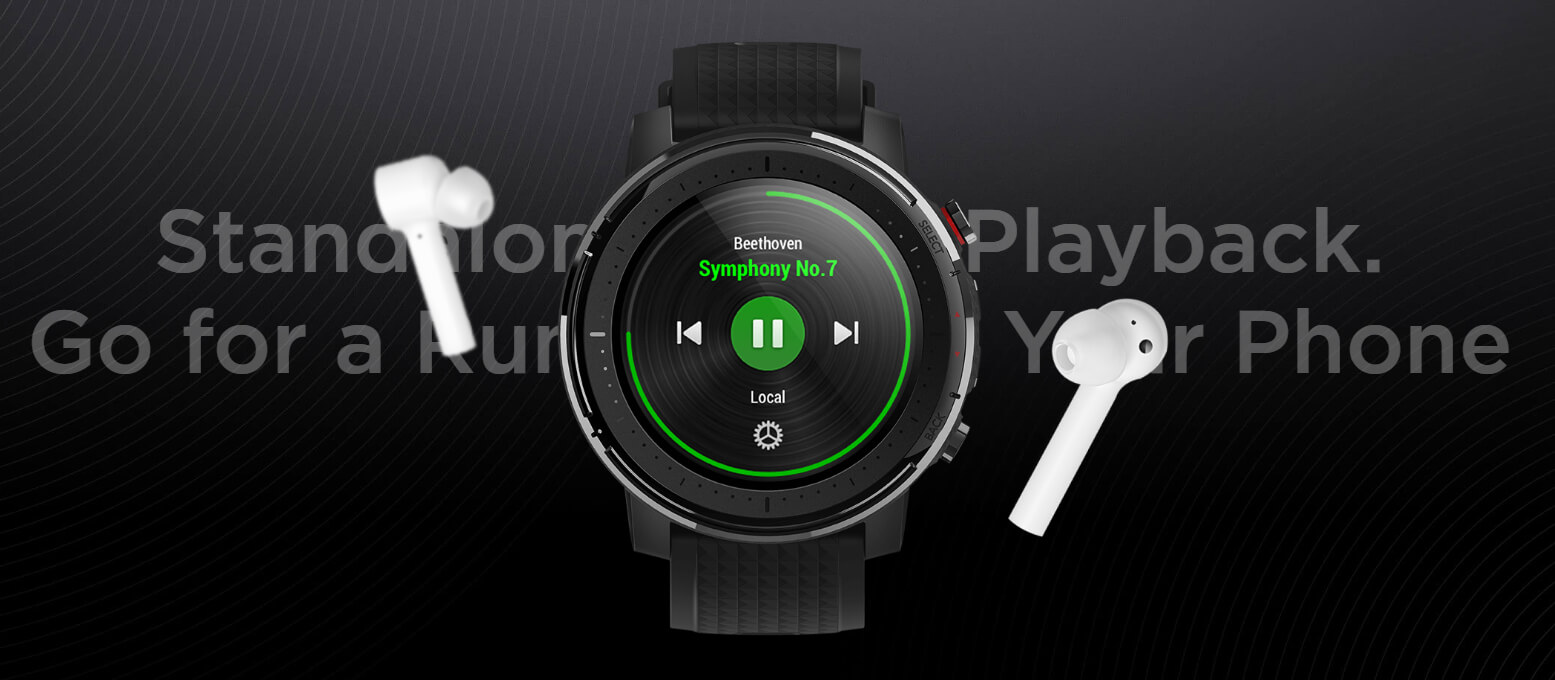
Even better, the watch includes about 2 GB of available internal storage, so you can load your favorite tracks onto it. It supports Bluetooth headphone connections—so if you like listening to music during training, you won’t miss out on this option either. Of course, all of this works without needing a smartphone.
The battery lasts at least a week
Battery life is decent considering the watch’s functions and capabilities. The manufacturer equipped the Stratos model 3 with a Li-Po battery with a capacity of 300 mAh.
According to the manufacturer, this battery is good for up to 7 days of standard use. However, compared to the GTR or GTS models (about 25 days per one charge), the battery life is significantly weaker.
We recorded battery life of approximately 9-10 days (32% battery per 3 working days). We also had the watch send all notifications from your smartphone, measured the heart rate manually, and started sports activity monitoring manually as well, as needed.
With regular daily sports activity for 1 hours, with GPS enabled, the watch lasts about 5 days.
However, the manufacturer also included a power-saving mode called “ultra mode,” with which the watch can last up to approximately 14 days. On the other hand, battery life is shortened when using GPS technology.
Final verdict: Not only for athletes
Amazfit Stratos 3 are designed primarily for amateur sports enthusiasts. Even so, an everyday user can appreciate the well-built body, a simple system, or the unusual reflective display that’s very readable in direct sunlight.
Amazfit Stratos 3 Global Version
 15-day delivery
TIP15-day delivery via Aliexpress Standard Shipping
For this product, Aliexpress Standard Shipping is available with guaranteed delivery within 15 days. It is the most reliable delivery method and in most cases is handled by a courier company. 15-day delivery we tested in real life.
When ordering from the Chinese warehouse, AliExpress will add the customs duty in your cart—approximately 3,70 € per order. When you receive the package, you won’t pay anything extra.
On the other hand, if you’re expecting AMOLED display quality and a modern look, we recommend going for one of the sister models labeled Amazfit GTR or Amazfit GTS.
Don’t miss the best coupons 📩
Subscribe and we’ll email you new coupons before they expire. We only send it once a month — no spam.