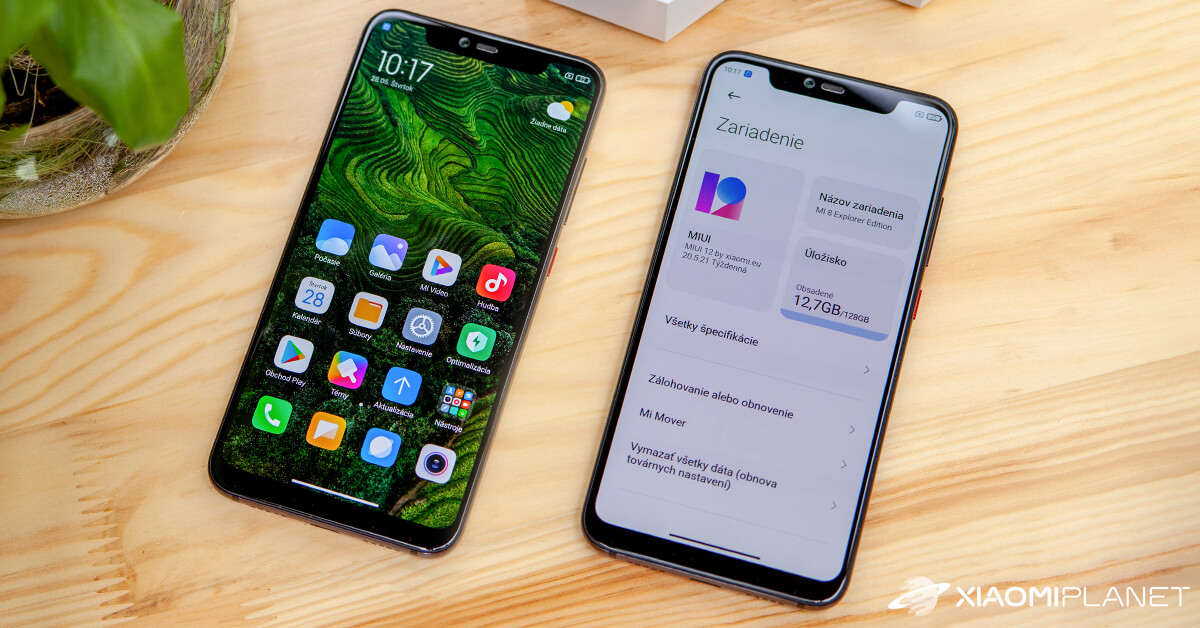
MIUI 12
Our editorial rating based on product testing.
- System stability
- Design improvements
- New apps for Camera, Weather, and Notes
- Wide list of supported smartphones
- Slower rollout across multiple waves
Xiaomi brings another version of its powerful custom interface for Android smartphones. With the MIUI 12 label, this time it offers a range of design and functional improvements that could come in handy in your day-to-day use.
Our detailed Slovak review of the MIUI 12 interface shows you all the important improvements, new features, and any potential drawbacks.
MIUI 12 Review for Xiaomi Mi 8 Explorer Edition
We decided to test the new interface thoroughly. MIUI, specifically version 12 / 20.5.21 / Weekly, we installed on our editorial smartphone Xiaomi Mi 8 Explorer Edition. Although it’s not yet a final version that’s optimally tuned, we wanted to find out what the new interface offers and how stable it is.
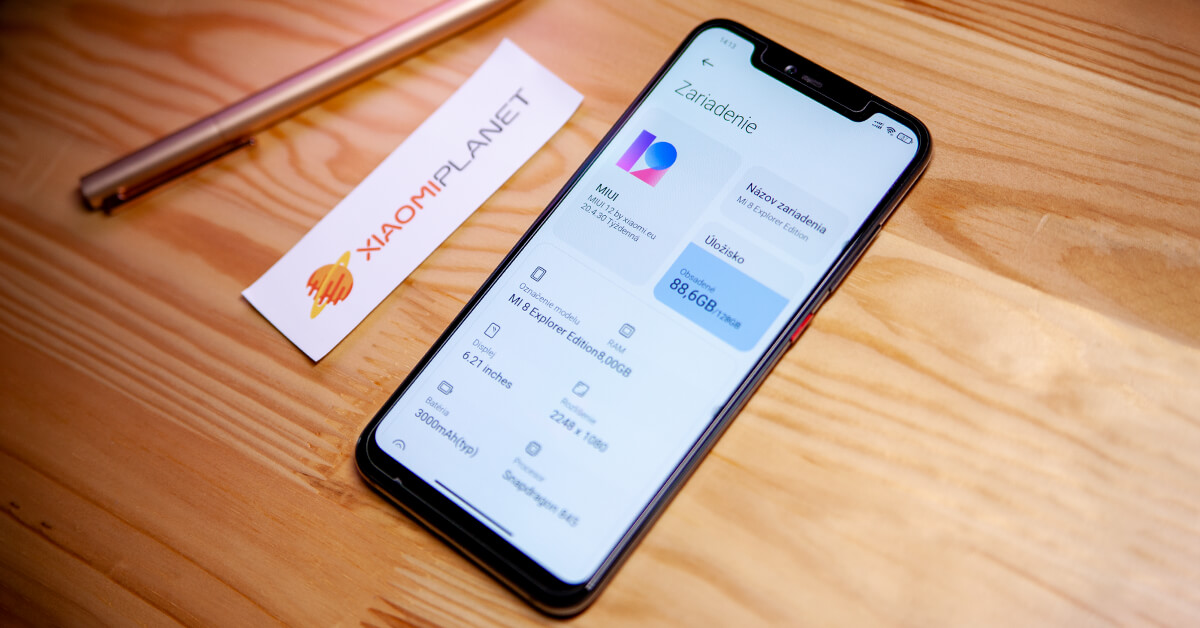
We installed a modified MIUI ROM from the Miuios.cz community on the phone. For several years now, they’ve been handling translations of the MIUI interface. Their ROM is based on the Chinese MIUI version, and many devoted Xiaomi fans prefer a local ROM over the official global version.
The installation process is more demanding in this case, since this isn’t an official system but a Custom ROM. On your Xiaomi smartphone, you first need to unlock the bootloader, load the modified (TWRP) Recovery Menu, and then install the ROM package. This isn’t for beginners for sure, but if you’re interested, you’ll find a step-by-step guide on the forum.
If you want to check whether the new MIUI 12 interface also supports your Xiaomi or Redmi smartphone, on our site we have a complete list of supported models.
Just remember that the update will be rolled out in multiple waves, so you’ll need to wait (depending on your model) for a few weeks to get the new features.
Design change: iOS-inspired
Compared to its previous version, the custom interface from Xiaomi—the Chinese manufacturer—has undergone a fairly significant design overhaul. The interface is minimalist, slightly more colorful, and the icons along with the new font are uniform.
However, you can’t deny the inspiration from the competing iOS system by Apple, the American company. This popular system has gained millions of fans, and Xiaomi clearly knows that.
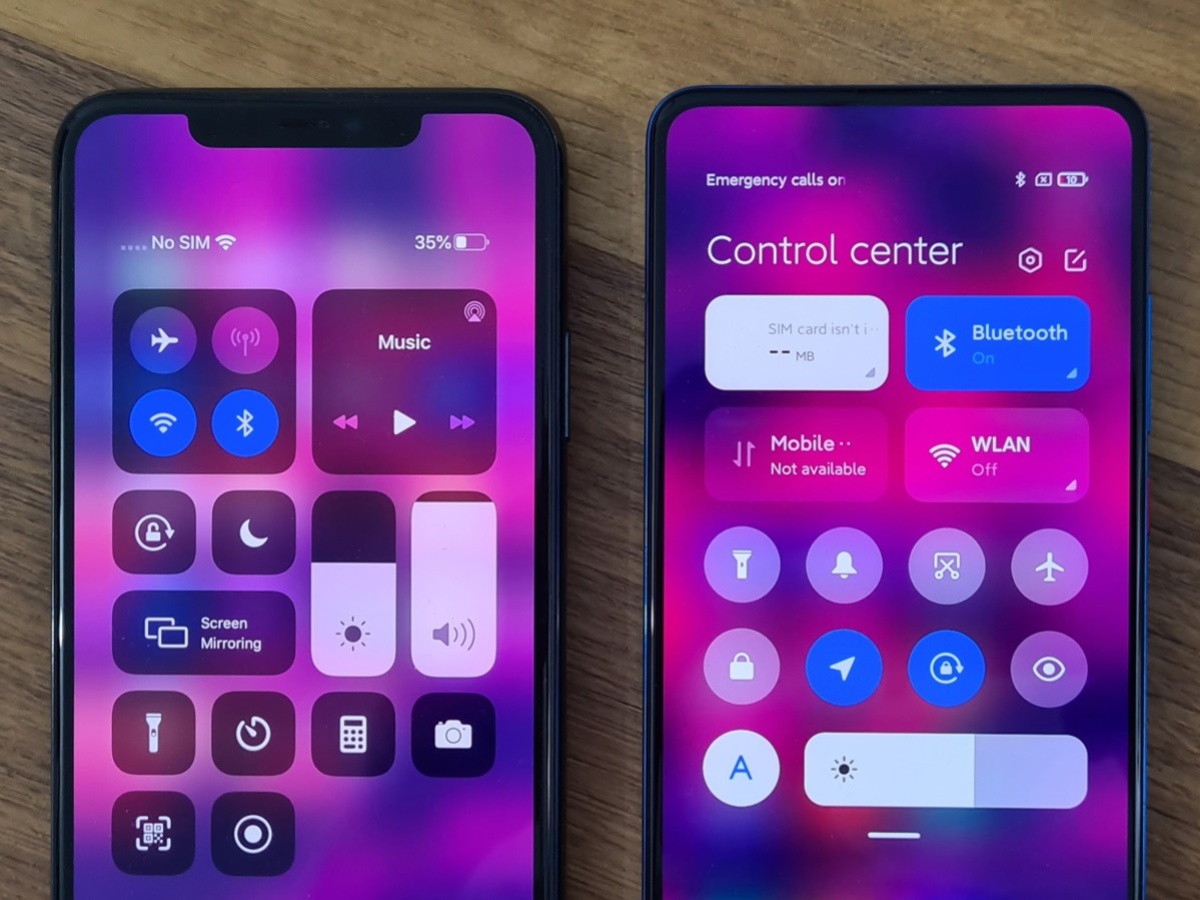
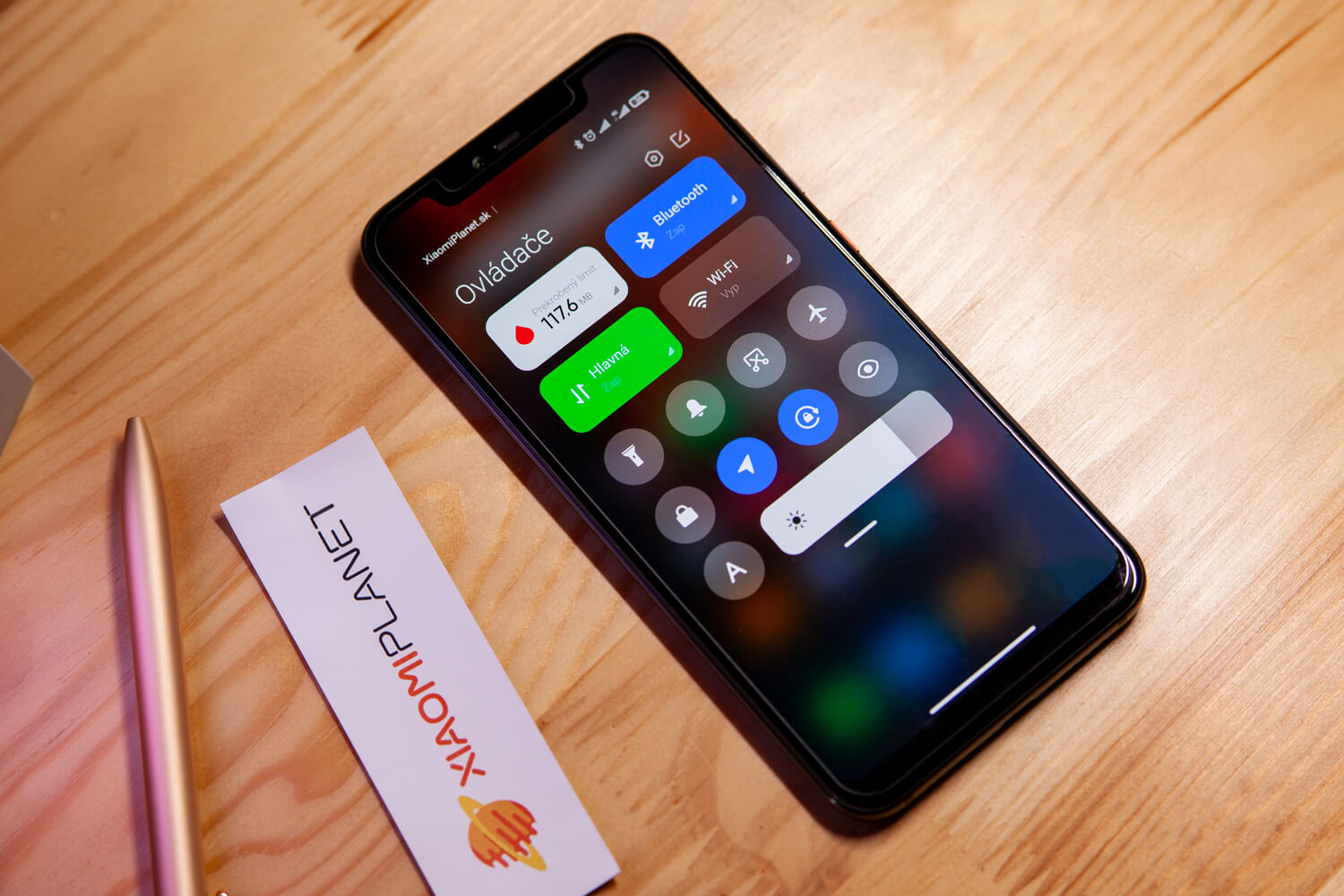
The inspiration shows up not only in the control gestures, the icons on the home screen, or the quick preview on the far-left screen, but especially in the new notification center that groups incoming notifications and the shortcuts hub. Still, we definitely welcome the change and are curious about what else the system brings.
Lock screen: New dynamic wallpapers
One of the design updates is also a change to the lock screen display. The improved design and updated font still keep a minimalist look. There are several versions to choose from, and you can pick the one you’ll like in your smartphone’s settings.
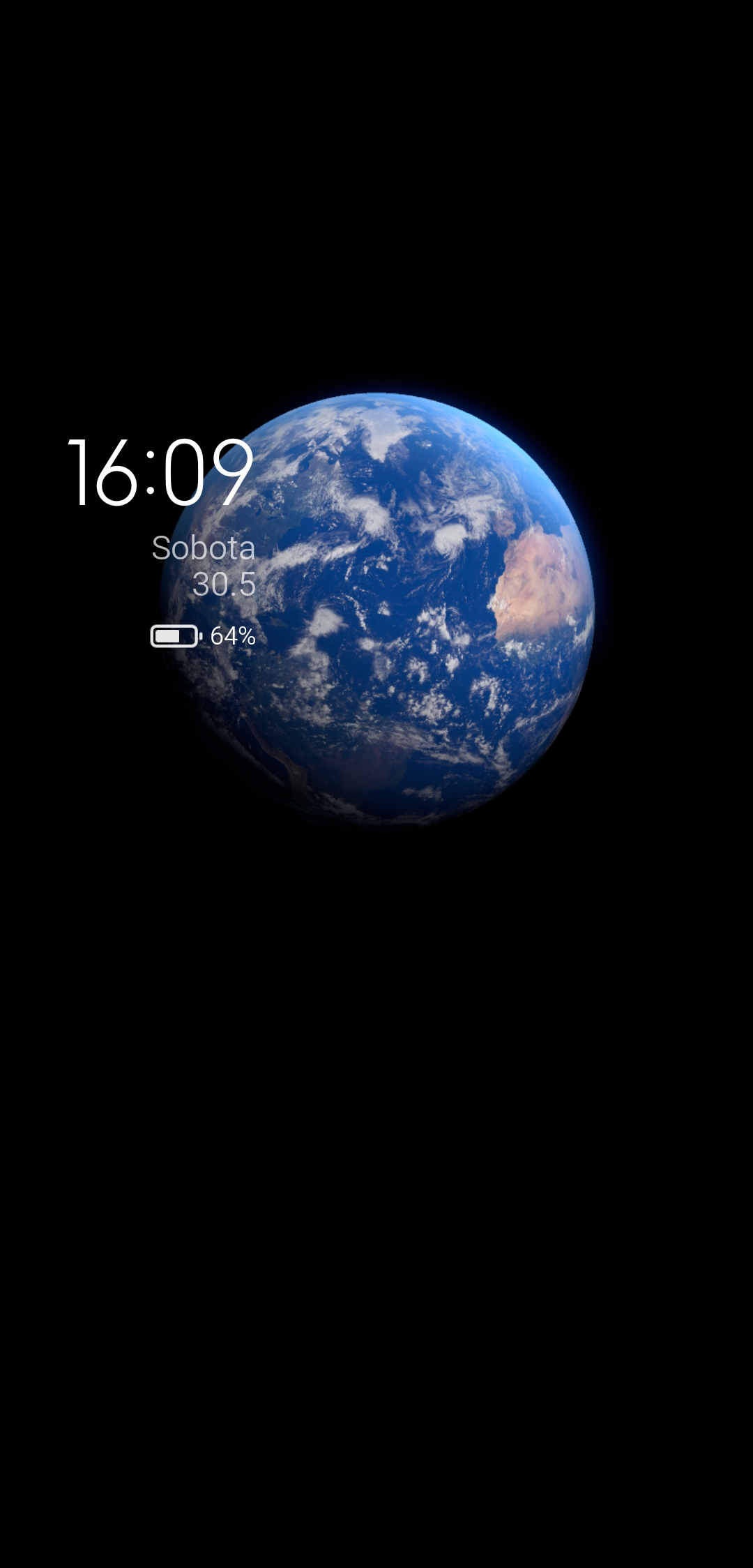
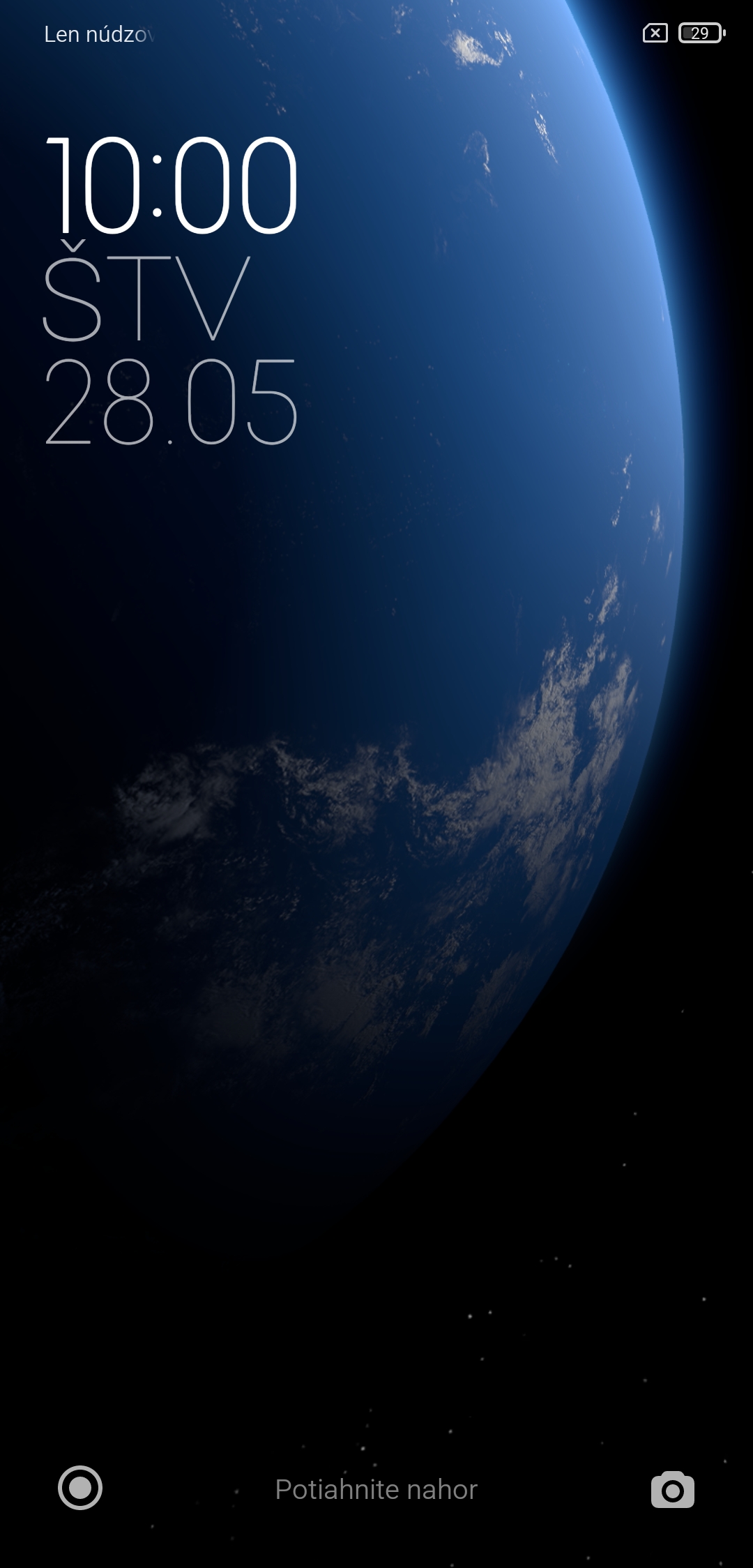
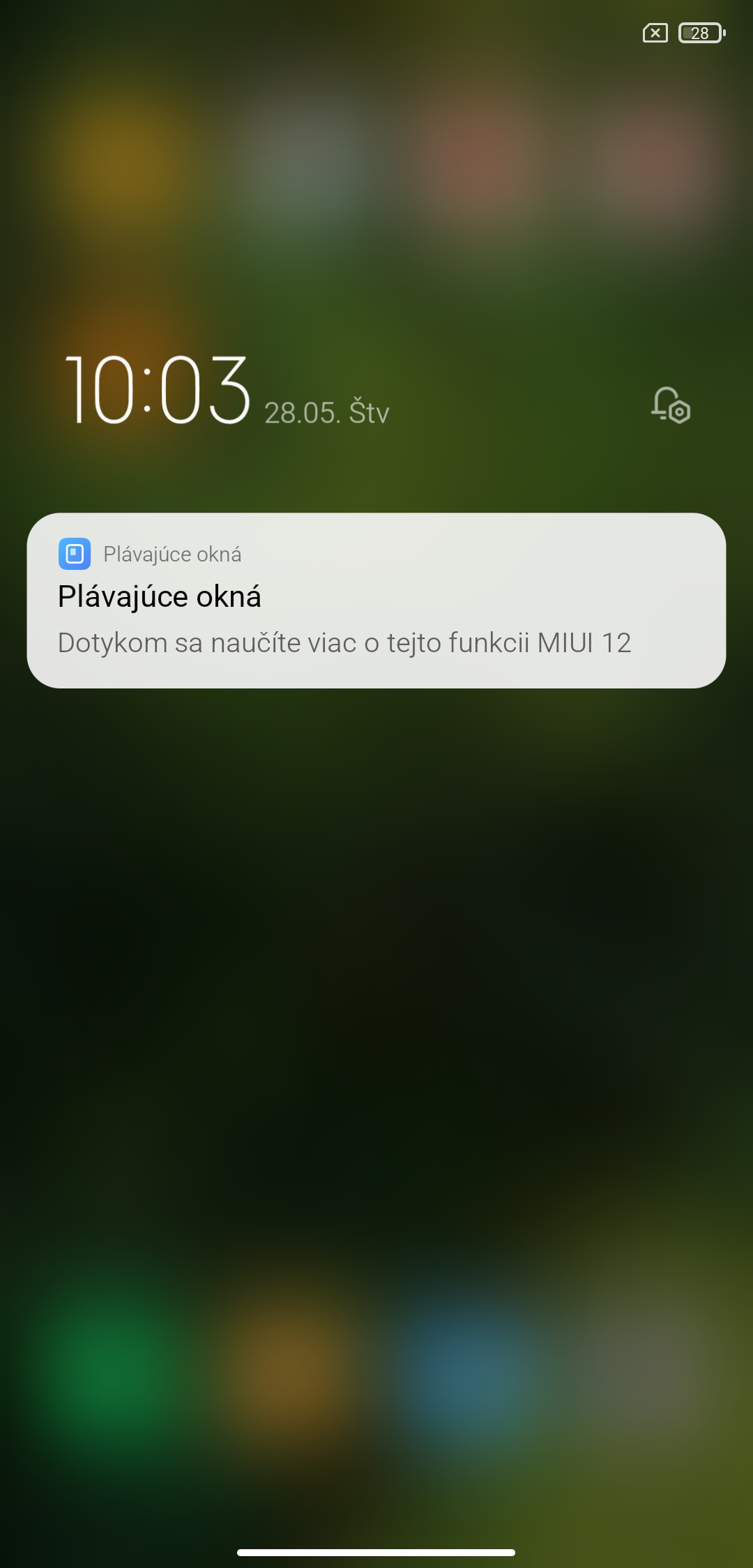
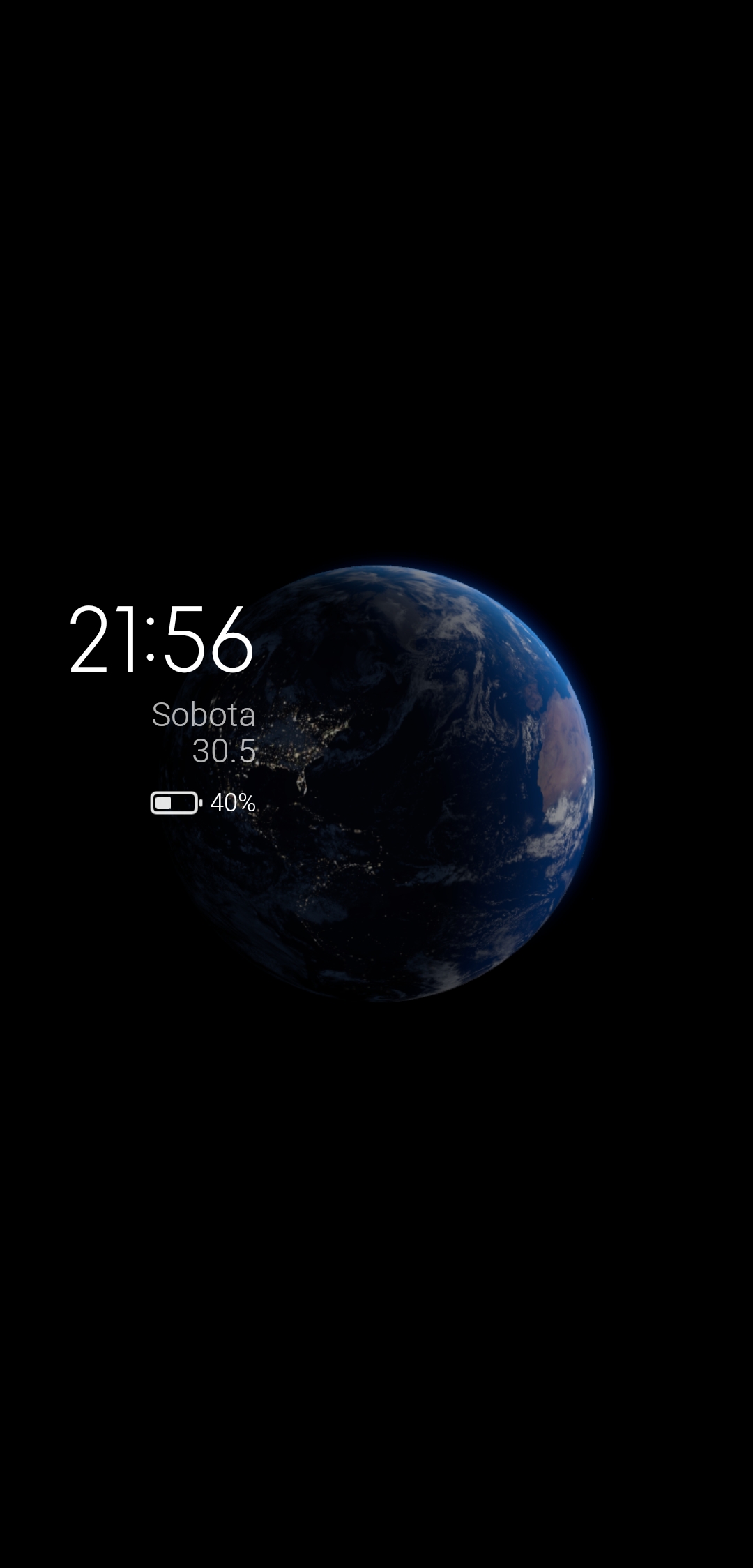
Another notable improvement is new dynamic wallpapers. After switching from another smartphone, they look truly breathtaking—especially on an AMOLED panel.
Motion wallpapers with effects run through Always On, waking up, and even unlocking the device. We definitely have to praise the manufacturer for this upgrade.
Home screen, Dark mode 2.0 and gestures
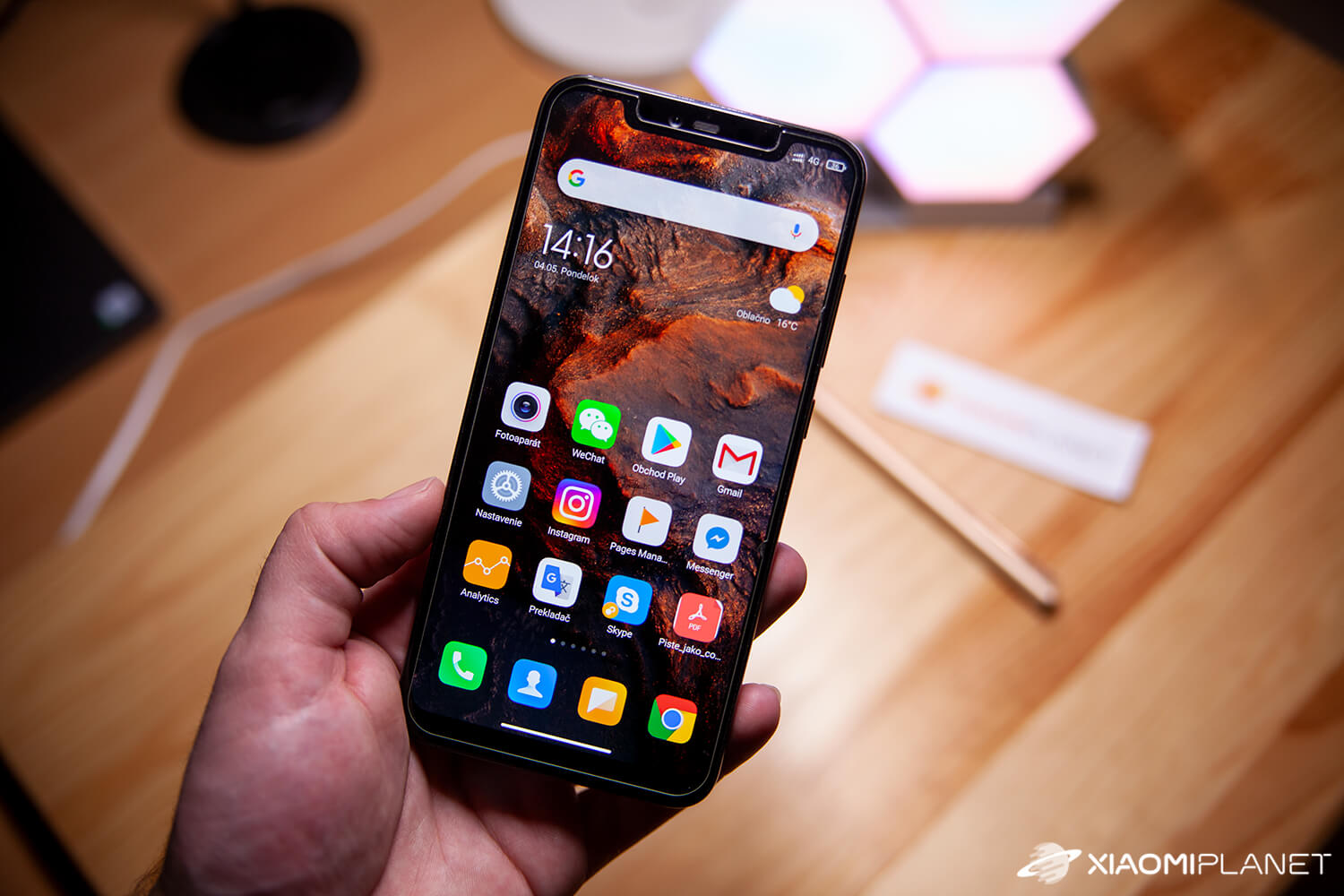
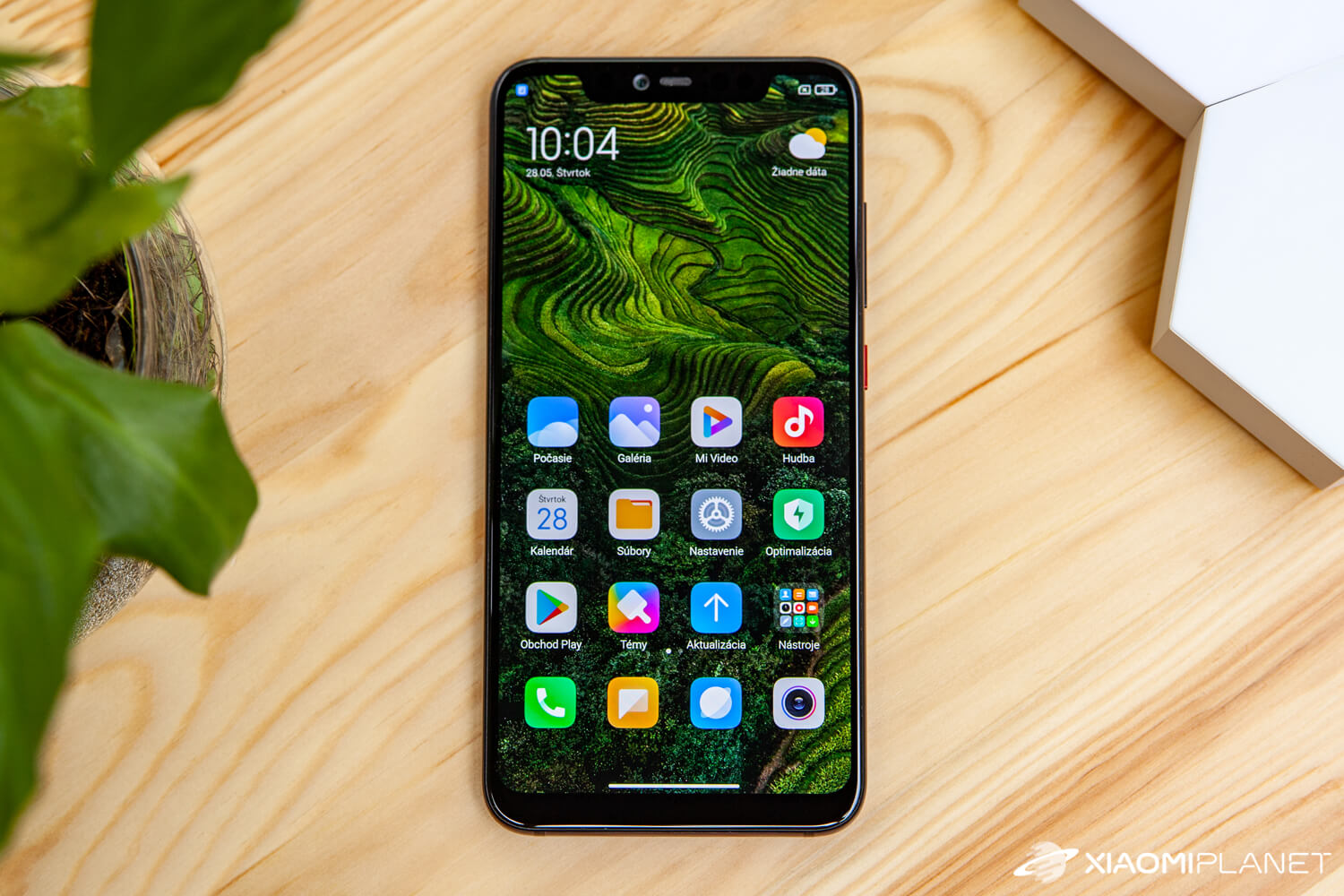
The home screen has also changed thanks to a new design, theme, icons, and font. In this case, the icons are very similar to what we know from the iOS system.
In this part as well, the system is a bit more colorful, and you’ll also find a detailed overview of activities on the very left screen.
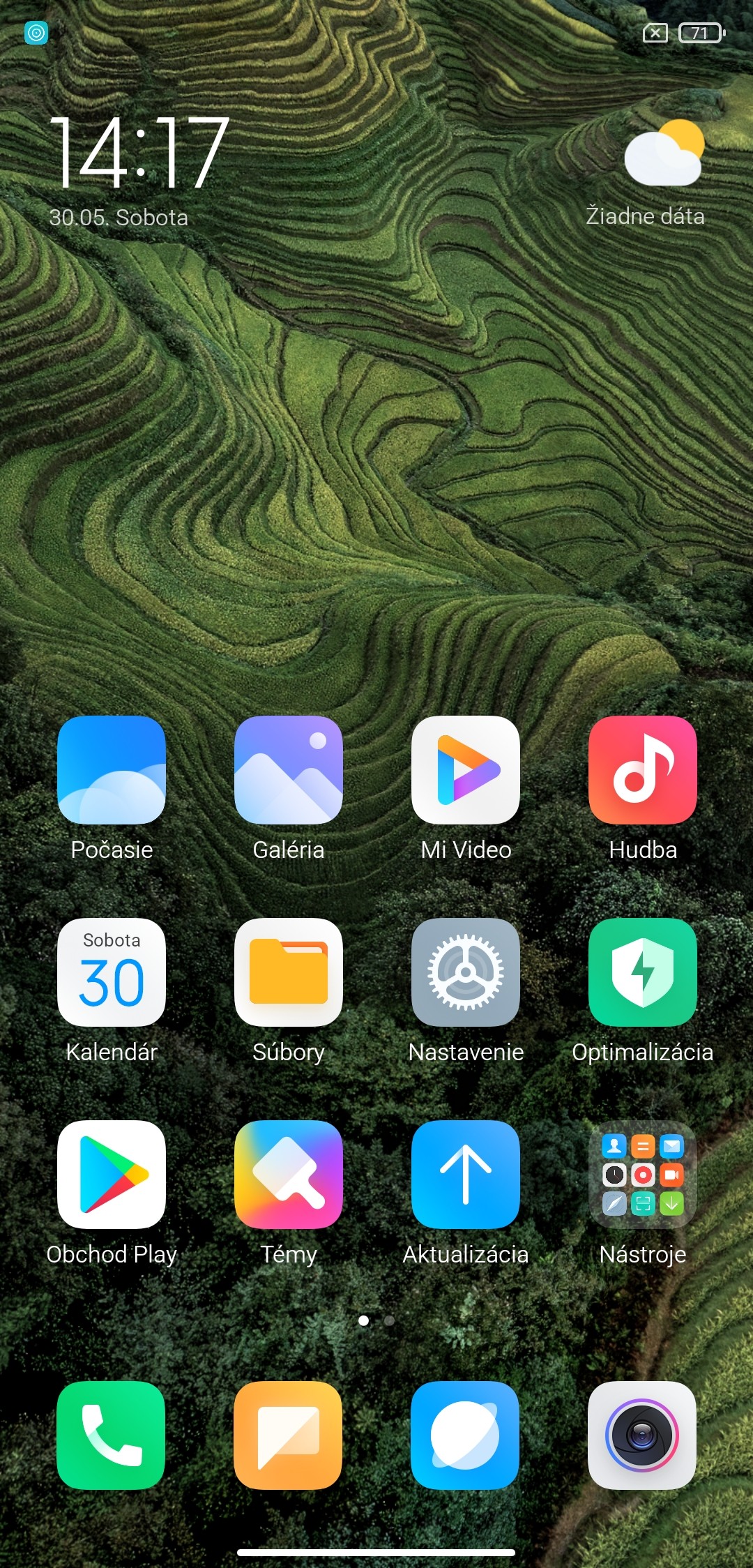
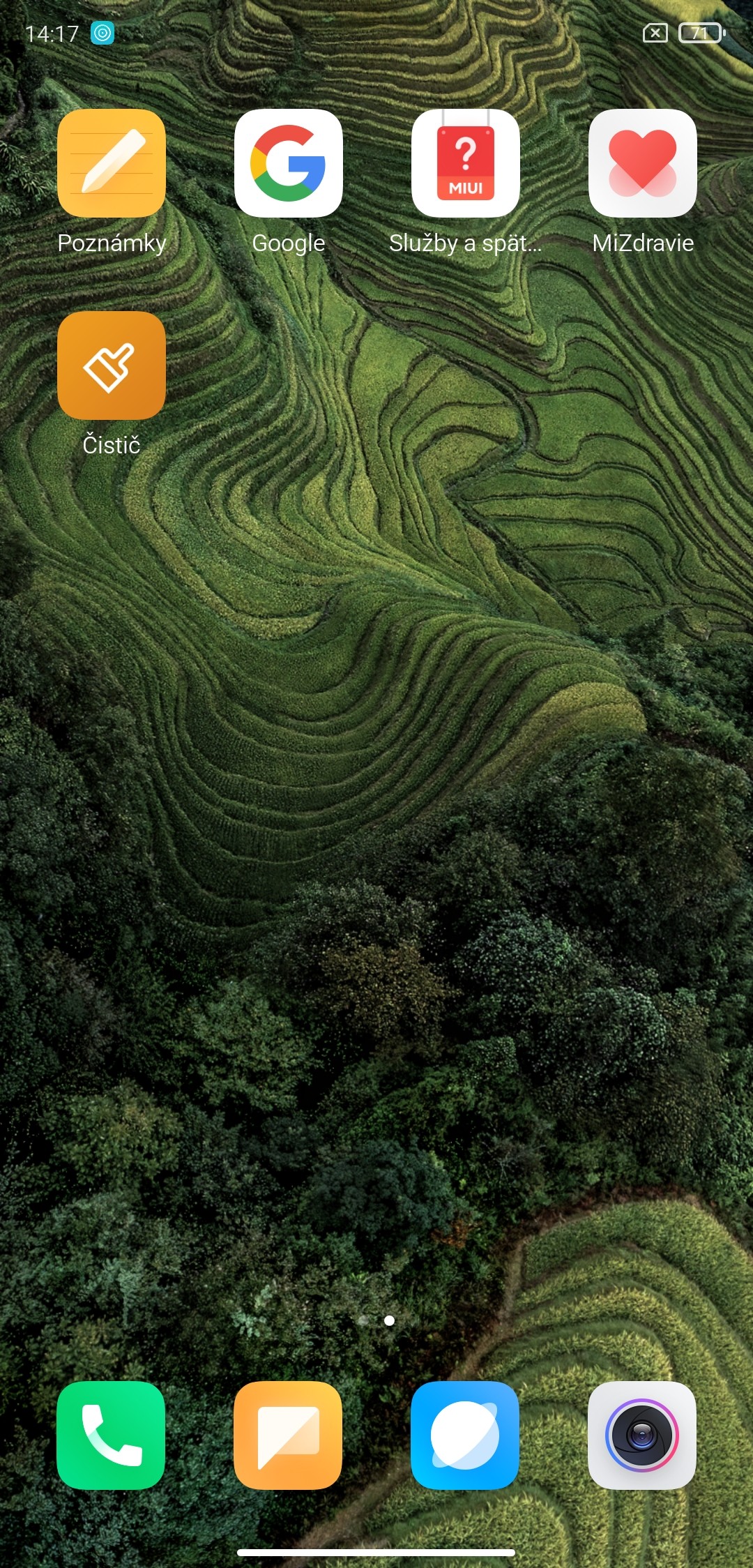
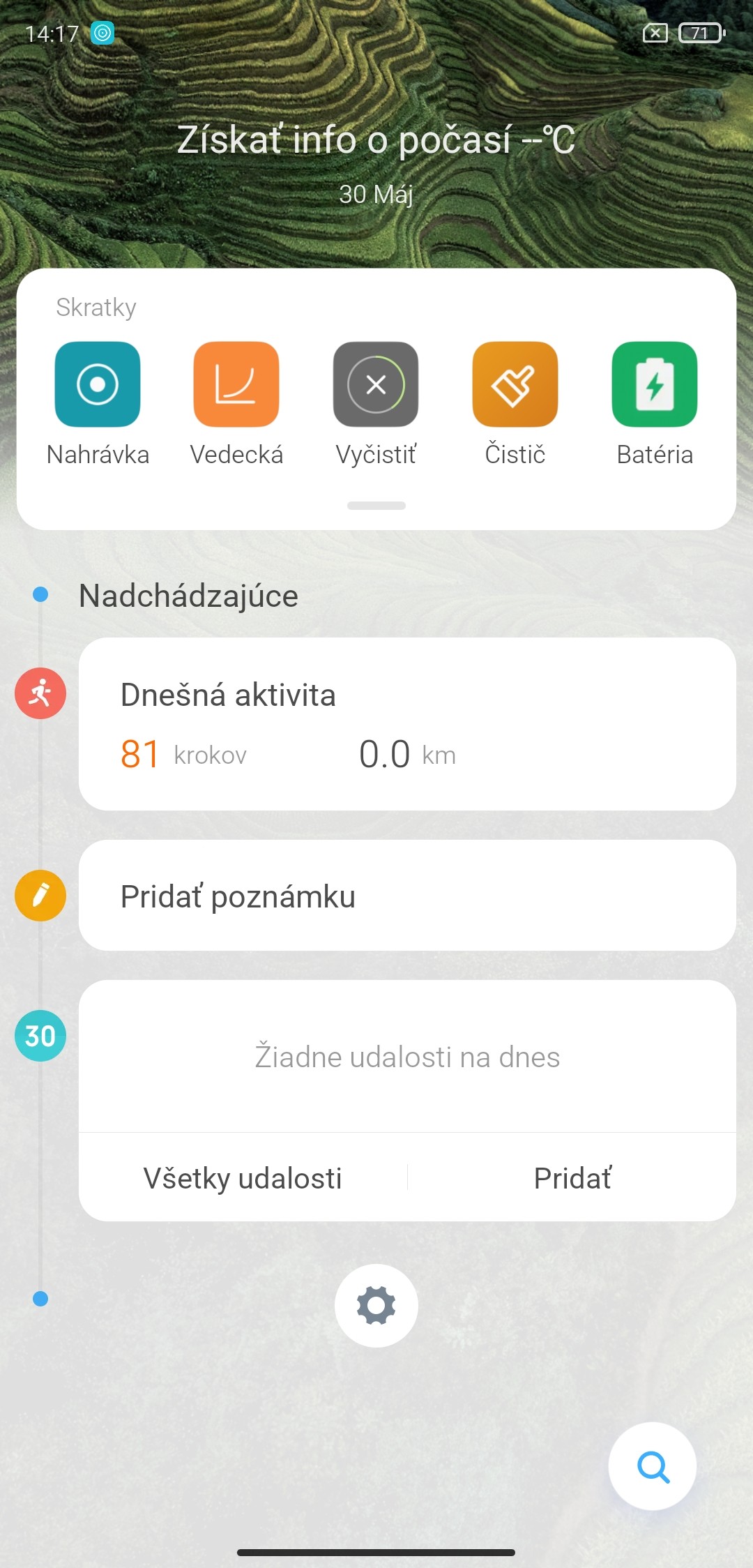
The system gestures are also refined—for example, returning to the home screen is identical to iOS. Even the display of a horizontal line at the bottom of the screen is the same.
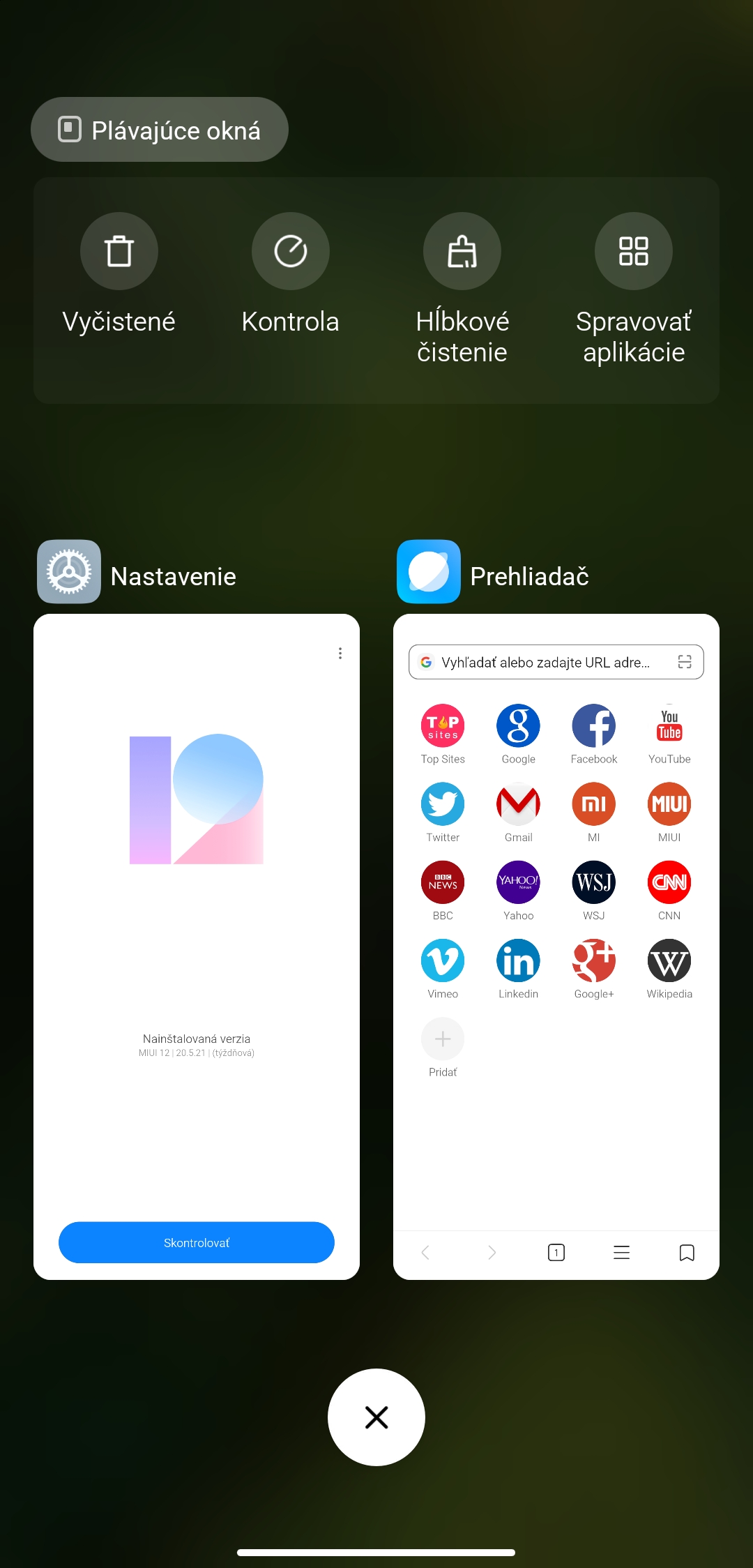
There’s also a gesture to show apps running in the background, along with their corresponding features, a step back gesture, and more other control gestures.
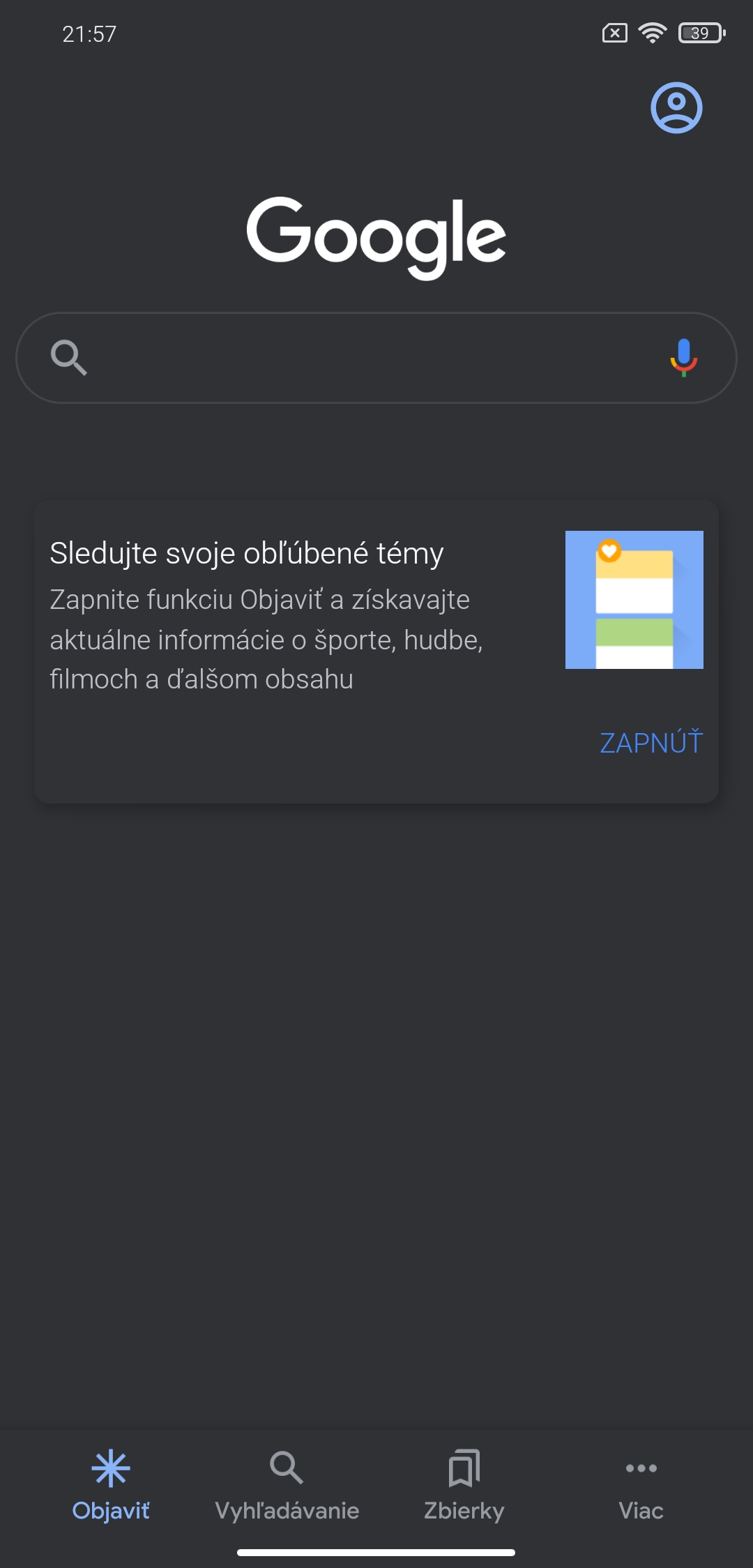
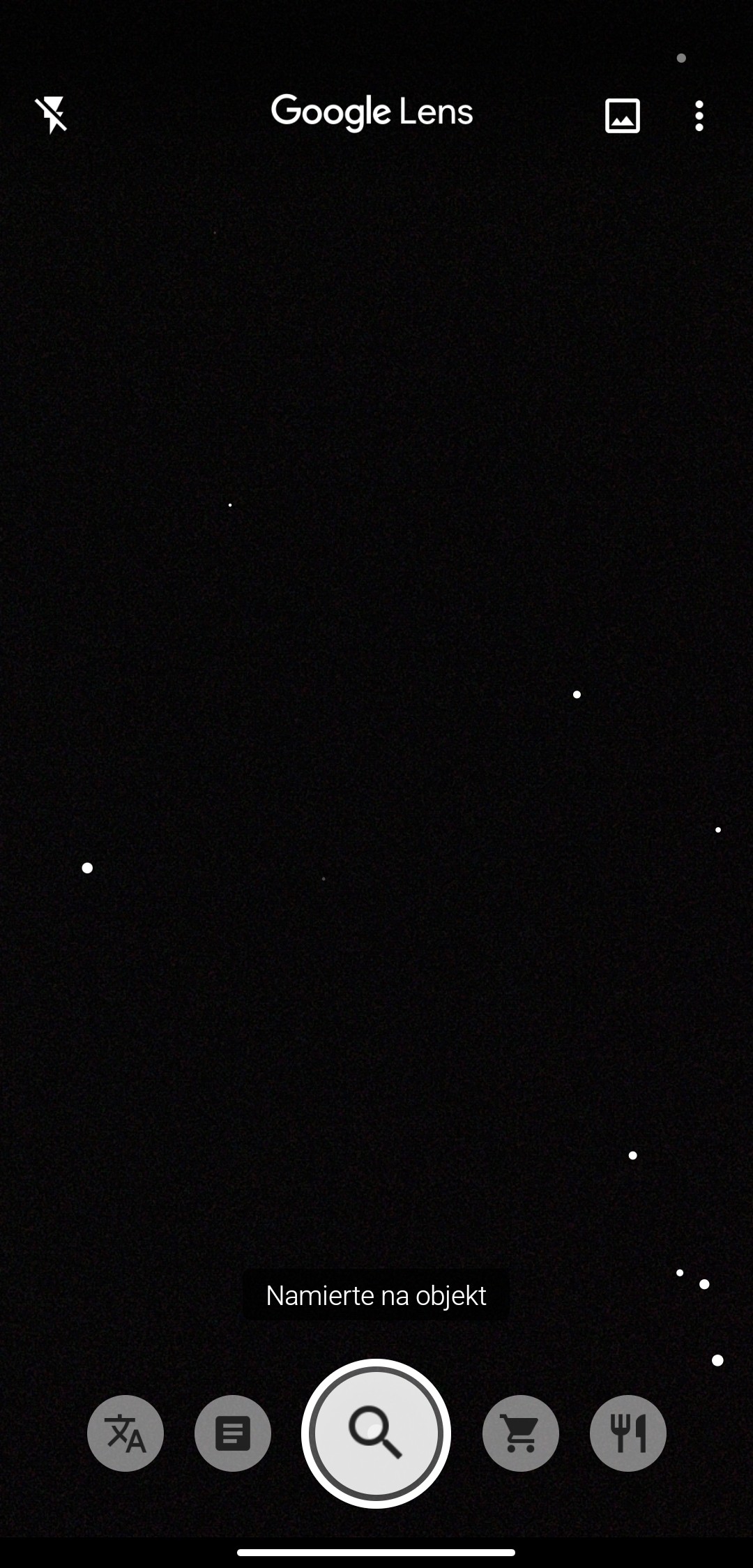
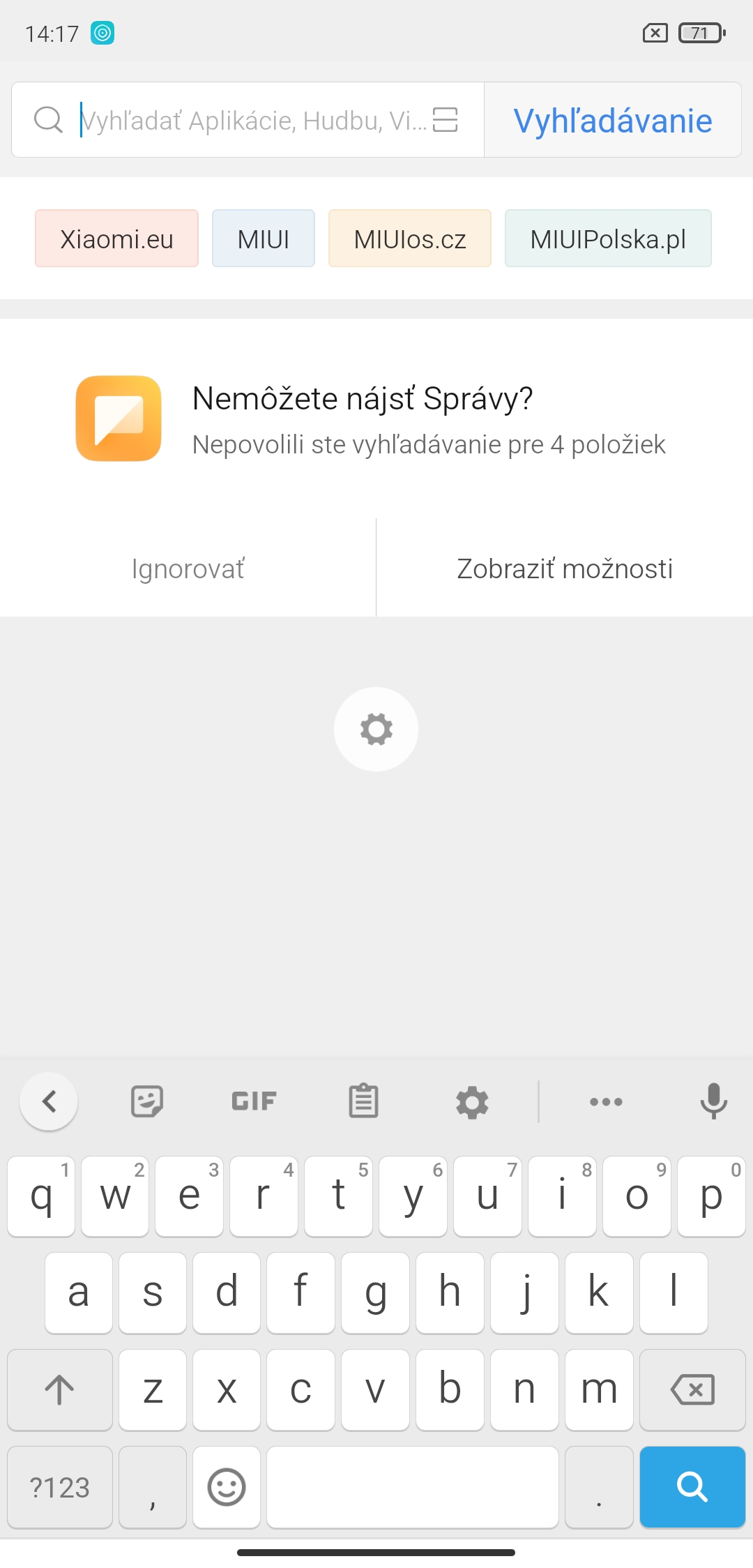
We also like the dark mode, which is advancedly integrated not only into the settings environment and built-in apps, but also displays in a large number of third-party apps.
The difference is also noticeable on Google app widgets, or in the Lens app environment.
Floating windows: A useful feature for multitasking
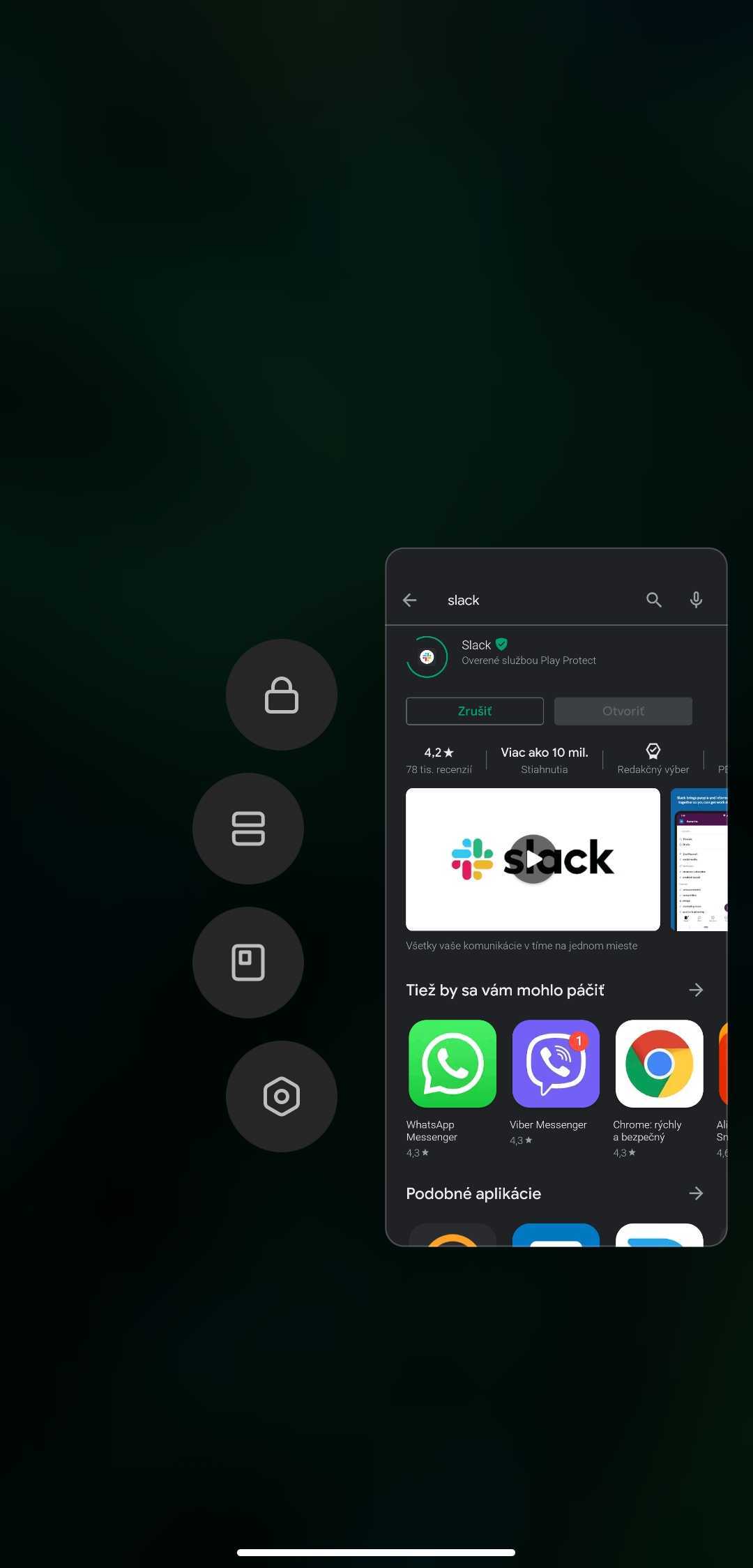
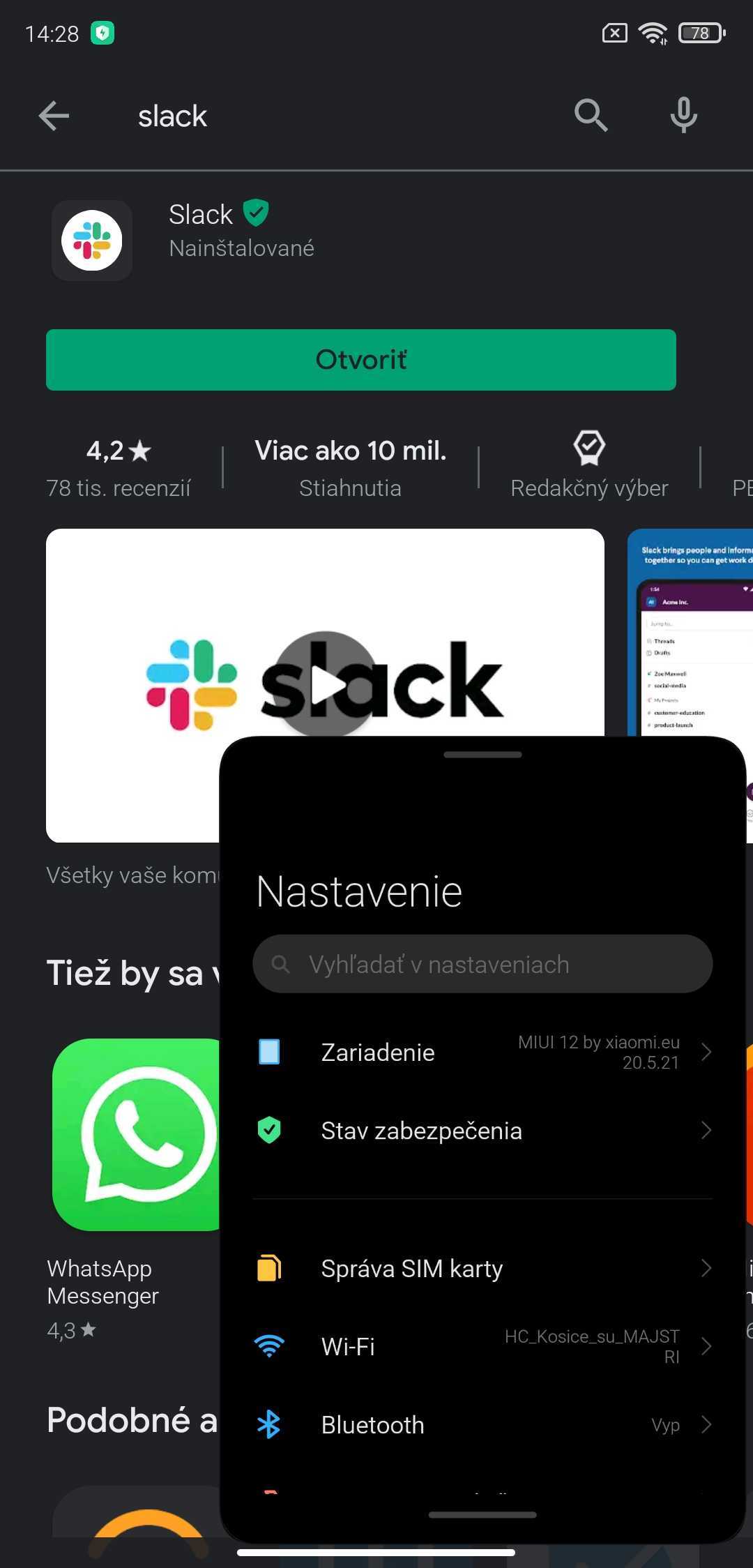
One of the system updates in MIUI 12 is also a feature called Floating windows. Just go to the screen with the list of running apps (swipe up from the bottom and hold), and in this menu choose the app you want to launch as a floating window.
After you select it, the app will appear in a separate floating window at the top of the screen.

Notification center: A practical improvement
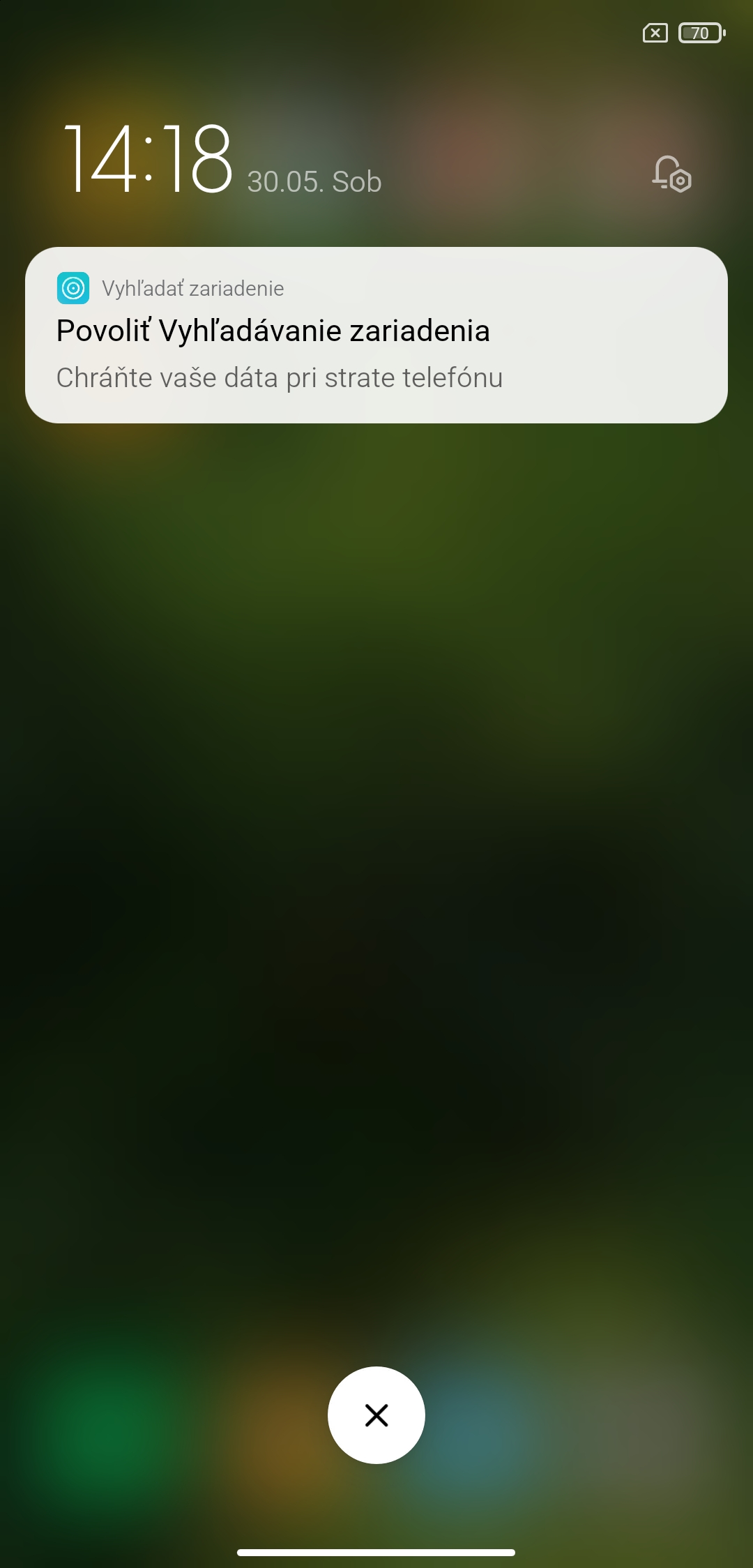
Launching the notification center from the top of the screen also required new gestures. By swiping in the top-left area of the display, you can show the notification center, which groups various app alerts.
Swiping in the top-right corner of the display will bring up the shortcut center, which—much like iOS—looks like it was copied from the competitor’s system.
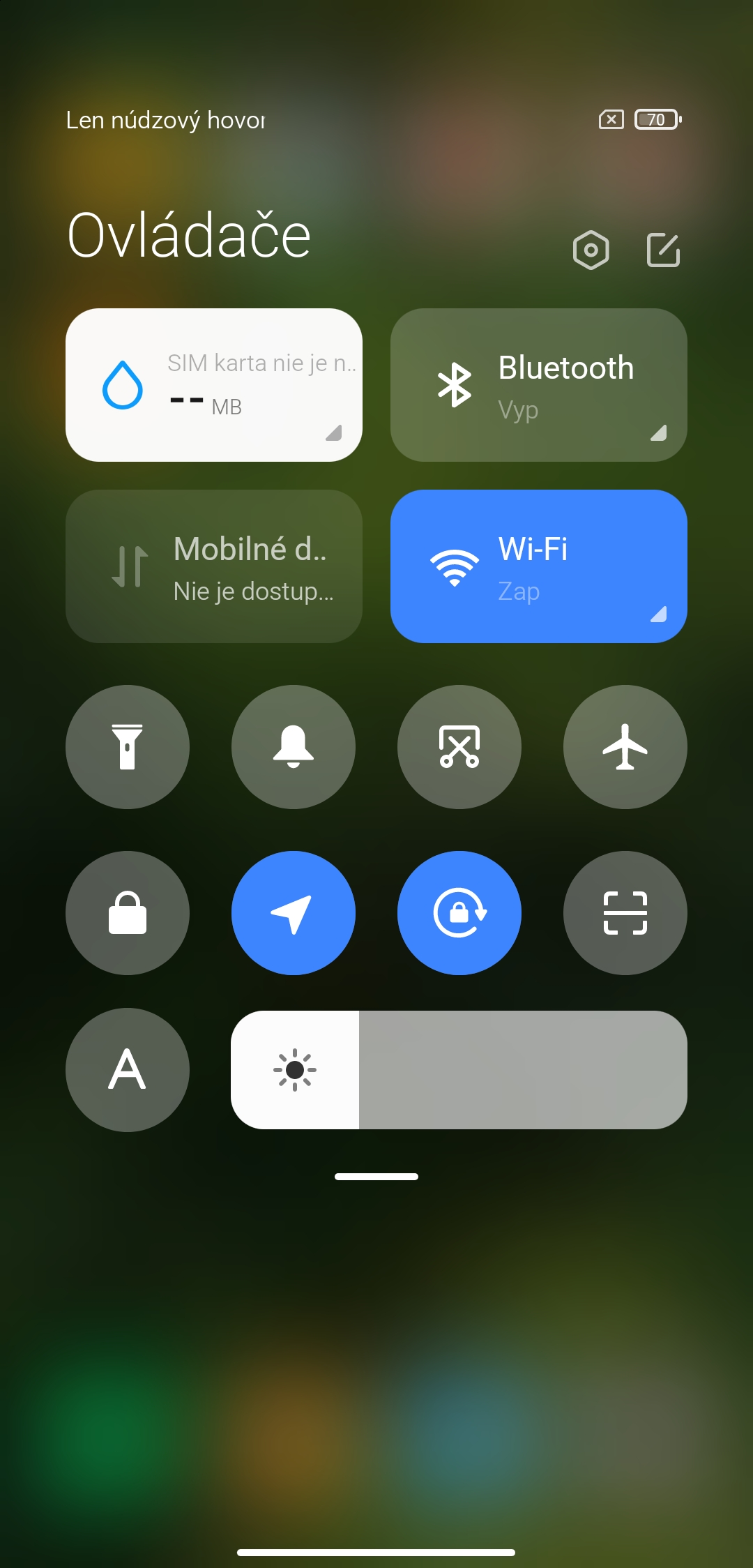
Taking inspiration from a competing system isn’t a negative, though. These are functional, practical changes that are for the greater good—specifically for better control. The shortcut center groups basic information about your SIM card, Wi‑Fi, and Bluetooth connection, with the option to expand up to 21 quick buttons + a slider to adjust brightness.
The shortcuts themselves are moved a bit lower from the top of the screen; other elements in the system are handled similarly. This is a good step that helps with one-handed operation on larger display sizes, or on tall displays with an aspect ratio such as 20:9.
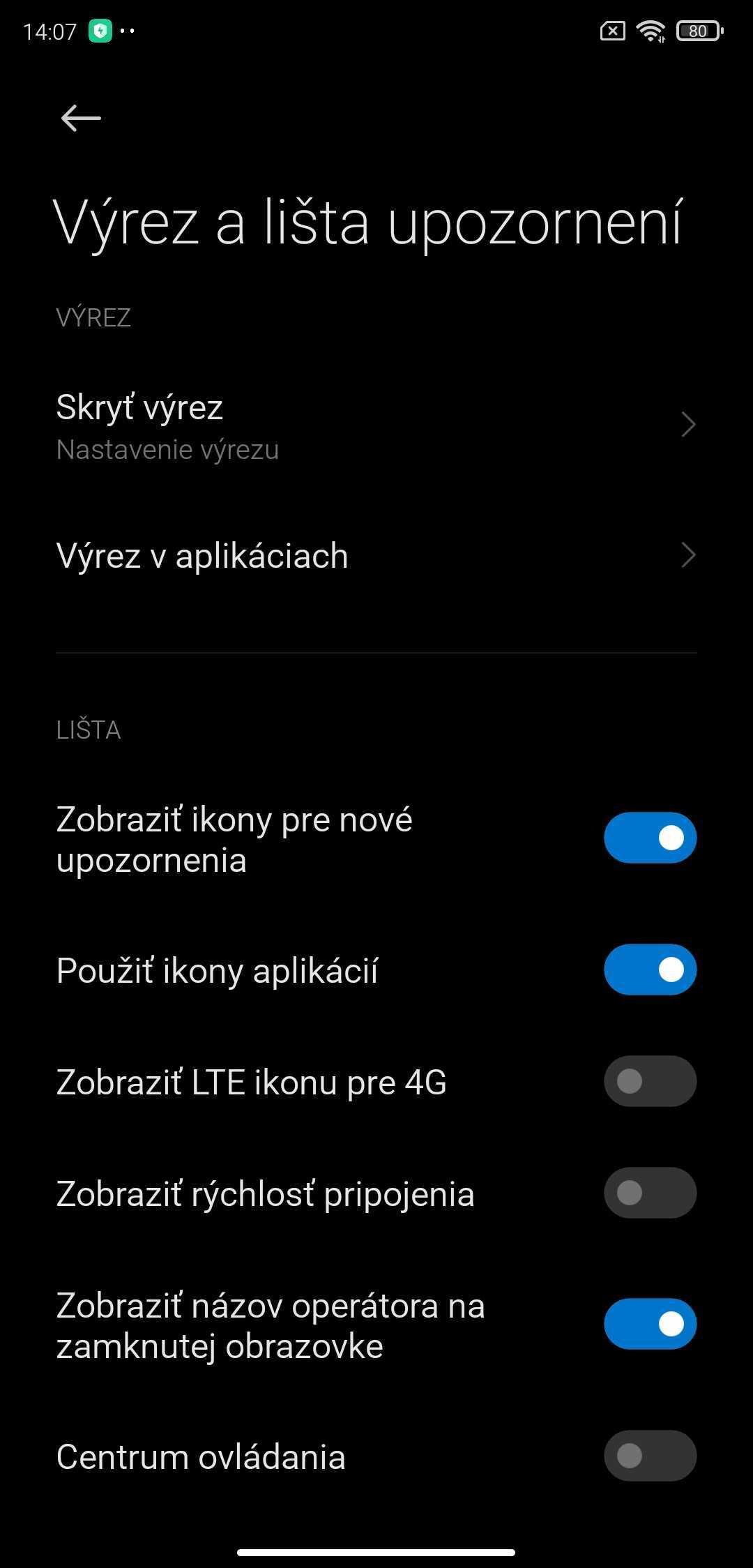
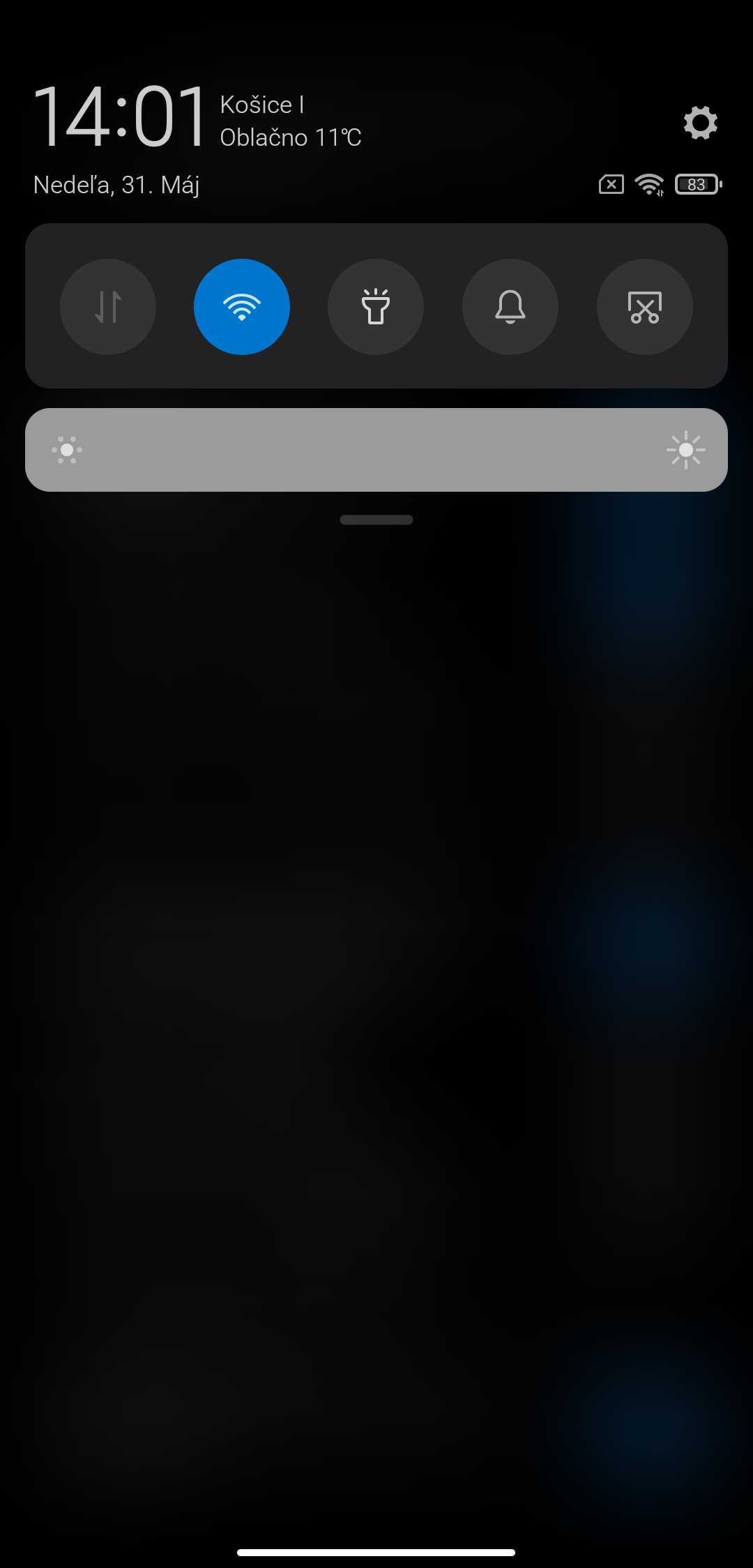
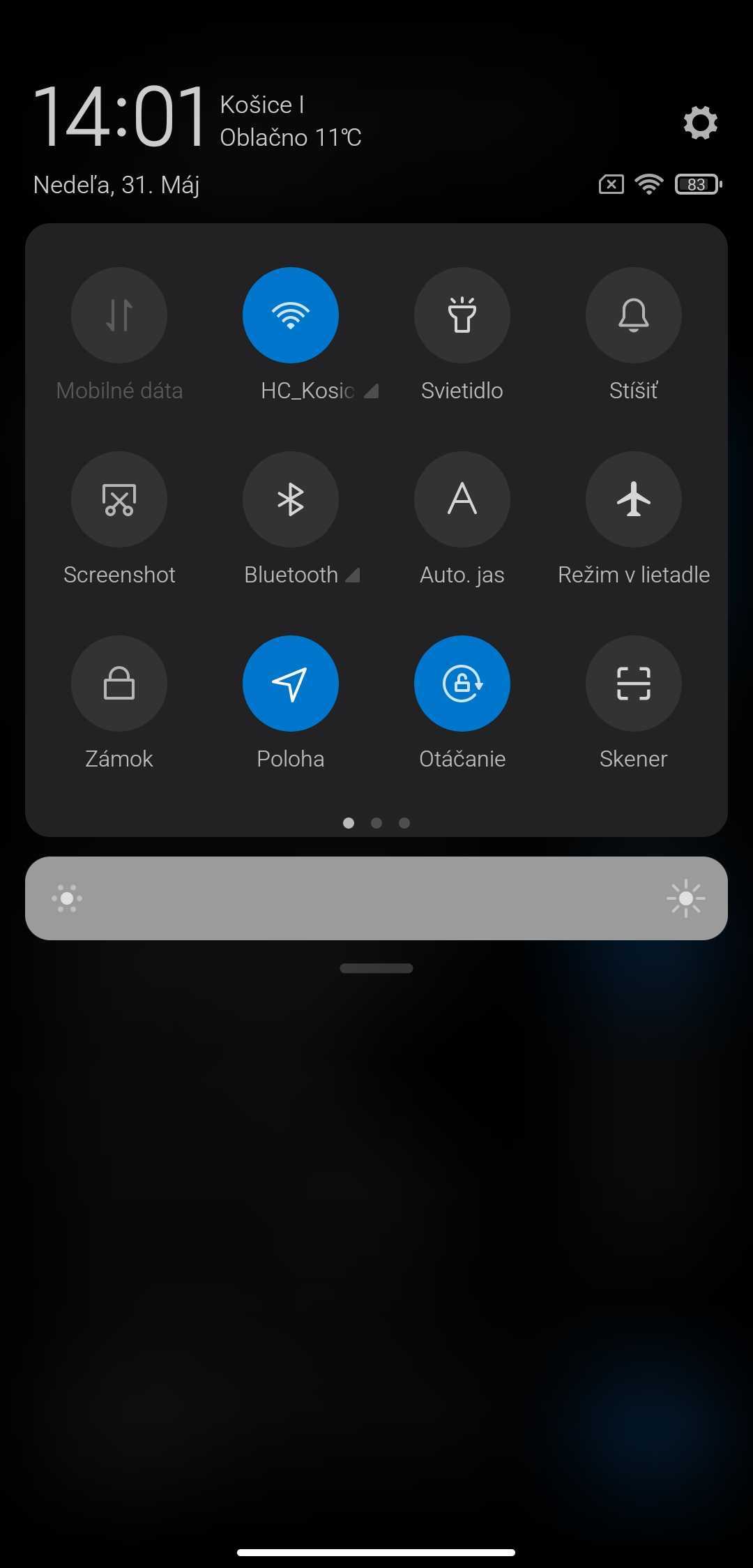
If you don’t like the new notification center, you can switch back to the old version of the bar with toggles arranged in a single row. You can do that in the settings—just search for Control Center and disable this option.
New Camera app
An app for photography called Camera was one of the first news items that appeared in information leaks. That’s exactly why we already knew most of the upcoming features, or even the video that reveals new functions. If you want a list of the devices that will get the app first, we’ve prepared the following article.
The list of new features included in the Camera app in MIUI 12 is as follows:
- Magic Clone – a feature that can “clone” one person multiple times in a photo – example here
- Magic Kaleidoscope
- Option to choose the color of the entire background
- New controls – tap to take a photo, press and hold to record video
- Option to adjust the switch positions
- New shutter sounds
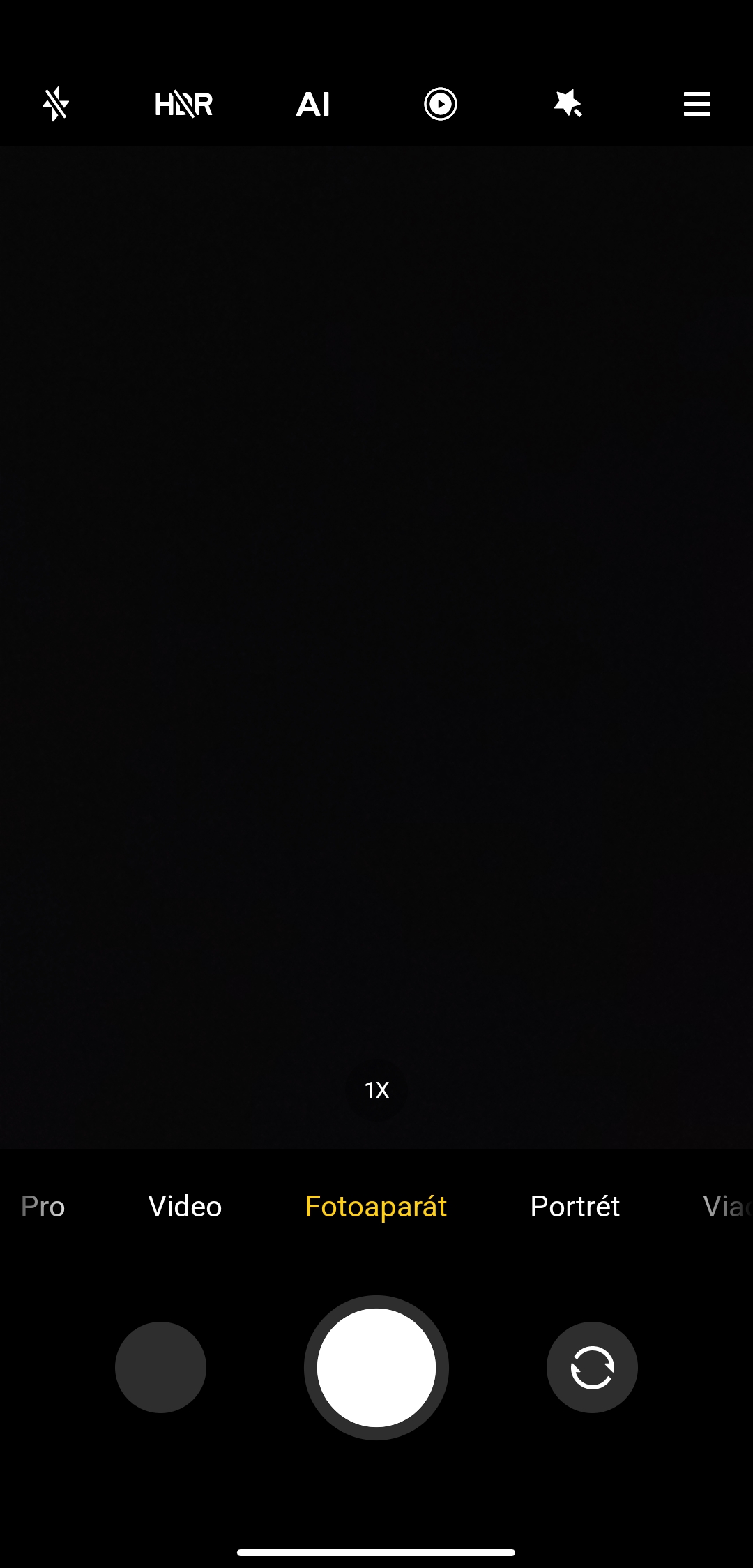
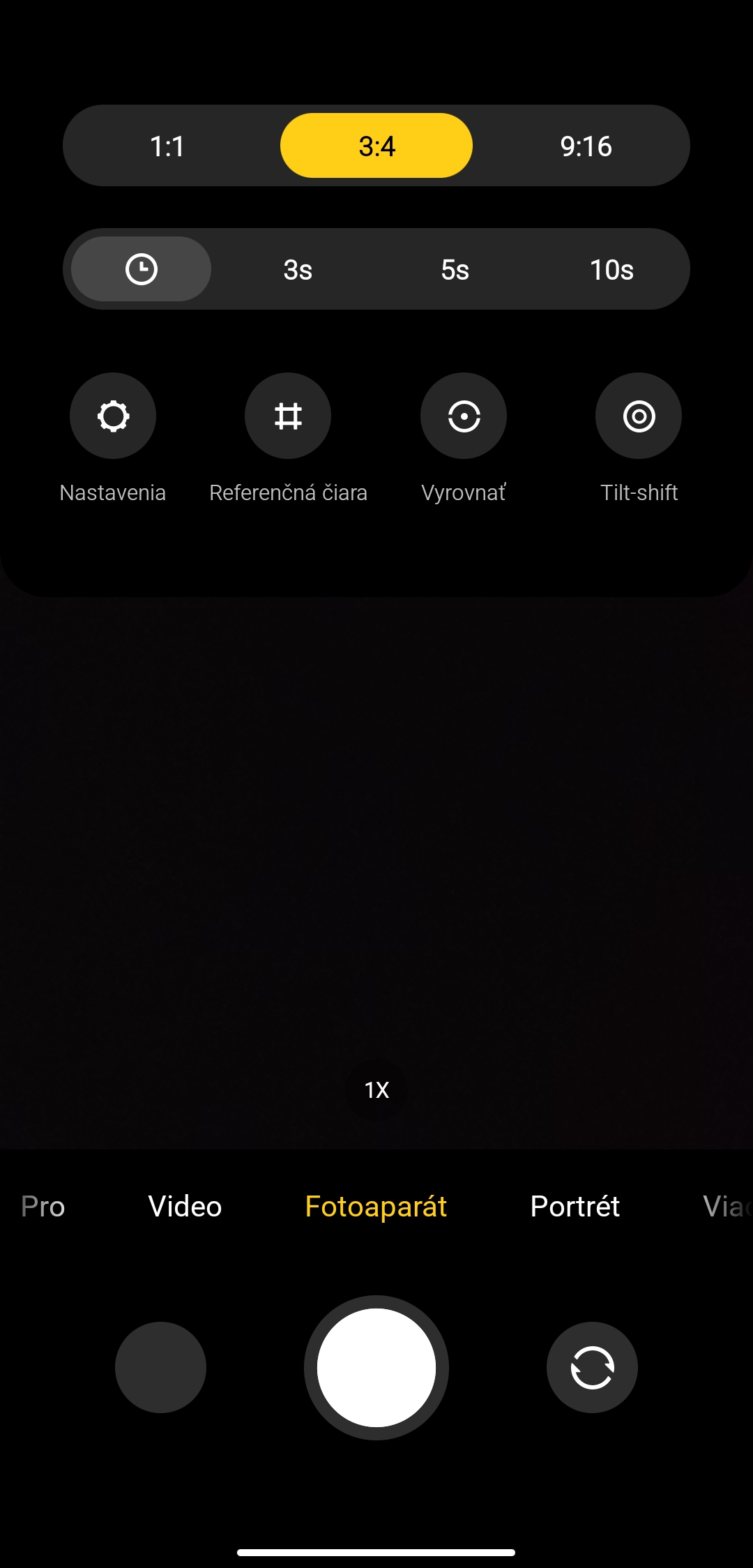
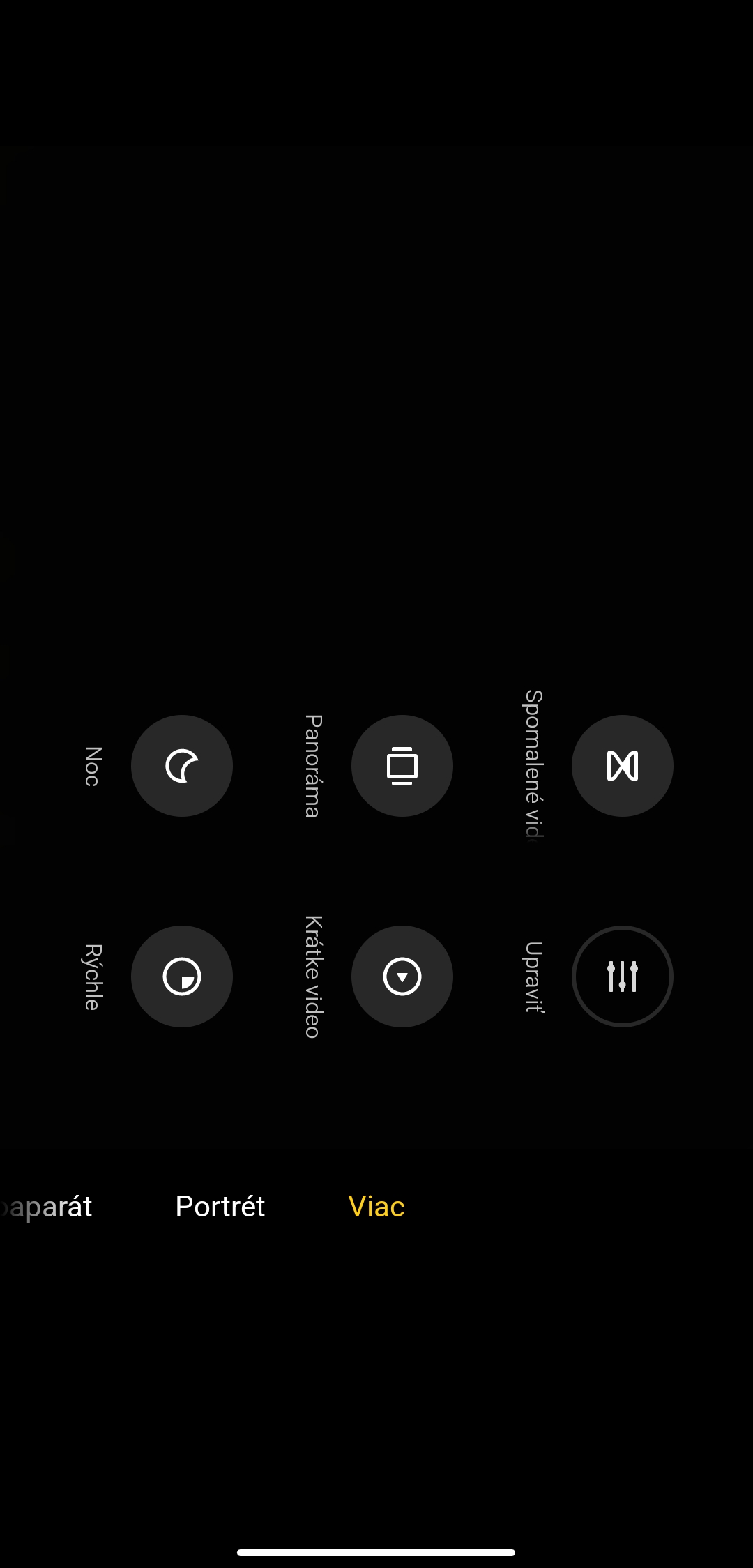
During testing, we were especially surprised by the app’s very good response—it launched and reacted really quickly and smoothly, without stutters or experimental features.
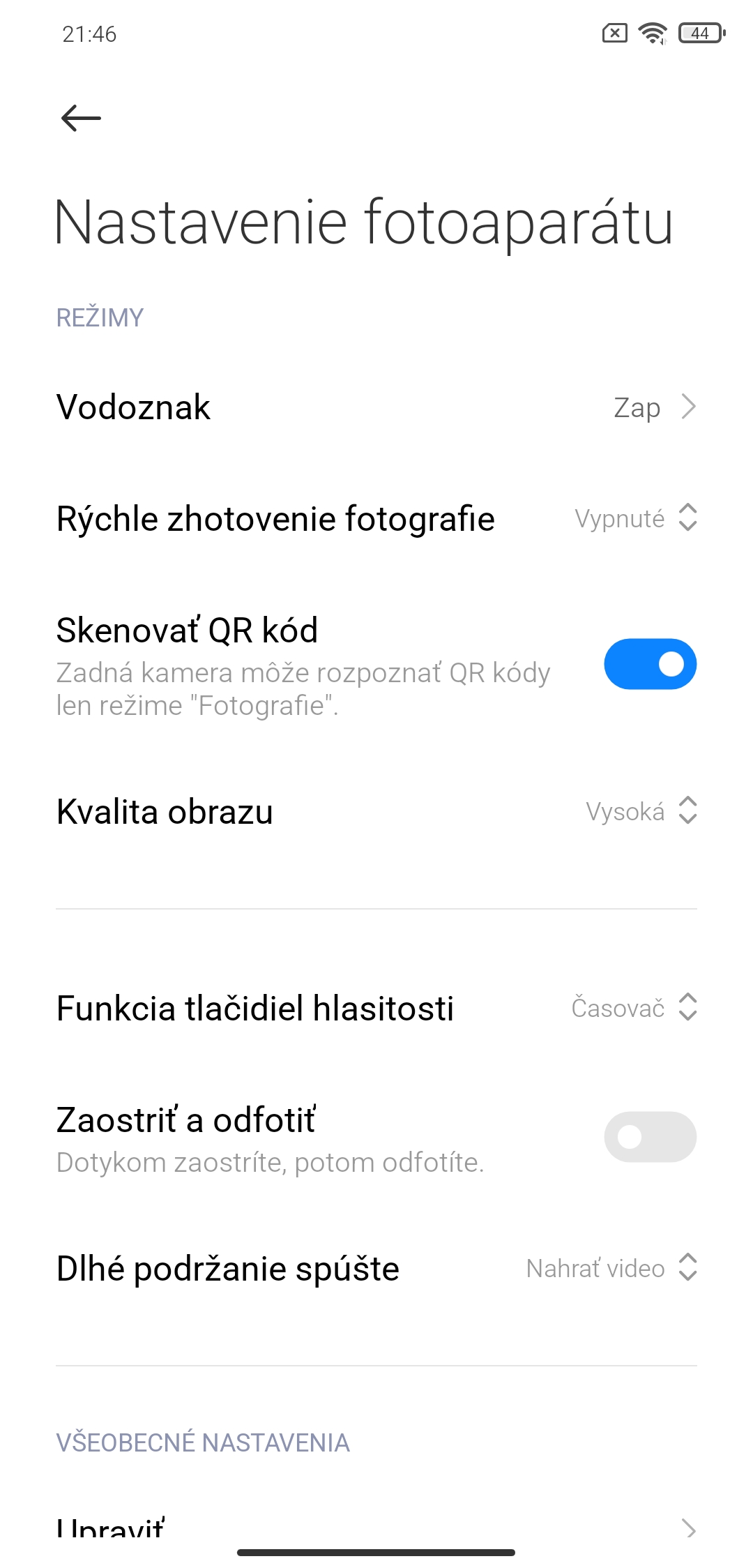
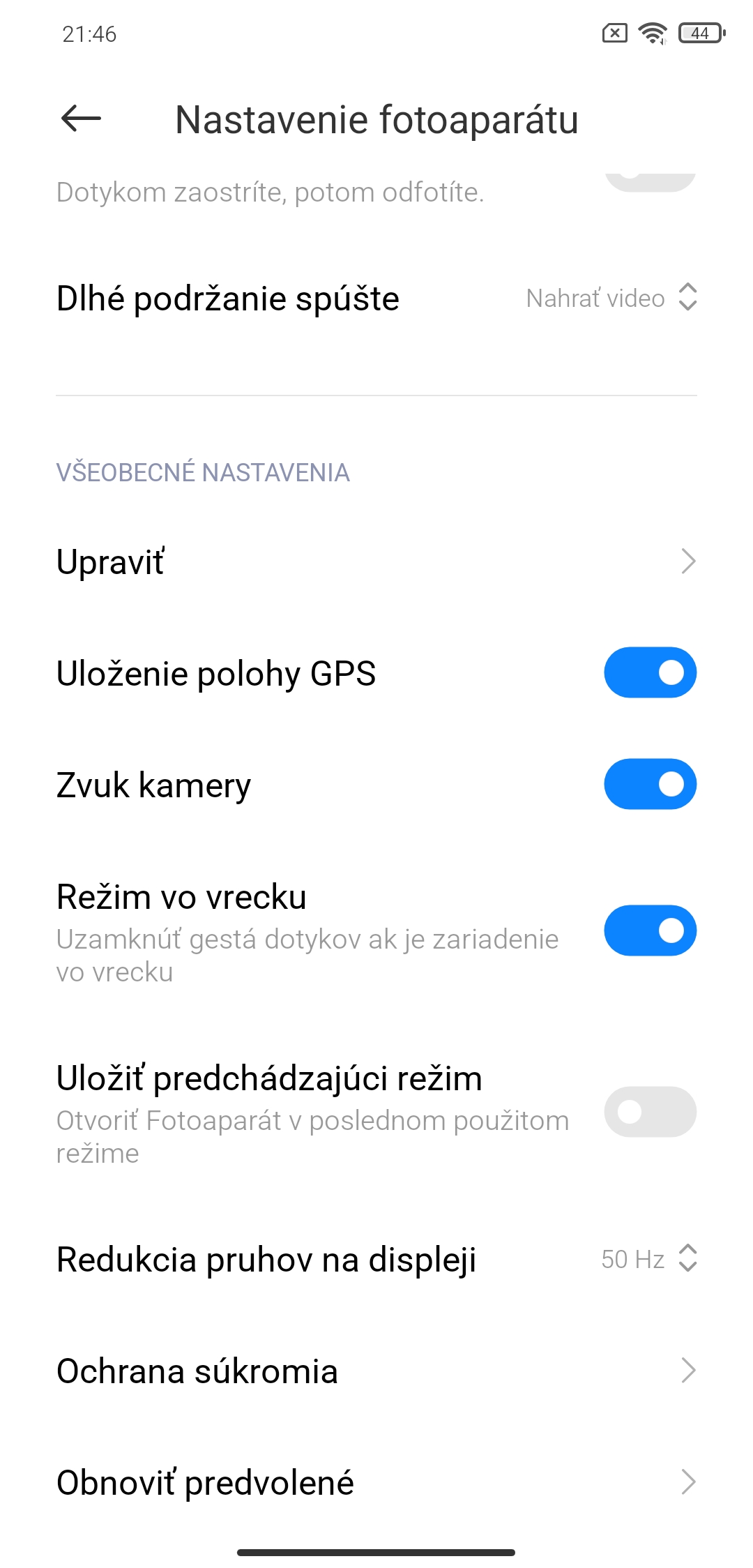
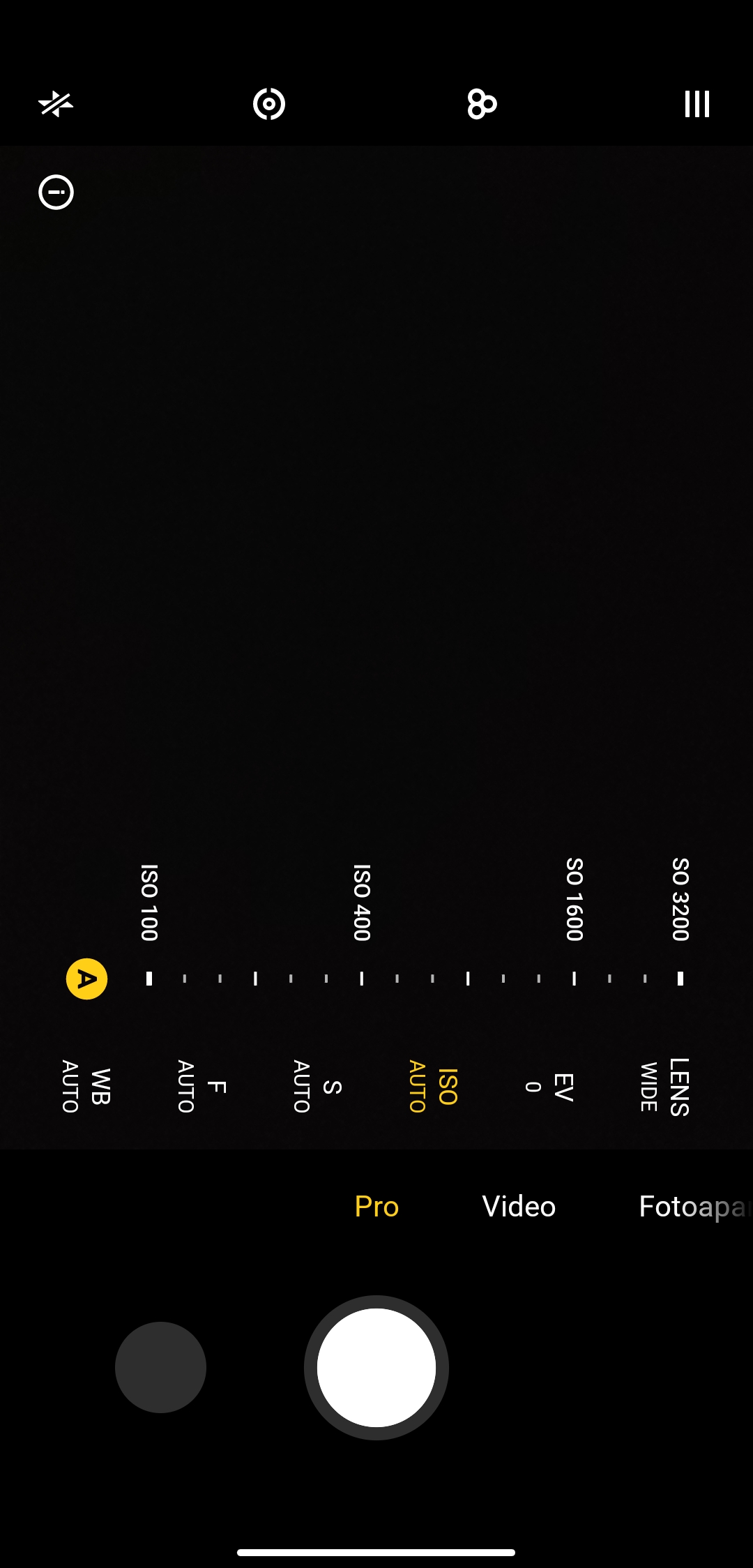
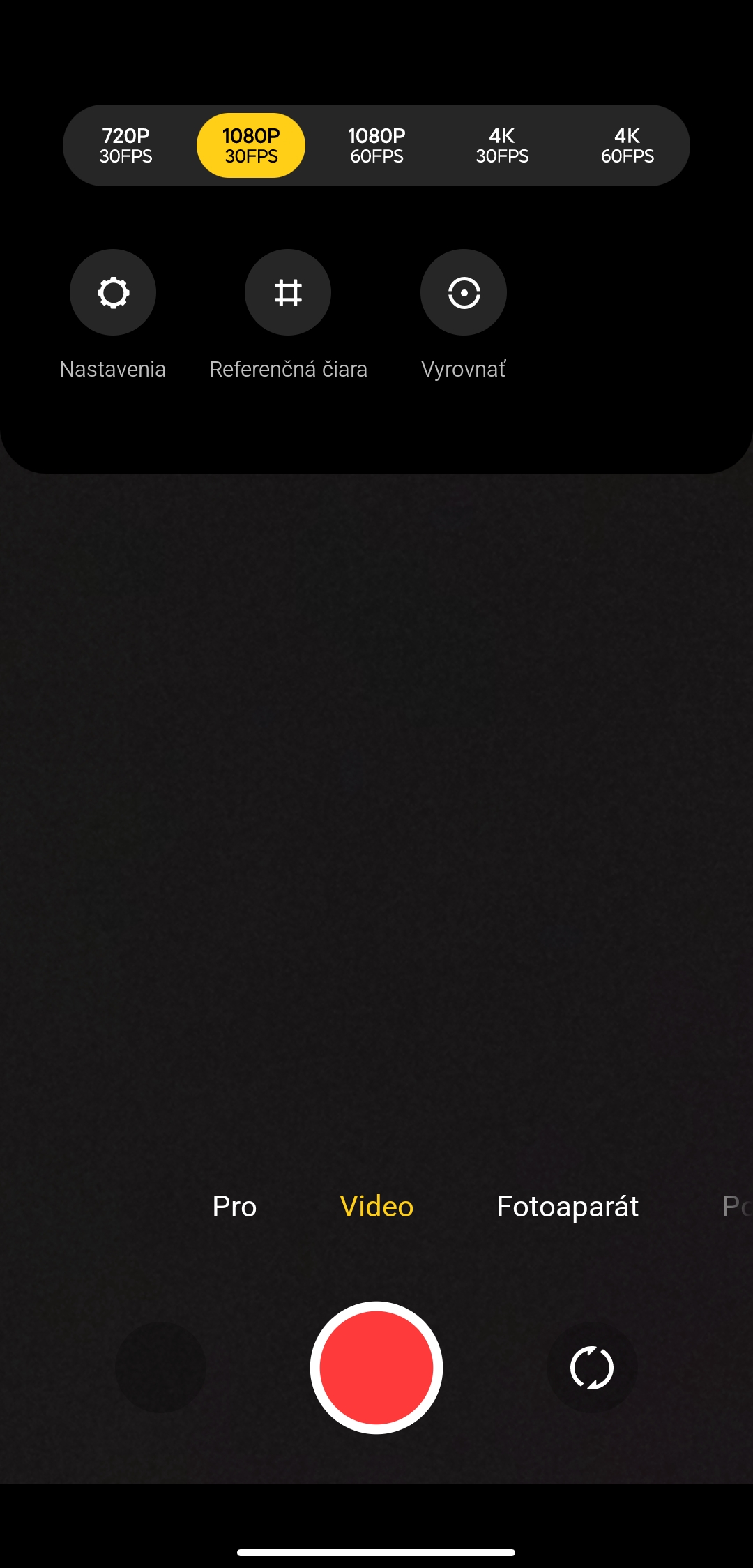
Capturing a shot and then viewing it, or editing it in the gallery afterwards, was also flawless. The controls match the rest of the system in terms of design and font. And finally, these elements also respond to rotating the screen. The text and icons rotate smoothly according to how you hold the smartphone.
Weather app
As part of the built-in apps, the one for showing the current weather also received an update. Weather app brings a new font and a new layout of elements—again placed slightly lower for easier control.
The actual display of the current weather status is complemented by impressive moving animations for the given conditions.
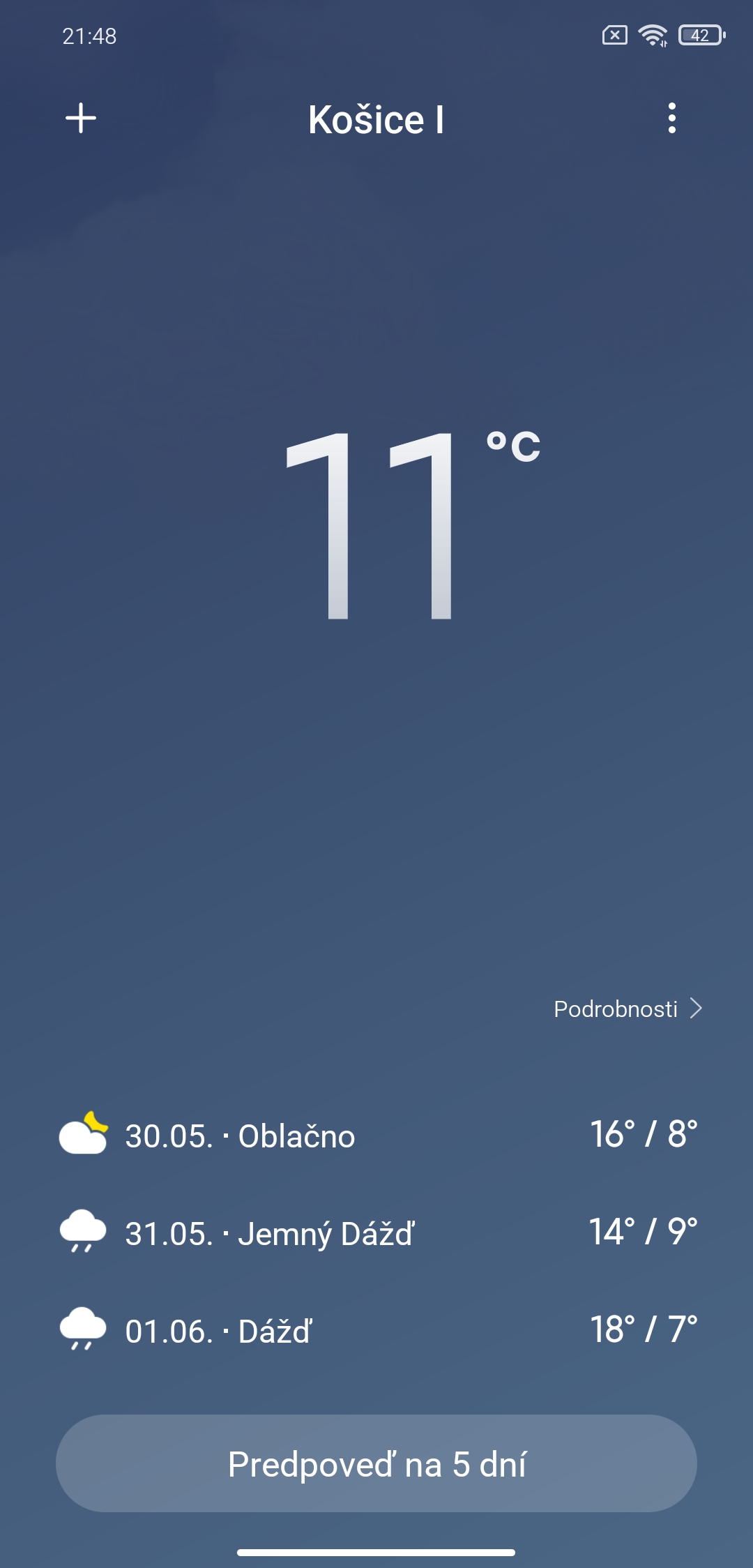
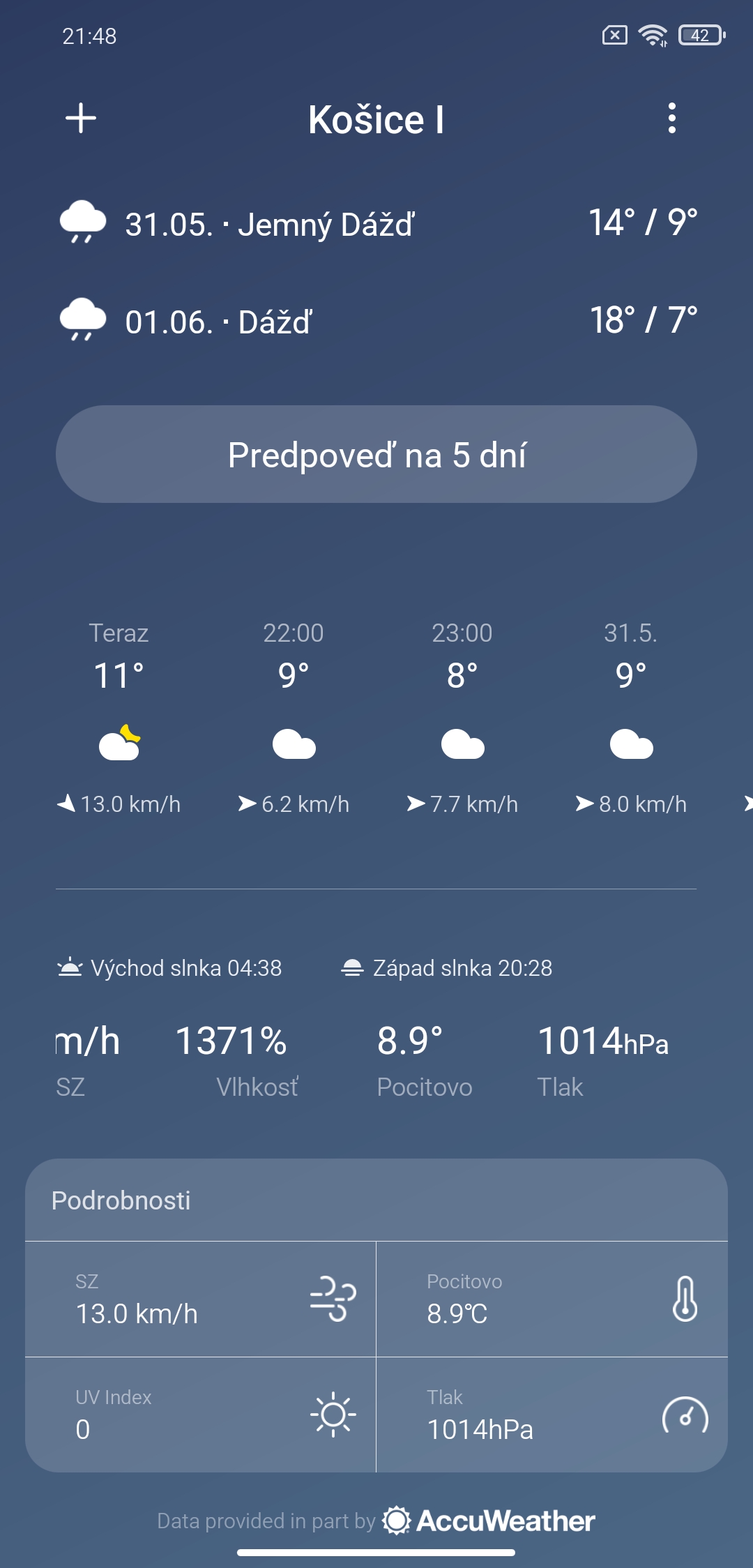
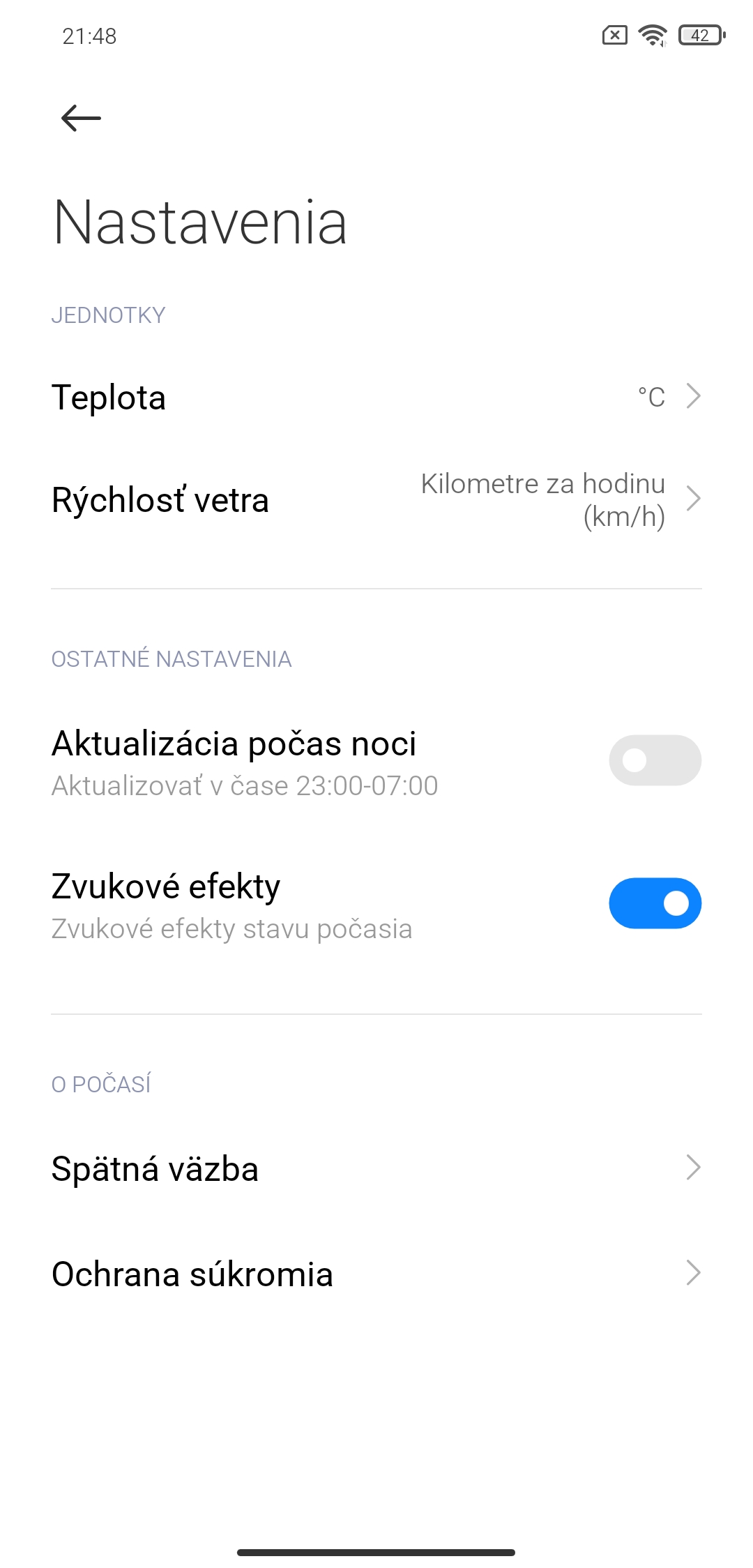
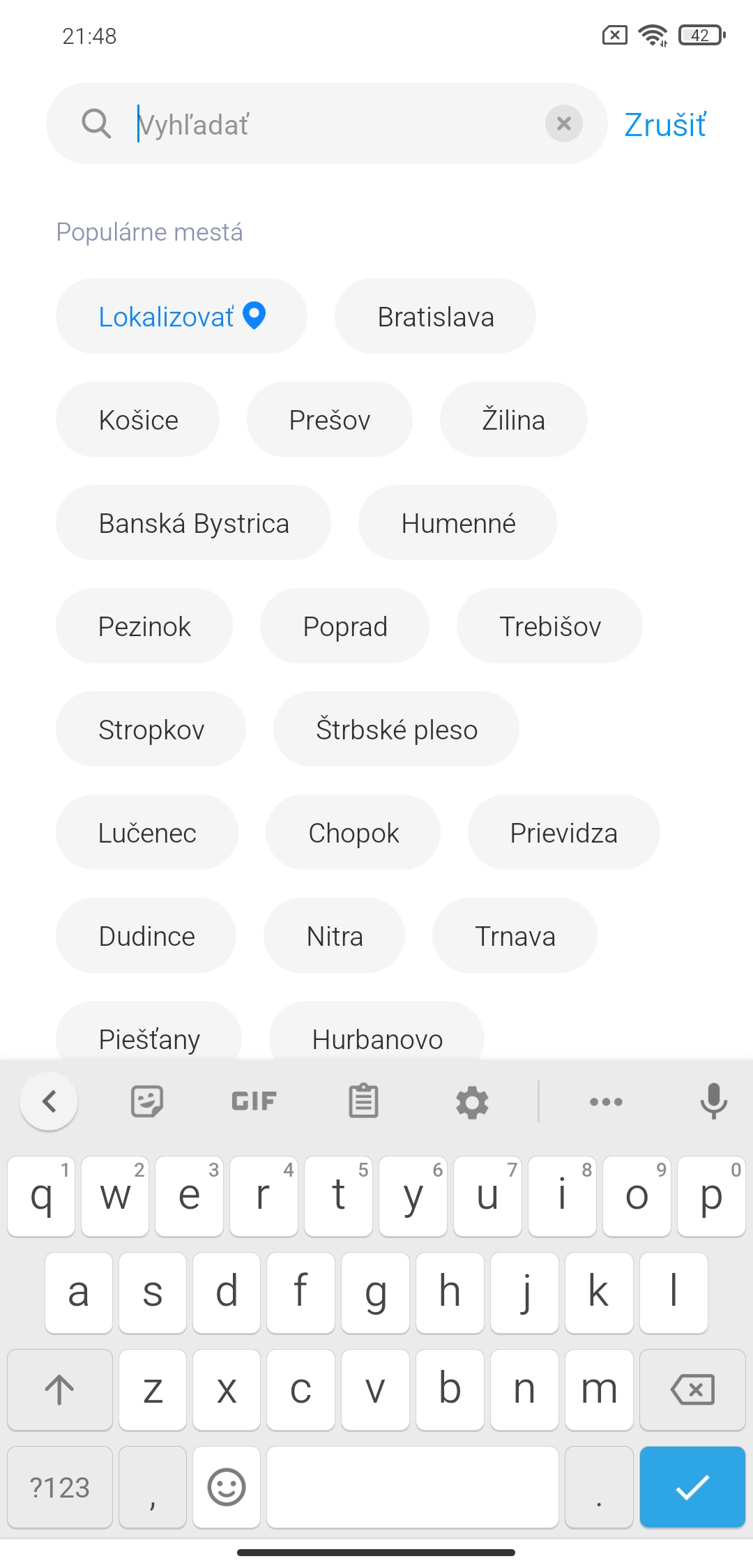
The app’s features are practically the same as in previous system versions. The weather forecast comes from the AccuWeather service; you can also choose units and find your location. A useful feature is the ability to share the current weather with friends.
Notes app
Simple notes with the option to sync to Mi Cloud from Xiaomi were already part of the system in previous versions. Notes app, however, now brings new design lines, an updated layout of elements, and a new font.
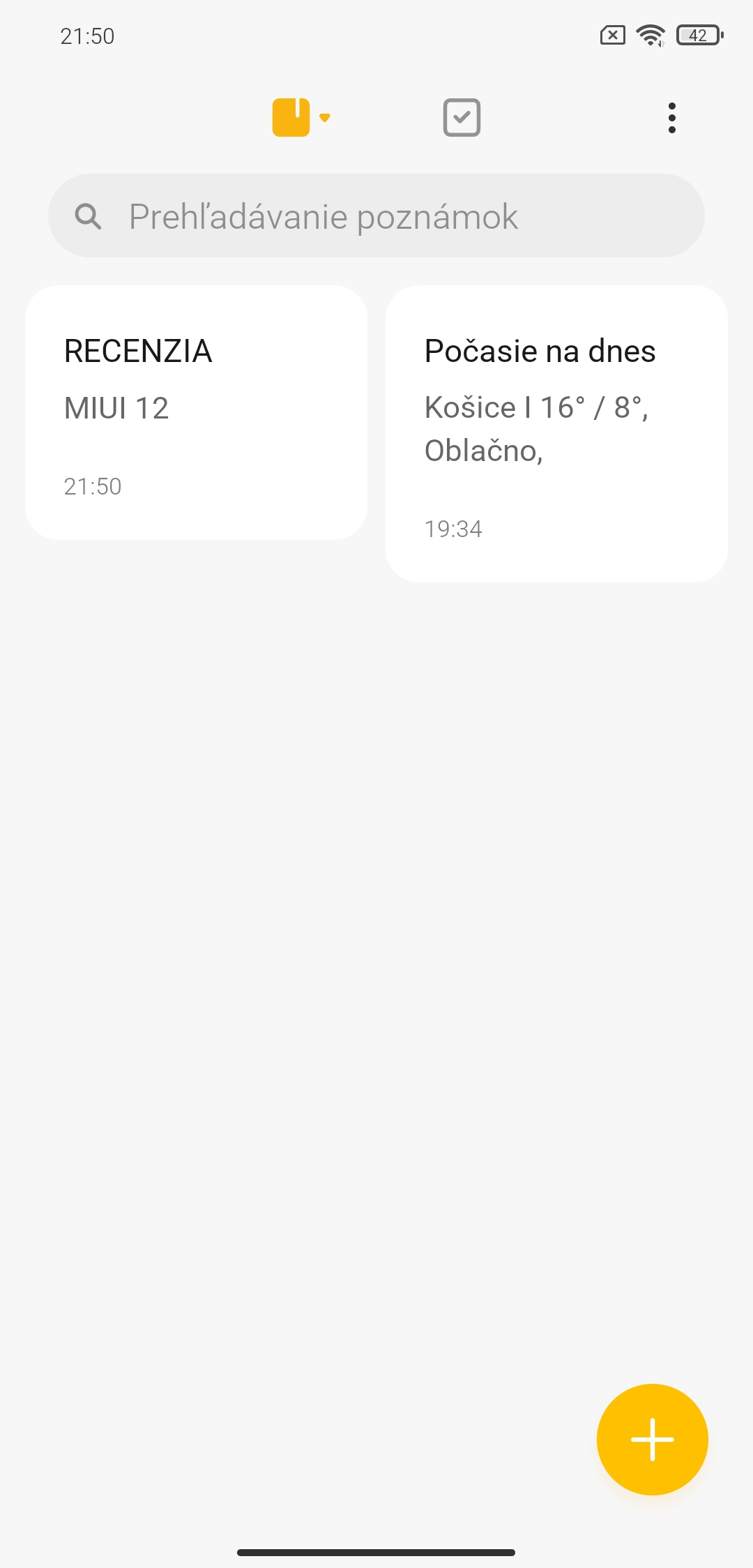
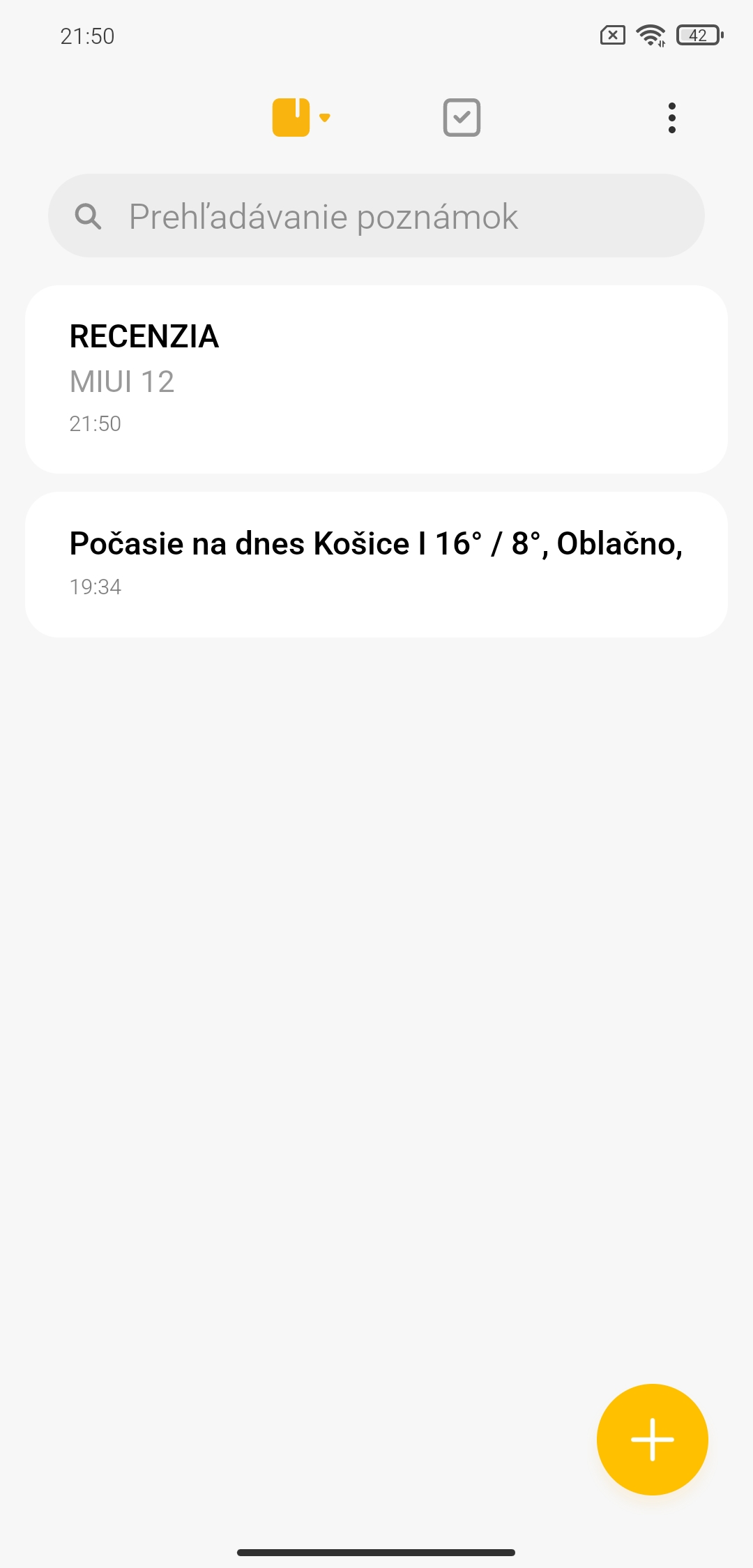


You can view notes in a grid or as a list. There are simple notes with the ability to add attachments, or to-do lists. It also includes the ability to change font size and sort by the date of modification, plus gesture controls to arrange or delete them. Even here, you can see inspiration from the iOS system.
Always On Display + Themes
If you own a smartphone with an AMOLED display, you can also look forward to an enhanced Always On Display. It groups not only dynamic wallpapers, but also various display styles for basic information such as the time, date, battery status, and your phone’s current notifications. You can choose from several dozen innovative designs—there’s something for everyone.
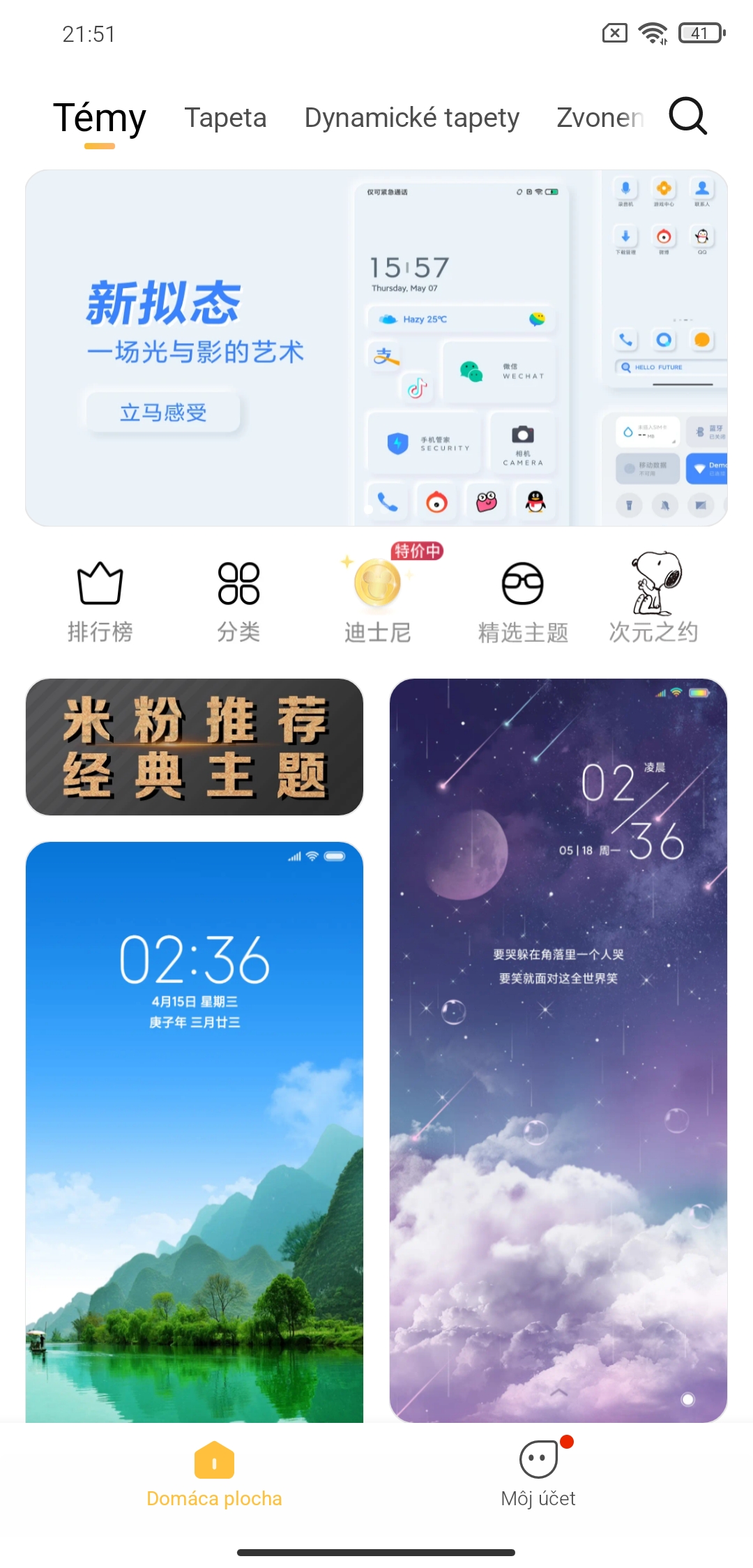
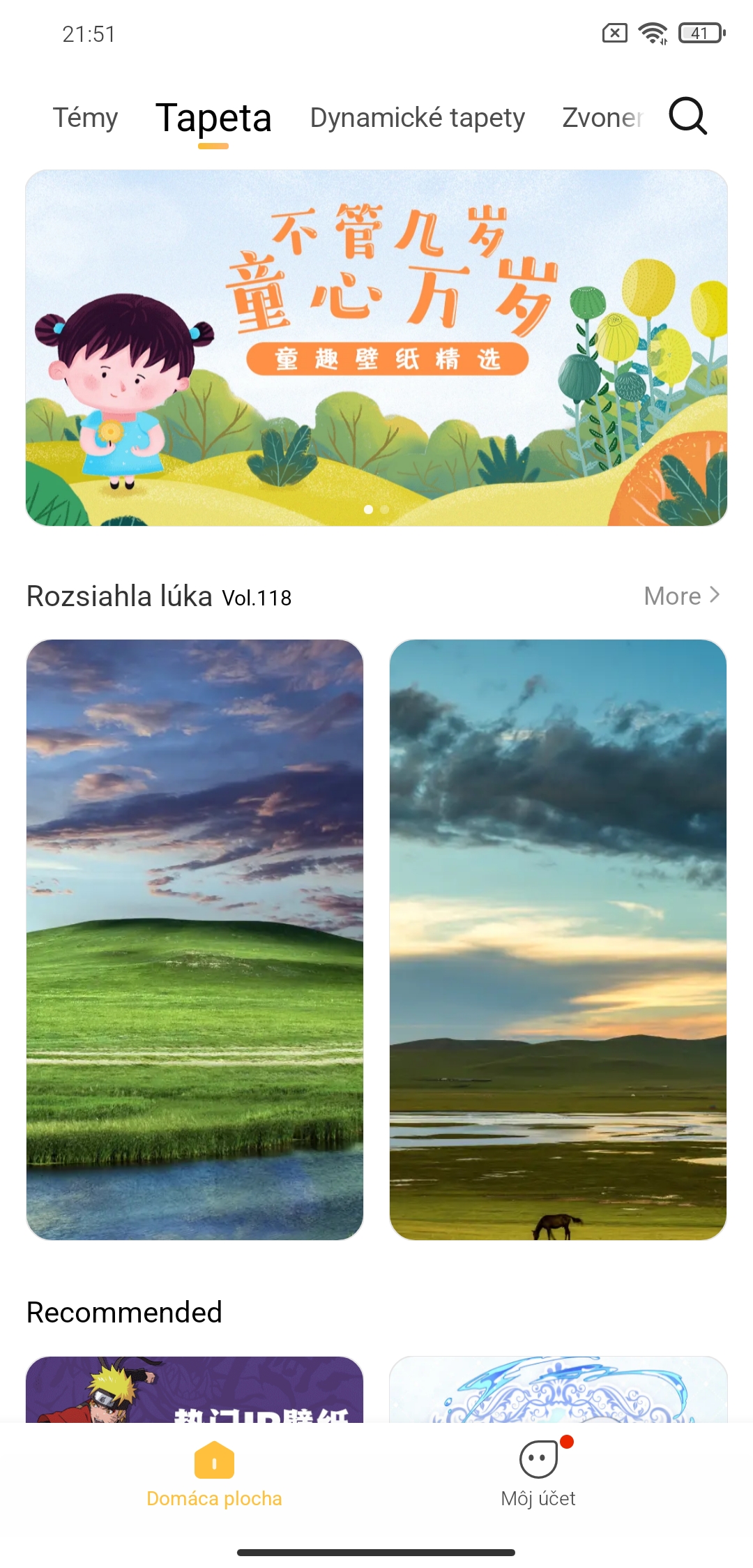
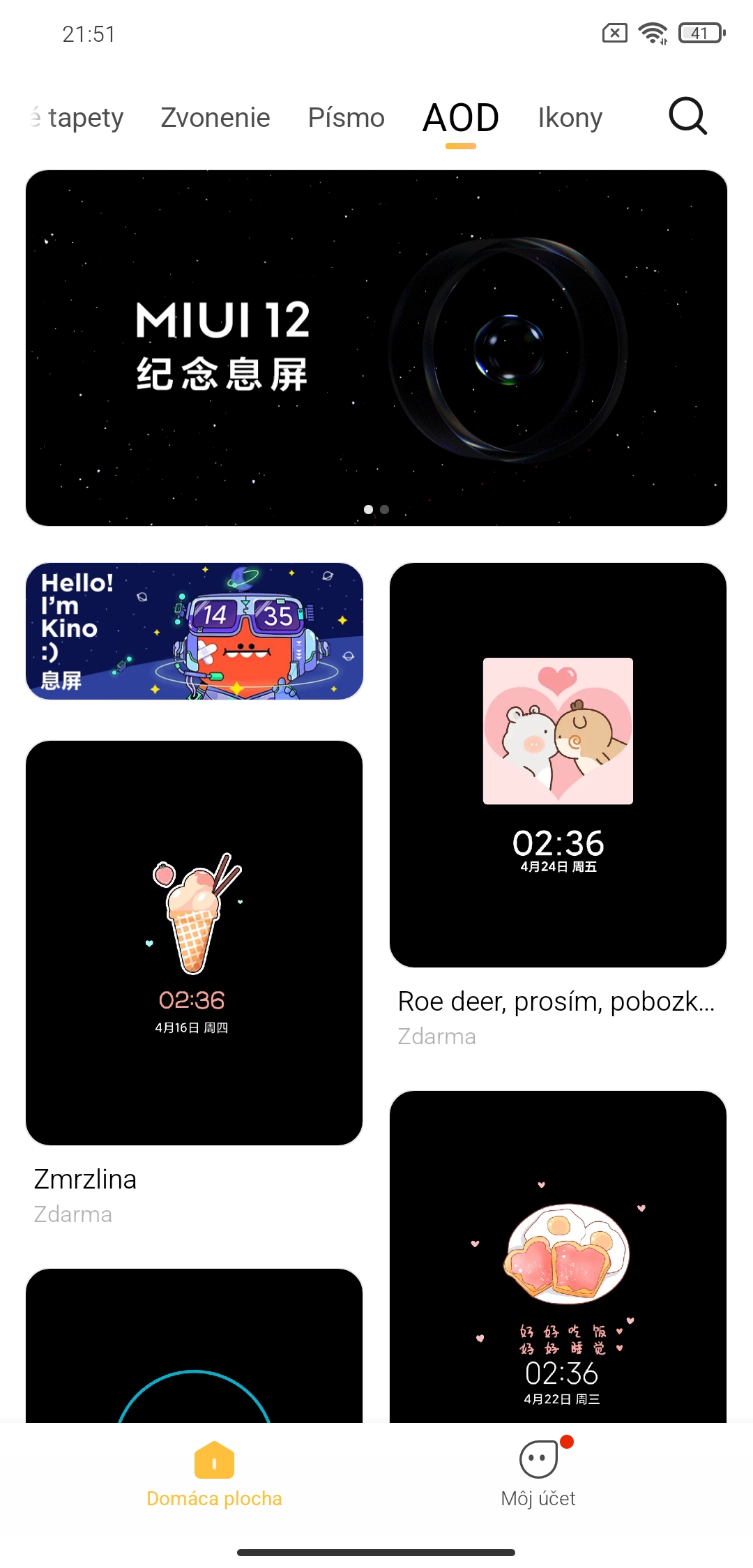
In the Themes section, Xiaomi collaborated with multiple designers so you can also customize your smartphone to your liking. A new Always On Themes section has also been added.
However, it’s important to keep in mind that the local MIUI ROM from Miuios.cz uses a Chinese ROM as its base—so Chinese designs also appear in the themes.
Smartphone settings + MIUI updates 12
Not only the look, but also the functionality of the smartphone settings has changed. Updated are the sections for storage display and the related statistics, the software update menu, the About phone section, plus the battery usage display and its statistics, along with improvements to system security.
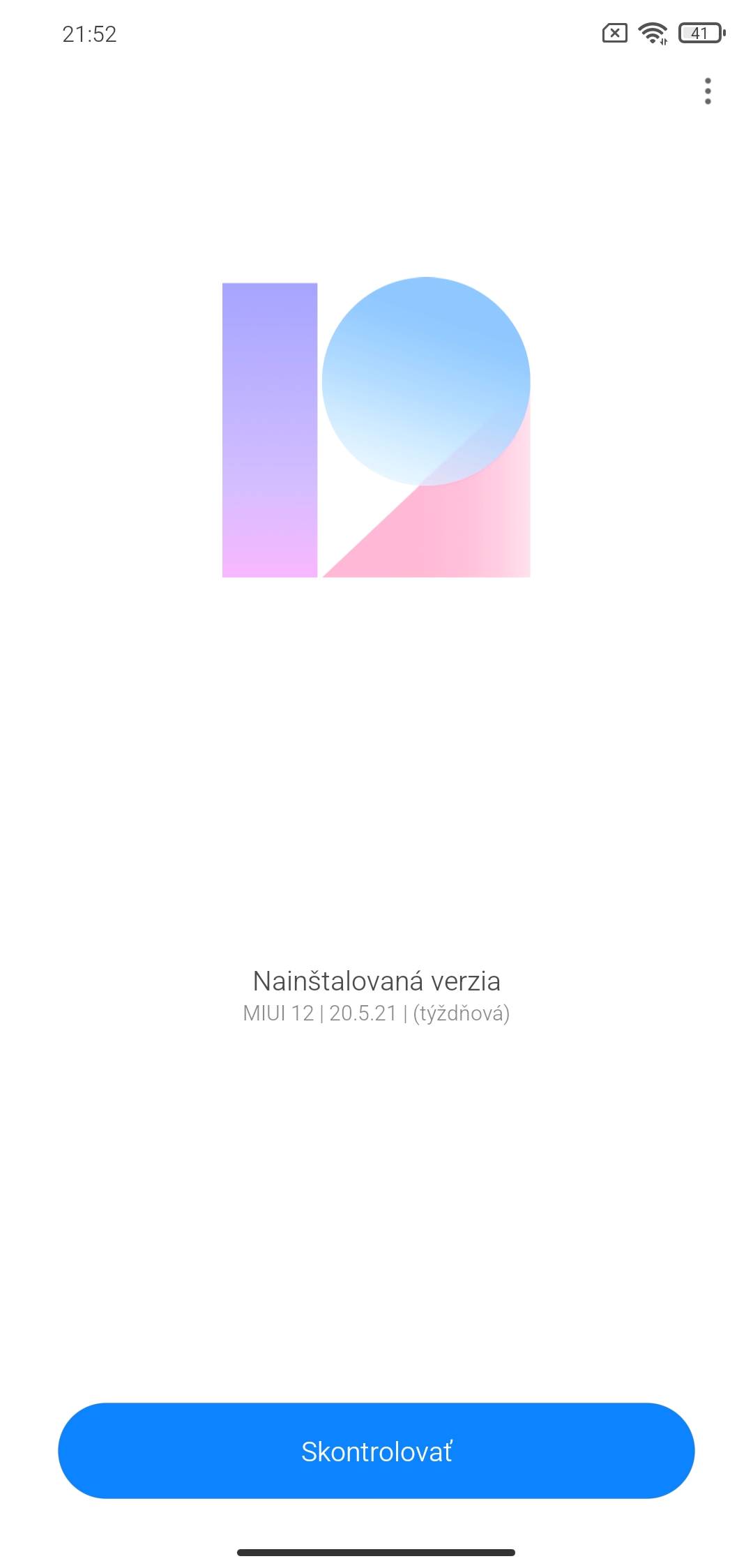
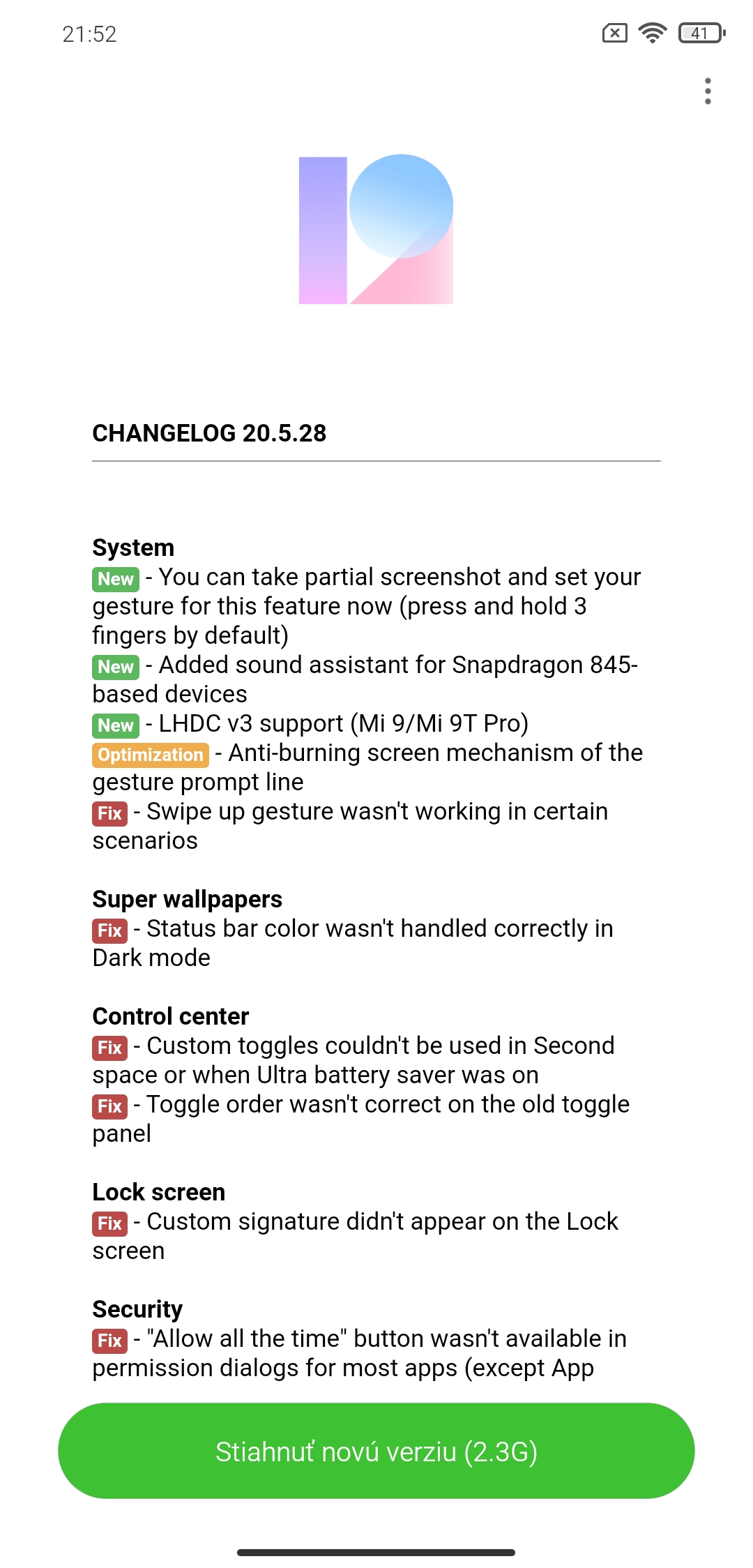
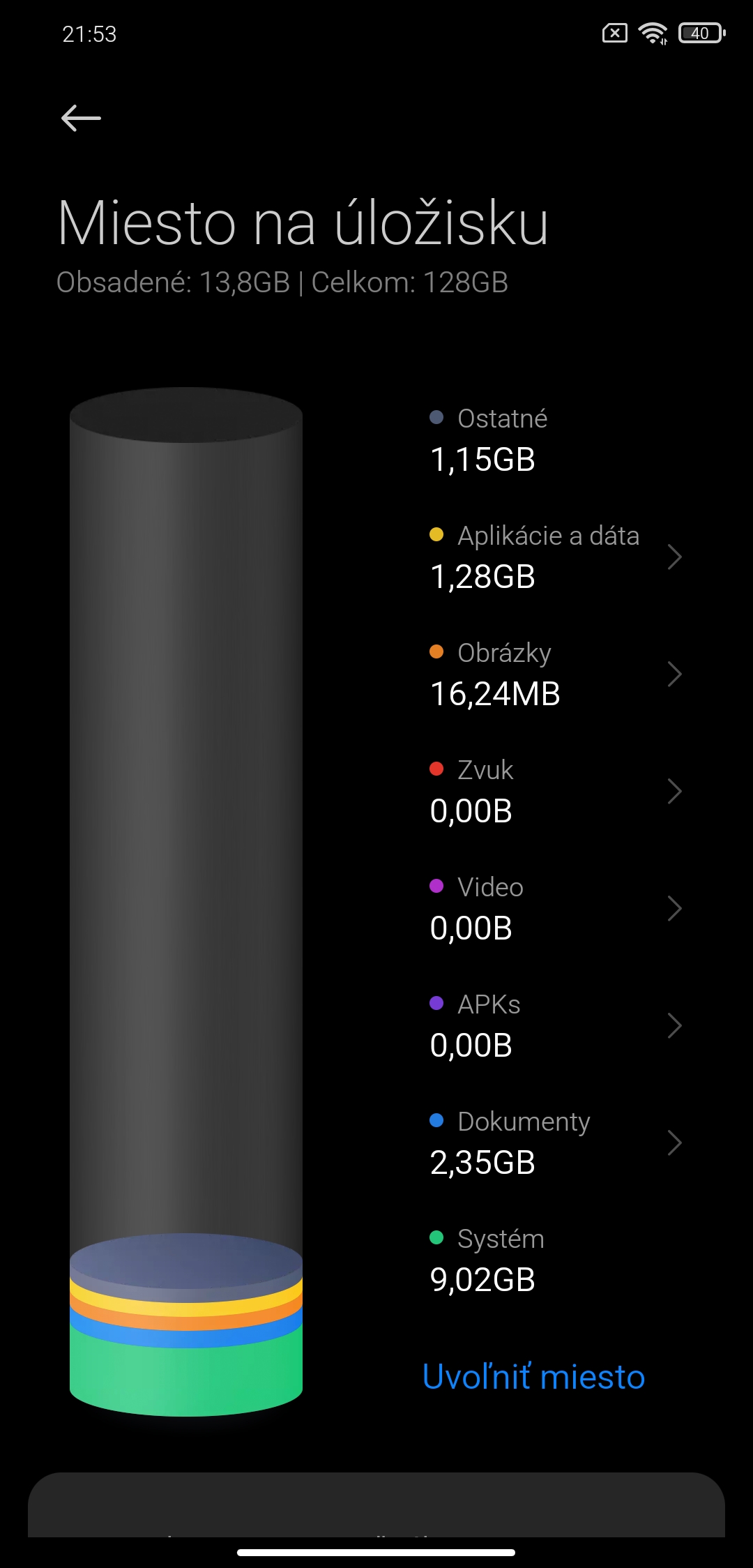
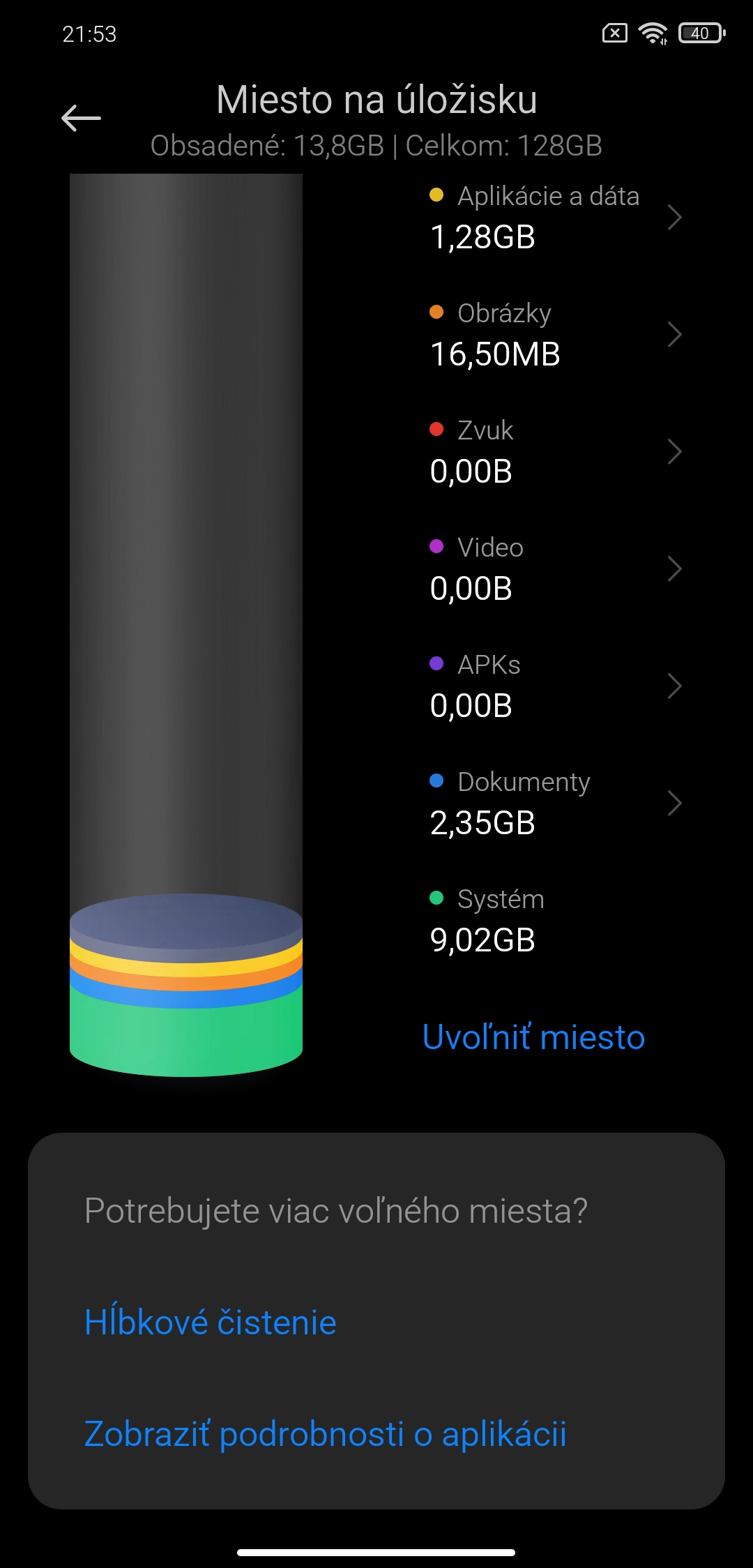
The storage section is now shown in the form of a cylindrical chart for a slightly better idea of how much the storage space is filled. The chart is also enriched with descriptions of each item.
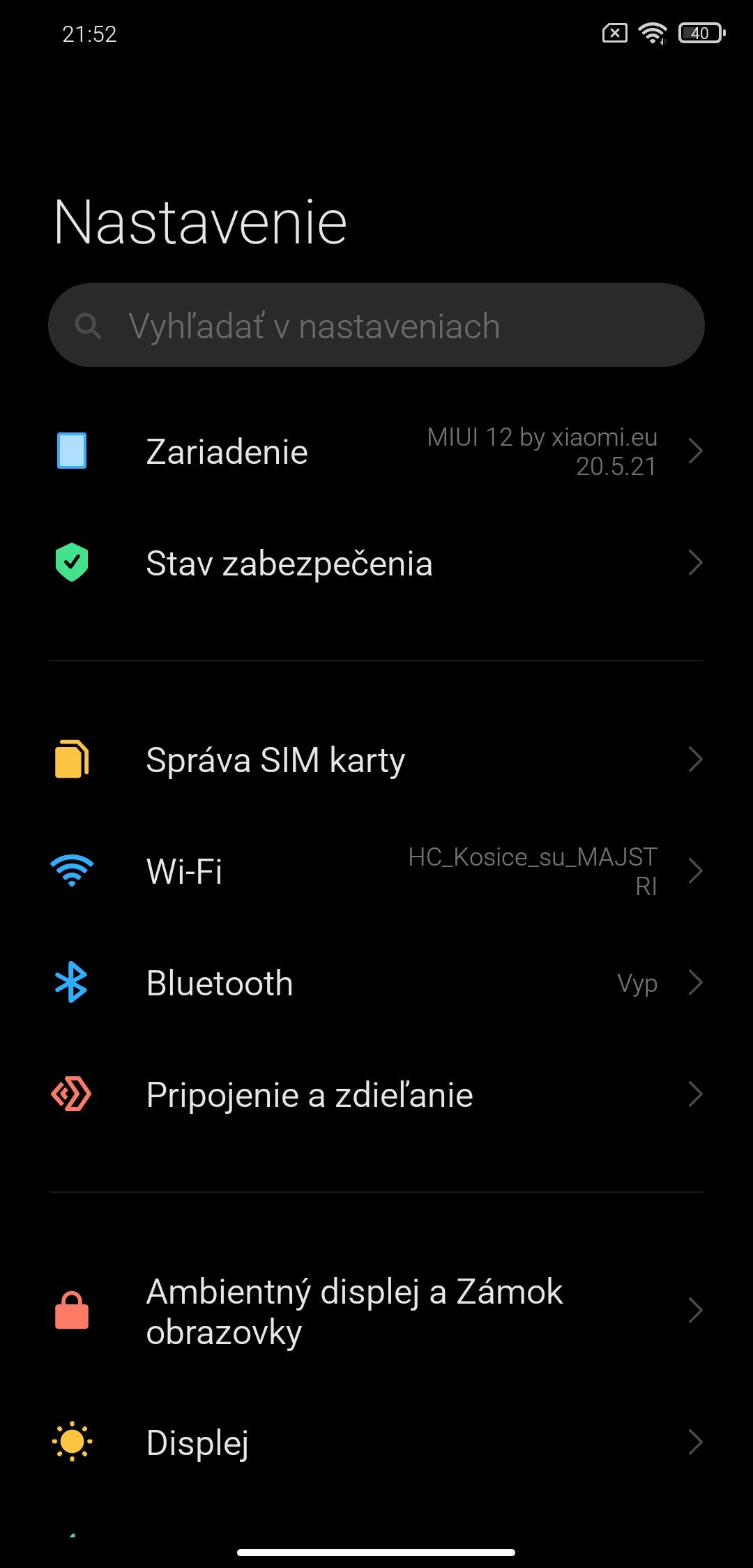
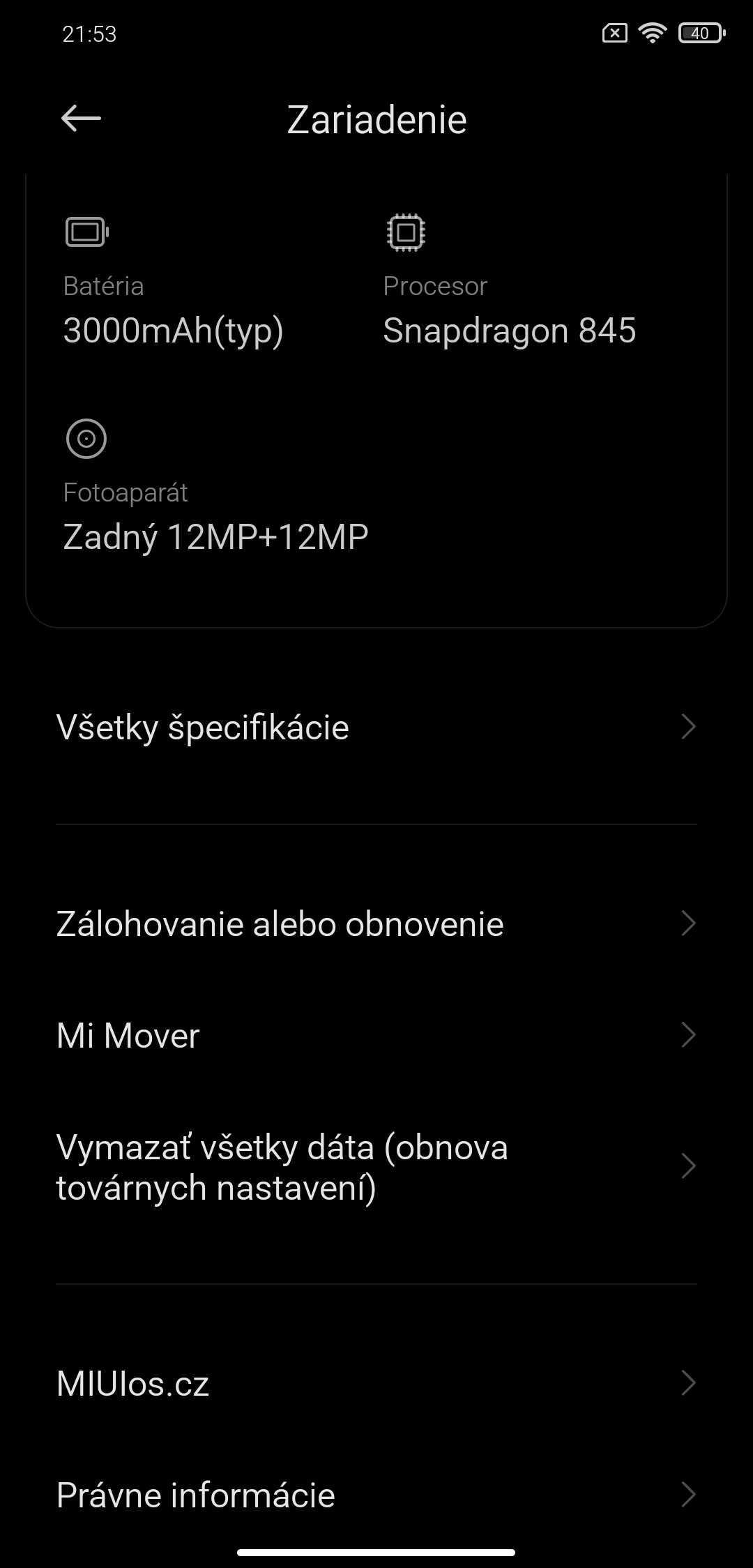
Phone information is displayed as tiles, which may remind some of you of the older Windows 10 Mobile operating system.
However, the display is in the current design language and is fairly clear. It groups information about the current system version, technical specifications, and storage.

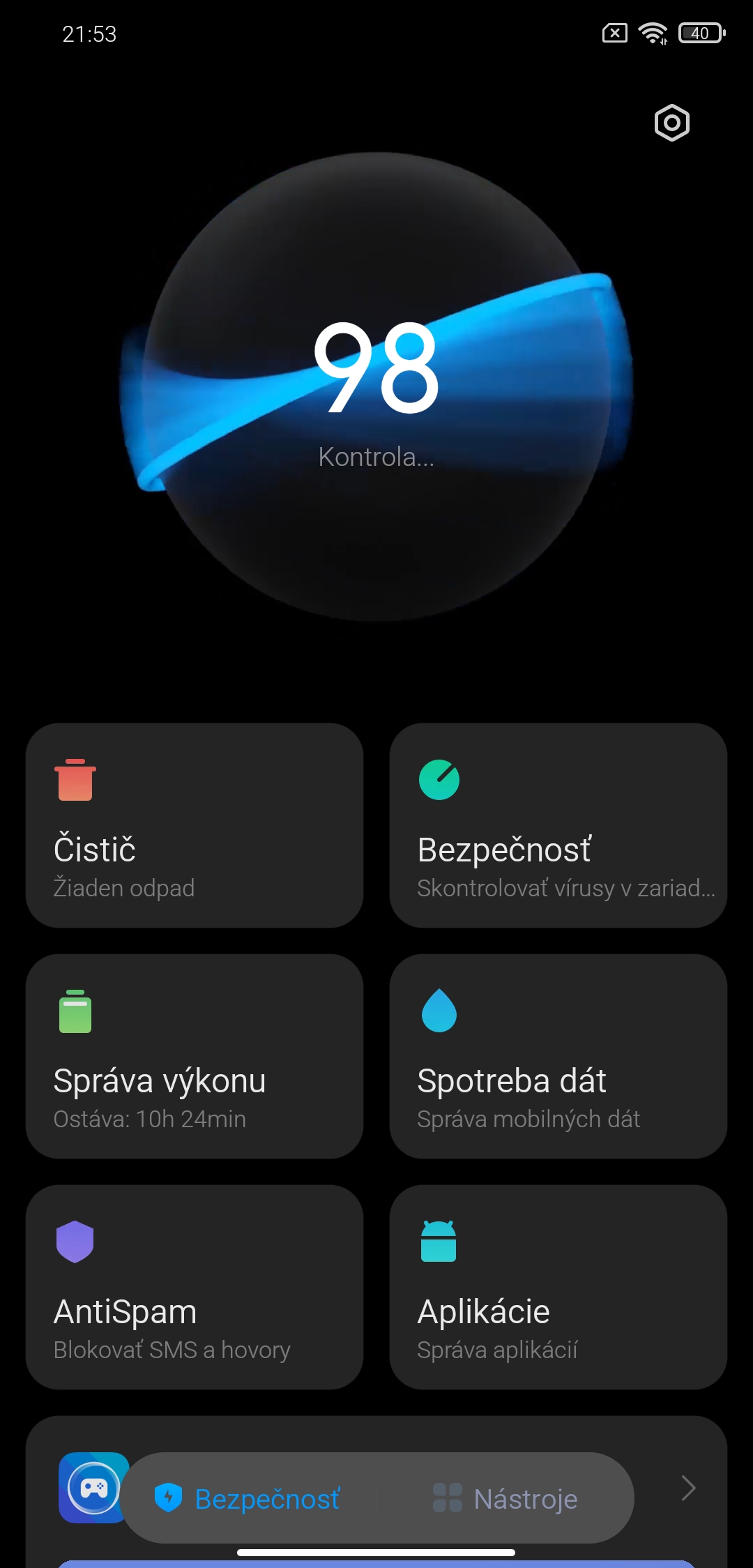
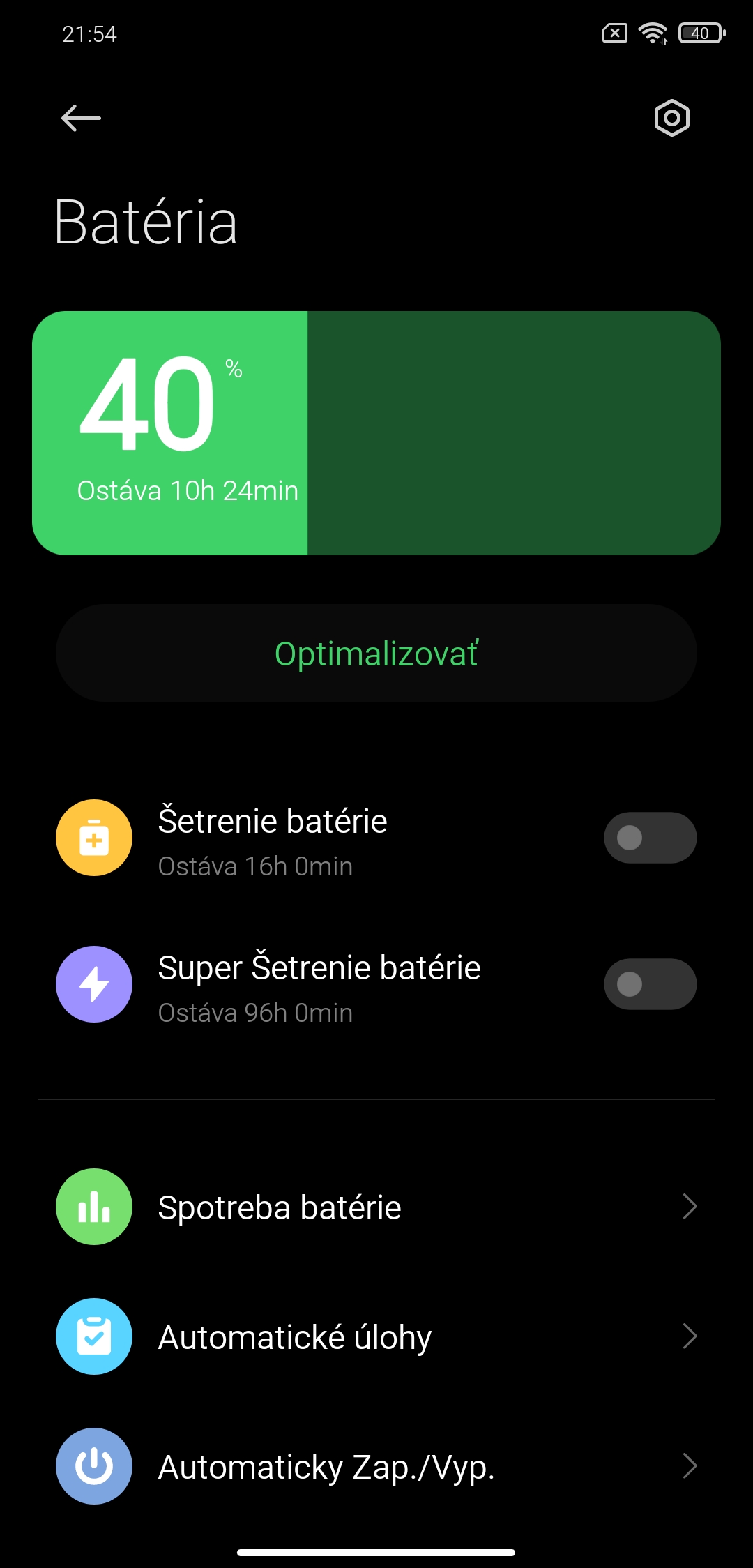
The MIUI Security app—here in our region known as a menu item called Optimization—has also been updated. Compared to the old version, it offers an improved design, updated animations, but above all detailed battery usage statistics, app rankings, their battery usage, and much more.


System stability
A very pleasant surprise was the system stability, even though it’s still in beta.
During testing, which included using the system all day on a still fairly powerful Xiaomi smartphone, we didn’t notice any major stutters, experimental features, or other imperfections that would require more significant software fixes.
Although the new version will be gradually updated with smaller improvements or bug fixes, in the version we tested—MIUI 12 / 20.5.21 / Weekly —a very fast and smooth graphical interface is already available, which can become part of a primary smartphone.
Besides the new design improvements, we also noticed several useful functional changes, especially in the new Camera, Weather, or Notes apps.
You get used to the new font very quickly, and you won’t mind the gesture changes either, thanks to the updated notification center and shortcut center.
The new software version sometimes also comes with a trade-off in terms of different battery life per charge. We tested the interface on a smartphone that already has a year or so behind it, but we didn’t notice any significant drop in power, fast and sudden draining, or irregular battery behavior.
Final verdict: MIUI 12 is better
The MIUI 12 overlay is even closer to its competitors, and thanks to its colorfulness it can evoke inspiration, especially in the iOS operating system, or also in the competing One UI overlay from Samsung—one that has long been considered one of the best within Android.
Compared to the previous versions—especially when compared to MIUI in version 11—this is a significant step forward both in terms of design and functionality. Our editorial team was very satisfied with the new overlay, including in terms of responsiveness in everyday use. If we had to highlight a downside, it’s mainly the slower rollout to devices.
Another important piece of information is the preparation of the global version of the interface, which will appear on models in the official European or Czech / Slovak distribution. According to available information, this version should not offer all the improvements in the style of the Chinese, i.e. original version. We described the specific differences in the following article.
Don’t miss the best coupons 📩
Subscribe and we’ll email you new coupons before they expire. We only send it once a month — no spam.