
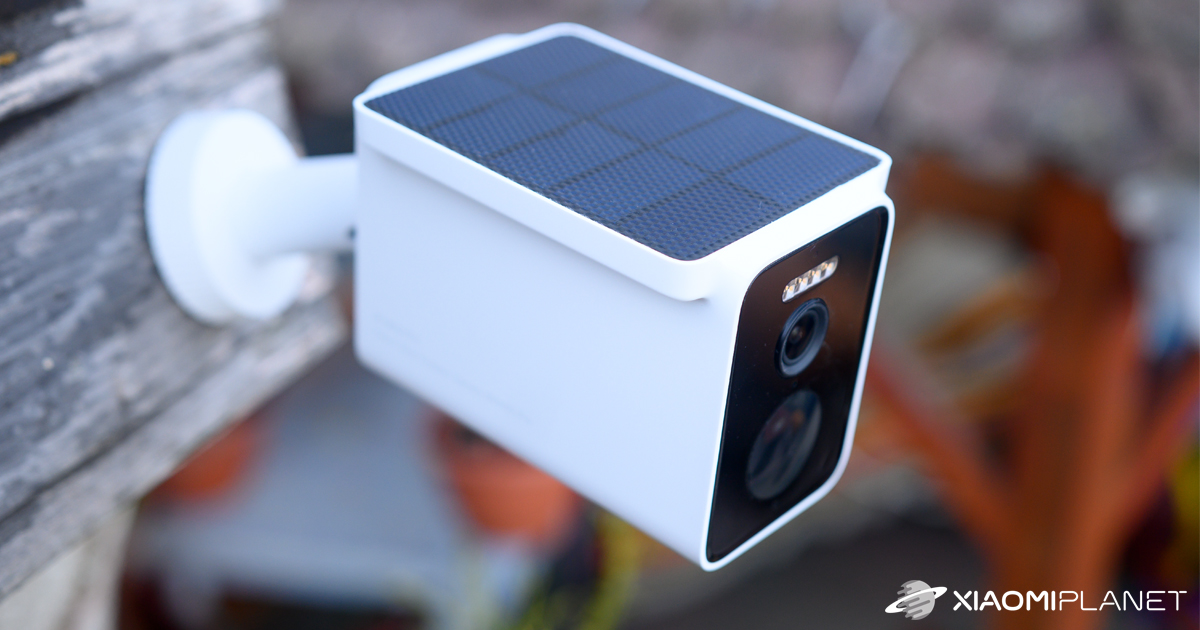
Verdict: Xiaomi Solar Outdoor Camera BW 400
Our editorial rating based on product testing.
- very good image quality with 2.5K resolution
- the integrated solar panel can power the camera self-sufficiently without recharging
- detection of people, vehicles, and animals
- clear, high-quality two-way audio transmission
- initial issues pairing the base station with our home Wi-Fi network
- at first we had notification problems, but an update fixed them
- problems capturing faster movements of people, especially at the edge of the camera’s field of view
Xiaomi already has a wide range of indoor and outdoor cameras in its lineup. Among the new releases, we had the chance to test a very interesting model with an integrated solar panel—a smart outdoor camera with 2.5K resolution, Xiaomi Solar Outdoor Camera BW400 Pro.
You can find great Xiaomi reviews in our Telegram too
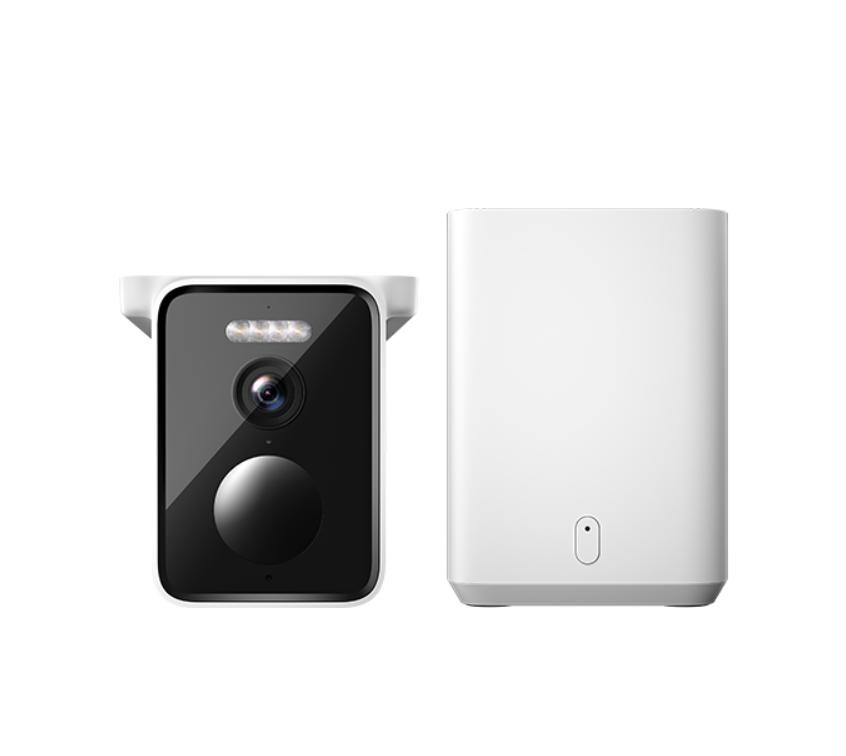
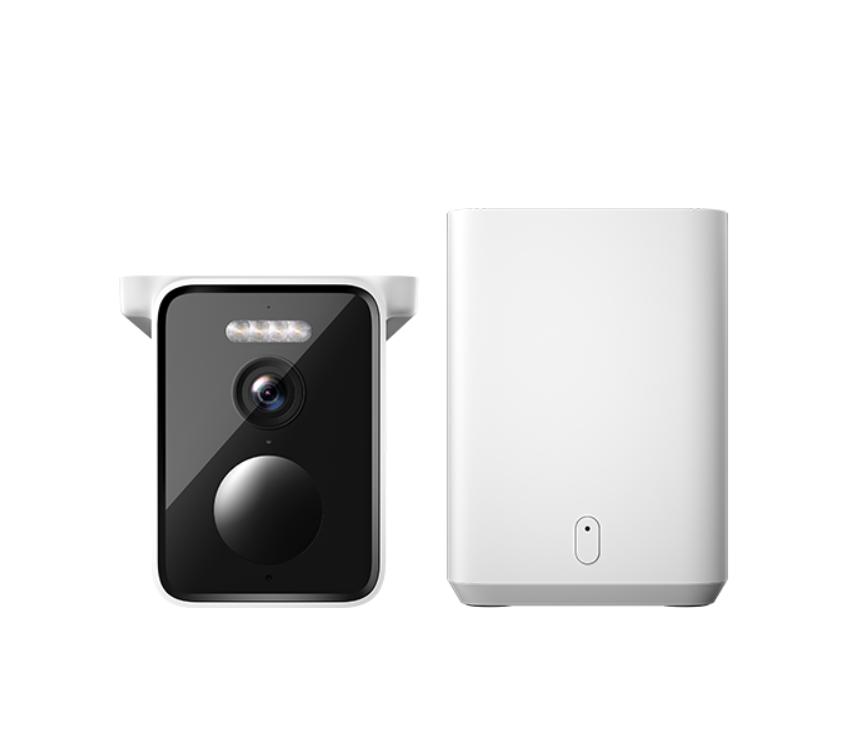
This is a camera set with a base station that is used for encryption and processing the videos from the camera. In our review, we’ll verify all the advertised smart features the camera offers, look at the pairing process, battery life, and last but not least, the quality of image, audio, and motion notifications.
Where to buy Xiaomi Solar Outdoor Camera BW400 Pro?
The latest Xiaomi Solar Outdoor Camera BW400 Pro is available from our Chinese partner Gshopper, where we arranged availability.
Of course, there’s also a discount coupon that helps you save a considerable amount. Shipping from a Chinese warehouse is completely duty-free, so you won’t have to pay any extra charges.
Xiaomi Solar Outdoor Camera BW400 Pro Global Version

TIPExpress delivery from a Slovak warehouse within 1 to 3 business days.
This product will be delivered to you express from a local Slovak warehouse. Delivery usually takes 1-3 business days and is handled by a courier. The price is final.

TIPWith Standard Shipping via GShopper, you pay no extra fees—everything is already included!
With the GShopper seller, we recommend choosing Standard Shipping, where you won’t pay anything extra. Customs fees and any VAT are handled by the seller. You can select the shipping method in the cart only, after entering your delivery address. Delivery with this option usually takes about 15 business days from dispatch from the warehouse, but it may take longer.
Our extra service with VIP support — we’ll handle the order on Gshopper for you and ship it straight to your address.
If you don’t have experience buying on Gshopper, payments don’t go through, or coupon use doesn’t work for you, we offer an order handling service directly to your address for our readers and customers. You transfer the money to our account and we place the order directly to your address. This way, you won’t have to worry about a failed payment or applying the coupon, and you can be sure the entire order will go through correctly 100 %. In addition, you automatically get our VIP support — if any issues arise with the shipment, we handle them for you and assist with filing a claim. The fee for this service is €15 extra of the product price. You can contact us by email at info(@)xiaomiplanet.sk or on Messenger, where we’re constantly active.
Our partner Gshopper provided the camera for testing—it was sent from a Chinese warehouse using YunExpress, a verified and very reliable shipping company that it uses for almost all of its parcels.
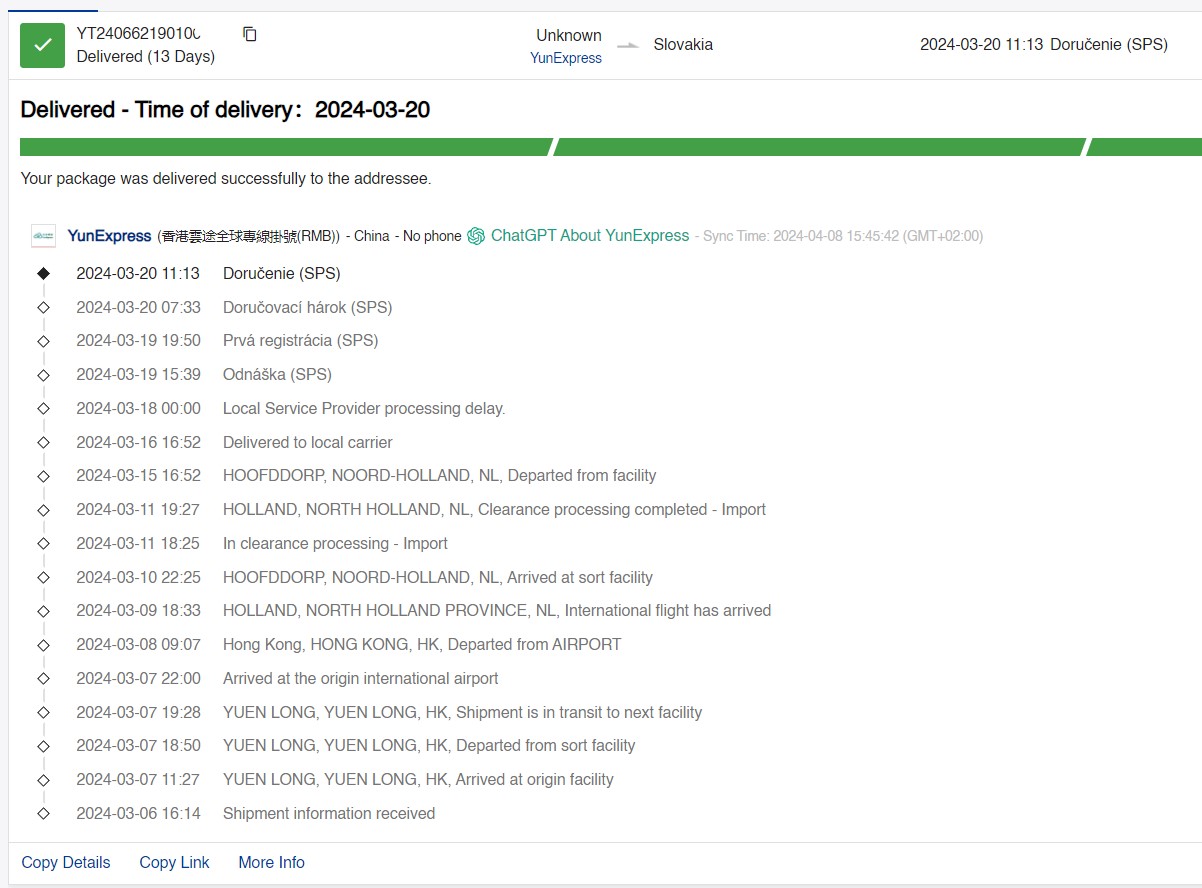
Delivery to our doorstep took only 13 calendar days, which is an excellent result considering the long trip from China. This shipping method has been proving itself as the best thing a Chinese e-shop can deliver to you—year after year.
Technical specifications
| Model | Xiaomi Solar Outdoor Camera BW400 Pro Set |
|---|---|
| Resolution | 4 Mpx (2.5 K) |
| Sensor | 1/2.7" with aperture f/1.6 |
| Battery | 10 000 mAh |
| Viewing angle | 132° |
| IP rating | IP66 |
| LED lighting | yes |
| Two-way audio transmission | yes |
| SD card support | yes |
Quality packaging
The smart Xiaomi Solar Outdoor Camera BW400 Pro Set was delivered by an SPS courier in a standard nylon envelope with air padding. The box measures 18.3 x 14.5 x 13.2 cm, and inside you’ll find the camera itself, the base station, and accessories.
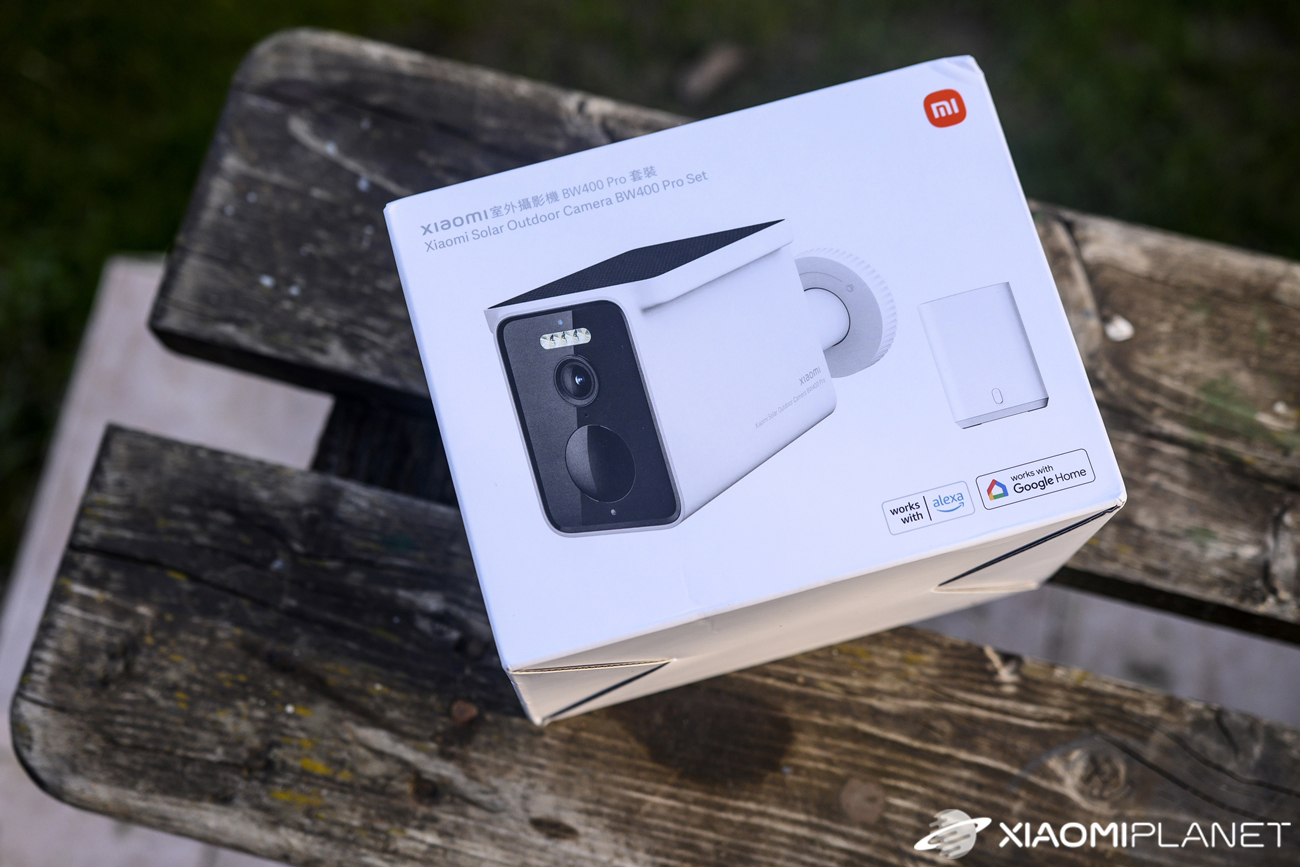
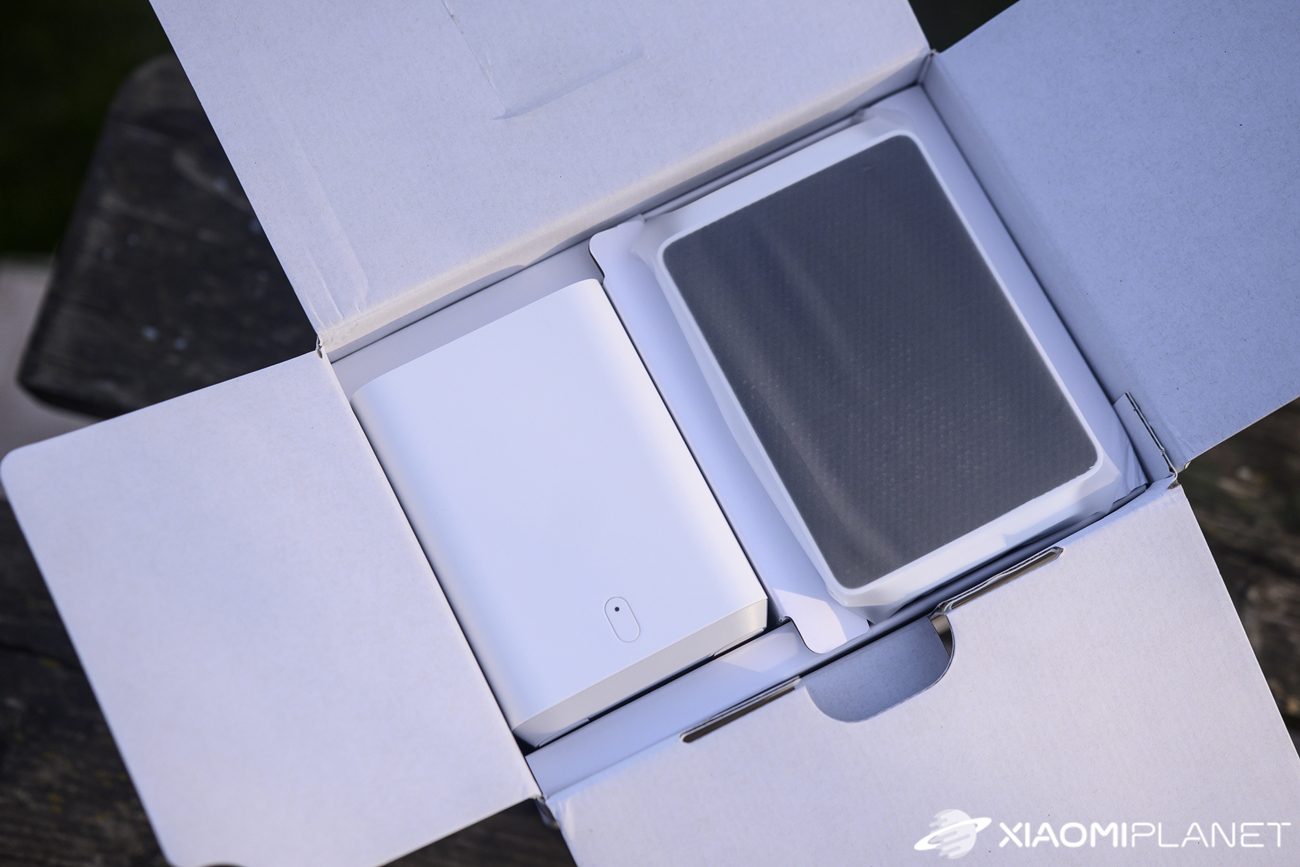
These include the camera mount, a USB power cable to USB-C (no adapter), an Ethernet cable, screws and wall plugs, a drilling template, and a multi-language manual.
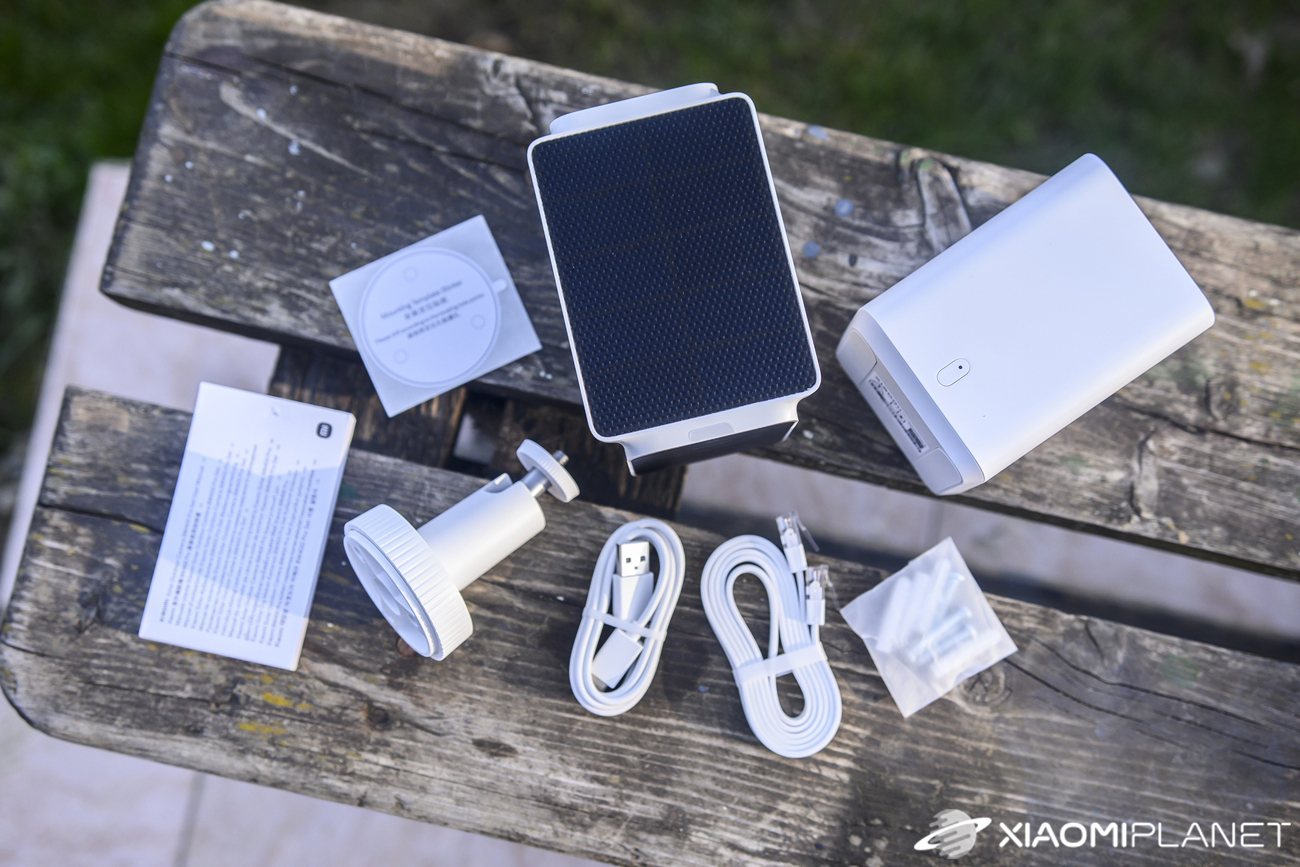
The individual components are separated in the package with cardboard inserts and wrapped in film. From our point of view, the camera is adequately protected in the box.
Design and build quality
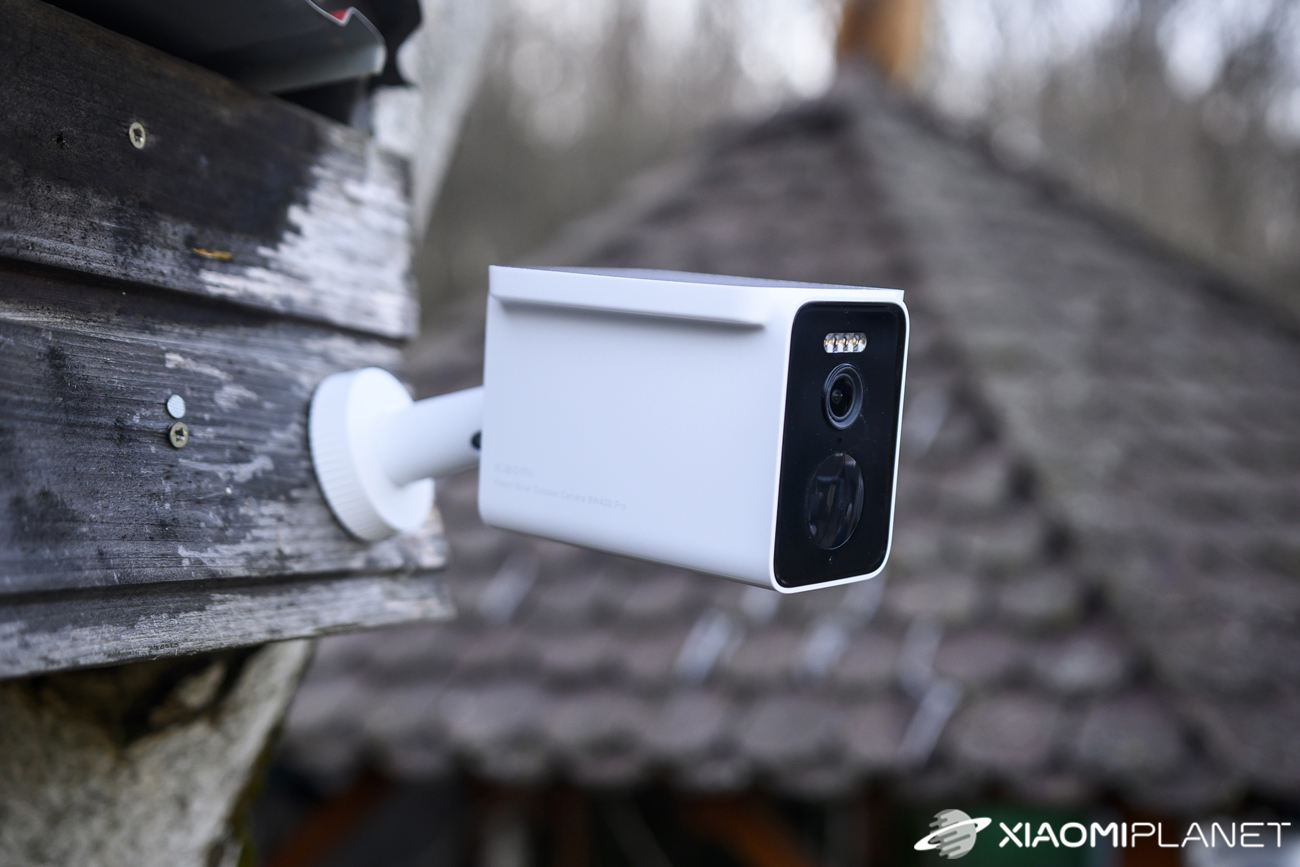
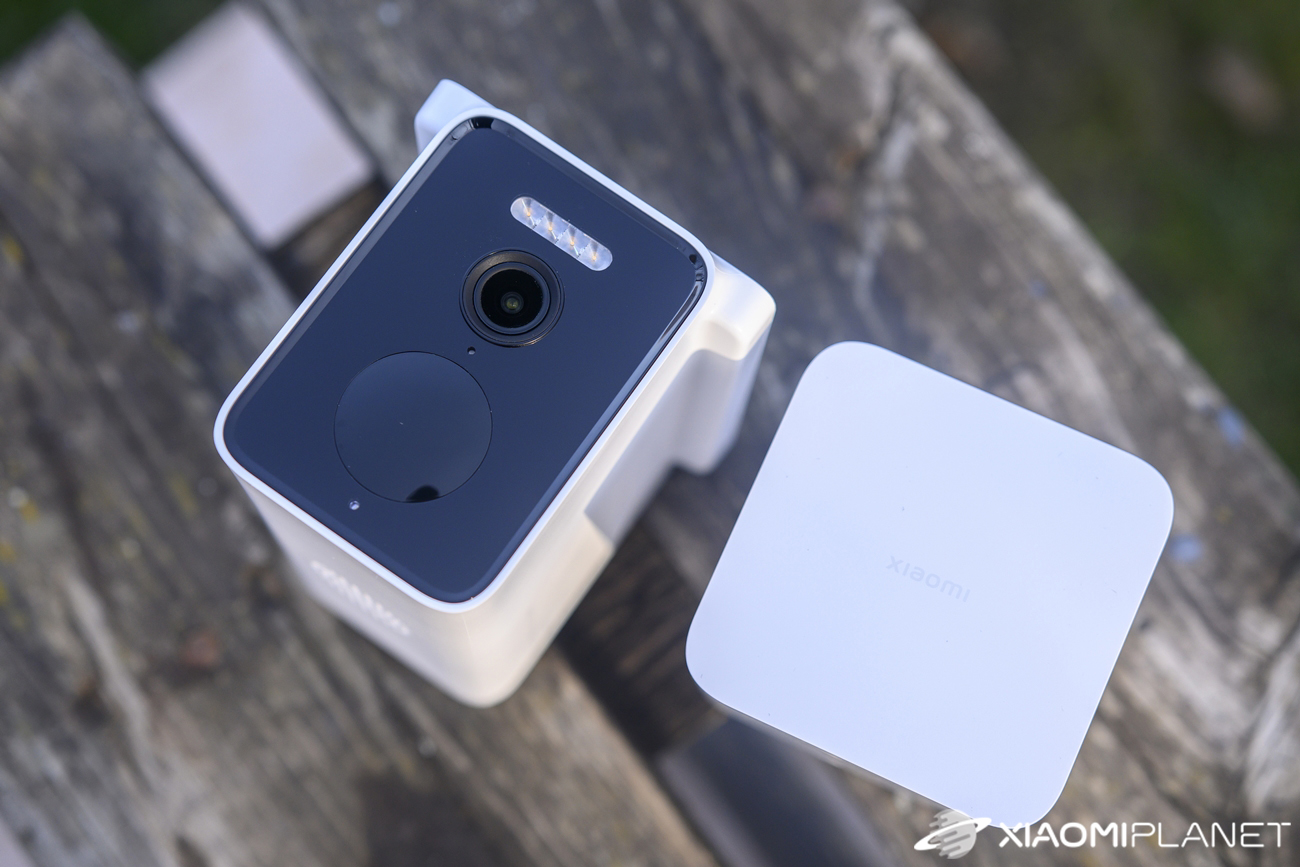
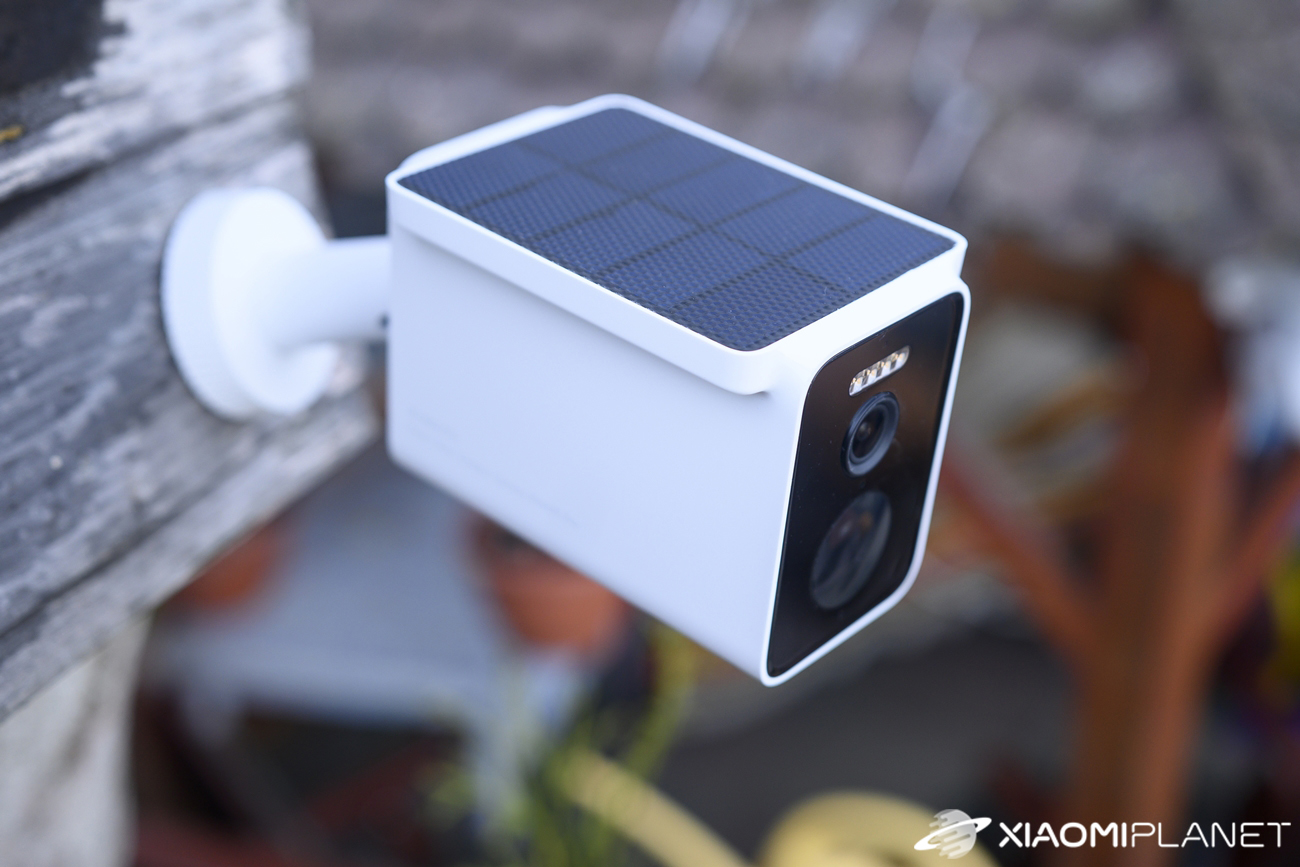
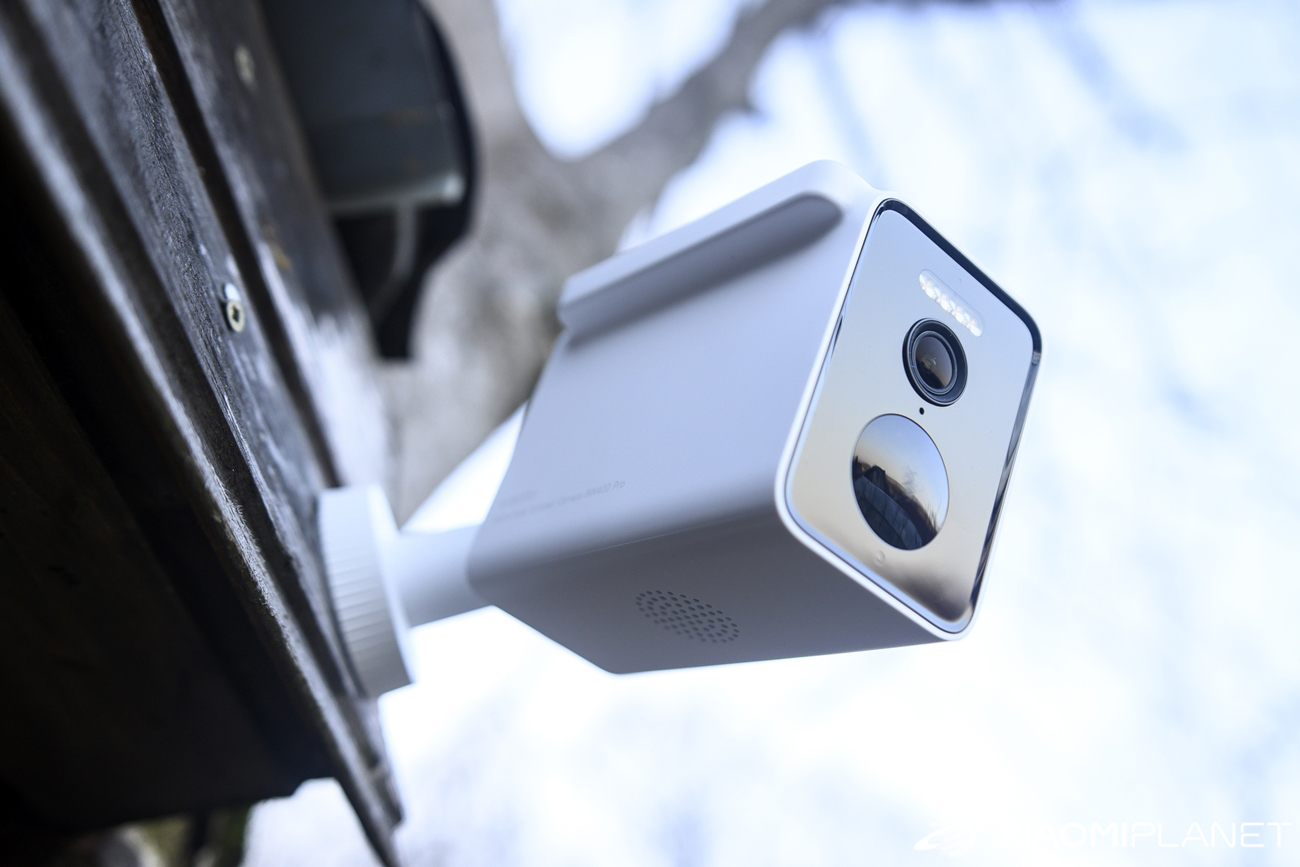
The Xiaomi Solar Outdoor Camera BW400 Pro Set is made of plastic, is white, and quite bulky. Its dimensions are 200 × 125 × 160 mm. The front houses the lens, LED lighting, and infrared diodes for night vision. In addition, there’s also a PIR sensor here.
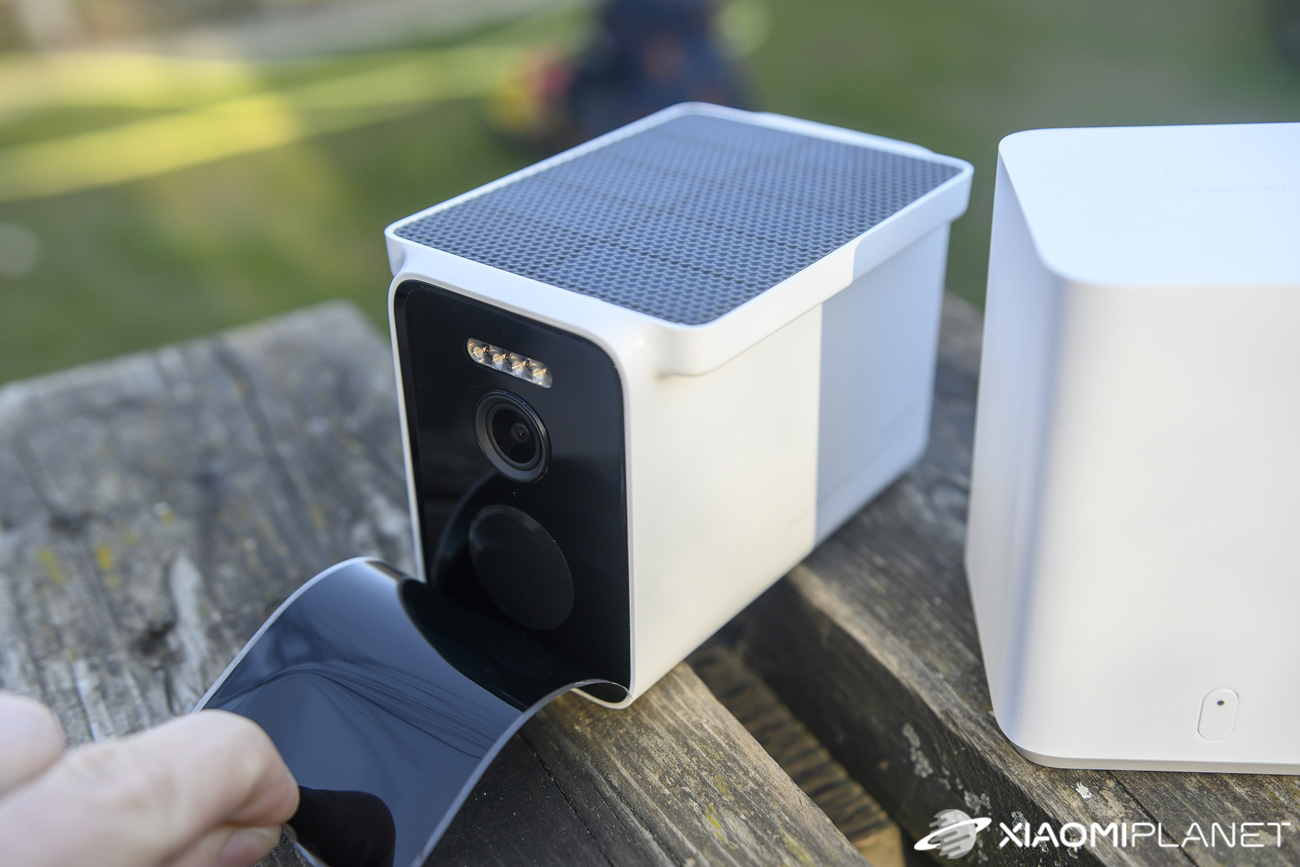
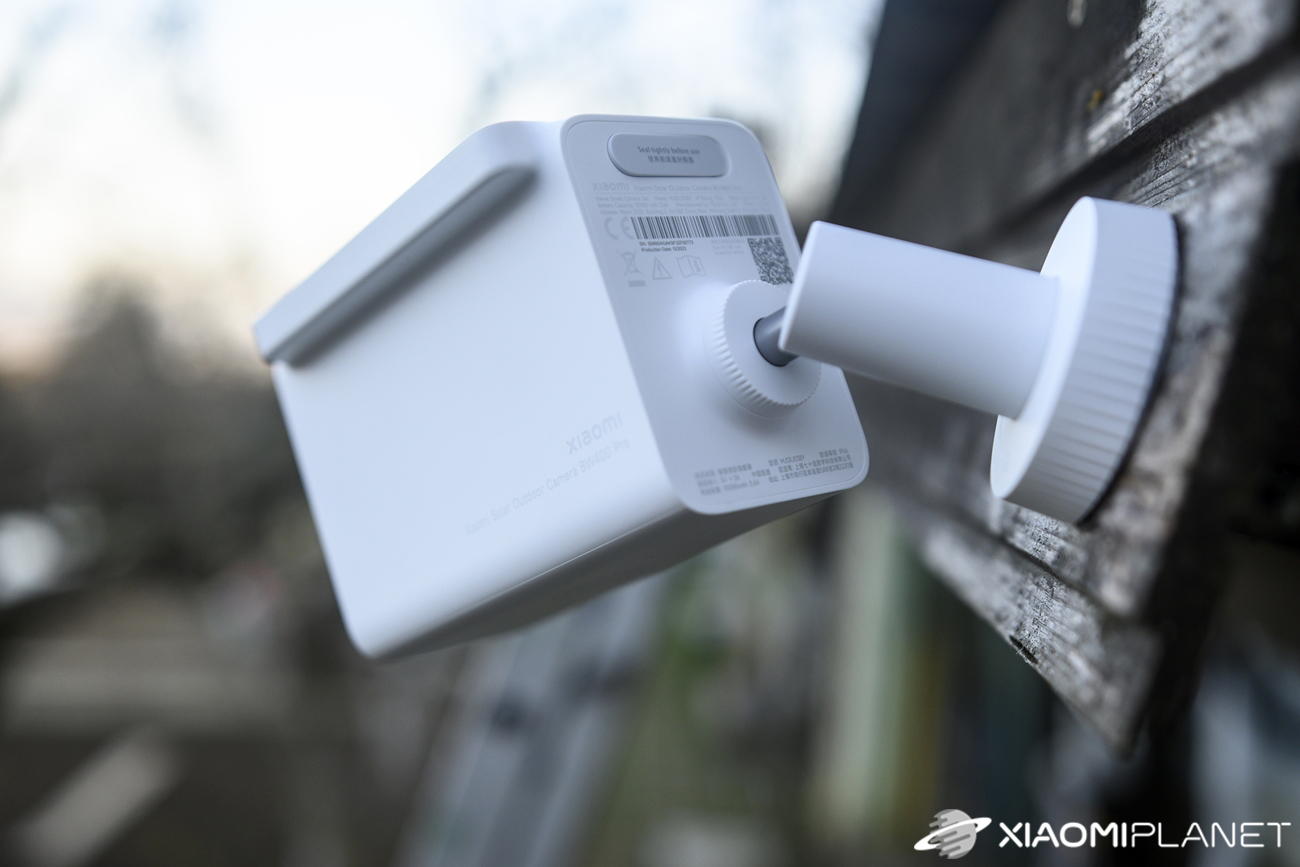
At the bottom there’s a speaker, and on the back you’ll find one button and a USB-C port under a rubber cover for charging. The dominant feature on the top is the integrated solar panel.
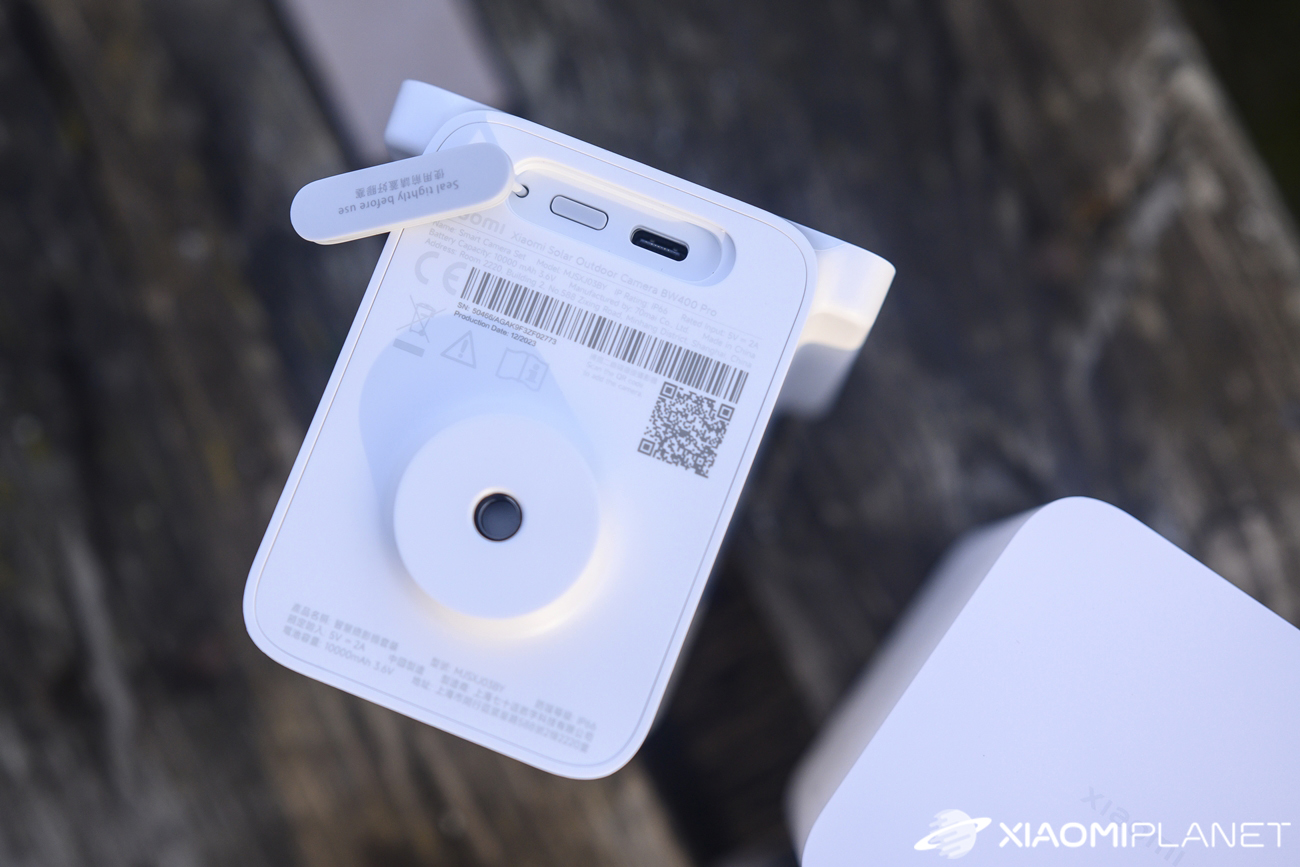
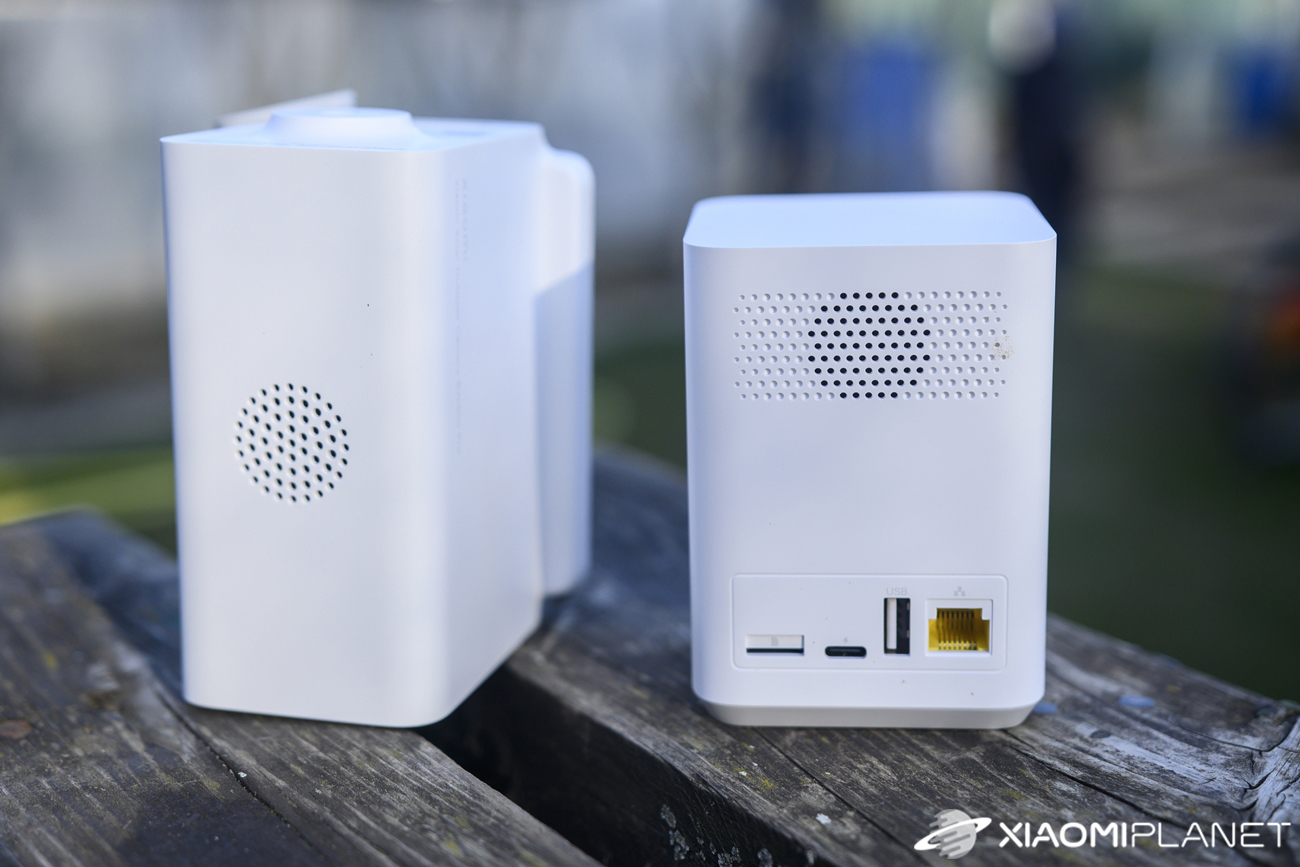
The base station is fairly compact and has only one button with an LED status light at the front, plus a series of ports at the back. Specifically, it includes a USB-C power port, a microSD card slot, an Ethernet port, and a USB port.
Installation is easy
You can easily mount the camera on a wall using the included stand, which is secured with a threaded connection. If you want to attach the camera to a wall, the manufacturer also includes a self-adhesive drilling template, so you can quickly drill holes for the wall plugs. The wall plugs and screws are also included in the package.
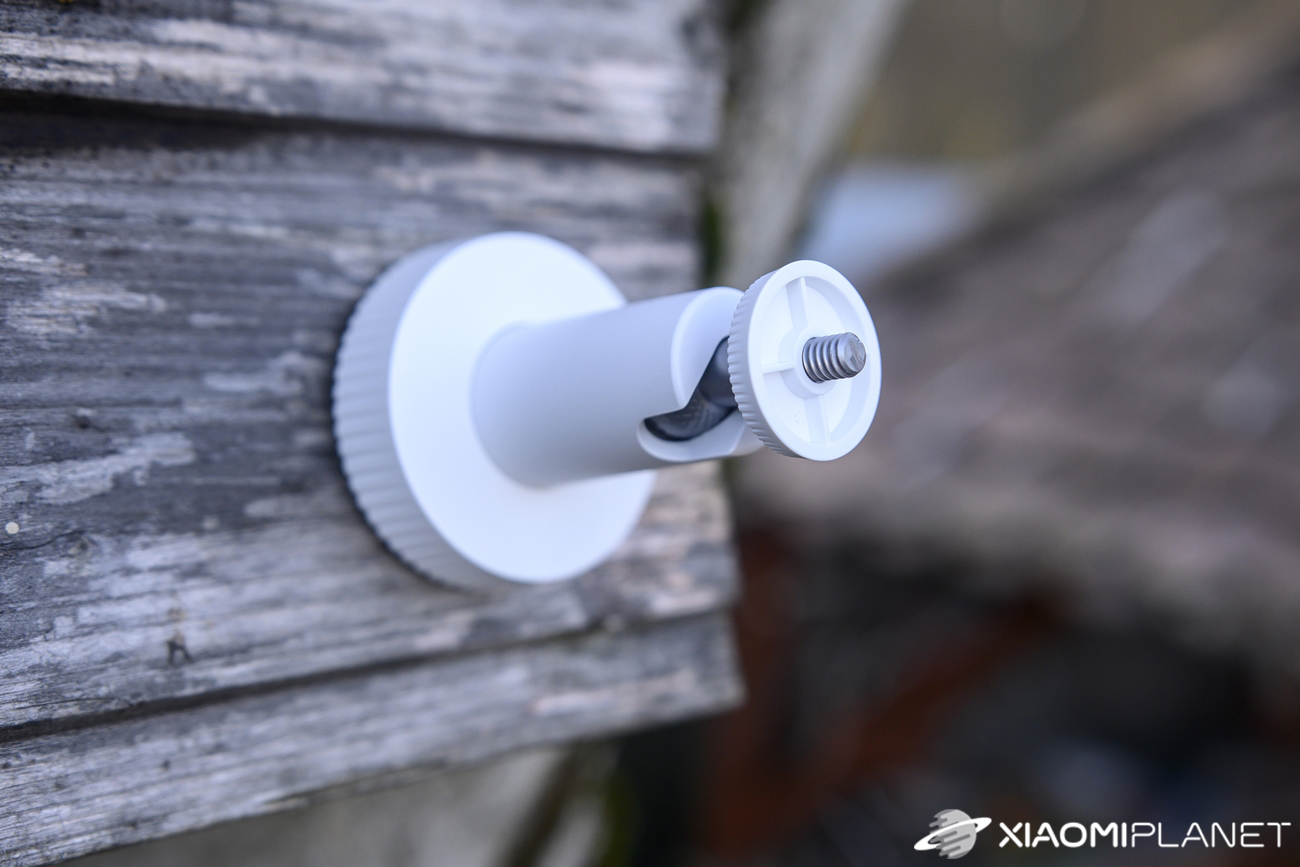
We used the template to pre-drill small holes for the screws into wood, since we mounted the camera on a garden gazebo. After screwing the stand in place, you just attach its second part and then mount the camera itself. Thanks to the swivel joint, you can adjust it to the desired position. Since the camera is quite heavy, we recommend tightening all threads thoroughly so it holds the set position.
Connection and pairing with the app
The principle of this set is simple. The camera pairs with the base station, so the first step is to add this station to the Xiaomi Home app (Mi Home). You have two options: – connect the base station to your router using an Ethernet cable, or use a wireless connection via WiFi.
Unfortunately, we ran into some smaller issues and the pairing wasn’t entirely trouble-free. The Xiaomi Home app couldn’t automatically find the base station near the smartphone, so we scanned the QR code on the bottom of the station.
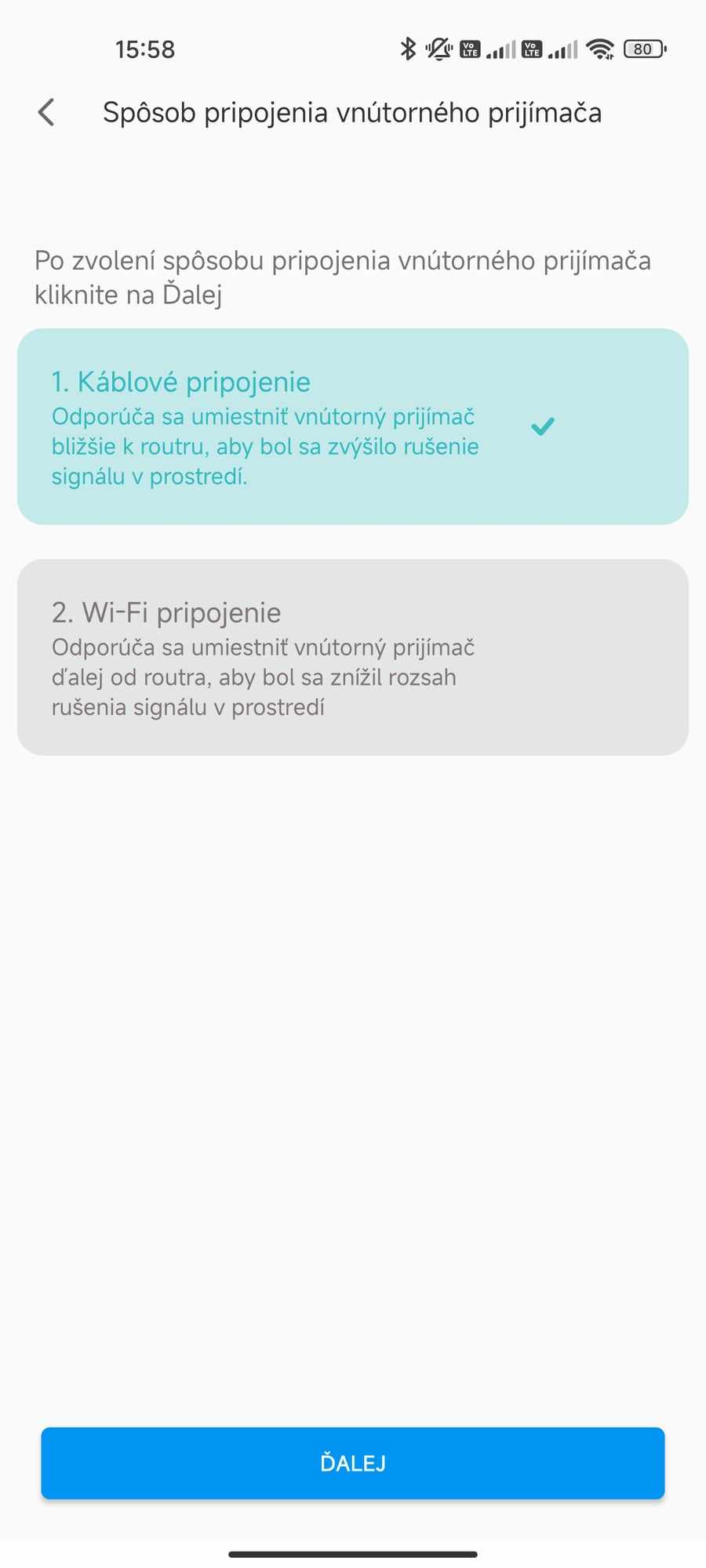
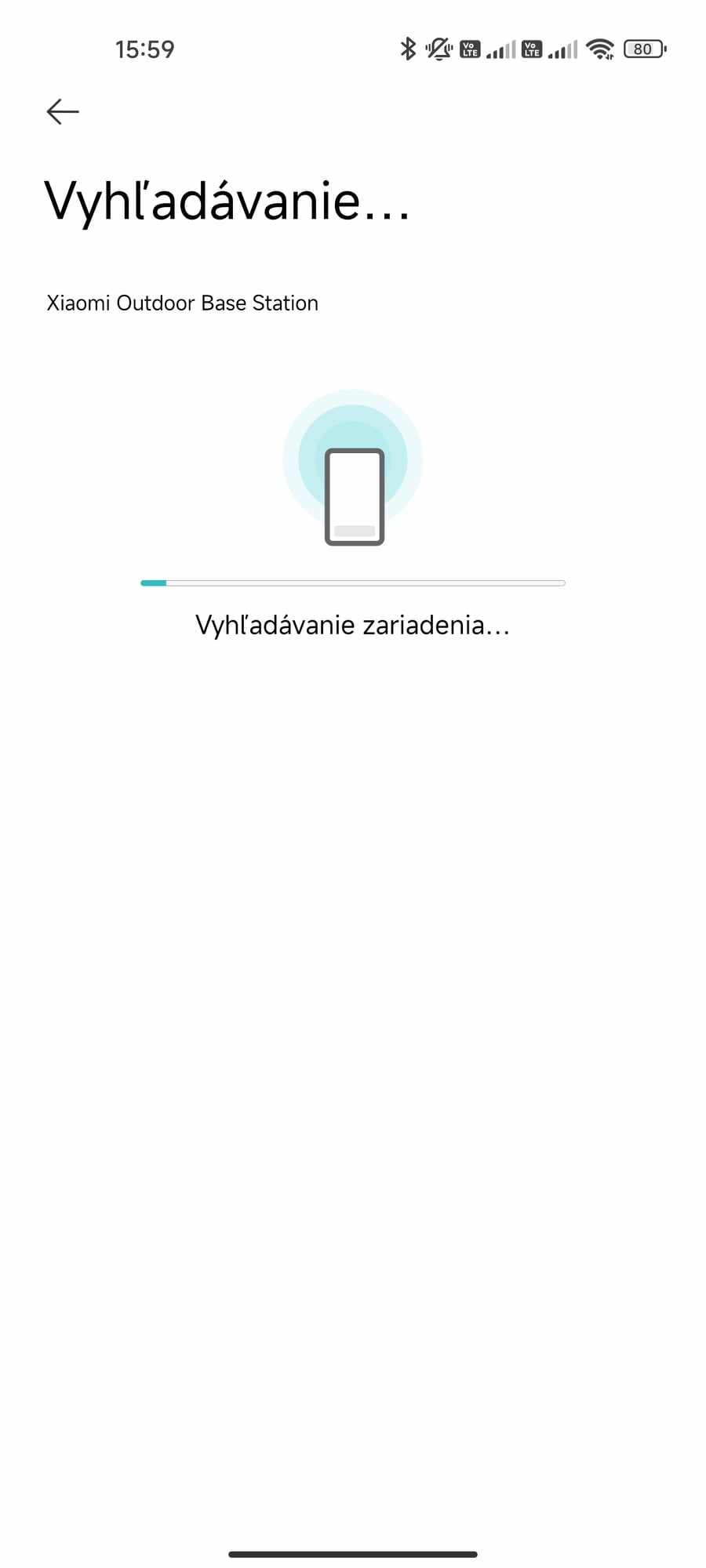
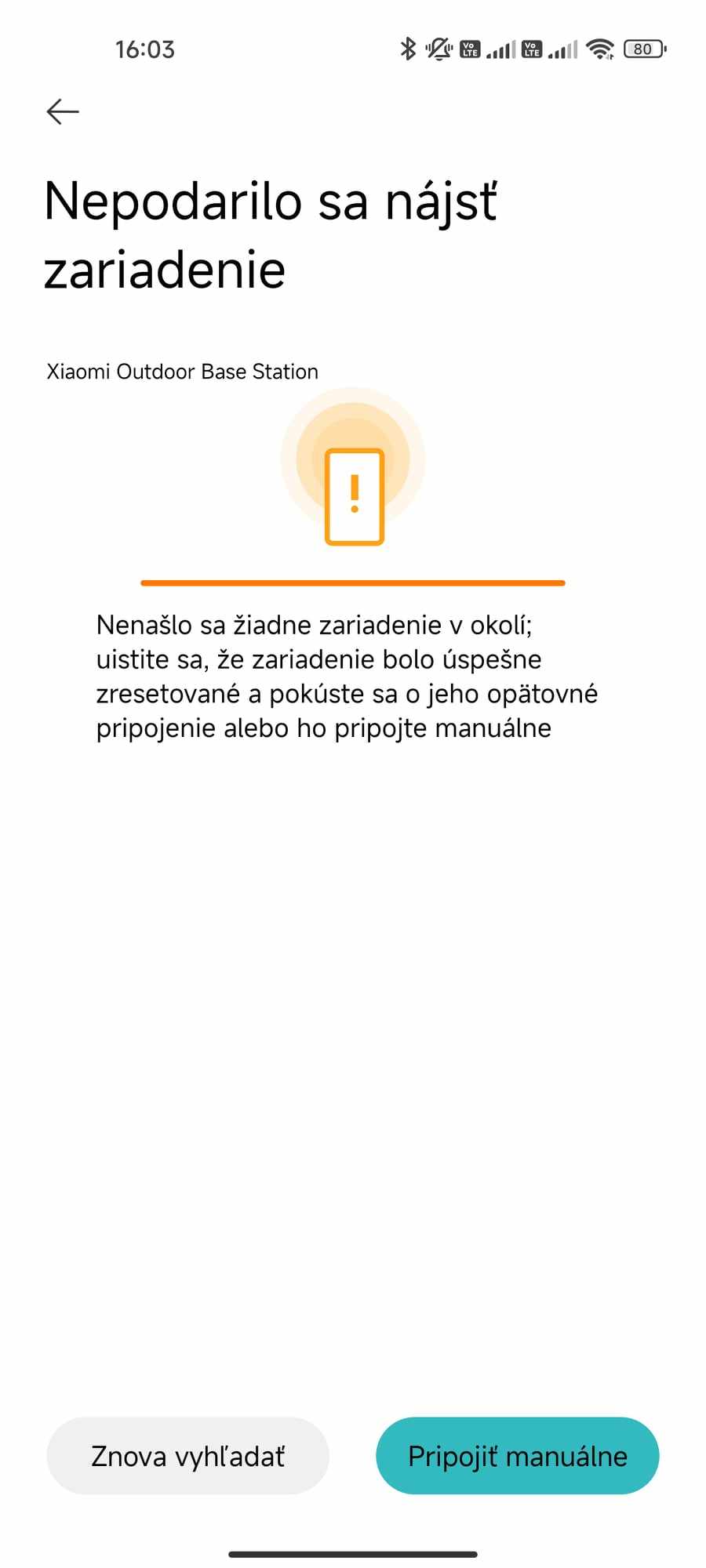
In the next step, we chose whether we wanted to connect the station to our router using a cable or via WiFi. For a more stable connection, we first selected a wired connection, but pairing failed again in the next step. It also didn’t work with a WiFi connection. The app still had trouble connecting to the station; it couldn’t find it, even after directly connecting to the station’s WiFi network.
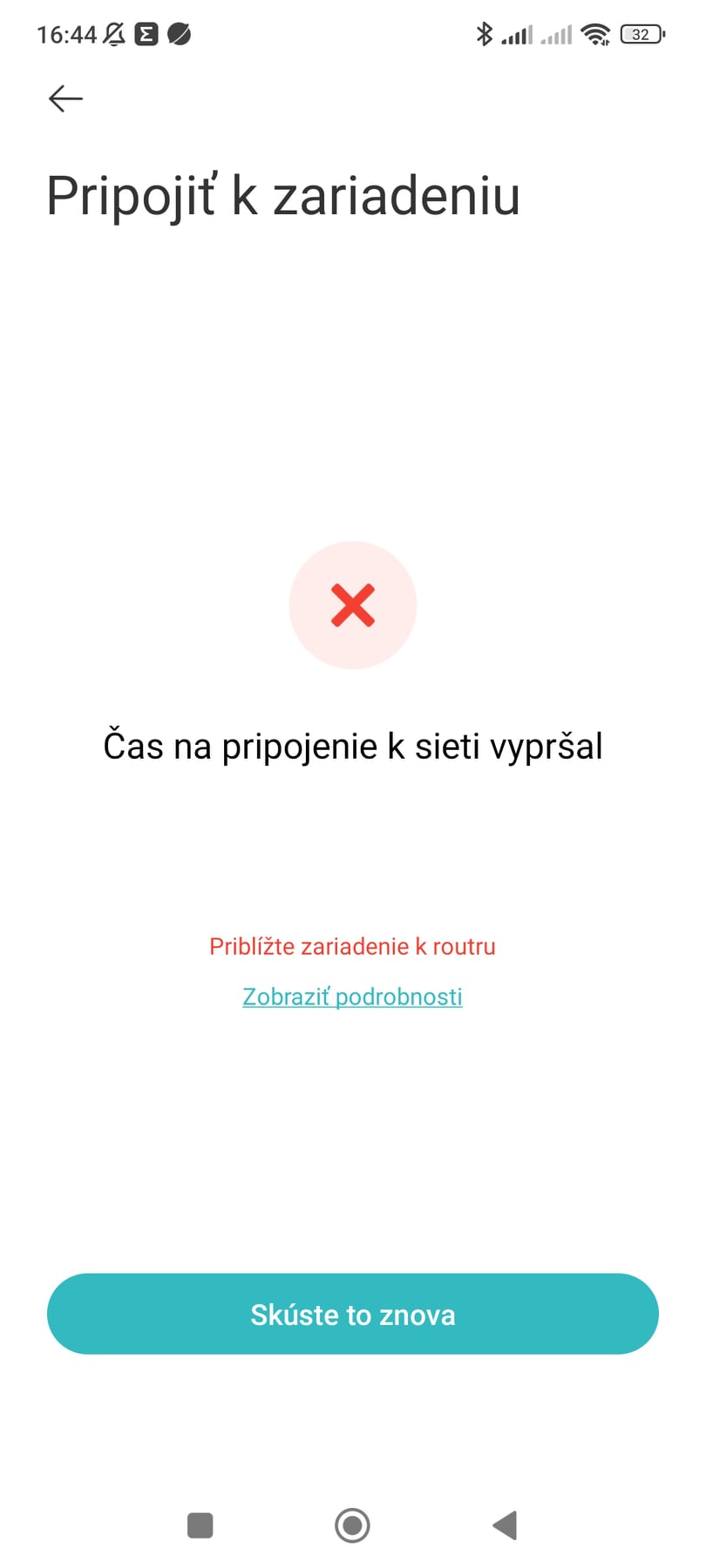
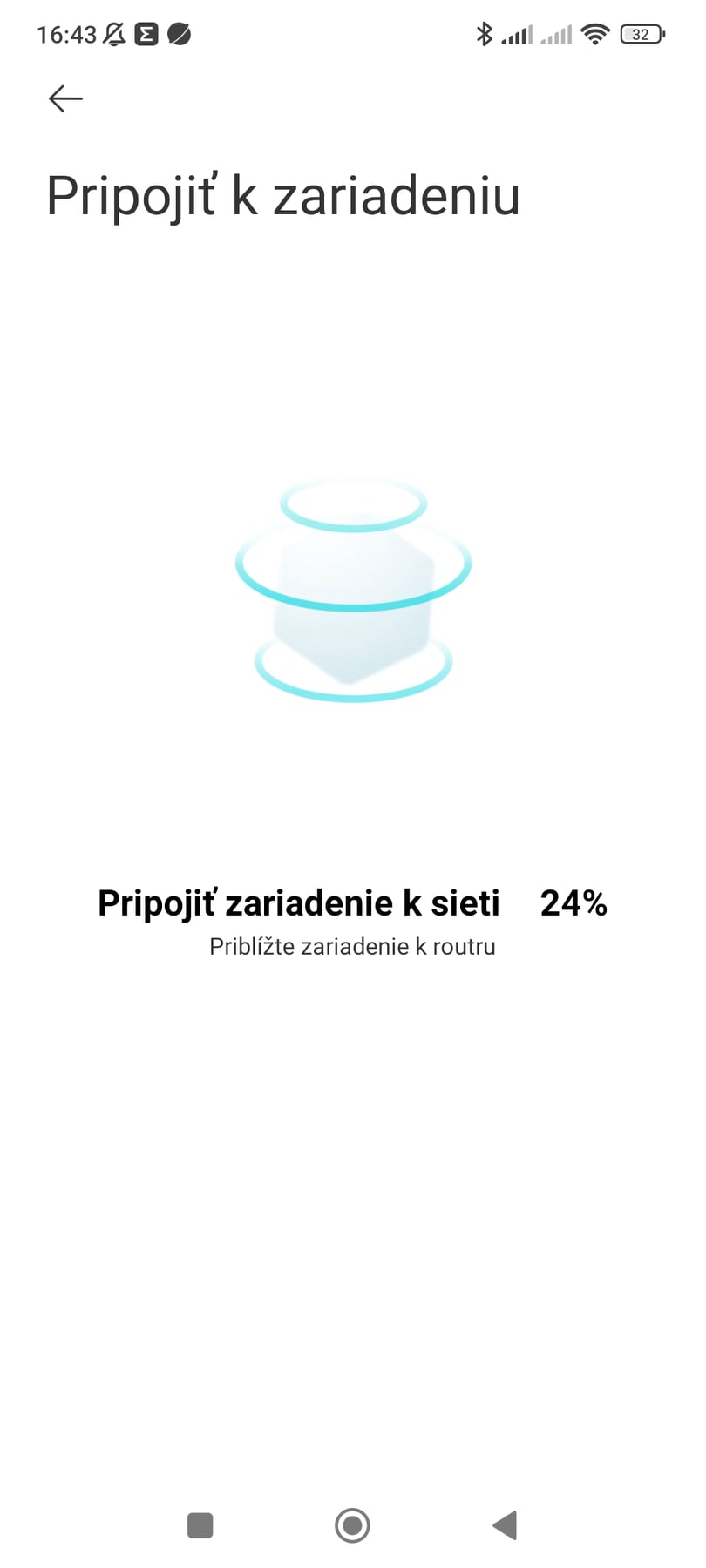
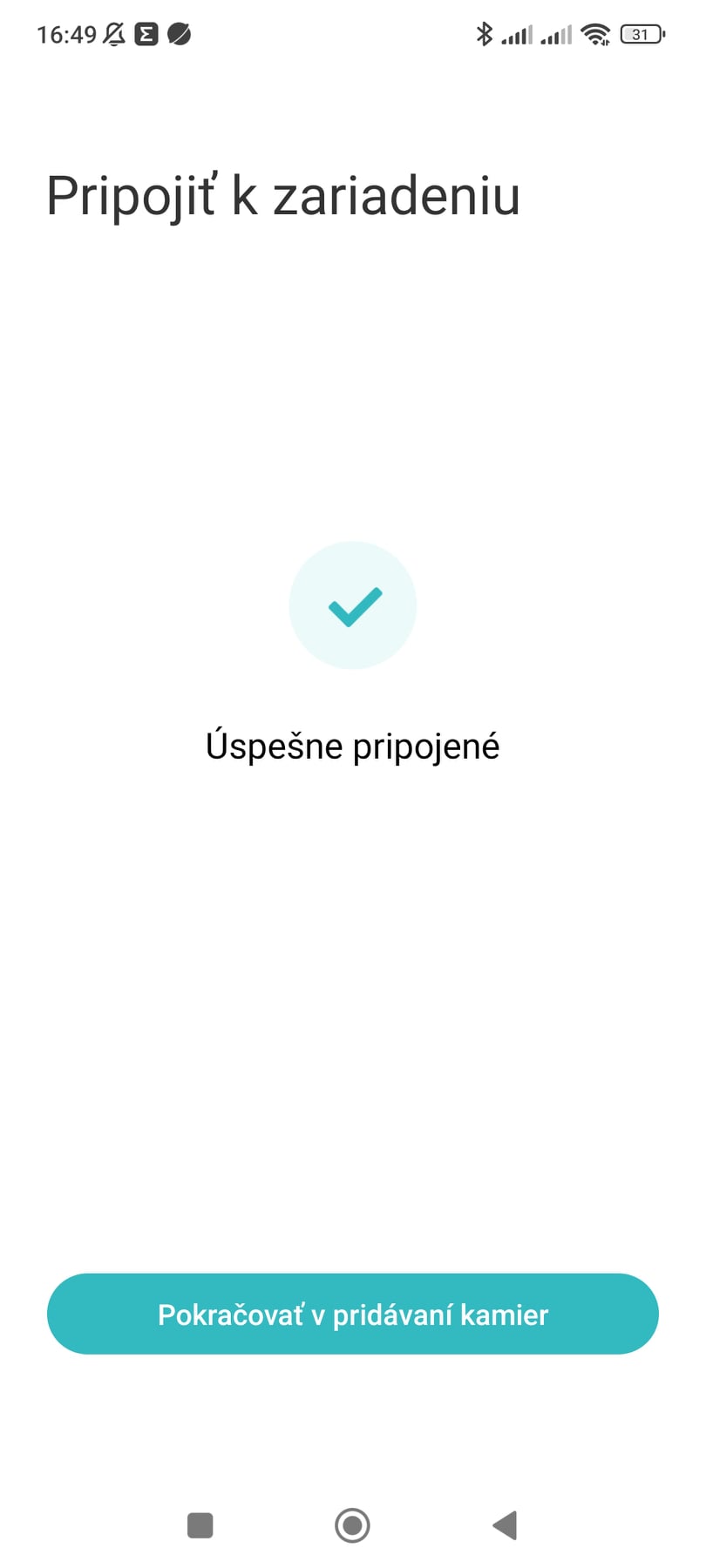
So we connected an older Xiaomi router to the network, and with that we managed to pair the station via WiFi. The wired connection still didn’t work, and pairing failed with the same error message.
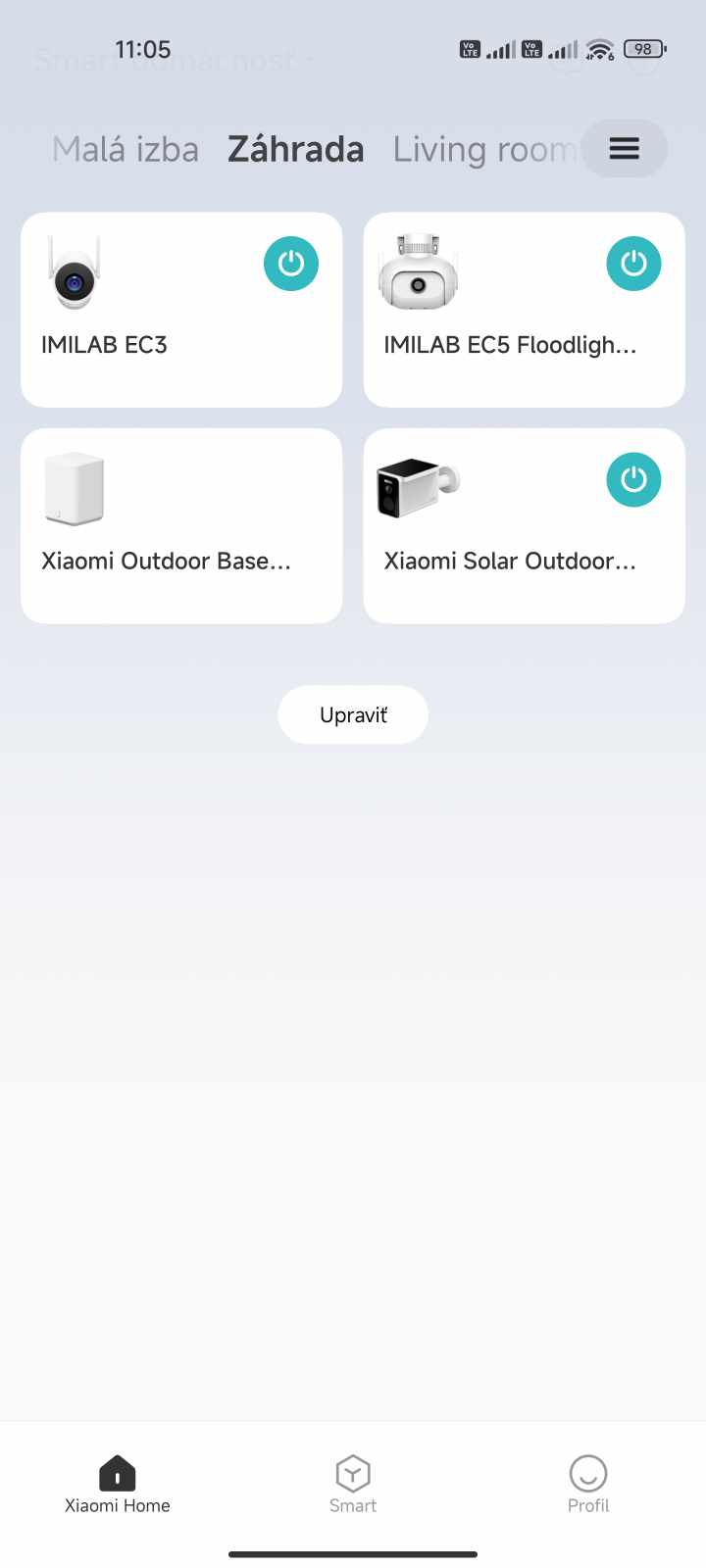
We should point out that in the past, with the other cameras we’ve tested, we always connected them to a router that worked fine with this camera. Up to now we’ve used, for example, IMILAB EC3 and IMILAB EC5, and we didn’t have any pairing issues. So these complications really surprised us.
App environment and control options
The app interface is the same as in other Xiaomi or IMILAB cameras we’ve tested. The main part is the live image stream itself, with a few buttons underneath it.
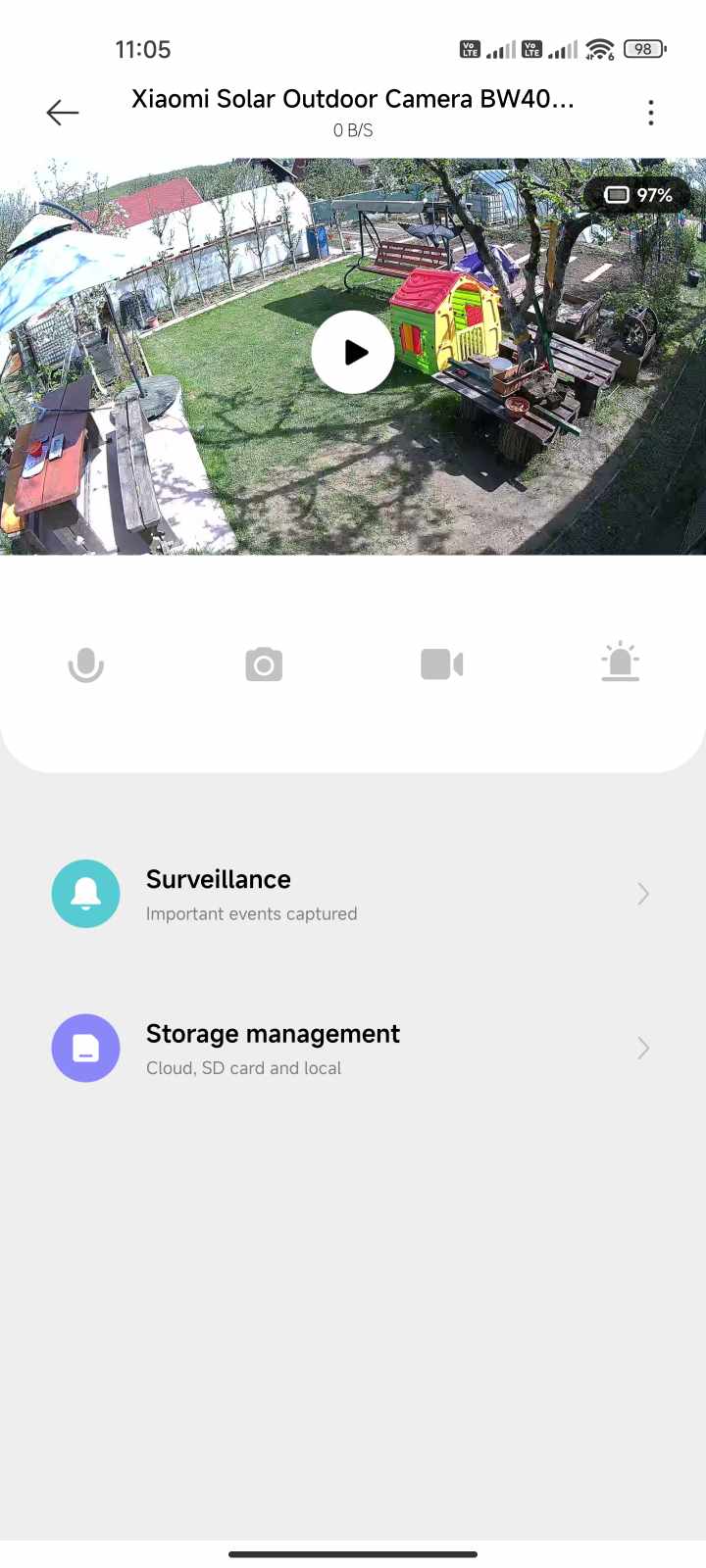
In the camera image preview, there are four buttons: turn night mode on/off, turn sound on/off, set image quality (Auto, 480p, 720p and 2.5K), and switch to full-screen mode.
Below the preview, there’s another set of four buttons: enable audio streaming, take a photo, start video recording, and trigger the alarm. Under these buttons, there are also options to access the library with videos from motion detection and to manage storage space. Settings are hidden in the menu in the top-right corner behind the three-dots icon.
Image quality and night mode
The Xiaomi Solar Outdoor Camera BW 400 has a 1/2.7″ sensor and a maximum resolution of up to 2.5K with a low f/1.6 aperture. Xiaomi promises a clean, bright image in both day and night, with HDR support at the hardware level.
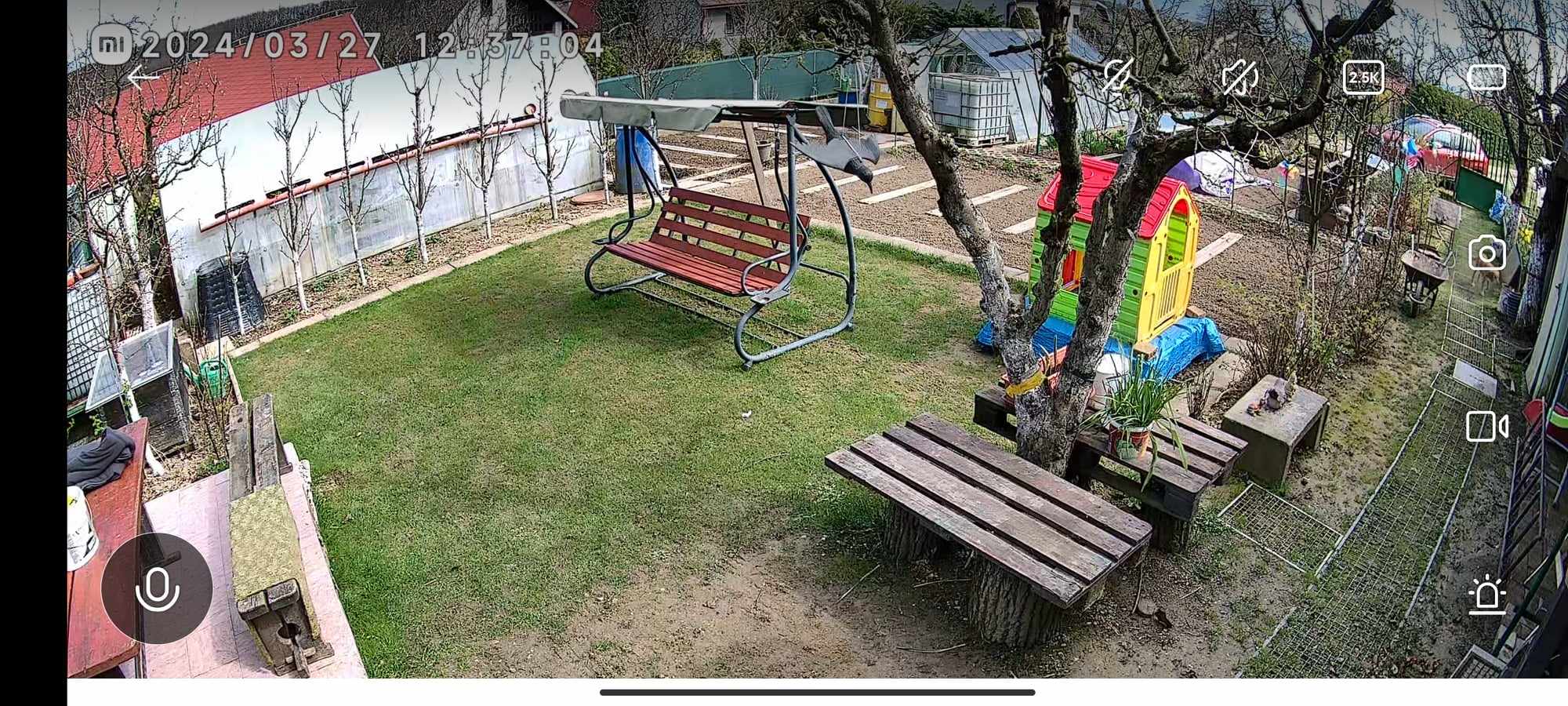
The image is really very good, with lots of detail and realistic color reproduction. You’ll like the 132° viewing angle, which lets you capture a truly wide scene. In the horizontal direction it’s 113.3°, and in the vertical direction it’s 58.7°. We can zoom in on the image without any issues.
For a clearer idea, you can check out the sample video captured with this camera below:
Night mode is also available in a colored version, which we achieve thanks to LED diodes at the front. They can illuminate the area in front of the camera, giving you a colored image. Personally, I’m more of a fan of the classic black-and-white night mode using infrared diodes.
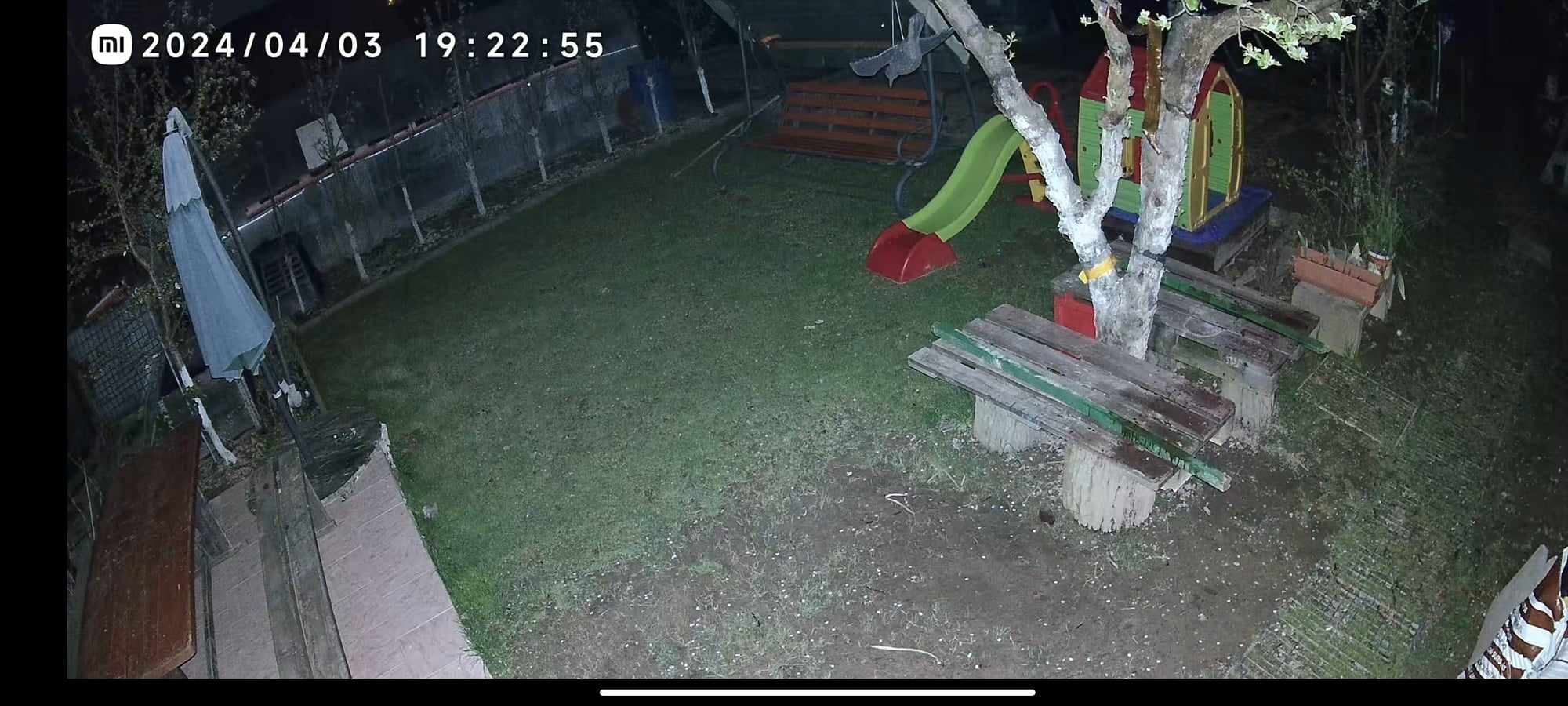
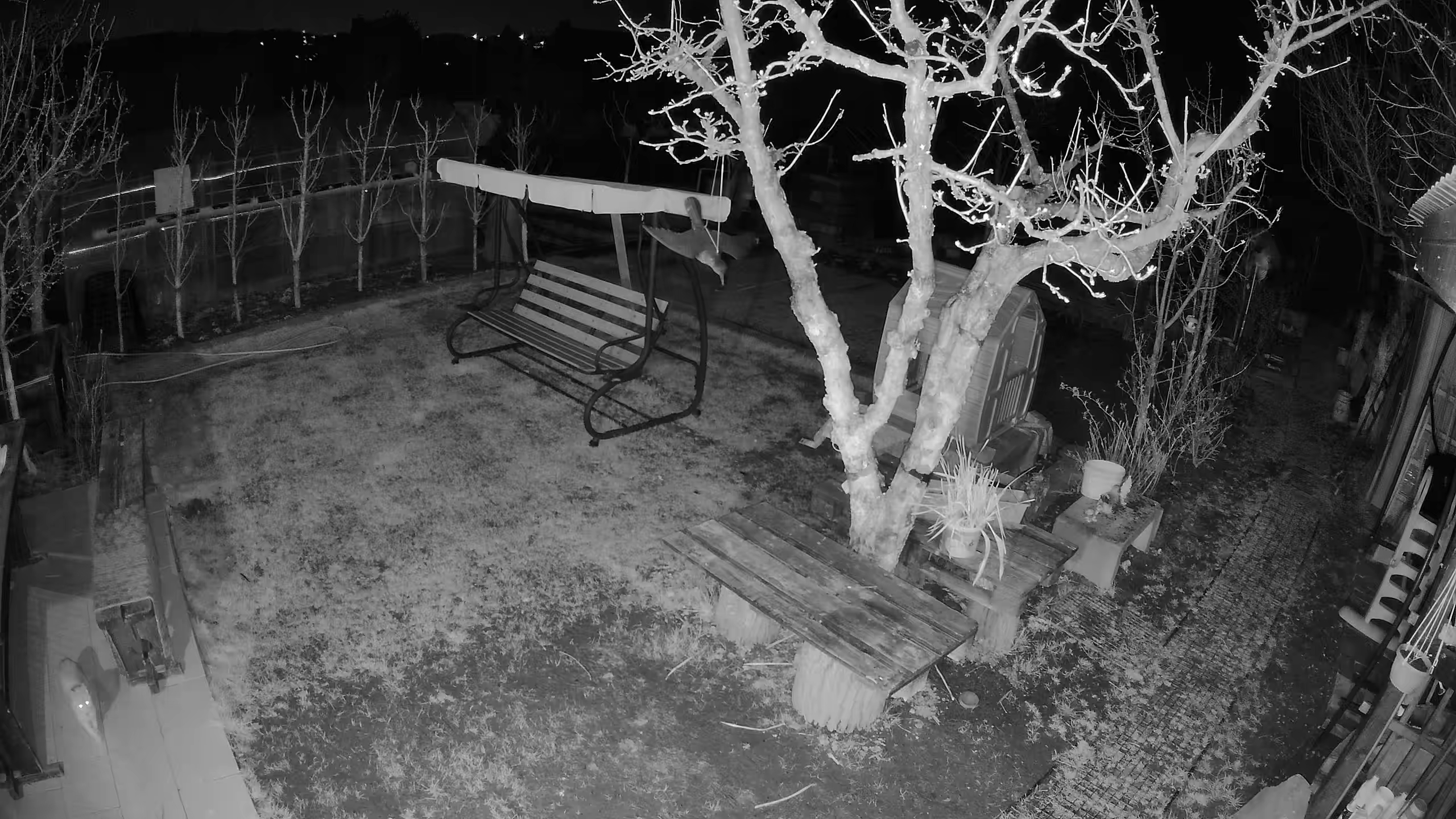
Of course, the quality of night video is worse compared to daytime footage. The image isn’t quite sharp—especially when it comes to moving objects.
A solar panel is a huge advantage
Xiaomi Solar Outdoor Camera BW 400 comes with an integrated solar panel that covers its entire top surface. The biggest advantage is the ability to keep charging continuously using solar energy, so you wouldn’t have to charge the camera at all.
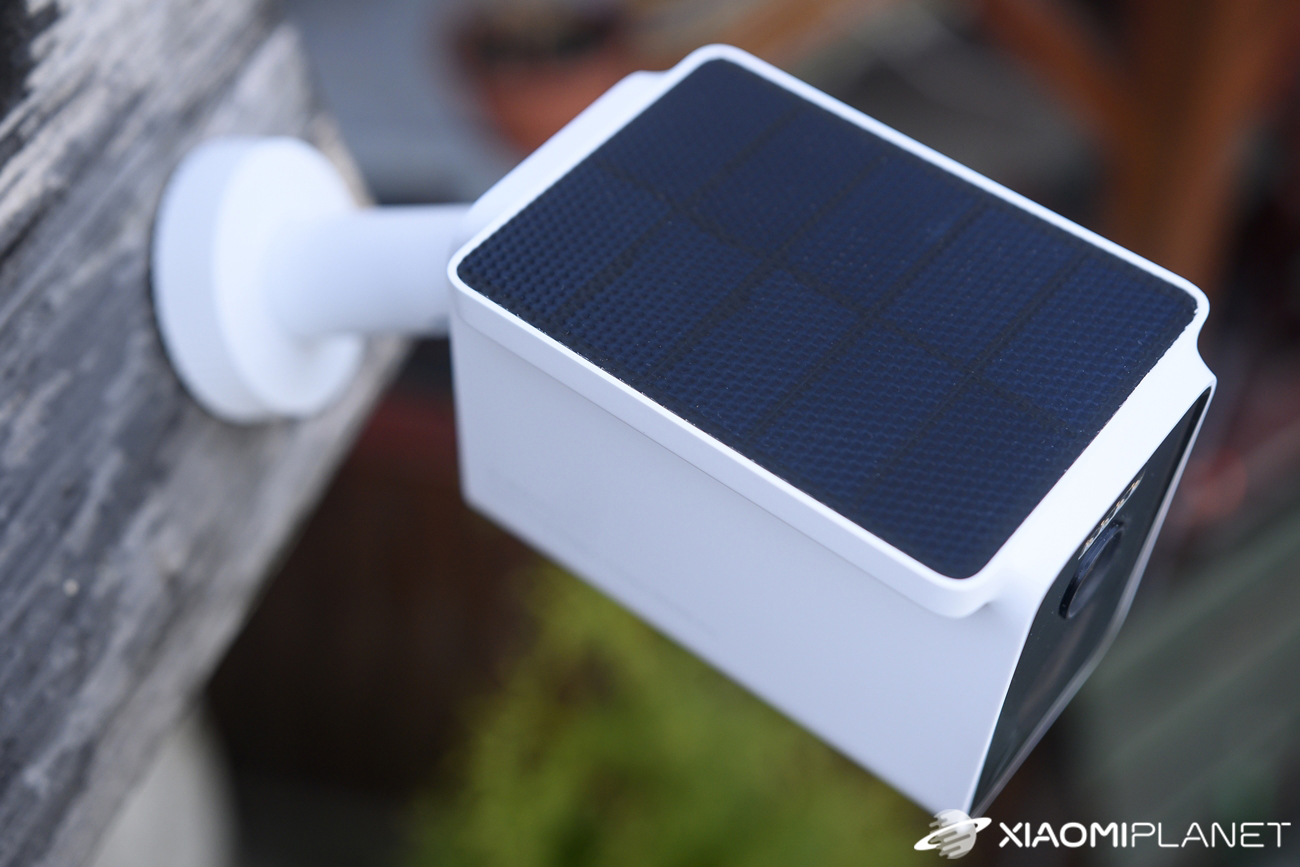
The battery has a capacity of 10 000 mAh, which isn’t little. We received the camera with a capacity of 77 %, and already within a few days it charged up to 99 %. During use, the weather kept changing, but the camera was able to keep charging continuously, and the capacity didn’t drop noticeably even with many notifications and intensive camera use.
In our view, during the testing period (spring), the Xiaomi Solar Outdoor Camera BW400 Pro is completely self-sufficient and we don’t need to charge it at all. The question is how it will perform during winter, when there are significantly fewer sunny days and temperatures drop even below freezing. That’s when the camera’s battery will have a tougher time too.
Notifications and person/pet recognition
Monitoring areas and alerting you to movement within the camera’s field of view are among the most important features of such cameras. At the start, though, the Xiaomi camera had issues with this function. After turning on monitoring, we were getting notifications only very sporadically—almost never.
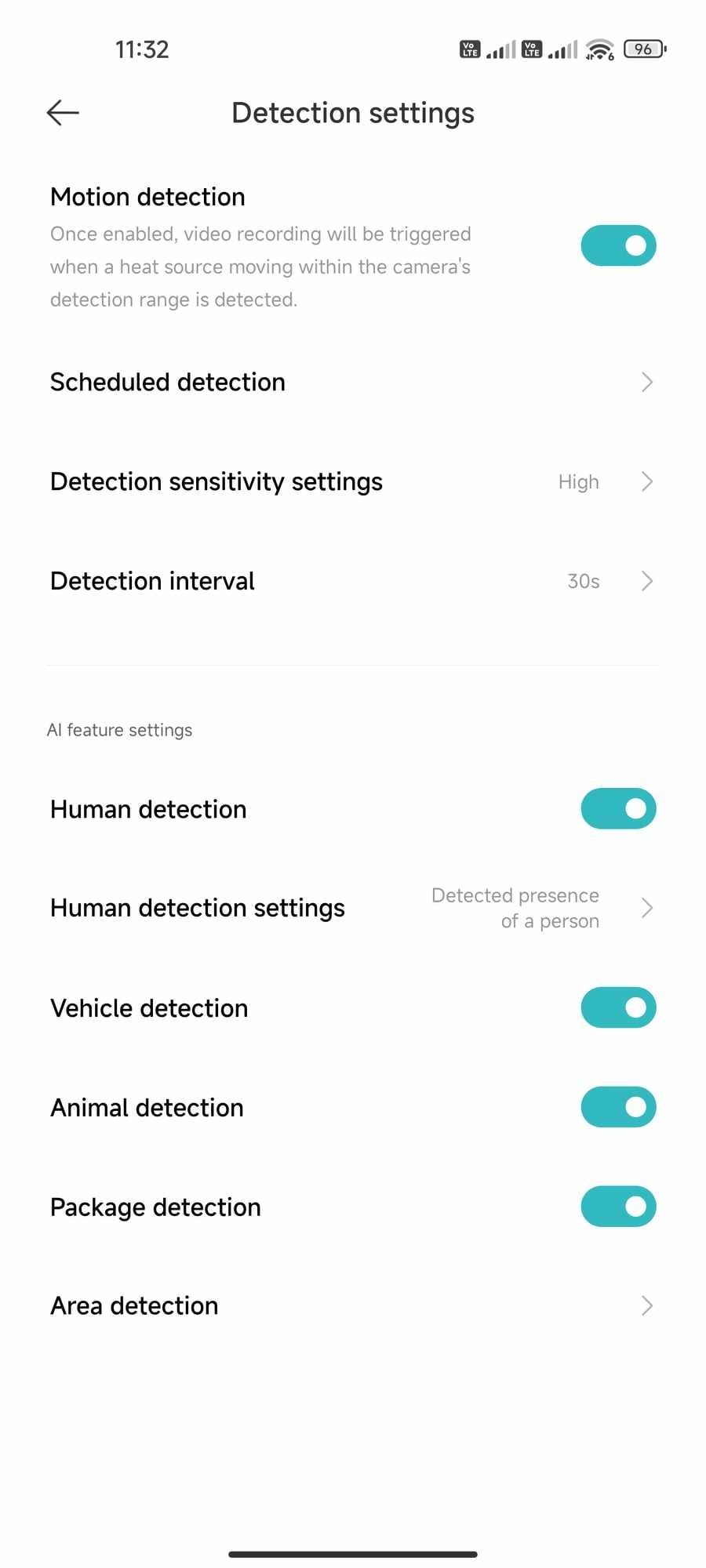
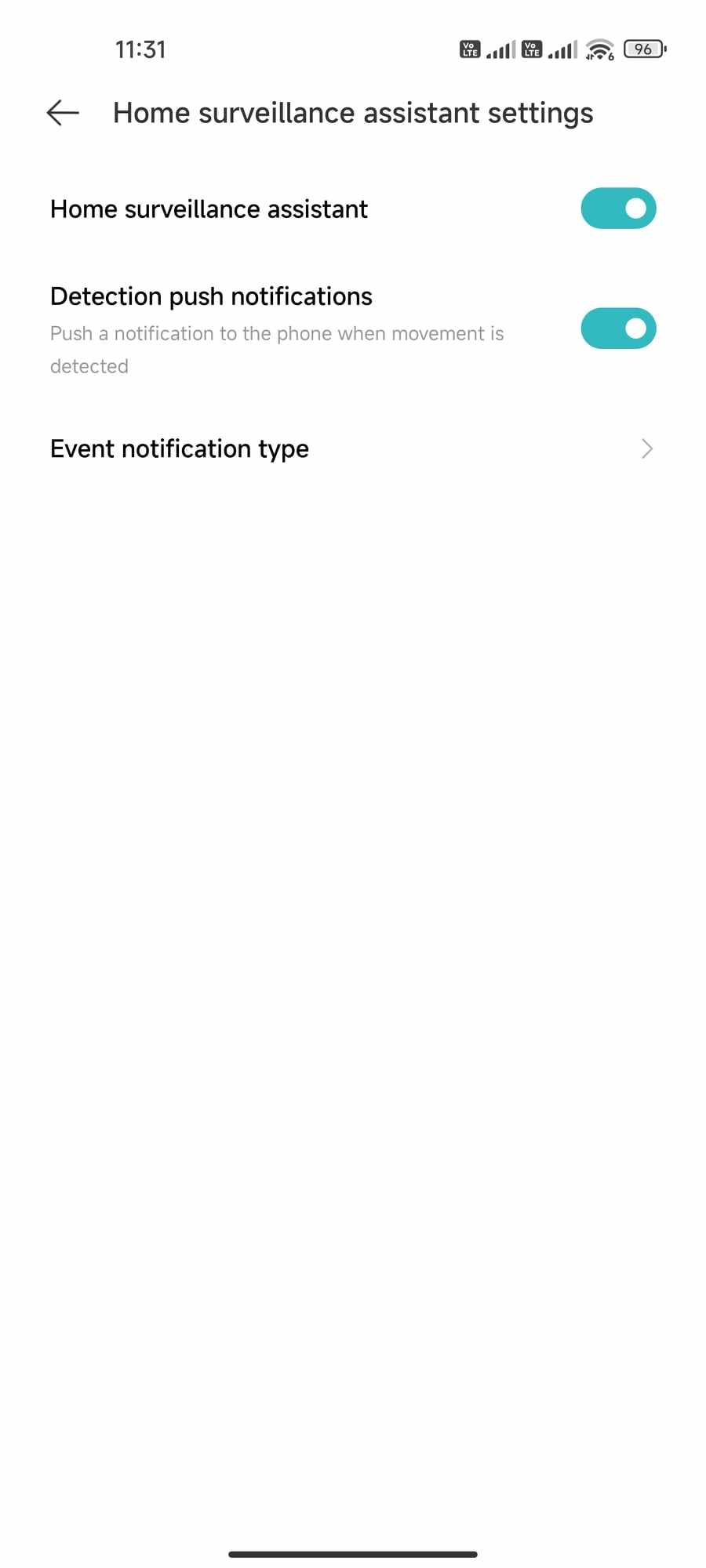
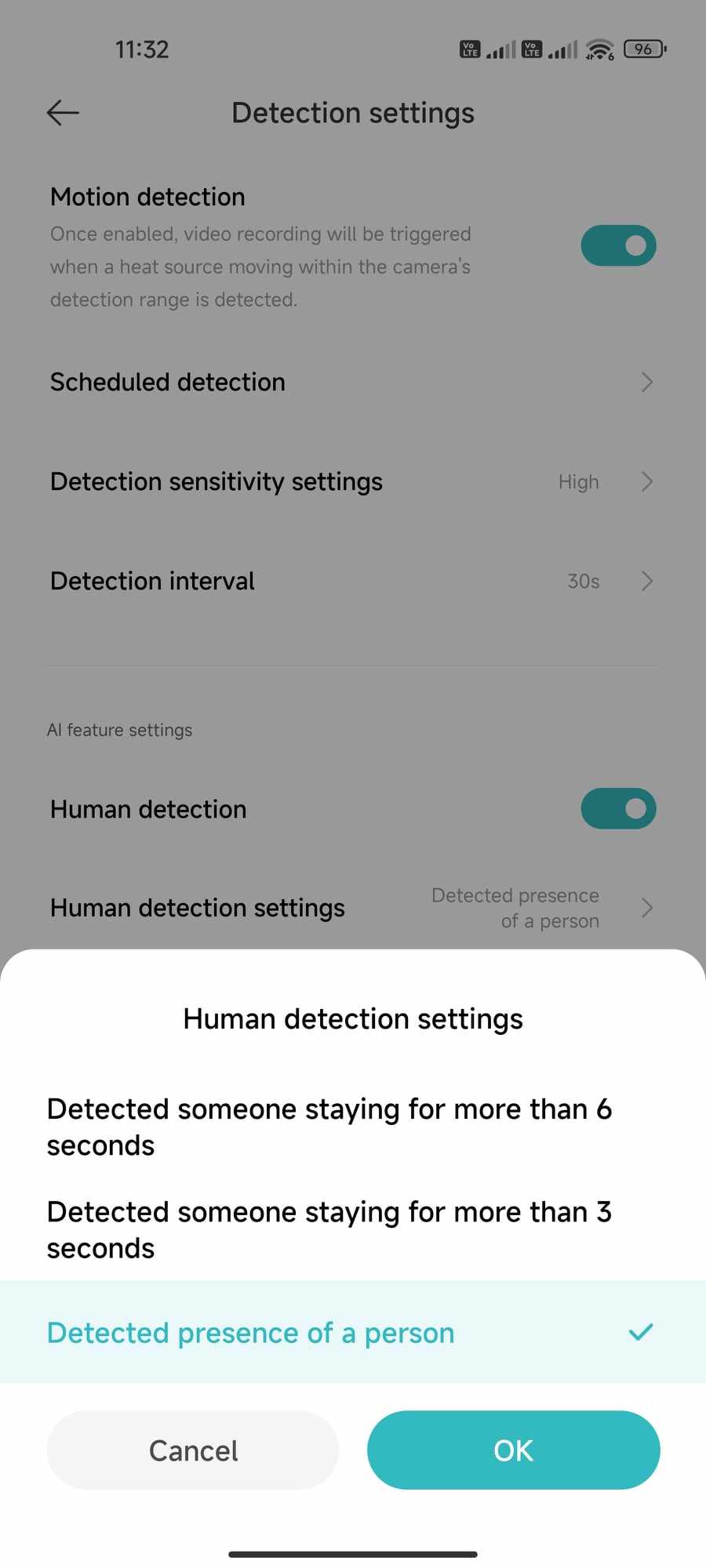
After updating to version 4.3.7_0278, notifications started working. In the settings, you can enable not only push notifications, but also the types of events you want to be alerted to. Here you’ll find detection for people, vehicles, animals, and even packages.
The camera can inform you about movement continuously or only within a defined time interval. After the update, notifications worked great, especially when it came to people and animals. Unfortunately, it couldn’t detect packages, even when we were moving it right in front of the camera.
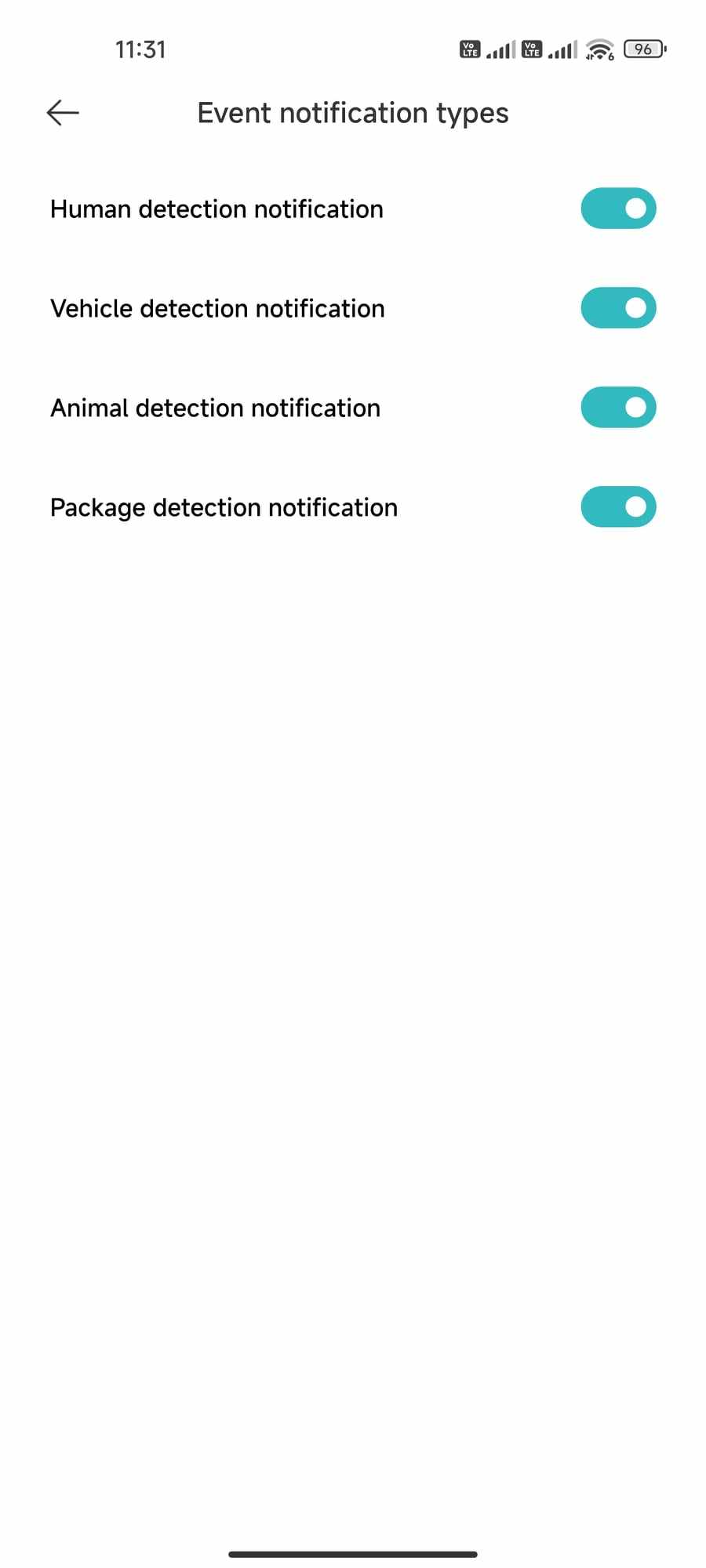
A push notification on your smartphone takes you to a short video showing the detected movement. The video length is always 9 seconds and it’s saved to the cloud. A free 7-day video archive is available. However, the station also has a microSD card slot, so you don’t need the cloud.
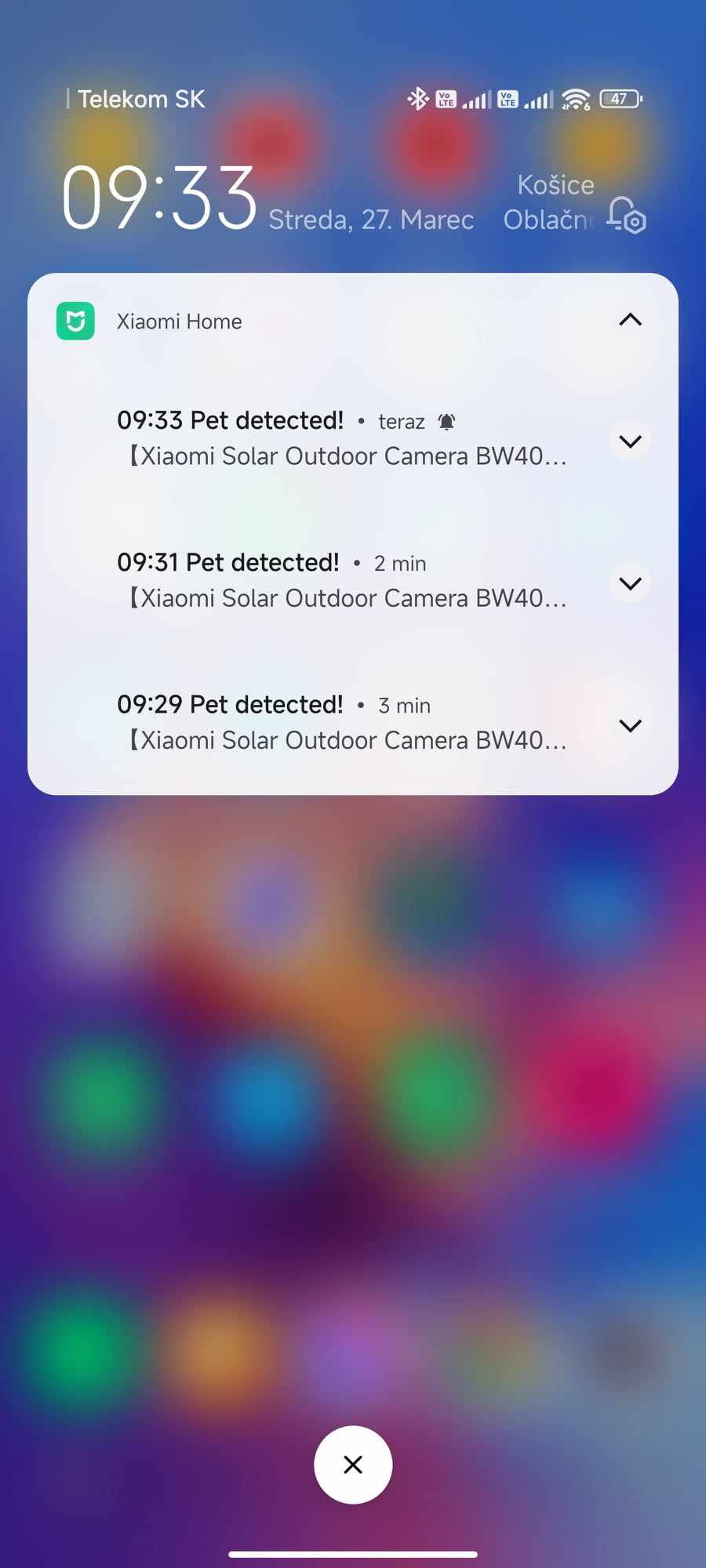
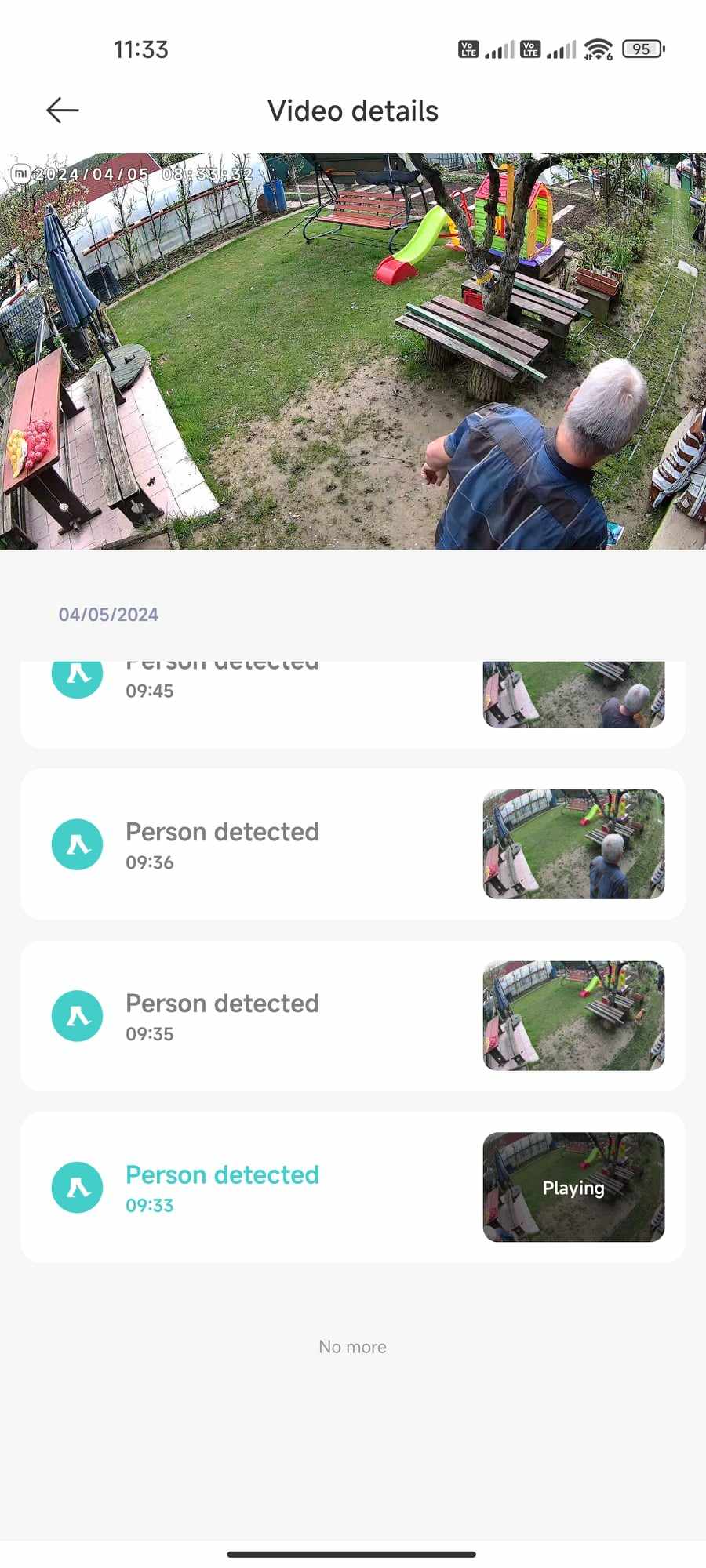
Unfortunately, motion detection isn’t completely ideal—especially when people move along the edge of the camera’s field of view or walk at a faster pace. In such cases, the camera often didn’t capture the movement at all, or detected it rather late.
We set the camera so we could see the entrance gate in our garden. More than once, it happened that when people entered the property from the direction of the gate (2 people), the camera captured the second person only, and we didn’t get any notification about the first one.
Alarm and audio transmission
When movement is detected, a sound and light alarm can also be triggered, lasting 30 seconds. In a quiet environment it’s fairly loud, but during daytime activity it isn’t particularly noticeable.
Another great feature is two-way audio transmission. The quality is excellent and the volume is loud enough. The audio in both directions is high-quality, clear, and easy to understand. However, the sound quality also depends on the signal quality between the station and the camera.
Xiaomi Solar Outdoor Camera BW400 Pro: Final verdict
The intelligent wireless outdoor camera Xiaomi Solar Outdoor Camera BW400 Pro especially stands out thanks to its integrated solar panel, which can run the camera completely independently without any charging. It also impresses with 2.5K resolution, a wide field of view, and solid build quality.
At first, we had problems connecting the camera to our home Wi-Fi network, and later also with motion detection, but in the end almost everything was resolved. During testing, we received 2 updates that improved the camera’s performance.
Xiaomi Solar Outdoor Camera BW400 Pro Global Version
TIPExpress delivery from a Slovak warehouse within 1 to 3 business days.
This product will be delivered to you express from a local Slovak warehouse. Delivery usually takes 1-3 business days and is handled by a courier. The price is final.
TIPWith Standard Shipping via GShopper, you pay no extra fees—everything is already included!
With the GShopper seller, we recommend choosing Standard Shipping, where you won’t pay anything extra. Customs fees and any VAT are handled by the seller. You can select the shipping method in the cart only, after entering your delivery address. Delivery with this option usually takes about 15 business days from dispatch from the warehouse, but it may take longer.
It can detect people, vehicles, or animals. The Xiaomi Home app works completely trouble-free, and a 7-day motion alert archive is free. However, there is no missing the option to use a microSD card, but since it’s a battery-powered camera, continuous recording is not supported.
Don’t miss the best coupons 📩
Subscribe and we’ll email you new coupons before they expire. We only send it once a month — no spam.