A planet full of Xiaomi news
Deal Planet

Latest coupons: Xiaomi 20 W wireless chargers, a powerful 27 W adapter, and a 10 000 mAh power bank

29. October 2020 4 min read 1 comment

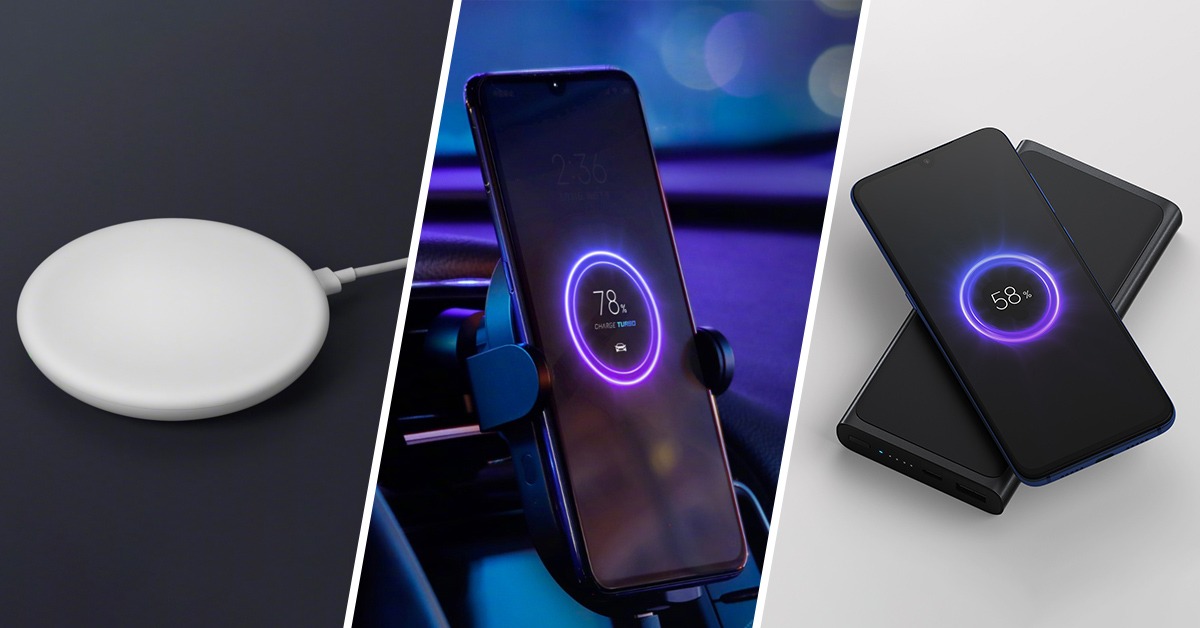
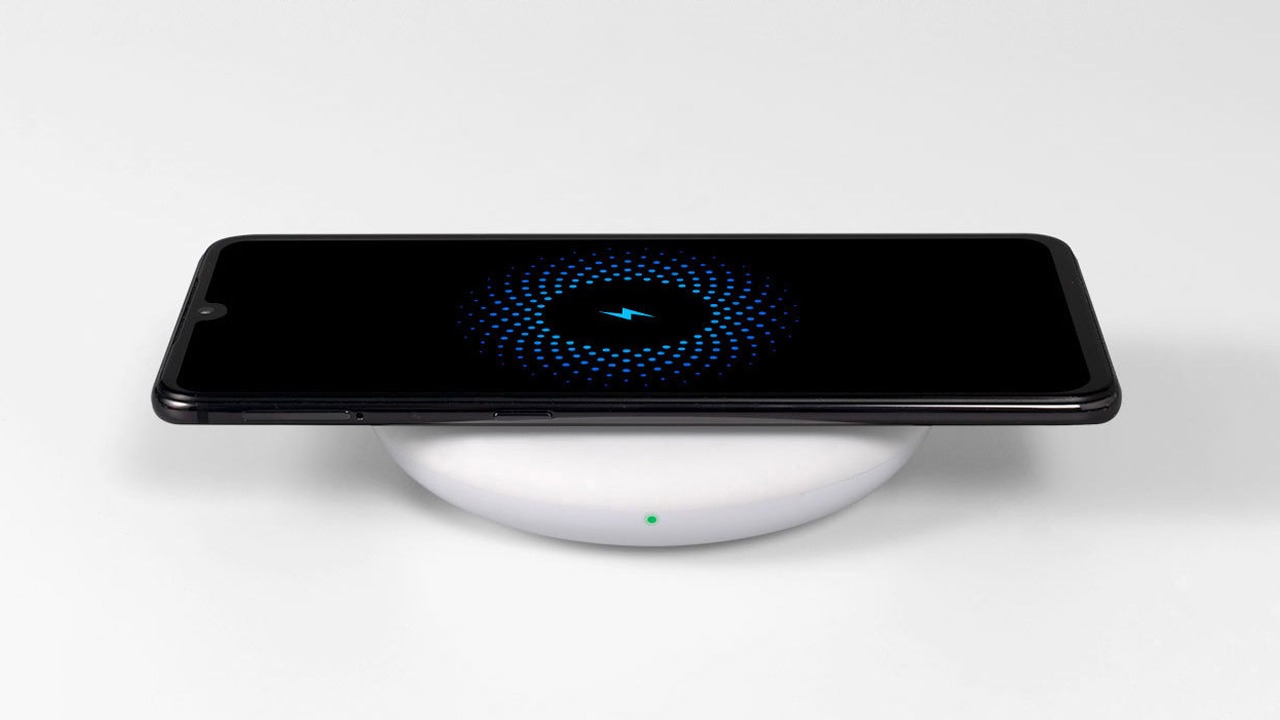
This year’s flagship Xiaomi Mi 9 reveal also brought even more interesting products. Since Mi 9 offers the fastest wireless charging at up to 20 W, Xiaomi also introduced the corresponding chargers that reach these values.

All wireless chargers on sale

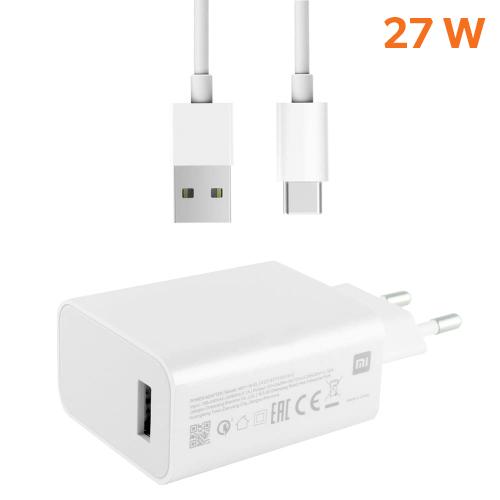
Among them, there’s also the classic Xiaomi 20 W desktop wireless charger, which needs the original 27 W adapter to reach this output.

The adapter supports the fastest charging Quick Charge 4.0. Discount coupons are available also for other devices with wireless charging functionality — a 20 W car charger and a 10 000 mAh wireless power bank.

As for shipping, we recommend ordering the products separately, because the total value is above 22 €. If the package gets stopped by customs, you would have to pay VAT. Products above 22 € are recommended to be ordered with EU Priority Line shipping.

XiaomiPlanet deal

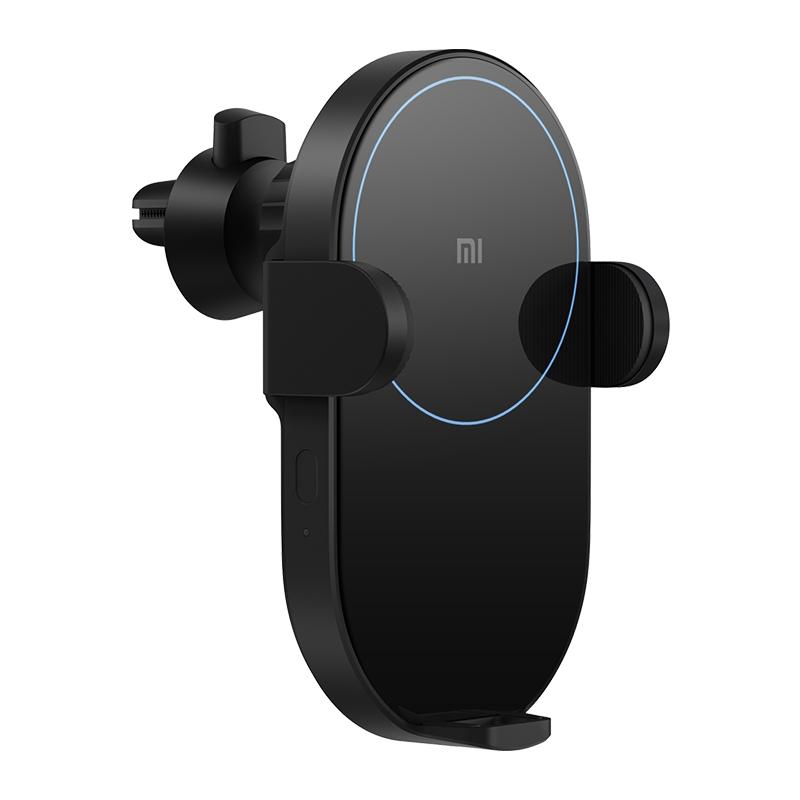
Xiaomi 20 / 30 W wireless car charger

20 W version
Xiaomi 20 / 30 W bezdrôtová nabíjačka do auta
15-day delivery
37,99 €
31,11 €
SOLD OUT

Price history

2,64 €cheaper than the average price
Cheapest 32,51 €Most expensive 49,99 €
Buying on AliExpress for the first time? See the guide!
Updated 13. 10. 2026 on 14:42
TIP15-day delivery via Aliexpress Standard Shipping

For this product, Aliexpress Standard Shipping is available with guaranteed delivery within 15 days. This is the most reliable delivery method and, in most cases, the parcel is handled by a courier company. We tested the 15-day delivery in real life.

When ordering from the Chinese warehouse, AliExpress will add the customs duty in your cart—approximately 3,70 € per order. When you receive the package, you won’t pay anything extra.

Track this product’s price

As soon as we post a new coupon, we’ll send you an email. You can unsubscribe from tracking anytime.

Buying on AliExpress for the first time?

This process is done through the AliExpress mobile app, where most people shop. Two things matter: don’t use Buy now and enter the coupon only in the order summary in the Promo code field. After you click Pay now, you can’t add it anymore.

  1. Copy the code and click GET THE DISCOUNTIn our article, copy the coupon and click the button GET THE DISCOUNT. The link will take you directly to the product in the AliExpress app.
  2. Use Add to cart, not Buy nowOn the product card, scroll down and click Add to cart. Don’t use the Buy now button—this skips the cart, so later you won’t have a place to enter the coupon. Before that, make sure the variant is correct: color, version, and whether it ships from an EU warehouse.
  3. Continue to Checkout via the cartA pop-up will appear: Added to cart!—tap Check it out. If it disappeared, open the cart using the icon in the bottom-right corner. In the cart, check the product and quantity, then tap the red Checkout button. Only the items marked with the red circle are included.
  4. Fill in your address and card, then look for Promo codeIn the order summary, first enter the delivery address and payment card at the top. Below that, there’s a line Promo code — expand it with the arrow on the right.
    Riadok Promo code v zhrnutí objednávky v aplikácii AliExpress
    Look for this line under the address and payment method.
  5. Paste the code and confirm ApplyIn the field Promo code paste the copied code and click the black Apply. The code is case-sensitive and must not contain spaces.
    Políčko Promo code s kódom a tlačidlom Apply v aplikácii AliExpress
    Paste the code into the field and confirm by clicking the Apply button.
  6. Check your savings and payIn the section Summary expand the line Saved — you’ll see the applied coupon there as AliExpress coupons/codes. Only when Total is really lower, click Pay now.
    Riadok Saved s uplatneným kupónom a znížený Total v aplikácii AliExpress
    The applied coupon will show up in the Saved line and reduce the Total.
Apply the discount again in the order summary. After you click Pay now, you can’t add a coupon anymore. If Apply shows an error, the code has either expired, doesn’t apply to your item, or your order doesn’t meet the minimum amount.
Store Coupon also belongs in the same field. — a coupon from the seller itself, which isn’t always available and changes day to day. It can’t be combined with an AliExpress coupon, so try both and go with the one that gives you more. Coins are added automatically.
Important: Orders from Banggood come with our VIP support, which you get after downloading our extension for the Chrome browser on desktop only.
XiaomiPlanet deal

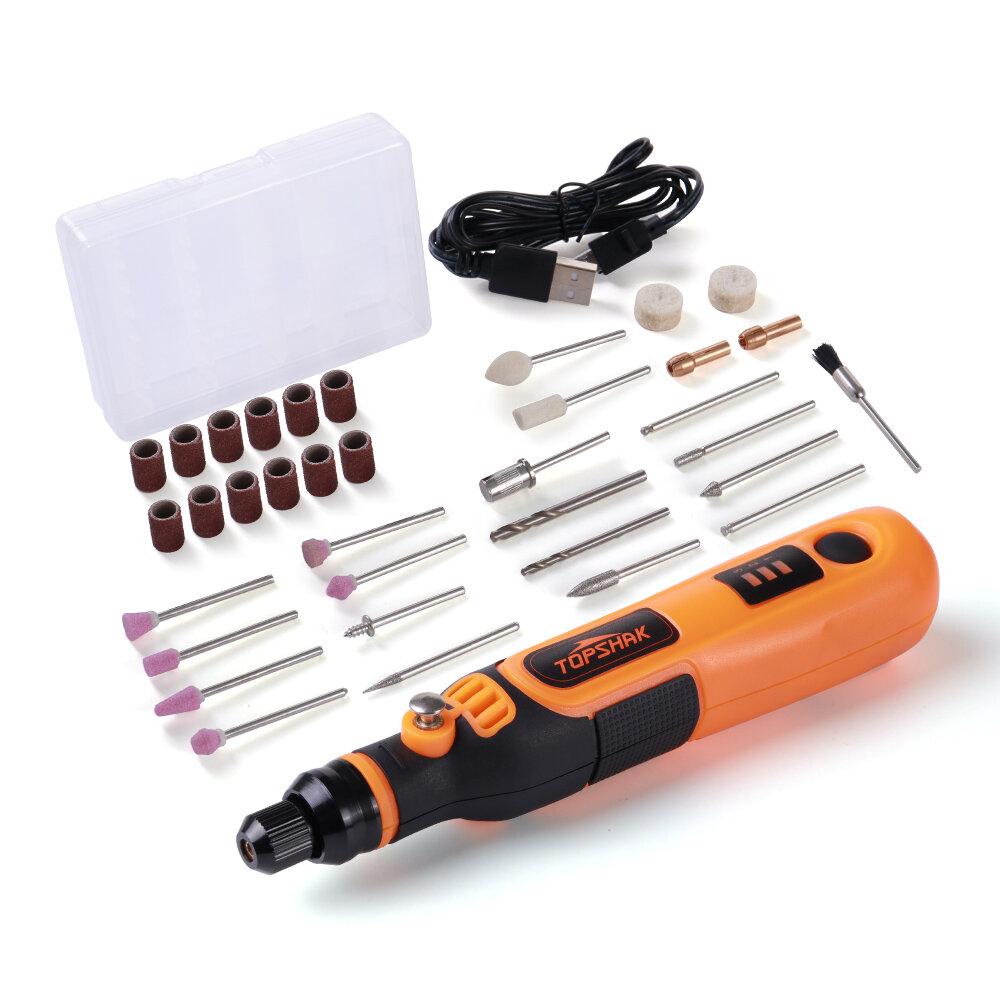
Topshak TS-MG1

Chinese warehouse
Topshak TS-MG1
Banggood Express
38,99 €You save 20,64 €
18,35 €
CouponBG194121
Shopping on Banggood for the first time? See the guide!
Updated 7. 10. 2022 on 13:03
TIPWith Banggood Express shipping, you don’t pay any extra fees.

We recommend choosing Banggood Express shipping—so you won’t have to pay anything extra. Customs duties and any VAT will be handled directly by the seller for you. Shipping can be selected in the cart, after you enter the delivery address. Delivery with Banggood Express usually takes around 15–20 days, but it may also take longer.

Track this product’s price

As soon as we post a new coupon, we’ll send you an email. You can unsubscribe from tracking anytime.

Shopping on Banggood for the first time?

XiaomiPlanet deal

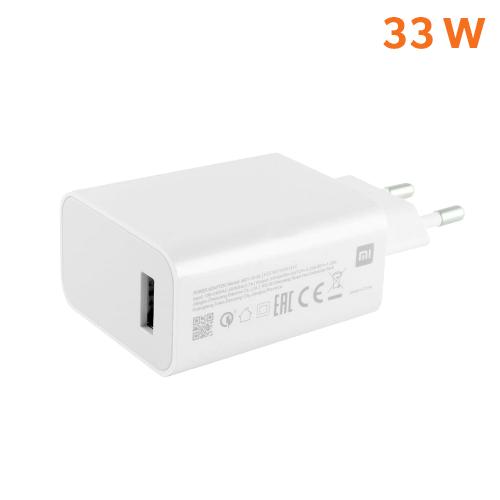
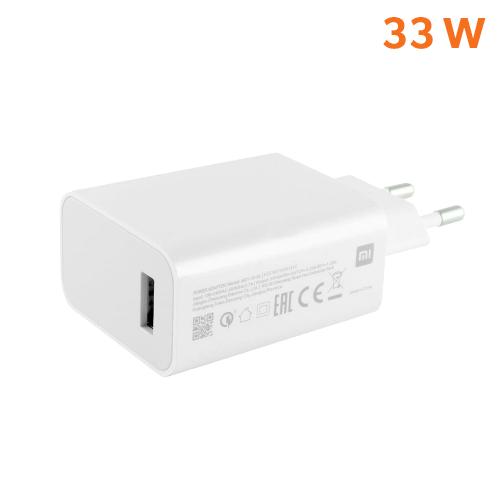
Xiaomi 33 W / 27 W adapter for Mi Turbo Charge

Xiaomi 33 W / 27 W adaptér pre Mi Turbo Charge
14,49 €You save 3,91 €
10,58 €
Without a coupon
Buying on AliExpress for the first time? See the guide!
Updated 25. 2. 2022 on 16:17
TIPShipping via Aliexpress Standard Shipping

Aliexpress Standard Shipping is available for this product. This is the most reliable shipping method and, in most cases, it’s delivered by a courier company. Delivery time is usually 10-20 days.

When ordering from the Chinese warehouse, AliExpress will add the customs duty in your cart—approximately 3,70 € per order. When you receive the package, you won’t pay anything extra.

Track this product’s price

As soon as we post a new coupon, we’ll send you an email. You can unsubscribe from tracking anytime.

Buying on AliExpress for the first time?

This process is done through the AliExpress mobile app, where most people shop. Two things matter: don’t use Buy now and enter the coupon only in the order summary in the Promo code field. After you click Pay now, you can’t add it anymore.

  1. Copy the code and click GET THE DISCOUNTIn our article, copy the coupon and click the button GET THE DISCOUNT. The link will take you directly to the product in the AliExpress app.
  2. Use Add to cart, not Buy nowOn the product card, scroll down and click Add to cart. Don’t use the Buy now button—this skips the cart, so later you won’t have a place to enter the coupon. Before that, make sure the variant is correct: color, version, and whether it ships from an EU warehouse.
  3. Continue to Checkout via the cartA pop-up will appear: Added to cart!—tap Check it out. If it disappeared, open the cart using the icon in the bottom-right corner. In the cart, check the product and quantity, then tap the red Checkout button. Only the items marked with the red circle are included.
  4. Fill in your address and card, then look for Promo codeIn the order summary, first enter the delivery address and payment card at the top. Below that, there’s a line Promo code — expand it with the arrow on the right.
    Riadok Promo code v zhrnutí objednávky v aplikácii AliExpress
    Look for this line under the address and payment method.
  5. Paste the code and confirm ApplyIn the field Promo code paste the copied code and click the black Apply. The code is case-sensitive and must not contain spaces.
    Políčko Promo code s kódom a tlačidlom Apply v aplikácii AliExpress
    Paste the code into the field and confirm by clicking the Apply button.
  6. Check your savings and payIn the section Summary expand the line Saved — you’ll see the applied coupon there as AliExpress coupons/codes. Only when Total is really lower, click Pay now.
    Riadok Saved s uplatneným kupónom a znížený Total v aplikácii AliExpress
    The applied coupon will show up in the Saved line and reduce the Total.
Apply the discount again in the order summary. After you click Pay now, you can’t add a coupon anymore. If Apply shows an error, the code has either expired, doesn’t apply to your item, or your order doesn’t meet the minimum amount.
Store Coupon also belongs in the same field. — a coupon from the seller itself, which isn’t always available and changes day to day. It can’t be combined with an AliExpress coupon, so try both and go with the one that gives you more. Coins are added automatically.
Xiaomi Planet shopping tip: GShopper has now launched direct bank transfer payments, so you can save another 4.5 % off the product price! Compared to card / Google Pay payment, you can get this product much cheaper. We described the full bank transfer payment process in our article.
XiaomiPlanet deal

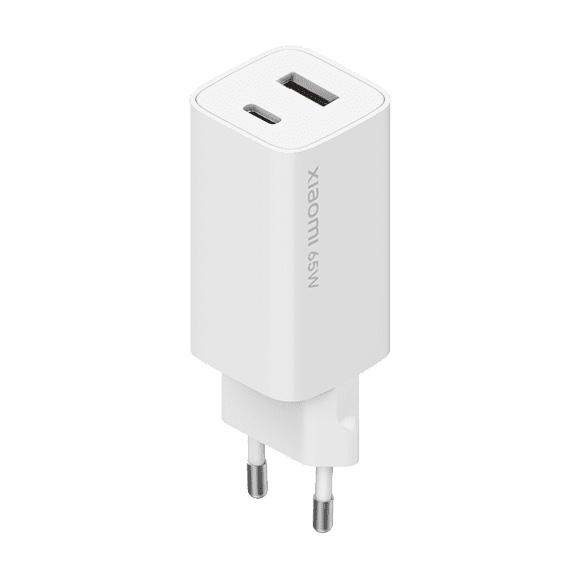
Xiaomi GaN 65W Fast Charger (Type-A + Type-C) EU version

Free customs delivery
Xiaomi GaN 65W Fast Charger (Type-A + Type-C) EU verzia
Standard Shipping GShopper
34,89 €
22,15 €
SOLD OUT

Price history

0,02 €more expensive than the average price
Cheapest 22,11 €Most expensive 22,15 €
Is it your first time shopping on GShopper? See the guide!
Updated 19. 7. 2024 on 07:39
TIPWith Standard Shipping via GShopper, you pay no extra fees—everything is already included!

With the GShopper seller, we recommend choosing Standard Shipping, where you won’t pay anything extra. Customs fees and any VAT are handled by the seller. You can select the shipping method in the cart only, after entering your delivery address. Delivery with this option usually takes about 15 business days from dispatch from the warehouse, but it may take longer.

Track this product’s price

As soon as we post a new coupon, we’ll send you an email. You can unsubscribe from tracking anytime.

Is it your first time shopping on GShopper?

GShopper is an international online store with warehouses not only in China, but also directly in the EU. You can complete your order in just a few minutes. Enter your address without diacritics, choose bank transfer as the payment method—it works out cheaper than a card—and enter the discount coupon before you submit your order.

  1. Register or log inOn GShopper, you create an account, or you can log in via Google or Facebook. You can also shop without registering, but with an account you’ll see your order status and it’s easier to handle any possible claim.
  2. Get to the product using our buttonIn our article, click the GET THE DISCOUNT button—this will open exactly the product and the version the coupon applies to. Then on the product page, click Buy Now or Add to Cart.
  3. Fill in the address WITHOUT diacriticsWrite your name, street and city without accents — so Zilina, not Žilina. Foreign carrier systems can’t handle diacritics and the package may get stuck. Check your ZIP code and phone number, including the country code.
  4. Choose shipping and check the warehouseMost products come with free shipping—if Free Shipping is available, choose it. Items shipped from an EU warehouse arrive in 2 to 7 business days and don’t go through customs clearance; dispatch from China or Hong Kong takes 7 to 45 days depending on the shipping method you choose. Continue with the Next button.
  5. For payment, choose bank transfer and saveIn checkout, you pick from the available options Bank Transfer, Credit Card and PayPal. Choose bank transfer—GShopper gives you an additional discount that, depending on the product, is 3 to 4,5 % compared to card payment. In the order summary, you’ll see it as a separate line.GShopper will then show you the bank account number and the amount in the line Amount to Transfer and a reference that you need to include in the note for the recipient. You make the transfer in your bank; the account is held in EUR within the EU—so it’s a standard SEPA transfer.
    Súhrn objednávky na Gshopperi so zľavou za bankový prevod
    The discount for bank transfer will appear as a separate line in the order summary.
  6. Enter the coupon and submit your orderPut the coupon into the field Discount Code and confirm with the button Apply. Only one coupon can be applied at a time. The price in the summary must be recalculated right away—if it didn’t change, the coupon wasn’t applied. Then submit your order by clicking Place Order.After payment, you’ll receive a confirmation email and you can also find your order in your account under the section My Orders.
    Políčko Discount Code v pokladni Gshopper s tlačidlom Apply
    You’ll find the coupon box at checkout under the payment method selection.
Enter the coupon before you click on Place Order. A discount won’t be added automatically to the completed order. If you forget the promo code, you’ll have to write via [email protected] — they may not have to comply.
You can change or cancel your order within 12 hours e-mail to [email protected]. Warranty varies by category: Xiaomi phones, Redmi and POCO have 24 months, tablets and e-scooters 12 months, earbuds, smartwatches and other Xiaomi products 6 months.
Our extra service with VIP support — we’ll handle the order on Gshopper for you and ship it straight to your address.

If you don’t have experience buying on Gshopper, payments don’t go through, or coupon use doesn’t work for you, we offer an order handling service directly to your address for our readers and customers. You transfer the money to our account and we place the order directly to your address. This way, you won’t have to worry about a failed payment or applying the coupon, and you can be sure the entire order will go through correctly 100 %. In addition, you automatically get our VIP support — if any issues arise with the shipment, we handle them for you and assist with filing a claim. The fee for this service is €15 extra of the product price. You can contact us by email at info(@)xiaomiplanet.sk or on Messenger, where we’re constantly active.

20 W wireless charger

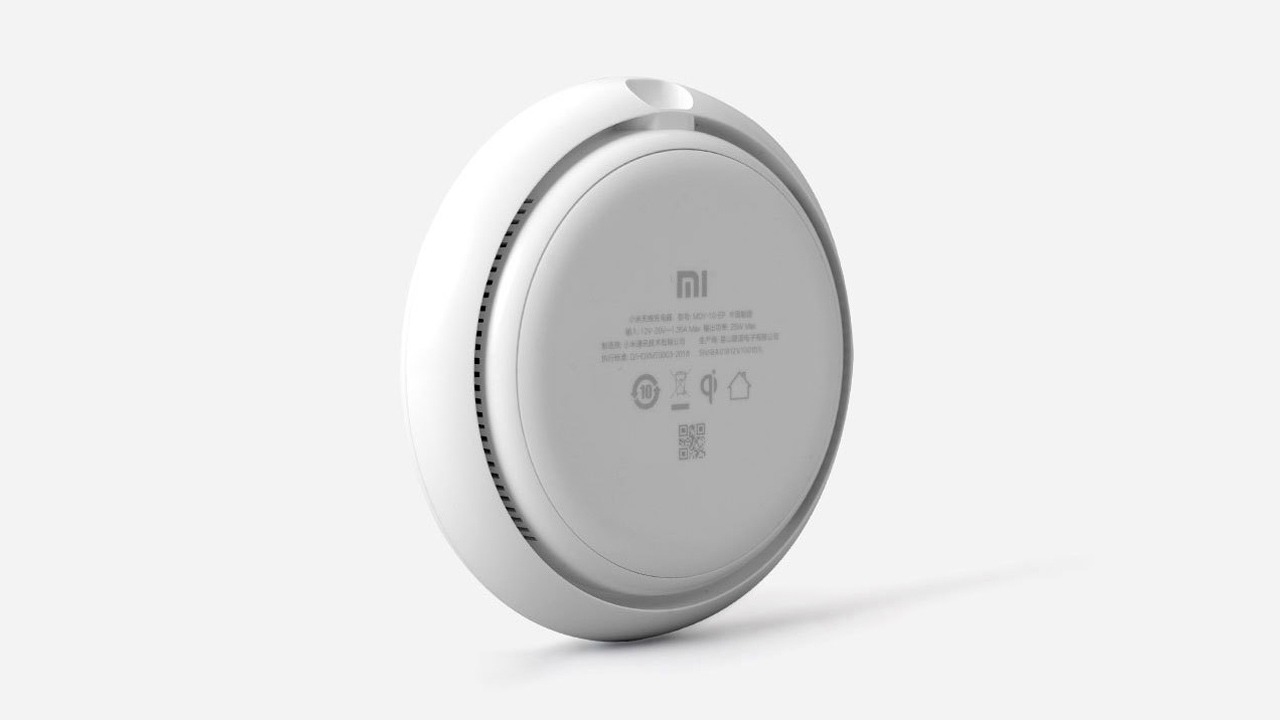
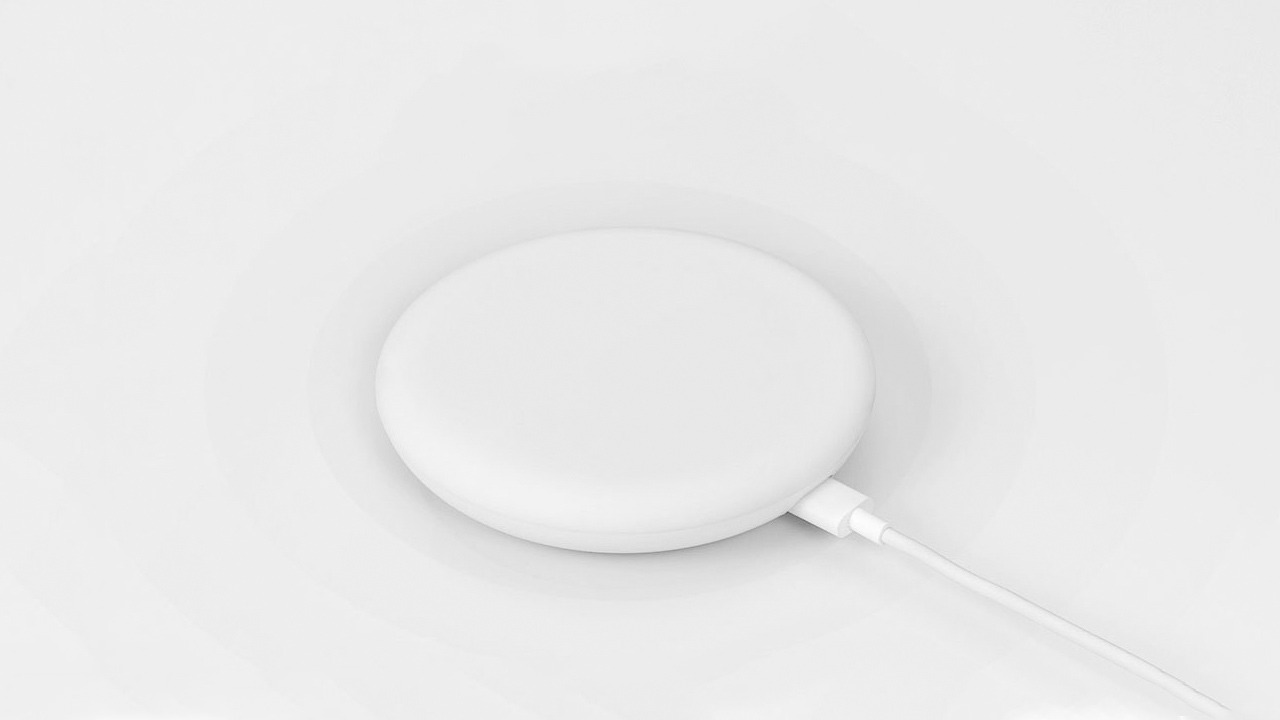
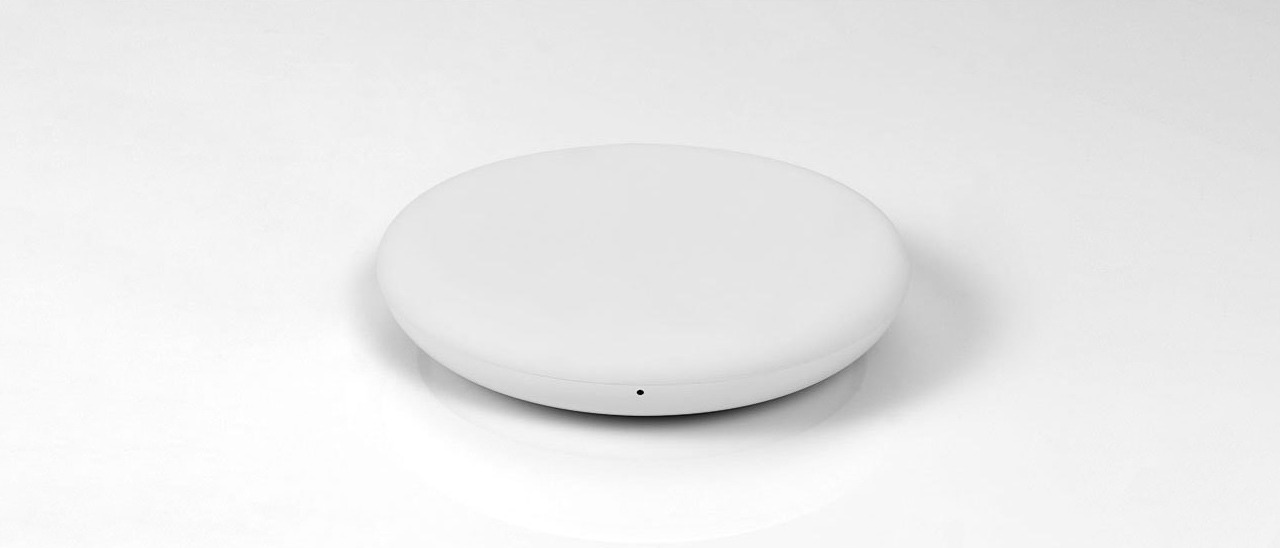
The Xiaomi 20 W wireless charger is, so far, the fastest wireless charger available on the market. The Xiaomi Mi 9 smartphone supporting 20 W wireless charging charges from 0 to 100% in just an amazing 90 minutes.

The bottom of the charging pad includes a cooling vent through which air flows from the built-in quiet fan. The dual-cooling system effectively reduces temperature, improving charging efficiency. The product has passed certification by TÜV Rheinland, ensuring safety and reliability.

Xiaomi 20 W bezdrôtová nabíjačka

The new wireless charger also supports the Qi 10W EPP charging protocol. Thanks to this, it’s compatible with other smartphones that have Qi wireless charging.

Besides Mi 9, you can use it, for example, the owners of Mi MIX 2S and Mi MIX 3. Other brands are also supported.

Ad

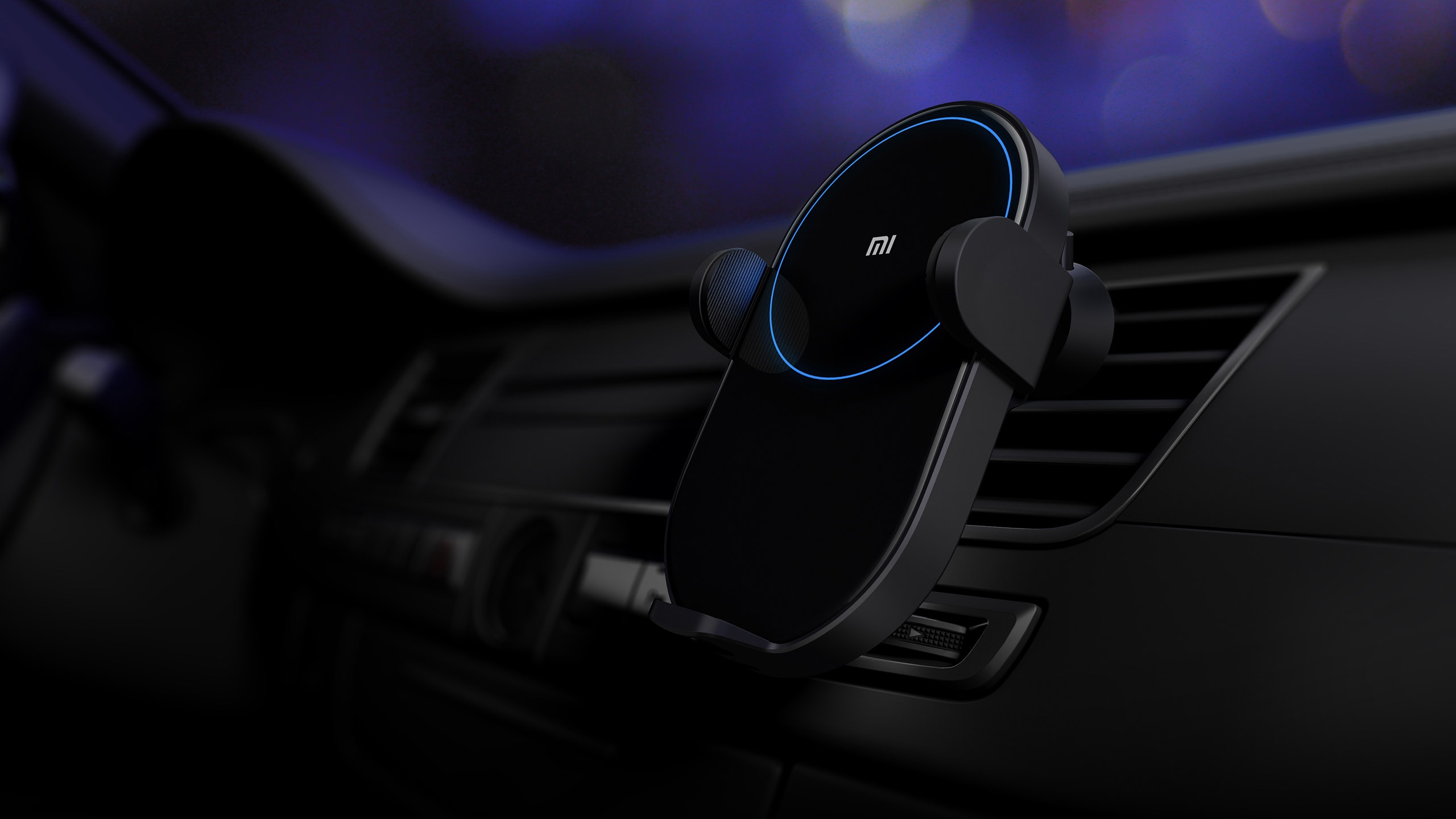
20 W wireless car charger

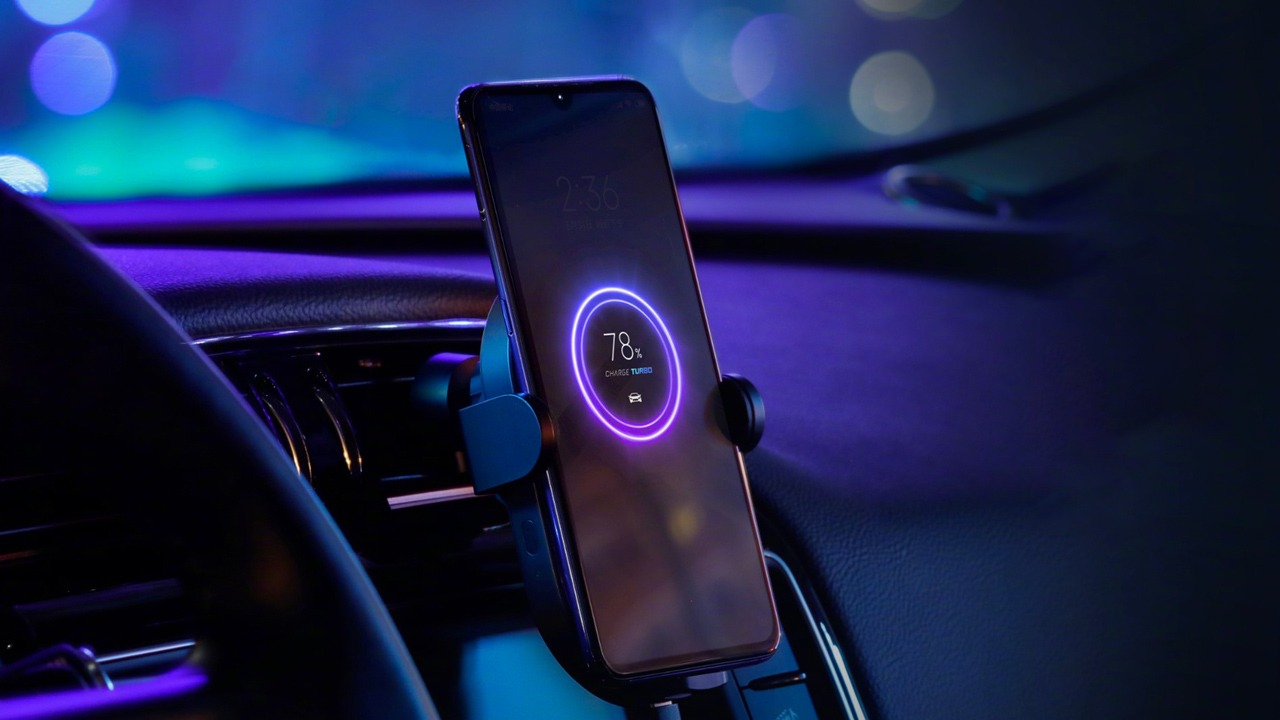
Xiaomi earns a world first thanks to its fastest wireless auto charger. Its maximum output is also 20 W, while it supports input up to 27 W.

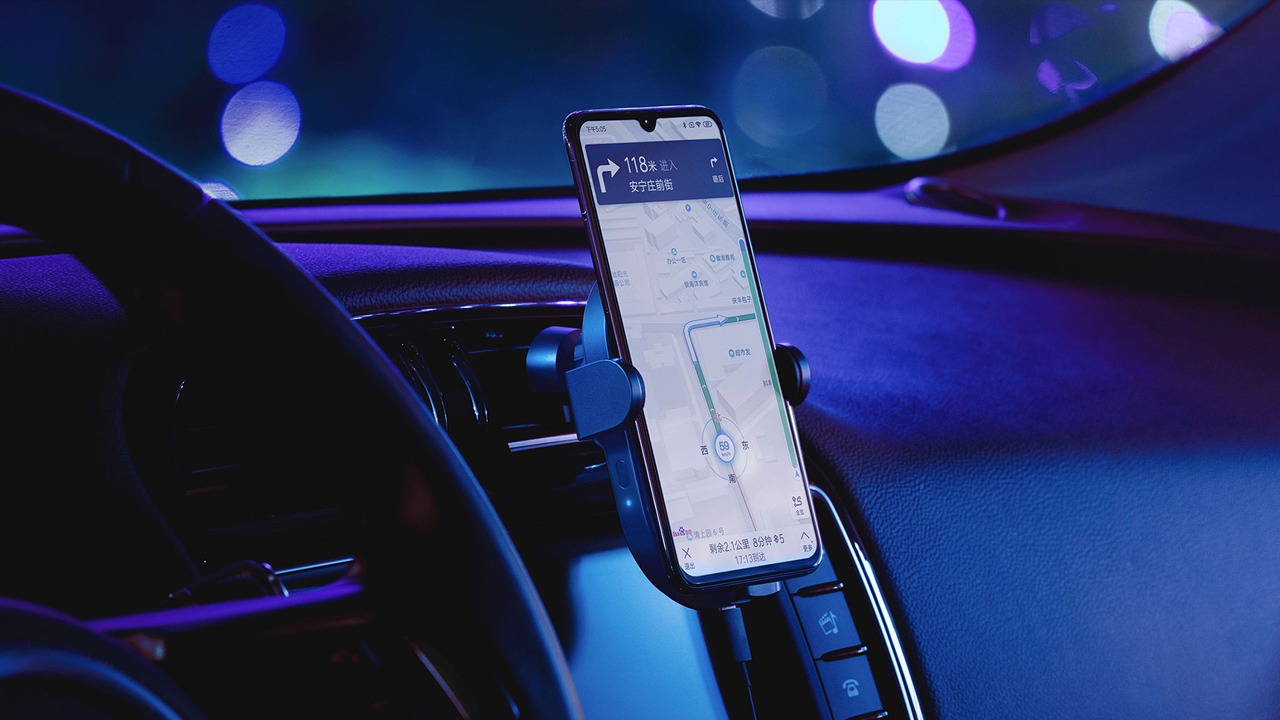
The charger also works as a smartphone holder, which is handy, for example, when navigation is running. It’s fixed the classic way into the air vent grille.

However, the Xiaomi 20 W wireless car charger isn’t a normal charger / holder. It features motorized arms that automatically open when you place your smartphone on it. When you put it down, they automatically close. Everything works thanks to a built-in infrared motion sensor.

“The feature” that creates an insane impression. The video below shows it perfectly.

The surface of the wireless charger is made of glass with a 2.5D curved edge. Once you connect the power cable, a blue ring LED lights up automatically—visible when you drive at night. For more efficient charging and to prevent overheating, there’s also a dual cooling system with its own fan.

The charging panel arms can be spread to a width of 81.5 mm, making the charger suitable for most mobile phones that support wireless charging.

The charger is powered via a USB Type-C connector. In the box, you’ll find a power adapter and even a cable. So you don’t need to buy anything extra.

Ad

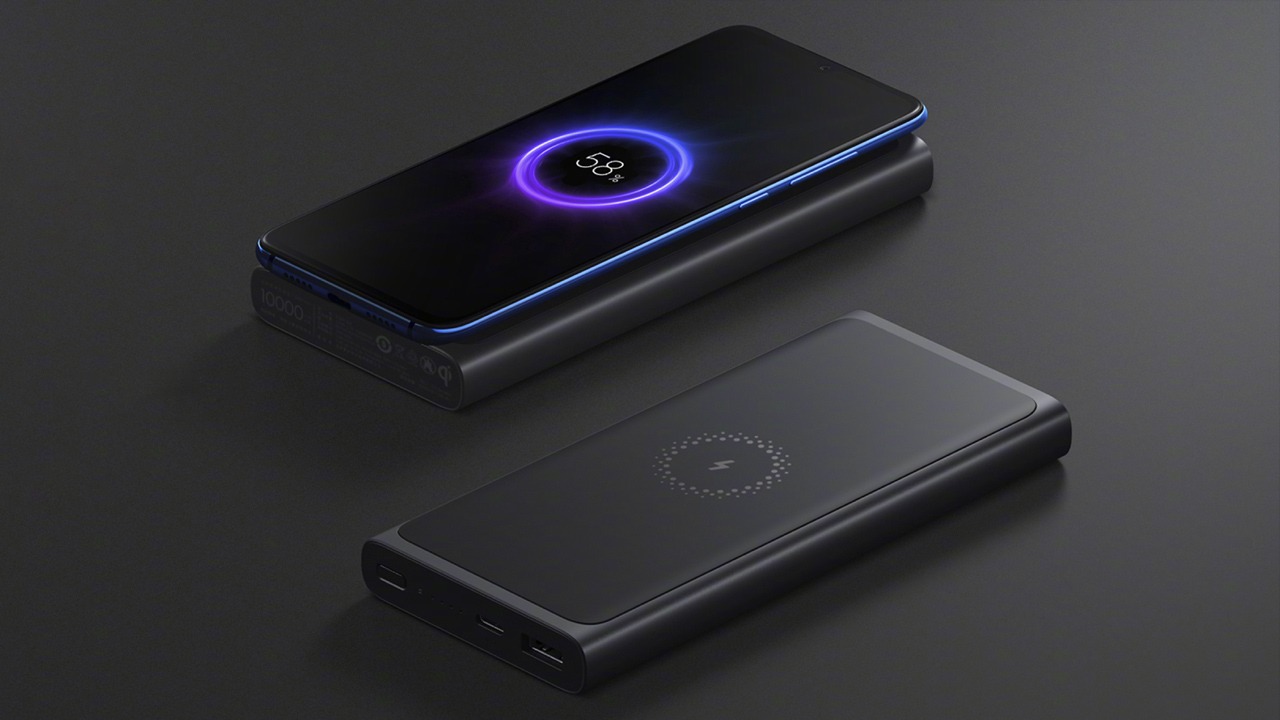
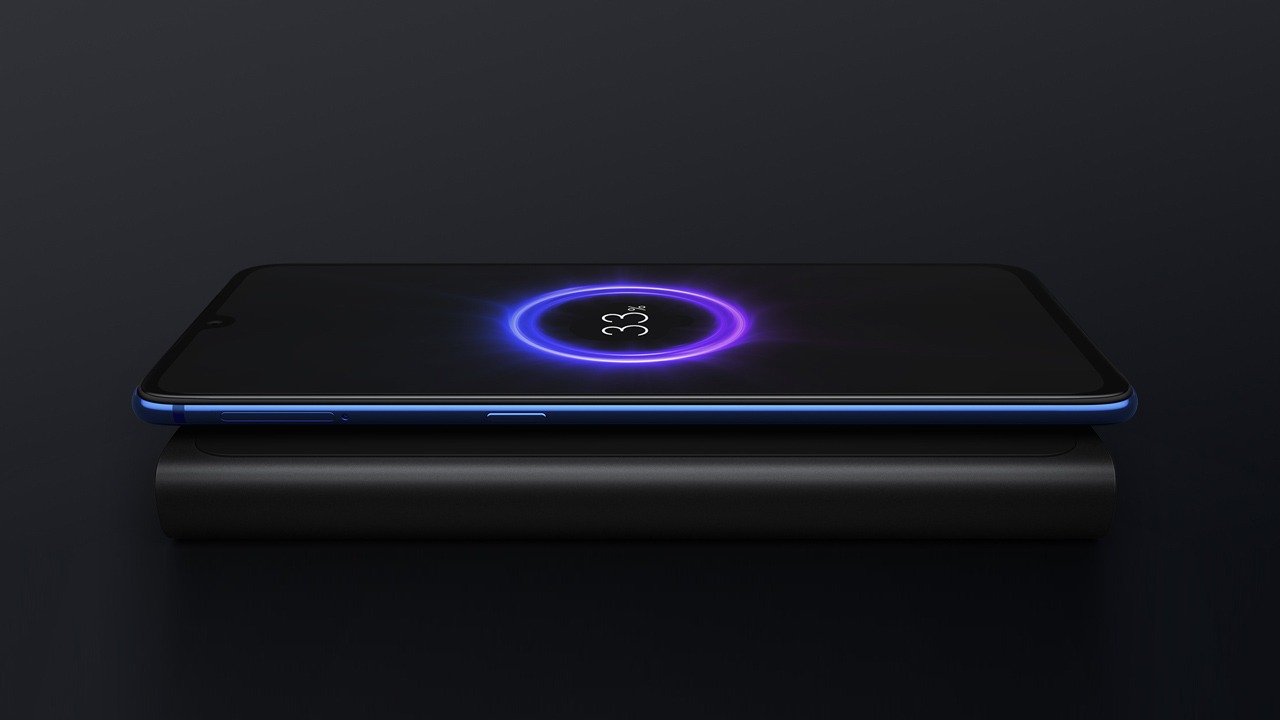
10 000 mAh power bank with wireless charging

Xiaomi is often referred to as the king of power banks. Power banks have become the brand’s second most popular product—right after smartphones.

Now it wants to defend its throne with a new 10,000 mAh power bank with 10 W wireless charging support.

It comes with a wireless Qi standard, so it can also be used by owners of smartphones from other brands, for example Samsung or iPhone.

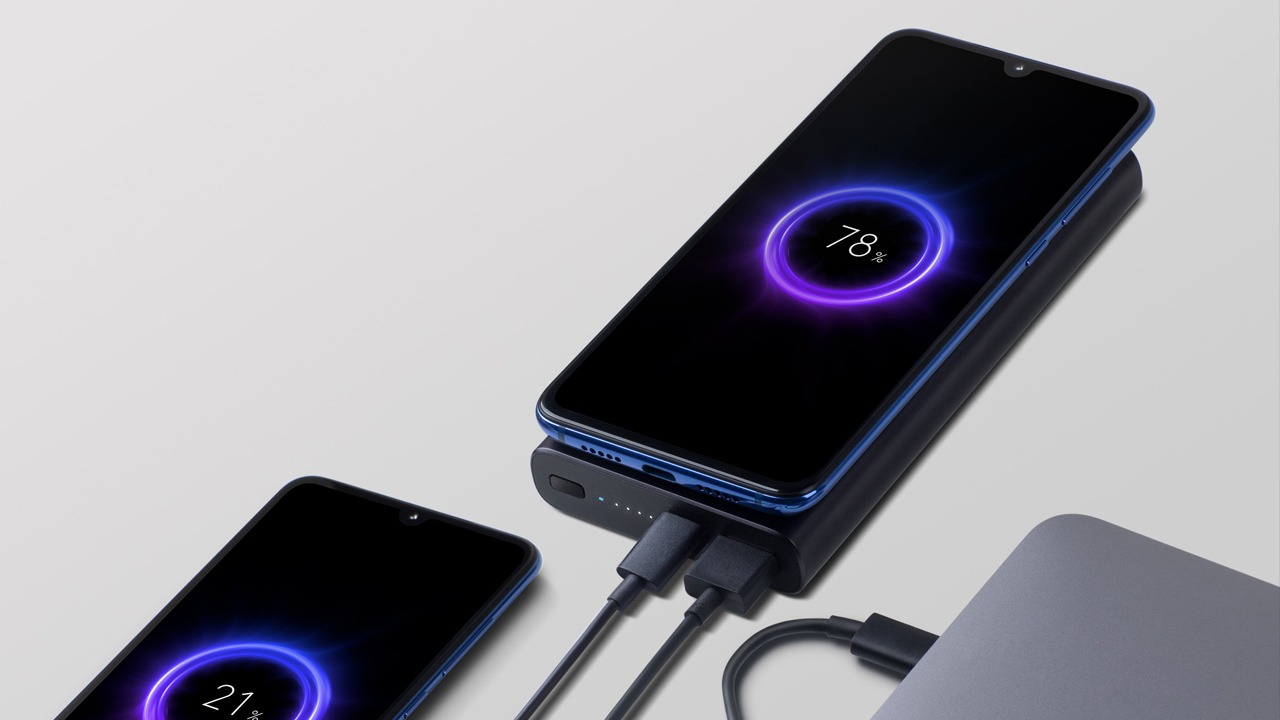
Also, the power bank got a USB Type-C connector and also one classic USB connector. In total, it can charge up to 3 devices at once — one wirelessly, two via cable.

It also supports fast 18 W charging (PD / QC3.0 / QC2.0 / BC1.2 / APPLE standards) via USB Type-C, in both directions. So the Mi 9 can be topped up in just 1 h 25 min.

There’s also a high-quality 9-layer protection against overvoltage, short circuits, and other unwanted conditions.


Add us as your preferred source on Google

Don’t miss the best coupons 📩

Subscribe and we’ll email you new coupons before they expire. We only send it once a month — no spam.

Ad Engerio