
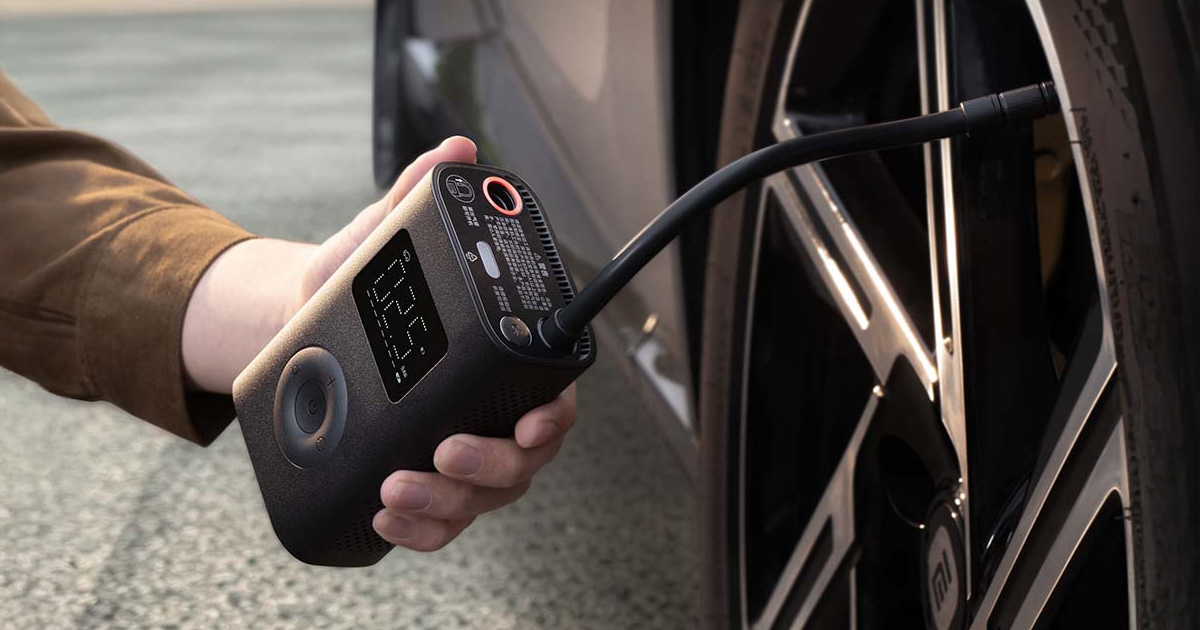
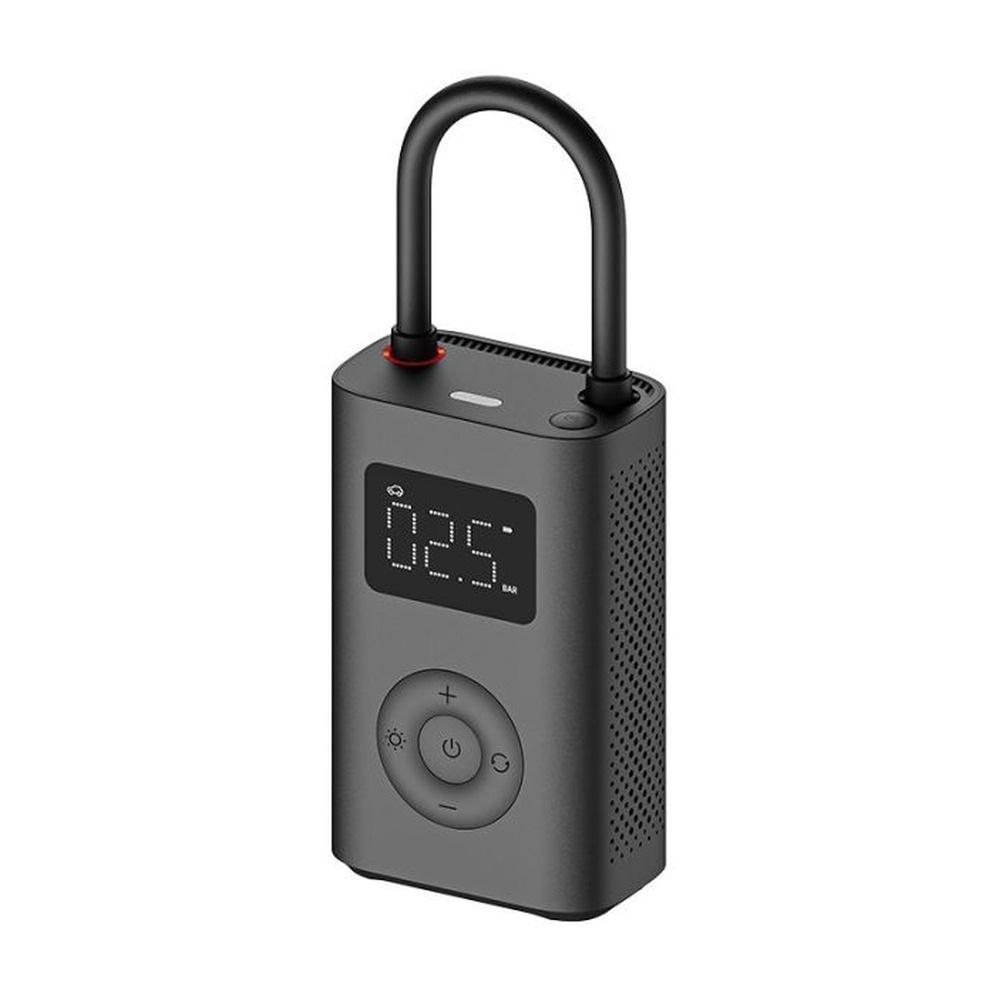
Small Xiaomi air compressor has been among the gadgets people have been buying through us for years the most, and its third generation Mijia Air Pump 3 Xiaomi sells it so far only in China. You won’t find it in Slovak stores, but now it has appeared in an EU warehouse. It will cost 41 €, which at the time of writing is €17 less than if you order with delivery from China.
Compressor only for China, delivered from Europe
Air Pump 3 is sold on a DHgate store that ships it from its warehouse in Germany with DHL courier, and delivery to Slovakia is free. Since the shipment doesn’t cross the EU border, you don’t pay customs duty (clo) or VAT upon delivery. If the European units run out, you’ll also find a version with delivery from China from our partner Gshopper, which sends it with duty-free shipping.
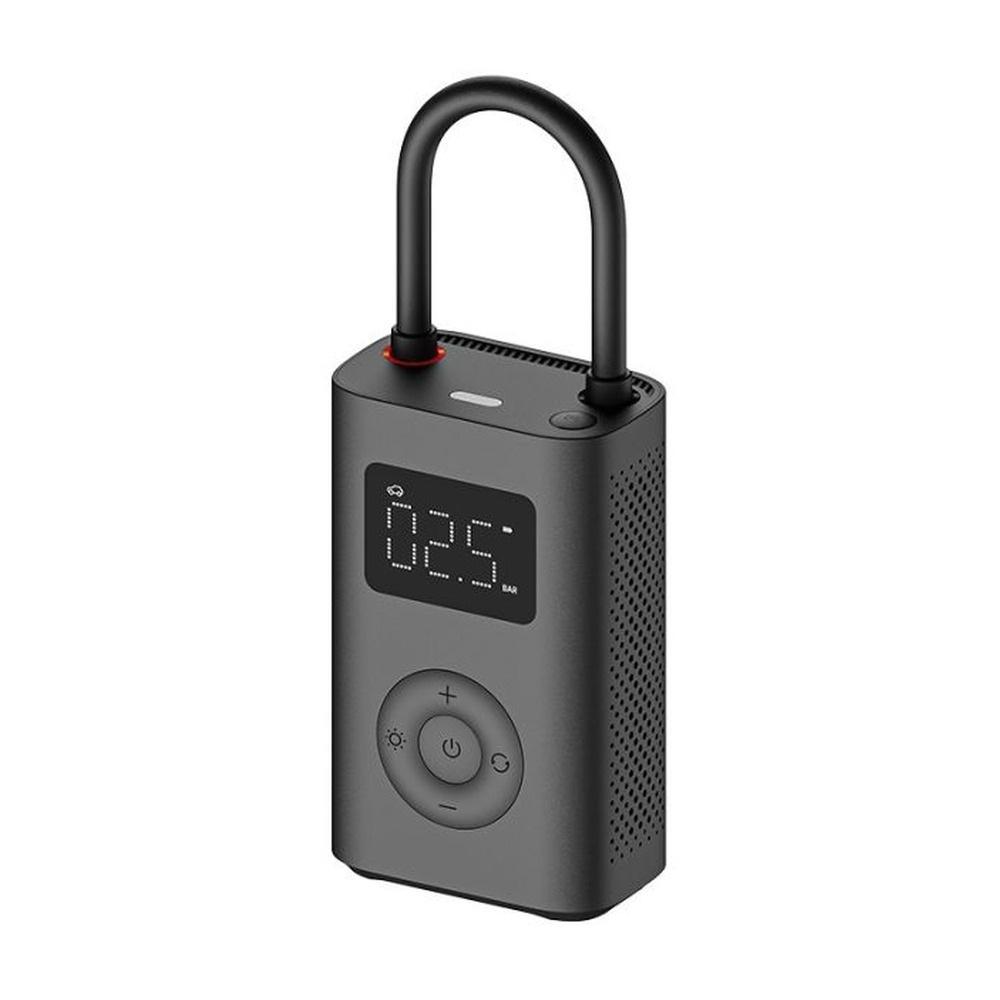
Xiaomi Mijia Air Pump 3

TIPExpress delivery from the German warehouse with no customs duty and no VAT.
This product will be delivered to you express from a local German warehouse. Delivery from Germany usually takes 7-10 days, and it’s brought by courier. When it arrives, you don’t pay any extra fees—no customs duty or VAT.

TIPWith Standard Shipping via GShopper, you pay no extra fees—everything is already included!
With the GShopper seller, we recommend choosing Standard Shipping, where you won’t pay anything extra. Customs fees and any VAT are handled by the seller. You can select the shipping method in the cart only, after entering your delivery address. Delivery with this option usually takes about 15 business days from dispatch from the warehouse, but it may take longer.
Our extra service with VIP support — we’ll handle the order on Gshopper for you and ship it straight to your address.
If you don’t have experience buying on Gshopper, payments don’t go through, or coupon use doesn’t work for you, we offer an order handling service directly to your address for our readers and customers. You transfer the money to our account and we place the order directly to your address. This way, you won’t have to worry about a failed payment or applying the coupon, and you can be sure the entire order will go through correctly 100 %. In addition, you automatically get our VIP support — if any issues arise with the shipment, we handle them for you and assist with filing a claim. The fee for this service is €15 extra of the product price. You can contact us by email at info(@)xiaomiplanet.sk or on Messenger, where we’re constantly active.
Our extra service with VIP support — we’ll handle the order on DHgate for you and ship it straight to your address.
If you don’t have experience buying on DHgate, your payment won’t go through, or the coupon doesn’t work, we offer our readers and customers an order-handling service delivered directly to your address. You send us the money by bank transfer and we order the product straight to you. That way, you don’t have to worry about a failed payment or applying the coupon, and you can be sure the whole order goes through 100 % correctly. On top of that, you automatically get our VIP support — we handle any shipping issues for you and assist with warranty claims. The fee for this service is 15 € for the product price. You can contact us by email at info(@)xiaomiplanet.sk or on Messenger, where we’re active all the time.
The Chinese version for the compressor doesn’t matter
Since the third generation isn’t officially sold in Europe, you can only buy it as a Chinese version, but with the compressor it doesn’t matter at all during use. The display shows the pressure numbers, mode icons, and battery status exactly like the European model, and the units are also the usual PSI and BAR. The compressor doesn’t need an app or a phone connection and charges via USB-C, so you don’t have to worry about a Chinese plug either.
In Chinese it’s only a paper manual, which you’ll open barely once anyway with those four buttons and six icons. The only thing you need to think about is the cable, because it isn’t in the official package contents—so have the one from your phone ready.
An empty wheel in six minutes, inflating in 75 seconds
For the third version, Xiaomi put in a stronger motor and a pressure-cast alloy cylinder with a 21 mm diameter, while the second one had 19 mm. According to the manufacturer, that’s why it inflates 25% faster, and an empty 205/55 R16 wheel goes from zero to 2.5 bar in six minutes instead of eight. Max pressure stayed at 150 psi.
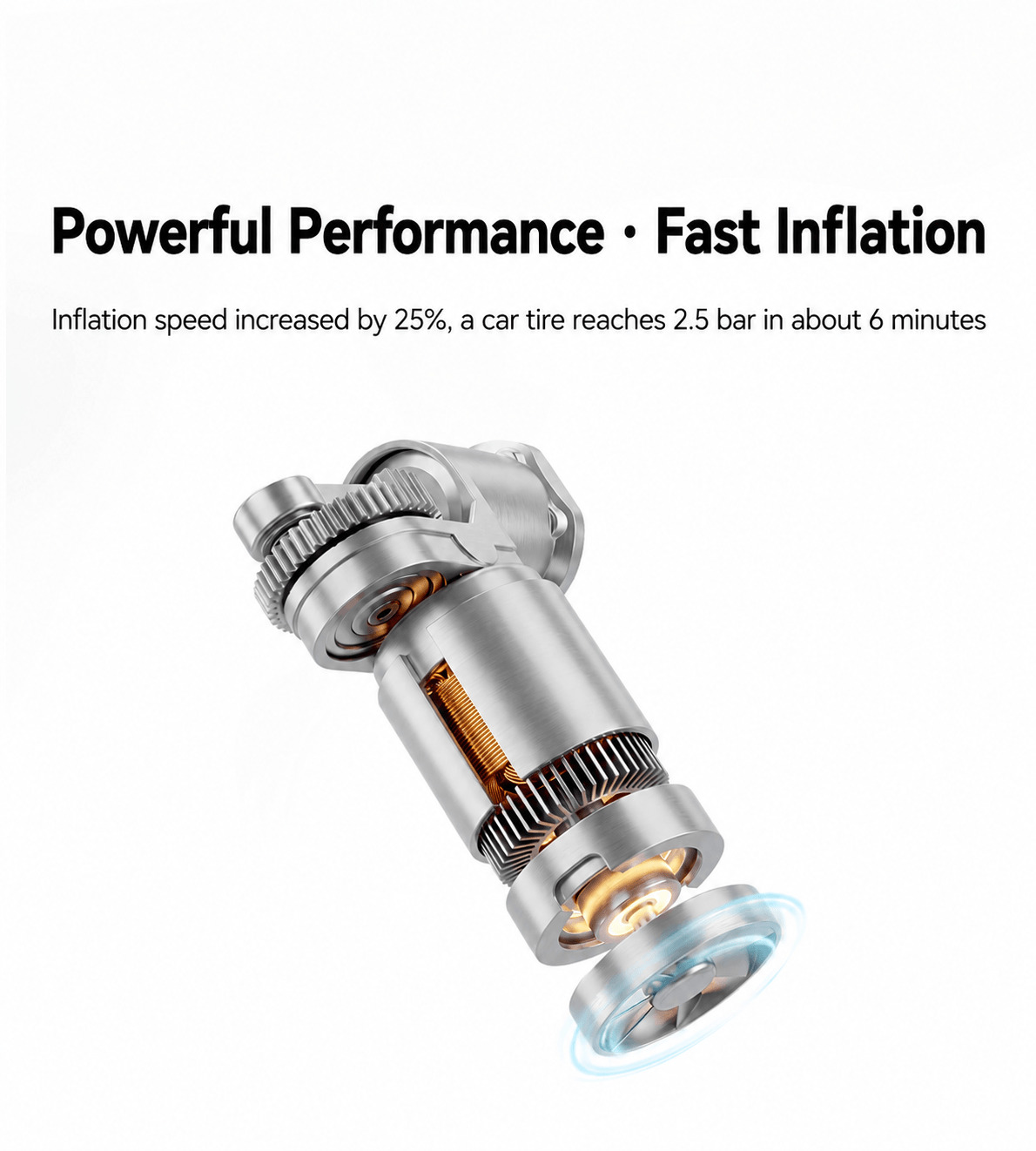
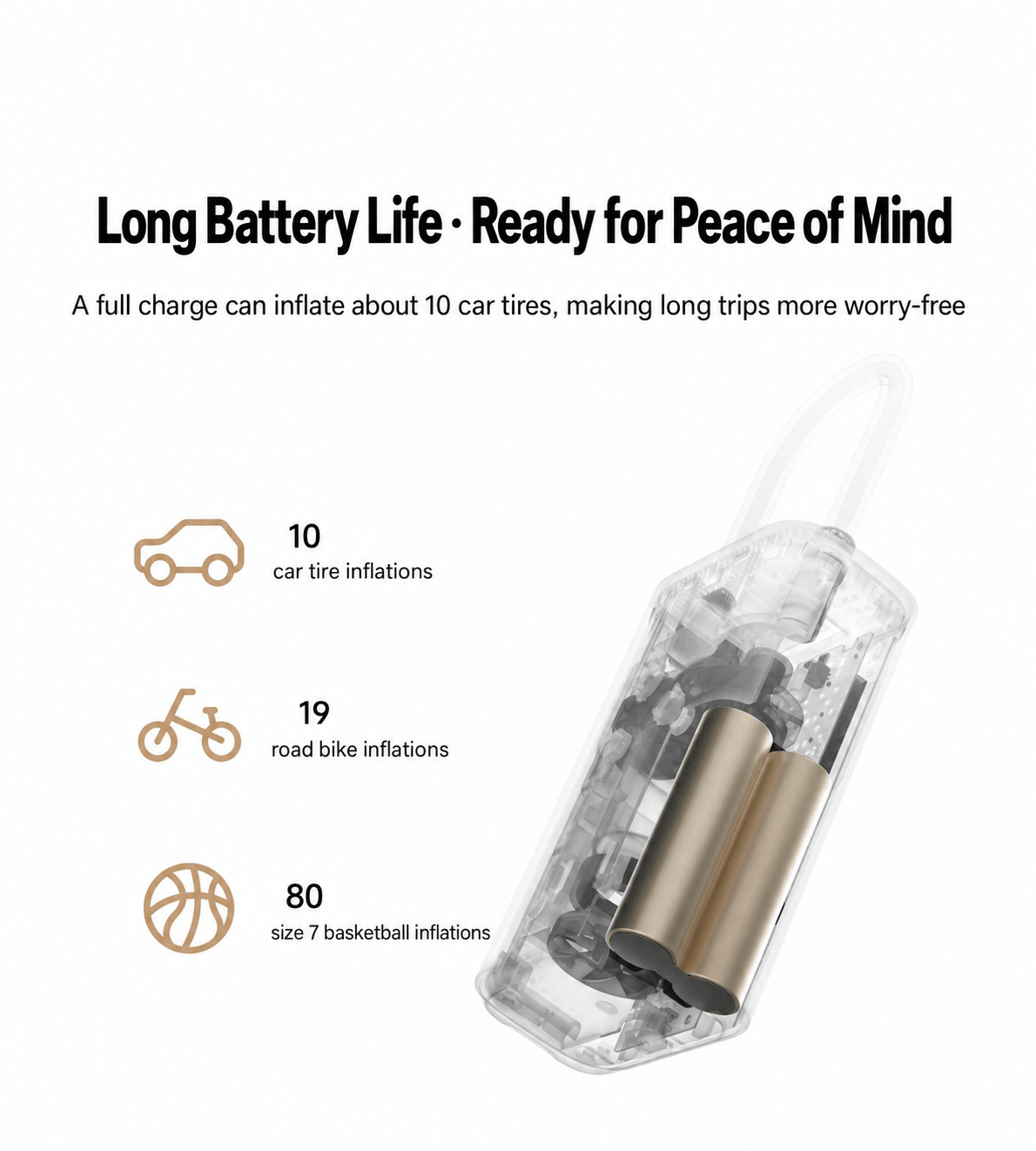
In practice, though, you usually end up topping up the tire, which loses some pressure over a few weeks. From 2.0 to 2.5 bar, the third version handles it in 75 seconds, while it took about two minutes for the second one. Inside there are two cells rated at 2 500 mAh instead of 2 000 mAh. With one charge, the compressor inflates ten car tires, a road bike tire from zero to 80 psi 19 times, and a basketball 80 times.
Set the pressure; the compressor stops automatically
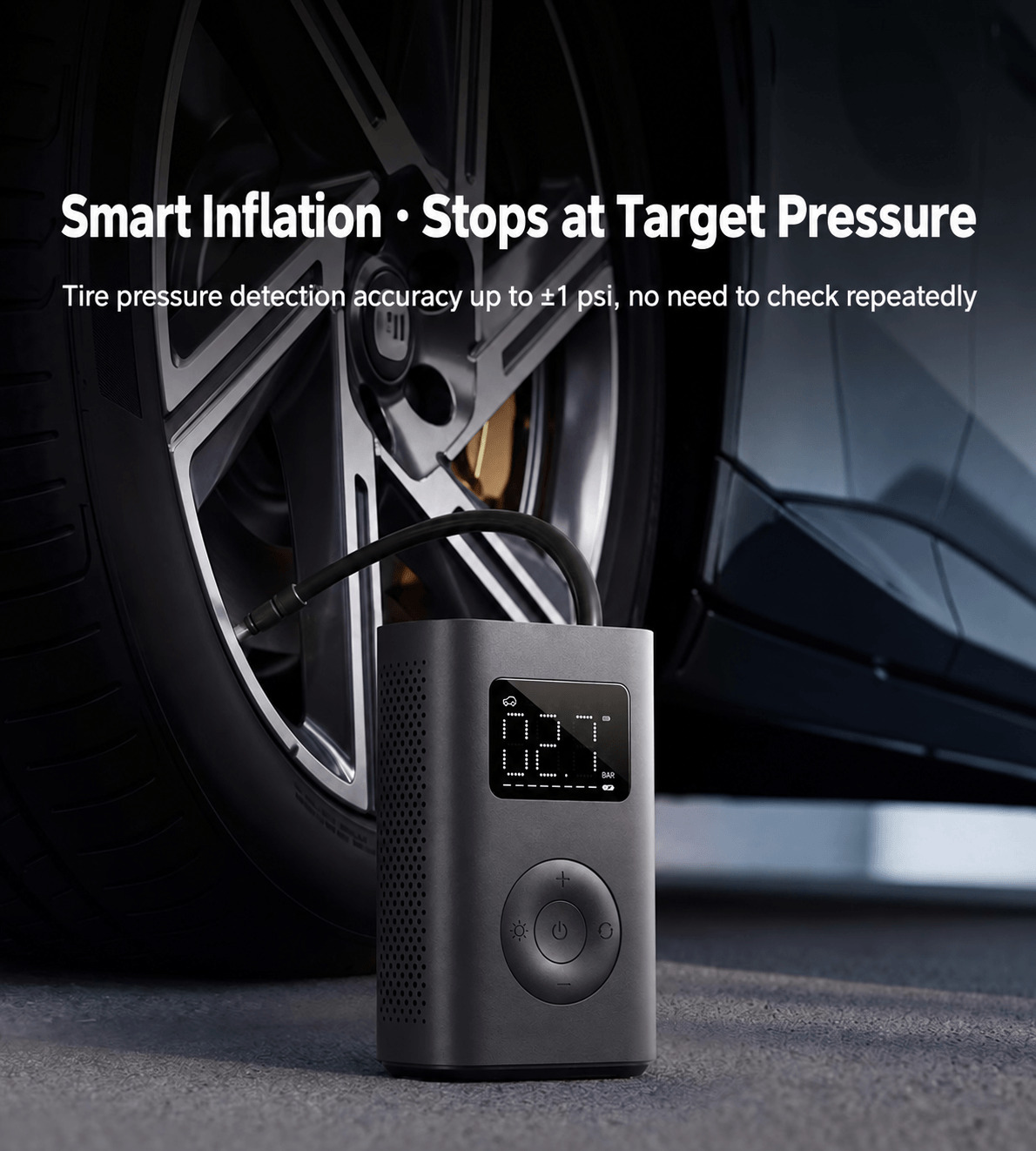
The compressor has six modes—each with a preset pressure and its own range: car 2.5 bar (1.8 to 3.5), motorbike 2.4 bar (1.8 to 3.0), bicycle 45 psi (30 to 65), and e-scooter 50 psi (45 to 60). For balls it’s 8 psi (4 to 16), and the custom mode starts at 35 psi and you can set it anywhere from 3 to 150 psi. When the pressure reaches the set value, the compressor stops, so you don’t have to stand by. A digital sensor measures with accuracy of ±1 psi. After each power-on it calibrates itself, so the data stays accurate even in high mountains.
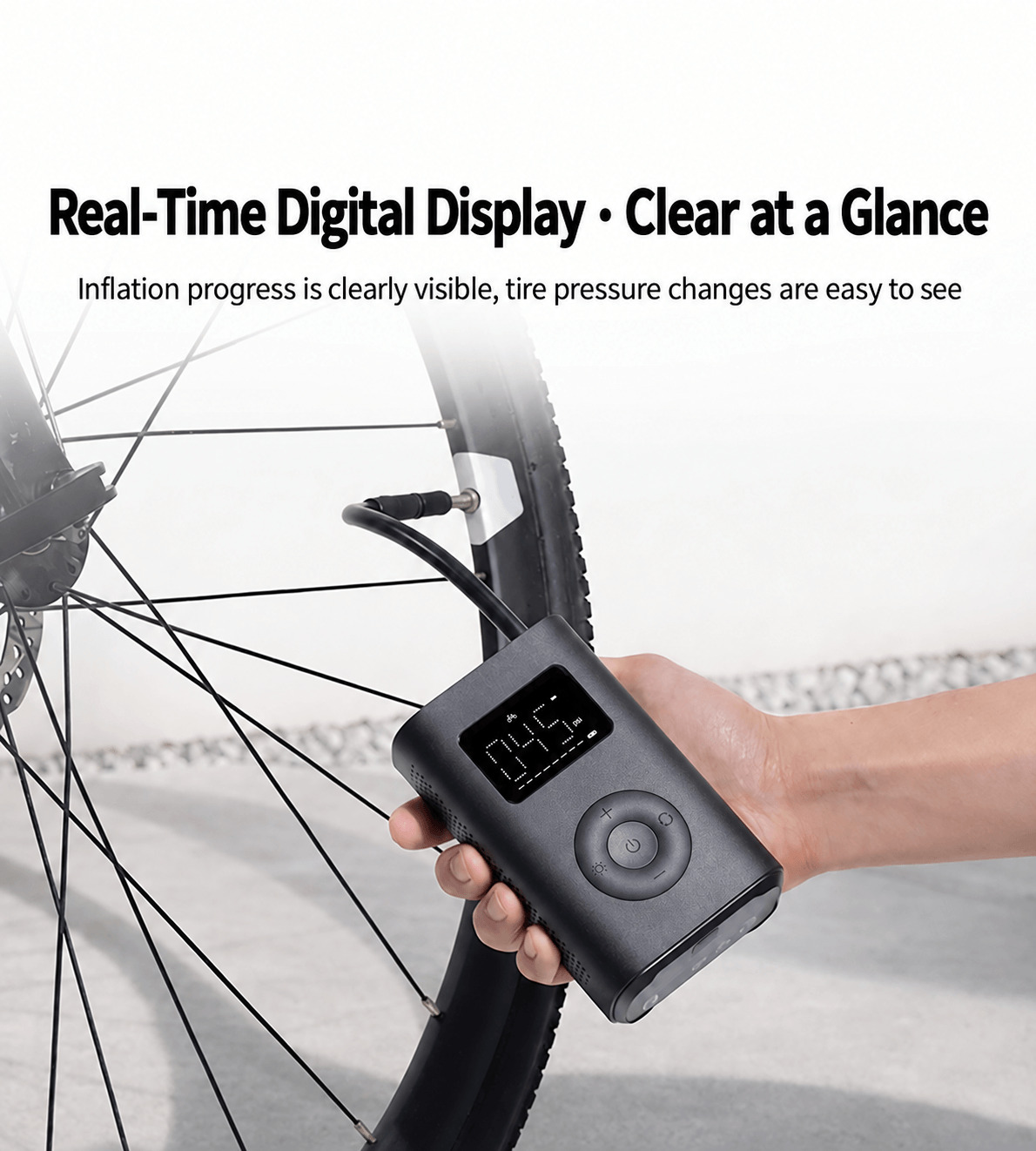
New is a pressure release button that lets you slightly reduce pressure if you overinflate the tire. During inflation, the display shows the progress on a bar that the second version didn’t have. The compressor also turns on/off with the hose itself: when you pull it out of its holder, it turns on, and when you push it back in, it turns off.
Light for the night and a few things to keep in mind
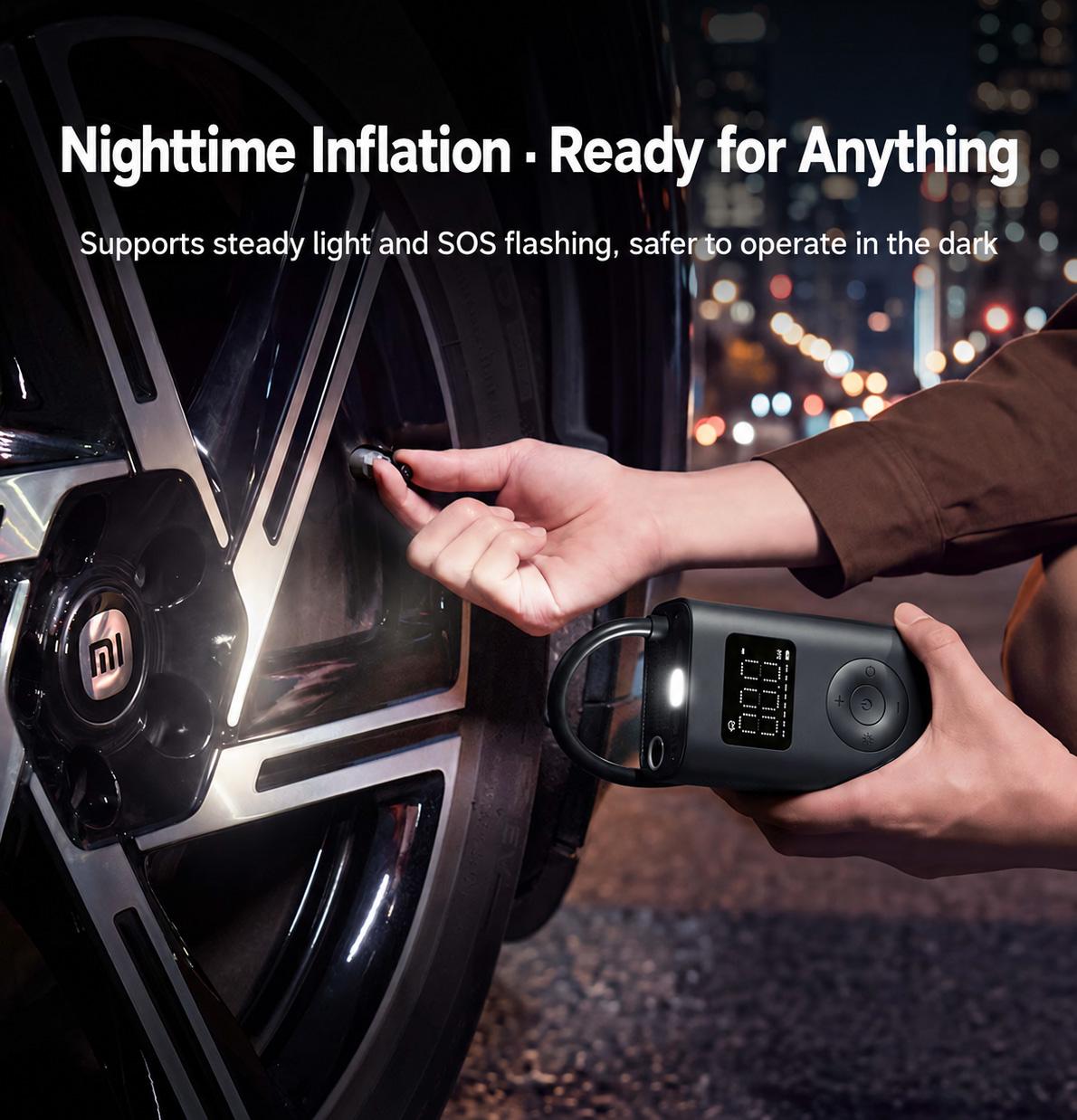
Up front there’s a LED light that lights up after a short press and blinks in SOS mode after a long press—handy when changing a tire at the roadside at night. In the box you’ll find a needle for balls, a quick connector for car air valves, an adapter for Schrader valves (road bike), and a fabric pouch.
The “ten tires” figure applies to inflating from 2,0 to 2,5 bar, while a fully empty car wheel inflates on one charge about 2,7-times. For a road bike with a Schrader valve, you usually won’t be able to reduce pressure with a button, because these valves don’t support venting according to Xiaomi.
The battery can’t be replaced and the compressor isn’t waterproof, so it doesn’t belong in the rain. It works from −10 to 45 °C, but you can only charge it at 5 to 40 °C—so in winter don’t leave it in the car overnight. From the adapter 5 V / 2 A it charges in about three hours. The battery pack is around 17 Wh, so it’s well below the 100 Wh limit for carry-on luggage, but check your airline’s rules before you fly.
| - | Xiaomi Mijia Air Pump 3 |
|---|---|
| Model | MJCQB3QW |
| Pressure range | 0.2 to 10.3 bar / 3 to 150 psi |
| Measurement accuracy | ±1 psi |
| Flat tire 205/55 R16 at 2.5 bar | about 6 minutes |
| Inflation 205/55 R16 from 2.0 to 2.5 bar | about 75 seconds |
| Cylinder | 21 mm / pressure-cast alloy |
| Modes | car / motorcycle / bicycle / e-scooter / ball / custom |
| Battery | 2× 2500 mAh (pack 2400 mAh) |
| Per charge | 10× inflations for a car / 19× for a road bike / 80× for a ball |
| Charging | USB-C / 5 V 2 A / approx. 3 hours |
| Operating temperature | −10 to 45 °C |
| Charging temperature | 5 to 40 °C |
| Light | LED / steady on and SOS flashing |
| Dimensions | 128 × 79 × 47 mm (without hose) |
| Weight | approx. 500 g (with hose) |
| In the box | needle / quick connector / adapter for presta valve / case / manual |
If you’d rather go for the proven classic, the previous generation will still serve you well and we tested it thoroughly. The “3” is built on it and mainly adds speed and pressure release.
To get more updates from the world of Xiaomi, keep following our Xiaomi Planet website. Join our Facebook group, where we build an active community and help each other out. Subscribe to our Telegram as well, where we add the best deals and coupons from China every day.
Don’t miss the best coupons 📩
Subscribe and we’ll email you new coupons before they expire. We only send it once a month — no spam.