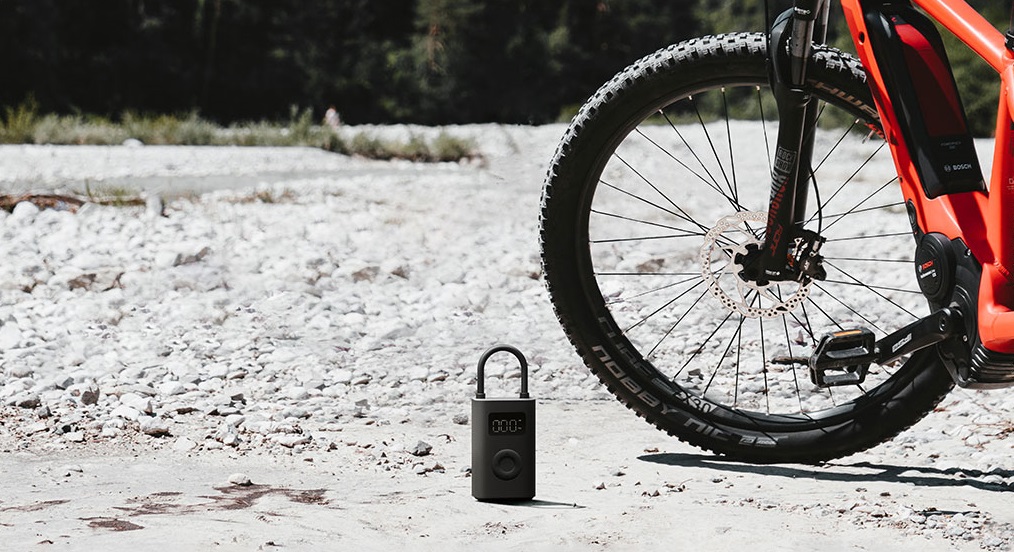
The second generation of the practical mini compressor Xiaomi Portable Electric Air Compressor 2 brings an improvement in inflation speed, enhanced by 25 %. Good news, too: it’s available in the EU warehouse and comes with a coupon right away.
Coupon price in the EU warehouse, express delivery
The second generation of Xiaomi’s mini compressor with the official name Xiaomi Portable Electric Air Compressor 2 is available from our verified sellers. You won’t be missing great prices, and you’ll also appreciate delivery from the EU warehouse, which in this case takes about 7business days after dispatch.
Platba cez DHgate: The platform has finally launched safe and reliable Google Pay payments! So now you don’t need to use Revolut / Wise cards for payment, and you can pay directly in EUR. We’d also like to remind you that orders from DHgate come with our VIP support, which you get after downloading our extension for the Chrome browser on desktop only (when shopping on a smartphone, you can use the DHgate app).
TIPFast delivery from the Spanish warehouse with no customs duty and VAT.
This product will be delivered to you quickly from a local Spanish warehouse. Shipping from Spain usually takes 7-10 days and is handled by a courier. When it arrives, you don’t pay any extra fees—no customs duty, no VAT.
Are you shopping on DHGate for the first time?See the guide!
Updated 13. 10. 2026 on 14:42
TIPExpress delivery from the German warehouse with no customs duty and no VAT.
This product will be delivered to you express from a local German warehouse. Delivery from Germany usually takes 7-10 days, and it’s brought by courier. When it arrives, you don’t pay any extra fees—no customs duty or VAT.
Our extra service with VIP support — we’ll handle the order on DHgate for you and ship it straight to your address.
If you don’t have experience buying on DHgate, your payment won’t go through, or the coupon doesn’t work, we offer our readers and customers an order-handling service delivered directly to your address. You send us the money by bank transfer and we order the product straight to you. That way, you don’t have to worry about a failed payment or applying the coupon, and you can be sure the whole order goes through 100 % correctly. On top of that, you automatically get our VIP support — we handle any shipping issues for you and assist with warranty claims. The fee for this service is 15 € for the product price. You can contact us by email at info(@)xiaomiplanet.sk or on Messenger, where we’re active all the time.
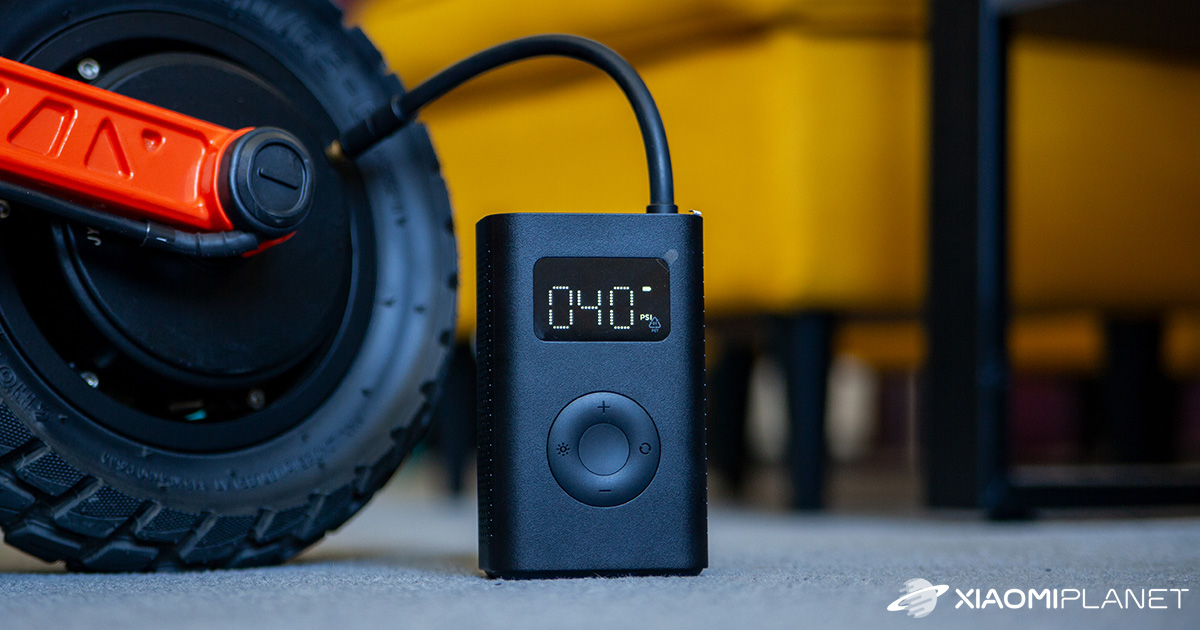
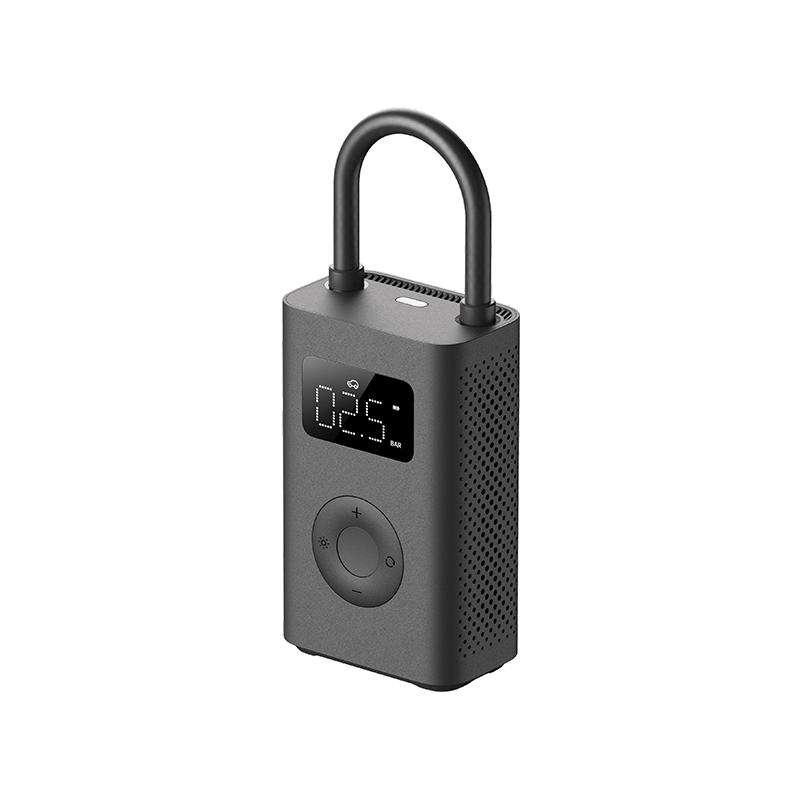
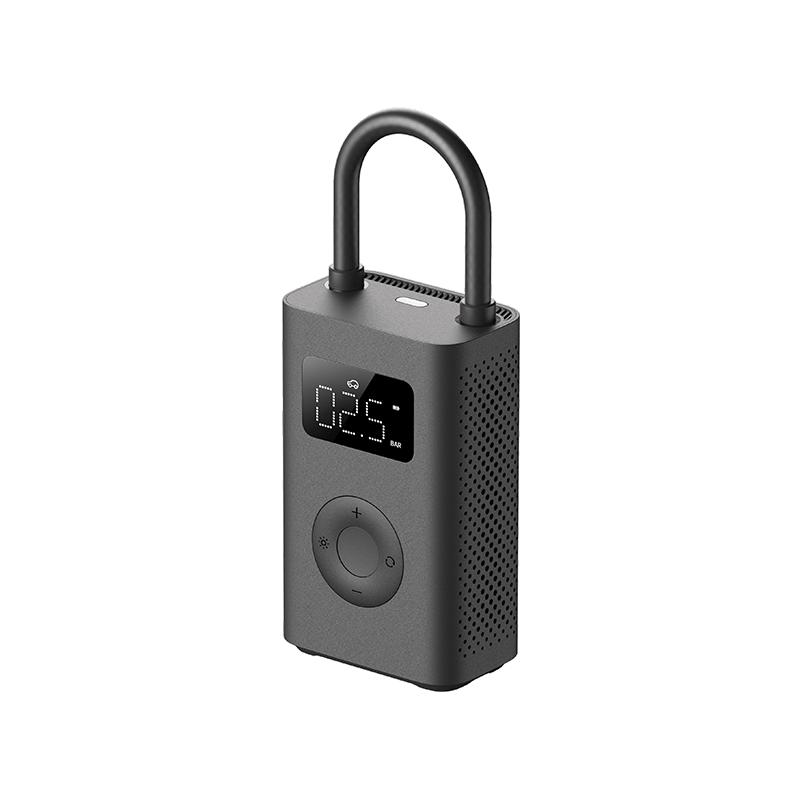
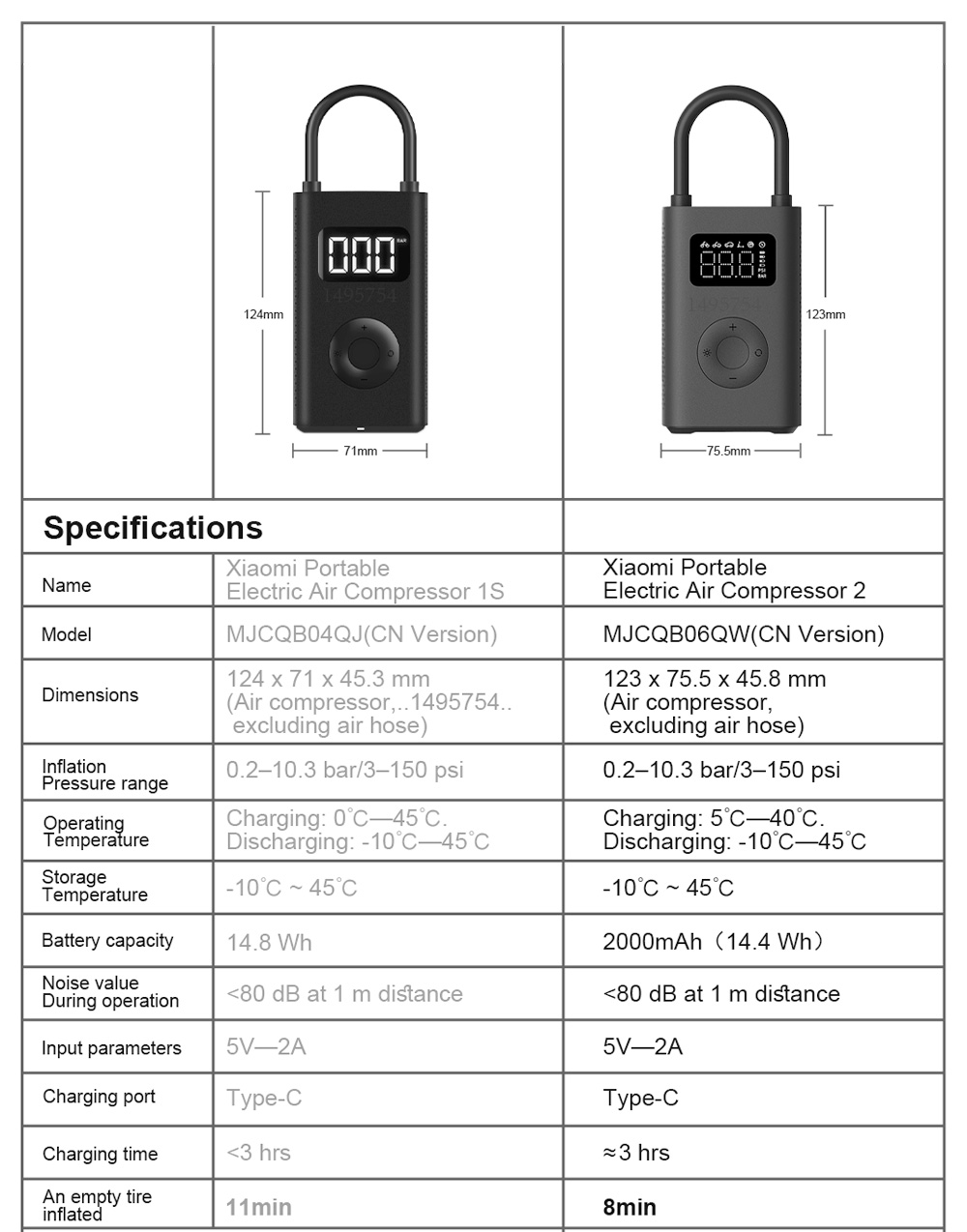
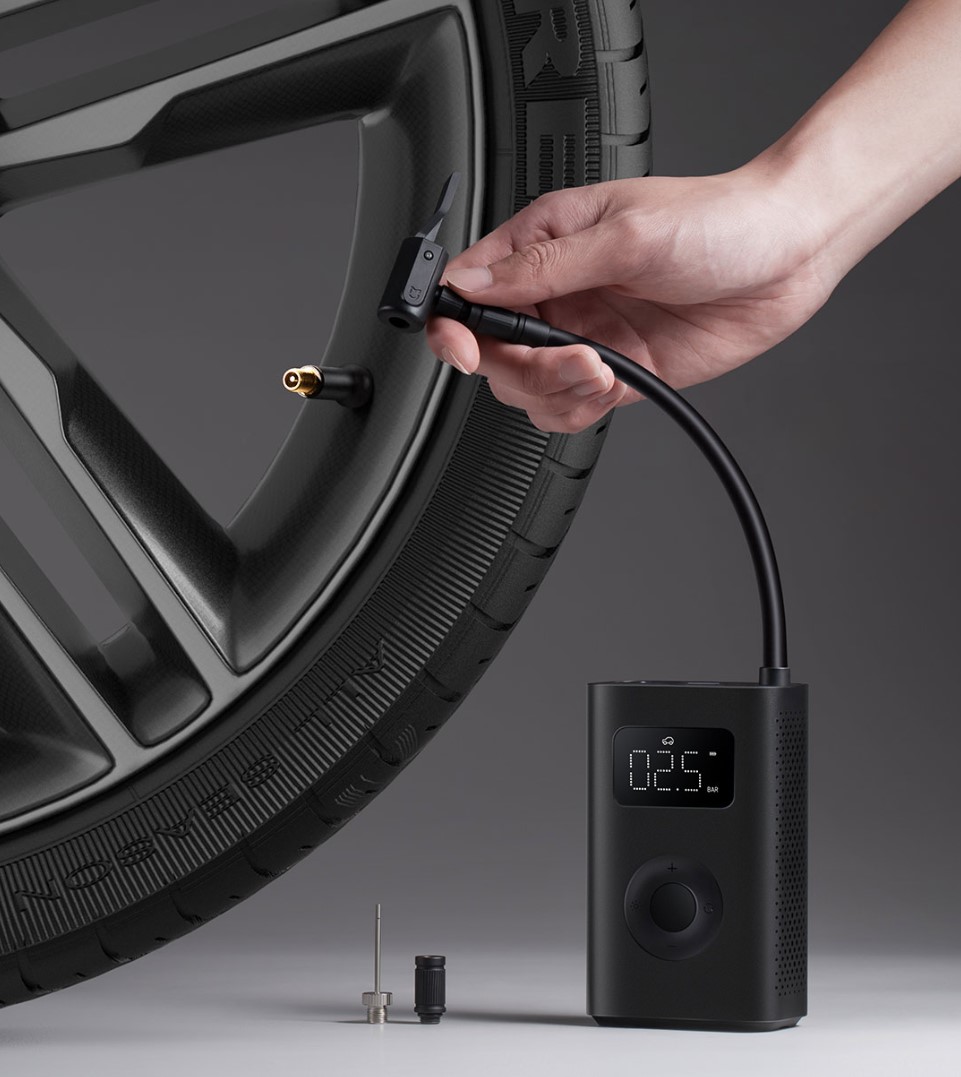
Design-wise, there are no major changes. It’s still a nice black plastic box measuring 123 x 75.5 x 45.8 mm with a 490-gram weight, which is less compared to the previous model.
Once again, you get a four-way connected control button and a fairly large display with clearly readable big numbers—something we really like.
Ad
25-percent increase in inflation speed
The tire-filling speed has been upgraded. The increase reaches up to 25 %, which in specific numbers means a jump from 15 L/min to 18 L/min air flow. As for runtime itself, one charge should be enough for up to 10 tires.
A special mode for inflating electric scooter tires has also been added. This is because most users use this product mainly for e-scooters.
Practical integrated LED light
The battery capacity is 2000 mAh, and it charges via the modern USB-C connector hidden under a rubber cover. Also, on the body you can find an integrated LED light to illuminate any surface.
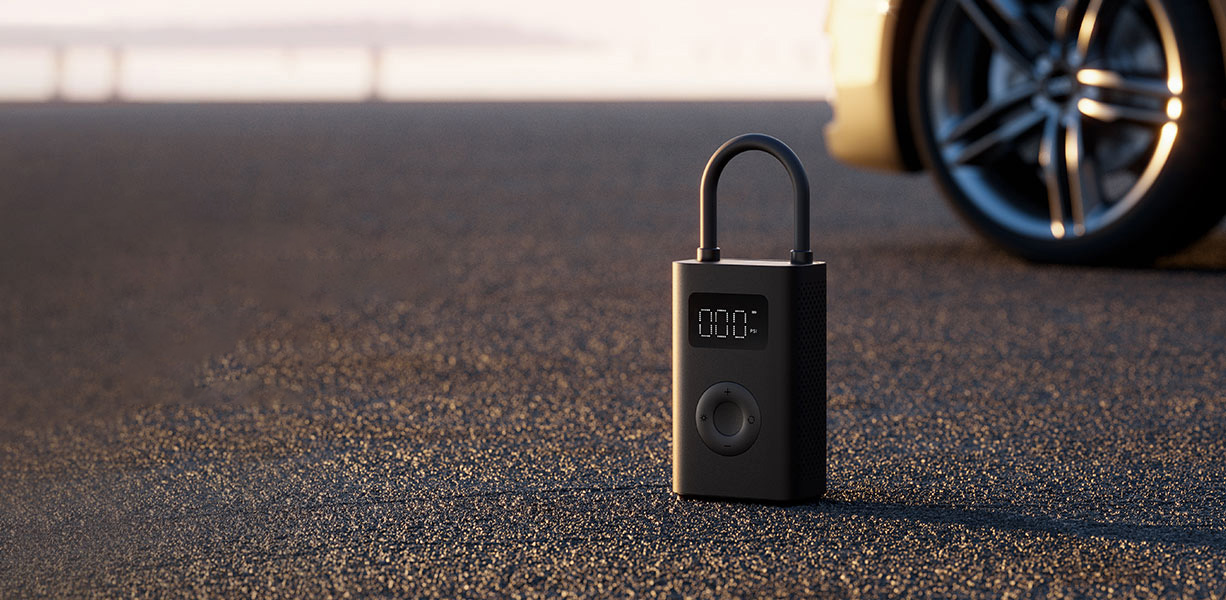
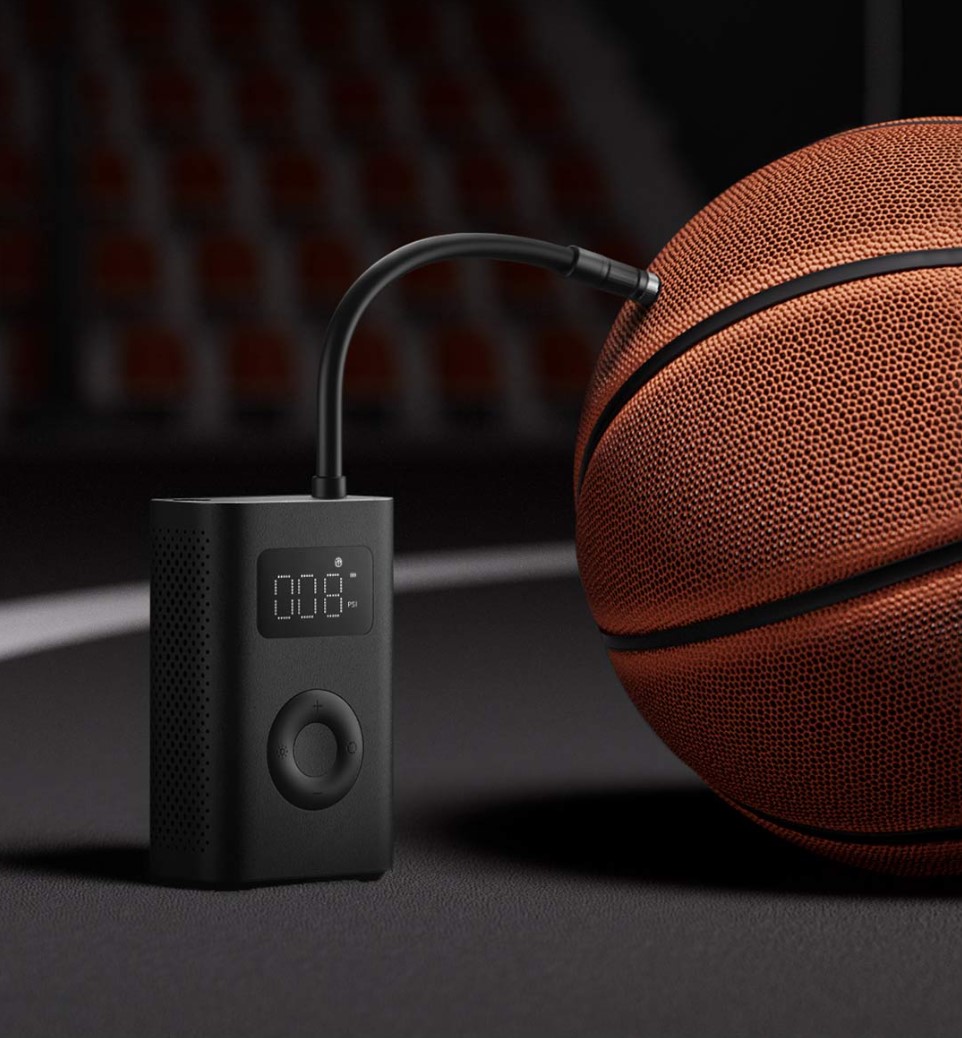
With the Xiaomi Portable Electric Air Compressor 2, you can inflate tires for a road bike, mountain bike, motorcycle, car, an e-scooter, and even sports balls. So it’s a universal tool worth having with you all the time.
In the box, besides the device itself and the manual, you’ll also find three different types of nozzles for tires or balls, plus a practical fabric carrying pouch.
Ad
What do you think of the second generation of this handy accessory? Are you happy with the previous versions, or are you planning to invest in this new release? Let us know in the comments below the article. Follow XiaomiPlanet, subscribe to our newsletter, and join our Facebook group, where we build an active Xiaomi community.