

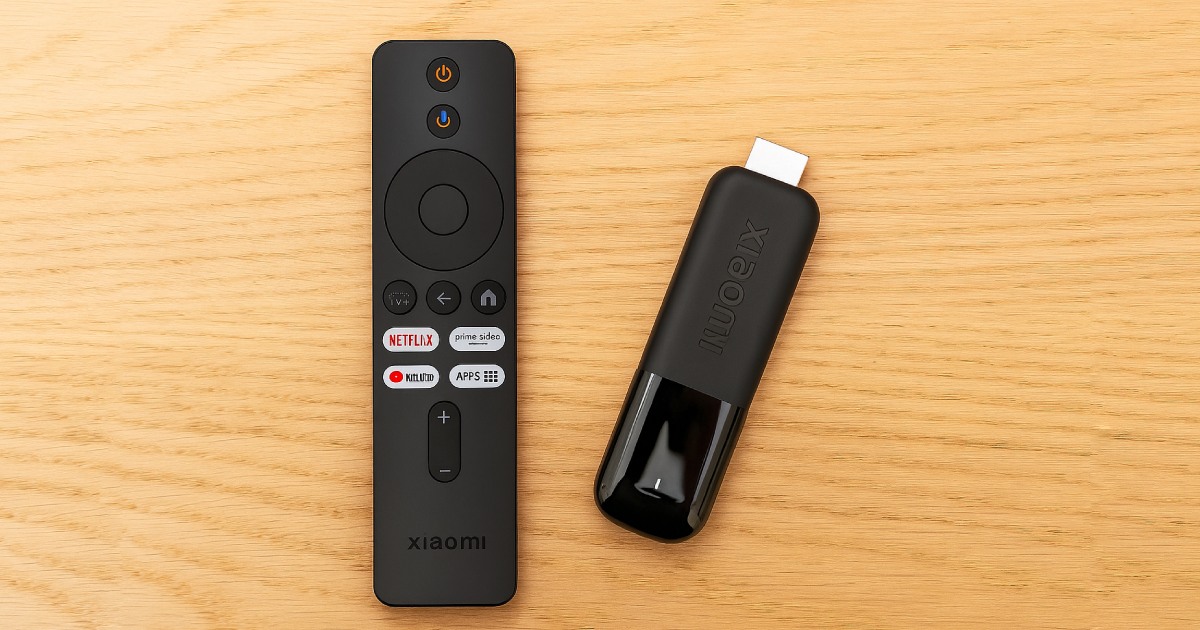
If you’re looking for a quality streaming device that delivers high-quality picture and sound, the new Xiaomi TV Stick 4K 2nd Gen is definitely worth considering.
Hot Xiaomi news in our FB group
It’s the successor to the popular Xiaomi TV Stick 4K model, which was first reported by XM.cz. The device hasn’t been officially announced yet, but it’s already on sale, even on AliExpress with a discount coupon!
Already with an AliExpress coupon
The product hasn’t been officially unveiled yet and comes as a successor to the successful Xiaomi TV Stick 4K 2nd model with upgraded features that will definitely interest every multimedia entertainment fan. You can already order it via AliExpress, and we also have a discount coupon for you.
Shipping is handled through AliExpress’s best shipping option — AliExpress Standard Shipping, so delivery will take from 10 to 15 days and you won’t have to pay any customs fees. VAT is already included in the price.
Xiaomi TV Stick 4K 2nd Gen
 Aliexpress Standard Shipping
TIPShipping via Aliexpress Standard Shipping
Aliexpress Standard Shipping is available for this product. This is the most reliable shipping method and, in most cases, it’s delivered by a courier company. Delivery time is usually 10-20 days.
When ordering from the Chinese warehouse, AliExpress will add the customs duty in your cart—approximately 3,70 € per order. When you receive the package, you won’t pay anything extra.
A large number of built-in streaming platforms
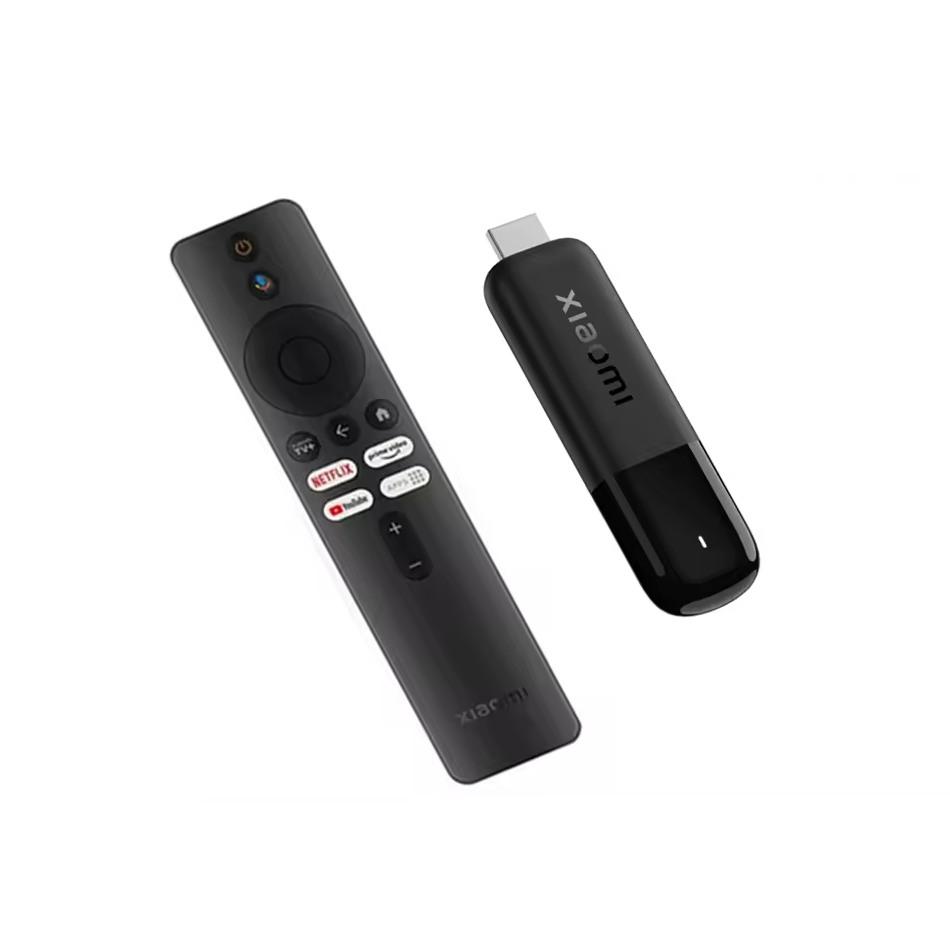
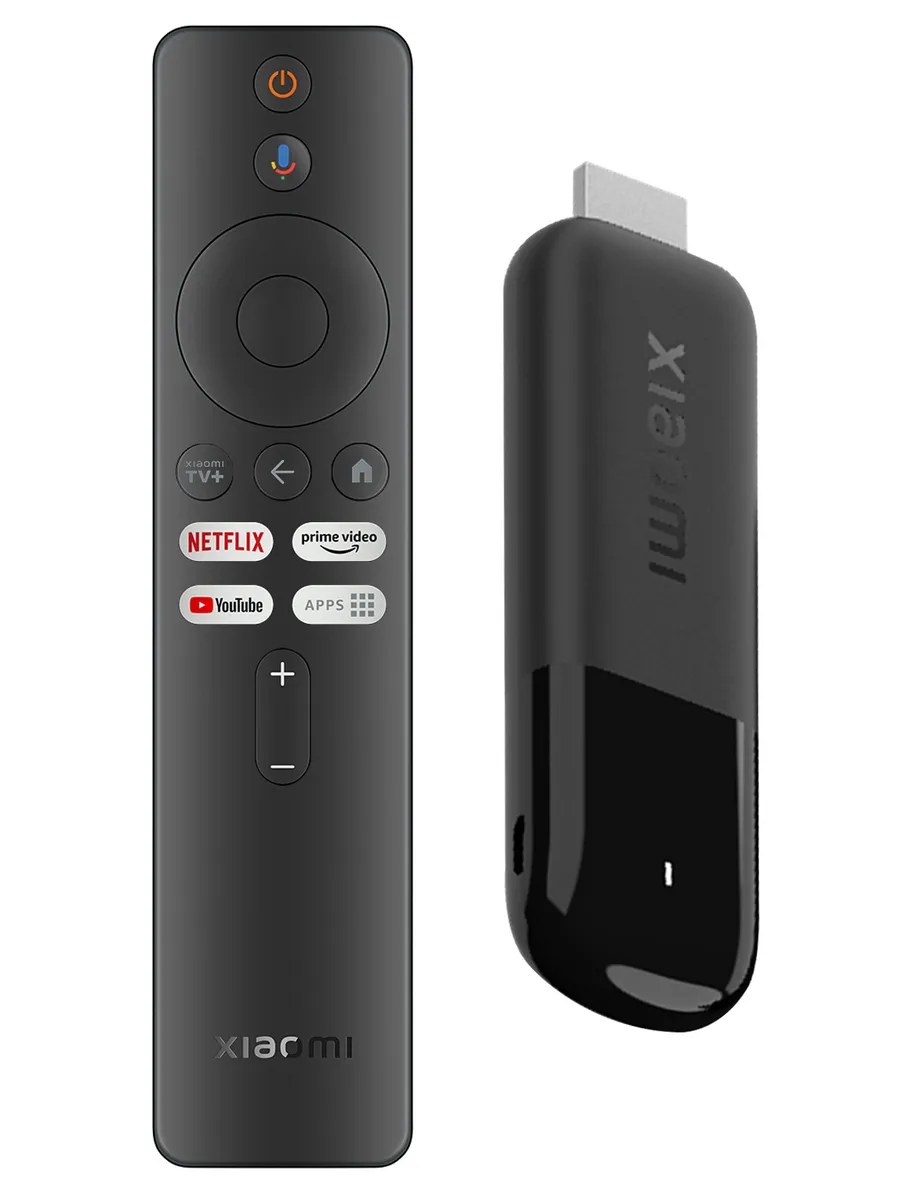
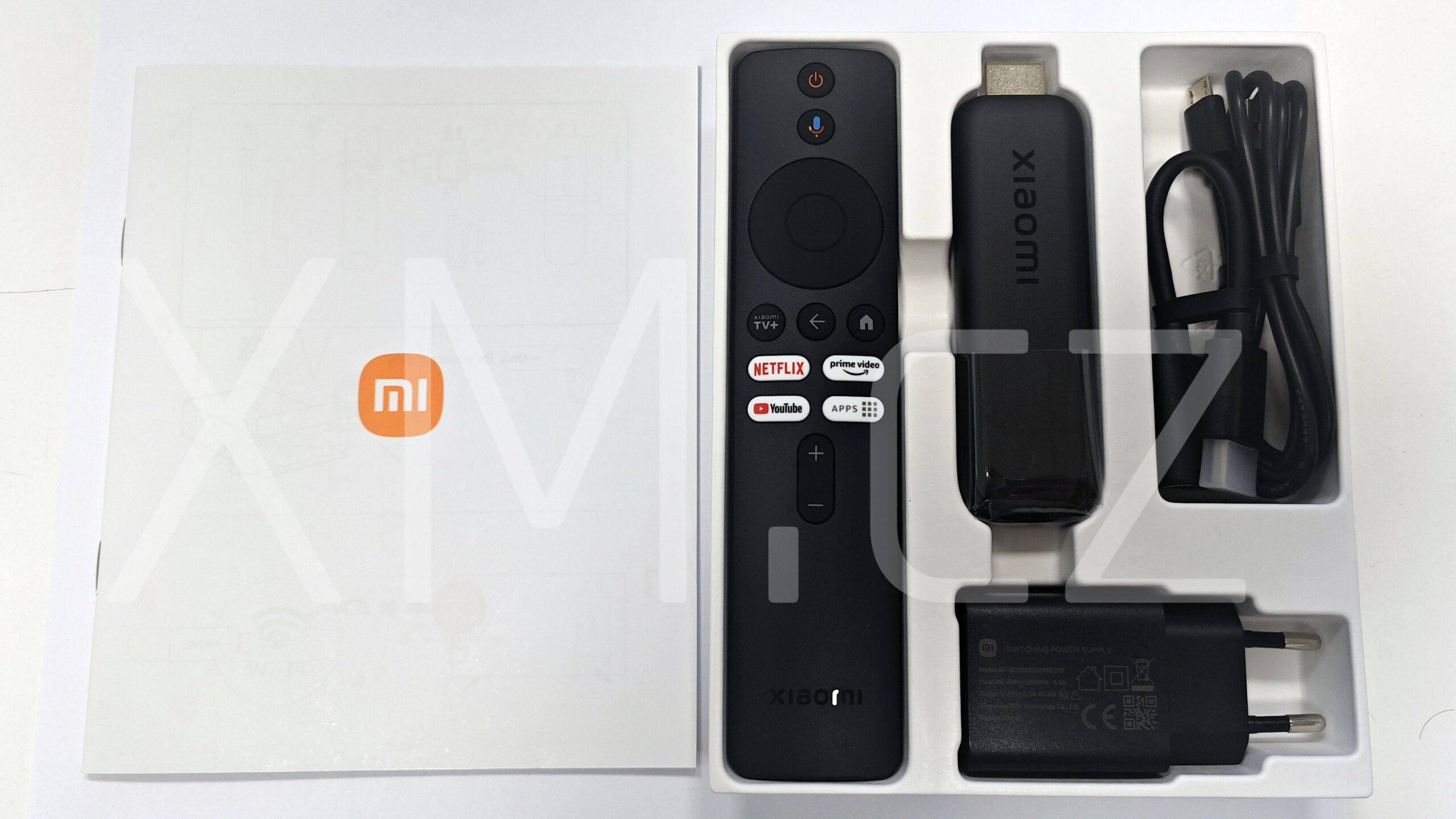
In the box, you’ll find the Xiaomi TV Stick 4K 2nd Gen itself, which you can connect to your TV or computer monitor via the HDMI port. The package also includes a handy remote control with dedicated buttons for Netflix, Amazon Prime Video, YouTube, and quick access to the app list. The remote communicates with the TV Stick via Bluetooth, so you don’t need to point it directly at the device.
On top of that, you also need to plug the device into a power outlet. In the box, you’ll find a power adapter and a USB cable. In standby mode, the device consumes only 0,5 W, and in network standby mode it consumes a maximum of 2 W. So it’s an extremely power-efficient little gadget.
The device runs on Google TV, which lets you install and use a wide range of apps. Google Assistant is also included, allowing you to search for movies, adjust settings, or control your smart home.
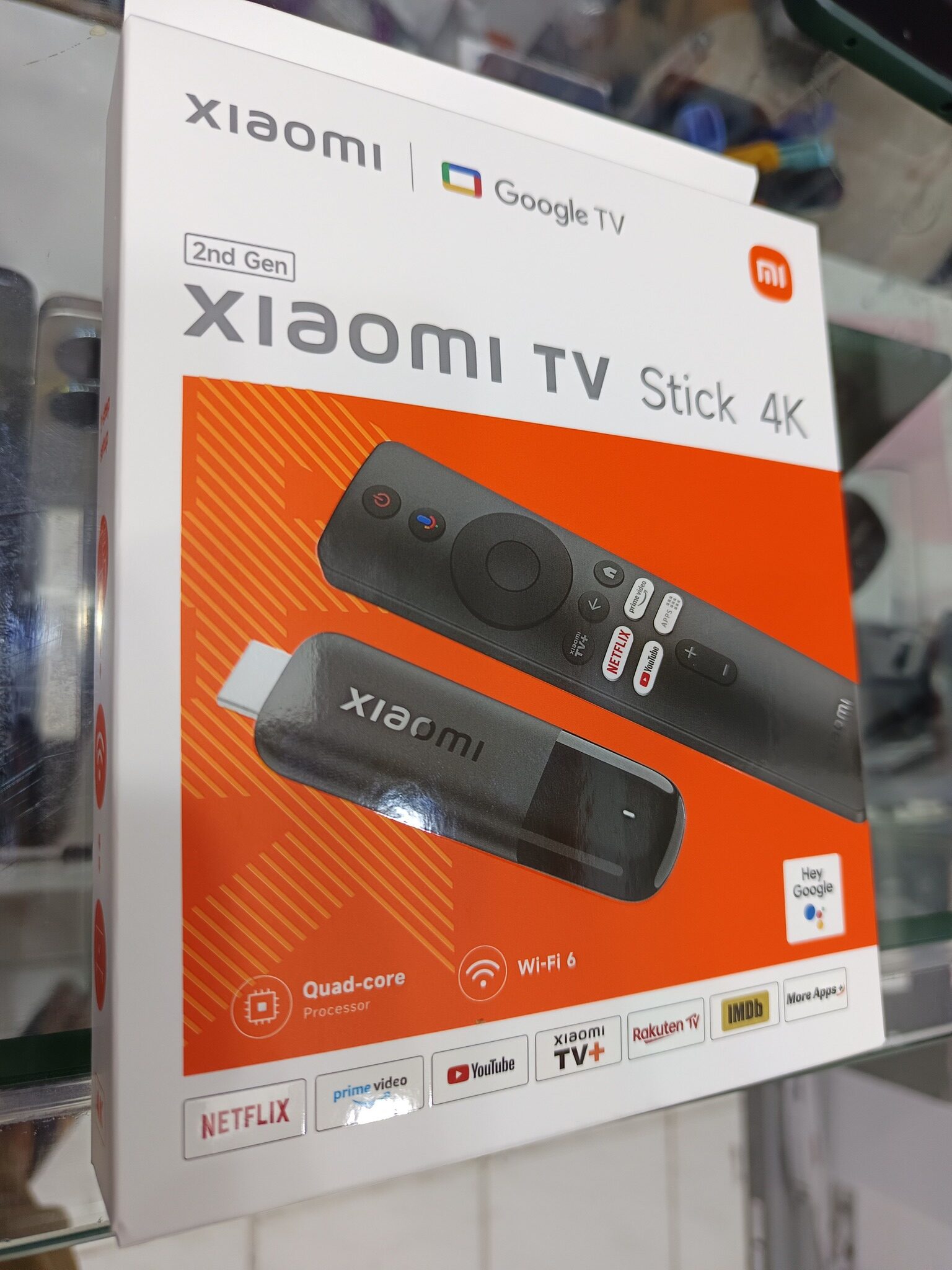
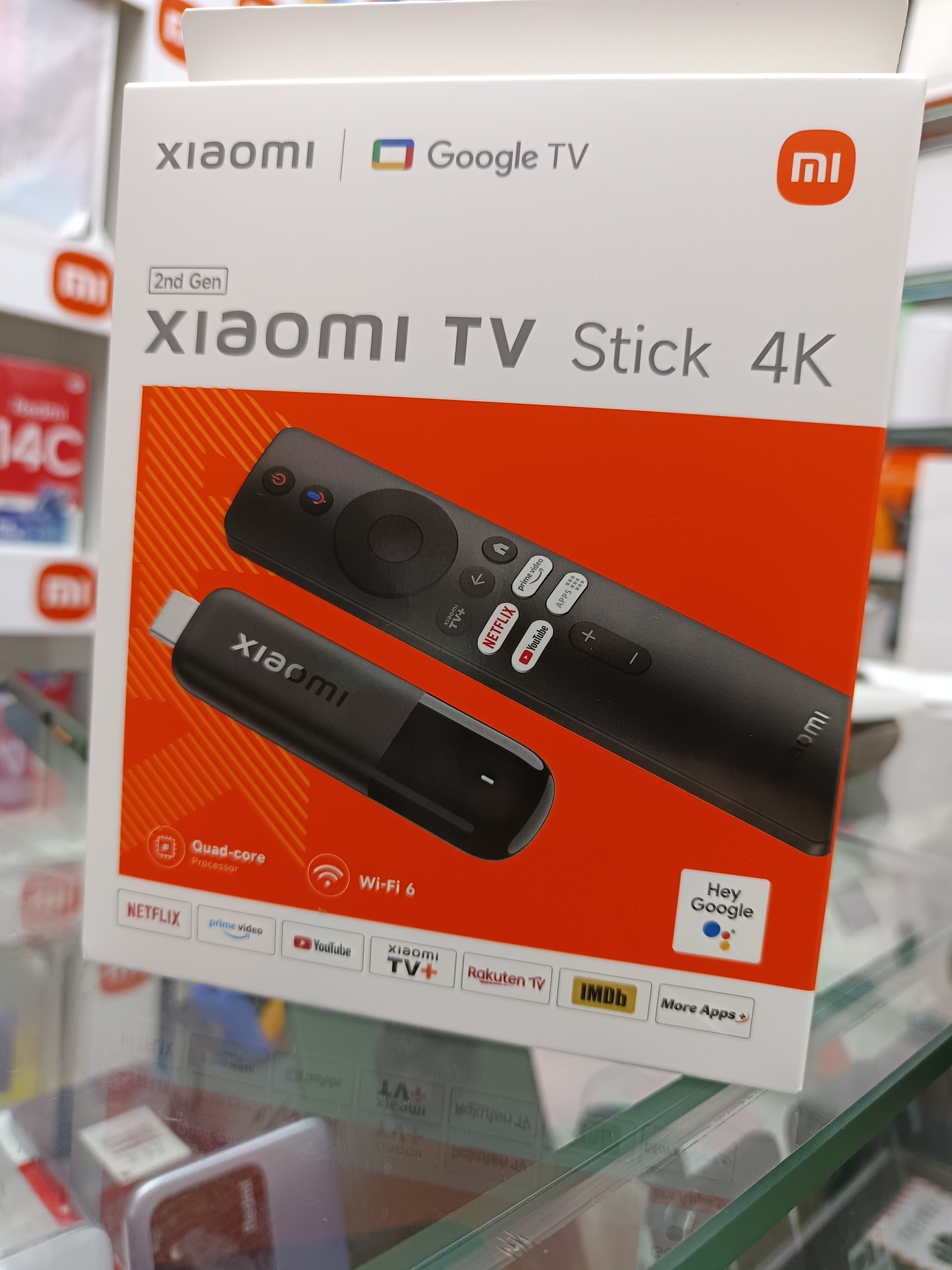
Xiaomi TV Stick 4K 2nd generation offers 4K content display. This enhanced picture also supports HDR10+ and Dolby Vision, which dynamically adjust brightness, contrast, and colors for a realistic, immersive viewing experience.
Great sound thanks to Dolby, fast WiFi 6
Sound is just as important. With Dolby Atmos and DTS:X technologies, the audio is rendered in 3D space, so you get more realistic audio.
At the heart of this multimedia device is a quad-core 6nm processor that ensures smooth operation of the system and apps. The specific processor chipset is not known yet — we’ll find out after the first tests or the official unveiling.


As for wireless technologies, Xiaomi TV Stick 4K 2nd Gen supports Wi-Fi 6 with a theoretical transfer speed of up to 9.6 Gb/s. This performance is enough for smooth streaming of content in the highest quality.
There’s also the mentioned Bluetooth, letting you connect other devices such as a keyboard, mouse, wireless headphones, or soundbars.
These are the specs known so far for the Xiaomi TV Stick 4K 2nd Gen:
| Xiaomi TV Stick 4K 2nd Gen | |
|---|---|
| Model | MDZ-33-AA |
| Format | Stick |
| Color | Black |
| Processor | Quad-core 6 nm CPU |
| Graphics chip | ARM G310 V2 |
| RAM | 2 GB |
| Storage | 8 GB |
| Video support | VP9 Profile-2 up to 4K*2K@60fps |
| WiFi | Wi-Fi 6 |
| Bluetooth | Bluetooth 5.2 |
| Supported formats | Dolby Vision / DTS-X / HDR10+ / AISR / DTS |
| Chromecast | Yes |
| Output | HDMI 2.1a |
| Power | Micro USB x1 |
| Maximum resolution | 4K 3D HDMI |
| Video formats | RM / MOV / VOB / AVI / MKV / TS / MP4 |
| Image formats | JPG / BMP / GIF / PNG |
| In the box | Remote control / User manual / Power adapter |
| Batteries included | No |
To get more updates from the Xiaomi world, keep following our Xiaomi Planet website — join our Facebook group, where we build an active community and help each other out. Also subscribe to our Telegram, where we add the best offers and coupons from China every day.
Don’t miss the best coupons 📩
Subscribe and we’ll email you new coupons before they expire. We only send it once a month — no spam.