A planet full of Xiaomi news
Deal Planet

AliExpress clearance: Great Yeelight smart floor lamp with color backlighting—after a long time, back again with a coupon in the EU warehouse

2. November 2022 2 min read 11 comments

Xiaomi was one of the first brands to offer affordable smart home devices. In its portfolio you’ll find various light bulbs, indoor and outdoor cameras, motion sensors, alarms, and many other interesting devices. Now we’re bringing you an awesome coupon for the new floor lamp Yeelight YLLD01YL.

Latest coupon via AliExpress clearance

You can find the floor lamp Yeelight YLLD01YL Staria Floor Lamp at the current best price on the AliExpress marketplace. The lamp is available in the Spanish warehouse, so it will be delivered to you very quickly.

XiaomiPlanet deal

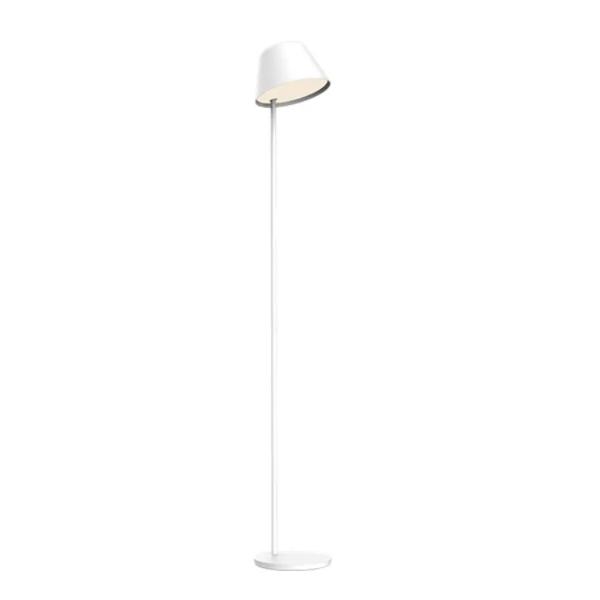
Yeelight YLLD01YL Staria Floor Lamp

Spanish warehouse
Yeelight YLLD01YL Staria Floor Lamp
EU warehouse
284,57 €You save 205,09 €
79,48 €
Buying on AliExpress for the first time? See the guide!
Updated 2. 11. 2022 on 12:11
TIPFast delivery from the Spanish warehouse with no customs duty and VAT.

This product will be delivered to you quickly from a local Spanish warehouse. Shipping from Spain usually takes 7-10 days and is handled by a courier. When it arrives, you don’t pay any extra fees—no customs duty, no VAT.

Track this product’s price

As soon as we post a new coupon, we’ll send you an email. You can unsubscribe from tracking anytime.

Buying on AliExpress for the first time?

This process is done through the AliExpress mobile app, where most people shop. Two things matter: don’t use Buy now and enter the coupon only in the order summary in the Promo code field. After you click Pay now, you can’t add it anymore.

  1. Copy the code and click GET THE DISCOUNTIn our article, copy the coupon and click the button GET THE DISCOUNT. The link will take you directly to the product in the AliExpress app.
  2. Use Add to cart, not Buy nowOn the product card, scroll down and click Add to cart. Don’t use the Buy now button—this skips the cart, so later you won’t have a place to enter the coupon. Before that, make sure the variant is correct: color, version, and whether it ships from an EU warehouse.
  3. Continue to Checkout via the cartA pop-up will appear: Added to cart!—tap Check it out. If it disappeared, open the cart using the icon in the bottom-right corner. In the cart, check the product and quantity, then tap the red Checkout button. Only the items marked with the red circle are included.
  4. Fill in your address and card, then look for Promo codeIn the order summary, first enter the delivery address and payment card at the top. Below that, there’s a line Promo code — expand it with the arrow on the right.
    Riadok Promo code v zhrnutí objednávky v aplikácii AliExpress
    Look for this line under the address and payment method.
  5. Paste the code and confirm ApplyIn the field Promo code paste the copied code and click the black Apply. The code is case-sensitive and must not contain spaces.
    Políčko Promo code s kódom a tlačidlom Apply v aplikácii AliExpress
    Paste the code into the field and confirm by clicking the Apply button.
  6. Check your savings and payIn the section Summary expand the line Saved — you’ll see the applied coupon there as AliExpress coupons/codes. Only when Total is really lower, click Pay now.
    Riadok Saved s uplatneným kupónom a znížený Total v aplikácii AliExpress
    The applied coupon will show up in the Saved line and reduce the Total.
Apply the discount again in the order summary. After you click Pay now, you can’t add a coupon anymore. If Apply shows an error, the code has either expired, doesn’t apply to your item, or your order doesn’t meet the minimum amount.
Store Coupon also belongs in the same field. — a coupon from the seller itself, which isn’t always available and changes day to day. It can’t be combined with an AliExpress coupon, so try both and go with the one that gives you more. Coins are added automatically.

Works with Mi Home and Apple HomeKit

What makes this smart floor lamp especially appealing is that it supports not only standard Xiaomi smart home via the Mi Home app, but also the competing Apple HomeKit. That means you can pair the lamp with your Apple smart home too.

Touch control, lots of colors, and more features

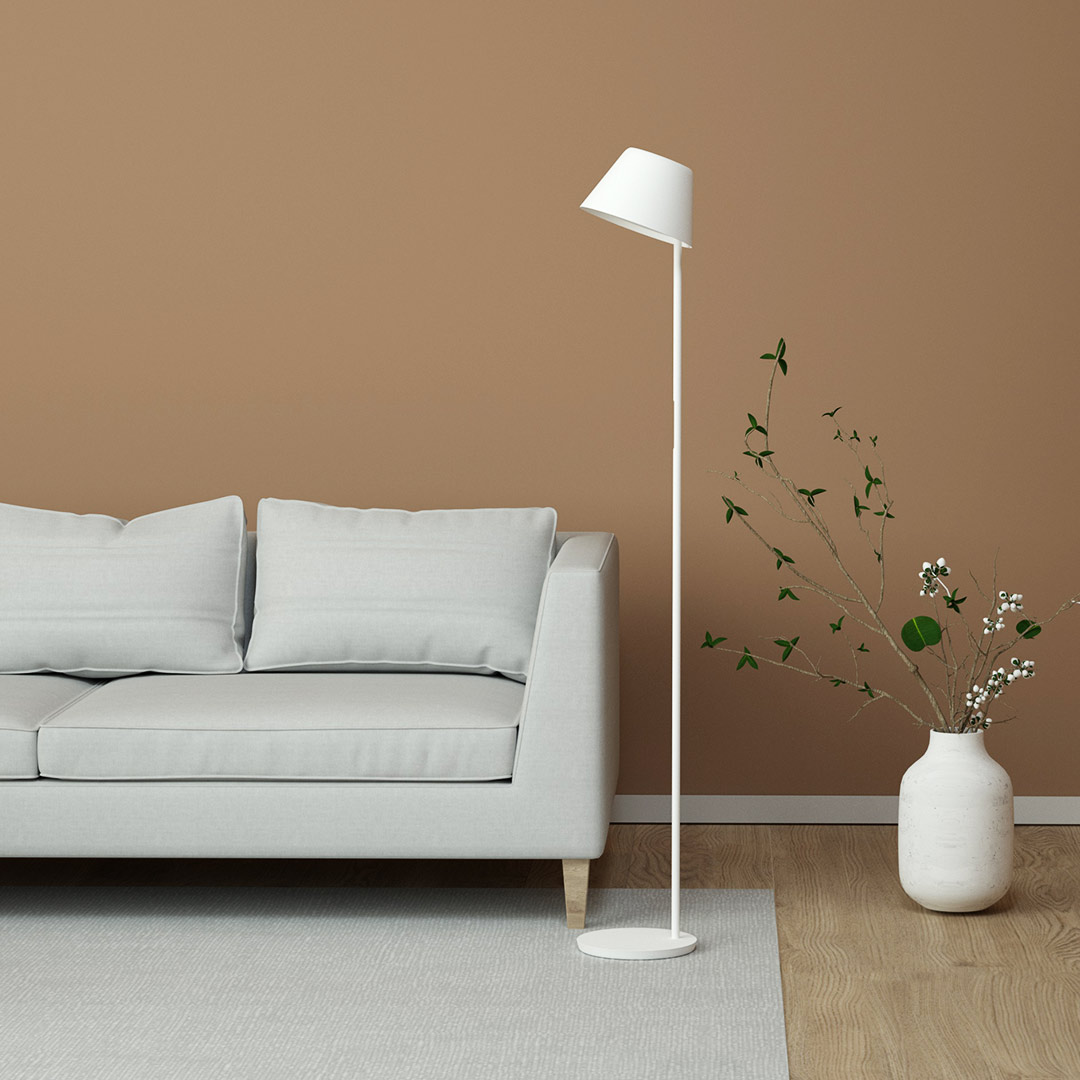
The lamp itself is, from a design standpoint, a really well-made product. It will definitely find its place in every modern living room. Its dimensions are 246.5 x 1625 mm.

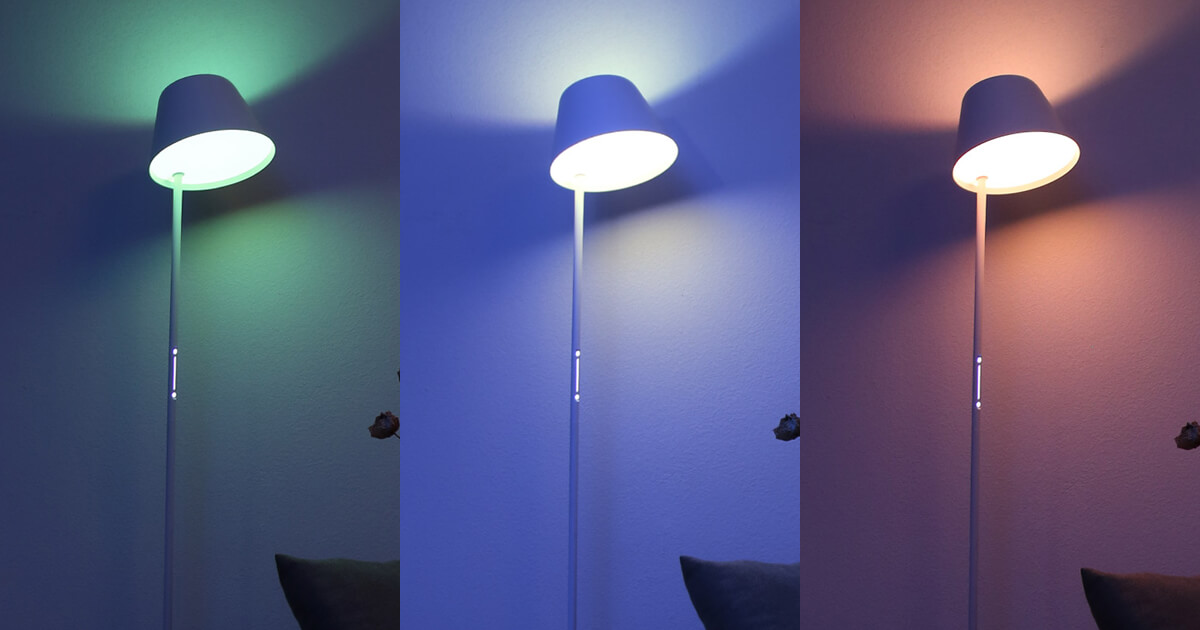
Yeelight YLLD01YL has two light sources. It shines not only downward like most lamps of this type, but also upward. That makes it ideal not only for reading, but also for lighting up the room. The back side illuminates at an angle of 120 degrees, and the lamp’s brightness is 900 lumens.
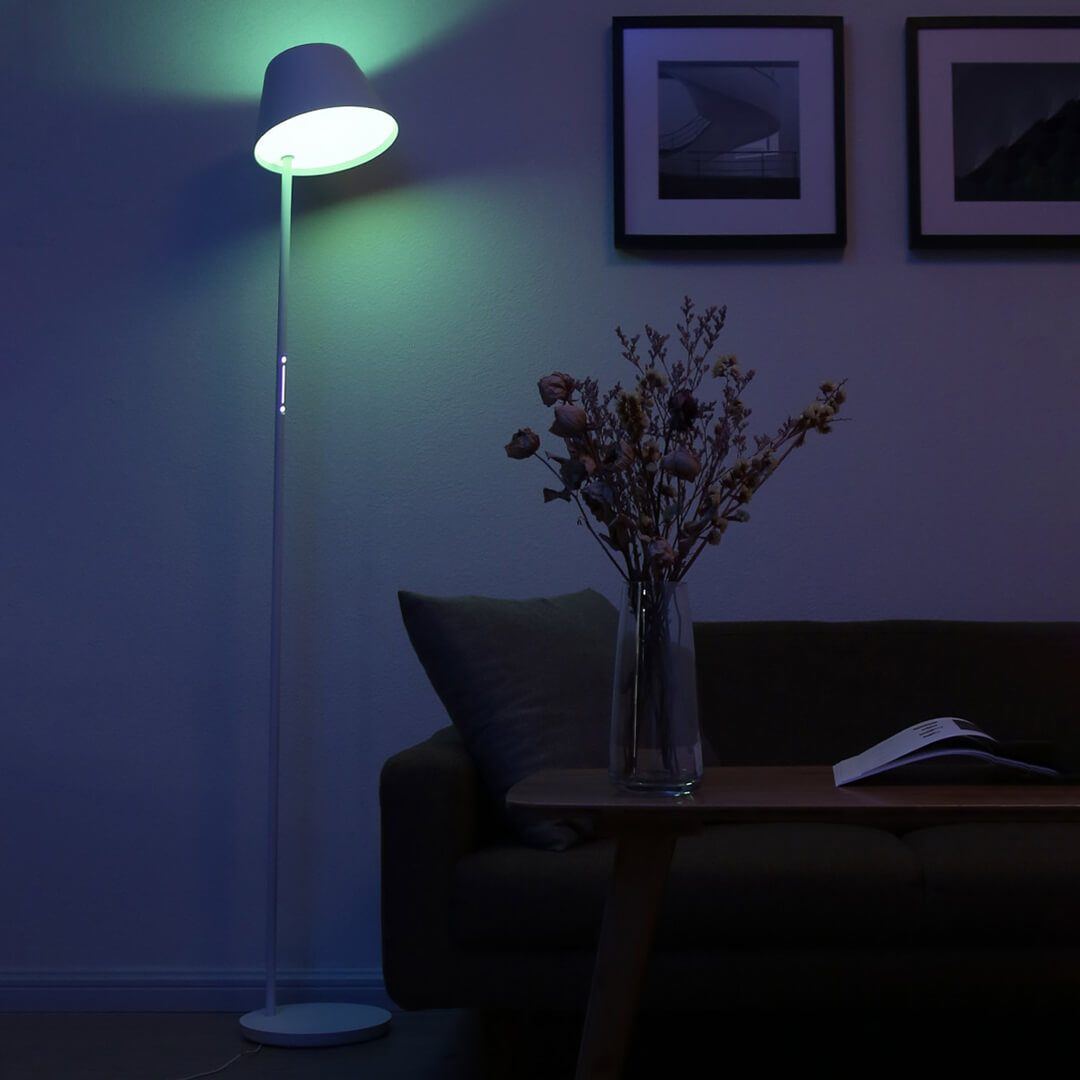
Of course, there’s also a touch control panel on the lamp. The panel looks very stylish and modern. With a short tap you change the lighting colors, and with a long press you change the lighting mode (night, celebration, film, and more). By swiping your finger up and down, you adjust the brightness.
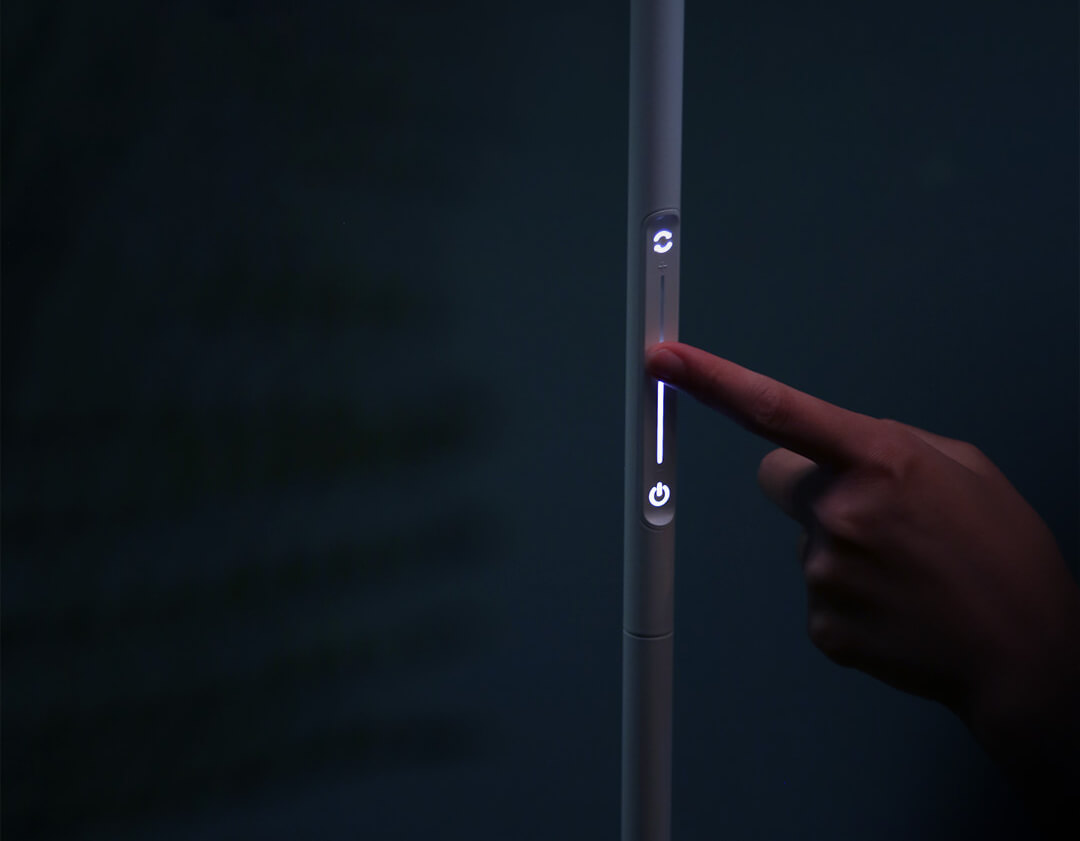
You can adjust the color temperature of white light in the range of 2700 – 6500 K. So you can choose from various shades, from warm white to cool white.

Ad

Easy pairing with the Mi Home app

Pairing with the Mi Home app is very easy. Just open the app, scan the QR code in the instructions, or search for the lamp in the app.

Next come a few simple steps that the app itself will guide you through. After successful pairing, you’ll see the lamp in the app, where you can customize it according to your needs.

Add us as your preferred source on Google

Don’t miss the best coupons 📩

Subscribe and we’ll email you new coupons before they expire. We only send it once a month — no spam.

Ad Engerio