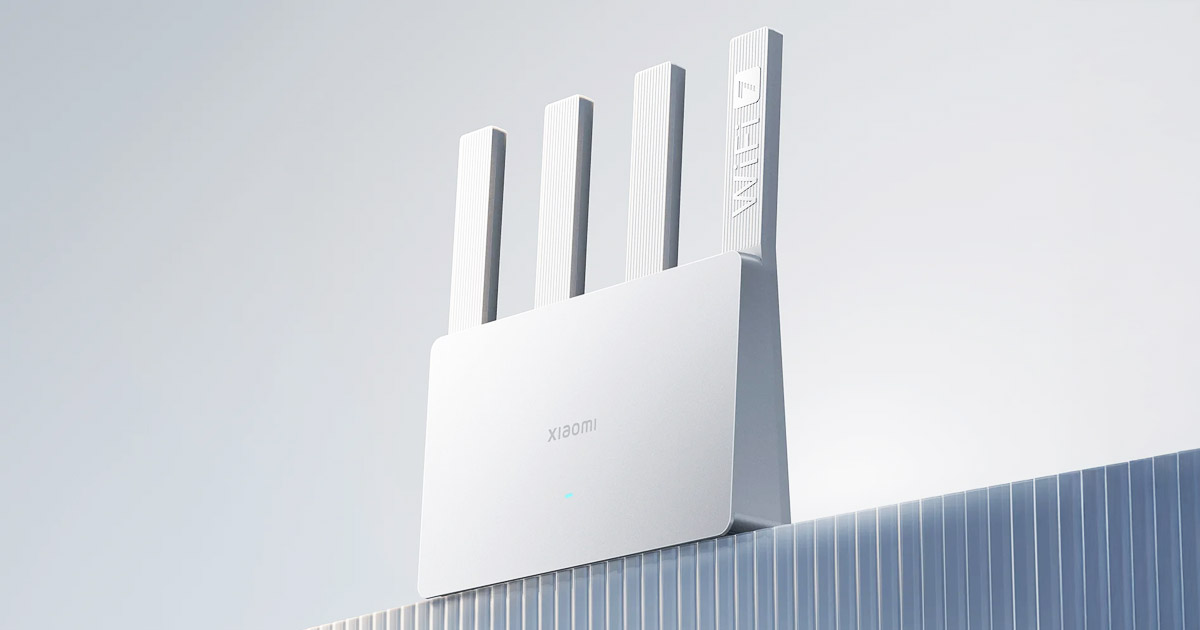
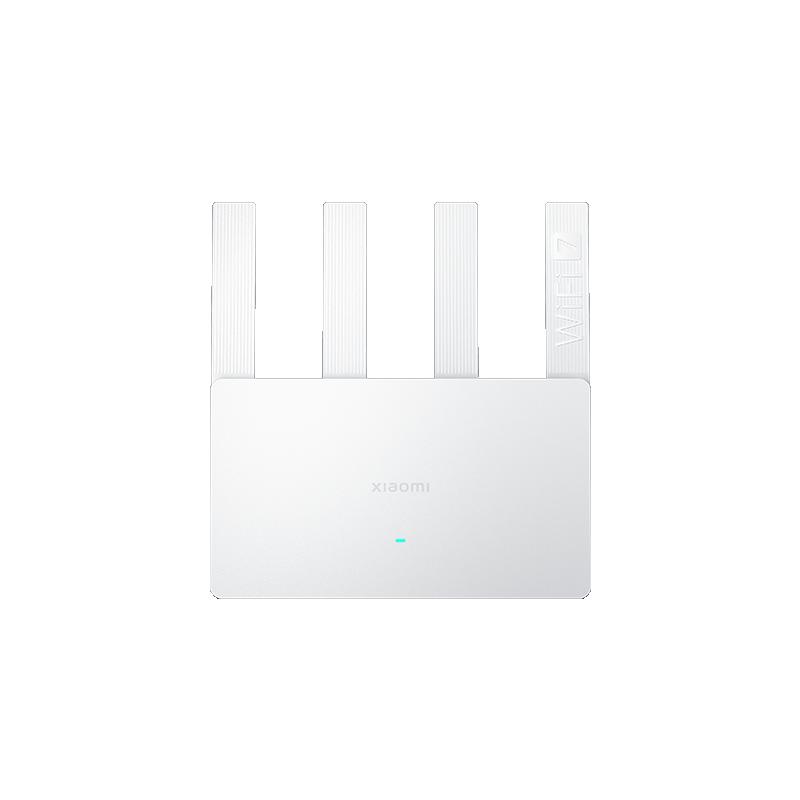
WiFi 7 is the new standard for wireless internet connectivity on the market, offering higher speed, lower latency, and greater network capacity. Chinese Xiaomi offers the Xiaomi Router BE3600, which supports this standard, but you won’t need to dig deep into your wallet for it.
Ali sale coupons
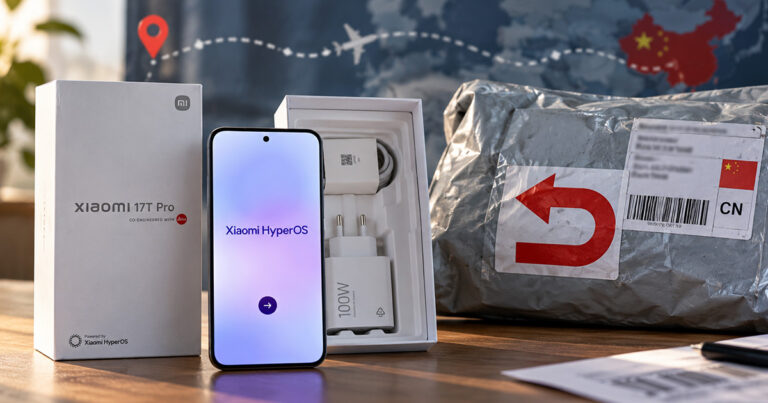
Xiaomi Router BE3600 is currently available from a verified seller on the Aliexpress marketplace as part of the Choice selection, thanks to which it could be with you within 9-13 days of ordering.
 Version details: Before buying, you should know that the router is available only in the Chinese version, which means the admin interface is in Chinese. However, the mobile app is in English, and you can configure the router completely through the app. The advantage of the Chinese version is, however, a stronger signal, since European versions are regulated due to bandwidth limitations. The Chinese version does not have these limitations. We also recommend buying a quality adapter for our power outlets.
Xiaomi Router BE3600
 12-day delivery
TIP12-day delivery via Aliexpress Standard Shipping
For this product, AliExpress Standard Shipping is available with guaranteed delivery in 12 days. This is the most reliable shipping method, and in most cases it’s handled by a courier company.
When ordering from the Chinese warehouse, AliExpress will add the customs duty in your cart—approximately 3,70 € per order. When you receive the package, you won’t pay anything extra.
Unmatched speed and support for up to 128 devices
Thanks to WiFi 7 technology, Xiaomi Router BE3600 delivers unprecedented speeds of up to 688 Mbps on the 2.4 GHz band and 2,882 Mbps on the 5 GHz band, or up to 3.57 Gbps combined on both bands with 2×2 160 MHz support, representing up to a 44% increase compared to WiFi 6. The router measures 209.98 x 40.95 x 219.83 mm.
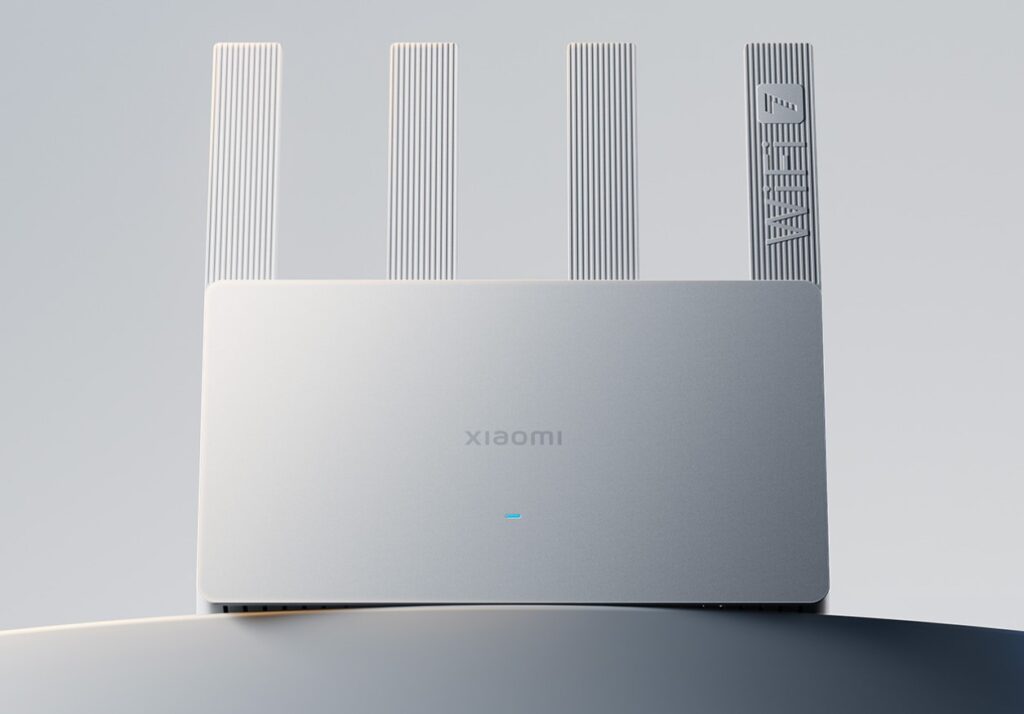
“The heart” of the device is a 4-core 1.1 GHz processor from Qualcomm, thanks to which the router supports up to 128 connected devices at once and is also suitable for a smaller office space.
In terms of connectivity, it includes a 2.5G Ethernet port and 3 gigabit Ethernet ports, allowing you to fully use the potential of a 2000M broadband connection. Four high-performance independent signal amplifiers also ensure robust coverage.

In addition to impressive performance, Xiaomi Router BE3600 also offers impressive security thanks to WPA-PSK/WPA2-PSK/WPA3-SAE encryption and other network protection and content filtering features. Through the Mijia app, users can manage devices, filter malicious websites, and change other router and network settings.
Follow us on Telegram, as well as our Facebook group: Xiaomi Planet – Place for true Xiaomi fans and also our Xiaomi Planet portal to learn more.
Don’t miss the best coupons 📩
Subscribe and we’ll email you new coupons before they expire. We only send it once a month — no spam.