
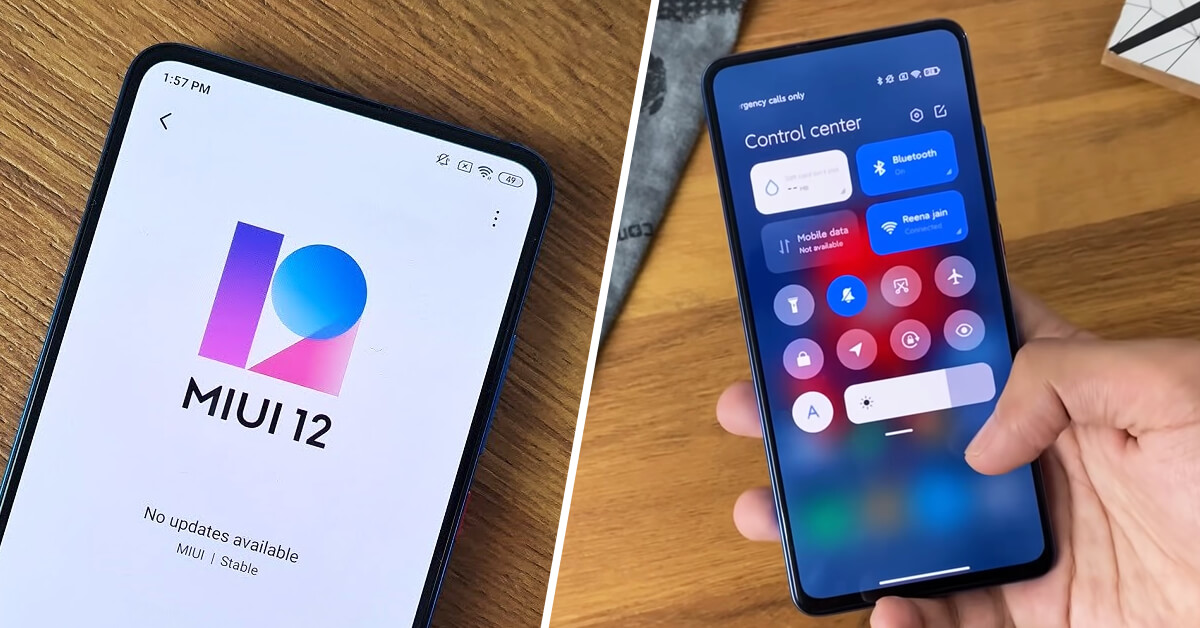
Xiaomi smartphones with the MIUI interface are packed with all kinds of handy features and functions. In this article, we’ll show you some useful tips and tricks that will help you make using your mobile smartphone easier and more enjoyable.
Display FPS and Hz in games without installing an app
For PC gamers, monitoring FPS or Hz isn’t anything new. These details help us track our PC and monitor performance and settings in real time. But did you know Xiaomi also offers this feature on its phones?
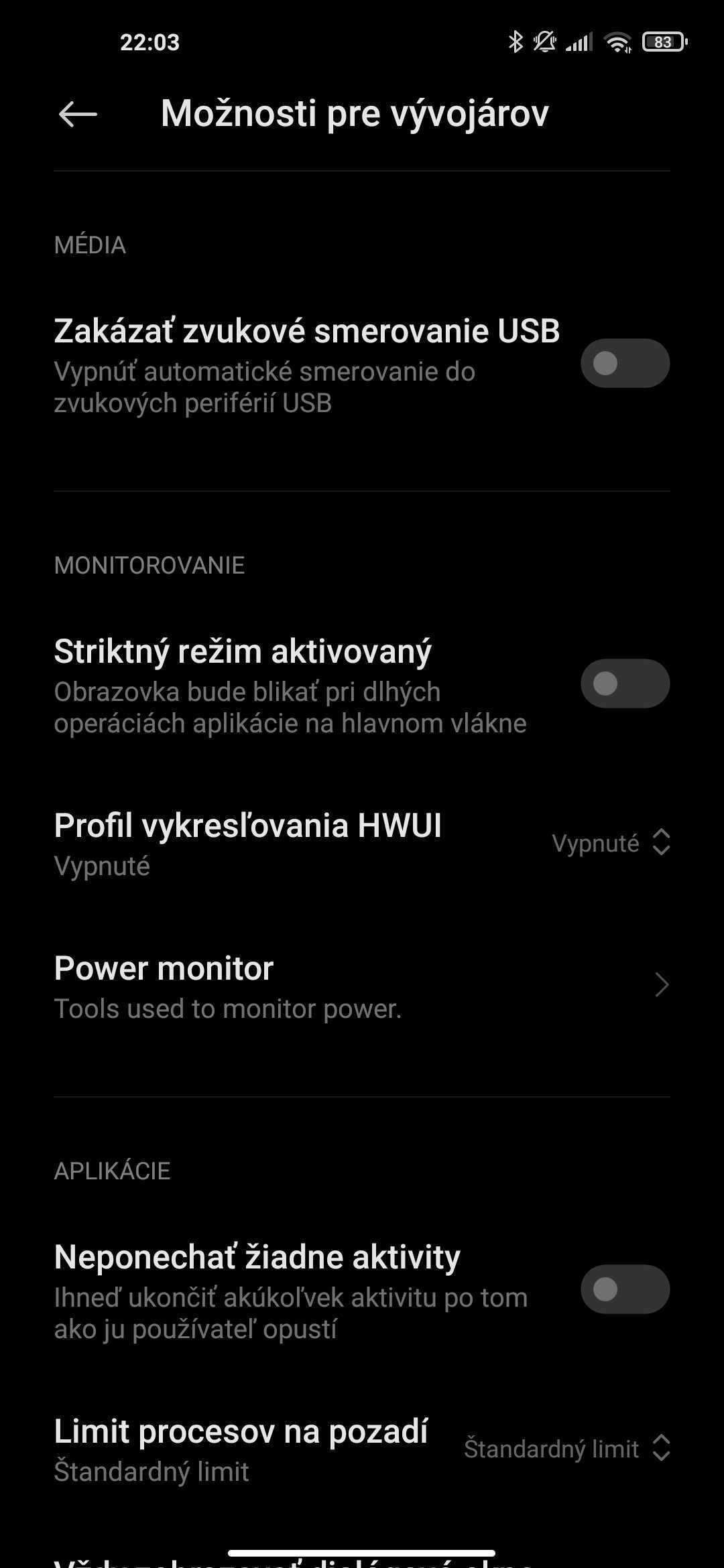
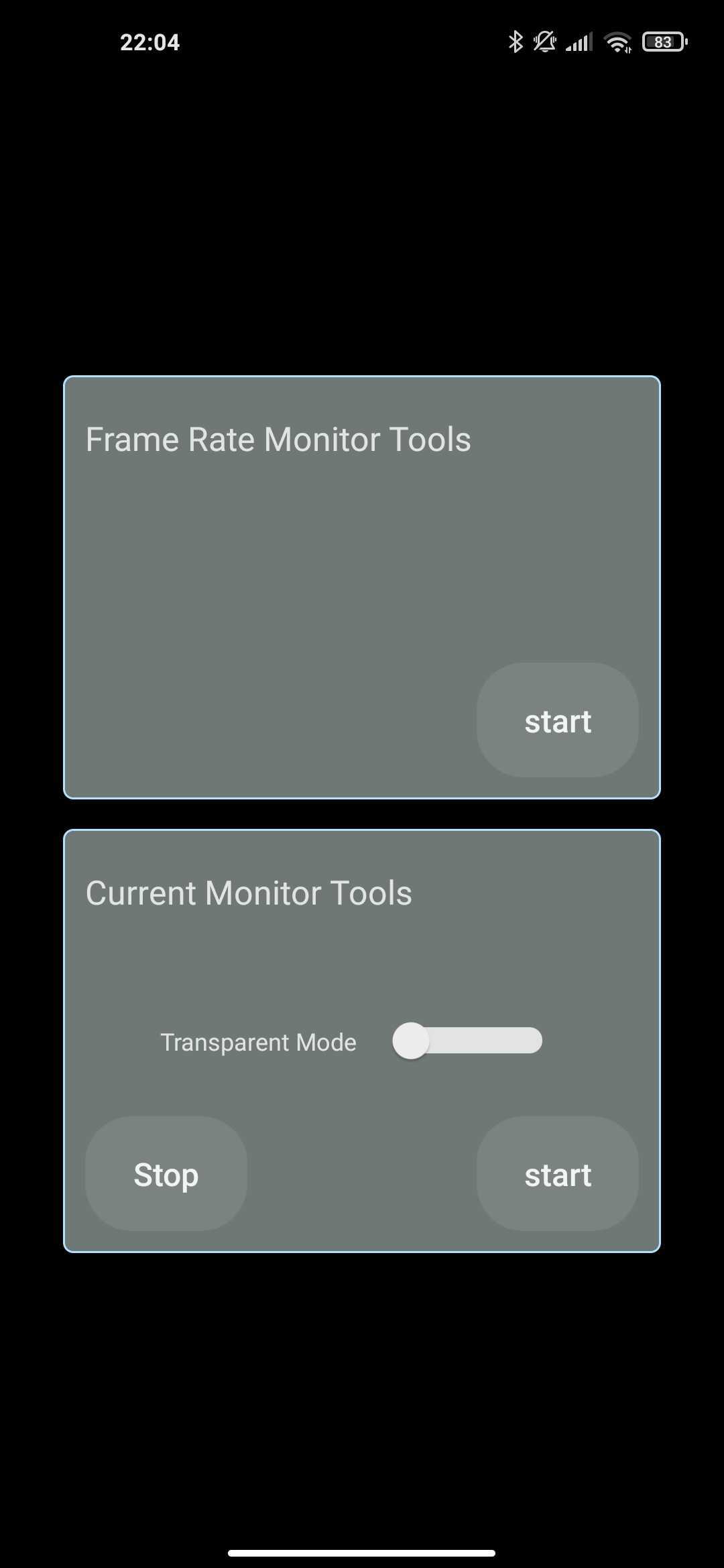
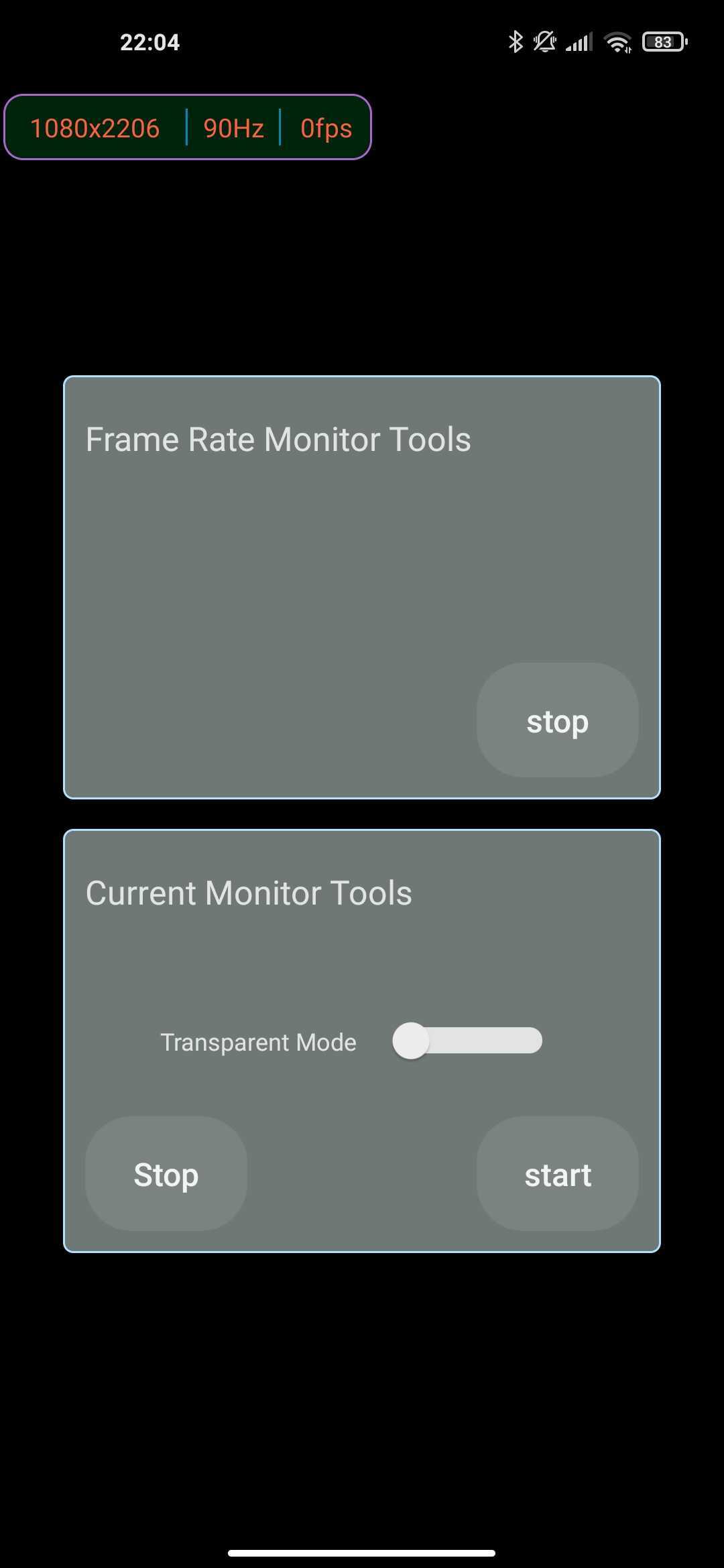
In the top-left corner of the last screenshot, you can see the current settings and display information.
All you have to do is go to Developer options (enable it with five taps on the MIUI system version) and, at the bottom in the Power monitoring section, find and turn on the Power monitor function (power monitoring). We wish you a great gaming experience enhanced with more detailed information.
Camera tricks
Some people may know that Xiaomi also offers fairly detailed customization of the Camera app and its features. For example, we’ve already written about customizing color rendering and sound effects, but now we’ll focus more on the functional side.
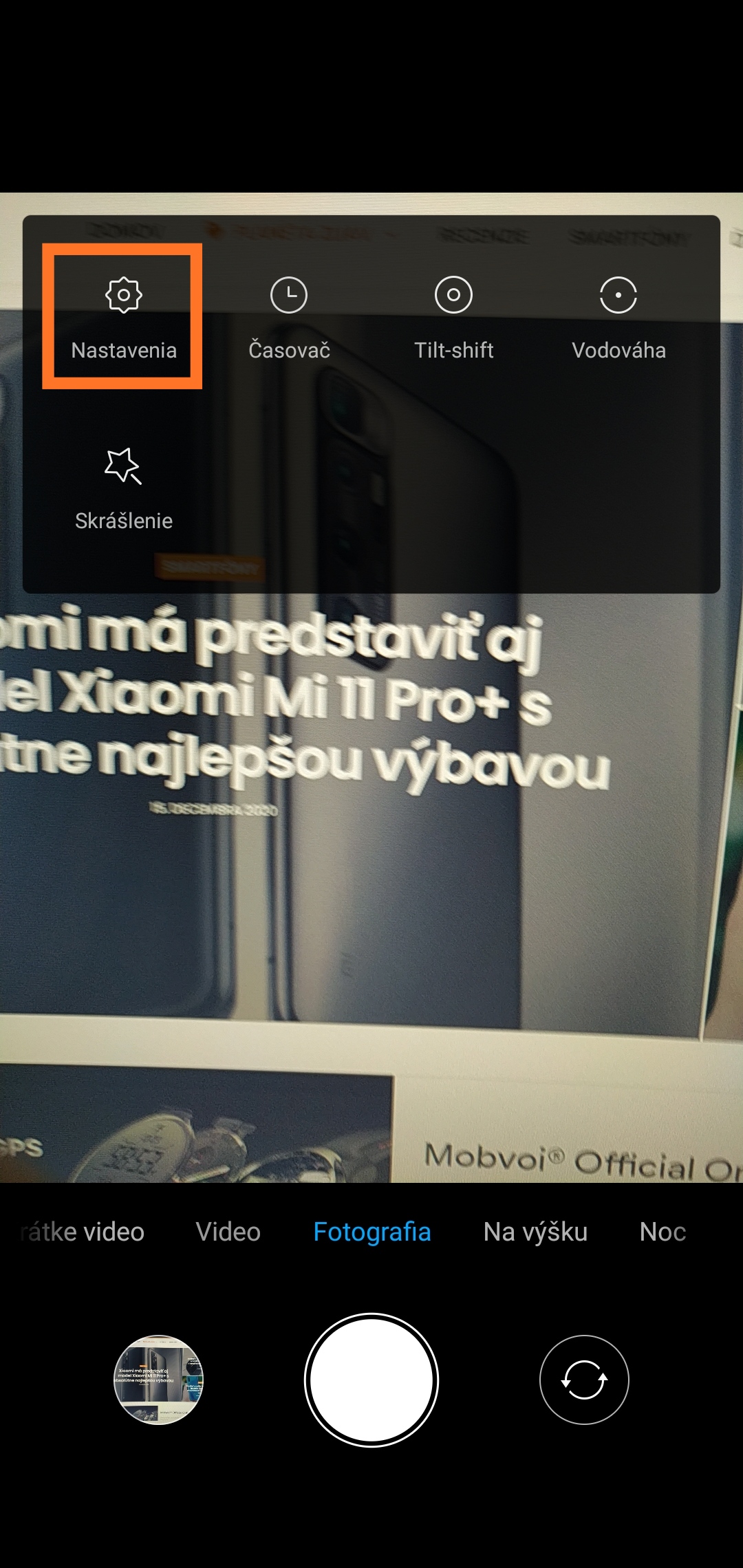

In the Camera settings, for example, you can set an action that will be performed after pressing the volume buttons. You can choose between a shutter timer, capturing a photo instantly, or starting video recording—zooming in or controlling the volume in the classic way, just like everywhere else in the system.
Edit photos directly on your smartphone
If you prefer editing photos and videos directly on your smartphone rather than on a PC, you don’t need to install any additional third-party apps. Even the Xiaomi MIUI system can handle basic edits.
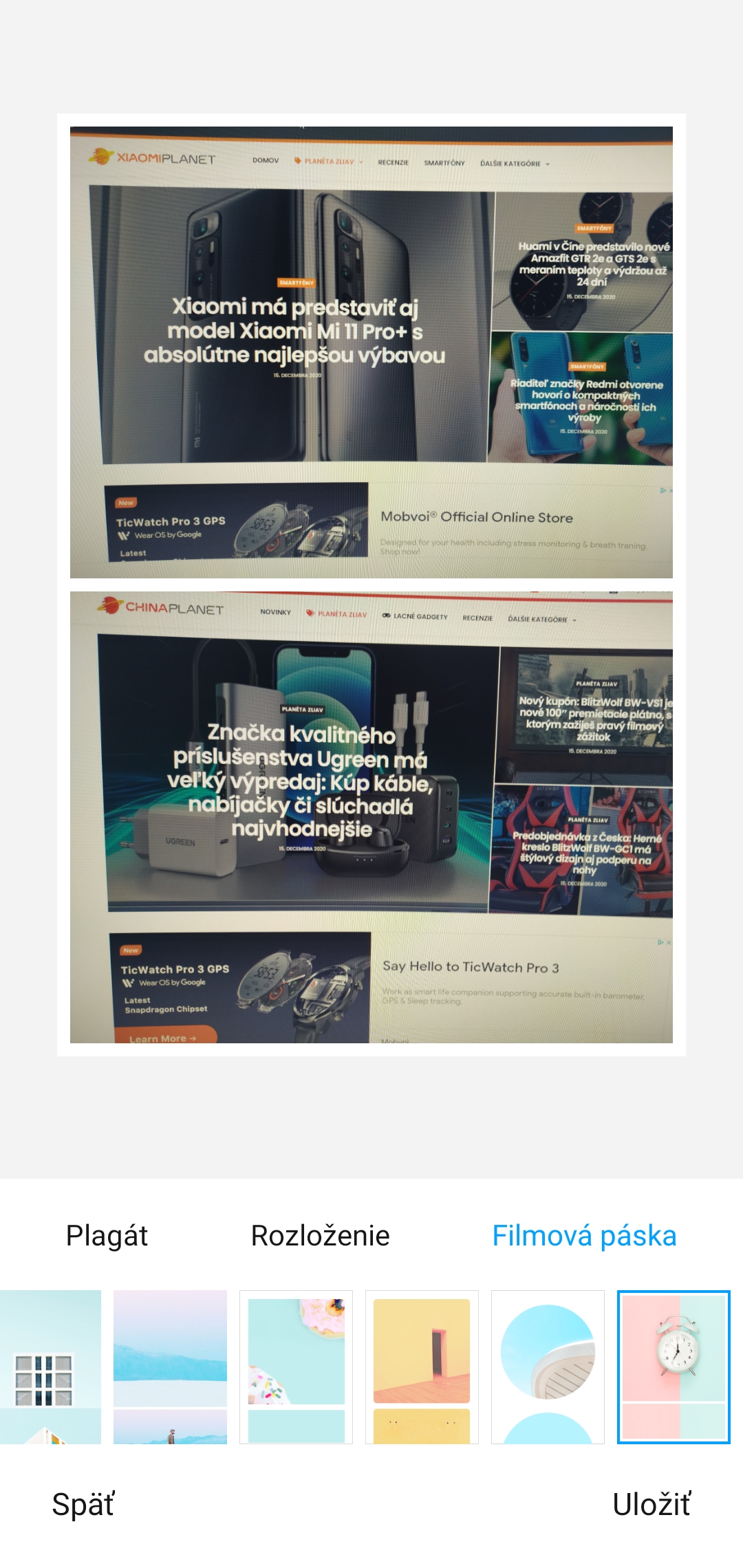
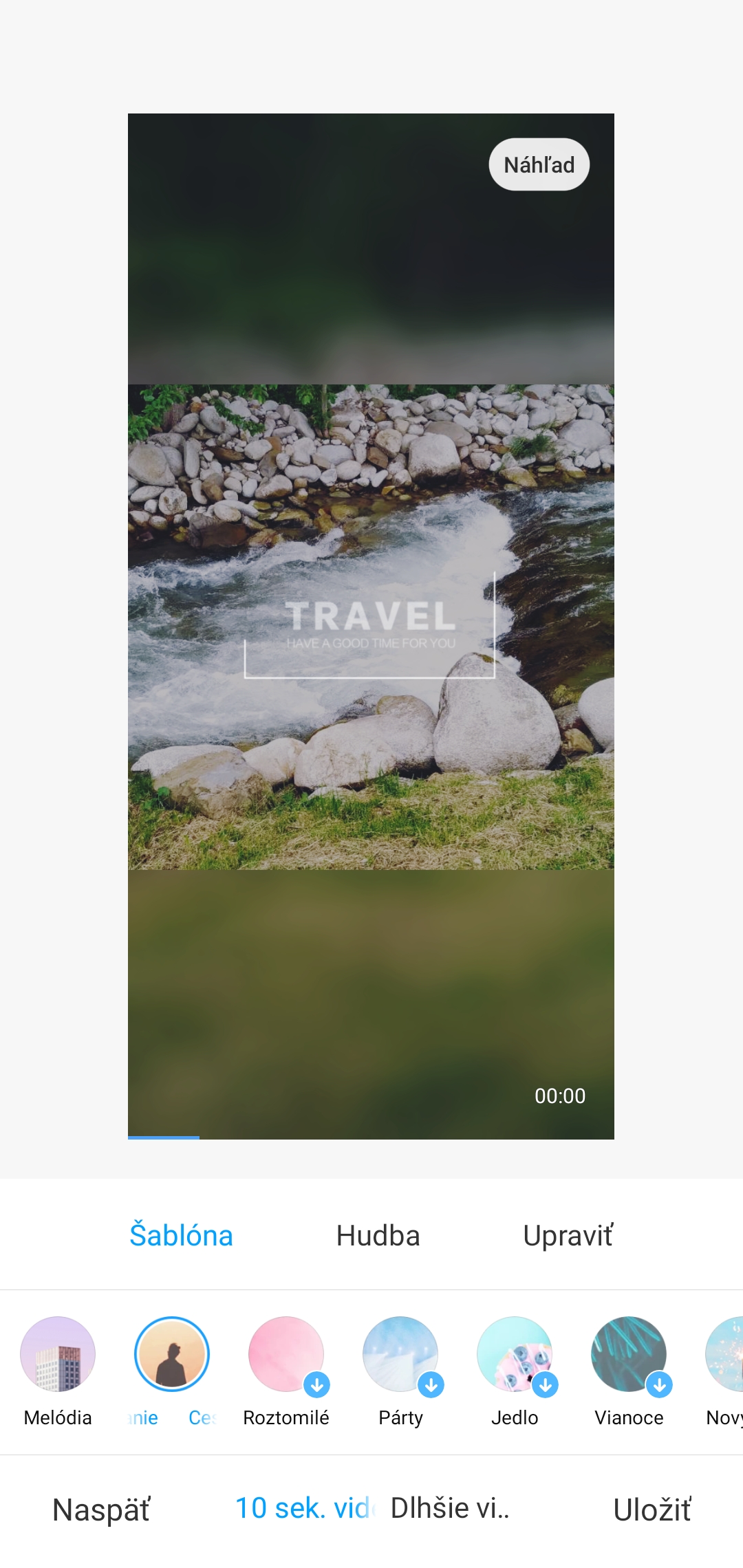
After recording a video or taking photos, you can, for example, create an interesting collage in the gallery in various ways, edit and retouch shots, or simply cut your video. Your imagination definitely has no limits.
Turn on the flashlight with a simple trick
You’ve probably already been in the situation where you needed to quickly and effortlessly turn on the flashlight on your smartphone without having to touch the touchscreen. That’s exactly the scenario developers had in mind—and that’s why they’re bringing you this great feature.
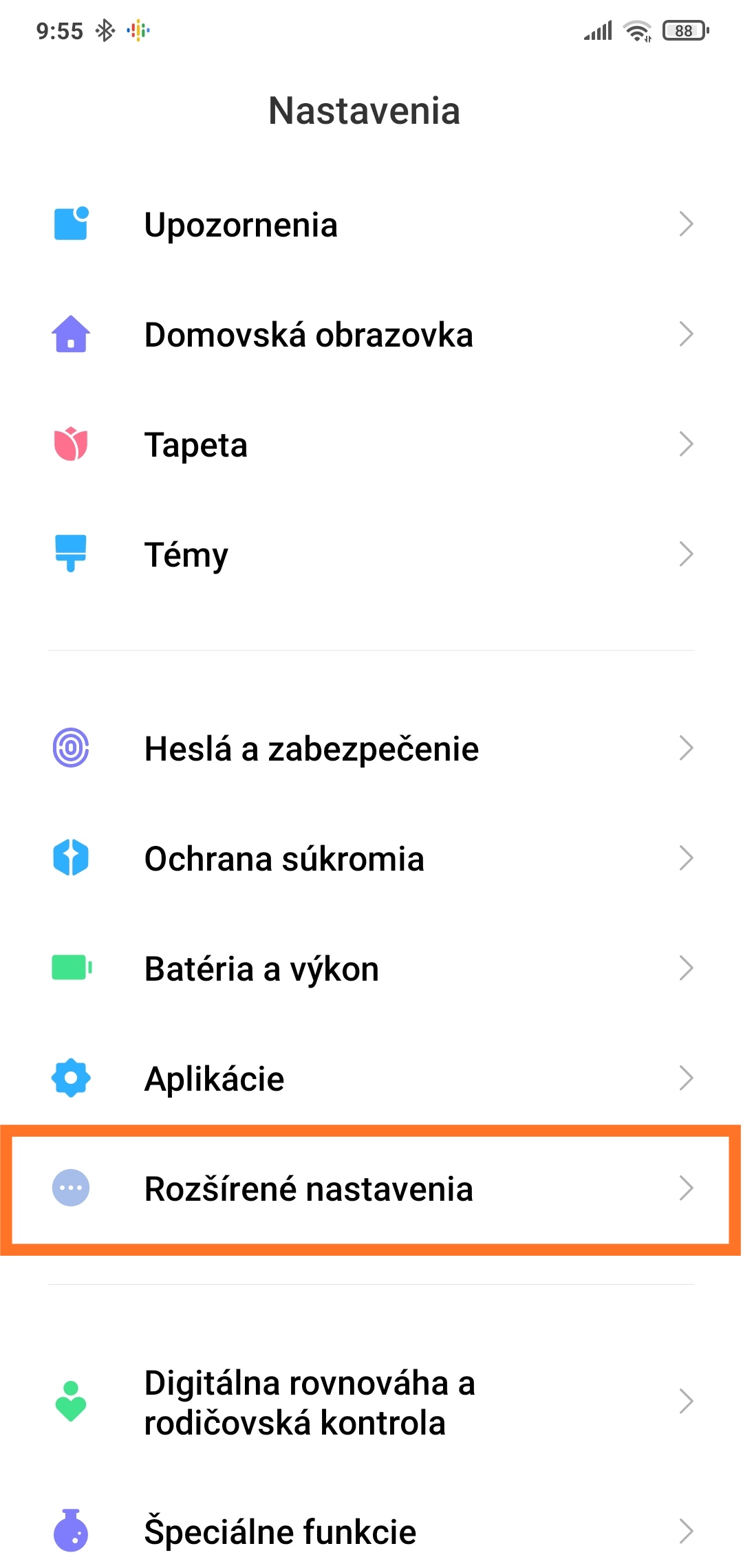
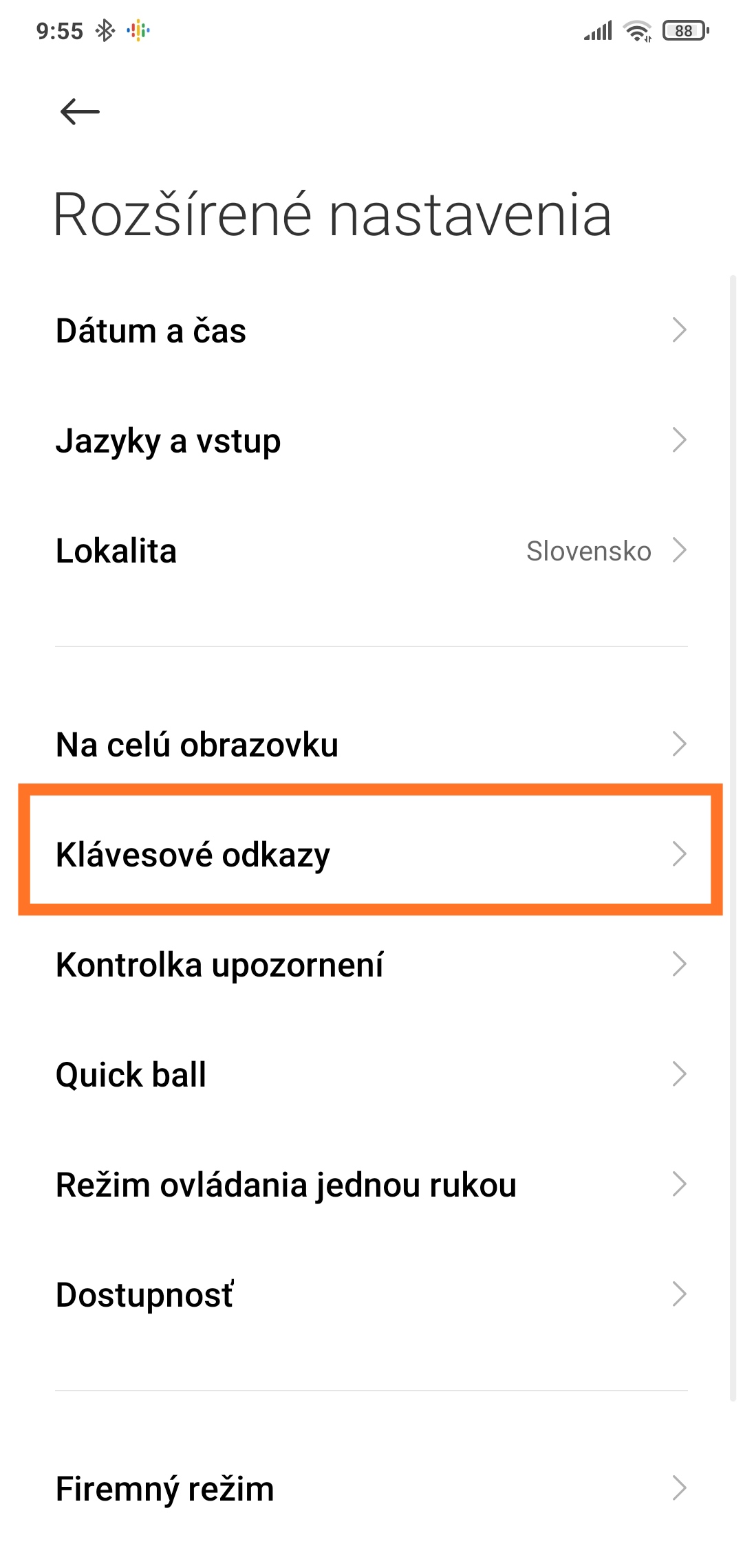
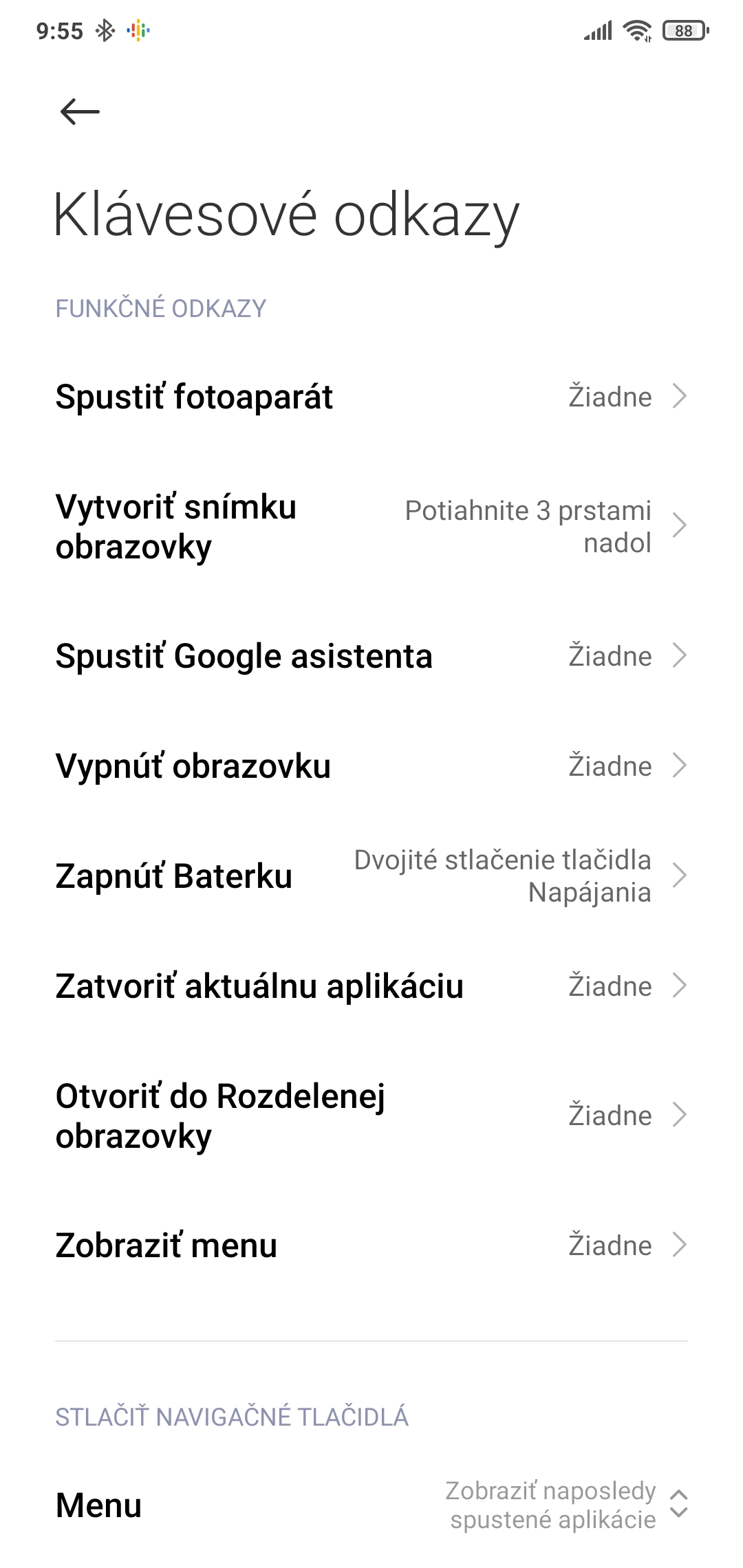
You can activate the flashlight on your smartphone, for example, using the volume buttons. All you need to do is go to Advanced settings and then to Key shortcuts, where you can map all kinds of shortcuts.
For more useful tips and tricks not just from the world of smartphones, regularly check out our XiaomiPlanet portal. If you don’t want to miss anything important, like our page on Facebook and subscribe to articles directly in your email inbox.
Don’t miss the best coupons 📩
Subscribe and we’ll email you new coupons before they expire. We only send it once a month — no spam.