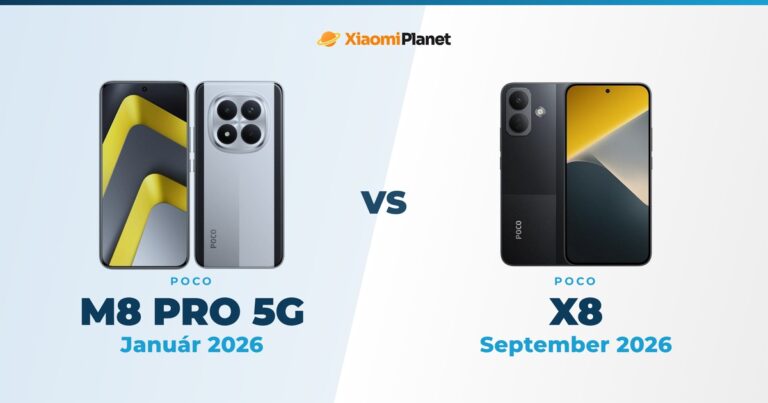
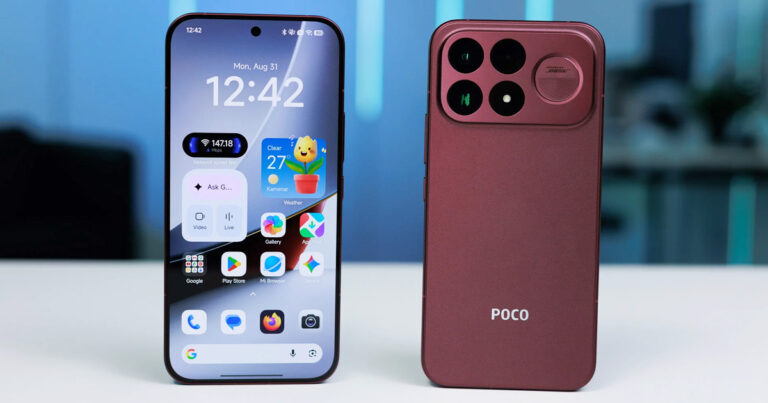
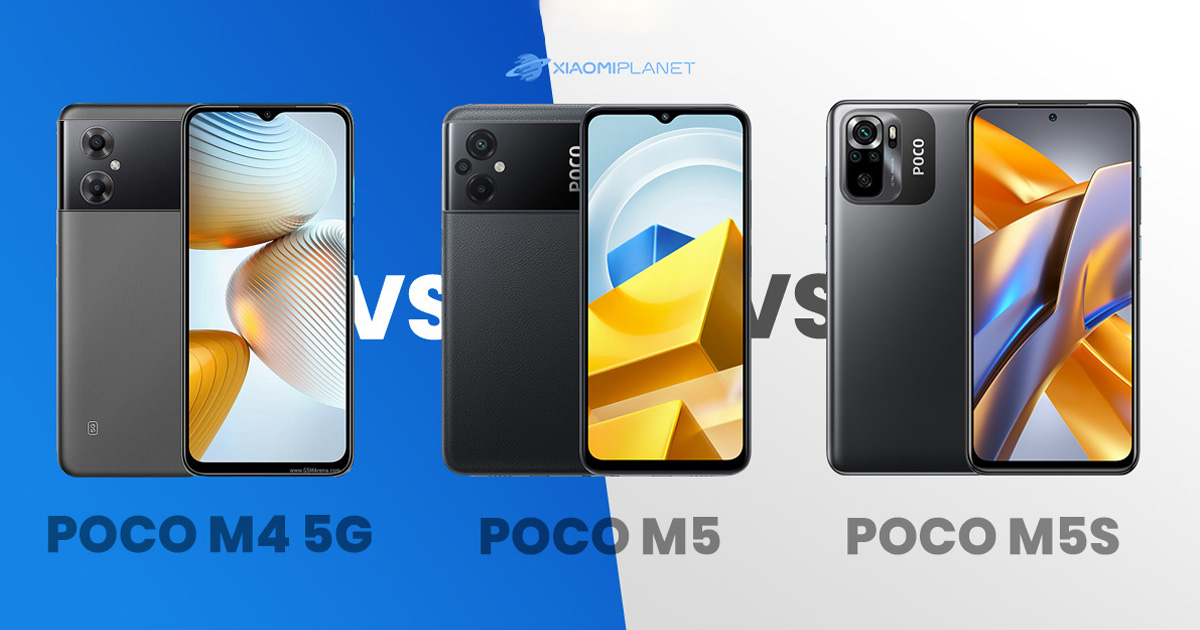
A sub-brand of the Chinese manufacturer Xiaomi, POCO, offers several interesting smartphones in its budget line. Besides the similarly sounding names, these models also share many similar features. To help you choose between these similar smartphones, we’ve prepared a comparison of budget POCO smartphones for you.
While this trio looks similar in many specifications, you’ll find a few significant differences here.
POCO M4 5G vs POCO M5 vs POCO M5s: These are the technical specifications
POCO M4 5G
POCO M5
POCO M5s
Dimensions
164 x 76.1 x 8.9 mm
164 x 76.1 x 8.9 mm
160.5 x 74.5 x 8.3 mm
Weight
200 g
201 g
178.8 g
Used material
Glass-Plastic
Glass-Plastic
Glass-plastic
Display
IPS LCD / 6.58 inches
IPS LCD / 6.58 inches
AMOLED / 6.43 inches
1080 x 2408 px / 20:9 / 90 Hz
1080 x 2408 px / 20:9 / 90 Hz
1080 x 2400 px / 20:9 / 60 Hz
401 ppi density
401 ppi density
409 ppi density
Gorilla Glass
Gorilla Glass 3
Gorilla Glass 3
Capacitive fingerprint sensor on the side frame
Capacitive fingerprint sensor on the side frame
Capacitive fingerprint sensor on the side frame
LED notifications
No
No
No (Always-On)
Processor
MediaTek Dimensity 700
MediaTek Helio G99
MediaTek Helio G95
Technology
7 nm
6 nm
12 nm
Graphics
Mali-G57 MC2
Mali-G57 MC2
Mali-G76 MC4
5G connection
Yes
No
No
Primary camera
13 MPx
50 MPx
64 MPx
f/2.2 aperture
f/1.8 aperture
aperture f/1.8 | sensor size 1/1.97"| 0.7µm
PDAF
PDAF
PDAF
Secondary cameras
2 MPx depth | aperture f/2.4
2 MPx depth | aperture f/2.4
2 MPx depth | aperture f/2.4
-
2 MPx macro | aperture f/2.4
2 MPx macro | aperture f/2.4
-
-
8 MPx ultra-wide | f/2.2 aperture | 1.12 µm
Front camera
5 MPx
5 MPx
13 MPx
f/2.2 aperture
f/2.2 aperture
f/2.4 aperture
SD Card
Yes
Yes
Yes
3.5 mm jack
Yes
Yes
Yes
Infraport
Yes
Yes
Yes
NFC
Yes
Yes
Yes
Radio
Yes
Yes
Yes
Connectivity
Wi-Fi 5| Bluetooth 5.1
Wi-Fi 5 | Bluetooth 5.3
Wi-Fi 5 | Bluetooth 5.0
More features
MIUI 13
MIUI 13
MIUI 13
Battery
5000 mAh
5000 mAh
5000 mAh
Fast charging 18 W
Fast charging 18 W
Fast charging 33 W
Wireless charging – NO
Wireless charging – NO
Wireless charging – NO
Enhanced durability
Splash-resistance
No
No
Design and AMOLED display
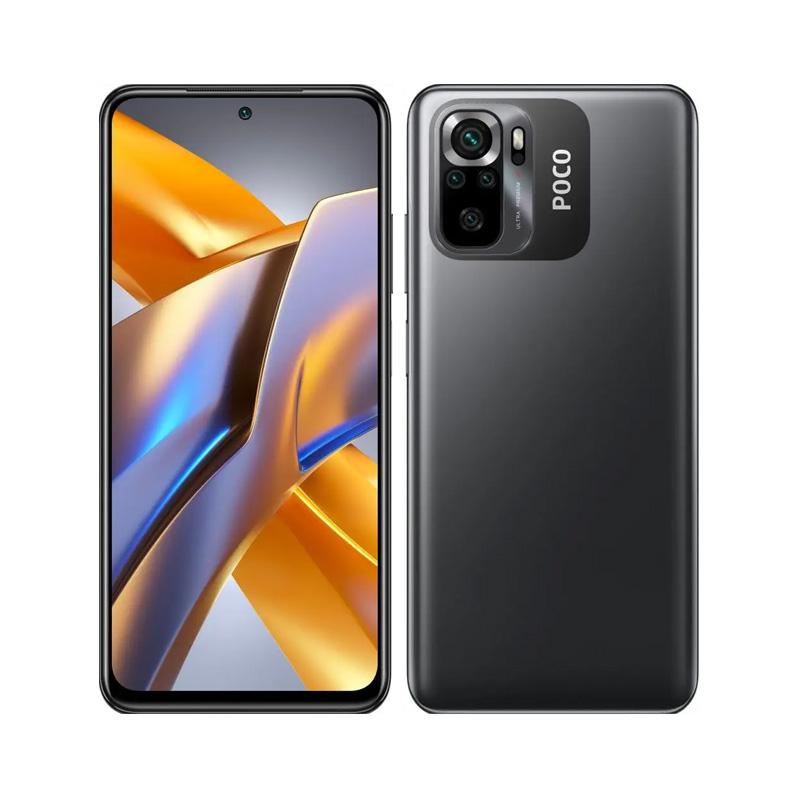
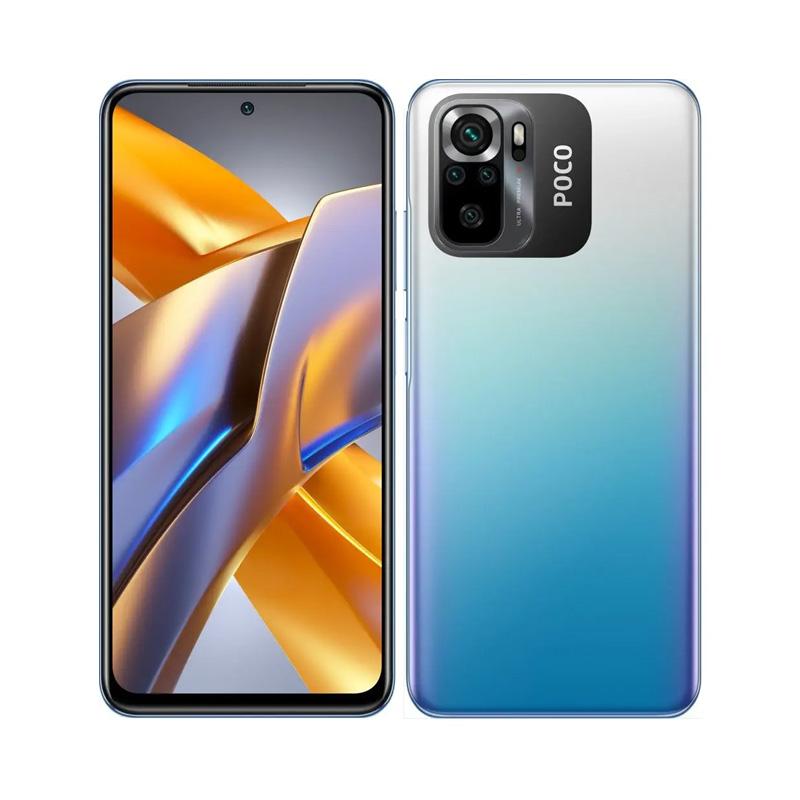
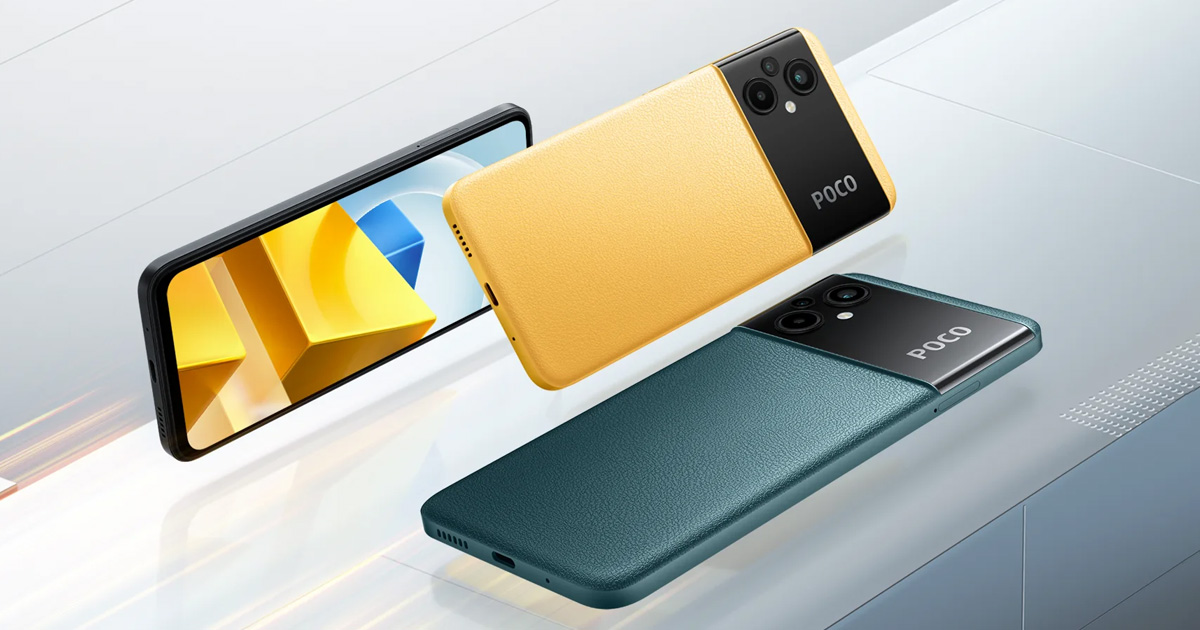
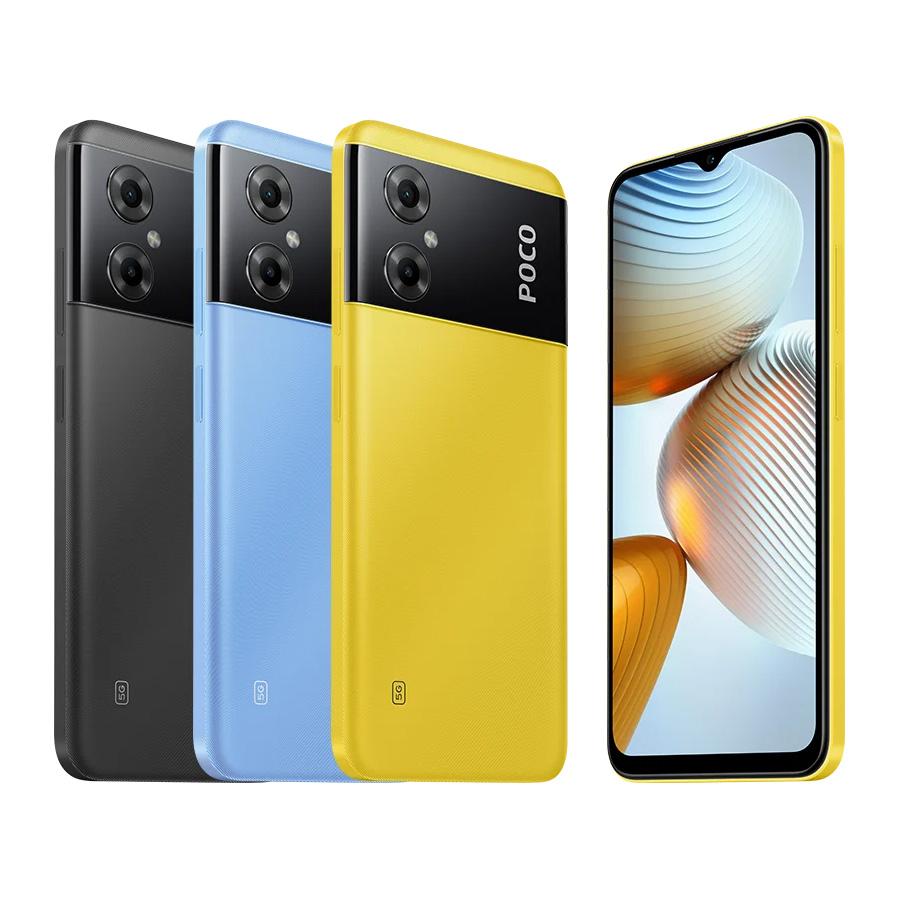
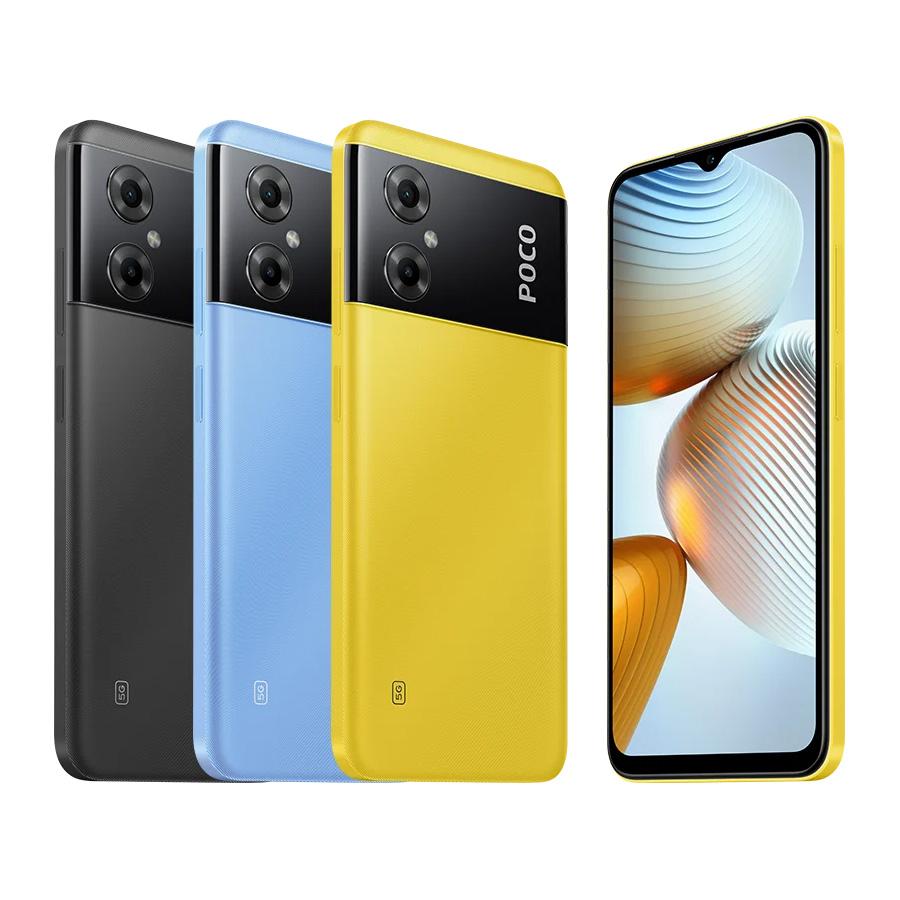
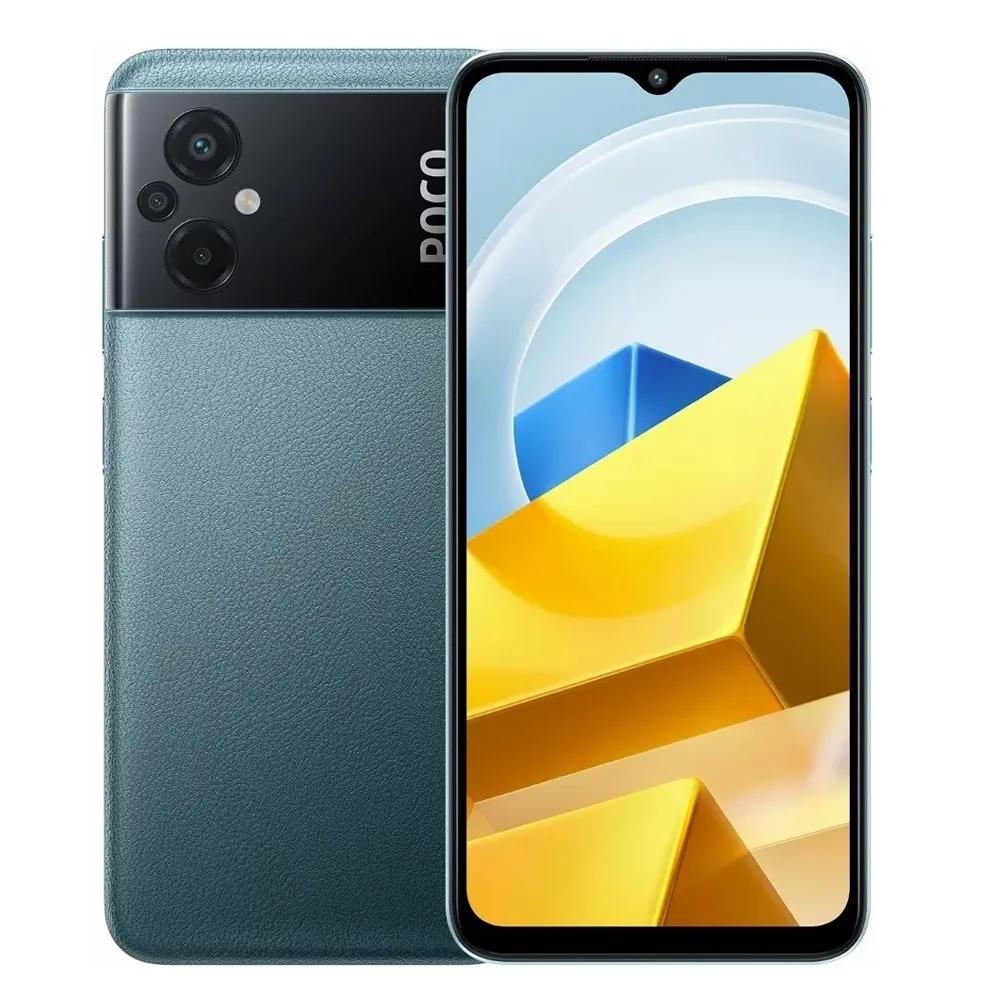
While the front and rear design are very similar on the POCO M4 5G and POCO M5 phones, the more compact POCO M5s comes with a slightly different back design featuring more secondary cameras. The front of the phone is different too, since it has a cutout for the selfie camera instead of a notch.
The first two phones also differ in the display they use—you’ll find an IPS LCD display with a refresh rate of 90 Hz. The POCO M5s, unlike them, comes with a AMOLED display, but only at 60 Hz.
Ad
Performance showdown
A comparison of affordable POCO smartphones of course has to show which of the MediaTek chips delivers the most power. In the AnTuTu benchmark 9, POCO M376359 took first place with 5 points. Second and third place go to POCO M5s (349528 points) and POCO M4 5G (338371 points).
You can find a full processor comparison on the Nanoreview.net website
With the POCO M5s and POCO M4 5G, you can expect roughly the same performance. However, the POCO M4 5G takes the lead in real-world use thanks to the display’s 90 Hz refresh rate.
All three smartphones come with 4/6 GB of RAM and 64/128 GB of storage.
When it comes to cameras, the winner is clear
The main camera on the POCO M4 5G has 13 MPx (f/2.2). The other 2 POCO models come with higher numbers in this specification. Specifically, 50 MPx (f/1.8) on the POCO M5 and 64 MPx (f/1.8) on the POCO M5s. With all three, you’ll find PDAF autofocus, but you won’t find optical image stabilization in any of them. Only the POCO M5s camera can record video in 4K resolution.
As for the secondary cameras, all of these smartphones include a depth sensor and the POCO M4 5G also includes a macro sensor. But only the POCO M5s comes with a truly practical 8 MP (f/2.2) ultra-wide sensor.
Identical battery, different charging speeds
All three phones come with a 5000 mAh battery capacity. The only difference you’ll find between them is the charging speed. While the POCO M5s supports charging with a power of 33 W, promising a charge to 64% in 30 minutes, the other 2 phones have to make do with just 18 W.
Ad
Price comparison and our exclusive coupons
As the only website in Slovakia, we collaborate with the official Xiaomi Mi Store for the Slovak market, and we bring you unique coupons for all three smartphones in the official European version. The coupons are available for multiple color options and memory variants too.
You won’t find similar discount coupons for the Mi-store.sk shop anywhere else on the internet—we have them only as the exclusive ones.
Benefits of shopping at Mi-store.sk:
The only official distributor of Xiaomi products for the Slovak market
Best customer service – 2-year warranty, returns handled also directly in-store, phone support at +421 948 293 769
Pickup options at 6 physical Xiaomi stores across Slovakia—completely free
Home delivery available too, within 1-2 business days
Thanks to our exclusive coupons, you’ll get the absolute lowest market price. Plus, you’ll receive an official Xiaomi warranty with the option to file a claim directly in the store.
The coupons are valid until 27.11.2022 or until the stock sells out.
Xiaomi Planet shopping tip: GShopper has now launched direct bank transfer payments, so you can save another 4.5 % off the product price! Compared to card / Google Pay payment, you can get this product much cheaper. We described the full bank transfer payment process in our article.
Is it your first time shopping on GShopper?See the guide!
Updated 30. 10. 2023 on 15:00
TIPWith Standard Shipping via GShopper, you pay no extra fees—everything is already included!
With the GShopper seller, we recommend choosing Standard Shipping, where you won’t pay anything extra. Customs fees and any VAT are handled by the seller. You can select the shipping method in the cart only, after entering your delivery address. Delivery with this option usually takes about 15 business days from dispatch from the warehouse, but it may take longer.
Is it your first time shopping on GShopper?See the guide!
Updated 30. 10. 2023 on 15:00
TIPWith Standard Shipping via GShopper, you pay no extra fees—everything is already included!
With the GShopper seller, we recommend choosing Standard Shipping, where you won’t pay anything extra. Customs fees and any VAT are handled by the seller. You can select the shipping method in the cart only, after entering your delivery address. Delivery with this option usually takes about 15 business days from dispatch from the warehouse, but it may take longer.
Our extra service with VIP support — we’ll handle the order on Gshopper for you and ship it straight to your address.
If you don’t have experience buying on Gshopper, payments don’t go through, or coupon use doesn’t work for you, we offer an order handling service directly to your address for our readers and customers. You transfer the money to our account and we place the order directly to your address. This way, you won’t have to worry about a failed payment or applying the coupon, and you can be sure the entire order will go through correctly 100 %. In addition, you automatically get our VIP support — if any issues arise with the shipment, we handle them for you and assist with filing a claim. The fee for this service is €15 extra of the product price. You can contact us by email at info(@)xiaomiplanet.sk or on Messenger, where we’re constantly active.
Platba cez DHgate: The platform has finally launched safe and reliable Google Pay payments! So now you don’t need to use Revolut / Wise cards for payment, and you can pay directly in EUR. We’d also like to remind you that orders from DHgate come with our VIP support, which you get after downloading our extension for the Chrome browser on desktop only (when shopping on a smartphone, you can use the DHgate app).
Are you shopping on DHGate for the first time?See the guide!
Updated 9. 5. 2024 on 07:36
TIPExpress delivery from a European warehouse—no customs duty and VAT.
This product will be delivered to you via express shipment from a local warehouse in Europe. Delivery from EU warehouses usually takes from 2-10 days and is handled by a courier. When it arrives, you won’t pay any additional fees—no customs duty and no VAT.
Our extra service with VIP support — we’ll handle the order on DHgate for you and ship it straight to your address.
If you don’t have experience buying on DHgate, your payment won’t go through, or the coupon doesn’t work, we offer our readers and customers an order-handling service delivered directly to your address. You send us the money by bank transfer and we order the product straight to you. That way, you don’t have to worry about a failed payment or applying the coupon, and you can be sure the whole order goes through 100 % correctly. On top of that, you automatically get our VIP support — we handle any shipping issues for you and assist with warranty claims. The fee for this service is 15 € for the product price. You can contact us by email at info(@)xiaomiplanet.sk or on Messenger, where we’re active all the time.
Is it your first time shopping on GShopper?See the guide!
Updated 31. 3. 2025 on 10:18
TIPWith Standard Shipping via GShopper, you pay no extra fees—everything is already included!
With the GShopper seller, we recommend choosing Standard Shipping, where you won’t pay anything extra. Customs fees and any VAT are handled by the seller. You can select the shipping method in the cart only, after entering your delivery address. Delivery with this option usually takes about 15 business days from dispatch from the warehouse, but it may take longer.
Is it your first time shopping on GShopper?See the guide!
Updated 31. 3. 2025 on 10:18
TIPWith Standard Shipping via GShopper, you pay no extra fees—everything is already included!
With the GShopper seller, we recommend choosing Standard Shipping, where you won’t pay anything extra. Customs fees and any VAT are handled by the seller. You can select the shipping method in the cart only, after entering your delivery address. Delivery with this option usually takes about 15 business days from dispatch from the warehouse, but it may take longer.
Is it your first time shopping on GShopper?See the guide!
Updated 31. 3. 2025 on 10:18
TIPWith Standard Shipping via GShopper, you pay no extra fees—everything is already included!
With the GShopper seller, we recommend choosing Standard Shipping, where you won’t pay anything extra. Customs fees and any VAT are handled by the seller. You can select the shipping method in the cart only, after entering your delivery address. Delivery with this option usually takes about 15 business days from dispatch from the warehouse, but it may take longer.
Are you shopping on DHGate for the first time?See the guide!
Updated 31. 3. 2025 on 10:18
TIPExpress delivery from the German warehouse with no customs duty and no VAT.
This product will be delivered to you express from a local German warehouse. Delivery from Germany usually takes 7-10 days, and it’s brought by courier. When it arrives, you don’t pay any extra fees—no customs duty or VAT.
Which of these budget POCO smartphones caught your attention the most? Do you prefer the more compact POCO M5s with the more up-to-date design, or the most powerful POCO M5 in terms of performance? You can vote in our poll below.
Reader poll
Which one of these three smartphones would you choose?
POCO M4 5G9 %
POCO M518 %
POCO M5s73 %
56 votes · You haven’t voted yet
Check out our Facebook group too: Xiaomi Planet – A place for true Xiaomi fans and also our Xiaomi Planet portal, so you won’t miss anything from the world of the Xiaomi brand.




 EU warehouse