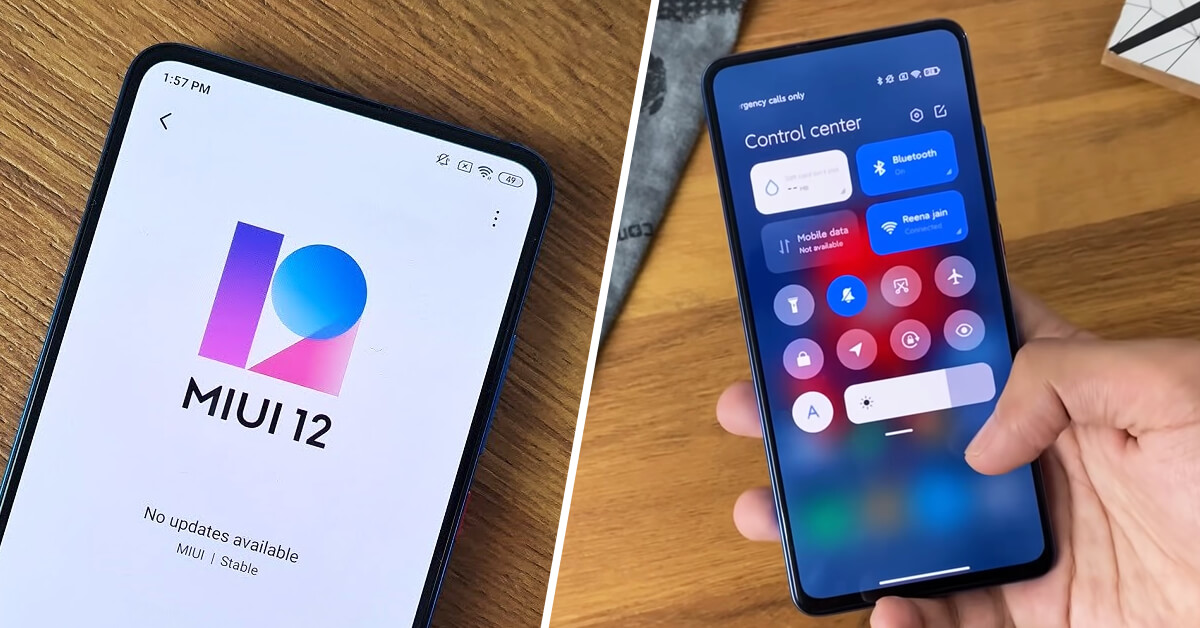
The latest generation of the user interface layer MIUI 12 has gone through quite a major visual, but also functional, development. One of the most controversial areas is definitely the Control Center, which looks a lot like the one from American iOS.
Taking inspiration from the end result is absolutely not a bad thing, and when this “copy” turns out well, we don’t see a single reason for hating or negative feedback. In this article, we’ll show you how this new control center can be activated easily.
In MIUI 12 you have a choice of
Of course, if you’re not a fan of the revamped Control Center full of new animations, color variations, and overall you like the older version of the Control Center more design-wise, you can choose—feel free to activate the old one, or deactivate the new one.
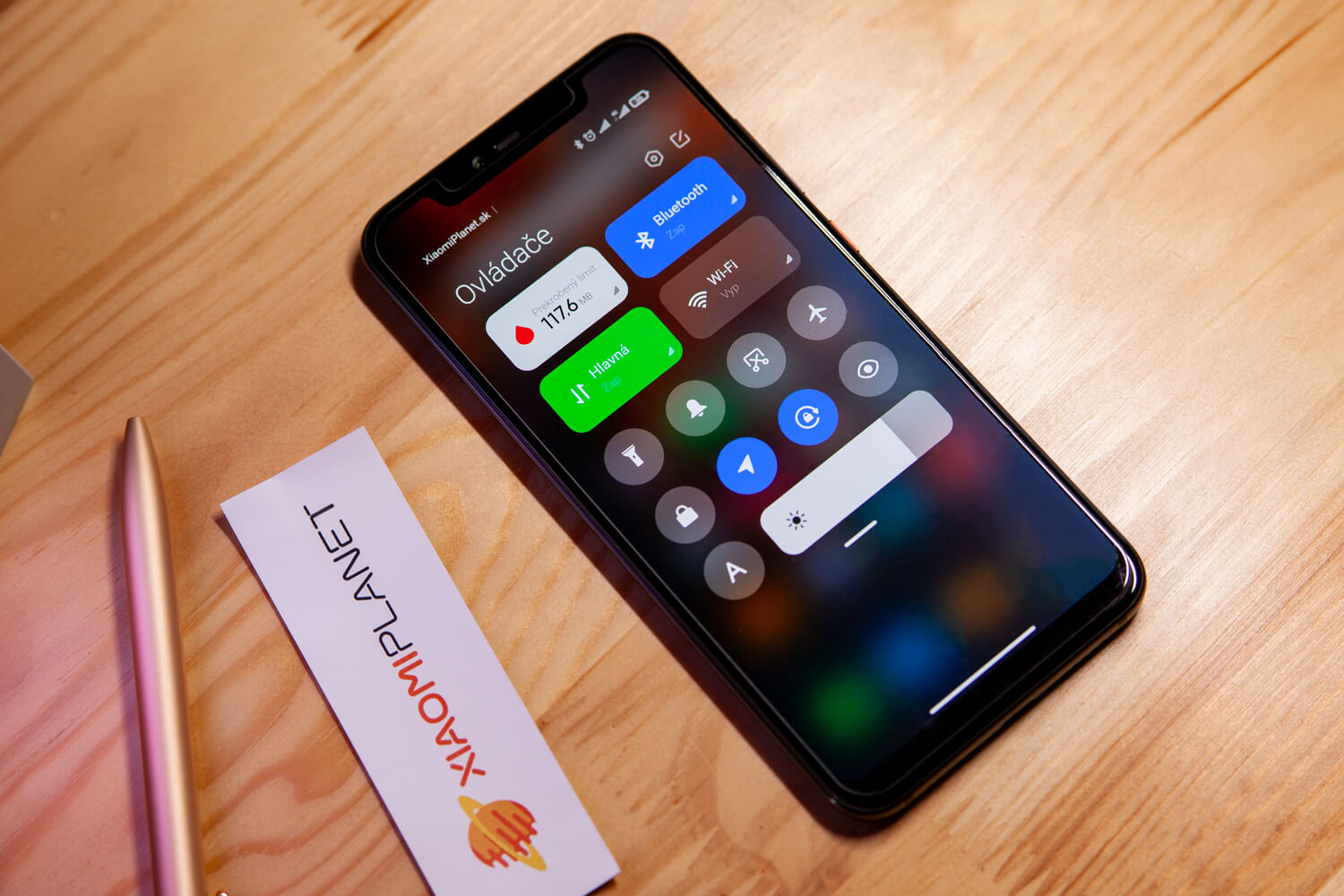
After installing the update to MIUI 12, the new control and notification center is turned on automatically. If you want to turn it on manually or just turn it off right away, these simple steps will come in handy:
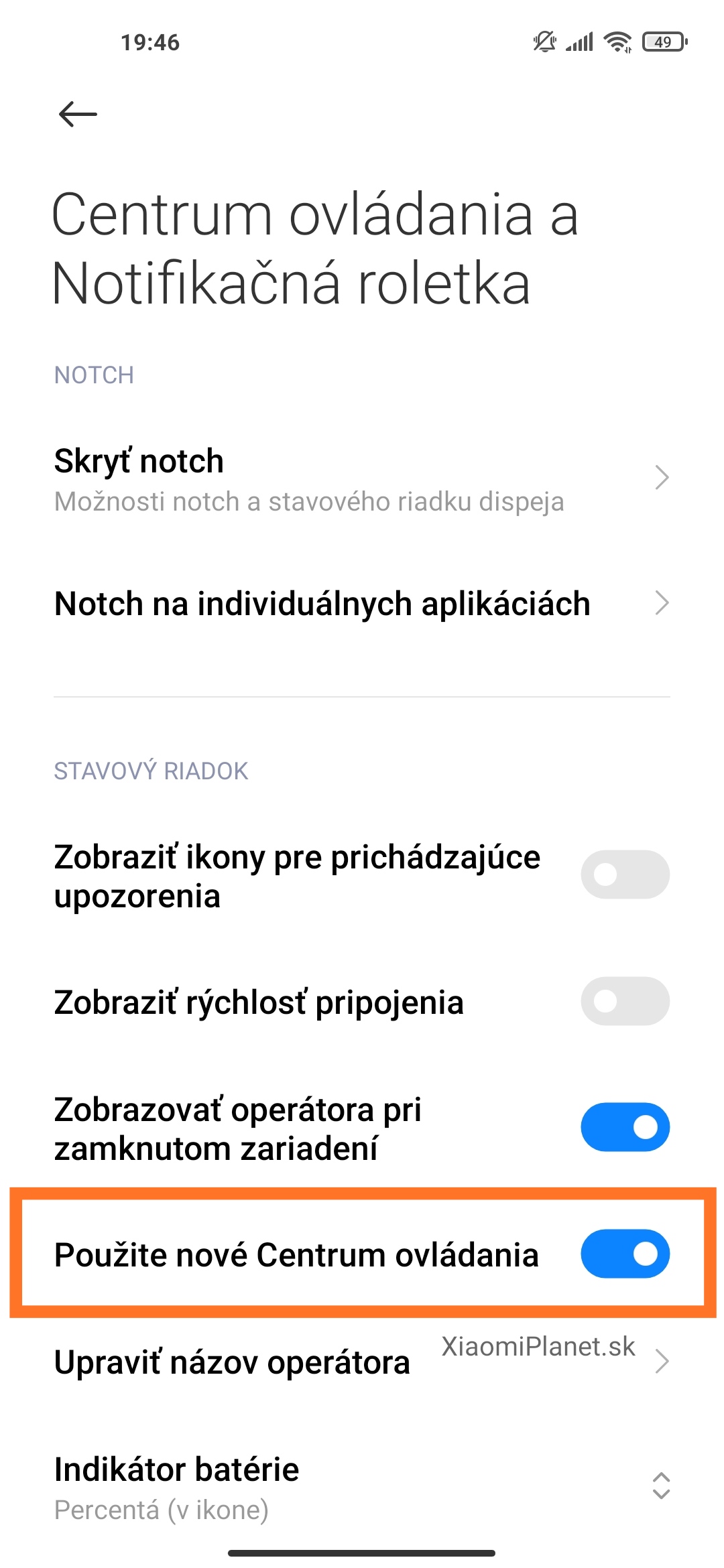
- Settings > Display > Status bar
- As soon as you’re inside the settings, just turn on / off the option “Use the new Control Center“
Thanks to this guide, you’ll be able to simply activate the new control and notification center in just a few moments—we think it’s a well-done and stylish update. In the comments under the article, tell us if you like the revamped interface or if you’re staying loyal to the classic.
For your next batch of interesting articles, regularly check out our website, follow our Instagram, and don’t forget to subscribe to news directly in your email inbox.
Don’t miss the best coupons 📩
Subscribe and we’ll email you new coupons before they expire. We only send it once a month — no spam.