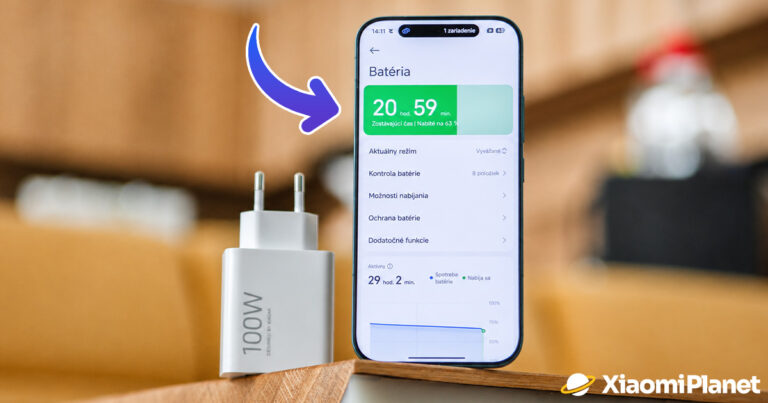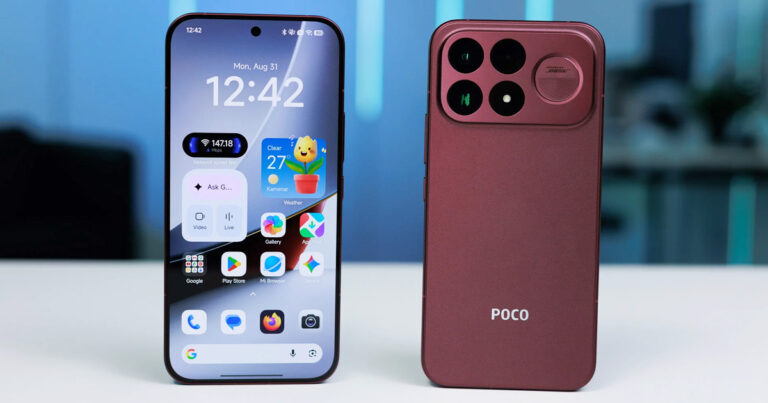
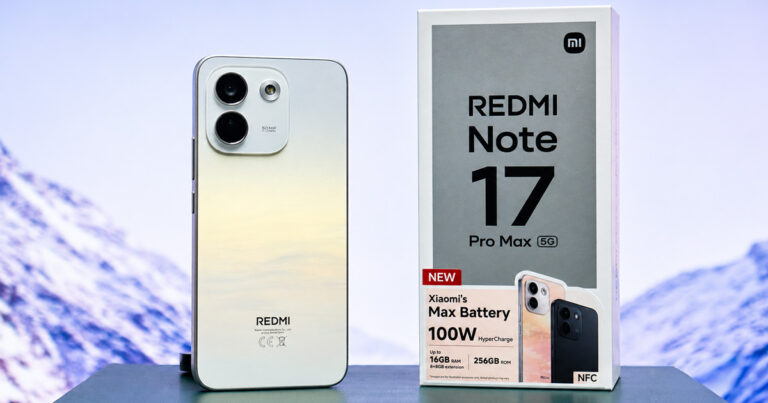


Xiaomi smartphone fans can look forward to an exciting update. The HyperOS 2.2 beta version, which is currently available for the Redmi K70 Ultra, includes an upgraded photo app Xiaomi Camera 6.0.
The biggest Xiaomi FB group in Slovakia
This is an important step toward bringing premium photography features to devices that don’t have Leica cooperation. The new version, 6.1.000103.0 improves the photo-taking experience especially on mid-range phones like Redmi models and devices from the POCO lineup.
The new version brings major improvements
Camera 6.0 is designed with a focus on speed, stability, and easier controls. Compared to the previous version, the user interface has become more clear and more modern, while also enabling faster access to advanced features. The shutter response is also snappier, and the overall image processing is noticeably faster.
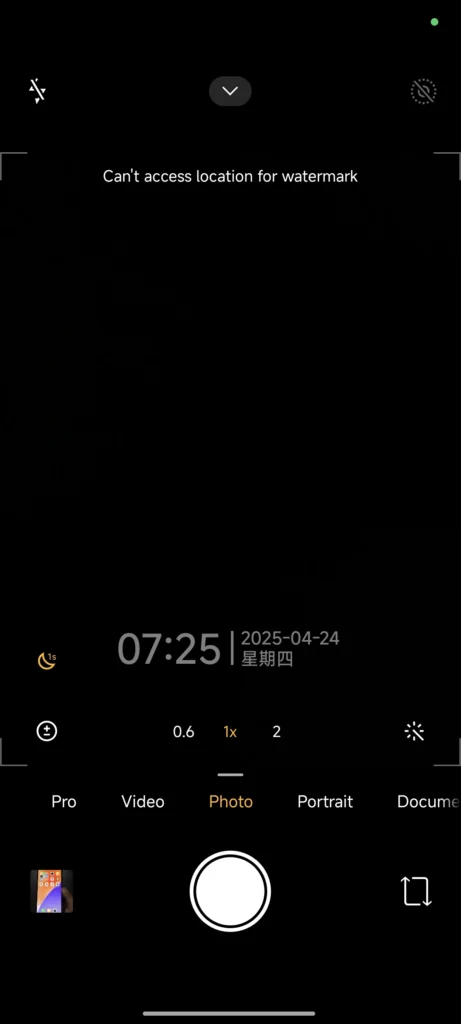
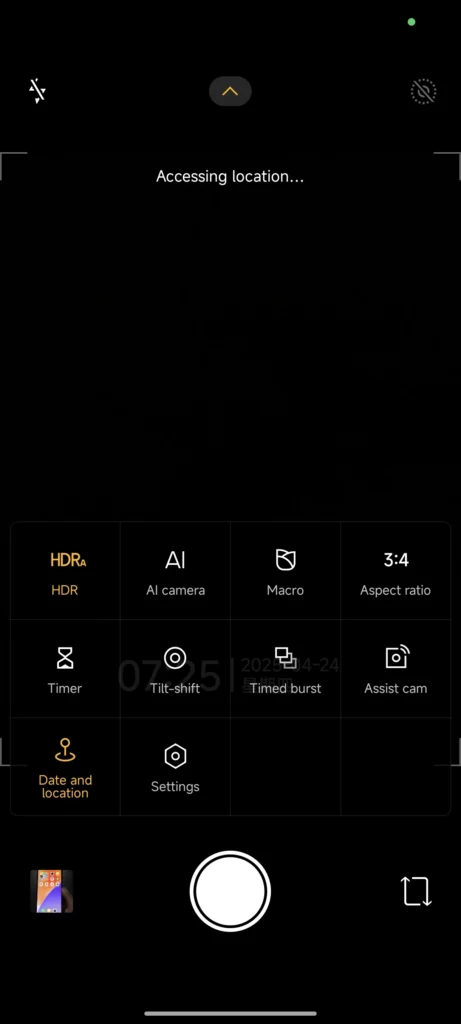
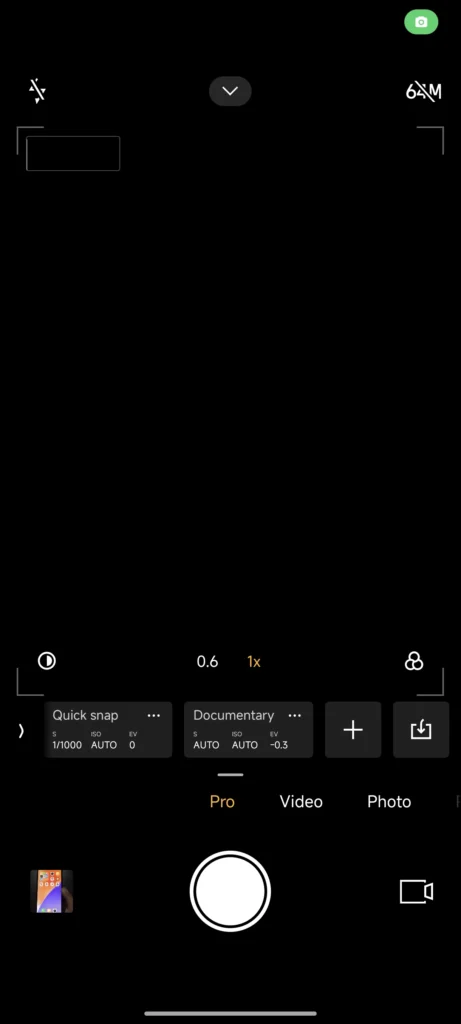
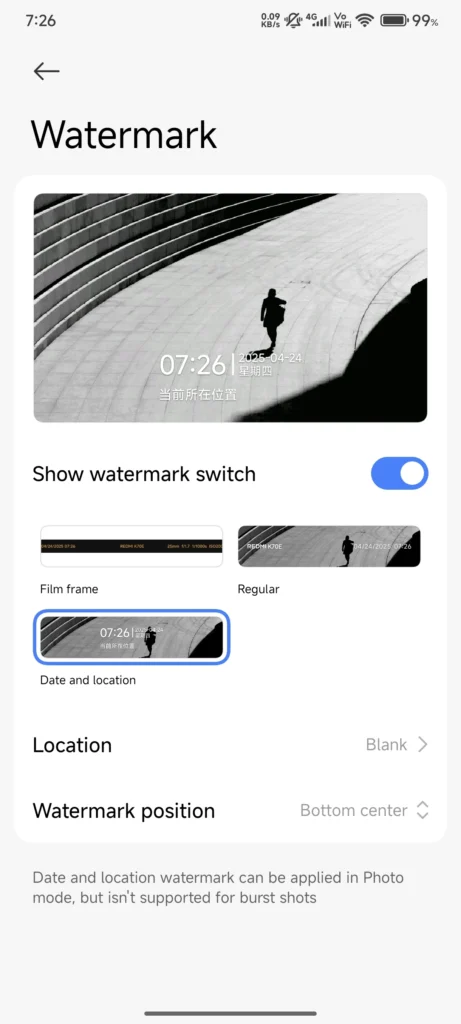
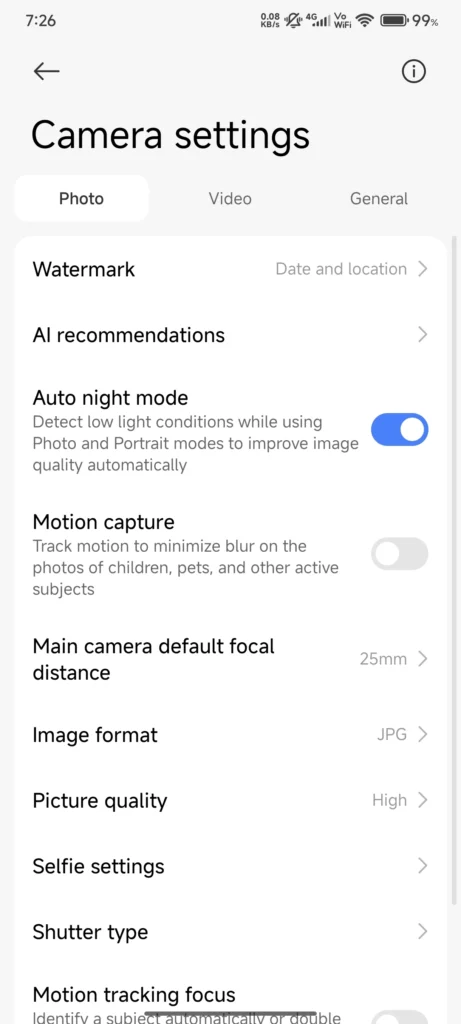
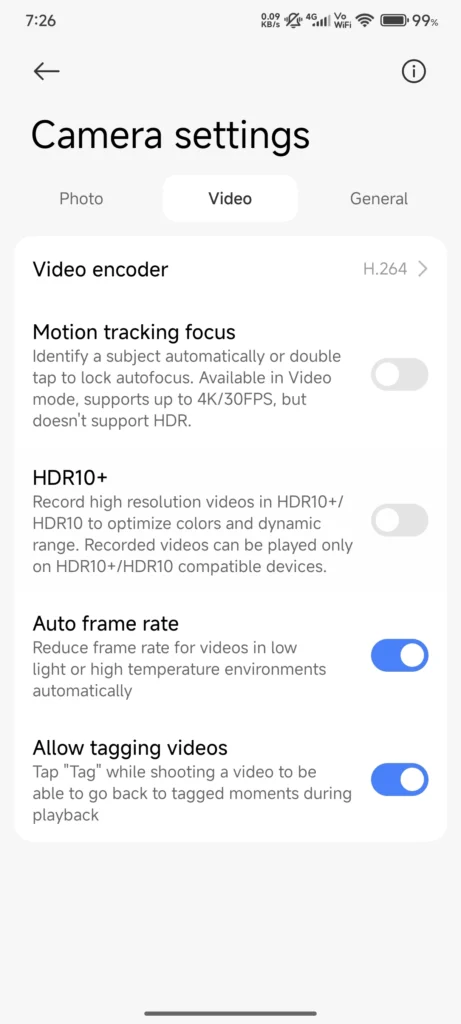
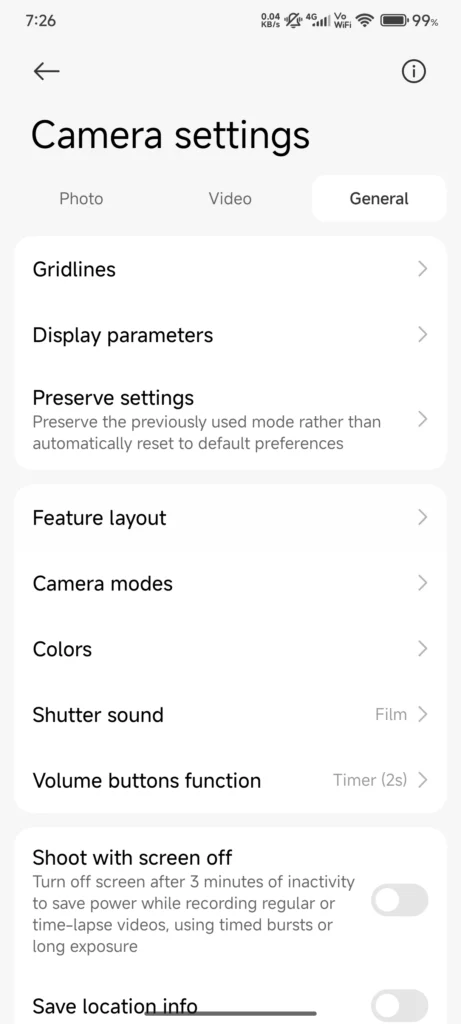
The popular portrait mode has been improved using new algorithms that more accurately distinguish between the background and the person being photographed. The result is a more natural bokeh effect even in poorer lighting.
Improvements also touch the night mode, which can now capture more light with less noise. As a result, photos look sharper and brighter—something that owners of more affordable Xiaomi devices will definitely appreciate.
Which devices support Camera 6.0?
Although the Camera 6.0 app was introduced alongside a beta version of the system for the Redmi K70 Ultra, you can already use it on multiple Xiaomi smartphones. Supported devices include:
- Redmi K70E (globally known as POCO X6 Pro)
- Redmi K70 (global version of POCO F6 Pro)
- Redmi K70 Ultra
- Other Xiaomi and Redmi models from 2023 and 2024
- In the editorial office, we tested it on Xiaomi 14 Ultra and the app works perfectly
Users of these smartphones can install the app manually via an APK file without waiting for an official system update.
How to download and install the new version?
If you want to try this photo app, follow these steps:
- Download the APK installation file from this page
- In your phone’s settings, allow app installation from unknown sources
- Install Camera 6.0 via Mi File Manager
- After launching the app, grant all requested permissions
- For proper operation, we recommend restarting the device
Since this is beta software, some features may not work completely reliably yet. Still, the app brings clear improvements and new possibilities even beyond flagship devices.
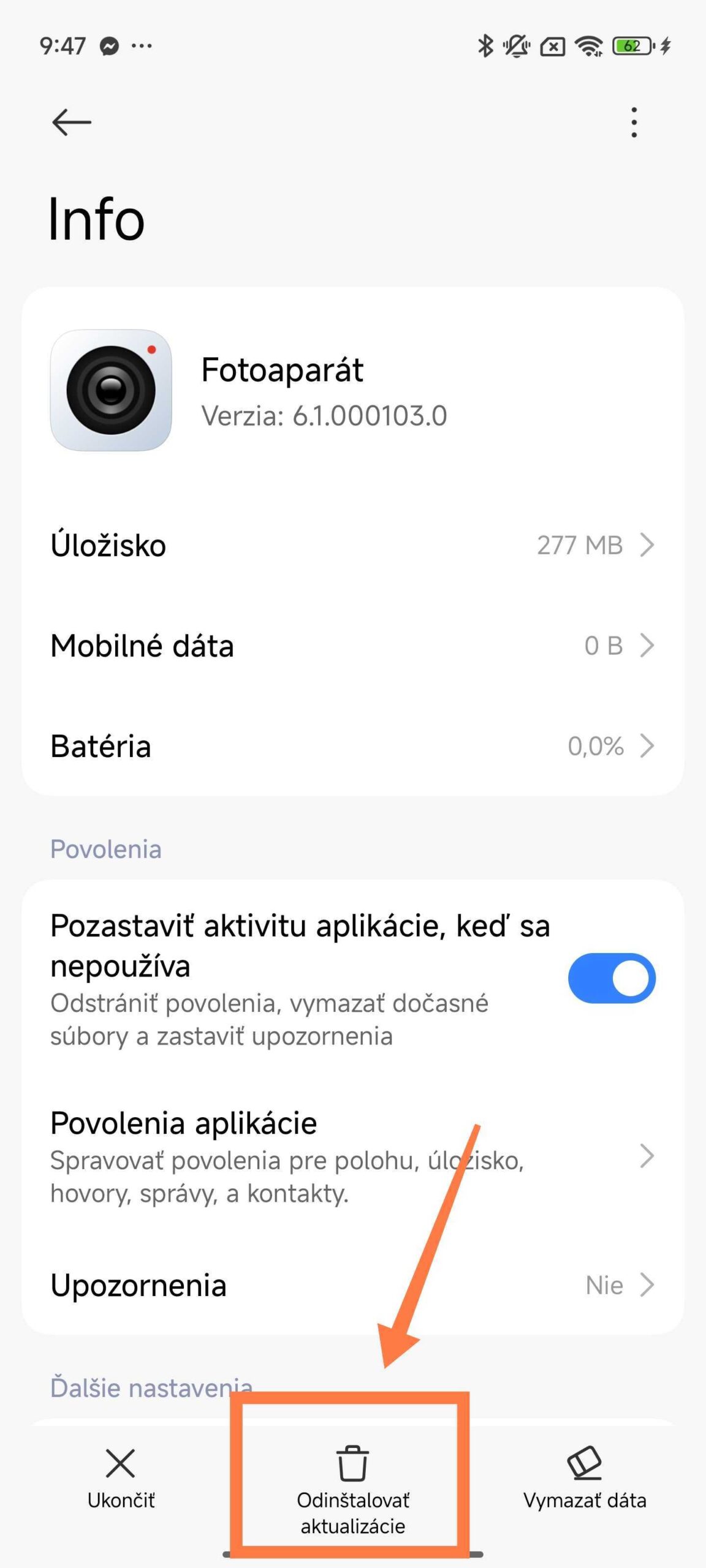
If, by any chance, the camera app doesn’t work at all after installation, you can simply uninstall the app updates via the settings like this:
Support for more devices is already in the works
Based on available information, Xiaomi plans to expand the Camera 6.0 app to additional devices as part of upcoming HyperOS updates. This fits the company’s strategy of bringing advanced features to users of more affordable smartphones.
If you have a mid-range Xiaomi phone, it’s likely that you’ll get the stable version of this app soon without needing to install via APK. And if you’re impatient, you can test it today.
To get more updates from the Xiaomi world, keep following our Xiaomi Planet website — join our Facebook group, where we build an active community and help each other out. Also subscribe to our Telegram, where we add the best offers and coupons from China every day.
Don’t miss the best coupons 📩
Subscribe and we’ll email you new coupons before they expire. We only send it once a month — no spam.