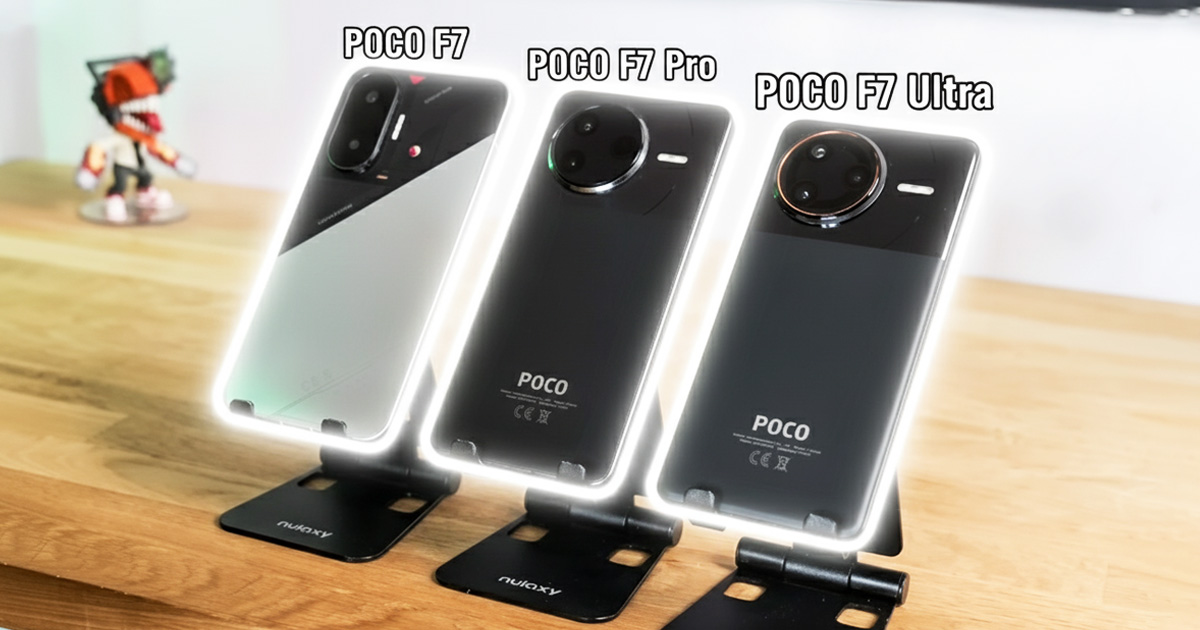
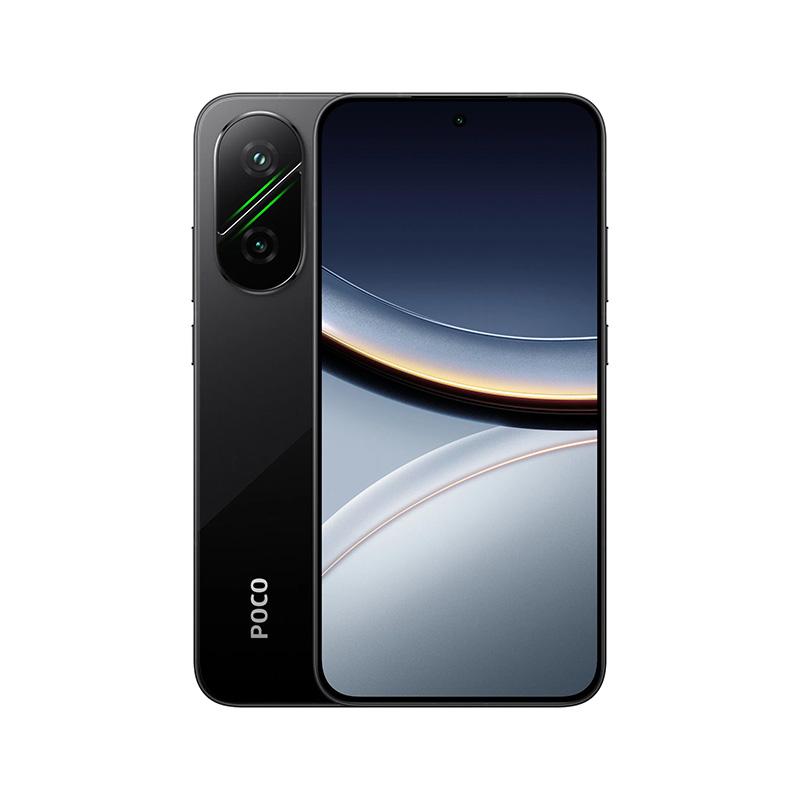
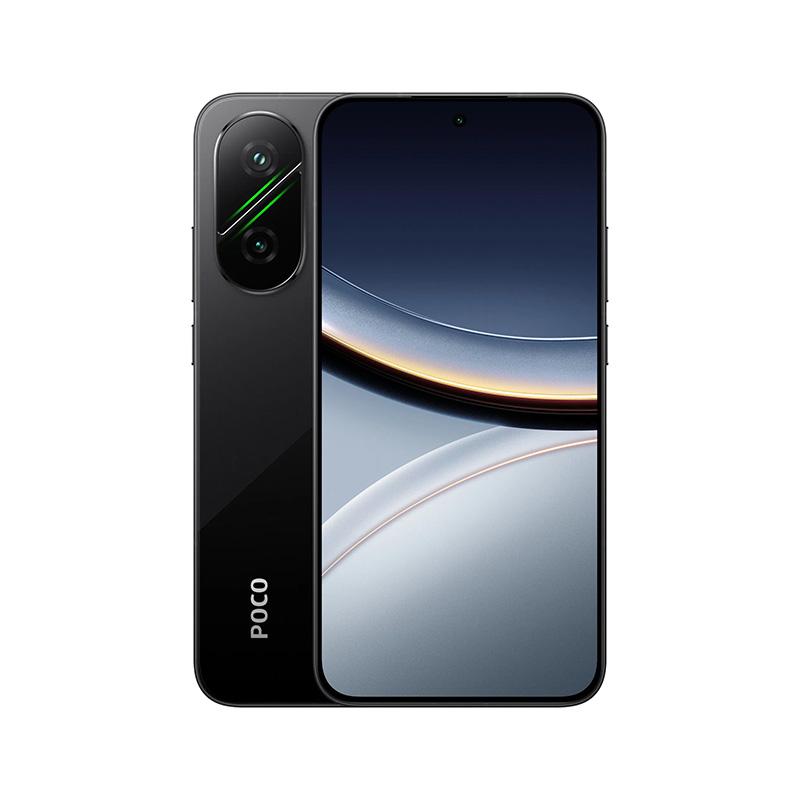
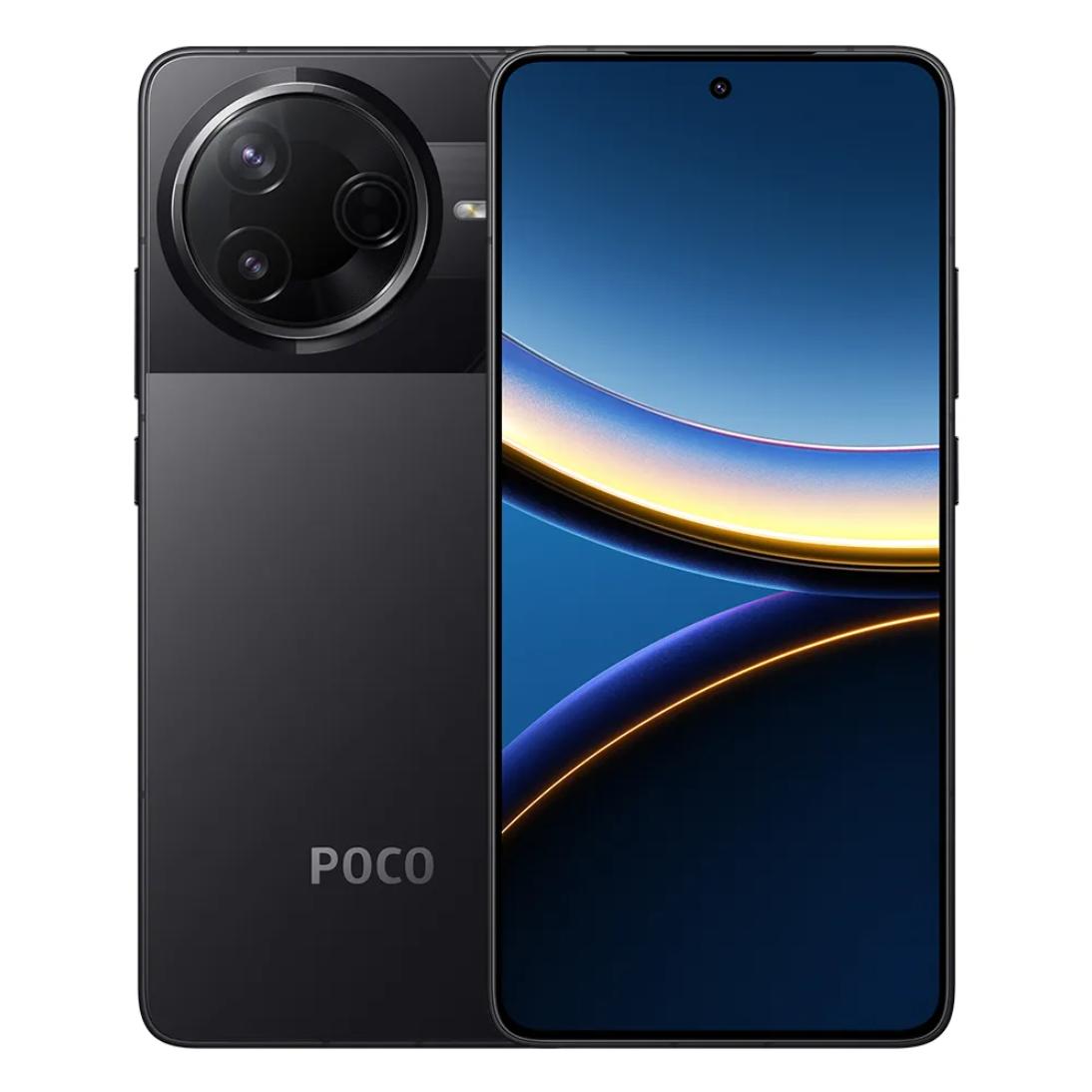
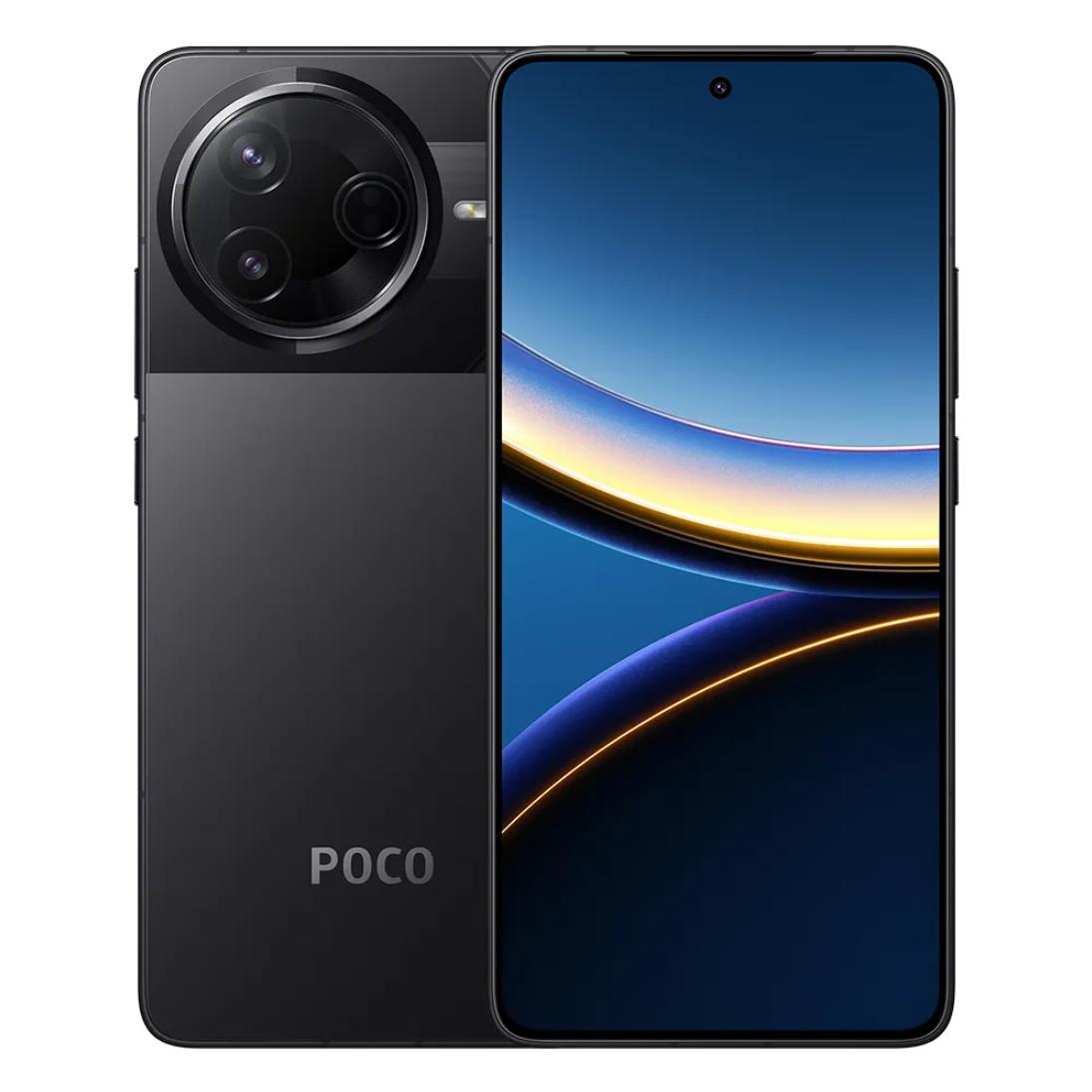
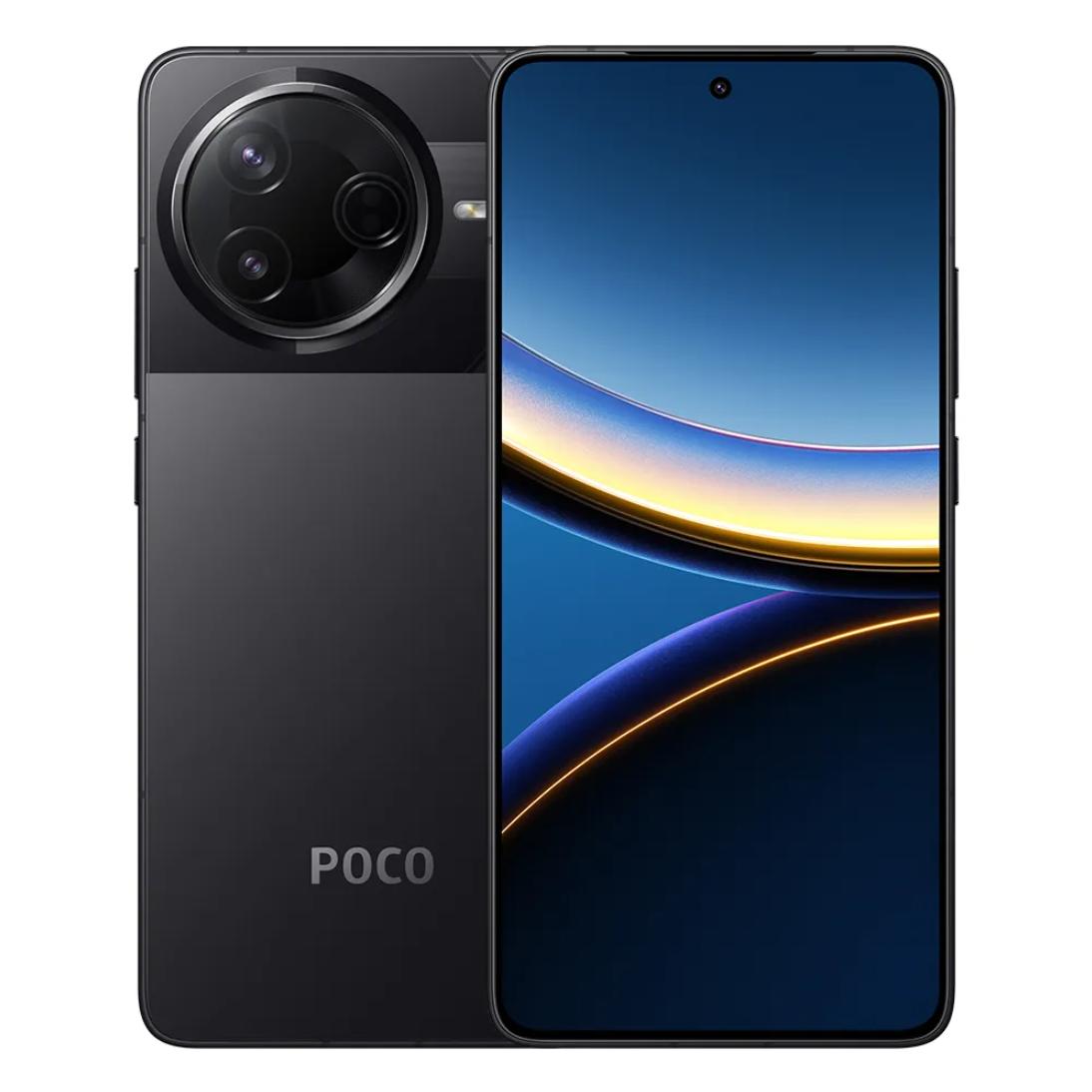
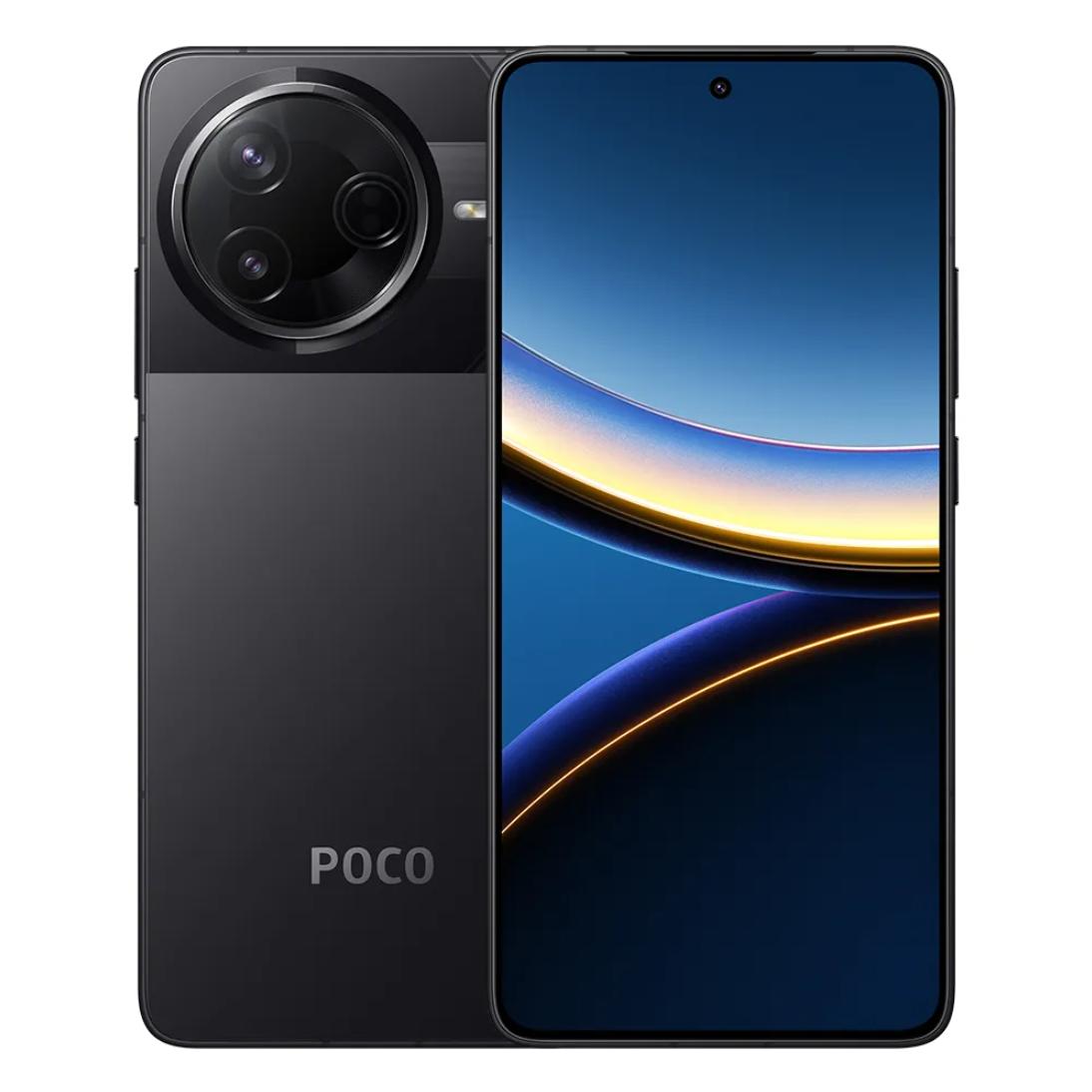
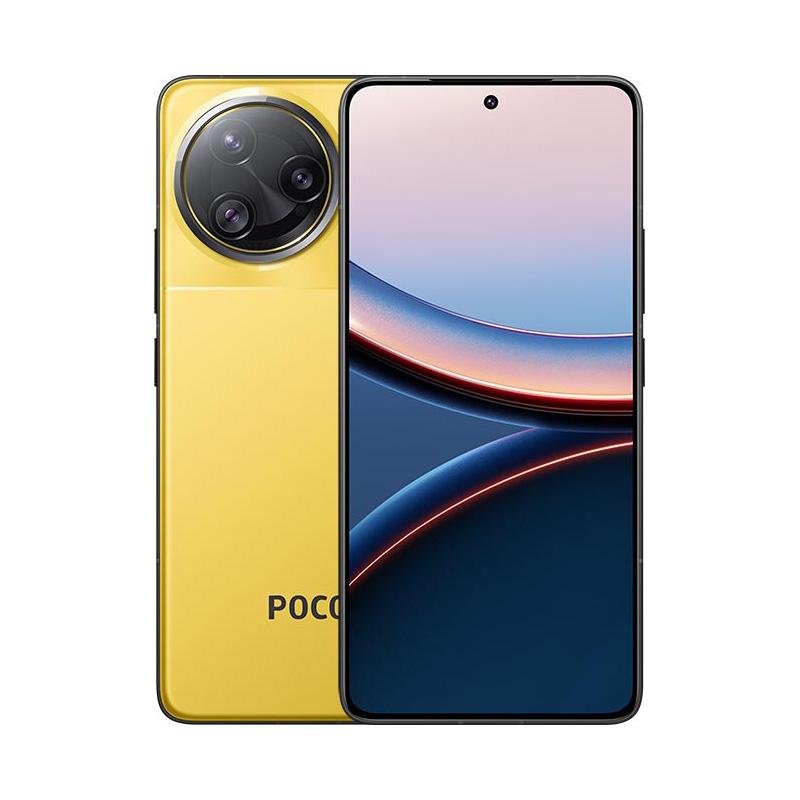
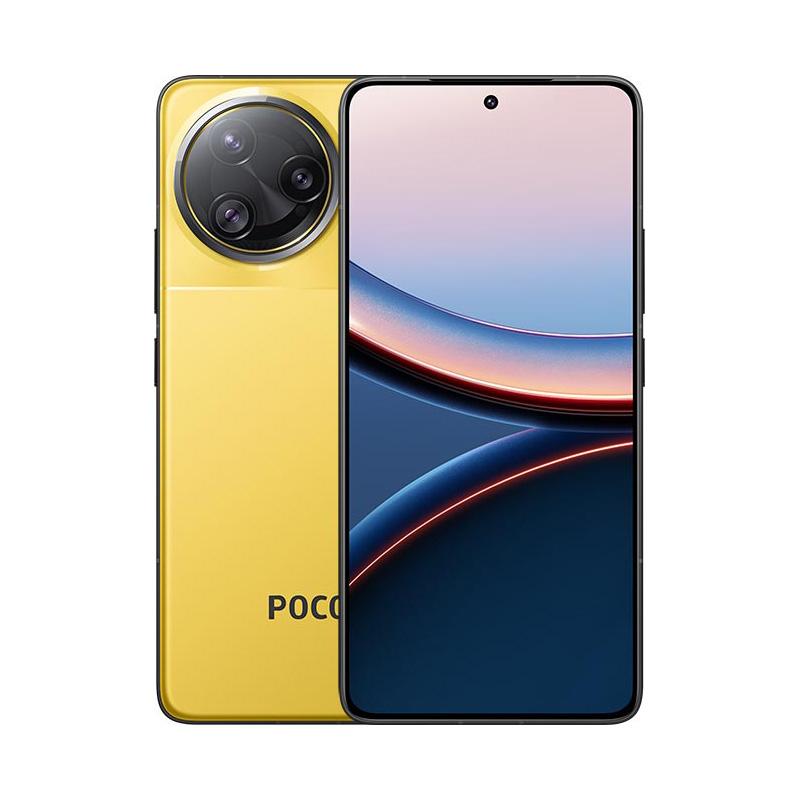
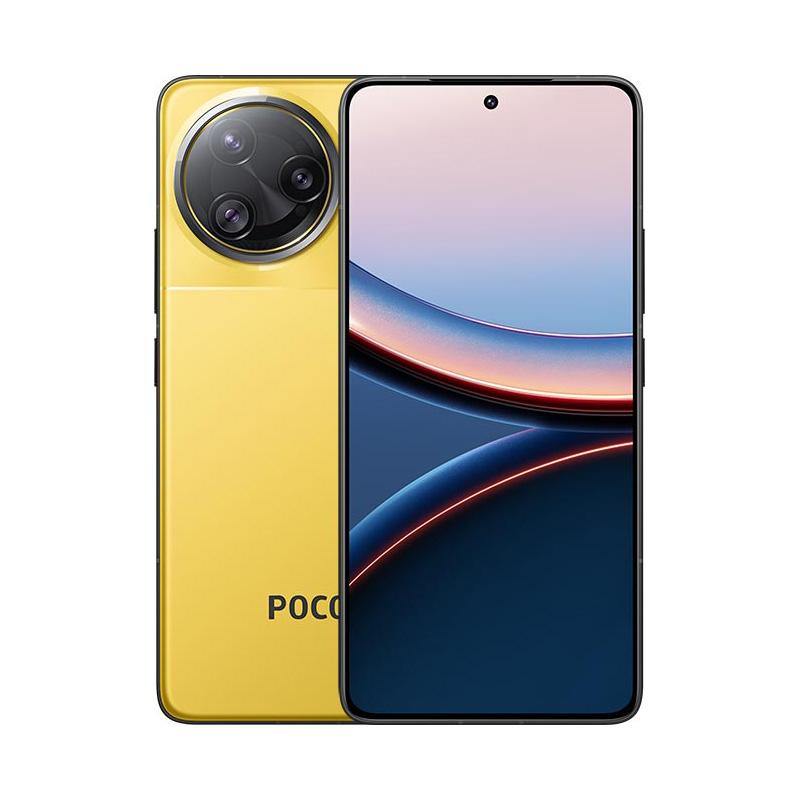
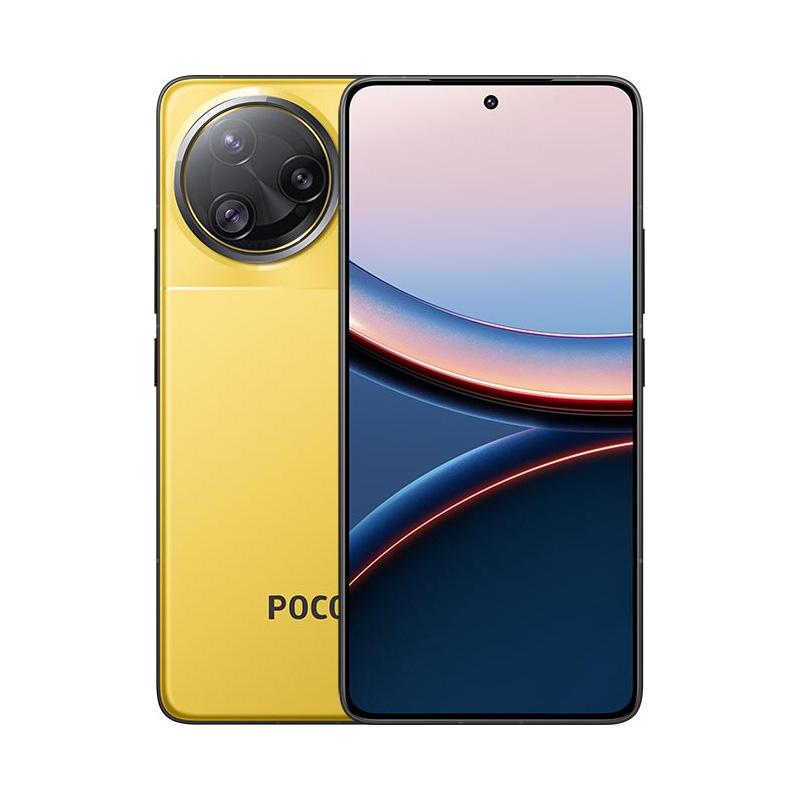
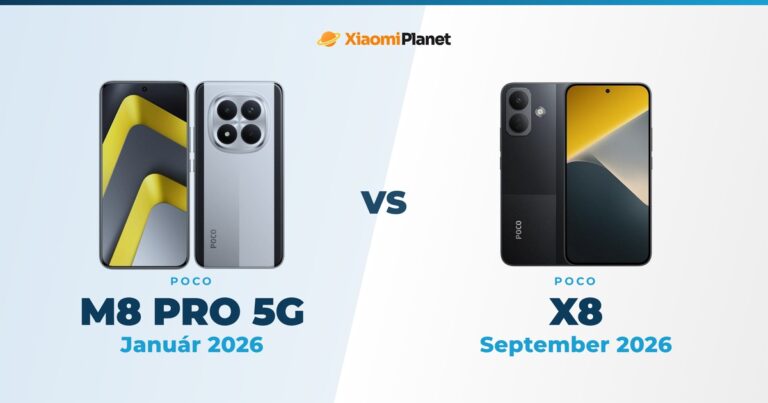
The POCO F7 series is back, right in a trio of models—the base POCO F7, the upgraded POCO F7 Pro, and the flagship POCO F7 Ultra. In this comparison, we’ll cover the key differences that will help you choose the right one for your needs.
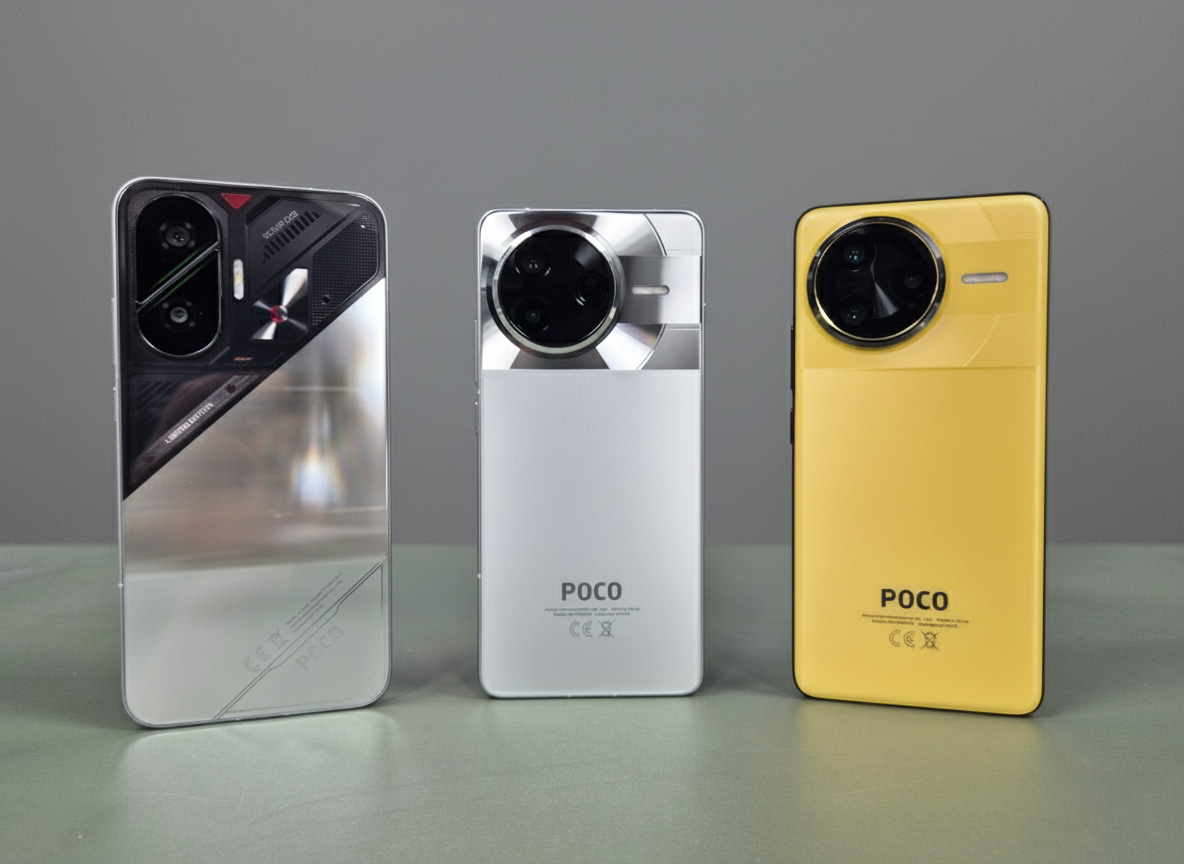
What’s interesting is that while these are three models from the same series, each one has a different design, different display sizes, as well as different performance and battery life.
Design, dimensions, and build
While the F7 Pro and Ultra models have a 6.67-inch display, the base F7 is surprisingly the largest with a 6.83-inch display. All three models boast a modern design with narrow bezels and a small cutout for the selfie camera.
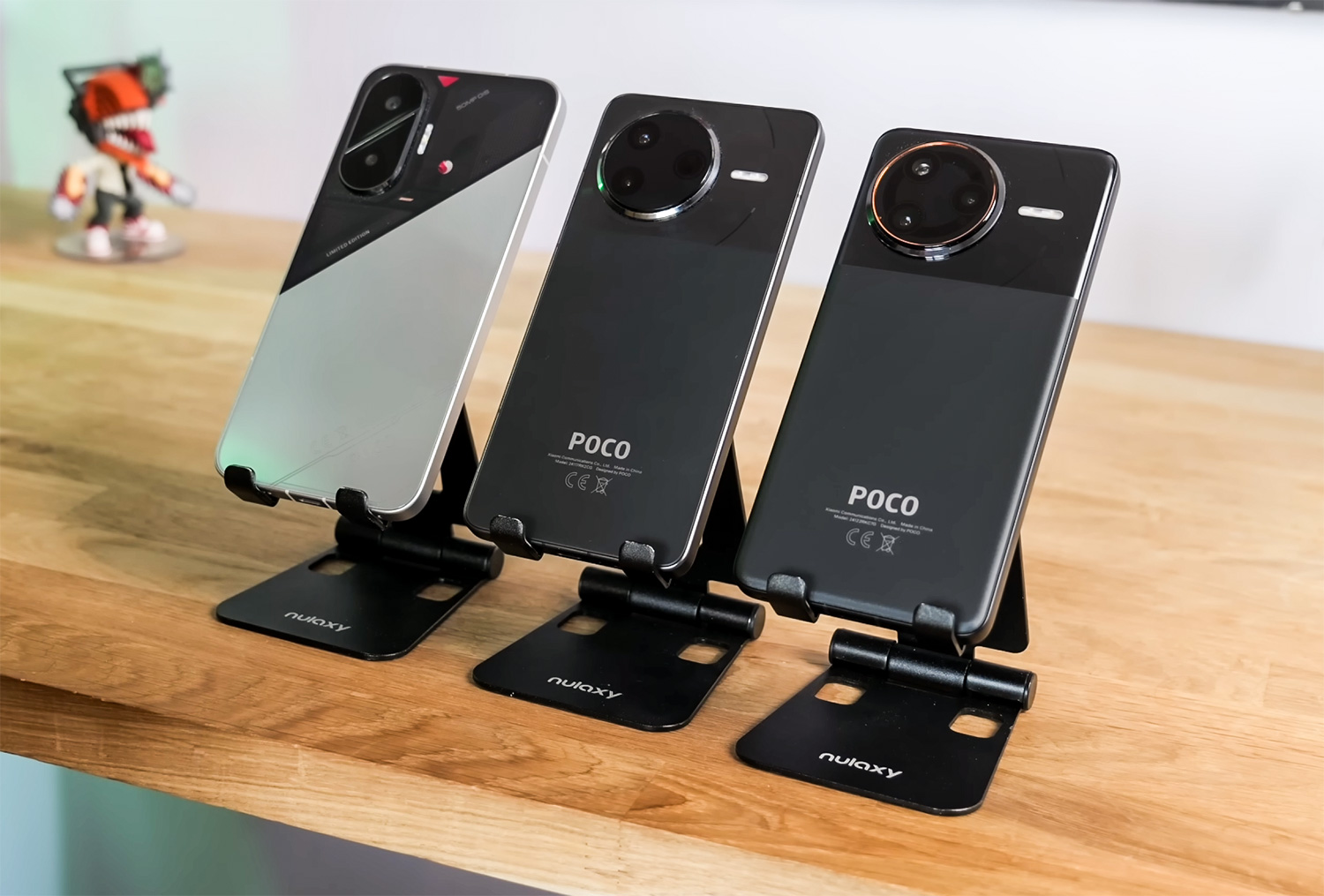
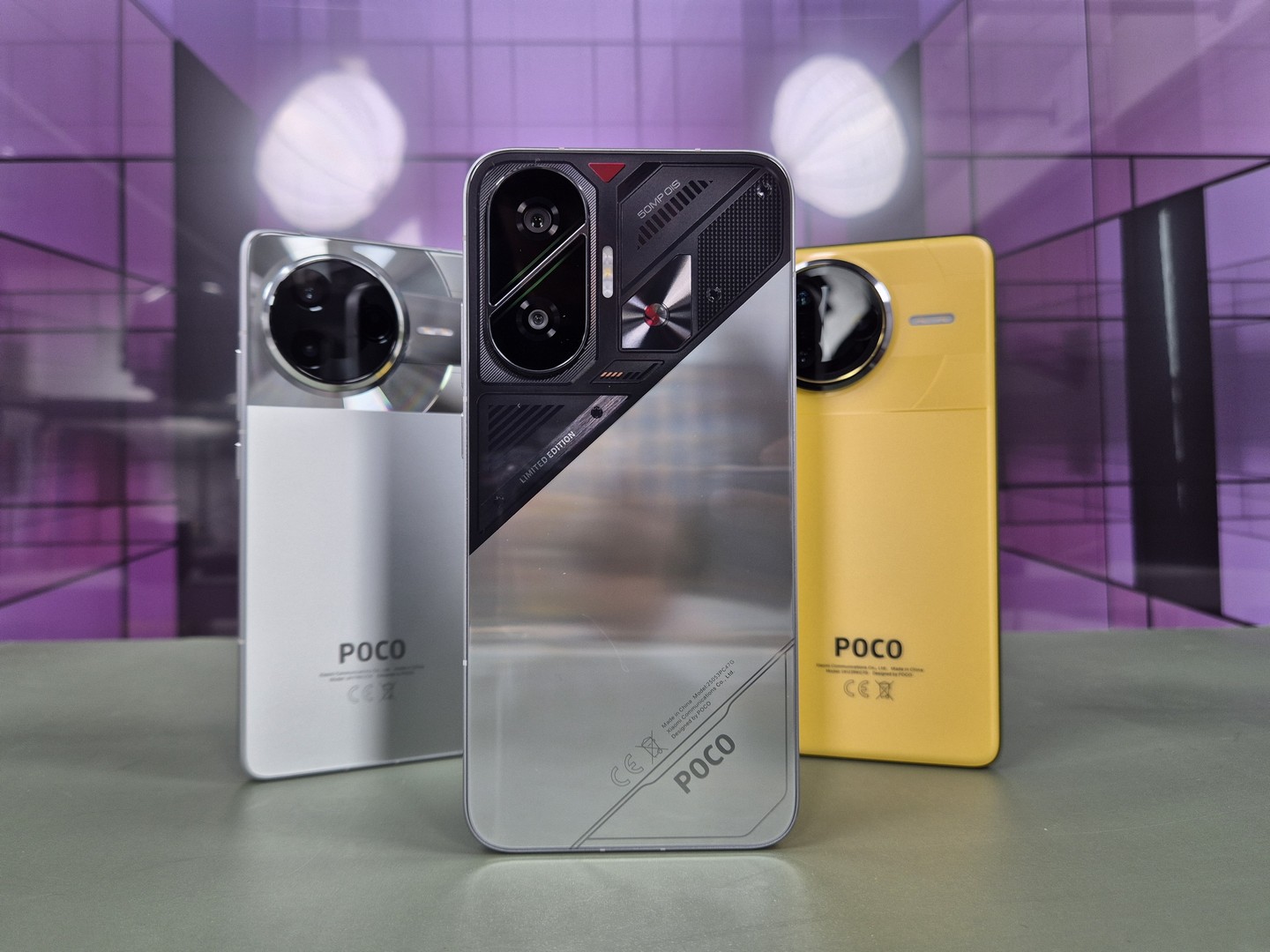
However, the back panel is different—Pro and Ultra offer an elegant two-tone look with texture, and the Ultra even has copper trim around the cameras. On the other hand, the F7 has a non-traditional look with a transparent top section (for the silver version).
In terms of durability, you’ll like the IP68 certification for all models, meaning full protection against water and dust. There’s glass on the back, a metal frame, and a pre-installed protective film on the display.
Ad
Fingerprint reader, HyperOS, and updates
POCO F7 uses a traditional optical in-display fingerprint reader that works quickly, but it’s less reliable with wet or dirty fingers. Pro and Ultra go further—they offer a more reliable ultrasonic fingerprint reader, which you’ll especially appreciate for sports or fast unlocking.
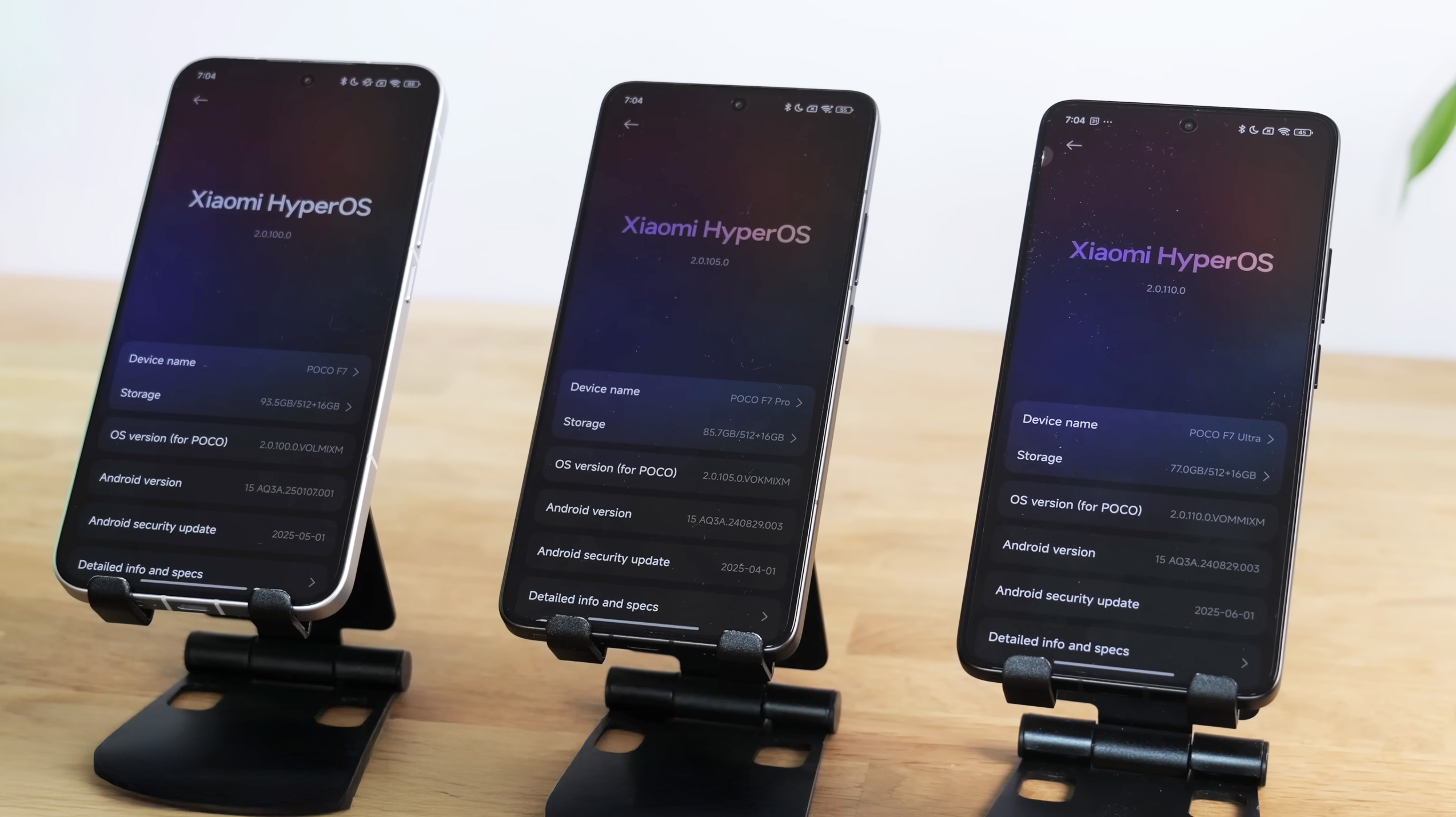
All three models run on HyperOS 2 over Android 15, and the manufacturer guarantees up to 4 major system updates and 6 years of security patches. The only downside is occasional system clutter from unnecessary apps, plus a limited Always-On display on the F7 model (up to 10 seconds).
Display and audio output
All models use AMOLED technology with HDR10+ and Dolby Vision support. F7 has a resolution of 2772 x 1280 px, while Pro and Ultra raise the bar to sharper 3200 x 1440 px. The refresh rate is 120 Hz across the board, but they lack LTPO technology that would dynamically adjust the refresh rate based on content.
Stereo speakers are on every model, but the bottom one is noticeably stronger. This is most obvious on the base F7, which has a much more powerful bottom speaker compared to the top one.
Performance, gaming, and battery life
The hardware scales with the price. POCO F7 has a Snapdragon 8s Gen 4 chipset, the Pro version gets Snapdragon 8 Gen 3, and the Ultra goes all the way to the top with a Snapdragon 8 Elite.
In everyday use, they’re all fast, but when it comes to demanding games like Weather and Waves, the F7 shows dips below 50 FPS and heats up faster despite the Liquid Cool Fortech cooling. Pro and Ultra keep 60 FPS steady without hesitation.
Performance comparison in the best-known benchmark apps
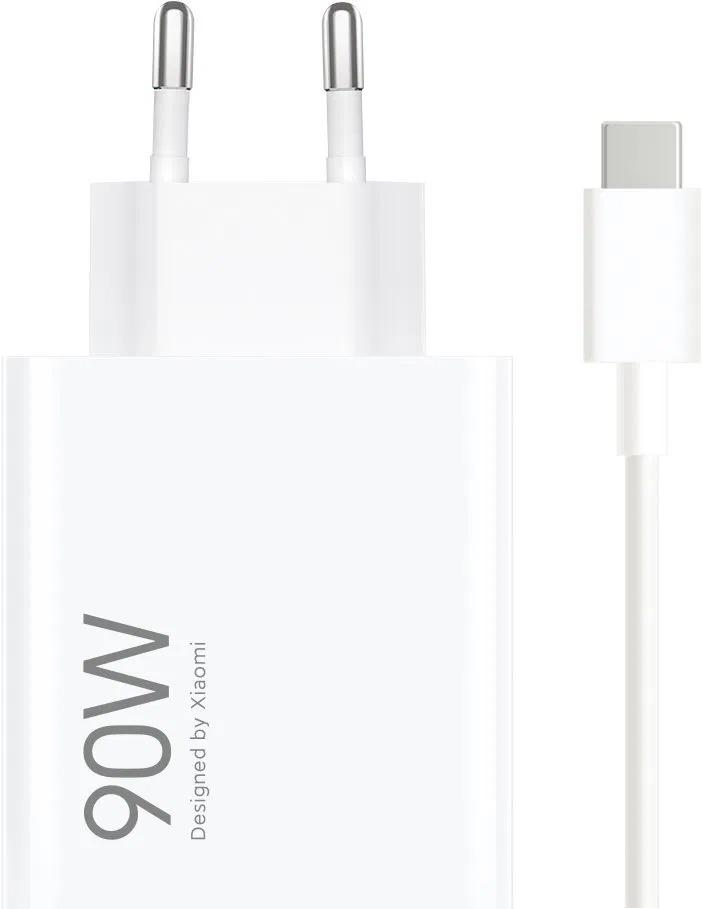
Battery capacity works in favor of the base model. F7 offers up to 6500 mAh, Pro has 6000 mAh, and Ultra has “only” 5300 mAh. Charging is fastest on Ultra—120 W wired, plus 50 W wireless charging. Pro has 90 W, and F7 also supports 90 W.
As for real-world battery life, inactual use, the F7 Pro model surprisingly comes out on top. According to the battery test from the website gsmarena.com , the F7 Pro lasted up to 70:08 hours, while the base F7 with a larger battery achieved 64:03 hours, and the F7 Ultra trails the most with 62:53 hours of endurance.
Ad
Cameras: What are the real differences?
The camera is another key point of difference. The F7 and F7 Pro use a dual-camera setup, but the F7 Ultra comes with a trio of lenses, including a dedicated telephoto lens that improves portraits and zoom. For video, Pro and Ultra are the best— they handle 8K video at 24 FPS, while F7 maxes out at 4K (all models support 60 FPS).
The front cameras are the same, but color processing differs slightly. All models can record up to Full HD video from the front; 4K video from the front camera isn’t available.
All three models—POCO F7, POCO F7 Pro, and POCO F7 Ultra—offer a very solid camera setup, but if you want a powerful phone for taking photos and video, the POCO F7 Ultra is the winner in this trio. We’ll break it down in more detail below.
Selfie video and the front camera
The front cameras across all three smartphone models support recording at up to 1080p. 4K is still missing here, which is a shame, but the results aren’t bad at all. The F7 Pro tends to overexpose the scene, while the F7 Ultra offers better exposure balance and the scene looks more natural.
At least from this video it’s clear that you get slightly better front-camera video on the Ultra model, which you’ll especially appreciate when filming in bright, strong light.
What about indoor scenes? One of the other videos comparing the quality of the front camera on all three models points specifically to the better-looking image from the front camera on the F7 Pro model. In this comparison, the Ultra model falls behind the most.
Rear camera: zoom and stabilization
With the rear camera, bigger differences start to show. The F7 Pro works only with digital zoom, while the F7 Ultra has a 2.5x optical telephoto lens with a 60 mm focal length. When recording video, you can clearly see the difference in sharpness and how well details are preserved when zooming in—the Ultra model is clearly ahead.
Excellent comparison of recorded video quality:
Image stabilization works really well on both phones thanks to the combination of OIS and EIS. However, the ultrawide camera in both cases records only up to 1080p and the outputs are similar, although the F7 Ultra theoretically has a better sensor.
Photo comparison: details, colors, portraits
The F7 Ultra has more room to show off its abilities with portraits and zoom. Its telephoto lens significantly improves results for zoomed-in shots. At 2x and especially 5x zoom, Ultra delivers sharper images with far more detail. The F7 Pro may not have bad digital zoom, but the F7 Ultra substantially outperforms it in quality.
With ultra-wide shots, the F7 Ultra is again on top thanks to its 50 MPx sensor. Although you can see slightly more noise and sharpening, the images contain noticeably more detail than the 8 MPx sensor in the Pro model. It’s not a night-and-day difference, but Ultra is better—especially when cropping photos or when you want to capture complex structures (e.g., trees, buildings).
Night photography: main sensor and zoom
Both smartphones use the same main sensor with an f/1.6 aperture, so the basic night quality is very similar. The results are above average, but sometimes bright areas get overexposed.
However, the difference shows up again when zooming—the Ultra model uses its telephoto lens even in the dark and can capture significantly more detail in darker areas. The Pro model, which zooms only digitally via the main sensor, produces lower-quality results in low light.
So if you often take photos at night, or you like portraits with a natural perspective, the POCO F7 Ultra will definitely not disappoint you in this regard. It’s an advanced device for creative photography and video content.
Ad
Storage and connectivity
Every model offers at least 256 GB of storage (with an option for a higher 512 GB version), supports two nanoSIM cards, but none of them has a microSD card slot or eSIM support. This is a classic setup for POCO models.
All models have WiFi 6, NFC, Bluetooth, and GPS, but the F7 Ultra also offers broader support for satellite systems for more accurate navigation.
Summary: Which model is best for me?
All smartphones in the POCO F7 series have a lot to offer. For an absolute winner of this trio, we personally consider the POCO F7 Pro, which is, as they say, the “golden middle.” It delivers high-end performance, solid and comparable photo and video quality to the Ultra model (except for the missing telephoto lens), and absolutely the best battery life among this trio.
If you want the newest and best chipset, prefer wireless charging, and you don’t want to be without a telephoto lens, then Ultra is the right choice. Just keep in mind that the weaker battery life is the biggest drawback of this phone.
And finally there’s the POCO F7, which offers comparable high performance to the Pro model, as well as comparable photo quality, but with slightly weaker battery life despite the larger battery (probably due to system and processor optimization). At the same time, it’s also the cheapest of this trio.
So, which one would you ultimately choose? Write your pick in the comments under the article—whichever you think is the best. You can also vote in the poll below.
Reader poll
Which model from the POCO F7 series would you choose?
POCO F729 %
POCO F7 Pro42 %
POCO F7 Ultra28 %
330 votes · You haven’t voted yet
Current coupon prices:
Platba cez DHgate: The platform has finally launched safe and reliable Google Pay payments! So now you don’t need to use Revolut / Wise cards for payment, and you can pay directly in EUR. We’d also like to remind you that orders from DHgate come with our VIP support, which you get after downloading our extension for the Chrome browser on desktop only (when shopping on a smartphone, you can use the DHgate app).
Are you shopping on DHGate for the first time?See the guide!
Updated 20. 7. 2026 on 07:51
TIPFast delivery from the Spanish warehouse with no customs duty and VAT.
This product will be delivered to you quickly from a local Spanish warehouse. Shipping from Spain usually takes 7-10 days and is handled by a courier. When it arrives, you don’t pay any extra fees—no customs duty, no VAT.
Are you shopping on DHGate for the first time?See the guide!
Updated 20. 7. 2026 on 07:51
TIPFast delivery from the Spanish warehouse with no customs duty and VAT.
This product will be delivered to you quickly from a local Spanish warehouse. Shipping from Spain usually takes 7-10 days and is handled by a courier. When it arrives, you don’t pay any extra fees—no customs duty, no VAT.
Are you buying on Smarty.sk for the first time?See the guide!
Updated 20. 7. 2026 on 07:51
TIPExpress delivery from a Slovak warehouse within 1 to 3 business days.
This product will be delivered to you express from a local Slovak warehouse. Delivery usually takes 1-3 business days and is handled by a courier. The price is final.
Our extra service with VIP support — we’ll handle the order on DHgate for you and ship it straight to your address.
If you don’t have experience buying on DHgate, your payment won’t go through, or the coupon doesn’t work, we offer our readers and customers an order-handling service delivered directly to your address. You send us the money by bank transfer and we order the product straight to you. That way, you don’t have to worry about a failed payment or applying the coupon, and you can be sure the whole order goes through 100 % correctly. On top of that, you automatically get our VIP support — we handle any shipping issues for you and assist with warranty claims. The fee for this service is 15 € for the product price. You can contact us by email at info(@)xiaomiplanet.sk or on Messenger, where we’re active all the time.
Xiaomi Planet shopping tip: GShopper has now launched direct bank transfer payments, so you can save another 4.5 % off the product price! Compared to card / Google Pay payment, you can get this product much cheaper. We described the full bank transfer payment process in our article.
Are you shopping on DHGate for the first time?See the guide!
Updated 20. 7. 2026 on 07:25
TIPFast delivery from the Spanish warehouse with no customs duty and VAT.
This product will be delivered to you quickly from a local Spanish warehouse. Shipping from Spain usually takes 7-10 days and is handled by a courier. When it arrives, you don’t pay any extra fees—no customs duty, no VAT.
Are you shopping on DHGate for the first time?See the guide!
Updated 20. 7. 2026 on 07:25
TIPFast delivery from the Spanish warehouse with no customs duty and VAT.
This product will be delivered to you quickly from a local Spanish warehouse. Shipping from Spain usually takes 7-10 days and is handled by a courier. When it arrives, you don’t pay any extra fees—no customs duty, no VAT.
Is it your first time shopping on GShopper?See the guide!
Updated 20. 7. 2026 on 07:25
TIPWith Standard Shipping via GShopper, you pay no extra fees—everything is already included!
With the GShopper seller, we recommend choosing Standard Shipping, where you won’t pay anything extra. Customs fees and any VAT are handled by the seller. You can select the shipping method in the cart only, after entering your delivery address. Delivery with this option usually takes about 15 business days from dispatch from the warehouse, but it may take longer.
Is it your first time shopping on GShopper?See the guide!
Updated 20. 7. 2026 on 07:25
TIPWith Standard Shipping via GShopper, you pay no extra fees—everything is already included!
With the GShopper seller, we recommend choosing Standard Shipping, where you won’t pay anything extra. Customs fees and any VAT are handled by the seller. You can select the shipping method in the cart only, after entering your delivery address. Delivery with this option usually takes about 15 business days from dispatch from the warehouse, but it may take longer.
Our extra service with VIP support — we’ll handle the order on Gshopper for you and ship it straight to your address.
If you don’t have experience buying on Gshopper, payments don’t go through, or coupon use doesn’t work for you, we offer an order handling service directly to your address for our readers and customers. You transfer the money to our account and we place the order directly to your address. This way, you won’t have to worry about a failed payment or applying the coupon, and you can be sure the entire order will go through correctly 100 %. In addition, you automatically get our VIP support — if any issues arise with the shipment, we handle them for you and assist with filing a claim. The fee for this service is €15 extra of the product price. You can contact us by email at info(@)xiaomiplanet.sk or on Messenger, where we’re constantly active.
Are you shopping on DHGate for the first time?See the guide!
Updated 8. 5. 2026 on 06:58
TIPFast delivery from the Spanish warehouse with no customs duty and VAT.
This product will be delivered to you quickly from a local Spanish warehouse. Shipping from Spain usually takes 7-10 days and is handled by a courier. When it arrives, you don’t pay any extra fees—no customs duty, no VAT.
Are you shopping on DHGate for the first time?See the guide!
Updated 8. 5. 2026 on 06:58
TIPFast delivery from the Spanish warehouse with no customs duty and VAT.
This product will be delivered to you quickly from a local Spanish warehouse. Shipping from Spain usually takes 7-10 days and is handled by a courier. When it arrives, you don’t pay any extra fees—no customs duty, no VAT.
Are you buying on Alza for the first time?See the guide!
Updated 8. 5. 2026 on 06:58
TIPExpress delivery from a Slovak warehouse within 1 to 3 business days.
This product will be delivered to you express from a local Slovak warehouse. Delivery usually takes 1-3 business days and is handled by a courier. The price is final.
Are you buying on Alza for the first time?See the guide!
Updated 8. 5. 2026 on 06:58
TIPExpress delivery from a Slovak warehouse within 1 to 3 business days.
This product will be delivered to you express from a local Slovak warehouse. Delivery usually takes 1-3 business days and is handled by a courier. The price is final.
Specs of all three models in a clear table
Below, you can take a look at the key specifications of the POCO F7, F7 Pro, and F7 Ultra models for easier comparison:
To get more updates from the Xiaomi world, keep following our Xiaomi Planet website — join our Facebook group, where we build an active community and help each other out. Also subscribe to our Telegram, where we add the best offers and coupons from China every day.