Company Google has decided to create its own version of the popular AirDrop feature—this time for users with Android smartphones and devices running Windows. In the Slovak translation, it’s called “Nearby Sharing”.
Nearby Sharing: Google’s AirDrop
The popular wireless file transfer feature for Apple devices is called AirDrop. With a single click, it lets you communicate between the Apple devices that are nearby. In the Android world and on Windows PCs, similar functionality only exists in very limited cases (e.g. a smartphone and a notebook from the same brand, with a limited selection of models).
Pri rozličných značkách však používatelia obvykle zdieľali svoje súbory cez Gmail alebo WhatsApp. Tieto súbory boli následne prístupné v príslušných aplikáciách aj na ostatných zariadeniach. Novinka Nearby Share resp. “Zdieľanie nablízku” od spoločnosti Google to však chce zmeniť. Funkcia je v súčasnosti dostupná v Beta verzii a podporuje Android a Windows.
The file sharing feature was initially available only for communication between Android and Chromebooks. Now, however, support is also coming for Windows devices, which currently have a market share of more than 75%.
Ad
Just a few simple steps
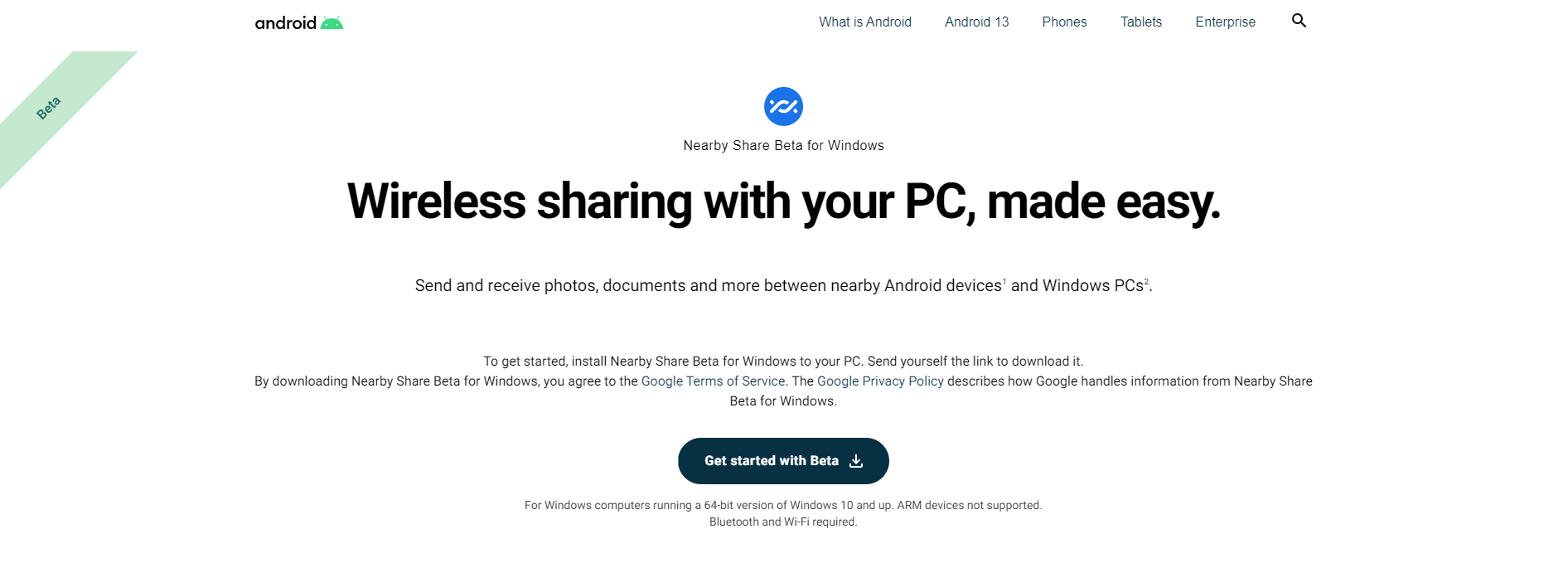
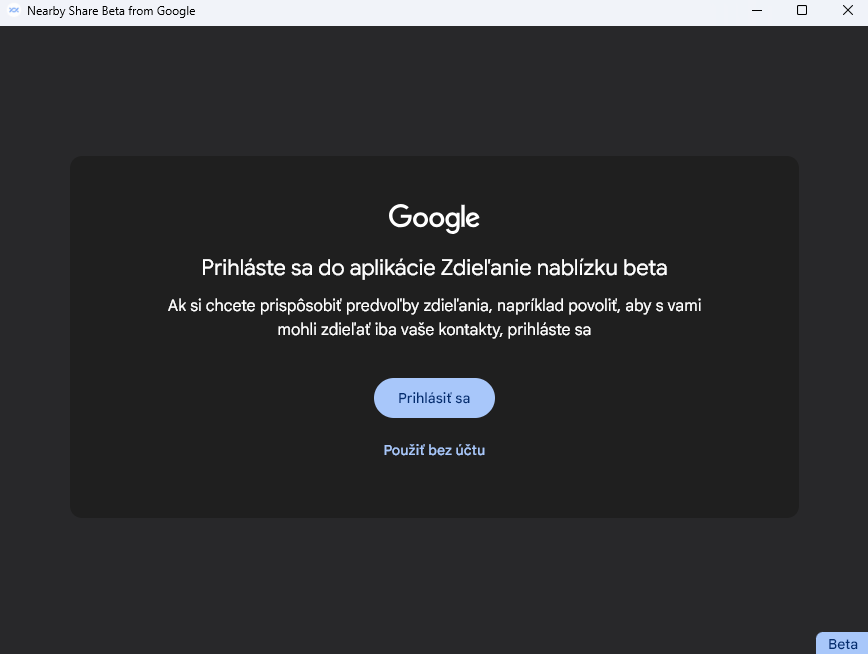
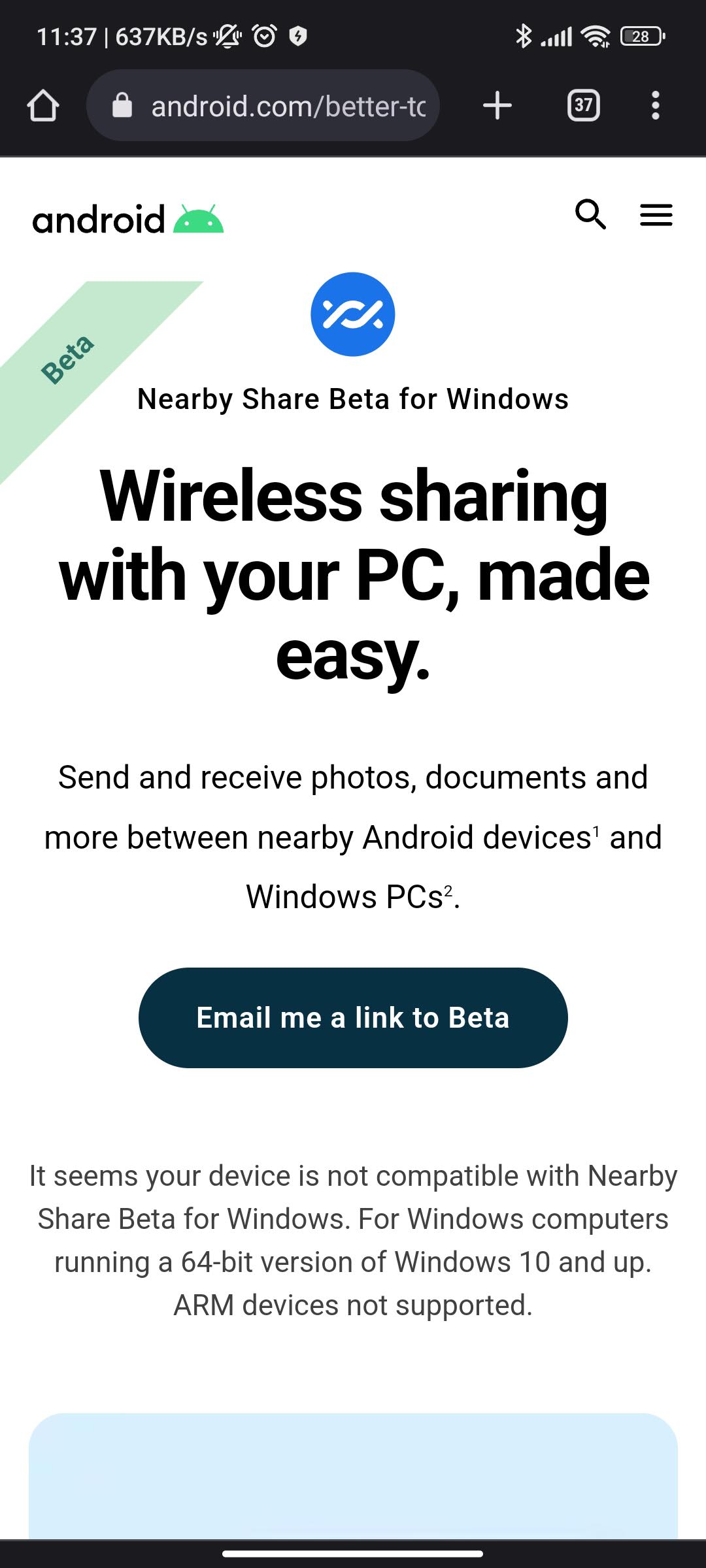
If you want to try out this feature, just follow a few simple steps. Go to the next website Android.com on your Windows device and, on the corresponding button, download the Beta version of the Nearby Share app from Google. This site automatically offered us the version for 64-bit Windows.
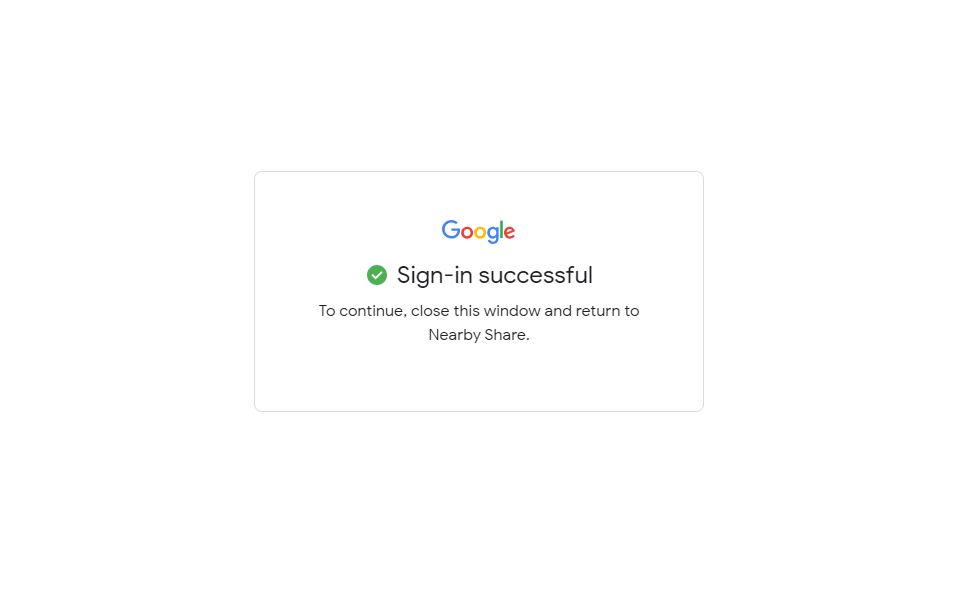
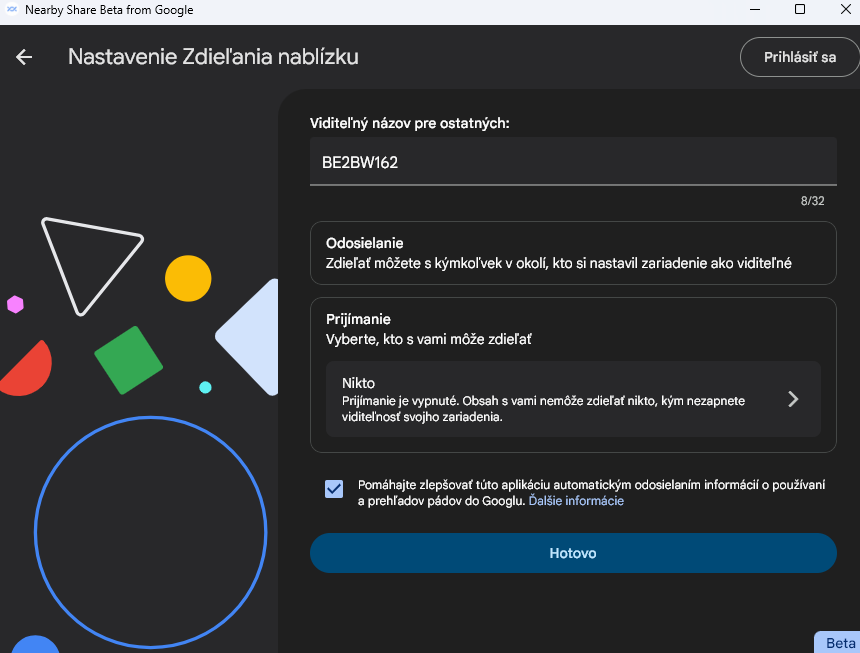
You also need a Google account that you’re signed into on your smartphone, and then you sign in to the Google app under the same account—even with a single click. After launching the app, you can also choose which devices or contacts you allow data sharing with.
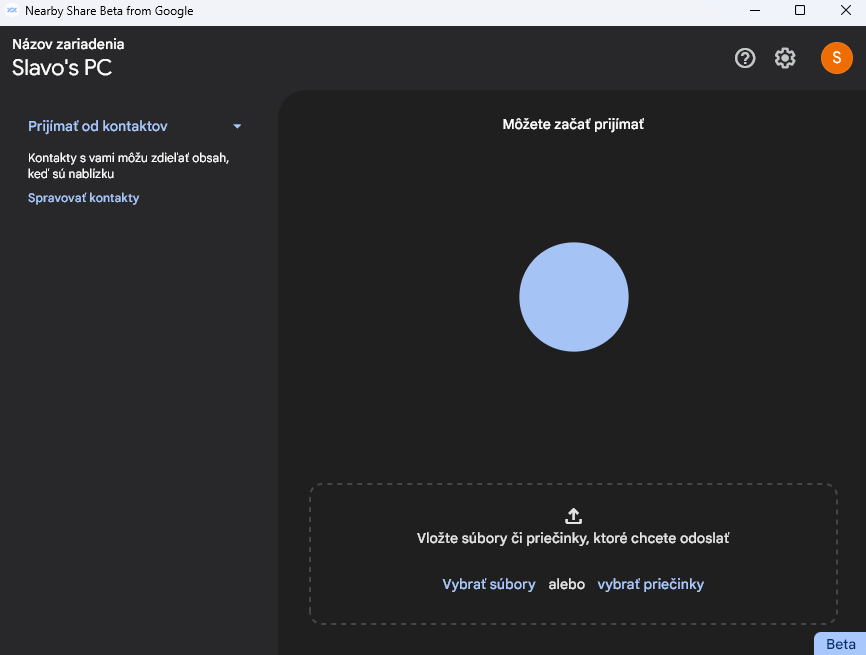
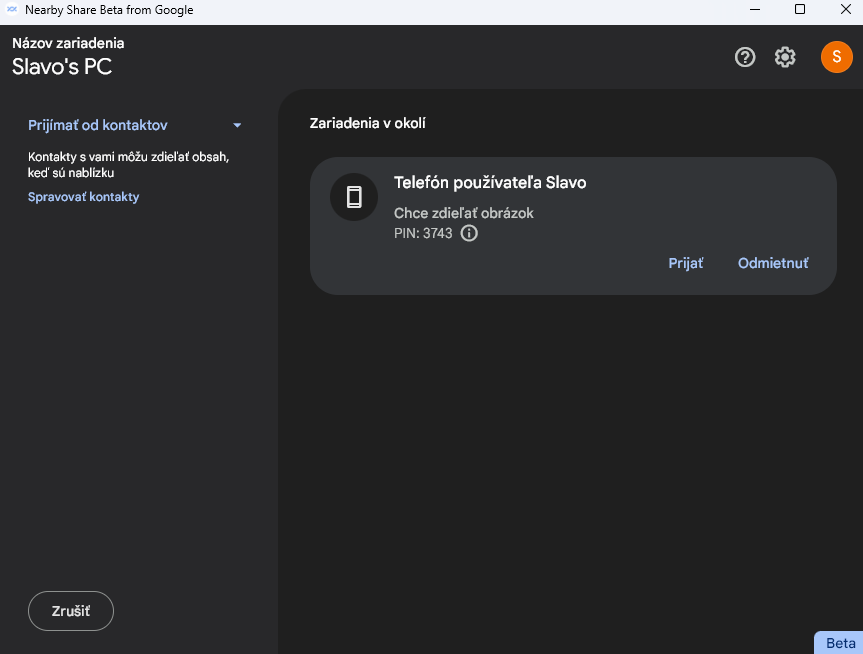
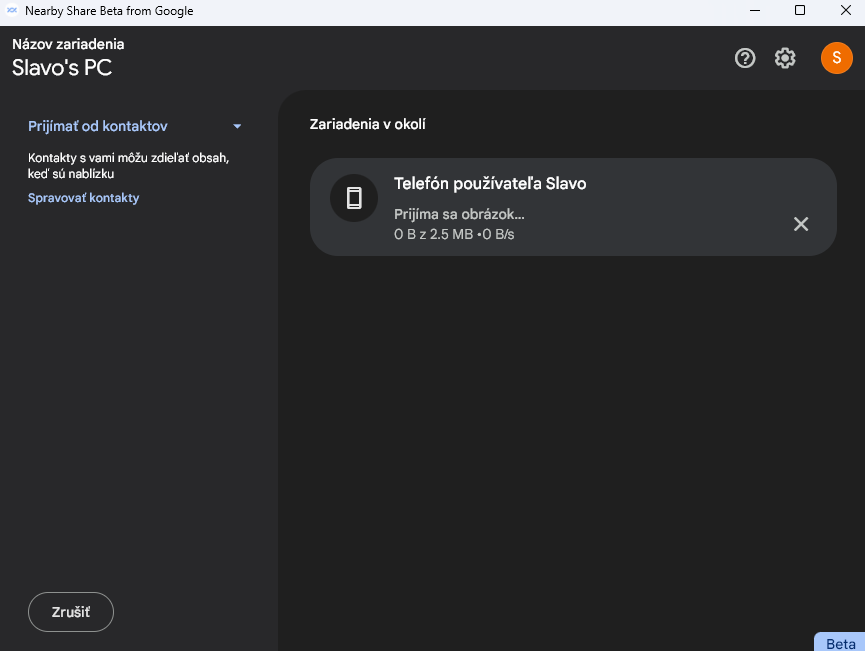
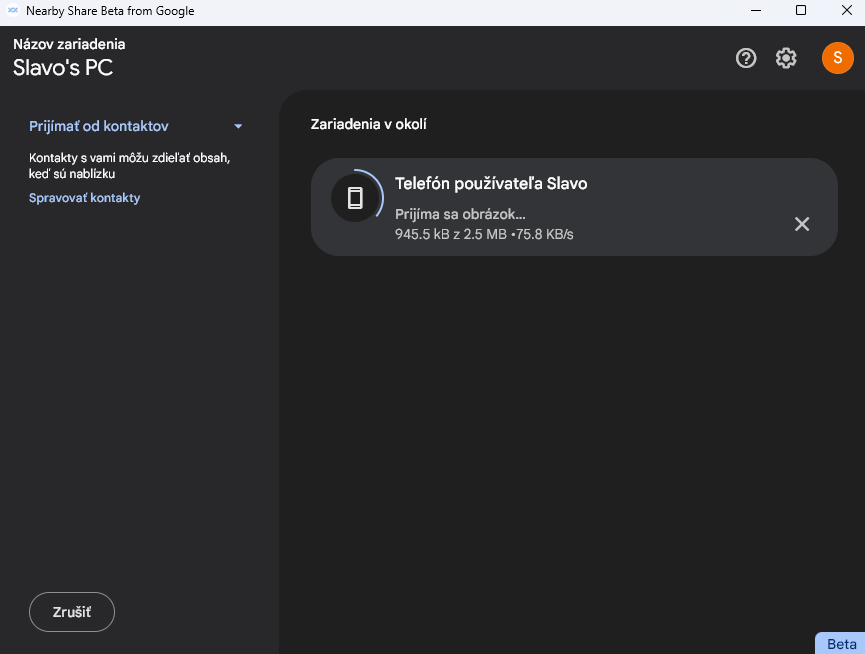
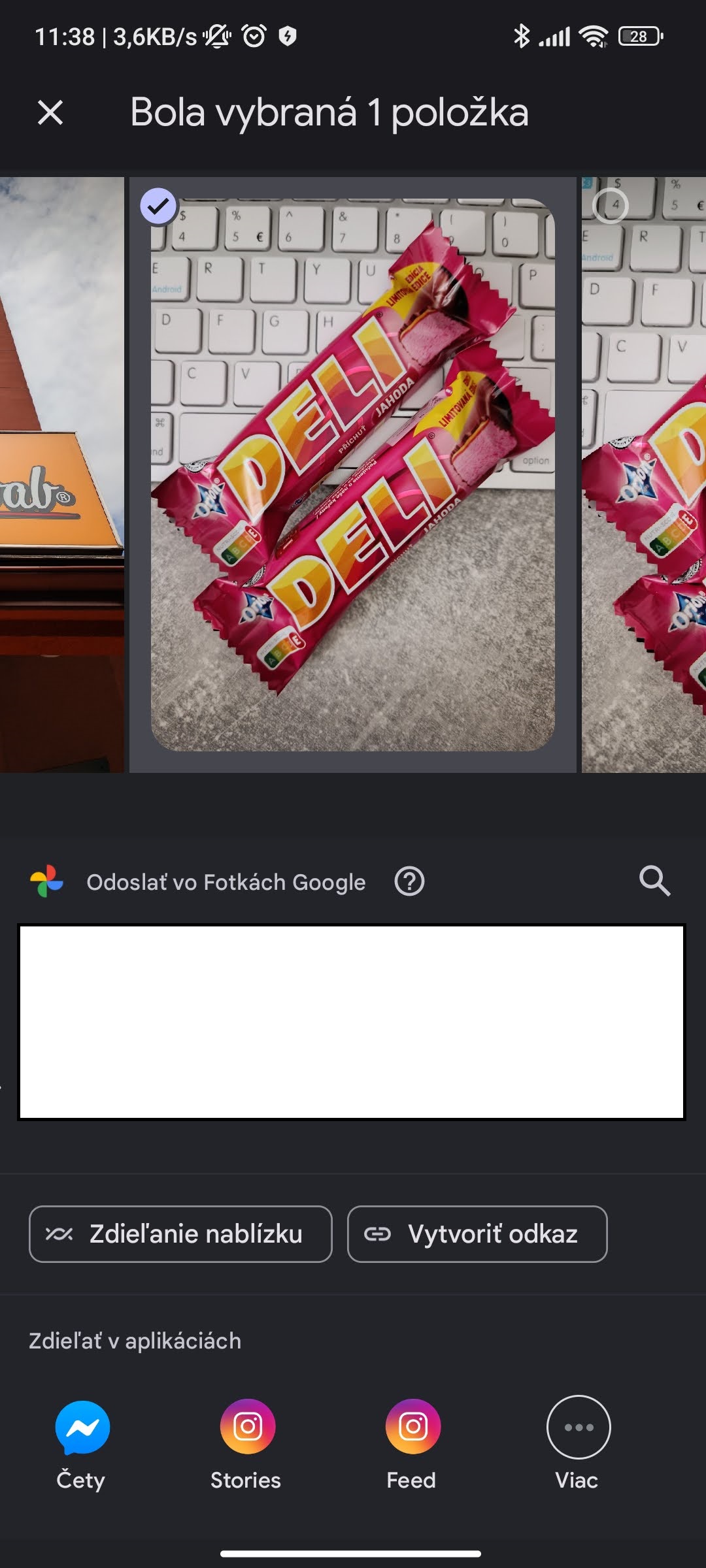
The individual buttons for moving files or photos are available in the Windows app—just like directly in the Android system. We tested sharing a photo from the Xiaomi 11T device (Android 13, MIUI 14) to the Lenovo ThinkPad T15 Gen 2 with Windows 11 (64-bit).
After we enabled sharing, the photo was transferred within a few seconds and saved to the downloads folder. You can also move files the other way around—i.e. from your laptop to an Android smartphone. In that case, you place the file in the Nearby Share app window on the Windows device and start the transfer.
The Beta version is available for now
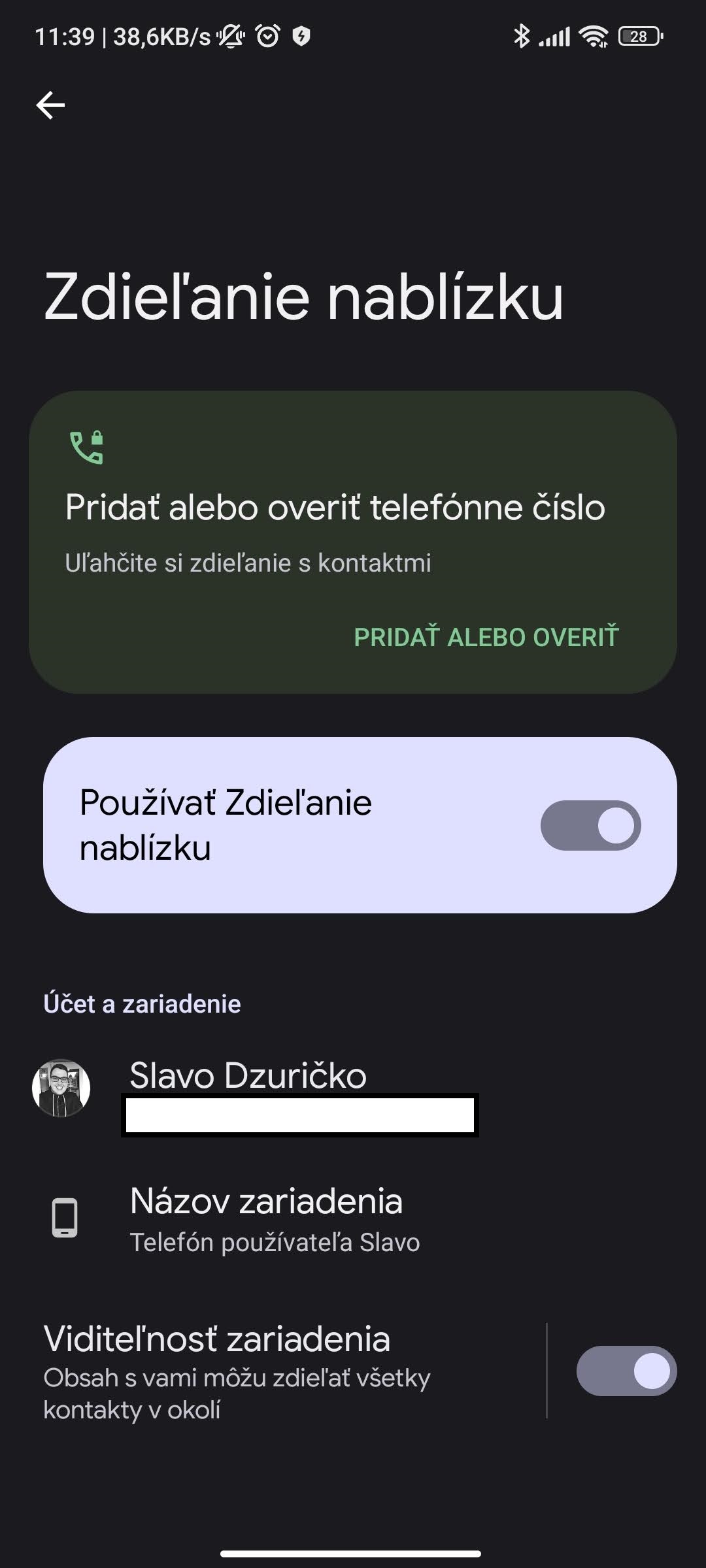
But it’s necessary to remember that this app is still only available in its Beta version. And so in some cases the transfer may fail and you’ll need to try again. Likewise, the app isn’t available in all markets, but its distribution is being expanded gradually—even to Slovakia. You can also adjust its usage in Android system settings.
How do you like this new content-sharing feature from Google? If you have any other questions about built-in features or supported devices, feel free to write them to us in the discussion below the article.
Ad
Follow also our Xiaomi Planet website, our Telegram group full of the latest articles, subscribe for news updates, and join us also in our Facebook group.