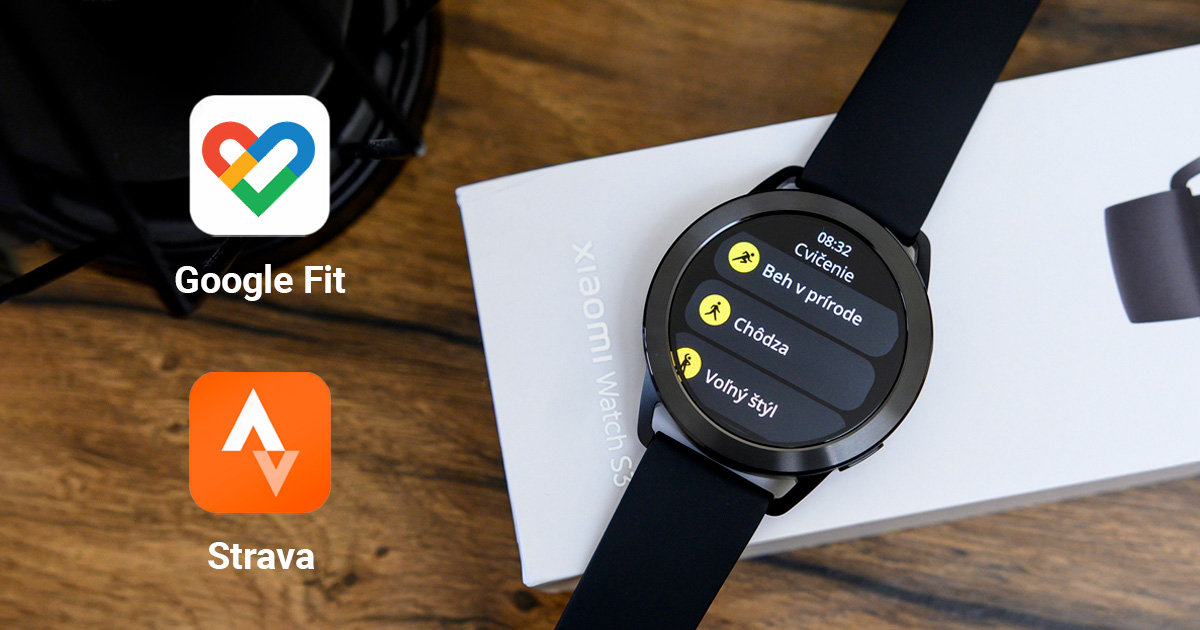
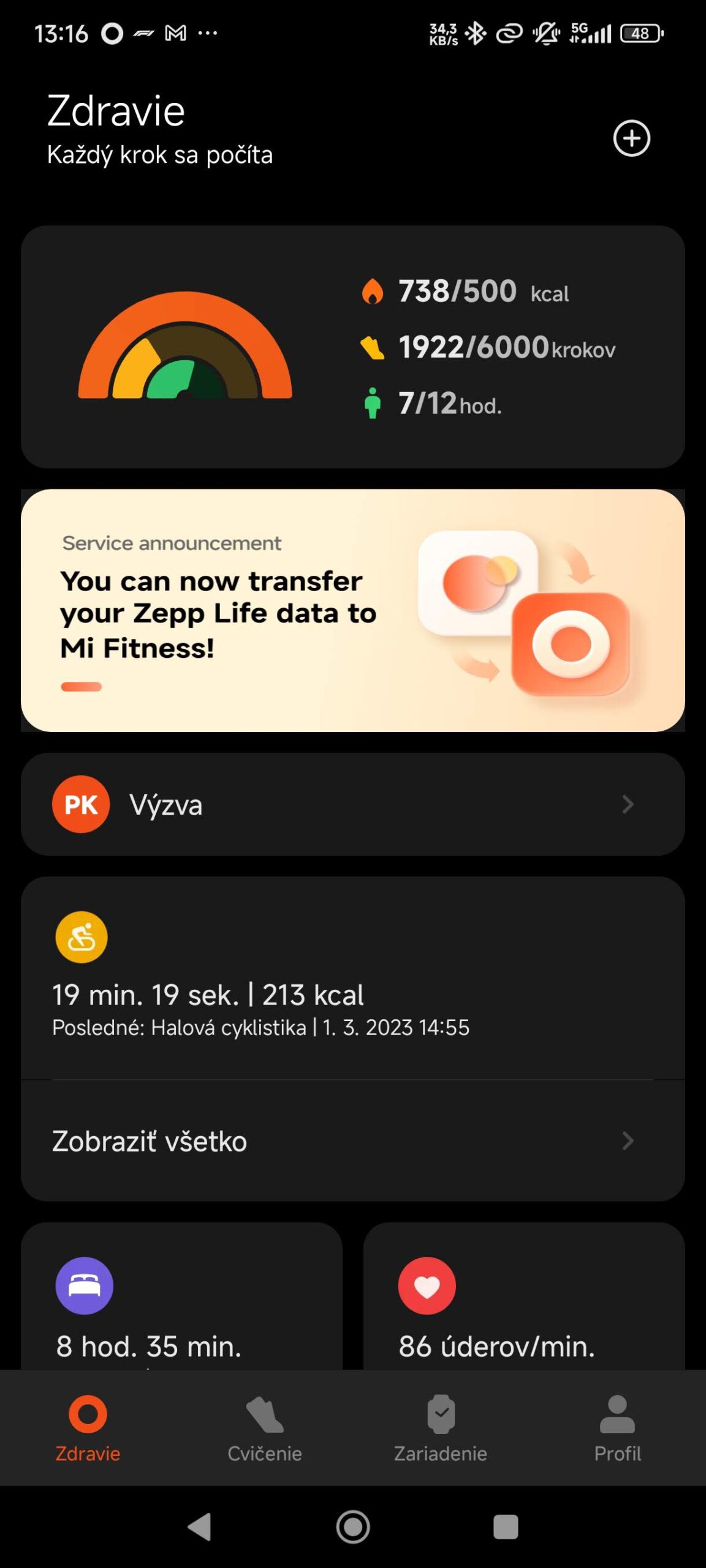
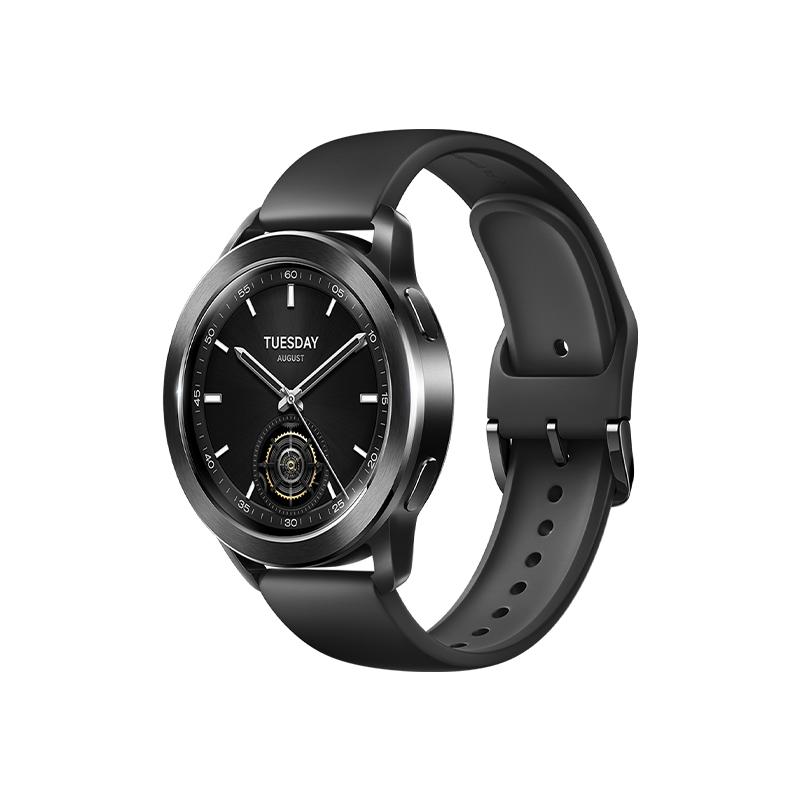
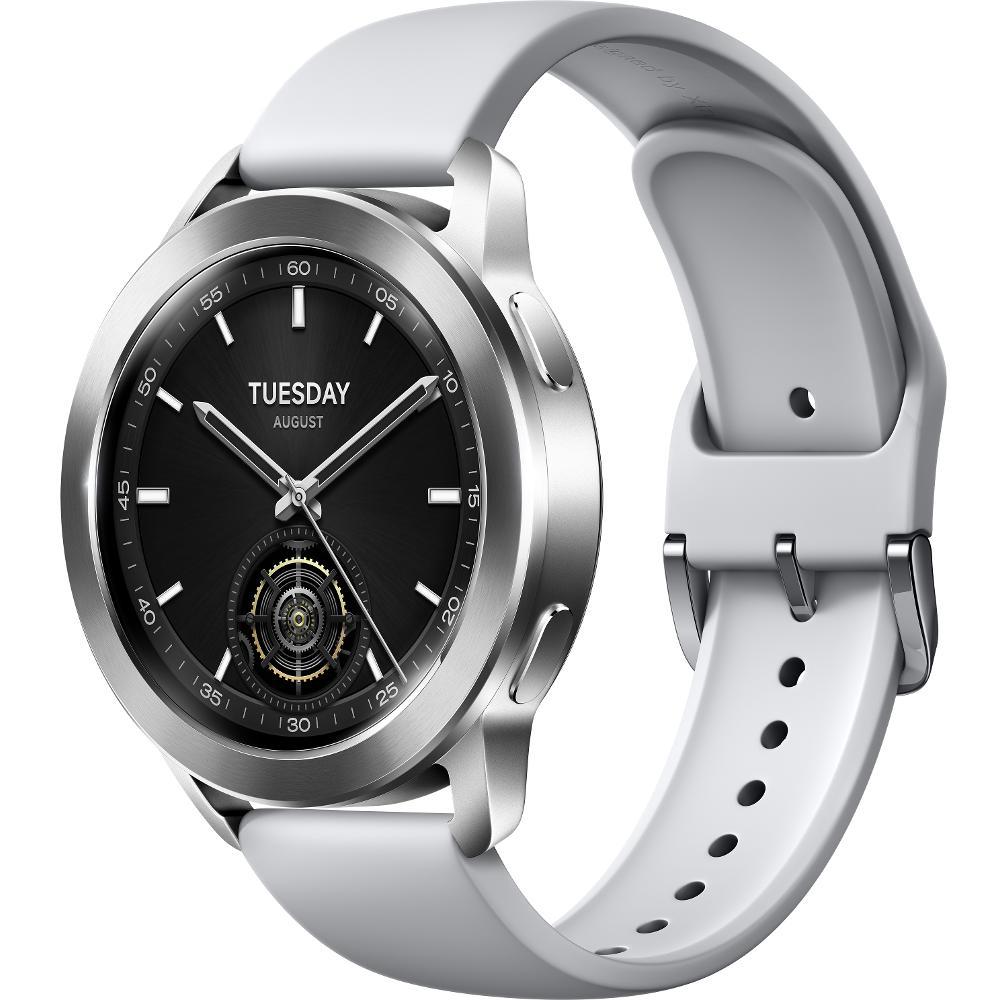
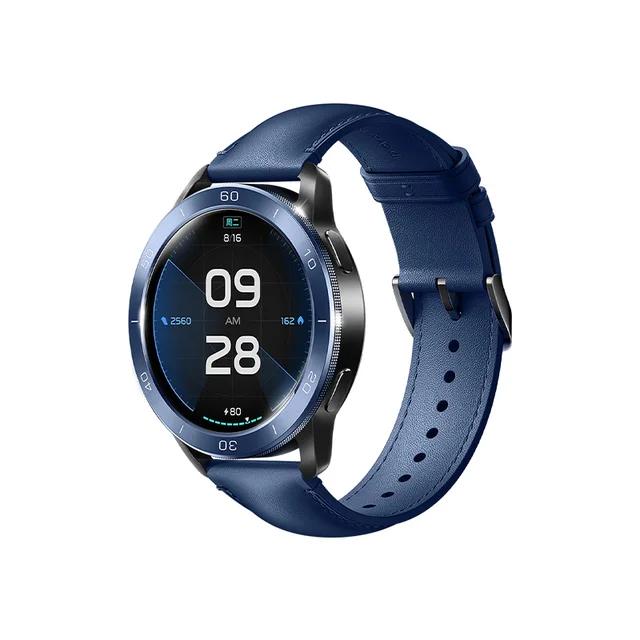
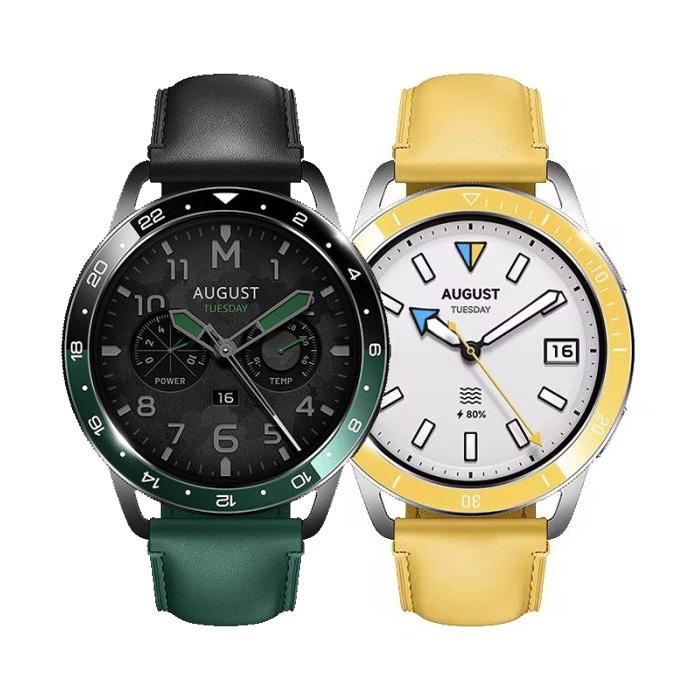
Wearable devices from Xiaomi are grouped by the mobile app Mi Fitness. And now it can be connected to Google Fit or Strava.
Mi Fitness: Here’s how to link your watch to Suunto, Strava, and Google Fit
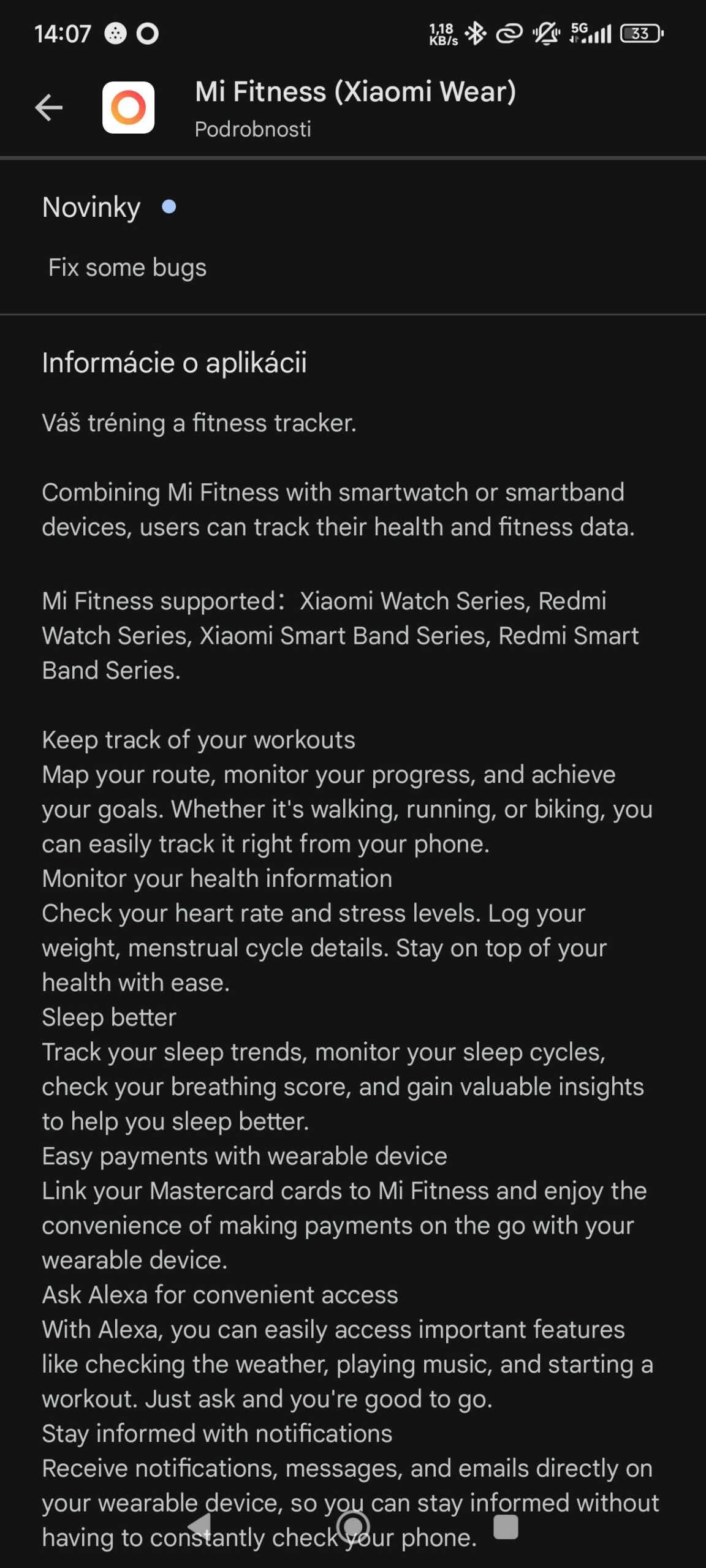
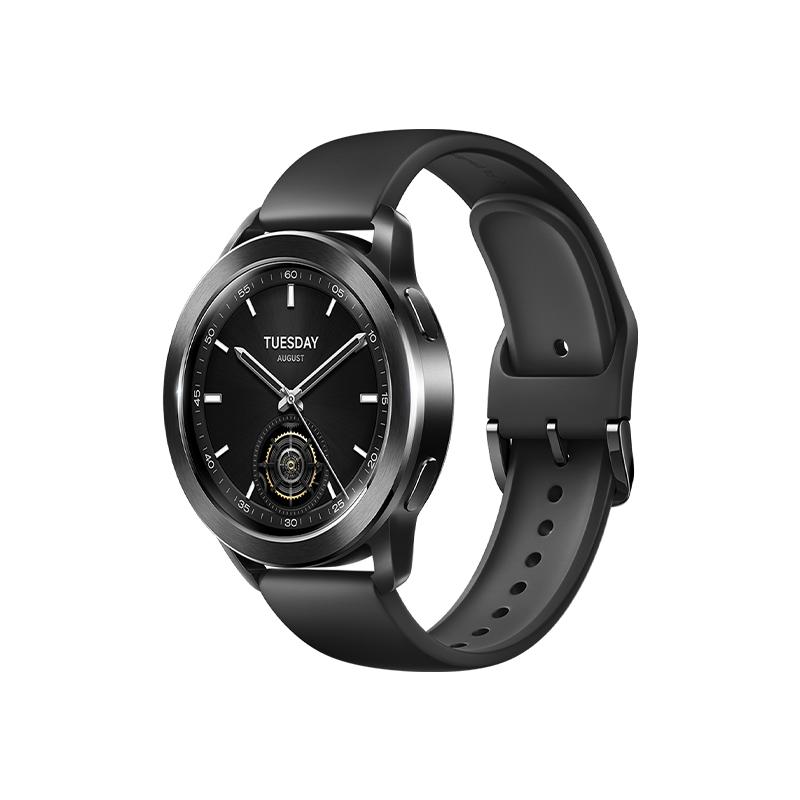
Some users from Xiaomi’s official forum reported that they couldn’t sync their data from smartwatches with third-party apps. However, in the latest version of Mi Fitness, this option already works—which we also tested directly on our editorial Xiaomi Watch S3. Since we use an Android smartphone, it’s convenient for us to connect with Google Fit.
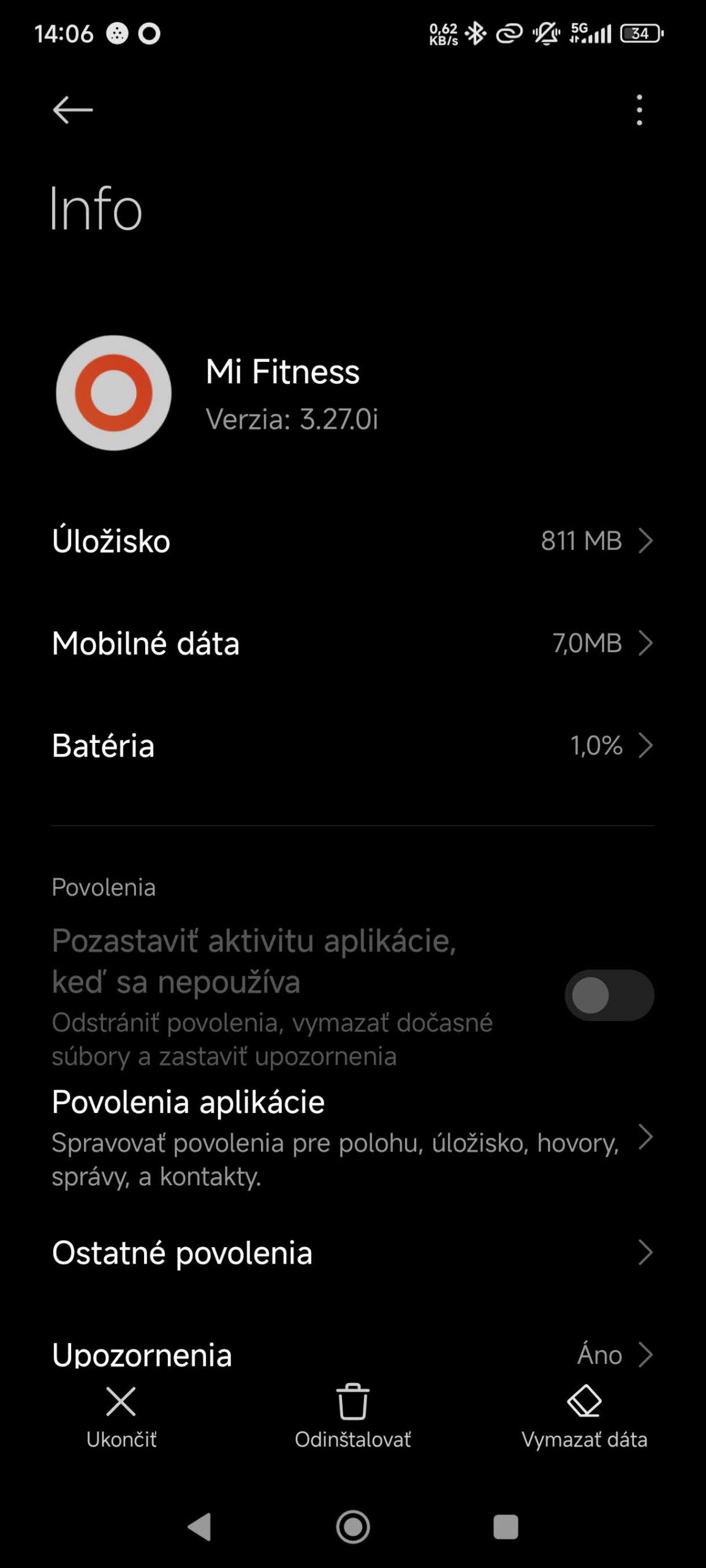
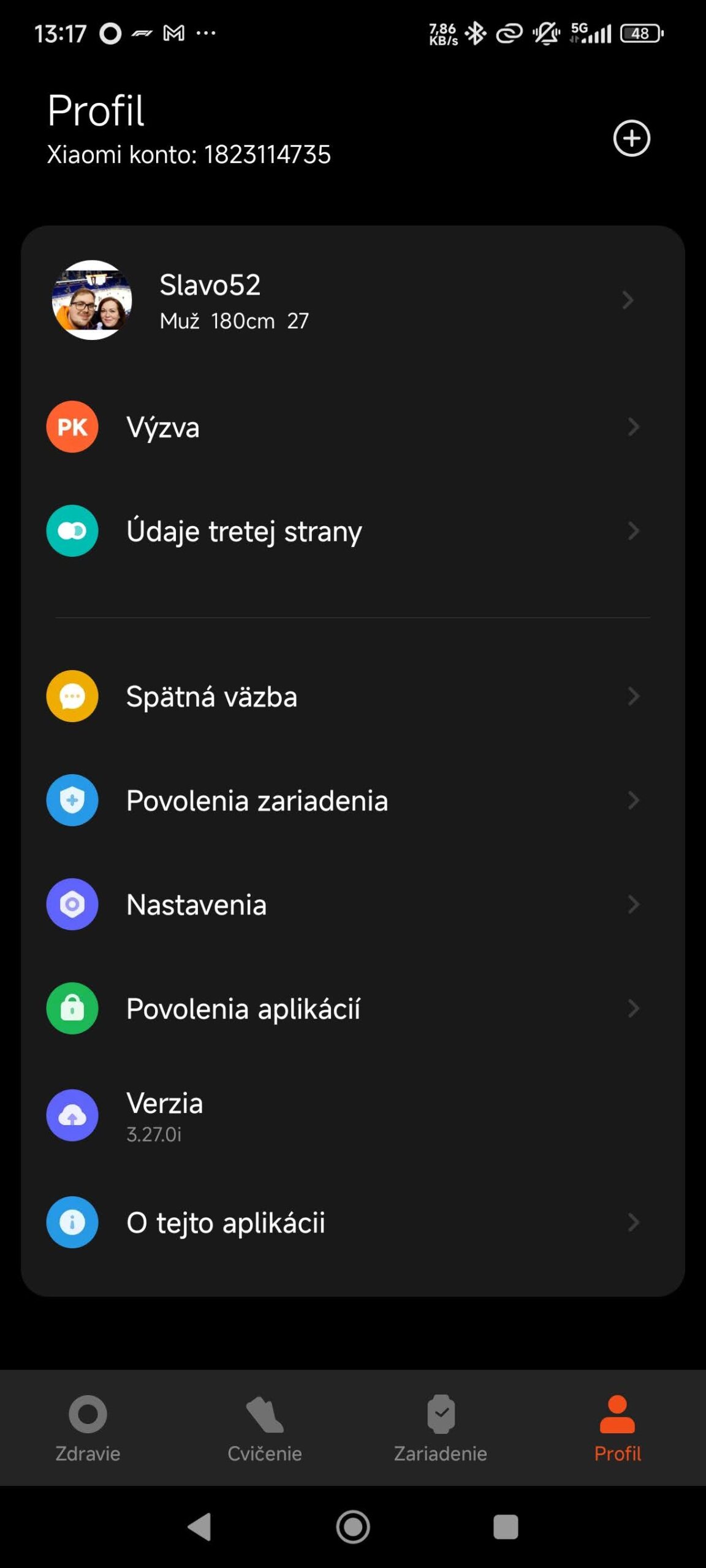
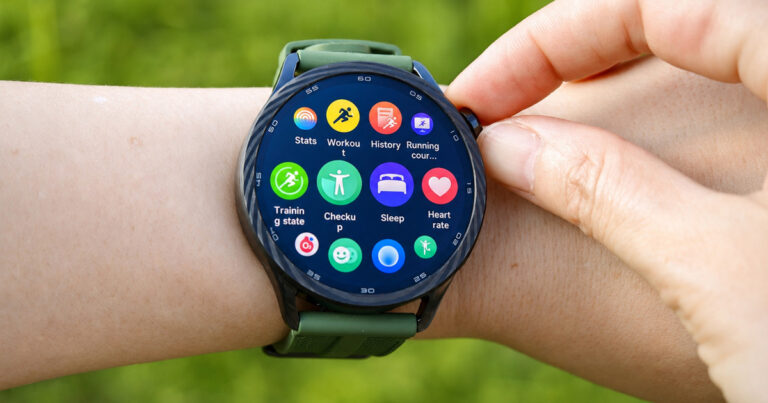
Syncing your data is simple and clearly available right in the Mi Fitness. app. On our smartphone, we used the version labeled V3.27.0i.
The setting we’re talking about can sync various data about your steps, calories burned, as well as distance covered, plus sports activities using GPS functionality—after you log in. However, the data won’t start syncing automatically.
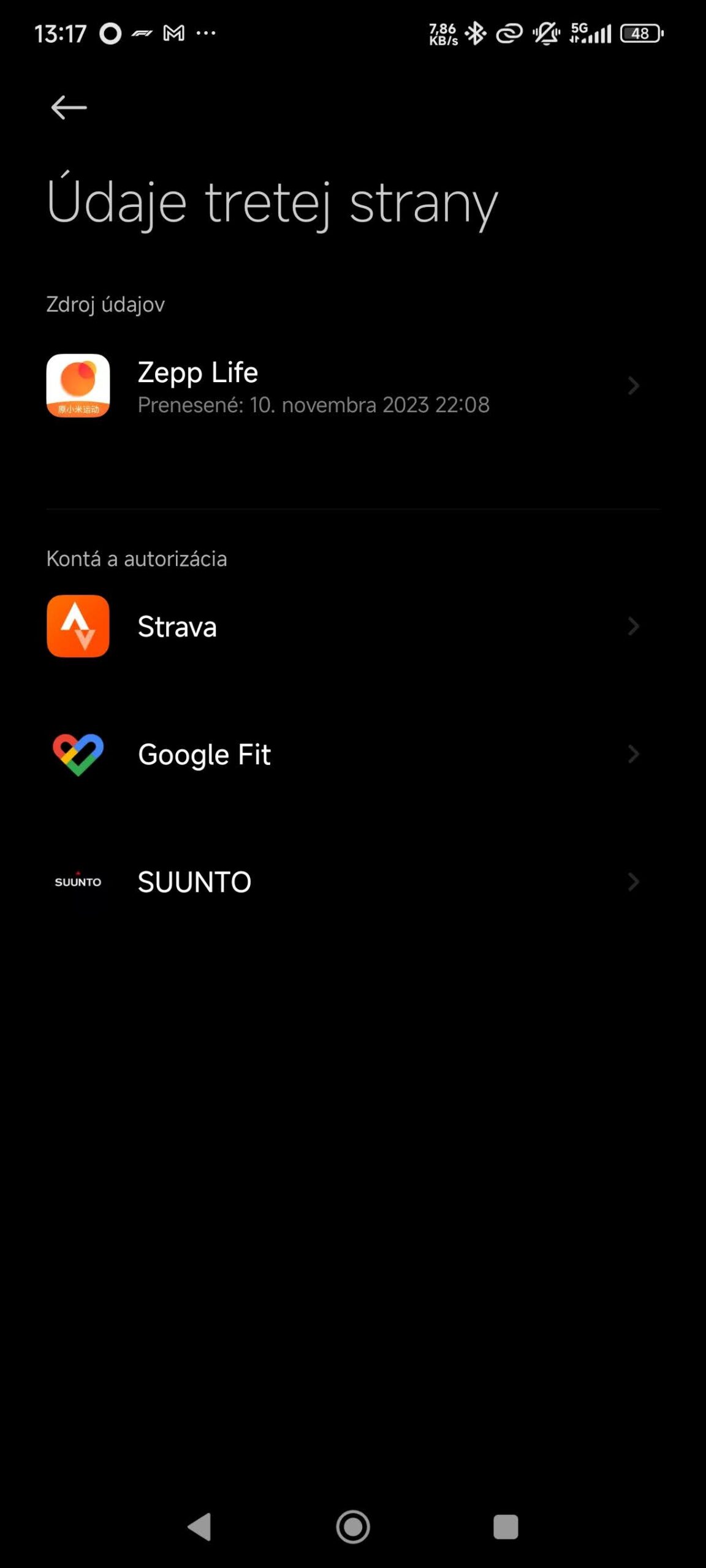
In practice, what you need to do is log in to the Mi Fitness mobile app, then connect your intelligent watch or fitness band. In your profile, link the Strava, Suunto or Google Fit app based on your preferences, and approve the sync. You will, though, need login details for the third-party app you want to sync your device with.
Ad
Just a few simple steps
If you want to connect your watch to one of the three services mentioned, all you need is a couple of easy steps:
Open the Mi Fitness app and then go to your profile
Choose the option “Third-party data”
Next, select the third-party app you want to sync your data with
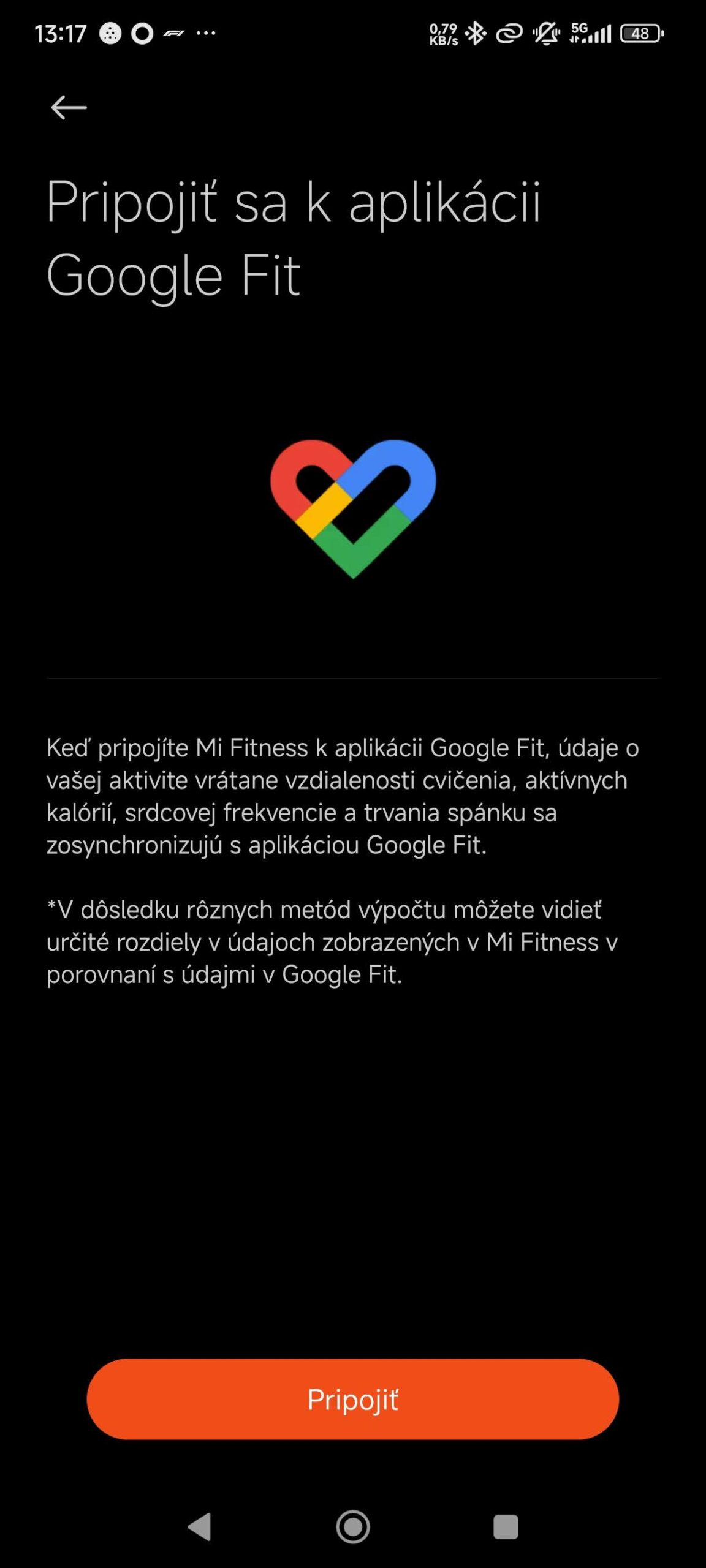
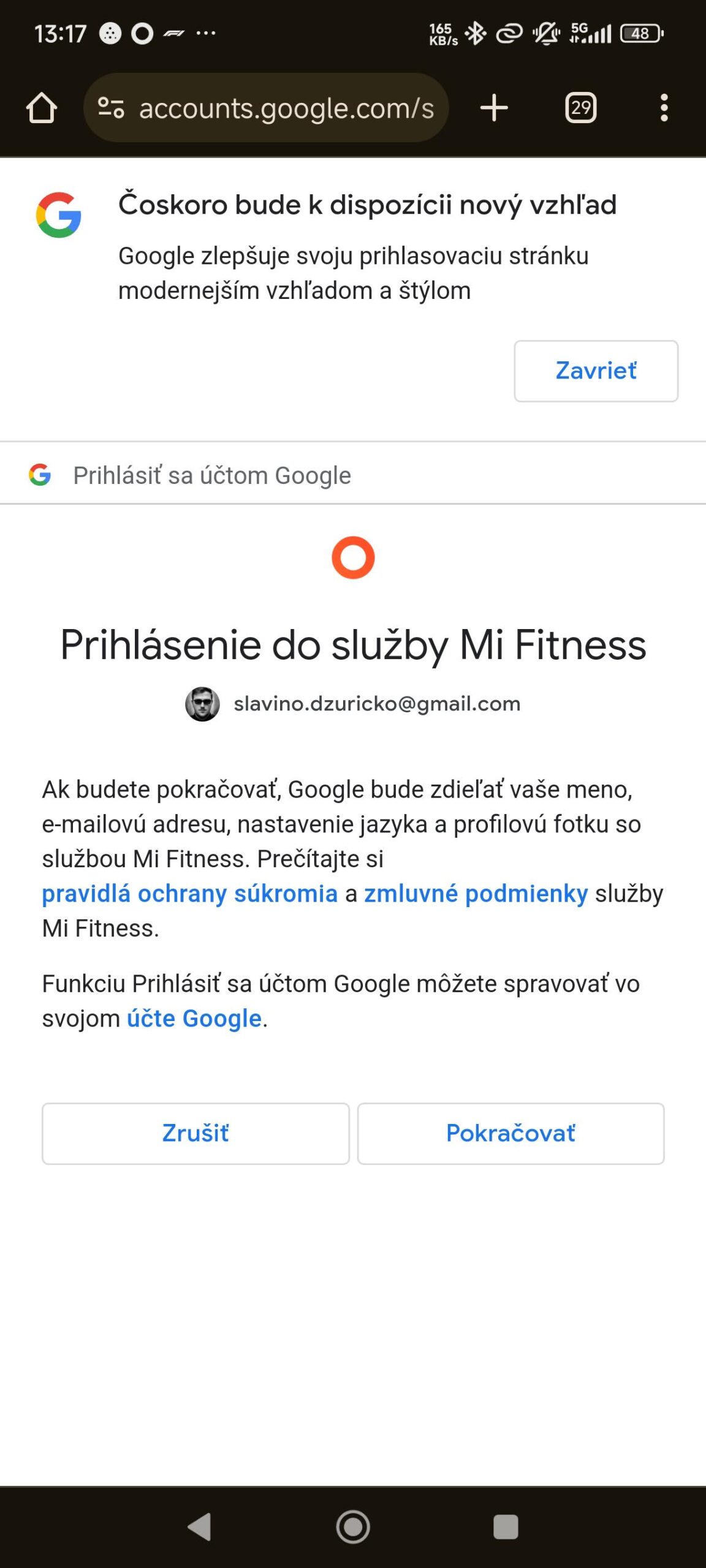
Log in to the app (Strava, Suunto, or Google Fit) in a separate window
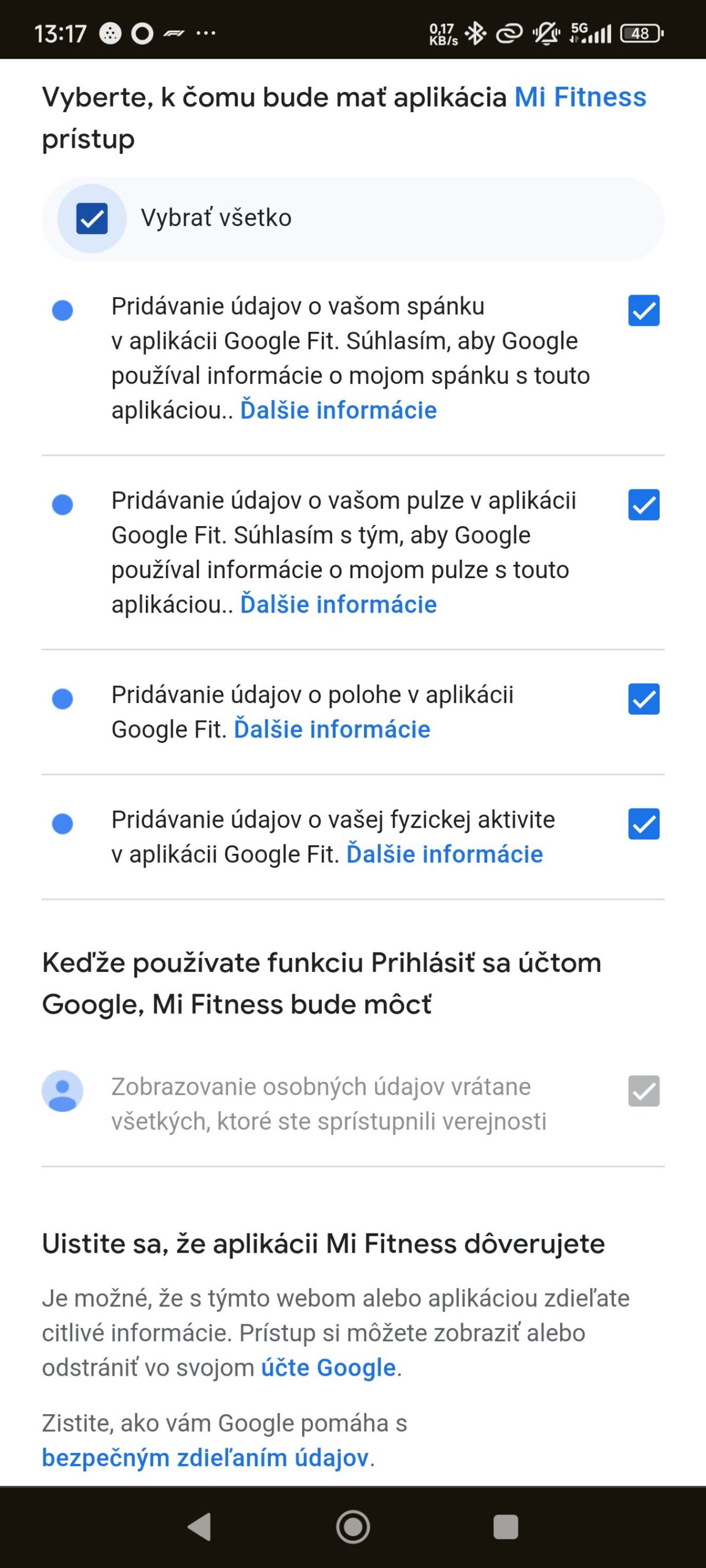
Choose the data you want to share with the app (you don’t have to automatically transfer all data)
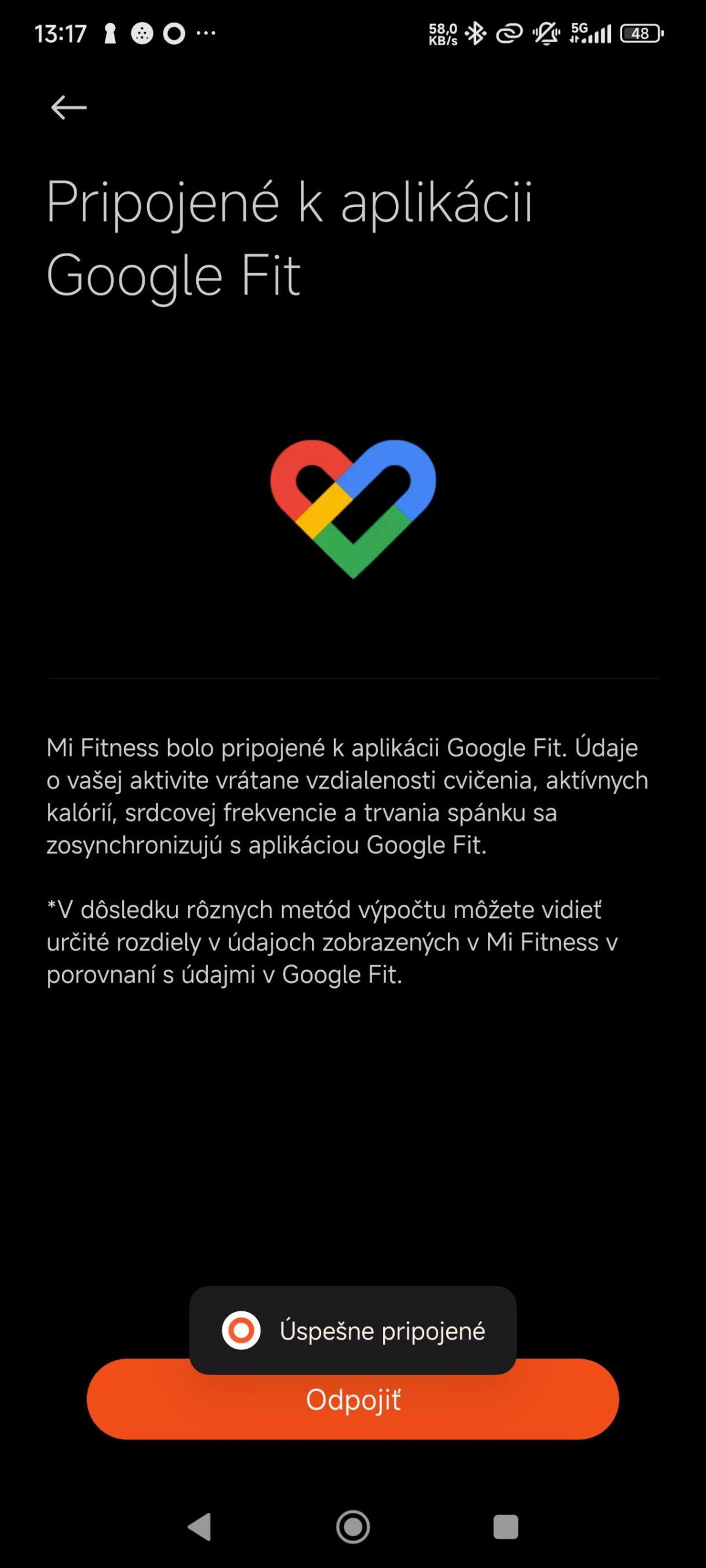
Confirm this choice and your selected data will sync automatically
Xiaomi Planet recommends:
Xiaomi Planet shopping tip: GShopper has now launched direct bank transfer payments, so you can save another 4.5 % off the product price! Compared to card / Google Pay payment, you can get this product much cheaper. We described the full bank transfer payment process in our article.
Are you buying on Smarty.sk for the first time?See the guide!
Updated 5. 5. 2025 on 08:26
TIPExpress delivery from a Slovak warehouse within 1 to 3 business days.
This product will be delivered to you express from a local Slovak warehouse. Delivery usually takes 1-3 business days and is handled by a courier. The price is final.
Are you buying on Smarty.sk for the first time?See the guide!
Updated 5. 5. 2025 on 08:26
TIPExpress delivery from a Slovak warehouse within 1 to 3 business days.
This product will be delivered to you express from a local Slovak warehouse. Delivery usually takes 1-3 business days and is handled by a courier. The price is final.
TIPWith Standard Shipping via GShopper, you pay no extra fees—everything is already included!
With the GShopper seller, we recommend choosing Standard Shipping, where you won’t pay anything extra. Customs fees and any VAT are handled by the seller. You can select the shipping method in the cart only, after entering your delivery address. Delivery with this option usually takes about 15 business days from dispatch from the warehouse, but it may take longer.
TIPWith Standard Shipping via GShopper, you pay no extra fees—everything is already included!
With the GShopper seller, we recommend choosing Standard Shipping, where you won’t pay anything extra. Customs fees and any VAT are handled by the seller. You can select the shipping method in the cart only, after entering your delivery address. Delivery with this option usually takes about 15 business days from dispatch from the warehouse, but it may take longer.
Is it your first time shopping on GShopper?See the guide!
Updated 5. 5. 2025 on 08:26
TIPWith Standard Shipping via GShopper, you pay no extra fees—everything is already included!
With the GShopper seller, we recommend choosing Standard Shipping, where you won’t pay anything extra. Customs fees and any VAT are handled by the seller. You can select the shipping method in the cart only, after entering your delivery address. Delivery with this option usually takes about 15 business days from dispatch from the warehouse, but it may take longer.
Our extra service with VIP support — we’ll handle the order on Gshopper for you and ship it straight to your address.
If you don’t have experience buying on Gshopper, payments don’t go through, or coupon use doesn’t work for you, we offer an order handling service directly to your address for our readers and customers. You transfer the money to our account and we place the order directly to your address. This way, you won’t have to worry about a failed payment or applying the coupon, and you can be sure the entire order will go through correctly 100 %. In addition, you automatically get our VIP support — if any issues arise with the shipment, we handle them for you and assist with filing a claim. The fee for this service is €15 extra of the product price. You can contact us by email at info(@)xiaomiplanet.sk or on Messenger, where we’re constantly active.
How do you like the new update of the Mi Fitness? app? Also follow our Xiaomi Planet website, our Telegram group full of current articles, subscribe to our news, and join us too in our Facebook group.