

Do you take care of your TV? Just buying it isn’t enough. The screen is constantly exposed to external influences, dust, or fingerprints from kids’ fingers. How do you clean it properly? There are several tried-and-tested methods, but in this article we’ll talk about the exact opposite. These are the things and ways, you should definitely NOT clean your smart TV with.
How to clean the screen of your TV properly?
Knowing how to clean your TV properly is very important. Not only does it keep it looking great, but it also has a positive effect on its overall lifespan. What’s clean lasts longer. TVs are no exception. The simplest way is to use a cloth (ideally microfiber) that effectively removes dust and also fingerprints.
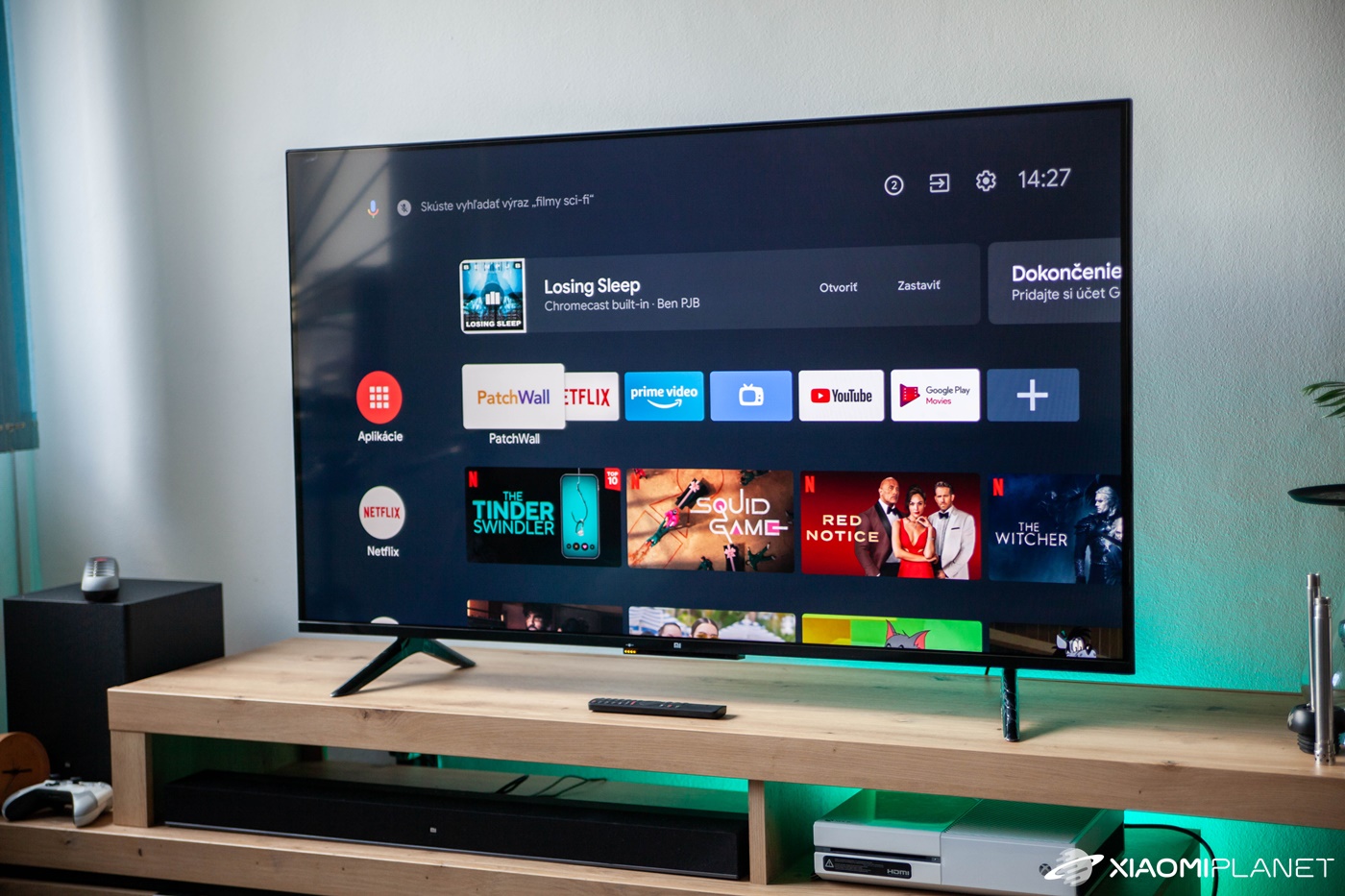
For heavier grease or dirt, plain water can also help. Of course, there are professional solutions too, but we’ll leave those aside for now. The methods we’ll describe below are used by a lot of people, and that’s not right. If you know someone who cleans their TV this way, you should warn them that it can damage it.
Ethanol is not good. Under no circumstances
Ethyl alcohol—that’s regular alcohol—is indeed very effective at removing dirt, but it’s not recommended for cleaning TVs or displays in general. On smartphones, it can very quickly destroy the oleophobic coating and generally speeds up corrosion of materials. And that doesn’t do your TV any favors.
Don’t apply liquid directly to the screen
If you already have the right screen-cleaning product—one that doesn’t contain alcohol—definitely don’t apply it directly to the screen. The best approach is to first put the product on the cloth, and then start cleaning the screen. In case of accidental liquid seeping into the TV’s insides or a gap, it could cause serious problems.
The best cleaner for TV screens
Don’t use chemicals
The same applies as with alcohol. Chemicals can permanently damage the screen. It’s also not recommended to use glass cleaner. It may be effective for cleaning windows, but the screen is made of special glass that can’t be compared to the kind used in windows.
Avoid kitchen paper towels
A quick wipe with kitchen paper towels may seem like a good way to keep your TV clean at first. But that’s not entirely true. This paper is meant for completely different purposes, and its texture is usually rougher.

If handled incorrectly, there’s a chance of damaging or scratching the screen. And that’s definitely not what you want. In addition, pieces of paper may also remain on the screen, and removing them is quite unpleasant.
No, toilet paper isn’t good either
Toilet paper has a slightly different texture and its advantage may be that it doesn’t shed tiny particles, but we’d recommend using it mainly for cleaning windows—not for a TV. But if you don’t have anything better on hand, careful cleaning with toilet paper should be something your smart TV can survive.
Clean the TV turned off
This probably doesn’t even need additional commentary. When the screen is on, dirt or imperfections are hard to spot, but that’s not the only reason to clean the TV when it’s turned off. This also helps you avoid potential issues related to electrostatics.
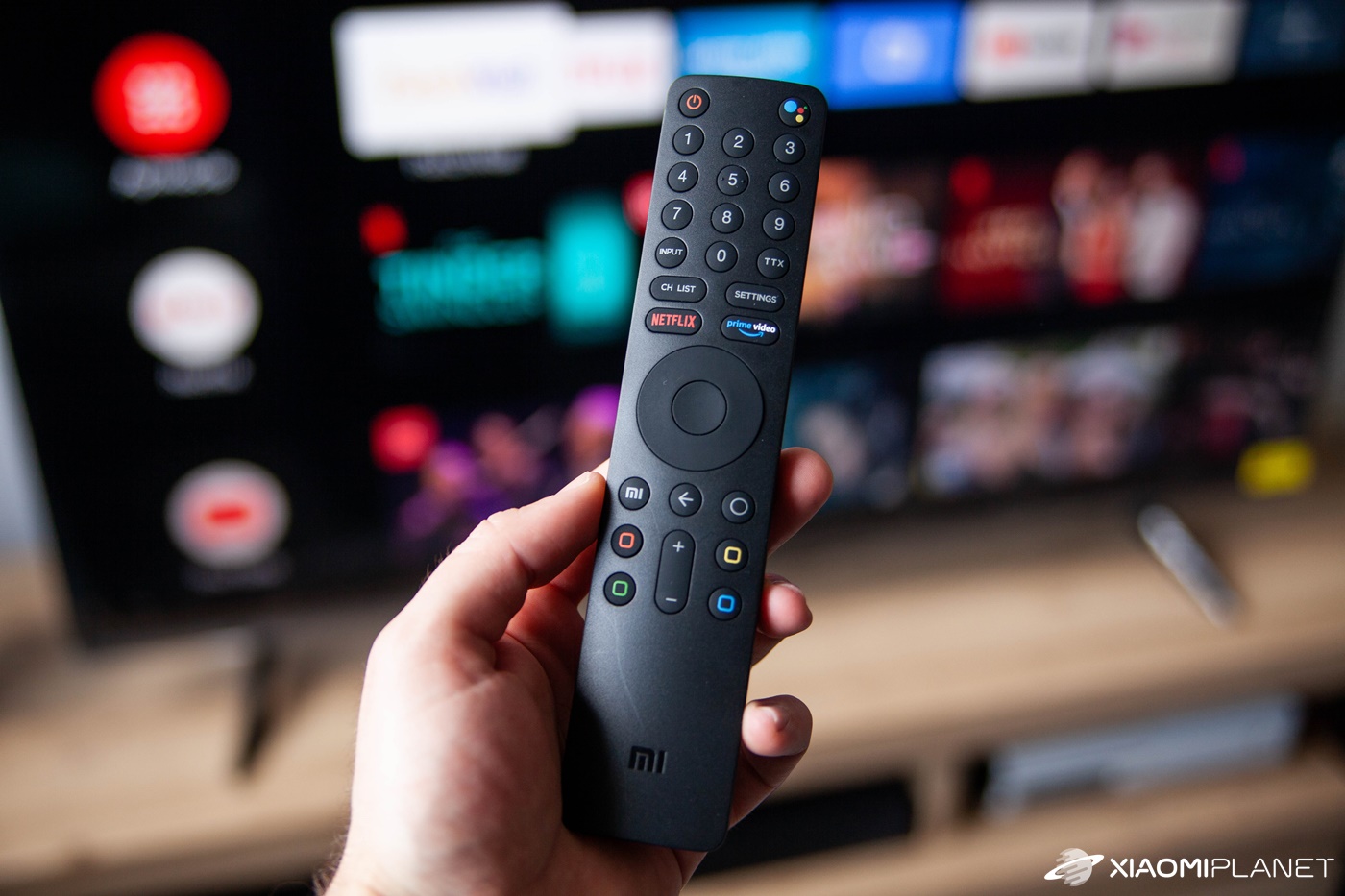
You never know when a small spark might jump. Just like every electronic device, the TV should be turned off during maintenance.
The key is wiping it correctly
Classic wiping in all directions is definitely not the way to go. The best is to clean the screen from one side to the other—either horizontally or vertically. Don’t forget to make sure you’ve covered the entire surface. This way you can effectively avoid streaks, which definitely don’t look attractive.
Don’t miss the best coupons 📩
Subscribe and we’ll email you new coupons before they expire. We only send it once a month — no spam.