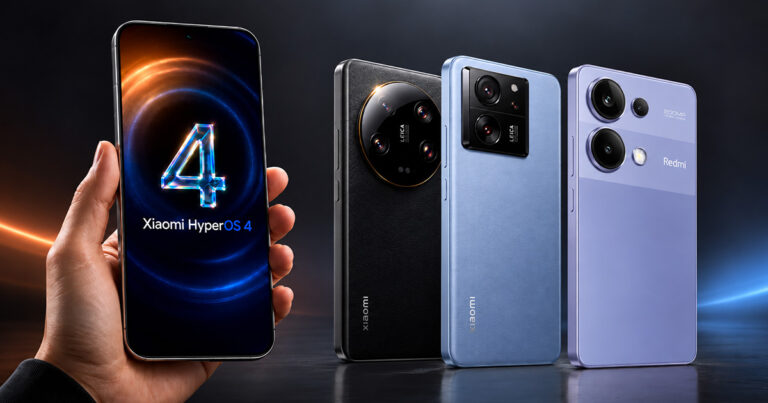


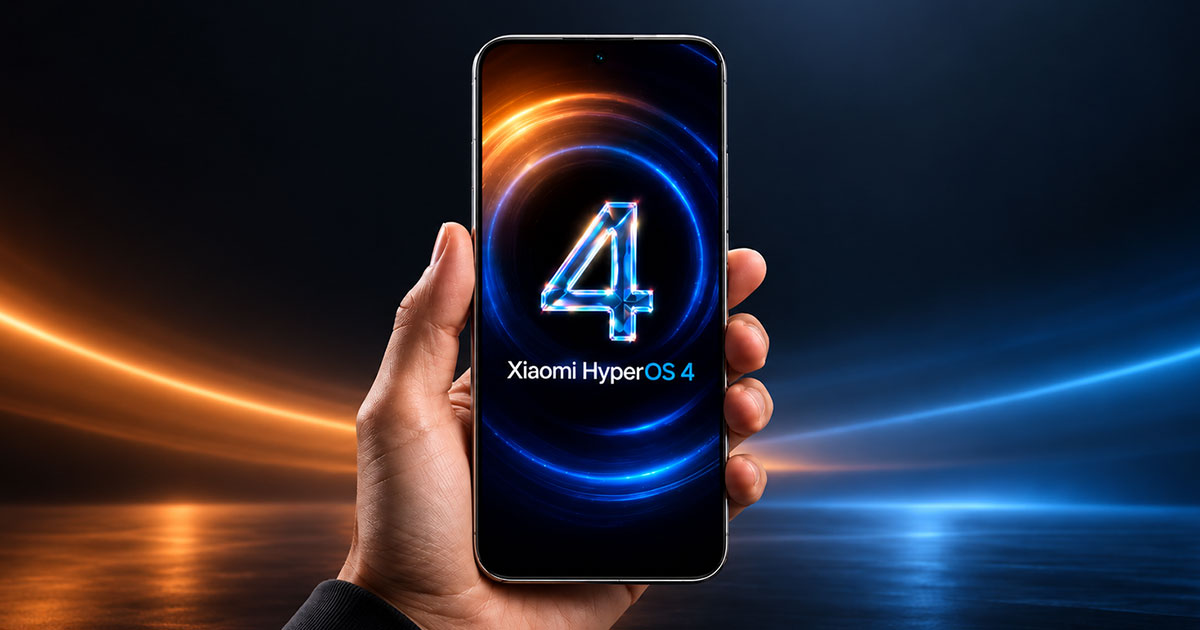
- The HyperOS 4 launcher is available as a standalone APK file extracted from the stable firmware.
- It’s a build RELEASE-8.01.02.8565 that matches the October update.
- The file has the unchanged Xiaomi digital signature, so it isn’t a modified version.
- Besides HyperOS 4, it also works on some HyperOS 3.1 builds.
- It’s installed manually and doesn’t replace a full system update — you only change the home screen.
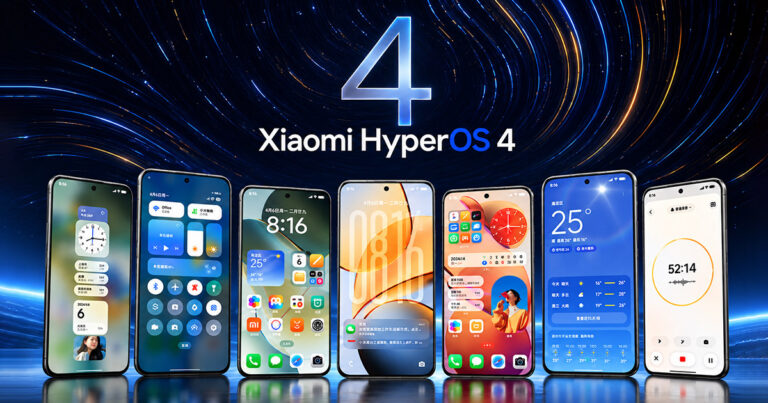
On a Xiaomi phone, the launcher is the part of the system you see most often: the home screen, app list, widgets, and the whole logic behind how you access them. And now that HyperOS 4 part can be installed separately without waiting for your model to get its turn with the full update.
The file comes directly from the stable firmware
The XimiTime website reports that the official HyperOS 4 Launcher app is available as a standalone installer APK file. This isn’t a community-made modification — the app was extracted from a publicly released stable system build and its digital signature remains untouched. Specifically, it’s version RELEASE-8.01.02.8565-260918-10121010-R, matching the October update.
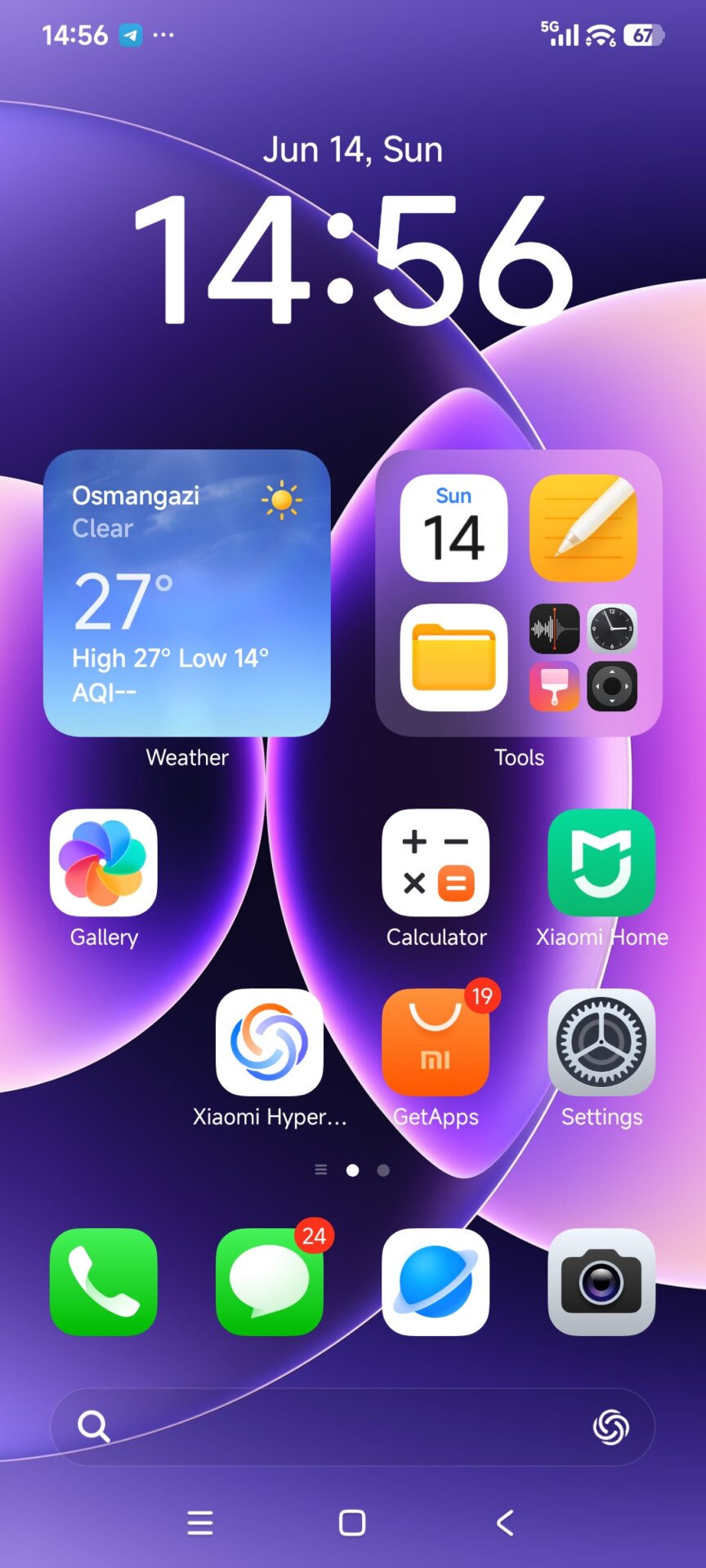
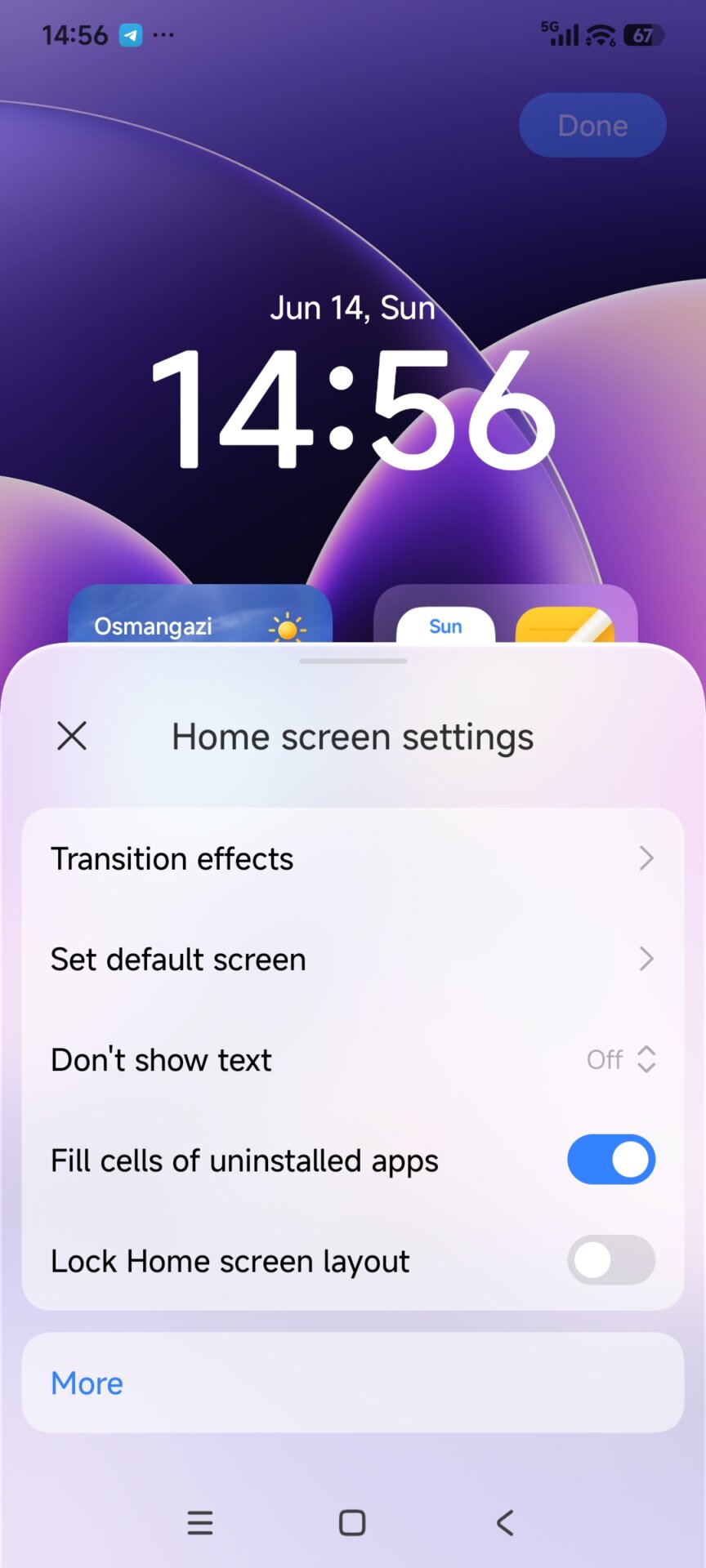
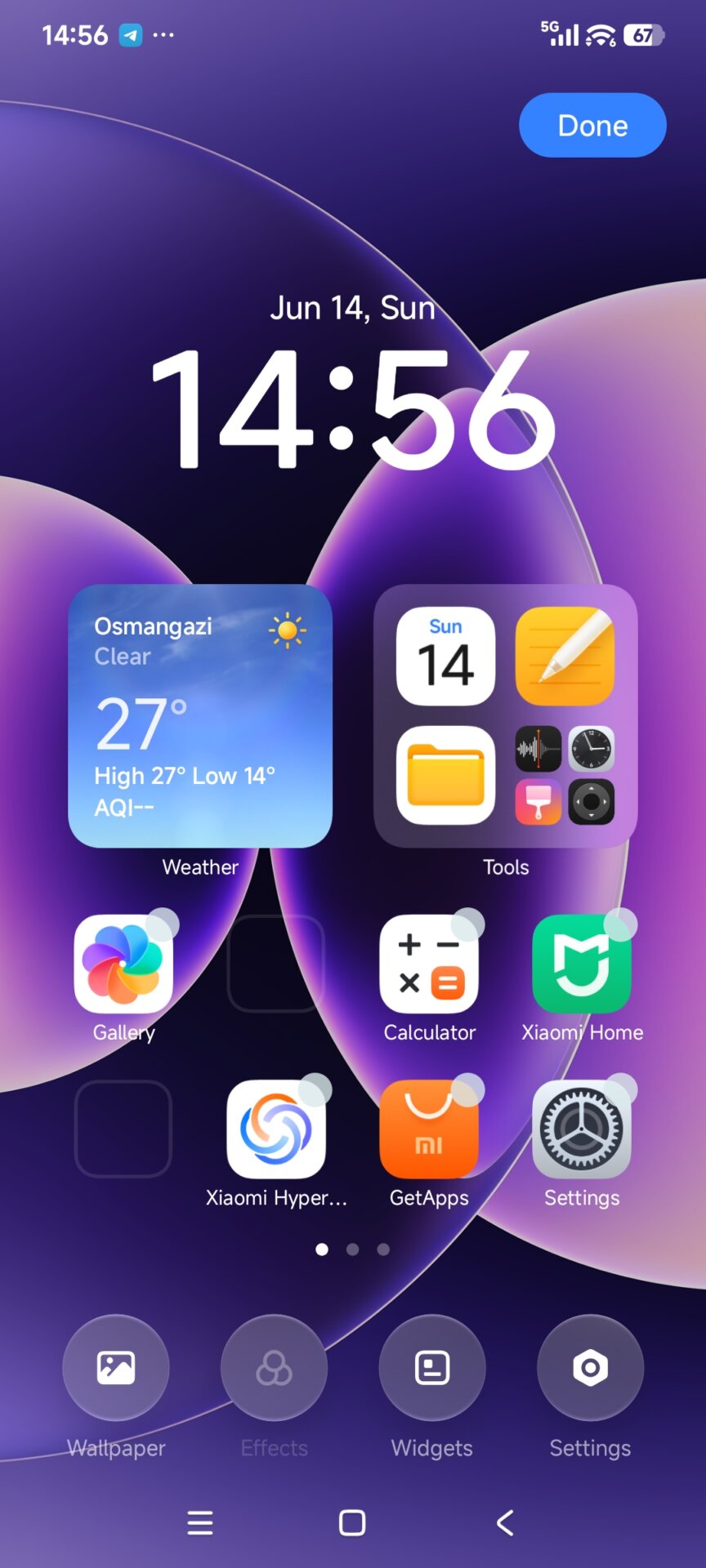
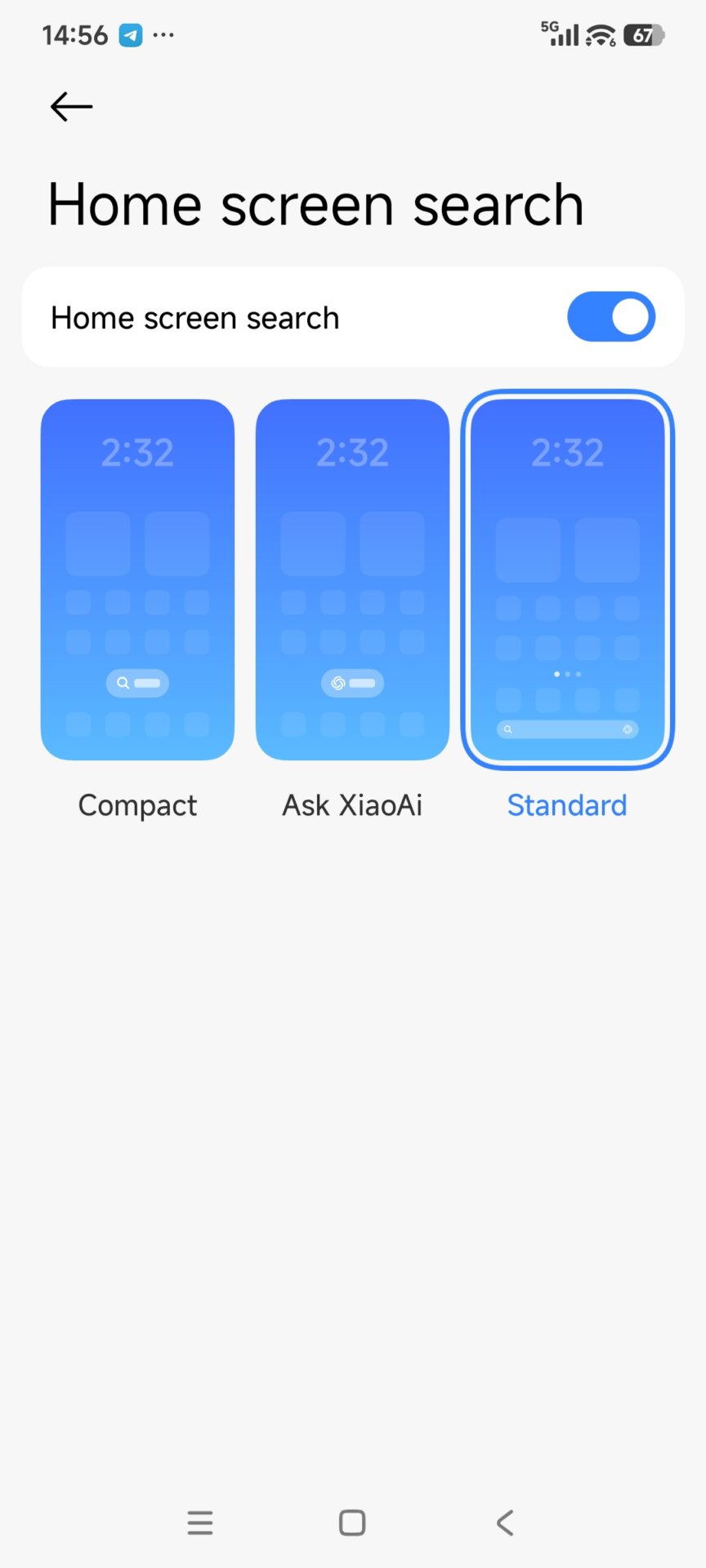
Here’s what the new HyperOS 4 Launcher looks like
That the signature matches the system is more important than it seems at first glance. The launcher is a system app, and Android allows it to be overwritten only when the signature matches the original. That’s why you can update it this way directly on your phone — and you don’t need an unlocked bootloader or root.
It also works on some HyperOS 3.1 phones
The launcher is primarily built for HyperOS 4, but according to the source it remains compatible with some HyperOS 3.1 builds too. That’s probably the most interesting detail in the whole update — some users who are still waiting for their upgrade to the “four” can try the new home screen at least. Still, it’s not a guarantee: whether the new version will run on an older system depends on the model, region, and the specific build you have installed.
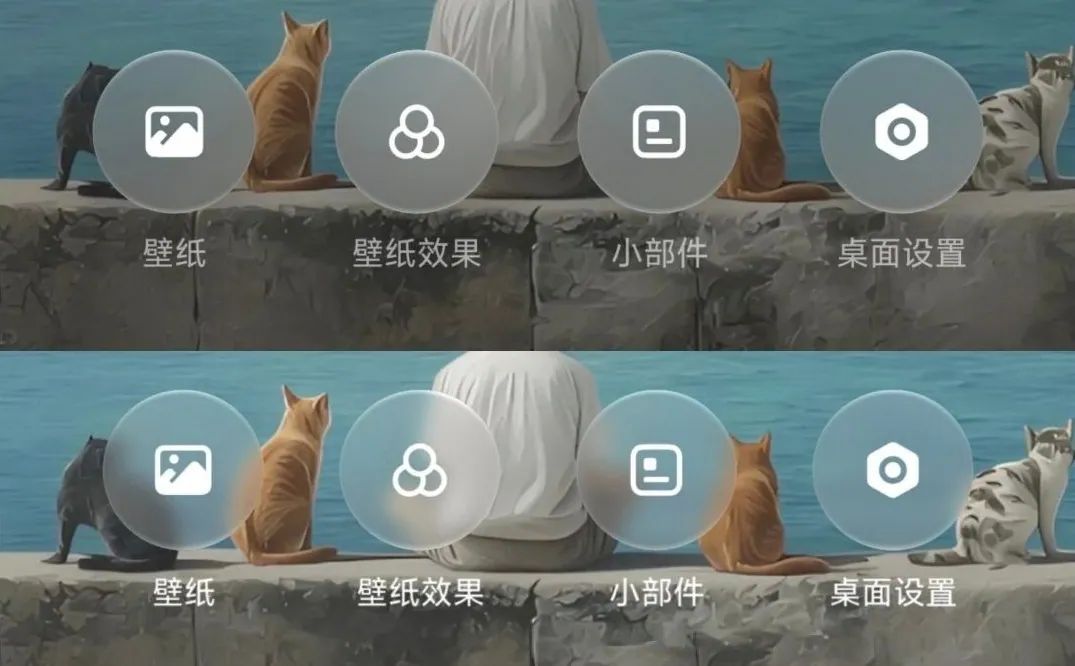
The file itself is about 55 MB and shows up in the system under the package name com.miui.home. Older published launcher builds, such as 8.01.02.6245 and 8.01.02.7719, mainly focused on bug fixes and stability — so the October build is currently the freshest stable version you can install without waiting for an OTA.
How to install it and what to watch out for
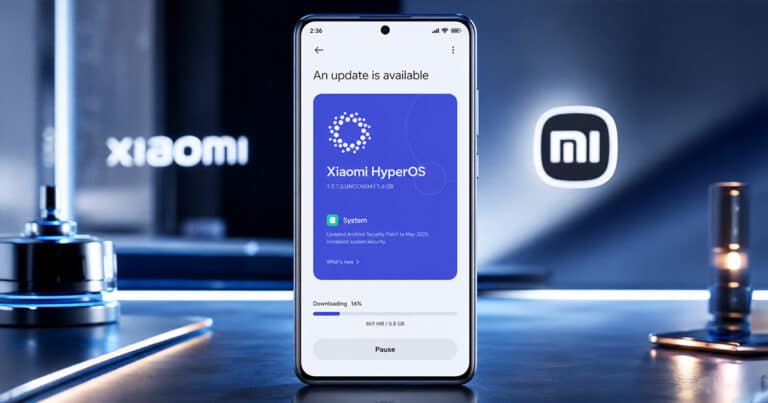
The process is the same as with any other app outside the Google Play store. Download the APK file, open it, and if prompted, allow installation from unknown sources. The mirror’s authors recommend uninstalling older launcher versions first that you may have installed manually — otherwise you may run into a conflict and the installation can fail. You can find the file on MemeOSUpdates, where Xiaomi system apps are cataloged by device and region, or via the MemeOS Enhancer app.
That said, it’s also fair to mention the other side. This is a non-official distribution channel — the file itself is original and unmodified, but Xiaomi doesn’t share it this way, and you install everything at your own risk. Also, the version overview on the page shows multiple builds from the same day at once, so when downloading, double-check the exact version label. And if you don’t like the new home screen, keep in mind that going back to the original version might not be completely effortless.
It won’t replace a full update
It’s important not to have illusions about what you’ll get from this step. You’ll trade the interface area, not the system. Everything else that HyperOS 4 brings under the hood—refined animations, memory management, or new device linking—will be available with the full update. And, by the way, that one is already rolling out: Xiaomi has started the stable version and published a schedule for more than 100 devices.
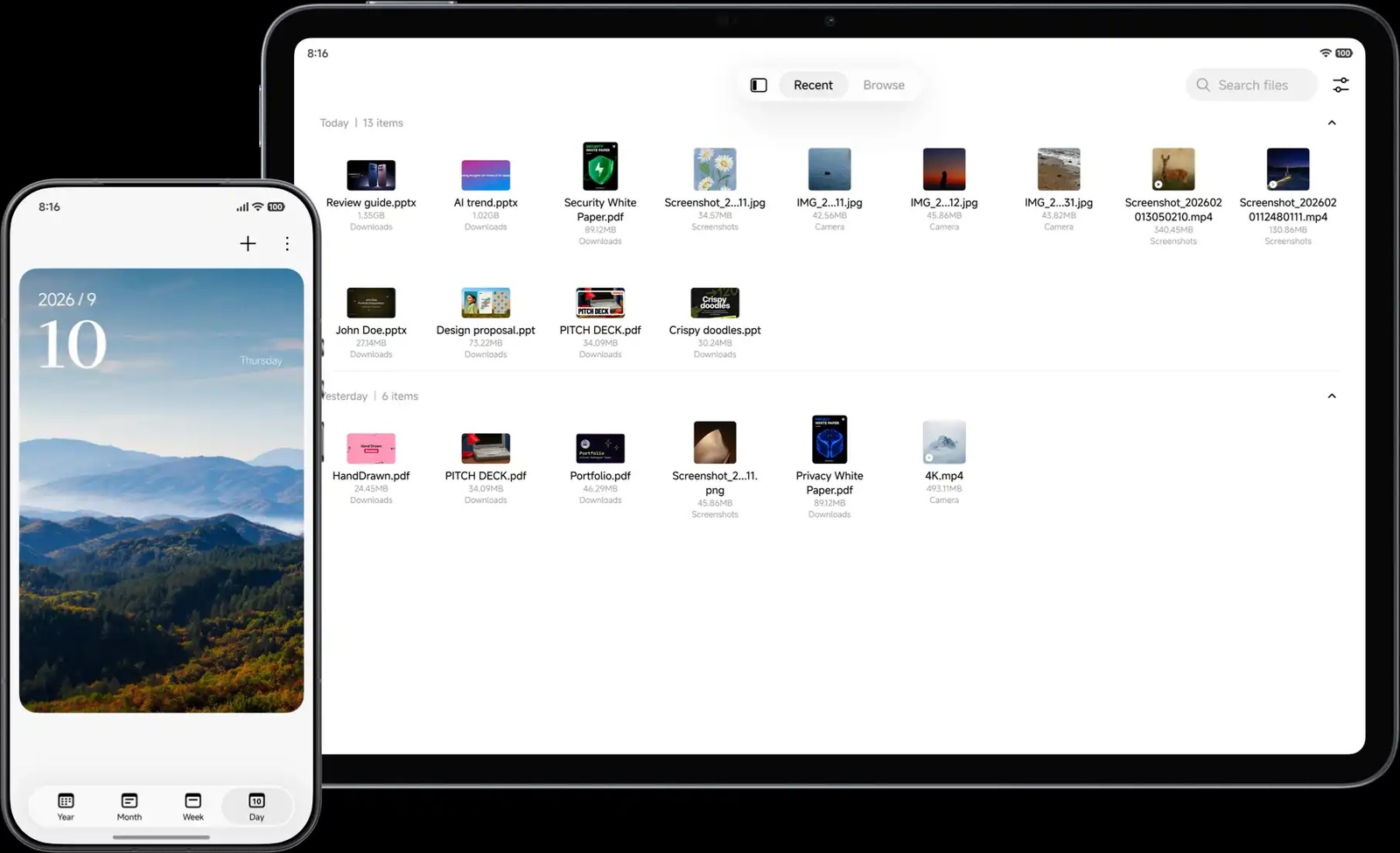
Still, it makes sense for anyone who wants their launcher to be in the latest state and doesn’t want to wait months for the full system package to arrive. Availability of individual features also varies by model, region, and system version—so if something is missing after installation, it doesn’t necessarily mean there’s a bug. Your device simply isn’t ready for it yet.
To get more updates from the world of Xiaomi, keep following our Xiaomi Planet website. Join our Facebook group, where we build an active community and help each other out. Subscribe to our Telegram as well, where we add the best deals and coupons from China every day.
Don’t miss the best coupons 📩
Subscribe and we’ll email you new coupons before they expire. We only send it once a month — no spam.